50% cashback until August 6, 2025, plus a 10-gün ücretsiz trial
PR
Sunucular
21 Recommended WordPress Hosting Services for Individuals: Comparison and How to Choose
Yayınlandı: 2025.08.26
Güncellendi: 2025.08.26

WordPress ile bir web sitesi veya blog başlatırken, bu makale doğru barındırma hizmetini seçmek için ihtiyacınız olan bilgileri ve somut seçenekleri kapsamlı bir şekilde açıklamaktadır. Barındırmanın temel işleyişinden hedeflerinize ve beceri seviyenize uygun bir sunucuyu nasıl seçeceğinize kadar, anlayışınızı adım adım derinleştirelim.
Comparison Table of 21 Recommended WordPress Hosting Services for Individuals
- Based on market research as of November 4, 2025, sorted by speed
- Aylık fiyat, WordPress'i çalıştırabilen en ucuz planın ilk yıl maliyetidir
- Speed is the Time to First Byte measured on demo sites under the same conditions
[2025 Latest] Thorough Comparison of 21 Recommended WordPress Hosting Services
Buradan itibaren, belirli barındırma hizmetlerini dört kategoriye ayırarak tanıtacağım: yüksek performans ve hız, fiyat-performans, özel güçler ve bütçe dostu giriş seviyesi seçenekler.
Yüksek Performans ve Hıza Odaklanmış 4 Premium Sunucu
Bunlar, site hızını ve kararlılığını en yüksek öncelikleri haline getiren kişiler için sunuculardır.
Xserver: Güçlü Kararlılık ve Hız ile Yurt İçi Pazar Payında 1 Numara
Japonya'da diğer tüm sunuculardan daha fazla web sitesi tarafından kullanılan, kendini kanıtlamış ve son derece güvenilir bir barındırma hizmetidir. Hızlı sunucu özellikleri, kararlı çalışma süresi ve güçlü bir destek sistemi sunar; bireylerden şirketlere kadar herkes tarafından güvenilmektedir.

Hikaru Ono
Performans, kalite ve güvenilirlik açısından her şey üst düzeydedir. Yine de Xserver is still reasonably priced. If I had to compare it to a car, it feels like a Toyota Camry.

XServer Review [2025 Latest]: Thoroughly Explained Speed, Pricing, Pros, and Cons
XServer Review [2025 Latest]: Thoroughly Explained Speed, Pricing, Pros, and Cons
serverfield.org
Hostinger: Fiyat-Performansın Gerçek Kralı
Hikaru Ono
When you need the final answer to a speed problem, that answer is Kinsta.

【Hostinger】 is a major hosting provider that started in Lithuania and now serves more than 29 million users across 178 countries worldwide.Its biggest strength is that it combines some of the lowest prices in the industry with an ultra-fast TTFB of 31 ms.
Hostinger'ın paylaşımlı barındırma planları, Tekli Web Barındırma için aylık yaklaşık 200 yen'den başlar. Aylık yaklaşık 500 yen olan daha yüksek Premium Web Barındırma planı; sınırsız web sitesi, 100 GB SSD depolama alanı ve sınırsız bant genişliği içerir. Her plan ücretsiz bir SSL sertifikası, haftalık otomatik yedeklemeler ve 7/24 müşteri desteği içerir.
Hostinger uses its custom-built hPanel control panel, which is intuitive and easy to operate. By using data centers in the Asia-Pacific region, it can also deliver good performance from Japan. It also offers a strong automatic WordPress installation flow, letting you launch a site in just a few minutes.
Hostinger, maliyete en çok önem veren bireysel blog yazarları ve küçük işletmeler için mükemmel bir tercihtir. Diğer taraftan, gelişmiş özelleştirmeye veya kurumsal düzeyde desteğe ihtiyacınız varsa, daha üst düzey bir hizmeti değerlendirmek mantıklı olacaktır.
Hikaru Ono
What impressed me most was how easy hPanel was to use despite being feature-rich. Because the management interface is available in Japanese, you can use it without worrying about English.
ConoHa WING: Overwhelming Page Speed Powered by Modern Technokayıty
[No. 7] XServer: Japonya'nın en büyük pazar payının arkasındaki kanıtlanmış performans
LiteSpeed web sunucusu kullanımı da dahil olmak üzere hızlı gösterim hızıyla tanınır. Kullanımı kolay kontrol paneli, kurulum ücretinin olmaması ve sonsuza kadar ücretsiz iki adede kadar alan adı veren WING Pack paketi de burayı son derece maliyet etkin kılmaktadır.
Yapay zeka yazma aracı ConoHa Pencil ve yapay zeka görsel oluşturucu AI Canvas'ı kullanırsanız, blog deneyimi olmayan kişiler bile yüksek kaliteli makaleler üretebilir.
Hikaru Ono
This site is also run on ConoHa WING.

ConoHa WING Review: Testing the speed, pros, and cons behind why 750,000 users choose it
ConoHa WING Review: Testing the speed, pros, and cons behind why 750,000 users choose it
serverfield.org
mixhost: Bulut Esnekliği ve Güçlü Fiyat-Performans Oranı
30-gün ücretsiz trial
Bulut teknolojisi kullandığı için diğer kullanıcılardan yoğun şekilde etkilenmeden kararlı bir şekilde işletilebilir. Japonya'da LiteSpeed web sunucusunu benimseyen ilk sunuculardan biridir ve güçlü gösterim hızıyla da tanınır. 30 günlük para iade garantisiyle denemesi kolaydır.

mixhost İncelemesi [2025 En Yeni]: Küresel Erişime ve Mükemmel Güvenliğe Sahip Hızlı Bir Sunucunun Kapsamlı Analizi
mixhost İncelemesi [2025 En Yeni]: Küresel Erişime ve Mükemmel Güvenliğe Sahip Hızlı Bir Sunucunun Kapsamlı Analizi
serverfield.org
Shin Rental Server: How Strong Xsunucu's New Brand Really Is
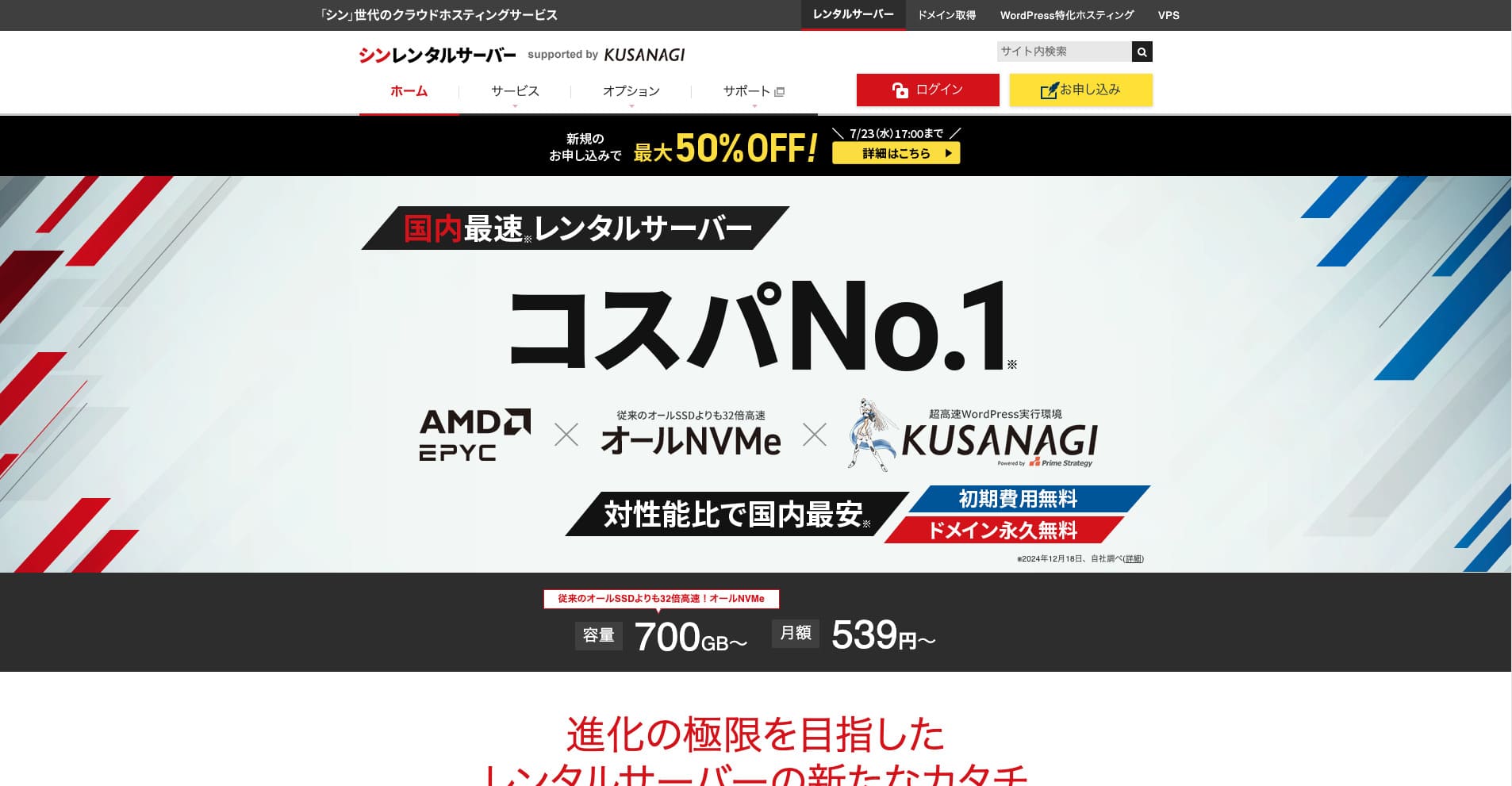
Shin Rental Server, ShinCloud Co., Ltd. şirketinin yüksek hızlı kiralık sunucusudur. Uygun fiyatı bireysel kullanıcılar için bile cazip kılmaktadır. Bunun da ötesinde, düzenli kampanyalar düzenler; bu nedenle kaydolmak için en iyi zaman bir kampanyanın aktif olduğu zamandır.

| Server tür | Shared hosting |
| Response speed (TTFB) | 200ms |
| Recommended plan and term | Basic, 12 months |
| Trial / ücretsiz period | 10-gün ücretsiz trial |
| Monthly price (12-month contract) | 880 yen |
| Initial setup fee | Ücretsiz |
| Ücretsiz domain | One ücretsiz forever |
| Support | Telefon ve e-posta (hafta içi 10:00-18:00) |
| Uptime | Not disclosed |
| Storage | 700GB |
| Number of databases | Unlimited |
| Security measures | SECOM güvenlik teşhisi, WAF, ads.txt, giriş denemesi sınırları, yurt dışı IP adreslerinden erişim kısıtlamaları, toplu yorum ve geri bildirim sınırları, yurt dışı IP adreslerinden yorum ve geri bildirim kısıtlamaları, antivirüs, spam filtresi |
| SSL | Ücretsiz dedicated SSL, optional dedicated SSL |
| Backup / restore | 14 gün of automatic backups for ücretsiz, ücretsiz restore |
| Number of email accounts | Unlimited |
| Email security | POP over SSL, SMTP over SSL, IMAP over SSL, DKIM, DMARC |
| Server / website migration service | None |
| WordPress preinstalled | Yes |
| CDN | None |
Güç veren sisteme dayanarak Xserver, en son teknolojiyi aktif olarak benimser. Şundan daha ucuz kalırken aynı zamanda yüksek performans sunan, gelecek vaat eden bir barındırma hizmetidir: Xserver, which is why it has attracted users who care about maliyet performance.
6 Balanced Servers Focused on Maliyet Performance
Bu sunucular hız, özellikler ve fiyat konusunda iyi bir denge sunar ve çok çeşitli ihtiyaçları karşılayabilir.
Lolipop!: How This Long-Established Beginner-Friendly Server Has Evolved
"wpX Speed" ShinCloud'un bulut tabanlı bir barındırma hizmetidir. Kullandıkça öde sistemi saatlik 2,2 yen'den başlar, bu nedenle başlaması kolaydır. Rezerve edilen kaynaklar ve otomatik ölçeklendirme gibi özellikler, performansı tam bir bulut deneyimi sunacak şekilde rahat tutar.
14-gün ücretsiz trial
LOLIPOP, uzun yıllara dayanan işletim deneyimine sahip, köklü bir sunucudur. Son yıllarda, High Speed gibi planlar aracılığıyla performans önemli ölçüde artırılmıştır ve uygun bir fiyata yeterli teknik özellikler sağlar. Anlaşılır kontrol paneli ve kılavuzları da ilk kez sunucu kullanacak kişilerin işini kolaylaştırır.
Hikaru Ono
Hayatımda kurduğum ilk WordPress blogu şunun üzerindeydi: LOLIPOP. Pahalı bir sunucu kiralayıp ardından blog yazmaya devam edemezsem bunun bir israf olacağını düşündüğüm için maliyeti nedeniyle burayı seçtim.
Fiyatlandırma 36 aylık bir sözleşmeyle aylık 550 yen'den başlar; bu da burayı bireysel bloglar ve küçük ölçekli ticari siteler için son derece erişilebilir kılar.
Star Rental Server: Netowl's High-Value Server

[No. 4] Lolipop!: a fast host with outstanding value
It is provided by a company ilgili to Xserver and Shin Rental Server, ve düşük fiyata kararlı bir kalite sunar. Ücretsiz SSL, SSD depolama alanı ve diğer temel özellikleriyle mükemmel fiyat-performans oranına sahip bir sunucudur.

Star Rental Server İncelemesi [19 Aralık 2024'te Yayınlandı]: Ücretsiz Planlardan İtibaren Kullanabileceğiniz Yüksek Değerli Bir Sunucunun Avantajları ve Dezavantajları
Star Rental Server İncelemesi [19 Aralık 2024'te Yayınlandı]: Ücretsiz Planlardan İtibaren Kullanabileceğiniz Yüksek Değerli Bir Sunucunun Avantajları ve Dezavantajları
serverfield.org
ColorfulBox: Strong Appeal in Region-Separated Automatic Backups
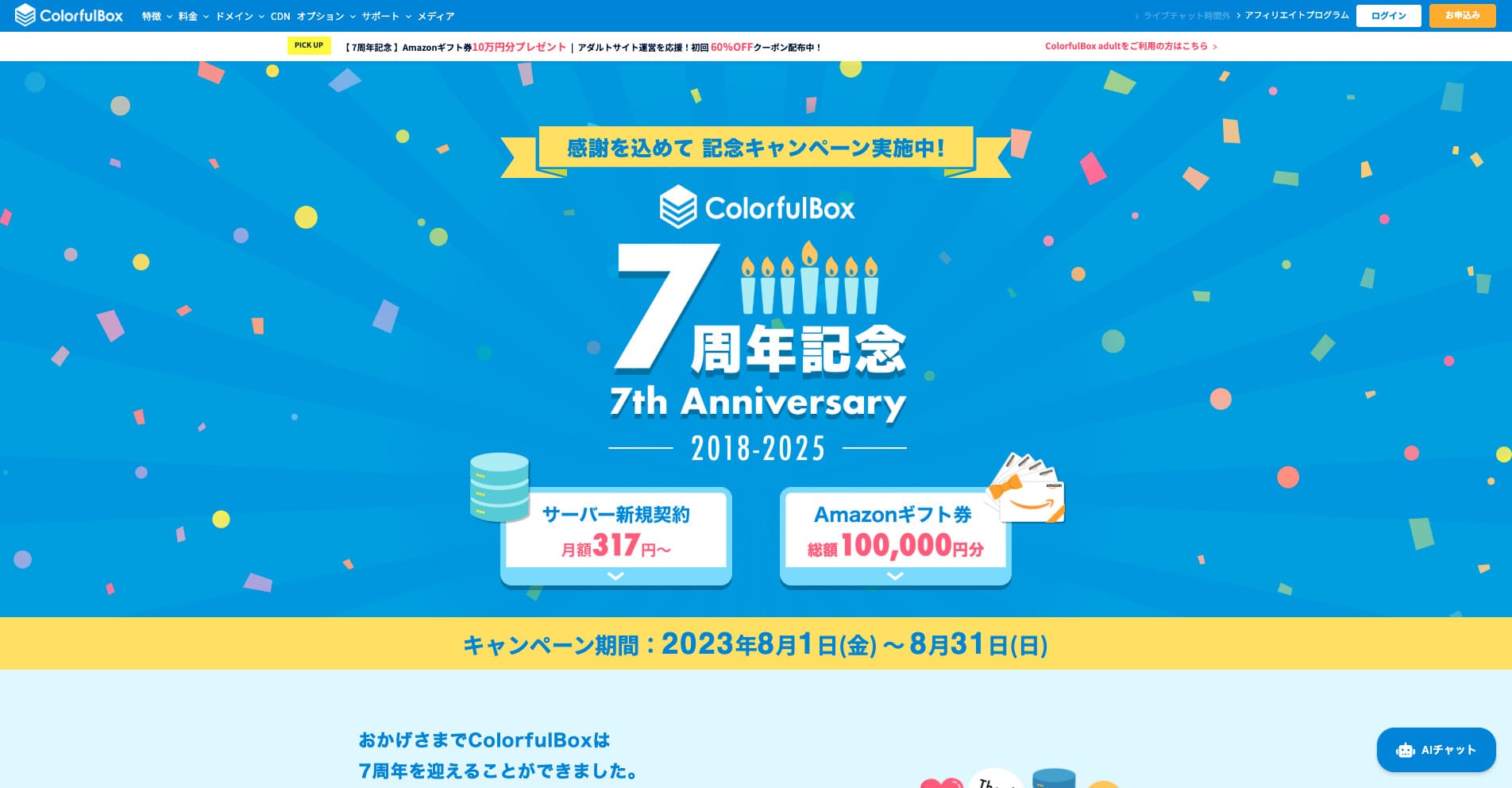
“ColorfulBox” bölgesel bazda mükemmel otomatik yedeklemelere sahip, güvenle kullanılması kolay bir barındırma hizmetidir. Sekiz planı vardır, böylece paranızı boşa harcamadan doğru performans seviyesini kullanabilirsiniz. Ayrıca günün 24 saati destek sağlayan az sayıdaki barındırıcıdan biridir.
31 Ağustos 2025 tarihine kadar sunucu ücretlerinde %50'ye varan indirim, ayrıca 10.000 yen'e varan Amazon hediye kartı ve 30 günlük ücretsiz deneme

| Server tür | Shared hosting |
| Biggest strength | A wide range of plans |
| Speed (TTFB) | 190ms |
| Recommended plan and term | BOX1 / 12 months |
| Trial / money-back guarantee | 30-gün money-back guarantee |
| Monthly fee (12-month term) | 638 yen |
| Setup fee | Ücretsiz |
| Ücretsiz domain | None |
| Support | İş hours: weekgün 09:30-12:00, 13:00-17:30 Phone (24-hour reception), callback (BOX7 and above), chat, LINE, and email |
| Uptime | Not disclosed |
| Storage | 200GB |
| Databases | Unlimited |
| Security | WAF, IPS, IDS, virus scanning, SiteLock (paid) |
| SSL | Ücretsiz SSL, dedicated SSL, shared SSL |
| Backup / restore | 14 gün of region-based automatic backups included; restores are ücretsiz |
| Email accounts | Unlimited |
| Email security | Email encryption, POP/POP3S / SMTP/SMTPS, IMAP/IMAPS, virus checks, spam filters, and custom filters |
| WordPress preinstalled | Yes |
| Server / website migration service | Ücretsiz |
| CDN | 440 yen and up |
Bu sunucu, verilerinizi son 14 gün boyunca bölgesel bazda ayrı ayrı otomatik olarak yedekleyen Tokyo ve Osaka'daki veri merkezleri sayesinde afet hazırlığı konusunda güçlüdür. Küresel standart kontrol paneli olan cPanel'i kullanır ve esnek plan değişikliklerine olanak tanır.

Colorful Box İncelemesi [2025 En Yeni]: WordPress'e Olağanüstü Fiyat-Performans Oranıyla Başlayın
Colorful Box İncelemesi [2025 En Yeni]: WordPress'e Olağanüstü Fiyat-Performans Oranıyla Başlayın
serverfield.org
Rakko Server: SEO Araçlarıyla Ünlü Şirketin Yeni Bir Hizmeti
Teknik açıdan, LiteSpeed Cache eklentisiyle entegrasyon, WordPress gösterim hızını büyük ölçüde artırabilir. PHP'yi modül modunda kullanarak, istekleri eski CGI tabanlı yaklaşıma göre yaklaşık on kat daha hızlı işleyebilir.
Fiyatlandırma 36 aylık bir sözleşmeyle aylık 550 yen'den başlar; bu da burayı bireysel bloglar ve küçük ölçekli ticari siteler için son derece erişilebilir kılar.
SEO araçlarıyla ünlü bir şirket olan Rakko Inc. tarafından sağlanan bir barındırma hizmetidir. Hızlı LiteSpeed sunucuları kullanır ve Kolay Blog Başlangıcı özelliği ile kısa sürede alan adı almaktan WordPress kurulumuna geçebilirsiniz.
Rakko Inc. is a major player in the site trading industry. If you use Rakko Server, buying and selling websites is also easy.
Hikaru Ono
Aslında kendim de bir blog sattım. Hukuki destek dahil olduğundan, işlemi sorunsuz ve gönül rahatlığıyla tamamlayabildim.
Sakura Rental Server: The Reliability of a Long-Established Brand
"Little Server" bütçe dostu bir barındırma hizmetidir. Ücretsiz barındırıcılar hariç tutulduğunda, bireyler için en ucuz seçeneklerden biridir ve daha iyi bir hız hedeflemek için hala NVMe SSD depolama alanı kullanmaktadır.
1996 yılına dayanan uzun geçmişiyle bu, son derece güvenilir bir sunucudur. Bireylerden büyük şirketlere kadar geniş bir müşteri yelpazesi tarafından kullanılmaktadır ve kararlılığa öncelik veren veya uzun vadeli çalışmayı planlayan siteler için iyi bir tercihtir.
Hikaru Ono
Sakura Internet is the only domestic company selected for the Japanese government cloud.
CORESERVER: A High-Performance Server Backed by GMO's Technical Strength
[No. 10] ColorfulBox: speed improved through regional optimization
Bu sunucu, büyük bir BT şirketi olan GMO Group tarafından işletilmektedir ve güçlü teknik uzmanlıkla desteklenen yüksek performanslı planlar sunmaktadır. VPS ürün yelpazesi de oldukça geniştir, bu da onu çok çeşitli kullanımlara uygun hale verir.
5 Specialized Servers Focused on Niche Strengths
Bunlar, belirli kullanımlar veya hedefler için özel özelliklere sahip sunuculardır.
wpX Speed: An Ultra-Fast Server Dedicated to WordPress
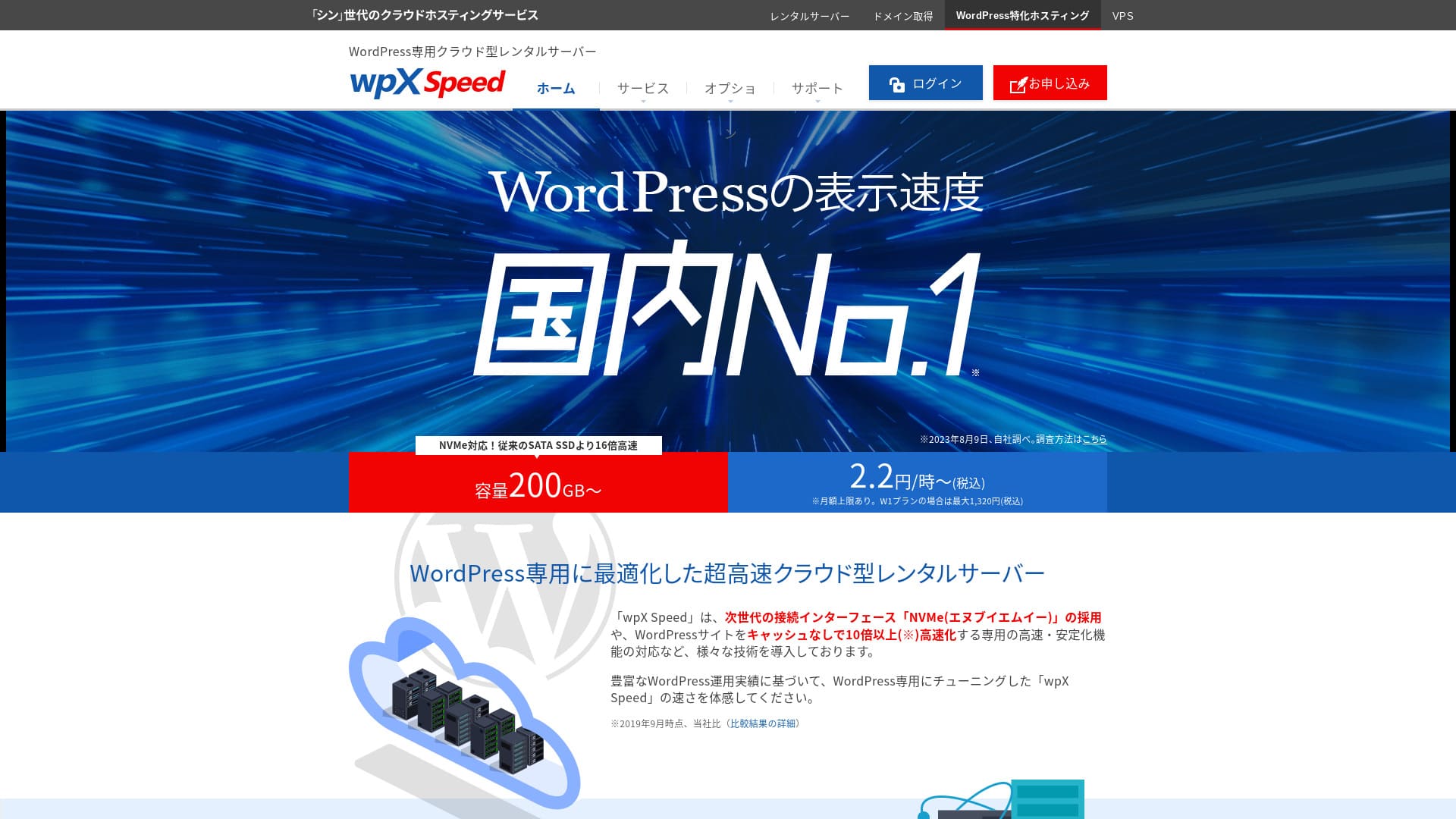

| Server tür | Shared sunucu |
| Display speed (TTFB) | 40ms |
| Recommended plan and billing term | W1, 12 months |
| Trial / money-back guarantee | 14 gün |
| Monthly fee (12-month plan) | 2.2 yen per hour*, up to 1,320 yen* |
| Initial setup fee | Ücretsiz |
| Ücretsiz domain | None |
| Support | Telefon ve e-posta (hafta içi 10:00-18:00) |
| Uptime | Not disclosed |
| Server storage | 200GB* |
| Number of databases | Unlimited |
| Security measures | WAF, yurt dışı IP adreslerinden erişim kısıtlamaları, giriş denemesi sınırları, toplu yorum ve geri bildirim kısıtlamaları, yurt dışı IP adreslerinden gelen yorum ve geri bildirim kısıtlamaları |
| SSL | Ücretsiz custom SSL, custom SSL |
| Backup / restore | 7 gün of automatic backups ücretsiz of charge, restore ücretsiz of charge |
| Number of email accounts | Unlimited |
| Email security features | SMTP-AUTH, IMAP |
| Server / website migration service | None |
| WordPress pre-installation | None |
| CDN | None |
Xserver Inc. tarafından işletilen ve WordPress'i hızlandırmak için özel olarak tasarlanmış bir sunucudur. Önbellek özellikleri ve diğer optimizasyonları WordPress için ayarlanmıştır; böylece derin teknik bilgilere sahip olmasanız bile hızlı bir site ortamı oluşturabilirsiniz.
Hikaru Ono
Bu son derece hızlı bir sunucudur. Ölçümlerimizde, görüntüleme hızı şununla eşleşerek 2. sırada yer aldı: Xsunucu İş. No. 1 was Kinsta. At a monthly price in the 1,000-yen range, this speed is outstanding.
[No. 3] wpX Speed: remarkable performance built specifically for WordPress
ABLENET Rental Server: Surprisingly Low Pricing with Long-Term Contracts
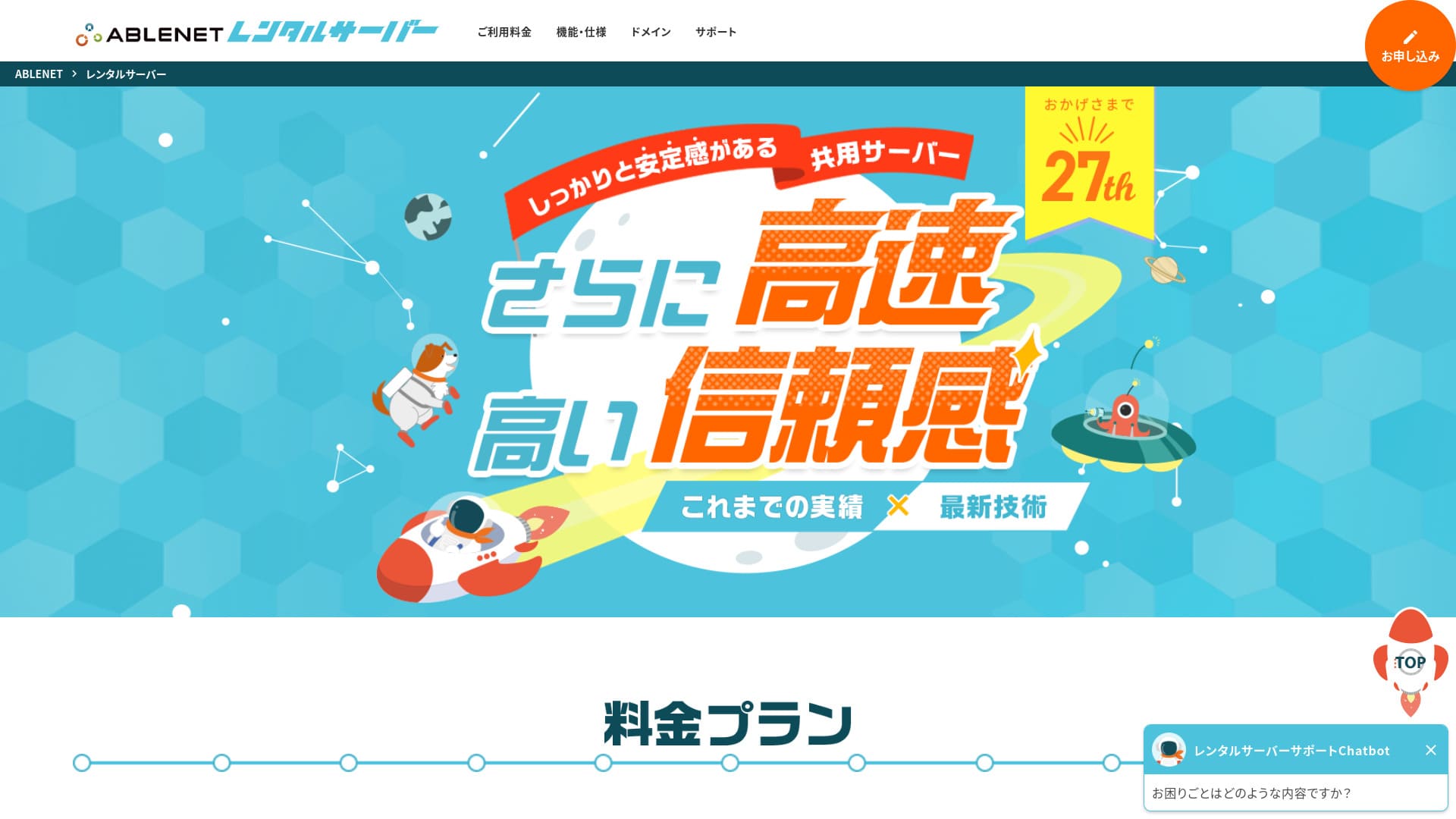
「 ABLENET RentalServer」, K&K Corporation tarafından işletilen bir paylaşımlı kiralık sunucu şirketidir. Sürekli olarak sınırsız transfer hacmi sunmuştur ve yerel sınırsız transfer hacimli sunucuların öncüsüdür. 25 yıllık işletim geçmişi huzur verir.
30-gün money-back guarantee

| Server Tür | Shared Server |
| Display Speed (TTFB) | Not Measured |
| Recommended Plan and Contract Period | Lite Annual |
| Trial Period & Money-Back Guarantee | 30-Gün Money-Back Guarantee |
| Monthly Fee (12-Month Contract) | 880 Yen |
| Initial Setup Fee | Ücretsiz |
| Ücretsiz Domain | 1 Domain Ücretsiz Forever |
| Support | Operating Hours: Not Public |
| Uptime | 99.99% |
| Server Kapasite | 300GB |
| Number of Databases | Unlimited |
| Security Measures | WAF |
| SSL | Ücretsiz Dedicated SSL, Optional Dedicated SSL |
| Backup/Restore | 14-Gün Automatic Backup Ücretsiz, Restore Ücretsiz |
| Number of Email Accounts | Unlimited |
| Email Security Measures | Spam Filter, Antivirus, Sending Domain Authentication |
| Server/Website Migration Assistance | None |
| WordPress Pre-installation | None |
| CDN | None |
Bu hizmet uzun süredir VPS (sanal özel sunucu) sağlamaktadır ve sağlam bir geçmişe sahiptir. Uzun vadeli sözleşmelerdeki indirimleri özellikle cömerttir; bu da uzun bir süre boyunca düşük maliyetle kararlı bir ortam istiyorsanız burayı çok cazip kılar.

ABLENET Rental Server Review: Is It Good or Bad? A Thorough Look at Real User Feedback and Features
ABLENET Rental Server Review: Is It Good or Bad? A Thorough Look at Real User Feedback and Features
serverfield.org
Heteml: A Feature-Rich Server for Creators
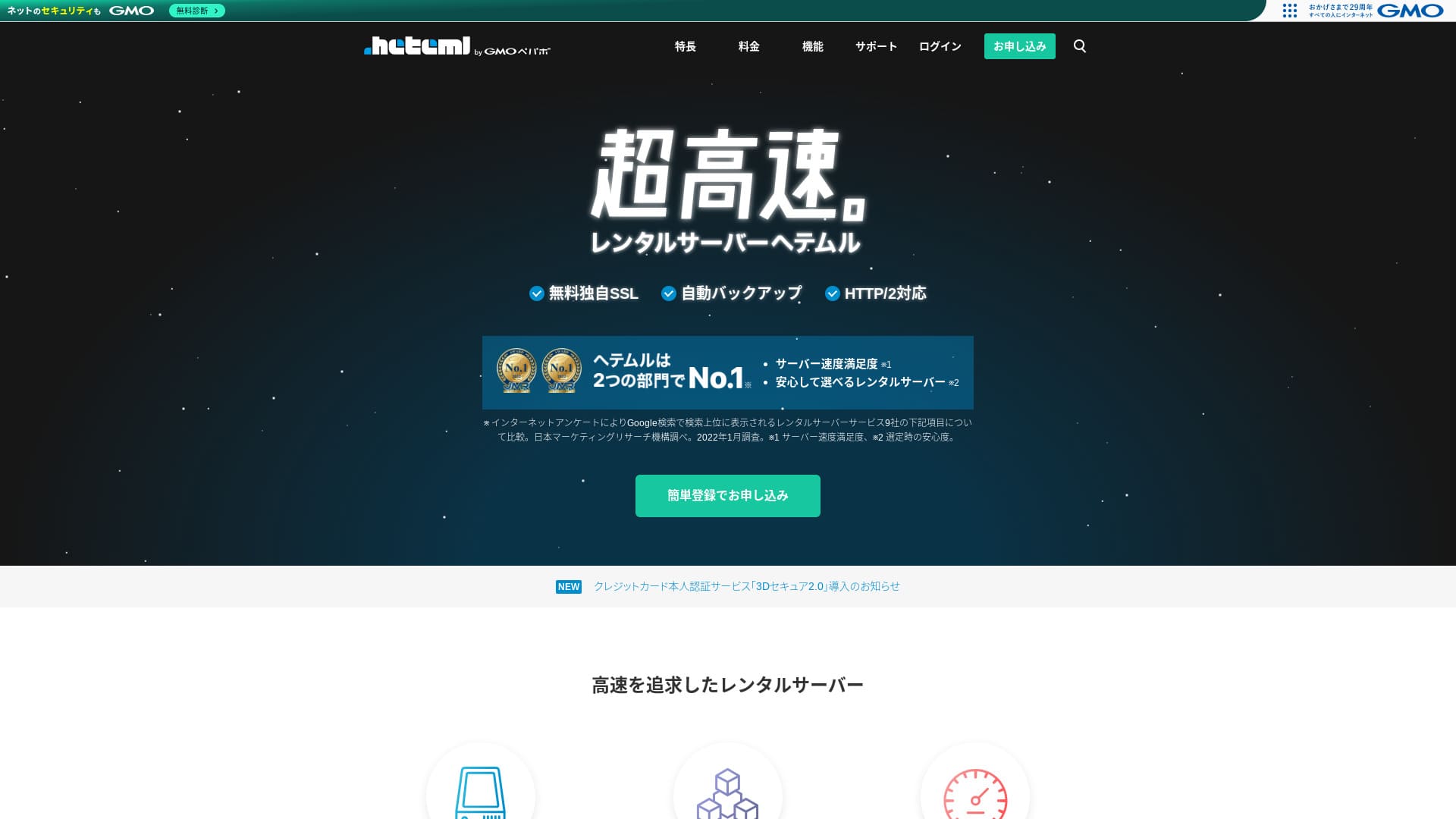
Heteml, GMO Pepabo'nun ultra hızlı barındırma hizmetidir. Fiyatı bireysel kullanıcılar için biraz yüksektir, ancak web, e-posta ve yedekleme sunucularını birbirinden ayırarak ani erişim artışlarının tek bir hata noktası oluşturmasını önler.
14-gün ücretsiz trial
| Server tür | Shared hosting / Managed sunucu |
| Speed (TTFB) | Not measured |
| Recommended plan and term | 12-month contract |
| Ücretsiz trial / money-back guarantee | None |
| Monthly price (12-month plan) | 2,035 yen |
| Initial setup fee | Ücretsiz |
| Ücretsiz domain | None |
| Support | Phone / Email / Chat (weekgün 10:00–18:00) |
| Uptime | 99.99% actual performance |
| Storage | 600GB |
| Number of databases | Unlimited |
| Security features | WAF / Overseas Attack Guard / Device security |
| SSL | Ücretsiz SSL / GlobalSign Quick Certification SSL / GlobalSign Organization Validation / GlobalSign EV |
| Backup / restore | 14-gün automatic backups / Restoration 5,000 yen |
| Number of email accounts | Unlimited |
| Email security features | Spam filter / Virus scanning |
| Server / website migration service | WordPress migration service 33,000 yen / No migration tool |
| WordPress Easy Install | Yes |
| CDN | None |
It offers large disk space and rich features, and is popular with creators and agencies running multiple sites. Another of its strengths is its easy-to-use control panel.

HETEML Hosting Review and Pricing [2025 Latest]: Pros and Cons Seen Through User Feedback
HETEML Hosting Review and Pricing [2025 Latest]: Pros and Cons Seen Through User Feedback
serverfield.org
Onamae.com Rental Server: Better Value When Paired with Your Domain
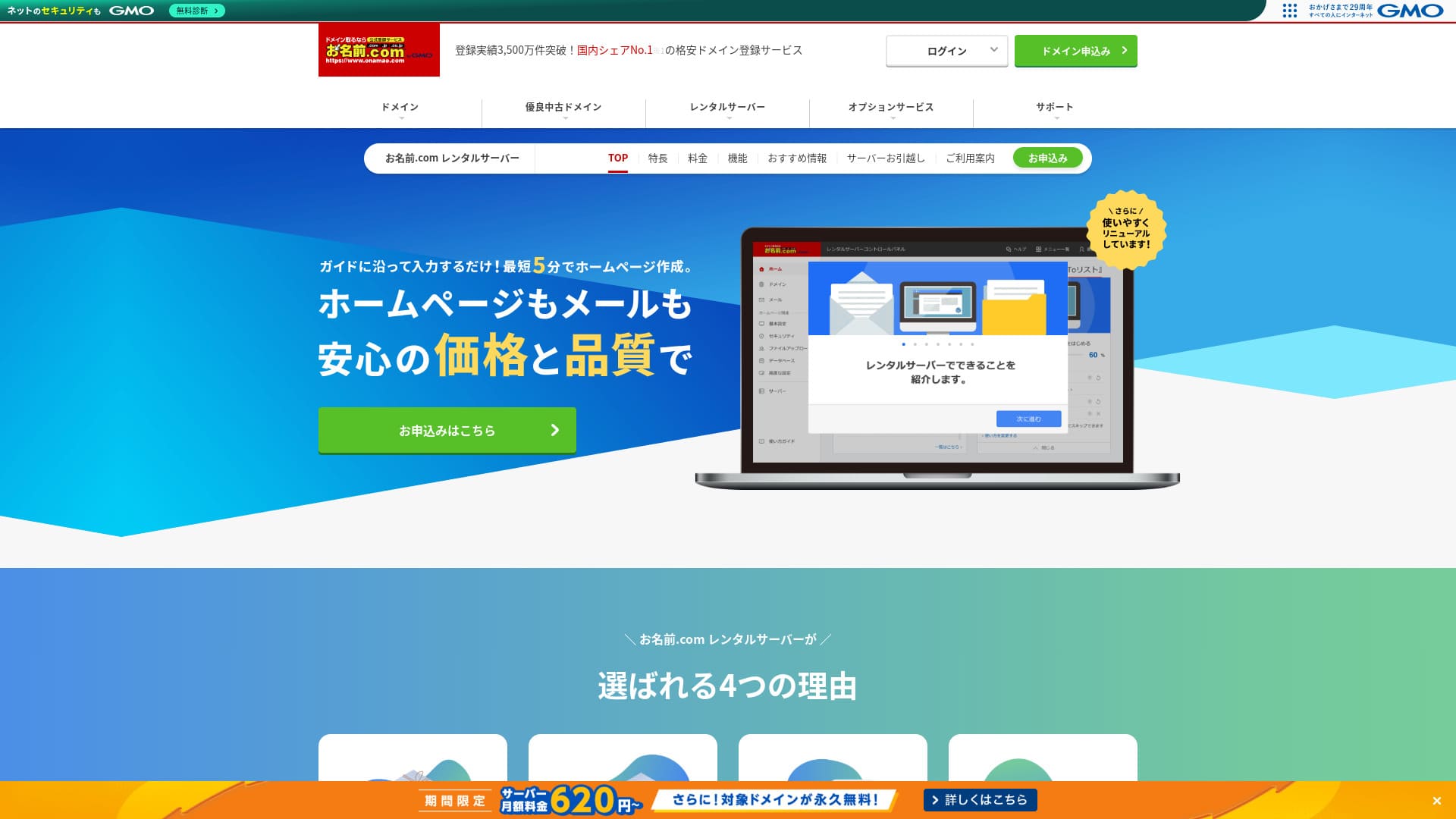
「 onamae.com Rental Server” hem bireyler hem de işletmeler tarafından kullanılmaktadır. Japonya'nın en büyük alan adı tescil servisidir ve alan adınızı ile sunucunuzu birlikte yönetebilmek büyük bir avantajdır. E-posta, web sitesi ve alan adı yönetimini genel olarak kolaylaştırır.
Eligible domains ücretsiz forever

| Server tür | Shared sunucu |
| Display speed (TTFB) | Not measured |
| Recommended plan and contract term | 12 months |
| Trial / money-back guarantee | None |
| Monthly fee (12-month contract) | 2,398 yen |
| Initial setup fee | Ücretsiz |
| Ücretsiz domain | 1 ücretsiz forever |
| Support | Telefon, e-posta ve sohbet (hafta içi 10:00-18:00) |
| Uptime | 99.99% guaranteed |
| Server storage | 1TB |
| Number of databases | Unlimited |
| Security measures | WAF / access restrictions / ads.txt / SiteLock |
| SSL | Ücretsiz SSL / AlphaSSL |
| Backup / restore | 14-gün automatic backups / Ücretsiz restoration |
| Number of email accounts | Unlimited |
| Email security measures | Spam filter and virus scanning / SMTP over SSL, POP over SSL / IMAP / restriction on outbound mail from overseas / blacklist and whitelist |
| Server / website migration service | No migration service Migration tool available |
| Easy WordPress installation | Yes |
| CDN | None |
Japonya'nın en büyük alan adı tescil servislerinden biri olan Onamae.com tarafından sunulan bir barındırma hizmetidir. Alan adınızı ve sunucunuzu birlikte yöneterek indirimler alabilir ve yönetimi basitleştirebilirsiniz.

Onamae.com Rental Server Review: 99.99% Uptime, Stability, and Value
Onamae.com Rental Server Review: 99.99% Uptime, Stability, and Value
serverfield.org
MuuMuu Server: The Hosting Service from the Company Known for Domain Registration
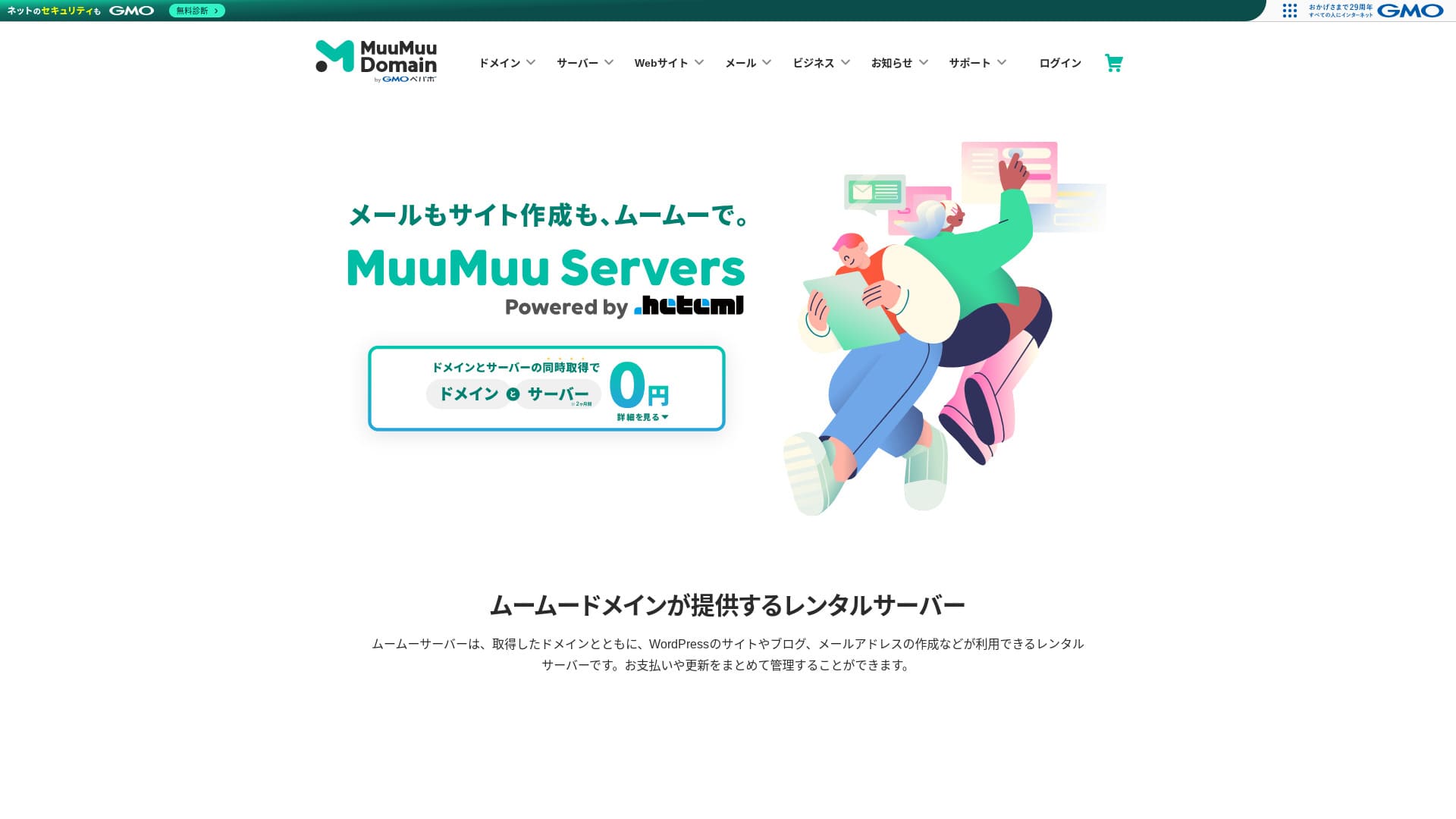
“MuuMuu Server” alan adları ve e-postayla kolayca entegre olan, GMO Pepabo, Inc. tarafından işletilen bir sunucudur. Alan adınızı, sunucunuzu ve e-postanızı birlikte yönetmeyi kolaylaştırdığı için yönetim yükünü azaltmaya yardımcı olur. Ayrıca %99,99'luk kararlı bir çalışma süresini korur.
2 months of sunucu fees ücretsiz

| Tür of sunucu | Shared hosting |
| Speed (TTFB) | Not measured |
| Recommended plan and contract term | 12-month contract |
| Trial / money-back guarantee | None |
| Monthly fee (12-month contract) | 1,430 yen |
| Setup fee | Ücretsiz |
| Ücretsiz domain | 1 ücretsiz forever |
| Support | Email, chat (9:30-13:00, 14:00-17:30) |
| Uptime | 99.99% |
| Storage | 600GB |
| Number of databases | Unlimited |
| Security measures | Virus scanning |
| SSL | Ücretsiz SSL, dedicated SSL |
| Backup / restoration | 7 generations of backups included, restoration fee not stated |
| Number of email accounts | Not stated |
| Email security measures | Not stated |
| Server / website migration service | Not stated |
| WordPress preinstalled | None |
| CDN | None |
MuuMuu Domain şirketinin arkasındaki aynı şirket olan GMO Pepabo tarafından işletilmektedir. MuuMuu Domain üzerinden alınan alan adlarıyla sorunsuz bir şekilde entegre olur ve genel tasarım yeni başlayanlar için kullanımı kolaydır.

MuuMuu Server Review [2024 Edition]: Thorough Comparison of Pricing, Features, Pros, and Cons
MuuMuu Server Review [2024 Edition]: Thorough Comparison of Pricing, Features, Pros, and Cons
serverfield.org
5 Low-Maliyet Entry-Düzeyi Servers
These sunucus are for people who want to start a site at low maliyet first.
Little Server: An Ultra-Budget Server Starting at 150 Yen per Month
5 Ağustos 2025 tarihine kadar sunucu ücretlerinde %53'e varan indirim, sonsuza kadar ücretsiz iki alan adı ve ilk ay ücretsiz
It is offered from extremely low-priced plans, making it suitable for small sites or test environments. Although the price is low, it still covers the basics, such as using SSD storage.
Pricing starts at 1,089 yen per month on a 12-month contract, and WordPress migration support plus automatic backups are included by default.
Value Server: GMO'nun Düşük Maliyetli Markasının Gerçek Yeteneği
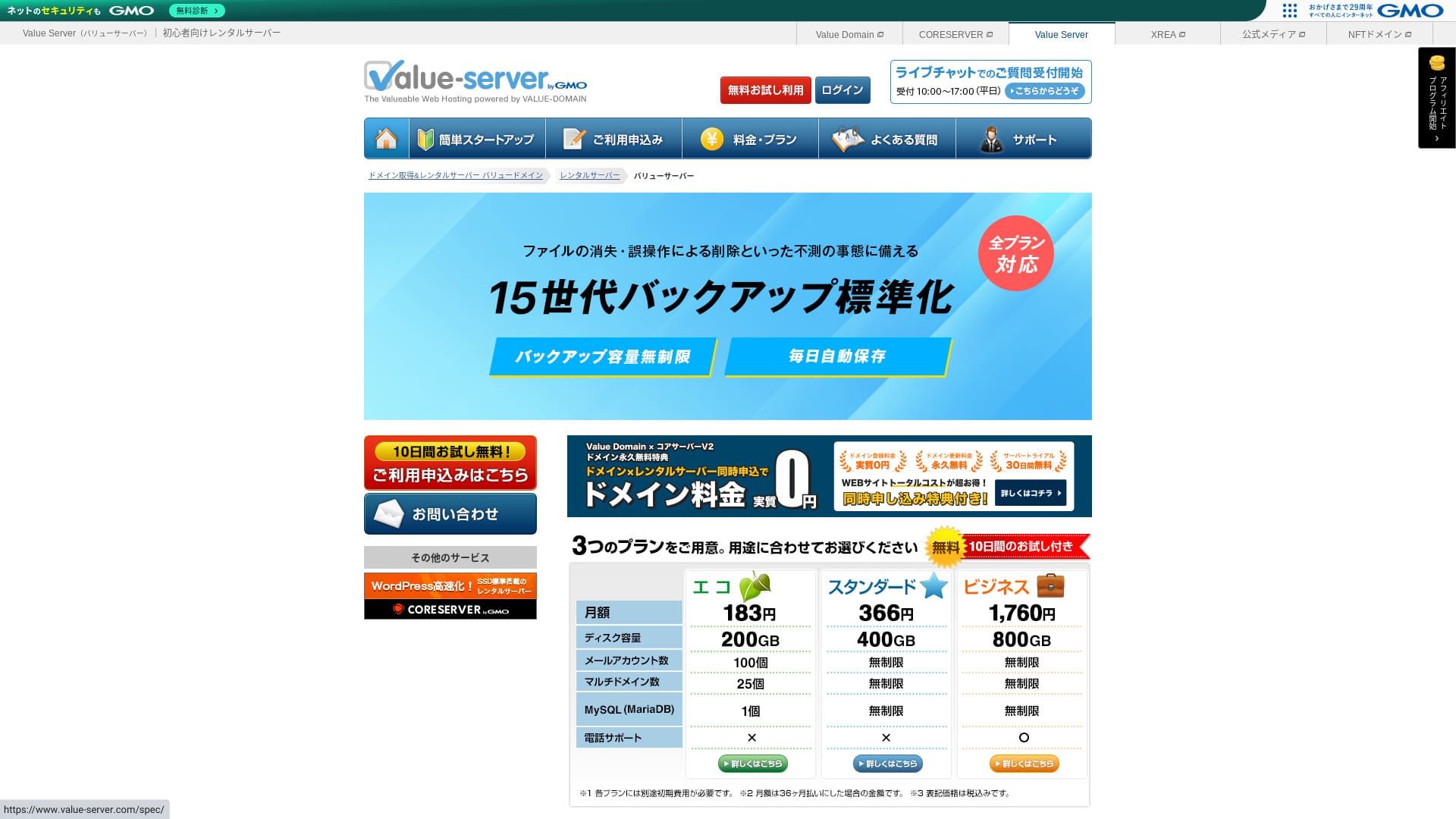
“Value Server” GMO Digirock, Inc. tarafından işletilen düşük maliyetli bir kiralık sunucudur. Bireyler için uygun fiyatlı olmasına rağmen, ücretsiz paylaşımlı SSL ve ücretsiz 15 sürüm yedekleme gibi güçlü özellikler sunar.
10-gün ücretsiz trial

| Server tür | Shared sunucu |
| Display speed (TTFB) | Not measured |
| Recommended plan and contract term | Eco 12 months |
| Trial / money-back guarantee | None |
| Monthly fee (12-month contract) | 220 yen |
| Initial setup fee | Ücretsiz |
| Ücretsiz domain | None |
| Support | E-posta ve sohbet (hafta içi 10:00-17:00) |
| Uptime | Not disclosed |
| Storage | 200GB |
| Number of databases | 1 |
| Security measures | None |
| SSL | Ücretsiz shared SSL, custom SSL |
| Backup / restore | 15 generations of backups ücretsiz, restoration ücretsiz |
| Number of email accounts | 3 |
| Email security measures | POP/POP3S, SMTP/SMTPS, IMAP/IMAPS, spam filter, virus filter, custom filters |
| Server / website migration service | None |
| WordPress preinstallation | None |
| CDN | None |
GMO Digirock tarafından işletilen bu düşük maliyetli sunucu, Value Domain ile sorunsuz bir şekilde entegre olur. XREA'nın üzerinde konumlandırılmıştır ve düşük fiyata daha kararlı bir ortam istiyorsanız pratik bir seçimdir.

Value Server Review [2025 Latest]: Start WordPress at a Bargain Price
Value Server Review [2025 Latest]: Start WordPress at a Bargain Price
serverfield.org
Shin Ücretsiz Server: An Innovative Service That Lets You Use WordPress for Ücretsiz
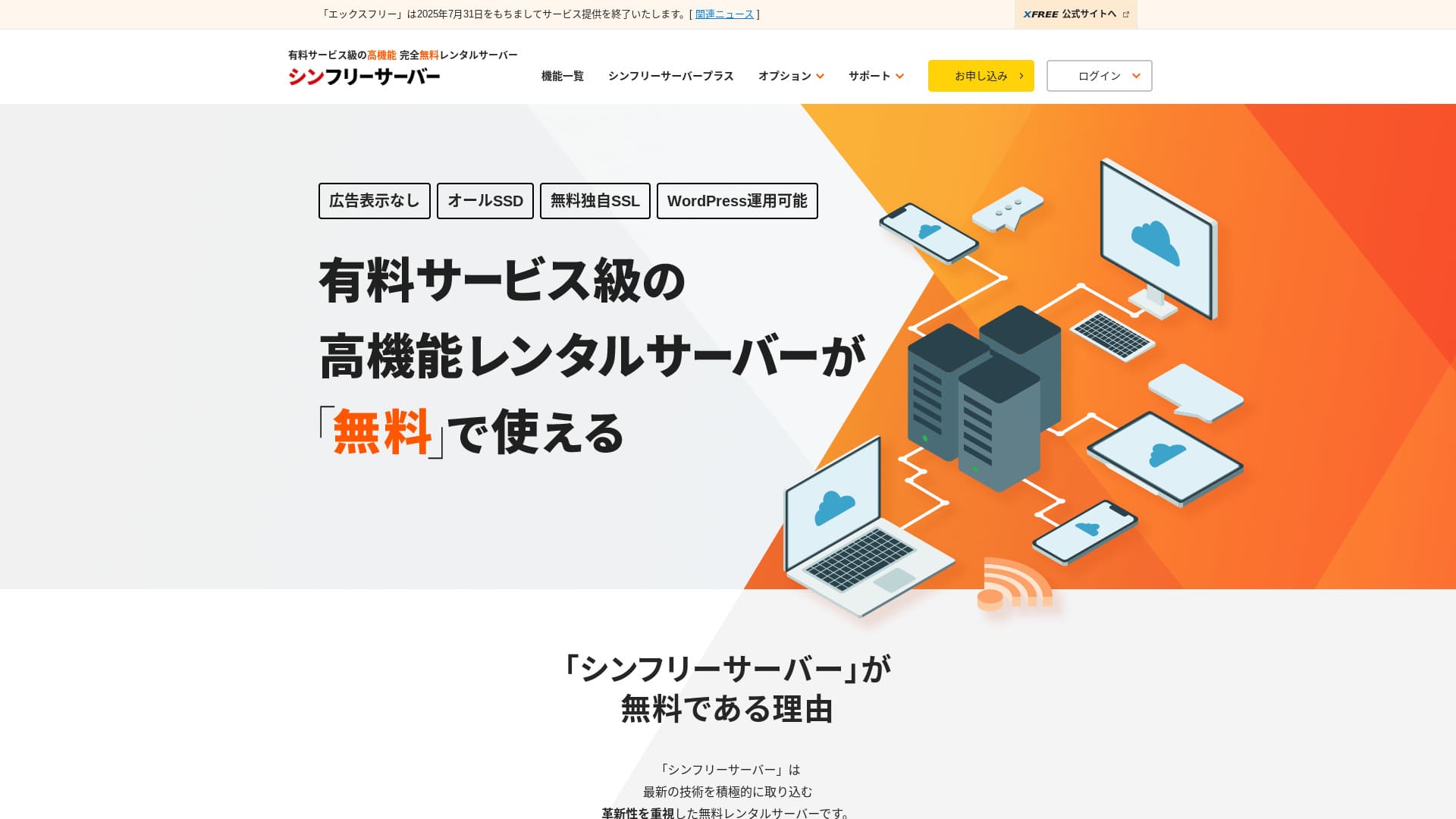
“Shin Free Server”, ShinCloud Co., Ltd. şirketinin ücretsiz kiralık sunucusudur. Ücretsiz olmasına rağmen işletmecinin reklamlarını göstermez. Özellikler veya destek açısından ücretli sunucular düzeyinde değildir, ancak kullanımı rahat kalmaya devam etmektedir.
Currently closed to new applications other than migrations
| Server tür | Shared sunucu |
| Display speed (TTFB) | Not measured |
| Recommended plan and contract term | — |
| Trial / money-back guarantee | — |
| Monthly fee (12-month contract) | Ücretsiz |
| Initial setup fee | Ücretsiz |
| Ücretsiz domain | None |
| Support | None |
| Uptime | Not disclosed |
| Storage | 10GB |
| Number of databases | 5 |
| Security measures | WAF |
| SSL | Ücretsiz custom SSL |
| Backup / restore | 14-gün automatic backups ücretsiz, restoration ücretsiz |
| Number of email accounts | None |
| Email security measures | None |
| WordPress preinstallation | None |
| Server / website migration service | None |
| CDN | None |
WordPress'i reklam göstermeden kullanmanıza olanak tanıyan ücretsiz bir barındırma hizmetidir. Kapasite ve özellikler sınırlıdır, ancak ciddi şekilde başlamadan önce test etmek veya öğrenmek için son derece değerlidir. Bununla birlikte, destek eksikliği ve her üç ayda bir yenileme gereksinimi gibi dikkat edilmesi gereken noktalar bulunmaktadır.

Shin Free Server İncelemesi ve Dezavantajları [2025 En Yeni]: Ücretsiz Barındırma Üzerinde WordPress Başlatma
Shin Free Server İncelemesi ve Dezavantajları [2025 En Yeni]: Ücretsiz Barındırma Üzerinde WordPress Başlatma
serverfield.org
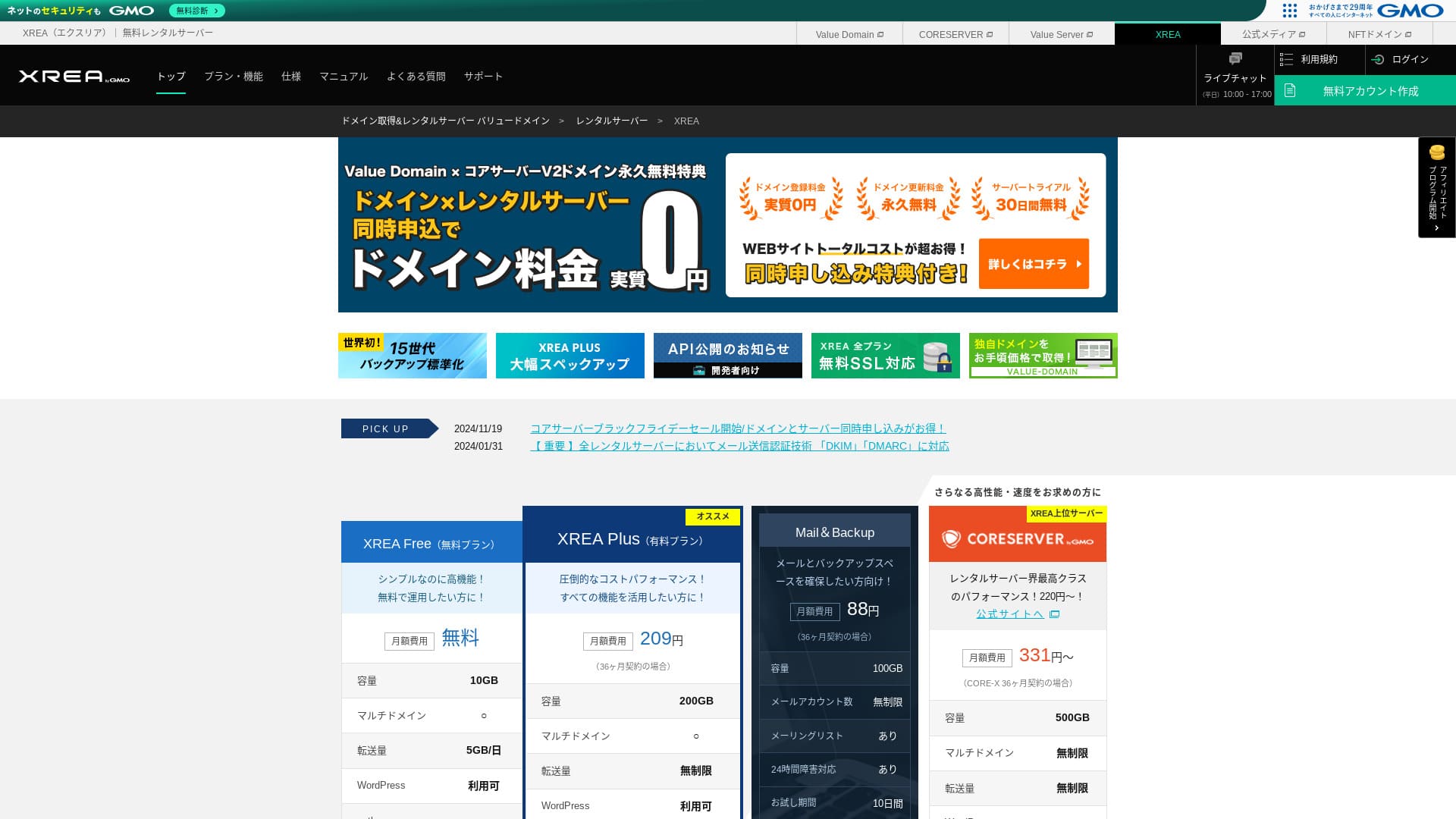
XREA: Ücretsiz Planda Başlayabileceğiniz Köklü Bir Sunucu

| Server tür | Shared sunucu |
| Display speed (TTFB) | Not measured |
| Recommended plan and contract term | Ücretsiz |
| Trial / money-back guarantee | None |
| Monthly fee (12-month contract) | Ücretsiz |
| Initial setup fee | Ücretsiz |
| Ücretsiz domain | None |
| Support | Email and chat (10:00-17:00) |
| Uptime | Not disclosed |
| Storage | 10GB |
| Number of databases | 5 |
| Security measures | None |
| SSL | Ücretsiz SSL, shared SSL |
| Backup / restore | 15 generations of backups ücretsiz, restores ücretsiz |
| Number of email accounts | 100 |
| Email security measures | POP over SSL, IMAP over SSL, SMTP over SSL, virus scanning |
| Server / website migration service | None |
| WordPress preinstallation | None |
| CDN | None |
Yıllardır ücretsiz barındırma sunan köklü bir hizmettir. Ücretsiz planda bile PHP ve veritabanlarını kullanabilir ve WordPress kurabilirsiniz. Ücretli planlar da son derece ucuzdur, bu da daha sonra seviye atlamayı kolaylaştırır.

XREA İncelemesi [2025 En Yeni]: Ücretsiz Planda WordPress Kullanmanın Avantajları ve Dezavantajları, Ayrıca Diğer Ücretsiz Sunucularla Karşılaştırmalar
XREA İncelemesi [2025 En Yeni]: Ücretsiz Planda WordPress Kullanmanın Avantajları ve Dezavantajları, Ayrıca Diğer Ücretsiz Sunucularla Karşılaştırmalar
serverfield.org
KAGOYA JAPAN: Faster WordPress with KUSANAGI
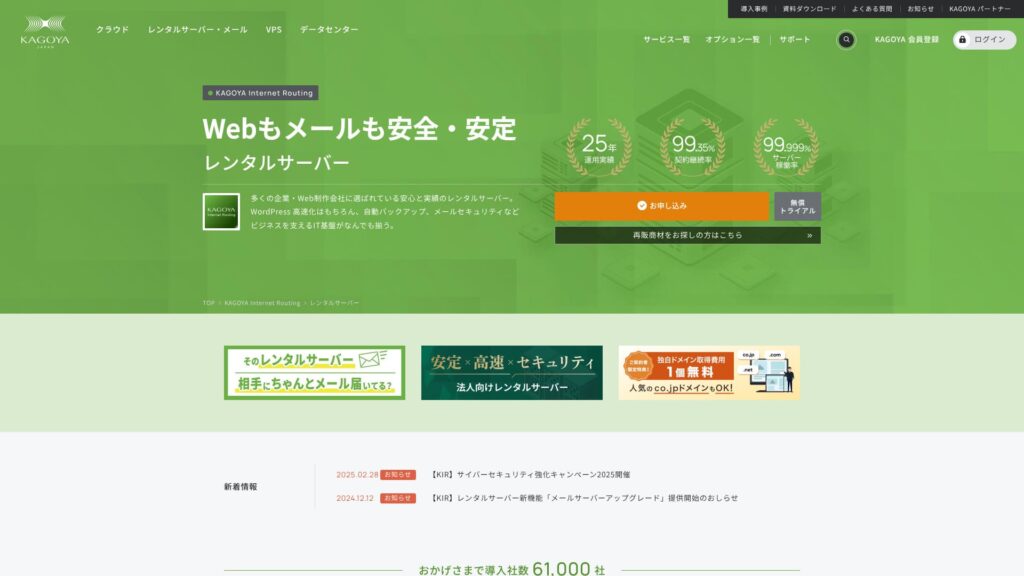
KAGOYA JAPAN, 20 yılı aşkın bir geçmişe sahip KAGOYA JAPAN Co., Ltd. şirketinin kiralık sunucularını sunmaktadır. Uygun bir fiyata kullanılabilir. %99,999 çalışma süresiyle son derece kararlı ve güven vericidir.
First month ücretsiz & 14-gün ücretsiz trial
| Server Tür | Shared Server / Cloud Server / WordPress Dedicated Server / VPS |
| Load Time (TTFB) | Unmeasured |
| Recommended Plans and Contract Periods | WordPress Dedicated Server Grade 1 12 Months |
| Trial & Money-Back Guarantee | None |
| Monthly Fee (12-Month Contract) | 440 yen |
| Initial Administrative Fee | Ücretsiz |
| Ücretsiz Domain | None |
| Support | Weekgün 10:00 a.m. - 5:00 p.m. |
| Uptime | 99.999% guarantee |
| Server Kapasite | 20GB |
| Number of Databases | 1 |
| Security Measures | Dashboard Access Restriction / Dashboard Kayıtin Attempt Restriction / XML-RPC API Access Restriction / REST API Access Restriction / Large Comment / Trackback Restriction / Foreign IP Address Comment / Trackback Restriction |
| SSL | Ücretsiz SSL |
| Backup and Restore | One-generation backup included / Restore ücretsiz of charge |
| Number of Email Account Creation | None |
| Email Security Measures | None |
| Server/Website Migration Service | Migration service: 11,000 yen No Migration Tool |
| WordPress Pre-installed | Yes |
| CDN | Paid |
Köklü bir barındırma şirketi olan KAGOYA JAPAN tarafından sağlanan, WordPress odaklı bir sunucu planıdır. En büyük gücü sağlam güvenlik özellikleridir: standart olarak WAF, yurt dışı IP adreslerinden erişim kısıtlamaları ve yetkisiz erişim algılama ile birlikte gelir. Hızlı LiteSpeed web sunucusunu kullanır ve tamamen SSD'den oluşan yapılandırmasıyla birlikte rahat bir gösterim hızı sunar.

KAGOYA JAPAN Review: Used by 61,000 İşes. Is Its WordPress Dedicated Server Maliyet-Effective?
KAGOYA JAPAN Review: Used by 61,000 İşes. Is Its WordPress Dedicated Server Maliyet-Effective?
serverfield.org
Basic Hosting Knowledge Every WordPress Beginner Should Know

To publish a WordPress site, you need a hosting service that stores your site data and makes it available on the internet. First, let us build the basic knowledge that serves as the foundation.
What Makes a Hosting Service Suitable for WordPress? Five Important Characteristics
WordPress'i rahatça çalıştırmak için sunucunun belirli gereksinimleri karşılaması en iyisidir. Özellikle aşağıdaki beş özellik, site performansını ve kullanım kolaylığını doğrudan etkiler.
- Fast processing performance: CPU, bellek, SSD'ler ve diğer donanım özellikleri önemlidir. Donanımı güçlü ve LiteSpeed gibi modern web sunucusu yazılımlarına sahip sunucular sayfaları hızlı bir şekilde görüntüleyebilir ve ziyaretçilere rahat bir tarama deneyimi sunabilir.
- Stable uptime record: Sunucu çökerse sitenize erişilemez hale gelir. Kararlı çalışmasıyla tanınan, örneğin açıkça %99,9 veya daha yüksek çalışma süresi (uptime) beyan eden bir sunucu seçin.
- One-click WordPress installation: Bu, WordPress'i sunucu kontrol panelinden sadece birkaç tıklamayla kurmanıza olanak tanıyan bir özelliktir. Veritabanı kurulumu gibi görevleri otomatik olarak hallettiği için büyük ölçüde zaman tasarrufu sağlayabilir.
- Solid security: Sitenizi saldırılardan korumak için sunucunun standart özellikler olarak bir WAF (Web Uygulaması Güvenlik Duvarı) ve iletişimleri şifrelemek için ücretsiz ayrılmış bir SSL sertifikası içerip içermediğini kontrol etmek önemlidir.
- Reliable support: Unexpected problems are part of running a site. If support is available 24 hours a gün, 365 gün a year by email, phone, or chat, you can feel much safer when something goes wrong.
★ Beginner-Friendly Guide to Hosting Uptime and SLAs
Paylaşımlı Barındırma - VPS - Özel Sunucu Karşılaştırması: Sizin İçin En İyi Seçenek
Hosting services can mainly be divided into three types based on how resources are allocated. Understand the features of each and choose the one that matches the scale and purpose of your site.
- Shared hosting: Bu tür, tek bir fiziksel sunucuyu birden fazla kullanıcı arasında paylaşır. Bir apartman dairesinde yaşamak gibidir ve en yaygın, en ucuz seçenektir. Bireysel bloglar ve küçük siteler için uygundur, ancak diğer kullanıcılardan etkilenebilir.
- VPS (Virtual Private Server): Sanal özel sunucu olarak da adlandırılır. Tek bir fiziksel sunucu üzerinde sanal bir özel ortam oluşturur ve size yönetici ayrıcalıkları (root erişimi) verir. Paylaşımlı barındırmadan daha fazla özgürlük sunar ve diğer kullanıcılardan daha az etkilenir. Müstakil bir ev gibidir: biraz bilgi gerektirir, ancak maliyet ve performansı iyi dengeler.
- Dedicated sunucu: Bu tür size tek bir fiziksel sunucunun özel kullanımını sağlar. En yüksek performansı ve özelleştirmeyi sunar, ancak aynı zamanda en pahalı olanıdır. Yoğun trafik alan büyük kurumsal siteler ve hizmetler için kullanılır.
★ Barındırma (hosting) nedir? Bir web sitesi yayınlamak için ihtiyacınız olan sunucu
Why Choosing Only by Monthly Fee Leads to Mistakes
Price is an important factor when choosing a sunucu, but it is risky to judge only by a low monthly fee.
Kurulum ücretleri ve ikinci yıldan itibaren yenileme ücretleri de dahil olmak üzere toplam maliyeti karşılaştırmak önemlidir. Ek olarak, düşük fiyatlı planlar daha küçük depolama alanına, kısıtlı özelliklere veya sınırlı desteğe sahip olabilir. Siteniz yavaşlarsa veya gerekli işlevlerden yoksun kalırsa, bu durum nihayetinde fırsatların kaçırılmasına yol açabilir, bu nedenle fiyat ve performans arasındaki dengeyi değerlendirmek başarının anahtarıdır.
Hikaru Ono
Sunucu, bir blogun veya web sitesinin temelidir. Zayıf temele sahip bir ev ne kadar iyi görünürse görünsün nasıl riskliyse, yönetebileceğiniz en yüksek kaliteli sunucuyu seçmenizi öneririm.
How to Choose WordPress Hosting Without Regrets: 7 Check Puan

Burada, mevcut birçok seçenek arasından size uyan barındırma hizmetini bulmanıza yardımcı olacak yedi somut kontrol noktasını açıklıyorum.
How to Judge the Server Specs That Determine Display Speed
Site speed directly affects reader satisfaction and search-engine evaluations (SEO). Check the following spec items.
- CPU and memory: Bunlar bir insanın beynine ve çalışma alanına karşılık gelir. Bir sunucu ne kadar çok CPU çekirdeğine ve ne kadar çok belleğe sahipse, o kadar çok trafiği ve karmaşık işlemi hızlı bir şekilde işleyebilir.
- Disk (storage): Burası verilerin depolandığı yerdir. SSD'ler, eski HDD'lere göre daha hızlı oldukları için artık standarttır ve daha da hızlı olan NVMe SSD'leri kullanan sunucular verileri son derece hızlı okuyup yazabilir.
- Web sunucu software: Apache ve Nginx yaygındır, ancak son yıllarda daha da hızlı performans için daha fazla sunucu LiteSpeed'i benimsemiştir.
- Transfer volume: This is the amount of data consumed when your site is viewed. If the transfer limit is low, the site may stop displaying when traffic spikes.
Note: What Are Traffic and Transfer Volume? Managing and Optimizing Web Traffic
Why the One-Click WordPress Installation Feature Matters
WordPress'i manuel olarak kurmak; dosyaları resmi siteden indirmek, bunları FTP yazılımıyla yüklemek, bir veritabanı oluşturmak ve bunu ilişkilendirmek gibi uzmanlık gerektiren adımlar gerektirir.
Tek tıkla WordPress kurulum özelliği mevcutsa, bu karmaşık adımların tümünü sunucu kontrol panelinden sadece birkaç tıklamayla tamamlayabilirsiniz. Bu sadece zaman tasarrufu sağlamak için değil, aynı zamanda kurulum hatalarını önlemek için de son derece önemlidir.
Karşılaştırılacak Güvenlik Noktaları: SSL Sertifikaları ve Koruma Özellikleri
For safe site operation, always review the security features.
- Ücretsiz dedicated SSL: Bu artık bir siteyi işletmek için temel bir gerekliliktir. Tarayıcı ile sunucu arasındaki iletişimi şifreler ve “http://” adresini “https://” yapar. Birçok sunucu, Let's Encrypt adındaki ücretsiz bir SSL sertifikasını kurmayı kolaylaştırır.
- WAF (Web Application Firewall): Bu, sitenizi WordPress güvenlik açıklarını hedef alan saldırılar da dahil olmak üzere kötü niyetli erişimlerden korur. Standart bir özellik olarak dahil edilip edilmediğini kontrol edin.
- Security diagnostics and vulnerability scans: It is even more reassuring if there is a feature that regularly checks the security condition of your site.
Note: What Are SSL and TLS? The Mechanism and Benefits of Protecting Information Through Encryption
Yedekleme Özelliklerindeki Otomasyon Düzeyini Kontrol Edin
Backup functions are a lifeline in case of data loss. Many hosting services provide automatic backups, but the details differ.
- Backup frequency and number of generations: Yedeklemelerin her gün otomatik olarak alınıp alınmadığını ve son 14 gün gibi birden fazla veri sürümünün saklanıp saklanmadığını kontrol edin.
- Ease of restoration: It is important that you can restore from backup data easily through the control panel. Some services charge extra for restoration, so pay attention to that.
Hikaru Ono
If your hosting does not include backups, or if you want a second layer of backup, use a WordPress plugin.

5 Powerful WordPress Backup Plugins to Help You Get Your Data Back
5 Powerful WordPress Backup Plugins to Help You Get Your Data Back
serverfield.org
Support Quality: The Value of 24/7 Support
Sitenizde bir sorun oluştuğunda, bunun ne kadar hızlı çözülebileceği destek sistemine bağlıdır.
- Support hours: “24/365” desteğe sahip sunucular, onlarla gece geç saatlerde veya tatillerde bile iletişime geçebileceğiniz için huzur verir.
- Contact methods: Check whether multiple contact methods are available, such as email, phone, and chat. Phone or chat support is especially useful when you need an answer quickly.
- Quality of the manuals: Well-organized online manuals that compile common questions and setup procedures are also important for improving your ability to solve problems on your own.
Pricing Plans: How to Look Wisely at Setup Fees and Monthly Fees
Fiyatlandırma planlarını karşılaştırırken, yalnızca ana başlıkta yazan aylık ücreti değil, aşağıdaki noktaları da göz önünde bulundurun.
- Setup fee: This is a one-time maliyet charged when you sign up. It is often waived during campaigns, so timing also matters.
- Contract term and discounts: Many plans offer much lower monthly rates when you sign a long-term contract such as 12, 24, or 36 months.
- Renewal fees: Kampanya sırasında ucuza kaydolsanız bile yenileme yaptığınızda fiyat normal tarifeye dönebilir. Siteyi uzun vadeli işletmeyi planlıyorsanız, yenileme ücretlerini de her zaman kontrol edin.
Scalability and Flexibility in Plan Changes with Future Growth in Mind
Siteniz büyüdükçe sunucu özellikleri yetersiz kalabilir. Bu durum gerçekleştiğinde, daha üst seviye bir plana sorunsuz bir şekilde geçebilmeniz önemlidir. Genellikle daha düşük bir plana geçmek imkansızdır, bu nedenle yükseltmelerin ne kadar kolay olduğunu, teknik özelliklerdeki farkları ve planlar arasındaki fiyat farkını önceden kontrol ederseniz, gelecekte siteniz genişledikçe esnek bir şekilde yanıt verebilirsiniz.
How to Choose Recommended Hosting by Purpose and Use Case

En iyi sunucu, sitenizin amacına göre değişiklik gösterir.
3 Hosting Services Recommended for Beginners and WordPress Newcomers
- Xserver: Its huge amount of information and reliable support make it easy to find solutions when you get stuck.
- LOLIPOP: Düşük maliyetli bir plandan başlayabildiğiniz için ve kılavuzlar kapsamlı olduğu için, barındırma hizmetinin nasıl çalıştığını öğrenirken seviye atlamak isteyen kişiler için idealdir.
- ConoHa WING: Its easy-to-understand control panel and the WordPress Easy Setup feature, which automates everything from domain registration to WordPress configuration, are especially attractive.
Bireysel Bloglar ve Satış Ortaklığı (Affiliate) Siteleri İçin En İyi Seçimler
- 【Hostinger】: Despite its low price, it delivers overwhelming speed, making it easy for individuals to get started without falling behind competing sites.
- Xserver: Its stability, speed, and reliable support make it an ideal foundation for a site built to generate revenue.
- ConoHa WING: Hızlı gösterim hızı SEO için sizin lehinize çalışır ve ziyaretçilerin siteden ayrılmasını önlemeye yardımcı olur. Ayrıca son derece maliyet etkindir.
- mixhost: It can handle a wide range of niches, its display speed is fast, and it is especially well regarded among affiliate marketers.
High-Performance Servers for People Running Multiple Sites
- wpX Speed: It supports unlimited multi-domain usage and offers plenty of databases. Because it includes reserved resources and automatic scale-up, it is less affected by other sites and can be run stably.
- Shin Rental Server: Because it delivers high performance while keeping maliyets down, it offers excellent value when running multiple sites.
- ColorfulBox: Plan değişiklikleri esnek olduğu ve yedekleme sistemi sağlam olduğu için, birden fazla önemli siteyi güvenle yönetebilirsiniz.
En iyi-Value Servers Under 500 Yen per Month for Budget-Focused Users
- LOLIPOP (Hafif plan): Its monthly fee is very low, yet it still includes the basic functions needed to start with WordPress.
- Star Rental Server (Hafif plan): Düşük fiyata rağmen kararlı bir sunucu ortamı ve ihtiyacınız olan özellikleri sunar.
- Little Server (Mini plan): Her şeyden önce maliyeti en aza indirmek istediğinizde seçeceğiniz seçenektir ve küçük bir siteyi işletmek için yeterlidir.
Hikaru Ono
Ücretsiz sunucus have extremely low specs, so I do not recommend them if your goal is monetization or traffic acquisition.
Guide to Migrating and Switching WordPress Hosting
Site hızını artırmak veya maliyetleri azaltmak için farklı bir sunucuya geçişi düşünmek alışılmadık bir durum değildir. Burada adımları ve dikkat edilmesi gereken noktaları açıklıyorum.
5 Things You Must Check Before Migrating Servers
- Confirm your current site data: Always take backups of your full WordPress files and database.
- Yeni sunucu özelliklerini onaylayın: Yeni sunucunun, mevcut siteniz tarafından kullanılan PHP og MySQL sürümlerini destekleyip desteklemediğini kontrol edin.
- Check how your domain is managed: Alan adı tescil kuruluşunuz ve barındırma şirketiniz farklıysa, alan adı sunucusu (DNS) ayarlarını değiştirmeniz gerekecektir.
- Reconfigure the SSL certificate: Sunucuları taşıdığınızda, SSL sertifikasının da yeniden kurulması gerekir. Önceden yeni sunucuda etkinleştirilip etkinleştirilemeyeceğini kontrol edin.
- Email addresses: Sunucuyla aynı alan adındaki e-posta adreslerini kullanıyorsanız, e-posta verilerinin taşınmasının ve yeniden yapılandırılmasının da gerekli olabileceğini unutmayın.
Steps and Precautions for a Safe Server Migration
The general migration procedure is as follows. Using plugins can simplify the work.
- Eski sunucuda bir yedek alın: Use a plugin such as All-in-One WP Migration to export the site data, including files and the database.
- Yeni sunucuya kaydolun ve alan adını yapılandırın: Yeni sunucuyu kiralayın ve taşıyacağınız site için alan adını ekleyin.
- Yeni sunucuya WordPress kurun: In many cases, you install an empty copy of WordPress first.
- Yeni sunucudaki hosts dosyasını düzenleyin ve test edin: Yalnızca kendi bilgisayarınızın yeni sunucuya erişmesini sağlayacak şekilde ayarlamaları yapın, ardından sitenin doğru şekilde görüntülendiğini onaylayın. Bu, DNS değiştirilmeden önce yapılan önemli bir testtir.
- Verileri yeni sunucuya aktarın: Eski sunucudan dışa aktardığınız verileri yeni sunucuya aktarmak için All-in-One WP Migration gibi bir eklenti kullanın.
- Alan adı sunucularını (DNS) değiştirin: Alan adı yönetim şirketinizin kontrol panelinde, alan adı sunucusu (name server) bilgilerini yeni sunucuyu gösterecek şekilde yeniden yazın. Bu, genel trafiğin yeni sunucuya gitmeye başlamasını sağlar.
- Eski sunucuyu iptal edin: Alan adı sunucusu (name server) değişikliği internette yayıldıktan ve sitenin yaklaşık bir hafta boyunca kararlı şekilde görüntülendiğini onayladıktan sonra eski sunucuyu iptal edin.

Five WordPress Plugins for Successful Server Migration and the Keys to Doing It Well
Five WordPress Plugins for Successful Server Migration and the Keys to Doing It Well
serverfield.org
Hosting Services That Offer Migration Assistance
Server migration requires specialized knowledge, and if it fails, your site may stop displaying. If you are not confident, it is wise to use migration services offered by specialists or hosting companies.
- ConoHa WING: It offers a WordPress migration service.
- mixhost: It has a paid service that handles WordPress migration for you.
- Rakko Server: It offers a support feature called Easy WordPress Migration.
- Many other hosting companies and web production firmsalso offer paid migration services.
Frequently Asked Questions and Troubleshooting
Bunlar, site operasyonları sırasında ortaya çıkan yaygın sorunlar ve bunlarla nasıl başa çıkılacağıdır.
What to Do When WordPress Feels Heavy or Slow
- Insufficient sunucu specs: Sunucu trafik miktarını karşılayamıyor olabilir. Daha yüksek bir plana geçmeyi düşünün.
- Image optimization: Large images are a major cause of slow display speed. Use a compression plugin or similar tools to make your images lighter.
- Plugin conflicts or too many plugins: Disable or remove unnecessary plugins, and check one by one whether a specific plugin is causing the problem.
- Use of caching: Bir önbellek eklentisi kurarsanız veya sunucu tarafından sağlanan LiteSpeed Cache gibi önbellek özelliğini etkinleştirirseniz sayfa gösterimi daha hızlı hale gelebilir.
What to Do When Your Server Goes Down
Server outages can be caused by many things, including traffic surges, hardware failures, and cyberattacks.
- Check the situation: İlk olarak, barındırma sağlayıcısının olay (hata) bilgilerini resmi web sitesinden veya sosyal medya hesaplarından doğrulayın.
- Contact support: Sorun sunucu tarafında gibi görünüyorsa durumu onaylamak ve beklenen kurtarma süresini sormak için destek ekibiyle iletişime geçin.
- Identify the cause: Neden kendi sitenize yönelik ani bir trafik artışıysa, kurtarma işleminden sonra sunucu planını yükseltmeyi veya yük azaltma önlemleri almayı düşünmelisiniz.
- Restore from backup: If data has been damaged, you will need to restore it from backup data.
When and How to Change Pricing Plans
The main time to change plans is when site traffic increases and the site starts to feel slow. On most hosting services, you can easily upgrade to a higher plan from the control panel. However, once you move to a higher plan, you often cannot move back down, so make the decision carefully while estimating how your site will grow.
Özet: Sizin İçin En İyi WordPress Barındırma Hizmeti Nasıl Seçilir
En iyi barındırma hizmeti web sitenizin amacına, bütçenize ve teknik beceri düzeyinize bağlıdır.
- For people who want to get started first: “ConoHa WING” and “LOLIPOP” kontrol panelleri kolay anlaşılır olduğu ve başlangıç maliyetlerini düşük tutmak daha kolay olduğu için iyi birer tercihtir.
- Blog yazarlığından veya satış ortaklığından (affiliate) ciddi şekilde kazanmak isteyen kişiler için: “Xserver” and “wpX Speed” provide a powerful foundation because they are fast, stable, and backed by dependable support.
- For people who want performance while still prioritizing maliyet: “mixhost” and “ColorfulBox” yeni teknolojiyi aktif olarak benimsedikleri ve mükemmel fiyat-performans oranı sundukları için güçlü seçeneklerdir.
Pişmanlık duymadan bir sunucu seçmenin en kesin yolu, bu makalede tanıtılan kontrol noktalarını kullanarak birkaç sunucuyu karşılaştırmak ve ardından gerçek kullanıcı deneyimini onaylamak için ücretsiz deneme sürelerinden yararlanmaktır. Umarım bu makale web sitenizin başarılı olmasına yardımcı olur.
Hikaru Ono
If you still cannot decide after reading this far, choose Xserver. You will not go wrong.