First month ücretsiz & 14-gün ücretsiz trial
PR
Sunucular
KAGOYA JAPAN Review: Used by 61,000 İşes. Is Its WordPress Dedicated Server Maliyet-Effective?
Yayınlandı: 2025.04.18
Güncellendi: 2025.04.18
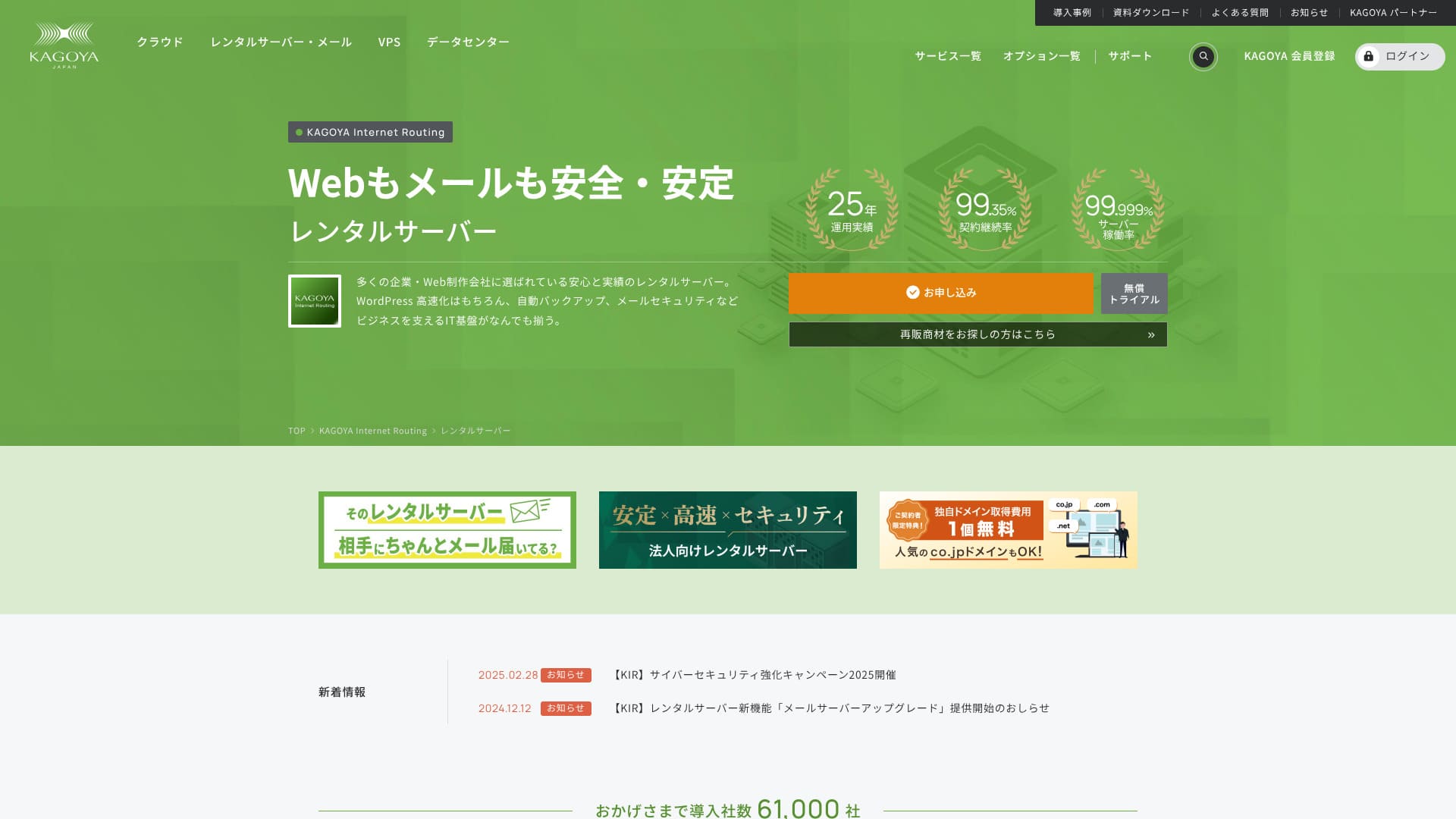
Based in Kyoto City, KAGOYA JAPAN operates its own data center. 80% of its users are corporate entities, and 61,000 companies are utilizing the service.

KAGOYA JAPAN is recommended for people who want to use a stable sunucu because:
- it offers a WordPress dedicated sunucu
- plans start at 440 yen per month
- it delivers 99.999% uptime
Bu yüzden, çoğu kullanıcıyı tatmin edecektir ve ilk ay ücretsiz olarak deneyebilirsiniz.
One competing sunucu is Xsunucu. Yurt içi pazar payında 1. sıradadır ve şundan daha büyük bir kullanıcı tabanına sahiptir: KAGOYA JAPAN. It is worth considering as well.
★ Xserver İncelemesi [2025]: Hız, Fiyatlandırma, Artılar ve Eksilere Kapsamlı Bir Bakış
| Server Tür | Shared Server / Cloud Server / WordPress Dedicated Server / VPS |
| Load Time (TTFB) | Unmeasured |
| Recommended Plans and Contract Periods | WordPress Dedicated Server Grade 1 12 Months |
| Trial & Money-Back Guarantee | None |
| Monthly Fee (12-Month Contract) | 440 yen |
| Initial Administrative Fee | Ücretsiz |
| Ücretsiz Domain | None |
| Support | Weekgün 10:00 a.m. - 5:00 p.m. |
| Uptime | 99.999% guarantee |
| Server Kapasite | 20GB |
| Number of Databases | 1 |
| Security Measures | Dashboard Access Restriction / Dashboard Kayıtin Attempt Restriction / XML-RPC API Access Restriction / REST API Access Restriction / Large Comment / Trackback Restriction / Foreign IP Address Comment / Trackback Restriction |
| SSL | Ücretsiz SSL |
| Backup and Restore | One-generation backup included / Restore ücretsiz of charge |
| Number of Email Account Creation | None |
| Email Security Measures | None |
| Server/Website Migration Service | Migration service: 11,000 yen No Migration Tool |
| WordPress Pre-installed | Yes |
| CDN | Paid |

Hikaru Ono
Choosing a KAGOYA JAPAN WordPress-dedicated sunucu means WordPress will be installed upon contract, allowing you to immediately start your website or bkayıt.
Due to its high uptime, this sunucu is safe for işes to use.
KAGOYA JAPAN Comparison with Other Providers
- ComprehensiveEvaluation★★★★☆
- Server Speed Unmeasured
- Pricing ★★★★☆
- Stability ★★★★★
- Ease of Getting Started with WordPress* ★★★★★
- Alan Adı Yönetimi ve SSL Ayarları gibi İşlemler* ★★★★☆

A Thorough Comparison and Selection Guide for 21 WordPress Rental Servers Recommended for Individuals
A Thorough Comparison and Selection Guide for 21 WordPress Rental Servers Recommended for Individuals
serverfield.org
- November 4, 2025based on market research data,by speedArranged
- The monthly fee is the lowest-price plan for WordPress usage in the first year of contract.
- The speed is the Time to First Byte value of a demo site with the same conditions.
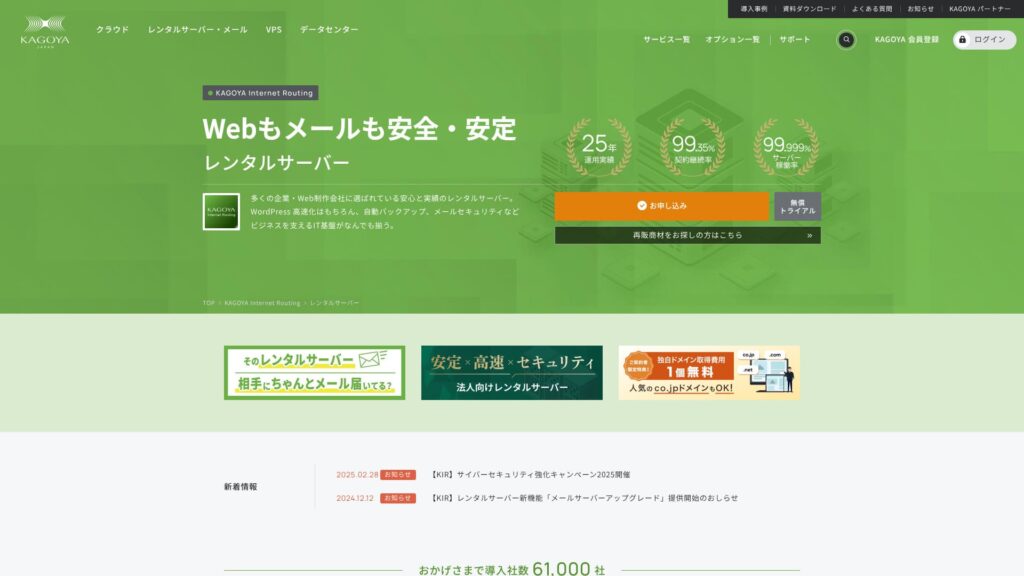
KAGOYA JAPAN, 20 yılı aşkın bir geçmişe sahip KAGOYA JAPAN Co., Ltd. şirketinin kiralık sunucularını sunmaktadır. Uygun bir fiyata kullanılabilir. %99,999 çalışma süresiyle son derece kararlı ve güven vericidir.
KAGOYA JAPAN's Reputation and 4 Key Features

Rental Server with 99.999% Uptime
KAGOYA JAPAN, %99,999 çalışma süresine sahip kiralık sunucular işletmektedir.Kararlılığı, Japonya'dakilerin en iyileri arasında yer almaktadır.
High availability is due to its well-managed state and strong security. You can operate your website with peace of mind. Furthermore, a website that is unstable doesn’t create a good impression.
★ A Must-Read for Beginners! Understanding Server Uptime and SLAs
KAGOYA JAPAN offers you peace of mind.
WordPress Dedicated Servers are Affordable
KAGOYA JAPAN's WordPress-dedicated sunucus are affordable.Birçok özellik kısıtlaması olsa da, yalnızca WordPress web sitenize odaklanmak üzere bir sunucu kiralıyorsanız bunlar yeterlidir. Aşağıdaki koşullar karşılaştırılmıştır.
- Initial Administrative Fee
- Sign up for a 12-month contract.
- Domain registration fee for one year's worth of expenses.
- Here are the most affordable WordPress plans you can use.
| Hosting Provider | İlk Yıl için Toplam Maliyet |
|---|---|
| KAGOYA JAPAN | 4,840 yen |
| ConoHa WING | 11,292 yen |
| Xsunucu | 10,560 yen |
| Lolipop! | 5,940 yen |
| Sakura Rental Server | 6,600 yen |
Düşük fiyatlarıyla bilinen Lolipop!'tan bile daha ucuzdur. KAGOYA JAPAN'ın WordPress'e özel sunucusundan farklı olarak Lolipop!, e-posta kullanmanıza izin verir. Öte yandan Lolipop!, KAGOYA JAPAN ile ücretsiz olarak kullanabileceğiniz yedekleme özelliğini içermez.
There are differences in functionality, but if you are dedicated to your website, KAGOYA JAPAN is a good choice.
Backups
KAGOYA JAPAN can back up data up to 10GB in size.
However, the only data that can be backed up is one generation, meaning one item only. Furthermore, you must set the backup timing or perform it manually. It’s a bit of a hassle, and it’s also unsettling because it’s only one item.
Let's use a backup-tür WordPress plugin.
★ Top 5 Strongest WordPress Backup Plugins for Data Recovery
Unlimited Transfer Volume
KAGOYA JAPAN, hem kiralık sunucularında hem de WordPress'e özel sunucularında sınırsız veri transferi sunar.No matter how much traffic you receive, you will not be subject to transfer limits.
★ What is Traffic and Transfer Volume? Management and Optimization of Web Traffic
Honest Dağılım of KAGOYA JAPAN's Drawbacks

KAGOYA JAPAN cazip bir teklif sunuyor ancak dezavantajları da var. Özellikle, WordPress'e özel sunucuların birçok işlevsel kısıtlaması vardır, bu nedenle sözleşme imzalamadan önce ayrıntıları dikkatlice gözden geçirmek önemlidir.
WordPress Dedicated Servers Cannot Be Used for Email
WordPress dedicated sunucus cannot be used for email.Companies that want to keep a company email address need to choose KAGOYA JAPAN's rental sunucu or use another company's email service.
Bununla birlikte, sunucunun kendisinde e-posta kullanılamıyor olsa bile, mevcut e-posta adresinizi WordPress web sitenizdeki iletişim adresine atayabilirsiniz. Dolayısıyla bu durum web sitesi için herhangi bir işletimsel sorun yaratmaz.
WordPress Dedicated Servers Cannot Use WAFs
WordPress-specific sunucus do not offer WAFs.WAF'lar yeni nesil güvenlik teknolojileridir. Eşi benzeri görülmemiş en yeni siber saldırıları bile ele alacak şekilde tasarlanmışlardır. Çoğu büyük yerel sunucuda bulunurlar.
KAGOYA JAPAN'ın kiralık sunucusunu seçtiğinizde WAF da kullanabilirsiniz ancak WordPress'e özel sunucularda bazı kısıtlamalar mevcuttur. Yine de, WordPress kullanıyorsanız bunu WAF işlevini destekleyen bir WordPress eklentisiyle çözebilirsiniz.
★ Top 5 WordPress Plugins to Enhance Security and How to Choose Them
Comparing 2 Servers Similar to KAGOYA JAPAN
Xsunucu
Xsunucu, tıpkı KAGOYA JAPAN gibi yüksek çalışma süresiyle bilinen bir sunucudur. Kapsamlı yedekleme ve güvenlik özelliklerine sahiptir ve yıllar içinde birçok şirket tarafından kullanılmıştır.
XServer, KAGOYA JAPAN'ın WordPress'e özel sunucusuna kıyasla yıllık yaklaşık iki kat daha pahalıdır ancak özelliklerinde veya teknik özelliklerinde hiçbir eksiklik yoktur. Hem web sitesi operasyonlarını hem de e-posta gönderimini yönetebilir.Sunucuyu web sitenizi çalıştırmanın ötesindeki amaçlar için kullanmak istiyorsanız, Xserver daha iyi bir seçimdir.
Kullanımınız bir web sitesi çalıştırmakla sınırlıysa, KAGOYA JAPAN daha düşük maliyetli seçenektir.

Xserver İncelemesi [2025]: Hız, Fiyatlandırma, Artılar ve Eksilere Kapsamlı Bir Bakış
Xserver İncelemesi [2025]: Hız, Fiyatlandırma, Artılar ve Eksilere Kapsamlı Bir Bakış
serverfield.org
Sakura Rental Server
Sakura Rental Server, tıpkı KAGOYA JAPAN gibi işletmeler arasında güçlü bir şekilde benimsenen başka bir sunucudur. En önemli gücü kararlılığıdır. KAGOYA JAPAN'ın WordPress'e özel sunucusunu geride bıraktığı nokta ise yedekleme işlevselliğidir.It includes automatic backups across eight generations, and you can also use that feature to create a WordPress test environment.
Özellikler açısından, WordPress'e özel sunucudan önemli ölçüde daha güçlüdür.Ancak yıllık maliyeti yaklaşık 2.000 yen daha yüksektir; bu nedenle fiyat-performans oranına öncelik veriyorsanız, KAGOYA JAPAN daha iyi bir seçimdir.

Sakura Rental Server Reviews & Ratings【Scary Slow?】Great for Individual İşes◎Pricing Pros & Cons Explained
Sakura Rental Server Reviews & Ratings【Scary Slow?】Great for Individual İşes◎Pricing Pros & Cons Explained
serverfield.org
7 Steps to Start Your WordPress Website with KAGOYA JAPAN Right Now
Let’s start a website with KAGOYA JAPAN!
- STEP.1Resmi web sitesine erişin.
KAGOYA JAPAN WordPress'e özel sunucu web sitesinde “Başvur” seçeneğine tıklayın.
Choose your payment method. We recommend using a credit card for immediate website setup. Click “Apply Online”.
- STEP.2Server Contract and Member Registration
Bir plan seçin. WordPress'e özel sunucu Sınıf 1 önerilir. “İleri” seçeneğine tıklayın. Başvuru ayrıntılarınızı gözden geçirin ve “İleri” seçeneğine tıklayın.
Check the terms and conditions and the handling of personal information, then click “Next”.
Click “KAGOYA Member Registration”, check the member terms and conditions and personal information agreement, and click “Next”.
Enter your member information, including your name and address. Click “Proceed to Email Confirmation”.
- STEP.3Enter your customer information and card information.
Enter your customer information and verify it, then enter your card information.
After the provisional registration is completed and authentication is successful, the account registration is complete.
- STEP.4WordPress Initial Setup
Kullanıcı kontrol paneline giriş yapın.
WING→Site Yönetimi→Site Ayarları→WordPress yolunu izleyin. Kayıt sırasında belirlediğiniz site URL'si görüntülenecektir. Yönetici ekranı URL'sine tıklayın.
Görüntülenen WordPress giriş ekranında, kayıt sırasında belirlediğiniz WordPress kullanıcı adını/WordPress şifresini girin ve “Giriş” seçeneğine tıklayın.
※“Bu siteye erişilemiyor” şeklinde bir uyarı mesajı görüyorsanız, DNS ayarları henüz yansıtılmamıştır. Beklemekten başka yapabileceğiniz bir şey yoktur; birkaç saatte bir giriş yapmayı deneyin.
★ DNS/Name Server: What They Are
WordPress yönetim ekranında “Görünüm” bölümünü açtığınızda, WordPress teması “Cocoon”un yüklü olduğunu görürsünüz. Önce ana temayı (parent theme), ardından alt temayı (child theme) etkinleştirin.You must always activate both the parent and child themes.
WordPress yönetim ekranına dönün ve “Ayarlar”→“Genel” yolunu izleyin. Site başlığını/sloganını ayarlayın. Bu, ana sayfamızın adı ve sloganı olacaktır. Girdikten sonra “Değişiklikleri Kaydet” seçeneğine tıklayın.
- STEP.5Plugin Installation
WordPress yönetim ekranına dönün ve gerekli eklentileri yüklemek için “Eklentiler”→“Yeni Ekle” yolunu izleyin.
If you find a plugin you want to install, search for it and click “Install Now” and “Activate.” Afterwards, proceed according to the instructions for each plugin.
It is essential to install security and backup plugins.
- Top 5 WordPress Plugins to Enhance Security and How to Choose Them
- Top 5 Strongest WordPress Backup Plugins for Data Recovery
With the plugins installed, you’re ready to launch your WordPress homepage!
Summary
KAGOYA JAPAN, 20 yılı aşkın bir geçmişe sahip KAGOYA JAPAN Co., Ltd. şirketinin kiralık sunucularını sunmaktadır. Uygun bir fiyata kullanılabilir. %99,999 çalışma süresiyle son derece kararlı ve güven vericidir.
First month ücretsiz & 14-gün ücretsiz trial
KAGOYA JAPAN, olağanüstü kararlılığa sahip bir sunucu sunar.A WordPress-dedicated sunucu is available at an affordable price.İşletmeler tarafından sıklıkla kullanılsa da bireyler tarafından da kullanılabilir. Lütfen deneyin.
32 WordPress Barındırma Sağlayıcısının Tam Karşılaştırması: Bireyler, İşletmeler ve Uluslararası Siteler için Öneriler

WordPress'e başlamaya karar verip "en iyi WordPress barındırma" araması yaptığınızda, kişisel ve kurumsal seçeneklerden yurt dışı ve düşük maliyetli sunuculara kadar her türlü makaleyi bulursunuz. Dürüst olmak gerekirse,
- Which site should I trust?
- I want to choose a sunucu in a basit, easy-to-understand way.
- Please show me how to start WordPress right away.
Don't you feel that way? In this article, Bireyler, işletmeler, yurt içi ve yurt dışı kullanımlar için 32 barındırma sağlayıcısı arasından önerileri özenle seçtim. Bu açıklama, her gün barındırma sunucuları kullanan bir uygulama geliştirme şirketindeki SEO uzmanından gelmektedir.