Eligible domains free forever
PR
Sunucular
Onamae.com Rental Server Review: 99.99% Uptime, Stability, and Value
Yayınlandı: 2025.04.18
Güncellendi: 2025.04.18
There is value in becoming well known for sunucus, not just domains.
Onamae.com, Japonya'da bir alan adı tescil kuruluşu olarak iyi bilinir. Sunucu hizmeti ise arka planda kalma eğilimindedir.Bununla birlikte, özellikleri ve teknik detayları güçlüdür. Hem bireysel kullanıcılara hem de işletmelere tavsiye edebilirim.
In this article, I explain everything from the reputation and features of onamae.com Rental Server to how to start WordPress.

Complete Comparison of 32 WordPress Rental Servers: Recommendations by Personal, Business, and Overseas Use

"WordPress'e başlamak istiyorum" diye düşünüp "WordPress önerileri" araması yaptığınızda, kişisel kullanım hizmetlerinden şirketler ve küçük işletmeler için sunuculara, yurt dışı ve düşük maliyetli seçeneklere kadar her türlü makaleyi görürsünüz. Dürüst olmak gerekirse,
- Which site should I read?
- I just want to choose a server simply and clearly.
- Show me how to start WordPress right away.
Do you ever feel that way? This article introduces bireyler, işletmeler, yurt içi kullanım ve yurt dışı kullanım için 32 kiralık sunucu arasından özenle seçilmiş öneriler. Kiralık sunucularla her gün çalışan bir uygulama geliştirme şirketinin SEO sorumlusu tarafından açıklanmaktadır.
Onamae.com Rental Server review: a sunucu whose high uptime gives peace of mind
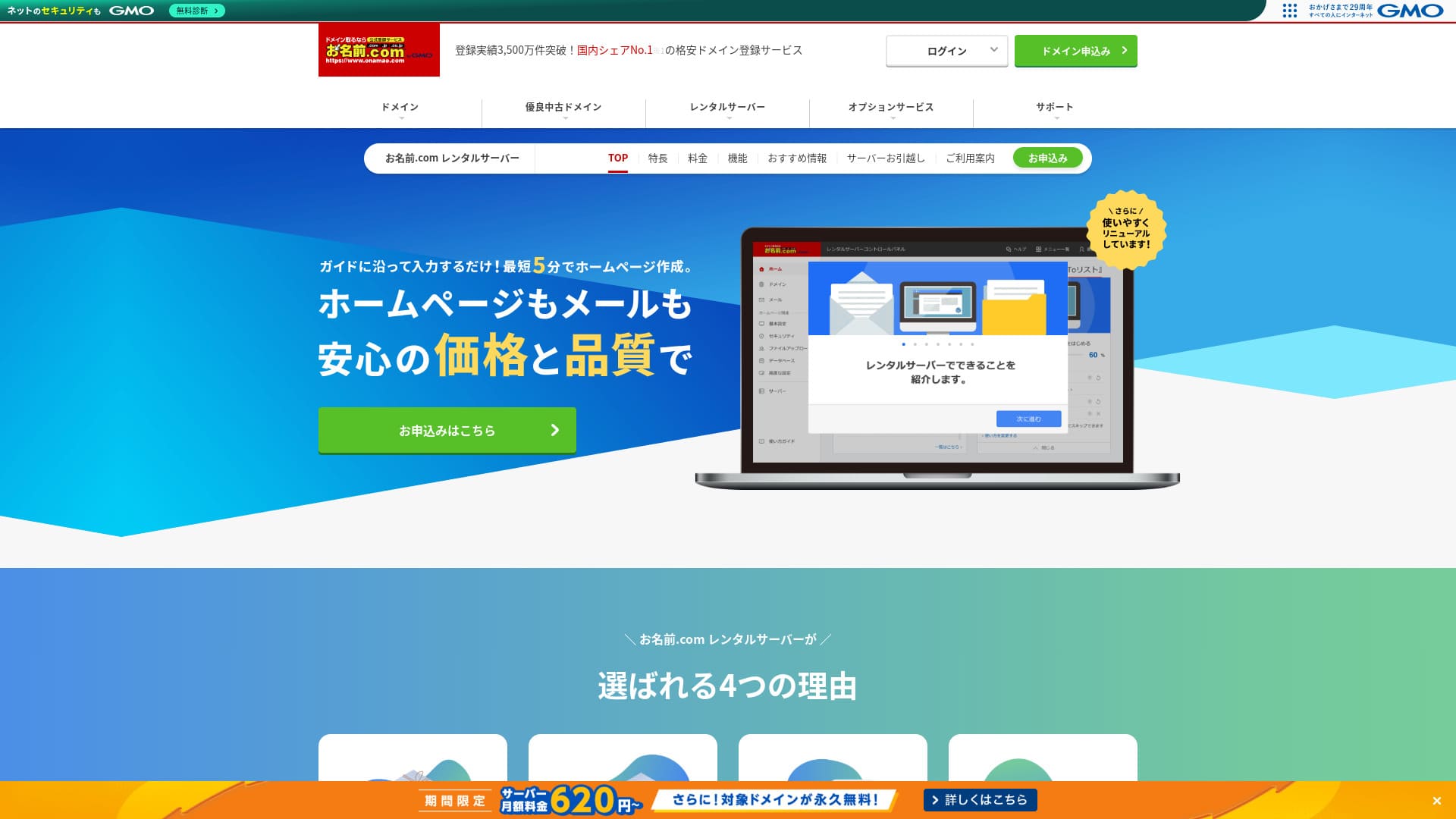
「 onamae.com Rental Server” has been used by both individuals and businesses. It is Japan’s largest domain registration service, and being able to manage your domain and server together is a major advantage. It makes email, website, and domain management easier across the board.

| Server tür | Shared sunucu |
| Display speed (TTFB) | Not measured |
| Recommended plan and contract term | 12 months |
| Trial / money-back guarantee | None |
| Monthly fee (12-month contract) | 2,398 yen |
| Initial setup fee | Ücretsiz |
| Ücretsiz domain | 1 free forever |
| Support | Telefon, e-posta ve sohbet (hafta içi 10:00-18:00) |
| Uptime | 99.99% guaranteed |
| Server storage | 1TB |
| Number of databases | Unlimited |
| Security measures | WAF / access restrictions / ads.txt / SiteLock |
| SSL | Free SSL / AlphaSSL |
| Backup / restore | 14-gün automatic backups / Free restoration |
| Number of email accounts | Unlimited |
| Email security measures | Spam filter and virus scanning / SMTP over SSL, POP over SSL / IMAP / restriction on outbound mail from overseas / blacklist and whitelist |
| Server / website migration service | No migration service Migration tool available |
| Easy WordPress installation | Yes |
| CDN | None |
Five features of Onamae.com Rental Server

99.99% uptime
onamae.com Rental Server %99,99 çalışma süresine sahiptir. Sunucu oldukça kararlıdır.Sunucu kararlı olduğu için web sitenizin görüntülenmesi de istikrarlı kalır.
Because it reaches the 99.99% benchmark for high uptime, total downtime over a one-year contract does not even reach one hour.
★ A Beginner's Guide to Understanding Rental Server Uptime and SLAs
Comprehensive email features
onamae.com Rental Server is run by a company that specializes in domain services, and its email features are comprehensive.
The number of email accounts is unlimited. You can also create unlimited mailing lists, which makes it convenient for companies that want to create corporate email accounts and distribute messages to employees without restrictions.
The email virus removal feature is also available at no extra charge, so you can use the email service with confidence.
14-gün automatic backups
onamae.com Rental Server includes a 14-gün automatic backup feature.
Because backup data is kept, your site can be restored even if you accidentally delete website data or it gets tampered with in a cyberattack.
That lets you operate your website with peace of mind.
Unlimited data transfer
onamae.com Rental Server offers unlimited data transfer.
Trafik arttığında transfer kapasitenizin tükenmesi nedeniyle siteyi sunamaz hale geldiğiniz bir durumla karşılaşmazsınız.
★ What Are Traffic and Data Transfer? Managing and Optimizing Web Traffic
Küçük ve orta ölçekli şirketler dahil olmak üzere ticari kullanım için uygun fiyatlıdır
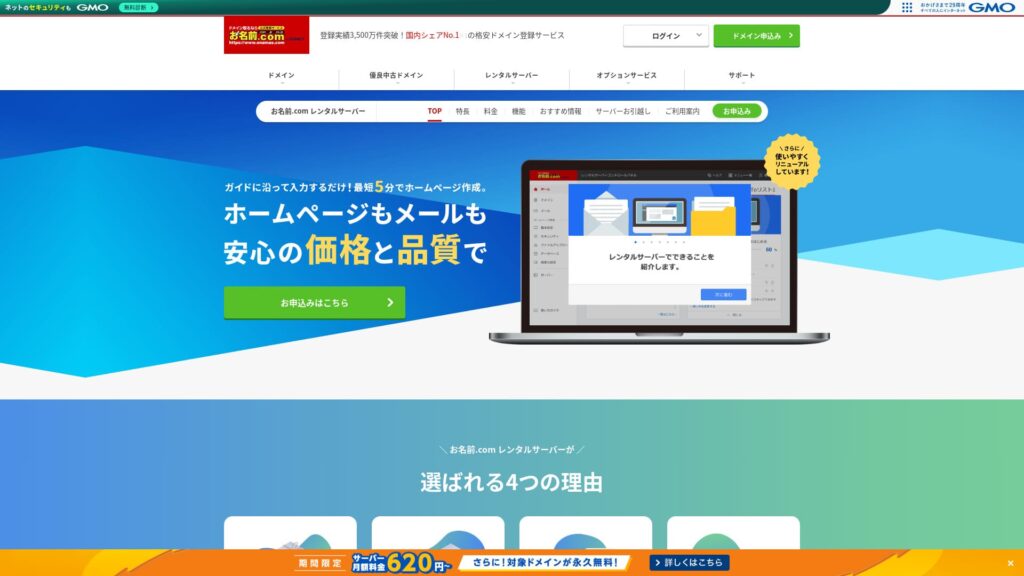
「 onamae.com Rental Server” GMO Internet Group bünyesindeki alan adı yönetim şirketi olarak iyi bilinir. Ticari kullanım için en uygun fiyatlı sunuculardan biridir. Alan adı odaklı bir şirket olduğu için özellikle e-posta operasyonlarında güçlüdür. Web sitesini ve e-postalarını birlikte yönetmek isteyen şirketler için iyi bir seçenektir.
Eligible domains ücretsiz forever
onamae.com Rental Server hem bireysel kullanıcılar hem de işletmeler için uygundur, çünkü çalışma süresi yüksek ve kararlıdır, ayrıca e-posta özellikleri kapsamlıdır.
Even so, küçük ve orta ölçekli şirketler ile diğer kuruluşların ticari kullanımı için değerlendirdiğinizde rakip hizmetlerden daha ucuzdur.That makes it a strong option for companies that want to keep maliyets down.
A drawback of Onamae.com Rental Server is that it has only one plan

One disappuaning puan is that onamae.com Rental Server only has one plan.While it is nice to have more features and specs than you may ever fully use, it would be even nicer if there were a cheaper plan that limited some of them.
Site trafiğinize göre bir plan seçebilseydiniz işletme maliyetlerini düşürmek daha kolay olurdu, bu nedenle gelecekte değişmesini umduğum bir nokta.
Bununla birlikte, yalnızca tek bir planın olması basit ve anlaşılması kolaydır. Pahalı gelirse başka bir sunucu seçebilirsiniz, fiyatı kabul edilebilir bulursanız yüksek işlevselliği sayesinde uzun vadede kullanmaya devam edebilirsiniz.
Onamae.com Kiralık Sunucusunu benzer iki sunucuyla karşılaştırın
ConoHa WING
ConoHa WING WordPress'i başlatmayı kolaylaştıran bir sunucudur. Kaydolduğunuzda alan adı ve WordPress ayarları tamamlandığı için web sitenizi güvenle yayına alabilirsiniz.
Because multiple plans are available, you can scale up the specs when you need to.
However, Onamae.com Rental Server is cheaper in the first year.

ConoHa WING Review: Testing the Reasons 750,000 Users Choose It, Plus Its Speed, Pros, and Cons
ConoHa WING Review: Testing the Reasons 750,000 Users Choose It, Plus Its Speed, Pros, and Cons
serverfield.org
Xserver
Xserver da %99,99 çalışma süresiyle kararlı bir sunucudur. Özellikleri ve teknik detayları, birini diğerinin açıkça üstüne koymayı zorlaştıracak kadar güçlüdür.
It is also a sunucu that makes WordPress easy to start. If you use “WordPress Quick Start,” WordPress is preinstalled when you sign up.Bu, sunucu konularında yeni olanların bile WordPress'e güvenle başlayabileceği anlamına gelir.
Ancak, Onamae.com Kiralık Sunucusu ilk yıl daha ucuz olduğundan, maliyet karar verirken göz önünde bulundurmanız gereken bir unsurdur.

Xserver Review [2025 Edition]: A Thorough Look at Speed, Pricing, Pros, and Cons
Xserver Review [2025 Edition]: A Thorough Look at Speed, Pricing, Pros, and Cons
serverfield.org
Five steps to start a WordPress website with Onamae.com Rental Server right now
Let’s start your website with Onamae.com Rental Server
- STEP.1Visit the official site: Onamae.com Rental Server
Click “Apply now.”
- STEP.2Sunucu için başvurun ve alan adınızı alın
Choose a billing term. I recommend the 12-month payment option because the discount is larger.
Alan adınızı seçin. “Özel alan adı başvurusu yap” seçeneğini seçin. Bu sayede alan adı ile sunucuyu manuel olarak bağlama gibi işleri atlamış olursunuz.
In the application details, if this is your first time, set your email address and password. Agree to the terms of use and privacy policy, then click “Next.”
Enter the domain string you want and search for it.
★ What Is a Domain? Its Role as an Address on the Internet and How to Get One
“.com” veya “.co.jp” gibi bir kök alan adı seçebilirsiniz. Tescil ve yenileme maliyetleri kök alan adına göre değişir. Hangisini seçeceğinizden emin değilseniz, işletmeler için mümkün olduğunca “.co.jp”yi öneririm. Bireysel kullanıcılar için “.com” ve “.net” iyi seçimlerdir çünkü tanıdıktırlar ve ziyaretçilere şüpheli görünme olasılıkları daha düşüktür.
Check the domain you want and click “Proceed to application.”
Choose the number of years for domain registration. It is fine to leave the optional services unchecked.
Ödeme bilgilerinizi girin. Web sitenizi hemen başlatabilmeniz için kredi kartıyla ödeme yapmanızı öneririm. Her şey doğruysa “Başvuruyu tamamla” seçeneğine tıklayın. Bu, hem sunucu başvurusunu hem de alan adı kaydını tamamlar.
- STEP.3Install WordPress
“Onamae.com Navi Girişi” üzerinden oturum açın.
“Kiralık Sunucu” bölümünden “Kullanımdaki kiralık sunucuların listesi” seçeneğine tıklayın. Yeni başvurduğunuz alan adı burada listelenecektir. WordPress'i kurmak istediğiniz alan adı için “Giriş Yap” seçeneğine tıklayın.
Kontrol paneli şifre kurulum ekranı görünür. Yeni bir şifre oluşturun. Yönergeleri takip etmeye devam ettikçe WordPress web sitesi oluşturma ekranına ulaşırsınız. “Oluştur” seçeneğine tıklayın.
Click “Create a new site if this is your first one.”
Choose the domain you already obtained. You do not need to add any extra text. Click “Enter information.”
Kullanıcı ayarlarını girin.
- Website title: Anything is fine. You can easily change it later.
- Email address: Genellikle kontrol ettiğiniz bir adres kullanın. Şirketler için web sitesi yöneticisinin kurumsal e-posta adresi en iyisidir.
- Password: Make it as complex as possible. You can easily change it later.
After filling everything in, click “Confirm.”
E-posta adresini ve şifreyi WordPress'e giriş yaparken kullanacaksınız. Onları kaydettiğinizden emin olun.After confirming the details, click “Create.”
Your database information will be shown. Save it.You will need it when editing the database.
- STEP.4Initial WordPress setup
“Listeye git” seçeneğine tıklayın. WordPress sitelerinin bir listesi görünecektir, az önce kurduğunuz site için “Giriş Yap” seçeneğine tıklayın.
WordPress giriş ekranında, kurulum sırasında belirlediğiniz kullanıcı adını ve şifreyi girip “Giriş yap” butonuna tıklayın.
WordPress'e giriş yaptıktan sonra kalıcı bağlantılarınızı ayarlayın. WordPress kontrol panelinde “Ayarlar” ve ardından “Kalıcı Bağlantılar” bölümüne gidin. “Yazı ismi” seçeneğini seçin ve ardından “Değişiklikleri kaydet” seçeneğine tıklayın.
With “Post name,” you can enter whatever string you want in each article URL. I recommend a short string that helps readers imagine the article content. If it gets too long, some people may worry that the site looks suspicious.
- STEP.5Install plugins
Return to the WordPress dashboard, go to “Plugins,” then “Add New,” and install the plugins you need.
When you find a plugin you want by searching, click “Install Now” and then “Activate.” After that, follow the instructions for each plugin.
Be sure to install security and backup plugins.
- Five WordPress Security Plugins and How to Choose Them
- Five Powerful WordPress Backup Plugins to Help You Recover Data
Once your plugins are installed, your WordPress website is ready to go!
Summary
「 onamae.com Rental Server” hem bireyler hem de işletmeler tarafından kullanılmaktadır. Japonya'nın en büyük alan adı tescil servisidir ve alan adınızı ile sunucunuzu birlikte yönetebilmek büyük bir avantajdır. E-posta, web sitesi ve alan adı yönetimini genel olarak kolaylaştırır.
Eligible domains free forever
onamae.com Rental Server %99,99 çalışma süresiyle kararlı bir sunucudur. Özellikleri ve teknik detayları hem bireysel kullanıcıların hem de işletmelerin güvenle kullanabileceği kadar güçlüdir. Deneyin.
Complete Comparison of 32 WordPress Rental Servers: Recommendations by Personal, Business, and Overseas Use
"WordPress'e başlamak istiyorum" diye düşünüp "WordPress önerileri" araması yaptığınızda, kişisel kullanım hizmetlerinden şirketler ve küçük işletmeler için sunuculara, yurt dışı ve düşük maliyetli seçeneklere kadar her türlü makaleyi görürsünüz. Dürüst olmak gerekirse,
- Which site should I read?
- I just want to choose a server simply and clearly.
- Show me how to start WordPress right away.
Do you ever feel that way? This article introduces bireyler, işletmeler, yurt içi kullanım ve yurt dışı kullanım için 32 kiralık sunucu arasından özenle seçilmiş öneriler. Kiralık sunucularla her gün çalışan bir uygulama geliştirme şirketinin SEO sorumlusu tarafından açıklanmaktadır.