50% cashback until August 6, 2025, plus a 10-day free trial
PR
Сервери
21 рекомендований сервіс хостингу WordPress для приватних користувачів: порівняння та як обрати
Опубліковано: 2025.08.26
Оновлено: 2025.08.26

Якщо ви плануєте створити вебсайт або блог на WordPress, ця стаття детально пояснить все необхідне та запропонує конкретні варіанти для вибору правильного хостингу. Від базових принципів роботи хостингу до того, як обрати сервер відповідно до ваших цілей та рівня підготовки — ми допоможемо вам розібратися в цьому крок за кроком.
Порівняння Table of 21 рекомендовані хостинг WordPress сервіси for приватних користувачів
- Based on market research as of November 4, 2025, sorted by speed
- Monthly price is the first-year cost of the cheapest plan that can run WordPress
- Швидкість — це час до першого байта (Time to First Byte, TTFB), виміряний на демо-сайтах за однакових умов
[2025 Latest] детальний Порівняння of 21 рекомендовані хостинг WordPress сервіси
From here, I will introduce specific hosting services by dividing them into four categories: high performance and speed, cost performance, specialized strengths, and budget entry-level options.
4 преміум-сервери, орієнтовані на високу продуктивність та швидкість
Це сервери для тих, для кого швидкість та стабільність сайту є головним пріоритетом.
Xserver: № 1 за часткою на ринку Японії завдяки високій стабільності та швидкості
Це перевірений та надзвичайно надійний хостинг, послугами якого користується найбільше вебсайтів в Японії. Він вирізняється високими технічними характеристиками сервера, стабільною безперебійною роботою (uptime) та надійною системою підтримки, заслуговуючи на довіру як приватних осіб, так і великих компаній.

Hikaru Ono
In terms of performance, quality, and reliability, everything is high level. And yet Xserver is still reasonably priced. If I had to compare it to a car, it feels like a Toyota Camry.

Огляд XServer [найновіше за 2025 рік]: детальне пояснення швидкості, цін, переваг та недоліків
Огляд XServer [найновіше за 2025 рік]: детальне пояснення швидкості, цін, переваг та недоліків
serverfield.org
Hostinger: справжній король вигідного співвідношення ціни та якості
Hikaru Ono
When you need the final answer to a speed problem, that answer is Kinsta.

【Hostinger】 is a major hosting provider that started in Lithuania and now serves more than 29 million users across 178 countries worldwide.Its biggest strength is that it combines some of the lowest prices in the industry with an ultra-fast TTFB of 31 ms.
Плани віртуального хостингу Hostinger починаються приблизно від 200 єн на місяць за тариф Single Web Hosting. Старший план Premium Web Hosting, який коштує близько 500 єн на місяць, пропонує необмежену кількість сайтів, 100 ГБ пам'яті SSD та необмежену пропускну здатність. Кожен тарифний план включає безкоштовний SSL-сертифікат, щотижневе автоматичне резервне копіювання та цілодобову службу підтримки клієнтів.
Hostinger використовує власну панель керування hPanel, яка є інтуїтивно зрозумілою та простою в роботі. Завдяки дата-центрам в Азійсько-Тихоокеанському регіоні він також демонструє чудову продуктивність в Японії. Також тут є зручна автоматична установка WordPress, що дозволяє запустити сайт усього за кілька хвилин.
Hostinger чудово підходить для індивідуальних блогерів та малого бізнесу, для яких ціна є пріоритетом. З іншого боку, якщо вам потрібні глибоке індивідуальне налаштування або підтримка корпоративного рівня, варто розглянути послуги преміум-класу.
Hikaru Ono
What impressed me most was how easy hPanel was to use despite being feature-rich. Because the management interface is available in Japanese, you can use it without worrying about English.
ConoHa WING: Overwhelming Page швидкість Powered by Modern Technology
[No. 7] XServer: the proven performance behind Japan's largest market share
Він добре відомий високою швидкістю роботи, в тому числі завдяки використанню вебсервера LiteSpeed. Проста панель керування, відсутність плати за налаштування та пакет WING Pack, який дає до двох безкоштовних доменів назавжди, роблять його надзвичайно вигідним.
Використовуючи інструмент написання текстів ConoHa Pencil на базі ШІ та генератор зображень AI Canvas на базі ШІ, навіть люди без досвіду ведення блогів зможуть створювати високоякісні статті.
Hikaru Ono
This site is also run on ConoHa WING.

Огляд ConoHa WING: тестування швидкості, переваг та недоліків, завдяки яким його обирають 750 000 користувачів
Огляд ConoHa WING: тестування швидкості, переваг та недоліків, завдяки яким його обирають 750 000 користувачів
serverfield.org
mixhost: гнучкість хмари та висока вигідність
30-day free trial
Завдяки використанню хмарних технологій він може працювати стабільно, не зазнаючи значного впливу з боку інших користувачів. Він одним із перших в Японії впровадив вебсервер LiteSpeed і відомий високою швидкістю відображення сторінок. А з 30-денною гарантією повернення коштів його дуже легко спробувати.

Огляд mixhost [найновіше за 2025 рік]: детальний аналіз швидкого сервера з глобальним охопленням та чудовим захистом
Огляд mixhost [найновіше за 2025 рік]: детальний аналіз швидкого сервера з глобальним охопленням та чудовим захистом
serverfield.org
Shin Rental Server: How Strong Xсервер's New Brand Really Is
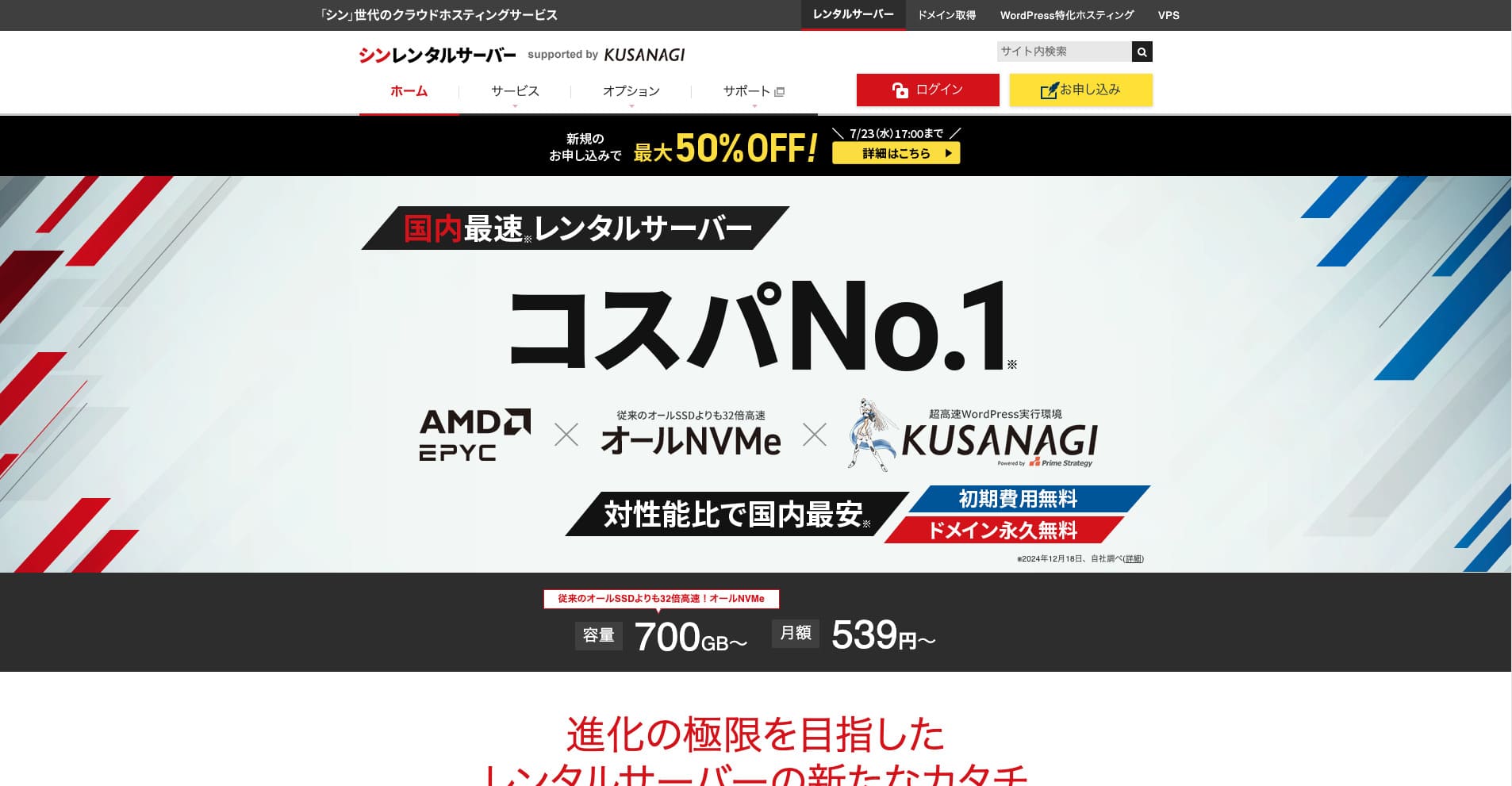
Shin Rental Server — це високошвидкісний орендований сервер від компанії ShinCloud Co., Ltd. Його доступна ціна робить його привабливим навіть для індивідуальних користувачів. Крім того, он регулярно проводить кампанії, тому найкращий час для реєстрації — під час дії кампанії.

| Server type | Shared hosting |
| Response speed (TTFB) | 200ms |
| Рекомендований план та термін | Basic, 12 months |
| Trial / free period | 10-day free trial |
| Monthly price (12-month contract) | 880 yen |
| Initial setup fee | безкоштовний |
| безкоштовний domain | Один free forever |
| підтримка | Phone and email (weekdays 10:00-18:00) |
| Uptime | Not disclosed |
| Storage | 700GB |
| Number of databases | Unlimited |
| безпека measures | SECOM security diagnostics, WAF, ads.txt, login attempt limits, restrictions on access from overseas IP addresses, bulk comment and trackback limits, restrictions on comments and trackbacks from overseas IP addresses, antivirus, spam filter |
| SSL | безкоштовний dedicated SSL, optional dedicated SSL |
| резервне копіювання / restore | 14 days of automatic backups for free, free restore |
| Number of email accounts | Unlimited |
| електронна пошта security | POP over SSL, SMTP over SSL, IMAP over SSL, DKIM, DMARC |
| Server / website migration service | None |
| WordPress preinstalled | Yes |
| CDN | None |
Based on the system that powers Xserver, it actively adopts the latest technology. It is an up-and-coming hosting service that delivers high performance while staying cheaper than Xserver, which is why it has attracted users who care about cost performance.
6 Balanced Servers Focused on вартість продуктивність
Ці сервери пропонують гарний баланс швидкості, функцій та ціни й можуть задовольнити широке коло потреб.
Lolipop!: How This Long-Established Beginner-Friendly Server Has Evolved
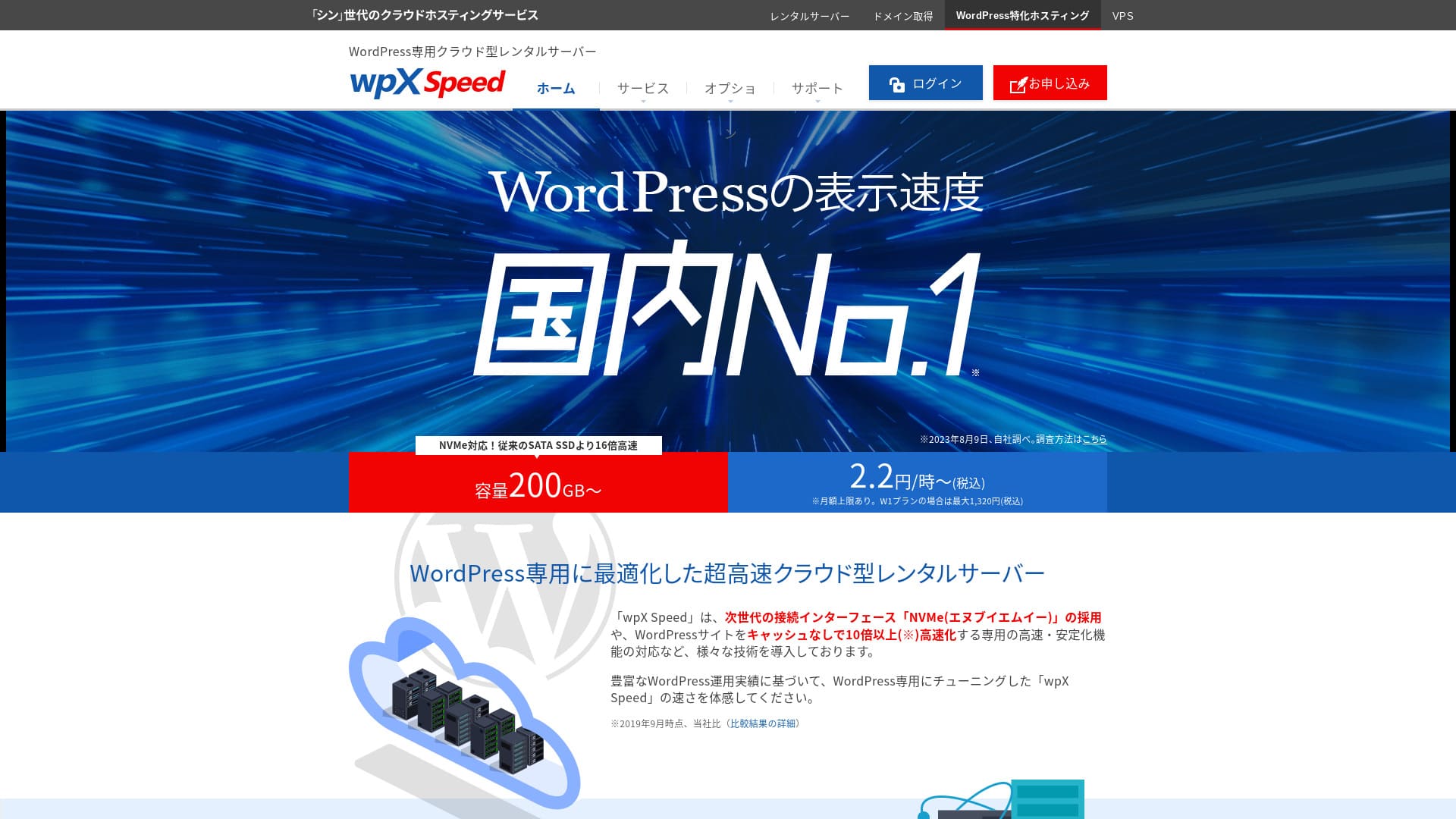
"wpX Speed" is a cloud-based hosting service from ShinCloud. Its pay-as-you-go system starts at 2.2 yen per hour, so it is easy to begin with. Features such as reserved resources and automatic scale-up keep performance comfortable in a very cloud-like way.
14-day free trial
LOLIPOP — хостинг з багаторічним досвідом роботи. Останніми роками його продуктивність суттєво зросла завдяки таким планам, як High Speed, і він надає достатні технічні характеристики за доступною ціною. Зрозуміла панель керування та детальні інструкції також полегшують роботу для початківців.
Hikaru Ono
The first WordPress blog I ever built was on LOLIPOP. Я вибрав цей варіант з міркувань вартості, оскільки вважав, що орендувати дорогий сервер і згодом закинути ведення блогу було б марнотратством.
Pricing starts at 1,320 yen per month on a 12-month contract, and free SSL plus automatic backups are included by default.
Star Rental Server: Netowl's High-Value Server

[No. 4] Lolipop!: a fast host with outstanding value
It is provided by a company related to Xserver and Shin Rental Server, і забезпечує стабільну якість за низькою ціною. Завдяки безкоштовному SSL, SSD-накопичувачам та іншим ключовим функціям, цей сервер має відмінне співвідношення ціни та якості.

Огляд Star Rental Server [випущено 19 грудня 2024 року]: переваги та недоліки вигідного сервера, який можна використовувати навіть на безкоштовних планах
Огляд Star Rental Server [випущено 19 грудня 2024 року]: переваги та недоліки вигідного сервера, який можна використовувати навіть на безкоштовних планах
serverfield.org
ColorfulBox: Strong Appeal in Region-Separated Automatic резервні копії
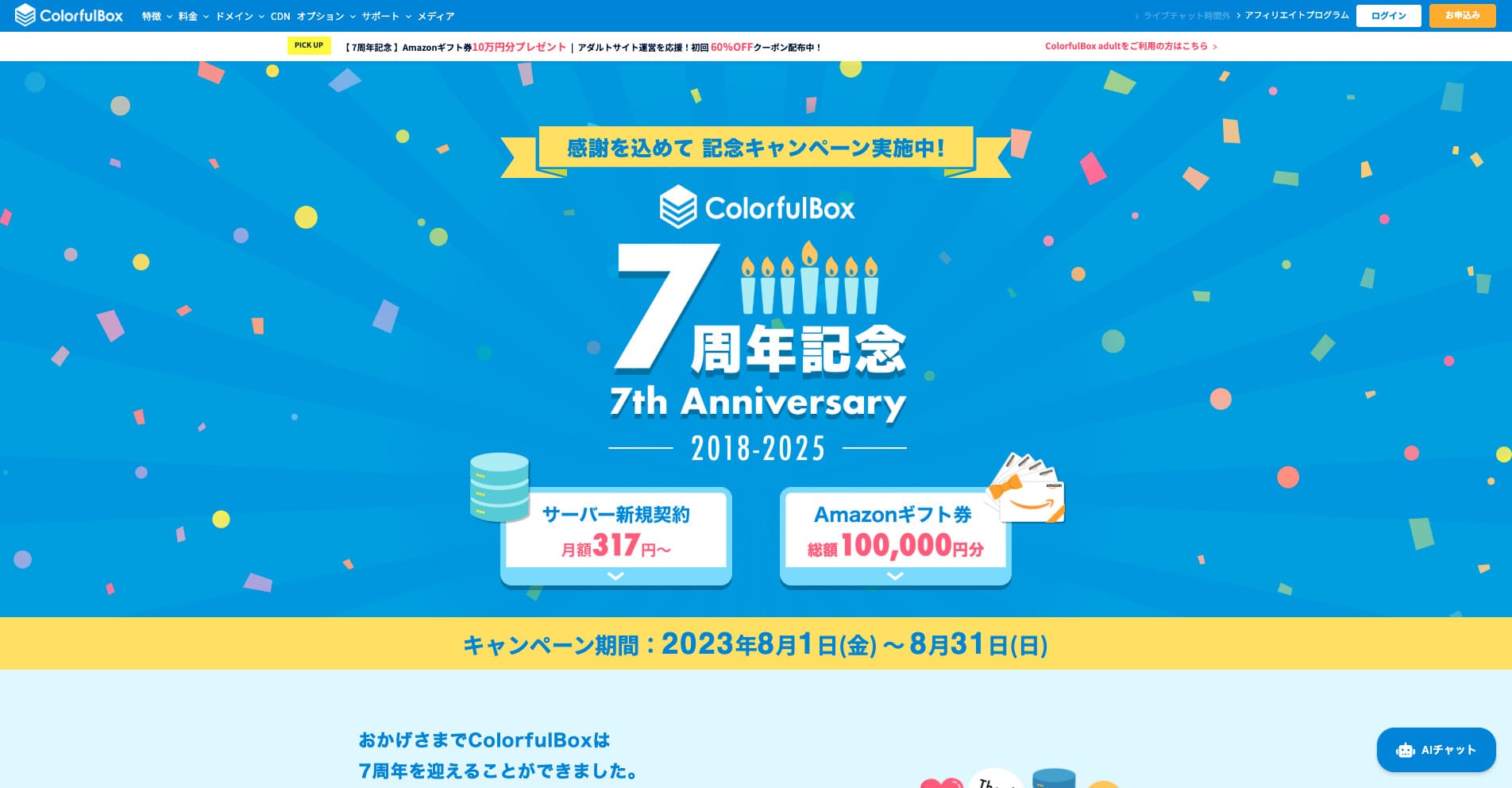
“ColorfulBox” is a hosting service with excellent region-specific automatic backups, making it easy to use with confidence. It has eight plans, so you can use the right level of performance without wasting money. It is also one of the few hosts that provides support 24 hours a day.
Знижки до 50% на послуги сервера до 31 серпня 2025 року, а також подарункова карта Amazon на суму до 10 000 єн та 30-денний безкоштовний пробний період

| Server type | Shared hosting |
| Biggest strength | A wide range of plans |
| швидкість (TTFB) | 190ms |
| Рекомендований план та термін | BOX1 / 12 months |
| Trial / money-back guarantee | 30-day money-back guarantee |
| Monthly fee (12-month term) | 638 yen |
| Setup fee | безкоштовний |
| безкоштовний domain | None |
| підтримка | бізнес hours: weekdays 09:30-12:00, 13:00-17:30 Phone (24-hour reception), callback (BOX7 and above), chat, LINE, and email |
| Uptime | Not disclosed |
| Storage | 200GB |
| Databases | Unlimited |
| безпека | WAF, IPS, IDS, virus scanning, СайтLock (paid) |
| SSL | безкоштовний SSL, dedicated SSL, shared SSL |
| резервне копіювання / restore | 14 days of region-based automatic backups included; restores are free |
| електронна пошта accounts | Unlimited |
| електронна пошта security | Шифрування електронної пошти, POP/POP3S / SMTP/SMTPS, IMAP/IMAPS, антивірусна перевірка, спам-фільтри та власні фільтри |
| WordPress preinstalled | Yes |
| Server / website migration service | безкоштовний |
| CDN | 440 yen and up |
Цей сервер має високу стійкість до стихійних лих завдяки дата-центрам у Токіо та Осаці, які автоматично створюють окремі резервні копії ваших даних за регіонами за останні 14 днів. Він використовує cPanel — панель керування світового стандарту, та дозволяє гнучко змінювати тарифні плани.

Огляд ColorfulBox [найновіше за 2025 рік]: запуск WordPress із винятковим співвідношенням ціни та якості
Огляд ColorfulBox [найновіше за 2025 рік]: запуск WordPress із винятковим співвідношенням ціни та якості
serverfield.org
Rakko Server: нова послуга від компанії, відомої своїми інструментами для SEO
З технічної сторони, інтеграція з плагіном LiteSpeed Cache може значно підвищити швидкість відображення WordPress. Завдяки використанню PHP у режимі модуля (module mode) він також може обробляти запити приблизно вдесятеро швидше, ніж старіший підхід на основі CGI.
Pricing starts at 550 yen per month on a 36-month contract, making it highly approachable for personal blogs and small business sites.
Це послуга хостингу від компанії Rakko Inc., відомої своїми інструментами для SEO. Вона використовує швидкі сервери LiteSpeed, а за допомогою функції швидкого запуску блогу ви можете за короткий час пройти шлях від придбання домену до встановлення WordPress.
Rakko Inc. is a major player in the site trading industry. If you use Rakko Server, buying and selling websites is also easy.
Hikaru Ono
I have actually sold a blog myself. With legal support included, I was able to complete the transaction smoothly and with peace of mind.
Sakura Rental Server: The Reliability of a Long-Established Brand
"Little Server" is a budget hosting service. Excluding free hosts, it is one of the cheapest options for individuals, and it still uses NVMe SSD storage to pursue better speed.
З довгим послужним списком, що бере свій початок з 1996 року, це надзвичайно надійний сервер. Його використовує широке коло клієнтів — від приватних осіб до великих корпорацій, і він чудово підходить для сайтів, які ставлять у пріоритет стабільність або планують тривалу роботу.
Hikaru Ono
Sakura Internet is the only domestic company selected for the Japanese government cloud.
CORESERVER: A High-продуктивність Server Backed by GMO's Technical Strength
[No. 10] ColorfulBox: speed improved through regional optimization
Цей сервер обслуговується великою IT-компанією GMO Group і пропонує високопродуктивні плани, що базуються на сильному технічному досвіді. Лінійка VPS тут також є досить значною, що робить її придатною для найрізноманітніших цілей.
5 Specialized Servers Focused on Niche Strengths
Це сервери з функціями, призначеними під конкретні цілі або завдання.
wpX швидкість: An Ultra-Fast Server Dedicated to WordPress

| Server type | Shared сервер |
| Display speed (TTFB) | 40ms |
| Рекомендований план та період оплати | W1, 12 months |
| Trial / money-back guarantee | 14 days |
| Monthly fee (12-month plan) | 2.2 yen per hour*, up to 1,320 yen* |
| Initial setup fee | безкоштовний |
| безкоштовний domain | None |
| підтримка | Phone and email (weekdays 10:00-18:00) |
| Uptime | Not disclosed |
| Server storage | 200GB* |
| Number of databases | Unlimited |
| безпека measures | WAF, access restrictions from overseas IP addresses, login attempt limits, mass comment and trackback restrictions, restrictions on comments and trackbacks from overseas IP addresses |
| SSL | безкоштовний custom SSL, custom SSL |
| резервне копіювання / restore | 7 days of automatic backups free of charge, restore free of charge |
| Number of email accounts | Unlimited |
| електронна пошта security features | SMTP-AUTH, IMAP |
| Server / website migration service | None |
| WordPress pre-installation | None |
| CDN | None |
Це сервер від компанії Xserver Inc., спеціально оптимізований для прискорення роботи WordPress. Його функції кешування та інші налаштування адаптовані під WordPress, тому навіть без глибоких технічних знань ви зможете створити швидке середовище для сайту.
Hikaru Ono
Це надзвичайно швидкий сервер. За нашими вимірюваннями, його швидкість роботи посіла 2-ге місце, розділивши його з Xserver Business. No. 1 was Kinsta. At a monthly price in the 1,000-yen range, this speed is outstanding.
[No. 3] wpX швидкість: remarkable performance built specifically for WordPress
ABLENET Rental Server: Surprisingly Low Pricing with Long-Term Contracts
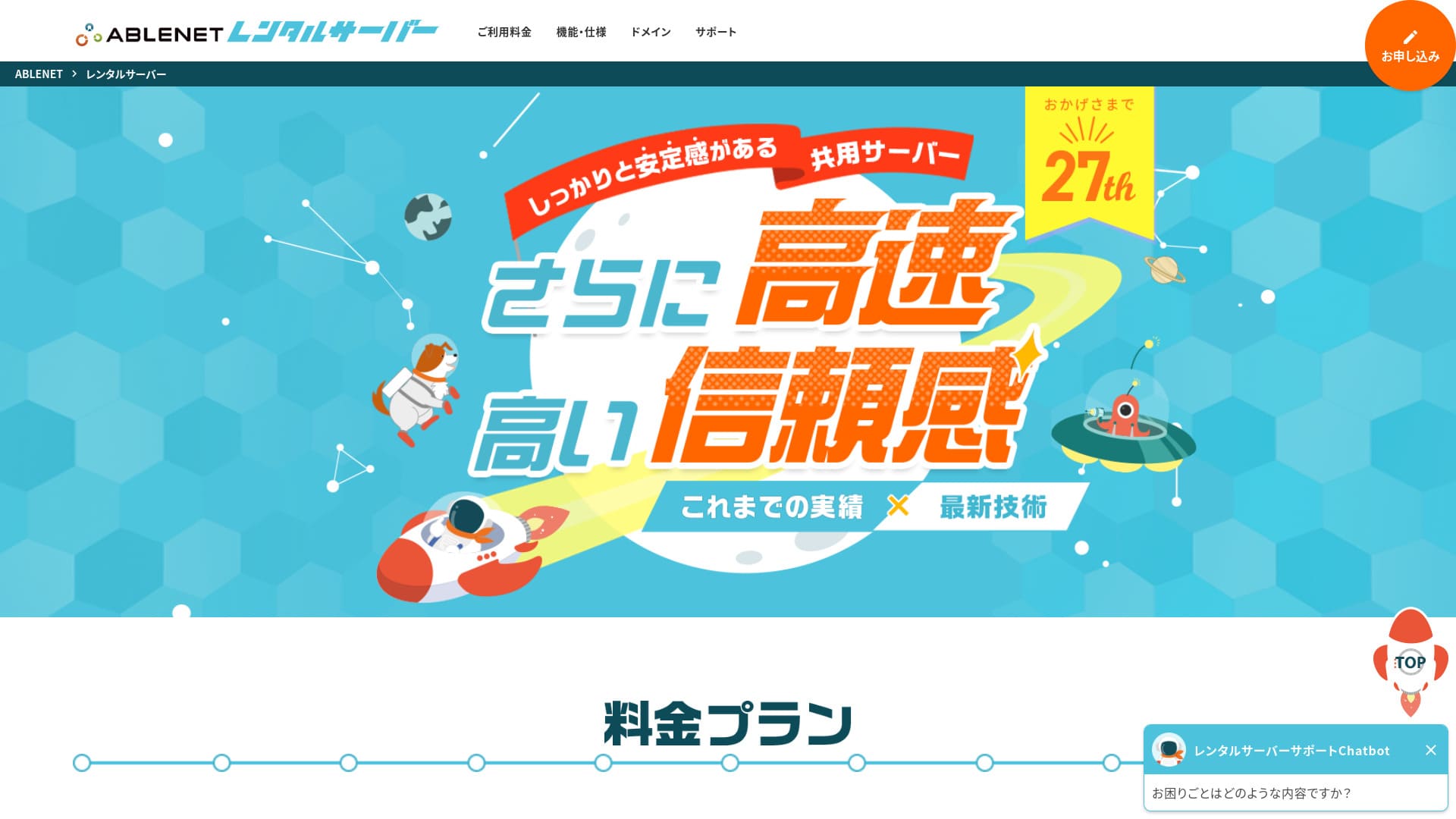
「 ABLENET RentalServer» — це віртуальний хостинг від компанії K&K Corporation. Він постійно пропонує безлімітний обсяг передачі даних і є піонером серед вітчизняних безлімітних серверів. 25 років стабільної роботи забезпечують спокій.
30-day money-back guarantee

| Server Type | Shared Server |
| Display швидкість (TTFB) | Not Measured |
| Рекомендований план та термін дії контракту | Lite Annual |
| Trial Period & Money-Back Guarantee | 30-Day Money-Back Guarantee |
| Monthly Fee (12-Month Contract) | 880 Yen |
| Initial Setup Fee | безкоштовний |
| безкоштовний домен | 1 домен безкоштовний Forever |
| підтримка | Operating Hours: Not Public електронна пошта |
| Uptime | 99.99% |
| Server Capacity | 300GB |
| Number of Databases | Unlimited |
| безпека Measures | WAF |
| SSL | безкоштовний Dedicated SSL, Optional Dedicated SSL |
| резервне копіювання/Restore | 14-Day Automatic резервне копіювання безкоштовний, Restore безкоштовний |
| Number of електронна пошта Accounts | Unlimited |
| електронна пошта безпека Measures | Spam Filter, Antivirus, Sending домен Authentication |
| Server/сайт Migration Assistance | None |
| WordPress Pre-installation | None |
| CDN | None |
Цей сервіс має давню історію надання послуг VPS (віртуальних приватних серверів) та солідний послужний список. Його знижки на довгострокові контракти є особливо вигідними, що робить його привабливим вибором для тих, хто шукає стабільне середовище за низькою ціною на тривалий термін.

Огляд орендованого сервера ABLENET: хороший він чи поганий? Детальний розбір функцій та відгуків реальних користувачів
Огляд орендованого сервера ABLENET: хороший він чи поганий? Детальний розбір функцій та відгуків реальних користувачів
serverfield.org
Heteml: A Feature-Rich Server for Creators
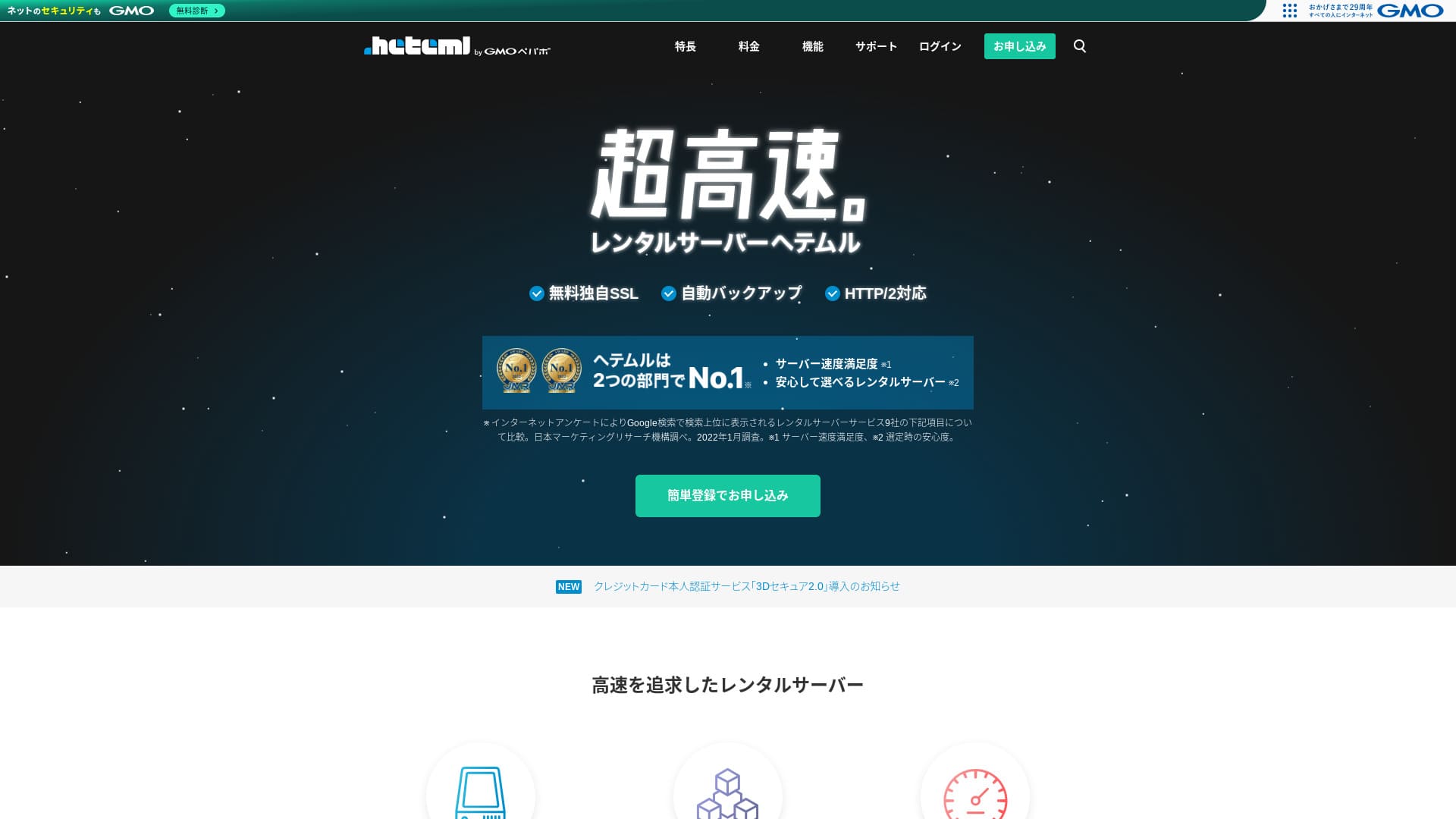
Heteml — це надшвидкий хостинг від GMO Pepabo. Ціна є дещо високою для приватних користувачів, але він розподіляє вебсервери, поштові сервери та сервери резервного копіювання, завдяки чому раптові сплески доступу не створюють єдиної точки відмови.
14-day free trial
| Server type | Shared hosting / Managed сервер |
| швидкість (TTFB) | Not measured |
| Рекомендований план та термін | 12-month contract |
| безкоштовний trial / money-back guarantee | None |
| Monthly price (12-month plan) | 2,035 yen |
| Initial setup fee | безкоштовний |
| безкоштовний domain | None |
| підтримка | Phone / електронна пошта / Chat (weekdays 10:00–18:00) |
| Uptime | 99.99% actual performance |
| Storage | 600GB |
| Number of databases | Unlimited |
| безпека features | WAF / Overseas Attack Guard / Device security |
| SSL | безкоштовний SSL / GlobalSign Quick Certification SSL / GlobalSign Organization Validation / GlobalSign EV |
| резервне копіювання / restore | 14-day automatic backups / Restoration 5,000 yen |
| Number of email accounts | Unlimited |
| електронна пошта security features | Spam filter / Virus scanning |
| Server / website migration service | WordPress migration service 33,000 yen / No migration tool |
| WordPress Easy Install | Yes |
| CDN | None |
It offers large disk space and rich features, and is popular with creators and agencies running multiple sites. Another of its strengths is its easy-to-use control panel.

Огляд та ціни на хостинг HETEML [найновіше за 2025 рік]: переваги та недоліки за відгуками користувачів
Огляд та ціни на хостинг HETEML [найновіше за 2025 рік]: переваги та недоліки за відгуками користувачів
serverfield.org
Орендований сервер Onamae.com: вигідніший у поєднанні з вашим доменом
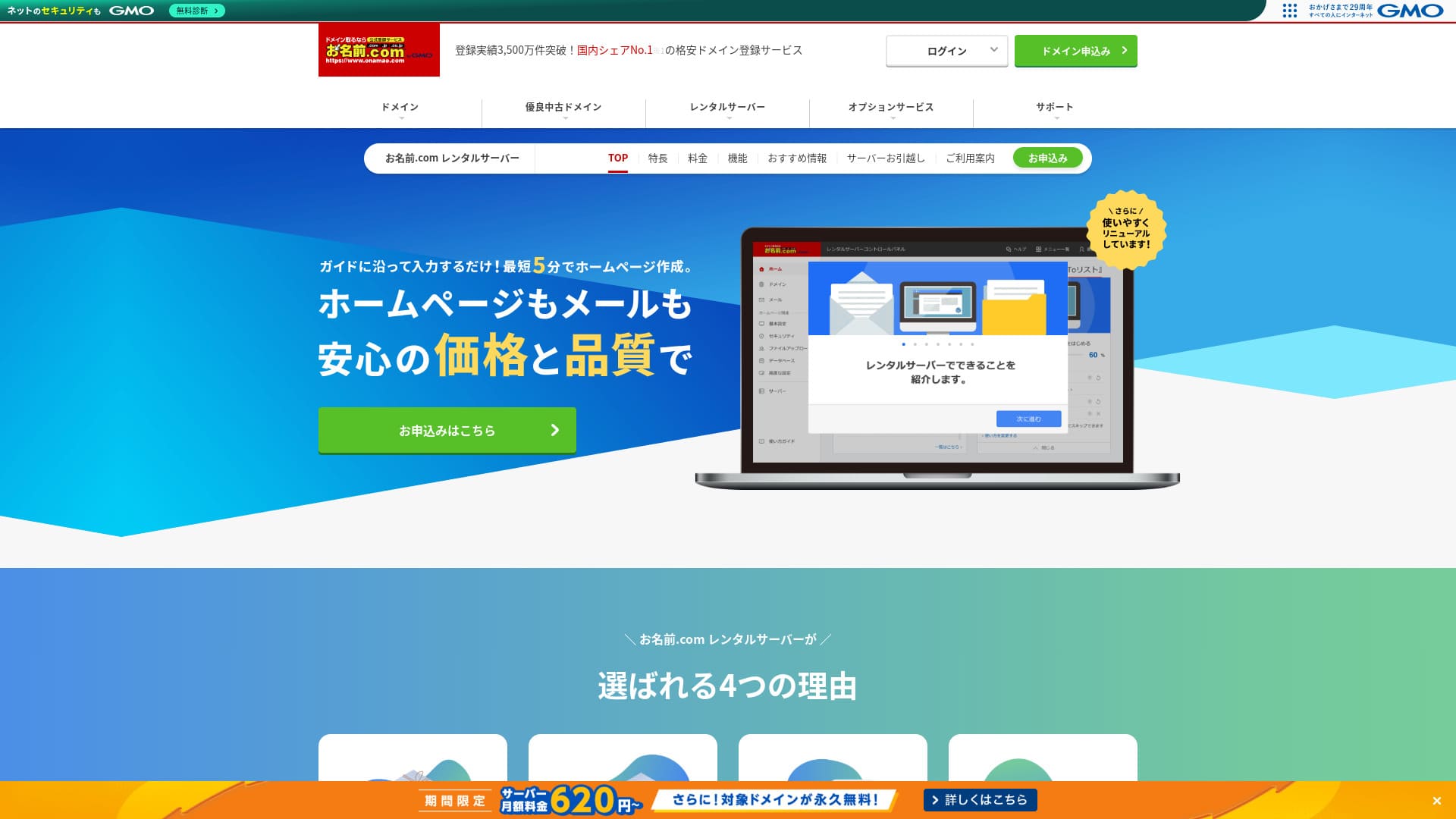
「 onamae.com Rental Server» використовується як приватними особами, так і компаніями. Це найбільший сервіс реєстрації доменів в Японії, і можливість керувати доменом та сервером разом є його значною перевагою. Це спрощує адміністрування електронної пошти, вебсайту та домену в цілому.
Eligible domains free forever

| Server type | Shared сервер |
| Display speed (TTFB) | Not measured |
| Рекомендований план та термін контракту | 12 months |
| Trial / money-back guarantee | None |
| Monthly fee (12-month contract) | 2,398 yen |
| Initial setup fee | безкоштовний |
| безкоштовний domain | 1 free forever |
| підтримка | Phone, email, and chat (weekdays 10:00-18:00) |
| Uptime | 99.99% guaranteed |
| Server storage | 1TB |
| Number of databases | Unlimited |
| безпека measures | WAF / access restrictions / ads.txt / СайтLock |
| SSL | безкоштовний SSL / AlphaSSL |
| резервне копіювання / restore | 14-day automatic backups / безкоштовний restoration |
| Number of email accounts | Unlimited |
| електронна пошта security measures | Spam filter and virus scanning / SMTP over SSL, POP over SSL / IMAP / restriction on outbound mail from overseas / blacklist and whitelist |
| Server / website migration service | No migration service Migration tool available |
| Easy WordPress installation | Yes |
| CDN | None |
Це послуга хостингу від Onamae.com, одного з найбільших реєстраторів доменів в Японії. Спільне керування доменом та сервером дозволяє отримувати знижки та спрощує адміністрування.

Огляд орендованого сервера Onamae.com: доступність 99.99%, стабільність та вигідна ціна
Огляд орендованого сервера Onamae.com: доступність 99.99%, стабільність та вигідна ціна
serverfield.org
MuuMuu Server: послуга хостингу від компанії, відомої як реєстратор доменів
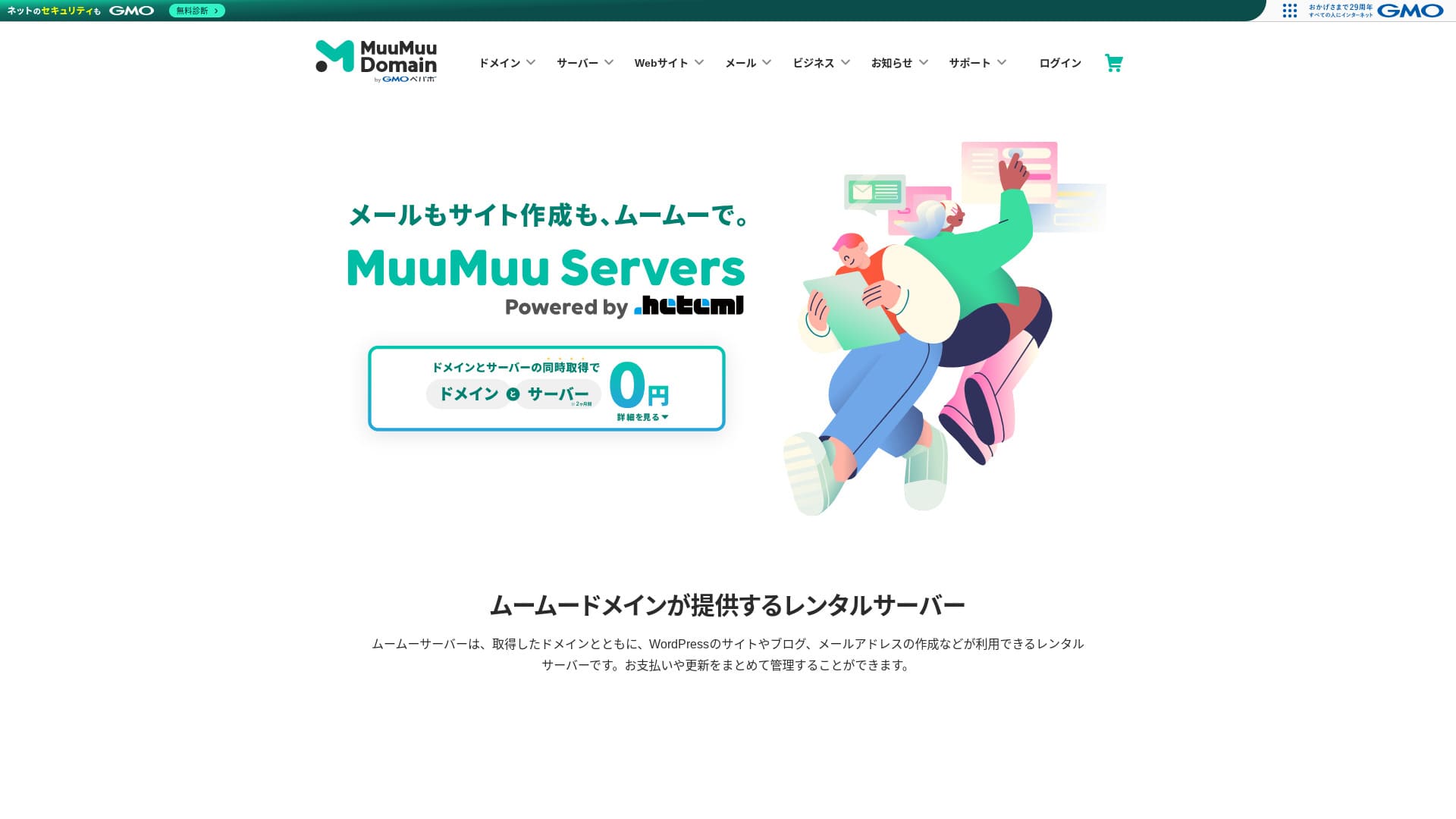
“MuuMuu Server» — це сервер від GMO Pepabo, Inc., який легко інтегрується з доменами та поштою. Завдяки тому, що він спрощує спільне керування доменом, сервером та поштою, він допомагає зменшити адміністративні витрати. Він також демонструє стабільний показник доступності (uptime) 99.99%.
2 months of сервер fees free

| Type of сервер | Shared hosting |
| швидкість (TTFB) | Not measured |
| Рекомендований план та термін контракту | 12-month contract |
| Trial / money-back guarantee | None |
| Monthly fee (12-month contract) | 1,430 yen |
| Setup fee | безкоштовний |
| безкоштовний domain | 1 free forever |
| підтримка | електронна пошта, chat (9:30-13:00, 14:00-17:30) |
| Uptime | 99.99% |
| Storage | 600GB |
| Number of databases | Unlimited |
| безпека measures | Virus scanning |
| SSL | безкоштовний SSL, dedicated SSL |
| резервне копіювання / restoration | 7 generations of backups included, restoration fee not stated |
| Number of email accounts | Not stated |
| електронна пошта security measures | Not stated |
| Server / website migration service | Not stated |
| WordPress preinstalled | None |
| CDN | None |
Він обслуговується компанією GMO Pepabo, яка також володіє сервісом MuuMuu Domain. Він плавно інтегрується з доменами, отриманими через MuuMuu Domain, а весь інтерфейс розроблений так, щоб бути зручним для початківців.

Огляд MuuMuu Server [видання 2024 року]: детальне порівняння цін, функцій, переваг та недоліків
Огляд MuuMuu Server [видання 2024 року]: детальне порівняння цін, функцій, переваг та недоліків
serverfield.org
5 недорогий Entry-Level Servers
These серверs are for people who want to start a site at low cost first.
Little Server: An Ultra-Budget Server Starting at 150 Yen per Month
Знижки до 53% на послуги сервера до 5 серпня 2025 року, два домени безкоштовно назавжди та перший місяць безкоштовно
It is offered from extremely low-priced plans, making it suitable for small sites or test environments. Although the price is low, it still covers the basics, such as using SSD storage.
Pricing starts at 1,089 yen per month on a 12-month contract, and WordPress migration support plus automatic backups are included by default.
Value Server: реальні можливості бюджетного бренду компанії GMO
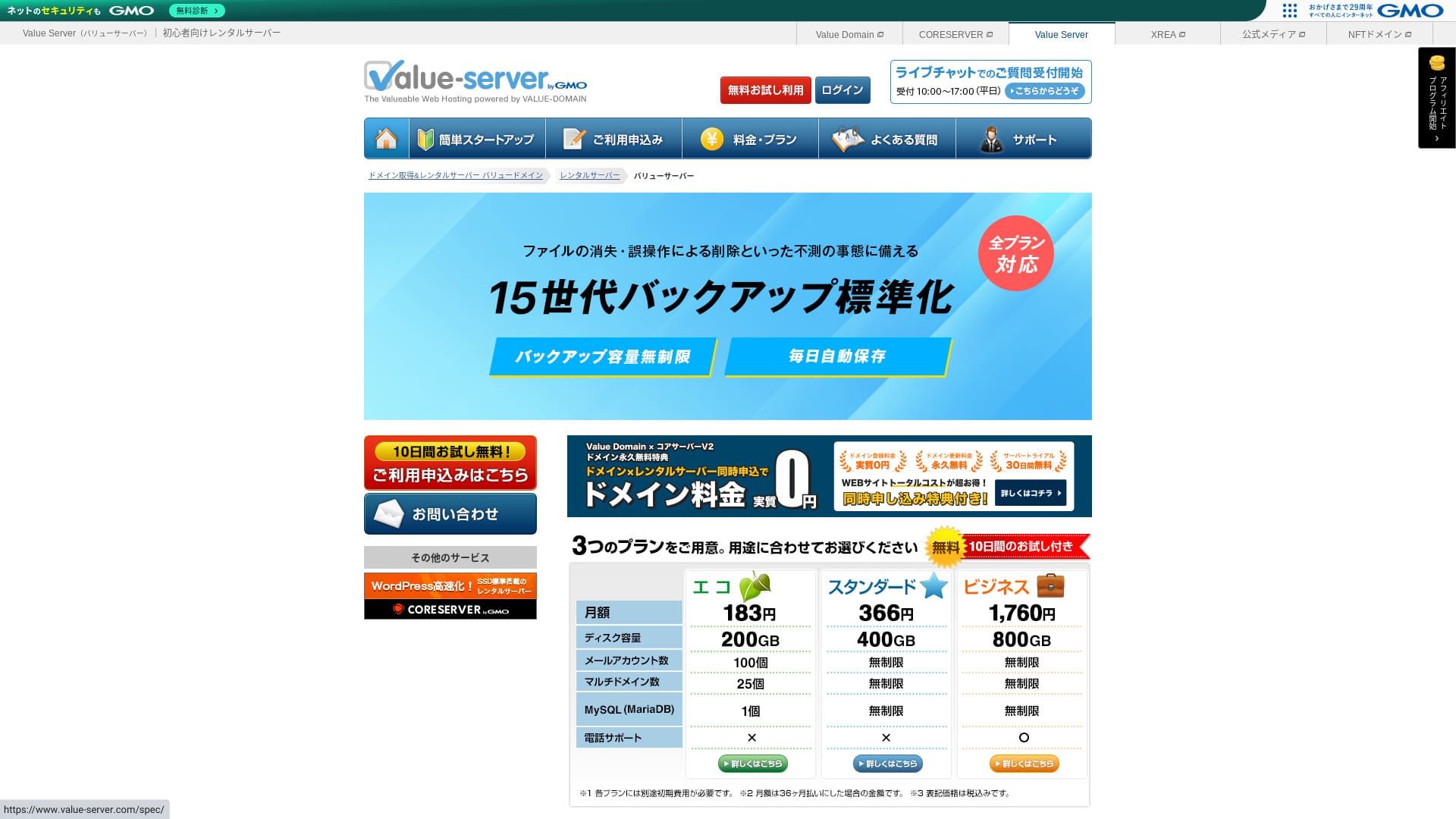
“Value Server» — це недорогий орендований сервер, що обслуговується компанією GMO Digirock, Inc. Незважаючи на доступну ціну для приватних осіб, він пропонує потужні функції, такі як безкоштовний загальний SSL та безкоштовне резервне копіювання з глибиною зберігання в 15 поколінь.
10-day free trial

| Server type | Shared сервер |
| Display speed (TTFB) | Not measured |
| Рекомендований план та термін контракту | Eco 12 months |
| Trial / money-back guarantee | None |
| Monthly fee (12-month contract) | 220 yen |
| Initial setup fee | безкоштовний |
| безкоштовний domain | None |
| підтримка | Електронна пошта та чат (будні 10:00-17:00) |
| Uptime | Not disclosed |
| Storage | 200GB |
| Number of databases | 1 |
| безпека measures | None |
| SSL | безкоштовний shared SSL, custom SSL |
| резервне копіювання / restore | 15 generations of backups free, restoration free |
| Number of email accounts | 3 |
| електронна пошта security measures | POP/POP3S, SMTP/SMTPS, IMAP/IMAPS, spam filter, virus filter, custom filters |
| Server / website migration service | None |
| WordPress preinstallation | None |
| CDN | None |
Цей недорогий сервер обслуговується компанією GMO Digirock і легко інтегрується з Value Domain. Він позиціонується вище за XREA і є практичним вибором, якщо вам потрібне більш стабільне середовище за низькою ціною.

Value Server Огляд [2025 Latest]: Start WordPress at a Bargain ціна
Value Server Огляд [2025 Latest]: Start WordPress at a Bargain ціна
serverfield.org
Shin безкоштовний Server: An Innovative сервіс That Lets You Use WordPress for безкоштовний
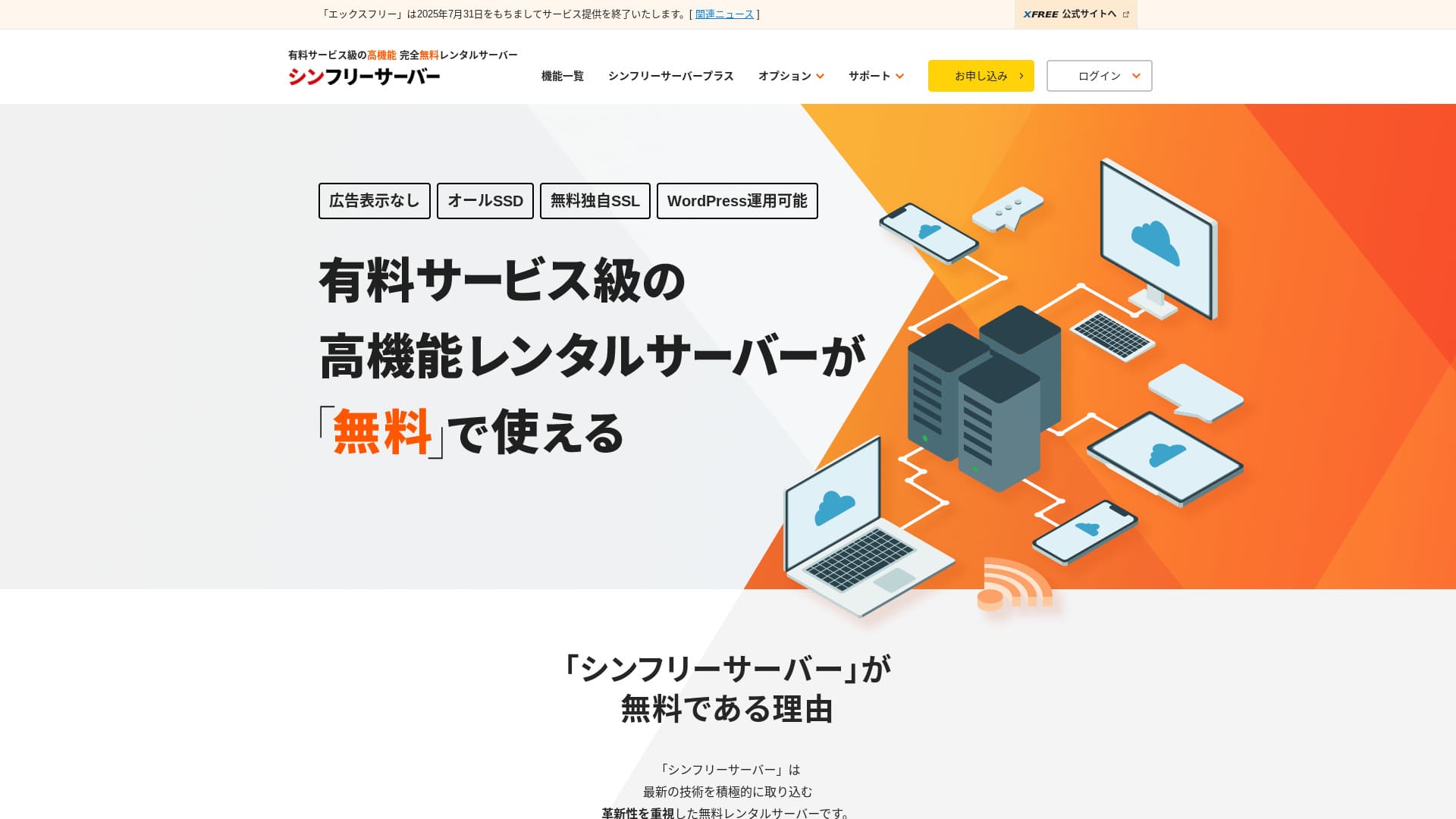
«Shin Free Server» — це безкоштовний орендований сервер від компанії ShinCloud Co., Ltd. Незважаючи на безкоштовність, на ньому не відображається реклама провайдера. За функціями та рівнем підтримки він поступається платним аналогам, але залишається комфортним у використанні.
Currently closed to new applications other than migrations
| Server type | Shared сервер |
| Display speed (TTFB) | Not measured |
| Рекомендований план та термін контракту | — |
| Trial / money-back guarantee | — |
| Monthly fee (12-month contract) | безкоштовний |
| Initial setup fee | безкоштовний |
| безкоштовний domain | None |
| підтримка | None |
| Uptime | Not disclosed |
| Storage | 10GB |
| Number of databases | 5 |
| безпека measures | WAF |
| SSL | безкоштовний custom SSL |
| резервне копіювання / restore | 14-day automatic backups free, restoration free |
| Number of email accounts | None |
| електронна пошта security measures | None |
| WordPress preinstallation | None |
| Server / website migration service | None |
| CDN | None |
It is a free hosting service that lets you use WordPress without displaying ads. Capacity and features are limited, but it is extremely valuable for testing or learning before you start seriously. That said, there are cautions such as the lack of support and the need to renew every three months.

Огляд та недоліки Shin Free Server [найновіше за 2025 рік]: запуск WordPress на безкоштовному хостингу
Огляд та недоліки Shin Free Server [найновіше за 2025 рік]: запуск WordPress на безкоштовному хостингу
serverfield.org
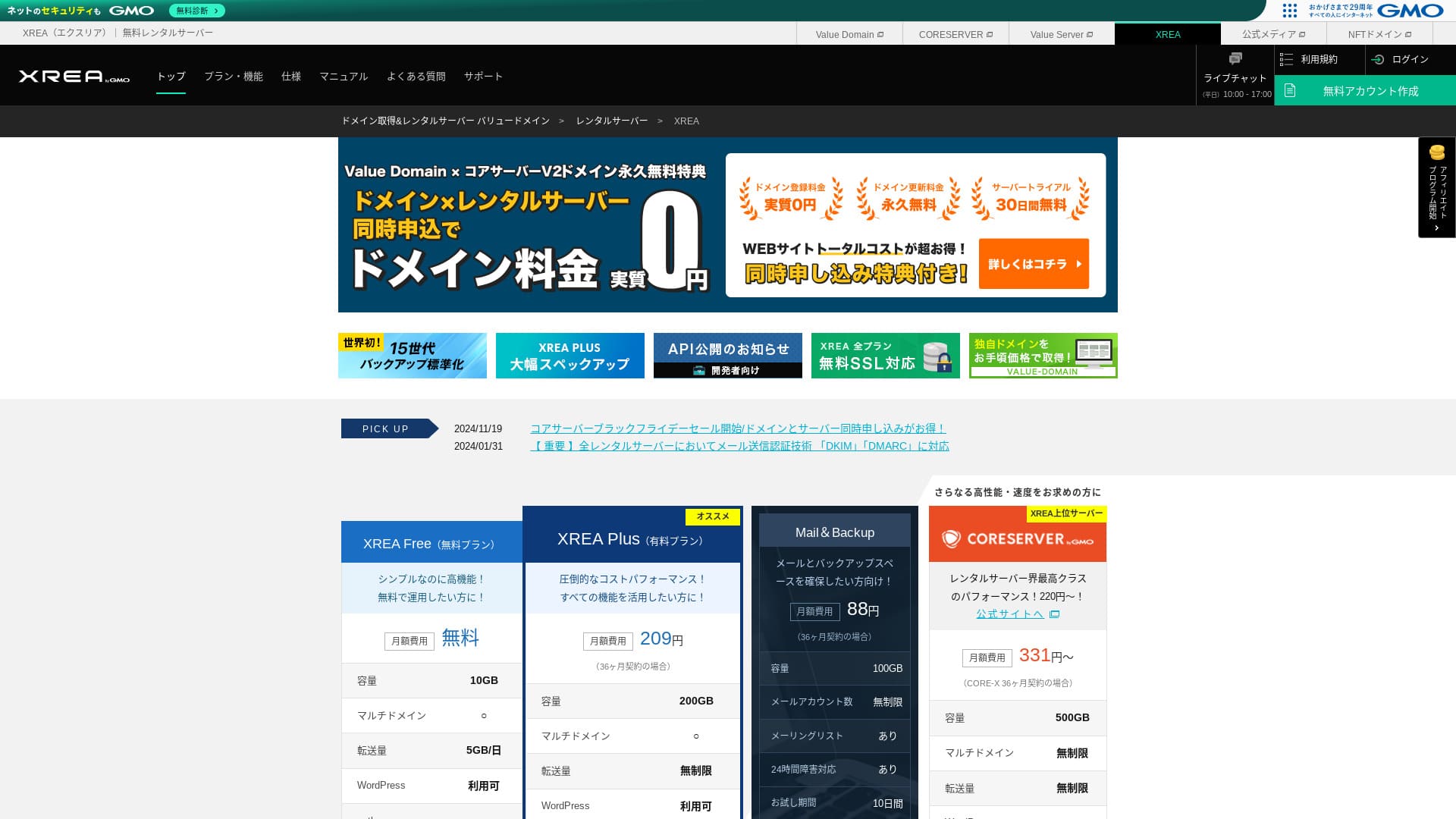
XREA: сервер з довгою історією, роботу з яким можна розпочати на безкоштовному тарифному плані

| Server type | Shared сервер |
| Display speed (TTFB) | Not measured |
| Рекомендований план та термін контракту | безкоштовний |
| Trial / money-back guarantee | None |
| Monthly fee (12-month contract) | безкоштовний |
| Initial setup fee | безкоштовний |
| безкоштовний domain | None |
| підтримка | Електронна пошта та чат (10:00-17:00) |
| Uptime | Not disclosed |
| Storage | 10GB |
| Number of databases | 5 |
| безпека measures | None |
| SSL | безкоштовний SSL, shared SSL |
| резервне копіювання / restore | 15 generations of backups free, restores free |
| Number of email accounts | 100 |
| електронна пошта security measures | POP over SSL, IMAP over SSL, SMTP over SSL, virus scanning |
| Server / website migration service | None |
| WordPress preinstallation | None |
| CDN | None |
This is a long-established service that has offered free hosting for years. Even on the free plan, you can use PHP and databases and install WordPress. Paid plans are also very inexpensive, making it easy to step up later.

Огляд XREA [найновіше за 2025 рік]: переваги та недоліки використання WordPress на безкоштовному тарифному плані, а також порівняння з іншими безкоштовними серверами
Огляд XREA [найновіше за 2025 рік]: переваги та недоліки використання WordPress на безкоштовному тарифному плані, а також порівняння з іншими безкоштовними серверами
serverfield.org
KAGOYA JAPAN: Faster WordPress with KUSANAGI
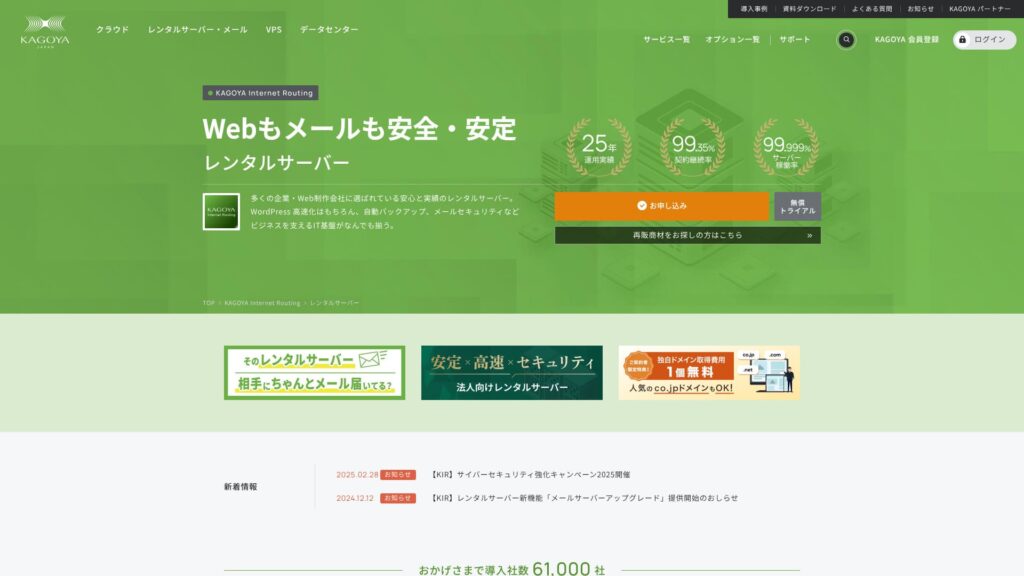
KAGOYA JAPAN пропонує послуги оренди серверів від компанії KAGOYA JAPAN Co., Ltd. з більш ніж 20-річним досвідом роботи. Їх можна використовувати за доступною ціною. З показником доступності (uptime) 99.999% цей хостинг є винятково стабільним та надійним.
First month free & 14-day free trial
| Server Type | Shared Server / Cloud Server / WordPress Dedicated Server / VPS |
| Load Time (TTFB) | Unmeasured |
| Рекомендовані плани та терміни дії контрактів | WordPress Dedicated Server Grade 1 12 Months |
| Trial & Money-Back Guarantee | None |
| Monthly Fee (12-Month Contract) | 440 yen |
| Initial Administrative Fee | безкоштовний |
| безкоштовний домен | None |
| підтримка | Weekdays 10:00 a.m. - 5:00 p.m. |
| Uptime | 99.999% guarantee |
| Server Capacity | 20GB |
| Number of Databases | 1 |
| безпека Measures | Dashboard Access Restriction / Dashboard Login Attempt Restriction / XML-RPC API Access Restriction / REST API Access Restriction / Large Comment / Trackback Restriction / Foreign IP Address Comment / Trackback Restriction |
| SSL | безкоштовний SSL |
| Резервне копіювання та відновлення | Один-generation backup included / Restore free of charge |
| Number of електронна пошта Account Creation | None |
| електронна пошта безпека Measures | None |
| Server/сайт Migration сервіс | Migration service: 11,000 yen No Migration Tool |
| WordPress Pre-installed | Yes |
| CDN | Paid |
Це тарифний план, оптимізований для WordPress, від компанії KAGOYA JAPAN, яка давно працює на ринку хостингу. Його головна перевага — надійні функції безпеки: до стандартного комплекту входять WAF, обмеження доступу з іноземних IP-адрес та система виявлення вторгнень. Він використовує швидкий вебсервер LiteSpeed, що разом із повністю SSD-конфігурацією забезпечує комфортну швидкість роботи сайту.

KAGOYA JAPAN Огляд: Used by 61,000 бізнесes. Is Its WordPress Dedicated Server вартість-Effective?
KAGOYA JAPAN Огляд: Used by 61,000 бізнесes. Is Its WordPress Dedicated Server вартість-Effective?
serverfield.org
Basic хостинг Knowledge Every WordPress Beginner Should Know

To publish a WordPress site, you need a hosting service that stores your site data and makes it available on the internet. First, let us build the basic knowledge that serves as the foundation.
What Makes a хостинг сервіс Suitable for WordPress? П’ять Important Characteristics
Для комфортної роботи WordPress бажано, щоб сервер відповідав певним вимогам. Зокрема, наступні п'ять характеристик безпосередньо впливають на продуктивність сайту та зручність керування.
- Fast processing performance: Процесор (CPU), оперативна пам'ять, SSD та інші характеристики обладнання мають значення. Сервери з потужним залізом та сучасним програмним забезпеченням вебсервера, таким як LiteSpeed, здатні швидко відображати сторінки та забезпечувати комфортний перегляд для відвідувачів.
- Stable uptime record: Якщо сервер виходить з ладу, ваш сайт стає недоступним. Обирайте сервер, відомий своєю стабільною роботою, наприклад, з офіційно заявленим показником доступності (uptime) 99.9% або вище.
- Один-click WordPress installation: Це функція, яка дозволяє встановити WordPress із панелі керування сервером всього за кілька кліків. Оскільки вона автоматично виконує такі завдання, як налаштування бази даних, це дозволяє заощадити багато часу.
- Solid security: Важливо перевірити, чи входять до стандартних функцій сервера WAF (брандмауер вебдодатків) для захисту вашого сайту від атак та безкоштовний виділений SSL-сертифікат для шифрування зв'язку.
- Reliable support: Unexpected problems are part of running a site. If support is available 24 hours a day, 365 days a year by email, phone, or chat, you can feel much safer when something goes wrong.
★ Керівництво для початківців щодо часу роботи хостингу та SLA
Віртуальний хостинг проти VPS та виділеного сервера (Dedicated Server): найкращий варіант для вас
Хостингові послуги в основному можна розділити на три типи залежно від способу розподілу ресурсів. Зрозумійте особливості кожного з них та оберіть варіант, який відповідає масштабу й цілям вашого сайту.
- Shared hosting: Цей тип хостингу передбачає спільне використання одного фізичного сервера кількома користувачами (віртуальний хостинг). Це схоже на життя в багатоквартирному будинку, є найпоширенішим та найдешевшим варіантом. Він підходить для особистих блогів та невеликих сайтів, але на його роботу можуть впливати інші користувачі.
- VPS (Virtual Private Server): Також відомий як віртуальний виділений сервер (VPS). Він створює віртуальне приватне середовище на одному фізичному сервері та надає вам права адміністратора (доступ root). Він пропонує більше свободи, ніж віртуальний хостинг, і менше залежить від інших користувачів. Це схоже на окремий будинок: потребує певних знань, але добре балансує вартість і продуктивність.
- Dedicated сервер: Цей тип передбачає виключне використання одного фізичного сервера для ваших потреб. Він забезпечує найвищу продуктивність та можливості індивідуального налаштування, але є й найдорожчим. Його використовують для великих корпоративних сайтів та сервісів із високим трафіком.
★ Що таке хостинг? Сервер, який потрібен для публікації вебсайту
Чому Choosing Only by Monthly Fee Leads to Mistakes
ціна is an important factor when choosing a сервер, but it is risky to judge only by a low monthly fee.
It is important to compare the total cost, including setup fees and renewal fees from the second year onward. In addition, low-priced plans may have smaller storage, restricted features, or limited support. If your site becomes slow or lacks necessary functions, it can eventually lead to lost opportunities, so judging the balance between price and performance is the key to success.
Hikaru Ono
Сервер — це фундамент блогу чи вебсайту. Так само як будинок із слабким фундаментом є небезпечним, як би добре він не виглядав, я рекомендую вибирати найбільш якісний сервер, який ви можете собі дозволити.
Як Choose хостинг WordPress Without Regrets: 7 Check Points

Here, I explain seven concrete check points to help you find the hosting service that fits you among the many options available.
Як оцінити технічні характеристики сервера, які визначають швидкість роботи сайту
Швидкість сайту безпосередньо впливає на задоволеність читачів та оцінку пошукових систем (SEO). Перевірте наступні технічні характеристики.
- CPU and memory: Вони відповідають «мозку» та робочому простору. Чим більше ядер процесора та оперативної пам'яті має сервер, тим більше трафіку та складних процесів він може швидко обробляти.
- Disk (storage): Це місце, де зберігаються дані. Зараз стандартом є SSD-накопичувачі, оскільки вони швидші за старі HDD, а сервери, які використовують ще швидші NVMe SSD, можуть надзвичайно швидко зчитувати та записувати дані.
- Web сервер software: Apache та Nginx є поширеними, але останніми роками все більше серверів впроваджують LiteSpeed для ще вищої продуктивності.
- Transfer volume: This is the amount of data consumed when your site is viewed. If the transfer limit is low, the site may stop displaying when traffic spikes.
Note: What Are Traffic and Transfer Volume? Managing and Optimizing Web Traffic
Чому функція встановлення WordPress в один клік є важливою
Installing WordPress manually requires specialist steps such as downloading files from the official site, uploading them with FTP software, creating a database, and linking it.
Якщо доступна функція встановлення WordPress в один клік, ви зможете виконати всі ці складні кроки в панелі керування сервером всього за кілька кліків. Це вкрай важливо не тільки для економії часу, але й для запобігання помилкам при налаштуванні.
Критерії безпеки для порівняння: сертифікати SSL та функції захисту
For safe site operation, always review the security features.
- безкоштовний dedicated SSL: Зараз це обов'язкова вимога для роботи сайту. Воно шифрує зв'язок між браузером і сервером і перетворює «http://» на «https://». Багато серверів пропонують легке налаштування безкоштовного SSL-сертифіката Let's Encrypt.
- WAF (Web Application Firewall): This protects your site from malicious access, including attacks that target WordPress vulnerabilities. Check whether it is included as a standard feature.
- Діагностика безпеки та сканування на вразливості: It is even more reassuring if there is a feature that regularly checks the security condition of your site.
Note: What Are SSL and TLS? The Mechanism and Benefits of Protecting Information Through Encryption
Перевірка рівня автоматизації функцій резервного копіювання
Функції резервного копіювання — це рятівний круг на випадок втрати даних. Багато хостинг-провайдерів надають послугу автоматичного резервного копіювання, але умови відрізняються.
- Частота створення резервних копій та кількість поколінь: Check whether backups are taken automatically every day and whether multiple generations of data, such as the past 14 days, are stored.
- Ease of restoration: It is important that you can restore from backup data easily through the control panel. Some services charge extra for restoration, so pay attention to that.
Hikaru Ono
If your hosting does not include backups, or if you want a second layer of backup, use a WordPress plugin.

5 Powerful WordPress резервне копіювання Plugins to Help You Get Your Data Back
5 Powerful WordPress резервне копіювання Plugins to Help You Get Your Data Back
serverfield.org
Якість підтримки: цінність цілодобової служби підтримки 24/7
When a problem occurs on your site, how quickly it can be resolved depends on the support system.
- підтримка hours: Servers with “24/365” support provide peace of mind because you can contact them even late at night or on holidays.
- Contact methods: Check whether multiple contact methods are available, such as email, phone, and chat. Phone or chat support is especially useful when you need an answer quickly.
- Quality of the manuals: Well-organized online manuals that compile common questions and setup procedures are also important for improving your ability to solve problems on your own.
Тарифні плани: як правильно оцінювати плату за підключення та щомісячні платежі
When comparing pricing plans, consider the following points, not just the headline monthly fee.
- Setup fee: This is a one-time cost charged when you sign up. It is often waived during campaigns, so timing also matters.
- Contract term and discounts: Many plans offer much lower monthly rates when you sign a long-term contract such as 12, 24, or 36 months.
- Renewal fees: Even if you sign up cheaply during a campaign, the price may return to the regular rate when you renew. If you plan to run the site long term, always check renewal fees as well.
Scalability and Flexibility in Plan Changes with Future Growth in Mind
У міру зростання вашого сайту характеристик сервера може стати недостатньо. У такому разі важливо мати можливість плавно перейти на вищий тарифний план. Часто неможливо повернутися на нижчий план, тому, якщо ви заздалегідь перевірите легкість оновлення, відмінності в специфікаціях та різницю в цінах між планами, ви зможете гнучко реагувати на розширення сайту в майбутньому.
Як обрати рекомендований хостинг відповідно до цілей та сценаріїв використання

Найкращий сервер відрізняється залежно від цілей вашого сайту.
3 хостинги, рекомендовані для початківців та новачків у WordPress
- Xserver: Its huge amount of information and reliable support make it easy to find solutions when you get stuck.
- LOLIPOP: Because you can start from a low-cost plan and the manuals are extensive, it is ideal for people who want to level up while learning how hosting works.
- ConoHa WING: Its easy-to-understand control panel and the WordPress Easy Setup feature, which automates everything from domain registration to WordPress configuration, are especially attractive.
Найкращий вибір для особистих блогів та афілійованих сайтів
- 【Hostinger】: Despite its low price, it delivers overwhelming speed, making it easy for individuals to get started without falling behind competing sites.
- Xserver: Its stability, speed, and reliable support make it an ideal foundation for a site built to generate revenue.
- ConoHa WING: Its fast display speed works in your favor for SEO and helps prevent visitors from leaving. It is also highly cost-effective.
- mixhost: It can handle a wide range of niches, its display speed is fast, and it is especially well regarded among affiliate marketers.
High-продуктивність Servers for People Running Multiple Сайтs
- wpX Speed: It supports unlimited multi-domain usage and offers plenty of databases. Because it includes reserved resources and automatic scale-up, it is less affected by other sites and can be run stably.
- Shin Rental Server: Because it delivers high performance while keeping costs down, it offers excellent value when running multiple sites.
- ColorfulBox: Because plan changes are flexible and the backup system is robust, you can manage multiple important sites with confidence.
Best-Value Servers Under 500 Yen per Month for Budget-Focused користувачі
- LOLIPOP (Light plan): Its monthly fee is very low, yet it still includes the basic functions needed to start with WordPress.
- Star Rental Server (Light plan): Він пропонує стабільне серверне середовище та необхідні функції, незважаючи на низьку ціну.
- Little Server (Mini plan): It is the option to choose when you want to minimize cost above all else, and it is sufficient for running a small site.
Hikaru Ono
безкоштовний серверs have extremely low specs, so I do not recommend them if your goal is monetization or traffic acquisition.
Посібник із міграції та зміни хостингу для WordPress
Нерідко розглядають можливість перенесення сайту на інший сервер для покращення швидкості роботи або зниження витрат. Тут я поясню послідовність кроків та важливі нюанси.
5 Things You Must Check Before Migrating Servers
- Confirm your current site data: Always take backups of your full WordPress files and database.
- Підтвердьте характеристики нового сервера: Перевірте, чи підтримує новий сервер версії PHP та MySQL, які використовуються на вашому поточному сайті.
- Check how your domain is managed: Якщо реєстратор вашого домену та хостинг-провайдер є різними компаніями, вам знадобиться змінити налаштування серверів імен (DNS).
- Reconfigure the SSL certificate: При перенесенні на інший сервер необхідно також знову налаштувати SSL-сертифікат. Заздалегідь перевірте, чи можна його активувати на новому сервері.
- електронна пошта addresses: Якщо ви використовуєте адреси електронної пошти на тому самому домені, що й сервер, пам'ятайте, що може знадобитися перенесення поштових даних та їх повторне налаштування.
Кроки та застереження для безпечного перенесення сервера
The general migration procedure is as follows. Using plugins can simplify the work.
- Створіть резервну копію на старому сервері: Використовуйте плагін, наприклад All-in-One WP Migration, для експорту даних сайту, включаючи файли та базу даних.
- Зареєструйтеся на новому сервері та налаштуйте домен: Укладіть договір на оренду нового сервера та додайте домен для сайту, який переноситься.
- Встановіть WordPress на новий сервер: In many cases, you install an empty copy of WordPress first.
- Відредагуйте файл hosts на новому сервері та протестуйте його: Налаштуйте систему так, щоб лише ваш власний ПК мав доступ до нового сервера, а потім переконайтеся, що сайт відображається коректно. Це важливий тест перед перемиканням DNS.
- Імпорт даних на новий сервер: Використовуйте плагін, наприклад All-in-One WP Migration, для імпорту на новий сервер даних, експортованих зі старого сервера.
- Зміна серверів імен (DNS): У панелі керування вашого реєстратора домену оновіть інформацію про сервери імен так, щоб вони вказували на новий сервер. Після цього публічний трафік почне надходити на новий сервер.
- Скасування послуги на старому сервері: Після того як зміна серверів імен розповсюдиться в інтернеті і ви протягом приблизно тижня переконаєтеся, що сайт відображається стабільно, скасуйте послугу на старому сервері.

П'ять плагінів WordPress для успішного перенесення на новий сервер та секрети правильної міграції
П'ять плагінів WordPress для успішного перенесення на новий сервер та секрети правильної міграції
serverfield.org
сервіси хостингу That Offer Migration Assistance
Server migration requires specialized knowledge, and if it fails, your site may stop displaying. If you are not confident, it is wise to use migration services offered by specialists or hosting companies.
- ConoHa WING: It offers a WordPress migration service.
- mixhost: It has a paid service that handles WordPress migration for you.
- Rakko Server: It offers a support feature called Easy WordPress Migration.
- Many other hosting companies and web production firmsalso offer paid migration services.
Frequently Asked Questions and Troubleshooting
These are common problems that arise during site operations and how to deal with them.
What to Do When WordPress Feels Heavy or Slow
- Insufficient сервер specs: Сервер може не справлятися з обсягом трафіку. Розгляньте можливість переходу на вищий тарифний план.
- Image optimization: Large images are a major cause of slow display speed. Use a compression plugin or similar tools to make your images lighter.
- Plugin conflicts or too many plugins: Disable or remove unnecessary plugins, and check one by one whether a specific plugin is causing the problem.
- Use of caching: Якщо ви встановите плагін кешування або увімкнете функцію кешу на сервері (наприклад, LiteSpeed Cache), швидкість відображення сторінок може збільшитися.
What to Do When Your Server Goes Down
Server outages can be caused by many things, including traffic surges, hardware failures, and cyberattacks.
- Check the situation: First, confirm the hosting provider's incident information on its official website or social media accounts.
- Contact support: Якщо проблема виявилася на стороні сервера, зверніться до служби підтримки, щоб підтвердити ситуацію та дізнатися про очікуваний час відновлення.
- Identify the cause: Якщо причиною є різке зростання трафіку на ваш власний сайт, після відновлення роботи варто розглянути можливість переходу на вищий тарифний план або вжиття заходів щодо зниження навантаження.
- Restore from backup: If data has been damaged, you will need to restore it from backup data.
Коні та як змінювати тарифні плани
The main time to change plans is when site traffic increases and the site starts to feel slow. On most hosting services, you can easily upgrade to a higher plan from the control panel. However, once you move to a higher plan, you often cannot move back down, so make the decision carefully while estimating how your site will grow.
Підсумок: як обрати найкращий хостинг для WordPress саме для ваших потреб
The best hosting service depends on the purpose of your website, your budget, and your technical skill level.
- For people who want to get started first: “ConoHa WING” and “LOLIPOP” are good fits because their control panels are easy to understand and their upfront costs are easier to keep down.
- For people who seriously want to earn from blogging or affiliate marketing: “Xserver” and “wpX Speed” provide a powerful foundation because they are fast, stable, and backed by dependable support.
- For people who want performance while still prioritizing cost: “mixhost” and “ColorfulBox” are strong options because they actively adopt new technology and offer excellent cost performance.
Використання критеріїв перевірки, представлених у цій статті, для порівняння кількох серверів, а потім використання безкоштовних пробних періодів для оцінки реального досвіду роботи — це найнадійніший спосіб вибрати сервер без жалю. Сподіваюся, ця стаття допоможе вашому сайту досягти успіху.
Hikaru Ono
If you still cannot decide after reading this far, choose Xserver. You will not go wrong.