
Up to 55% off the first purchase, plus an extra 25% off and a 30-day money-back guarantee
PR
Сервери
Огляд mixhost [остання версія 2025]: детальний путівник зі швидкого хостингу з глобальним покриттям і сильною безпекою
Опубліковано: 2025.07.13
Оновлено: 2025.07.13
Rating: 4.0
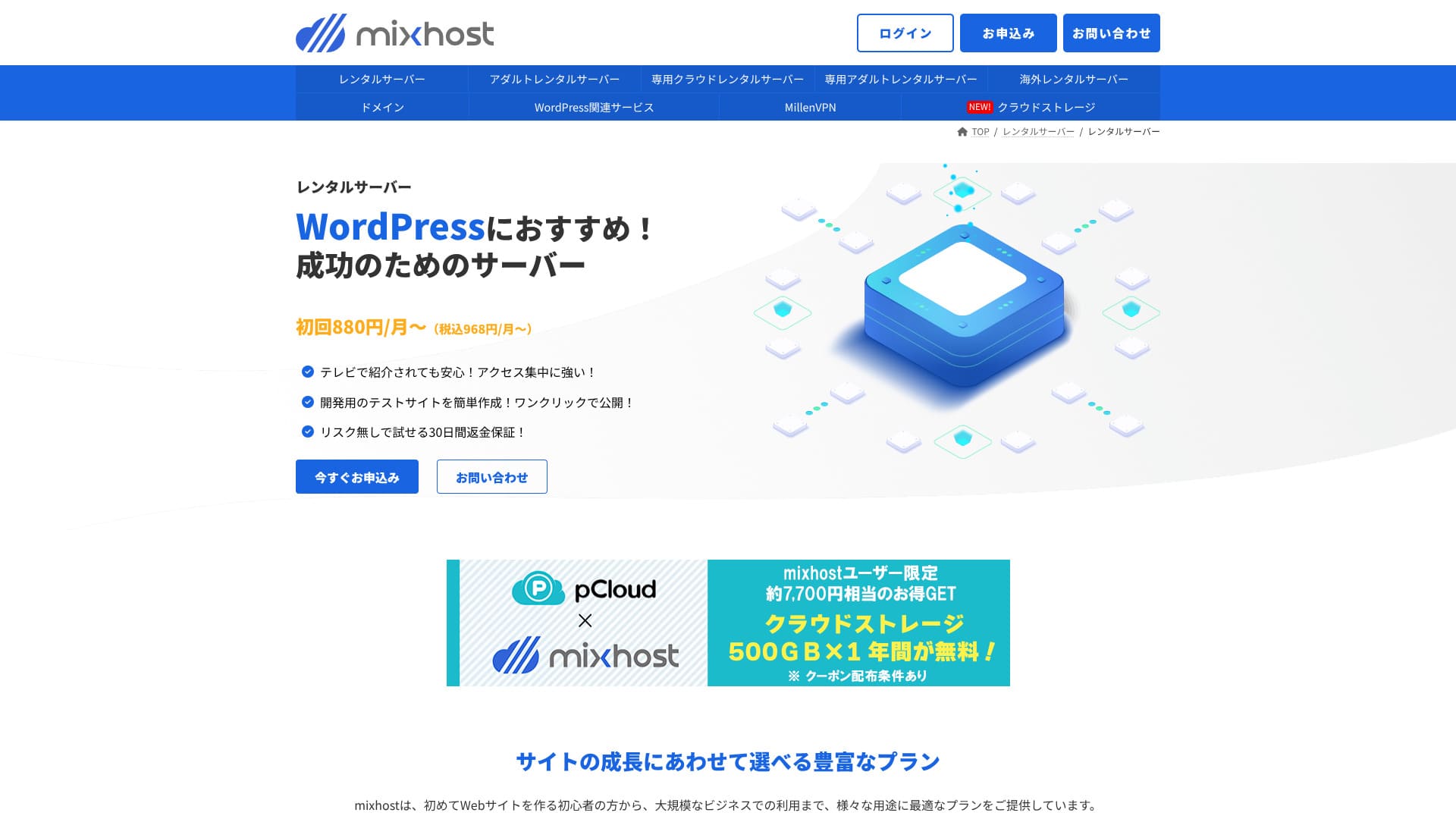
mixhost — це швидкий хостинг із глобальним покриттям і надійною безпекою.

Here is why I recommend mixhost to people who already use WordPress and to people who want to build a site for an overseas audience.
- Its backup infrastructure is highly stable
- It offers a broad range of support options
- It also operates overseas серверs
That is why I recommend it. I think most users will be satisfied, and you can try it with confidence because it comes with a 30-day money-back guarantee.
Один competing сервер is ColorfulBox. Its flexible plans that can start on an hourly basis are even more appealing than mixhost's in some cases, so it is worth comparing as well.
★ Огляд ColorfulBox [найновіше видання 2025 року]: запустіть WordPress на сервері з винятковою вигодою
| Тип сервера | Спільний хостинг / виділений хмарний хостинг |
| Швидкість (TTFB) | 150 ms |
| Рекомендований тариф і строк | Спільний хостинг Light, 12 місяців |
| Пробний період / гарантія повернення коштів | 30-денна гарантія повернення коштів |
| Щомісячна ціна (при 12-місячному терміні) | 594 yen |
| Початковий адміністративний збір | Безкоштовно |
| Безкоштовний домен | 1 домен безкоштовно назавжди |
| Підтримка | |
| Час безвідмовної роботи | Гарантія 99.99% |
| Сховище | 100 GB |
| Кількість баз даних | Без обмежень |
| Заходи безпеки | WAF / DDoS protection / malware detection and cleanup |
| SSL | Безкоштовний SSL для власного домену |
| Резервне копіювання / відновлення | Тариф Standard і вище включає автоматичні резервні копії за 14 днів |
| Кількість поштових скриньок | Без обмежень |
| Безпека пошти | — |
| WordPress preinstall | Так |
| Послуга міграції сервера / сайту | 10,890 yen |
| CDN | Немає |
| Дата-центр | Сан-Хосе, Західне узбережжя, США |

Hikaru Ono
mixhost дозволив легко запустити WordPress безпосередньо під час замовлення сервера. Він також пропонує широкий спектр опцій для продуктивності та безпеки, тому чудово підходить для тих, хто хоче розвивати свій сайт у майбутньому.
Pricing was revised in 2025, making it easier to get started.
mixhost competitor comparison
- Overall rating★★★★☆
- Server speed ★★★★☆
- Pricing ★★★★☆
- Stability ★★★★★
- Ease of getting started with WordPress* ★★★★★
- Operations such as domain management and SSL setup* ★★★☆☆
* These ratings reflect my hands-on experience.

Як порівняти 10 рекомендованих закордонних хостингів та вибрати один із них
Як порівняти 10 рекомендованих закордонних хостингів та вибрати один із них
serverfield.org
- Data based on market research as of November 4, 2025, arranged in order of speed
- Monthly prices are the first-year cost of the cheapest plan that supports WordPress
- Швидкість — це показник часу до першого байта (TTFB), виміряний на демо-сайтах за однакових умов
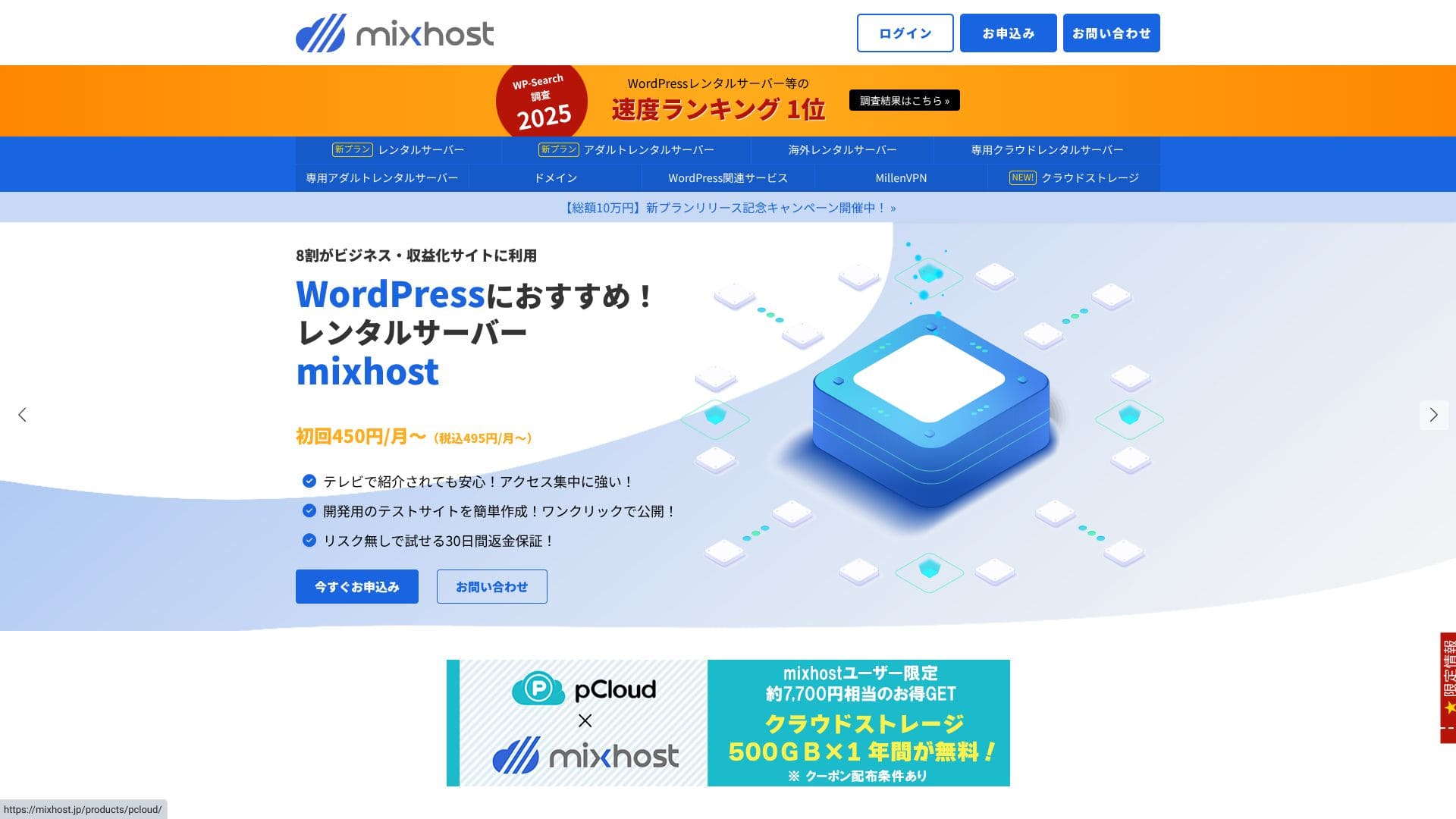
“mixhost» — хмарний високошвидкісний сервер від компанії AzPocket Inc. Він також пропонує сервери, розташовані за кордоном, що є особливо привабливим для приватних осіб, які публікують контент для міжнародної аудиторії. При реєстрації WordPress встановлюється автоматично, що значно спрощує запуск.
WordPress-related reviews
Easy WordPress installation
mixhost пропонує «WordPress Quick Start» — надшвидку процедуру налаштування, яка дозволяє запустити сайт усього за 90 секунд після завершення реєстрації. Вона об’єднує оформлення договору оренди сервера, встановлення WordPress та налаштування SSL в один крок. Це усуває труднощі, на яких часто застрягають початківці, та дозволяє одразу почати писати статті.
There is no need to create a database manually or edit configuration files, and the login information for your first admin-screen sign-in is issued automatically.
Hikaru Ono
Я зміг почати користуватися WordPress приблизно за п’ять хвилин із моменту оформлення договору оренди сервера.
Let's launch a website with mixhost!
- STEP.1Visit the mixhost official site
Click "Apply Now."
- STEP.2Замовте сервер та отримайте домен
Choose a plan. I recommend the Light plan. You can upgrade to a higher plan whenever you need to.
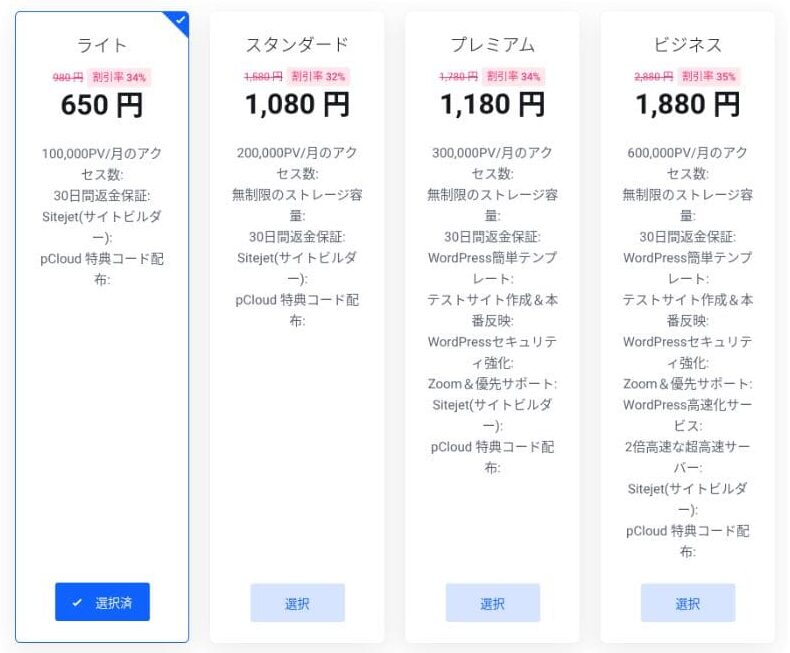
I recommend the 12-month billing term.
This is the primary domain setup step. Decide on your domain name, enter any string you like into "Enter the domain you want," search for the domain, and if it is available, click "Add to cart."
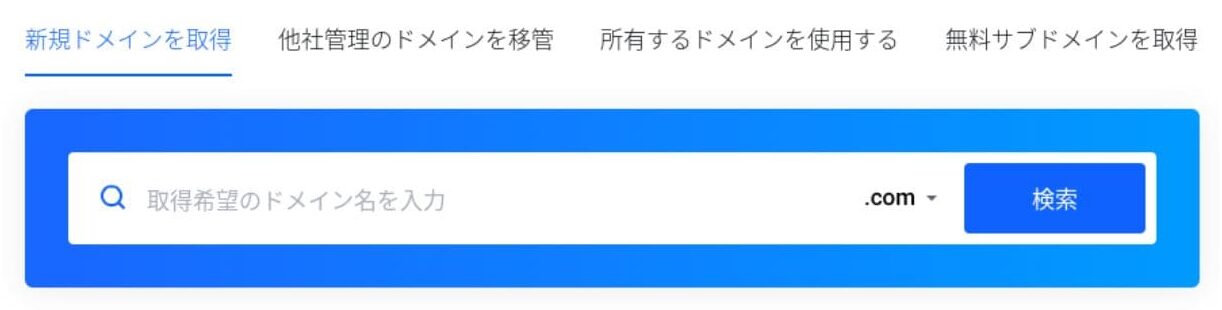
mixhostalso lets you install WordPress on a subdomain. You can choose "Get a free subdomain" if you want to use a subdomain instead.
★ Що таке домен? Його роль як адреси в інтернеті та як його отримати
There is also a Whois privacy service as a domain add-on. If you do not want your name, address, and other registrant details to be made public, click "Add to cart."
For "WordPress Quick Start," make sure you choose "Use it."Using it makes starting a WordPress site dramatically easier.If you want to build a site even more easily, choose the "Easy WordPress Template." A WordPress theme will also be installed.
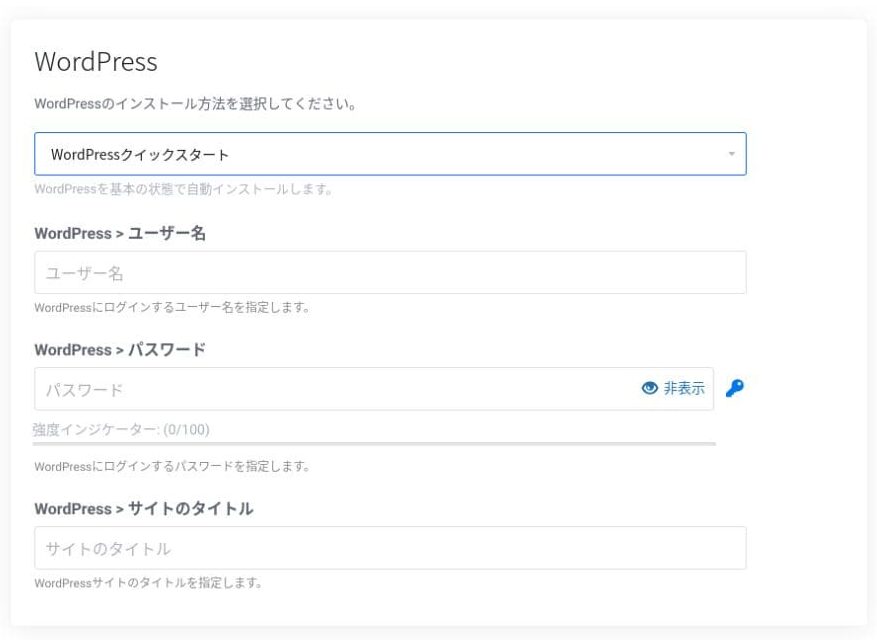
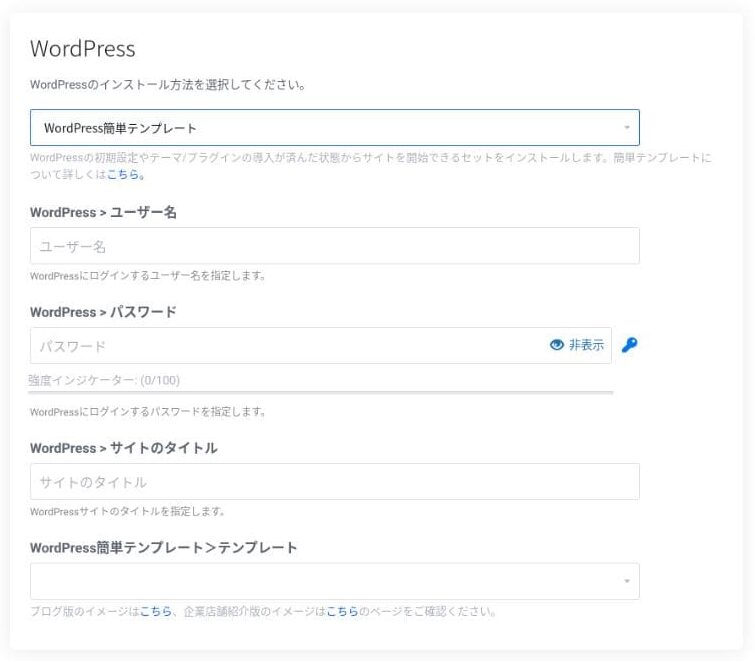
Enter the information needed for WordPress.
- Сайт title: anything is fine
- Username: anything is fine
- Password: make it as strong as possible
You can change the site name later, so if you have not decided yet, enter something temporary.
Your WordPress username and WordPress password are important.Write them down. You will need them to log in to the WordPress site you created.
Enter your member information and payment method.
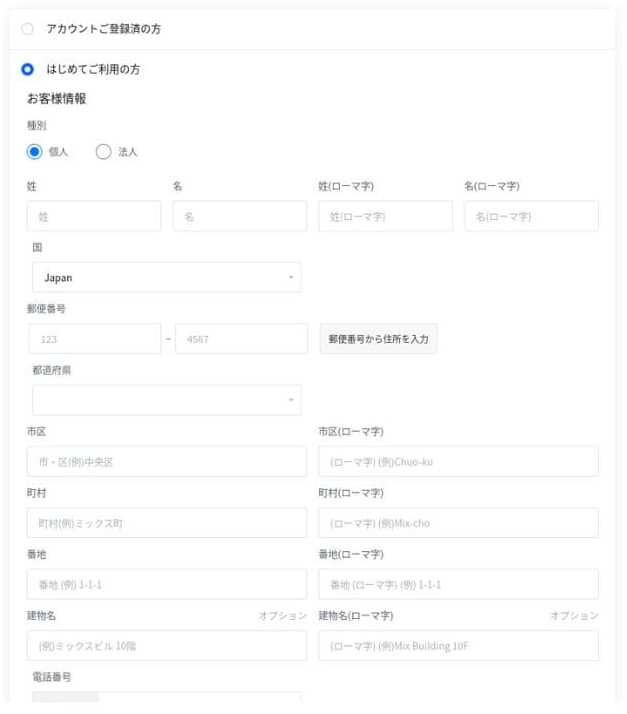
If everything looks correct, review the terms of service and click "Apply."
WordPress installation starts at the same time as your application. Once the installation is complete, you will receive a notification email.
When you log in to your account dashboard, you will see the following screen.
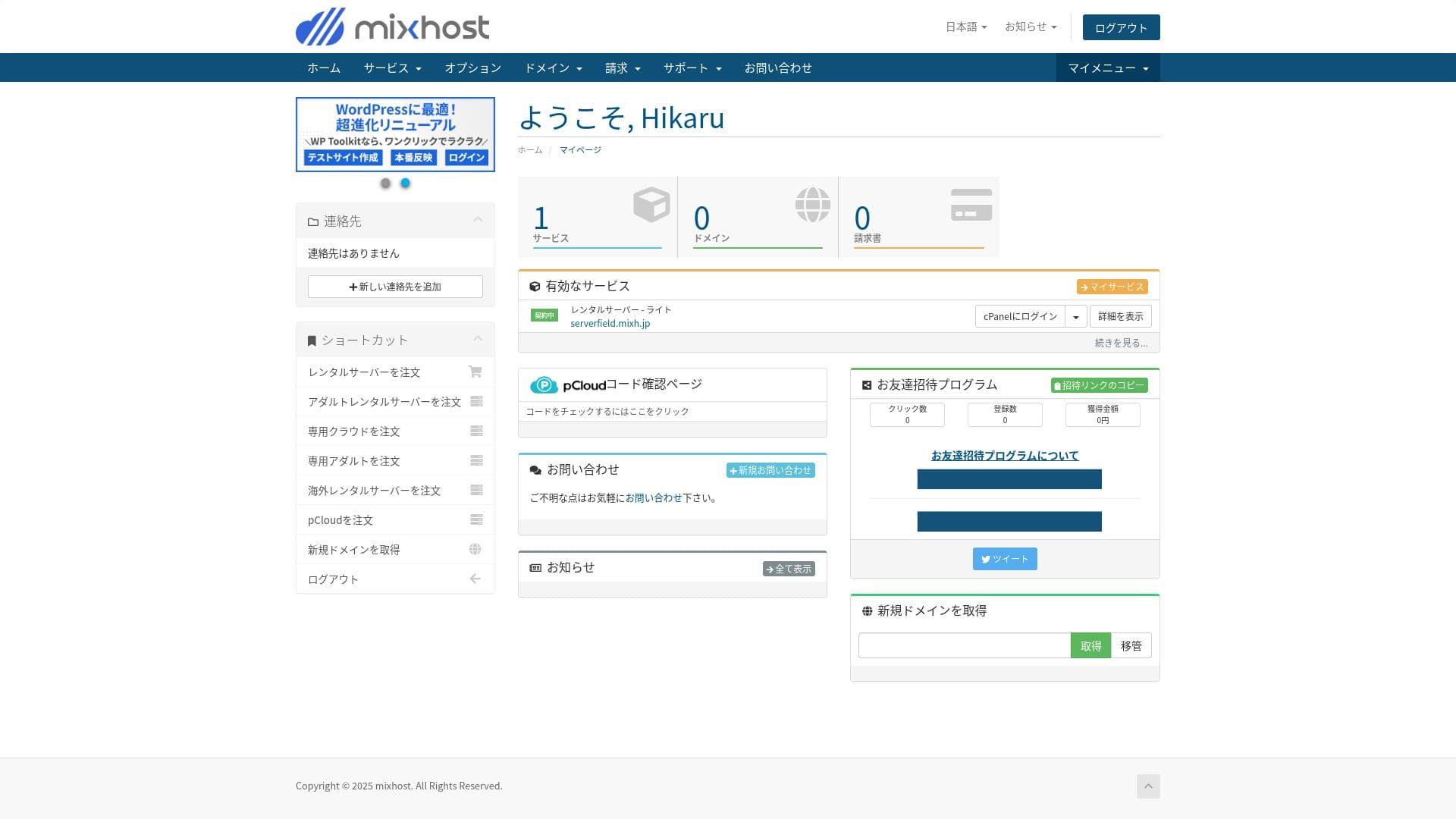
- STEP.3Initial WordPress settings
After the signup is complete, access "https://your-acquired-domain/wp-admin/". It will take you to the WordPress admin screen.
Увійдіть у WordPress, використовуючи ім’я користувача та пароль, які ви вказали під час замовлення сервера. Якщо ви бачите повідомлення «Ваше з’єднання не є приватним», зачекайте деякий час. Поширення оновлень DNS ще не завершилося, тому спробуйте увійти знову за кілька годин.
★ Що таке DNS та сервери імен? Як пов’язані домени та сервери
After logging in to WordPress, set up your permalinks. Go to "Settings" and then "Permalinks" in the WordPress admin screen. Choose "Post name" and then click "Save Changes."
Using "Post name" lets you enter any string you like in the URL when you publish an article. I recommend using a short string that gives readers a clear idea of the article content. If it is too long, some readers may worry that the site looks untrustworthy.
- STEP.4Install plugins
Go back to the WordPress admin screen, open "Plugins," then "Add New," and install the plugins you need.
When you find the plugin you want through search, click "Install Now" and then "Activate." After that, follow the instructions for each plugin.
Make sure you install plugins for security and backups.
- П’ять плагінів безпеки WordPress, які можуть посилити захист вашого сайту, та як їх вибрати
- П’ять powerful WordPress backup plugins to recover your data
Once the plugins are in place, your WordPress site is ready to go!
Running multiple sites
On Standard and higher plans, storage, databases, and email accounts are unlimited. From “WordPress Manager” inside cPanel, you can manage multiple sites in one place and sign in to each admin screen with a single click.
Hikaru Ono
Even the Light plan allows you to run multiple sites because the number of domains and databases is unlimited.
Оцінка продуктивності та технічних характеристик
Our measurements: speed review and why it is fast
mixhost — це швидкий сервер. Його показник TTFB (час до першого байта, іншими словами — швидкість, з якою сторінка починає відображати свій основний вміст) склав 150 мс.
Оскільки це швидше за швидкість сервера, яку рекомендує Google, ви можете користуватися ним з упевненістю.
You should reduce your сервер response time under 200ms.Improve Server Response Time
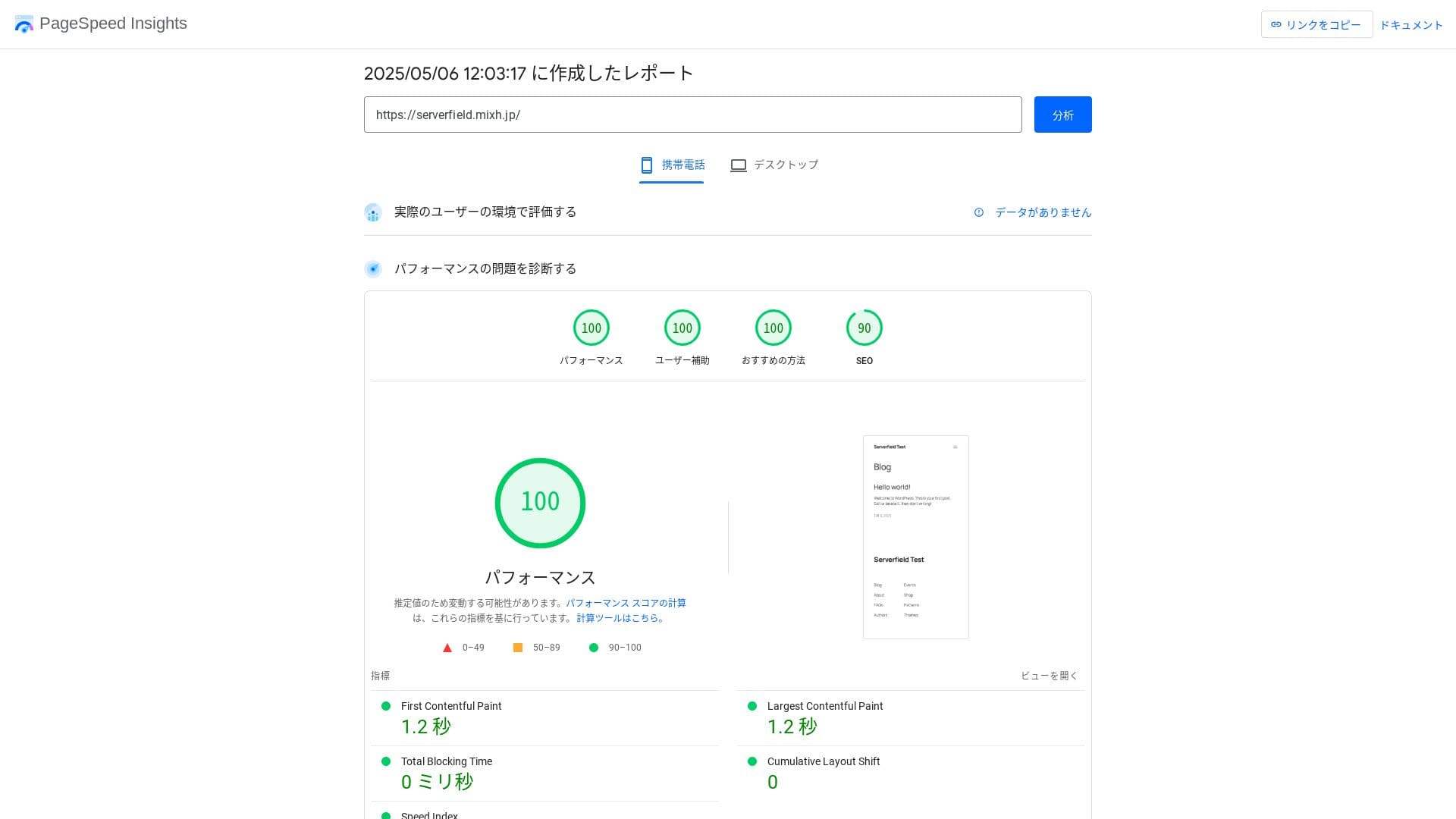
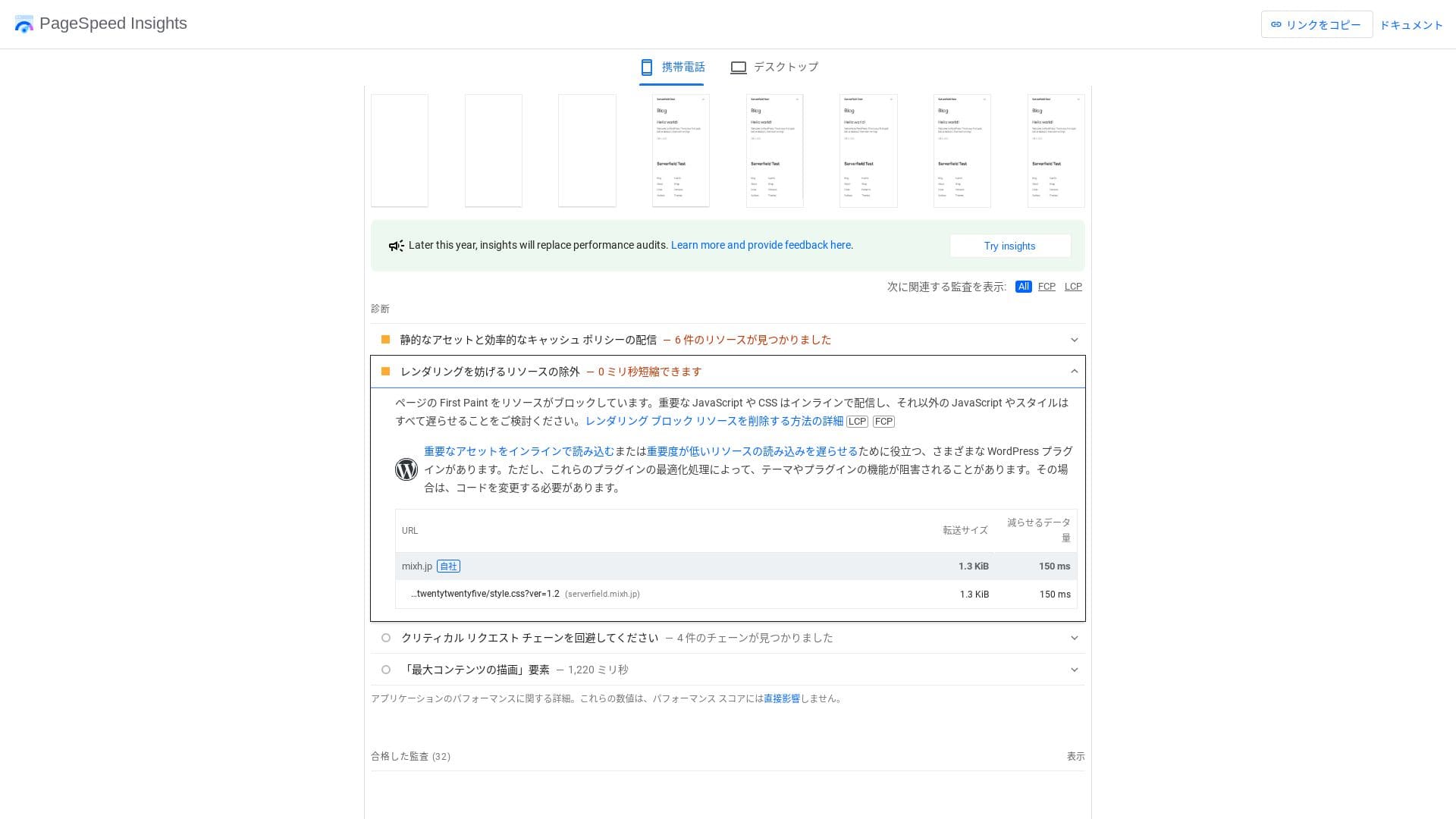
Він швидкий навіть порівняно з серверами-конкурентами.
★ Rental hosting speed comparison across 16 companies: Which one is truly fast? [2025 latest edition]
LiteSpeed Web Server
mixhost використовує поєднання вебсервера LiteSpeed, накопичувачів NVMe SSD та протоколу HTTP/3. Компанія заявляє, що це може працювати до 84 разів швидше, ніж середовище Apache. Завдяки взаємодії зі спеціальним плагіном для WordPress «LiteSpeed Cache», він зберігає стабільний час відгуку навіть при різкому зростанні трафіку.
LiteSpeed — це комерційне програмне забезпечення вебсервера, сумісне з Apache. Воно має надшвидке оброблення кешу та якнайшвидше впроваджує найновіші протоколи, такі як HTTP/3.
Storage capacity
The Light plan introduced in April 2025 includes 100 GB, and the other plans provide unlimited capacity on redundant cloud storage. If you are just starting a website or blog, 100 GB is more than enough. This site itself uses only around 2 GB.
Hikaru Ono
mixhost lets you upgrade your plan. As a rule of thumb, if you are using around 80% of your storage, it is time to upgrade.
Simply installing WordPress uses only about 100 MB, so it does not even consume 1% of the Light plan’s storage.
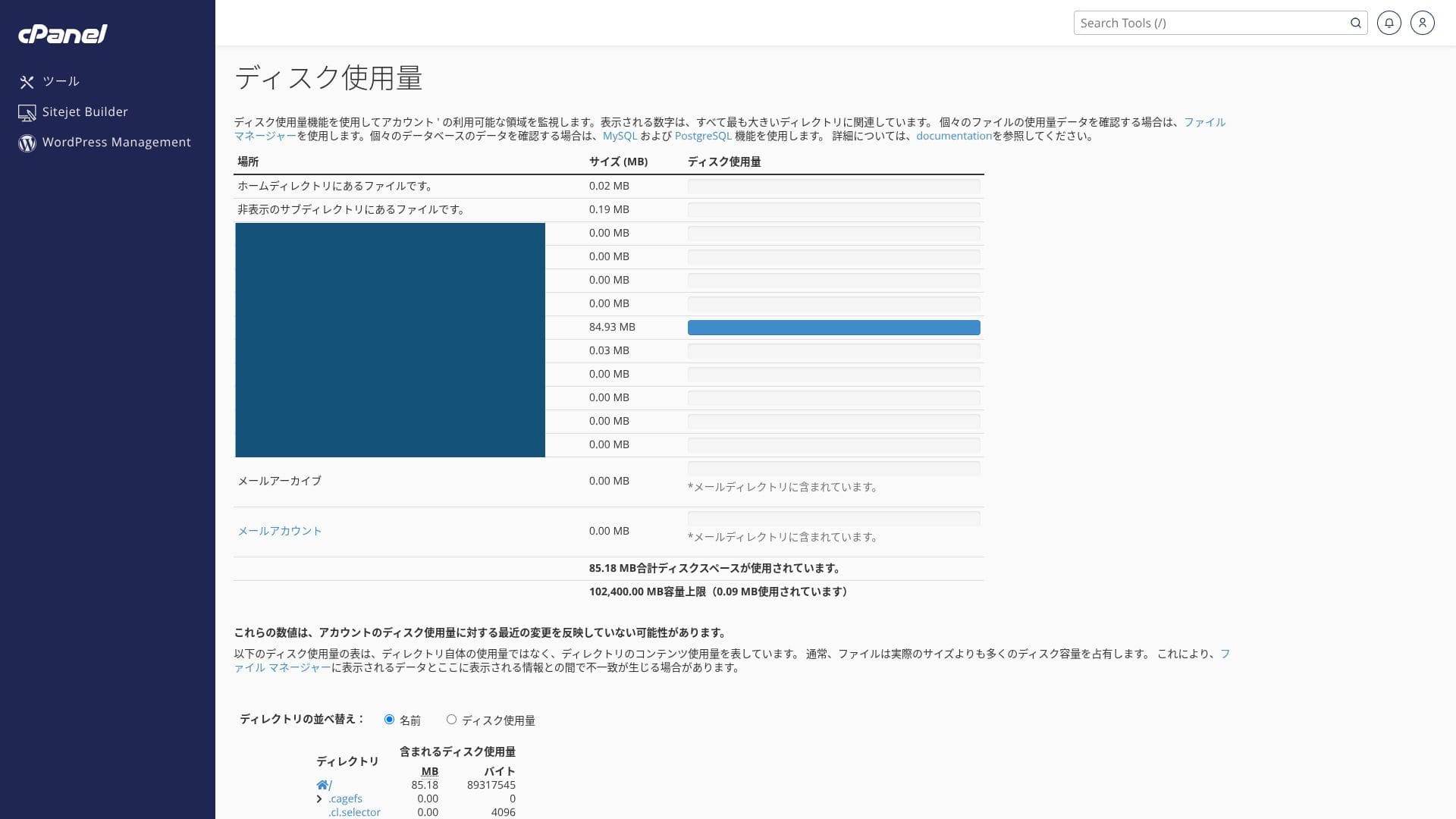
It uses NVMe SSD. This is a data transfer method that is several times faster than conventional SATA SSDs, and it greatly reduces read and write time for database-driven CMSs.
Data transfer
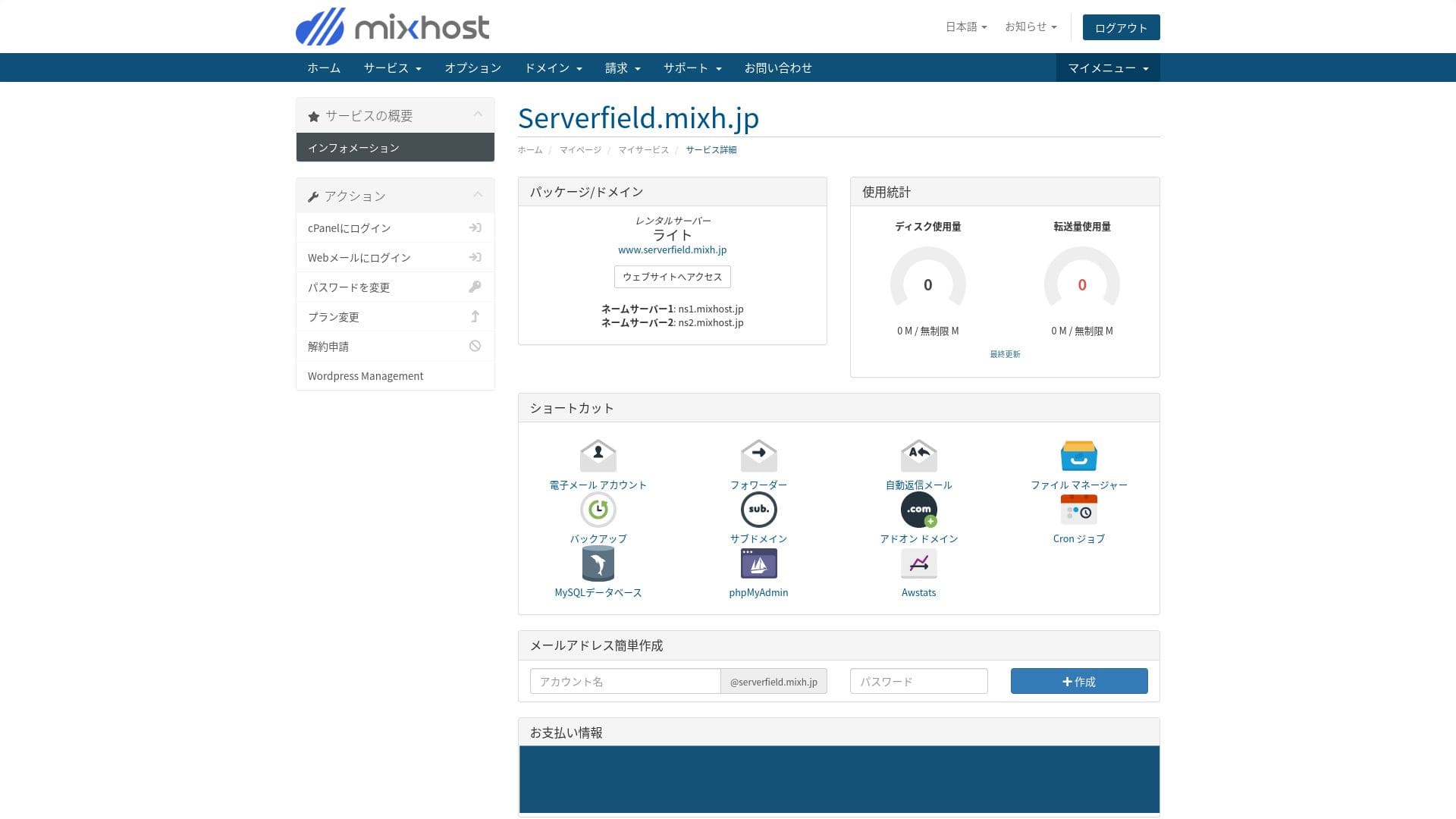
mixhost підтримує великі обсяги передачі даних. Передача даних — це загальний обсяг інформації, яку сервер може відправляти та отримувати зовні; цей показник зростає разом із кількістю переглядів сторінок. Тарифний план Light надає 50 ГБ на місяць, Standard — 100 ГБ, Premium — 200 ГБ, а Business — 800 ГБ, тому місця буде цілком достатньо.
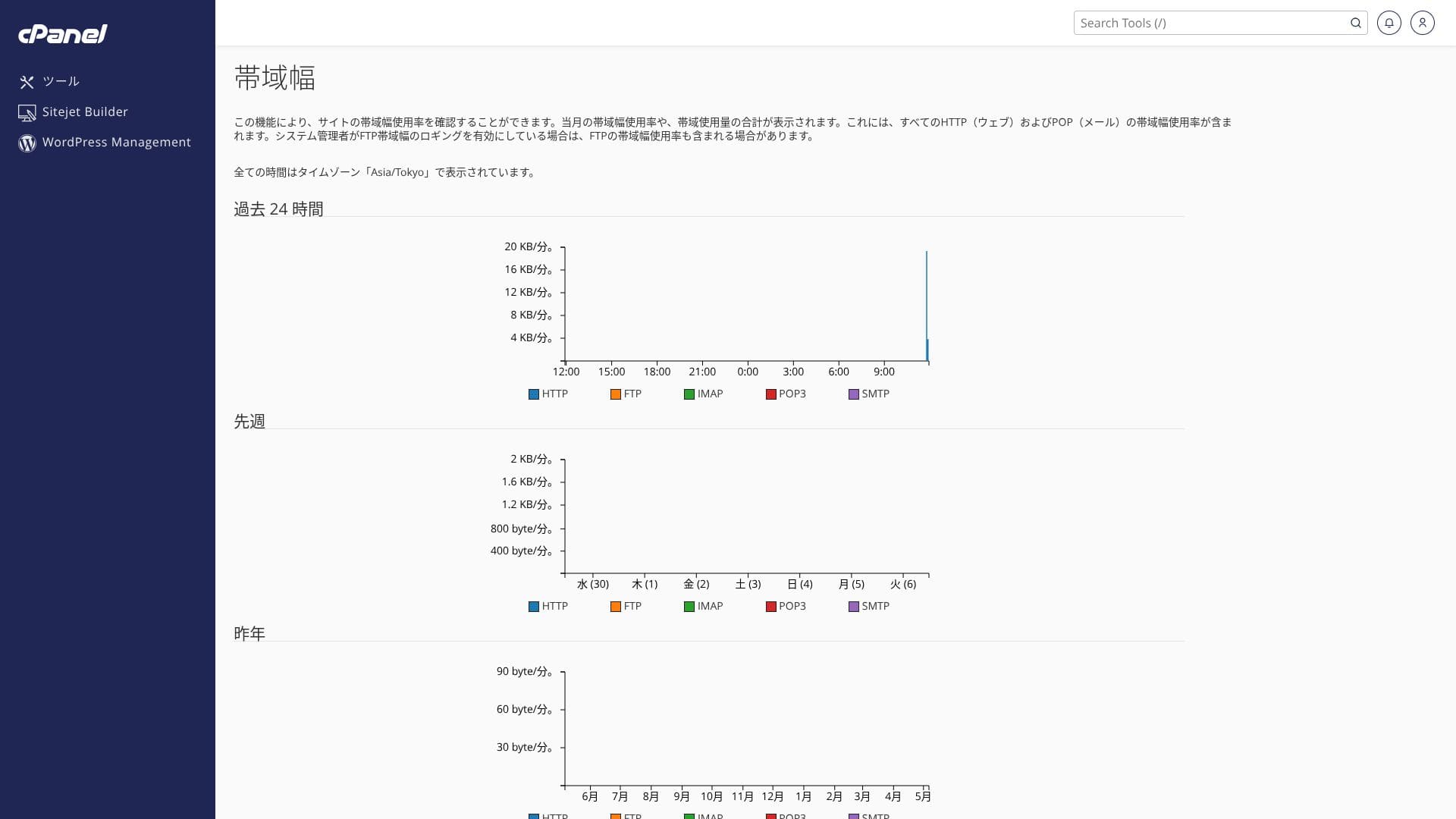
Він здатний витримувати раптові сплески трафіку. Ви можете перевірити використання передачі даних у розділі «Деталі послуг» на сторінці облікового запису, а нещодавню активність — у меню «Bandwidth» (Пропускна здатність) в cPanel.
Hikaru Ono
To be honest, every domestic hosting company, including mixhost, secures more than enough transfer capacity, so there is no need to worry too much about it.
★ What are traffic and data transfer? Managing and optimizing web traffic
Server stability and uptime
mixhost guarantees 99.99% uptime. If it falls below 99.99%, users receive a refund.
Він використовує резервоване хмарне серверне середовище, побудоване на багатьох серверах. Навіть якщо один сервер виходить із ладу, трафік автоматично перемикається на інший сервер, тому стабільність є надзвичайно високою. Це дозволяє вам керувати своїм сайтом спокійно.
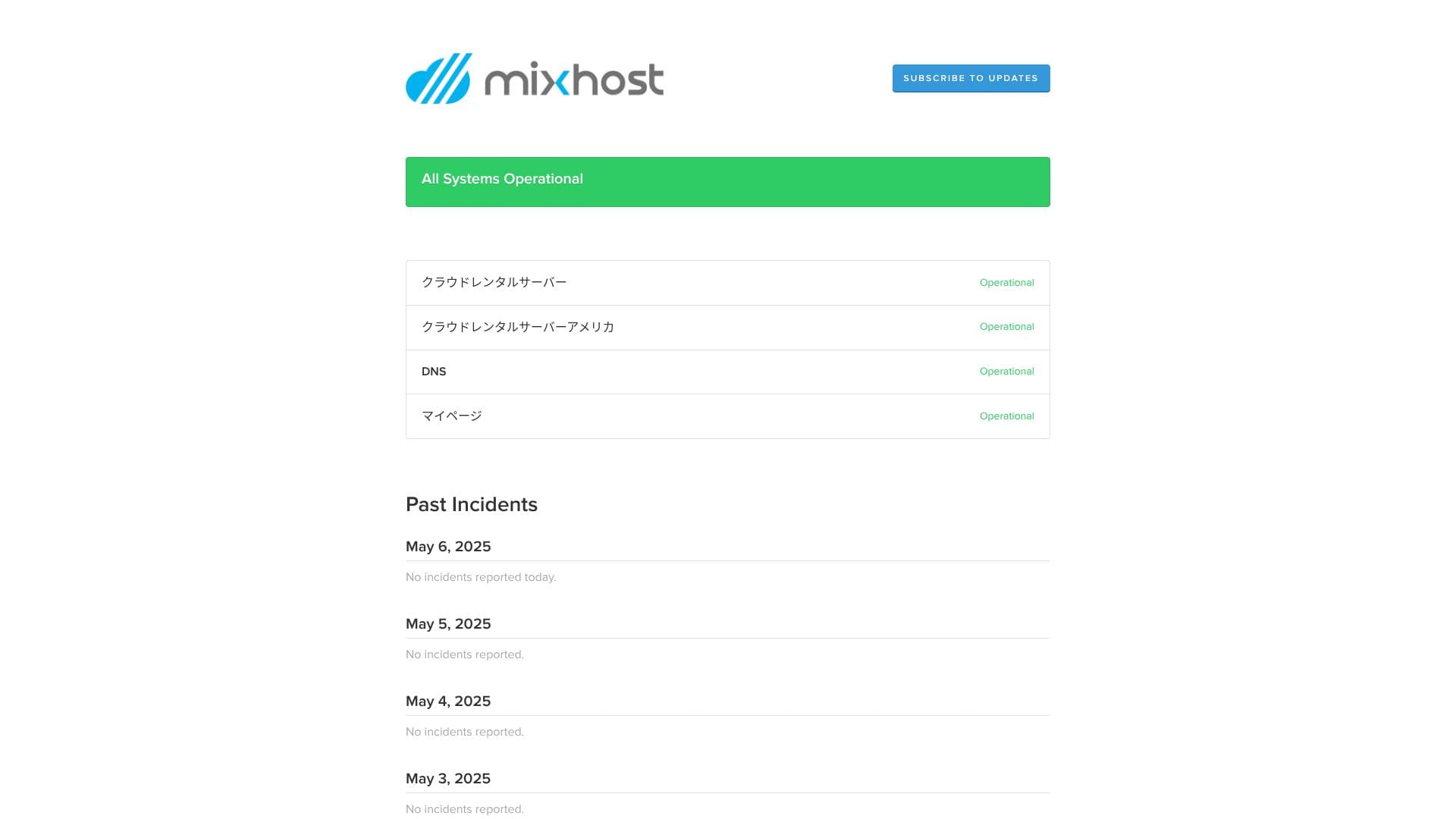
Провайдер публічно оприлюднює інформацію про збої в роботі серверів та технічне обслуговування, що є гарною ознакою відкритості.
Pricing and cost review
Initial fees and monthly pricing
mixhost charges no initial fee on any plan. Monthly pricing gets cheaper as the contract term gets longer. On the affordable Light plan, the initial 12-month contract costs 594 yen per month including tax. On a 36-month contract, it drops to 495 yen per month including tax, which is excellent value.
The signup pricing is low, but remember that the price returns to the standard rate at renewal. On the Light plan, the 12-month renewal rate is 968 yen per month including tax.
- mixhost
- Kinsta
- XServer Business
- wpx
- Lolipop!
- Star Rental Server
- Rakko Server
- XServer
- ConoHa
- Colorful Box
- Shin Rental Server
- Little Server
- CORESERVER
- DreamHost
- Bluehost
- Sakura
- Namecheap
- Shin Free
- XREA
- Value Server
- HOSTINGER
- KAGOYA
- SiteGround
- Hostgator
- IONOS
- Onamae.com
- ABLENET
- GoDaddy
- iCLUSTA+
- MuuMuu Server
- WADAX
- WebARENA
- heteml
- CPI Rental Server


































домен pricing
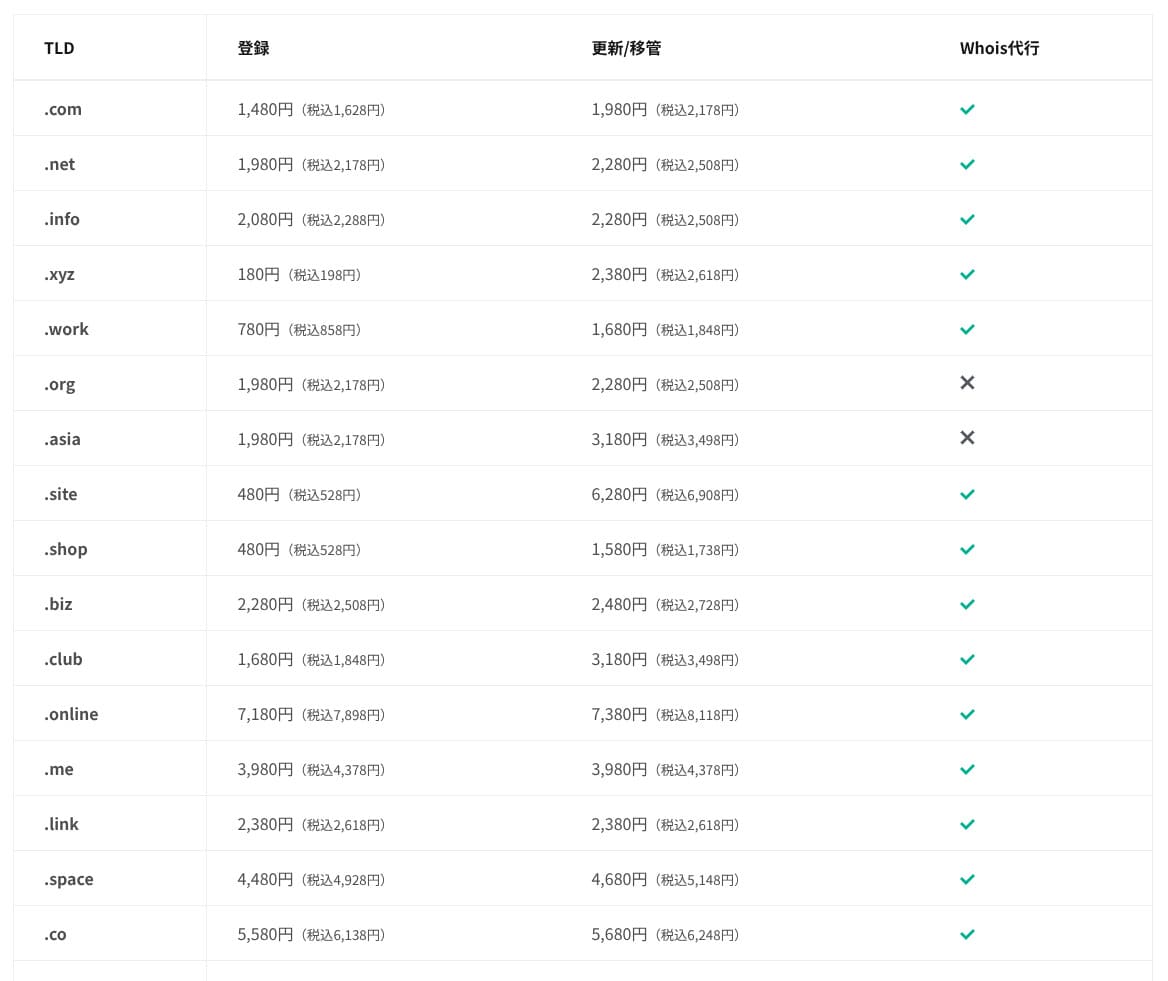
On Standard and higher plans, one domain from 11 types such as .com and .net is free for the first year. Ongoing renewal costs are slightly higher than the rates offered by typical registrars.
Hikaru Ono
При укладанні довгострокового контракту з XServer або ConoHa WING ви можете безкоштовно використовувати два домени, поки діє оренда сервера. У цьому плані mixhost програє зазначеним сервісам.
- mixhost
- Onamae.com
- XServer Domain
- MuuMuu Domain
- Value Domain
- Shin Domain
- Star Domain
- Colorful Domain
- Rakko Domain








SSL certificate costs
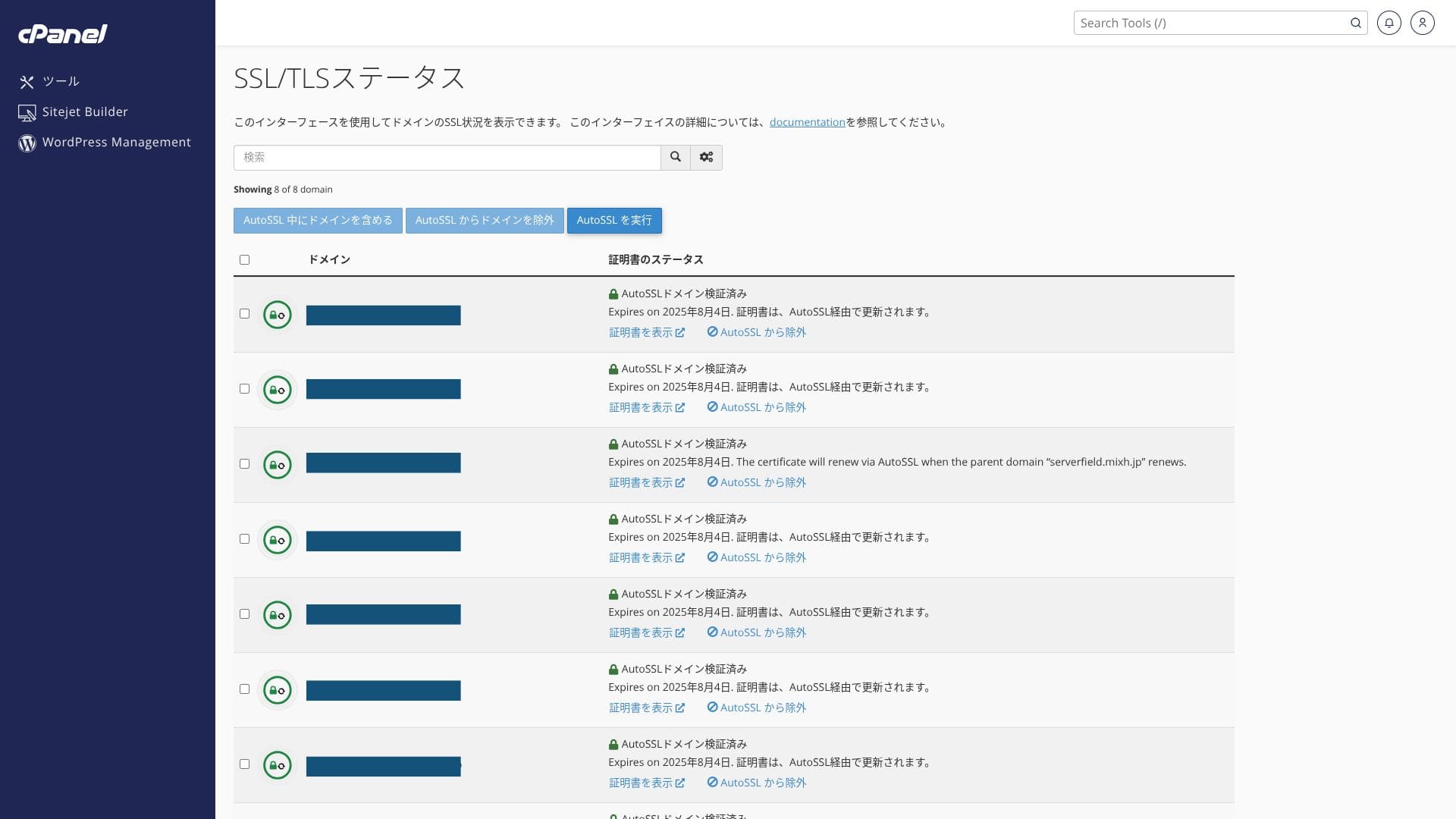
It includes free custom SSL through Let’s Encrypt as standard. Because the certificate is renewed automatically within 24 hours by the “AutoSSL” function in cPanel, there is no extra cost.
The WordPress site installed at the time of signup already had SSL/TLS configured from the start. There is no need for the account holder to set up SSL during signup. You only need to configure SSL later when you add a domain after the initial contract.
SSL settings can be run from “AutoSSL” inside “SSL/TLS Status” in cPanel.
Payment methods
mixhost accepts credit cards, PayPal, and bank transfer.
- mixhost
- Kinsta
- XServer Business
- wpx
- Lolipop!
- Star Rental Server
- Rakko Server
- XServer
- ConoHa
- Colorful Box
- Shin Rental Server
- Little Server
- CORESERVER
- DreamHost
- Bluehost
- Sakura
- Namecheap
- Shin Free
- XREA
- Value Server
- HOSTINGER
- KAGOYA
- SiteGround
- Hostgator
- IONOS
- Onamae.com
- ABLENET
- GoDaddy
- iCLUSTA+
- MuuMuu Server
- WADAX
- WebARENA
- heteml
- CPI Rental Server


































If you want to pay with PayPal, note that a 36-month contract cannot be renewed automatically because of system limitations.
Important notes when ordering a contract term longer than one year with PayPal
Ease of use and support review
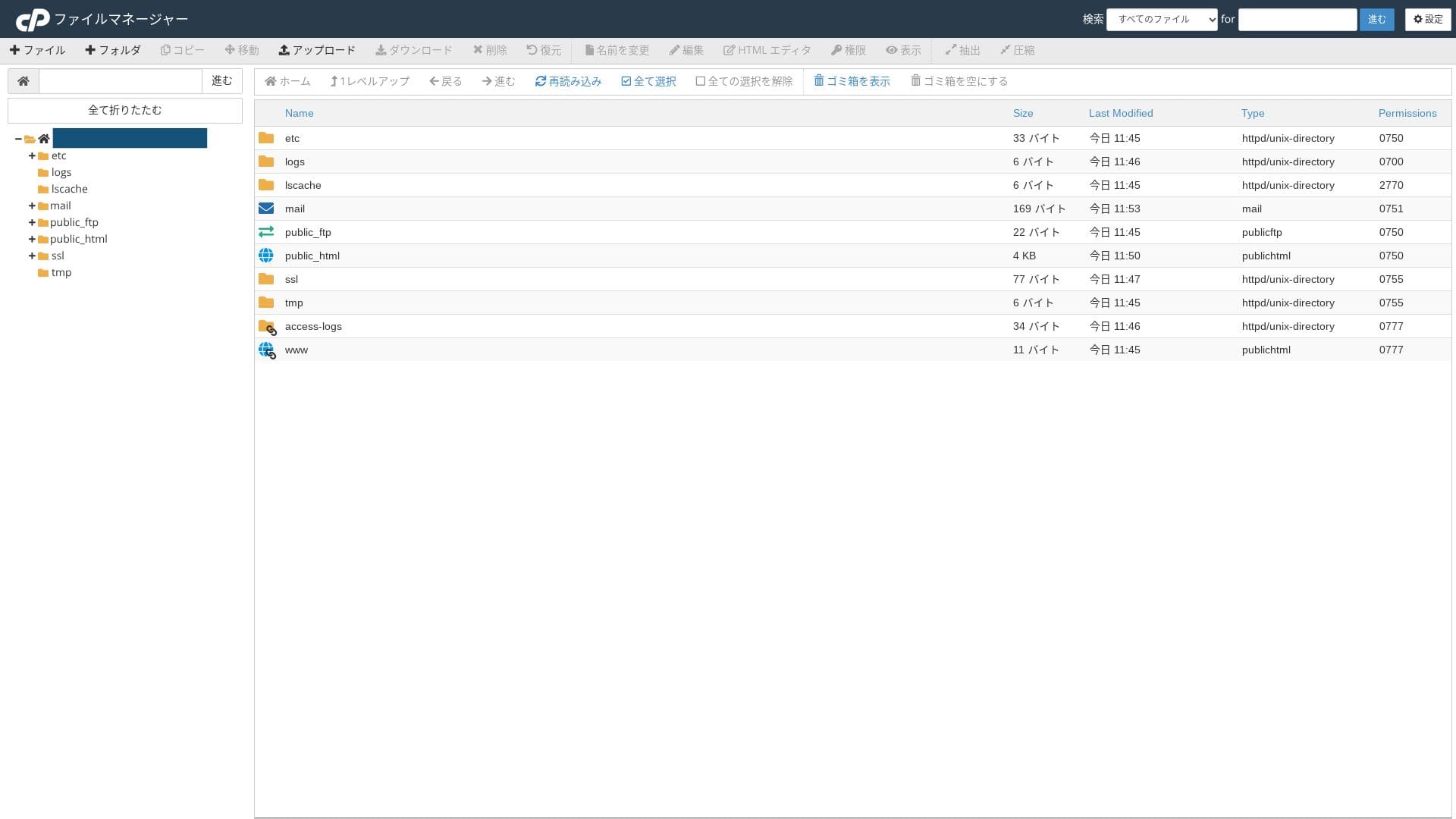
Ease of use of the control panel
It uses the industry-standard cPanel alongside mixhost’s own control panel. You can handle email settings, SSL issuance, and app installation through a GUI.
- Home
- My сервіси
- WordPress
- Domains
- резервні копії
- Bandwidth
- електронна пошта Accounts
- Cron
- DB
- File Manager
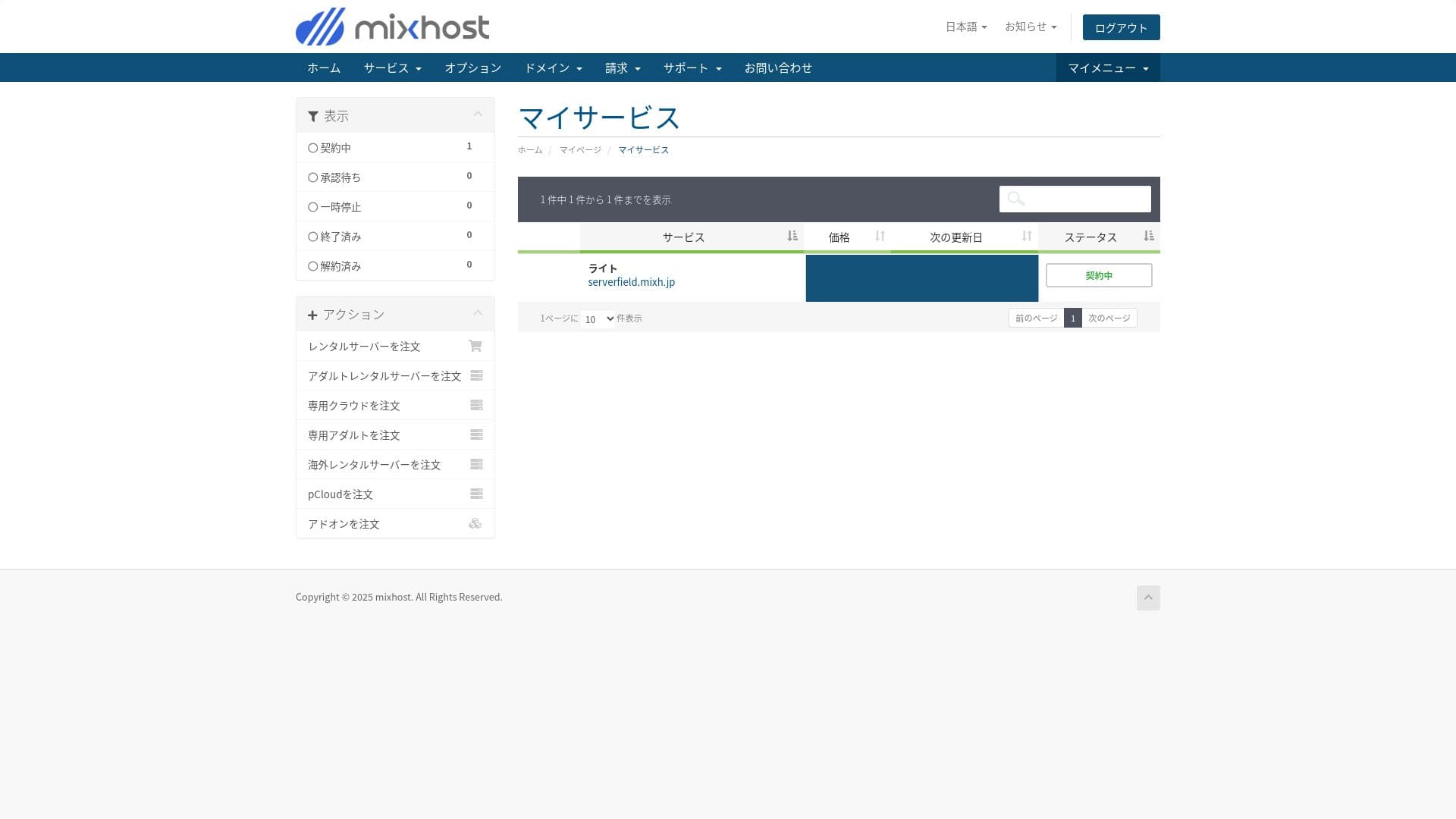
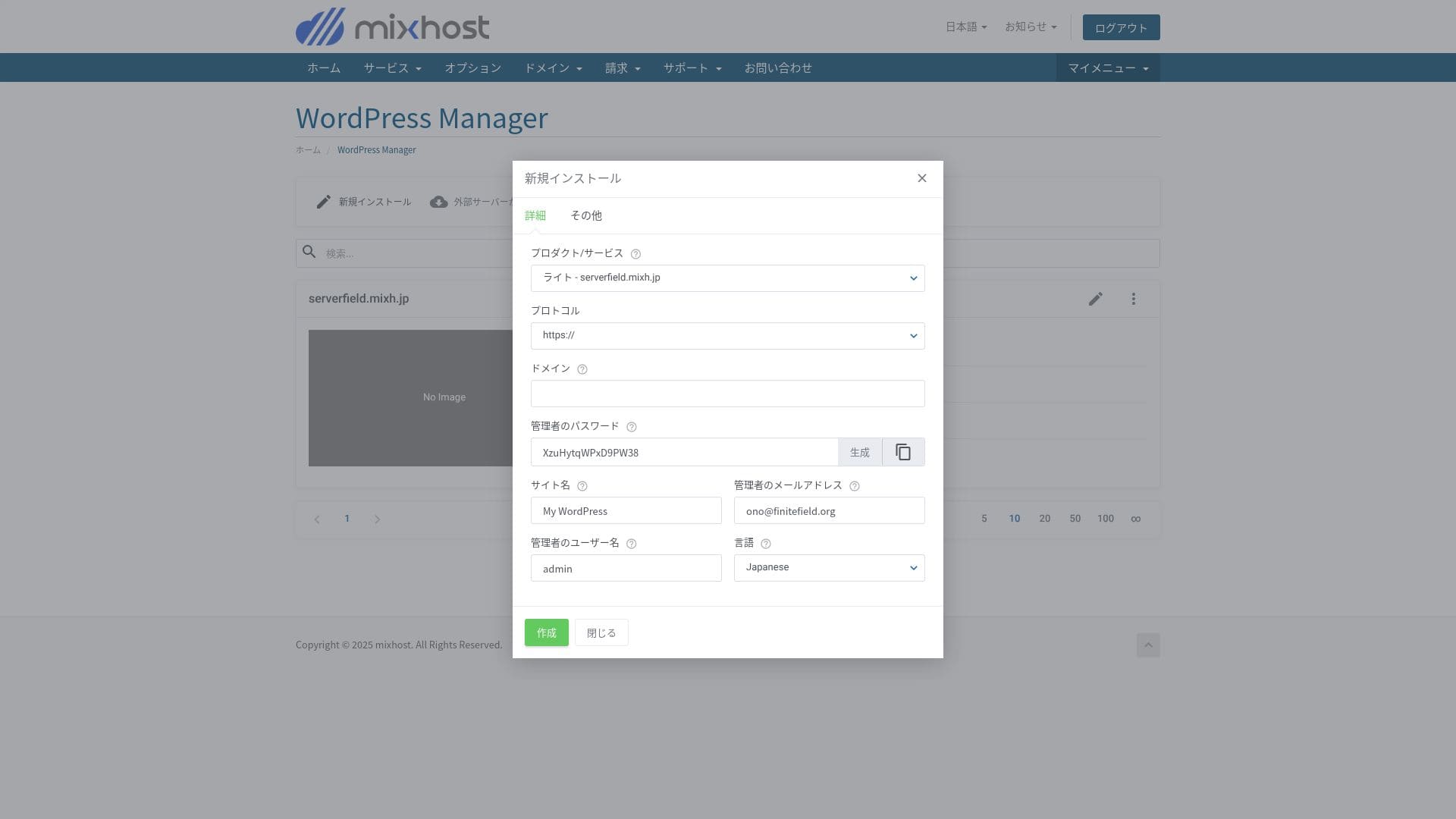
You can install WordPress from the "WordPress Manager" in mixhost's control panel.
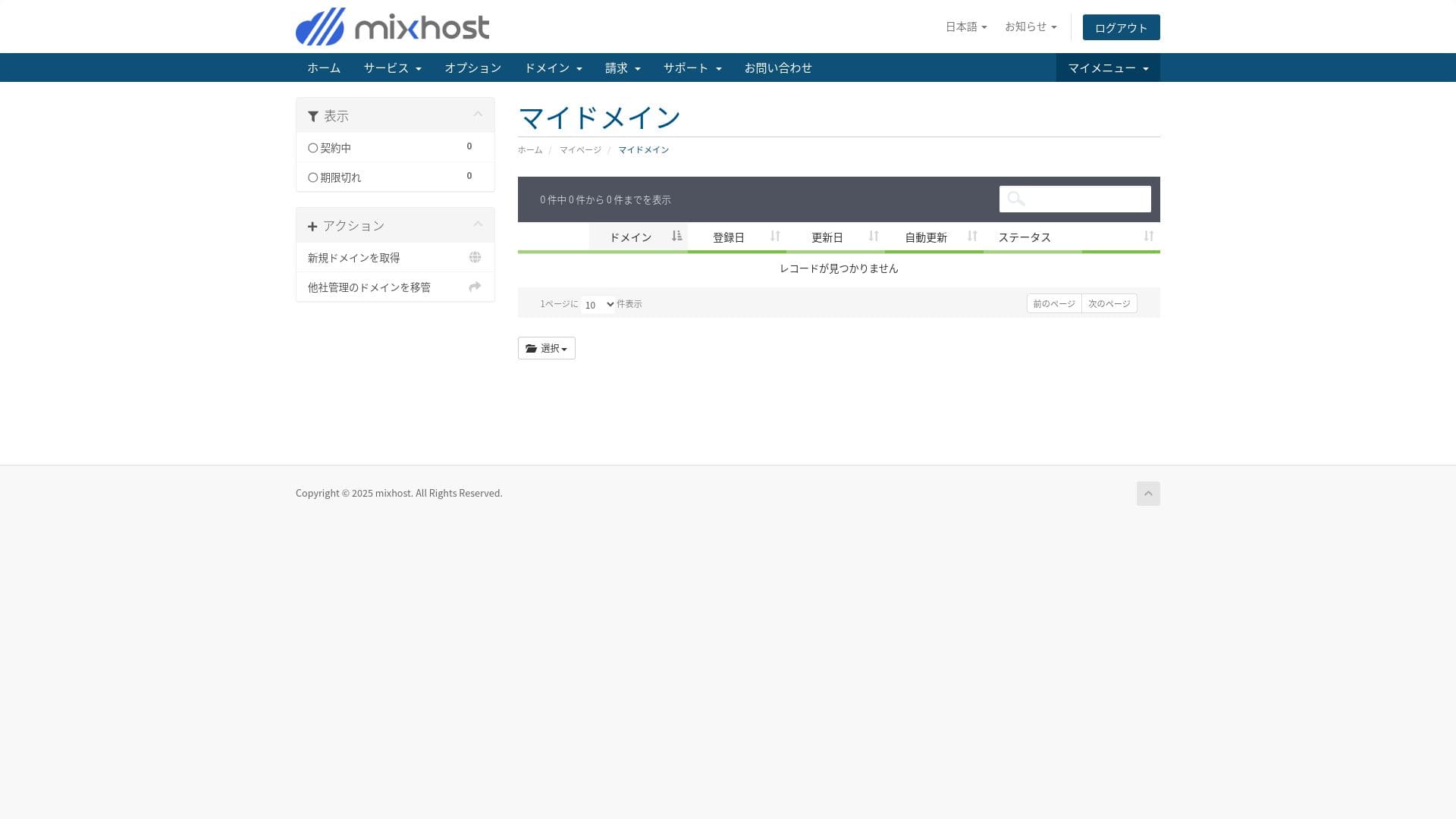
The Light plan does not include backups, so there is no screenshot here. Use a WordPress backup plugin instead.
П’ять powerful WordPress backup plugins to recover your data
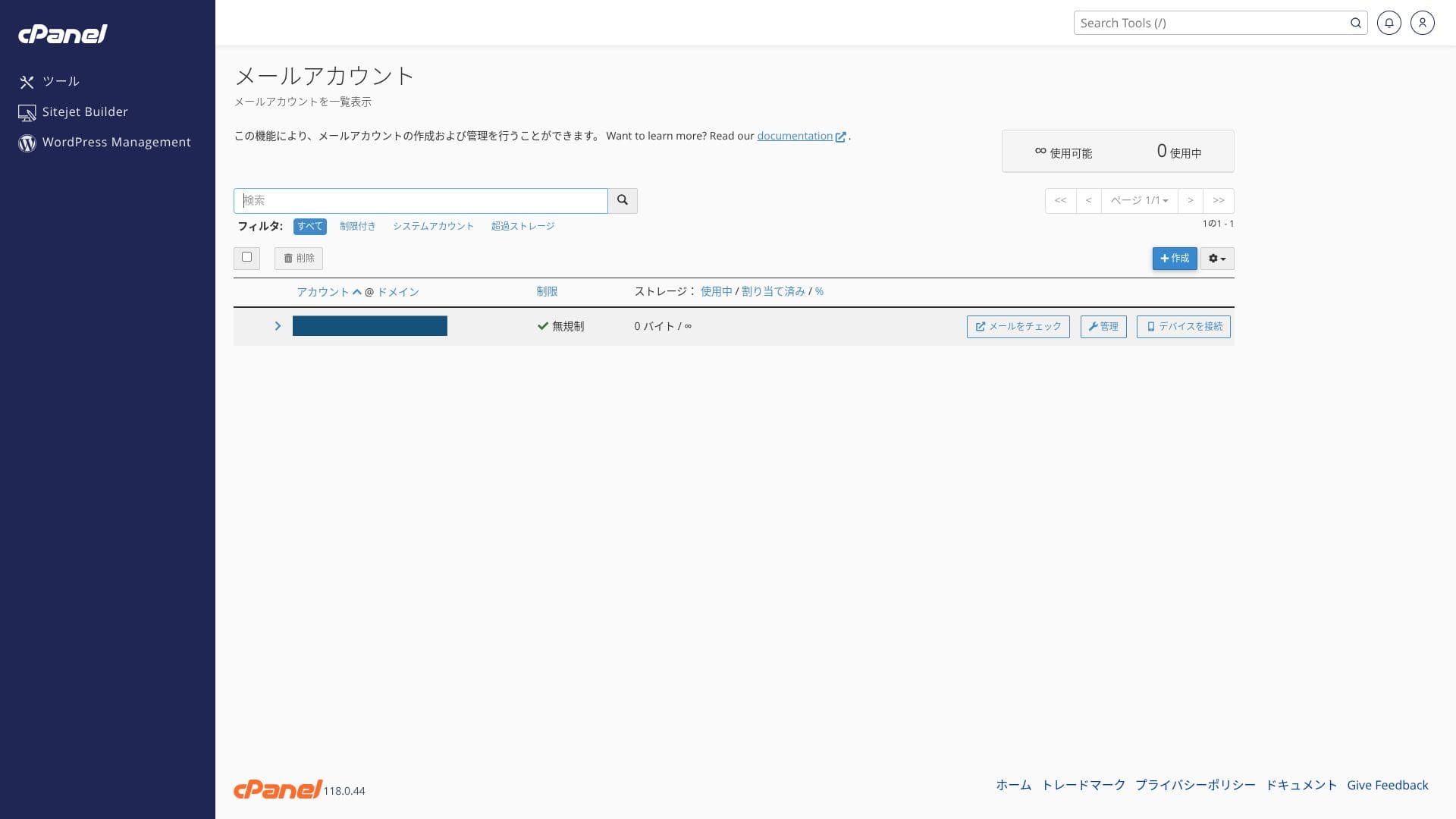
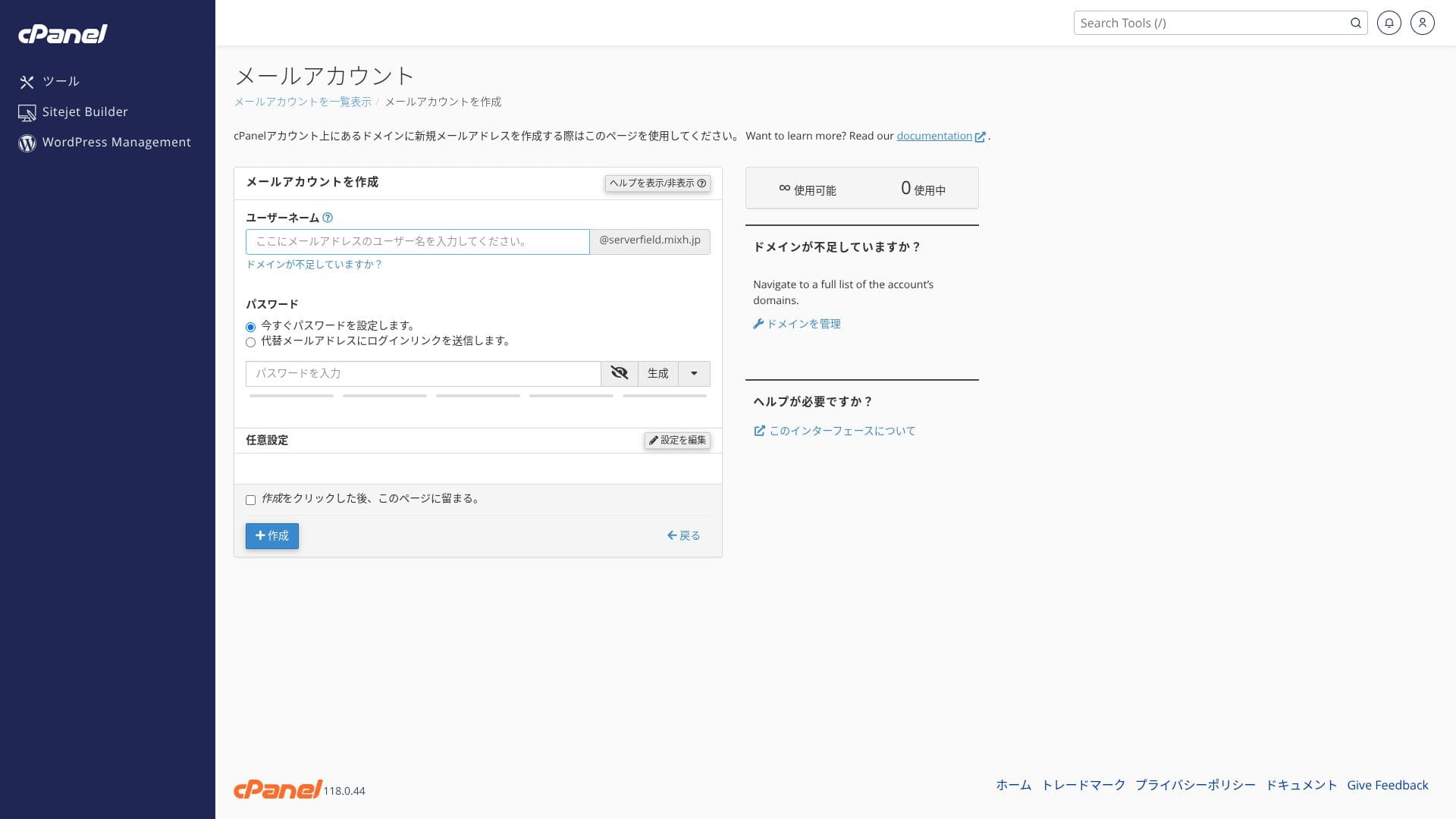
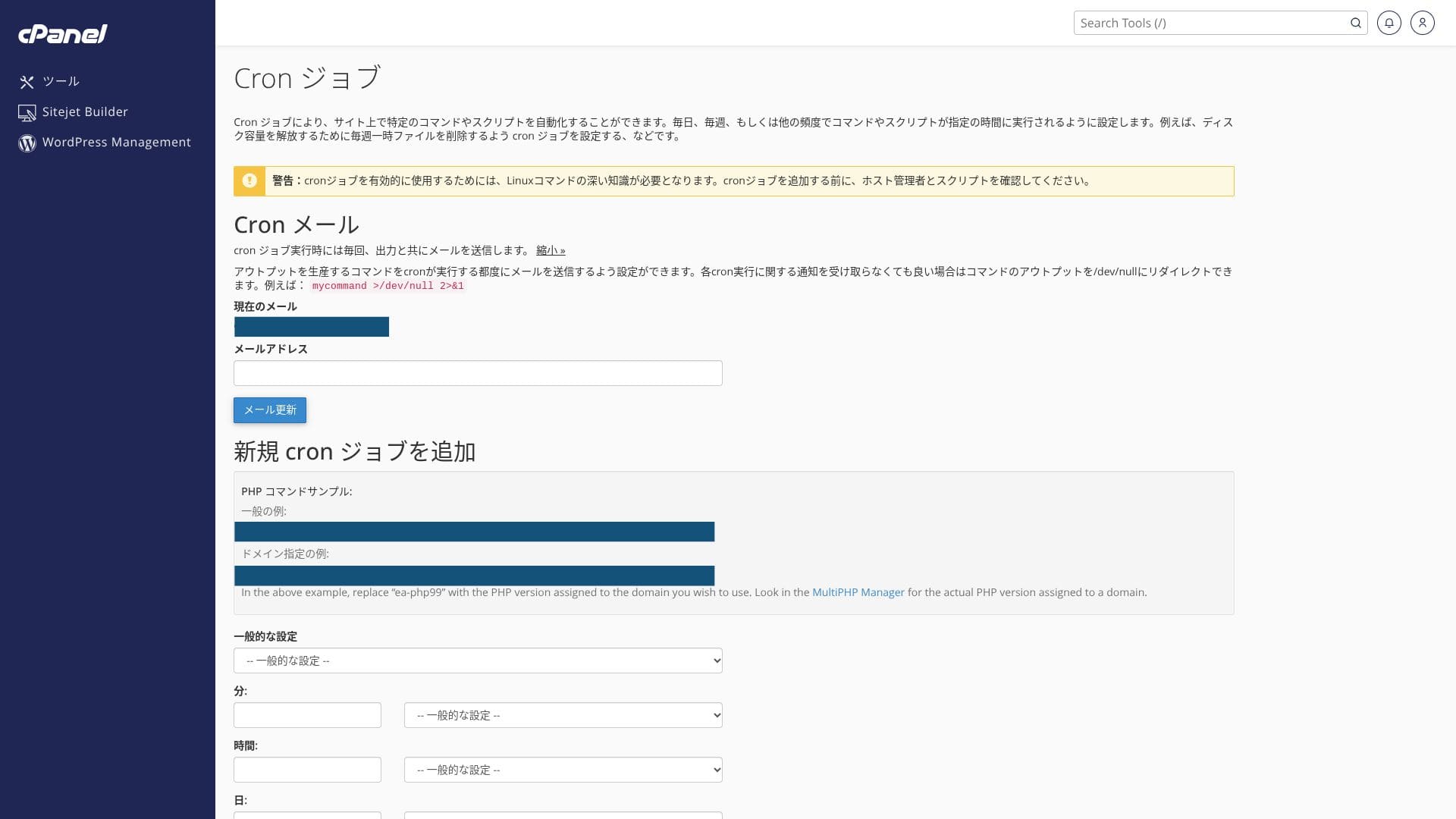
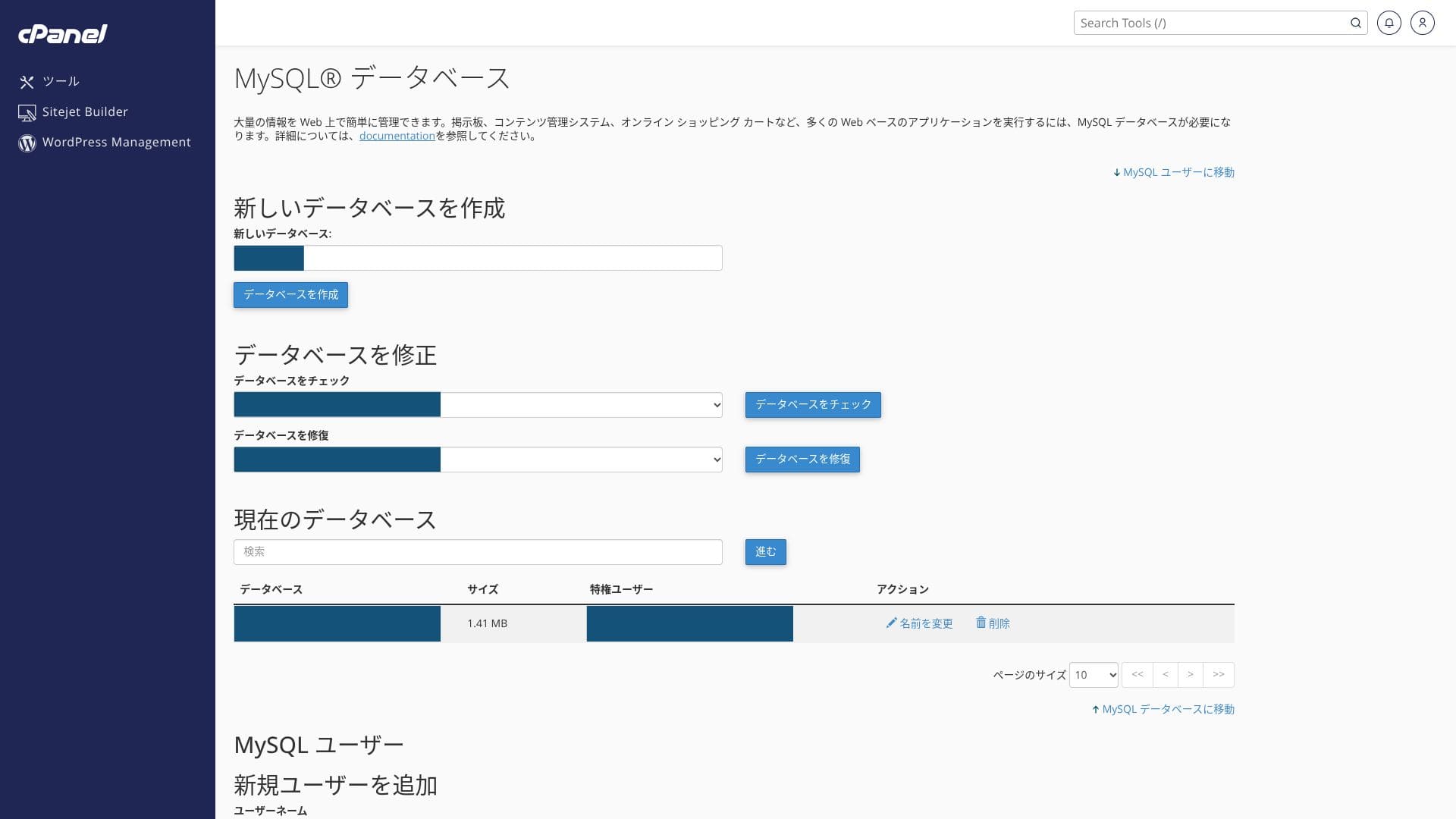
Hikaru Ono
Because you use both the proprietary control panel and cPanel, you may feel unsure of where to click at first.
підтримка structure
All plans include email and chat support. Premium and above also add two Zoom support sessions per month, and those plans are prioritized over the lower plans.
Managed services
Professional staff can support technically demanding work such as one free WordPress migration per year and SSL activation support either free of charge or at a low cost.
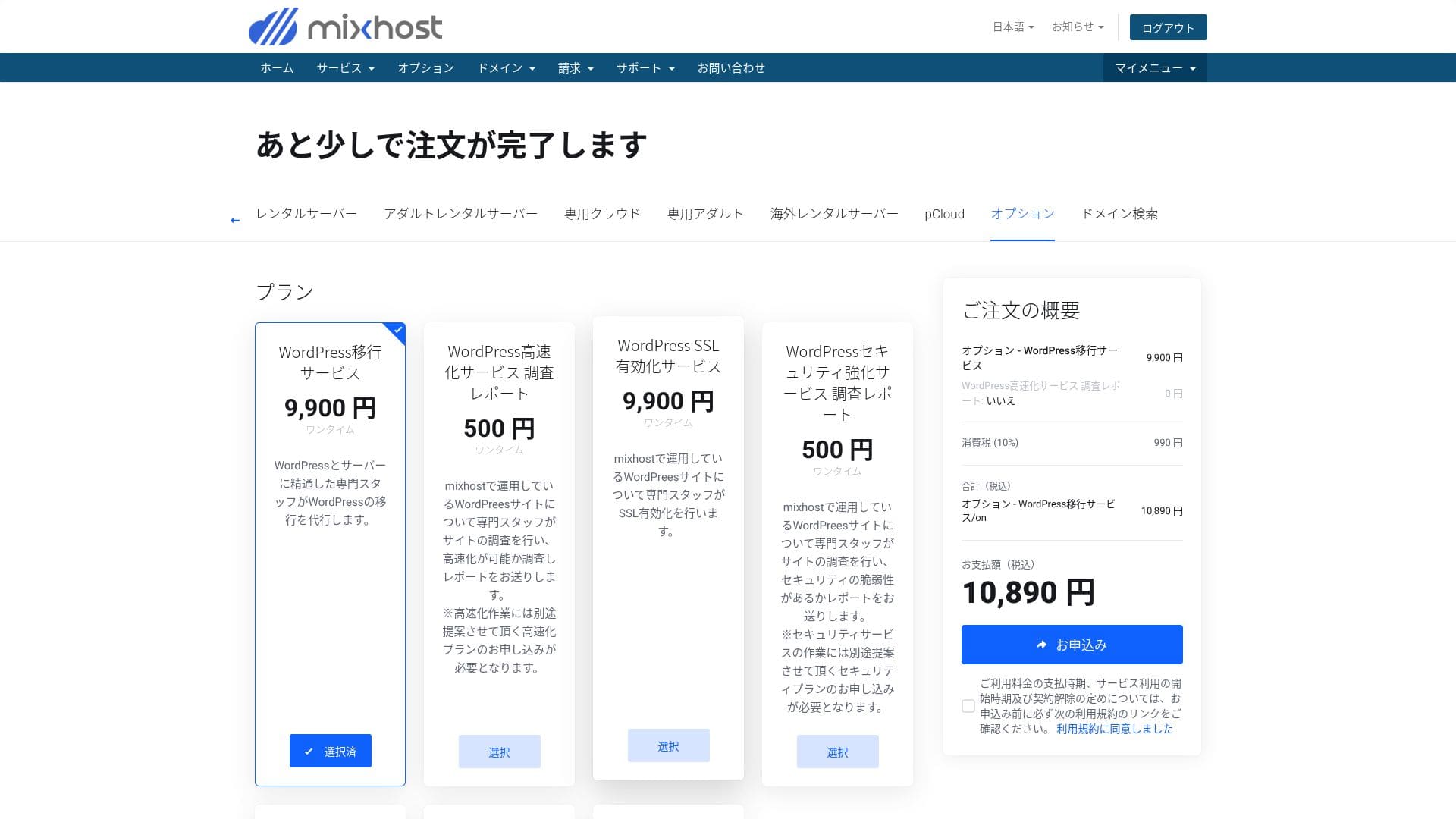
- WordPress migration service: 10,890 yen per site
- Аналіз швидкості: 550 єн за запит, тарифний план для налаштування швидкості: від 9 900 єн на місяць
- безпека investigation: 550 yen per request, spot plan: 21,890 yen per month, maintenance plan: 10,890 yen per month
- SSL activation service: 10,890 yen per site
Hikaru Ono
You can migrate WordPress yourself using tools. But if you are anxious about it or you do not have the time, make active use of the managed services.
Quality of manuals and FAQ
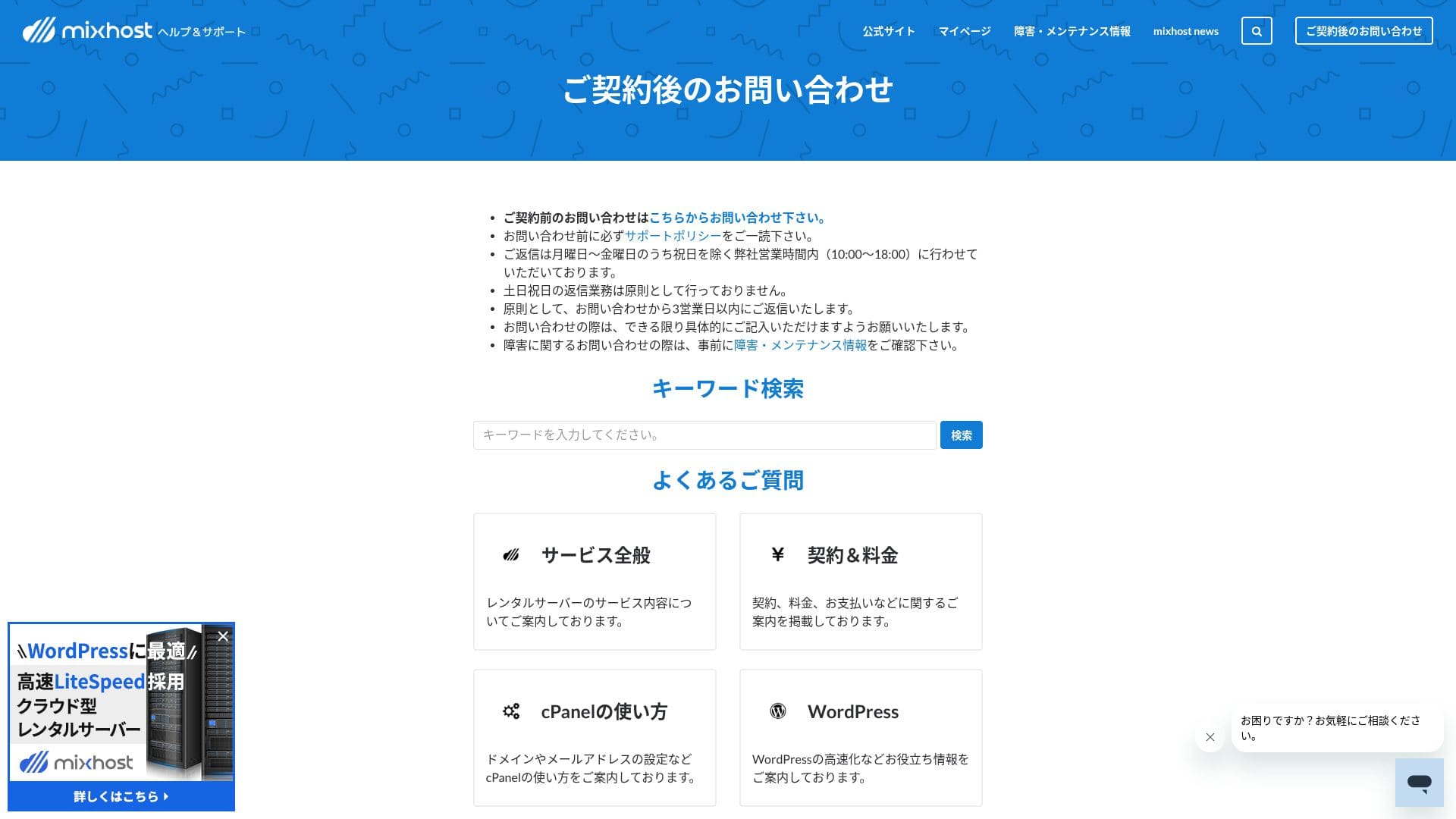
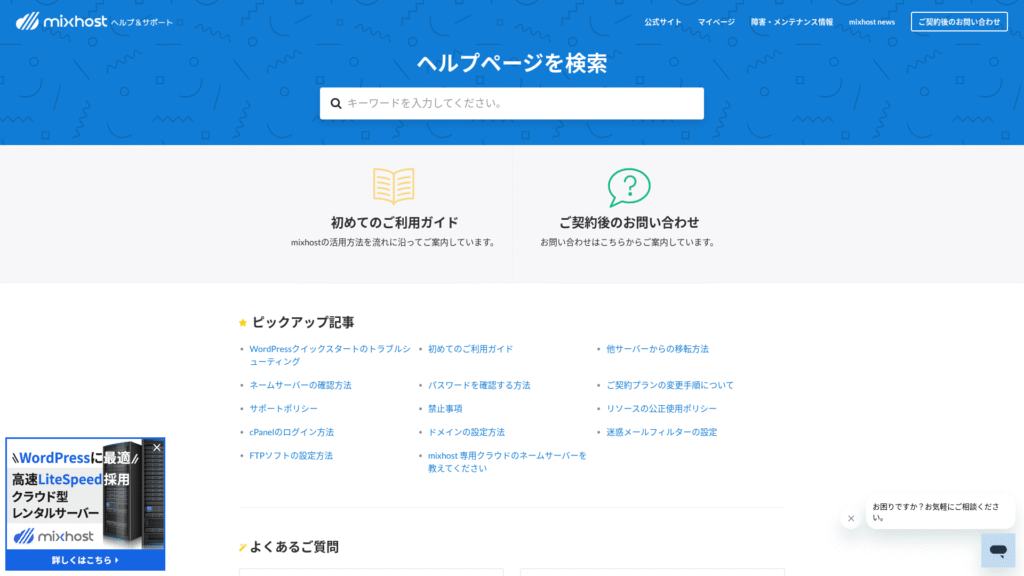
The official help center publishes a very large number of articles in Japanese. In most cases, you can find the fix for an error by using the keyword search.
електронна пошта feature review
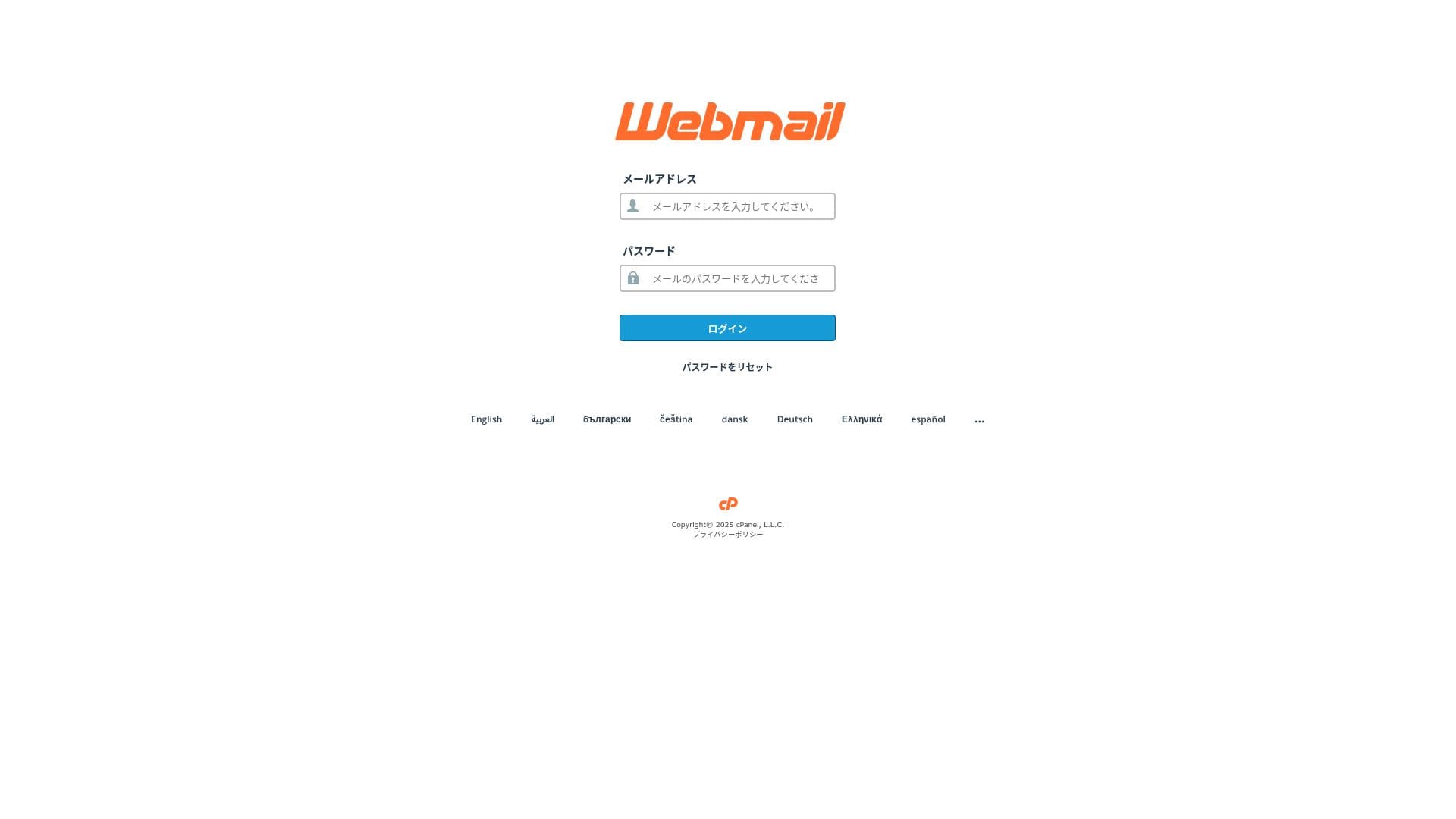
mixhost has a low outbound email limit. That means it works fine for everyday business email and handling inquiries, but it is safer to use a separate service for newsletter distribution.
| Item | All plans | Notes |
|---|---|---|
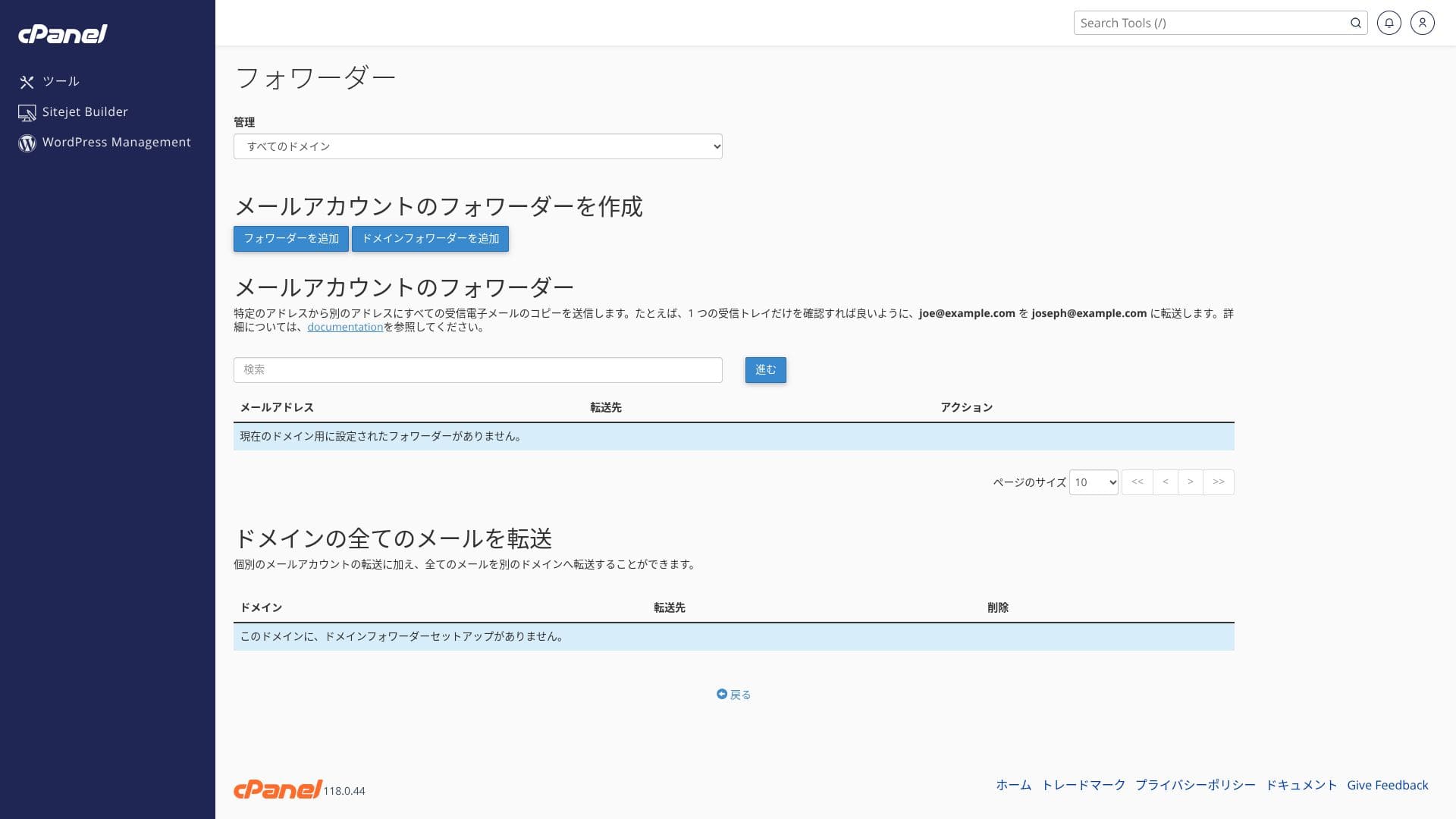
| Number of email accounts | Unlimited | Available on both custom domains and subdomains |
| Receiving protocols | IMAP / POP3 (SSL/TLS) | Can be configured in Outlook, the Gmail app, and others |
| Sending protocol | SMTP (587 / 465, SSL supported) | Підтримка протоколів STARTTLS та SMTPS |
| Webmail | Roundcube | Browser-based email client included |
| Spam filtering | SpamAssassin | Threshold can be adjusted in cPanel |
| Virus filtering | ClamAV | Available only on Standard and above |
| Plan | Per hour | Per 24 hours |
|---|---|---|
| Light | 50 emails | 100 emails |
| Standard and above | 100 emails | 1,000 emails |
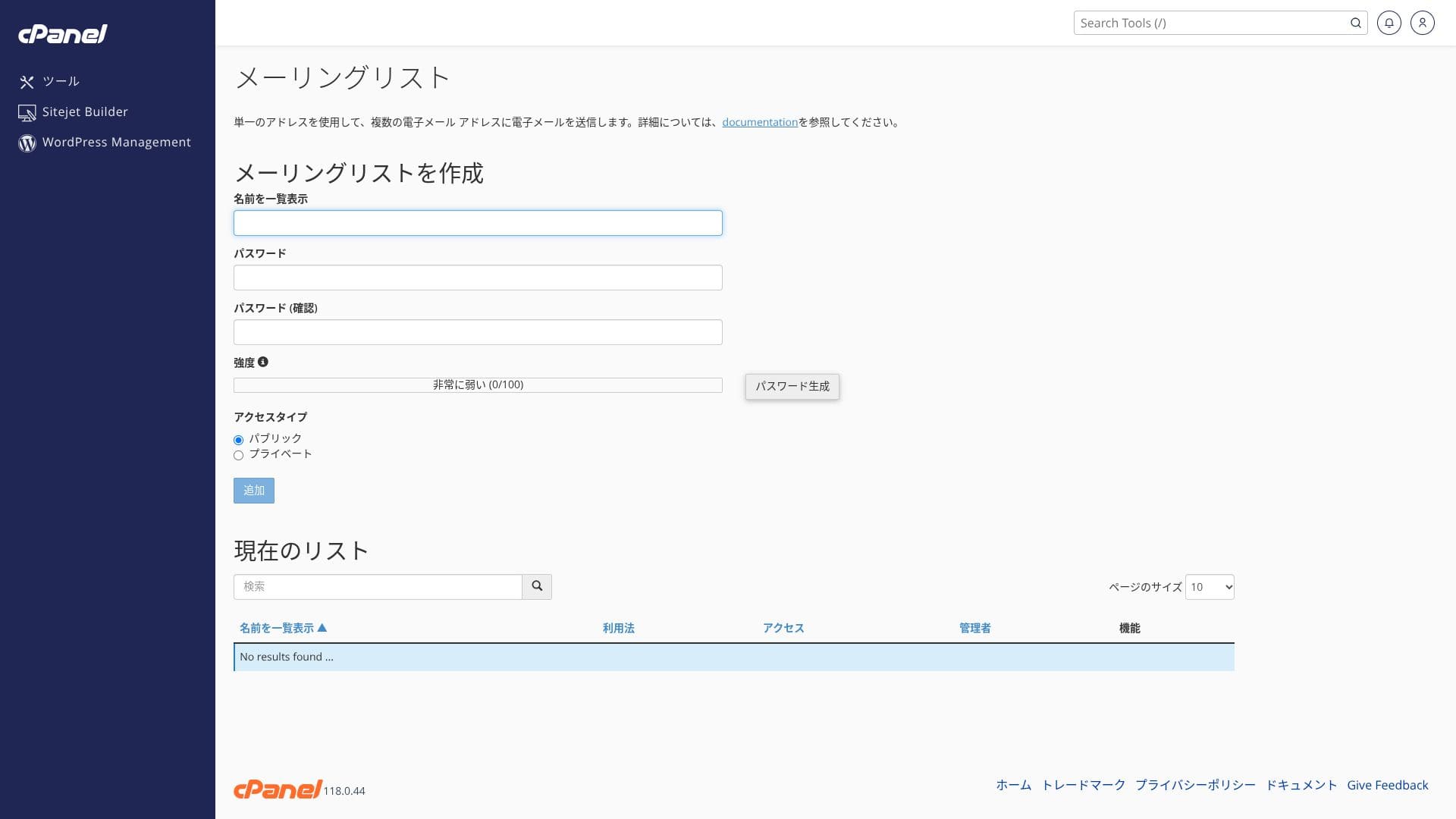
The upper limits are defined by the fair-use policy. For normal in-house business operations, such as 30 employees sending around 20 emails per day each, which is about 600 emails in total, there is plenty of room. However, it is not suitable for large-scale bulk distribution.
- SMTP and IMAP encrypted with free custom SSL reduce the risk of eavesdropping even on outside networks.
- cPanel provides a setup wizard for SPF, DKIM, and DMARC records, which makes anti-spoofing measures easy.
- Самий сервер працює із міжмережевим екраном (WAF) на базі штучного інтелекту та захистом від DDoS-атак, а поштовий сервіс функціонує в тій же хмарній інфраструктурі з резервуванням, тому в разі проблем перемикання на резервну систему відбувається автоматично. Також надається 99,99% гарантія аптайму.
Hikaru Ono
Because the setup cost is zero and SSL and anti-spam measures are included as standard, I think even small and midsize companies without an IT specialist can handle it comfortably.
Огляд безпеки та резервного копіювання
безпека measures
mixhost постачається зі стандартним захистом від DDoS-атак та безкоштовним SSL-сертифікатом. Тарифні плани Premium та вищі також містять міжмережевий екран для веб-застосунків (WAF) на базі штучного інтелекту та автоматичне видалення шкідливого ПЗ. WAF — це захисний механізм, який у режимі реального часу блокує атаки на веб-застосунки, наприклад SQL-ін’єкції.
Hikaru Ono
Because the Light plan is not as strong on security as the higher plans, make sure you install WordPress security plugins.
П’ять плагінів безпеки WordPress, які можуть посилити захист вашого сайту, та як їх вибрати
Automatic backup feature
На всіх тарифних планах, окрім Light, одна резервна копія на день за останні 14 днів зберігається в іншому регіоні. Ви можете самостійно відновити дані за датою за допомогою інструменту JetBackup в cPanel.
Hikaru Ono
If you choose the Light plan, which does not include backups, make sure you install a WordPress backup plugin.
П’ять powerful WordPress backup plugins to recover your data
Other features
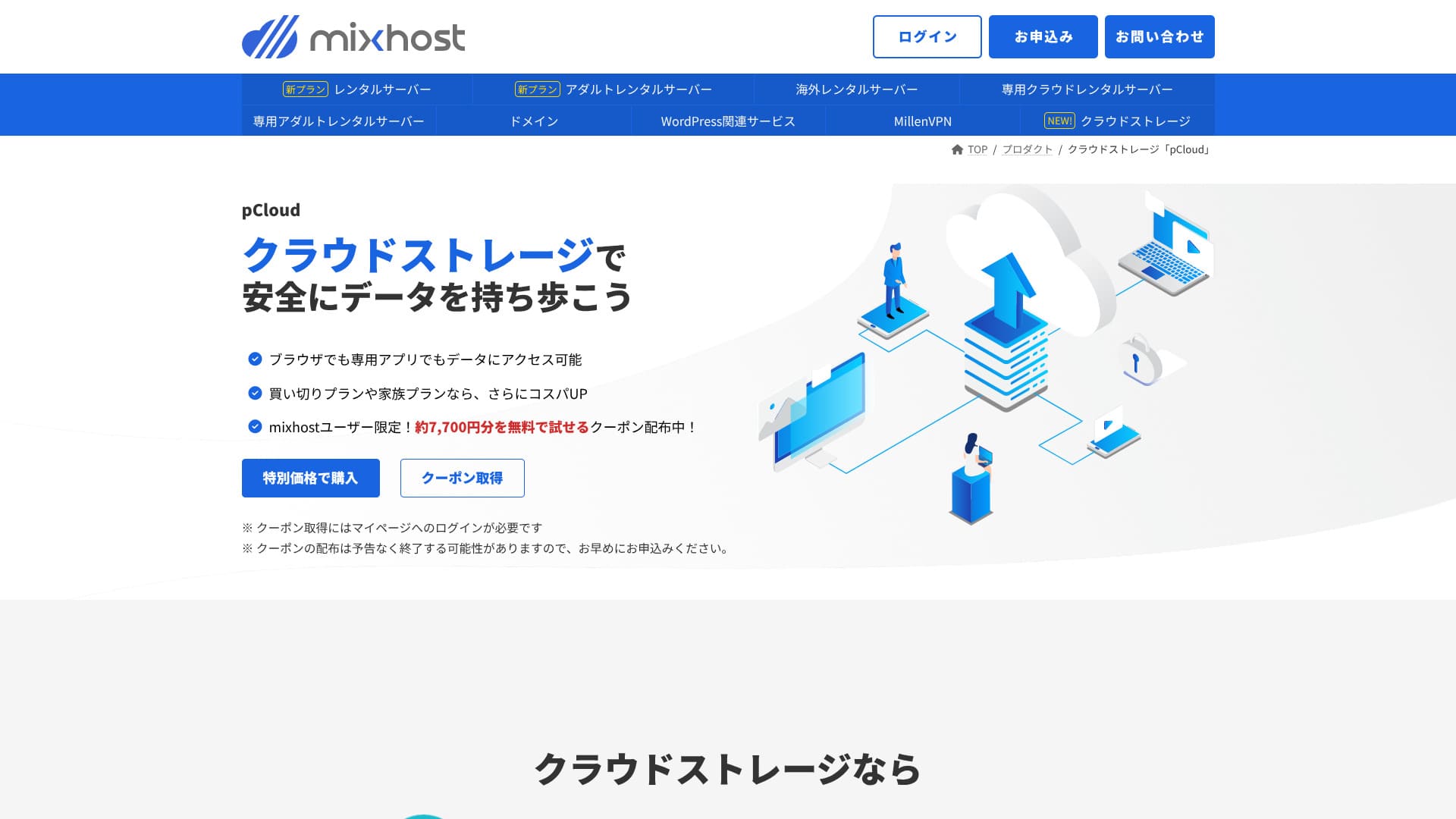
pCloud
pCloud is a cloud storage service used by 21 million people.
mixhost users can get a coupon that lets them try 500 GB for one year for free, which is worth about 7,700 yen. It is convenient for sharing large files and for team collaboration.
Sitejet
Ви можете безкоштовно використовувати Sitejet — конструктор без коду, який дозволяє створювати сайти простим перетягуванням елементів. Він також містить функції створення текстів за допомогою ШІ та редагування зображень, що чудово підходить для розробки цільових сторінок (лендінгів) для малого бізнесу.
Hikaru Ono
It lets you build a website even more easily than WordPress.
Use Сайтjet
- STEP.1Log in to "cPanel" from the control panel
- STEP.2Click "Click to get started" in Сайтjet

- STEP.3Click "Try Сайтjet" in Сайтjet Builder
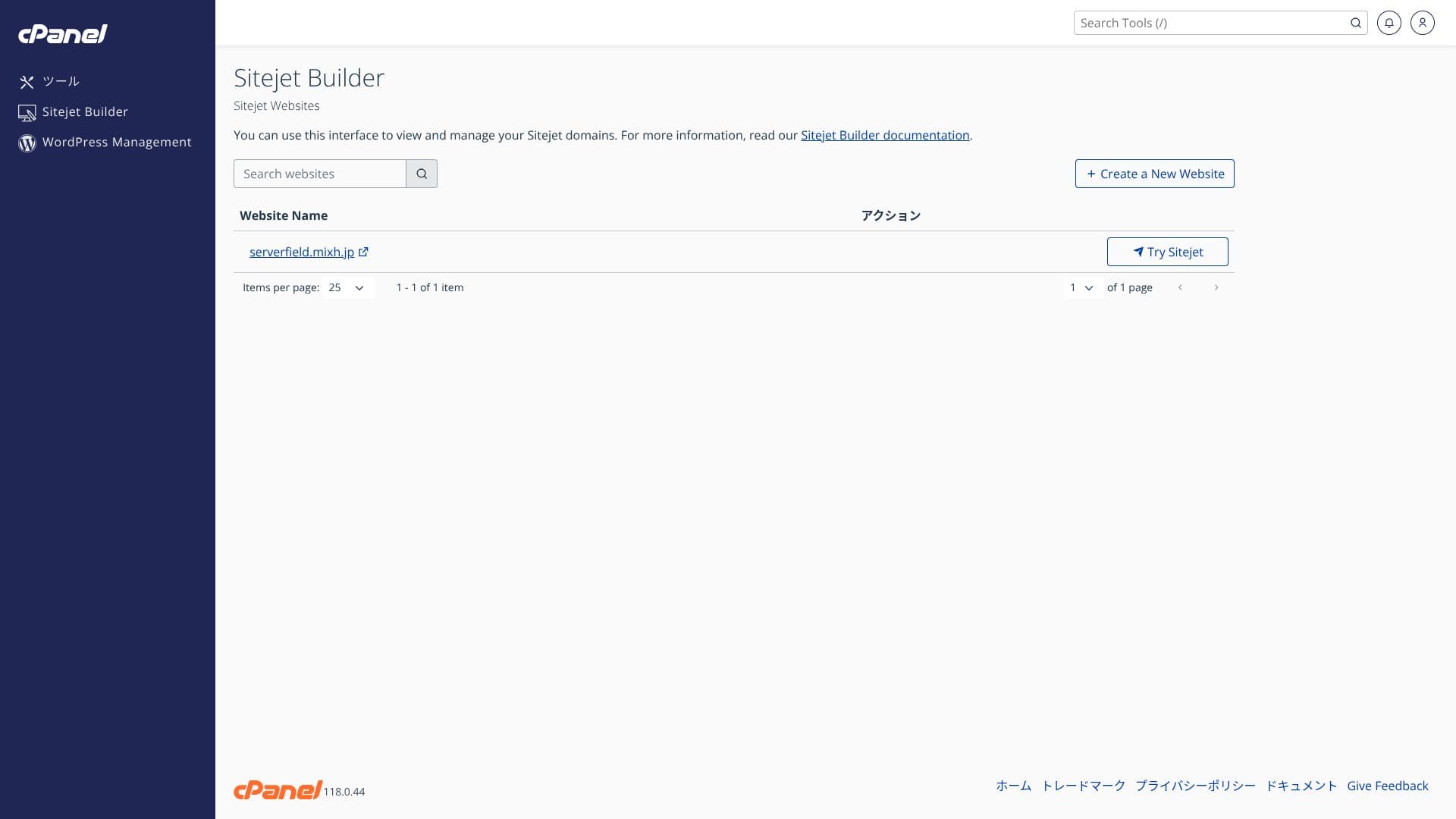
- STEP.4Choose the template you want to use

Overseas hosting
The overseas hosting option that lets you choose a San Jose, US West Coast location gives you a low-latency setup that fits global ecommerce sites and English-language media. Pricing is about 330 yen higher than the domestic Standard plan.
Hikaru Ono
Very few Japanese hosting companies operate overseas сервер locations. Because you can still receive Japanese-language support, I recommend it to people looking for an overseas сервер.
Підсумок
“mixhost» — хмарний високошвидкісний сервер від компанії AzPocket Inc. Він також пропонує сервери, розташовані за кордоном, що робить його особливо привабливим для приватних осіб, які орієнтуються на міжнародну аудиторію. При оренді сервера WordPress встановлюється автоматично, тому розпочати роботу дуже просто.
Up to 55% off the first purchase, plus an extra 25% off and a 30-day money-back guarantee
mixhost is ideal for users who want strong value, high speed, and attentive support at the same time.
- Приватні блогери та спеціалісти з партнерського маркетингу: швидкий старт (Quick Start) та кеш LiteSpeed Cache допоможуть вам створити швидкий та оптимізований для SEO сайт із першої секунди його запуску.
- Small and midsize businesses and ecommerce operators: безкоштовний персональний SSL та автоматичне резервне копіювання забезпечують спокій щодо безпеки, а необмежена електронна пошта допомагає централізувати обмін внутрішньою інформацією.
- Production companies and developers: You can manage multiple sites in one place and use staging-friendly workflows that make testing and publishing easy.
Because the Light plan does not include backups, I recommend Standard or above for corporate and business use. Make use of the 30-day money-back guarantee and try the actual speed and the usability of the admin screens on your own website or blog.
Compare 10 overseas hosting services

When choosing overseas hosting, many people are unsure which provider to pick because of language barriers and cultural differences.
This article thoroughly compares 10 carefully selected overseas hosting companies from around the world and explains each service’s features, pricing plans, and real-world usability.
It covers a wide range of needs, from decision points that help beginners choose safely to advanced features sought by technical users.