Eligible domains free forever
PR
Сервери
Огляд Onamae.com Rental Server: 99,99% uptime, стабільність і вигідність
Опубліковано: 2025.04.18
Оновлено: 2025.04.18
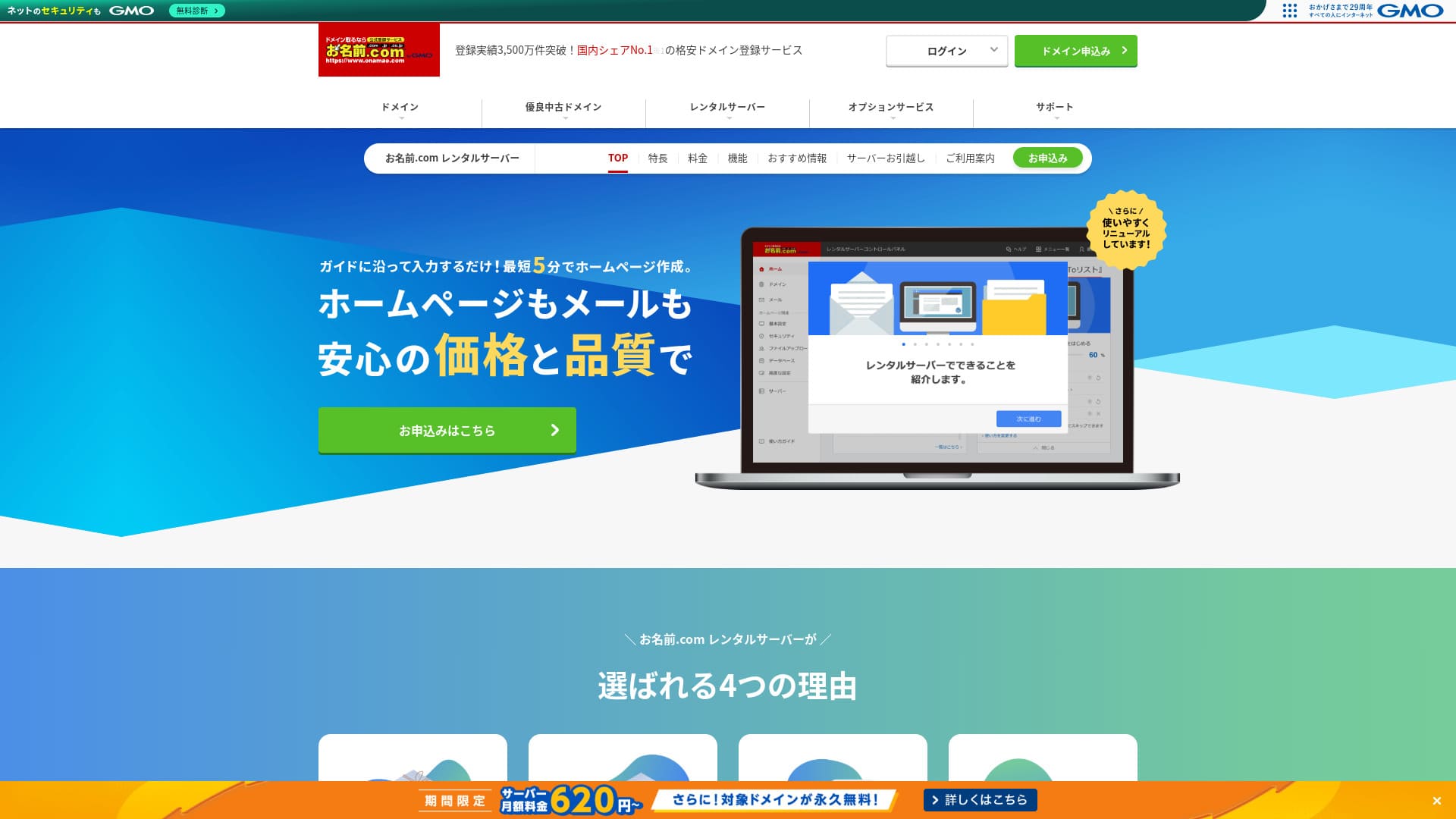
Є сенс бути відомими не лише завдяки доменам, а й завдяки серверам.
Onamae.com добре відомий в Японії як реєстратор доменів. Його серверна послуга зазвичай залишається в тіні.However, its features and specs are strong. I can recommend it for both individuals and businesses.
In this article, I explain everything from the reputation and features of onamae.com Rental Server to how to start WordPress.

Complete Comparison of 32 WordPress Rental Servers: Recommendations by Personal, Business, and Overseas Use

Коли ви думаєте: «Я хочу запустити сайт на WordPress» і шукаєте «рекомендації щодо WordPress», ви бачите безліч статей: від сервісів для особистого користування та серверів для компаній і малого бізнесу до закордонних та бюджетних варіантів. Чесно кажучи,
- Which site should I read?
- I just want to choose a server simply and clearly.
- Show me how to start WordPress right away.
Do you ever feel that way? This article introduces ретельно підібрані рекомендації серед 32 орендних серверів для приватних осіб, бізнесу, внутрішнього ринку та використання за кордоном. Про це розповідає SEO-спеціаліст компанії з розробки мобільних додатків, який щодня працює з орендними серверами.
Огляд Onamae.com Rental Server: сервер із високим uptime, який дарує спокій
「 onamae.com Rental Server” has been used by both individuals and businesses. It is Japan’s largest domain registration service, and being able to manage your domain and server together is a major advantage. It makes email, website, and domain management easier across the board.

| Тип сервера | Спільний сервер |
| Швидкість відображення (TTFB) | Не вимірюється |
| Рекомендований тариф і строк контракту | 12 months |
| Пробний період / гарантія повернення коштів | Немає |
| Щомісячна плата (контракт на 12 місяців) | 2,398 yen |
| Початковий збір за налаштування | Безкоштовно |
| Безкоштовний домен | 1 free forever |
| Підтримка | Телефон, електронна пошта та чат (будні 10:00-18:00) |
| Час безвідмовної роботи | 99.99% guaranteed |
| Серверне сховище | 1TB |
| Кількість баз даних | Без обмежень |
| Заходи безпеки | WAF / access restrictions / ads.txt / SiteLock |
| SSL | Free SSL / AlphaSSL |
| Резервне копіювання / відновлення | Автоматичні резервні копії за 14 днів / Free restoration |
| Кількість поштових скриньок | Без обмежень |
| Заходи безпеки пошти | Фільтр спаму та перевірка на віруси / SMTP через SSL, POP через SSL / IMAP / обмеження на вихідну пошту з-за кордону / чорний і білий списки |
| Послуга міграції сервера / сайту | No migration service Доступний інструмент міграції |
| Проста інсталяція WordPress | Yes |
| CDN | Немає |
Five features of Onamae.com Rental Server

99.99% uptime
onamae.com Rental Server має показник безперебійної роботи (аптайм) 99,99%. Сервер працює дуже стабільно.Оскільки сервер працює стабільно, відображення вашого вебсайту також залишається стабільним.
Because it reaches the 99.99% benchmark for high uptime, total downtime over a one-year contract does not even reach one hour.
★ A Beginner's Guide to Understanding Rental Server Uptime and SLAs
Comprehensive email features
onamae.com Rental Server is run by a company that specializes in domain services, and its email features are comprehensive.
The number of email accounts is unlimited. You can also create unlimited mailing lists, which makes it convenient for companies that want to create corporate email accounts and distribute messages to employees without restrictions.
The email virus removal feature is also available at no extra charge, so you can use the email service with confidence.
14-day automatic backups
onamae.com Rental Server includes a 14-day automatic backup feature.
Because backup data is kept, your site can be restored even if you accidentally delete website data or it gets tampered with in a cyberattack.
That lets you operate your website with peace of mind.
Unlimited data transfer
onamae.com Rental Server offers unlimited data transfer.
You do not run into a situation where traffic grows and you can no longer serve the site because you ran out of transfer capacity.
★ What Are Traffic and Data Transfer? Managing and Optimizing Web Traffic
Доступний за ціною для комерційного використання, зокрема для малих і середніх компаній
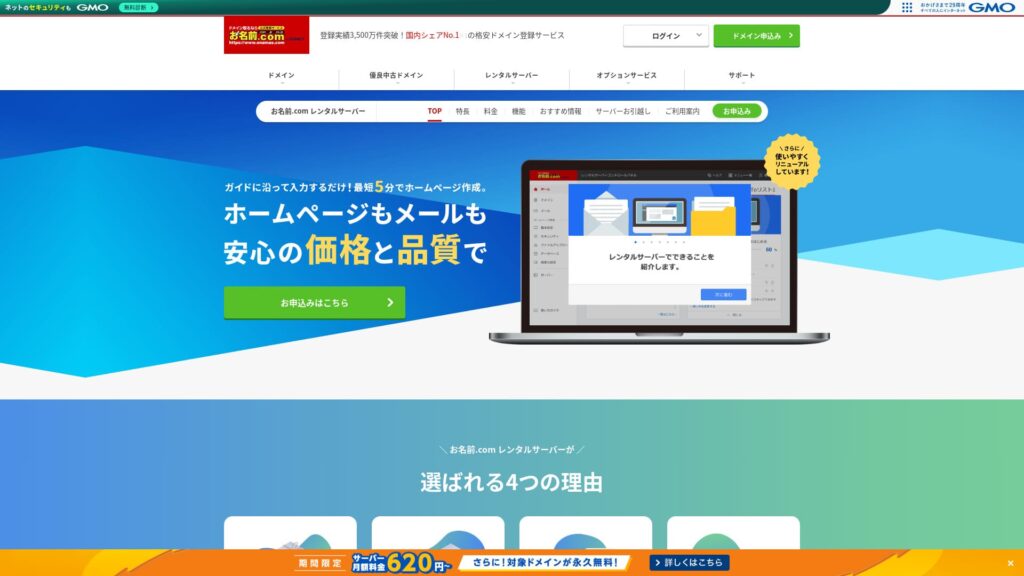
「 onamae.com Rental Server» широко відома як компанія з управління доменами в межах GMO Internet Group. Це один із найдоступніших серверів для бізнес-використання. Завдяки тому, що компанія фокусується на доменах, вона має дуже сильні позиції в організації поштових служб. Це чудовий варіант для компаній, які хочуть керувати сайтом та поштою разом.
Eligible domains free forever
onamae.com Rental Server works for both individuals and businesses because its uptime is high and stable and its email features are comprehensive.
Even so, it is cheaper than competing services when you evaluate it for business use by small and midsize companies and other organizations.That makes it a strong option for companies that want to keep costs down.
A drawback of Onamae.com Rental Server is that it has only one plan

Один disappointing point is that onamae.com Rental Server only has one plan.While it is nice to have more features and specs than you may ever fully use, it would be even nicer if there were a cheaper plan that limited some of them.
If you could choose a plan according to your site traffic, it would be easier to lower operating costs, so this is a point I hope changes in the future.
При цьому наявність лише одного тарифного плану є простою та зрозумілою. Якщо він здається вам дорогим, ви можете вибрати інший сервер, а якщо ціна прийнятна, то завдяки широкому функціоналу ви зможете користуватися ним тривалий час.
Порівняйте орендний сервер Onamae.com з двома схожими серверами
ConoHa WING
ConoHa WING — це сервер, який полегшує запуск WordPress. Оскільки налаштування домену та WordPress завершуються під час реєстрації, ви можете з упевненістю запускати свій вебсайт.
Because multiple plans are available, you can scale up the specs when you need to.
However, Onamae.com Rental Server is cheaper in the first year.

ConoHa WING Review: Testing the Reasons 750,000 Users Choose It, Plus Its Speed, Pros, and Cons
ConoHa WING Review: Testing the Reasons 750,000 Users Choose It, Plus Its Speed, Pros, and Cons
serverfield.org
Xserver
Xserver також є стабільним сервером із показником аптайму 99,99%. Його характеристики та функції настільки потужні, що важко однозначно надати перевагу одному перед іншим.
It is also a сервер that makes WordPress easy to start. If you use “WordPress Quick Start,” WordPress is preinstalled when you sign up.Це означає, що навіть новачки в роботі з серверами зможуть з упевненістю запустити WordPress.
However, because Onamae.com Rental Server is cheaper in the first year, cost is something you should factor into your decision.

Xserver Review [2025 Edition]: A Thorough Look at Speed, Pricing, Pros, and Cons
Xserver Review [2025 Edition]: A Thorough Look at Speed, Pricing, Pros, and Cons
serverfield.org
П’ять кроків, щоб запустити сайт на WordPress за допомогою орендного сервера Onamae.com прямо зараз
Let’s start your website with Onamae.com Rental Server
- STEP.1Visit the official site: Onamae.com Rental Server
Click “Apply now.”
- STEP.2Подайте заявку на сервер та отримайте свій домен
Choose a billing term. I recommend the 12-month payment option because the discount is larger.
Виберіть свій домен. Позначте «Подати заявку на власний домен». Це дозволить вам пропустити такі завдання, як ручне з’єднання домену та сервера.
In the application details, if this is your first time, set your email address and password. Agree to the terms of use and privacy policy, then click “Next.”
Enter the domain string you want and search for it.
★ What Is a Domain? Its Role as an Address on the Internet and How to Get One
You can choose a root domain such as “.com” or “.co.jp.” Registration and renewal costs change depending on the root domain. If you are unsure which to choose, I recommend “.co.jp” for businesses whenever possible. For individuals, “.com” and “.net” are good choices because they are familiar and less likely to look suspicious to visitors.
Check the domain you want and click “Proceed to application.”
Choose the number of years for domain registration. It is fine to leave the optional services unchecked.
Введіть платіжну інформацію. Я рекомендую здійснювати оплату кредитною карткою, щоб ви могли відразу запустити свій сайт. Якщо все вказано правильно, натисніть «Завершити реєстрацію». Це завершить подачу заявки на сервер та реєстрацію домену.
- STEP.3Install WordPress
Log in from “Onamae.com Navi Login.”
У меню «Оренда сервера» виберіть «Список орендних серверів у користуванні». Там буде вказано домен, на який ви щойно подали заявку. Натисніть «Увійти» для домену, на якому ви хочете встановити WordPress.
The control panel password setup screen appears. Create a new password. As you continue through the guidance, you will reach the WordPress website creation screen. Click “Create.”
Click “Create a new site if this is your first one.”
Choose the domain you already obtained. You do not need to add any extra text. Click “Enter information.”
Enter the user settings.
- сайт title: Anything is fine. You can easily change it later.
- електронна пошта address: Use an address you normally check. For companies, a business email address for the website administrator is best.
- Password: Make it as complex as possible. You can easily change it later.
After filling everything in, click “Confirm.”
You will use the email address and password when logging in to WordPress. Be sure to save them.After confirming the details, click “Create.”
Your database information will be shown. Save it.You will need it when editing the database.
- STEP.4Initial WordPress setup
Click “Go to list.” A list of WordPress sites will appear, so click “Login” for the site you just installed.
On the WordPress login screen, enter the username and password you set during installation and click “Log in.”
After logging in to WordPress, set your permalinks. In the WordPress dashboard, go to “Settings” and then “Permalinks.” Choose “Post name,” then click “Save changes.”
With “Post name,” you can enter whatever string you want in each article URL. I recommend a short string that helps readers imagine the article content. If it gets too long, some people may worry that the site looks suspicious.
- STEP.5Install plugins
Return to the WordPress dashboard, go to “Plugins,” then “Add New,” and install the plugins you need.
When you find a plugin you want by searching, click “Install Now” and then “Activate.” After that, follow the instructions for each plugin.
Be sure to install security and backup plugins.
- П’ять плагінів безпеки WordPress та як їх вибрати
- П’ять Powerful WordPress резервне копіювання Plugins to Help You Recover Data
Once your plugins are installed, your WordPress website is ready to go!
Summary
「 onamae.com Rental Server» використовується як приватними особами, так і підприємствами. Це найбільший сервіс реєстрації доменів в Японії, і можливість спільного управління доменом і сервером є вагомою перевагою. Це значно спрощує управління електронною поштою, вебсайтом та доменом загалом.
Eligible domains free forever
onamae.com Rental Server — це стабільний сервер з аптаймом 99,99%. Its specs and features are strong enough that both individuals and businesses can use it with confidence. Give it a try.
Complete Comparison of 32 WordPress Rental Servers: Recommendations by Personal, Business, and Overseas Use
Коли ви думаєте: «Я хочу запустити сайт на WordPress» і шукаєте «рекомендації щодо WordPress», ви бачите безліч статей: від сервісів для особистого користування та серверів для компаній і малого бізнесу до закордонних та бюджетних варіантів. Чесно кажучи,
- Which site should I read?
- I just want to choose a server simply and clearly.
- Show me how to start WordPress right away.
Do you ever feel that way? This article introduces ретельно підібрані рекомендації серед 32 орендних серверів для приватних осіб, бізнесу, внутрішнього ринку та використання за кордономРезюме: Чи дійсно варто використовувати орендний сервер Onamae.com? Остаточний огляд переваг та недоліків