
50% cashback until August 6, 2025, plus a 10-day free trial
PR
Сервери
Огляд Shin Rental Server [остання версія 2025]: практичний розбір швидкості та ціни
Опубліковано: 2025.04.18
Оновлено: 2025.04.18
Rating: 4.0
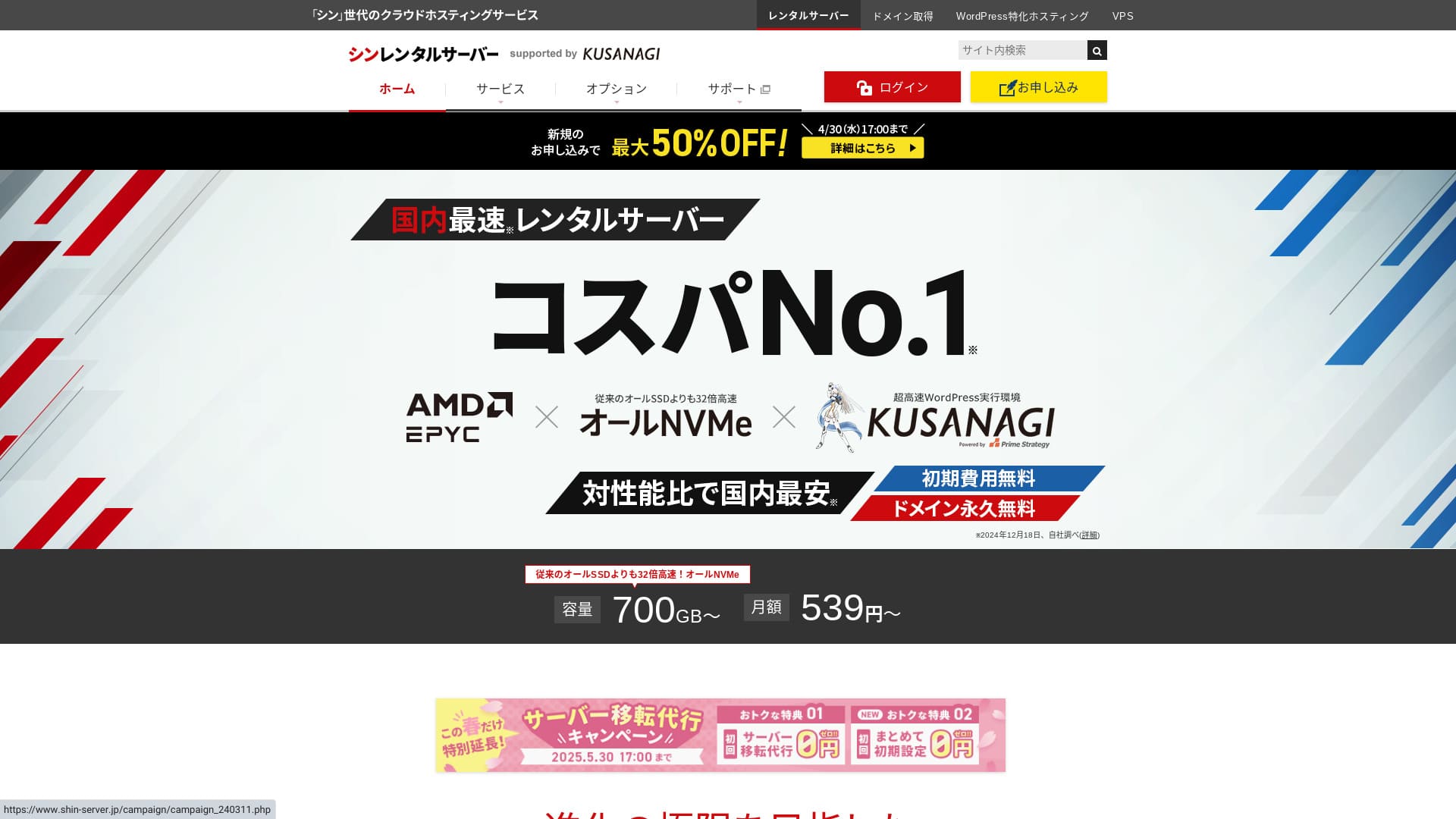
Shin Rental Server — це сервіс від компанії ShinCloud, який вирізняється стабільністю та ціною.

We recommend Shin Rental Server to individuals, companies, and sole proprietors using WordPress for the first time because:
- It meets Google's recommended speed target.
- You can start WordPress easily.
- Campaigns are frequent and the pricing is inexpensive.
That is why. You will likely be satisfied. You can try it free for 10 days.
A competing service is ColorfulBox. Its region-based automatic backup system is even stronger than Shin Rental Server's. Consider it as well.
| Server type | Shared hosting |
| Response speed (TTFB) | 200ms |
| Рекомендований тарифний план та термін | Basic, 12 months |
| Trial / free period | 10-day free trial |
| Monthly price (12-month contract) | 880 yen |
| Initial setup fee | безкоштовний |
| безкоштовний domain | Один free forever |
| підтримка | Phone and email (weekdays 10:00-18:00) |
| Uptime | Not disclosed |
| Storage | 700GB |
| Number of databases | Unlimited |
| безпека measures | SECOM security diagnostics, WAF, ads.txt, login attempt limits, restrictions on access from overseas IP addresses, bulk comment and trackback limits, restrictions on comments and trackbacks from overseas IP addresses, antivirus, spam filter |
| SSL | безкоштовний dedicated SSL, optional dedicated SSL |
| резервне копіювання / restore | 14 days of automatic backups for free, free restore |
| Number of email accounts | Unlimited |
| електронна пошта security | POP over SSL, SMTP over SSL, IMAP over SSL, DKIM, DMARC |
| Server / website migration service | None |
| WordPress preinstalled | Yes |
| CDN | None |

Hikaru Ono
I was able to start WordPress easily while applying for Shin Rental Server. Because campaigns are run so often, I recommend checking the official site regularly.
Найкращою пропозицією на сьогодні було або 50% кешбеку, або 50% знижки на оплату сервера. Якщо одна з них доступна саме тоді, коли ви приймаєте рішення, вважайте, що вам пощастило.
Shin Rental Server vs. Other сервіси
- Overall rating★★★★☆
- Server speed ★★★★☆
- Pricing ★★★★☆
- Stability ★★★★☆
- Ease of starting WordPress* ★★★★★
- Ease of domain management, SSL setup, and related operations* ★★★★★
* These ratings reflect my own hands-on experience using the service.

повний Порівняння of 21 рекомендовані хостинг WordPress сервіси for приватних користувачів
повний Порівняння of 21 рекомендовані хостинг WordPress сервіси for приватних користувачів
serverfield.org
- На основі ринкового дослідження станом на 4 листопада 2025 року, відсортовано за швидкістю
- Щомісячна ціна - це вартість найдешевшого тарифу за перший рік, на якому можна запустити WordPress
- Швидкість - це час до першого байта, виміряний на демонстраційних сайтах за однакових умов
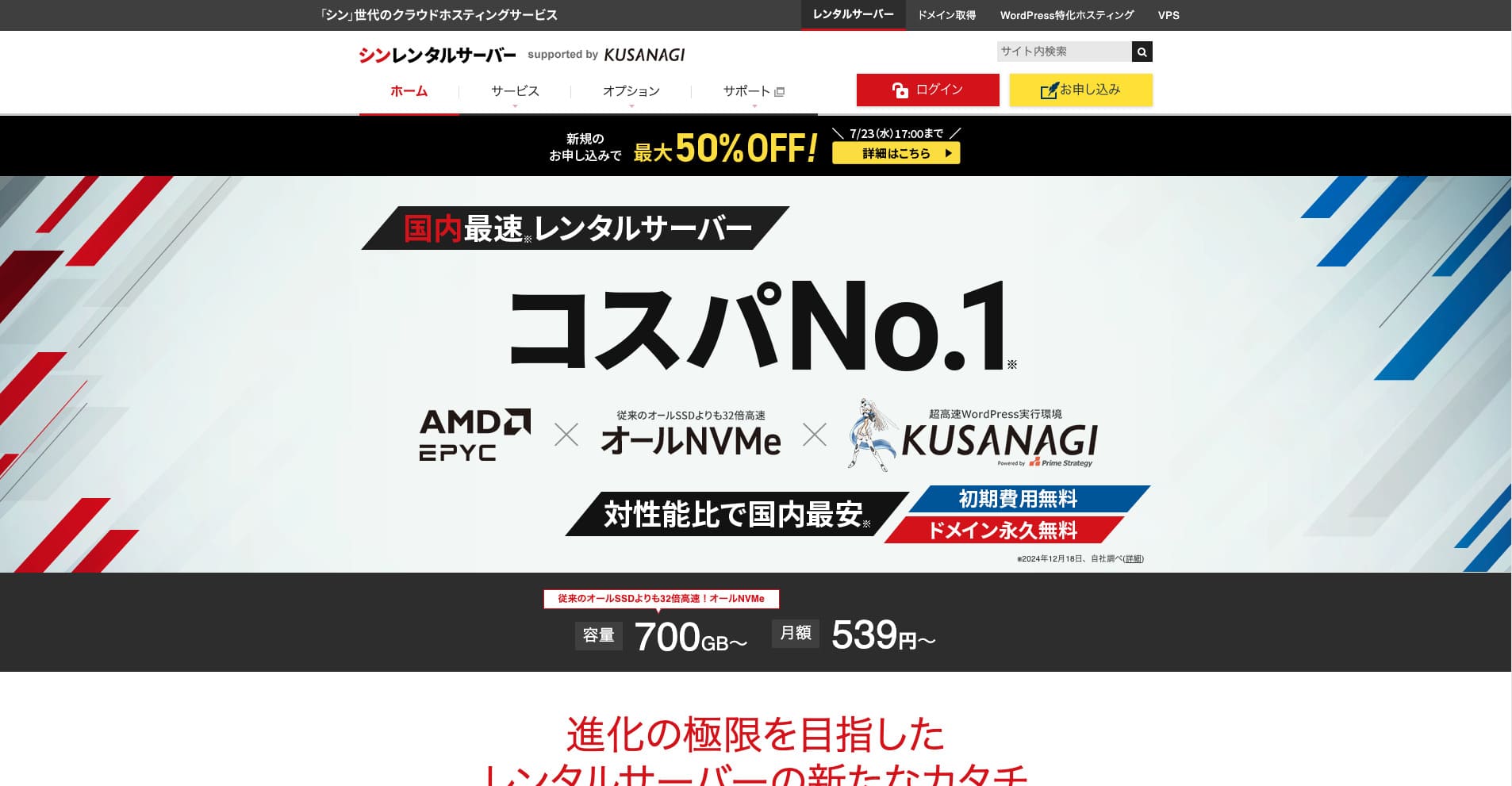
Shin Rental Server — це високошвидкісний орендний сервер від компанії ShinCloud Co., Ltd. Доступна ціна робить його привабливим навіть для приватних користувачів. Окрім того, сервіс регулярно проводить акції, тому найкращий час для реєстрації — під час дії однієї з них.
Відгуки про Shin Rental Server та шість ключових особливостей

It Meets a Sufficiently Strong Page швидкість Standard
Shin Rental Server, according to this site's independent testing, meets a sufficiently strong standard for page speed.
Google has publicly said that сервер response times should ideally stay under 200 ms. Shin Rental Server clears that benchmark, making it a fast host. Page speed is unlikely to become a problem, so you can use it with confidence.
Server response time should be kept under 200 milliseconds.
https://developers.google.com/server/speed/docs/insights/Server?hl=en
★ Verified: Comparing Eight сервіси хостингу in a швидкість Ranking
You Can Start WordPress Easily
Shin Rental Server дозволяє легко розпочати роботу з WordPress. Він містить функцію «WordPress Quick Start» (Швидкий старт WordPress), яка автоматично реєструє домен та налаштовує DNS під час замовлення сервера. Завдяки цьому you can build a WordPress website in about 10 minutes.
★ Що таке домен? Його роль як адреси в інтернеті та як його зареєструвати
★ Що таке DNS та сервери імен? З’єднання домену та сервера
You will not run into the problem of finally trying to launch a website only to find it too difficult to get started. Anyone can begin using WordPress with confidence.
The Pricing Is Low
Shin Rental Serverhas low pricing. Let's compare it with major domestic hosts under the following conditions.
- Initial setup fee
- A 12-month сервер contract
- The first-year domain cost
- The cheapest plan that can run WordPress
Looking at the comparison table, LOLIPOP and Sakura Rental Server are cheaper. However, the cheapest LOLIPOP plan that supports WordPress does not include automatic backups. Once you compare that point, you can see how strong Shin Rental Server's overall value really is.
Every service has strengths and weaknesses, but even when compared with companies that compete on value for money, Shin Rental Server stands up well.
безпека Is Solid
Shin Rental Server is well equipped with security features such as WAF. Наявність міжмережевого екрану (WAF) робить сервер більш стійким до найновіших кібератак. Because it is such a useful feature, cheaper hosts sometimes offer it only as a paid option.
With Shin Rental Server, it is included for free.
It Has Automatic резервні копії
Shin Rental Server includes automatic backups. The retention period is 14 days.
With backups, you can restore your site even if data is altered by mistake or compromised through a cyberattack. No matter how much you strengthen security, no one can guarantee absolute safety. That is why backups matter, but manually saving data every day is a hassle.
With Shin Rental Server, everything is stored automatically every day, so it is easy.
електронна пошта Features Are Strong
Shin Rental Server has strong email features. Оскільки ви можете створювати необмежену кількість поштових скриньок, він може служити поштовим сервером навіть для великої компанії.
Тарифний план Business пропонує високу цінність для малого та середнього бізнесу й великих компаній
Shin Rental Server — це швидкий і доступний за ціною сервер від компанії ShinCloud Co., Ltd. Він також пропонує тарифний план Business. Цей бізнес-тариф забезпечує стабільність завдяки гарантованому виділенню системних ресурсів.
50% кешбеку до 14 травня 2025 року, безкоштовне перенесення серверів до 30 травня та 10-денний безкоштовний пробний період
Shin Rental Server offers a business plan for small and medium-sized companies as well as corporations. Its defining trait is that it strengthens the stability businesses need while still delivering strong value for money.
The business plan is strengthened in two ways.
- Guaranteed resources: Показники процесора (CPU) та оперативної пам'яті гарантовані, що запобігає впливу на ваш сайт у разі зростання трафіку на інших сайтах, розташованих на тому ж сервері.
- Два custom domains free forever: Протягом усього часу дії договору оренди сервера два власні домени, необхідні для роботи вебсайту та електронної пошти, залишаються безкоштовними назавжди.
Ви можете використовувати його всього від 963 єн на місяць за 12-місячного контракту, що є дуже доступним порівняно з іншими серверами для бізнесу та корпоративними тарифами конкурентів.
The Drawback of Shin Rental Server: Uptime Is Not Disclosed

The one disappointing point is that Shin Rental Server does not publish its uptime. Це означає, що ви не можете точно дізнатися про стабільність сервера. Якщо сервер працює нестабільно, ваш вебсайт також відображатиметься ненадійно.
A website fulfills its role only when it displays properly and consistently. When you think about it that way, not being able to judge the stability does leave some unease.
★ Посібник для початківців щодо аптайму хостингу та угод про рівень послуг (SLA)
Порівняйте орендний сервер Shin Rental Server із двома схожими послугами
mixhost
mixhost offers strong features, much like Shin Rental Server. Because both storage capacity and data transfer are unlimited, it is helpful when you want to build a website with a large amount of data.
However, its overall pricing is more expensive than Shin Rental Server. The first year is cheap, but it becomes more expensive from the second year onward. If price matters most, I recommend Shin Rental Server.

Огляд mixhost [останнє видання 2025 року]: детальний аналіз швидкого сервера з глобальним охопленням та відмінною безпекою
Огляд mixhost [останнє видання 2025 року]: детальний аналіз швидкого сервера з глобальним охопленням та відмінною безпекою
serverfield.org
Colorful Box
ColorfulBox is priced very close to Shin Rental Server. Its specs and features are also well developed. It has a region-based backup system in place, managing risk so that data loss is less likely even in a large-scale disaster.
Because it is divided into eight plans and you can change plans freely, you can either keep costs down or raise the specs as needed.
The drawbacks are similar as well, such as the fact that uptime is not publicly disclosed.

Огляд Colorful Box [найновіше видання 2025 року]: запустіть WordPress із чудовим співвідношенням ціни та якості
Огляд Colorful Box [найновіше видання 2025 року]: запустіть WordPress із чудовим співвідношенням ціни та якості
serverfield.org
Запустіть сайт на WordPress за допомогою Shin Rental Server прямо зараз за 7 кроків
Let's launch a website with Shin Rental Server.
- STEP.1Visit the official Shin Rental Server
From the plan list, click “Apply” for the Basic plan. You can upgrade your plan at any time, so I recommend starting with the lowest-priced Basic plan first.
From “Start now! New application,” proceed to “10-day free trial new application.”
- STEP.2Choose your application details
Ідентифікатор сервера можна залишити за замовчуванням.
Choose the standard plan. The reserved plan includes measures to prevent other users' traffic from making your own site harder to access, but that is rarely relevant when you are just getting started with a website.
Choose a plan. The Basic plan is recommended. If traffic increases and the specs become insufficient, you can upgrade later.
Check “Use” for WordPress Quick Start.Without it, setting up WordPress becomes much more difficult. (You will no longer be eligible for the 10-day free trial. Even so, it is still better to use it.)
З’явиться повідомлення «Будь ласка, підтвердьте перед подачею заявки». Ознайомтеся з деталями, а потім натисніть «Підтверджено».
A 12-month term is recommended. With a contract of 12 months or longer, you can also use a custom domain for free.
Enter the string for the custom domain you want to acquire. It can be any string you like. Changing a custom domain later costs money and is troublesome to reconfigure, so choose it carefully.
★ Що таке домен? Його роль як адреси в інтернеті та як його зареєструвати
Enter your WordPress information.
- Blog title: Anything is fine
- Username: Anything is fine
- Password: Make it as complex as possible
- електронна пошта address*: Your everyday email address is convenient
The username and password are needed when you log in to WordPress.Write them down. You will need them to log in to the website you create with WordPress.
The custom domain setting is important because it becomes your site URL. Choose the string carefully.
The site name can be changed later. If you have not decided yet, enter a temporary name for now.
Choose a WordPress theme. If you are building a business website, Lightning is recommended. If you are starting a blog, Cocoon is recommended. (This site uses Cocoon.)
Знайдіть і встановіть плагін «CloudSecure WP Security». Він допоможе посилити безпеку вашого сайту.
★ What Is a WordPress Plugin? Types of Extra Features and What to Watch Out For
- STEP.3Enter your Shin account information
Enter your email address, name, address, and other details.
Prepare a credit card and enter the payment information.
Ознайомтеся з Умовами використання та Політикою поводження з персональними даними. Якщо ви згодні, поставте галочку та натисніть «Далі».
Enter the verification code on the screen. The code has been sent to the email address you registered, so check it there.
- STEP.4Confirmation
Ще раз перевірте деталі заявки та інформацію про свій обліковий запис Shin Account. Якщо все вказано правильно, натисніть «Перейти до підтвердження через SMS / телефон».
Your application details will then be confirmed using your phone number.
Enter the phone number to use, choose either SMS or automated voice call for receiving the verification code, and click “Get verification code.” Once you receive it, enter the code.
Once the confirmation email arrives, your application is complete.
Click “Apply” to complete the full application. Your WordPress website will be created right away.
- STEP.5Initial WordPress setup
The email you received earlier contains your WordPress login information.
Click the admin URL. On the login screen that appears, enter the username and password you noted earlier, then click “Log in.”
If you see a warning saying “This site can’t be reached,” the DNS settings have not finished propagating yet. All you can do is wait, so try logging in once every hour.
★ What Are DNS and Name Servers?
Set up your permalinks. In the WordPress admin screen, go to “Settings” and then “Permalinks.” Choose “Post name,” then click “Save changes.”
When you choose “Post name,” you can enter any string you like in the URL when publishing articles. Short strings that help readers imagine the article content are recommended because they are easier for visitors to read. If a URL is too long, some people may start to worry that the site looks suspicious.
- STEP.6Install plugins
Return to the WordPress admin screen, go to “Plugins,” then “Add New,” and install the plugins you need.
When you find a plugin you want through search, click “Install Now” and then “Activate.” After that, proceed according to each plugin’s instructions.
Be sure to install plugins for security and backups.
- П’ять плагінів WordPress для підвищення безпеки та як вибрати один із них
- П’ять Powerful WordPress резервне копіювання Plugins That Help You Recover Your Data
Once you have installed your plugins, your WordPress website is fully ready to go!
Підсумок
Shin Rental Server — це високошвидкісний орендний сервер від компанії ShinCloud Co., Ltd. Доступна ціна робить його привабливим навіть для приватних користувачів. Окрім того, сервіс регулярно проводить акції, тому найкращий момент для реєстрації — під час дії однієї з них.
50% cashback until August 6, 2025, plus a 10-day free trial
Shin Rental Server offers excellent value for money. Although its uptime is not published, its specs and functions are extremely strong. Because it is also easy to get started with WordPress, I can recommend it wholeheartedly.
Повне порівняння 32 хостинг-провайдерів для WordPress: найкращий вибір для приватних осіб, компаній та міжнародного використання

Якщо ви шукаєте «рекомендації щодо WordPress», оскільки хочете розпочати роботу з цією платформою, ви знайдете найрізноманітніші статті: від персонального хостингу та тарифів для малого бізнесу до закордонних серверів і дешевих планів. Чесно кажучи, хіба ви не починаєте думати:
- Which site should I look at?
- Я хочу вибрати сервер простим і зрозумілим способом.
- Please show me how to start WordPress right now.
That is exactly why this article introduces carefully selected recommendations from 32 hosting services for individuals, companies, domestic use, and international use. It is explained by the SEO lead at an app development company that uses hosting every day.