50% cashback ವರೆಗೆ August 6, 2025, plus a 10-ದಿನ ಉಚಿತ ಪ್ರಯೋಗ
PR
Servers
ವ್ಯಕ್ತಿಗಳಿಗೆ ಶಿಫಾರಸು ಮಾಡಿದ 21 WordPress ಹೋಸ್ಟಿಂಗ್ ಸೇವೆಗಳು: ಹೋಲಿಕೆ ಮತ್ತು ಆಯ್ಕೆ ಮಾಡುವ ವಿಧಾನ
ಪ್ರಕಟಿತ: 2025.08.26
ನವೀಕರಿಸಲಾಗಿದೆ: 2025.08.26

WordPress ಬಳಸಿ ವೆಬ್ಸೈಟ್ ಅಥವಾ ಬ್ಲಾಗ್ ಪ್ರಾರಂಭಿಸುವಾಗ, ಸರಿಯಾದ hosting ಸೇವೆಯನ್ನು ಆಯ್ಕೆಮಾಡಲು ಬೇಕಾದ ಜ್ಞಾನ ಮತ್ತು ನಿಖರ ಆಯ್ಕೆಗಳನ್ನು ಈ ಲೇಖನವು ಸಮಗ್ರವಾಗಿ ವಿವರಿಸುತ್ತದೆ. hostingನ ಮೂಲ ಯಾಂತ್ರಿಕತೆಯಿಂದ ಹಿಡಿದು, ನಿಮ್ಮ ಗುರಿ ಮತ್ತು ಕೌಶಲ್ಯ ಮಟ್ಟಕ್ಕೆ ಹೊಂದುವ server ಅನ್ನು ಹೇಗೆ ಆಯ್ಕೆಮಾಡಬೇಕು ಎಂಬುದರವರೆಗೆ, ಹಂತ ಹಂತವಾಗಿ ನಿಮ್ಮ ಅರ್ಥವನ್ನು ಗಾಢಗೊಳಿಸೋಣ.
ವ್ಯಕ್ತಿಗಳಿಗಾಗಿ ಶಿಫಾರಸು ಮಾಡಿದ 21 WordPress ಹೋಸ್ಟಿಂಗ್ ಸೇವೆಗಳ ಹೋಲಿಕೆ ಪಟ್ಟಿ
- ಮಾರುಕಟ್ಟೆ ಸಂಶೋಧನೆಯ ದಿನಾಂಕ: November 4, 2025, ವಿಂಗಡಣೆ: speed
- ಮಾಸಿಕ ಬೆಲೆ ಎಂದರೆ WordPress ನಡೆಸಬಹುದಾದ ಅಗ್ಗದ ಯೋಜನೆಯ ಮೊದಲ ವರ್ಷದ ವೆಚ್ಚ
- ವೇಗವೆಂದರೆ ಅದೇ ಷರತ್ತುಗಳಲ್ಲಿ demo sites ಮೇಲೆ ಅಳೆಯಲಾದ Time to First Byte
[2025 ಇತ್ತೀಚಿನದು] ಶಿಫಾರಸು ಮಾಡಿದ 21 WordPress ಹೋಸ್ಟಿಂಗ್ ಸೇವೆಗಳ ಸಮಗ್ರ ಹೋಲಿಕೆ
ಇಲ್ಲಿಂದ, ನಾನು ನಿರ್ದಿಷ್ಟ ಹೋಸ್ಟಿಂಗ್ ಸೇವೆಗಳನ್ನು nanny ನಾಲ್ಕು ವಿಭಾಗಗಳಾಗಿ ವಿಂಗಡಿಸಿ ಪರಿಚಯಿಸುತ್ತೇನೆ: ಹೆಚ್ಚಿನ ಕಾರ್ಯಕ್ಷಮತೆ ಮತ್ತು ವೇಗ, ವೆಚ್ಚ-ಕಾರ್ಯಕ್ಷಮತೆ, ವಿಶೇಷ ಸಾಮರ್ಥ್ಯಗಳು ಮತ್ತು ಬಜೆಟ್ ಆರಂಭಿಕ ಆಯ್ಕೆಗಳು.
ಉನ್ನತ ಕಾರ್ಯಕ್ಷಮತೆ ಮತ್ತು ವೇಗಕ್ಕೆ ಒತ್ತು ನೀಡಿದ 4 ಪ್ರೀಮಿಯಂ ಸರ್ವರ್ಗಳು
ಇವು ಸರ್ವರ್ಗಳು for people who make ಸೈಟ್ ವೇಗ ಮತ್ತು ಸ್ಥಿರತೆ their top priority.
Xserver: ಬಲವಾದ ಸ್ಥಿರತೆ ಮತ್ತು ವೇಗದೊಂದಿಗೆ ದೇಶೀಯ ಮಾರುಕಟ್ಟೆ ಪಾಲಿನಲ್ಲಿ No. 1
ಇದು a proven ಮತ್ತು highly ವಿಶ್ವಾಸಾರ್ಹ ಹೋಸ್ಟಿಂಗ್ ಸೇವೆ ಬಳಸಲ್ಪಟ್ಟ ಮೂಲಕ ಹೆಚ್ಚು ವೆಬ್ಸೈಟ್ಗಳು in Japan ಗಿಂತ any other. It ವೈಶಿಷ್ಟ್ಯಗಳು ವೇಗವಾದ ಸರ್ವರ್ specs, ಸ್ಥಿರ upಸಮಯ, ಮತ್ತು a ಬಲವಾದ ಬೆಂಬಲ ವ್ಯವಸ್ಥೆ, ಮತ್ತು it is trusted ಮೂಲಕ everyone ನಿಂದ ವ್ಯಕ್ತಿಗಳು ಗೆ corporations.

Hikaru Ono
ಕಾರ್ಯಕ್ಷಮತೆ, ಗುಣಮಟ್ಟ ಮತ್ತು ವಿಶ್ವಾಸಾರ್ಹತೆಯ ದೃಷ್ಟಿಯಿಂದ ಎಲ್ಲವೂ ಉನ್ನತ ಮಟ್ಟದಲ್ಲಿದೆ. ಆದರೂ Xserver is still reasonably priced. ಯದಿ ನಾನು had ಗೆ ಹೋಲಿಸಿ it ಗೆ a car, it feels like a Toyota Camry.

XServer ವಿಮರ್ಶೆ [2025 ಇತ್ತೀಚಿನ]: Thoroughly Explained ವೇಗ, ಬೆಲೆ, Pros, ಮತ್ತು Cons
XServer ವಿಮರ್ಶೆ [2025 ಇತ್ತೀಚಿನ]: Thoroughly Explained ವೇಗ, ಬೆಲೆ, Pros, ಮತ್ತು Cons
serverfield.org
Hostinger: ವೆಚ್ಚ-ಕಾರ್ಯಕ್ಷಮತೆಯ ನಿಜವಾದ ರಾಜ
Hikaru Ono
ವೇಗದ ಸಮಸ್ಯೆಗೆ ನಿಮಗೆ ಅಂತಿಮ ಪರಿಹಾರ ಬೇಕಾದಾಗ, ಆ ಪರಿಹಾರವೇ Kinsta.

【Hostinger】 is a major hosting provider that started in Lithuania ಮತ್ತು now serves ಹೆಚ್ಚು ಗಿಂತ 29 million ಬಳಕೆದಾರರು across 178 countries worldwide.ಇದರ ಪ್ರಮುಖ ಬಲವೆಂದರೆ ಇದು ಉದ್ಯಮದಲ್ಲೇ ಅತ್ಯಂತ ಕಡಿಮೆ ಬೆಲೆಗಳೊಂದಿಗೆ 31 ms ನ ಅತಿ ವೇಗದ TTFB ಅನ್ನು ಸಂಯೋಜಿಸುತ್ತದೆ.
Hostinger ನ ಹಂಚಿಕೆಯ ಹೋಸ್ಟಿಂಗ್ ಯೋಜನೆಗಳು Single Web Hosting ಗಾಗಿ ತಿಂಗಳಿಗೆ ಸುಮಾರು 200 ಯೆನ್ಗಳಿಂದ ಪ್ರಾರಂಭವಾಗುತ್ತವೆ. ಸುಮಾರು 500 ಯೆನ್ ವೆಚ್ಚದ ಉನ್ನತ Premium Web Hosting ಯೋಜನೆಯು ಅನಿಯಮಿತ ವೆಬ್ಸೈಟ್ಗಳು, 100 GB SSD ಸಂಗ್ರಹಣೆ ಮತ್ತು ಅನಿಯಮಿತ ಬ್ಯಾಂಡ್ವಿಡ್ತ್ ಅನ್ನು ಒಳಗೊಂಡಿದೆ. ಪ್ರತಿ ಯೋಜನೆಯು ಉಚಿತ SSL ಪ್ರಮಾಣಪತ್ರ, ವಾರಕ್ಕೊಮ್ಮೆ ಸ್ವಯಂಚಾಲಿತ ಬ್ಯಾಕಪ್ಗಳು ಮತ್ತು 24/7 ಗ್ರಾಹಕ ಬೆಂಬಲವನ್ನು ಒಳಗೊಂಡಿರುತ್ತದೆ.
Hostinger ತನ್ನದೇ ಆದ hPanel ನಿಯಂತ್ರಣ ಫಲಕವನ್ನು ಬಳಸುತ್ತದೆ, ಇದು ಅರ್ಥಮಾಡಿಕೊಳ್ಳಲು ಸುಲಭವಾಗಿದ್ದು ನಿರ್ವಹಿಸಲು ಸಹಜ. ಏಷ್ಯಾ-ಪೆಸಿಫಿಕ್ ಪ್ರದೇಶದ ಡೇಟಾ ಕೇಂದ್ರಗಳನ್ನು ಬಳಸುವುದರಿಂದ, ಜಪಾನಿನಿಂದಲೂ ಉತ್ತಮ ಕಾರ್ಯಕ್ಷಮತೆಯನ್ನು ನೀಡುತ್ತದೆ. ಇದಲ್ಲದೆ, WordPress ಅನ್ನು ಸ್ವಯಂಚಾಲಿತವಾಗಿ ಸ್ಥಾಪಿಸುವ ಬಲಿಷ್ಠ ಪ್ರಕ್ರಿಯೆಯನ್ನು ಒದಗಿಸುತ್ತದೆ; ಕೆಲವೇ ನಿಮಿಷಗಳಲ್ಲಿ ಸೈಟ್ ಅನ್ನು ಆರಂಭಿಸಬಹುದು.
ವೆಚ್ಚಕ್ಕೆ ಹೆಚ್ಚಿನ ಆದ್ಯತೆ ನೀಡುವ ವೈಯಕ್ತಿಕ ಬ್ಲಾಗರ್ಗಳು ಮತ್ತು ಸಣ್ಣ ಉದ್ಯಮಗಳಿಗೆ Hostinger ಅತ್ಯುತ್ತಮ ಆಯ್ಕೆಯಾಗಿದೆ. ಮತ್ತೊಂದೆಡೆ, ನಿಮಗೆ ಸುಧಾರಿತ ಕಸ್ಟಮೈಸೇಶನ್ ಅಥವಾ ಎಂಟರ್ಪ್ರೈಸ್ ದರ್ಜೆಯ ಬೆಂಬಲದ ಅಗತ್ಯವಿದ್ದರೆ, ಉನ್ನತ ಮಟ್ಟದ ಸೇವೆಯನ್ನು ಪರಿಗಣಿಸುವುದು ಸೂಕ್ತವಾಗಿದೆ.
Hikaru Ono
ನgeneric ಪ್ರಭಾವ ಬೀರಿದ ವಿಷಯವೆಂದರೆ hPanel ವೈಶಿಷ್ಟ್ಯ-ಸಮೃದ್ಧವಾಗಿದ್ದರೂ ಬಳಸಲು ಎಷ್ಟು ಸುಲಭವಾಗಿತ್ತು ಎಂಬುದು. ನಿರ್ವಹಣಾ ಇಂಟರ್ಫೇಸ್ ಜಪಾನೀಸ್ ಭಾಷೆಯಲ್ಲಿ ಲಭ್ಯವಿರುವುದರಿಂದ, ನೀವು ಇಂಗ್ಲಿಷ್ ಬಗ್ಗೆ ಚಿಂತಿಸದೆ ಇದನ್ನು ಬಳಸಬಹುದು.
ConoHa WING: ಆಧುನಿಕ ತಂತ್ರಜ್ಞಾನದಿಂದ ಸಾಧ್ಯವಾದ ಅಪಾರ ಪುಟ ವೇಗ
[ಸಂಖ್ಯೆ 7] XServer: ಜಪಾನ್ನ ಅತಿ ದೊಡ್ಡ ಮಾರುಕಟ್ಟೆ ಪಾಲಿನ ಹಿಂದಿರುವ ಸಾಬೀತಾದ ಕಾರ್ಯಕ್ಷಮತೆ
LiteSpeed ವೆಬ್ ಸರ್ವರ್ ಬಳಕೆಯನ್ನು ಒಳಗೊಂಡಂತೆ ವೇಗದ ಪ್ರದರ್ಶನ ವೇಗಕ್ಕಾಗಿ ಇದು ಹೆಸರುವಾಸಿಯಾಗಿದೆ. ಇದರ ಬಳಸಲು ಸುಲಭವಾದ ನಿಯಂತ್ರಣ ಫಲಕ (control panel), ಯಾವುದೇ ಸೆಟಪ್ ಶುಲ್ಕವಿಲ್ಲದಿರುವುದು ಮತ್ತು ಶಾಶ್ವತವಾಗಿ ಎರಡು ಡೊಮೇನ್ಗಳನ್ನು ಉಚಿತವಾಗಿ ನೀಡುವ WING ಪ್ಯಾಕ್ ಸಹ ಇದನ್ನು ಅತ್ಯಂತ ವೆಚ್ಚ-ಪರಿಣಾಮಕಾರಿಯನ್ನಾಗಿ ಮಾಡುತ್ತದೆ.
ನೀವು AI ಬರವಣಿಗೆಯ ಸಾಧನ ConoHa Pencil ಮತ್ತು AI ಚಿತ್ರ ಜನರೇಟರ್ AI Canvas ಅನ್ನು ಬಳಸಿದರೆ, ಬ್ಲಾಗಿಂಗ್ ಅನುಭವವಿಲ್ಲದವರೂ ಸಹ ಉತ್ತಮ ಗುಣಮಟ್ಟದ ಲೇಖನಗಳನ್ನು ತಯಾರಿಸಬಹುದು.
Hikaru Ono
ಈ ಸೈಟ್ನನ್ನೂ ConoHa WING ಮೇಲೆ ನಡೆಸಲಾಗುತ್ತಿದೆ.

ConoHa WING ವಿಮರ್ಶೆ: 750,000 ಬಳಕೆದಾರರು ಇದನ್ನು ಏಕೆ ಆಯ್ಕೆ ಮಾಡುತ್ತಾರೆ ಎಂಬುದರ ಹಿಂದಿನ ವೇಗ, ಒಳಿತು ಮತ್ತು ಕೆಡುಕುಗಳ ಪರೀಕ್ಷೆ
ConoHa WING ವಿಮರ್ಶೆ: 750,000 ಬಳಕೆದಾರರು ಇದನ್ನು ಏಕೆ ಆಯ್ಕೆ ಮಾಡುತ್ತಾರೆ ಎಂಬುದರ ಹಿಂದಿನ ವೇಗ, ಒಳಿತು ಮತ್ತು ಕೆಡುಕುಗಳ ಪರೀಕ್ಷೆ
serverfield.org
mixhost: ಕ್ಲೌಡ್ ಲವಚಿಕತೆ ಮತ್ತು ಬಲವಾದ ವೆಚ್ಚ-ಕಾರ್ಯಕ್ಷಮತೆ
30 ದಿನಗಳ ಉಚಿತ ಪ್ರಯೋಗ
ಇದು ಕ್ಲೌಡ್ ತಂತ್ರಜ್ಞಾನವನ್ನು ಬಳಸುವುದರಿಂದ, ಇತರ ಬಳಕೆದಾರರಿಂದ ಹೆಚ್ಚಿನ ಪ್ರಭಾವಕ್ಕೊಳಗಾಗದೆ ಸ್ಥಿರವಾಗಿ ಕಾರ್ಯನಿರ್ವಹಿಸಬಹುದು. ಜಪಾನ್ನಲ್ಲಿ LiteSpeed ವೆಬ್ ಸರ್ವರ್ ಅನ್ನು ಅಳವಡಿಸಿಕೊಂಡ ಮೊದಲ ಸಂಸ್ಥೆಗಳಲ್ಲಿ ಇದೂ ಒಂದಾಗಿದೆ ಮತ್ತು ಬಲವಾದ ಪ್ರದರ್ಶನ ವೇಗಕ್ಕೆ ಇದು ಹೆಸರುವಾಸಿಯಾಗಿದೆ. 30 ದಿನಗಳ ಹಣ ಮರುಪಾವತಿ ಭರವಸೆಯೊಂದಿಗೆ, ಇದನ್ನು ಸುಲಭವಾಗಿ ಪರೀಕ್ಷಿಸಬಹುದು.

mixhost ವಿಮರ್ಶೆ [2025 ಇತ್ತೀಚಿನ]: ಒಂದು ಸಮಗ್ರ Breakdown ನ a ವೇಗವಾದ ಸರ್ವರ್ ಜೊತೆಗೆ Global Reach ಮತ್ತು ಅತ್ಯುತ್ತಮ ಭದ್ರತೆ
mixhost ವಿಮರ್ಶೆ [2025 ಇತ್ತೀಚಿನ]: ಒಂದು ಸಮಗ್ರ Breakdown ನ a ವೇಗವಾದ ಸರ್ವರ್ ಜೊತೆಗೆ Global Reach ಮತ್ತು ಅತ್ಯುತ್ತಮ ಭದ್ರತೆ
serverfield.org
Shin Rental Server: Xserver ನ ಹೊಸ ಬ್ರ್ಯಾಂಡ್ ನಿಜವಾಗಿ ಎಷ್ಟು ಬಲವಾದದ್ದು
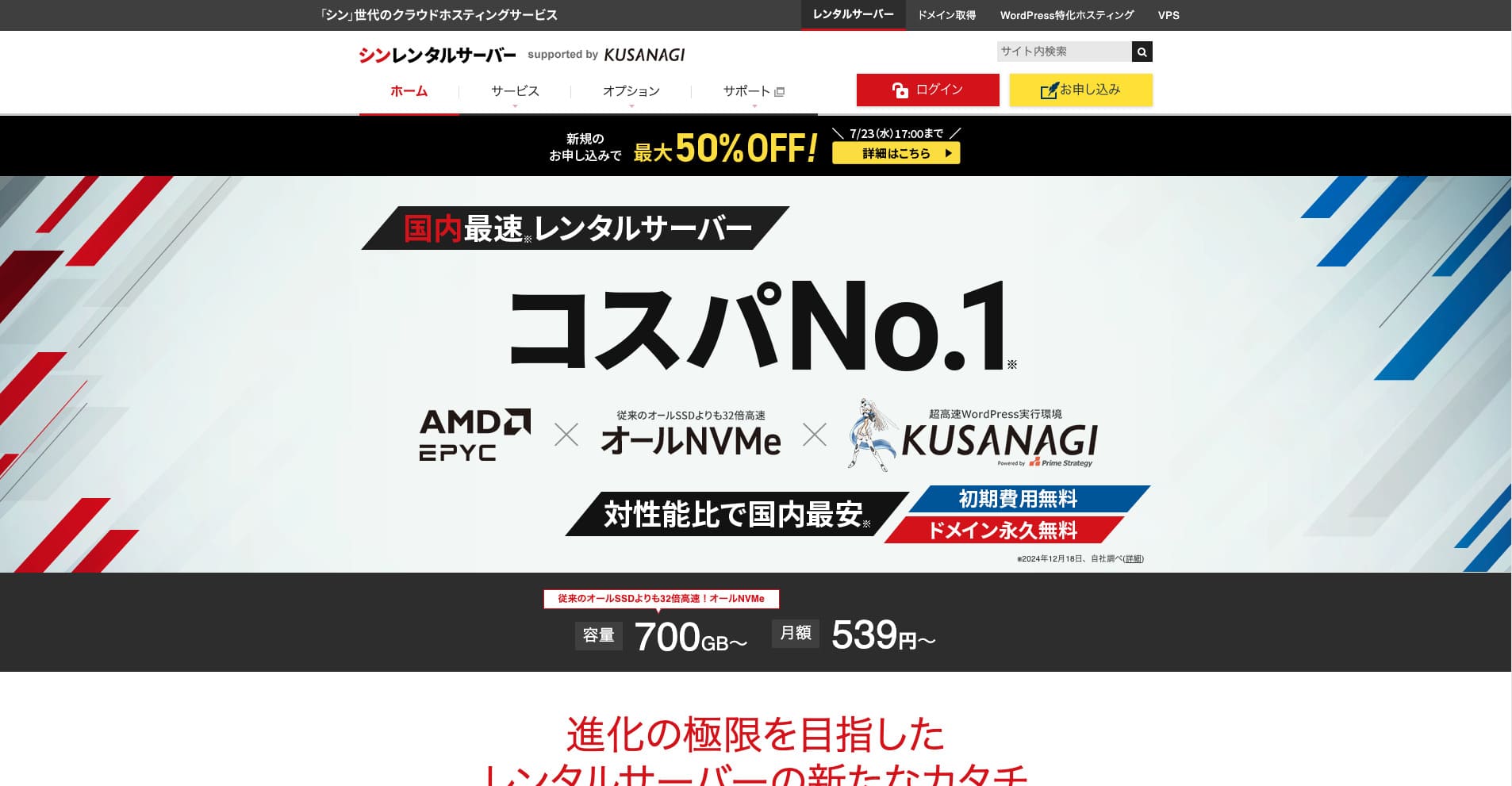
Shin Rental Server ಎಂಬುದು ShinCloud Co., Ltd. ನ ಅತಿ ವೇಗದ ಬಾಡಿಗೆ ಸರ್ವರ್ ಆಗಿದೆ. ಇದರ ಕೈಗೆಟುಕುವ ಬೆಲೆಯು ವೈಯಕ್ತಿಕ ಬಳಕೆದಾರರಿಗೂ ಸಹ ಆಕರ್ಷಕವಾಗಿ ಮಾಡುತ್ತದೆ. ಇದರ ಜೊತೆಗೆ, ಇದು ನಿಯಮಿತ ಪ್ರಚಾರಗಳನ್ನು (campaigns) ನಡೆಸುತ್ತದೆ, ಆದ್ದರಿಂದ ಸೈನ್ ಅಪ್ ಮಾಡಲು ಉತ್ತಮ ಸಮಯವೆಂದರೆ ಪ್ರಚಾರವು ಸಕ್ರಿಯವಾಗಿರುವಾಗ.

| ಸರ್ವರ್ ಪ್ರಕಾರ | ಹಂಚಿದ ಹೋಸ್ಟಿಂಗ್ |
| ಪ್ರತಿಕ್ರಿಯೆ ವೇಗ (TTFB) | 200ms |
| ಶಿಫಾರಸು ಮಾಡಿದ ಯೋಜನೆ ಮತ್ತು ಅವಧಿ | Basic, 12 ತಿಂಗಳು |
| ಪ್ರಯೋಗ / ಉಚಿತ ಅವಧಿ | 10 ದಿನಗಳ ಉಚಿತ ಪ್ರಯೋಗ |
| ಮಾಸಿಕ ಬೆಲೆ (12 ತಿಂಗಳ ಒಪ್ಪಂದ) | 880 yen |
| ಆರಂಭಿಕ ಸೆಟಪ್ ಶುಲ್ಕ | Free |
| ಉಚಿತ ಡೊಮೇನ್ | ಒಂದು ಶಾಶ್ವತವಾಗಿ ಉಚಿತ |
| Support | ಫೋನ್ ಮತ್ತು ಇಮೇಲ್ (ವಾರದ ದಿನಗಳು 10:00-18:00) |
| Upಸಮಯ | ಬಹಿರಂಗಪಡಿಸಲಾಗಿಲ್ಲ |
| Storage | 700GB |
| ಡೇಟಾಬೇಸ್ಗಳ ಸಂಖ್ಯೆ | Unlimited |
| ಭದ್ರತಾ ಕ್ರಮಗಳು | SECOM ಭದ್ರತೆ diagnostics, WAF, ads.txt, login attempt limits, restrictions on access ನಿಂದ overseas IP addresses, bulk comment ಮತ್ತು trackback limits, restrictions on comments ಮತ್ತು trackbacks ನಿಂದ overseas IP addresses, antivirus, spam filter |
| SSL | ಉಚಿತ dedicated SSL, ಐಚ್ಛಿಕ dedicated SSL |
| ಬ್ಯಾಕಪ್ / ಮರುಸ್ಥಾಪನೆ | 14 ದಿನಗಳು ನ ಸ್ವಯಂಚಾಲಿತ ಬ್ಯಾಕಪ್ಗಳು for ಉಚಿತ, ಉಚಿತ ಮರುಸ್ಥಾಪನೆ |
| ಇಮೇಲ್ ಖಾತೆಗಳ ಸಂಖ್ಯೆ | Unlimited |
| ಇಮೇಲ್ ಭದ್ರತೆ | SSL ಮೂಲಕ POP, SSL ಮೂಲಕ SMTP, SSL ಮೂಲಕ IMAP, DKIM, DMARC |
| ಸರ್ವರ್ / ವೆಬ್ಸೈಟ್ ಸ್ಥಳಾಂತರ ಸೇವೆ | None |
| WordPress ಪೂರ್ವಸ್ಥಾಪಿತ | Yes |
| CDN | None |
ಕಾರ್ಯನಿರ್ವಹಿಸುವ ವ್ಯವಸ್ಥೆಯನ್ನು ಆಧರಿಸಿ Xserver, ಇದು ಇತ್ತೀಚಿನ ತಂತ್ರಜ್ಞಾನವನ್ನು ಸಕ್ರಿಯವಾಗಿ ಅಳವಡಿಸಿಕೊಳ್ಳುತ್ತದೆ. ಇದು ಒಂದು ಉದಯೋನ್ಮುಖ ಹೋಸ್ಟಿಂಗ್ ಸೇವೆಯಾಗಿದ್ದು, ಇದಕ್ಕಿಂತ ಅಗ್ಗವಾಗಿದ್ದರೂ ಹೆಚ್ಚಿನ ಕಾರ್ಯಕ್ಷಮತೆಯನ್ನು ನೀಡುತ್ತದೆ: Xserver, which is why it has attracted ಬಳಕೆದಾರರು who care ಸುಮಾರು ವೆಚ್ಚ-ಕಾರ್ಯಕ್ಷಮತೆ.
ವೆಚ್ಚ-ಕಾರ್ಯಕ್ಷಮತೆಯಲ್ಲಿ ಸಮತೋಲನ ಹೊಂದಿದ 6 ಸರ್ವರ್ಗಳು
ಈ ಸರ್ವರ್ಗಳು offer a good balance ನ ವೇಗ, ವೈಶಿಷ್ಟ್ಯಗಳು, ಮತ್ತು ಬೆಲೆ, ಮತ್ತು can handle a wide range ನ needs.
Lolipop!: ದೀರ್ಘಕಾಲದಿಂದ ಆರಂಭಿಕರಿಗೆ ಸ್ನೇಹಿ ಈ ಸರ್ವರ್ ಹೇಗೆ ವಿಕಸಿಸಿದೆ
"wpX Speed" ಎಂಬುದು ShinCloud ನ ಕ್ಲೌಡ್-ಆಧಾರಿತ ಹೋಸ್ಟಿಂಗ್ ಸೇವೆಯಾಗಿದೆ. ಇದರ ಪೇ-ಆಸ್-ಯೂ-ಗೋ (ಬಳಸಿದಷ್ಟೇ ಪಾವತಿಸುವ) ವ್ಯವಸ್ಥೆಯು ಗಂಟೆಗೆ 2.2 ಯೆನ್ಗಳಿಂದ ಪ್ರಾರಂಭವಾಗುತ್ತದೆ, ಆದ್ದರಿಂದ ಇದನ್ನು ಪ್ರಾರಂಭಿಸುವುದು ಸುಲಭವಾಗಿದೆ. ಮೀಸಲಿಟ್ಟ ಸಂಪನ್ಮೂಲಗಳು ಮತ್ತು ಸ್ವಯಂಚಾಲಿತ ಸ್ಕೇಲ್-ಅಪ್ನಂತಹ ವೈಶಿಷ್ಟ್ಯಗಳು ಕಾರ್ಯಕ್ಷಮತೆಯನ್ನು ಕ್ಲೌಡ್ ತಂತ್ರಜ್ಞಾನದ ರೀತಿಯಲ್ಲೇ ಅತ್ಯಂತ ಆರಾಮದಾಯಕವಾಗಿರಿಸುತ್ತದೆ.
14 ದಿನಗಳ ಉಚಿತ ಪ್ರಯೋಗ
LOLIPOP is a long-established ಸರ್ವರ್ ಜೊತೆಗೆ many ವರ್ಷಗಳು ನ operating experience. ರಲ್ಲಿ recent ವರ್ಷಗಳು, ಕಾರ್ಯಕ್ಷಮತೆ has improved dramatically ವರೆಗೆ ಯೋಜನೆಗಳು like High ವೇಗ, ಮತ್ತು it provides enough specs at an ಕೈಗೆಟುಕುವ ಬೆಲೆ. Its clear control panel ಮತ್ತು manuals ಸಹ make it ಸುಲಭ for first-ಸಮಯ ಸರ್ವರ್ ಬಳಕೆದಾರರು ಗೆ handle.
Hikaru Ono
ಮೊದಲ WordPress ಬ್ಲಾಗ್ ನಾನು ever built was on LOLIPOP. ದುಬಾರಿ ಸರ್ವರ್ ಬಾಡಿಗೆಗೆ ಪಡೆದು ನಂತರ ಬ್ಲಾಗಿಂಗ್ ಮುಂದುವರಿಸಲು ಸಾಧ್ಯವಾಗದಿದ್ದರೆ ಹಣ ವ್ಯರ್ಥವಾಗುತ್ತದೆ ಎಂದು ನಾನು ವೆಚ್ಚದ ದೃಷ್ಟಿಯಿಂದ ಇದನ್ನು ಆರಿಸಿಕೊಂಡೆ.
12 ತಿಂಗಳ ಒಪ್ಪಂದದ ಮೇಲೆ ಮಾಸಿಕ ಬೆಲೆಯು 1,320 ಯೆನ್ಗಳಿಂದ ಪ್ರಾರಂಭವಾಗುತ್ತದೆ ಮತ್ತು ಉಚಿತ SSL ಜೊತೆಗೆ ಸ್ವಯಂಚಾಲಿತ ಬ್ಯಾಕಪ್ಗಳನ್ನು ಪೂರ್ವನಿಯೋಜಿತವಾಗಿ ಸೇರಿಸಲಾಗಿದೆ.
Star Rental Server: Netowl ನ ಹೆಚ್ಚಿನ ಮೌಲ್ಯದ ಸರ್ವರ್

[ಸಂಖ್ಯೆ 4] Lolipop!: ಅತ್ಯುತ್ತಮ ಮೌಲ್ಯವನ್ನು ಹೊಂದಿರುವ ವೇಗದ ಹೋಸ್ಟ್
ಇದು provided ಮೂಲಕ a ಕಂಪನಿ related ಗೆ Xserver and Shin Rental Server, ಮತ್ತು it delivers ಸ್ಥಿರ ಗುಣಮಟ್ಟ at a ಕಡಿಮೆ ಬೆಲೆ. ಜೊತೆಗೆ ಉಚಿತ SSL, SSD ಸಂಗ್ರಹಣೆ, ಮತ್ತು other essential ವೈಶಿಷ್ಟ್ಯಗಳು, it is a ಸರ್ವರ್ ಜೊತೆಗೆ ಅತ್ಯುತ್ತಮ ವೆಚ್ಚ-ಕಾರ್ಯಕ್ಷಮತೆ.

Star rental ಸರ್ವರ್ ವಿಮರ್ಶೆ [Released December 19, 2024]: ಲಾಭ ಮತ್ತು ನಷ್ಟಗಳು ನ a High-ಮೌಲ್ಯ ಸರ್ವರ್ You Can ಬಳಕೆ ನಿಂದ ಉಚಿತ ಯೋಜನೆಗಳು
Star rental ಸರ್ವರ್ ವಿಮರ್ಶೆ [Released December 19, 2024]: ಲಾಭ ಮತ್ತು ನಷ್ಟಗಳು ನ a High-ಮೌಲ್ಯ ಸರ್ವರ್ You Can ಬಳಕೆ ನಿಂದ ಉಚಿತ ಯೋಜನೆಗಳು
serverfield.org
ColorfulBox: ಪ್ರದೇಶ ಪ್ರತ್ಯೇಕಿತ ಸ್ವಯಂಚಾಲಿತ ಬ್ಯಾಕಪ್ಗಳಲ್ಲಿ ಬಲವಾದ ಆಕರ್ಷಣೆ

“ColorfulBox” ಎಂಬುದು ಅತ್ಯುತ್ತಮ ಪ್ರಾದೇಶಿಕ-ವಿಶೇಷ ಸ್ವಯಂಚಾಲಿತ ಬ್ಯಾಕಪ್ಗಳನ್ನು ಹೊಂದಿರುವ ಹೋಸ್ಟಿಂಗ್ ಸೇವೆಯಾಗಿದೆ, ಇದು ವಿಶ್ವಾಸದೊಂದಿಗೆ ಬಳಸಲು ಸುಲಭಗೊಳಿಸುತ್ತದೆ. ಇದು ಎಂಟು ಯೋಜನೆಗಳನ್ನು ಹೊಂದಿದೆ, ಆದ್ದರಿಂದ ನೀವು ಹಣವನ್ನು ವ್ಯರ್ಥ ಮಾಡದೆ ಸರಿಯಾದ ಮಟ್ಟದ ಕಾರ್ಯಕ್ಷಮತೆಯನ್ನು ಬಳಸಬಹುದು. ದಿನದ 24 ಗಂಟೆಯೂ ಬೆಂಬಲವನ್ನು ಒದಗಿಸುವ ಕೆಲವೇ ಹೋಸ್ಟ್ಗಳಲ್ಲಿ ಇದು ಒಂದಾಗಿದೆ.
Up ಗೆ 50% off ಸರ್ವರ್ ಶುಲ್ಕಗಳು ವರೆಗೆ August 31, 2025, plus up ಗೆ a 10,000-ಯೆನ್ Amazon gift card ಮತ್ತು a 30-ದಿನ ಉಚಿತ ಪ್ರಯೋಗ

| ಸರ್ವರ್ ಪ್ರಕಾರ | ಹಂಚಿದ ಹೋಸ್ಟಿಂಗ್ |
| ಅತಿದೊಡ್ಡ ಶಕ್ತಿ | ವ್ಯಾಪಕ ಯೋಜನೆಗಳ ಶ್ರೇಣಿ |
| ವೇಗ (TTFB) | 190ms |
| ಶಿಫಾರಸು ಮಾಡಿದ ಯೋಜನೆ ಮತ್ತು ಅವಧಿ | BOX1 / 12 ತಿಂಗಳು |
| ಪ್ರಯೋಗ / ಹಣ ಹಿಂತಿರುಗಿಸುವ ಖಾತರಿ | 30 ದಿನಗಳ ಹಣ ಹಿಂತಿರುಗಿಸುವ ಖಾತರಿ |
| ಮಾಸಿಕ ಶುಲ್ಕ (12 ತಿಂಗಳ ಅವಧಿ) | 638 yen |
| ಸೆಟಪ್ ಶುಲ್ಕ | Free |
| ಉಚಿತ ಡೊಮೇನ್ | None |
| Support | ವ್ಯವಹಾರ ಸಮಯ: ವಾರದ ದಿನಗಳು 09:30-12:00, 13:00-17:30 ಫೋನ್ (24 ಗಂಟೆ ಸ್ವೀಕಾರ), callback (BOX7 ಮತ್ತು above), chat, LINE, ಮತ್ತು ಇಮೇಲ್ |
| Upಸಮಯ | ಬಹಿರಂಗಪಡಿಸಲಾಗಿಲ್ಲ |
| Storage | 200GB |
| Databases | Unlimited |
| Security | WAF, IPS, IDS, ವೈರಸ್ ಸ್ಕ್ಯಾನಿಂಗ್, SiteLock (ಪೇಯ್ಡ್) |
| SSL | ಉಚಿತ SSL, dedicated SSL, shared SSL |
| ಬ್ಯಾಕಪ್ / ಮರುಸ್ಥಾಪನೆ | 14 ದಿನಗಳು ನ region-based ಸ್ವಯಂಚಾಲಿತ ಬ್ಯಾಕಪ್ಗಳು ಸೇರಿದೆ; restores are ಉಚಿತ |
| ಇಮೇಲ್ ಖಾತೆಗಳು | Unlimited |
| ಇಮೇಲ್ ಭದ್ರತೆ | ಇಮೇಲ್ encryption, POP/POP3S / SMTP/SMTPS, IMAP/IMAPS, virus checks, spam filters, ಮತ್ತು custom filters |
| WordPress ಪೂರ್ವಸ್ಥಾಪಿತ | Yes |
| ಸರ್ವರ್ / ವೆಬ್ಸೈಟ್ ಸ್ಥಳಾಂತರ ಸೇವೆ | Free |
| CDN | 440 yen and up |
ಟೋಕಿಯೋ ಮತ್ತು ಒಸಾಕಾದಲ್ಲಿನ ಡೇಟಾ ಕೇಂದ್ರಗಳು ಕಳೆದ 14 ದಿನಗಳವರೆಗೆ ಪ್ರದೇಶದ ಆಧಾರದ ಮೇಲೆ ನಿಮ್ಮ ಡೇಟಾವನ್ನು ಪ್ರತ್ಯೇಕವಾಗಿ ಸ್ವಯಂಚಾಲಿತವಾಗಿ ಬ್ಯಾಕಪ್ ಮಾಡುವುದರಿಂದ ಈ ಸರ್ವರ್ ವಿಪತ್ತು ಸನ್ನದ್ಧತೆಯಲ್ಲಿ ಬಲವಾಗಿದೆ. ಇದು ಜಾಗತಿಕ ಪ್ರಮಾಣಿತ ನಿಯಂತ್ರಣ ಫಲಕವಾದ cPanel ಅನ್ನು ಬಳಸುತ್ತದೆ ಮತ್ತು ಹೊಂದಿಕೊಳ್ಳುವ ಯೋಜನೆ ಬದಲಾವಣೆಗಳನ್ನು ಅನುಮತಿಸುತ್ತದೆ.

Colorful Box ವಿಮರ್ಶೆ [2025 ಇತ್ತೀಚಿನ]: ಪ್ರಾರಂಭಿಸಿ WordPress ಜೊತೆಗೆ Outstanding ವೆಚ್ಚ-ಕಾರ್ಯಕ್ಷಮತೆ
Colorful Box ವಿಮರ್ಶೆ [2025 ಇತ್ತೀಚಿನ]: ಪ್ರಾರಂಭಿಸಿ WordPress ಜೊತೆಗೆ Outstanding ವೆಚ್ಚ-ಕಾರ್ಯಕ್ಷಮತೆ
serverfield.org
Rakko Server: SEO ಉಪಕರಣಗಳಿಂದ ಪ್ರಸಿದ್ಧ ಕಂಪನಿಯ ಹೊಸ ಸೇವೆ
ತಾಂತ್ರಿಕವಾಗಿ, LiteSpeed Cache ಪ್ಲಗಿನ್ನೊಂದಿಗೆ ಸಂಯೋಜಿಸುವುದರಿಂದ ವರ್ಡ್ಪ್ರೆಸ್ ಪ್ರದರ್ಶನದ ವೇಗವನ್ನು ಗಣನೀಯವಾಗಿ ಸುಧಾರಿಸಬಹುದು. PHP ಅನ್ನು ಮಾಡ್ಯೂಲ್ ಮೋಡ್ನಲ್ಲಿ ಬಳಸುವ ಮೂಲಕ, ಇದು ಹಳೆಯ CGI-ಆಧಾರಿತ ವಿಧಾನಕ್ಕಿಂತ ಸುಮಾರು ಹತ್ತು ಪಟ್ಟು ವೇಗವಾಗಿ ವಿನಂತಿಗಳನ್ನು ಪ್ರಕ್ರಿಯೆಗೊಳಿಸಬಹುದು.
36 ತಿಂಗಳ ಒಪ್ಪಂದದ ಮೇಲೆ ಮಾಸಿಕ ಬೆಲೆಯು 550 ಯೆನ್ಗಳಿಂದ ಪ್ರಾರಂಭವಾಗುತ್ತದೆ, ಇದು ವೈಯಕ್ತಿಕ ಬ್ಲಾಗ್ಗಳು ಮತ್ತು ಸಣ್ಣ ವ್ಯಾಪಾರ ಸೈಟ್ಗಳಿಗೆ ಅತ್ಯಂತ ಕೈಗೆಟುಕುವಂತೆ ಮಾಡುತ್ತದೆ.
ಇದು a ಹೋಸ್ಟಿಂಗ್ ಸೇವೆ provided ಮೂಲಕ Rakko Inc., a ಕಂಪನಿ famous for its SEO ಉಪಕರಣಗಳು. ಇದು ಬಳಸುತ್ತದೆ ವೇಗವಾದ LiteSpeed ಸರ್ವರ್ಗಳು, ಮತ್ತು ಜೊತೆಗೆ its ಸುಲಭ ಬ್ಲಾಗ್ ಪ್ರಾರಂಭಿಸಿ ವೈಶಿಷ್ಟ್ಯ, ನೀವು ಮಾಡಬಹುದು go ನಿಂದ getting a ಡೊಮೇನ್ ಗೆ setting up WordPress in a short ಸಮಯ.
Rakko Inc. ಸೈಟ್ ವ್ಯವಹಾರ (trading) ಉದ್ಯಮದಲ್ಲಿ ಪ್ರಮುಖ ಕಂಪನಿಯಾಗಿದೆ. ನೀವು Rakko Server ಅನ್ನು ಬಳಸಿದರೆ, ವೆಬ್ಸೈಟ್ಗಳನ್ನು ಖರೀದಿಸುವುದು ಮತ್ತು ಮಾರಾಟ ಮಾಡುವುದು ಸಹ ಸುಲಭವಾಗುತ್ತದೆ.
Hikaru Ono
ನಾನು ಸ್ವತಃ ಒಂದು ಬ್ಲಾಗ್ ಅನ್ನು ಮಾರಾಟ ಮಾಡಿದ್ದೇನೆ. ಕಾನೂನು ಬೆಂಬಲವನ್ನು ಒಳಗೊಂಡಿರುವುದರಿಂದ, ನಾನು ವಹಿವಾಟನ್ನು ಯಾವುದೇ ತೊಂದರೆಯಿಲ್ಲದೆ ಮತ್ತು ನಿಶ್ಚಿಂತೆಯಿಂದ ಪೂರ್ಣಗೊಳಿಸಲು ಸಾಧ್ಯವಾಯಿತು.
Sakura Rental Server: ದೀರ್ಘಕಾಲದ ಬ್ರ್ಯಾಂಡ್ನ ವಿಶ್ವಾಸಾರ್ಹತೆ
"Little Server" ಎಂಬುದು ಬಜೆಟ್ ಹೋಸ್ಟಿಂಗ್ ಸೇವೆಯಾಗಿದೆ. ಉಚಿತ ಹೋಸ್ಟ್ಗಳನ್ನು ಹೊರತುಪಡಿಸಿ, ಇದು ವೈಯಕ್ತಿಕ ಬಳಕೆದಾರರಿಗೆ ಅತ್ಯಂತ ಅಗ್ಗದ ಆಯ್ಕೆಗಳಲ್ಲಿ ಒಂದಾಗಿದೆ ಮತ್ತು ಉತ್ತಮ ವೇಗವನ್ನು ನೀಡಲು NVMe SSD ಸಂಗ್ರಹಣೆಯನ್ನು ಬಳಸುತ್ತದೆ.
1996 ರಷ್ಟು ಹಿಂದಿನ ಸುದೀರ್ಘ ದಾಖಲೆಯನ್ನು ಹೊಂದಿರುವ ಇದು ಅತ್ಯಂತ ವಿಶ್ವಾಸಾರ್ಹ ಸರ್ವರ್ ಆಗಿದೆ. ಇದನ್ನು ವೈಯಕ್ತಿಕ ಬಳಕೆದಾರರಿಂದ ಹಿಡಿದು ದೊಡ್ಡ ಸಂಸ್ಥೆಗಳವರೆಗೆ ವ್ಯಾಪಕ ಶ್ರೇಣಿಯ ಗ್ರಾಹಕರು ಬಳಸುತ್ತಾರೆ ಮತ್ತು ಇದು ಸ್ಥಿರತೆಗೆ ಆದ್ಯತೆ ನೀಡುವ ಅಥವಾ ದೀರ್ಘಾವಧಿಯವರೆಗೆ ಕಾರ್ಯನಿರ್ವಹಿಸಲು ಯೋಜಿಸುವ ಸೈಟ್ಗಳಿಗೆ ಸೂಕ್ತವಾಗಿದೆ.
Hikaru Ono
Sakura Internet ಜಪಾನಿನ ಸರ್ಕಾರಿ ಕ್ಲೌಡ್ಗಾಗಿ ಆಯ್ಕೆಯಾದ ಏಕೈಕ ದೇಶೀಯ ಕಂಪನಿಯಾಗಿದೆ.
CORESERVER: GMO ನ ತಾಂತ್ರಿಕ ಸಾಮರ್ಥ್ಯ ಬೆಂಬಲಿತ ಉನ್ನತ ಕಾರ್ಯಕ್ಷಮತೆಯ ಸರ್ವರ್
[No. 10] ColorfulBox: ವೇಗ improved ವರೆಗೆ regional optimization
ಈ ಸರ್ವರ್ ಅನ್ನು ಪ್ರಮುಖ ಐಟಿ ಕಂಪನಿಯಾದ GMO ಗ್ರೂಪ್ ನಡೆಸುತ್ತಿದೆ ಮತ್ತು ಬಲವಾದ ತಾಂತ್ರಿಕ ಪರಿಣತಿಯ ಬೆಂಬಲದೊಂದಿಗೆ ಹೆಚ್ಚಿನ ಕಾರ್ಯಕ್ಷಮತೆಯ ಯೋಜನೆಗಳನ್ನು ನೀಡುತ್ತದೆ. ಇದರ VPS ಶ್ರೇಣಿಯು ಸಹ ಗಮನಾರ್ಹವಾಗಿದೆ, ಇದು ವ್ಯಾಪಕ ಶ್ರೇಣಿಯ ಬಳಕೆಗಳಿಗೆ ಸೂಕ್ತವಾಗಿದೆ.
ನಿಶ್ ಶಕ್ತಿಗಳಿಗೆ ಒತ್ತು ನೀಡಿದ 5 ವಿಶೇಷ ಸರ್ವರ್ಗಳು
ಇವು ಸರ್ವರ್ಗಳು ಜೊತೆಗೆ ವೈಶಿಷ್ಟ್ಯಗಳು specialized for particular uses ಅಥವಾ goals.
wpX Speed: WordPress ಗೆ ಸಮರ್ಪಿತ ಅತಿ ವೇಗದ ಸರ್ವರ್

| ಸರ್ವರ್ ಪ್ರಕಾರ | ಹಂಚಿದ ಸರ್ವರ್ |
| ಪ್ರದರ್ಶನ ವೇಗ (TTFB) | 40ms |
| ಶಿಫಾರಸು ಮಾಡಿದ ಯೋಜನೆ ಮತ್ತು billing ಅವಧಿ | W1, 12 months |
| ಪ್ರಯೋಗ / ಹಣ ಹಿಂತಿರುಗಿಸುವ ಖಾತರಿ | 14 days |
| ಮಾಸಿಕ ಶುಲ್ಕ (12 ತಿಂಗಳ ಯೋಜನೆ) | ಗಂಟೆಗೆ 2.2 ಯೆನ್*, ಗರಿಷ್ಠ 1,320 ಯೆನ್* |
| ಆರಂಭಿಕ ಸೆಟಪ್ ಶುಲ್ಕ | Free |
| ಉಚಿತ ಡೊಮೇನ್ | None |
| Support | ಫೋನ್ ಮತ್ತು ಇಮೇಲ್ (ವಾರದ ದಿನಗಳು 10:00-18:00) |
| Upಸಮಯ | ಬಹಿರಂಗಪಡಿಸಲಾಗಿಲ್ಲ |
| ಸರ್ವರ್ ಸಂಗ್ರಹಣೆ | 200GB* |
| ಡೇಟಾಬೇಸ್ಗಳ ಸಂಖ್ಯೆ | Unlimited |
| ಭದ್ರತಾ ಕ್ರಮಗಳು | WAF, access restrictions ನಿಂದ overseas IP addresses, login attempt limits, mass comment ಮತ್ತು trackback restrictions, restrictions on comments ಮತ್ತು trackbacks ನಿಂದ overseas IP addresses |
| SSL | ಉಚಿತ ಕಸ್ಟಮ್ SSL, ಕಸ್ಟಮ್ SSL |
| ಬ್ಯಾಕಪ್ / ಮರುಸ್ಥಾಪನೆ | 7 ದಿನಗಳ automatic backups ಉಚಿತ, restore ಉಚಿತ |
| ಇಮೇಲ್ ಖಾತೆಗಳ ಸಂಖ್ಯೆ | Unlimited |
| ಇಮೇಲ್ ಭದ್ರತಾ ವೈಶಿಷ್ಟ್ಯಗಳು | SMTP-AUTH, IMAP |
| ಸರ್ವರ್ / ವೆಬ್ಸೈಟ್ ಸ್ಥಳಾಂತರ ಸೇವೆ | None |
| WordPress ಪೂರ್ವಸ್ಥಾಪನೆ | None |
| CDN | None |
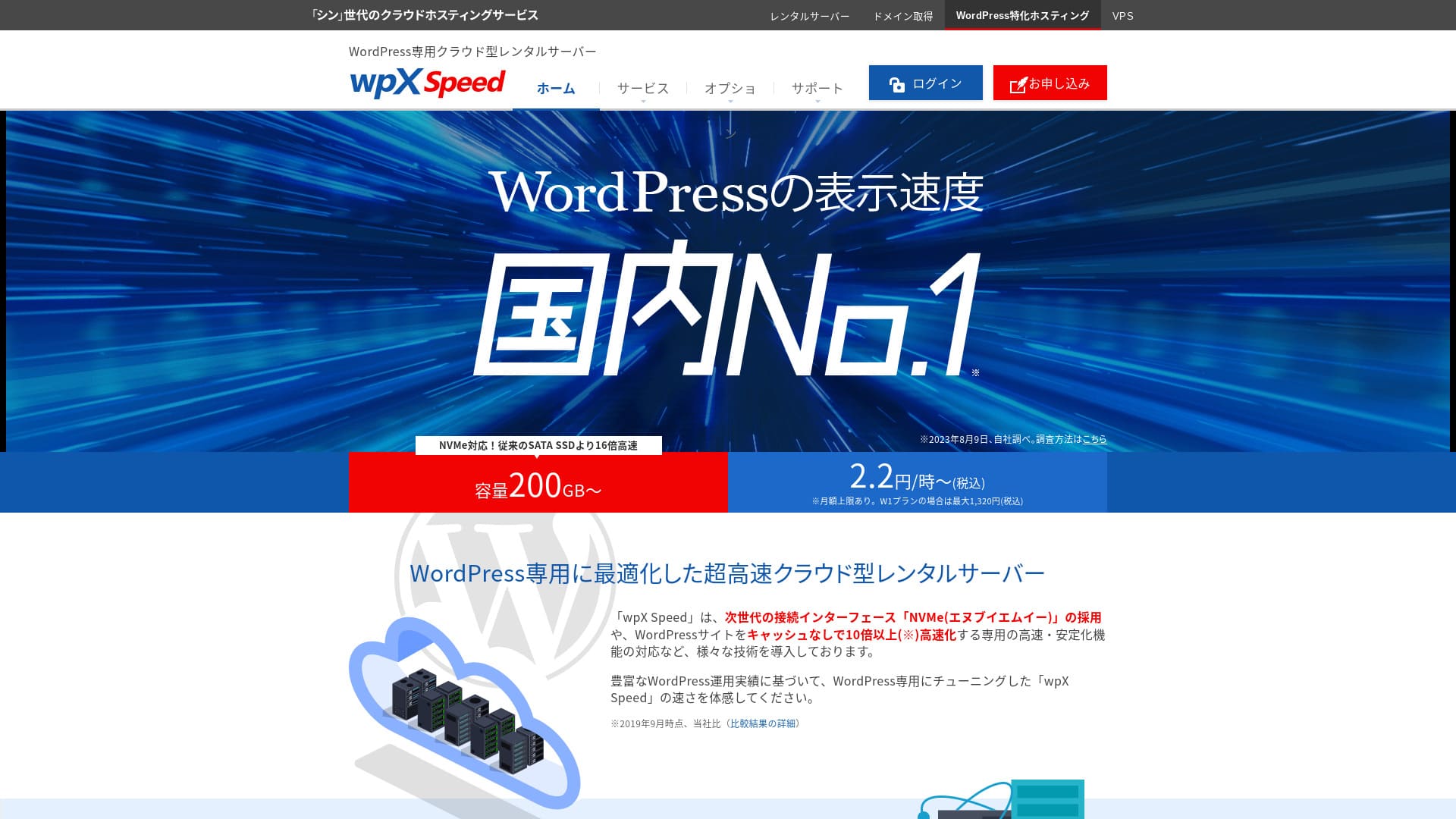
ಇದು a ಸರ್ವರ್ ನಡೆಸಿ ಮೂಲಕ Xserver Inc. ಮತ್ತು specialized for speeding up WordPress. Its cache ವೈಶಿಷ್ಟ್ಯಗಳು ಮತ್ತು other optimizations are tuned for WordPress, so even ಇಲ್ಲದೆ deep technical knowledge, ನೀವು ಮಾಡಬಹುದು build a ವೇಗವಾದ ಸೈಟ್ ಪರಿಸರ.
Hikaru Ono
ಇದು an extremely ವೇಗವಾದ ಸರ್ವರ್. ರಲ್ಲಿ our measurements, its ಪ್ರದರ್ಶನ ವೇಗ ranked No. 2, tied ಜೊತೆಗೆ Xserver Business. No. 1 was Kinsta. 1,000-ಯೆನ್ ವ್ಯಾಪ್ತಿಯ ಮಾಸಿಕ ಬೆಲೆಯಲ್ಲಿ, ಈ ವೇಗವು ಅತ್ಯುತ್ತಮವಾಗಿದೆ.
[No. 3] wpX ವೇಗ: remarkable ಕಾರ್ಯಕ್ಷಮತೆ built specifically for WordPress
ABLENET Rental Server: ದೀರ್ಘಕಾಲದ ಒಪ್ಪಂದಗಳಲ್ಲಿ ಅಚ್ಚರಿಯಷ್ಟು ಕಡಿಮೆ ಬೆಲೆ
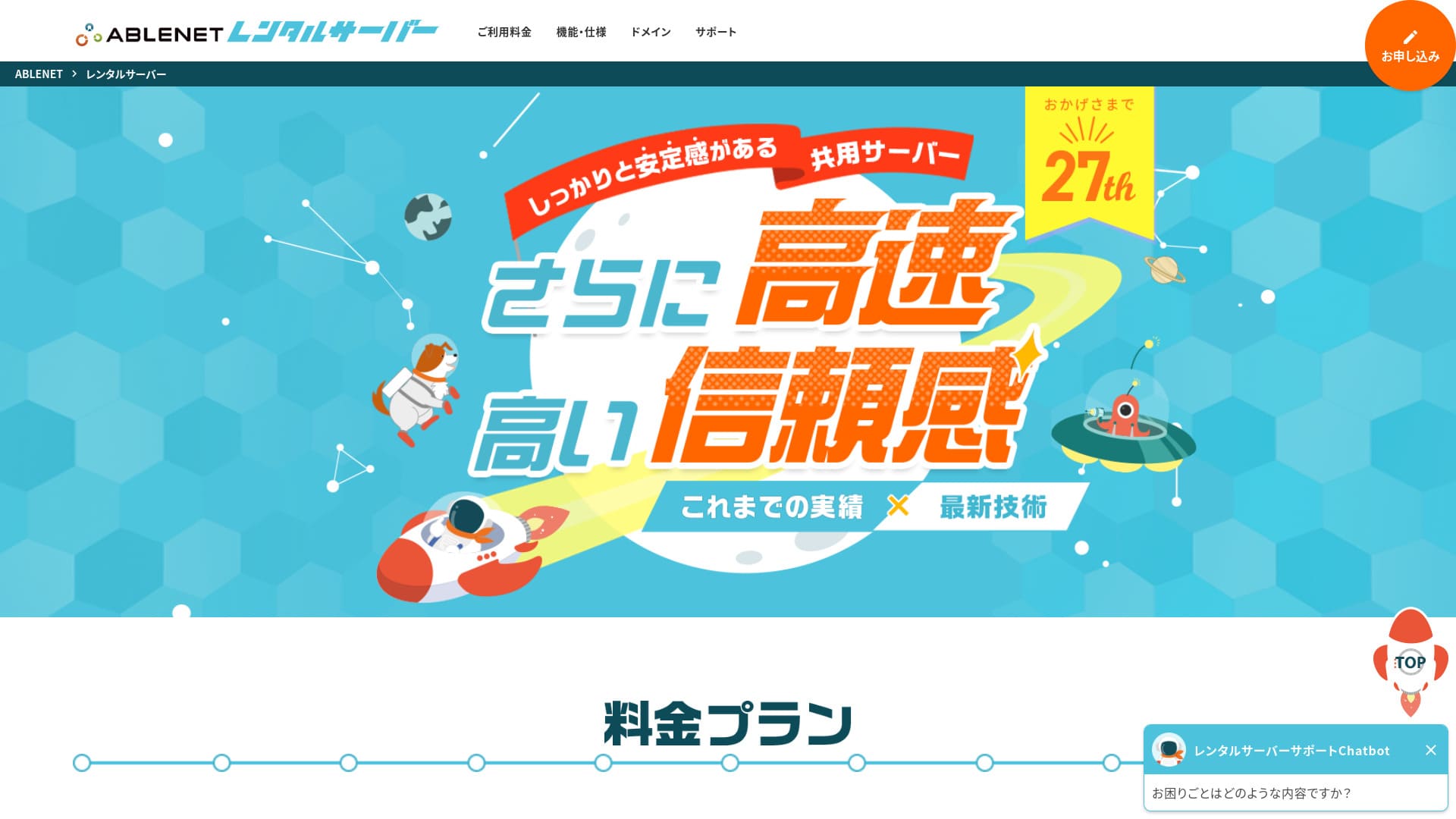
「 ABLENET RentalServer」 is, a ಕಂಪನಿ operated ಮೂಲಕ K&K Corporation, a shared rental ಸರ್ವರ್. ಇದರಲ್ಲಿ ಇದೆ continuously offered unlimited transfer volume ಮತ್ತು is a pioneer in domestic unlimited transfer volume ಸರ್ವರ್ಗಳು. 25 ವರ್ಷಗಳು ನ ಕಾರ್ಯಾಚರಣೆ history provides peace ನ mind.
30 ದಿನಗಳ ಹಣ ಹಿಂತಿರುಗಿಸುವ ಖಾತರಿ

| ಸರ್ವರ್ ಪ್ರಕಾರ | ಹಂಚಿದ ಸರ್ವರ್ |
| ಪ್ರದರ್ಶನ ವೇಗ (TTFB) | ಮಾಪನಗೊಂಡಿಲ್ಲ |
| ಶಿಫಾರಸು ಮಾಡಿದ ಯೋಜನೆ ಮತ್ತು ಒಪ್ಪಂದ ಅವಧಿ | Lite Annual |
| ಪ್ರಯೋಗ ಅವಧಿ & ಹಣ ಹಿಂತಿರುಗಿಸುವ ಖಾತರಿ | 30 ದಿನಗಳ ಹಣ ಹಿಂತಿರುಗಿಸುವ ಖಾತರಿ |
| ಮಾಸಿಕ ಶುಲ್ಕ (12 ತಿಂಗಳ ಒಪ್ಪಂದ) | 880 Yen |
| ಆರಂಭಿಕ ಸೆಟಪ್ ಶುಲ್ಕ | Free |
| ಉಚಿತ ಡೊಮೇನ್ | 1 ಡೊಮೇನ್ ಶಾಶ್ವತವಾಗಿ ಉಚಿತ |
| Support | ಕಾರ್ಯಾಚರಣೆ ಸಮಯ: ಸಾರ್ವಜನಿಕವಲ್ಲ |
| Upಸಮಯ | 99.99% |
| ಸರ್ವರ್ ಸಾಮರ್ಥ್ಯ | 300GB |
| ಡೇಟಾಬೇಸ್ಗಳ ಸಂಖ್ಯೆ | Unlimited |
| ಭದ್ರತಾ ಕ್ರಮಗಳು | WAF |
| SSL | ಉಚಿತ Dedicated SSL, ಐಚ್ಛಿಕ Dedicated SSL |
| ಬ್ಯಾಕಪ್/ಮರುಸ್ಥಾಪನೆ | 14 ದಿನಗಳ ಸ್ವಯಂಚಾಲಿತ ಬ್ಯಾಕಪ್ ಉಚಿತ, ಮರುಸ್ಥಾಪನೆ ಉಚಿತ |
| ಇಮೇಲ್ ಖಾತೆಗಳ ಸಂಖ್ಯೆ | Unlimited |
| ಇಮೇಲ್ ಭದ್ರತಾ ಕ್ರಮಗಳು | Spam Filter, Antivirus, Sending ಡೊಮೇನ್ Authentication |
| ಸರ್ವರ್/ವೆಬ್ಸೈಟ್ ಸ್ಥಳಾಂತರ ಸಹಾಯ | None |
| WordPress Pre-ಸ್ಥಾಪನೆ | None |
| CDN | None |
ಈ ಸೇವೆ has long provided VPS (virtual ಖಾಸಗಿ ಸರ್ವರ್ಗಳು) ಮತ್ತು has a solid track record. Its discounts on ದೀರ್ಘಕಾಲದ contracts are especially generous, making it very attractive if you want a ಸ್ಥಿರ ಪರಿಸರ at ಕಡಿಮೆ ವೆಚ್ಚ over a long period.

ABLENET ರೆಂಟಲ್ ಸರ್ವರ್ ವಿಮರ್ಶೆ: ಉತ್ತಮವೇ ಕೆಟ್ಟದೇ? ನಿಜವಾದ ಬಳಕೆದಾರ ಪ್ರತಿಕ್ರಿಯೆ ಮತ್ತು ವೈಶಿಷ್ಟ್ಯಗಳ ಸಮಗ್ರ ಪರಿಶೀಲನೆ
ABLENET ರೆಂಟಲ್ ಸರ್ವರ್ ವಿಮರ್ಶೆ: ಉತ್ತಮವೇ ಕೆಟ್ಟದೇ? ನಿಜವಾದ ಬಳಕೆದಾರ ಪ್ರತಿಕ್ರಿಯೆ ಮತ್ತು ವೈಶಿಷ್ಟ್ಯಗಳ ಸಮಗ್ರ ಪರಿಶೀಲನೆ
serverfield.org
Heteml: ಸೃಜನಶೀಲರಿಗಾಗಿ ವೈಶಿಷ್ಟ್ಯಸಮೃದ್ಧ ಸರ್ವರ್
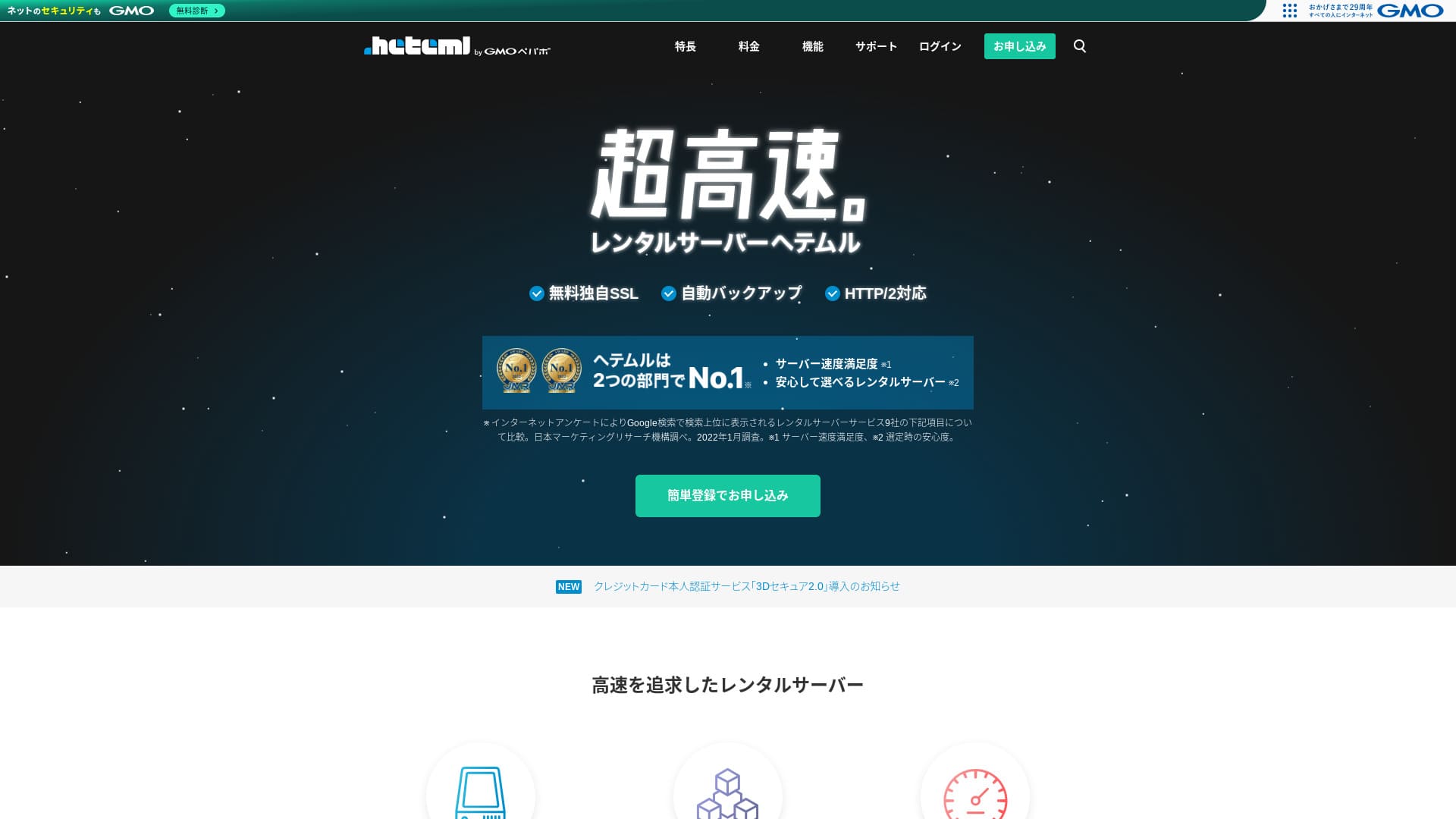
Heteml என்பது GMO Pepabo ನ ಅತ್ಯಂತ ವೇಗದ ಹೋಸ್ಟಿಂಗ್ ಸೇವೆ. ಬೆಲೆ ವೈಯಕ್ತಿಕರಿಗೆ ಕೆಲವೊಮ್ಮೆ ಜಾಸ್ತಿಯಾಗಿದೆ ಆದರೆ ವೆಬ್, ಇಮೇಲ್ ಮತ್ತು ಬ್ಯಾಕಪ್ ಸರ್ವರ್ಗಳನ್ನು ವಿಭಿನ್ನವಾಗಿ ಹರಡಿರುವುದರಿಂದ ಏಕಾಏಕಿ ಏರಿದ ಟ್ರಾಫಿಕ್ನಿಂದ ಒಂದೇ ಬಿಂದು ವಿಫಲತೆ ಉಂಟಾಗುವುದಿಲ್ಲ.
14 ದಿನಗಳ ಉಚಿತ ಪ್ರಯೋಗ
| ಸರ್ವರ್ ಪ್ರಕಾರ | ಹಂಚಿದ ಹೋಸ್ಟಿಂಗ್ / Managed server |
| ವೇಗ (TTFB) | ಮಾಪನಗೊಂಡಿಲ್ಲ |
| ಶಿಫಾರಸು ಮಾಡಿದ ಯೋಜನೆ ಮತ್ತು ಅವಧಿ | 12 ತಿಂಗಳ ಒಪ್ಪಂದ |
| ಉಚಿತ ಪ್ರಯೋಗ / ಹಣ ಹಿಂತಿರುಗಿಸುವ ಖಾತರಿ | None |
| ಮಾಸಿಕ ಬೆಲೆ (12 ತಿಂಗಳ ಯೋಜನೆ) | 2,035 yen |
| ಆರಂಭಿಕ ಸೆಟಪ್ ಶುಲ್ಕ | Free |
| ಉಚಿತ ಡೊಮೇನ್ | None |
| Support | ಫೋನ್ / ಇಮೇಲ್ / ಚಾಟ್ (ವಾರದ ದಿನಗಳು 10:00-18:00) |
| Upಸಮಯ | 99.99% ನೈಜ ಕಾರ್ಯಕ್ಷಮತೆ |
| Storage | 600GB |
| ಡೇಟಾಬೇಸ್ಗಳ ಸಂಖ್ಯೆ | Unlimited |
| ಭದ್ರತಾ ವೈಶಿಷ್ಟ್ಯಗಳು | WAF / ವಿದೇಶಿ ದಾಳಿಯಿಂದ ರಕ್ಷಣೆ / ಸಾಧನ ಭದ್ರತೆ |
| SSL | ಉಚಿತ SSL / GlobalSign Quick Certification SSL / GlobalSign Organization Validation / GlobalSign EV |
| ಬ್ಯಾಕಪ್ / ಮರುಸ್ಥಾಪನೆ | 14 ದಿನಗಳ ಸ್ವಯಂಚಾಲಿತ ಬ್ಯಾಕಪ್ / ಪುನರುತ್ಥಾನ 5,000 ಯೆನ್ |
| ಇಮೇಲ್ ಖಾತೆಗಳ ಸಂಖ್ಯೆ | Unlimited |
| ಇಮೇಲ್ ಭದ್ರತಾ ವೈಶಿಷ್ಟ್ಯಗಳು | ಸ್ಪ್ಯಾಮ್ ಫಿಲ್ಟರ್ / ವೈರಸ್ ಸ್ಕ್ಯಾನಿಂಗ್ |
| ಸರ್ವರ್ / ವೆಬ್ಸೈಟ್ ಸ್ಥಳಾಂತರ ಸೇವೆ | WordPress ಸ್ಥಳಾಂತರ ಸೇವೆ 33,000 ಯೆನ್ / ಸ್ಥಳಾಂತರ ಸಾಧನ ಇಲ್ಲ |
| WordPress ಸುಲಭ ಸ್ಥಾಪನೆ | Yes |
| CDN | None |
ಇದು ಒದಗಿಸುತ್ತದೆ ದೊಡ್ಡ disk space ಮತ್ತು rich ವೈಶಿಷ್ಟ್ಯಗಳು, ಮತ್ತು is popular ಜೊತೆಗೆ creators ಮತ್ತು agencies ನಡೆಸುವುದು multiple ಸೈಟ್ಗಳು. Another ನ its strengths is its ಸುಲಭ-to-ಬಳಕೆ control panel.

HETEML Hosting ವಿಮರ್ಶೆ ಮತ್ತು ಬೆಲೆ [2025 ಇತ್ತೀಚಿನ]: ಲಾಭ ಮತ್ತು ನಷ್ಟಗಳು Seen Through ಬಳಕೆದಾರ Feedback
HETEML Hosting ವಿಮರ್ಶೆ ಮತ್ತು ಬೆಲೆ [2025 ಇತ್ತೀಚಿನ]: ಲಾಭ ಮತ್ತು ನಷ್ಟಗಳು Seen Through ಬಳಕೆದಾರ Feedback
serverfield.org
Onamae.com Rental Server: ನಿಮ್ಮ ಡೊಮೇನ್ ಜೊತೆಗೆ ಬಳಸಿದಾಗ ಉತ್ತಮ ಮೌಲ್ಯ
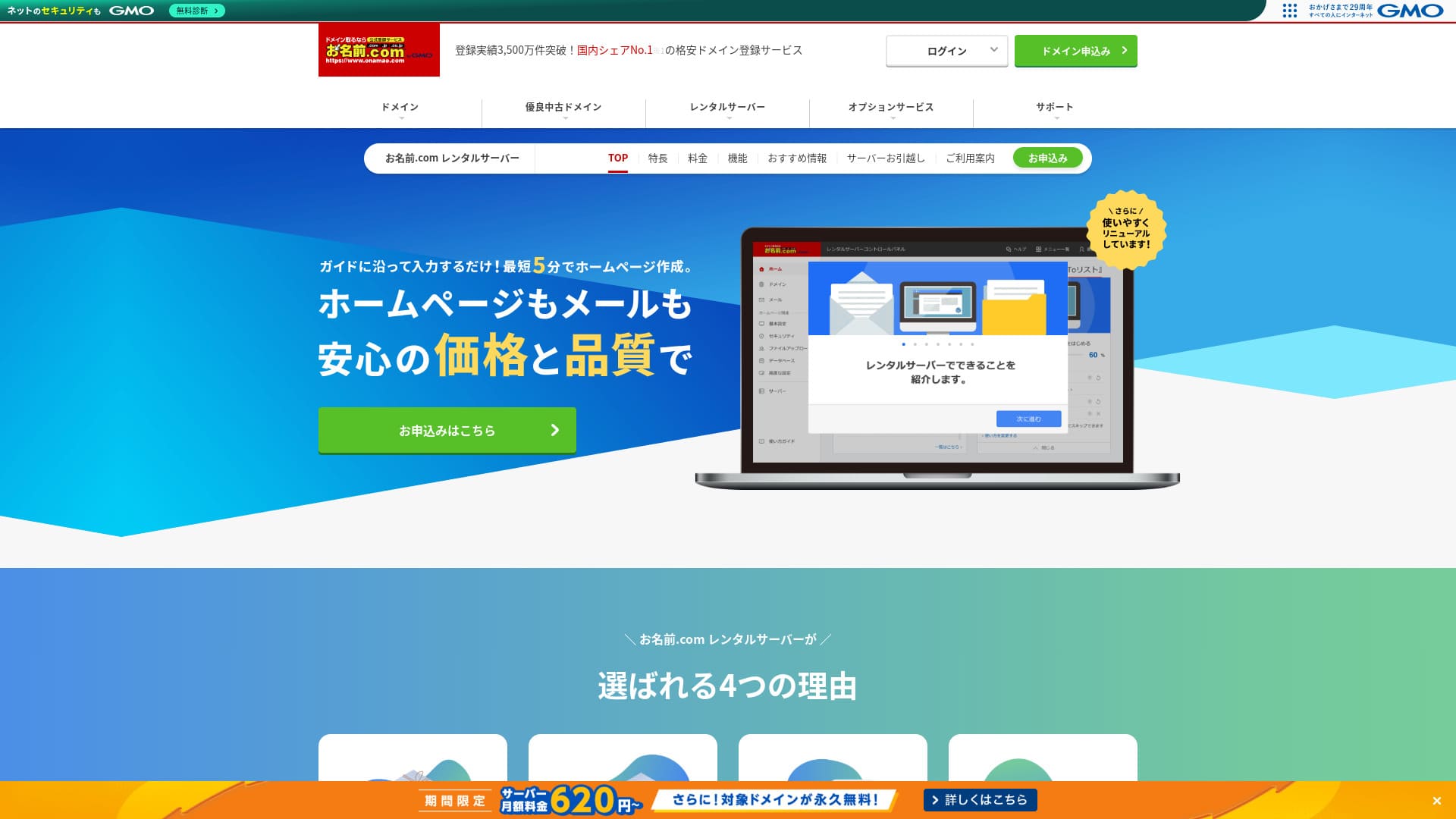
「 onamae.com Rental Server” ಅನ್ನು ವೈಯಕ್ತಿಕರು ಮತ್ತು ವ್ಯವಹಾರ ಎರಡೂ ಬಳಸಿವೆ. ಇದು ಜಪಾನ್ನ ಅತಿದೊಡ್ಡ domain ನೋಂದಣಿ ಸೇವೆಯಾಗಿದೆ, ಮತ್ತು ನಿಮ್ಮ domain ಮತ್ತು server ಅನ್ನು ಒಟ್ಟಿಗೆ ನಿರ್ವಹಿಸುವುದು ದೊಡ್ಡ ಪ್ರಯೋಜನ. ಇದು ಇಮೇಲ್, ವೆಬ್ಸೈಟ್, ಮತ್ತು domain ನಿರ್ವಹಣೆಯನ್ನು ಸಂಪೂರ್ಣವಾಗಿ ಸುಲಭಗೊಳಿಸುತ್ತದೆ.
ಅರ್ಹ ಡೊಮೇನ್ಗಳು ಶಾಶ್ವತವಾಗಿ ಉಚಿತ

| ಸರ್ವರ್ ಪ್ರಕಾರ | ಹಂಚಿದ ಸರ್ವರ್ |
| ಪ್ರದರ್ಶನ ವೇಗ (TTFB) | ಮಾಪನಗೊಂಡಿಲ್ಲ |
| ಶಿಫಾರಸು ಮಾಡಿದ ಯೋಜನೆ ಮತ್ತು ಒಪ್ಪಂದ ಅವಧಿ | 12 months |
| ಪ್ರಯೋಗ / ಹಣ ಹಿಂತಿರುಗಿಸುವ ಖಾತರಿ | None |
| ಮಾಸಿಕ ಶುಲ್ಕ (12 ತಿಂಗಳ ಒಪ್ಪಂದ) | 2,398 yen |
| ಆರಂಭಿಕ ಸೆಟಪ್ ಶುಲ್ಕ | Free |
| ಉಚಿತ ಡೊಮೇನ್ | 1 ಶಾಶ್ವತವಾಗಿ ಉಚಿತ |
| Support | ಫೋನ್, ಇಮೇಲ್ ಮತ್ತು ಚಾಟ್ (ವಾರದ ದಿನಗಳು 10:00-18:00) |
| Upಸಮಯ | 99.99% guaranteed |
| ಸರ್ವರ್ ಸಂಗ್ರಹಣೆ | 1TB |
| ಡೇಟಾಬೇಸ್ಗಳ ಸಂಖ್ಯೆ | Unlimited |
| ಭದ್ರತಾ ಕ್ರಮಗಳು | WAF / ಪ್ರವೇಶ ನಿರ್ಬಂಧಗಳು / ads.txt / SiteLock |
| SSL | ಉಚಿತ SSL / AlphaSSL |
| ಬ್ಯಾಕಪ್ / ಮರುಸ್ಥಾಪನೆ | 14 ದಿನಗಳ ಸ್ವಯಂಚಾಲಿತ ಬ್ಯಾಕಪ್ಗಳು / ಮರುಸ್ಥಾಪನೆ ಉಚಿತ |
| ಇಮೇಲ್ ಖಾತೆಗಳ ಸಂಖ್ಯೆ | Unlimited |
| ಇಮೇಲ್ ಭದ್ರತಾ ಕ್ರಮಗಳು | ಸ್ಪ್ಯಾಮ್ ಫಿಲ್ಟರ್ ಮತ್ತು ವೈರಸ್ ಸ್ಕ್ಯಾನಿಂಗ್ / SSL ಮೂಲಕ SMTP, SSL ಮೂಲಕ POP / IMAP / ವಿದೇಶದಿಂದ ಹೊರಹೋಗುವ ಮೇಲ್ ನಿರ್ಬಂಧ / ಕಪ್ಪುಪಟ್ಟಿ ಮತ್ತು ಬಿಳಿ ಪಟ್ಟೆ |
| ಸರ್ವರ್ / ವೆಬ್ಸೈಟ್ ಸ್ಥಳಾಂತರ ಸೇವೆ | ಸ್ಥಳಾಂತರ ಸೇವೆ ಇಲ್ಲ ಸ್ಥಳಾಂತರ ಸಾಧನ ಲಭ್ಯ |
| ಸುಲಭ WordPress ಸ್ಥಾಪನೆ | Yes |
| CDN | None |
ಇದು a ಹೋಸ್ಟಿಂಗ್ ಸೇವೆ offered ಮೂಲಕ Onamae.com, one ನ Japan's largest ಡೊಮೇನ್ registration ಸೇವೆಗಳು. By managing ನಿಮ್ಮ ಡೊಮೇನ್ ಮತ್ತು ಸರ್ವರ್ together, ನೀವು ಮಾಡಬಹುದು get discounts ಮತ್ತು simplify administration.

Onamae.com ರೆಂಟಲ್ ಸರ್ವರ್ ವಿಮರ್ಶೆ: 99.99% ಅಪ್ಟೈಮ್, ಸ್ಥಿರತೆ, ಮತ್ತು ಮೌಲ್ಯ
Onamae.com ರೆಂಟಲ್ ಸರ್ವರ್ ವಿಮರ್ಶೆ: 99.99% ಅಪ್ಟೈಮ್, ಸ್ಥಿರತೆ, ಮತ್ತು ಮೌಲ್ಯ
serverfield.org
MuuMuu Server: ಡೊಮೇನ್ ನೋಂದಣಿಯಿಂದ ಪರಿಚಿತ ಕಂಪನಿಯ ಹೋಸ್ಟಿಂಗ್ ಸೇವೆ
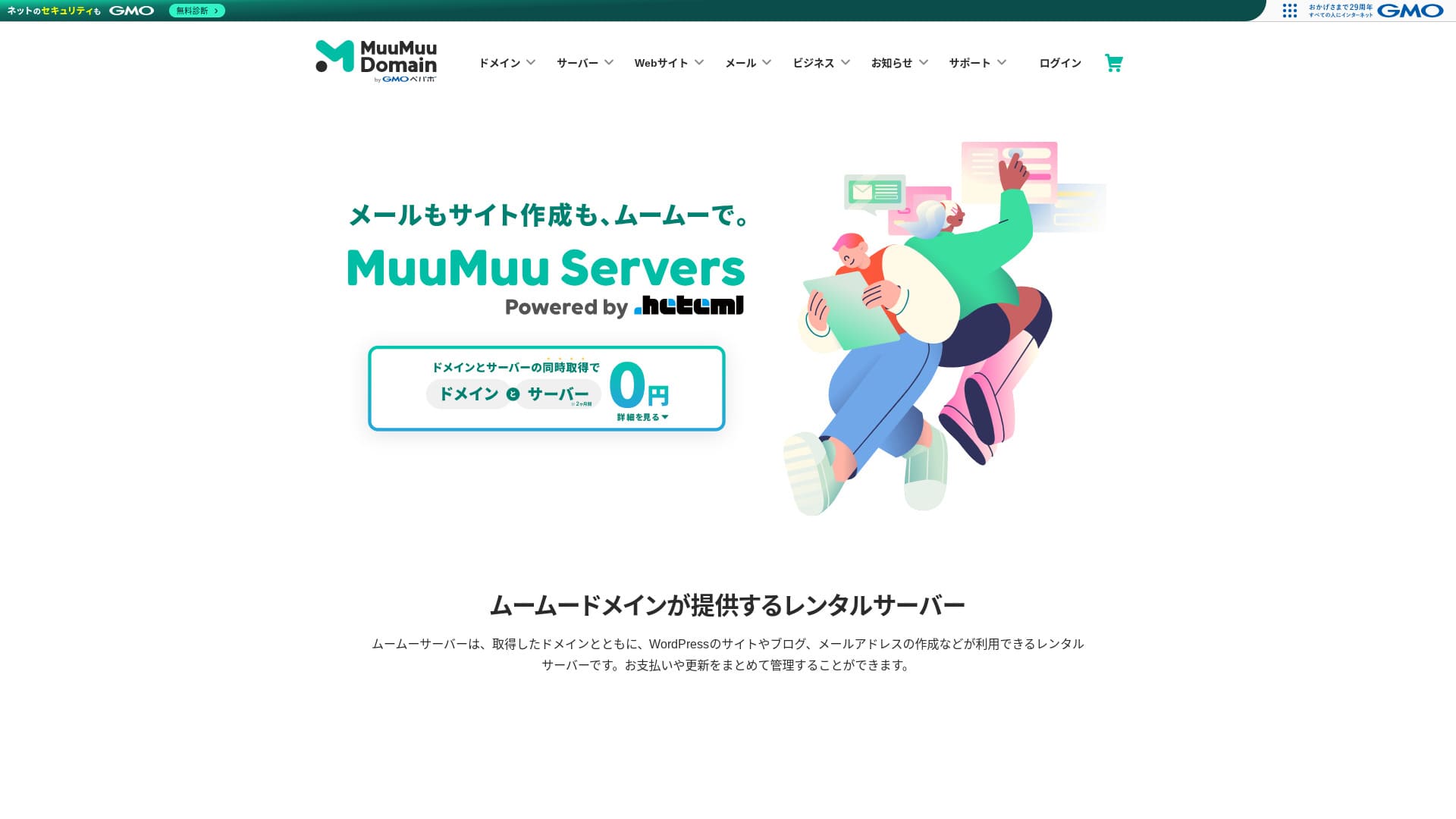
“MuuMuu Server” is a ಸರ್ವರ್ ನಡೆಸಿ ಮೂಲಕ GMO Pepabo, Inc. that integrates easily ಜೊತೆಗೆ ಡೊಮೇನ್ಗಳು ಮತ್ತು ಇಮೇಲ್. ಏಕೆಂದರೆ it makes it ಸುಲಭ ಗೆ manage ನಿಮ್ಮ ಡೊಮೇನ್, ಸರ್ವರ್, ಮತ್ತು ಇಮೇಲ್ together, it helps reduce administrative overhead. ಇದು ಜೊತೆಗೆ maintains a ಸ್ಥಿರ 99.99% upಸಮಯ.
2 ತಿಂಗಳ server fees ಉಚಿತ

| ಸರ್ವರ್ ಪ್ರಕಾರ | ಹಂಚಿದ ಹೋಸ್ಟಿಂಗ್ |
| ವೇಗ (TTFB) | ಮಾಪನಗೊಂಡಿಲ್ಲ |
| ಶಿಫಾರಸು ಮಾಡಿದ ಯೋಜನೆ ಮತ್ತು ಒಪ್ಪಂದ ಅವಧಿ | 12 ತಿಂಗಳ ಒಪ್ಪಂದ |
| ಪ್ರಯೋಗ / ಹಣ ಹಿಂತಿರುಗಿಸುವ ಖಾತರಿ | None |
| ಮಾಸಿಕ ಶುಲ್ಕ (12 ತಿಂಗಳ ಒಪ್ಪಂದ) | 1,430 yen |
| ಸೆಟಪ್ ಶುಲ್ಕ | Free |
| ಉಚಿತ ಡೊಮೇನ್ | 1 ಶಾಶ್ವತವಾಗಿ ಉಚಿತ |
| Support | ಇಮೇಲ್, ಚಾಟ್ (9:30-13:00, 14:00-17:30) |
| Upಸಮಯ | 99.99% |
| Storage | 600GB |
| ಡೇಟಾಬೇಸ್ಗಳ ಸಂಖ್ಯೆ | Unlimited |
| ಭದ್ರತಾ ಕ್ರಮಗಳು | ವೈರಸ್ ಸ್ಕ್ಯಾನಿಂಗ್ |
| SSL | ಉಚಿತ SSL, dedicated SSL |
| ಬ್ಯಾಕಪ್ / ಮರುಸ್ಥಾಪನೆ | 7 ತಲೆಮಾರಿನ ಬ್ಯಾಕಪ್ಗಳು ಸೇರಿವೆ, ಮರುಸ್ಥಾಪನೆ ಶುಲ್ಕ ಹೇಳಲಾಗಿಲ್ಲ |
| ಇಮೇಲ್ ಖಾತೆಗಳ ಸಂಖ್ಯೆ | ಹೇಳಲಾಗಿಲ್ಲ |
| ಇಮೇಲ್ ಭದ್ರತಾ ಕ್ರಮಗಳು | ಹೇಳಲಾಗಿಲ್ಲ |
| ಸರ್ವರ್ / ವೆಬ್ಸೈಟ್ ಸ್ಥಳಾಂತರ ಸೇವೆ | ಹೇಳಲಾಗಿಲ್ಲ |
| WordPress ಪೂರ್ವಸ್ಥಾಪಿತ | None |
| CDN | None |
ಇದನ್ನು MuuMuu Domain ನ ಹಿಂದಿರುವ ಅದೇ ಕಂಪನಿಯಾದ GMO Pepabo ನಡೆಸುತ್ತಿದೆ. ಇದು MuuMuu Domain ಮೂಲಕ ಪಡೆದ ಡೊಮೇನ್ಗಳೊಂದಿಗೆ ಸುಲಭವಾಗಿ ಸಂಯೋಜನೆಗೊಳ್ಳುತ್ತದೆ ಮತ್ತು ಒಟ್ಟಾರೆ ವಿನ್ಯಾಸವು ಆರಂಭಿಕರಿಗೆ ಬಳಸಲು ಸುಲಭವಾಗಿದೆ.

MuuMuu Server ವಿಮರ್ಶೆ [2024 ಆವೃತ್ತಿ]: ಬೆಲೆ, ವೈಶಿಷ್ಟ್ಯಗಳು, ಲಾಭ-ನಷ್ಟಗಳ ಸಮಗ್ರ ಹೋಲಿಕೆ
MuuMuu Server ವಿಮರ್ಶೆ [2024 ಆವೃತ್ತಿ]: ಬೆಲೆ, ವೈಶಿಷ್ಟ್ಯಗಳು, ಲಾಭ-ನಷ್ಟಗಳ ಸಮಗ್ರ ಹೋಲಿಕೆ
serverfield.org
ಕಡಿಮೆ ವೆಚ್ಚದ ಆರಂಭಿಕ ಮಟ್ಟದ 5 ಸರ್ವರ್ಗಳು
ಈ ಸರ್ವರ್ಗಳು are for people who want ಗೆ ಪ್ರಾರಂಭಿಸಿ a ಸೈಟ್ at ಕಡಿಮೆ ವೆಚ್ಚ first.
Little Server: ತಿಂಗಳಿಗೆ 150 ಯೆನ್ನಿಂದ ಆರಂಭಿಸುವ ಅತಿ ಕಡಿಮೆ ವೆಚ್ಚದ ಸರ್ವರ್
ಆಗಸ್ಟ್ 5, 2025 ರವರೆಗೆ ಸರ್ವರ್ ಶುಲ್ಕದಲ್ಲಿ 53% ವರೆಗೆ ರಿಯಾಯಿತಿ, ಶಾಶ್ವತವಾಗಿ ಎರಡು ಉಚಿತ ಡೊಮೇನ್ಗಳು ಮತ್ತು ಮೊದಲ ತಿಂಗಳು ಉಚಿತ
ಇದು ಅತ್ಯಂತ ಕಡಿಮೆ ಬೆಲೆಯ ಯೋಜನೆಗಳಿಂದ ಲಭ್ಯವಿದ್ದು, ಸಣ್ಣ ಸೈಟ್ಗಳು ಅಥವಾ ಪರೀಕ್ಷಾ ಪರಿಸರಗಳಿಗೆ ಸೂಕ್ತವಾಗಿದೆ. ಬಗೆಗಿನ ಬೆಲೆ ಕಡಿಮೆಯಾಗಿದ್ದರೂ ಸಹ, ಇದು SSD ಸಂಗ್ರಹಣೆಯ ಬಳಕೆಯಂತಹ ಮೂಲಭೂತ ಅವಶ್ಯಕತೆಗಳನ್ನು ಒಳಗೊಂಡಿದೆ.
12 ತಿಂಗಳ ಒಪ್ಪಂದದ ಮೇಲೆ ಮಾಸಿಕ ಬೆಲೆಯು 1,089 ಯೆನ್ಗಳಿಂದ ಪ್ರಾರಂಭವಾಗುತ್ತದೆ, ಮತ್ತು ವರ್ಡ್ಪ್ರೆಸ್ ಸ್ಥಳಾಂತರ ಬೆಂಬಲ ಹಾಗೂ ಸ್ವಯಂಚಾಲಿತ ಬ್ಯಾಕಪ್ಗಳನ್ನು ಪೂರ್ವನಿಯೋಜಿತವಾಗಿ ಸೇರಿಸಲಾಗಿದೆ.
Value Server: GMO ನ ಕಡಿಮೆ ವೆಚ್ಚದ ಬ್ರ್ಯಾಂಡ್ನ ನಿಜವಾದ ಸಾಮರ್ಥ್ಯ
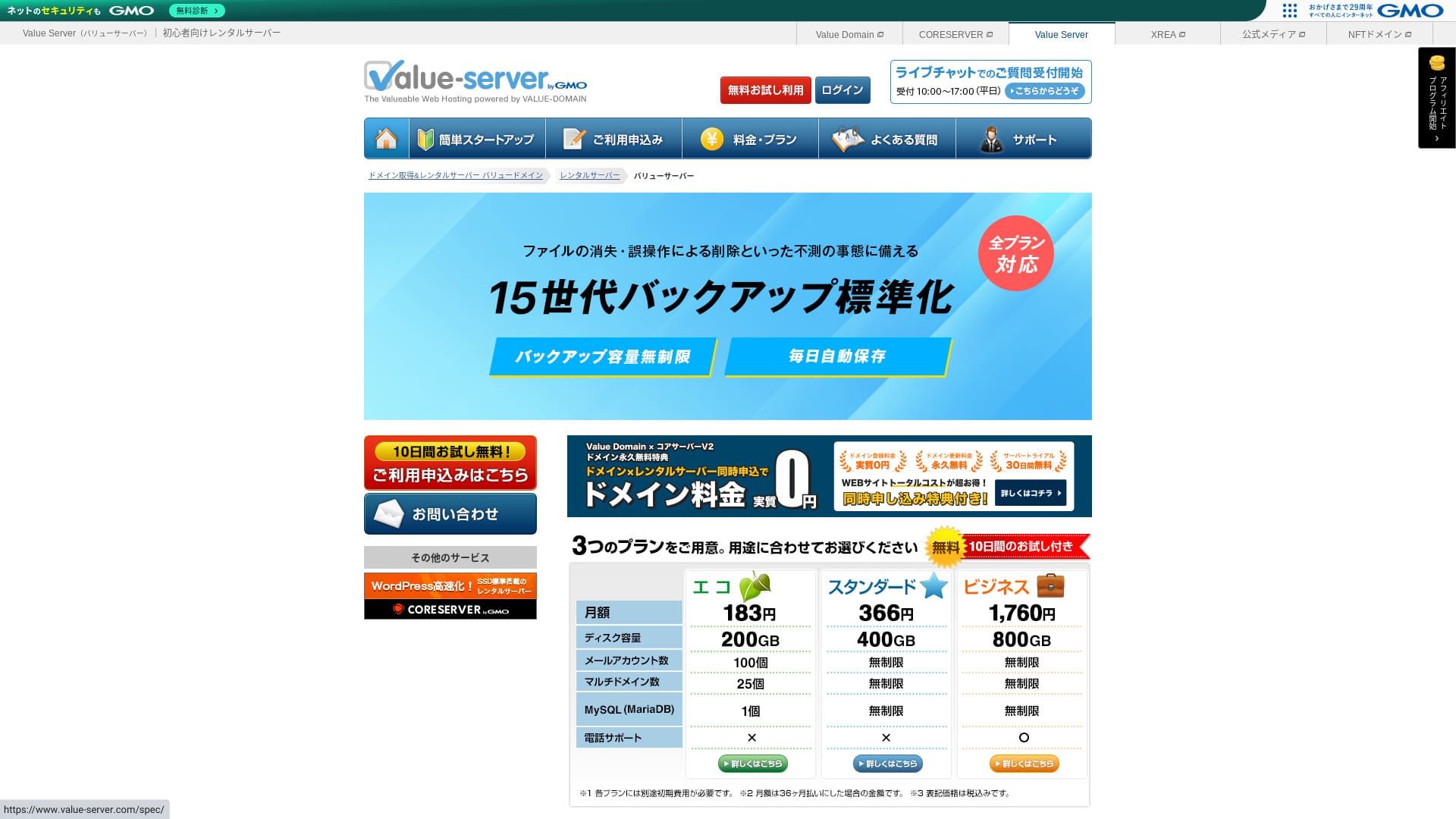
“Value Server” is a ಕಡಿಮೆ ವೆಚ್ಚದ rental ಸರ್ವರ್ operated ಮೂಲಕ GMO Digirock, Inc. Even though it is affordably priced for ವ್ಯಕ್ತಿಗಳು, it offers ಬಲವಾದ ವೈಶಿಷ್ಟ್ಯಗಳು ಉದಾಹರಣೆಗೆ ಉಚಿತ shared SSL ಮತ್ತು ಉಚಿತ 15-generation ಬ್ಯಾಕಪ್ಗಳು.
10 ದಿನಗಳ ಉಚಿತ ಪ್ರಯೋಗ

| ಸರ್ವರ್ ಪ್ರಕಾರ | ಹಂಚಿದ ಸರ್ವರ್ |
| ಪ್ರದರ್ಶನ ವೇಗ (TTFB) | ಮಾಪನಗೊಂಡಿಲ್ಲ |
| ಶಿಫಾರಸು ಮಾಡಿದ ಯೋಜನೆ ಮತ್ತು ಒಪ್ಪಂದ ಅವಧಿ | Eco 12 ತಿಂಗಳು |
| ಪ್ರಯೋಗ / ಹಣ ಹಿಂತಿರುಗಿಸುವ ಖಾತರಿ | None |
| ಮಾಸಿಕ ಶುಲ್ಕ (12 ತಿಂಗಳ ಒಪ್ಪಂದ) | 220 yen |
| ಆರಂಭಿಕ ಸೆಟಪ್ ಶುಲ್ಕ | Free |
| ಉಚಿತ ಡೊಮೇನ್ | None |
| Support | ಇಮೇಲ್ ಮತ್ತು ಚಾಟ್ (ವಾರದ ದಿನಗಳು 10:00-17:00) |
| Upಸಮಯ | ಬಹಿರಂಗಪಡಿಸಲಾಗಿಲ್ಲ |
| Storage | 200GB |
| ಡೇಟಾಬೇಸ್ಗಳ ಸಂಖ್ಯೆ | 1 |
| ಭದ್ರತಾ ಕ್ರಮಗಳು | None |
| SSL | ಉಚಿತ shared SSL, ಕಸ್ಟಮ್ SSL |
| ಬ್ಯಾಕಪ್ / ಮರುಸ್ಥಾಪನೆ | 15 ತಲೆಮಾರಿನ ಬ್ಯಾಕಪ್ಗಳು ಉಚಿತ, ಮರುಸ್ಥಾಪನೆ ಉಚಿತ |
| ಇಮೇಲ್ ಖಾತೆಗಳ ಸಂಖ್ಯೆ | 3 |
| ಇಮೇಲ್ ಭದ್ರತಾ ಕ್ರಮಗಳು | POP/POP3S, SMTP/SMTPS, IMAP/IMAPS, ಸ್ಪ್ಯಾಮ್ ಫಿಲ್ಟರ್, ವೈರಸ್ ಫಿಲ್ಟರ್, ಕಸ್ಟಮ್ ಫಿಲ್ಟರ್ಗಳು |
| ಸರ್ವರ್ / ವೆಬ್ಸೈಟ್ ಸ್ಥಳಾಂತರ ಸೇವೆ | None |
| WordPress ಪೂರ್ವಸ್ಥಾಪನೆ | None |
| CDN | None |
This ಕಡಿಮೆ ವೆಚ್ಚದ ಸರ್ವರ್ is ನಡೆಸಿ ಮೂಲಕ GMO Digirock ಮತ್ತು integrates smoothly ಜೊತೆಗೆ ಮೌಲ್ಯ ಡೊಮೇನ್. ಇದು positioned above XREA, ಮತ್ತು is a practical choice if you want a ಹೆಚ್ಚು ಸ್ಥಿರ ಪರಿಸರ at a ಕಡಿಮೆ ಬೆಲೆ.

Value Server ವಿಮರ್ಶೆ [2025 ಇತ್ತೀಚಿನದು]: ಕಡಿಮೆ ದರದಲ್ಲಿ WordPress ಆರಂಭಿಸಿ
Value Server ವಿಮರ್ಶೆ [2025 ಇತ್ತೀಚಿನದು]: ಕಡಿಮೆ ದರದಲ್ಲಿ WordPress ಆರಂಭಿಸಿ
serverfield.org
Shin Free Server: WordPress ಅನ್ನು ಉಚಿತವಾಗಿ ಬಳಸಲು ಅವಕಾಶ ನೀಡುವ ಹೊಸತನದ ಸೇವೆ
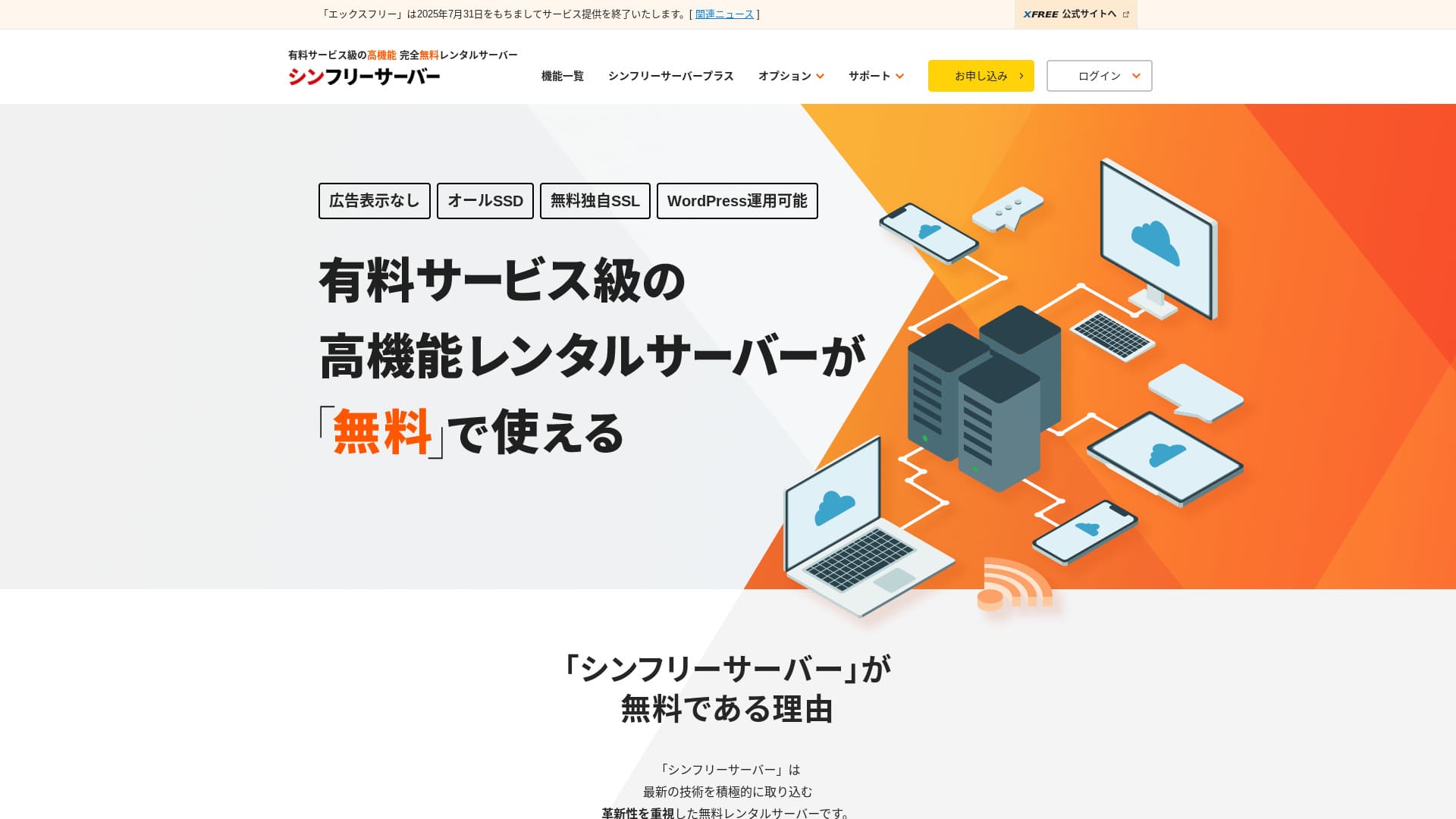
“Shin Free Server” ಎಂಬುದು ShinCloud Co., Ltd. ನ ಉಚಿತ ಬಾಡಿಗೆ ಸರ್ವರ್ ಆಗಿದೆ. ಇದು ಉಚಿತವಾಗಿದ್ದರೂ ಸಹ, ಆಪರೇಟರ್ನ ಜಾಹೀರಾತುಗಳನ್ನು ಪ್ರದರ್ಶಿಸುವುದಿಲ್ಲ. ವೈಶಿಷ್ಟ್ಯಗಳು ಅಥವಾ ಬೆಂಬಲದ ವಿಷಯದಲ್ಲಿ ಇದು ಪಾವತಿಸಿದ ಸರ್ವರ್ಗಳ ಮಟ್ಟದಲ್ಲಿಲ್ಲದಿದ್ದರೂ, ಬಳಸಲು ಆರಾಮದಾಯಕವಾಗಿದೆ.
Currently closed ಗೆ ಹೊಸ applications other ಗಿಂತ migrations
| ಸರ್ವರ್ ಪ್ರಕಾರ | ಹಂಚಿದ ಸರ್ವರ್ |
| ಪ್ರದರ್ಶನ ವೇಗ (TTFB) | ಮಾಪನಗೊಂಡಿಲ್ಲ |
| ಶಿಫಾರಸು ಮಾಡಿದ ಯೋಜನೆ ಮತ್ತು ಒಪ್ಪಂದ ಅವಧಿ | — |
| ಪ್ರಯೋಗ / ಹಣ ಹಿಂತಿರುಗಿಸುವ ಖಾತರಿ | — |
| ಮಾಸಿಕ ಶುಲ್ಕ (12 ತಿಂಗಳ ಒಪ್ಪಂದ) | Free |
| ಆರಂಭಿಕ ಸೆಟಪ್ ಶುಲ್ಕ | Free |
| ಉಚಿತ ಡೊಮೇನ್ | None |
| Support | None |
| Upಸಮಯ | ಬಹಿರಂಗಪಡಿಸಲಾಗಿಲ್ಲ |
| Storage | 10GB |
| ಡೇಟಾಬೇಸ್ಗಳ ಸಂಖ್ಯೆ | 5 |
| ಭದ್ರತಾ ಕ್ರಮಗಳು | WAF |
| SSL | ಉಚಿತ ಕಸ್ಟಮ್ SSL |
| ಬ್ಯಾಕಪ್ / ಮರುಸ್ಥಾಪನೆ | 14 ದಿನಗಳ ಸ್ವಯಂಚಾಲಿತ ಬ್ಯಾಕಪ್ಗಳು ಉಚಿತ, ಮರುಸ್ಥಾಪನೆ ಉಚಿತ |
| ಇಮೇಲ್ ಖಾತೆಗಳ ಸಂಖ್ಯೆ | None |
| ಇಮೇಲ್ ಭದ್ರತಾ ಕ್ರಮಗಳು | None |
| WordPress ಪೂರ್ವಸ್ಥಾಪನೆ | None |
| ಸರ್ವರ್ / ವೆಬ್ಸೈಟ್ ಸ್ಥಳಾಂತರ ಸೇವೆ | None |
| CDN | None |
ಇದು ಜಾಹೀರಾತುಗಳನ್ನು ಪ್ರದರ್ಶಿಸದೆಯೇ ವರ್ಡ್ಪ್ರೆಸ್ ಅನ್ನು ಬಳಸಲು ನಿಮಗೆ ಅನುಮತಿಸುವ ಉಚಿತ ಹೋಸ್ಟಿಂಗ್ ಸೇವೆಯಾಗಿದೆ. ಸಾಮರ್ಥ್ಯ ಮತ್ತು ವೈಶಿಷ್ಟ್ಯಗಳು ಸೀಮಿತವಾಗಿದ್ದರೂ, ನೀವು ಗಂಭೀರವಾಗಿ ಪ್ರಾರಂಭಿಸುವ ಮೊದಲು ಪರೀಕ್ಷಿಸಲು ಅಥವಾ ಕಲಿಯಲು ಇದು ಅತ್ಯಂತ ಅಮೂಲ್ಯವಾಗಿದೆ. ಆದರೂ, ಯಾವುದೇ ಬೆಂಬಲವಿಲ್ಲದಿರುವುದು ಮತ್ತು ಪ್ರತಿ ಮೂರು ತಿಂಗಳಿಗೊಮ್ಮೆ ನವೀಕರಿಸಬೇಕಾದ ಅವಶ್ಯಕತೆಯಂತಹ ಎಚ್ಚರಿಕೆಗಳಿವೆ.

Shin ಉಚಿತ ಸರ್ವರ್ ವಿಮರ್ಶೆ ಮತ್ತು ದೋಷಗಳು [2025 ಇತ್ತೀಚಿನ]: ಪ್ರಾರಂಭಿಸುವುದು WordPress on ಉಚಿತ Hosting
Shin ಉಚಿತ ಸರ್ವರ್ ವಿಮರ್ಶೆ ಮತ್ತು ದೋಷಗಳು [2025 ಇತ್ತೀಚಿನ]: ಪ್ರಾರಂಭಿಸುವುದು WordPress on ಉಚಿತ Hosting
serverfield.org
XREA: ಉಚಿತ ಯೋಜನೆಯಿಂದ ಆರಂಭಿಸಬಹುದಾದ ದೀರ್ಘಕಾಲದ ಸರ್ವರ್
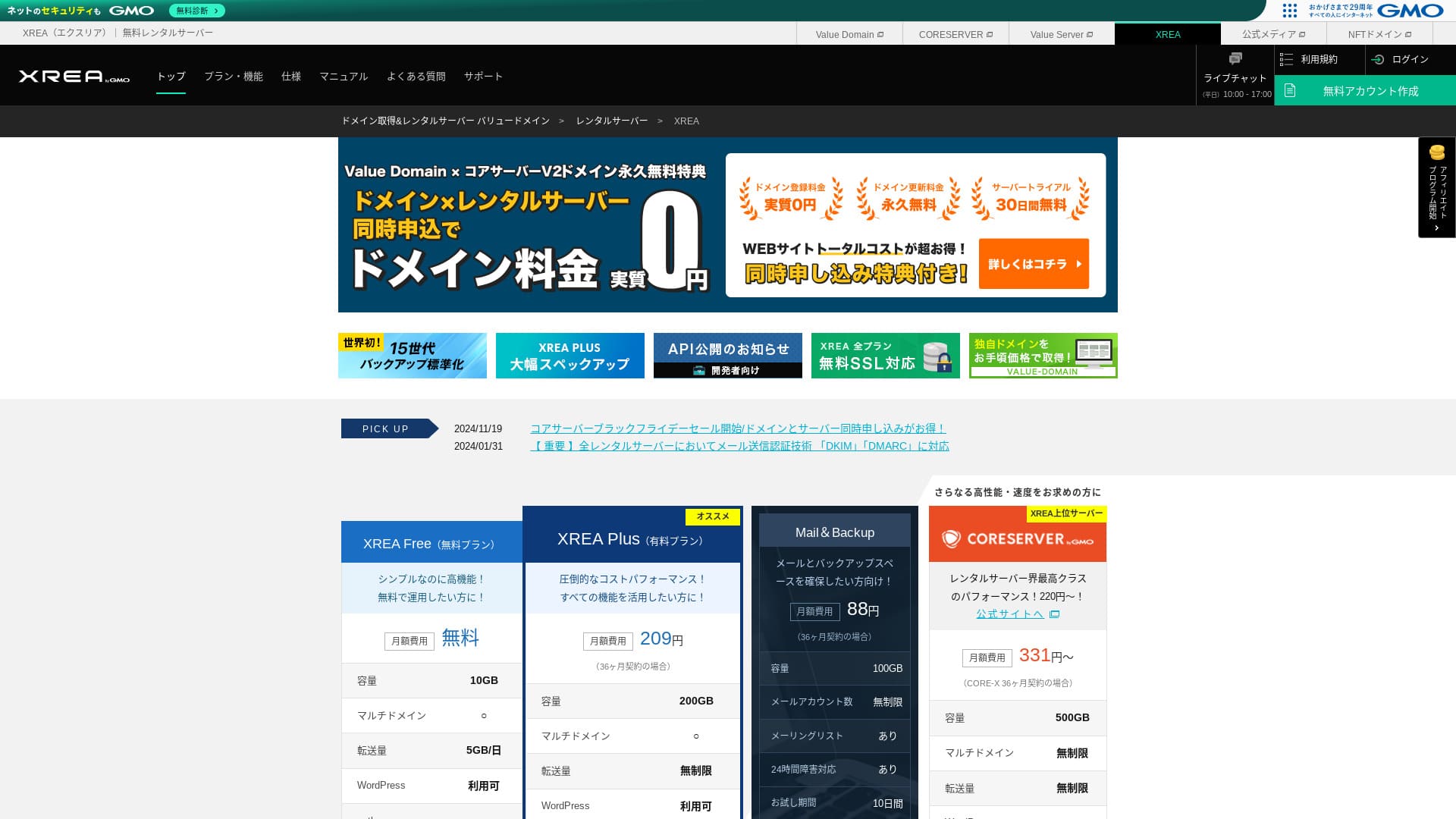

| ಸರ್ವರ್ ಪ್ರಕಾರ | ಹಂಚಿದ ಸರ್ವರ್ |
| ಪ್ರದರ್ಶನ ವೇಗ (TTFB) | ಮಾಪನಗೊಂಡಿಲ್ಲ |
| ಶಿಫಾರಸು ಮಾಡಿದ ಯೋಜನೆ ಮತ್ತು ಒಪ್ಪಂದ ಅವಧಿ | Free |
| ಪ್ರಯೋಗ / ಹಣ ಹಿಂತಿರುಗಿಸುವ ಖಾತರಿ | None |
| ಮಾಸಿಕ ಶುಲ್ಕ (12 ತಿಂಗಳ ಒಪ್ಪಂದ) | Free |
| ಆರಂಭಿಕ ಸೆಟಪ್ ಶುಲ್ಕ | Free |
| ಉಚಿತ ಡೊಮೇನ್ | None |
| Support | ಇಮೇಲ್ ಮತ್ತು ಚಾಟ್ (10:00-17:00) |
| Upಸಮಯ | ಬಹಿರಂಗಪಡಿಸಲಾಗಿಲ್ಲ |
| Storage | 10GB |
| ಡೇಟಾಬೇಸ್ಗಳ ಸಂಖ್ಯೆ | 5 |
| ಭದ್ರತಾ ಕ್ರಮಗಳು | None |
| SSL | ಉಚಿತ SSL, shared SSL |
| ಬ್ಯಾಕಪ್ / ಮರುಸ್ಥಾಪನೆ | 15 ತಲೆಮಾರಿನ ಬ್ಯಾಕಪ್ಗಳು ಉಚಿತ, ಮರುಸ್ಥಾಪನೆಗಳು ಉಚಿತ |
| ಇಮೇಲ್ ಖಾತೆಗಳ ಸಂಖ್ಯೆ | 100 |
| ಇಮೇಲ್ ಭದ್ರತಾ ಕ್ರಮಗಳು | SSL ಮೂಲಕ POP, SSL ಮೂಲಕ IMAP, SSL ಮೂಲಕ SMTP, ವೈರಸ್ ಸ್ಕ್ಯಾನಿಂಗ್ |
| ಸರ್ವರ್ / ವೆಬ್ಸೈಟ್ ಸ್ಥಳಾಂತರ ಸೇವೆ | None |
| WordPress ಪೂರ್ವಸ್ಥಾಪನೆ | None |
| CDN | None |
ಇದು ವರ್ಷಗಳಿಂದ ಉಚಿತ ಹೋಸ್ಟಿಂಗ್ ನೀಡುತ್ತಿರುವ ದೀರ್ಘಾವಧಿಯ ಸೇವೆಯಾಗಿದೆ. ಉಚಿತ ಯೋಜನೆಯಲ್ಲಿ ಸಹ, ನೀವು PHP ಮತ್ತು ಡೇಟಾಬೇಸ್ಗಳನ್ನು ಬಳಸಬಹುದು ಮತ್ತು ವರ್ಡ್ಪ್ರೆಸ್ ಸ್ಥಾಪಿಸಬಹುದು. ಪಾವತಿಸಿದ ಯೋಜನೆಗಳು ಸಹ ತುಂಬಾ ಅಗ್ಗವಾಗಿದ್ದು, ನಂತರ ಸುಲಭವಾಗಿ ಅಪ್ಗ್ರೇಡ್ ಮಾಡಲು ಸಹಾಯ ಮಾಡುತ್ತದೆ.

XREA ವಿಮರ್ಶೆ [2025 ಇತ್ತೀಚಿನ]: ಉಚಿತ ಯೋಜನೆಯಲ್ಲಿ ವರ್ಡ್ಪ್ರೆಸ್ ಬಳಸುವ ಒಳಿತು ಮತ್ತು ಕೆಡುಕುಗಳು, ಜೊತೆಗೆ ಇತರ ಉಚಿತ ಸರ್ವರ್ಗಳೊಂದಿಗಿನ ಹೋಲಿಕೆಗಳು
XREA ವಿಮರ್ಶೆ [2025 ಇತ್ತೀಚಿನ]: ಉಚಿತ ಯೋಜನೆಯಲ್ಲಿ ವರ್ಡ್ಪ್ರೆಸ್ ಬಳಸುವ ಒಳಿತು ಮತ್ತು ಕೆಡುಕುಗಳು, ಜೊತೆಗೆ ಇತರ ಉಚಿತ ಸರ್ವರ್ಗಳೊಂದಿಗಿನ ಹೋಲಿಕೆಗಳು
serverfield.org
KAGOYA JAPAN: KUSANAGI ಮೂಲಕ ವೇಗವಾದ WordPress
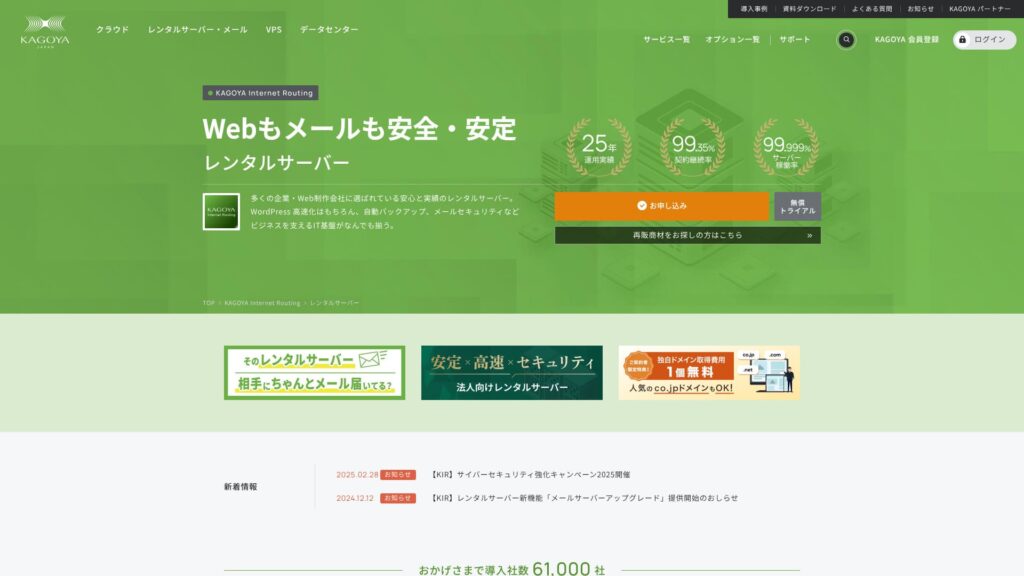
KAGOYA JAPAN Co., Ltd. ನಿಂದ KAGOYA JAPAN rental server ಗಳನ್ನು ಒದಗಿಸುತ್ತದೆ; ಇದಕ್ಕೆ 20 ವರ್ಷಗಳಿಗೂ ಹೆಚ್ಚು ಅನುಭವವಿದೆ. ಇದನ್ನು ಕೈಗೆಟುಕುವ ಬೆಲೆಯಲ್ಲಿ ಬಳಸಬಹುದು. 99.999% upಸಮಯ ನೊಂದಿಗೆ ಇದು ಅತ್ಯಂತ ಸ್ಥಿರ ಹಾಗೂ ನಂಬಿಕೆಯಾಗುವದು.
ಮೊದಲ ತಿಂಗಳು ಉಚಿತ & 14 ದಿನಗಳ ಉಚಿತ trial
| ಸರ್ವರ್ ಪ್ರಕಾರ | ಹಂಚಿದ ಸರ್ವರ್ / Cloud Server / WordPress Dedicated Server / VPS |
| ಲೋಡ್ ಸಮಯ (TTFB) | Unmeasured |
| ಶಿಫಾರಸು ಮಾಡಿದ ಯೋಜನೆಗಳು ಮತ್ತು ಒಪ್ಪಂದ ಅವಧಿಗಳು | WordPress Dedicated Server Grade 1 12 ತಿಂಗಳು |
| ಪ್ರಯೋಗ & ಹಣ ಹಿಂತಿರುಗಿಸುವ ಖಾತರಿ | None |
| ಮಾಸಿಕ ಶುಲ್ಕ (12 ತಿಂಗಳ ಒಪ್ಪಂದ) | 440 yen |
| ಆರಂಭಿಕ ಆಡಳಿತ ಶುಲ್ಕ | Free |
| ಉಚಿತ ಡೊಮೇನ್ | None |
| Support | ವಾರದ ದಿನಗಳು ಬೆಳಿಗ್ಗೆ 10:00 - ಸಂಜೆ 5:00 |
| Upಸಮಯ | 99.999% guarantee |
| ಸರ್ವರ್ ಸಾಮರ್ಥ್ಯ | 20GB |
| ಡೇಟಾಬೇಸ್ಗಳ ಸಂಖ್ಯೆ | 1 |
| ಭದ್ರತಾ ಕ್ರಮಗಳು | Dashboard ಪ್ರವೇಶ ನಿರ್ಬಂಧ / Dashboard ಲಾಗಿನ್ ಪ್ರಯತ್ನ ನಿರ್ಬಂಧ / XML-RPC API ಪ್ರವೇಶ ನಿರ್ಬಂಧ / REST API ಪ್ರವೇಶ ನಿರ್ಬಂಧ / ದೊಡ್ಡ comment ನಿರ್ಬಂಧ / trackback ನಿರ್ಬಂಧ / foreign IP address comment ನಿರ್ಬಂಧ / trackback ನಿರ್ಬಂಧ |
| SSL | Free SSL |
| ಬ್ಯಾಕಪ್ ಮತ್ತು ಮರುಸ್ಥಾಪನೆ | ಒಂದು ತಲೆಮಾರಿನ ಬ್ಯಾಕಪ್ ಸೇರಿದೆ / ಮರುಸ್ಥಾಪನೆ ಉಚಿತ |
| ರಚಿಸಬಹುದಾದ ಇಮೇಲ್ ಖಾತೆಗಳ ಸಂಖ್ಯೆ | None |
| ಇಮೇಲ್ ಭದ್ರತಾ ಕ್ರಮಗಳು | None |
| ಸರ್ವರ್/ವೆಬ್ಸೈಟ್ ಸ್ಥಳಾಂತರ ಸೇವೆ | ಸ್ಥಳಾಂತರ ಸೇವೆ: 11,000 ಯೆನ್ ಸ್ಥಳಾಂತರ ಸಾಧನ ಇಲ್ಲ |
| WordPress ಪೂರ್ವಸ್ಥಾಪಿತ | Yes |
| CDN | Paid |
ಇದು ದೀರ್ಘಕಾಲದ ಇತಿಹಾಸ ಹೊಂದಿರುವ ಹೋಸ್ಟಿಂಗ್ ಕಂಪನಿಯಾದ KAGOYA JAPAN ಒದಗಿಸುವ ವರ್ಡ್ಪ್ರೆಸ್-ಕೇಂದ್ರಿತ ಸರ್ವರ್ ಯೋಜನೆಯಾಗಿದೆ. ಇದರ ಪ್ರಮುಖ ಶಕ್ತಿಯೆಂದರೆ ಅದರ ದೃಢವಾದ ಭದ್ರತಾ ವೈಶಿಷ್ಟ್ಯಗಳು: ಇದು WAF, ವಿದೇಶಿ IP ವಿಳಾಸಗಳಿಂದ ಪ್ರವೇಶ ನಿರ್ಬಂಧಗಳು ಮತ್ತು ಒಳನುಗ್ಗುವಿಕೆ ಪತ್ತೆಹಚ್ಚುವಿಕೆಯನ್ನು (intrusion detection) ಪ್ರಮಾಣಿತವಾಗಿ ಒಳಗೊಂಡಿದೆ. ಇದು ವೇಗದ LiteSpeed ವೆಬ್ ಸರ್ವರ್ ಅನ್ನು ಬಳಸುತ್ತದೆ ಮತ್ತು ಸಂಪೂರ್ಣ-SSD ಸಂರಚನೆಯೊಂದಿಗೆ ಆರಾಮದಾಯಕ ಪ್ರದರ್ಶನ ವೇಗವನ್ನು ನೀಡುತ್ತದೆ.

KAGOYA JAPAN ವಿಮರ್ಶೆ: 61,000 ವ್ಯವಹಾರಗಳು ಬಳಸುತ್ತವೆ. ಅದರ WordPress ಡೆಡಿಕೇಟೆಡ್ ಸರ್ವರ್ ವೆಚ್ಚದ ದೃಷ್ಟಿಯಿಂದ ಲಾಭದಾಯಕವೇ?
KAGOYA JAPAN ವಿಮರ್ಶೆ: 61,000 ವ್ಯವಹಾರಗಳು ಬಳಸುತ್ತವೆ. ಅದರ WordPress ಡೆಡಿಕೇಟೆಡ್ ಸರ್ವರ್ ವೆಚ್ಚದ ದೃಷ್ಟಿಯಿಂದ ಲಾಭದಾಯಕವೇ?
serverfield.org
ಪ್ರತಿ WordPress ಆರಂಭಿಕರು ತಿಳಿದುಕೊಳ್ಳಬೇಕಾದ ಮೂಲ ಹೋಸ್ಟಿಂಗ್ ಜ್ಞಾನ

ವರ್ಡ್ಪ್ರೆಸ್ ಸೈಟ್ ಅನ್ನು ಪ್ರಕಟಿಸಲು, ನಿಮ್ಮ ಸೈಟ್ ಡೇಟಾವನ್ನು ಸಂಗ್ರಹಿಸುವ ಮತ್ತು ಅದನ್ನು ಇಂಟರ್ನೆಟ್ನಲ್ಲಿ ಲಭ್ಯವಾಗುವಂತೆ ಮಾಡುವ ಹೋಸ್ಟಿಂಗ್ ಸೇವೆ ನಿಮಗೆ ಬೇಕಾಗುತ್ತದೆ. ಮೊದಲು, ಅಡಿಪಾಯವಾಗಿ ಕಾರ್ಯನಿರ್ವಹಿಸುವ ಮೂಲಭೂತ ಜ್ಞಾನವನ್ನು ಪಡೆದುಕೊಳ್ಳೋಣ.
WordPress ಗೆ ಹೋಸ್ಟಿಂಗ್ ಸೇವೆ ಸೂಕ್ತವಾಗಲು ಏನು ಬೇಕು? ಐದು ಮುಖ್ಯ ಲಕ್ಷಣಗಳು
ವರ್ಡ್ಪ್ರೆಸ್ ಅನ್ನು ಆರಾಮದಾಯಕವಾಗಿ ಚಲಾಯಿಸಲು, ಸರ್ವರ್ ಕೆಲವು ಅವಶ್ಯಕತೆಗಳನ್ನು ಪೂರೈಸುವುದು ಉತ್ತಮ. ವಿಶೇಷವಾಗಿ ಈ ಕೆಳಗಿನ ಐದು ಗುಣಲಕ್ಷಣಗಳು ಸೈಟ್ ಕಾರ್ಯಕ್ಷಮತೆ ಮತ್ತು ಕಾರ್ಯಾಚರಣೆಯ ಸುಲಭತೆಯ ಮೇಲೆ ನೇರವಾಗಿ ಪರಿಣಾಮ ಬೀರುತ್ತವೆ.
- ವೇಗವಾದ ಪ್ರೊಸೆಸಿಂಗ್ ಕಾರ್ಯಕ್ಷಮತೆ: CPU, memory, SSDs, ಮತ್ತು other hardware specs matter. ಸರ್ವರ್ಗಳು ಜೊತೆಗೆ ಬಲವಾದ hardware ಮತ್ತು modern web ಸರ್ವರ್ software ಉದಾಹರಣೆಗೆ LiteSpeed can ಪ್ರದರ್ಶನ ಪುಟಗಳು ವೇಗವಾಗಿ ಮತ್ತು give visitors a ಆರಾಮದಾಯಕ browsing experience.
- ಸ್ಥಿರ upಸಮಯ ದಾಖಲೆ: ಸರ್ವರ್ ಸ್ಥಗಿತಗೊಂಡರೆ, ನಿಮ್ಮ ಸೈಟ್ ಪ್ರವೇಶಿಸಲಾಗದಂತಾಗುತ್ತದೆ. 99.9% ಅಥವಾ ಅದಕ್ಕಿಂತ ಹೆಚ್ಚಿನ ಅಪ್ಟೈಮ್ ಅನ್ನು ಅಧಿಕೃತವಾಗಿ ಘೋಷಿಸುವಂತಹ ಸ್ಥಿರ ಕಾರ್ಯಾಚರಣೆಗೆ ಹೆಸರಾದ ಸರ್ವರ್ ಅನ್ನು ಆಯ್ಕೆ ಮಾಡಿ.
- ಒಂದು ಕ್ಲಿಕ್ WordPress ಸ್ಥಾಪನೆ: ಇದು ಕೇವಲ ಕೆಲವು ಕ್ಲಿಕ್ಗಳಲ್ಲಿ ಸರ್ವರ್ ನಿಯಂತ್ರಣ ಫಲಕದಿಂದ ವರ್ಡ್ಪ್ರೆಸ್ ಅನ್ನು ಸ್ಥಾಪಿಸಲು ಅನುಮತಿಸುವ ವೈಶಿಷ್ಟ್ಯವಾಗಿದೆ. ಇದು ಡೇಟಾಬೇಸ್ ಸೆಟಪ್ನಂತಹ ಕಾರ್ಯಗಳನ್ನು ಸ್ವಯಂಚಾಲಿತವಾಗಿ ನಿರ್ವಹಿಸುವುದರಿಂದ, ಇದು ಸಾಕಷ್ಟು ಸಮಯವನ್ನು ಉಳಿಸುತ್ತದೆ.
- ಗಟ್ಟಿಯಾದ ಭದ್ರತೆ: ದಾಳಿಗಳಿಂದ ನಿಮ್ಮ ಸೈಟ್ ಅನ್ನು ರಕ್ಷಿಸಲು ಸರ್ವರ್ WAF (ವೆಬ್ ಅಪ್ಲಿಕೇಶನ್ ಫೈರ್ವಾಲ್) ಅನ್ನು ಹೊಂದಿದೆಯೇ ಮತ್ತು ಸಂವಹನಗಳನ್ನು ಎನ್ಕ್ರಿಪ್ಟ್ ಮಾಡಲು ಉಚಿತ ಮೀಸಲಾದ SSL ಪ್ರಮಾಣಪತ್ರವನ್ನು ಪ್ರಮಾಣಿತ ವೈಶಿಷ್ಟ್ಯಗಳಾಗಿ ಹೊಂದಿದೆಯೇ ಎಂದು ಪರಿಶೀಲಿಸುವುದು ಮುಖ್ಯವಾಗಿದೆ.
- ವಿಶ್ವಾಸಾರ್ಹ ಬೆಂಬಲ: Unexpected problems are part ನ ನಡೆಸುವುದು a ಸೈಟ್. ಯದಿ ಬೆಂಬಲ is ಲಭ್ಯ 24 hours a ದಿನ, 365 ದಿನಗಳು a ವರ್ಷ ಮೂಲಕ ಇಮೇಲ್, phone, ಅಥವಾ chat, ನೀವು ಮಾಡಬಹುದು feel much safer when something goes wrong.
★ ಆರಂಭಿಕ-Friendly Guide ಗೆ Hosting Upಸಮಯ ಮತ್ತು SLAs
Shared Hosting vs. VPS vs. Dedicated Server: ನಿಮಗೆ ಅತ್ಯುತ್ತಮ ಆಯ್ಕೆ
ಸಂಪನ್ಮೂಲಗಳನ್ನು ಹೇಗೆ ಹಂಚಲಾಗುತ್ತದೆ ಎಂಬುದರ ಆಧಾರದ ಮೇಲೆ ಹೋಸ್ಟಿಂಗ್ ಸೇವೆಗಳನ್ನು ಪ್ರಮುಖವಾಗಿ ಮೂರು ವಿಧಗಳಾಗಿ ವಿಂಗಡಿಸಬಹುದು. ಪ್ರತಿಯೊಂದರ ವೈಶಿಷ್ಟ್ಯಗಳನ್ನು ಅರ್ಥಮಾಡಿಕೊಳ್ಳಿ ಮತ್ತು ನಿಮ್ಮ ಸೈಟ್ನ ಪ್ರಮಾಣ ಮತ್ತು ಉದ್ದೇಶಕ್ಕೆ ಹೊಂದುವಂತಹದನ್ನು ಆರಿಸಿ.
- ಹಂಚಿದ ಹೋಸ್ಟಿಂಗ್: ಈ ಪ್ರಕಾರವು ಅನೇಕ ಬಳಕೆದಾರರ ನಡುವೆ ಒಂದು ಭೌತಿಕ ಸರ್ವರ್ ಅನ್ನು ಹಂಚಿಕೊಳ್ಳುತ್ತದೆ. ಇದು ಅಪಾರ್ಟ್ಮೆಂಟ್ ಕಟ್ಟಡದಲ್ಲಿ ವಾಸಿಸುವಂತೆ ಇರುತ್ತದೆ ಮತ್ತು ಇದು ಅತ್ಯಂತ ಸಾಮಾನ್ಯ ಹಾಗೂ ಅಗ್ಗದ ಆಯ್ಕೆಯಾಗಿದೆ. ಇದು ವೈಯಕ್ತಿಕ ಬ್ಲಾಗ್ಗಳು ಮತ್ತು ಸಣ್ಣ ಸೈಟ್ಗಳಿಗೆ ಸೂಕ್ತವಾಗಿದೆ, ಆದರೆ ಇತರ ಬಳಕೆದಾರರಿಂದ ಪ್ರಭಾವಿತವಾಗಬಹುದು.
- VPS (Virtual Private Server): ವರ್ಚುವಲ್ ಖಾಸಗಿ ಸರ್ವರ್: Also called a virtual dedicated ಸರ್ವರ್. It creates a virtual ಖಾಸಗಿ ಪರಿಸರ on one physical ಸರ್ವರ್ ಮತ್ತು gives you administrator privileges (root access). ಇದು ಒದಗಿಸುತ್ತದೆ ಹೆಚ್ಚು ಉಚಿತdom ಗಿಂತ shared hosting ಮತ್ತು is ಕಡಿಮೆ affected ಮೂಲಕ other ಬಳಕೆದಾರರು. ಇದು like a detached house: it requires some knowledge, ಆದರೆ it balances ವೆಚ್ಚ ಮತ್ತು ಕಾರ್ಯಕ್ಷಮತೆ well.
- ಸಮರ್ಪಿತ ಸರ್ವರ್: ಈ ಪ್ರಕಾರವು ನಿಮಗೆ ಒಂದು ಭೌತಿಕ ಸರ್ವರ್ನ ವಿಶೇಷ ಬಳಕೆಯನ್ನು ನೀಡುತ್ತದೆ. ಇದು ಅತ್ಯುನ್ನತ ಕಾರ್ಯಕ್ಷಮತೆ ಮತ್ತು ಕಸ್ಟಮೈಸೇಶನ್ ನೀಡುತ್ತದೆ, ಆದರೆ ಇದು ಅತ್ಯಂತ ದುಬಾರಿಯಾಗಿದೆ. ಇದನ್ನು ದೊಡ್ಡ ಸಾಂಸ್ಥಿಕ ಸೈಟ್ಗಳು ಮತ್ತು ಭಾರಿ ಟ್ರಾಫಿಕ್ ಪಡೆಯುವ ಸೇವೆಗಳಿಗಾಗಿ ಬಳಸಲಾಗುತ್ತದೆ.
★ What is hosting? ಸರ್ವರ್ you need ಗೆ publish a ವೆಬ್ಸೈಟ್
ಮಾಸಿಕ ಶುಲ್ಕವನ್ನು ಮಾತ್ರ ನೋಡಿ ಆಯ್ಕೆ ಮಾಡಿದರೆ ಏಕೆ ತಪ್ಪಾಗುತ್ತದೆ
ಬೆಲೆ is an ಮುಖ್ಯ factor when ಆಯ್ಕೆಮಾಡುವುದು a ಸರ್ವರ್, ಆದರೆ it is risky ಗೆ judge ಮಾತ್ರ ಮೂಲಕ a ಕಡಿಮೆ ಮಾಸಿಕ ಶುಲ್ಕ.
ಎರಡನೇ ವರ್ಷದಿಂದ ಸೆಟಪ್ ಶುಲ್ಕಗಳು ಮತ್ತು ನವೀಕರಣ ಶುಲ್ಕಗಳು ಸೇರಿದಂತೆ ಒಟ್ಟು ವೆಚ್ಚವನ್ನು ಹೋಲಿಸುವುದು ಮುಖ್ಯವಾಗಿದೆ. ಇದರ ಜೊತೆಗೆ, ಕಡಿಮೆ ಬೆಲೆಯ ಯೋಜನೆಗಳು ಸಣ್ಣ ಸಂಗ್ರಹಣೆ, ಸೀಮಿತ ವೈಶಿಷ್ಟ್ಯಗಳು ಅಥವಾ ಸೀಮಿತ ಬೆಂಬಲವನ್ನು ಹೊಂದಿರಬಹುದು. ನಿಮ್ಮ ಸೈಟ್ ನಿಧಾನವಾದರೆ ಅಥವಾ ಅಗತ್ಯವಿರುವ ಕಾರ್ಯಗಳ ಕೊರತೆಯಿದ್ದರೆ, ಅದು ಅಂತಿಮವಾಗಿ ಅವಕಾಶಗಳ ನಷ್ಟಕ್ಕೆ ಕಾರಣವಾಗಬಹುದು, ಆದ್ದರಿಂದ ಬೆಲೆ ಮತ್ತು ಕಾರ್ಯಕ್ಷಮತೆಯ ನಡುವಿನ ಸಮತೋಲನವನ್ನು ನಿರ್ಣಯಿಸುವುದು ಯಶಸ್ಸಿನ ಪ್ರಮುಖ ಅಂಶವಾಗಿದೆ.
Hikaru Ono
ಸರ್ವರ್ ಬ್ಲಾಗ್ ಅಥವಾ ವೆಬ್ಸೈಟ್ನ ಅಡಿಪಾಯವಾಗಿದೆ. ಅಡಿಪಾಯ ದುರ್ಬಲವಾಗಿರುವ ಮನೆ ಎಷ್ಟು ಚೆನ್ನಾಗಿ ಕಂಡರೂ ಅಪಾಯಕಾರಿಯಾಗಿರುವಂತೆ, ನೀವು ನಿರ್ವಹಿಸಬಹುದಾದ ಅತ್ಯುನ್ನತ ಗುಣಮಟ್ಟದ ಸರ್ವರ್ ಅನ್ನು ಆಯ್ಕೆ ಮಾಡಲು ನಾನು ಶಿಫಾರಸು ಮಾಡುತ್ತೇನೆ.
ಪಶ್ಚಾತ್ತಾಪವಿಲ್ಲದೆ WordPress ಹೋಸ್ಟಿಂಗ್ ಆಯ್ಕೆಮಾಡುವುದು: 7 ಪರಿಶೀಲನಾ ಅಂಶಗಳು

ಲಭ್ಯವಿರುವ ಅನೇಕ ಆಯ್ಕೆಗಳಲ್ಲಿ ನಿಮಗೆ ಸೂಕ್ತವಾದ ಹೋಸ್ಟಿಂಗ್ ಸೇವೆಯನ್ನು ಕಂಡುಹಿಡಿಯಲು ಸಹಾಯ ಮಾಡಲು ನಾನು ಇಲ್ಲಿ ಏಳು ನಿರ್دیدಷ್ಟ ಪರಿಶೀಲನಾ ಅಂಶಗಳನ್ನು ವಿವರಿಸುತ್ತೇನೆ.
ಪ್ರದರ್ಶನ ವೇಗವನ್ನು ನಿರ್ಧರಿಸುವ ಸರ್ವರ್ ಸ್ಪೆಕ್ಗಳನ್ನು ಹೇಗೆ ಮೌಲ್ಯಮಾಪನ ಮಾಡಬೇಕು
ಪುಟದ ವೇಗವು ಓದುಗರ ತೃಪ್ತಿ ಮತ್ತು ಸರ್ಚ್ ಇಂಜಿನ್ ಮೌಲ್ಯಮಾಪನಗಳ (SEO) ಮೇಲೆ ನೇರವಾಗಿ ಪರಿಣಾಮ ಬೀರುತ್ತದೆ. ಈ ಕೆಳಗಿನ ವಿಶೇಷಣಗಳನ್ನು ಪರಿಶೀಲಿಸಿ.
- CPU ಮತ್ತು ಮೆಮೊರಿ: ಇವು ವ್ಯಕ್ತಿಯ ಮೆದುಳು ಮತ್ತು ಕೆಲಸದ ಸ್ಥಳಕ್ಕೆ ಹೋಲುತ್ತವೆ. ಸರ್ವರ್ ಹೆಚ್ಚು CPU ಕೋರ್ಗಳನ್ನು ಮತ್ತು ಹೆಚ್ಚು ಮೆಮೊರಿಯನ್ನು ಹೊಂದಿದ್ದರೆ, ಅದು ಹೆಚ್ಚಿನ ಟ್ರಾಫಿಕ್ ಮತ್ತು ಸಂಕೀರ್ಣ ಪ್ರಕ್ರಿಯೆಗಳನ್ನು ವೇಗವಾಗಿ ನಿಭಾಯಿಸಬಲ್ಲದು.
- ಡಿಸ್ಕ್ (ಸಂಗ್ರಹಣೆ): ಇದು ಡೇಟಾವನ್ನು ಸಂಗ್ರಹಿಸುವ ಸ್ಥಳವಾಗಿದೆ. ಎಸ್ಎಸ್ಡಿಗಳು ಈಗ ಪ್ರಮಾಣಿತವಾಗಿವೆ ಏಕೆಂದರೆ ಅವು ಹಳೆಯ ಎಚ್ಡಿಡಿಗಳಿಗಿಂತ ವೇಗವಾಗಿವೆ ಮತ್ತು ಇನ್ನೂ ವೇಗವಾಗಿರುವ NVMe ಎಸ್ಎಸ್ಡಿಗಳನ್ನು ಬಳಸುವ ಸರ್ವರ್ಗಳು ಡೇಟಾವನ್ನು ಅತ್ಯಂತ ವೇಗವಾಗಿ ಓದಬಹುದು ಮತ್ತು bರೆಯಬಹುದು.
- ವೆಬ್ ಸರ್ವರ್ software: Apache ಮತ್ತು Nginx are common, ಆದರೆ in recent ವರ್ಷಗಳು ಹೆಚ್ಚು ಸರ್ವರ್ಗಳು have adopted LiteSpeed for even faster ಕಾರ್ಯಕ್ಷಮತೆ.
- ಡೇಟಾ ವರ್ಗಾವಣೆ ಪ್ರಮಾಣ: ಇದು ನಿಮ್ಮ ಸೈಟ್ ಅನ್ನು ವೀಕ್ಷಿಸಿದಾಗ ಬಳಸಲಾಗುವ ಡೇಟಾದ ಪ್ರಮಾಣವಾಗಿದೆ. ವರ್ಗಾವಣೆ ಮಿತಿ ಕಡಿಮೆಯಾಗಿದ್ದರೆ, ಟ್ರಾಫಿಕ್ ಹೆಚ್ಚಾದಾಗ ಸೈಟ್ ಪ್ರದರ್ಶನವನ್ನು ನಿಲ್ಲಿಸಬಹುದು.
Note: What Are traffic ಮತ್ತು Transfer Volume? Managing ಮತ್ತು Optimizing Web traffic
ಒಂದು ಕ್ಲಿಕ್ WordPress ಸ್ಥಾಪನೆ ವೈಶಿಷ್ಟ್ಯ ಏಕೆ ಮಹತ್ವದ್ದು
ವರ್ಡ್ಪ್ರೆಸ್ ಅನ್ನು ಹಸ್ತಚಾಲಿತವಾಗಿ ಸ್ಥಾಪಿಸಲು ಅಧಿಕೃತ ಸೈಟ್ನಿಂದ ಫೈಲ್ಗಳನ್ನು ಡೌನ್ಲೋಡ್ ಮಾಡುವುದು, ಅವುಗಳನ್ನು FTP ಸಾಫ್ಟ್ವೇರ್ನೊಂದಿಗೆ ಅಪ್ಲೋಡ್ ಮಾಡುವುದು, ಡೇಟಾಬೇಸ್ ರಚಿಸುವುದು ಮತ್ತು ಅದನ್ನು ಲಿಂಕ್ ಮಾಡುವುದರಂತಹ ತಜ್ಞರ ಹಂತಗಳ ಅಗತ್ಯವಿರುತ್ತದೆ.
ಒಂದು-ಕ್ಲಿಕ್ ವರ್ಡ್ಪ್ರೆಸ್ ಸ್ಥಾಪನೆ ವೈಶಿಷ್ಟ್ಯವು ಲಭ್ಯವಿದ್ದರೆ, ನೀವು ಸರ್ವರ್ ನಿಯಂತ್ರಣ ಫಲಕದಿಂದ ಕೇವಲ ಕೆಲವು ಕ್ಲಿಕ್ಗಳಲ್ಲಿ ಆ ಎಲ್ಲಾ ಸಂಕೀರ್ಣ ಹಂತಗಳನ್ನು ಪೂರ್ಣಗೊಳಿಸಬಹುದು. ಇದು ಸಮಯವನ್ನು ಉಳಿಸಲು ಮಾತ್ರವಲ್ಲದೆ ಸೆಟಪ್ ತಪ್ಪುಗಳನ್ನು ತಡೆಯಲು ಅತ್ಯಂತ ಮುಖ್ಯವಾಗಿದೆ.
ಹೋಲಿಸಬೇಕಾದ ಭದ್ರತಾ ಅಂಶಗಳು: SSL ಪ್ರಮಾಣಪತ್ರಗಳು ಮತ್ತು ರಕ್ಷಣಾ ವೈಶಿಷ್ಟ್ಯಗಳು
ಸುರಕ್ಷಿತ ಸೈಟ್ ಕಾರ್ಯಾಚರಣೆಗಾಗಿ, ಯಾವಾಗಲೂ ಭದ್ರತಾ ವೈಶಿಷ್ಟ್ಯಗಳನ್ನು ಪರಿಶೀಲಿಸಿ.
- ಉಚಿತ dedicated SSL: ಸೈಟ್ ನಡೆಸಲು ಇದು ಈಗ ಅತ್ಯಗತ್ಯ ಅವಶ್ಯಕತೆಯಾಗಿದೆ. ಇದು ಬ್ರೌಸರ್ ಮತ್ತು ಸರ್ವರ್ ನಡುವಿನ ಸಂವಹನವನ್ನು ಎನ್ಕ್ರಿಪ್ಟ್ ಮಾಡುತ್ತದೆ ಮತ್ತು “http://” ಅನ್ನು “https://” ಆಗಿ ಪರಿವರ್ತಿಸುತ್ತದೆ. ಅನೇಕ ಸರ್ವರ್ಗಳು Let's Encrypt ಎಂದು ಕರೆಯಲಾಗುವ ಉಚಿತ SSL ಪ್ರಮಾಣಪತ್ರವನ್ನು ಸುಲಭವಾಗಿ ಹೊಂದಿಸಲು ಸಹಾಯ ಮಾಡುತ್ತವೆ.
- WAF (Web Application Firewall): ವೆಬ್ ಅಪ್ಲಿಕೇಶನ್ ಫೈರ್ವಾಲ್: This protects ನಿಮ್ಮ ಸೈಟ್ ನಿಂದ malicious access, ಸೇರಿಸಿ attacks that target WordPress vulnerabilities. ಪರಿಶೀಲಿಸಿ whether it is ಸೇರಿದೆ ಹಾಗೆ a ಮಾನಕ ವೈಶಿಷ್ಟ್ಯ.
- ಭದ್ರತಾ diagnostics ಮತ್ತು vulnerability scans: ನಿಮ್ಮ ಸೈಟ್ನ ಭದ್ರತಾ ಸ್ಥಿತಿಯನ್ನು ನಿಯಮಿತವಾಗಿ ಪರಿಶೀಲಿಸುವ ವೈಶಿಷ್ಟ್ಯವಿದ್ದರೆ ಅದು ಇನ್ನಷ್ಟು ಆಶ್ವಾಸನೆ ನೀಡುತ್ತದೆ.
Note: What Are SSL ಮತ್ತು TLS? Mechanism ಮತ್ತು Benefits ನ Protecting Information Through Encryption
ಬ್ಯಾಕಪ್ ವೈಶಿಷ್ಟ್ಯಗಳಲ್ಲಿ ಸ್ವಯಂಚಾಲಿತಗೊಳಿಸುವ ಮಟ್ಟವನ್ನು ಪರಿಶೀಲಿಸಿ
ಡೇಟಾ ನಷ್ಟದ ಸಂದರ್ಭದಲ್ಲಿ ಬ್ಯಾಕಪ್ ಕಾರ್ಯಗಳು ಜೀವರಕ್ಷಕವಾಗಿವೆ. ಅನೇಕ ಹೋಸ್ಟಿಂಗ್ ಸೇವೆಗಳು ಸ್ವಯಂಚಾಲಿತ ಬ್ಯಾಕಪ್ಗಳನ್ನು ಒದಗಿಸುತ್ತವೆಯಾದರೂ, ಅದರ ವಿವರಗಳು ಭಿನ್ನವಾಗಿರುತ್ತವೆ.
- ಬ್ಯಾಕಪ್ ಅವಧಿ ಮತ್ತು ತಲೆಮಾರಿನ ಸಂಖ್ಯೆ: ಬ್ಯಾಕಪ್ಗಳನ್ನು ಪ್ರತಿದಿನ ಸ್ವಯಂಚಾಲಿತವಾಗಿ ತೆಗೆದುಕೊಳ್ಳಲಾಗುತ್ತದೆಯೇ ಮತ್ತು ಕಳೆದ 14 ದಿನಗಳಂತಹ ಹಳೆಯ ಡೇಟಾವನ್ನು ಸಂಗ್ರಹಿಸಲಾಗುತ್ತದೆಯೇ ಎಂದು ಪರಿಶೀಲಿಸಿ.
- ಮರುಸ್ಥಾಪನೆಯ ಸುಲಭತೆ: ನಿಯಂತ್ರಣ ಫಲಕದ ಮೂಲಕ ಬ್ಯಾಕಪ್ ಡೇಟಾದಿಂದ ಸುಲಭವಾಗಿ ಮರುಸ್ಥಾಪಿಸಲು ಸಾಧ್ಯವಾಗುವುದು ಮುಖ್ಯವಾಗಿದೆ. ಕೆಲವು ಸೇವೆಗಳು ಮರುಸ್ಥಾಪನೆಗಾಗಿ ಹೆಚ್ಚುವರಿ ಶುಲ್ಕವನ್ನು ವಿಧಿಸುತ್ತವೆ, ಆದ್ದರಿಂದ ಅದರ ಕಡೆ ಗಮನ ಕೊಡಿ.
Hikaru Ono
ಯದಿ ನಿಮ್ಮ hosting does ಇಲ್ಲ include ಬ್ಯಾಕಪ್ಗಳು, ಅಥವಾ if you want a ಎರಡನೇ layer ನ ಬ್ಯಾಕಪ್, ಬಳಕೆ a WordPress plugin.

5 Powerful WordPress ಬ್ಯಾಕಪ್ plugins ಗೆ Help You Get ನಿಮ್ಮ ಡೇಟಾ Back
5 Powerful WordPress ಬ್ಯಾಕಪ್ plugins ಗೆ Help You Get ನಿಮ್ಮ ಡೇಟಾ Back
serverfield.org
ಬೆಂಬಲ ಗುಣಮಟ್ಟ: 24/7 ಬೆಂಬಲದ ಮೌಲ್ಯ
ನಿಮ್ಮ ಸೈಟ್ನಲ್ಲಿ ಸಮಸ್ಯೆ ಉಂಟಾದಾಗ, ಅದನ್ನು ಎಷ್ಟು ಬೇಗನೆ ಪರಿಹರಿಸಬಹುದು ಎಂಬುದು ಬೆಂಬಲ ವ್ಯವಸ್ಥೆಯನ್ನು ಅವಲಂಬಿಸಿರುತ್ತದೆ.
- ಬೆಂಬಲ ಸಮಯ: ಸರ್ವರ್ಗಳು ಜೊತೆಗೆ “24/365” ಬೆಂಬಲ provide peace ನ mind because ನೀವು ಮಾಡಬಹುದು contact them even late at night ಅಥವಾ on holidays.
- ಸಂಪರ್ಕ ವಿಧಾನಗಳು: ಪರಿಶೀಲಿಸಿ whether multiple contact methods are ಲಭ್ಯ, ಉದಾಹರಣೆಗೆ ಇಮೇಲ್, phone, ಮತ್ತು chat. Phone ಅಥವಾ chat ಬೆಂಬಲ is especially useful when you need an answer ವೇಗವಾಗಿ.
- ಮ್ಯಾನುಯಲ್ಗಳ ಗುಣಮಟ್ಟ: Well-organized online manuals that compile common ಪ್ರಶ್ನೆಗಳು ಮತ್ತು ಸೆಟಪ್ procedures are ಸಹ ಮುಖ್ಯ for improving ನಿಮ್ಮ ability ಗೆ solve problems on ನಿಮ್ಮ own.
ಬೆಲೆ ಯೋಜನೆಗಳು: ಸೆಟಪ್ ಶುಲ್ಕ ಮತ್ತು ಮಾಸಿಕ ಶುಲ್ಕಗಳನ್ನು ಜಾಣ್ಮೆಯಿಂದ ನೋಡುವ ವಿಧಾನ
ಬೆಲೆ ಯೋಜನೆಗಳನ್ನು ಹೋಲಿಸುವಾಗ, ಕೇವಲ ಮುಖ್ಯಾಂಶದ ಮಾಸಿಕ ಶುಲ್ಕವನ್ನು ಮಾತ್ರವಲ್ಲದೆ ಈ ಕೆಳಗಿನ ಅಂಶಗಳನ್ನು ಸಹ ಪರಿಗಣಿಸಿ.
- ಸೆಟಪ್ ಶುಲ್ಕ: ಇದು a one-ಸಮಯ ವೆಚ್ಚ charged when you sign up. ಇದು often waived during campaigns, so timing ಸಹ matters.
- ಒಪ್ಪಂದ ಅವಧಿ ಮತ್ತು ರಿಯಾಯಿತಿಗಳು: ಅನೇಕ ಯೋಜನೆಗಳು offer much lower ಮಾಸಿಕ rates when you sign a ದೀರ್ಘಕಾಲದ ಒಪ್ಪಂದ ಉದಾಹರಣೆಗೆ 12, 24, ಅಥವಾ 36 ತಿಂಗಳು.
- ನವೀಕರಣ ಶುಲ್ಕಗಳು: ಪ್ರಚಾರದ ಸಮಯದಲ್ಲಿ ನೀವು ಕಡಿಮೆ ಬೆಲೆಗೆ ಸೈನ್ ಅಪ್ ಮಾಡಿದರೂ ಸಹ, ನವೀಕರಿಸುವಾಗ ಬೆಲೆ ಸಾಮಾನ್ಯ ದರಕ್ಕೆ ಮರಳಬಹುದು. ನೀವು ದೀರ್ಘಾವಧಿಗೆ ಸೈಟ್ ನಡೆಸಲು ಯೋಜಿಸುತ್ತಿದ್ದರೆ, ಯಾವಾಗಲೂ ನವೀಕರಣ ಶುಲ್ಕವನ್ನೂ ಪರಿಶೀಲಿಸಿ.
ಭವಿಷ್ಯದ ಬೆಳವಣಿಗೆಯನ್ನು ಗಮನದಲ್ಲಿಟ್ಟುಕೊಂಡ ಯೋಜನೆ ಬದಲಾವಣೆಗಳ ವಿಸ್ತರಣಾಶೀಲತೆ ಮತ್ತು ಲವಚಿಕತೆ
ನಿಮ್ಮ ಸೈಟ್ ಬೆಳೆದಂತೆ, ಸರ್ವರ್ ವಿಶೇಷಣಗಳು ಸಾಲದೇ ಇರಬಹುದು. ಅದು ಸಂಭವಿಸಿದಾಗ, ನೀವು ಯಾವುದೇ ತೊಂದರೆಯಿಲ್ಲದೆ ಹೆಚ್ಚಿನ ಮಟ್ಟದ ಯೋಜನೆಗೆ ಬದಲಾಯಿಸುವುದು ಮುಖ್ಯವಾಗಿದೆ. ಸಾಮಾನ್ಯವಾಗಿ ಕೆಳಮಟ್ಟದ ಯೋಜನೆಗೆ ಹಿಂತಿರುಗಲು ಸಾಧ್ಯವಿರುವುದಿಲ್ಲ, ಆದ್ದರಿಂದ ಮೊದಲೇ ಅಪ್ಗ್ರೇಡ್ ಮಾಡುವುದು ಎಷ್ಟು ಸುಲಭ, ವಿಶೇಷಣಗಳಲ್ಲಿನ ವ್ಯತ್ಯಾಸಗಳು ಮತ್ತು ಯೋಜನೆಗಳ ನಡುವಿನ ಬೆಲೆ ವ್ಯತ್ಯಾಸವನ್ನು ಪರಿಶೀಲಿಸಿದರೆ, ಭವಿಷ್ಯದಲ್ಲಿ ನಿಮ್ಮ ಪುಟ ವಿಸ್ತರಣೆಗೆ ತಕ್ಕಂತೆ ಹೊಂದಿಕೊಳ್ಳಬಹುದು.
ಗುರಿ ಮತ್ತು ಬಳಕೆ ಸಂದರ್ಭದ ಪ್ರಕಾರ ಶಿಫಾರಸು ಮಾಡಿದ ಹೋಸ್ಟಿಂಗ್ ಆಯ್ಕೆಮಾಡುವುದು

ಅತ್ಯುತ್ತಮ ಸರ್ವರ್ ನಿಮ್ಮ ಸೈಟ್ನ ಉದ್ದೇಶಕ್ಕೆ ಅನುಗುಣವಾಗಿ ಭಿನ್ನವಾಗಿರುತ್ತದೆ.
ಆರಂಭಿಕರು ಮತ್ತು WordPress ಹೊಸಬರಿಗೆ ಶಿಫಾರಸು ಮಾಡಿದ 3 ಹೋಸ್ಟಿಂಗ್ ಸೇವೆಗಳು
- Xserver: Its huge amount ನ information ಮತ್ತು ವಿಶ್ವಾಸಾರ್ಹ ಬೆಂಬಲ make it ಸುಲಭ ಗೆ find solutions when you get stuck.
- LOLIPOP: ನೀವು ಕಡಿಮೆ ವೆಚ್ಚದ ಯೋಜನೆಯಿಂದ ಪ್ರಾರಂಭಿಸಬಹುದು ಮತ್ತು ಕೈಪಿಡಿಗಳು ವಿವರವಾಗಿರುವುದರಿಂದ, ಹೋಸ್ಟಿಂಗ್ ಹೇಗೆ ಕಾರ್ಯನಿರ್ವಹಿಸುತ್ತದೆ ಎಂಬುದನ್ನು ಕಲಿಯುವಾಗ ತಮ್ಮ ಕೌಶಲ್ಯಗಳನ್ನು ಹೆಚ್ಚಿಸಿಕೊಳ್ಳಲು ಬಯಸುವ ಜನರಿಗೆ ಇದು ಸೂಕ್ತವಾಗಿದೆ.
- ConoHa WING: இதರ ಬಳಸಲು ಸುಲಭವಾದ ನಿಯಂತ್ರಣ ಫಲಕ ಮತ್ತು ಡೊಮೇನ್ ನೋಂದಣಿಯಿಂದ ಹಿಡಿದು ವರ್ಡ್ಪ್ರೆಸ್ ಕಾನ್ಫಿಗರೇಶನ್ವರೆಗೆ ಎಲ್ಲವನ್ನೂ ಸ್ವಯಂಚಾಲಿತಗೊಳಿಸುವ ವರ್ಡ್ಪ್ರೆಸ್ ಸುಲಭ ಸೆಟಪ್ ವೈಶಿಷ್ಟ್ಯವು ವಿಶೇಷವಾಗಿ ಆಕರ್ಷಕವಾಗಿದೆ.
ವೈಯಕ್ತಿಕ ಬ್ಲಾಗ್ಗಳು ಮತ್ತು ಅಫಿಲಿಯೇಟ್ ಸೈಟ್ಗಳಿಗೆ ಉತ್ತಮ ಆಯ್ಕೆಗಳು
- 【Hostinger】: Despite its ಕಡಿಮೆ ಬೆಲೆ, it delivers overwhelming ವೇಗ, making it ಸುಲಭ for ವ್ಯಕ್ತಿಗಳು ಗೆ get started ಇಲ್ಲದೆ falling behind competing ಸೈಟ್ಗಳು.
- Xserver: Its ಸ್ಥಿರತೆ, ವೇಗ, ಮತ್ತು ವಿಶ್ವಾಸಾರ್ಹ ಬೆಂಬಲ make it an ideal foundation for a ಸೈಟ್ built ಗೆ generate revenue.
- ConoHa WING: Its ವೇಗವಾದ ಪ್ರದರ್ಶನ ವೇಗ works in ನಿಮ್ಮ favor for SEO ಮತ್ತು helps prevent visitors ನಿಂದ leaving. ಇದು ಸಹ highly ವೆಚ್ಚ-effective.
- mixhost: It can handle a wide range ನ niches, its ಪ್ರದರ್ಶನ ವೇಗ is ವೇಗವಾದ, ಮತ್ತು it is especially well regarded among affiliate marketers.
ಬಹು ಸೈಟ್ಗಳನ್ನು ನಡೆಸುವವರಿಗೆ ಉನ್ನತ ಕಾರ್ಯಕ್ಷಮತೆಯ ಸರ್ವರ್ಗಳು
- wpX Speed: ಇದು ಬೆಂಬಲಿಸುತ್ತದೆ unlimited multi-ಡೊಮೇನ್ usage ಮತ್ತು offers plenty ನ ಡೇಟಾಬೇಸ್ಗಳು. ಏಕೆಂದರೆ it ಒಳಗೊಂಡಿದೆ reserved resources ಮತ್ತು ಸ್ವಯಂಚಾಲಿತ scale-up, it is ಕಡಿಮೆ affected ಮೂಲಕ other ಸೈಟ್ಗಳು ಮತ್ತು can be ನಡೆಸಿ stably.
- Shin Rental Server: ಏಕೆಂದರೆ it delivers ಉನ್ನತ ಕಾರ್ಯಕ್ಷಮತೆ while keeping ವೆಚ್ಚಗಳು down, it offers ಅತ್ಯುತ್ತಮ ಮೌಲ್ಯ when ನಡೆಸುವುದು multiple ಸೈಟ್ಗಳು.
- ColorfulBox: ಯೋಜನೆ ಬದಲಾವಣೆಗಳು ಹೊಂದಿಕೊಳ್ಳುವಂತಿರುವುದರಿಂದ ಮತ್ತು ಬ್ಯಾಕಪ್ ವ್ಯವಸ್ಥೆಯು ಬಲವಾಗಿರುವುದರಿಂದ, ನೀವು ಅನೇಕ ಪ್ರಮುಖ ಸೈಟ್ಗಳನ್ನು ವಿಶ್ವಾಸದಿಂದ ನಿರ್ವಹಿಸಬಹುದು.
ಬಜೆಟ್ಗೆ ಒತ್ತು ನೀಡುವ ಬಳಕೆದಾರರಿಗೆ ತಿಂಗಳಿಗೆ 500 ಯೆನ್ ಒಳಗಿನ ಉತ್ತಮ ಮೌಲ್ಯದ ಸರ್ವರ್ಗಳು
- LOLIPOP (Light ಯೋಜನೆ): ಇದರ ಮಾಸಿಕ ಶುಲ್ಕವು ತುಂಬಾ ಕಡಿಮೆಯಾಗಿದೆ, ಆದರೂ ವರ್ಡ್ಪ್ರೆಸ್ ಪ್ರಾರಂಭಿಸಲು ಅಗತ್ಯವಿರುವ ಮೂಲಭೂತ ಕಾರ್ಯಗಳನ್ನು ಇದು ಒಳಗೊಂಡಿದೆ.
- Star Rental Server (Light ಯೋಜನೆ): ಕಡಿಮೆ ಬೆಲೆಯ ಹೊರತಾಗಿಯೂ ಇದು ಸ್ಥಿರವಾದ ಸರ್ವರ್ ಪರಿಸರ ಮತ್ತು ನಿಮಗೆ ಅಗತ್ಯವಿರುವ ವೈಶಿಷ್ಟ್ಯಗಳನ್ನು ಒದಗಿಸುತ್ತದೆ.
- Little Server (Mini ಯೋಜನೆ): ವೆಚ್ಚವನ್ನು ಎಲ್ಲಕ್ಕಿಂತ ಹೆಚ್ಚಾಗಿ ಕಡಿಮೆ ಮಾಡಲು ಬಯಸಿದಾಗ ಆರಿಸಿಕೊಳ್ಳಬಹುದಾದ ಆಯ್ಕೆಯಾಗಿದೆ ಮತ್ತು ಇದು ಸಣ್ಣ ಸೈಟ್ ನಡೆಸಲು ಸಾಕಾಗುತ್ತದೆ.
Hikaru Ono
ಉಚಿತ ಸರ್ವರ್ಗಳು have extremely ಕಡಿಮೆ specs, so ನಾನು do ಇಲ್ಲ recommend them if ನಿಮ್ಮ goal is monetization ಅಥವಾ traffic acquisition.
WordPress ಹೋಸ್ಟಿಂಗ್ ಸ್ಥಳಾಂತರ ಮತ್ತು ಬದಲಾವಣೆಯ ಮಾರ್ಗದರ್ಶಿ
ಸೈಟ್ ವೇಗವನ್ನು ಸುಧಾರಿಸಲು ಅಥವಾ ವೆಚ್ಚವನ್ನು ಕಡಿಮೆ ಮಾಡಲು ಬೇರೆ ಸರ್ವರ್ಗೆ ಸ್ಥಳಾಂತರಗೊಳ್ಳುವುದನ್ನು ಪರಿಗಣಿಸುವುದು ಸಾಮಾನ್ಯವಾಗಿದೆ. ಇಲ್ಲಿ ನಾನು ಹಂತಗಳನ್ನು ಮತ್ತು ಗಮನಿಸಬೇಕಾದ ಅಂಶಗಳನ್ನು ವಿವರಿಸುತ್ತೇನೆ.
ಸರ್ವರ್ ಸ್ಥಳಾಂತರಿಸುವ ಮೊದಲು ಪರಿಶೀಲಿಸಲೇಬೇಕಾದ 5 ವಿಷಯಗಳು
- ನಿಮ್ಮ ಪ್ರಸ್ತುತ ಸೈಟ್ ಡೇಟಾವನ್ನು ದೃಢಪಡಿಸಿ: Always take ಬ್ಯಾಕಪ್ಗಳು ನ ನಿಮ್ಮ full WordPress files ಮತ್ತು ಡೇಟಾಬೇಸ್.
- ಹೊಸ ಸರ್ವರ್ specifications ಪರಿಶೀಲಿಸಿ: ಹೊಸ ಸರ್ವರ್ ನಿಮ್ಮ ಪ್ರಸ್ತುತ ಸೈಟ್ ಬಳಸುವ PHP ಮತ್ತು MySQL ಆವೃತ್ತಿಗಳನ್ನು ಬೆಂಬಲಿಸುತ್ತದೆಯೇ ಎಂದು ಪರಿಶೀಲಿಸಿ.
- ನಿಮ್ಮ ಡೊಮೇನ್ ಹೇಗೆ ನಿರ್ವಹಿಸಲಾಗುತ್ತದೆ ಎಂದು ಪರಿಶೀಲಿಸಿ: ನಿಮ್ಮ ಡೊಮೇನ್ ರಿಜಿಸ್ಟ್ರಾರ್ ಮತ್ತು ಹೋಸ್ಟಿಂಗ್ ಕಂಪನಿ ಬೇರೆಯಾಗಿದ್ದರೆ, ನೀವು ನೇಮ್ ಸರ್ವರ್ (DNS) ಸೆಟಿಂಗ್ಗಳನ್ನು ಬದಲಾಯಿಸಬೇಕಾಗುತ್ತದೆ.
- SSL ಪ್ರಮಾಣಪತ್ರವನ್ನು ಮರುಸಂರಚಿಸಿ: ನೀವು ಸರ್ವರ್ಗಳನ್ನು ಸ್ಥಳಾಂತರಿಸಿದಾಗ, SSL ಪ್ರಮಾಣಪತ್ರವನ್ನು ಸಹ ಮತ್ತೆ ಹೊಂದಿಸಬೇಕಾಗುತ್ತದೆ. ಹೊಸ ಸರ್ವರ್ನಲ್ಲಿ ಇದನ್ನು ಮೊದಲೇ ಸಕ್ರಿಯಗೊಳಿಸಬಹುದೇ ಎಂದು ಪರಿಶೀಲಿಸಿ.
- ಇಮೇಲ್ ವಿಳಾಸಗಳು: ಸರ್ವರ್ನ ಅದೇ ಡೊಮೇನ್ನಲ್ಲಿ ಇಮೇಲ್ ವಿಳಾಸಗಳನ್ನು ಬಳಸುತ್ತಿದ್ದರೆ, ಇಮೇಲ್ ಡೇಟಾ ಸ್ಥಳಾಂತರ ಮತ್ತು ಮರುಸಂರಚನೆಯೂ ಅಗತ್ಯವಾಗಬಹುದು ಎಂಬುದನ್ನು ನೆನಪಿಡಿ.
ಸುರಕ್ಷಿತ ಸರ್ವರ್ ಸ್ಥಳಾಂತರದ ಹಂತಗಳು ಮತ್ತು ಎಚ್ಚರಿಕೆಗಳು
ಸಾಮಾನ್ಯ ಸ್ಥಳಾಂತರ ಪ್ರಕ್ರಿಯೆಯು ಈ ಕೆಳಗಿನಂತಿರುತ್ತದೆ. ಪ್ಲಗಿನ್ಗಳನ್ನು ಬಳಸುವುದರಿಂದ ಕೆಲಸವನ್ನು ಸರಳಗೊಳಿಸಬಹುದು.
- ಹಳೆಯ ಸರ್ವರ್ನಲ್ಲಿ backup ತೆಗೆದುಕೊಳ್ಳಿ: ಫೈಲ್ಗಳು ಮತ್ತು ಡೇಟಾಬೇಸ್ ಸೇರಿದಂತೆ ಸೈಟ್ ಡೇಟಾವನ್ನು ರಫ್ತು ಮಾಡಲು All-in-One WP Migration ನಂತಹ ಪ್ಲಗಿನ್ ಬಳಸಿ.
- ಹೊಸ ಸರ್ವರ್ಗೆ ನೋಂದಾಯಿಸಿ ಮತ್ತು domain configure ಮಾಡಿ: ಹೊಸ ಸರ್ವರ್ ಅನ್ನು ಖರೀದಿಸಿ ಮತ್ತು ನೀವು ಸ್ಥಳಾಂತರಿಸುತ್ತಿರುವ ಸೈಟ್ಗಾಗಿ ಡೊಮೇನ್ ಸೇರಿಸಿ.
- ಹೊಸ ಸರ್ವರ್ನಲ್ಲಿ WordPress ಸ್ಥಾಪಿಸಿ: ರಲ್ಲಿ many cases, you ಸ್ಥಾಪಿಸಿ an empty copy ನ WordPress first.
- ಹೊಸ ಸರ್ವರ್ನಲ್ಲಿ hosts file ಸಂಪಾದಿಸಿ ಮತ್ತು ಪರೀಕ್ಷಿಸಿ:ನಿಮ್ಮ ಸ್ವಂತ ಪಿಸಿ ಮಾತ್ರ ಹೊಸ ಸರ್ವರ್ ಅನ್ನು ಪ್ರವೇಶಿಸುವಂತೆ ಹೊಂದಿಸಿ, ನಂತರ ಸೈಟ್ ಸರಿಯಾಗಿ ಪ್ರದರ್ಶನಗೊಳ್ಳುತ್ತಿದೆಯೇ ಎಂದು ಖಚಿತಪಡಿಸಿಕೊಳ್ಳಿ. DNS ಬದಲಾಯಿಸುವ ಮೊದಲು ಇದು ಒಂದು ಪ್ರಮುಖ ಪರೀಕ್ಷೆಯಾಗಿದೆ.
- ಹೊಸ ಸರ್ವರ್ಗೆ data import ಮಾಡಿ: ಹಳೆಯ ಸರ್ವರ್ನಿಂದ ನೀವು ರಫ್ತು ಮಾಡಿದ ಡೇಟಾವನ್ನು ಹೊಸ ಸರ್ವರ್ಗೆ ಆಮದು ಮಾಡಿಕೊಳ್ಳಲು All-in-One WP Migration ನಂತಹ ಪ್ಲಗಿನ್ ಬಳಸಿ.
- name servers (DNS) ಬದಲಿಸಿ: ನಿಮ್ಮ ಡೊಮೇನ್ ನಿರ್ವಹಣಾ ಕಂಪನಿಯ ನಿಯಂತ್ರಣ ಫಲಕದಲ್ಲಿ, ನೇಮ್ ಸರ್ವರ್ ಮಾಹಿತಿಯನ್ನು ಹೊಸ ಸರ್ವರ್ಗೆ ಪಾಯಿಂಟ್ ಮಾಡುವಂತೆ ಮರುಬರೆಯಿರಿ. ಇದು ಸಾರ್ವಜನಿಕ ಟ್ರಾಫಿಕ್ ಹೊಸ ಸರ್ವರ್ಗೆ ಹೋಗಲು ಪ್ರಾರಂಭಿಸುವಂತೆ ಮಾಡುತ್ತದೆ.
- ಹಳೆಯ ಸರ್ವರ್ ರದ್ದುಮಾಡಿ: ನೇಮ್ ಸರ್ವರ್ ಬದಲಾವಣೆಯು ಇಂಟರ್ನೆಟ್ನಾದ್ಯಂತ ಪ್ರಸಾರವಾದ ನಂತರ ಮತ್ತು ಸೈಟ್ ಸ್ಥಿರವಾಗಿ ಪ್ರದರ್ಶನಗೊಳ್ಳುತ್ತಿರುವುದನ್ನು ಸುಮಾರು ಒಂದು ವಾರದವರೆಗೆ ನೀವು ಖಚಿತಪಡಿಸಿಕೊಂಡ ನಂತರ, ಹಳೆಯ ಸರ್ವರ್ ಅನ್ನು ರದ್ದುಗೊಳಿಸಿ.

ಯಶಸ್ವಿ ಸರ್ವರ್ ಮೈಗ್ರೇಶನ್ಗಾಗಿ 5 WordPress ಪ್ಲಗಿನ್ಗಳು ಮತ್ತು ಅದನ್ನು ಸರಿಯಾಗಿ ಮಾಡುವ ಪ್ರಮುಖ ಕೀಗಳು
ಯಶಸ್ವಿ ಸರ್ವರ್ ಮೈಗ್ರೇಶನ್ಗಾಗಿ 5 WordPress ಪ್ಲಗಿನ್ಗಳು ಮತ್ತು ಅದನ್ನು ಸರಿಯಾಗಿ ಮಾಡುವ ಪ್ರಮುಖ ಕೀಗಳು
serverfield.org
ಸ್ಥಳಾಂತರ ಸಹಾಯ ಒದಗಿಸುವ ಹೋಸ್ಟಿಂಗ್ ಸೇವೆಗಳು
ಸರ್ವರ್ ಸ್ಥಳಾಂತರ requires specialized knowledge, ಮತ್ತು if it fails, ನಿಮ್ಮ ಸೈಟ್ may stop displaying. ಯದಿ you are ಇಲ್ಲ confident, it is wise ಗೆ ಬಳಕೆ ಸ್ಥಳಾಂತರ ಸೇವೆಗಳು offered ಮೂಲಕ specialists ಅಥವಾ hosting ಕಂಪನಿಗಳು.
- ConoHa WING: ಇದು ಒದಗಿಸುತ್ತದೆ a WordPress ಸ್ಥಳಾಂತರ ಸೇವೆ.
- mixhost: ಇದರಲ್ಲಿ ಇದೆ a paid ಸೇವೆ that handles WordPress ಸ್ಥಳಾಂತರ for you.
- Rakko Server: ಇದು ಒದಗಿಸುತ್ತದೆ a ಬೆಂಬಲ ವೈಶಿಷ್ಟ್ಯ called ಸುಲಭ WordPress ಸ್ಥಳಾಂತರ.
- ಅನೇಕ other hosting ಕಂಪನಿಗಳು ಮತ್ತು web production firmsಸಹ offer paid ಸ್ಥಳಾಂತರ ಸೇವೆಗಳು.
ಸಾಮಾನ್ಯವಾಗಿ ಕೇಳುವ ಪ್ರಶ್ನೆಗಳು ಮತ್ತು ಸಮಸ್ಯೆ ಪರಿಹಾರ
ಇವು common problems that arise during ಸೈಟ್ operations ಮತ್ತು how ಗೆ deal ಜೊತೆಗೆ them.
WordPress ಭಾರವಾಗಿದೆಯೆ ಅಥವಾ ನಿಧಾನವಾಗಿದೆಯೆ ಅನ್ನಿಸಿದಾಗ ಏನು ಮಾಡಬೇಕು
- ಸರ್ವರ್ specs ಅಪೂರ್ತಿ: ಸರ್ವರ್ ಹೆಚ್ಚಿನ ಟ್ರಾಫಿಕ್ ಪ್ರಮಾಣವನ್ನು ನಿಭಾಯಿಸಲು ಸಾಧ್ಯವಾಗದೇ ಇರಬಹುದು. ಹೆಚ್ಚಿನ ಯೋಜನೆಗೆ ಬದಲಾಯಿಸುವುದನ್ನು ಪರಿಗಣಿಸಿ.
- ಚಿತ್ರ ಆಪ್ಟಿಮೈಜೇಶನ್: ದೊಡ್ಡ images are a major cause ನ slow ಪ್ರದರ್ಶನ ವೇಗ. ಬಳಕೆ a compression plugin ಅಥವಾ similar ಉಪಕರಣಗಳು ಗೆ make ನಿಮ್ಮ images lighter.
- Plugin conflicts ಅಥವಾ ತುಂಬಾ ಹೆಚ್ಚು plugins: ಅನಗತ್ಯ ಪ್ಲಗಿನ್ಗಳನ್ನು ನಿಷ್ಕ್ರಿಯಗೊಳಿಸಿ ಅಥವಾ ತೆಗೆದುಹಾಕಿ ಮತ್ತು ನಿರ್ದಿಷ್ಟ ಪ್ಲಗಿನ್ ಸಮಸ್ಯೆಯನ್ನು ಉಂಟುಮಾಡುತ್ತಿದೆಯೇ ಎಂದು ಒಂದೊಂದಾಗಿ ಪರಿಶೀಲಿಸಿ.
- Caching ಬಳಕೆ: ನೀವು ಕ್ಯಾಶ್ ಪ್ಲಗಿನ್ ಅನ್ನು ಸ್ಥಾಪಿಸಿದರೆ ಅಥವಾ ಸರ್ವರ್ ಒದಗಿಸಿದ LiteSpeed ಕ್ಯಾಶ್ನಂತಹ ವೈಶಿಷ್ಟ್ಯವನ್ನು ಸಕ್ರಿಯಗೊಳಿಸಿದರೆ, ಪುಟದ ಪ್ರದರ್ಶನ ವೇಗವಾಗಬಹುದು.
ನಿಮ್ಮ ಸರ್ವರ್ ಡೌನ್ ಆದರೆ ಏನು ಮಾಡಬೇಕು
ಸರ್ವರ್ outages can be caused ಮೂಲಕ many things, ಸೇರಿಸಿ traffic surges, hardware failures, ಮತ್ತು cyberattacks.
- ಸ್ಥಿತಿಯನ್ನು ಪರಿಶೀಲಿಸಿ: ಮೊದಲು, ಹೋಸ್ಟಿಂಗ್ ಪೂರೈಕೆದಾರರ ಅಧಿಕೃತ ವೆಬ್ಸೈಟ್ ಅಥವಾ ಸಾಮಾಜಿಕ ಮಾಧ್ಯಮ ಖಾತೆಗಳಲ್ಲಿ ಅವರ ತಾಂತ್ರಿಕ ದೋಷದ ಮಾಹಿತಿಯನ್ನು ಖಚಿತಪಡಿಸಿಕೊಳ್ಳಿ.
- ಬೆಂಬಲವನ್ನು ಸಂಪರ್ಕಿಸಿ: समस्या ಸರ್ವರ್ ಬದಿಯಲ್ಲಿದೆ ಎಂದು ಕಂಡುಬಂದರೆ, ಪರಿಸ್ಥಿತಿಯನ್ನು ಖಚಿತಪಡಿಸಿಕೊಳ್ಳಲು ಬೆಂಬಲ ತಂಡವನ್ನು ಸಂಪರ್ಕಿಸಿ ಮತ್ತು ನಿರೀಕ್ಷಿತ ಪರಿಹಾರ ಸಮಯವನ್ನು ಕೇಳಿ.
- ಕಾರಣವನ್ನು ಗುರುತಿಸಿ: ಒಂದು ವೇಳೆ ನಿಮ್ಮ ಸ್ವಂತ ಸೈಟ್ಗೆ ದಟ್ಟಣೆ (ಟ್ರಾಫಿಕ್) ಹೆಚ್ಚಾಗುವುದು ಕಾರಣವಾಗಿದ್ದರೆ, ಸಮಸ್ಯೆ ಪರಿಹಾರದ ನಂತರ ಸರ್ವರ್ ಯೋಜನೆಯನ್ನು ಅಪ್ಗ್ರೇಡ್ ಮಾಡುವುದನ್ನು ಅಥವಾ ಲೋಡ್-ಕಡಿತಗೊಳಿಸುವ ಕ್ರಮಗಳನ್ನು ತೆಗೆದುಕೊಳ್ಳುವುದನ್ನು ಪರಿಗಣಿಸಬೇಕು.
- backup ಇಂದ ಮರುಸ್ಥಾಪಿಸಿ: ಯದಿ ಡೇಟಾ has been damaged, you will need ಗೆ ಮರುಸ್ಥಾಪನೆ it ನಿಂದ ಬ್ಯಾಕಪ್ ಡೇಟಾ.
ಬೆಲೆ ಯೋಜನೆಗಳನ್ನು ಯಾವಾಗ ಮತ್ತು ಹೇಗೆ ಬದಲಿಸಬೇಕು
ಯೋಜನೆಗಳನ್ನು ಬದಲಾಯಿಸಲು ಪ್ರಮುಖ ಸಮಯವೆಂದರೆ ಸೈಟ್ ಟ್ರಾಫಿಕ್ ಹೆಚ್ಚಾದಾಗ ಮತ್ತು ಸೈಟ್ ನಿಧಾನವಾದಂತೆ ಭಾಸವಾದಾಗ. ಹೆಚ್ಚಿನ ಹೋಸ್ಟಿಂಗ್ ಸೇವೆಗಳಲ್ಲಿ, ನಿಯಂತ್ರಣ ಫಲಕದಿಂದ ನೀವು ಸುಲಭವಾಗಿ ಹೆಚ್ಚಿನ ಯೋಜನೆಗೆ ಅಪ್ಗ್ರೇಡ್ ಮಾಡಬಹುದು. ಆದಾಗ್ಯೂ, ಒಮ್ಮೆ ನೀವು ಹೆಚ್ಚಿನ ಯೋಜನೆಗೆ ಬದಲಾಯಿಸಿದರೆ, ಸಾಮಾನ್ಯವಾಗಿ ಕೆಳಮಟ್ಟಕ್ಕೆ ಹಿಂತಿರುಗಲು ಸಾಧ್ಯವಿಲ್ಲ, ಆದ್ದರಿಂದ ನಿಮ್ಮ ಸೈಟ್ ಹೇಗೆ ಬೆಳೆಯುತ್ತದೆ ಎಂಬುದನ್ನು ಅಂದಾಜು ಮಾಡಿ ಎಚ್ಚರಿಕೆಯಿಂದ ನಿರ್ಧಾರ ತೆಗೆದುಕೊಳ್ಳಿ.
ಸಾರಾಂಶ: ನಿಮಗೆ ಅತ್ಯುತ್ತಮ WordPress ಹೋಸ್ಟಿಂಗ್ ಸೇವೆಯನ್ನು ಹೇಗೆ ಆಯ್ಕೆಮಾಡಬೇಕು
ಅತ್ಯುತ್ತಮ ಹೋಸ್ಟಿಂಗ್ ಸೇವೆಯು ನಿಮ್ಮ ವೆಬ್ಸೈಟ್ನ ಉದ್ದೇಶ, ನಿಮ್ಮ ಬಜೆಟ್ ಮತ್ತು ನಿಮ್ಮ ತಾಂತ್ರಿಕ ಕೌಶಲ್ಯ ಮಟ್ಟವನ್ನು அவಲಂಬಿಸಿರುತ್ತದೆ.
- ಮೊದಲು ಪ್ರಾರಂಭಿಸಬೇಕು ಎನ್ನುವವರಿಗೆ: “ConoHa WING” ಮತ್ತು “LOLIPOP” are good fits because their control panels are ಸುಲಭ ಗೆ understand ಮತ್ತು their upfront ವೆಚ್ಚಗಳು are ಸುಲಭ ಗೆ keep down.
- blogging ಅಥವಾ affiliate marketing ಮೂಲಕ ಗಂಭೀರವಾಗಿ ಆದಾಯ ಗಳಿಸಲು ಬಯಸುವವರಿಗೆ: “Xserver” ಮತ್ತು “wpX Speed” provide a powerful foundation because they are ವೇಗವಾದ, ಸ್ಥಿರ, ಮತ್ತು backed ಮೂಲಕ dependable ಬೆಂಬಲ.
- ವೆಚ್ಚಕ್ಕೂ ಆದ್ಯತೆ ನೀಡಿ ಕಾರ್ಯಕ್ಷಮತೆಯನ್ನೂ ಬಯಸುವವರಿಗೆ: “mixhost” ಮತ್ತು “ColorfulBox” are ಬಲವಾದ options because they actively adopt ಹೊಸ technology ಮತ್ತು offer ಅತ್ಯುತ್ತಮ ವೆಚ್ಚ-ಕಾರ್ಯಕ್ಷಮತೆ.
ಹಲವಾರು ಸರ್ವರ್ಗಳನ್ನು ಹೋಲಿಸಲು ಈ ಲೇಖನದಲ್ಲಿ ಪರಿಚಯಿಸಲಾದ ಪರಿಶೀಲನಾ ಅಂಶಗಳನ್ನು ಬಳಸುವುದು, ಮತ್ತು ನಂತರ ನೈಜ ಬಳಕೆದಾರರ ಅನುಭವವನ್ನು ಖಚಿತಪಡಿಸಿಕೊಳ್ಳಲು ಉಚಿತ ಪ್ರಯೋಗ ಅವಧಿಗಳ ಲಾಭವನ್ನು ಪಡೆಯುವುದು ಯಾವುದೇ ಪಶ್ಚಾತ್ತಾಪವಿಲ್ಲದೆ ಸರ್ವರ್ ಅನ್ನು ಆಯ್ಕೆ ಮಾಡಲು ಸುರಕ್ಷಿತ ಮಾರ್ಗವಾಗಿದೆ. ಈ ಲೇಖನವು ನಿಮ್ಮ ವೆಬ್ಸೈಟ್ ಯಶಸ್ವಿಯಾಗಲು ಸಹಾಯ ಮಾಡುತ್ತದೆ ಎಂದು ನಾನು ಭಾವಿಸುತ್ತೇನೆ.
Hikaru Ono
ಯದಿ you still cannot decide after reading this far, ಆಯ್ಕೆಮಾಡಿ Xserver. You will ಇಲ್ಲ go wrong.