Garantie de remboursement de 30 jours
PR
Serveurs
Avis sur WADAX : support telephonique jusqu'a 22 h. Un bon serveur pour les entreprises tres occupees ?
Publie : 2025.04.18
Mis a jour : 2025.04.18
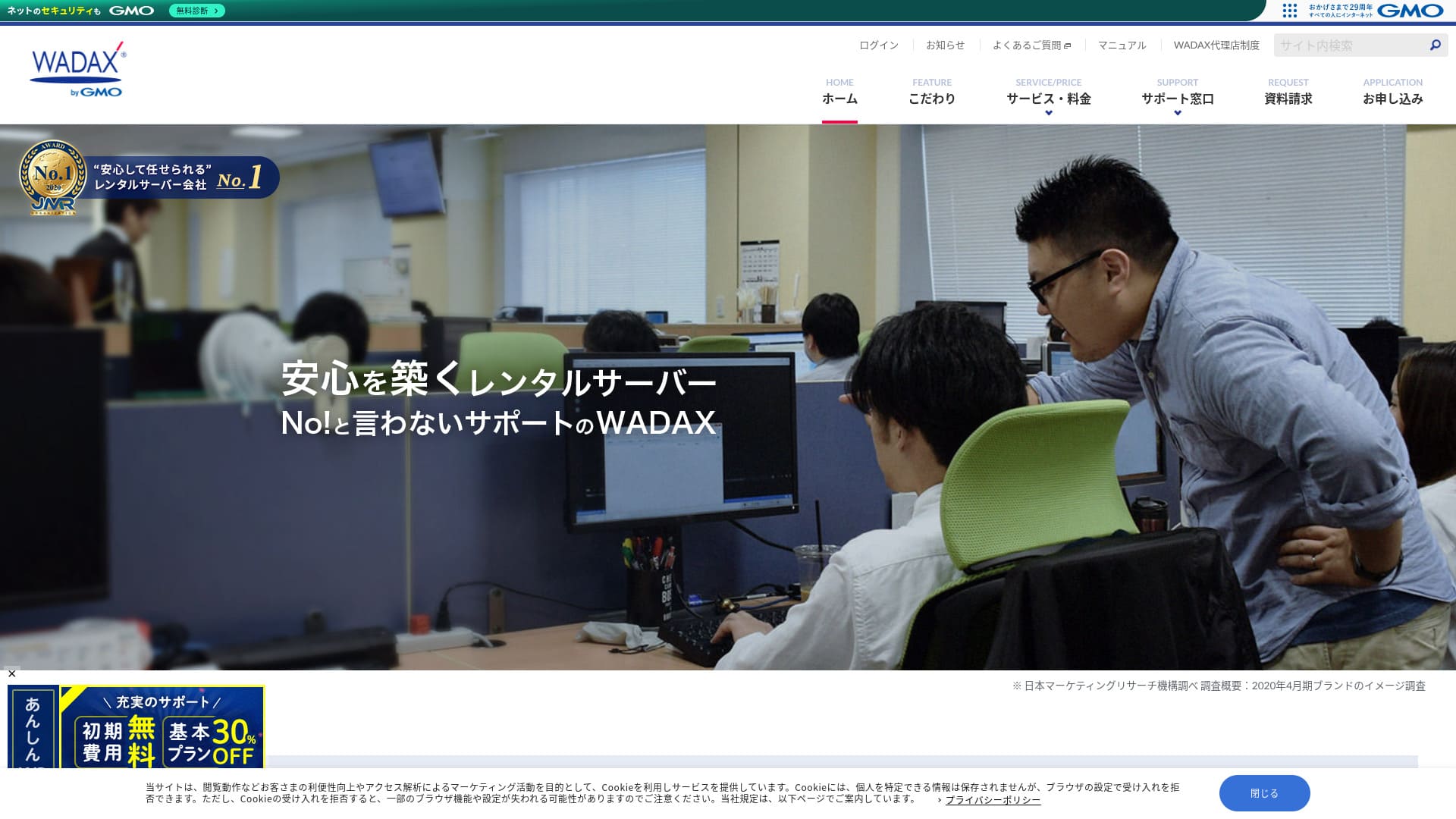
Un systeme de support attentif aux utilisateurs est l'un des grands atouts de ce serveur oriente business.
WADAX est un serveur rassurant avec un support 365 jours par an, capable d'aider rapidement quand un probleme survient. Comme on peut l'attendre d'un serveur tourne vers les entreprises, il dispose d'un dispositif de securite solide en partenariat avec Secom.
Malgre cela, il a aussi des points faibles. Dans cet article, j'explique les caracteristiques de WADAX et la facon de demarrer WordPress avec ce service.
Comparatif complet de 32 hebergements WordPress : recommandations pour particuliers, entreprises et sites internationaux

Quand on decide de lancer WordPress et qu'on cherche les meilleurs hebergements, on tombe sur des articles de toutes sortes, depuis les offres pour particuliers et entreprises jusqu'aux serveurs etrangers et economiques. Honnetement,
- a quel site peut-on vraiment faire confiance ?
- Je veux choisir un serveur de facon simple et claire.
- Montrez-moi comment lancer WordPress tout de suite.
Si vous vous reconnaissez dans cela, cet article aide a y voir plus clair. Il presente une selection de 32 hebergements adaptes aux particuliers, aux entreprises et aux usages nationaux ou internationaux, avec un angle fonde sur l'usage reel.
Reputation de WADAX : un support detaille est un point fort pour les entreprises

| Type de serveur | Hebergement mutualise |
| Temps de chargement (TTFB) | Non mesure |
| Plan recommande | WP Standard 12 mois |
| Essai / remboursement | Garantie de remboursement de 30 jours |
| Tarif mensuel (12 mois) | 1 540 yens |
| Frais initiaux | Gratuits |
| Domaine gratuit | Aucun |
| Support | Jours ouvrables 9:00-22:00, week-end 9:00-18:00 |
| Disponibilite | 99.9% |
| Capacite | 50GB |
| Nombre de bases de donnees | 20 |
| Mesures de securite | WAF / KYUBI / verification antivirus web / diagnostic periodique de securite / IPS / protection Dos-DDoS |
| SSL | SSL partage / FTP over SSL / SSL authentification rapide / SSL authentification entreprise / EV SSL / SecomTrust Systems for Web SR3.0 et Web EV |
| Sauvegarde et restauration | Sauvegarde gratuite / restauration gratuite |
| Comptes email | Illimites |
| Securite email | Filtre antispam SpamAssassin / POP over SSL / SMTP over SSL / SMTP AUTH / port de soumission SMTP / IMAP / IMAP over SSL / verification antivirus |
| Migration de serveur / site | Pas de service inclus Outil de migration gratuit disponible |
| Installation facile de WordPress | Aucune |
| CDN | Gratuit |
Quatre caracteristiques de WADAX

Support tous les jours
WADAXYou can receive support every day, 365 days a year. This is the support system as of June 2024.
- Phone: Weekdays 9:00-22:00, Saturdays & Sundays 9:00-18:00
- Form: 24 hours, 365 days (response within 24 hours, generally)
- Chat: 24 hours, 365 days (live chat, weekdays 9:00-17:00)
You can receive support every day, and you can also receive support until 10 PM on weekdays.Given that many support centers at hosting companies close their support at 6 PM,WADAXthe excellent support system is clear.
WADAX a construit un cadre de securite solide avec Secom. Cela aide a proteger les donnees contre le piratage, les alterations non autorisees, l'ecoute et les attaques DoS.
WADAXIsn’t that great?
WADAX permet d'utiliser un CDN de diffusion rapide. Grace a lui, les donnees du site sont servies depuis le serveur le plus proche de l'utilisateur, ce qui rend l'affichage plus fluide.
WADAX has built a strong security framework in partnership with Secom. It protects data from hacking, unauthorized tampering, eavesdropping, and DoS attacks.
Tarif abordable pour un serveur business
Le serveur Secure WP de WADAX est propose a un prix contenu pour un serveur destine aux entreprises. Si l'usage principal du site repose sur WordPress, le service peut etre suffisant.
WADAXYou can utilize a high-speed delivery CDN. Using a CDN sends website data from the closest server to the user viewing the website to their smartphone or PC, resulting in smoother website display.
★ What is a CDN? It improves speed and performance using a cluster of servers.
Cela dit, un autre service de la meme entreprise garantit 99,9 % de disponibilite. Meme si ce n'est pas le meme produit, il est difficile d'imaginer un niveau reel extremement bas. Au vu du support et des mesures de securite, il n'y a pas non plus de raison d'etre excessivement inquiet.WADAX, you can use it for free, which is a good deal.
Comparer WADAX avec deux serveurs concurrents
WADAXOur secure WP server is offered at a low price as a business server. Compare it to business servers.
- Initial Administrative Fee
- Sign up for a 12-month contract.
- Domain registration fee for one year's worth of expenses.
- A plan that lets you use WordPress.
Sakura Rental Server Business
Sakura Rental Server Business est un serveur stable avec un historique d'uptime de 99,99 % et une garantie correspondante. Avec 600 Go de stockage, il permet de confier au meme prestataire le site web et les emails.If your main website operation is using WordPress, WADAX will be sufficient.
En revanche,

WADAX's Anshin WP Server has no uptime guarantee, and its uptime rate is not disclosed. Uptime reflects server stability. When that figure is not disclosed, it naturally leaves some concern about whether your website will remain consistently available.
ResumeWADAX's Otasuke Cloud Server guarantees 99.9% uptime. It is a different service, but it is still run by the same company, so it is hard to imagine the uptime being extremely low.
Even when considering support and security measures, you shouldn’t feel too anxious about it.
Avec le serveur Anshin WP, il est possible de commencer a un prix raisonnable. Si votre priorite est un support large et rassurant pour un site d'entreprise sous WordPress, WADAX merite d'etre essaye.
iCLUSTA+
iCLUSTA+ byGMOC’estWADAXà peu près le même montant pour utiliser le serveur. Comme il garantit une disponibilité de 100 %, vous pouvez exploiter votre site web en toute sérénité.
Cependant,le système d’assistance n’est pas aussi complet que celui de WADAX.L’assistance téléphonique n’est disponible que de 10 h 00 à 18 h 00, du lundi au vendredi, et reste dans les délais de réponse habituels du support. Il serait plus rassurant qu’elle soit disponible jusqu’à 22 h 00 en semaine.WADAXde cette façon, le sentiment de sécurité serait plus fort si elle était disponible jusqu’à 22 h 00 en semaine.
Si vous n’avez en interne personne de vraiment compétent sur les serveurs, nous recommandons WADAX.

Avis sur iCLUSTA+【Dernière version 2024】Explication complète des serveurs professionnels dès 1 000 ¥ par mois
Avis sur iCLUSTA+【Dernière version 2024】Explication complète des serveurs professionnels dès 1 000 ¥ par mois
serverfield.org
Serveur de location Sakura Business
Serveur de location Sakura Business est un serveur stable avec un historique de disponibilité de 99,99 % et une garantie de disponibilité. Avec un stockage généreux de 600 Go, vous pouvez confier à un seul fournisseur l’exploitation de votre site web et celle de vos e-mails.
Cependant, il n’est pas aussi économique que le serveur Anshin WP de WADAX. Il coûte près de 10 000 yens de plus. Si vous prévoyez d’utiliser le service d’une autre entreprise pour l’exploitation de vos e-mails, WADAX est le meilleur choix.

Avis et évaluations du serveur de location Sakura【Lent et inquiétant ?】Idéal pour les entreprises individuelles ◎ Tarifs, avantages et inconvénients expliqués
Avis et évaluations du serveur de location Sakura【Lent et inquiétant ?】Idéal pour les entreprises individuelles ◎ Tarifs, avantages et inconvénients expliqués
serverfield.org
7 étapes pour démarrer dès maintenant votre site WordPress avec WADAX
Lançons un site web avec WADAX !
- STEP.1Site officielWADAXY accéder
Faites défiler jusqu’en bas de la page d’accueil et cliquez sur “Apply”.
- STEP.2Sélection du service
Le plan de contrat reste WP Standard.
Nous recommandons un contrat de 12 mois, qui permet de réduire le coût mensuel.
Aucune option n’est nécessaire. Cliquez sur “Next”.
- STEP.3Sélection de l’utilisation du nom de domaine
Si vous obtenez un nouveau nom de domaine, sélectionnez “Acquire a New Domain Name”. Saisissez la chaîne souhaitée et choisissez un domaine de premier niveau comme “.com” ou “.co.jp”.
Les noms de domaine sont importants. Prenez votre temps et décidez avec soin.
★ Qu’est-ce qu’un domaine ? Son rôle comme adresse sur Internet et comment l’obtenir.
- STEP.4Saisie des informations client
Pour une première demande, cliquez sur “Continue.”
- Informations sur l’entreprise
- Informations client
- Informations de paiement
Veuillez les saisir.
Veuillez vérifier tous les détails de la demande et cliquer sur “Next.”
L’écran de confirmation des détails de la demande réapparaîtra ; poursuivez donc selon les instructions. Vous recevrez un e-mail de notification vous guidant pour commencer à utiliser le service, ce qui indique que la demande est terminée.
- STEP.5Installation de WordPress
Connectez-vous au panneau de contrôle.
Depuis le menu “Contracts”, allez à “WordPress.” L’écran changera. Dans la section “Install” de WP Tool, cliquez sur “Install WordPress.”
Configurons les paramètres d’installation de WordPress.
- Chemin d’installation : tel quel
- Titre du site web : saisissez le titre de la page d’accueil.
- Jeu de thèmes de plug-in : aucun
- Langue du site web : japonais
- Version : telle quelle
- Nom d’utilisateur : n’importe lequel convient.
- Mot de passe : n’importe lequel convient. Rendez-le aussi complexe que possible.
- Adresse e-mail : saisissez votre adresse e-mail habituelle. Si vous êtes une entreprise, une adresse e-mail professionnelle est recommandée.
- Base de données : telle quelle
- Paramètres de mise à jour automatique : tels quels
Une fois toutes les informations saisies, cliquez sur “Install.” Si “Installation complete” s’affiche, l’installation de WordPress est terminée.
- STEP.6Installation des plug-ins WordPress
Cliquez sur “Install Plugin”, qui apparaît sur l’écran de fin d’installation de WordPress.
Saisissez les plug-ins nécessaires.
Si vous trouvez un plug-in que vous souhaitez installer, recherchez-le puis cliquez sur “Install Now” et “Activate.” Ensuite, suivez les instructions propres à chaque plug-in.
Il est indispensable d’installer des plug-ins de sécurité et de sauvegarde.
- Top 5 des plug-ins WordPress pour renforcer la sécurité et comment les choisir
- Top 5 des plug-ins WordPress de sauvegarde les plus robustes pour restaurer les données
Une fois les plug-ins installés, vous êtes prêt à lancer votre page d’accueil WordPress !
- STEP.7Autres paramètres WordPress
Configurez les permaliens. Dans le tableau de bord d’administration WordPress, allez à “Permalink Settings” depuis la section “Settings”. Sélectionnez “Post Name.” Cliquez ensuite sur “Save Changes.”
Lorsque vous choisissez “Post Name,” vous pouvez saisir la chaîne souhaitée dans l’URL au moment de publier des articles. Il est recommandé d’utiliser une chaîne courte qui représente le contenu de l’article, car cela aide les lecteurs à trouver votre page d’accueil. Une chaîne trop longue peut inquiéter les visiteurs quant à la sécurité.
Vous êtes maintenant prêt à démarrer votre page d’accueil WordPress.
Summary
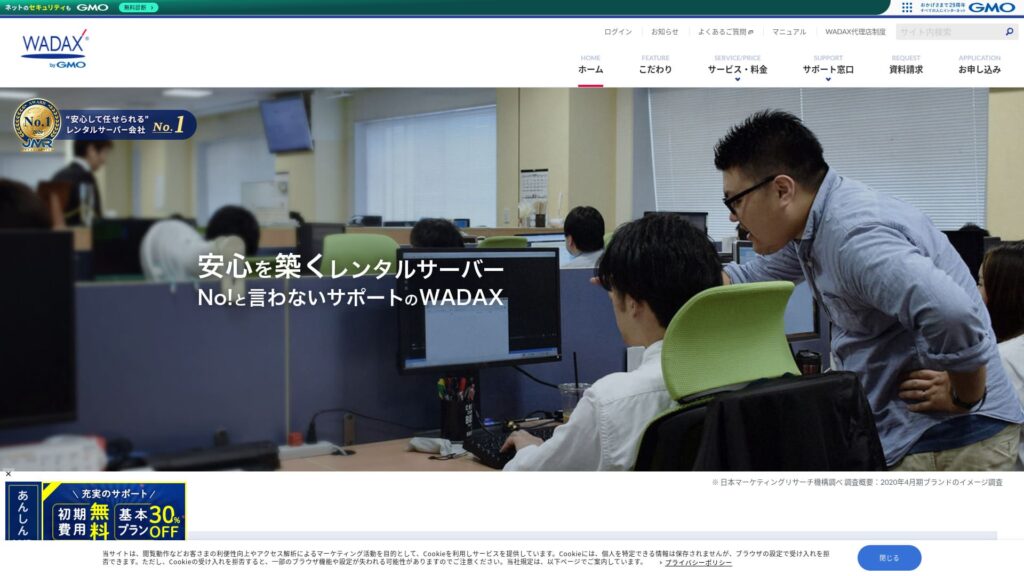
「WADAXIl s’agit du serveur de GMO GlobalSign Holdings, Inc. destiné à un usage professionnel. Il est relativement abordable. Vous pouvez bénéficier d’une assistance 365 jours par an. Les problèmes peuvent survenir à tout moment, mais avec WADAX vous devez vous sentir en sécurité, n’est-ce pas ?
Garantie satisfait ou remboursé de 30 jours disponible
WADAXIl s’agit d’un serveur orienté entreprise qui propose une assistance téléphonique jusqu’à 22 h 00 en semaine.Il convient aux entreprises qui souhaitent un accompagnement complet.
WADAXAvec un serveur Anshin WP, vous pouvez commencer à un prix raisonnable. Essayez-le.
Comparatif complet de 32 hébergeurs WordPress : recommandations pour les particuliers, les entreprises et les sites internationaux
Lorsque vous décidez de démarrer WordPress et recherchez "best WordPress hosting," vous trouvez toutes sortes d’articles, des options pour particuliers et entreprises aux serveurs étrangers et bon marché. Honnêtement,
- À quel site dois-je faire confiance ?
- Je veux choisir un serveur de façon simple et facile à comprendre.
- Montrez-moi comment démarrer WordPress tout de suite.
Vous ressentez cela, n’est-ce pas ? Dans cet article, j’ai soigneusement sélectionné des recommandations parmi 32 hébergeurs pour les particuliers, les entreprises, ainsi que pour les usages nationaux et internationaux. L’explication vient du spécialiste SEO d’une entreprise de développement d’applications qui utilise des serveurs d’hébergement tous les jours.