Rental Server Capacity: How to Choose Without Mistakes and Why It Matters for Smooth Site Operation

When renting a server, do you find yourself comparing all kinds of specs such as CPU and memory and then getting stuck on “capacity”? If you are dealing with rental servers for the first time, you may have no idea how much capacity you need or even what kind of capacity it is in the first place.
In this article, I take an in-depth look at rental server capacity. Along with points to watch when starting a WordPress blog, I will help you choose the best plan. After reading this article, you should understand rental server capacity and be able to choose a plan with confidence.
- What Exactly Is Rental Server Capacity? What Does It Store?
- Three Steps to Choosing the Right Server Capacity
- Benefits and Points to Watch with Unlimited Capacity Plans (for WordPress)
- Serious Problems Caused by Running Out of Server Capacity: Specific Impacts and Countermeasures
- Recommended Rental Servers by Capacity
- Summary: Choose the Right Capacity and Run Your WordPress Blog Smoothly
What Exactly Is Rental Server Capacity? What Does It Store?

Put simply, rental server capacity is the amount of space available for storing your website's data. Specifically, it stores the following kinds of data.
- Website files: all files needed to display the site, such as HTML, CSS, JavaScript, images, and videos
- Databases: store dynamic content such as blog posts, user information, and product information
- Email data: if you use email accounts, your sent and received emails and attachments
- Log files: server access logs, error logs, and similar records
- Backup data: backups of your website data
All of this data consumes server capacity. If you run out of capacity, you may no longer be able to add new content, your site may become slower, and in the worst case your site may go down.
Three Steps to Choosing the Right Server Capacity

So how should you choose the right amount of capacity? Think through it in the following three steps.
STEP 1: Think About the Type of Website (for WordPress)
The amount of capacity you need varies greatly depending on the type of website. If you are starting a WordPress blog, consider the following points.
- Blog size: whether it is a small personal blog or a large blog run by multiple people.
- Content type: whether it is mainly text or uses many images and videos.
- Number of plugins: many plugins consume capacity.
- Theme weight: depending on the theme you use, it may put pressure on your capacity.
As a general rule of thumb,
- Small blog (mainly text, few images): 5GB to 10GB
- Medium blog (many images, multiple plugins): 10GB to 20GB
- Large blog (including videos, many plugins): 20GB to 50GB or more
are good figures to keep in mind.
★ Master WordPress Plugins and Power Up Your Site: A Thorough Guide for Beginners
STEP 2: Estimate Future Growth
A website is not something you build and then forget. As you add content and traffic grows, the required capacity also increases.
Assume what things will look like at least one year from now, and choose capacity with some room to spare. You can add more capacity later, but considering the trouble of changing plans, it is smoother to choose a slightly larger plan from the beginning.
In the case of WordPress, be sure to assume that the number of posts, images, and videos will increase over time.
STEP 3: Think in Concrete Numbers
Based on the steps above, think in concrete numbers. For example, you can estimate things like this.
- Text for one page: about 1KB
- One image: about 1MB (it can be larger for high-resolution images)
- One minute of video: about 100MB (varies greatly depending on quality and format)
For WordPress, you also need to consider the size of themes and plugins. These can amount to tens or even hundreds of megabytes.
Benefits and Points to Watch with Unlimited Capacity Plans (for WordPress)
If you are starting a WordPress blog, an unlimited capacity plan may look attractive. However, as mentioned above, there are also points to watch.
- Watch the database size: because WordPress stores posts, settings, and other data in a database, even with unlimited capacity you may still run into database size limits.
- Backup storage: just because capacity is unlimited does not mean you can store unlimited backups. Check the backup storage limit and retention period.
★ What Is a Database? An Essential Management System for WordPress
Serious Problems Caused by Running Out of Server Capacity: Specific Impacts and Countermeasures

1. You Can No Longer Add Content
When capacity is full, you can no longer add new content. This is a serious problem that gets in the way of website growth.
- You can no longer upload images or videos: images and videos are important elements that make a website attractive, but once capacity runs short, they can no longer be uploaded. In WordPress, you will get errors when trying to upload files to the media library, and you will no longer be able to add new images or videos.
- You can no longer create or update posts and pages: text content also uses storage space. When capacity runs short, you may no longer be able to create new posts or pages, or even update existing ones.
- You can no longer register products (in the case of an e-commerce site): on an e-commerce site, product information and images are the lifeblood of the business. Lack of capacity can prevent you from adding new products or updating existing ones, seriously affecting the business.
Countermeasure: move to a larger plan, delete unnecessary files, and optimize images (for example, through compression).
2. Slower Website Display: A Worse User Experience
Lack of capacity can also lead to slower website display speed. If display speed becomes slow, the user experience deteriorates and SEO is negatively affected as well.
- Increased server load: when capacity becomes tight, the load on the server increases and processing speed drops. As a result, page loading time gets longer, which means making users wait.
- Performance drops during traffic spikes: if the server is already short on capacity during periods of concentrated traffic, it can become overloaded, making the website extremely slow or, in the worst case, causing it to go down.
- Negative effect on SEO: search engines such as Google take page loading speed into account as a ranking factor. A slow website may drop in search rankings, which can lead to fewer visitors.
Countermeasure: use measures such as cache plugins, image optimization, and CDNs to improve display speed. You may also need to consider switching to a server plan that matches your traffic volume.
★ How Fast Is It? Comparing 15 Rental Servers in a Speed Ranking
3. Email Sending and Receiving Stop: Business Communication Is Disrupted
Email data also consumes server capacity. When capacity runs short, you may no longer be able to send or receive email, which interferes with business communication.
- You can no longer receive email: when the inbox reaches its capacity limit, new email can no longer be received. You may miss important communication or fail to respond to customer inquiries.
- You can no longer send email: sent mail and drafts also consume capacity. Once capacity runs short, you may no longer be able to send email, which can lead to lost business opportunities.
Countermeasure: delete unnecessary emails, save email data locally, and consider using an external mail service.
4. Website Downtime: Business Comes to a Halt
If lack of capacity becomes serious, in the worst case the website may go down and become inaccessible. This means business operations are effectively stopped and can lead to major losses.
- Excessive load on the server: traffic concentration while the server is already short on capacity can put excessive load on the server and cause system crashes.
- Recovery may take time: if the server goes down, recovery work may take time and the website may remain inaccessible for a long period.
Countermeasure: thoroughly implement measures that ensure stable operation, such as monitoring server resources, analyzing access logs, and choosing an appropriate server plan. Regular backups are also important.
Running out of capacity has a serious effect on website operation. To avoid these problems, it is important to choose a server plan with appropriate capacity and to monitor your website's capacity usage on a regular basis. It is also important to think in advance about what to do if capacity does become insufficient.
★ What Is a 503 Error? Web Traffic Jams, How to Avoid Them, and Emergency Responses
Recommended Rental Servers by Capacity
30GB: Little Server
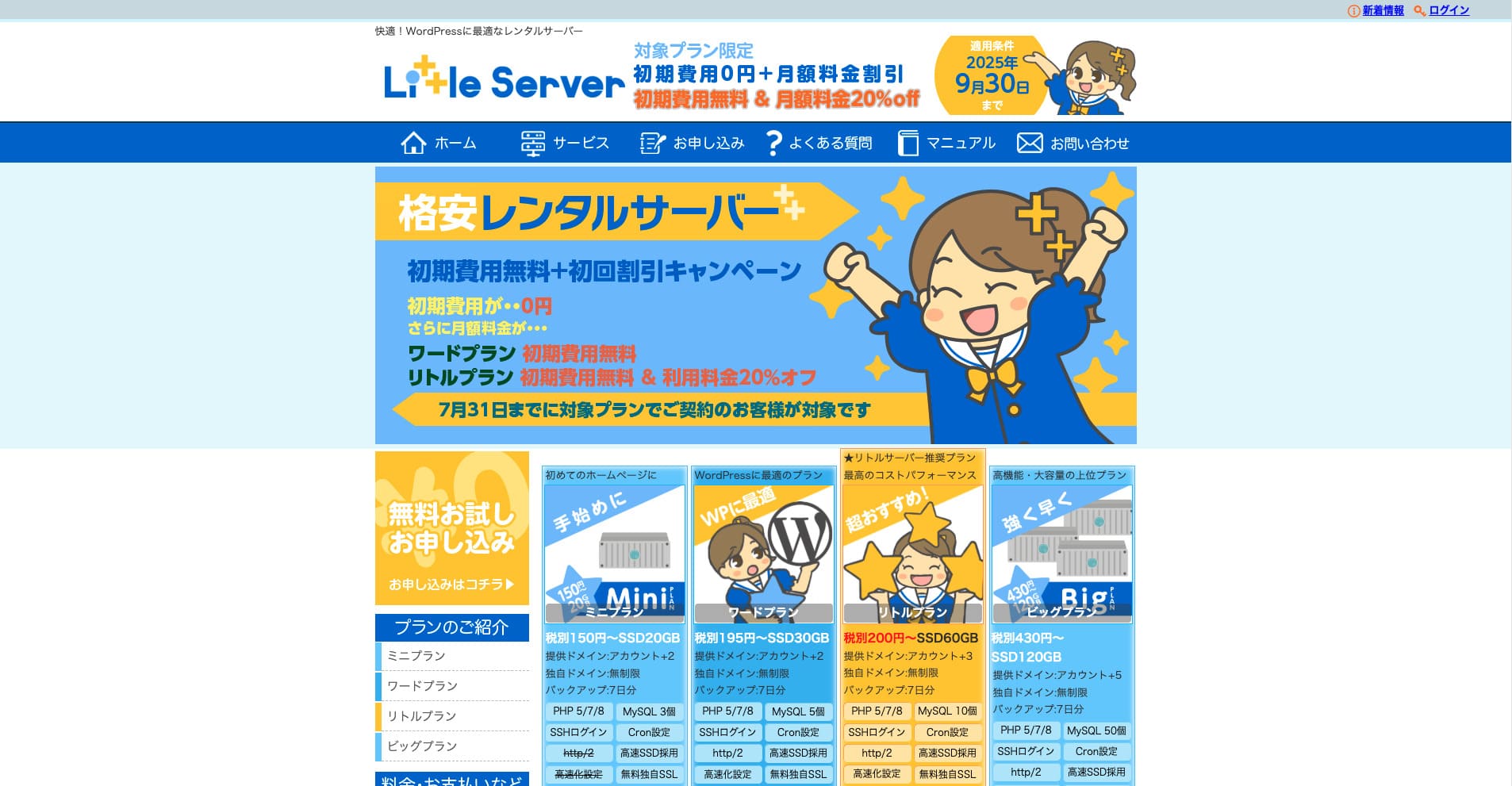
“Little Server” is a low-cost rental server. Excluding free servers, it is one of the lowest-priced rental servers for personal use. Even so, it uses NVMe SSDs to improve speed.
No initial fee until September 30, 2025, 20% off the Little Plan server fee, and a 20-day free trial
| Server type | Shared server |
| Display speed (TTFB) | 200ms |
| Recommended plan and contract term | Mini, 12 months |
| Trial / refund guarantee | 20-day free trial |
| Monthly fee (12-month contract) | 165 yen |
| Initial administrative fee | 920 yen |
| Free domain | None |
| Support | Email (business hours not disclosed) |
| Uptime | Not disclosed |
| Server capacity | 20GB |
| Number of databases | 3 |
| Security measures | IMP |
| SSL | Free SSL, dedicated SSL (Little Plan and above) |
| Backup / restore | 7 days of automatic backups free of charge, restore free of charge |
| Number of email accounts | Unlimited |
| Email security measures | Spam filter |
| Server / website migration service | None |
| WordPress pre-installation | Yes |
| CDN | None |
*For the Mini plan
If you want to keep the price down while securing the minimum necessary capacity, Little Server is recommended. Even the lowest-priced plan gives you 30GB. Even if you upgrade, the monthly fee stays within a few hundred yen, so if you start worrying about lack of capacity, upgrade proactively.
★ Little Server Reviews and How to Start WordPress on an Affordable Hosting Service
300GB: ConoHa WING
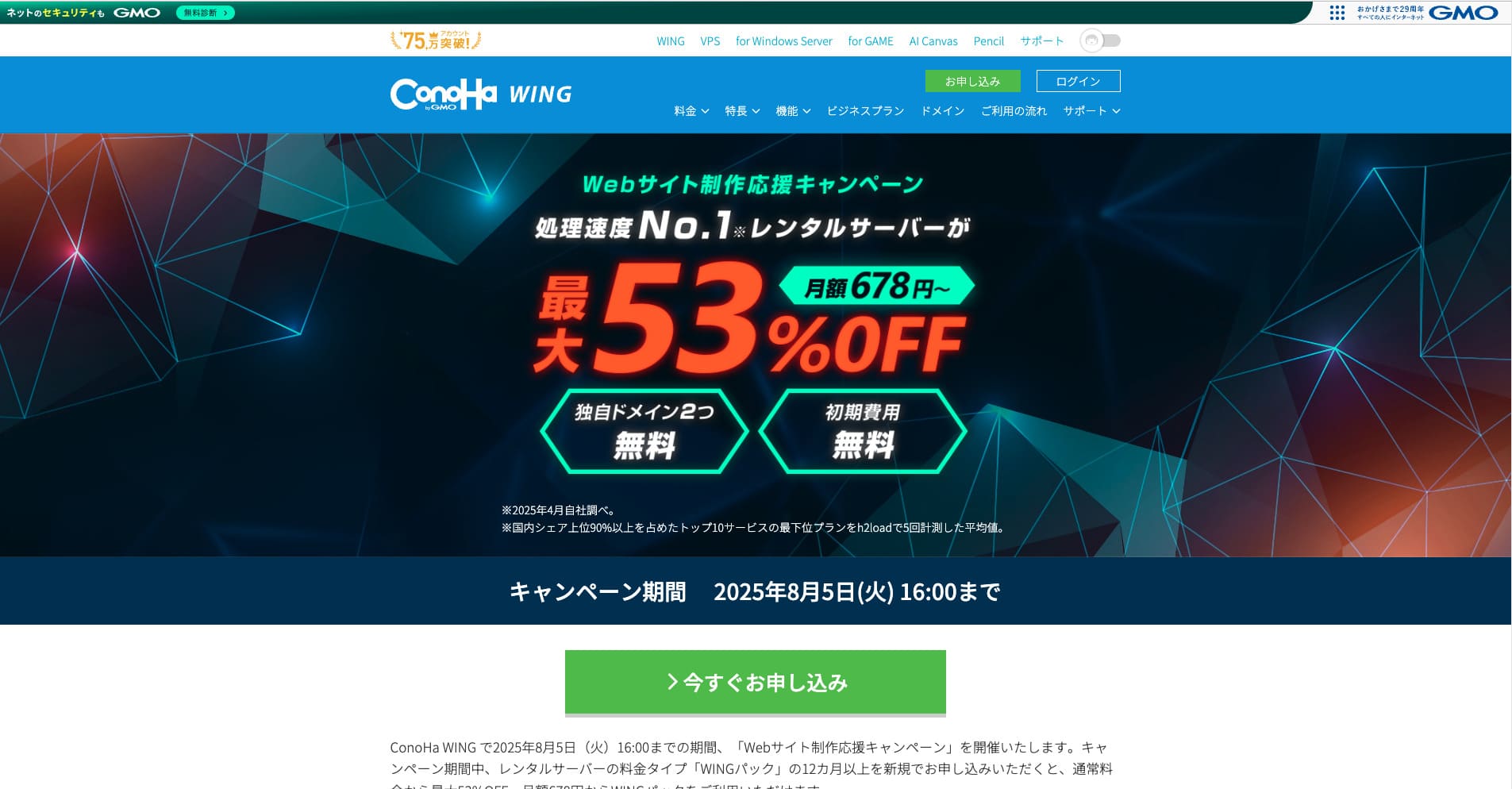
“ConoHa WING” is a high-speed server from GMO Internet Group, whose number of users has been rapidly increasing, and it is a service our company also uses. Because WordPress comes pre-installed when you sign up for the server, anyone can get started easily. It strikes a good balance between cost and performance, and we use it as well.
Up to 53% off server fees until August 5, 2025, two domains free forever, and the first month free
| Server type | Shared server |
| Display speed (TTFB) | 160ms |
| Recommended plan and contract term | Basic, 12 months |
| Trial / refund guarantee | First month free |
| Monthly fee (12-month contract) | 971 yen |
| Initial administrative fee | Free |
| Free domains | Two free forever |
| Support | Phone, email, and chat (weekdays 10:00-18:00) |
| Uptime | 99.99% guaranteed |
| Server capacity | 300GB |
| Number of databases | Unlimited |
| Security measures | WAF / directory access restrictions / IP access restrictions / vulnerability diagnosis (Net de Diagnosis) / spam comment and trackback restrictions / overseas comment and trackback restrictions / overseas access restrictions |
| SSL | Free SSL / Alpha SSL / Quick Authentication SSL / Company Authentication SSL / EV SSSL |
| Backup / restore | 14 days of automatic backups / restore free of charge |
| Number of email accounts | Unlimited |
| Email security measures | Virus checking / spam filters |
| Server / website migration service | WordPress migration service from 7,678 yen Free migration tool available |
| WordPress pre-installation | Yes |
| CDN | None |
If you want enough capacity even as an individual, choose ConoHa WING. Even the lowest-priced plan gives you 300GB, so running WordPress is no problem at all.
★ Build a Homepage in 10 Minutes! ConoHa WING Reviews and How to Start WordPress
600GB: Sakura Rental Server
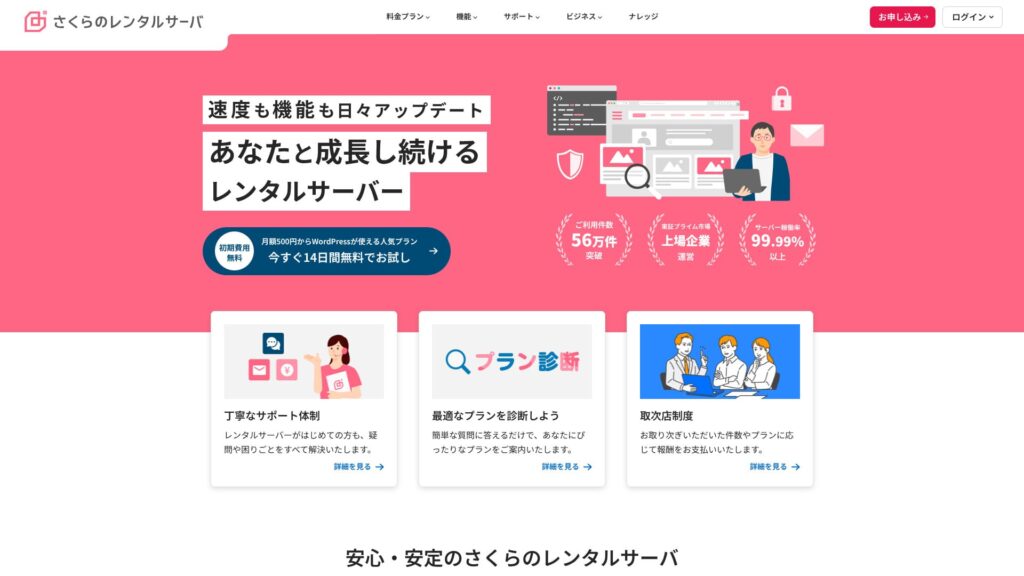
“Sakura Rental Server” is a shared server from Sakura Internet Inc. The company also offers managed servers. It has a good balance of performance, service, and price, so it is recommended for any corporation. Because it includes a certain amount of free CDN use depending on the plan, it can provide comfortable communications.
14-day free trial
| Server type | Shared server |
| Display speed (TTFB) | 440ms |
| Recommended plan and contract term | Standard, 12 months |
| Trial / refund guarantee | 14-day free trial |
| Monthly fee (12-month contract) | 550 yen |
| Initial administrative fee | Free |
| Free domain | None |
| Support | Business hours: 10:00-18:00 Phone callback reservations, chat, and email (reply the same day or the next business day) |
| Uptime | 99.99% |
| Server capacity | 300GB |
| Number of databases | Unlimited |
| Security measures | Website defacement notifications (paid), WAF, overseas IP address filters, prevention of unauthorized relaying, encryption, |
| SSL | Free shared SSL, dedicated SSL |
| Backup / restore | Eight generations of backups free of charge, restore free of charge |
| Number of email accounts | Unlimited |
| Email security measures | POP3, IMAP4, virus checking, simple spam filter, advanced spam filter |
| WordPress pre-installation | None |
| Server / website migration service | None |
| CDN | 100GB per month free |
If you are a corporation, having more server capacity gives peace of mind. Sakura Rental Server offers large capacity, with 300GB on the Standard plan and 600GB on the Business plan.
Unlimited Capacity: mixhost
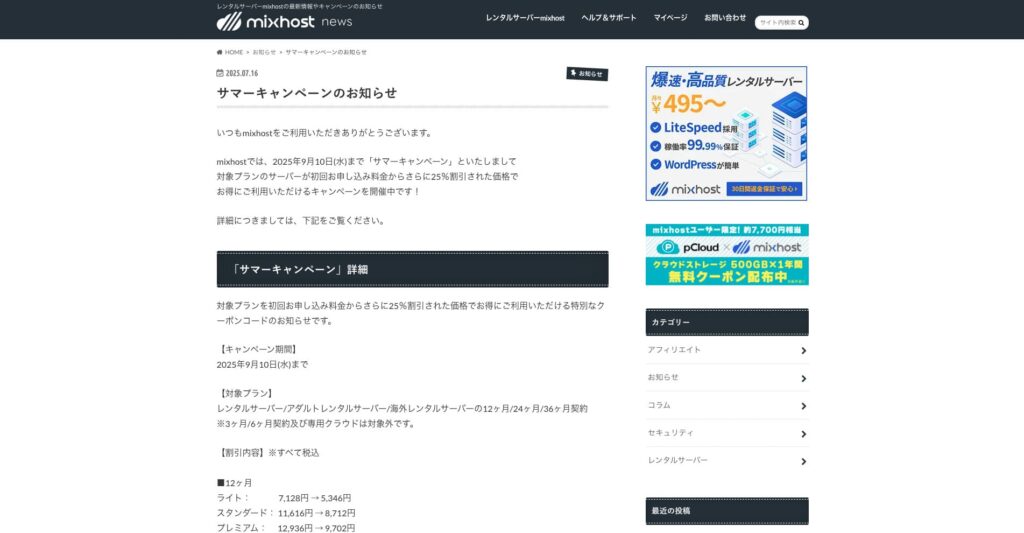
“ mixhost” is a high-speed rental server from Az Pocket Co., Ltd., headquartered in Osaka. It can deliver content from servers located in San Jose on the west coast of the United States. Although it is an overseas server, the company is based in Japan, so you still get complete Japanese-language support.
25% off the initial contract until September 10, 2025, one year free for 500GB of cloud storage, and a 30-day money-back guarantee
| Server type | Shared server / dedicated cloud server |
| Display speed (TTFB) | 150ms |
| Recommended plan and contract term | Shared server Light, 12 months |
| Trial / refund guarantee | 30-day money-back guarantee |
| Monthly fee (12-month contract) | 594 yen |
| Initial administrative fee | Free |
| Free domain | One free forever |
| Support | |
| Uptime | 99.99% guaranteed |
| Server capacity | 100GB |
| Number of databases | Unlimited |
| Security measures | WAF / DDo attack protection / malware detection and removal |
| SSL | Free dedicated SSL |
| Backup / restore | Automatic backups for 14 days on the Standard plan and above |
| Number of email accounts | Unlimited |
| Email security measures | — |
| WordPress pre-installation | Yes |
| Server / website migration service | 10,890 yen |
| CDN | None |
| Data center | San Jose, U.S. West Coast |
If you want to use a server with unlimited capacity, choose mixhost. Not only is the capacity unlimited, but the data transfer is also unlimited, so it offers excellent scalability.
★ mixhost Reviews and How to Start WordPress with Peace of Mind Thanks to Elevent Nines Backup
Summary: Choose the Right Capacity and Run Your WordPress Blog Smoothly

Rental server capacity has a major effect on the stability and growth of a website. Use the steps introduced in this article to choose the capacity that best fits your WordPress blog and achieve smooth blog operation.
If necessary, it is also a good idea to consult the server administrator. Even when you choose an unlimited-capacity plan, it is important to make that decision only after fully understanding both the benefits and the points to watch.