
Manifest contract
The manifest defines the package identity, work, edition, assets, and navigation entry points.
Local-first reader app
BookField reads installable .wbpkg packages on your device. It is built for learning materials, reference content, annotations, schedules, and offline reading without turning the app into a cloud service.
.wbpkg import
Offline reading
Notes and highlights
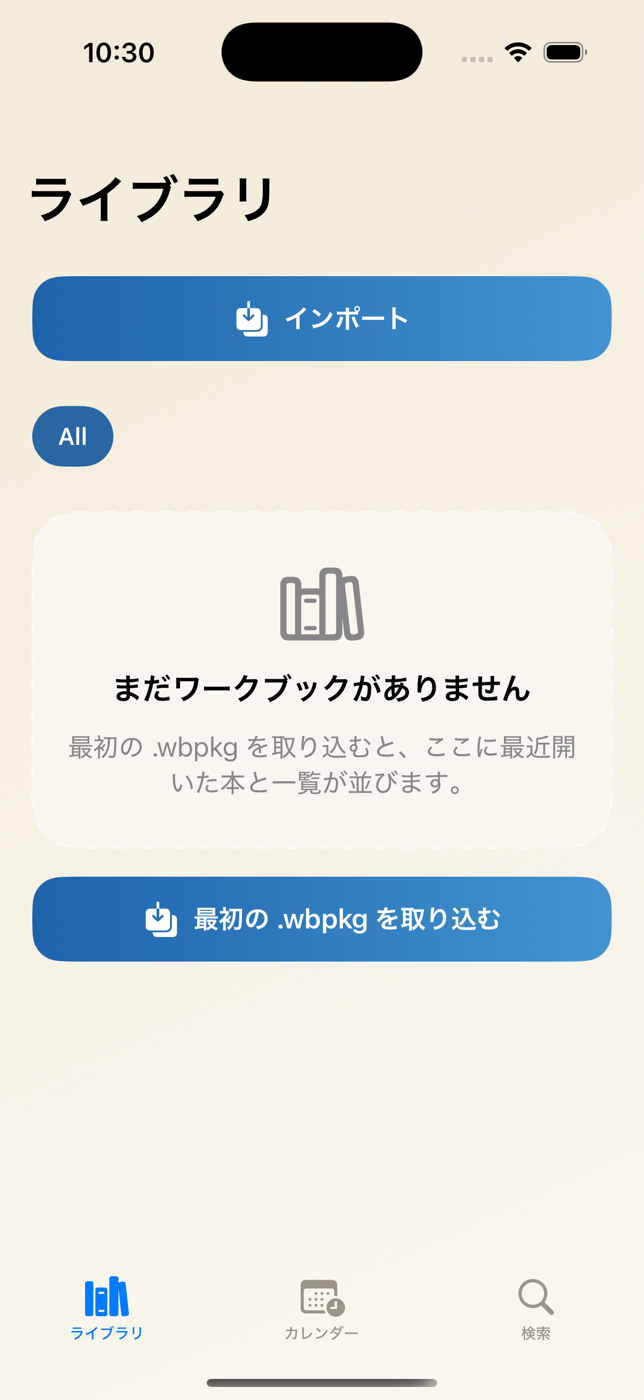
Package format
.wbpkg is the installable package format used by BookField. A package carries the manifest, ReaderDoc content, media assets, navigation tree, optional study plans, and locator indexes needed for local use.
The manifest defines the package identity, work, edition, assets, and navigation entry points.
ReaderDoc-backed text is imported into local storage so the app does not parse EPUB, HTML, or CSS at runtime.
Locator indexes and bindings let authored references resolve on the device when the matching packages are installed.
Reader experience
BookField focuses on the reader experience after a package is installed: library management, reading position, local annotations, schedules, and search.
Import .wbpkg files from the app library or from Files and Open In flows.
Open recently used packages and keep the reading entry point close to the package itself.
Use authored study plans on a calendar when the package includes schedule metadata.
Keep highlights, paragraph notes, bookmarks, and searchable local records on the device.
Package handoff
The public page keeps the handoff at a product level. It describes how a prepared package moves into BookField without exposing internal production tooling.
A publisher or internal workflow prepares an installable package for BookField.
The user imports the package into BookField and the reader validates and stores it locally.
The installed package appears in Library, and authored schedules and search data become available.
Platform status
Technical notes
Use the package overview to decide whether BookField fits your content model, or discuss a custom distribution flow for your materials.