Five WordPress Gallery Plugins That Make Your Photos Stand Out

If you want a beautiful site, you should showcase your photos in a gallery.
Çekici bir web sitesi oluştururken fotoğraflar vazgeçilmezdir. Yine de, sayfaya sadece fotoğraf yerleştirirseniz kendinizi diğer ana sayfalardan ve bloglardan ayıramazsınız. Bu durumda bir galeri kullanın.
Bir galerinin yaptığı şey budur. Fotoğrafların boyutunu cihaza uyacak şekilde ayarlar ve sizin için yeniden düzenler. WordPress'te galeri işlevi standart bir özellik olarak mevcuttur.

However, there are gallery plugins that are more convenient and more feature-rich than WordPress’s built-in gallery function. If you use them well, you can make your website even more attractive. In this article, I introduce five recommended WordPress gallery plugins.
Çok sayıda fotoğraf içeren sitelerin görüntülenmesi daha yavaş olma eğilimindedir. Sayfa hızlı bir şekilde görünmezse, insanlar bakmaya devam etme isteğini kaybeder. Çok sayıda fotoğraf yayınlamak istiyorsanız, hızlı bir sunucu kullandığınızdan emin olun.
★ Verified for speed: a comparison of 15 hosting companies in a sunucu speed ranking
Complete Comparison of 32 WordPress Hosting Services for Individuals, Companies, and Overseas Use

“WordPress başlatmak istiyorum” diye düşünüp “WordPress önerileri” araması yaptığınızda, kişisel barındırmayı, şirketler ve küçük işletmeler için olan seçenekleri, yurt dışı barındırmayı ve düşük maliyetli sunucuları kapsayan her türlü makaleyle karşılaşırsınız. Dürüst olmak gerekirse,
- which site should you trust?
- sadece basit ve anlaşılır bir cevap istiyor olabilirsiniz.
- you may want to get started with WordPress right away.
Bu nedenle bu makale; bireyler, şirketler, yurt içi ve yurt dışı kullanım için 32 barındırma sağlayıcısı arasından önerilen seçenekleri özenle seçmektedir. Her gün barındırma hizmeti kullanan bir uygulama geliştirme şirketindeki SEO yöneticisi tarafından açıklanmaktadır.
Five WordPress gallery plugins that make your photos stand out
Build a beautiful gallery with Envira Gallery
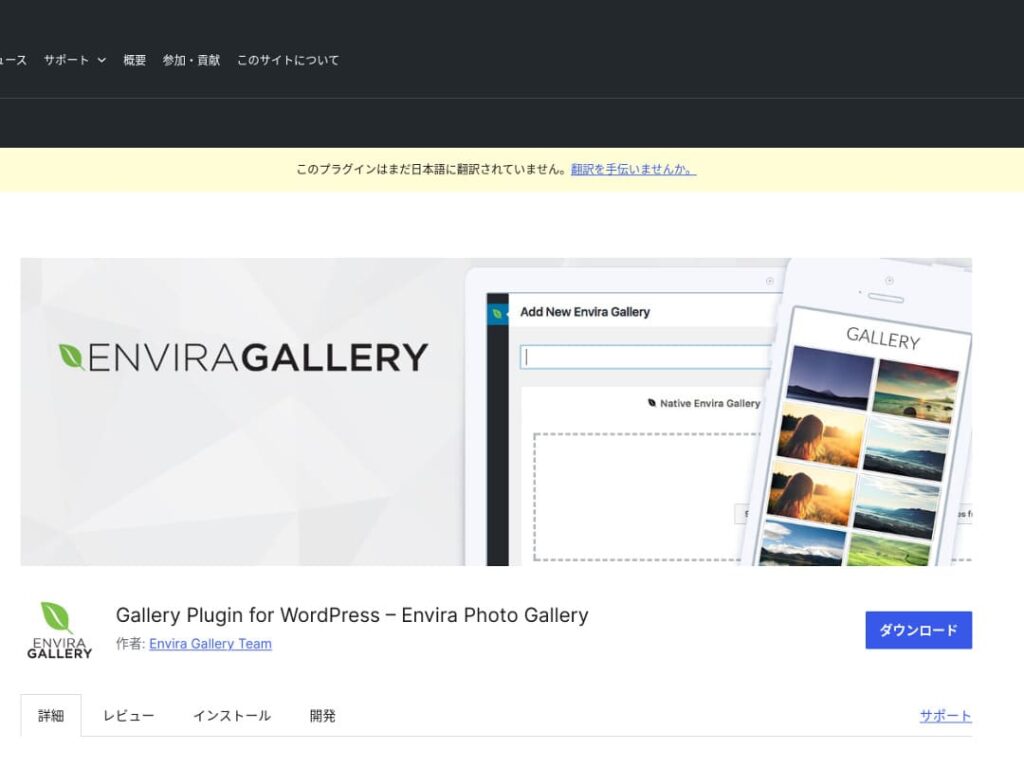
Envira Gallery, kullanım kolaylığı ve güzel tasarımıyla popüler olan bir eklentidir.
Sürükle-bırak yöntemiyle düzenleme ve duyarlı şablonlar sunar, böylece kodlama bilginiz olmasa bile kolayca profesyonel düzeyde bir galeri oluşturabilirsiniz. Ayrıca SEO hususlarını da içerir ve sosyal medya entegrasyonu oluşturduğunuz galerileri paylaşmayı kolaylaştırır.
That makes it an excellent choice for increasing user engagement and bringing more visitors to your website.

NextGEN Gallery: for professional photo presentation
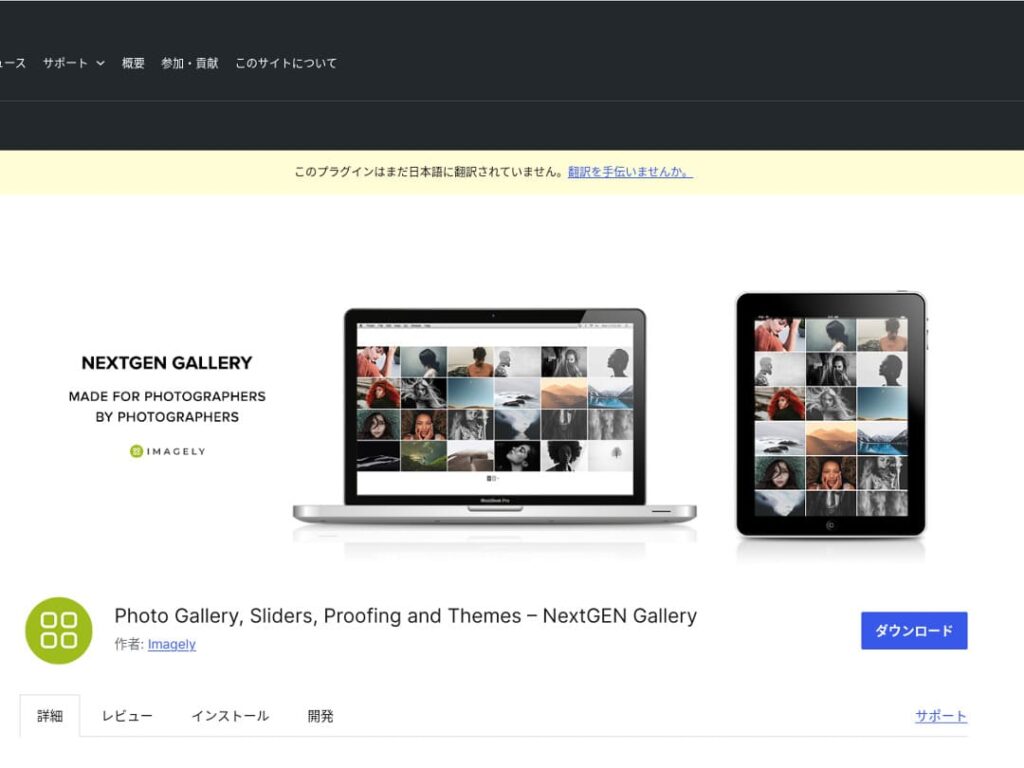
NextGEN Gallery is known for offering advanced management functions and a wide variety of gallery styles.
Bu eklenti özellikle fotoğrafçılar ve sanatseverler için önerilir. Birden fazla albüm seçeneği, toplu yükleme ve resim düzenleme özellikleri içerir, bu da onu sitelerindeki galeriler üzerinde ayrıntılı kontrol isteyen kullanıcılar için ideal hale getirir.
By using NextGEN, you can give visitors a visual experience they will not forget.

FooGallery: an easy-to-use gallery with strong customizability
FooGallery is chosen for its intuitive operation and its high degree of extensibility.
With this plugin, you can create a beautiful gallery in just a few clicks, and it also offers extension features for developers and advanced users.
The flexibility of FooGallery means that as your site grows and your needs change, you can easily adjust the gallery to match.

Modula Image Gallery: the perfect balance of speed and visuals
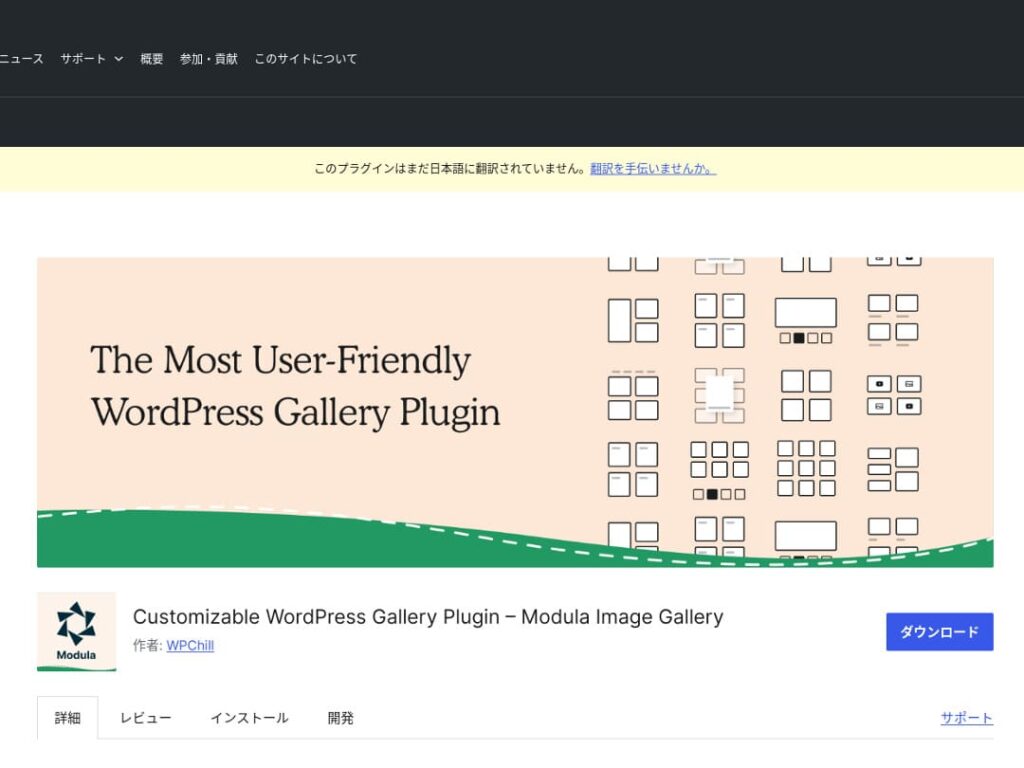
Modula Image Gallery is a plugin whose appeal lies in fast loading and customizable grid layouts.
This lightweight plugin is designed to create beautiful galleries without harming site performance. For webmasters who care deeply about page speed in particular, Modula is an ideal choice.

Photo Gallery by 10Web: combining photos and video

Photo Gallery by 10Web is a multifunctional plugin that can handle not only still images but also video.
It can incorporate YouTube and Vimeo videos and makes it easy to create responsive galleries and slideshows. It is ideal for website owners who want to develop visual content from multiple angles.

Make WordPress more appealing by improving your galleries

If you keep improving your galleries, your WordPress homepage becomes much more attractive.
Optimize images
This shortens web page loading time and improves the user experience.
- Adjust the size: match the pixel dimensions to the display size of the image. You do not need images that are larger than the way they are shown on the website.
- Compress the image: save images in JPEG (or WebP) format and strike a balance between quality and file size. Many online tools and software packages help reduce file size without lowering image quality.
- Doğru formatı seçin: Fotoğraflar için JPEG, basit çizimler ve logolar için PNG veya SVG kullanın. WebP, boyut ve kalite arasında mükemmel bir denge sunar ancak her tarayıcı tarafından desteklenmeyebilir.
Responsive tasarım
Make sure the web page and the gallery display properly on every device.
- CSS medya sorguları (Media Queries): Ekran boyutuna göre farklı stil kuralları uygulayın. Bu, resimlerin ve içeriğin düzeninin cihaza uyum sağlamasına olanak tanır.
- Flexible images: apply the CSS property max-width: 100%; to images so their size adjusts according to the width of the parent element.
- Use a framework: if you use a responsive tasarım framework such as Bootstrap, you can implement a responsive gallery more easily.
SEO optimization
Increase the visibility of your images in search engines.
- Alt metin (alt text): Bu, bir resim yüklenmediğinde veya görme engelli bir kullanıcı bir ekran okuyucu kullandığında gösterilen metindir. Resmi doğru şekilde tanımlayan ve anahtar kelimeler içeren bir metin kullanın.
- File names: use descriptive file names that include keywords. A name like black-leather-shoes.jpg is better than DSC12345.jpg.
- Resimler için yapılandırılmış veriler: Google, ürün resimleri ve tarif resimleri gibi belirli resim türleri için yapılandırılmış verileri (structured data) önerir. Bu, resimlerin arama sonuçlarında öne çıkmasına yardımcı olur.
★ What is SEO? The steps and proper methods of search engine optimization
Use backups
Backups prevent data loss and help secure your site.
- Back up regularly: use WordPress backup plugins such as UpdraftPlus or BackWPup to back up site data, including the database, files, and images, on a regular basis.
- Yedekleri harici depolama birimine kaydedin: Yedekleme dosyalarını yalnızca sunucuda değil, Dropbox veya Google Drive gibi harici bulut depolama hizmetlerinde de tutmak daha güvenlidir.
- Test your backups: regularly test whether your backups work properly and review the restoration process when necessary. This lets you respond quickly if a real problem occurs.
★ Five WordPress backup plugins
When displaying galleries with WordPress plugins, watch out for slower page speed
One thing to watch when using galleries is slower display speed. If you show a large number of photos in a gallery, the amount of data on that page increases, and the page takes longer to load.
If the page takes time to load, visitors may become irritated and leave your website. It would be a shame if you lined up photos you wanted people to see, only for them to leave without viewing even one image in the gallery.
WordPress gallery plugins already include speed-improvement functions. For that reason, if your website is still slow even when you use a gallery plugin, it is a good idea to move to a different sunucu.
Summary
There are many plugins for making the gallery on a WordPress site more appealing, but Envira Gallery, NextGEN Gallery, FooGallery, Modula Image Gallery, and Photo Gallery by 10Web are especially strong choices among them.
By using these plugins properly and carrying out the improvement measures presented above, you can provide visual content that captures the hearts of your visitors.
A beautiful gallery will leave a strong impression on the people who visit your site and create deeper engagement.