97-gün money-back guarantee
PR
Sunucular
DreamHost İncelemesi: 97 günlük para iade garantisiyle WordPress'i makul bir fiyata başlatmak istiyorsanız önerilir
Yayınlandı: 2025.07.13
Güncellendi: 2025.07.13
Rating: 3.0
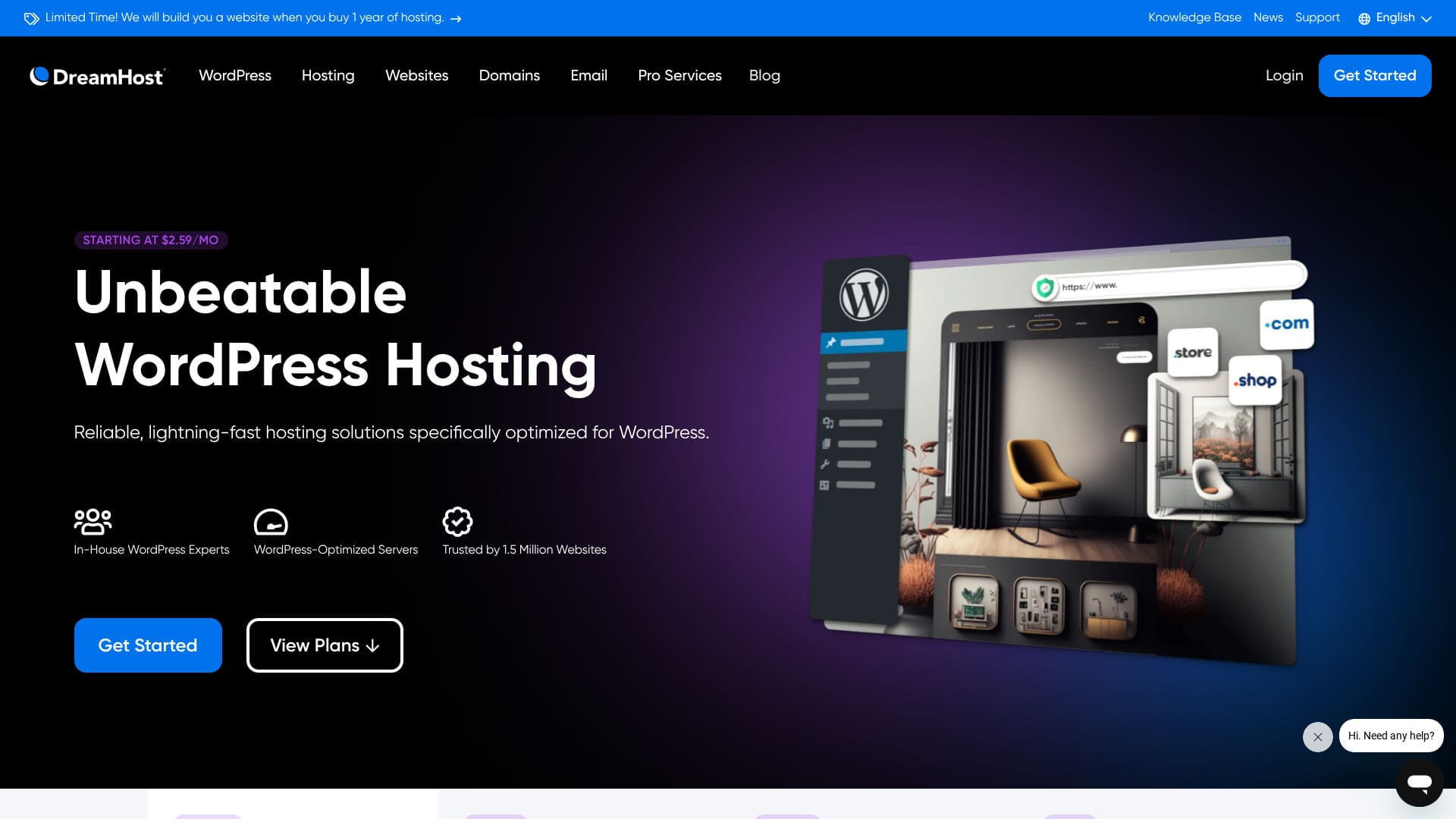
DreamHost , Los Angeles merkezli, alan adı tescili ve barındırma hizmeti sunan küresel bir şirkettir. Sunucularının kalitesine güvenmektedir ve olağanüstü uzun bir 97-gün money-back guarantee.

I recommend DreamHost to people looking for overseas hosting for three reasons:
- Resmi olarak WordPress tarafından önerilen bir sunucuyu kullanmanın verdiği güven
- You can receive support 24 hours a gün, 365 gün a year
- 100% uptime
Nedenleri bunlardır. Memnun kalacağınızı düşünüyorum. 97 günlük para iade garantisi ile birlikte gelir, bu nedenle gönül rahatlığıyla deneyebilirsiniz.

Hikaru Ono
DreamHost is a relatively affordable overseas host. I had no problems with the usability of its control panel; it was easy to use.
Because it is stable with 100% uptime, it is a host you can keep using for a long time.
| Server tür | Shared hosting |
| Server response speed (TTFB) | 400ms |
| Recommended plan and term | WordPress Starter, 1 year |
| Trial / money-back guarantee | 97-gün money-back guarantee |
| Monthly fee (12-month plan) | $2.95 (432 yen) |
| Initial setup fee | Ücretsiz |
| Ücretsiz domain | 1 domain ücretsiz for 3 months |
| Support | 24/7 chat, email, and phone callback |
| Uptime | 100% |
| Storage | 50GB |
| Number of databases | 6 |
| SSL | Ücretsiz SSL |
| Backups | Included |
| Email accounts | None |
| Email security measures | None |
| Server / website migration service | None |
| WordPress preinstall | None |
| CDN | None |
| Data center locations | Ashburn, Virginia, USA; Hillsboro, Oregon, USA |
DreamHost compared with other hosts
- Overallrating★★★☆☆
- Server speed ★★☆☆☆
- Pricing ★★★★☆
- Stability ★★★★★
- Ease of starting WordPress* ★★★☆☆
- Alan adı yönetimi ve SSL kurulumu gibi işlemler* ★★★★☆
* Based on how it felt when I used it myself.

How to Compare and Choose 10 Recommended Overseas Hosting Companies
How to Compare and Choose 10 Recommended Overseas Hosting Companies
serverfield.org
Based on market research data as of November 4, 2025, sorted by speed
Aylık ücret, WordPress çalıştırabilen en düşük fiyatlı planın ilk yıl maliyetidir.
The speed is the Time to First Byte value measured on demo sites under identical conditions.
“DreamHost”, Los Angeles, ABD merkezli bir barındırma şirketidir. En büyük çekiciliği, 97 günlük olağanüstü uzunluktaki para iade garantisidir. Yabancı bir barındırma sağlayıcısı olduğu için uzun süre deneyebilmek insana güven veriyor. Yabancı sağlayıcılar arasında makul fiyatlıdır.
DreamHost review: an affordable and stable host with few drawbacks
DreamHost is one of the hosts officially recommended by WordPress.
DreamHost 10 yılı aşkın süredir WordPress'e ve topluluğuna kendini adamıştır. Barındırma platformu WordPress için optimize edilmiştir ve ekibi WordPress topluluğuna aktif olarak katkıda bulunmaktadır.
It is a good-quality host you can use at a reasonable price. If you want to build a website for people who live in the United States, where its hosting bases are located, it is an especially strong option.
Six features of DreamHost

It delivers standart-düzeyi sunucu speed
According to this site's own tests, DreamHost delivered standart-düzeyi sunucu speed.
Japonya'nın ultra hızlı barındırma sağlayıcılarıyla karşılaştırıldığında öne çıkmıyor. Yine de DreamHost'un 400 ms'lik sunucu yanıt süresi (TTFB) hiç de kötü bir rakam değil.
★ Is it fast? I compared the speed rankings of 15 hosting companies
It comes with 24/7 support
DreamHost comes with 24/7 support. It is reassuring to know you can ask for support at any time.
Yabancı barındırma sağlayıcılarında destek bazen yerel çalışma saatleriyle sınırlı olabilir, bu da saat farkı nedeniyle Japonya'daki kullanıcıların yardım almasını zorlaştırır. 7/24 destekle bu sorun ortadan kalkar. Yerel saatle gece geç saatler olsa bile onlarla iletişime geçebilirsiniz.
That feels reassuring, doesn't it?
It comes with a 100% uptime guarantee
DreamHost guarantees 100% uptime. Bu sözü ancak sunucuları son derece kararlı olduğu için verebilir.
Sunucu kararlıysa, web sitesi işlemleriniz ve e-posta işlemleriniz de kararlı kalır. Bir şirket bunu kurumsal bir site için kullansa da bir birey satış ortaklığı pazarlaması için kullansa da ticari fırsatları kaçırmanızı önlemeye yardımcı olur.
★ A beginner's guide to hosting uptime and SLAs
It has been used by 1.5 million websites
DreamHost has already been used by 1.5 million websites. That track record is evidence that DreamHost provides good-quality hosting. If the quality were poor, that many people would not keep using it.
There is a reassuring sense of trust that comes from being supported by so many users.
You can install WordPress with one click
DreamHost lets you install WordPress with one click. Because it is easy to install WordPress, anyone can start a website with WordPress.
Bununla birlikte, bazı büyük Japon barındırma sağlayıcıları WordPress'i başlatmak için DreamHost'tan daha da kolay bir yol sunar. Sunucuya kaydolduğunuzda WordPress'i önceden kuran bir sistem sağlarlar. Bu tür sağlayıcıları aşağıdaki makalede özetledim.
★ Bir geliştirme şirketinin 28 WordPress barındırma hizmetini karşılaştırması ve en iyi üç önerisi
97 günlük para iade garantisiyle birlikte gelir
DreamHost, 97 günlük para iade garantisi ile birlikte gelir. Bu, garantinin üç aydan fazla sürdüğü anlamına gelir. Sağladığı hizmetlere çok güveniyor olmalı.
From the user's side, being able to try it for that long is a real advantage. It feels reassuring to take your time and judge how it works for you.
The drawback of DreamHost is that Shared Starter can host only one WordPress site

DreamHost's Shared Starter plan can host only one WordPress site. If you want to run multiple sites, you will need another sunucu or a higher-tier plan.
Because there are hosts at a similar price puan that can handle multiple sites, that is a drawback in comparison.
Compare DreamHost with two competing hosts
I compared DreamHost with two competing overseas hosts.
Kinsta
Kinsta, often described as top-tier hosting, is honestly quite expensive. The monthly fee is close to 5,000 yen. DreamHost is easier to choose because it is more affordable.
Bununla birlikte Kinsta, WordPress görüntüleme hızı ve genel konfor açısından en iyi seçeneklerden biri olarak da bilinir. Kullanılabilirliği olabildiğince zorlamak istiyorsanız düşünülebilecek seçeneklerden biridir.

Kinsta İncelemesi: Google tarafından önerilen ultra hızlı bir sunucunun avantajları ve dezavantajları, ayrıca WordPress kurulum kılavuzu
Kinsta İncelemesi: Google tarafından önerilen ultra hızlı bir sunucunun avantajları ve dezavantajları, ayrıca WordPress kurulum kılavuzu
serverfield.org
Bluehost
Bluehost is a host where AI helps create your WordPress site. Like DreamHost, it offers good-quality hosting and support, including 24/7 support and 100% uptime.
Because DreamHost offers more storage, it is the better recommendation when you want to build a portfolio site that uses a lot of images.
| Item | DreamHost | Bluehost |
|---|---|---|
| Biggest strength | Ultra-long money-back guarantee | Outstanding stability |
| Trial / money-back guarantee | 97-gün money-back guarantee | 30-gün money-back guarantee |
| Uptime | 100% | 100% |
| Storage | 50GB | 10GB |
| First-year hosting maliyet | 5,303 yen | 5,303 yen |

Bluehost Review [2024 Edition]: Officially Recommended by WordPress, with Pros, Cons, and a Setup Guide
Bluehost Review [2024 Edition]: Officially Recommended by WordPress, with Pros, Cons, and a Setup Guide
serverfield.org
Six steps to start a WordPress website with DreamHost right now
Let's start a website with DreamHost!
- STEP.1Create your DreamHost account
Go to the DreamHost website and click “Get Started.”
Choose the Shared Starter plan and click “Sign Up Now.”
Enter your account details, provide your payment information, and create the account.
- STEP.2Get a custom domain
DreamHost kontrol panelinde oturum açın.
Click “Domains” in the menu on the left and choose “Register a Domain.”
Search for the domain name you want, and if it is available, go through the purchase process.
- STEP.3Install WordPress
Go back to the DreamHost dashboard and choose “WordPress” from the menu on the left.
Click “One-Click Installs” and choose WordPress.
Choose the domain where you want to install it, click “Install it for me now!,” and wait for the installation to finish, which usually takes a few minutes.
- STEP.4Set up WordPress
After the installation finishes, click the link provided and open the WordPress setup page.
Choose a language and click “Continue.”
Enter the site title, username, password, and email address, then click “Install WordPress.”
Kurulum tamamlandıktan sonra giriş sayfasına gidin ve yönetici kontrol panelinde oturum açın.
- STEP.5Choose and customize a WordPress theme
WordPress yönetici alanına giriş yaptıktan sonra soldaki menüden “Görünüm” → “Temalar” seçeneğini belirleyin.
If you want to add a new theme, click “Add New Theme,” search for the theme, and install it.
Activate the theme you installed.
Customize the theme from “Appearance” → “Customize.”
- STEP.6Install plugins
From the menu on the left, choose “Plugins” → “Add New.”
Search for the plugins you need, install them, and activate them.
Summary
“DreamHost”, Los Angeles, ABD merkezli bir barındırma şirketidir. En büyük çekiciliği, 97 günlük olağanüstü uzunluktaki para iade garantisidir. Yabancı bir barındırma sağlayıcısı olduğu için uzun süre deneyebilmek insana güven veriyor. Yabancı sağlayıcılar arasında makul fiyatlıdır.
97-gün money-back guarantee
DreamHost is a host you can use with confidence thanks to its 24/7 support and 100% uptime guarantee.
Uygundur ve ayrıca 97 günlük para iade garantisiyle birlikte gelir. Önce bir deneyin.