
50% cashback till 6 augusti 2025, plus 10 dagars gratis provperiod
PR
Servrar
Shin Rental Server-recension [senaste 2025]: en praktisk genomgång av hastighet och pris
Publicerad: 2025.04.18
Uppdaterad: 2025.04.18
Betyg: 4.0
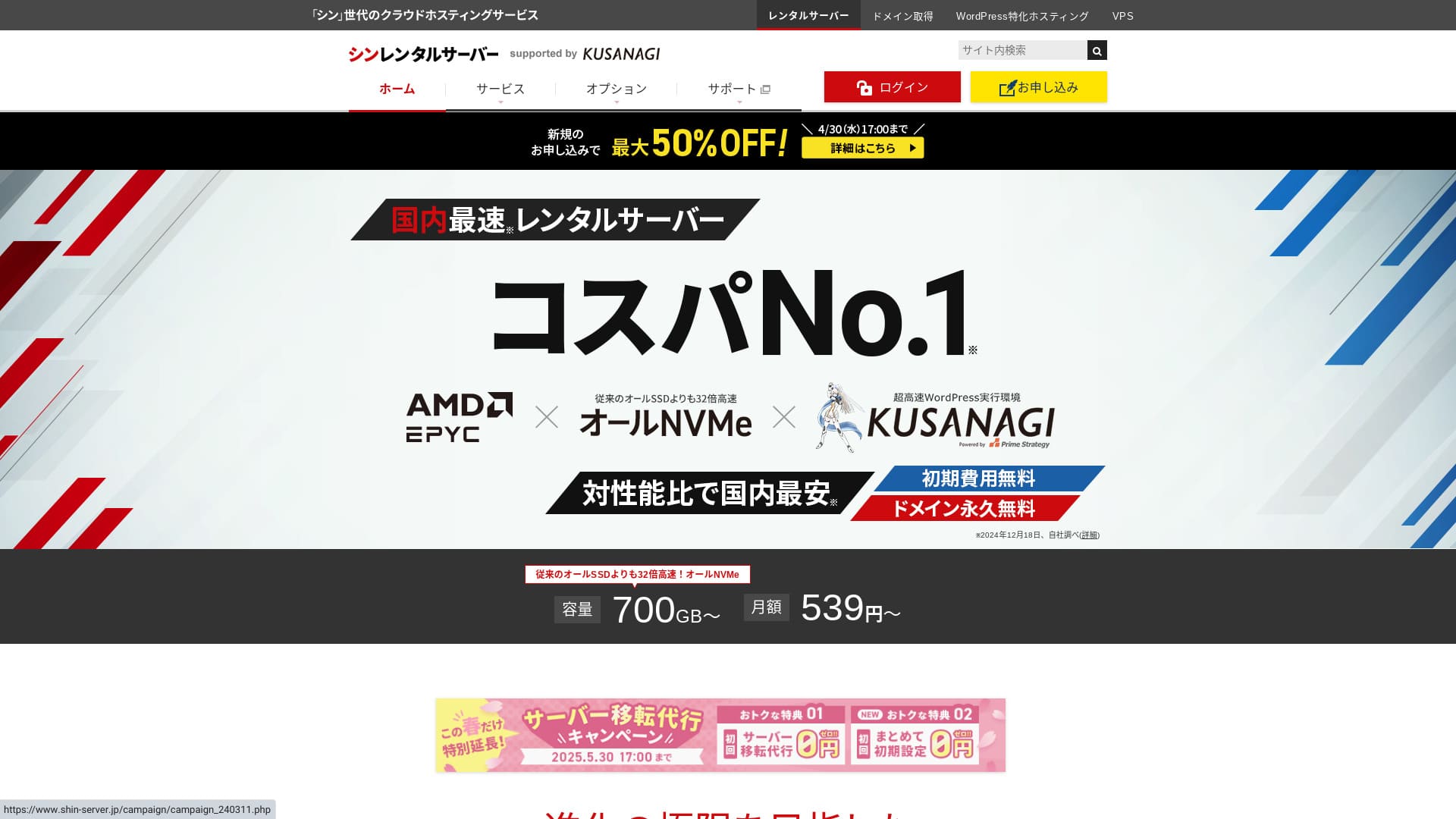
Shin Rental Server drivs av ShinCloud Co., Ltd. och låter dig starta WordPress till ett överkomligt pris.

Vi rekommenderar Shin Rental Server för privatpersoner, företag och enskilda firmor som använder WordPress för första gången eftersom:
- Den uppfyller Googles rekommenderade hastighetsmål.
- Du kan komma igång med WordPress enkelt.
- Kampanjerna är frekventa och priset är lågt.
Det är därför. Du blir sannolikt nöjd. Du kan prova tjänsten gratis i 10 dagar.
En konkurrerande tjänst är ColorfulBox. Dess regionbaserade automatiska backupsystem är ännu starkare än Shin Rental Servers. Överväg även den.
★ Colorful Box-recension [senaste 2025]: starta WordPress med utmärkt kostnadsprestanda
| Servertyp | Delad hosting |
| Svarshastighet (TTFB) | 200ms |
| Rekommenderad plan och avtalsperiod | Basic, 12 månader |
| Provperiod / gratisperiod | 10 dagars gratis provperiod |
| Månadspris (12-månadersavtal) | 880 yen |
| Initial installationsavgift | Gratis |
| Gratis domän | En domän gratis för alltid |
| Support | Telefon och e-post (vardagar 10:00-18:00) |
| Drifttid | Ej offentliggjort |
| Lagring | 700GB |
| Antal databaser | Obegränsat |
| Säkerhetsåtgärder | SECOM-säkerhetsdiagnostik, WAF, ads.txt, begränsningar för inloggningsförsök, begränsningar för åtkomst från utländska IP-adresser, massbegränsningar för kommentarer och trackbacks, begränsningar för kommentarer och trackbacks från utländska IP-adresser, antivirus, skräppostfilter |
| SSL | Gratis dedikerat SSL, valfritt dedikerat SSL |
| Backup / återställning | 14 dagars automatiska säkerhetskopior utan kostnad, gratis återställning |
| Antal e-postkonton | Obegränsat |
| E-postsäkerhet | POP via SSL, SMTP via SSL, IMAP via SSL, DKIM, DMARC |
| Migreringstjänst för server / webbplats | Ingen |
| WordPress förinstallerat | Ja |
| CDN | Ingen |

Hikaru Ono
Jag kunde starta WordPress enkelt medan jag ansökte om Shin Rental Server. Eftersom kampanjer körs så ofta rekommenderar jag att du kontrollerar den officiella webbplatsen regelbundet.
Det bästa erbjudandet hittills har varit antingen 50% cashback eller 50% rabatt på serveravgiften. Om något av dessa råkar vara tillgängligt medan du överväger tjänsten har du tur.
Shin Rental Server jämfört med andra tjänster
- Samlat betyg★★★★☆
- Serverhastighet ★★★★☆
- Pris ★★★★☆
- Stabilitet ★★★★☆
- Hur enkelt det är att starta WordPress* ★★★★★
- Hur enkelt det är att hantera domäner, konfigurera SSL och utföra relaterade åtgärder* ★★★★★
* Dessa betyg bygger på min egen praktiska erfarenhet av tjänsten.

Fullständig jämförelse av 21 rekommenderade WordPress-hostingtjänster för privatpersoner
Fullständig jämförelse av 21 rekommenderade WordPress-hostingtjänster för privatpersoner
serverfield.org
- Baserat på marknadsundersökning per 4 november 2025, sorterat efter hastighet
- Månadspriset är första årets kostnad för den billigaste planen som kan köra WordPress
- Hastighet är Time to First Byte uppmätt på demosajter under samma villkor
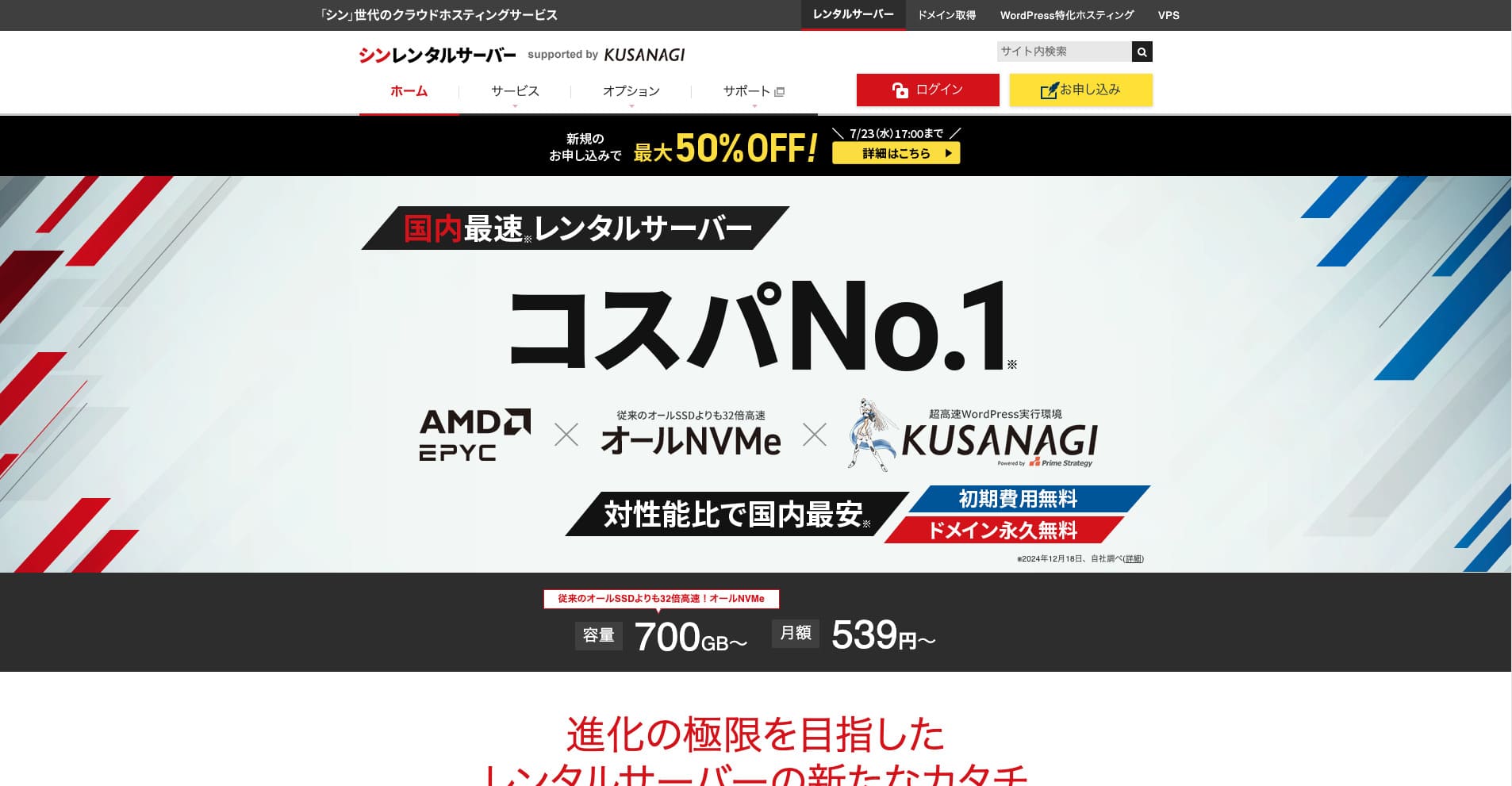
Shin Rental Server är ShinCloud Co., Ltd.:s snabba rental server. Det överkomliga priset gör den attraktiv även för enskilda användare. Dessutom körs regelbundna kampanjer, så den bästa tidpunkten att registrera sig är medan en kampanj pågår.
Shin Rental Server-recensioner och sex viktiga funktioner

Den uppfyller en tillräckligt stark standard för sidhastighet
Shin Rental Server, enligt den här webbplatsens oberoende tester, uppfyller en tillräckligt stark standard för sidhastighet.
Google har offentligt sagt att serverns svarstid helst bör ligga under 200 ms. Shin Rental Server klarar det riktmärket och är därmed en snabb host. Sidhastighet lär inte bli ett problem, så du kan använda den med förtroende.
Serverns svarstid bör hållas under 200 millisekunder.
https://developers.google.com/server/speed/docs/insights/Server?hl=en
★ Verifierat: jämförelse av åtta hostingtjänster i en hastighetsrankning
Du kan enkelt starta WordPress
Shin Rental Server gör det enkelt att starta WordPress. Tjänsten innehåller funktionen “WordPress Quick Start”, som slutför domänregistrering och DNS-konfiguration när du ansöker om servern. Med den kan du bygga en WordPress-webbplats på cirka 10 minuter.
★ Vad är en domän? Dess roll som adress på internet och hur du registrerar en
★ Vad är DNS och namnservrar? Att koppla en domän till en server
Du slipper problemet att äntligen försöka lansera en webbplats och först då upptäcka att det är för svårt att komma igång. Vem som helst kan börja använda WordPress med förtroende.
Priset är lågt
Shin Rental Serverhar låga priser. Låt oss jämföra den med stora inhemska hostingleverantörer under följande villkor.
- Initial installationsavgift
- Ett 12-månaders serveravtal
- Domänkostnaden för första året
- Den billigaste planen som kan köra WordPress
Om man tittar på jämförelsetabellen är LOLIPOP and Sakura Rental Server billigare. Men den billigaste LOLIPOP-planen som stöder WordPress inkluderar inte automatiska säkerhetskopior. När du jämför den punkten ser du hur starkt Shin Rental Servers totala värde faktiskt är.
Alla tjänster har styrkor och svagheter, men även jämfört med företag som konkurrerar med prisvärdhet står sig Shin Rental Server väl.
Säkerheten är stark
Shin Rental Server är väl utrustad med säkerhetsfunktioner som WAF. Med WAF blir en server mer motståndskraftig mot de senaste cyberattackerna. Eftersom det är en så användbar funktion erbjuder billigare hostingleverantörer den ibland endast som ett betalt tillval.
Med Shin Rental Server ingår den gratis.
Den har automatiska säkerhetskopior
Shin Rental Server inkluderar automatiska säkerhetskopior. Lagringstiden är 14 dagar.
Med säkerhetskopior kan du återställa din webbplats även om data ändras av misstag eller äventyras genom en cyberattack. Oavsett hur mycket du stärker säkerheten kan ingen garantera absolut säkerhet. Därför är säkerhetskopior viktiga, men att spara data manuellt varje dag är besvärligt.
Med Shin Rental Server lagras allt automatiskt varje dag, så det är enkelt.
E-postfunktionerna är starka
Shin Rental Server har starka e-postfunktioner. Eftersom du kan skapa obegränsat antal e-postkonton kan den även fungera som e-postserver för ett stort företag.
Business-planen ger starkt värde för små och medelstora företag samt bolag
Shin Rental Server är ShinCloud Co., Ltd.:s snabba server, och den är prisvärd. Den erbjuder också en business-plan. Business-planen bibehåller stabilitet genom garanterade resurser.
50% cashback till 14 maj 2025, gratis servermigreringstjänst till 30 maj och 10 dagars gratis provperiod
Shin Rental Server erbjuder en business-plan för små och medelstora företag samt bolag. Dess kännetecken är att den stärker den stabilitet företag behöver samtidigt som den ger hög prisvärdhet.
Business-planen stärks på två sätt.
- Garanterade resurser: CPU- och minnesvärden garanteras, vilket hindrar din webbplats från att påverkas när trafiken ökar på andra webbplatser som delar samma server.
- Två egna domäner gratis för alltid: Så länge ditt serveravtal är aktivt förblir två egna domäner som behövs för webbplatsdrift och e-postanvändning gratis för alltid.
Du kan använda den från 963 yen per månad med ett 12-månadersavtal, vilket gör den prisvärd jämfört med affärsinriktade servrar och andra företags business-planer.
Nackdelen med Shin Rental Server: drifttiden anges inte

Den enda besvikelsen är att Shin Rental Server inte publicerar sin drifttid. Det innebär att du inte kan veta serverns stabilitet exakt. Om servern är instabil visas även din webbplats opålitligt.
En webbplats fyller sin roll först när den visas korrekt och konsekvent. När man tänker på det så skapar det viss oro att inte kunna bedöma stabiliteten.
★ Nybörjarvänlig guide till hostingdrifttid och SLA:er
Jämför Shin Rental Server med två liknande tjänster
mixhost
mixhost erbjuder starka funktioner, ungefär som Shin Rental Server. Eftersom både lagringskapacitet och dataöverföring är obegränsade är den användbar när du vill bygga en webbplats med stora datamängder.
Däremot är det totala priset högre än hos Shin Rental Server. Första året är billigt, men från och med det andra året blir det dyrare. Om priset är viktigast rekommenderar jag Shin Rental Server.

mixhost-recension [senaste 2025]: en grundlig genomgång av en snabb server med global räckvidd och utmärkt säkerhet
mixhost-recension [senaste 2025]: en grundlig genomgång av en snabb server med global räckvidd och utmärkt säkerhet
serverfield.org
Colorful Box
ColorfulBox ligger prismässigt mycket nära Shin Rental Server. Dess specifikationer och funktioner är också välutvecklade. Den har ett regionbaserat backupsystem som hanterar risk så att dataförlust blir mindre sannolik även vid en storskalig katastrof.
Eftersom tjänsten är uppdelad i åtta planer och du kan byta plan gratis kan du antingen hålla kostnaderna nere eller höja specifikationerna efter behov.
Nackdelarna är också liknande, till exempel att drifttiden inte offentliggörs.

Colorful Box-recension [senaste 2025]: starta WordPress med utmärkt kostnadsprestanda
Colorful Box-recension [senaste 2025]: starta WordPress med utmärkt kostnadsprestanda
serverfield.org
Starta en WordPress-webbplats med Shin Rental Server direkt i 7 steg
Låt oss lansera en webbplats med Shin Rental Server.
- STEP.1Besök den officiella Shin Rental Server-webbplatsen
Klicka på “Apply” för Basic-planen i planlistan. Du kan uppgradera planen när som helst, så jag rekommenderar att du börjar med den billigaste Basic-planen först.
Gå från “Start now! New application” vidare till “10-day free trial new application”.
- STEP.2Välj dina ansökningsuppgifter
Server-ID:t kan lämnas som det är.
Välj standardplanen. Den reserverade planen innehåller åtgärder som förhindrar att andra användares trafik gör din egen webbplats svårare att nå, men det är sällan relevant när du precis börjar med en webbplats.
Välj en plan. Basic-planen rekommenderas. Om trafiken ökar och specifikationerna inte längre räcker kan du uppgradera senare.
Markera “Use” för WordPress Quick Start.Utan den blir det mycket svårare att konfigurera WordPress. (Du blir inte längre berättigad till den 10 dagar långa gratis provperioden. Ändå är det bättre att använda den.)
Ett meddelande med texten “Please confirm before applying” visas. Granska uppgifterna och klicka sedan på “Confirmed”.
En avtalsperiod på 12 månader rekommenderas. Med ett avtal på 12 månader eller längre kan du också använda en egen domän gratis.
Ange strängen för den egna domän du vill registrera. Det kan vara vilken sträng du vill. Att ändra en egen domän senare kostar pengar och är besvärligt att konfigurera om, så välj noggrant.
★ Vad är en domän? Dess roll som adress på internet och hur du registrerar en
Ange din WordPress-information.
- Bloggtitel: vad som helst går bra
- Användarnamn: vad som helst går bra
- Lösenord: gör det så komplext som möjligt
- E-postadress*: din vanliga e-postadress är praktisk
Användarnamnet och lösenordet behövs när du loggar in i WordPress.Skriv ner dem. Du behöver dem för att logga in på webbplatsen du skapar med WordPress.
Inställningen för egen domän är viktig eftersom den blir din webbplats URL. Välj strängen noggrant.
Webbplatsnamnet kan ändras senare. Om du inte har bestämt dig än kan du ange ett tillfälligt namn tills vidare.
Välj ett WordPress-tema. Om du bygger en företagswebbplats rekommenderas Lightning. Om du startar en blogg rekommenderas Cocoon. (Den här webbplatsen använder Cocoon.)
Markera och installera pluginet “CloudSecure WP Security”. Det kan stärka din säkerhet.
★ Vad är ett WordPress-plugin? Typer av extrafunktioner och vad du bör se upp med
- STEP.3Ange din Shin-kontoinformation
Ange din e-postadress, ditt namn, din adress och andra uppgifter.
Förbered ett kreditkort och ange betalningsinformationen.
Granska användarvillkoren och hanteringen av personuppgifter. Om du godkänner dem markerar du rutan och klickar på “Next”.
Ange verifieringskoden på skärmen. Koden har skickats till den e-postadress du registrerade, så kontrollera den där.
- STEP.4Bekräftelse
Granska dina ansökningsuppgifter och din Shin-kontoinformation en gång till. Om allt stämmer klickar du på “Proceed to SMS / phone verification”.
Dina ansökningsuppgifter bekräftas sedan med ditt telefonnummer.
Ange telefonnumret som ska användas, välj antingen SMS eller automatiskt röstsamtal för att ta emot verifieringskoden och klicka på “Get verification code”. När du får koden anger du den.
När bekräftelsemeddelandet via e-post kommer är din ansökan klar.
Klicka på “Apply” för att slutföra hela ansökan. Din WordPress-webbplats skapas direkt.
- STEP.5Initial WordPress-konfiguration
E-postmeddelandet du fick tidigare innehåller din WordPress-inloggningsinformation.
Klicka på admin-URL:en. På inloggningsskärmen som visas anger du användarnamnet och lösenordet du noterade tidigare och klickar sedan på “Log in”.
Om du ser en varning som säger “This site can’t be reached” har DNS-inställningarna ännu inte spridits färdigt. Det enda du kan göra är att vänta, så försök logga in ungefär en gång i timmen.
Konfigurera dina permalänkar. I WordPress-administrationen går du till “Settings” och sedan “Permalinks”. Välj “Post name” och klicka sedan på “Save changes”.
När du väljer “Post name” kan du ange vilken sträng du vill i URL:en när du publicerar artiklar. Korta strängar som hjälper läsarna att föreställa sig artikelns innehåll rekommenderas eftersom de är lättare för besökare att läsa. Om en URL är för lång kan vissa börja oroa sig för att webbplatsen ser misstänkt ut.
- STEP.6Installera plugins
Gå tillbaka till WordPress-administrationen, öppna “Plugins”, sedan “Add New”, och installera de plugins du behöver.
När du hittar ett plugin du vill ha via sökningen klickar du på “Install Now” och sedan “Activate”. Därefter följer du respektive plugins instruktioner.
Se till att installera plugins för säkerhet och säkerhetskopior.
- Fem WordPress-plugins som stärker säkerheten och hur du väljer ett
- Fem kraftfulla WordPress-backupplugins som hjälper dig att återställa dina data
När du har installerat dina plugins är din WordPress-webbplats helt redo att användas!
Sammanfattning
Shin Rental Server är ShinCloud Co., Ltd.:s snabba rental server. Det överkomliga priset gör den attraktiv även för enskilda användare. Dessutom körs regelbundna kampanjer, så den bästa tidpunkten att registrera sig är medan en kampanj pågår.
50% cashback till 6 augusti 2025, plus 10 dagars gratis provperiod
Shin Rental Server erbjuder utmärkt prisvärdhet. Även om drifttiden inte publiceras är specifikationerna och funktionerna mycket starka. Eftersom det också är enkelt att komma igång med WordPress kan jag rekommendera den helhjärtat.
Fullständig jämförelse av 32 WordPress-hostingtjänster: bästa valen för privatpersoner, företag och internationell användning

Om du söker efter “WordPress recommendation” eftersom du vill komma igång med WordPress hittar du alla möjliga artiklar, från hosting för privatpersoner och småföretagsplaner till utländska servrar och billiga alternativ. Ärligt talat, tänker du inte till slut:
- Vilken webbplats ska jag titta på?
- Jag vill välja server på ett enkelt och lättbegripligt sätt.
- Visa mig hur jag startar WordPress direkt.
Det är precis därför den här artikeln presenterar noggrant utvalda rekommendationer från 32 hostingtjänster för privatpersoner, företag, inhemsk användning och internationell användning. Den förklaras av SEO-ansvarig på ett apputvecklingsföretag som använder hosting varje dag.