
Ingen startavgift fram till 30 september 2025, 20 % rabatt på serveravgiften för Little-paketet samt en 20 dagars gratis provperiod
PR
Servrar
Little Server-recension: En grundlig guide till ett WordPress-redo budgetwebbhotell från 165 yen per månad
Publicerad: 2025.04.18
Uppdaterad: 2025.04.18
Betyg: 4.0
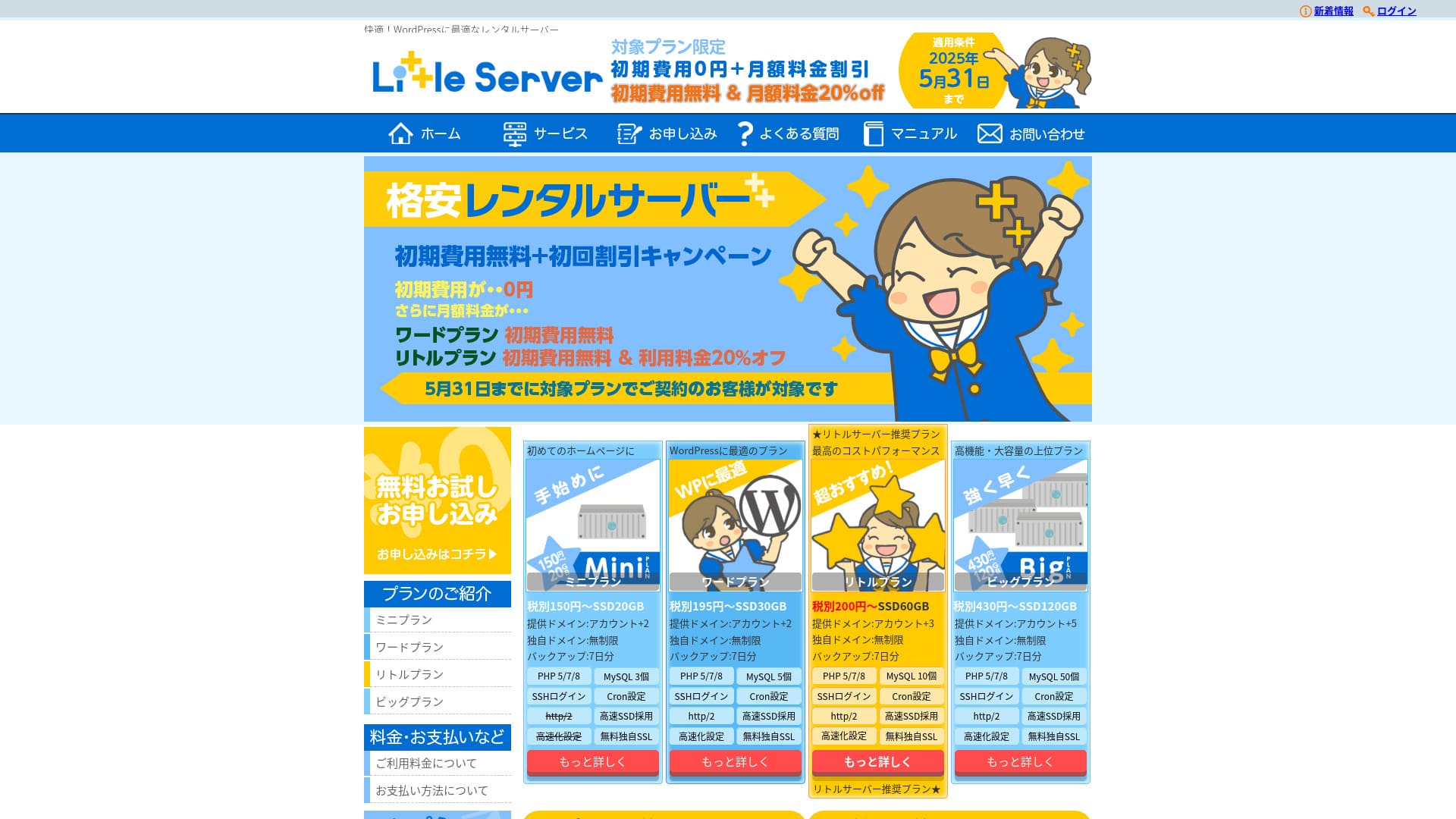
Little Server är ett budgetwebbhotell. Det billigaste Mini-paketet kostar från 165 yen per månad. Men det är inte bara billigt: WordPress fungerar snabbt och e-postfunktioner finns också tillgängliga.

Vi rekommenderar Little Server till dig som söker ett prisvärt webbhotell eftersom:
- Det erbjuder snabb serverhastighet.
- Månadspriset är extremt lågt.
- Du kan köra flera webbplatser.
Därför kommer du sannolikt att bli nöjd. Du kan dessutom prova det gratis i 20 dagar.
En konkurrerande tjänst är Value Server. Dess flexibla tidsbaserade prissättning per timme är till och med bättre än Little Servers. Överväg även detta alternativ.
★ Value Server-recension [Senaste 2025]: Starta WordPress till fyndpris
| Servertyp | Delat webbhotell |
| Svarstid (TTFB) | 200ms |
| Rekommenderat paket och avtalstid | Mini, 12 months |
| Provperiod / återbetalningspolicy | 20 dagars gratis provperiod |
| Månadspris (12-månadersavtal) | 165 yen |
| Startavgift | 920 yen |
| Gratis domän | No |
| Kundsupport | E-post (tider anges ej) |
| Drifttid | Not disclosed |
| Lagring | 20GB |
| Antal databaser | 3 |
| Säkerhetsfunktioner | IMP |
| SSL | Gratis SSL, dedikerat SSL (Little-planen och uppåt) |
| Säkerhetskopiering / återställning | Sju dagars automatisk säkerhetskopiering ingår kostnadsfritt, och även återställningar är gratis. |
| Antal e-postkonton | Unlimited |
| E-postsäkerhet | Skräppostfilter |
| Flyttjänst för server/webbplats | No |
| WordPress förinstallerat | Yes |
| CDN | No |

Hikaru Ono
Jag kunde starta WordPress samtidigt som jag registrerade mig på Little Server. Det var förvånansvärt smidigt för en så låg prisnivå, som är bland de billigaste i branschen.
De noggrant skrivna officiella manualerna gav också ett gott intryck.
Little Server jämfört med andra tjänster
- Totalt betyg★★★★☆
- Serverhastighet ★★★★☆
- Prissättning ★★★★★
- Stabilitet ★★★★☆
- Hur enkelt det är att starta WordPress* ★★★★★
- Enkelhet för domänhantering, SSL-installation och relaterade åtgärder* ★★★☆☆
* Dessa betyg bygger på min egen praktiska erfarenhet av tjänsten.

Komplett jämförelse av 21 rekommenderade WordPress-webbhotell för privatpersoner
Komplett jämförelse av 21 rekommenderade WordPress-webbhotell för privatpersoner
serverfield.org
- Baserat på marknadsundersökning per 4 november 2025, sorterat efter hastighet
- Månadspris avser förstaårets kostnad för det billigaste paketet med WordPress-stöd
- Hastighet avser svarstiden (Time to First Byte) för demowebbplatser uppmätta under samma förhållanden
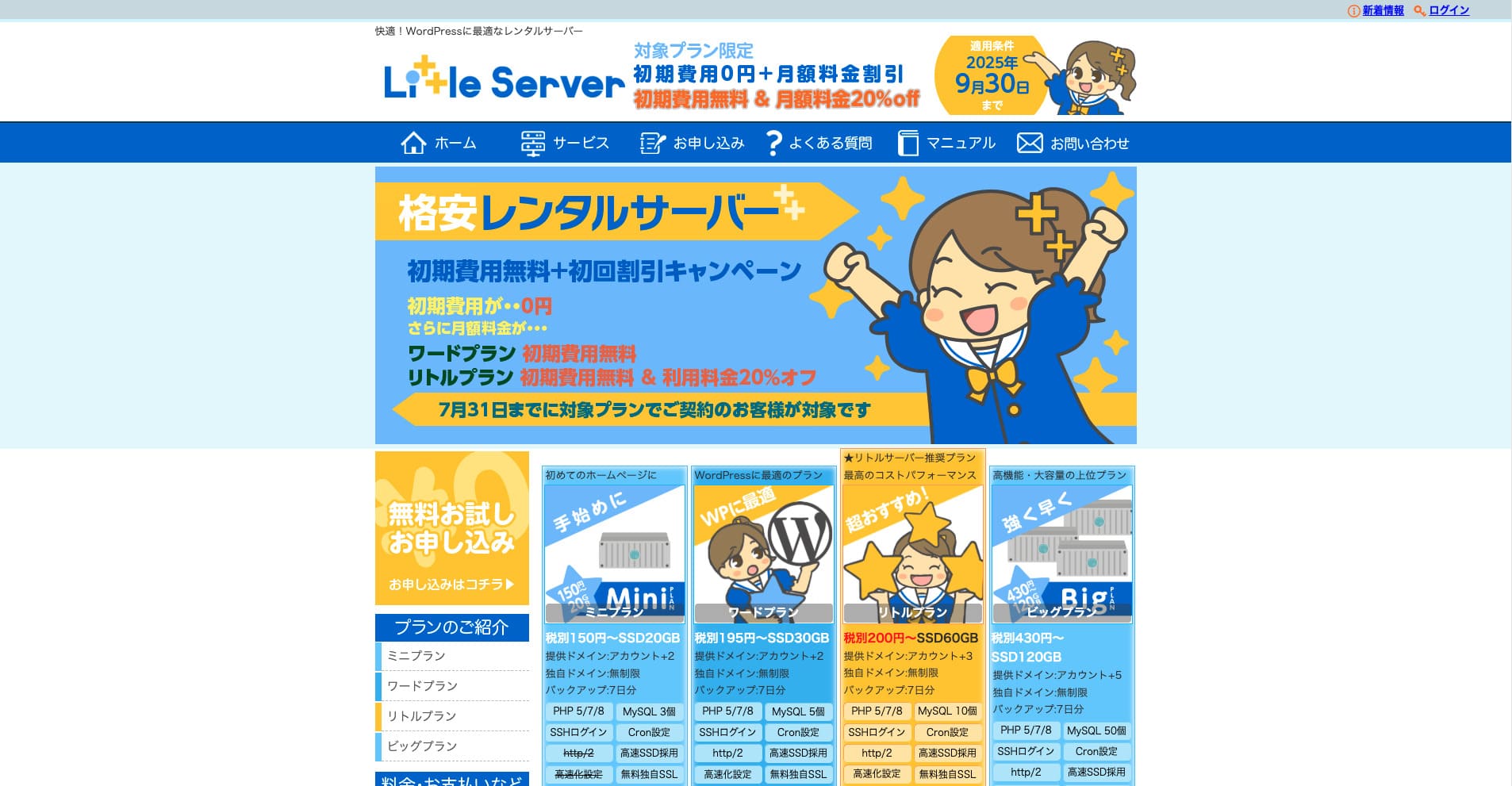
Little Server är ett billigt hyrserveralternativ. Bland betalda webbhotell (gratisalternativ exkluderade) är det ett av de absolut billigaste för privatpersoner. Trots det används NVMe SSD-hårddiskar för att förbättra hastigheten.
Sex viktiga fördelar med Little Server

Serverhastigheten är mycket snabb
Enligt webbplatsens oberoende tester är Little Server är mycket snabb. Ta en titt på jämförelsen av hastigheter nedan.
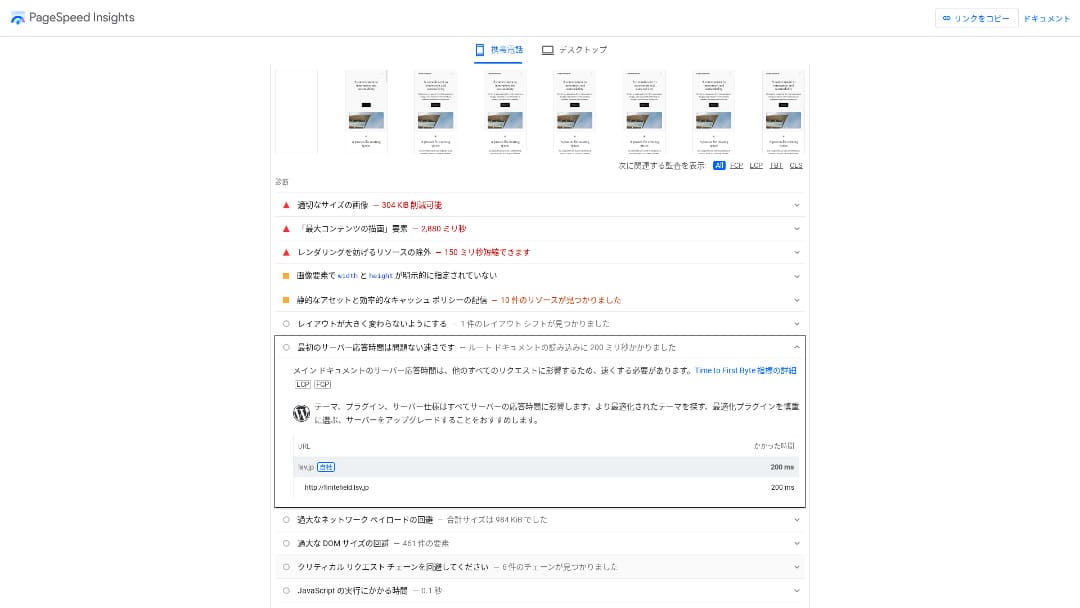
För att vara en billig server i prisklassen runt 100 yen per månad är det en av de snabbaste som finns. Svarstiden (TTFB) var 200 ms.
Google rekommenderar att serverns svarstid hålls under 200 ms. Med Little Server lär inte serverhastigheten bli något problem.
Serverns svarstid bör hållas under 200 millisekunder.https://developers.google.com/server/speed/docs/insights/Server?hl=en
Om servern är snabb laddas webbplatsen snabbare och besökarna kan surfa smidigare. Detta kan i sin tur stärka din SEO och bidra till ökad försäljning.
★ Hastighetstest: Jämförelse av prestanda för 11 webbhotell
Priset är lågt
Little Server är prisvärt. Det tillkommer en startavgift, men eftersom månadspriset är så lågt blir den årliga kostnaden för att driva en webbplats mycket lägre än hos de stora leverantörerna. Vi gjorde en jämförelse under följande förutsättningar.
- Startavgift
- Ett 12-månaders serveravtal
- Förstaårets kostnad för domänen
- Det billigaste paketet som kan köra WordPress
Även i jämförelse med Lolipop!, som anses vara billigt bland de stora leverantörerna, utmärker sig Little Server med sitt låga pris. Det kostar bara ungefär 60 % av Lolipops pris. Det är ett perfekt val för alla som vill hålla serverkostnaderna så låga som möjligt.
Du kan använda WordPress
Vissa billiga webbhotell stöder inte WordPress. Till och med stora leverantörer som Lolipop! och Sakura Rental Server tillåter inte WordPress på sina billigaste paket.
Little Server stöder dock WordPress på alla sina abonnemang. Med WordPress kan du bygga en flersidig webbplats och dessutom skapa en blogg på den.
★ Vad är WordPress? Systemet som används för att starta en webbplats och saker att tänka på
Du kan driva flera webbplatser
Hos Little Server kan du ha flera webbplatser. Även det billigaste Mini-paketet låter dig skapa upp till tre WordPress-installationer.
Förutom företagets webbplats kan du även skapa en egen privat blogg.
Automatiska säkerhetskopior
Little Server innehåller sju dagars automatisk säkerhetskopiering.
Med säkerhetskopior kan du återställa din webbplats om ett säkerhetsproblem uppstår. Du behöver inte heller konfigurera säkerhetskopieringen själv.
Om återställning blir nödvändig behöver du bara kontakta företaget som driver tjänsten.
Du kan använda e-post
Little Server stöder e-post även till detta låga pris. Du kan skapa obegränsat med adresser under din egen domän. Det är välkommet för företag som vill ha professionella e-postadresser.
★ Vad är en domän? Dess roll som adress på internet och hur du registrerar en
Nackdelen med Little Server: drifttiden är inte offentlig

Little Server publicerar inte sin drifttid. Det gör att användarna inte har något sätt att veta om servern verkligen är stabil.
Om servern är instabil blir även visningen av din webbplats instabil. Om din webbplats ofta ligger nere är det pengar i sjön för serverhyran. Det innebär också förlorade affärsmöjligheter när besökare inte kan nå sidan.
Drifttiden är med andra ord extremt viktig. Eftersom den inte anges här kvarstår en viss osäkerhet.
★ En nybörjarvänlig guide till webbhotellens drifttid och SLA
Jämför Little Server med två liknande tjänster
Value Server
Value Server och Little Server kostar nästan lika mycket per år. Value Server erbjuder 15 generationers säkerhetskopior, vilket gör den starkare än Little Server när det gäller säkerhetskopiering.
Men Value Servers "Marutto"-paket för det pris som visas nedan kan bara hantera en WordPress-webbplats. Om du vill bygga en till måste du skaffa en ny server. Little Server är ett bättre val om du planerar att driva flera webbplatser.

Value Server-recension [Senaste 2025]: Starta WordPress till fyndpris
Value Server-recension [Senaste 2025]: Starta WordPress till fyndpris
serverfield.org
Star Rental Server
Star Rental Server kostar lite mer än Little Server. Men dess lagringsutrymme och överföringskapacitet är mycket större, vilket är en fördel när din webbplats växer och trafiken ökar.
Star Rental Server saknar dock automatisk säkerhetskopiering. Här är Little Server bättre, då det erbjuder en mer användarvänlig lösning för nybörjare eller för den som startar en webbplats för första gången.

Star Rental Server-recension [Senaste 2024]: Ultralåga priser och en grundlig titt på verkliga för- och nackdelar
Star Rental Server-recension [Senaste 2024]: Ultralåga priser och en grundlig titt på verkliga för- och nackdelar
serverfield.org
Sex steg för att starta en WordPress-webbplats på Little Server direkt
Låt oss starta en webbplats med Little Server.
- STEG 1Besök Little Servers officiella webbplats
Klicka på "Ansök om en gratis provperiod".
Godkänn användarvillkoren och hanteringen av personuppgifter, och klicka sedan på "Ja" för att ansöka om provperioden.
- STEG 2Ansök om den kostnadsfria provperioden
Enter your customer information, such as your name and address.
Välj ett paket. Mini-paketet rekommenderas. Om du behöver mer resurser senare kan du uppgradera.
Then enter your server account information.
- Önskat användar-ID: Anything is fine. It cannot be changed later.
- Önskat kontonamn: Anything is fine. It cannot be changed later.
- Lösenord: Make it as complex as possible.
Click “Next page” and confirm the details. If everything is correct, click “Submit with the above information.”
Ett tillfälligt registreringsmejl skickas till din e-postadress. Därefter får du ett bekräftelsemejl med rubriken "Ansökan mottagen". Klicka på aktiveringslänken. När verifieringen är klar är registreringen för provperioden slutförd.
- STEG 3Registrera en egen domän hos MuuMuu Domain och lägg till den i Little Server
Öppna MuuMuu Domains officiella webbplats, skriv in den domän du vill använda i sökfältet och klicka på "Sök".
★ Vad är en domän? Dess roll som adress på internet och hur du registrerar en
Du kan välja en toppdomän som ".com" eller ".co.jp". Registrerings- och förnyelseavgiften varierar beroende på toppdomän. Om du är osäker bör företag välja ".co.jp" om möjligt. För privatpersoner rekommenderas ".com" eller ".net". De är välkända för de flesta, vilket gör att besökarna känner sig trygga och gärna klickar.
Kontrollera igen att det är rätt domän. Om allt stämmer går du vidare till ansökningssidan.
Skapa ett nytt MuuMuu-ID. Ange ditt ID (e-postadress) och lösenord, klicka sedan på "Godkänn villkoren och fortsätt till verifiering".
Complete the identity verification by SMS.
Härnäst följer inställningar för domän och andra alternativ. Konfigurera dem så här:
- WHOIS-öppenhet: If you are a company, publish the information. If you are an individual, “Use the provider’s proxy information” is recommended.
- Namnserver (DNS): Använd andra namnservrar än GMO Pepabos.
Om du gör WHOIS-informationen offentlig blir namn, adress och andra uppgifter för den som registrerade domänen publika. Eftersom det avslöjar personuppgifter kan alla utom företag eller enskild firma föredra proxy-öppenhet.
Little Server använder följande två namnservrar. Ange båda.
- Name server 1: ns1.lsv.jp
- Name server 2: ns2.lsv.jp
Du behöver inte ansöka om kopplade tjänster, tillval eller MuuMuu Mail. Om ett företag vill använda e-post kan Little Server tillhandahålla e-posttjänsten.
Betala med kreditkort eller annan metod. Klicka på "Nästa steg", hoppa över reklamen och fyll i dina användaruppgifter. När du har angett namn, adress och övrigt klickar du vidare till "Nästa steg".
Kontrollera ansökningsuppgifterna, kryssa i "Jag godkänner användarvillkoren" och klicka på "Registrera". Din domän är nu köpt.
Lägg nu till domänen du köpte hos MuuMuu Domain så att den kan användas med Little Server.
Gå tillbaka till Little Servers kontrollpanel. Logga in med det användar-ID och lösenord du skapade för provperioden.
Klicka på "Domäninställningar" i inställningsmenyn. Ange domännamnet, markera "Skapa en mapp med samma namn som domänen och använd den som sökväg" och klicka på "Lägg till domän".
Därmed är domäninställningarna i Little Server klara.
- STEG 4Installera WordPress
Klicka på "Enkel installation" under "Inställningar" i Little Servers kontrollpanel. För WordPress, välj installationsalternativet som är märkt som jätteenkelt och nybörjarvänligt. Det valet gör att du slipper skapa databasen manuellt.
★ Vad är en databas? Ett viktigt hanteringssystem för WordPress
Ange din WordPress-information.
- Databas att använda: Leave it as it is.
- Installationsmål: Leave it as it is.
- Visningsadress: It is recommended to leave the checkbox checked.
- Webbplatsnamn: Vad som helst går bra. Du kan ändra det senare väldigt enkelt.
- Användarnamn: Anything is fine, but changing it later is troublesome.
- Lösenord: Make it as complex as possible. You can change it later quite easily.
- E-postadress: Använd den e-postadress du normalt använder. För företag rekommenderas administratörens jobb-e-post.
Användarnamnet och lösenordet används när du loggar in på WordPress. Se till att skriva ner dem.
Kryssa i "Jag godkänner" och klicka på "Ultra Easy Install!" Dina inloggningsuppgifter visas sedan. Klicka på den visade inloggningssidan och logga in.
- STEG 5Inledande WordPress-inställning
På inloggningsskärmen för WordPress som visas anger du det användarnamn och lösenord som du valde under installationen och klickar på "Logga in".
Om du ser en varning om att webbplatsen inte kan nås beror det på att DNS-inställningarna inte har spridits än. I så fall kan du bara vänta och försöka logga in igen med några timmars mellanrum.
När du har loggat in på WordPress ställer du in dina permalänkar. Gå till "Inställningar" och sedan "Permalänkar" i WordPress adminpanel. Välj "Inläggsnamn" och klicka på "Spara ändringar".
När du väljer "Inläggsnamn" kan du ange vilken sträng du vill i URL-adressen när du publicerar artiklar. Korta ord som hjälper läsaren att förstå artikelns innehåll rekommenderas eftersom de är lättare för besökaren att förstå. Om en URL är för lång kan besökare känna obehag och tänka "är detta en farlig sajt?".
- STEG 6Installera tillägg
Go back to the WordPress admin screen, open “Plugins,” then “Add New,” and install the plugins you need.
When you find a plugin you want through search, click “Install Now,” then “Activate.” After that, follow the instructions provided for each plugin.
Se till att installera tillägg för säkerhet och säkerhetskopiering.
- Fem WordPress-tillägg för starkare säkerhet och hur du väljer rätt
- Fem kraftfulla WordPress-tillägg för säkerhetskopiering som hjälper dig att återställa dina data
När du har installerat dina tillägg är din WordPress-webbplats klar att användas.
Sammanfattning
Little Server är ett billigt hyrserveralternativ. Bland betalda webbhotell (gratisalternativ exkluderade) är det ett av de absolut billigaste för privatpersoner. Trots det används NVMe SSD-hårddiskar för att förbättra hastigheten.
Ingen startavgift fram till 30 september 2025, 20 % rabatt på serveravgiften för Little-paketet samt en 20 dagars gratis provperiod
Little Server är ett prisvärt webbhotell. Även om det finns vissa nackdelar innehåller till och med det billigaste Mini-paketet de funktioner som krävs för att starta en WordPress-webbplats. Ge det en chans.
Komplett jämförelse av 32 WordPress-webbhotell: De bästa valen för privatpersoner, företag och internationellt bruk

Om du söker efter rekommendationer för WordPress för att komma igång stöter du på alla möjliga sorters artiklar om allt från privata och företagsanpassade webbhotell till utländska servrar och billiga abonnemang. Visst brukar man tänka:
- Vilken sajt kan jag lita på?
- Jag vill bara välja en server på ett enkelt och lättförståeligt sätt.
- Visa mig hur jag startar WordPress på en gång.
Det är just därför den här artikeln presenterar noggrant utvalda rekommendationer bland 32 webbhotell för privatpersoner, företag samt nationellt och internationellt bruk. Det hela förklaras av SEO-ansvarig på ett apputvecklingsföretag som använder webbhotell dagligen.