Kapacitet för hyrda servrar: hur du väljer rätt utan misstag och varför det är viktigt för smidig sajt-drift

När du hyr en server, sitter du då och jämför alla möjliga specifikationer som CPU och minne och fastnar sedan vid “kapacitet”? Om du arbetar med hyrda servrar för första gången kanske du inte har någon aning om hur mycket kapacitet du behöver eller ens vad kapacitet är för något.
I den här artikeln tittar jag närmare på kapaciteten hos hyrda servrar. Tillsammans med saker att tänka på när du startar en WordPress-blogg hjälper jag dig att välja bästa plan. När du har läst den här artikeln bör du förstå kapaciteten hos hyrda servrar och kunna välja en plan med självförtroende.
Vad är egentligen kapacitet för hyrda servrar? Vad lagrar den?

Enkelt uttryckt är kapaciteten hos en hyrd server det utrymme som finns tillgängligt för att lagra din webbplats data. Det handlar om serverns datalagringsutrymme, där webbplatsfiler, databaser, e-postdata, loggfiler, säkerhetskopior och annat lagras.
- Webbplatsfiler: alla filer som behövs för att visa webbplatsen, som HTML, CSS, JavaScript, bilder och videor
- Databaser: lagra dynamiskt innehåll som blogginlägg, användarinformation och produktinformation
- E-postdata: om du använder e-postkonton, dina skickade och mottagna e-postmeddelanden samt bilagor
- Loggfiler: serveråtkomstloggar, felloggar och liknande poster
- Säkerhetskopieringsdata: säkerhetskopior av din webbplats data
All denna data förbrukar serverkapacitet. Om kapaciteten tar slut kanske du inte längre kan lägga till nytt innehåll, sajten kan bli långsammare och i värsta fall kan den gå ner.
Tre steg för att välja rätt serverkapacitet

Så hur ska du välja rätt mängd kapacitet? Tänk igenom det i följande tre steg.
STEG 1: Tänk på vilken typ av webbplats det är (för WordPress)
Hur mycket kapacitet du behöver varierar mycket beroende på vilken typ av webbplats det är. Om du startar en WordPress-blogg, tänk på följande punkter.
- Bloggens storlek: om det är en liten personlig blogg eller en stor blogg som drivs av flera personer.
- Innehållstyp: om den främst består av text eller använder många bilder och videor.
- Antal tillägg: många tillägg förbrukar kapacitet.
- Tema-vikt: beroende på vilket tema du använder kan det belasta kapaciteten.
Som tumregel,
- Liten blogg (främst text, få bilder): 5GB till 10GB
- Medelstor blogg (många bilder, flera tillägg): 10GB till 20GB
- Stor blogg (inklusive videor, många tillägg): 20GB till 50GB eller mer
är bra siffror att ha i åtanke.
★ Bemästra WordPress-tillägg och ge din webbplats mer kraft: en grundlig guide för nybörjare
STEG 2: Bedöm framtida tillväxt
En webbplats är inte något du bygger och sedan glömmer bort. När du lägger till innehåll och trafiken växer ökar också det kapacitetsbehovet.
Utgå från hur det kommer att se ut minst ett år framåt, och välj kapacitet med lite marginal. Du kan lägga till mer kapacitet senare, men med tanke på besväret att byta plan är det smidigare att välja en något större plan från början.
För WordPress bör du utgå från att antalet inlägg, bilder och videor ökar över tid.
STEG 3: Tänk i konkreta siffror
Utifrån stegen ovan ska du tänka i konkreta siffror. Till exempel kan du uppskatta saker så här.
- Text för en sida: cirka 1 KB
- En bild: cirka 1 MB (kan vara större för högupplösta bilder)
- En minut video: cirka 100 MB (varierar mycket beroende på kvalitet och format)
För WordPress behöver du också tänka på storleken på teman och tillägg. De kan uppgå till tiotals eller till och med hundratals megabyte.
Fördelar och saker att tänka på med obegränsade kapacitetsplaner (för WordPress)
Om du startar en WordPress-blogg kan en plan med obegränsad kapacitet verka lockande. Men som nämnts ovan finns det också saker att vara uppmärksam på.
- Håll koll på databastorleken: eftersom WordPress lagrar inlägg, inställningar och annan data i en databas kan du även med obegränsad kapacitet fortfarande stöta på gränser för databastorlek.
- Lagring för säkerhetskopior: bara för att kapaciteten är obegränsad betyder inte att du kan lagra obegränsat med säkerhetskopior. Kontrollera gränsen för säkerhetskopiering och hur länge säkerhetskopior sparas.
★ What Is a Database? An Essential Management System for WordPress
Allvarliga problem som uppstår när serverkapaciteten tar slut: konkreta effekter och motåtgärder

1. Du kan inte längre lägga till innehåll
När kapaciteten är full kan du inte längre lägga till nytt innehåll. Detta är ett allvarligt problem som står i vägen för webbplatsens tillväxt.
- Du kan inte längre ladda upp bilder eller videor: bilder och videor är viktiga element som gör en webbplats attraktiv, men när kapaciteten tar slut kan de inte längre laddas upp. I WordPress får du fel när du försöker ladda upp filer till mediebiblioteket, och du kan inte längre lägga till nya bilder eller videor.
- Du kan inte längre skapa eller uppdatera inlägg och sidor: textinnehåll använder också lagringsutrymme. När kapaciteten tar slut kanske du inte längre kan skapa nya inlägg eller sidor, eller ens uppdatera befintliga.
- Du kan inte längre registrera produkter (i fallet med en e-handelssajt): på en e-handelswebbplats är produktinformation och bilder verksamhetens livsnerv. Brist på kapacitet kan hindra dig från att lägga till nya produkter eller uppdatera befintliga, vilket allvarligt påverkar verksamheten.
Motåtgärd: byt till en större plan, radera onödiga filer och optimera bilder (till exempel genom komprimering).
2. Långsammare visning av webbplatsen: sämre användarupplevelse
Brist på kapacitet kan också leda till långsammare visningshastighet på webbplatsen. Om visningshastigheten blir långsam försämras användarupplevelsen och SEO påverkas också negativt.
- Ökad serverbelastning: när kapaciteten blir knapp ökar belastningen på servern och bearbetningshastigheten sjunker. Följden blir att sidladdningen tar längre tid, vilket innebär få användarna att vänta.
- Prestandan sjunker vid trafiktoppar: om servern redan har ont om kapacitet under perioder med koncentrerad trafik kan den bli överbelastad, vilket gör webbplatsen mycket långsam eller i värsta fall får den att gå ner.
- Negativ effekt på SEO: sökmotorer som Google tar hänsyn till sidladdningshastighet som rankingfaktor. En långsam webbplats kan tappa placeringar i sökresultaten, vilket kan leda till färre besökare.
Motåtgärd: använd åtgärder som cache-tillägg, bildoptimering och CDN för att förbättra visningshastigheten. Du kan också behöva överväga att byta till en serverplan som matchar din trafikvolym.
★ How Fast Is It? Comparing 15 Rental Servers in a Speed Ranking
3. Skicka och ta emot e-post upphör: affärskommunikationen störs
E-postdata förbrukar också serverkapacitet. När kapaciteten börjar ta slut kanske du inte längre kan skicka eller ta emot e-post, vilket stör affärskommunikationen.
- Du kan inte längre ta emot e-post: när inkorgen når sin kapacitetsgräns kan ny e-post inte längre tas emot. Du kan missa viktig kommunikation eller inte kunna svara på kundförfrågningar.
- Du kan inte längre skicka e-post: skickade mejl och utkast förbrukar också kapacitet. När kapaciteten tar slut kanske du inte längre kan skicka e-post, vilket kan leda till förlorade affärsmöjligheter.
Motåtgärd: radera onödiga e-postmeddelanden, spara e-postdata lokalt och överväg att använda en extern e-posttjänst.
4. Webbplatsen går ner: verksamheten stannar av
Om kapacitetsbristen blir allvarlig, kan webbplatsen i värsta fall gå ner och bli otillgänglig. Det betyder att verksamheten i praktiken stoppas och kan leda till stora förluster.
- För hög belastning på servern: koncentrerad trafik när servern redan har ont om kapacitet kan belasta servern för hårt och orsaka systemkrascher.
- Återhämtningen kan ta tid: om servern går ner kan återställningsarbetet ta tid och webbplatsen kan vara otillgänglig under en längre period.
Motåtgärd: inför noggrant åtgärder som säkerställer stabil drift, till exempel genom att övervaka serverresurser, analysera åtkomstloggar och välja en lämplig serverplan. Regelbundna säkerhetskopior är också viktiga.
Att få slut på kapacitet påverkar webbplatsens drift allvarligt. För att undvika dessa problem är det viktigt att välja en serverplan med lämplig kapacitet och att regelbundet övervaka webbplatsens kapacitetsanvändning. Det är också viktigt att i förväg tänka igenom vad du ska göra om kapaciteten faktiskt skulle bli otillräcklig.
★ What Is a 503 Error? Web Traffic Jams, How to Avoid Them, and Emergency Responses
Rekommenderade hyrda servrar efter kapacitet
30GB: Little Server
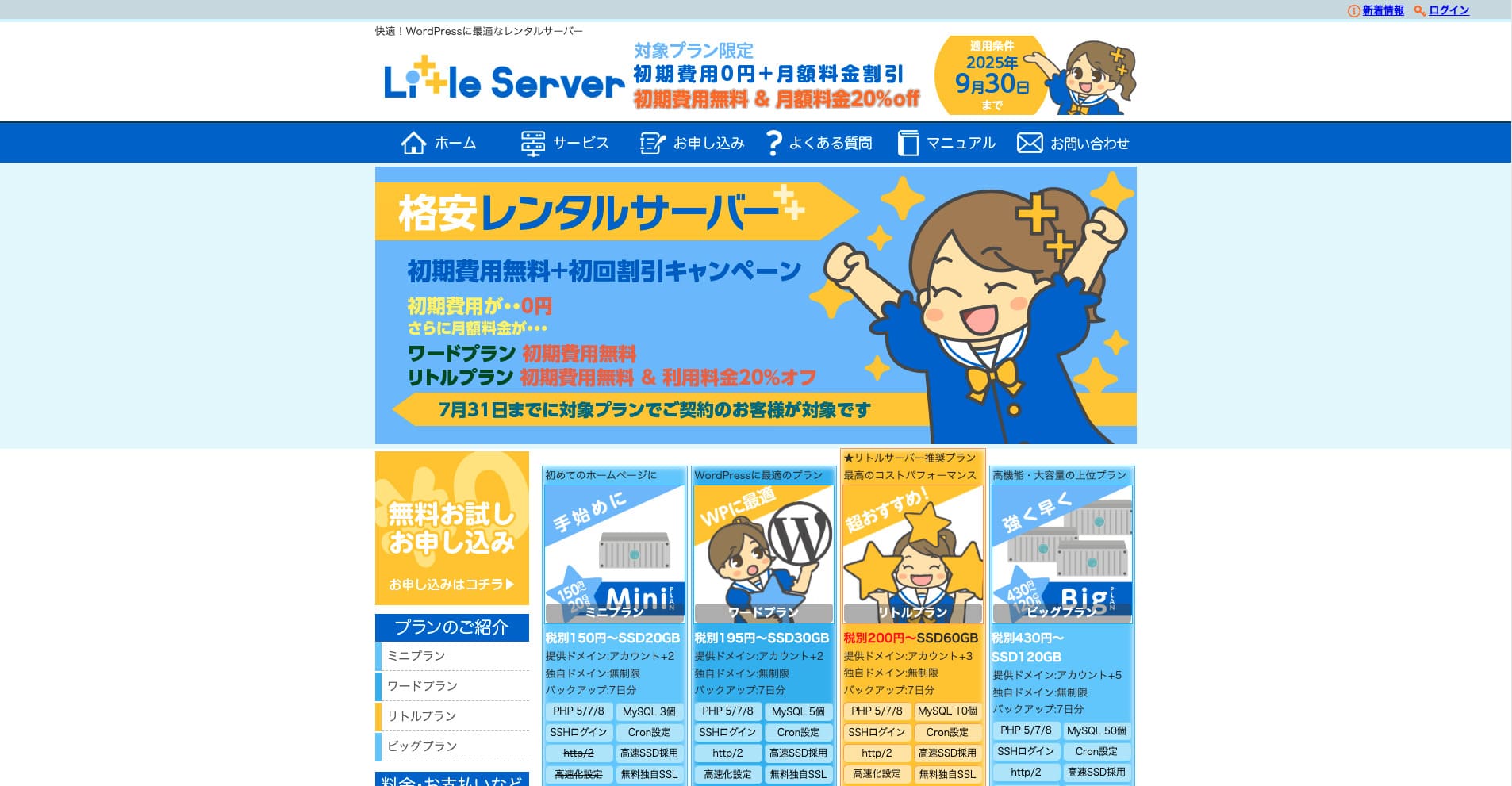
“Little Server” är en hyrd server till låg kostnad. Om man undantar gratis servrar är det en av de billigaste hyrda servrarna för personligt bruk. Trots det använder den NVMe SSD:er för att förbättra hastigheten.
Ingen startavgift fram till 30 september 2025, 20 % rabatt på serveravgiften för Little-planen och 20 dagars gratis provperiod
| Server type | Shared server |
| Display speed (TTFB) | 200ms |
| Recommended plan and contract term | Mini, 12 months |
| Trial / refund guarantee | 20-day free trial |
| Monthly fee (12-month contract) | 165 yen |
| Initial administrative fee | 920 yen |
| Free domain | None |
| Support | Email (business hours not disclosed) |
| Uptime | Not disclosed |
| Server capacity | 20GB |
| Number of databases | 3 |
| Security measures | IMP |
| SSL | Free SSL, dedicated SSL (Little Plan and above) |
| Backup / restore | 7 dagars automatiska säkerhetskopior kostnadsfritt, återställning kostnadsfritt |
| Number of email accounts | Unlimited |
| Email security measures | Spam filter |
| Server / website migration service | None |
| WordPress pre-installation | Ja |
| CDN | None |
*För Mini-planen
Om du vill hålla nere priset men ändå säkra minsta nödvändiga kapacitet, Little Server rekommenderas. Även den billigaste planen ger dig 30 GB. Även om du uppgraderar håller sig månadsavgiften inom några hundra yen, så om du börjar oroa dig för kapacitetsbrist, uppgradera i tid.
★ Little Server Reviews and How to Start WordPress on an Affordable Hosting Service
300GB: ConoHa WING

“ConoHa WING” är en snabb server från GMO Internet Group, vars antal användare har ökat snabbt, och det är en tjänst som vårt företag också använder. Eftersom WordPress är förinstallerat när du registrerar dig för servern kan vem som helst enkelt komma igång. Den har en bra balans mellan kostnad och prestanda, och vi använder den också.
Upp till 53 % rabatt på serveravgifter fram till 5 augusti 2025, två domäner gratis för alltid och första månaden gratis
| Server type | Shared server |
| Display speed (TTFB) | 160ms |
| Recommended plan and contract term | Basic, 12 months |
| Trial / refund guarantee | First month free |
| Monthly fee (12-month contract) | 971 yen |
| Initial administrative fee | Free |
| Free domains | Två gratis för alltid |
| Support | Phone, email, and chat (weekdays 10:00-18:00) |
| Uptime | 99.99% guaranteed |
| Server capacity | 300GB |
| Number of databases | Unlimited |
| Security measures | WAF / directory access restrictions / IP access restrictions / vulnerability diagnosis (Net de Diagnosis) / spam comment and trackback restrictions / overseas comment and trackback restrictions / overseas access restrictions |
| SSL | Free SSL / Alpha SSL / Quick Authentication SSL / Company Authentication SSL / EV SSSL |
| Backup / restore | 14 days of automatic backups / restore free of charge |
| Number of email accounts | Unlimited |
| Email security measures | Virus checking / spam filters |
| Server / website migration service | WordPress migration service from 7,678 yen Gratis migreringsverktyg tillgängligt |
| WordPress pre-installation | Yes |
| CDN | None |
Om du vill ha tillräcklig kapacitet även som privatperson, välj ConoHa WING. Även den billigaste planen ger dig 300 GB, så att köra WordPress är inget problem alls.
★ Build a Homepage in 10 Minutes! ConoHa WING Reviews and How to Start WordPress
600GB: Sakura Rental Server

“Sakura Rental Server” är en delad server från Sakura Internet Inc. Företaget erbjuder även hanterade servrar. Den har en bra balans mellan prestanda, service och pris, så den rekommenderas för alla företag. Eftersom den inkluderar en viss mängd gratis CDN-användning beroende på plan, kan den ge smidig kommunikation.
14 dagars gratis provperiod
| Server type | Shared server |
| Display speed (TTFB) | 440ms |
| Recommended plan and contract term | Standard, 12 months |
| Trial / refund guarantee | 14-day free trial |
| Monthly fee (12-month contract) | 550 yen |
| Initial administrative fee | Free |
| Free domain | None |
| Support | Business hours: 10:00-18:00 Phone callback reservations, chat, and email (reply the same day or the next business day) |
| Uptime | 99.99% |
| Server capacity | 300GB |
| Number of databases | Unlimited |
| Security measures | Website defacement notifications (paid), WAF, overseas IP address filters, prevention of unauthorized relaying, encryption, |
| SSL | Free shared SSL, dedicated SSL |
| Backup / restore | Åtta generationer säkerhetskopior kostnadsfritt, återställning kostnadsfritt |
| Number of email accounts | Unlimited |
| Email security measures | POP3, IMAP4, virus checking, simple spam filter, advanced spam filter |
| WordPress pre-installation | None |
| Server / website migration service | None |
| CDN | 100 GB per månad gratis |
Om du är ett företag ger större serverkapacitet trygghet. Sakura Rental Server erbjuder stor kapacitet, med 300 GB i Standard-planen och 600 GB i Business-planen.
Obegränsad kapacitet: mixhost
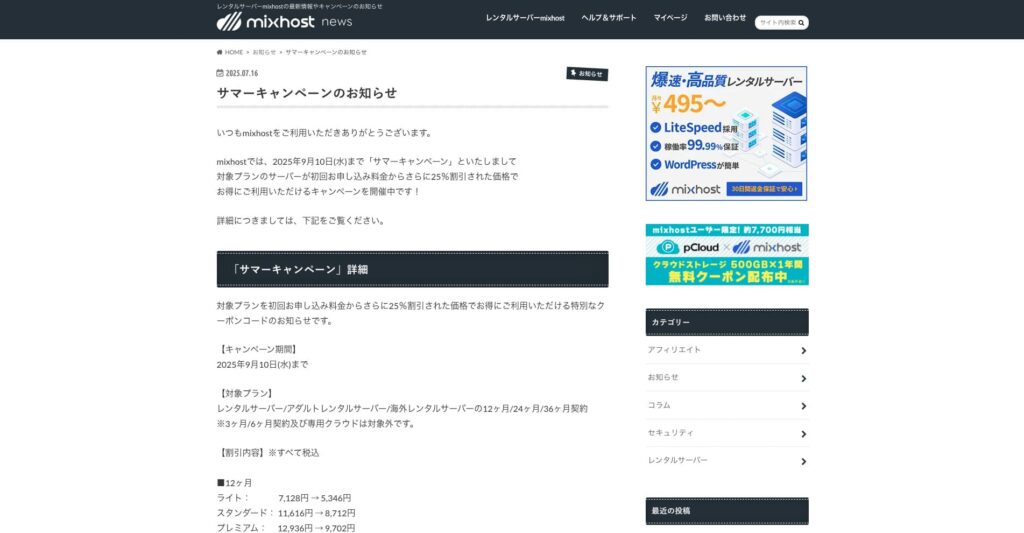
“ mixhost” är en snabb hyrd server från Az Pocket Co., Ltd., med huvudkontor i Osaka. Den kan leverera innehåll från servrar i San Jose på USA:s västkust. Även om det är en utländsk server är företaget baserat i Japan, så du får fortfarande fullständig support på japanska.
25 % rabatt på det första kontraktet fram till 10 september 2025, ett år gratis för 500 GB molnlagring och 30 dagars öppet köp
| Server type | Shared server / dedicated cloud server |
| Display speed (TTFB) | 150ms |
| Recommended plan and contract term | Shared server Light, 12 months |
| Trial / refund guarantee | 30-day money-back guarantee |
| Monthly fee (12-month contract) | 594 yen |
| Initial administrative fee | Free |
| Free domain | One free forever |
| Support | |
| Uptime | 99.99% guaranteed |
| Server capacity | 100GB |
| Number of databases | Unlimited |
| Security measures | WAF / DDo attack protection / malware detection and removal |
| SSL | Free dedicated SSL |
| Backup / restore | Automatic backups for 14 days on the Standard plan and above |
| Number of email accounts | Unlimited |
| Email security measures | — |
| WordPress pre-installation | Ja |
| Server / website migration service | 10,890 yen |
| CDN | None |
| Data center | San Jose, U.S. West Coast |
Om du vill använda en server med obegränsad kapacitet, välj mixhost. Inte bara är kapaciteten obegränsad, utan dataöverföringen är också obegränsad, så den erbjuder utmärkt skalbarhet.
★ mixhost Reviews and How to Start WordPress with Peace of Mind Thanks to Elevent Nines Backup
Sammanfattning: Välj rätt kapacitet och driv din WordPress-blogg smidigt

Kapaciteten hos en hyrd server har stor betydelse för webbplatsens stabilitet och tillväxt. Använd stegen som presenteras i den här artikeln för att välja den kapacitet som bäst passar din WordPress-blogg och uppnå en smidig bloggdrift.
Om det behövs är det också en bra idé att rådfråga serveradministratören. Även när du väljer en plan med obegränsad kapacitet är det viktigt att fatta beslutet först efter att du helt har förstått både fördelarna och vad du behöver vara uppmärksam på.