
кэшбэк 50% до 6 августа 2025 года плюс 10-дневный бесплатный пробный период
PR
Работы
Обзор Shin Rental Server [последнее обновление 2025]: практический разбор скорости и цен
Опубликовано: 2025.04.18
Обновлено: 2025.04.18
Рейтинг: 4.0
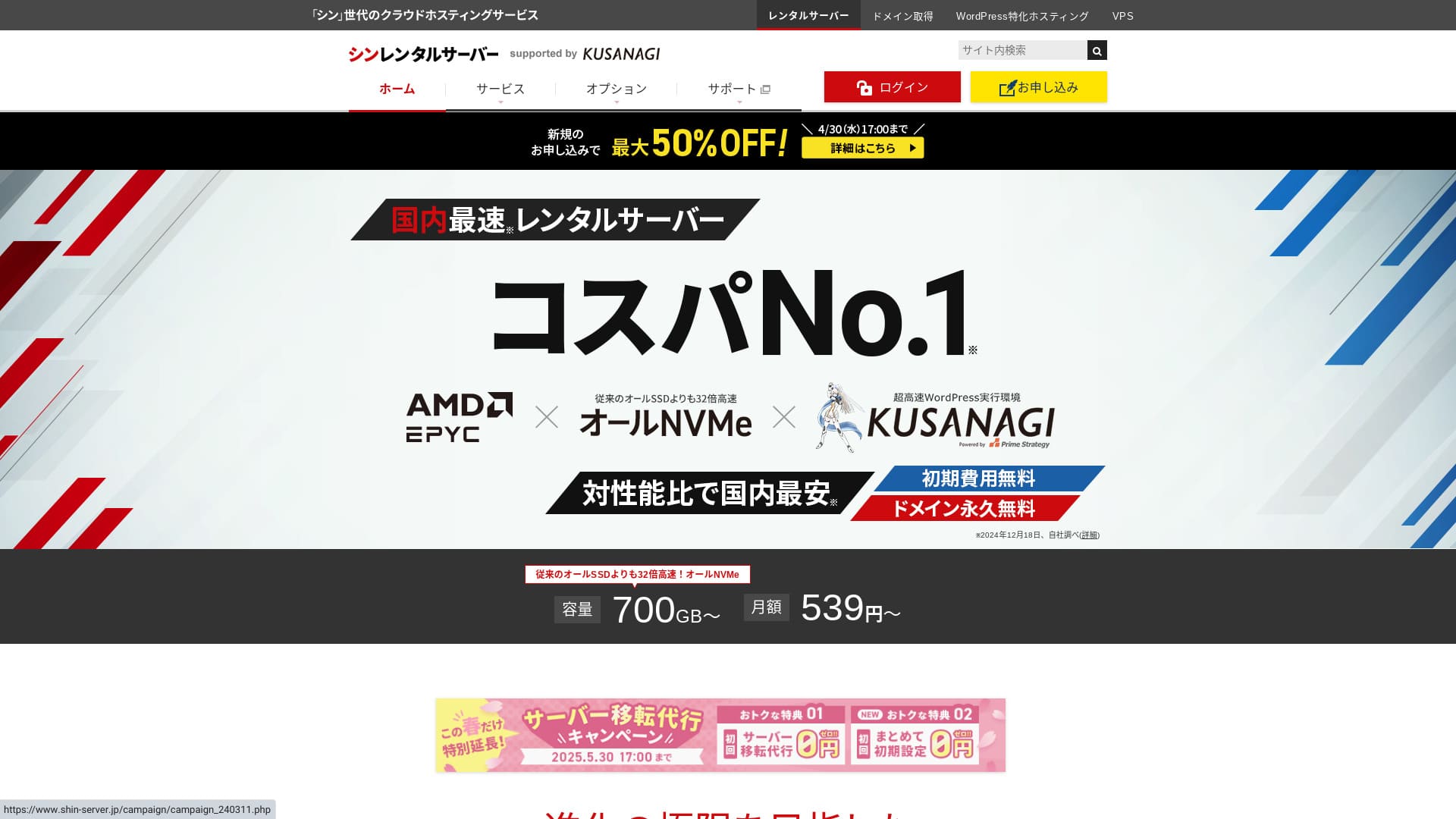
Shin Rental Server управляется ShinCloud Co., Ltd. и позволяет начать работу с WordPress по доступной цене.

Мы рекомендуем Shin Rental Server для частных лиц, компаний и индивидуальных предпринимателей, которые впервые используют WordPress потому что:
- Он соответствует рекомендованному Google целевому показателю скорости.
- WordPress можно запустить без труда.
- Акции проводятся часто, а цены невысокие.
Именно поэтому он, скорее всего, вас устроит. Попробовать можно бесплатно в течение 10 дней.
Сервис-конкурент — ColorfulBox. Его региональная система автоматического резервного копирования даже сильнее, чем у Shin Rental Server. Его тоже стоит рассмотреть.
★ Обзор Colorful Box [последнее обновление 2025]: запуск WordPress с отличной экономичностью
| Тип сервера | Общий хостинг |
| Скорость ответа (TTFB) | 200ms |
| Рекомендуемый тариф и срок | Basic, 12 месяцев |
| Пробный / бесплатный период | 10-дневный бесплатный пробный период |
| Ежемесячная цена (контракт на 12 месяцев) | 880 иен |
| Первоначальная плата за настройку | Бесплатно |
| Бесплатный домен | Один домен бесплатно навсегда |
| Поддержка | Телефон и email (по будням 10:00-18:00) |
| Аптайм | Не раскрыто |
| Хранилище | 700GB |
| Количество баз данных | Без ограничений |
| Меры безопасности | Диагностика безопасности SECOM, WAF, ads.txt, ограничения попыток входа, ограничения доступа с зарубежных IP-адресов, ограничения массовых комментариев и трекбэков, ограничения комментариев и трекбэков с зарубежных IP-адресов, антивирус, спам-фильтр |
| SSL | Бесплатный выделенный SSL, опциональный выделенный SSL |
| Резервное копирование / восстановление | 14 дней автоматических резервных копий бесплатно, бесплатное восстановление |
| Количество почтовых аккаунтов | Без ограничений |
| Безопасность электронной почты | POP через SSL, SMTP через SSL, IMAP через SSL, DKIM, DMARC |
| Сервис переноса сервера / сайта | Нет |
| WordPress предустановлен | Да |
| CDN | Нет |

Hikaru Ono
Мне удалось легко запустить WordPress при оформлении Shin Rental Server. Поскольку акции проводятся очень часто, рекомендую регулярно проверять официальный сайт.
Самым выгодным предложением до сих пор был либо кэшбэк 50%, либо скидка 50% на плату за сервер. Если одно из таких предложений доступно, пока вы рассматриваете сервис, вам повезло.
Shin Rental Server против других сервисов
- Общая оценка★★★★☆
- Скорость сервера ★★★★☆
- Цена ★★★★☆
- Стабильность ★★★★☆
- Простота запуска WordPress* ★★★★★
- Простота управления доменом, настройки SSL и сопутствующих операций* ★★★★★
* Эти оценки отражают мой собственный практический опыт использования сервиса.

Полное сравнение 21 рекомендуемого хостинга WordPress для частных пользователей
Полное сравнение 21 рекомендуемого хостинга WordPress для частных пользователей
serverfield.org
- На основе маркетингового исследования по состоянию на 4 ноября 2025 года, отсортировано по скорости
- Ежемесячная цена — это стоимость за первый год самого дешёвого тарифа, на котором можно запустить WordPress
- Скорость — это Time to First Byte (TTFB), измеренный на демо-сайтах в одинаковых условиях
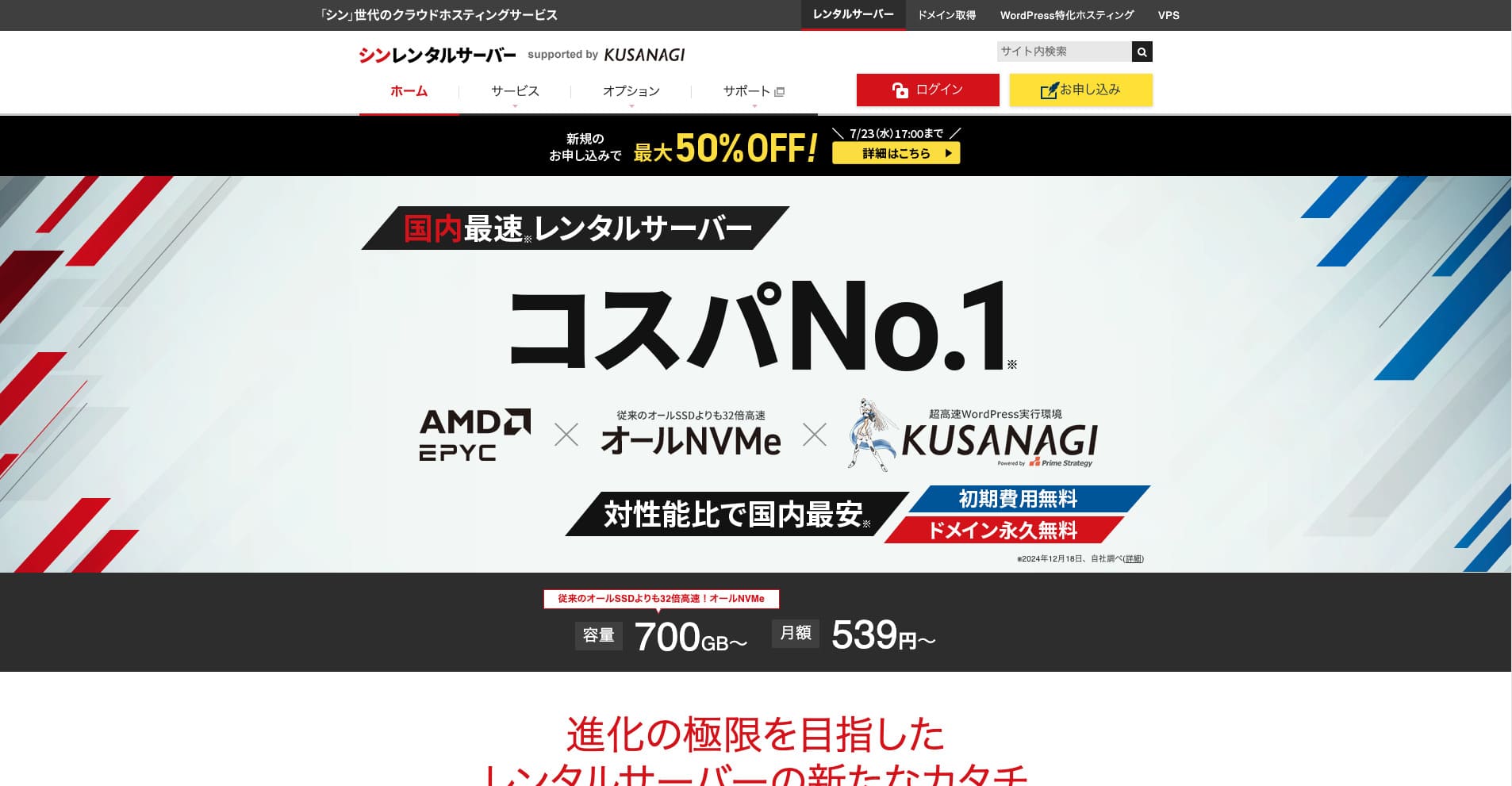
Shin Rental Server — это высокоскоростной арендный сервер ShinCloud Co., Ltd. Доступная цена делает его привлекательным даже для частных пользователей. Кроме того, сервис регулярно проводит акции, поэтому лучший момент для регистрации — период активной кампании.
Обзор Shin Rental Server и шесть ключевых особенностей

Он соответствует достаточно высокому стандарту скорости страниц
Shin Rental Server, согласно независимому тестированию этого сайта, соответствует достаточно высокому стандарту скорости страниц.
Google публично заявил, что время ответа сервера в идеале должно быть менее 200 мс. Shin Rental Server проходит этот ориентир, поэтому это быстрый хостинг. Скорость страниц вряд ли станет проблемой, так что им можно пользоваться уверенно.
Время ответа сервера следует удерживать ниже 200 миллисекунд.
https://developers.google.com/server/speed/docs/insights/Server?hl=en
★ Проверено: сравнение восьми хостинг-сервисов в рейтинге скорости
WordPress можно запустить легко
Shin Rental Server позволяет легко запустить WordPress. В нём есть функция “WordPress Quick Start”, которая завершает получение домена и настройку DNS при оформлении сервера. С ней можно создать сайт WordPress примерно за 10 минут.
★ Что такое домен? Его роль как адреса в интернете и как его зарегистрировать
★ Что такое DNS и серверы имён? Связь домена и сервера
Вы не столкнётесь с ситуацией, когда наконец пытаетесь запустить сайт, а начать оказывается слишком сложно. Любой может уверенно начать пользоваться WordPress.
Цена низкая
Shin Rental Serverцены низкие. Сравним его с крупными японскими хостингами при следующих условиях.
- Первоначальная плата за настройку
- 12-месячный контракт на сервер
- Стоимость домена за первый год
- Самый дешёвый тариф, на котором можно запустить WordPress
Если посмотреть на сравнительную таблицу, LOLIPOP и Sakura Rental Server дешевле. Однако самый дешёвый LOLIPOP тариф с поддержкой WordPress не включает автоматическое резервное копирование. Если сравнить и этот момент, видно, насколько сильна общая ценность Shin Rental Server.
У каждого сервиса есть сильные и слабые стороны, но даже в сравнении с компаниями, которые конкурируют по соотношению цены и качества, Shin Rental Server выглядит достойно.
Безопасность надёжная
Shin Rental Server хорошо оснащён функциями безопасности, такими как WAF. Наличие WAF делает сервер более устойчивым к новейшим кибератакам. Поскольку это очень полезная функция, более дешёвые хостинги иногда предлагают её только как платную опцию.
В Shin Rental Server, она включена бесплатно.
Есть автоматическое резервное копирование
Shin Rental Server включает автоматическое резервное копирование. Срок хранения составляет 14 дней.
При наличии резервных копий можно восстановить сайт, даже если данные были изменены по ошибке или скомпрометированы кибератакой. Как бы вы ни усиливали безопасность, абсолютную защиту никто не гарантирует. Поэтому резервные копии важны, но вручную сохранять данные каждый день хлопотно.
С Shin Rental Server всё автоматически сохраняется каждый день, поэтому это удобно.
Возможности электронной почты сильные
Shin Rental Server имеет сильные функции электронной почты. Поскольку можно создавать неограниченное число почтовых аккаунтов, он может служить даже почтовым сервером для крупной компании.
Бизнес-тариф предлагает высокую ценность для малого и среднего бизнеса и компаний
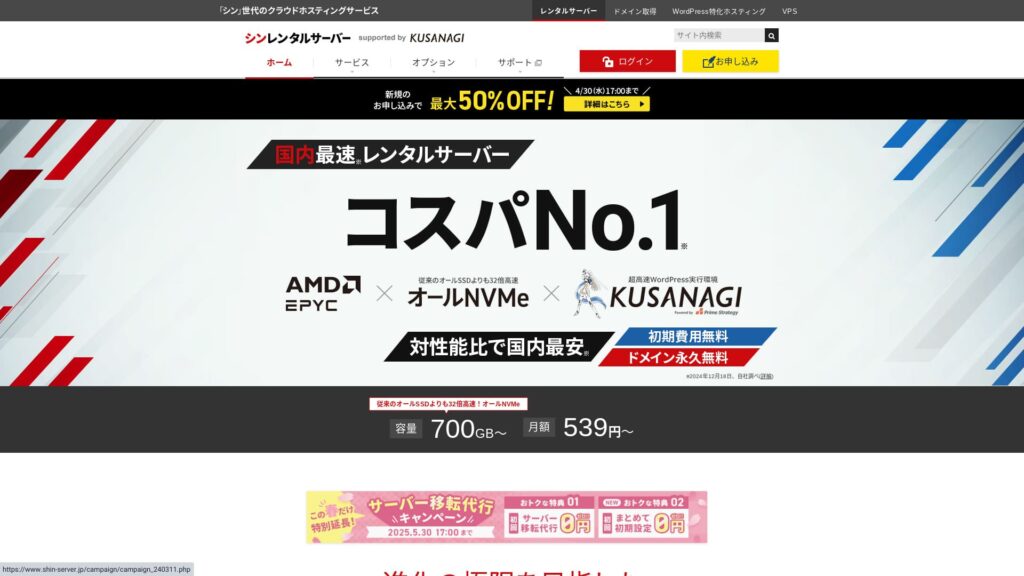
Shin Rental Server — это высокоскоростной сервер ShinCloud Co., Ltd. по доступной цене. У него также есть бизнес-тариф. Бизнес-тариф поддерживает стабильность за счёт гарантированных ресурсов.
кэшбэк 50% до 14 мая 2025 года, бесплатный сервис переноса сервера до 30 мая и 10-дневный бесплатный пробный период
Shin Rental Server предлагает бизнес-тариф для малого и среднего бизнеса, а также для корпораций. Его ключевая особенность в том, что он усиливает стабильность, необходимую бизнесу, сохраняя при этом хорошее соотношение цены и качества.
Бизнес-тариф усилен двумя способами.
- Гарантированные ресурсы: Значения CPU и памяти гарантированы, поэтому ваш сайт не будет затронут, когда растёт трафик на других сайтах, использующих тот же сервер.
- Два собственных домена бесплатно навсегда: Пока ваш контракт на сервер активен, два собственных домена, необходимые для работы сайта и электронной почты, остаются бесплатными навсегда.
Им можно пользоваться от 963 иен в месяц при контракте на 12 месяцев, что недорого по сравнению с серверами для бизнеса и бизнес-тарифами других компаний.
Недостаток Shin Rental Server: аптайм не раскрывается

Единственный разочаровывающий момент в том, что Shin Rental Server не публикует свой аптайм. Это означает, что точную стабильность сервера узнать нельзя. Если сервер нестабилен, ваш сайт тоже будет отображаться ненадёжно.
Сайт выполняет свою роль только тогда, когда отображается правильно и стабильно. Если думать об этом так, невозможность оценить стабильность всё же вызывает некоторое беспокойство.
★ Руководство для начинающих по аптайму хостинга и SLA
Сравнение Shin Rental Server с двумя похожими сервисами
mixhost
mixhost предлагает сильные функции, как и Shin Rental Server. Поскольку и объём хранилища, и передача данных не ограничены, это удобно, если вы хотите создать сайт с большим объёмом данных.
Однако его общая стоимость выше, чем у Shin Rental Server. Первый год обходится дёшево, но со второго года цена становится выше. Если цена важнее всего, я рекомендую Shin Rental Server.

Обзор mixhost [последнее обновление 2025]: подробный разбор быстрого сервера с глобальным охватом и отличной безопасностью
Обзор mixhost [последнее обновление 2025]: подробный разбор быстрого сервера с глобальным охватом и отличной безопасностью
serverfield.org
Colorful Box
ColorfulBox по цене очень близок к Shin Rental Server. Его характеристики и функции также хорошо проработаны. У него есть региональная система резервного копирования, которая снижает риск потери данных даже при крупномасштабной аварии.
Поскольку сервис разделён на восемь тарифов и тарифы можно свободно менять, вы можете как снижать расходы, так и повышать характеристики при необходимости.
Недостатки тоже похожи, например аптайм не раскрывается публично.

Обзор Colorful Box [последнее обновление 2025]: запуск WordPress с отличной экономичностью
Обзор Colorful Box [последнее обновление 2025]: запуск WordPress с отличной экономичностью
serverfield.org
Запустите сайт WordPress на Shin Rental Server прямо сейчас за 7 шагов
Давайте запустим сайт с Shin Rental Server.
- STEP.1Посетите официальный сайт Shin Rental Server
В списке тарифов нажмите “Apply” для тарифа Basic. Тариф можно повысить в любое время, поэтому сначала рекомендую начать с самого недорогого тарифа Basic.
В разделе “Start now! New application” перейдите к “10-day free trial new application”.
- STEP.2Выберите детали заявки
ID сервера можно оставить как есть.
Выберите стандартный тариф. Резервированный тариф включает меры, которые не позволяют трафику других пользователей ухудшать доступность вашего сайта, но это редко актуально, когда вы только начинаете работу с сайтом.
Выберите тариф. Рекомендуется тариф Basic. Если трафик вырастет и характеристик станет недостаточно, позже можно перейти на более высокий тариф.
Отметьте “Use” для WordPress Quick Start.Без этого настройка WordPress станет гораздо сложнее. (Вы больше не сможете воспользоваться 10-дневным бесплатным пробным периодом. Тем не менее лучше всё равно использовать эту функцию.)
Появится сообщение «Пожалуйста, подтвердите перед оформлением». Проверьте все сведения и нажмите «Подтвердить».
Рекомендуется срок 12 месяцев. При контракте на 12 месяцев или дольше можно также бесплатно использовать собственный домен.
Введите строку для собственного домена, который хотите получить. Это может быть любая понравившаяся строка. Позднее изменение собственного домена стоит денег, а перенастройка доставляет хлопоты, поэтому выбирайте внимательно.
★ Что такое домен? Его роль как адреса в интернете и как его зарегистрировать
Введите информацию WordPress.
- Название блога: любое
- Имя пользователя: любое
- Пароль: сделайте его как можно более сложным
- Адрес email*: удобно указать адрес, которым вы пользуетесь ежедневно
Имя пользователя и пароль понадобятся для входа в WordPress.Запишите их. Они понадобятся для входа на сайт, который вы создадите с помощью WordPress.
Настройка собственного домена важна, потому что он станет URL вашего сайта. Выбирайте строку внимательно.
Название сайта можно изменить позже. Если вы ещё не определились, пока введите временное название.
Выберите тему WordPress. Если вы создаёте бизнес-сайт, рекомендуется Lightning. Если запускаете блог, рекомендуется Cocoon. (Этот сайт использует Cocoon.)
Отметьте и установите плагин “CloudSecure WP Security”. Он может усилить безопасность.
★ Что такое плагин WordPress? Типы дополнительных функций и на что обратить внимание
- STEP.3Введите данные своей учётной записи Shin
Введите адрес email, имя, адрес и другие данные.
Подготовьте кредитную карту и введите платёжную информацию.
Ознакомьтесь с Условиями использования и обработкой персональной информации. Если вы согласны, поставьте галочку и нажмите “Next”.
Введите проверочный код на экране. Код отправлен на зарегистрированный адрес email, поэтому проверьте его там.
- STEP.4Подтверждение
Ещё раз проверьте данные заявки и информацию аккаунта Shin. Если всё верно, нажмите “Proceed to SMS / phone verification”.
Затем данные заявки будут подтверждены с помощью вашего номера телефона.
Введите номер телефона, выберите получение проверочного кода через SMS или автоматический голосовой звонок и нажмите “Get verification code”. Получив код, введите его.
Когда придёт письмо с подтверждением, заявка будет завершена.
Нажмите “Apply”, чтобы завершить полную заявку. Ваш сайт WordPress будет создан сразу.
- STEP.5Первичная настройка WordPress
Письмо, которое вы получили ранее, содержит данные для входа в WordPress.
Нажмите admin URL. На появившемся экране входа введите имя пользователя и пароль, которые вы записали ранее, затем нажмите “Log in”.
Если вы видите предупреждение «Не удается получить доступ к сайту», значит настройки DNS ещё не успели распространиться. Остаётся только ждать, поэтому пробуйте входить раз в час.
★ Что такое DNS и серверы имён?
Настройте постоянные ссылки. В админ-панели WordPress перейдите в “Settings”, затем “Permalinks”. Выберите “Post name”, затем нажмите “Save changes”.
Если выбрать “Post name”, при публикации статей можно вводить в URL любую строку. Рекомендуются короткие строки, по которым читатели могут представить содержание статьи, потому что посетителям их легче читать. Если URL слишком длинный, у некоторых людей может возникнуть ощущение, что сайт выглядит подозрительно.
- STEP.6Установите плагины
Вернитесь в админ-панель WordPress, перейдите в “Plugins”, затем “Add New” и установите нужные плагины.
Когда через поиск найдёте нужный плагин, нажмите “Install Now”, а затем “Activate”. После этого следуйте инструкциям каждого плагина.
Обязательно установите плагины для безопасности и резервного копирования.
- Пять плагинов WordPress, которые усиливают безопасность, и как выбрать один из них
- Пять мощных плагинов резервного копирования WordPress, которые помогают восстановить данные
После установки плагинов ваш сайт WordPress полностью готов к работе.
Итог
Shin Rental Server — это высокоскоростной арендный сервер ShinCloud Co., Ltd. Доступная цена делает его привлекательным даже для частных пользователей. Кроме того, сервис регулярно проводит акции, поэтому лучший момент для регистрации — период активной кампании.
кэшбэк 50% до 6 августа 2025 года плюс 10-дневный бесплатный пробный период
Shin Rental Server предлагает отличное соотношение цены и качества. Хотя аптайм не публикуется, его характеристики и функции чрезвычайно сильны. Поскольку начать работу с WordPress также легко, я могу смело рекомендовать его.
Полное сравнение 32 хостинг-сервисов WordPress: лучшие варианты для частных лиц, компаний и международного использования

Если вы ищете “рекомендации WordPress”, потому что хотите начать работу с WordPress, вы найдёте самые разные статьи: от персонального хостинга и тарифов для малого бизнеса до зарубежных серверов и дешёвых вариантов. Честно говоря, разве в итоге не возникает мысль:
- Какой сайт смотреть?
- Я хочу выбрать сервер простым и понятным способом.
- Покажите, как начать пользоваться WordPress прямо сейчас.
Именно поэтому эта статья представляет тщательно отобранные рекомендации из 32 хостинг-сервисов для частных лиц, компаний, использования внутри страны и международного использования. Материал объясняет руководитель SEO-направления компании по разработке приложений, которая ежедневно использует хостинг.