First month бесплатный & 14-day бесплатный trial
PR
Работы
Обзор KAGOYA JAPAN: сервисом пользуются 61 000 компаний. Насколько выгоден WordPress-выделенный сервер?
Опубликовано: 2025.04.18
Обновлено: 2025.04.18
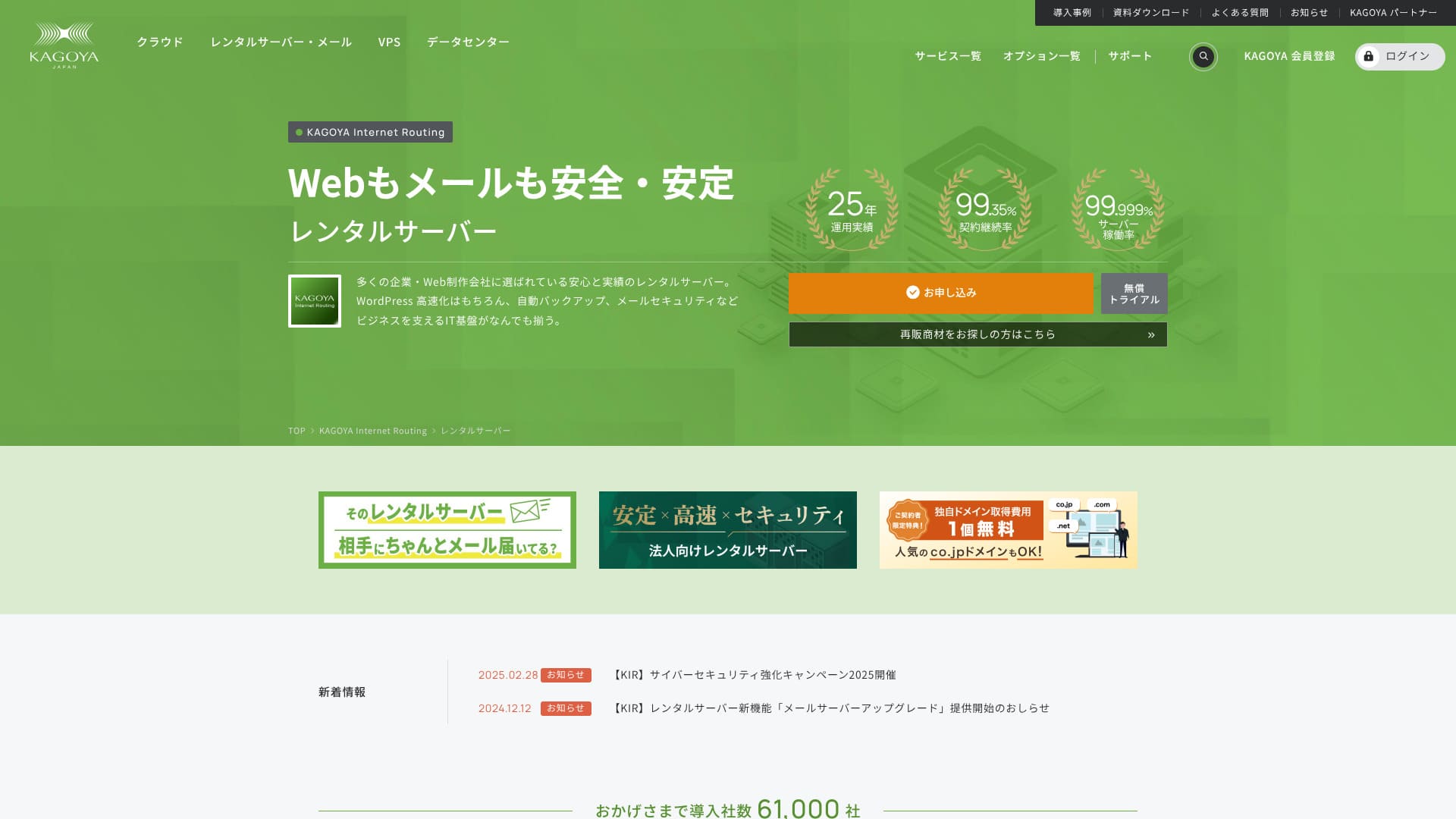
Компания KAGOYA JAPAN, базирующаяся в Киото, имеет собственный дата-центр. 80% ее пользователей составляют юридические лица, услуги используют более 61 000 компаний.

KAGOYA JAPANРекомендуется дляЛюди, которые хотят использовать стабильный сервер because:
- Он предлагает выделенный сервер WordPress
- plans start at 440 yen per month
- обеспечивает 99,999% безотказной работы
Поэтому он должен удовлетворить большинство пользователей, к тому же вы можете попробовать его бесплатно в течение первого месяца.
Конкурирующим сервером являетсяXserverОн имеет долю внутреннего рынка No 1 и большую пользовательскую базу, чемKAGOYA JAPANЭто тоже стоит рассмотреть.
★ Обзор Xserver [2025]: детальный разбор скорости, цен, плюсов и минусов
| Тип сервера | Общий сервер / облачный сервер / выделенный сервер WordPress / VPS |
| Время загрузки (TTFB) | Unmeasured |
| Рекомендуемые тарифные планы и сроки контракта | WordPress Dedicated Server Grade 1 12 месяцев |
| Судебный процесс и гарантия возврата денег | None |
| Monthly Fee (12-Month Контракт) | 440 yen |
| Первоначальный административный сбор | Бесплатный |
| Бесплатный Domain | None |
| Support | В будние дни 10:00 - 5:00. |
| Uptime | 99.999% guarantee |
| Вместимость сервера | 20GB |
| Количество баз данных | 1 |
| Меры безопасности | Панель Access Restriction / Панель Журналin Attempt Restriction / XML-RPC API Access Restriction / REST API Access Restriction / Large Comment / Trackback Restriction / Foreign IP Address Comment / Trackback Restriction |
| SSL | Бесплатный SSL |
| Резервное копирование и восстановление | One-generation backup included / Restore бесплатный of charge |
| Количество создаваемых учетных записей электронной почты | None |
| Меры безопасности электронной почты | None |
| Server/Website Migration Сервис | Migration сервис: 11,000 yen Нет миграционного инструмента |
| Предустановленный WordPress | Yes |
| CDN | Paid |

Hikaru Ono
Choosing a KAGOYA JAPAN WordPress-dedicated server means WordPress will be installed upon контракт, allowing you to immediately start your website or bжурнал.
Из-за высокого времени безотказной работы этот сервер безопасен для использования предприятиями.
Сравнение KAGOYA JAPAN с другими поставщиками
- ComprehensiveEvaluation★★★★☆
- Скорость сервераUnmeasured
- Pricing ★★★★☆
- Stability ★★★★★
- Простота начать работу с WordPress*★★★★★
- Операции по управлению доменами и настройке SSL* ★★★★☆

Тщательное руководство по сравнению и выбору для 21 арендованного сервера WordPress
Тщательное руководство по сравнению и выбору для 21 арендованного сервера WordPress
serverfield.org
- November 4, 2025на основе данных рыночных исследований,by speedArranged
- Ежемесячная плата указана для самого дешевого тарифа при использовании WordPress в первый год контракта.
- Скорость — это значение Time to First Byte демонстрационного сайта при тех же условиях.
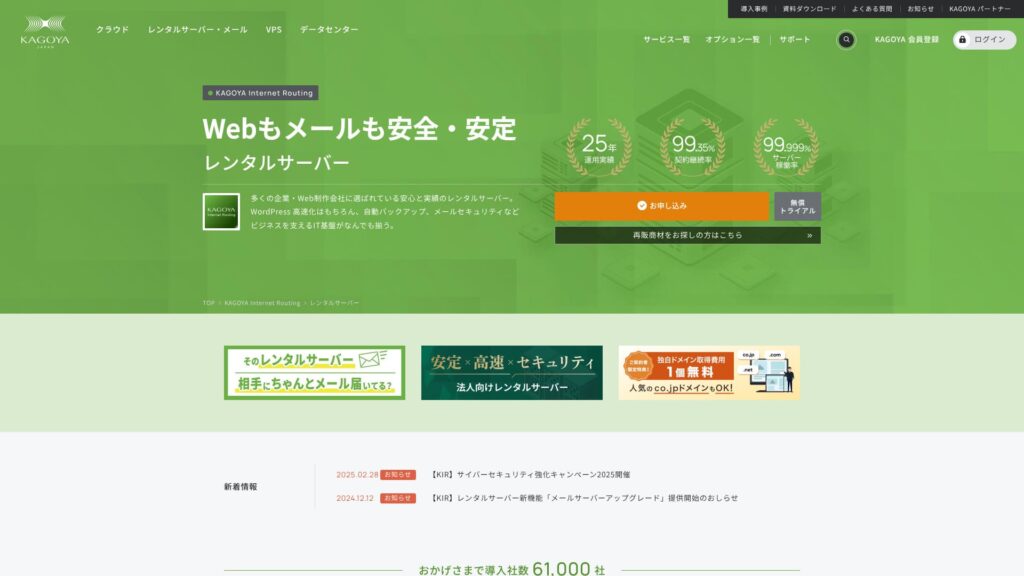
KAGOYA JAPAN предлагает виртуальные серверы от компании KAGOYA JAPAN Co., Ltd. с более чем 20-летним опытом работы. Их услуги доступны по выгодным тарифам, а показатель Uptime в 99,999% гарантирует исключительную стабильность.
Репутация KAGOYA JAPAN и 4 ключевых особенности

Аренда сервера с 99,999% Uptime
KAGOYA JAPAN управляет серверами аренды с временем безотказной работы 99,999%.Его стабильность входит в число лучших в Японии.
Высокая доступность обусловлена ее хорошо управляемым состоянием и сильной безопасностью. Вы можете управлять своим сайтом с спокойствием. Кроме того, нестабильный сайт не производит хорошего впечатления.
★ Обязательное чтение для начинающих! Понимание времени работы сервера и SLA
KAGOYA JAPAN предлагает вам душевное спокойствие.
Выделенные серверы WordPress доступны
Серверы KAGOYA JAPAN на WordPress доступны по цене.Хотя есть много ограничений на функции, их достаточно, если вы арендуете сервер, чтобы сосредоточиться на своем веб-сайте WordPress. Были сопоставлены следующие условия.
- Первоначальный административный сбор
- Sign up for a 12-month контракт.
- Регистрационный взнос за один год расходов.
- Вот самые доступные планы WordPress, которые вы можете использовать.
| Хостинг провайдер | Общая стоимость за первый год |
|---|---|
| KAGOYA JAPAN | 4,840 yen |
| ConoHa WING | 11,292 yen |
| Xserver | 10,560 yen |
| Lolipop! | 5,940 yen |
| Sakura Rental Server | 6,600 yen |
Он стоит даже дешевле, чем Lolipop!, известный своими низкими ценами. В отличие от выделенного сервера WordPress от KAGOYA JAPAN, Lolipop! позволяет работать с электронной почтой. С другой стороны, на Lolipop! нет функции резервного копирования, которую на KAGOYA JAPAN можно использовать бесплатно.
Есть различия в функциональности, но если вы посвящены своему веб-сайту, KAGOYA JAPAN - хороший выбор.
Backups
KAGOYA JAPAN can резервное копирование данных до 10 ГБ в размере.
Тем не менее, единственные данные, которые могут быть сохранены, это одно поколение, то есть только один элемент. Кроме того, вы должны установить время резервного копирования или выполнить его вручную. Это немного хлопотно, и это также тревожно, потому что это только один пункт.
Давайте используем плагин WordPress резервного типа.
★ Топ-5 самых сильных плагинов для резервного копирования WordPress для восстановления данных
Неограниченный объем трансфера
KAGOYA JAPAN предлагает неограниченную передачу данных как на своих серверах аренды, так и на выделенных серверах WordPress.Независимо от того, сколько трафика вы получаете, вы не будете подвергаться ограничениям на передачу.
★ Что такое трафик и объем передачи данных? Управление и оптимизация веб-трафика
Оригинальное название: Breakdown of KAGOYA JAPAN

KAGOYA JAPAN предлагает привлекательные условия, но и не лишен недостатков. В частности, выделенные серверы для WordPress имеют множество функциональных ограничений, поэтому перед подписанием договора важно внимательно ознакомиться со всеми деталями.
Выделенные серверы WordPress нельзя использовать для электронной почты
Выделенные серверы WordPress не могут быть использованы для электронной почты.Companies that want to keep a company email address need to choose KAGOYA JAPAN's rental server or use another company's email сервис.
Тем не менее, даже если электронная почта не может использоваться на самом сервере, вы все равно можете назначить свой существующий адрес электронной почты на контактный адрес на своем веб-сайте WordPress. Таким образом, это не создает никаких операционных проблем для сайта.
Выделенные серверы WordPress не могут использовать WAF
Серверы WordPress не предлагают WAF.WAF – это новое поколение безопасности. Они предназначены для борьбы даже с новейшими, беспрецедентными кибератаками. Они доступны на большинстве крупных внутренних серверов.
KAGOYA JAPAN также может использовать WAF при выборе сервера аренды, но выделенные серверы WordPress поставляются с ограничениями. Тем не менее, если вы используете WordPress, вы можете решить эту проблему с помощью плагина WordPress, который поддерживает функциональность WAF.
★ 5 лучших плагинов WordPress для повышения безопасности и как их выбрать
2 сервера, похожие на KAGOYA JAPAN
Xserver
XserverЭто сервер, известный своим высоким временем безотказной работы, как KAGOYA JAPAN. Он имеет обширные функции резервного копирования и безопасности, и многие компании использовали его на протяжении многих лет.
В годовом исчислении Xserver обходится примерно вдвое дороже выделенного сервера WordPress от KAGOYA JAPAN, однако в его функциях и спецификациях нет никаких недостатков. Он может обеспечивать как работу веб-сайта, так и доставку почты.Если вы хотите использовать сервер для целей, выходящих за рамки работы вашего сайта, Xserver - лучший выбор.
Если вы используете только веб-сайт, KAGOYA JAPAN является более дешевым вариантом.

Обзор Xserver [2025]: детальный разбор скорости, цен, плюсов и минусов
Обзор Xserver [2025]: детальный разбор скорости, цен, плюсов и минусов
serverfield.org
Sakura Rental Server
Sakura Rental ServerЭто еще один сервер, который широко используется в бизнесе, как и KAGOYA JAPAN. Его ключевой силой является стабильность. Там, где он превосходит выделенный сервер KAGOYA JAPAN WordPress, есть функция резервного копирования.Он включает в себя автоматическое резервное копирование в течение восьми поколений, и вы также можете использовать эту функцию для создания среды тестирования WordPress.
С точки зрения функций, он значительно сильнее, чем выделенный сервер WordPress.Тем не менее, годовая стоимость примерно на 2000 иен выше, поэтому, если вы расставляете приоритеты по производительности, лучше выбрать KAGOYA JAPAN.

Sakura Rental Server Обзорs & Ratings【Scary Slow?】Great for Individual Businesses◎Pricing Pros & Cons Explained
Sakura Rental Server Обзорs & Ratings【Scary Slow?】Great for Individual Businesses◎Pricing Pros & Cons Explained
serverfield.org
7 шагов для запуска вашего сайта WordPress с KAGOYA JAPAN прямо сейчас
Начнем работу с сайта KAGOYA JAPAN!
- STEP.1Доступ к официальному сайту.
Нажмите «Применить» на веб-сайте выделенного WordPress сервера KAGOYA JAPAN.
Выберите способ оплаты. Мы рекомендуем использовать кредитную карту для немедленной настройки сайта. Нажмите «Применить онлайн».
- STEP.2Договор на сервер и регистрация участника
Выберите тариф. Рекомендуется тариф Grade 1 для выделенного сервера WordPress. Нажмите «Далее». Проверьте данные заявки и нажмите «Далее».
Проверьте условия и порядок обработки личной информации, затем нажмите «Далее».
Нажмите «Регистрация членов KAGOYA», проверьте условия и соглашение о личной информации и нажмите «Далее».
Введите информацию о вашем члене, включая ваше имя и адрес. Нажмите «Подтверждение электронной почты».
- STEP.3Введите информацию о клиенте и информацию о карте.
Введите информацию о клиенте и проверьте ее, а затем введите информацию о вашей карте.
После завершения предварительной регистрации и успешной аутентификации регистрация учетной записи завершена.
- STEP.4Начальная настройка WordPress
Войдите в личный кабинет пользователя.
Перейдите в раздел WING -> «Управление сайтом» -> «Настройки сайта» -> «WordPress». Отобразится URL-адрес сайта, заданный при регистрации. Нажмите на URL-адрес панели управления.
На открывшемся экране входа WordPress введите имя пользователя/пароль WordPress, заданные при регистрации, и нажмите «Войти».
※ Если появится предупреждение «Не удается получить доступ к сайту», настройки DNS еще не обновились. В этом случае остается только ждать; пробуйте войти снова через каждые несколько часов.
★ DNS/Name Server: что это такое
Когда вы откроете вкладку «Внешний вид» в панели управления WordPress, вы увидите установленную тему WordPress «Cocoon». Сначала активируйте родительскую тему, а затем дочернюю тему.Вы всегда должны активировать как родительские, так и детские темы.
Вернитесь в панель управления WordPress и перейдите в раздел «Настройки» -> «Общие». Задайте название и краткое описание сайта. Это имя и слоган вашей домашней страницы. После ввода нажмите «Сохранить изменения».
- STEP.5Установка плагина
Вернитесь в панель управления WordPress и перейдите в раздел «Плагины» -> «Добавить новый», чтобы установить нужные плагины.
Если вы нашли плагин, который хотите установить, найдите его и нажмите «Установить сейчас» и «Активировать». После этого действуйте в соответствии с инструкциями для каждого плагина.
Важно установить плагины безопасности и резервного копирования.
- 5 лучших плагинов WordPress для повышения безопасности и как их выбрать
- Топ-5 самых сильных плагинов для резервного копирования WordPress для восстановления данных
С установленными плагинами вы готовы запустить свою домашнюю страницу WordPress!
Summary
KAGOYA JAPAN предлагает виртуальные серверы от компании KAGOYA JAPAN Co., Ltd. с более чем 20-летним опытом работы. Их услуги доступны по выгодным тарифам, а показатель Uptime в 99,999% гарантирует исключительную стабильность.
First month бесплатный & 14-day бесплатный trial
KAGOYA JAPAN предлагает сервер с исключительной стабильностью.Выделенный WordPress сервер доступен по доступной цене.Хотя он часто используется предприятиями, он также может использоваться частными лицами. Пожалуйста, попробуйте.
Полное сравнение 32 хостинг-провайдеров WordPress: рекомендации для частных лиц, предприятий и международных сайтов

Когда вы решаете запустить WordPress и ищете «лучший хостинг WordPress», вы находите самые разные статьи — от вариантов для личных нужд и бизнеса до зарубежных и дешевых серверов. Честно говоря,
- Какому сайту доверять?
- Я хочу выбрать сервер простым и понятным способом.
- Пожалуйста, покажите мне, как начать WordPress прямо сейчас.
Don't you feel that way? In this статья, Я тщательно отобрал рекомендации 32 хостинг-провайдеров для частных лиц, предприятий, а также для внутреннего и международного использования. Пояснения подготовлены специалистом по SEO из компании по разработке приложений, которая повседневно использует серверы хостинга.