
10-dniowy wolny proces
PR
Serwery
Recenzja i ceny Heteml: szczegółowy przewodnik 2025 po zaletach i wadach na podstawie opinii użytkowników
Opublikowano: 2025.04.18
Zaktualizowano: 2025.04.18
Ocena: 4.0
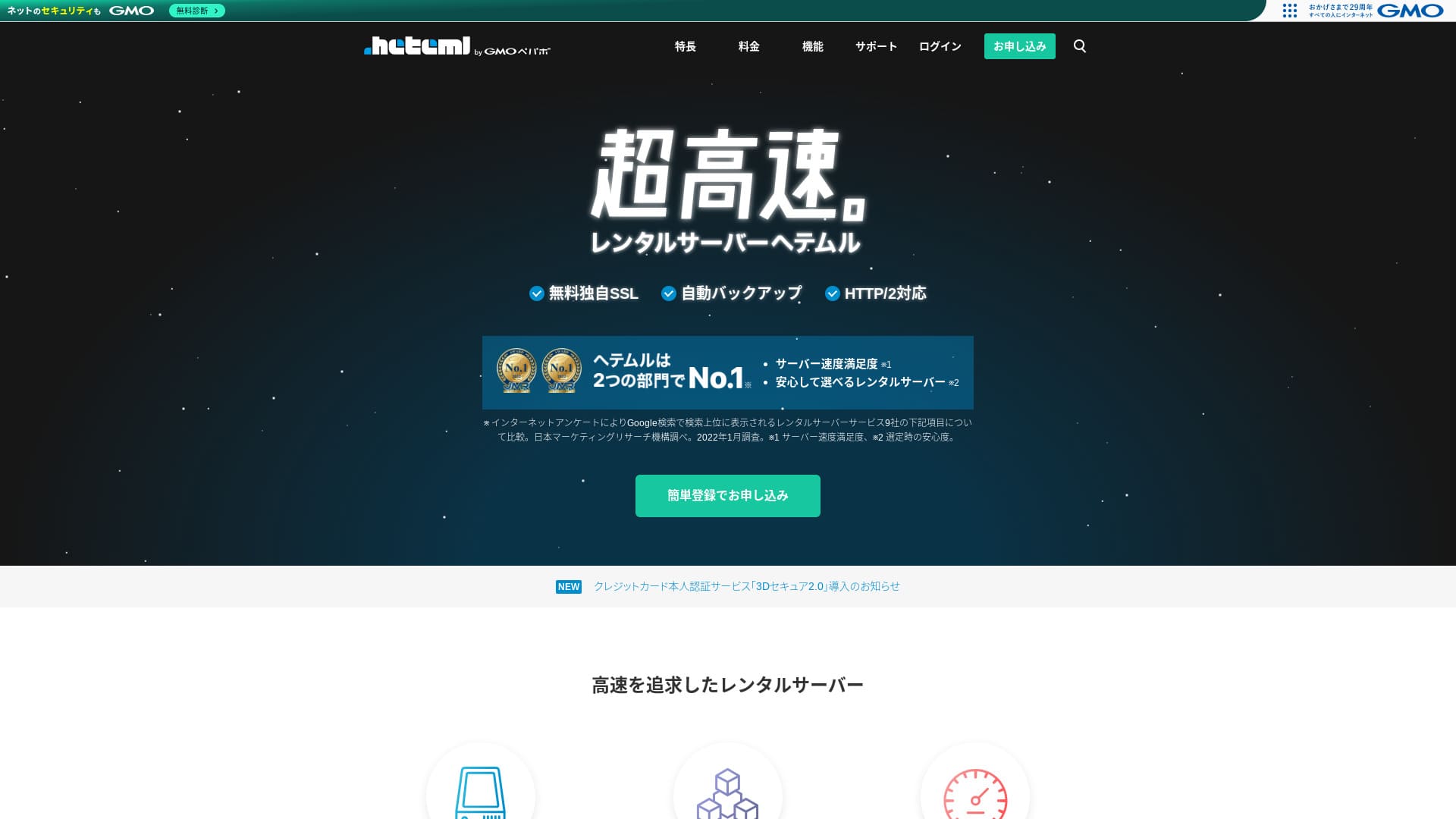
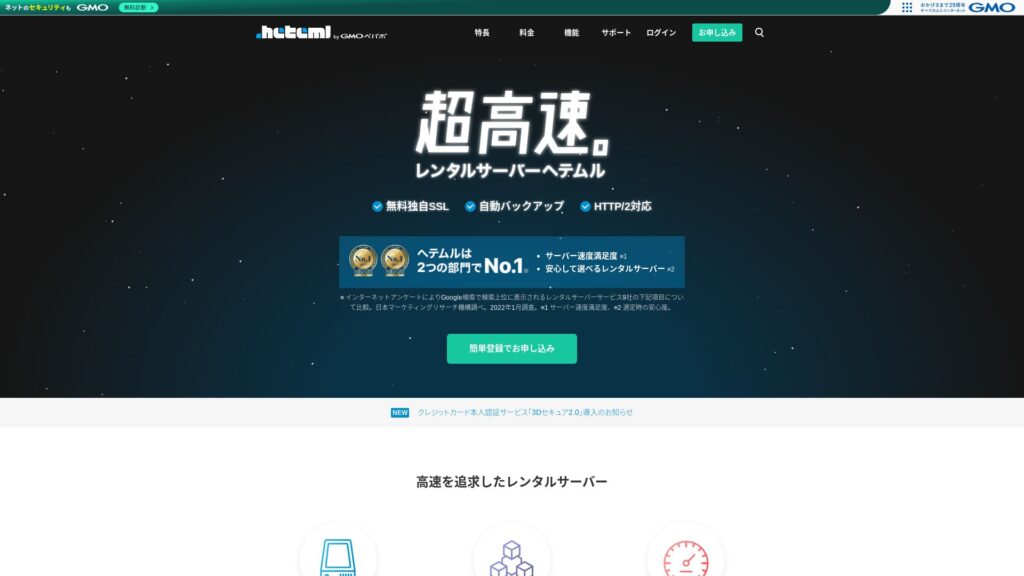
hetemljest serwerem z GMO Pepabo, Inc., znanym ze stabilności z 99,99% wskaźnikiem uptime.

I recommend hetemlprzedsiębiorstwom, właścicielom wyłącznym i innym, które cenią sobie stabilność, ponieważ:
- Stabilność dostępności 99,99%
- Oddzielona architektura serwerów pomaga uniknąć problemów przy nagłych skokach ruchu
- Jasno określone limity transferu dają spokój
Dlatego właśnie go polecam. Myślę, że będziesz zadowolony.
Konkurujący serwer jestMuuMuu ServerTo lepsze niżhetemlw zakresie opłat domen i łatwości zarządzania domenami. Proszę rozważyć to obok heteml.
| Typ serwera | Dzielony serwer / zarządzany serwer |
| Prędkość wyświetlania (TTFB) | Nie zmierzono |
| Polecany plan i okres umowy | Umowa dwunastomiesięczna |
| Okres próbny / gwarancja zwrotu pieniędzy | Brak |
| Opłata miesięczna (umowa 12-miesięczna) | 2,035 yen |
| Opłata początkowa | Free |
| Darmowa domena | Brak |
| Wsparcie | Telefon, e-mail i czat (dni powszednie 10: 00-18: 00) |
| Dostępność | Actual 99.99% |
| Przestrzeń dyskowa | 600GB |
| Liczba baz danych | Unlimited |
| Środki bezpieczeństwa | WAF / Overseas Attack Guard / Device Bezpieczeństwo |
| SSL | Bezpłatny SSL / GlobalSign Quick SSL / GlobalSign Organization Authentication / GlobalSign EV Authentication |
| Kopia zapasowa / przywracanie | 14-dniowy automatyczny backup / przywracanie 5000 jenów |
| Liczba kont e-mail | Unlimited |
| Zabezpieczenia poczty e-mail | Filtr spamowy / kontrola wirusów |
| Usługa migracji serwera / witryny | Usługa migracyjna ZXQ7QZ 33000 jenów Brak narzędzia do migracji |
| Łatwa instalacja ZXQ7QZ | Tak |
| CDN | Brak |

Hikaru Ono
Heteml wyróżnia się zarówno wysoką prędkością jak i stabilnością. Jest dobrze przystosowany do stron o dużej skali i do uruchamiania wielu witryn.
Jak można oczekiwać od wysokiej ceny usługi, jest to wysokiej jakości serwer można używać z pewnością.
Heteml w porównaniu z innymi serwerami
- OgólnaOcena★★★★☆
- Szybkość serwera Nie zmierzono
- Cena ★★☆☆☆
- Stabilność ★★★★★
- Łatwość uruchomienia WordPressa ★★★★☆
- Czynności takie jak zarządzanie domeną i konfiguracja SSL ★★★★☆

Porównanie 21 Zalecane usługi hostingowe ZXQ7QZ dla osób indywidualnych i Jak wybrać
Porównanie 21 Zalecane usługi hostingowe ZXQ7QZ dla osób indywidualnych i Jak wybrać
serverfield.org
- Dane oparte na badaniach rynku przeprowadzonych naNievember 4, 2025, sortowane przezspeed
- Opłata miesięczna oznacza koszt w pierwszym roku najtańszego planu, który obsługuje WordPress
- Szybkość oznacza wartość Time to First Byte zmierzoną na stronach demonstracyjnych w identycznych warunkach

Opinie użytkowników o Heteml
Heteml otrzymał pozytywne opinie zarówno za jakość wsparcia, jak i szybkość.
Znalazłem jednak również opinie o awariach serwerów. Żaden serwer nie jest w stanie całkowicie uniknąć awarii, ale z pewnością stanowi to problem, jeśli serwer wyłącza się raz za razem.
Cztery cechy Heteml

Niezawodność dzięki rozproszonej architekturze serwerów
hetemldziała poprzez oddzielenie serwerów.
- Serwer WWW
- Serwer poczty
- Serwer baz danych
Dzięki takiemu rozdzieleniu, nawet jeśli jeden serwer jest mocno obciążony, odpowiedź pozostałych serwerów nie zwalnia.
Na przykład, przypuśćmy, że ruch nagle przedostaje się do serwera WWW, który wyświetla Twoją stronę internetową. Serwer WWW jest pod obciążeniem i staje się nieco wolniejszy. Jednak serwer pocztowy nie jest pod obciążeniem, więc działa komfortowo. Oznacza to, że nie trzeba martwić się o problemy, takie jak nie jest w stanie otrzymywać zapytania e-maile od klientów w odpowiednim czasie.
Zarówno transfer, jak i przestrzeń dyskowa są bardzo duże
hetemloferuje hojną objętość transferu i pojemności magazynowej.Może łatwo obsługiwać strony korporacyjne, które mają tendencję do spożywania wielu z obu.
★ Czym jest ruch sieciowy i transfer danych? Zarządzanie i optymalizacja ruchu na stronie
Jego dodatek z tytułu przeniesienia wynosi 40 TB miesięcznie. Ostatnio więcej serwerów domagało się nieograniczonego wolumenu transferu. W porównaniu z nimi, może to wydawać się małe, ale wyraźnie podana liczba jak heteml faktycznie ułatwia korzystanie z pewności siebie.
W rzeczywistości, nawet jeśli widok jednej strony pochłania 3 MB, 40 TB miesięcznie wystarczy, aby obsłużyć około 400,000 dostępu dziennie. Kończy się objętość transferu.
Stabilny serwer z dostępnością 99,99%
hetemlma 99,99% wskaźnika przestoju. Jest bardzo stabilny.
Problemy spowodowane przez problemy z serwerem, takie jak brak wyświetlania strony internetowej lub e-mail nie jest w stanie wysłać i otrzymać, są rzadkie.Taka stabilność jest dokładnie tym, co ma znaczenie dla biznesu, prawda?
★ Przewodnik dla początkujących po dostępności serwerów i umowach SLA
Wskaźnik przestoju wynoszący 99,99% oznacza, że w ciągu jednego roku, całkowity czas przestoju serwera pozostaje poniżej jednej godziny. Przez resztę czasu działa bez problemu.
Bezpłatne wsparcie telefoniczne
heteml offers darmowe wsparcie telefoniczne.
Jest to pomocne, gdy po sprawdzeniu szczegółów zapytania nadal nie wszystko jest jasne i sama pomoc e-mailowa nie wystarcza.
Wyższe opłaty miesięczne i opcjonalne są wadą

hetemlzapewnia szybkość i stabilność klasy biznesowej, ale jego ogólne ceny są wadą. Szczerze mówiąc, to nie jest pierwszy serwer, który osoba powinna wybrać. Jest on lepiej dostosowany do przedsiębiorstw i osób, które już prowadzą wiele stron internetowych.
Opłata miesięczna przypada na równowartość 1,210 jenów na 36-miesięcznej umowie, alena 12-miesięczny kontrakt to 2,035 jenów. Gdy przekroczy 1000 jenów, zaczyna czuć się ciężko.
Przywracanie z kopii zapasowej kosztuje również 5,500 jenów za każdym razem. Wiele serwerów oferuje tworzenie i przywracanie kopii za darmo, więc ta opłata jest wysoka.
W każdym razie, ponieważ oferuje wysokiej jakości usługę, całkowita cena końcowa jest wyższa, dlatego można uczciwie powiedzieć, że jest skierowany do firm.
Porównaj heteml z dwoma podobnymi serwerami
Porównajmy heteml z dwoma podobnymi wysokiej jakości serwerami.
ConoHa WING
ConoHa WINGjest, podobnie jak heteml, serwerem szybkich prędkości.Może być używany po niższej cenie.
ConoHa WING to serwer, który pozwala łatwo uruchomić witrynę WordPress. Jeśli skorzystasz z WordPress Easy Setup, Twoja witryna WordPress będzie gotowa już w momencie rejestracji. Takiej funkcji heteml nie ma.

Recenzja i test wydajności ConoHa WING: dlaczego wybiera go 750 000 użytkowników
Recenzja i test wydajności ConoHa WING: dlaczego wybiera go 750 000 użytkowników
serverfield.org
Xserver
Xserverjest często porównywany z heteml.Szczerze mówiąc, Xserver słynie z szybkości i stabilności, praktycznie nie mając żadnych istotnych wad, i posiada największy udział w rynku w Japonii.
W porównaniu z heteml siłą Xservera jest rozproszona architektura serwerów.

Recenzja Xserver: Najnowszy przewodnik na rok 2025 dotyczący szybkości, cen, zalet i wad
Recenzja Xserver: Najnowszy przewodnik na rok 2025 dotyczący szybkości, cen, zalet i wad
serverfield.org
Uruchom witrynę WordPress z heteml w 7 krokach
Rozpocznij swoją stronę z heteml!
- STEP.1Odwiedź oficjalną stronę heteml
Kliknij „Złóż wniosek za pomocą Łatwej Rejestracji”.
- STEP.2Wprowadź informacje o kliencie
Ustaw swój identyfikator heteml, hasło i adres e-mail. Po ich wprowadzeniu przejdź do „Zaakceptuj regulamin i przejdź do weryfikacji tożsamości”.
Zakończ weryfikację SMS. Gdy pojawi się ekran weryfikacji, wpisz otrzymany kod i kliknij „Zweryfikuj i zatwierdź”.
Na tym etapie nadal jesteś w okresie bezpłatnego testu. Wprowadź dane umowy, takie jak imię i nazwisko oraz numer telefonu. Gdy wszystko się zgadza, kliknij „Register”, aby kontynuować.
- STEP.3Zarejestruj się na serwer
W okresie bezpłatnego okresu próbnego kliknij w panelu sterowania „Zarejestruj się na serwer”. Wybierz okres umowy i opcje dodatkowe.
Opcje można dodać po zapisaniu się do serwera, więc na razie możesz zostawić wszystko niezaznaczone.
Zostanie wyświetlona kwota do zapłaty, więc przejdź do „Choose a payment method”.
Wybierz metodę płatności. Rekomendowana jest płatność kartą kredytową, ponieważ pozwala od razu przejść do następnego kroku. Włącza też automatyczne odnawianie, co pomaga uniknąć utraty danych witryny z powodu zapomnienia o odnowieniu.
- STEP.4Pobierz własną domenę z MuuMuu Domain i zarejestruj ją na heteml
Otwórz oficjalną stronę MuuMuu Domain, wprowadź tekst, którego chcesz użyć jako domeny swojej witryny do "Wprowadź domenę, którą chcesz" i kliknij "Szukaj".
★ Czym jest domena? Jaka jest jej rola jako adresu w internecie i jak ją zdobyć
Możesz wybrać domenę najwyższego poziomu, taką jak „.com” lub „.co.jp”. Opłata za rejestrację i odnowienie zależy od domeny najwyższego poziomu. Jeśli masz wątpliwości, firmy powinny wybierać „.co.jp”, kiedy tylko to możliwe. Osobom prywatnym najlepiej służą „.com” lub „.net”. To znane domeny, które rzadziej wyglądają podejrzanie i są łatwiejsze do zaufania dla odwiedzających.
Sprawdź jeszcze raz, czy to na pewno domena, której chcesz. Jeśli wszystko wygląda poprawnie, przejdź do „Go to application”.
Utwórz nowy identyfikator MuuMuu ID. Wpisz swój identyfikator (adres e-mail) i hasło, a następnie kliknij „Zaakceptuj regulamin i przejdź do weryfikacji tożsamości”.
Zakończ weryfikację SMS, aby potwierdzić tożsamość.
Następnie pojawią się ustawienia domeny i inne zgłoszenia. Ustaw opcje domeny w następujący sposób.
- Informacje publiczne WHOIS:Przedsiębiorstwa powinny publikować swoje informacje. Osoby powinny ogólnie wybrać "Niech dostawca opublikuje swoje informacje w moim imieniu".
- Nazwa serwera (DNS): heteml
Jeśli publikujesz informacje WHOIS, nazwa i adres osoby, która uzyskała domenę, innymi słowy administratora, są podawane do wiadomości publicznej.Ponieważ otwiera to informacje osobowe dla społeczeństwa, osoby inne niż korporacje lub właściciele wyłączni mogą preferować publikację proxy.
Nie musisz wnioskować o usługi powiązane, usługi opcjonalne ani MuuMuu Mail. Jeśli firma chce korzystać z e-maila, może użyć usługi pocztowej dostępnej już na serwerze heteml, na który właśnie się zapisała.
Zapłać kartą kredytową lub inną metodą. Kliknij „Next step”, zignoruj reklamy i wpisz dane użytkownika. Gdy imię i nazwisko, adres i pozostałe dane są poprawne, przejdź dalej, klikając „Next step”.
Sprawdź szczegóły wniosku, zaznacz „Zgadzam się na warunki korzystania” i kliknij „Uzyskaj”. W ten sposób zarejestrowałeś domenę.
Wróć do panelu sterowania heteml. Zarejestruj domenę zakupioną w MuuMuu Domain, aby można jej było używać na Twoim serwerze heteml.
Kliknij „Set a custom domain”. Następnie kliknij „Set a custom domain” w sekcji „New Domain Settings”.
Wpisz domenę własną zakupioną w MuuMuu Domain i kliknij „Sprawdź domenę własną”. Jeśli zobaczysz komunikat „Wprowadzona domena może zostać skonfigurowana w heteml”, kliknij „Zarejestruj domenę własną”. To kończy konfigurację domeny własnej w heteml.
- STEP.5Zainstaluj WordPress
W panelu sterowania heteml kliknij „Szybka instalacja” w sekcji „Różne ustawienia”. Następnie w sekcji WordPress wybierz „Przejdź do ekranu instalacji”.
Wprowadź informacje dotyczące WordPressa.
- Instalacja URL:Wybierz domenę otrzymaną wcześniej
- Database:Generuj automatycznie
- Tytuł strony:Wszystko jest w porządku, bo możesz to zmienić później.
- Username:Wszystko jest w porządku, ale zmiana później jest kłopotliwa.
- Password:Zrób to tak skomplikowane, jak to możliwe; może być łatwo zmienić później
- Adres e-mail:Twój normalny adres e-mail. Dla firm, administrator strony internetowej e-mail jest zalecane
- Privacy:Sprawdź, czy chcesz natychmiast opublikować stronę. Zostaw niesprawdzone, jeśli chcesz opublikować po zakończeniu witryny. Możesz to zmienić później.
Nazwa użytkownika i hasło służą do logowania do WordPressa, więc koniecznie je zapisz.
Gdy klikniesz „Zainstaluj” z powyższymi ustawieniami, pojawi się komunikat „Folder instalacyjny nie istnieje. Czy chcesz utworzyć ten folder?”. Kliknij „OK”.
Po zakończeniu instalacji kliknij wyświetlony adres URL i zaloguj się.
- STEP.6Ustawienia początkowe WordPress
Na wyświetlonym ekranie logowania do WordPressa wpisz nazwę użytkownika i hasło ustawione podczas instalacji, a następnie kliknij „Log In”.
Jeśli pojawi się ostrzeżenie „This site can’t be reached”, ustawienia DNS jeszcze się nie rozpropagowały. Pozostaje czekać, więc spróbuj zalogować się ponownie co kilka godzin.
Po zalogowaniu się do WordPress ustaw permalink. Na ekranie administracyjnym WordPress przejdź z "Ustawienia" do "Permalink". Wybierz nazwę pocztową, a następnie kliknij przycisk Zapisz zmiany.
Po wybraniu nazwy pocztowej możesz wprowadzić dowolny ciąg tekstu, jaki chcesz w URL podczas publikowania artykułu. Krótki ciąg, który pomaga czytelnikom wyobrazić sobie zawartość jest łatwiejsza do odczytania, dlatego jest to zalecane. Jeśli jest zbyt długi, niektórzy ludzie mogą zacząć się zastanawiać, czy strona wygląda niebezpiecznie.
- STEP.7Instaluj wtyczki
Wróć do panelu administracyjnego WordPress, otwórz „Plugins” i przejdź do „Add New”, aby zainstalować potrzebne wtyczki.
Gdy znajdziesz żądaną wtyczkę w wyszukiwarce, kliknij „Zainstaluj teraz”, a następnie „Włącz”. Następnie postępuj zgodnie z instrukcjami dla każdej wtyczki.
Koniecznie zainstaluj wtyczki bezpieczeństwa i kopii zapasowych.
- How to Choose 5 WordPress Plugins That Strengthen Bezpieczeństwo
- 5 Powerful WordPress Kopia zapasowa Plugins That Help You Recover Your Data
Po zainstalowaniu wtyczek konfiguracja Twojej witryny WordPress jest zakończona.
Podsumowanie
hetemljest serwerem wynajmu skierowanym do przedsiębiorstw. Specjalizuje się w szybkości i stabilności.Jego wytrzymałością jest jego rozłożona na zagrożenia architektura. Z dużą objętością transferu i pojemności magazynowej, nadaje się również do uruchomienia wielu miejsc.Jeśli ceny działają, nie ma większych wad. Spróbuj.