Ներկայում փակ է նոր հայտերի համար, բացառությամբ տեղափոխումների
PR
Servers
Shin Free Server-ի ակնարկ և թերությունները [2025 թ. թարմացում]․ WordPress-ը սկսել անվճար սերվերով
Հրապարակված՝ 2025.04.18
Թարմացված՝ 2025.04.18
Գնահատական: 3.0
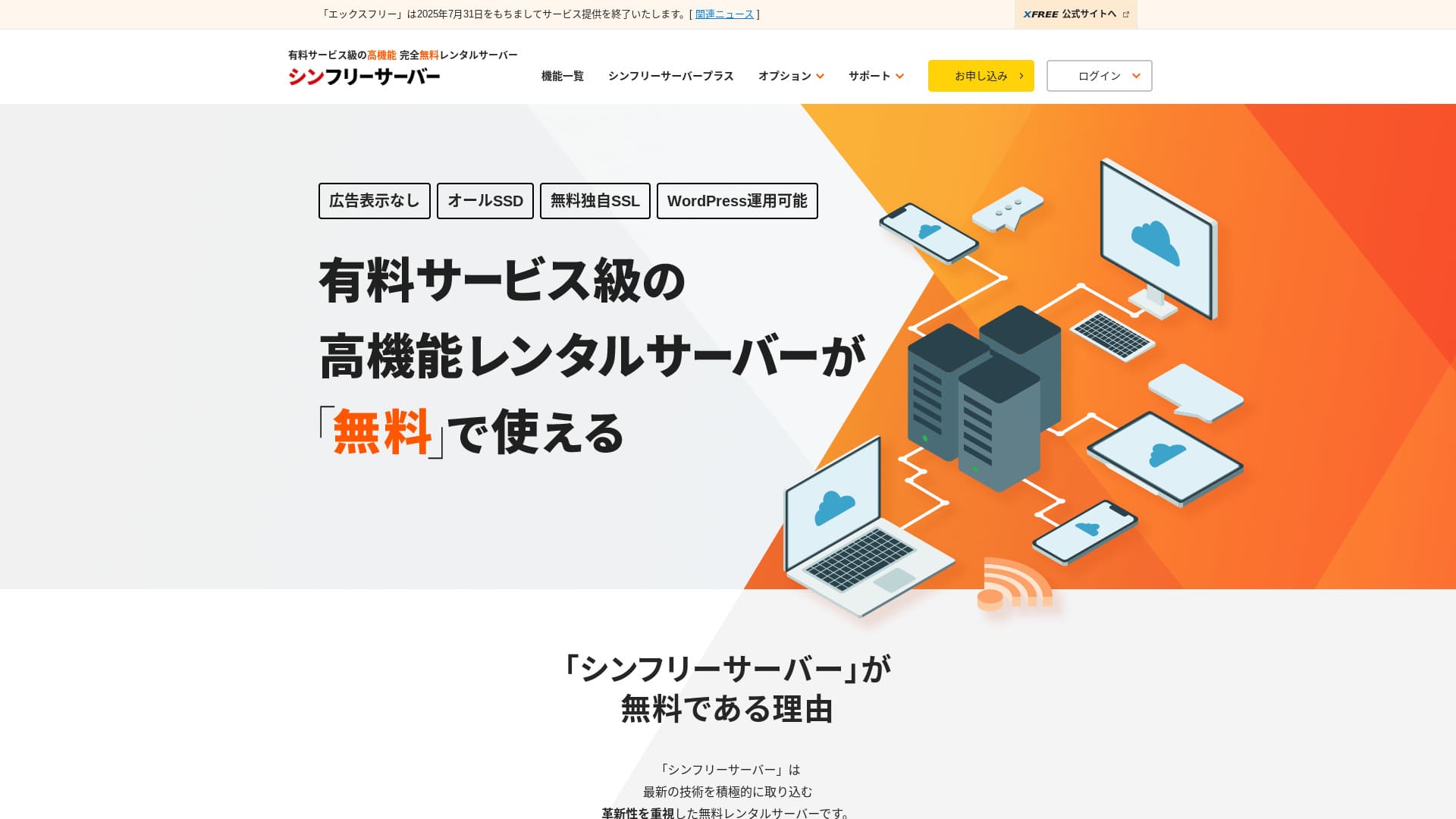
Shin Free Server-ը ShinCloud Co., Ltd.-ի անվճար սերվեր է։ Ի տարբերություն շատ անվճար սերվերների՝ այն գովազդ չի ցուցադրում։

Shin Free Server խորհուրդ է տրվում անվճար սերվեր փնտրող մարդկանց համար, որովհետև՝
- Գովազդ չկա, չնայած որ անվճար սերվեր է
- Կարող եք ստեղծել հինգ WordPress կայք
- Հասանելի է բարձր անվտանգության WAF
Այդ պատճառով ծառայությունը, ամենայն հավանականությամբ, կբավարարի ձեզ։
Համեմատվող սերվեր է Star Rental Server-ը. Մասշտաբը մեծացնելուց հետո այն առաջարկում է ավելի ուժեղ փաթեթներ, քան Shin Free Server. Խնդրում ենք հաշվի առնել նաև այն։
| Սերվերի տեսակ | Համատեղ սերվեր |
| Ցուցադրման արագություն (TTFB) | Չի չափվել |
| Առաջարկվող փաթեթ և պայմանագրի ժամկետ | — |
| Փորձաշրջան / գումարի վերադարձի երաշխիք | — |
| Ամսական վճար (12-ամսյա պայմանագիր) | Անվճար |
| Սկզբնական կարգավորման վճար | Անվճար |
| Անվճար դոմեն | Չկա |
| Աջակցություն | Չկա |
| Աշխատունակության ժամանակ | Բացահայտված չէ |
| Պահեստ | 10GB |
| Տվյալների բազաների քանակը | 5 |
| Անվտանգության միջոցներ | WAF |
| SSL | Անվճար անհատական SSL |
| Պահուստավորում / վերականգնում | 14-օրյա ավտոմատ պահուստավորում՝ անվճար, վերականգնում՝ անվճար |
| Էլփոստի հաշիվների քանակը | Չկա |
| Էլփոստի անվտանգության միջոցներ | Չկա |
| WordPress-ի նախատեղադրում | Չկա |
| Սերվերի / կայքի տեղափոխման ծառայություն | Չկա |
| CDN | Չկա |

Hikaru Ono
Shin Free Server-ը ներկայում կարելի է օգտագործել միայն այլ սերվերից տեղափոխվելիս։
Եթե անվճար սերվեր եք փնտրում, Star Rental Server-ը խորհուրդ է տրվում։
Shin Free Server-ի համեմատությունը այլ սերվերների հետ
- ԸնդհանուրԳնահատական★★★☆☆
- Սերվերի արագությունՉի չափվել
- Գնագոյացում★★★★★
- Կայունություն★★★☆☆
- WordPress սկսելու հեշտություն★★★★☆
- Դոմենի կառավարում, SSL կարգավորում և նման գործողություններ★★★☆☆

Ինչպես ընտրել անհատների համար առաջարկվող WordPress հոսթինգի 21 ծառայություններից
Ինչպես ընտրել անհատների համար առաջարկվող WordPress հոսթինգի 21 ծառայություններից
serverfield.org
- 2025 թ. նոյեմբերի 4 շուկայի հետազոտության տվյալներ,ըստ արագության դասավորված
- Ամսական վճարները WordPress գործարկող ամենաէժան փաթեթի առաջին տարվա արժեքն են
- Արագությունը նույն պայմաններում demo կայքերում չափված Time to First Byte-ն է
“Shin Free Server”-ը ShinCloud Co., Ltd.-ի անվճար վարձակալական սերվեր է։ Թեև անվճար է, այն չի ցուցադրում օպերատորի գովազդները։ Գործառույթների կամ աջակցության առումով այն վճարովի սերվերների մակարդակին չէ, բայց օգտագործման մեջ շարունակում է հարմար լինել։
Shin Free Server-ի օգտատերերի կարծիքները և չորս հիմնական առանձնահատկությունները

Գովազդ չկա
Թեև անվճար սերվերներում գովազդը տարածված է, Shin Free Server-ը դրանք չի ցուցադրում։
Այսինքն՝ գովազդը չի վնասի ընկերության կայքի միջավայրը և չի նվազեցնի ձեր սեփական գովազդային եկամուտը։
Կարող եք ստեղծել հինգ WordPress կայք
Shin Free Server-ում կարելի է ստեղծել մինչև հինգ տվյալների բազա, ուստի կարող եք ստեղծել հինգ WordPress կայք։
Նշում՝ Ի՞նչ է տվյալների բազան․ ինչու է WordPress-ը կառավարման և շահագործման համար կախված դրանից
Ընկերության կայքից բացի՝ կարող եք ստեղծել բլոգ կամ մի քանի ժանրերի կայքեր։
Հասանելի է անվճար SSL
Shin Free Server-ը աջակցում է անվճար SSL։SSL-ն այժմ անվտանգության ստանդարտ միջոց է։ Եթե այն կարգավորված չէ, մարդիկ կարող են ձեր կայքը կասկածելի համարել, ուստի կայք կառուցելիս այն անփոխարինելի է։
Հասանելի է բարձր անվտանգության WAF
Shin Free Server-ում կարելի է օգտագործել WAF։ Սա առաջադեմ անվտանգության միջոց է։Այն այնքան առաջադեմ է, որ որոշ վճարովի սերվերներ այն առաջարկում են միայն որպես վճարովի տարբերակ։
Սա նույնպես տրամադրվում է անվճար։
Իհարկե, նույնիսկ այն սերվերներում, որոնք WAF չեն տրամադրում, կարող եք այն կարգավորել՝ տեղադրելով WordPress-ի անվտանգության պլագիններ։ Այդուհանդերձ, գործընթացը անհարմար է, և ավելի ապահով է թվում, երբ սերվերն է դա անում ձեր փոխարեն։
Նշում՝ Ի՞նչ են WordPress-ի պլագինները․ դրանց տեսակները և կարևոր զգուշացումները
Shin Free Server-ի թերությունները՝ անկեղծորեն ներկայացված

Shin Free Server-ն ունի շատ առավելություններ, բայց, ցավոք, նաև թերություններ ունի։
Աջակցություն չկա
Նախ, Shin Free Server-ը աջակցություն չի առաջարկում։Որքան էլ խնդիրը բարդ լինի, պետք է այն ինքնուրույն լուծեք։
Մեկ այլ անվճար սերվեր՝ XREA-ն, տրամադրում է չատի աջակցություն։ Դրա համեմատ սա հիասթափեցնող է։
Պահուստավորման գործառույթ չկա
Պահուստավորման գործառույթ նույնպես չկա։Պետք է ինքնուրույն կառուցեք պահուստավորման համակարգ, օրինակ՝ WordPress-ի պլագինների միջոցով։
Եթե պահուստավորումը բաց թողնեք, քանի որ այն անհարմար է, և հետո սխալմամբ տվյալներ ջնջեք կամ տվյալները փոփոխվեն չարամտորեն, մինչ այդ ներդրած ամբողջ ջանքը կկորչի։
Եթե, այնուամենայնիվ, ընտրեք Shin Free Server-ը, անպայման տեղադրեք WordPress-ի պահուստավորման պլագին։
Նշում՝ WordPress-ի 5 հզոր պահուստավորման պլագին, որոնք օգնում են վերականգնել ձեր տվյալները
Աշխատունակության ժամանակը չի բացահայտվում
Shin Free Server-ը չի բացահայտում իր աշխատունակության ժամանակը։Դա նշանակում է, որ սերվերի կայունությունը անհայտ է, և օգտատերերը չեն կարող այն ճշգրիտ գնահատել։
Սերվերի կայունությունը ուղղակիորեն ազդում է այն բանի վրա, թե արդյոք ձեր կայքը կմնա հուսալիորեն հասանելի։ Եթե կրկնվող խնդիրների պատճառով կայքը հաճախ անհասանելի դառնա, նպատակը կկորչի։ Ընկերության կայքի դեպքում դա կարող է վնասել ձեր հեղինակությանը և նույնիսկ հանգեցնել հանդիպումների կամ բիզնես հնարավորությունների կորստի։
Նշում՝ Սկսնակի ուղեցույց՝ հոսթինգի աշխատունակության ժամանակը և SLA-ները հասկանալու համար
Shin Free Server-ի համեմատությունը երկու նմանատիպ սերվերի հետ
Մենք համեմատել ենք Shin Free Server-ին նման տեղական անվճար սերվերները։ Յուրաքանչյուրն ունի իր ուժեղ կողմերը, ուստի ուշադիր համեմատեք դրանք։
XREA
XREA-ը անվճար սերվեր է, որը ներառում է ավտոմատ պահուստավորման 15 սերունդ։Այն նաև առաջարկում է չատի աջակցություն։ Նույնիսկ եթե WordPress-ի կամ կայքերի փորձ չունեք, կարող եք վստահորեն սկսել կայքի գործարկումը։
Սակայն այն չունի WAF-ի նման թանկարժեք անվտանգության միջոցներ և ցուցադրում է գովազդ։
Shin Free Server-ի համեմատ դժվար է ասել, որ դրանցից մեկը հստակորեն ավելի լավն է մյուսից։

XREA-ի ակնարկ [2025 թ. թարմացում]․ WordPress-ը անվճար փաթեթում օգտագործելու առավելություններն ու թերությունները, ինչպես նաև համեմատություններ այլ անվճար սերվերների հետ
XREA-ի ակնարկ [2025 թ. թարմացում]․ WordPress-ը անվճար փաթեթում օգտագործելու առավելություններն ու թերությունները, ինչպես նաև համեմատություններ այլ անվճար սերվերների հետ
serverfield.org
Star Server Free
Star Server Free-ը նույնպես Ճապոնիայում հայտնի անվճար սերվեր է։Shin Free Server-ը Star Server Free-ից ավելի շատ պահեստ է առաջարկում, ինչի շնորհիվ այն ավելի շահավետ է։
| Համեմատության կետ | Shin Free Server | Star Server Free |
|---|---|---|
| Հիմնական առանձնահատկություն | Անվճար | Անվճար |
| Փորձաշրջան / գումարի վերադարձի երաշխիք | Չկա | Չկա |
| Աշխատունակության ժամանակ | Բացահայտված չէ | Բացահայտված չէ |
| Պահեստ | 10GB | 2GB |
| Սերվերի առաջին տարվա արժեքը | 0 yen | 0 yen |

Star Rental Server-ի ակնարկ [թողարկվել է 2024 թ. դեկտեմբերի 19-ին]․ բարձր արժեք ապահովող սերվերի առավելություններն ու թերությունները, որը կարող եք օգտագործել անվճար փաթեթներից
Star Rental Server-ի ակնարկ [թողարկվել է 2024 թ. դեկտեմբերի 19-ին]․ բարձր արժեք ապահովող սերվերի առավելություններն ու թերությունները, որը կարող եք օգտագործել անվճար փաթեթներից
serverfield.org
Սկսեք կայք Shin Free Server-ով 7 քայլով
2024 թ. դեկտեմբերի դրությամբ Shin Free Server-ը չի ընդունում հայտեր, բացառությամբ սերվերի տեղափոխումների։
Սկսենք կայք Shin Free Server-ով
- STEP.1Այցելեք պաշտոնական կայքը
Ոլորեք գլխավոր էջը ներքև և էջի մոտավորապես միջնամասում սեղմեք “Create a free server account”։
- STEP.2Գրանցեք Shin Account
Սեղմեք “Start now! New signup”, ապա մուտքագրեք անդամակցության տվյալները, օրինակ՝ ձեր անունը և հասցեն։ Եթե ամեն ինչ ճիշտ է, նշեք, որ համաձայն եք Օգտագործման պայմաններին և անձնական տվյալների մշակմանը։ Այնուհետև սեղմեք “Next”։
Էլփոստի հաստատումն ավարտելուց և հայտի մանրամասները ստուգելուց հետո սեղմեք “Register with these details and proceed to server application”։
Ստուգեք server ID-ն, նշեք Օգտագործման պայմանների և անձնական տվյալների մշակման վանդակները, ապա սեղմեք “Review application details”։
Կրկին ստուգեք հայտի մանրամասները և սեղմեք “Apply”՝ ձեր Shin Account-ը գրանցելու համար։ Կգա հաստատման էլփոստ։
Դոմենն ընտրելուց հետո նշեք “Install WordPress at the same time”։
Սեղմեք “Next”։
- STEP.3Ձեռք բերեք դոմեն Shin Domain-ով
Մուտք գործեք ձեր Shin Account և սեղմեք “Get a domain”։
Ձեռք բերեք ձեր ուզած դոմենը։ Խորհուրդ եմ տալիս հայտնի դոմեններ, օրինակ՝ “.com” և “.net”։ Դրանց երկարացման վճարներն էլ խելամիտ են՝ 2,000 իենից պակաս։
Նշում՝ Ի՞նչ է դոմենը․ դրա դերը որպես հասցե ինտերնետում և ինչպես ձեռք բերել այն
“Enter the domain name you want to obtain” դաշտում մուտքագրեք ցանկալի դոմենը, որոնեք այն, նշեք ցանկալի դոմենի վանդակը և սեղմեք “Proceed to acquisition”։
Ընտրեք վճարման տեղեկությունները և սեղմեք “Review application details”։ Այնուհետև մուտքագրեք կրեդիտ քարտի տվյալները և այլն։
Ստուգեք հայտի մանրամասները, համաձայնեք Shin Domain-ի Օգտագործման պայմաններին և անձնական տվյալների մշակմանը, ապա սեղմեք “Apply”։ Դուք կստանաք հայտի մանրամասներով էլփոստ։ Երբ այն հասնի, գործն ավարտված է։
- STEP.4Գրանցեք դոմենը
Մուտք գործեք Shin Cloud for Free-ի սերվերի վահանակ։
Ընտրեք “Domain settings”, սեղմեք “Add domain”, մուտքագրեք ձեռք բերած դոմենը և սեղմեք “Add”։
- STEP.5Տեղադրեք WordPress-ը
Shin Cloud for Free-ի սերվերի վահանակում անցեք “WordPress” > “Easy WordPress Install” և սեղմեք “New installation”։
Կարգավորեք WordPress-ը։
- Նպատակային դոմեն՝Ավելի վաղ գրանցած դոմենը
- Կայքի URL՝Նույնը, ինչ նպատակային դոմենը
- Բլոգի անուն՝Ցանկացած տարբերակ հարմար է։ Հետագայում հեշտությամբ կարող եք փոխել այն
- Օգտանուն՝Ցանկացած տարբերակ հարմար է, բայց հետագայում փոխելը անհարմար է
- Գաղտնաբառ՝Ցանկացած տարբերակ հարմար է, բայց այն հնարավորինս բարդ դարձրեք
- Էլփոստի հասցե՝Ձեր առօրյա էլփոստի հասցեն
- Քեշի ավտոմատ ջնջում՝Խորհուրդ է տրվում ON
- Database:Կարգավորեք, որ այն ստեղծվի ավտոմատ
- Theme:Խորհուրդ է տրվում Cocoon-ը։ Այս կայքն էլ է օգտագործում Cocoon։
- Թեմայի տարբերակ՝Նշեք “Install child theme”
Բոլոր դաշտերը լրացնելուց հետո սեղմեք “Install”։
Օգտանունն ու գաղտնաբառը օգտագործվում են WordPress մուտք գործելիս։ Անպայման գրեք դրանք։
Տեղադրումն ավարտվելուց հետո սեղմեք “Log in”։
- STEP.6SSL կարգավորումներ
Սերվերի վահանակում “Domain”-ից բացեք “SSL settings”։
Բացեք WordPress-ի համար կարգավորած դոմենը և SSL կարգավորման կարգավիճակի սահիչը փոխեք “ON”։ Այն կարտացոլվի մոտ մեկ ժամից։
- STEP.7Տեղադրեք պլագիններ
Վերադարձեք WordPress-ի ադմինիստրատորի էկրան, բացեք “Plugins”, ապա անցեք “Add New”՝ անհրաժեշտ պլագինները տեղադրելու համար։
Որոնեք ցանկալի պլագինները, սեղմեք “Install Now”, ապա “Activate”։ Դրանից հետո հետևեք յուրաքանչյուր պլագինի հրահանգներին։
Անպայման տեղադրեք անվտանգության և պահուստավորման պլագիններ։
- Ինչպես ընտրել անվտանգությունը ուժեղացնող WordPress-ի 5 պլագին
- WordPress-ի 5 հզոր պահուստավորման պլագին, որոնք օգնում են վերականգնել ձեր տվյալները
Պլագինները տեղադրելուց հետո ձեր WordPress կայքի կարգավորումն ավարտված է։
Ամփոփում
“Shin Free Server”-ը ShinCloud Co., Ltd.-ի անվճար վարձակալական սերվեր է։ Թեև անվճար է, այն չի ցուցադրում օպերատորի գովազդները։ Գործառույթների կամ աջակցության առումով այն վճարովի սերվերների մակարդակին չէ, բայց օգտագործման մեջ շարունակում է հարմար լինել։
Ներկայում փակ է նոր հայտերի համար, բացառությամբ տեղափոխումների
Shin Free Server-ը անվճար սերվեր է՝ առանց գովազդի։ Այն հարմար է օգտագործման համար և կարող է կիրառվել տարբեր ձևերով՝ ընկերության կայքերից մինչև հոբբի բլոգեր։Սակայն, քանի որ աջակցություն չկա, պետք է ուշադիր կարդաք ձեռնարկը և խնդրի հանդիպելիս հարցերը լուծեք ինքնուրույն։
WordPress հոսթինգի 32 ծառայության ամբողջական համեմատություն․ առաջարկություններ անհատների, բիզնեսների և արտասահմանյան օգտագործման համար

Երբ ցանկանում եք սկսել WordPress և որոնում եք “recommended WordPress hosting”, հայտնվում են ամենատարբեր հոդվածներ՝ անձնական, կորպորատիվ կամ փոքր բիզնեսի տարբերակներից մինչև արտասահմանյան ու էժան սերվերներ։ Անկեղծ ասած՝
- ո՞ր կայքը կարդամ։
- Ես ուզում եմ սերվեր ընտրել պարզ և հասկանալի ձևով։
- Ասեք, թե ինչպես հենց հիմա սկսել WordPress-ը։
Երբևէ այդպես զգացե՞լ եք։ Այդ պատճառով այս հոդվածըմանրակրկիտ ընտրում է առաջարկություններ հոսթինգի 32 ծառայությունից՝ անհատների, բիզնեսների, տեղական և արտասահմանյան օգտագործման համարև ներկայացնում դրանք։ Բացատրում է հավելվածների մշակման ընկերության SEO պատասխանատուն, որն ամեն օր օգտագործում է վարձակալական սերվերներ։