30-day money-back guarantee available
PR
Servers
WADAX समीक्षा: रात 10 बजे तक phone support. क्या यह busy businesses के लिए अच्छा server है?
प्रकाशित: 2025.04.18
अपडेट: 2025.04.18
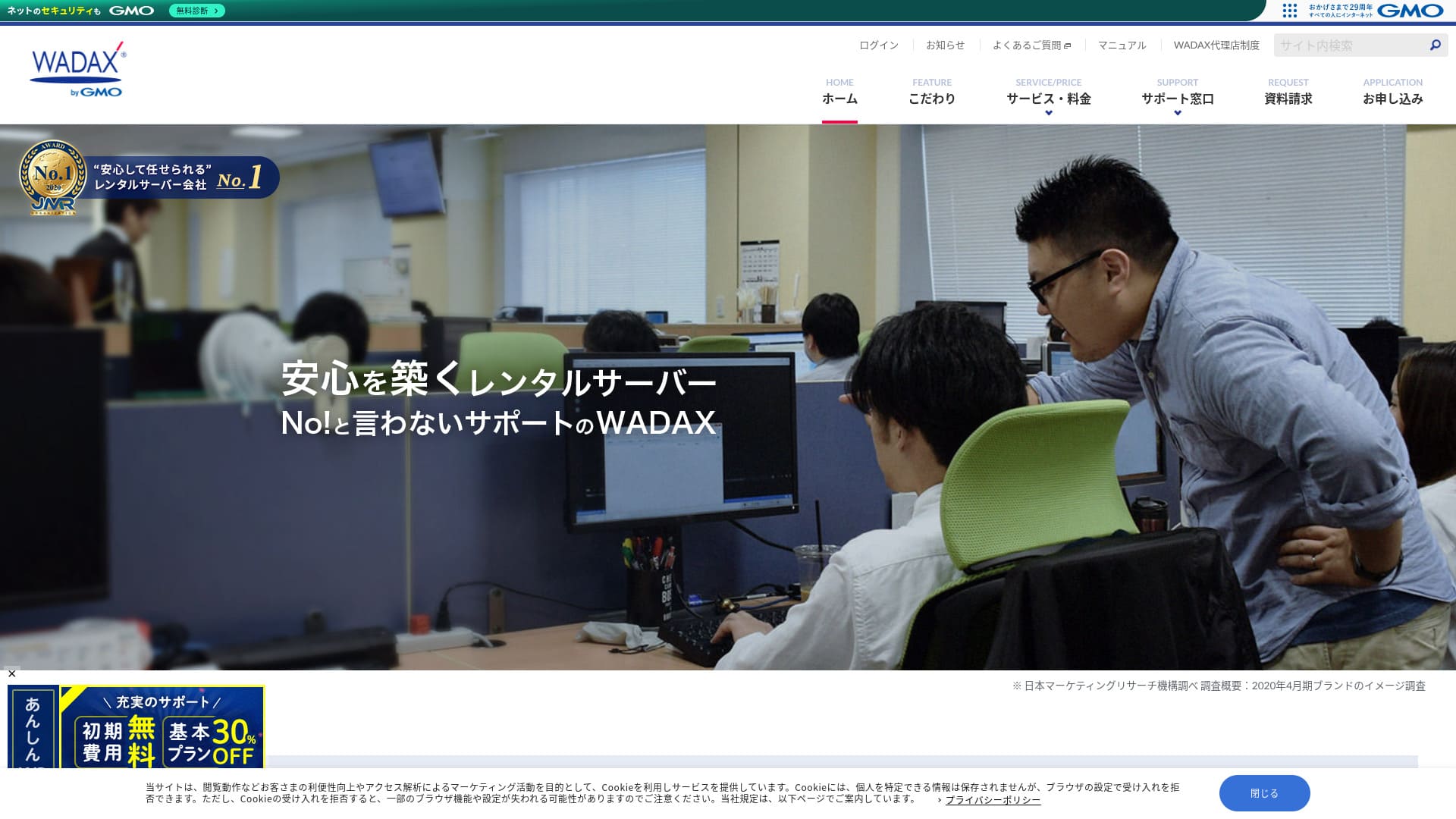
Users की जरूरतों के अनुसार support देने वाली system इस business-oriented server की मुख्य विशेषता है।
WADAX 365-day support देने वाली reassuring server है, जो problems आने पर जल्दी response देने की कोशिश करती है। Business-oriented server होने के अनुरूप इसमें Secom partnership के साथ मजबूत security setup भी है।
फिर भी इसमें drawbacks हैं। इस लेख में मैं WADAX की features और WordPress कैसे शुरू करें, यह समझाता हूं।
A Complete Comparison of 32 WordPress Hosting Providers: Recommendations for Individuals, Businesses, and International Sites

When you decide to start WordPress and search for "best WordPress hosting," you find all kinds of articles, from personal and business options to overseas and low-cost servers. Honestly,
- Which site should I trust?
- I want to choose a server in a simple, easy-to-understand way.
- Please show me how to start WordPress right away.
Don't you feel that way? In this article, I carefully selected recommendations from 32 hosting providers for individuals, businesses, and domestic and international use. The explanation comes from the SEO specialist at an app development company that uses hosting servers every day.
WADAX की reputation: detailed support इसकी मुख्य ताकत

| Server Type | Shared Server |
| Load Time (TTFB) | Unmeasured |
| Recommended Plans and Contract Periods | WP Standard 12 Months |
| Trial & Money-Back Guarantee | 30-Day Money-Back Guarantee |
| Monthly Fee (12-Month Contract) | 1,540 yen |
| Initial Administrative Fee | Free |
| Free Domain | None |
| Support | Weekdays 9:00 AM - 10:00 PM, Saturdays & Sundays 9:00 AM - 6:00 PM |
| Uptime | 99.9% |
| Server Capacity | 50GB |
| Number of Databases | 20 |
| Security Measures | WAF / KYUBI (WordPress Vulnerability Diagnostic) / Web Virus Check / Periodic Security Diagnosis (Vulnerability Diagnosis) / Intrusion Detection and Prevention (IPS) / Dos/DDoS Attack Defense |
| SSL | Shared SSL / FTP over SSL / Quick Authentication SSL / Enterprise Authentication SSL / EV SSL / SecomTrust Systems for Web SR3.0/for Web EV |
| Backup and Restore | Free Backup / Free Restore |
| Number of Email Account Creation | Unlimited |
| Email Security Measures | SpamAssassin spam filter / POP over SSL / SMTP over SSL / SMTP AUTH / SMTP submission port / IMAP / IMAP over SSL / Virus Check |
| Server/Website Migration Service | No service included Free Migration Tool Available |
| Easy WordPress Installation | None |
| CDN | Free |
WADAX की चार विशेषताएं

365-day support
WADAX में साल के हर दिन support मिलती है। June 2024 के समय support structure इस प्रकार थी।
- Phone: weekdays 9:00-22:00, weekends 9:00-18:00
- Form: 24 hours, 365 days
- Chat: 24 hours, 365 days (live chat weekdays 9:00-17:00)
हर दिन support मिलती है, और weekdays में रात 10 बजे तक phone support उपलब्ध है। बहुत-सी hosting companies 6 बजे तक support बंद कर देती हैं, इसलिए WADAX की support system साफ तौर पर मजबूत दिखती है।WADAXthe excellent support system is clear.
Server troubles केवल weekdays 9:00 से 18:00 के बीच नहीं होतीं। Problem कभी भी आ सकती है, इसलिए जितनी लंबी daily support हो, उतना बेहतर है।
WADAXIsn’t that great?
Secom partnership के साथ मजबूत security
WADAX ने Secom के साथ मिलकर मजबूत security framework बनाया है। यह hacking, unauthorized tampering, eavesdropping और DoS attacks से data को protect करने की कोशिश करती है।
यह बात भरोसा देती है कि company केवल अपने internal efforts पर नहीं, बल्कि external expertise का उपयोग करके भी security मजबूत कर रही है।
High-speed delivery CDN का उपयोग
WADAX में high-speed delivery CDN का उपयोग किया जा सकता है। CDN की मदद से website data user के सबसे नजदीकी server से deliver होती है, जिससे display smoother होती है।
★ CDN क्या है? Servers के cluster से speed और performance कैसे बेहतर होती है
कई hosting companies CDN को paid option के रूप में देती हैं, लेकिन WADAX इसे free में देती है, जो एक अच्छा deal है।WADAX, you can use it for free, which is a good deal.
Business server के लिए affordable pricing
WADAX का secure WP server business server होते हुए भी comparatively low price पर उपलब्ध है।
- Initial administrative fee
- 12-month contract
- एक वर्ष की domain registration fee
- ऐसा plan जिसमें WordPress उपयोग किया जा सके
अन्य business servers की तुलना में इसका price काफी कम दिखाई देता है।
The intended use of the server is,If your main website operation is using WordPress, WADAX will be sufficient.
एक drawback: uptime guarantee का अभाव

WADAX के Anshin WP Server में uptime guarantee नहीं है, और uptime rate भी public नहीं है। Uptime server stability का संकेत है, इसलिए यह ambiguity थोड़ा concern पैदा करती है।
हालांकि इसी company की दूसरी service 99.9% uptime guarantee देती है, इसलिए अत्यधिक low uptime की कल्पना करना कठिन है।WADAX's Otasuke Cloud Server guarantees 99.9% uptime. It is a different service, but it is still run by the same company, so it is hard to imagine the uptime being extremely low.
Support और security को देखते हुए यह drawback बहुत बड़ा red flag नहीं लगता, लेकिन इसे जानकर sign up करना बेहतर है।
Competitor servers से तुलना
iCLUSTA+
iCLUSTA+ byGMO की price WADAX के करीब है, और इसमें 100% uptime guarantee है, इसलिए stability के मामले में यह reassuring है।WADAXapproximately the same amount to use the server. Because it guarantees 100% uptime, you can operate your website without any worries.
लेकिन support system WADAX जितनी व्यापक नहीं है। यदि आपको weekdays में देर शाम तक support चाहिए, तो WADAX अधिक सुरक्षित choice लग सकती है।WADAXthat way, there would be a greater sense of security if it were available until 10:00 PM on weekdays.
यदि आपकी team में server-savvy person नहीं है, तो WADAX अधिक उपयुक्त हो सकती है।

iCLUSTA+ Reviews【2024 Latest】A Thorough Explanation of Business Servers Starting from ¥1,000 per month
iCLUSTA+ Reviews【2024 Latest】A Thorough Explanation of Business Servers Starting from ¥1,000 per month
serverfield.org
Sakura Rental Server Business
Sakura Rental Server Business 99.99% uptime record और uptime guarantee के साथ stable server है। 600GB storage की वजह से website और email operations दोनों एक साथ managed किए जा सकते हैं।
हालांकि यह WADAX के Anshin WP Server जितनी सस्ती नहीं है। यदि email operation के लिए अलग service उपयोग करनी है, तो WADAX ज्यादा economical choice हो सकती है।WADAX is the better choice.

Sakura Rental Server Reviews & Ratings【Scary Slow?】Great for Individual Businesses◎Pricing Pros & Cons Explained
Sakura Rental Server Reviews & Ratings【Scary Slow?】Great for Individual Businesses◎Pricing Pros & Cons Explained
serverfield.org
WADAX पर WordPress शुरू करने के 7 steps
Let’s start a website with WADAX!
- STEP.1Official WebsiteWADAXAccess it
Scroll down to the bottom of the homepage and click “Apply”.
- STEP.2Service Selection
The contract plan remains WP Standard.
We recommend a 12-month contract, which offers a lower monthly fee.
No options are needed. Click “Next”.
- STEP.3Domain Name Usage Selection
If you’re acquiring a new domain name, select “Acquire a New Domain Name”. Enter your desired string and choose a top-level domain such as “.com” or “.co.jp”.
Domain names are important. Take your time and make a careful decision.
★ What is a domain? Its role as the address on the internet and how to obtain it.
- STEP.4Customer Information Input
For first-time applicants, click “Continue.”
- Company Information
- Customer Information
- Payment Information
Please enter it.
Please review all of the application details and click “Next.”
The application details confirmation screen will reappear, so please proceed as instructed. You will receive a notification email guiding you to start using the service, which indicates that the application is complete.
- STEP.5WordPress Installation
Log in to the control panel.
From the “Contracts” menu, navigate to “WordPress.” The screen will change. From WP Tool’s “Install” section, click “Install WordPress.”
Let's set up the WordPress installation settings.
- Installation path: As is
- Website title: Enter the title of the homepage.
- Plugin theme set: None
- Website language: Japanese
- Version: As is
- Username: Anything is OK.
- Password: Anything is OK. Make it as complex as possible.
- Email address: Enter your usual email address. If you’re a corporation, a company email is recommended.
- Database: As is
- Automatic update settings: As is
Once you’ve entered all the information, click “Install.” If you see “Installation complete,” the WordPress installation is complete.
- STEP.6WordPress Plugin Installation
Click “Install Plugin” which appears on the WordPress installation completion screen.
Enter the necessary plugins.
If you find a plugin you want to install, search for it and click “Install Now” and “Activate.” Afterwards, proceed according to the instructions for each plugin.
It is essential to install security and backup plugins.
- Top 5 WordPress Plugins to Enhance Security and How to Choose Them
- Top 5 Strongest WordPress Backup Plugins for Data Recovery
With the plugins installed, you’re ready to launch your WordPress homepage!
- STEP.7Other WordPress Settings
Set the permalink settings. Navigate to “Permalink Settings” from the “Settings” section in the WordPress admin dashboard. Select “Post Name.” Then, click “Save Changes.”
When you choose “Post Name,” you can enter your desired string in the URL when posting articles. It’s recommended to use a short string that represents the content of the article, as this makes it easier for readers to find your homepage. Too long a string can make people worry that it’s unsafe.
You’re now ready to start your WordPress homepage.
सारांश
WADAX weekdays में रात 10 बजे तक phone support देने वाली business-oriented server है। जो businesses thorough support चाहती हैं, उनके लिए यह अच्छी candidate है।
WADAXWith an Anshin WP server, you can start with a reasonable price. Please try it out.
A Complete Comparison of 32 WordPress Hosting Providers: Recommendations for Individuals, Businesses, and International Sites
When you decide to start WordPress and search for "best WordPress hosting," you find all kinds of articles, from personal and business options to overseas and low-cost servers. Honestly,
- Which site should I trust?
- I want to choose a server in a simple, easy-to-understand way.
- Please show me how to start WordPress right away.
Don't you feel that way? In this article, I carefully selected recommendations from 32 hosting providers for individuals, businesses, and domestic and international use. The explanation comes from the SEO specialist at an app development company that uses hosting servers every day.