पांच WordPress सुरक्षा प्लगइन और उन्हें कैसे चुनें

आपकी WordPress साइट की सुरक्षा के लिए क्या आवश्यक है?
इस लेख में हम सुरक्षा विशेषज्ञों द्वारा भरोसेमंद मजबूत प्लगइन से लेकर आपकी साइट की सुरक्षा के लिए आवश्यक सुझावों तक सब कुछ पेश करते हैं, ताकि आप इसे हैकरों से बचा सकें।
इन सुरक्षा उपायों को अभी जांचें ताकि आप अपनी साइट को निश्चिंत होकर चला सकें।
Complete Comparison of 32 WordPress Hosting Services for Individuals, Companies, and Overseas Use

When you think, “I want to start WordPress,” and search for “WordPress recommendations,” you find all kinds of articles covering personal hosting, options for companies and small businesses, overseas hosting, and low-cost servers. Honestly,
- which site should you trust?
- you may just want a simple and understandable answer.
- you may want to get started with WordPress right away.
That is exactly why this article carefully selects recommended choices from 32 hosting providers for individuals, companies, domestic use, and overseas use. It is explained by the SEO lead at an app development company that uses hosting every day.
WordPress सुरक्षा क्यों महत्वपूर्ण है
WordPress दुनिया की सबसे लोकप्रिय सामग्री प्रबंधन प्रणाली है, लेकिन यही लोकप्रियता इसे साइबर हमलों का आसान लक्ष्य भी बनाती है, इसलिए सुरक्षा उपाय साइट मालिकों की अनिवार्य जिम्मेदारी हैं।
सौभाग्य से, मजबूत सुरक्षा प्लगइन और सही संचालन पद्धतियां आपकी साइट को इन खतरों से बचा सकती हैं।
Essential security plugins
1. SiteGuard WP Plugin
SiteGuard WP Plugin उन प्लगइनों में से एक है जिनका उपयोग WordPress साइटों की सुरक्षा मजबूत करने के लिए किया जाता है। यह मुख्य रूप से जापानी बाजार को लक्षित करता है और मजबूत जापानी-भाषा समर्थन भी देता है।
यह प्लगइन साइट के सुरक्षा स्तर को बेहतर बनाने वाली कई सुविधाएं देता है, और जापानी-भाषा वाली WordPress साइटों के संचालकों के बीच विशेष रूप से लोकप्रिय है।
2. Wordfence Security
Wordfence Security व्यापक malware scanning और real-time खतरा-रक्षा के साथ WordPress साइट सुरक्षा को बहुत मजबूत करता है।
इसके नियमित अपडेट और व्यापक सुरक्षा सुविधाएं इसे हर स्तर के उपयोगकर्ताओं के लिए भरोसेमंद बनाती हैं।

3. Sucuri Security
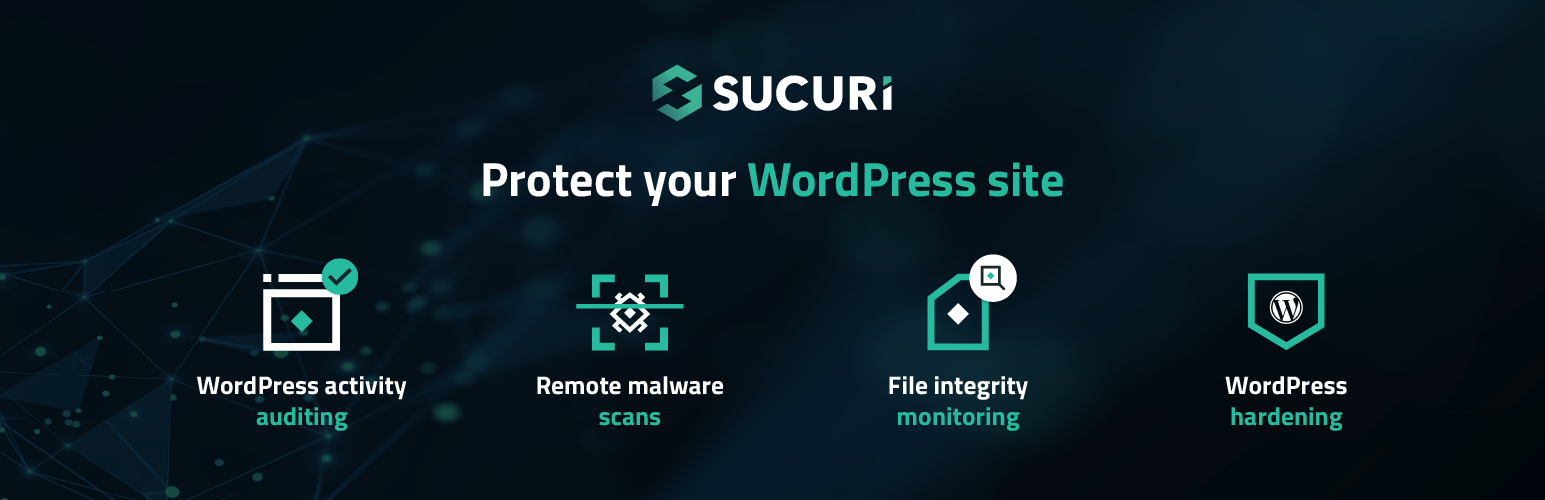
Sucuri Security वेबसाइट सुरक्षा मजबूत करने के लिए एक व्यापक toolkit देता है, जिसमें malware हटाना और रोकथाम, blacklist निगरानी और हमलों को रोकना शामिल है। साइट पर हमला होने पर इसकी तेज प्रतिक्रिया के लिए इसे विशेष रूप से सराहा जाता है।
हालांकि, इसे अभी तक जापानी में स्थानीयकृत नहीं किया गया है।
4. Solid Security
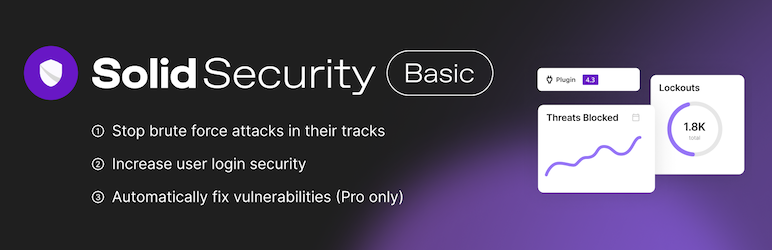
Solid Security, जिसे पहले iThemes Security और उससे पहले Better WP Security के नाम से जाना जाता था, 30 से अधिक सुरक्षा उपाय देता है और साइट की कमजोरियों को व्यापक रूप से कवर करता है।
विशेष रूप से, इसमें user-authentication सुरक्षा को मजबूत करने वाली शक्तिशाली सुविधाएं हैं, जैसे two-factor authentication और password hardening।
5. All In One WP Security & Firewall
यह प्लगइन intuitive interface और चरण-दर-चरण सुरक्षा स्तर सेटिंग्स देता है, जिससे शुरुआती से लेकर उन्नत उपयोगकर्ताओं तक सभी के लिए सुरक्षा उपाय लागू करना आसान हो जाता है। इसकी व्यापक सुविधाओं में user account protection, firewall settings और brute-force protection शामिल हैं।
WordPress सुरक्षा को मजबूत करने के लिए अतिरिक्त सुझाव
सब कुछ अपडेट रखें
WordPress, प्लगइन और थीम को अद्यतित रखकर आप सुरक्षा कमजोरियों को ठीक करते हैं और हमले का जोखिम कम करते हैं।
मजबूत पासवर्ड इस्तेमाल करें
administrator accounts और database access के लिए मजबूत, अनुमान लगाना कठिन पासवर्ड इस्तेमाल करें।
दो-कारक प्रमाणीकरण सक्षम करें
administrator accounts में two-factor authentication जोड़ने से अनधिकृत access का जोखिम बहुत कम हो जाता है।
साइट का नियमित रूप से बैकअप लें
साइट डेटा का नियमित backup लेकर आप डेटा हानि या अनधिकृत access के बाद जल्दी पुनर्स्थापित कर सकते हैं।
SSL प्रमाणपत्र का इस्तेमाल करें
SSL प्रमाणपत्र का इस्तेमाल करके और साइट को HTTPS पर ले जाकर आप data encryption को मजबूत करते हैं और उपयोगकर्ता सुरक्षा बेहतर बनाते हैं।
सारांश
WordPress साइट सुरक्षा केवल प्लगइन install करने तक सीमित नहीं है। साइट संचालन के हर पहलू पर ध्यान देना और उपायों को लगातार लागू करते रहना महत्वपूर्ण है।
ऊपर बताए गए प्लगइन और सुझावों का उपयोग करके अपनी साइट को सुरक्षा खतरों से बचाएं।
एक सुरक्षित वेबसाइट विश्वास और विश्वसनीयता की नींव है। आज से इन सुरक्षा उपायों को लागू करें और अपनी साइट की सुरक्षा की दिशा में पहला कदम उठाएं।