CPI Rental Server Review: Is Its 100% Uptime Guarantee for Businesses Really That Stable? A Thorough Look at Pricing and Features
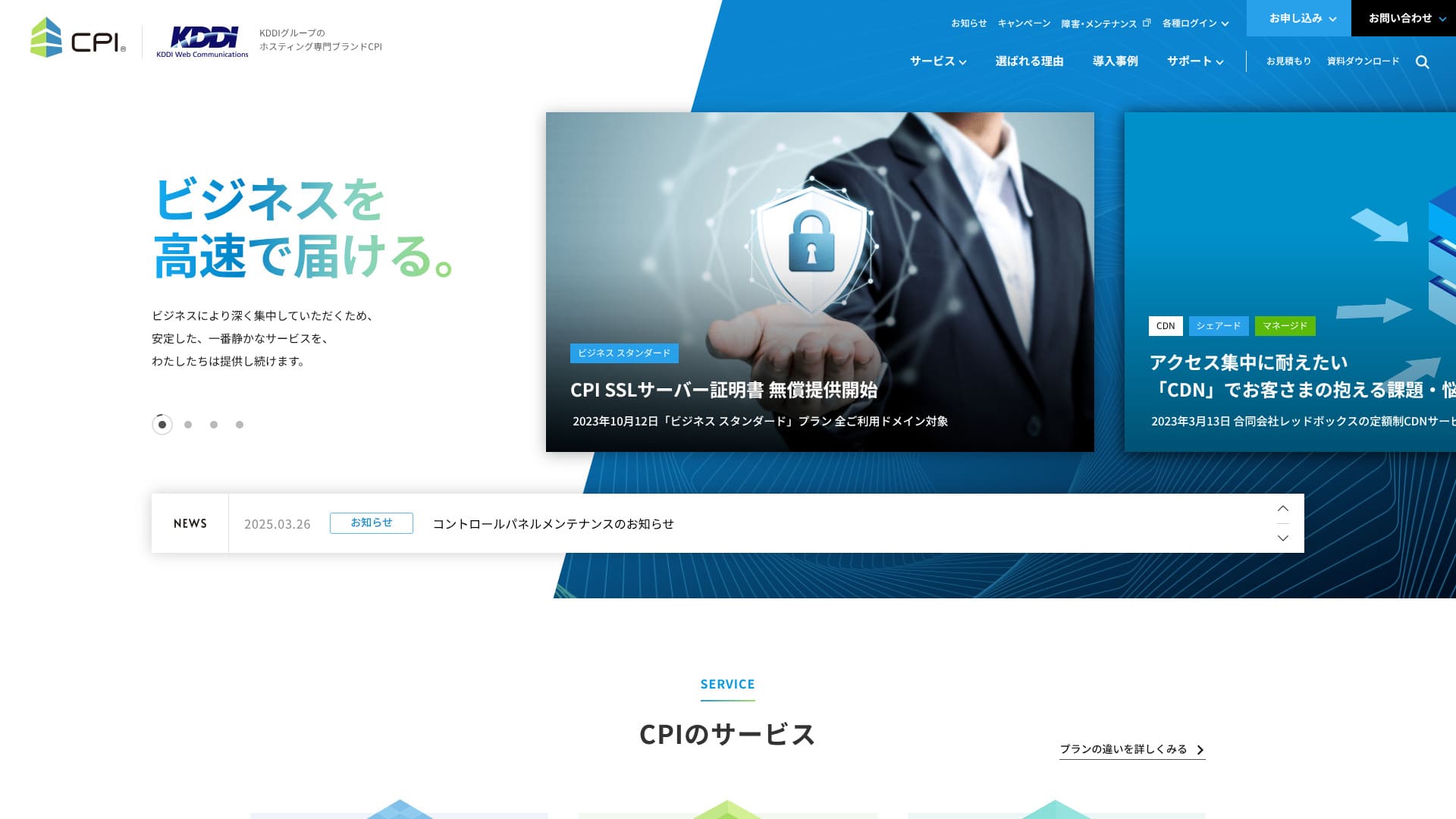
Provides exceptional stability and quietly powerfully supports your business.
CPI
 is an ultra-stable server operated by the KDDI Group, with a 100% uptime guarantee. It can be used by individuals, but because it offers a full set of business-oriented features and services, 95% of its users are corporate customers.
Even though it is an excellent server, it also has drawbacks. In this article, I explain the features of CPI
and how to get started with WordPress.
WordPress Rental Server 32 Companies Complete Comparison! Recommendations for Individuals, Corporations, and Overseas Businesses

"If you think 'I want to start WordPress' and search for 'WordPress recommended', you'll find a huge variety of articles, from personal and corporate/small business servers to overseas servers and cheap servers. Frankly, ...
- Which website is good to look at?
- I want to choose a server simply and easily!
- I want to know how to start WordPress right away!
Don't you?Therefore, this article carefully selects and introduces recommendations from 32 rental server companies for individuals, corporations, domestic and overseas.It's explained by an SEO specialist from an app development company that uses rental servers every day.
CPI Rental Server: Stable Servers for Businesses

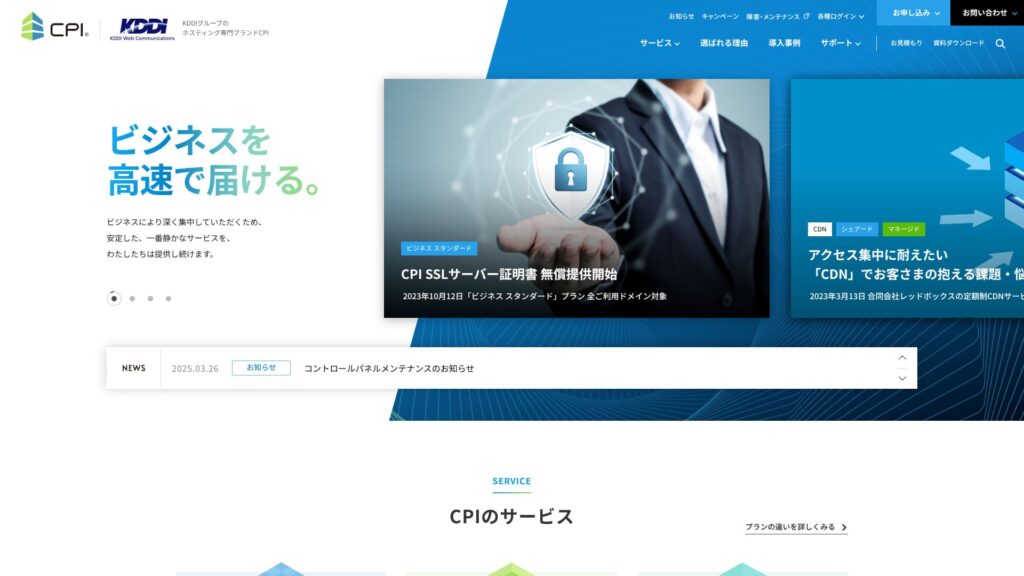

| Server Types | Shared hosting / Managed dedicated server / Dedicated server with root access |
| Load Time (TTFB) | Not Measured |
| Recommended Plans and Contract Periods | Shared Plan Business Standard 12 Months |
| Trial & Money-Back Guarantee | 10-Day Free Trial |
| Monthly Fee (12-Month Contract) | 4,840 Yen |
| Initial Office Fee | Free |
| Free Domain | None |
| Support | Phone & Email (Weekdays 10:00-18:00) 24/7 support available for an additional 990 yen per month |
| Uptime Guarantee | 100% guaranteed |
| Server Capacity | Web 300GB / Email 200GB |
| Number of Databases | 5 |
| Security Measures | WAF / Web Tampering Notification (Paid) |
| SSL | Free CPI SSL Server Certificate |
| Backup/Restore | 30-generation backups / Free restoration |
| Number of email accounts | Unlimited |
| Email Security Measures | Virus Check / Spam Email Check / Spam Email Subject Display / Spam Email Automatic Sorting / STARTTLS / Email Sending Prevention Active! gate |
| Server/Website Migration Service | Partial migration assistance available at no extra cost / Full Service 283,800 Yen |
| One-click WordPress installation | ◯ |
| CDN | Paid |
5 Features of CPI

100% Uptime Guaranteed
CPI
guarantees 100% uptime. Because the server is extremely stable,you can avoid issues where your site becomes unavailable.Especially when business websites or service sites display instability, it can negatively impact business.
However,CPI
there's no need to worry like that.
★ Must-know! Understand server uptime and SLA.
IfCPI
should you experience issues with your web services or email services while using it, you will receive a refund based on the uptime percentage.
Web and email servers: Risk diversification
CPI
is introducing a risk-dispersed system by separating web servers and mail servers. This ensures that problems on one server do not affect the other service.that problems on one server do not affect the other service.
For example, let's say the traffic to your website has suddenly increased. The web server may experience a load, which could temporarily slow down the display of your website. However, if you have distributed your mail server, it won't become difficult to receive emails in such situations.
For businesses, if email, the primary means of communication with customers, becomes unstable, it could lead to credibility issues. Therefore,CPI
30-generation backups
CPI
offers 30 generations of backups. With backups, even if a problem occurs, you can restore the backup data and return to the state before the problem.trouble, you can restore the backup data and return to the state before the trouble.
Mistakes like accidental data deletion or data tampering due to cyberattacks can happen someday. With CPI, you can store a massive amount of backup data spanning 30 generations. Therefore, even if you notice the problem late, you can usually restore it to its original state.
High-security WAF equipped
CPI
features the latest security features, including a WAF. It can be used for free. A WAF is a security measure that prevents attacks targeting the vulnerabilities of web applications.
In the case of affordable servers, WAFs may be offered as a paid option, CPI
is standardly equipped and a great deal.
You can strengthen the support to 24 hours a day, 365 days a year as an option.
CPI
can be enhanced with 24-hour, 365-day support as an option.CPI
typically provides email support between 10 AM and 6 PM, Monday to Friday.
With a monthly fee of 990 yen and "24-hour 365-day TEL & email support", you can receive 24-hour 365-day email support. Phone support has been suspended since September 2021. However, in some cases, support from CPI may be provided by phone.&thatCPI
may be provided by phone.
If a problem arises with your company's website operation or email management, it must be resolved as quickly as possible.This option allows you to have CPI resolve your issues, even if there isn't anyone in-house who is knowledgeable about it.
CPI has a higher pricing structure which is a disadvantage.

CPI
is designed for business usedue to its highly functional and feature-rich services, the pricing is somewhat higherIt was compared to other corporate servers based on the following conditions.
- Initial administrative fees
- Server contract for 12 months
- Domain cost for 1 year
- The cheapest WordPress-compatible plan
| Server Company | 1 Year Cost |
|---|---|
| CPI
| 58,080 yen |
iCLUSTA+ byGMO
 | 12,824 yen |
XServerビジネス
 | 51,612 yen |
Sakura Rental Server Business
 | 29,040 yen |
heteml
 | 24,420 yen |
Comparing it, it falls into the higher price range for business-oriented servers. If you want a reliable service for business-oriented servers, but also want to keep server costs down, you should consider other server providers.
Comparing 2 Servers Similar to CPI
Xserver Business
XServerビジネス
isCPI
and can be used for corporate servers at approximately the same price.CPI
has only one shared server plan, butXServerビジネス
has three types.Therefore, it is attractive that you can adjust the plan in accordance with the growth of your business or operation site.is attractive.
However, CPI is superior in automatic backups and test environment setup.For everyday functionality and peace of mind,CPI
is a better choice.
| Comparison Content | CPI
| XServerビジネス
|
|---|---|---|
| Key Features | Highest Stability | Server Speed No.1 |
| Trial & Money-Back Guarantee | 10-Day Free Trial | 10-Day Free Trial |
| Uptime | 100% | 99.99% |
| Capacity | 500GB | 700GB |
| First Year Server Cost | 58,080 Yen | 51,612 Yen |
Sakura Rental Server Business
Sakura Rental Server Business
ismore affordable than CPIa business server.
However,Sakura Rental Server Business
does not offer special support plans or anything like that.CPI
provides options with 24/7 support.The feeling of reassurance that you can contact for urgent support with CPI is superior.
| Comparison Content | CPI
| Sakura Rental Server Business
|
|---|---|---|
| Key Features | Highest Stability | Server Capacity Utilization |
| Trial & Money-Back Guarantee | 10-Day Free Trial | 14-Day Free Trial |
| Uptime Rate | 100% | 99.99% |
| Capacity | 500GB | 600GB |
| First Year Server Cost | 58,080 Yen | 29,040 Yen |

Start Your WordPress Website with CPI in 5 Steps
- STEP.1
On the official website's top page, click "Apply Now."
- STEP.2Contract Application
First, the contract period. A 12-month contract with a lump-sum payment is recommended. There are no initial fees. Check the box for "Agree to the CPI Service Terms and Conditions and Other Terms and Conditions" and "Privacy Policy."
Domain Selection. If you're using a new domain, enter the string you want and search. If you can acquire it, proceed to "Select Options."
★ What is a Domain? The Role and Acquisition Method as an Address on the Internet
SSL Server Certificate. We recommend using free CPI SSL. SSL is the most basic internet security, so be sure to apply for one of them.
★ What is SSL and TLS? The Mechanism and Benefits of Encrypting Information
Apply for the necessary services from the following options.
- Website Defacement Notification
- External Backup Service
- Email Misdelivery Prevention (Active! gate)
- Webmail (Active! mail)
- Cloud-based Groupware (iQube+)
- 24/7 365-day TEL & Email Support
Click "Proceed to Plan Contract Information."
Enter the plan contract details, such as company name and contact email address.
Review all contents and apply.
You will immediately receive an order confirmation email after application. Then, an invoice will arrive.
CPI will set up the server, so please wait a while. Login IDs and passwords for the control panel will arrive by email.
- STEP.3WordPress Installation
From the "Web" and "Public Website" in the control panel, go to "Easy Installation" and then "WordPress."
Specify the installation directory. Check the box for "Agree to the following terms" and click "Install."
Four URLs will be displayed, so select one and click it.
Click "Let's Get Started!" and perform the following WordPress settings.
- Database Name: As is
- Username: Anything is OK
- Password: Anything is OK. Can be easily changed later
- Database Host Name: As is
- Table Prefix: As is
Click "Submit" and perform "Install Execution."
Further, register WordPress management information.
- Site Title: Anything is OK. Can be easily changed later
- Username: Anything is OK.
- Password: Anything is OK. Make it as complex as possible
- Email Address: Your usual email address. Company email is recommended for businesses
- Allow Search Engines: Don't check if you want to keep it private
Once you have entered the management details, click "Install WordPress." Be sure to note down the username and password, because you will use them when logging in.
When "Success!" appears, click "Login" and sign in with your username and password.
- STEP.4WordPress Initial Settings
Log in to WordPress.
※ If a warning message appears saying "This site cannot be accessed," the DNS settings have not been reflected yet. In that case, you simply need to wait, so try logging in again every hour.
★ What is DNS / a name server?
Set the permalink. From "Settings" in the WordPress admin, go to "Permalinks." Choose "Post name," then click "Save Changes."
When you use "Post name," you can choose any string you like for each article URL. A short string that helps readers imagine the article content is recommended. If it is too long, some readers may feel uneasy and think, "Could this be a risky site?"
- STEP.5Plugin Installation
Return to the WordPress admin screen, go to "Plugins" and then "Add New," and install the plugins you need.
Once you find the plugin you want by searching, click "Install Now" and then "Activate." After that, proceed according to the instructions for each plugin.
Be sure to install security and backup plugins.
- 5 recommended WordPress security plugins and how to choose them
- 5 best WordPress backup plugins to retrieve your data
Once the plugins are installed, your WordPress website is ready to go!

Summary
CPI
is a stable server for business use with a 100% uptime guarantee. Although the pricing is somewhat high, it gives you the backup features, security features, and business-ready capabilities that corporate sites need.
Please try it out.
WordPress Rental Server 32 Company Complete Comparison! Recommended for Individuals, Corporations, and Overseas Use
When you think, "I want to start WordPress," and search for "Recommended WordPress," you'll find a lot of different articles, from personal use to corporate/small and medium-sized enterprises, overseas servers, and cheap servers. To be honest,
- Which site should I look at?
- I want to choose a server simply and clearly!
- Tell me how to start WordPress right now.
Don't you think so? Therefore, this article willCarefully select recommendations from 32 rental server companies for individuals, corporations, and domestic/overseas useand introduce them. An SEO specialist from an app development company that uses rental servers every day will explain.