
01
You do not know the symptom name
You spend time wondering where to begin.
AI HOME REPAIR ASSISTANT
Start with a photo, a symptom, or a part. Repair Field narrows down likely causes, checks whether the work is safe, and guides you through the tools and steps you need.
Available on the App Store and Google Play.
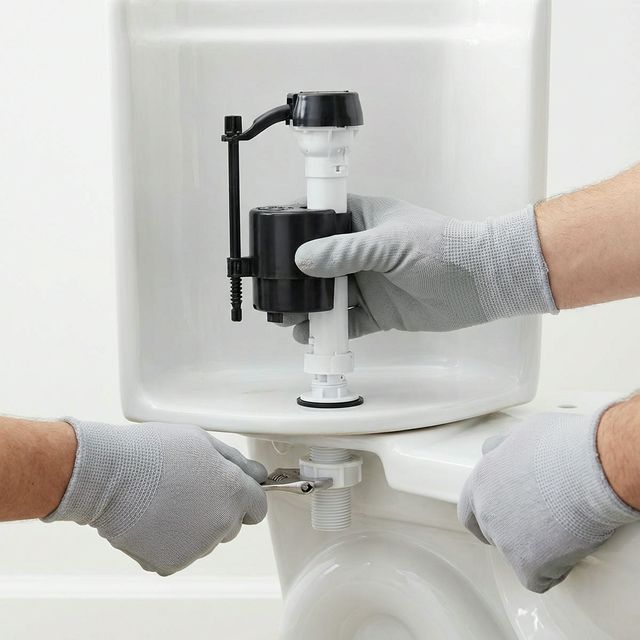
The right tools and steps are ready for you.
View the guideCheck water, power, and the area around the work.
CheckedKitchen faucet is leakingPlumbing / Checked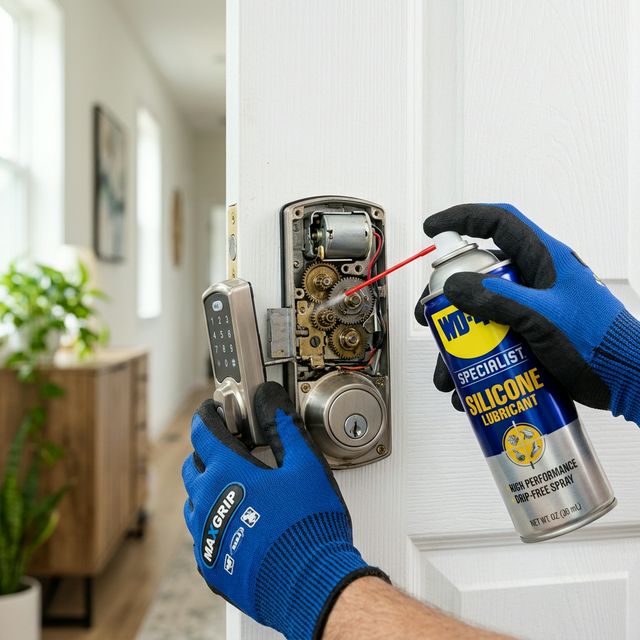 Door will not close fullyDoor / Recently viewed
 Light is flickeringElectrical / Saved
You spend time wondering where to begin.
You move between searches, videos, and notes.
Safety comes before touching the problem.
A new branch appears and you lose the thread.
HOW IT WORKS
Capture the area or choose the symptom that matches.
Tell us about the situation and when it happens.
Complete the safety check before you continue.
Follow the tools and instructions on screen.
FIND YOUR NEXT STEP
Search by keyword, symptom, part, place, or photo. Start with whatever you already know.
Take a photo and let AI suggest likely causes and the right repair path.
Find a guide from symptoms such as water that will not stop running.
Find related guides from a part name or where it is installed.
Ask follow-up questions and get help when the situation changes.
SAFETY FIRST
Check for water, power, gas, and other risks before you start. Repair Field brings the precautions and next actions together first.
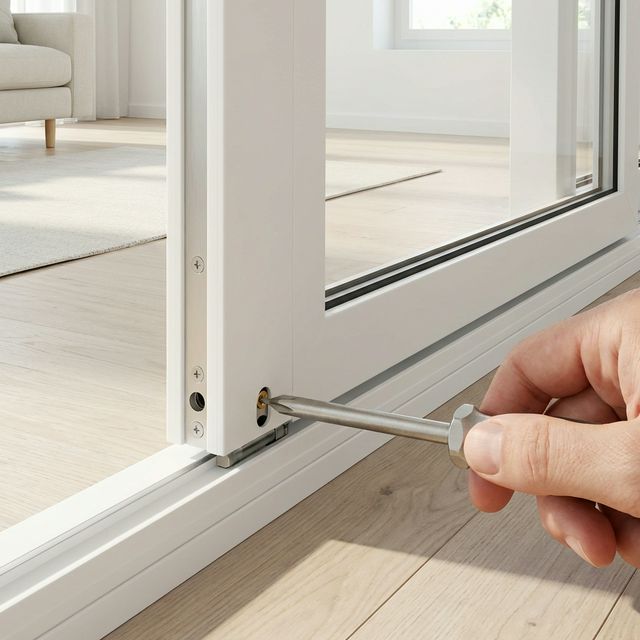
A CLEARER REPAIR FLOW
See progress, tools, images, and estimated time in one place. Save, share, or branch to another path when the work does not go as planned.
Keep your home's condition organized with saved guides, history, and a simple home inventory.
Organize bookmarked guides and parts by category.
FavoritesRecord when, where, and how the repair was done.
Date · place · notesKeep equipment details together, including maker, model, notes, and photos.
Maker · model · notes · photosFrom everyday home problems to the parts behind them.
Leaks · clogs · water that will not stop
No light · flicker · unknown maker
Won't open · won't close · feels wrong
A few answers about Repair Field, how it works, and how we think about safety.
The core experience is planned to be free. Pricing and any paid features will be shared when the app launches.
Saved repair information and cached content are designed to remain available when connectivity is limited. AI analysis and new content need a connection.
You can explore toilet and plumbing, lighting and electrical, and doors and hardware by category, part, or symptom.
Higher-risk work surfaces safety checks and precautions before the steps. Stop if something feels unsafe and contact a qualified professional.
Repair Field helps you DIY with more clarity and care.