
10-day free trial
PR
伺服器
heteml 評測與價格:從使用者評價看優缺點的 2025 詳盡指南
釋出於:2025.04.18
更新於:2025.04.18
評分: 4.0
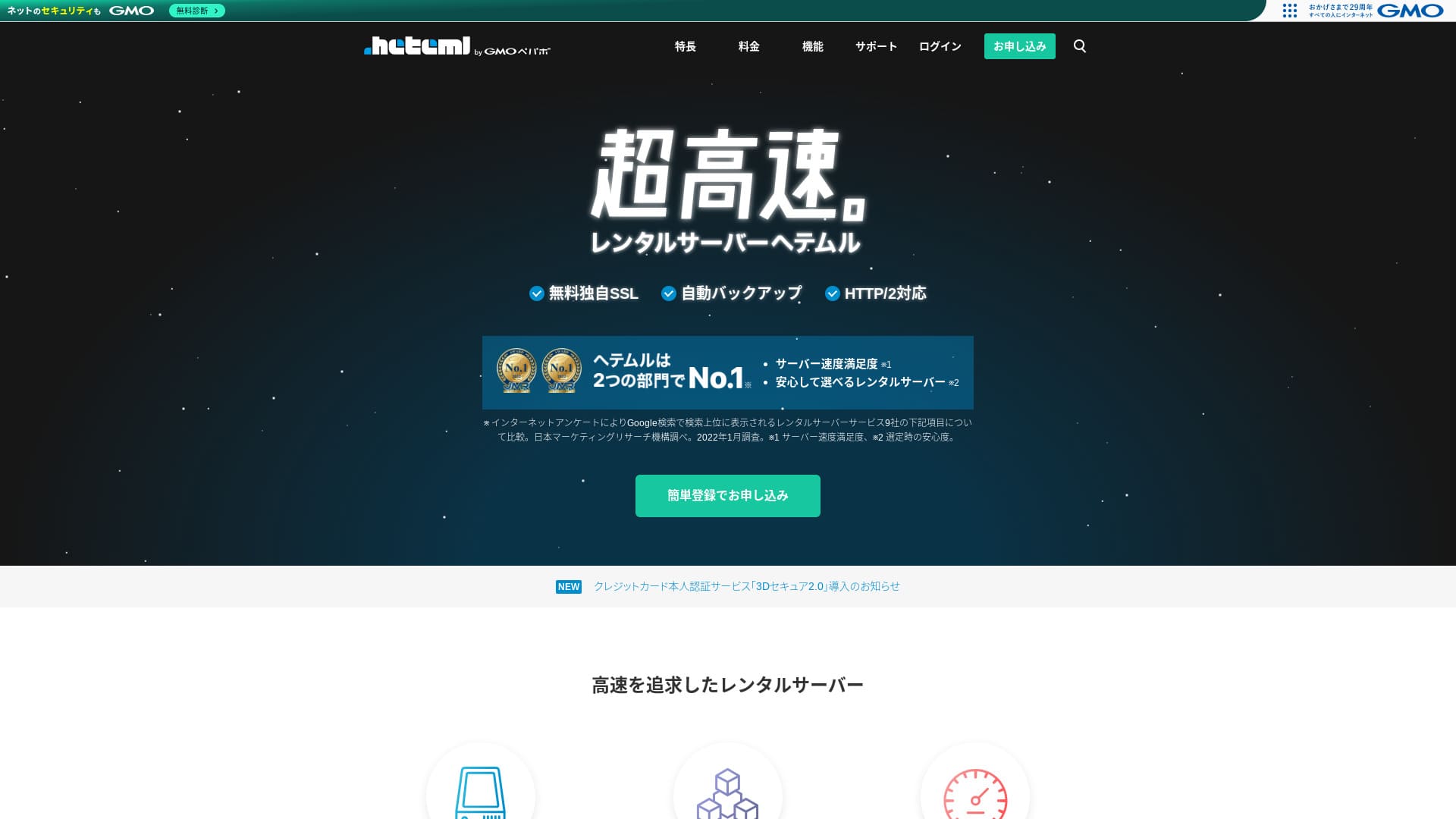
heteml is a server from GMO Pepabo, Inc., known for its stability with a 99.99% uptime rate.

I recommend heteml to companies, sole proprietors, and others who value stability because:
- 99.99% 的穩定線上率
- 分離式伺服器架構有助於在流量激增時避免故障
- 清晰的傳輸量限制讓人更安心
因此我才會推薦它。我認為你會滿意。
A competing server is MuuMuu Server. It is better than heteml in terms of domain fees and ease of domain management. Please consider it alongside heteml.
| Server type | Shared server / managed server |
| Display speed (TTFB) | Not measured |
| 推薦方案與合同週期 | 12-month contract |
| Trial / money-back guarantee | None |
| Monthly fee (12-month contract) | 2,035 yen |
| Initial setup fee | Free |
| Free domain | None |
| Support | Phone, email, and chat (weekdays 10:00-18:00) |
| Uptime | Actual 99.99% |
| Storage | 600GB |
| Number of databases | Unlimited |
| Security measures | WAF / Overseas Attack Guard / Device Security |
| SSL | Free SSL / GlobalSign Quick SSL / GlobalSign Organization Authentication / GlobalSign EV Authentication |
| Backup / restore | 14-day automatic backup / restore 5,000 yen |
| Number of email accounts | Unlimited |
| Email security measures | Spam filter / virus check |
| Server / website migration service | WordPress migration service 33,000 yen No migration tool |
| Easy WordPress installation | Yes |
| CDN | None |

Hikaru Ono
Heteml stands out for both high speed and stability. It is well suited to large-scale websites and to running multiple sites.
As you would expect from a higher-priced service, it is a high-quality server you can use with confidence.
Heteml Compared with Other Servers
- OverallRating★★★★☆
- Server speed Not measured
- Pricing ★★☆☆☆
- Stability ★★★★★
- Ease of starting WordPress ★★★★☆
- Operations such as domain management and SSL setup ★★★★☆

Comparison of 21 Recommended WordPress Hosting Services for Individuals and How to Choose
Comparison of 21 Recommended WordPress Hosting Services for Individuals and How to Choose
serverfield.org
- Data based on market research conducted on November 4, 2025, sorted by speed
- The monthly fee is the first-year cost of the lowest-priced plan that can run WordPress
- Speed is the Time to First Byte value measured on demo sites under identical conditions

heteml 的使用者評價
Heteml received positive feedback for both support quality and speed.
不過,我也看到了有關伺服器宕機的評價。沒有哪臺伺服器能完全避免宕機,但如果伺服器接二連三地出問題,那當然是個問題。
heteml 的四大特點

透過分散風險的伺服器運營實現穩定
heteml operates by separating its servers.
- Web server
- Mail server
- Database server
By separating them this way, even if one server comes under heavy load, the response of the other servers does not slow down.
For example, suppose traffic suddenly surges to the web server that displays your website. The web server comes under load and becomes a little slower. However, the mail server is not under load, so it keeps running comfortably. That means you do not have to worry about trouble such as being unable to receive inquiry emails from customers in a timely manner.
傳輸量和儲存空間都很充足
heteml offers generous transfer volume and storage capacity. It can easily handle corporate sites that tend to consume a lot of both.
★ What Are Traffic and Data Transfer? Managing and Optimizing Web Traffic
它每月的傳輸量上限是 40 TB。最近,越來越多的伺服器宣稱傳輸量無限。與它們相比,這個數字似乎不大,但像 heteml 這樣明確標出數值,反而更容易讓人放心使用。
事實上,即使每次頁面瀏覽消耗 3 MB,40 TB / 月也足以應對每天約 40 萬次訪問。傳輸量用完的可能性極低。
99.99% 線上率的穩定伺服器
heteml has a 99.99% uptime rate. It is extremely stable.
Problems caused by server trouble, such as a website failing to display or email being unable to send and receive, are rare. That kind of stability is exactly what matters for business use, isn’t it?
★ A Beginner's Guide to Server Uptime and SLAs
99.99% 的線上率意味著,在一年合約期間,總停機時間不到一小時。其餘時間都能正常執行。
免費電話支援
heteml offers free phone support.
當你在檢視諮詢詳情後仍然無法僅憑郵件支援完全弄明白時,這種支援就很有幫助。
月費和可選費用較高是其缺點

heteml provides business-class speed and stability, but its overall pricing is a drawback. Honestly, it is not the first server an individual should choose. It is better suited to businesses and to people who already run multiple websites.
The monthly fee falls to the equivalent of 1,210 yen on a 36-month contract, but on a 12-month contract it is 2,035 yen. Once it goes far beyond 1,000 yen, it starts to feel tough for individuals.
從備份恢復每次也要收費 5,500 日元。許多伺服器都會免費提供備份和恢復,因此這筆費用算是偏高。
無論如何,由於它提供的是高品質服務,整體價格自然也會更高,因此可以說它更面向企業使用者。
將 heteml 與兩款同類伺服器比較
讓我們把 heteml 與兩款同類高品質伺服器比較一下。
ConoHa WING
ConoHa WING is, like heteml, a high-speed server. It can be used at a lower price.
ConoHa WING 是一臺能讓你輕鬆開始 WordPress 網站的伺服器。使用 WordPress Easy Setup 後,註冊完成時 WordPress 網站就已經就緒了。這是 heteml 沒有的功能。

ConoHa WING Review and Performance Test: Why 750,000 Users Choose It
ConoHa WING Review and Performance Test: Why 750,000 Users Choose It
serverfield.org
Xserver
Xserver is often compared with heteml. To be honest, Xserver is known for speed and stability with practically no real downsides, and it has the No. 1 market share in Japan.
與 heteml 相比,Xserver 的優勢在於採用了分散風險的伺服器架構。

Xserver Review: The Latest 2025 Guide to Speed, Pricing, Pros, and Cons
Xserver Review: The Latest 2025 Guide to Speed, Pricing, Pros, and Cons
serverfield.org
7 個步驟用 heteml 開始 WordPress 網站
Start Your Website with heteml!
- STEP.1Visit the official heteml website
Click “Apply with Easy Registration.”
- STEP.2Enter your customer information
Set your heteml ID, password, and email address. Once you have entered them, proceed to “Agree to the terms and move to identity verification.”
Complete SMS verification. When the verification screen appears, enter the code you received and click “Verify and apply.”
At this point you are still in the free trial period. Enter your contract information such as your name and phone number. Once everything is correct, click “Register” to continue.
- STEP.3Sign up for the server
During the free trial period, click “Sign up for the server” in the control panel. Choose your contract term and options.
You can apply for the options after signing up for the server, so it is fine to leave everything unselected for now.
The payment amount will be displayed, so proceed to “Choose a payment method.”
Select a payment method. Credit card payment is recommended because it lets you move to the next step immediately. It also turns automatic renewal on, which helps prevent your website data from being lost because you forgot to renew.
- STEP.4Get a custom domain with MuuMuu Domain and register it on heteml
Open the official MuuMuu Domain website, enter the text you want to use as your website’s domain into “Enter the domain you want,” and click “Search.”
★ What Is a Domain? Its Role as an Address on the Internet and How to Get One
You can choose a top-level domain such as “.com” or “.co.jp.” The acquisition fee and renewal fee vary depending on the top-level domain. If you are unsure, businesses should choose “.co.jp” whenever possible. Individuals are best served by “.com” or “.net.” These are familiar domains that are less likely to look suspicious and easier for visitors to trust.
Check once again that it is the domain you want. If everything looks correct, proceed to “Go to application.”
Create a new MuuMuu ID. Enter your ID (email address) and password, then click “Agree to the terms and move to identity verification.”
Complete SMS verification to confirm your identity.
Next comes the domain settings and other applications. Set the domain options as follows.
- Public WHOIS information: Businesses should publish their information. Individuals should generally choose “Have the provider publish its information on my behalf.”
- Name server (DNS): heteml
If you publish WHOIS information, the name and address of the person who obtained the domain, in other words the administrator, are made public. Because that opens personal information to the public, people other than corporations or sole proprietors may prefer proxy publication.
You do not need to apply for linked services, optional services, or MuuMuu Mail. If a business wants to use email, it can use the email service already available on the heteml server you just signed up for.
Pay by credit card or another method. Click “Next step,” ignore the ads, and enter your user information. Once your name, address, and other details are correct, proceed to “Next step.”
Review the application details, check “I agree to the terms of use,” and click “Acquire.” You have now obtained the domain.
Return to the heteml control panel. Register the domain you acquired at MuuMuu Domain so that it can be used on your heteml server.
Click “Set a custom domain.” Then click “Set a custom domain” under the displayed “New Domain Settings.”
Enter the custom domain you acquired at MuuMuu Domain and click “Check custom domain.” If you see the message “The entered domain can be configured on heteml,” click “Register custom domain.” That completes the custom domain setup on heteml.
- STEP.5Install WordPress
In the heteml control panel, click “Easy Install” under “Various settings.” Then choose “Go to the installation screen” for WordPress.
Enter your WordPress information.
- Installation URL: Select the domain you obtained earlier
- Database: Generate automatically
- Site title: Anything is fine, because you can easily change it later
- Username: Anything is fine, but changing it later is cumbersome
- Password: Make it as complex as possible; it can be changed easily later
- Email address: Your normal email address. For businesses, the website administrator’s business email is recommended
- Privacy: Check it if you want to publish the site right away. Leave it unchecked if you want to publish after the site is complete. You can change it easily later
The username and password are used to log in to WordPress, so be sure to write them down.
When you click “Install” with the above settings, a message appears saying, “The folder to install into does not exist. Would you like to create this folder?” Click “OK.”
Once the installation is complete, click the displayed URL and log in.
- STEP.6Initial WordPress settings
On the displayed WordPress login screen, enter the username and password you set during installation and click “Log In.”
If you see a warning saying “This site can’t be reached,” the DNS settings have not propagated yet. All you can do is wait, so try logging in again every few hours.
★ What Are DNS and Name Servers?
After logging in to WordPress, set your permalinks. In the WordPress admin screen, go from “Settings” to “Permalinks.” Choose “Post name,” then click “Save Changes.”
When you choose “Post name,” you can enter any string you like in the URL when publishing an article. A short string that helps readers imagine the content is easier to read, which is why it is recommended. If it is too long, some people may start to wonder whether the site looks unsafe.
- STEP.7Install plugins
Go back to the WordPress admin screen, open “Plugins,” and proceed to “Add New” to install the plugins you need.
When you find the plugin you want through search, click “Install Now” and then “Activate.” After that, follow the instructions for each plugin.
Be sure to install security and backup plugins.
- How to Choose 5 WordPress Plugins That Strengthen Security
- 5 Powerful WordPress Backup Plugins That Help You Recover Your Data
Once your plugins are installed, your WordPress website setup is complete.
總結
heteml is a rental server aimed at businesses. It specializes in speed and stability. Its strength is its risk-distributed architecture. With abundant transfer volume and storage capacity, it is also suitable for running multiple sites. If the pricing works for you, there are no major drawbacks. Give it a try.