97 天退款保證
PR
伺服器
DreamHost 評測:如果你想以合理價格開始 WordPress,並享受 97 天退款保證,值得推薦
釋出於:2025.07.13
更新於:2025.07.13
評分: 3.0
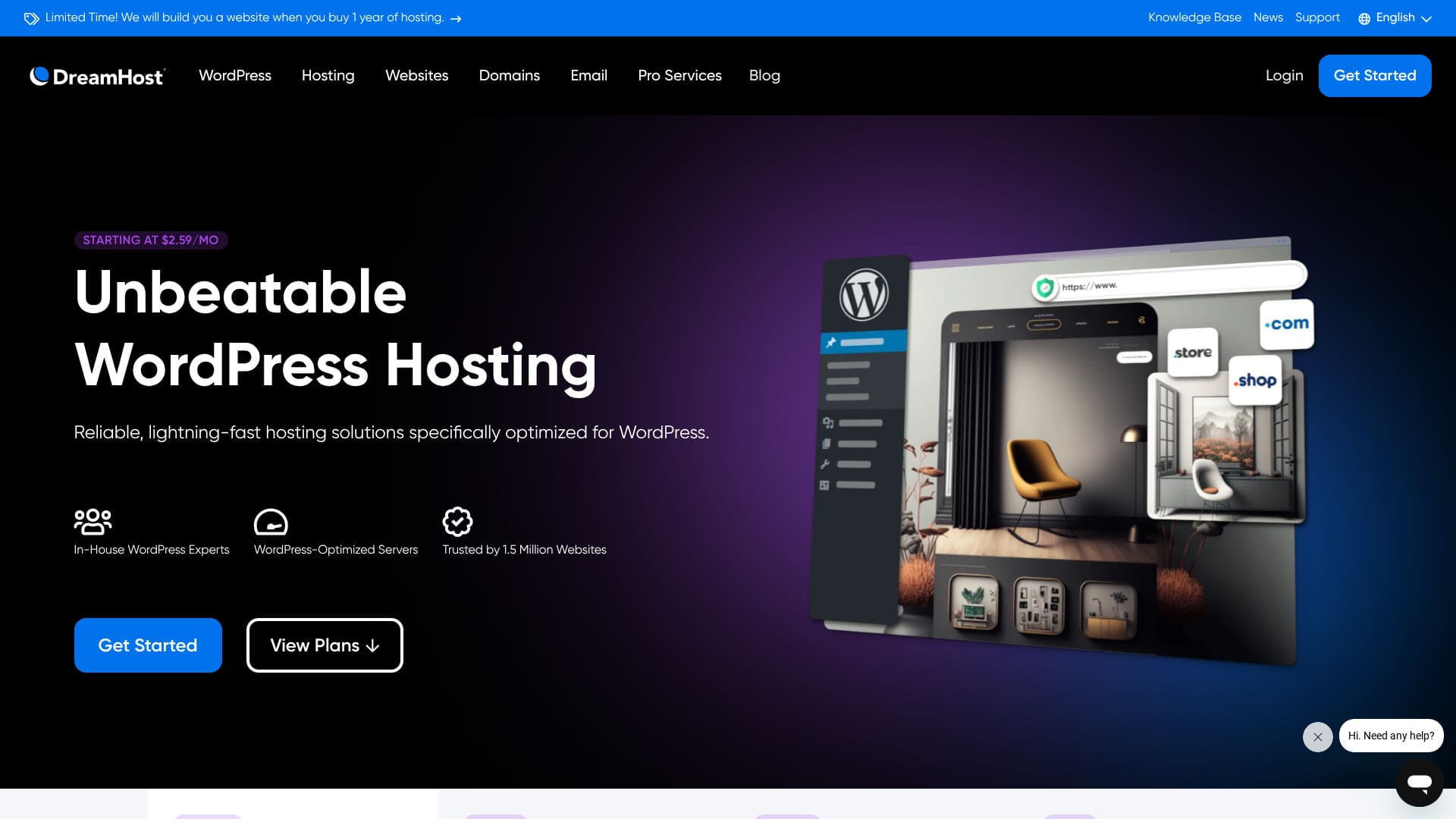
DreamHost is a global company based in Los Angeles that provides domain registration and hosting. It is confident in the quality of its servers, and it offers an exceptionally long 97 天退款保證.


Hikaru Ono
DreamHost 是相對實惠的海外主機。我覺得它控制面板的易用性沒有問題,使用起來很順手。
因為它穩定且擁有 100% 的線上率保證,是一款您可以長期使用的伺服器。
| 伺服器型別 | 共享主機 |
| 伺服器響應速度(TTFB) | 400ms |
| 推薦方案與期限 | WordPress Starter,1 年 |
| 試用 / 退款保證 | 97 天退款保證 |
| 月費(12 個月方案) | $2.95 (432 yen) |
| 初始設定費 | 免費 |
| 免費域名 | 1 個域名免費 3 個月 |
| 支援 | 24/7 chat, email, and phone callback |
| 正常執行率 | 100% |
| 儲存 | 50GB |
| 資料庫數量 | 6 |
| SSL | 免費 SSL |
| 備份 | Included |
| 郵件賬戶 | 無 |
| 郵件安全 measures | 無 |
| 伺服器 / 網站遷移服務 | 無 |
| 預裝 WordPress | 無 |
| CDN | 無 |
| 資料中心所在地 | Ashburn, Virginia, USA; Hillsboro, Oregon, USA |
DreamHost 與其他主機的比較
- Overallrating★★★☆☆
- Server speed ★★☆☆☆
- Pricing ★★★★☆
- Stability ★★★★★
- Ease of starting WordPress* ★★★☆☆
- Operations such as domain management and SSL setup* ★★★★☆
* Based on how it felt when I used it myself.

How to Compare and Choose 10 Recommended Overseas Hosting Companies
How to Compare and Choose 10 Recommended Overseas Hosting Companies
serverfield.org
Based on market research data as of 否vember 4, 2025, sorted by speed
The monthly fee is the first-year cost of the lowest-priced plan that can run WordPress.
The speed is the Time to First Byte value measured on demo sites under identical conditions.
“DreamHost”是一家總部位於美國洛杉磯的託管公司。它最大的吸引力在於長達 97 天的退款保證。因為是海外伺服器,能夠長期試用讓人感到安心。在海外伺服器中,它的價格也相當合理。
DreamHost review: an affordable and stable host with few drawbacks
DreamHost is one of the hosts officially recommended by WordPress.
DreamHost has been committed to WordPress and its community for more than 10 years. Its hosting platform is optimized for WordPress, and its team actively contributes to the WordPress community.
It is a good-quality host you can use at a reasonable price. If you want to build a website for people who live in the United States, where its hosting bases are located, it is an especially strong option.
Six features of DreamHost

伺服器速度處於標準水平
According to this site's own tests, DreamHost delivered standard-level server speed.
Compared with Japan's ultra-fast hosts, it does not stand out. Still, DreamHost's 400 ms server response time (TTFB) is not a bad number at all.
★ Is it fast? I compared the speed rankings of 15 hosting companies
提供 24/7 支援
DreamHost comes with 24/7 support. It is reassuring to know you can ask for support at any time.
With overseas hosts, support may sometimes be limited to local business hours, which makes it harder for users in Japan to get help because of the time difference. With 24/7 support, that problem disappears. Even if it is late at night locally, you can still contact them.
That feels reassuring, doesn't it?
It comes with a 100% 正常執行率 guarantee
DreamHost guarantees 100% 正常執行率. It can make that promise only because the servers are extremely stable.
If the server is stable, your website operations and email operations stay stable as well. Whether a company uses it for a corporate site or an individual uses it for affiliate marketing, it helps you avoid missing business opportunities.
★ A beginner's guide to hosting uptime and SLAs
已被 150 萬個網站使用
DreamHost has already been used by 1.5 million websites. That track record is evidence that DreamHost provides good-quality hosting. If the quality were poor, that many people would not keep using it.
There is a reassuring sense of trust that comes from being supported by so many users.
可一鍵安裝 WordPress
DreamHost lets you install WordPress with one click. Because it is easy to install WordPress, anyone can start a website with WordPress.
That said, some major Japanese hosts provide an even easier way to start WordPress than DreamHost does. They offer a system that preinstalls WordPress when you sign up for the server. I summarized hosts like that in the article below.
提供 97 天退款保證
DreamHost 提供 97 天的退款保證。這意味著保證期超過三個月。它對自己提供的服務一定非常有信心。
From the user's side, being able to try it for that long is a real advantage. It feels reassuring to take your time and judge how it works for you.
DreamHost 的缺點是 Shared Starter 只能託管一個 WordPress 網站

DreamHost's Shared Starter plan can host only one WordPress site. If you want to run multiple sites, you will need another server or a higher-tier plan.
Because there are hosts at a similar price point that can handle multiple sites, that is a drawback in comparison.
將 DreamHost 與兩家競爭主機比較
I compared DreamHost with two competing overseas hosts.
Kinsta
Kinsta, often described as top-tier hosting, is honestly quite expensive. The monthly fee is close to 5,000 yen. DreamHost is easier to choose because it is more affordable.
That said, Kinsta is also known as one of the best options for WordPress display speed and overall comfort. If you want to push usability as far as possible, it is one option to consider.

Kinsta Review: The pros and cons of a Google-recommended ultra-fast server, plus a WordPress setup guide
Kinsta Review: The pros and cons of a Google-recommended ultra-fast server, plus a WordPress setup guide
serverfield.org
Bluehost
Bluehost 是一款可透過 AI 協助建立 WordPress 網站的伺服器。與 DreamHost 類似,它提供優質的託管與支援,包含 24/7 全天候支援及 100% 的線上率。
Because DreamHost offers more storage, it is the better recommendation when you want to build a portfolio site that uses a lot of images.
| Item | DreamHost | Bluehost |
|---|---|---|
| Biggest strength | Ultra-long money-back guarantee | Outstanding stability |
| 試用 / 退款保證 | 97 天退款保證 | 30-day money-back guarantee |
| 正常執行率 | 100% | 100% |
| 儲存 | 50GB | 10GB |
| First-year hosting cost | 5,303 yen | 5,303 yen |

Bluehost 評價【2024版】:WordPress 官方推薦、優缺點及安裝指南
Bluehost 評價【2024版】:WordPress 官方推薦、優缺點及安裝指南
serverfield.org
現在就用 DreamHost 啟動 WordPress 網站的 6 個步驟
Let's start a website with DreamHost!
- STEP.1Create your DreamHost account
Go to the DreamHost website and click “Get Started.”
選擇 Shared Starter 方案並點選 “Sign Up Now”
Enter your account details, provide your payment information, and create the account.
- STEP.2Get a custom domain
Log in to the DreamHost dashboard.
Click “Domains” in the menu on the left and choose “Register a Domain.”
Search for the domain name you want, and if it is available, go through the purchase process.
- STEP.3Install WordPress
Go back to the DreamHost dashboard and choose “WordPress” from the menu on the left.
Click “One-Click Installs” and choose WordPress.
Choose the domain where you want to install it, click “Install it for me now!,” and wait for the installation to finish, which usually takes a few minutes.
- STEP.4Set up WordPress
After the installation finishes, click the link provided and open the WordPress setup page.
Choose a language and click “Continue.”
Enter the site title, username, password, and email address, then click “Install WordPress.”
Once the installation is complete, go to the login page and sign in to the admin dashboard.
- STEP.5Choose and customize a WordPress theme
After logging in to the WordPress admin area, choose “Appearance” → “Themes” from the menu on the left.
If you want to add a new theme, click “Add New Theme,” search for the theme, and install it.
Activate the theme you installed.
Customize the theme from “Appearance” → “Customize.”
- STEP.6Install plugins
From the menu on the left, choose “Plugins” → “Add New.”
Search for the plugins you need, install them, and activate them.
總結
“DreamHost”是一家總部位於美國洛杉磯的託管公司。它最大的吸引力在於長達 97 天的退款保證。因為是海外伺服器,能夠長期試用讓人感到安心。在海外伺服器中,它的價格也相當合理。
97 天退款保證
得益於 24/7 全天候支援和 100% 線上率保證,DreamHost 是一款您可以放心使用的伺服器。
它價格實惠,且提供 97 天的退款保證。建議先試用看看。