30-gün money-back guarantee
PR
Sunucular
Hostinger Review [2025 Latest]: Officially Recommended by WordPress. Pros, Cons, and Competitor Comparison
Yayınlandı: 2025.08.26
Güncellendi: 2025.08.26
Rating: 4.0
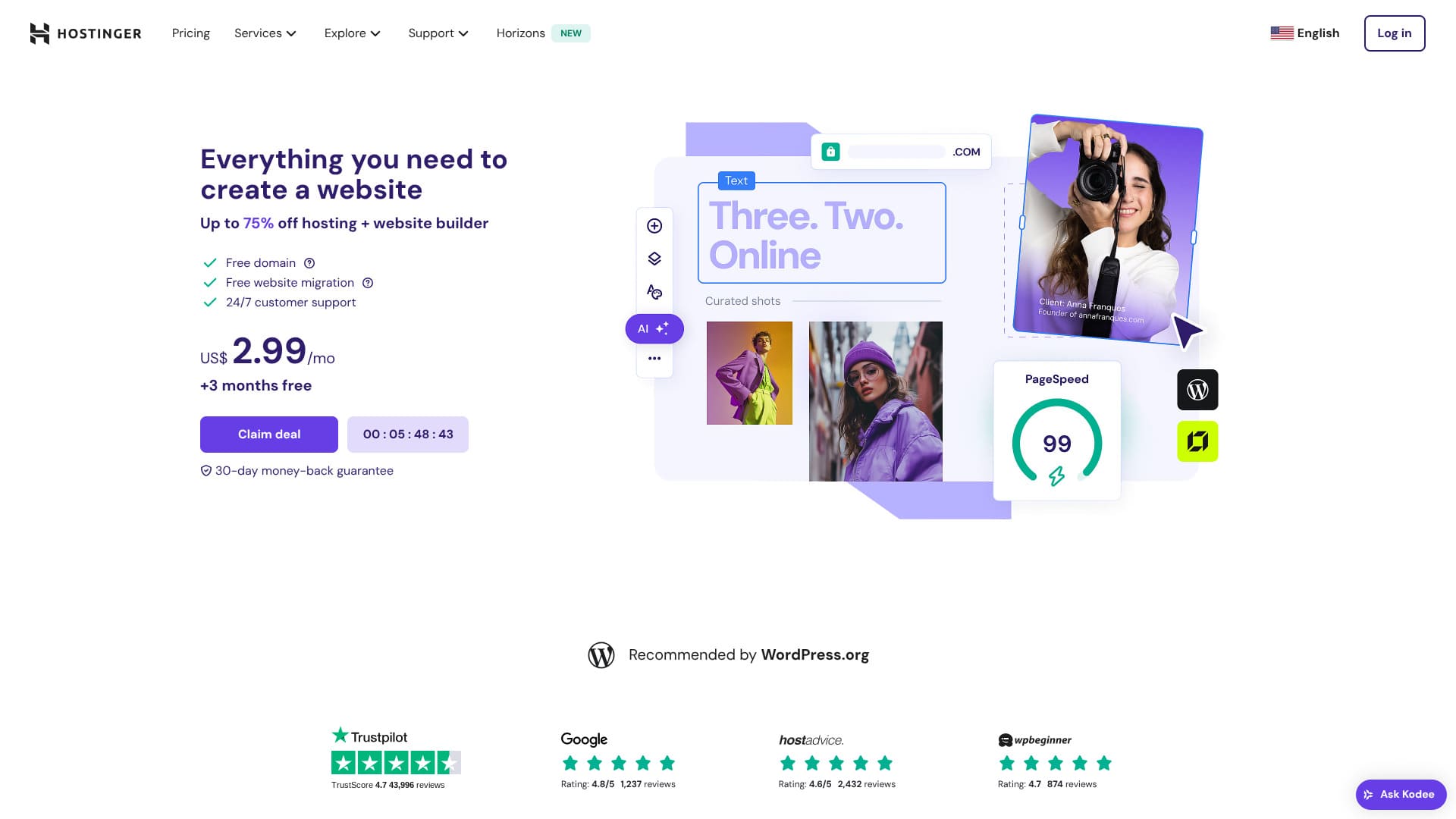
Hostinger, WordPress tarafından resmi olarak önerilen bir sunucudur ve yılda 365 gün, günde 24 saat destek sunar. Ayrıca herkesin kendi WordPress sitesini kurabilmesi için kolay kurulum özellikleri içerir.
| Server tür | Shared hosting |
| Speed (TTFB) | 31ms |
| Recommended plan and term | Üst düzey Web Hosting 12 months |
| Ücretsiz trial / money-back guarantee | 30-gün money-back guarantee |
| Monthly price (12-month plan) | 4.50 USD (438 yen) |
| Initial setup fee | Ücretsiz |
| Ücretsiz domain | İlk yıl için 1 ücretsiz alan adı |
| Support | 24/7 chat |
| Uptime | 99.9% |
| Storage | 100 GB |
| Number of databases | 50 |
| Security | DDoS protection, malware scanning, firewall, Cloudflare protected name sunucus, Secure Access Yöneticisi |
| SSL | Ücretsiz SSL |
| Backups | 7-gün backups & 7-week backups |
| Number of email accounts | 100 |
| Email security | — |
| Server / website migration service | None |
| WordPress preinstall | None |
| CDN | Ücretsiz |
| Data centers | France, Lithuania, the Netherlands, the United Kingdom, India, Indonesia, Singapore, the United States, and Brazil |

Hikaru Ono
Hostinger lets you start WordPress at a very low price when promotions are running. It also includes the essentials you need for dependable operation, such as uptime and security.
The control panel was also extremely well designed and easy to use.
- Data based on market research as of November 4, 2025, arranged in order of speed
- Aylık fiyatlar, WordPress'i destekleyen en ucuz planın ilk yıl maliyetidir
- Speed is the Time to First Byte measured on demo sites under the same conditions
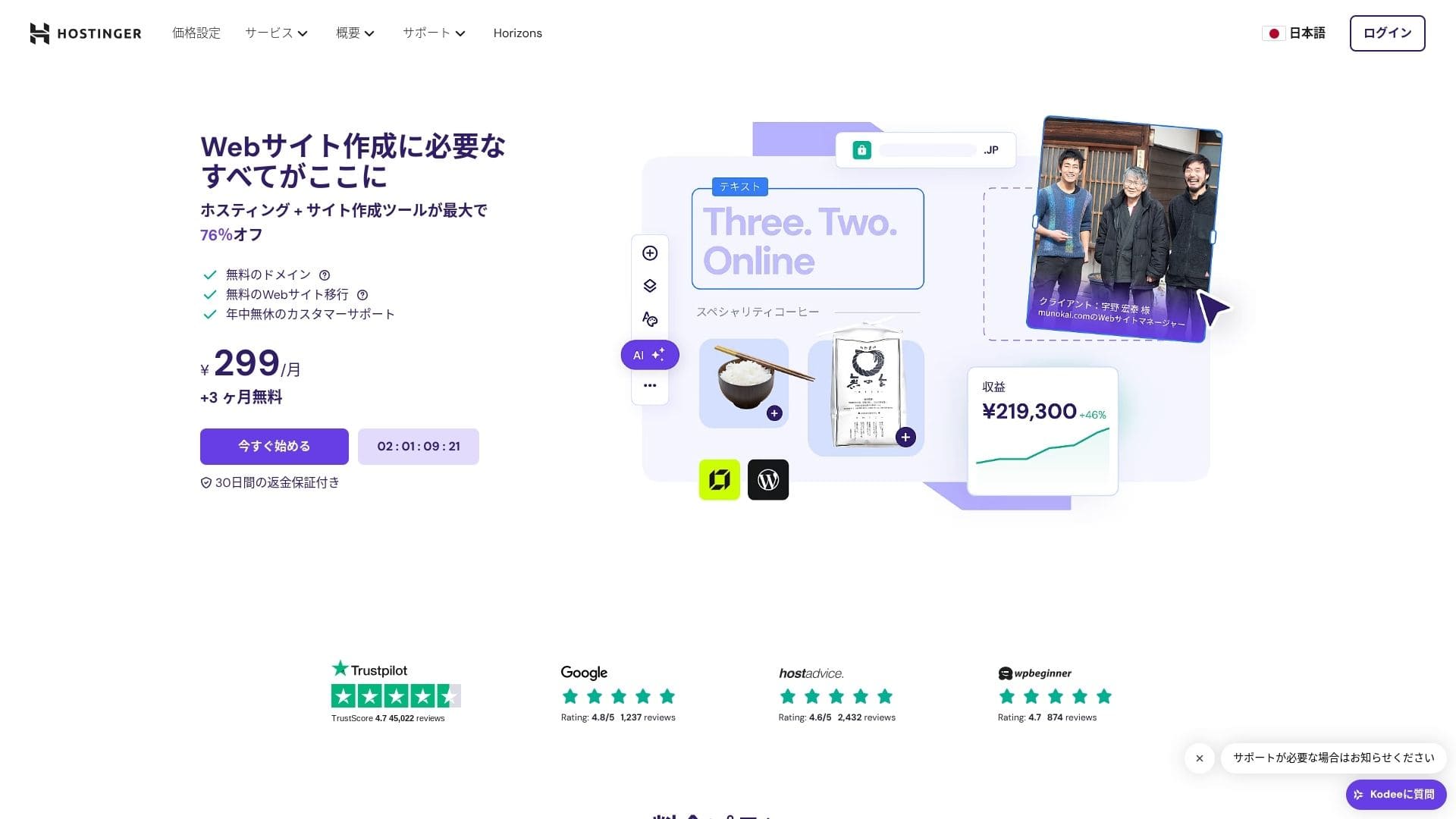
【Hostinger】 Litvanya'da başlayan ve 29 milyondan fazla kişi tarafından kullanılan bir barındırma şirketidir. Güçlü yedekleme sistemi, WordPress verilerini güvenli bir şekilde saklamanızı sağlar. Ayrıca büyük sunucu kapasitesi sunduğundan, daha büyük siteler için çok uygundur.

WordPress-ilgili reviews
Easy WordPress installation
İlk kurulum sihirbazı tek tıkla WordPress kurulumunu içerir ve tema seçimini, SSL etkinleştirmesini ve otomatik güncelleme ayarlarını sadece beş dakikada tamamlayabilirsiniz. Ayrıca eklenti açıklarını tespit eder ve sizi yönetici kontrol panelinde uyarır, bu da bakım çalışmalarını minimumda tutar.
Let's Build a Website with HOSTINGER!
- STEP.1【Hostinger】 : Kaydolun ve giriş yapın
Resmi HOSTINGER sitesine gidin ve "Şimdi Başlayın" seçeneğine tıklayın.
- STEP.2Premium planını seçin ve satın alın
Barındırma planları arasından seçim yapın. 12 aylık "Premium Paylaşımlı Barındırma" seçeneğini öneririm. Daha uzun bir süre sunucu maliyetinizi düşürür ve ayrıca bir adet ücretsiz alan adı alırsınız. Genel olarak en iyi değer 48 aylık sözleşmedir.
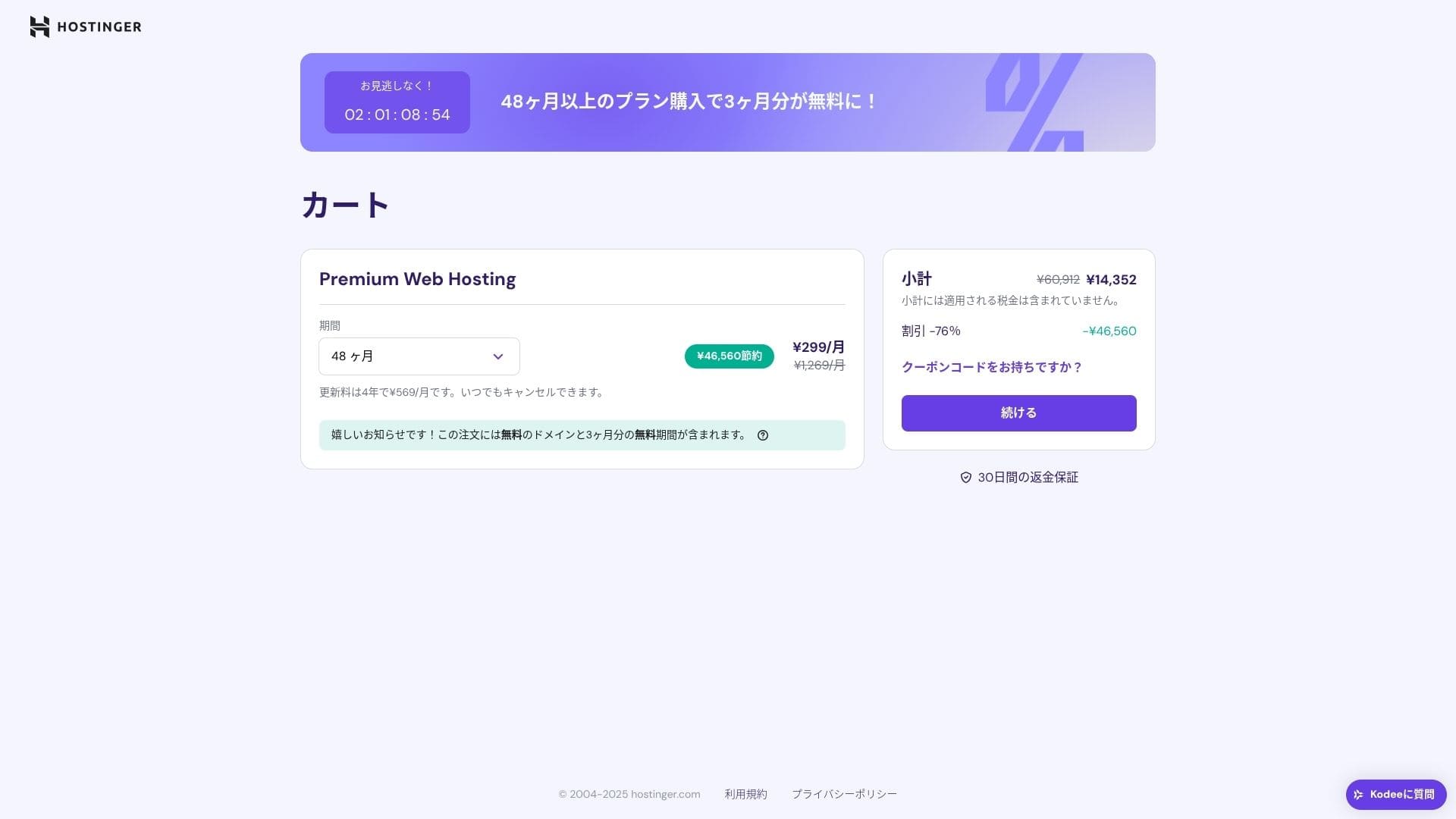
If you do not already have an account, sign up for one.
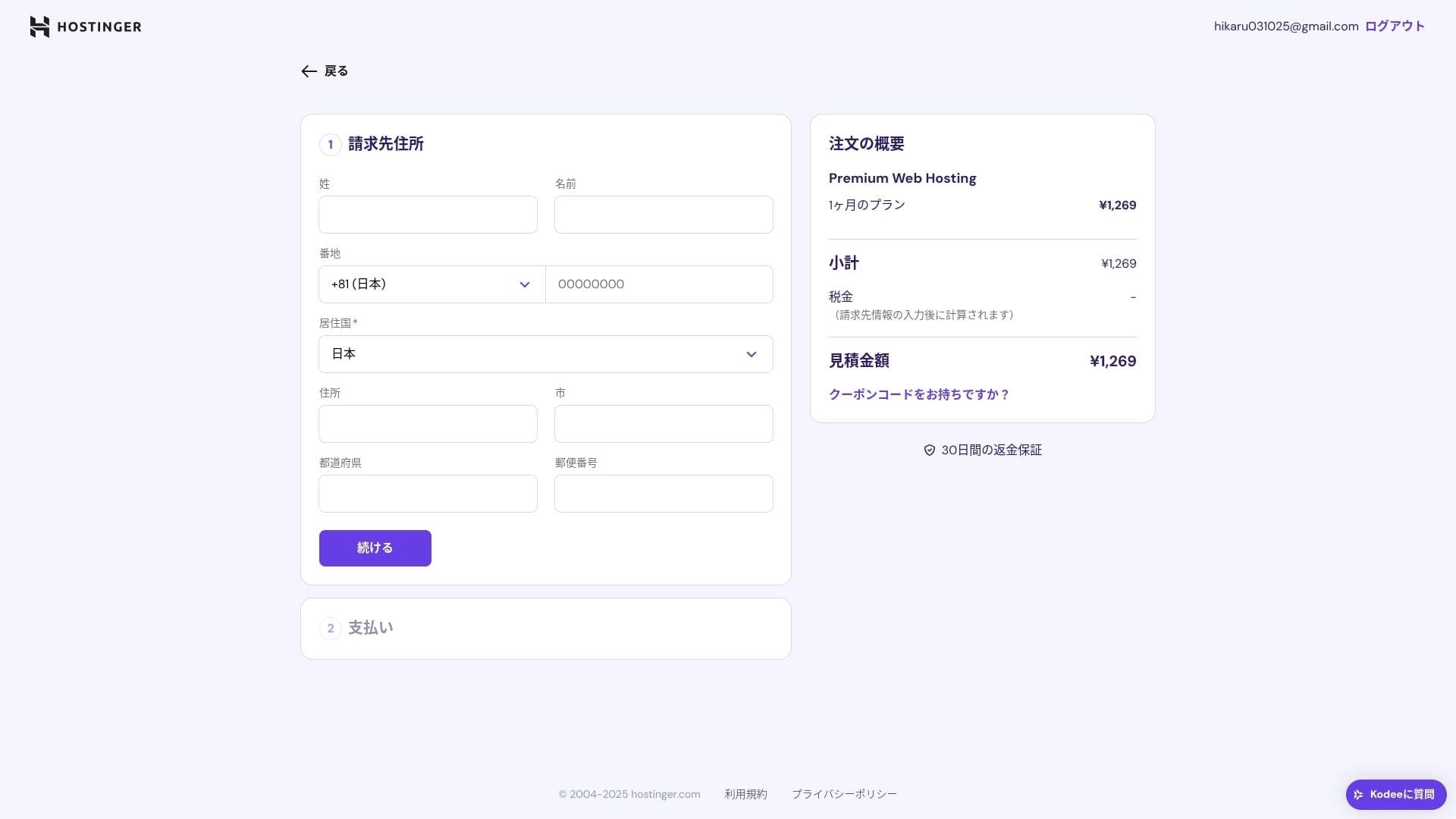
Enter your address and payment details.
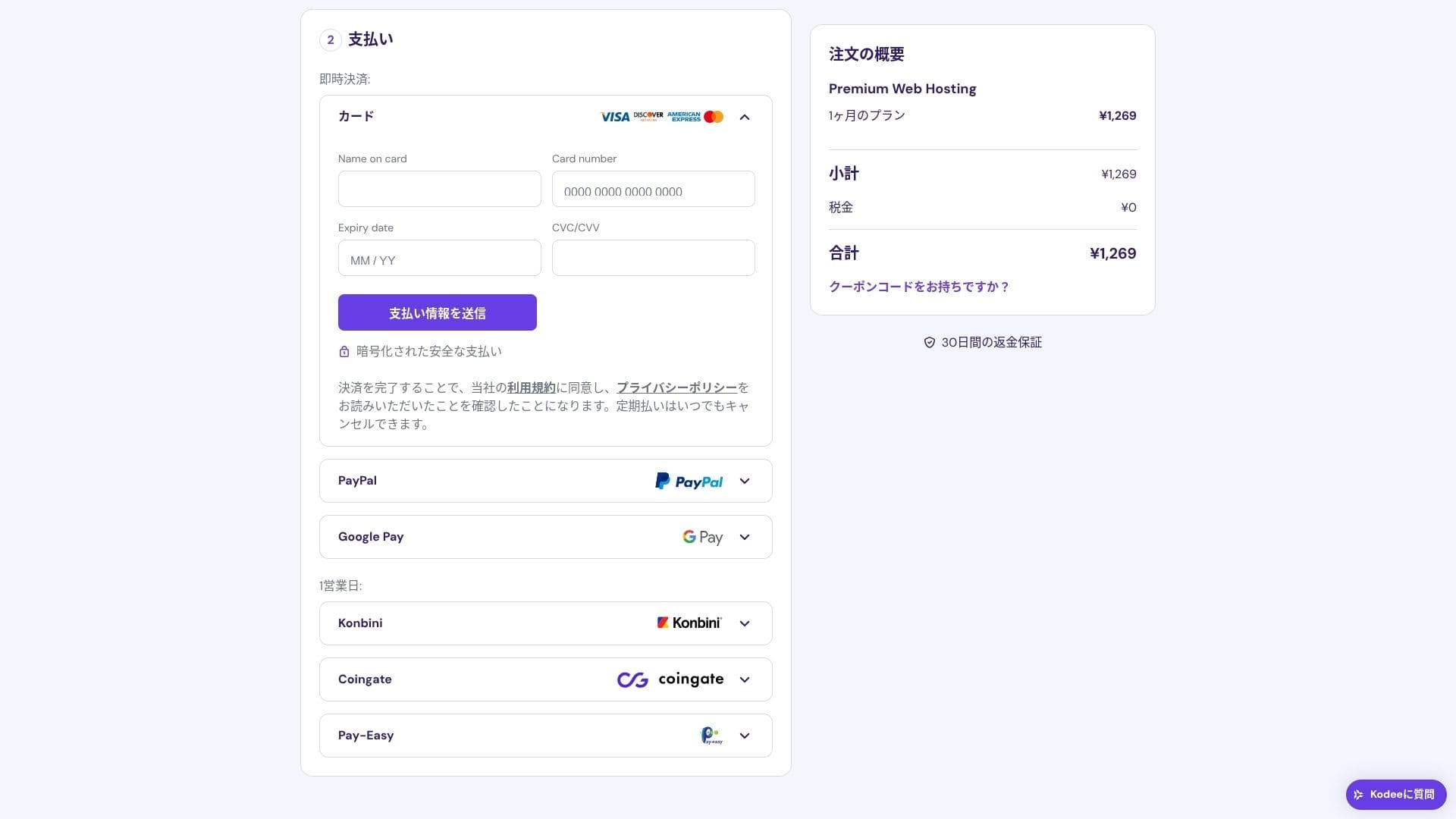
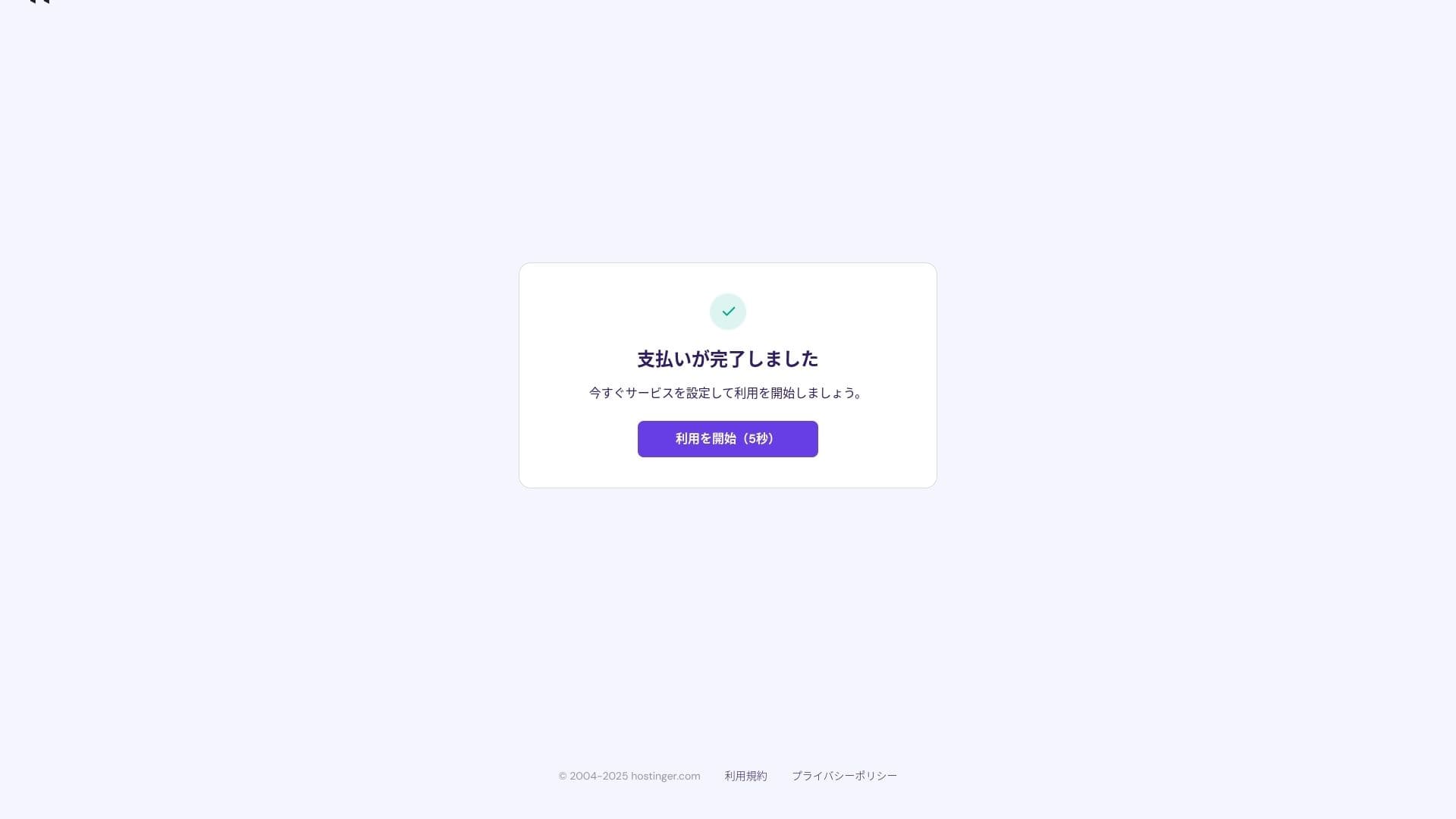
Once payment is complete, click "Start Using." You will then be able to sign in to the control panel.
- STEP.3Install WordPress
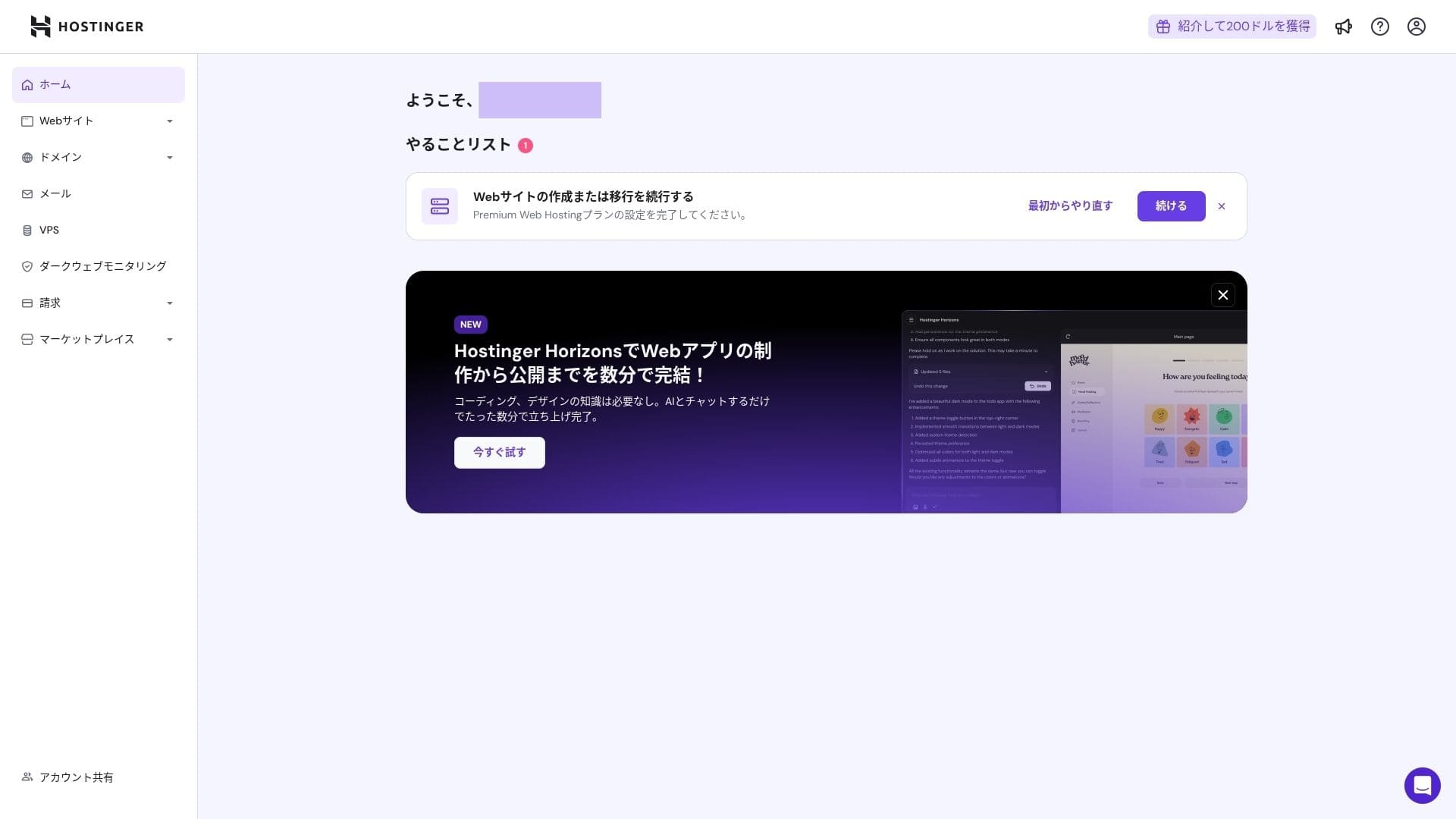
Sign in to the control panel, then click "Continue" in the task list.
Click "Create a website."
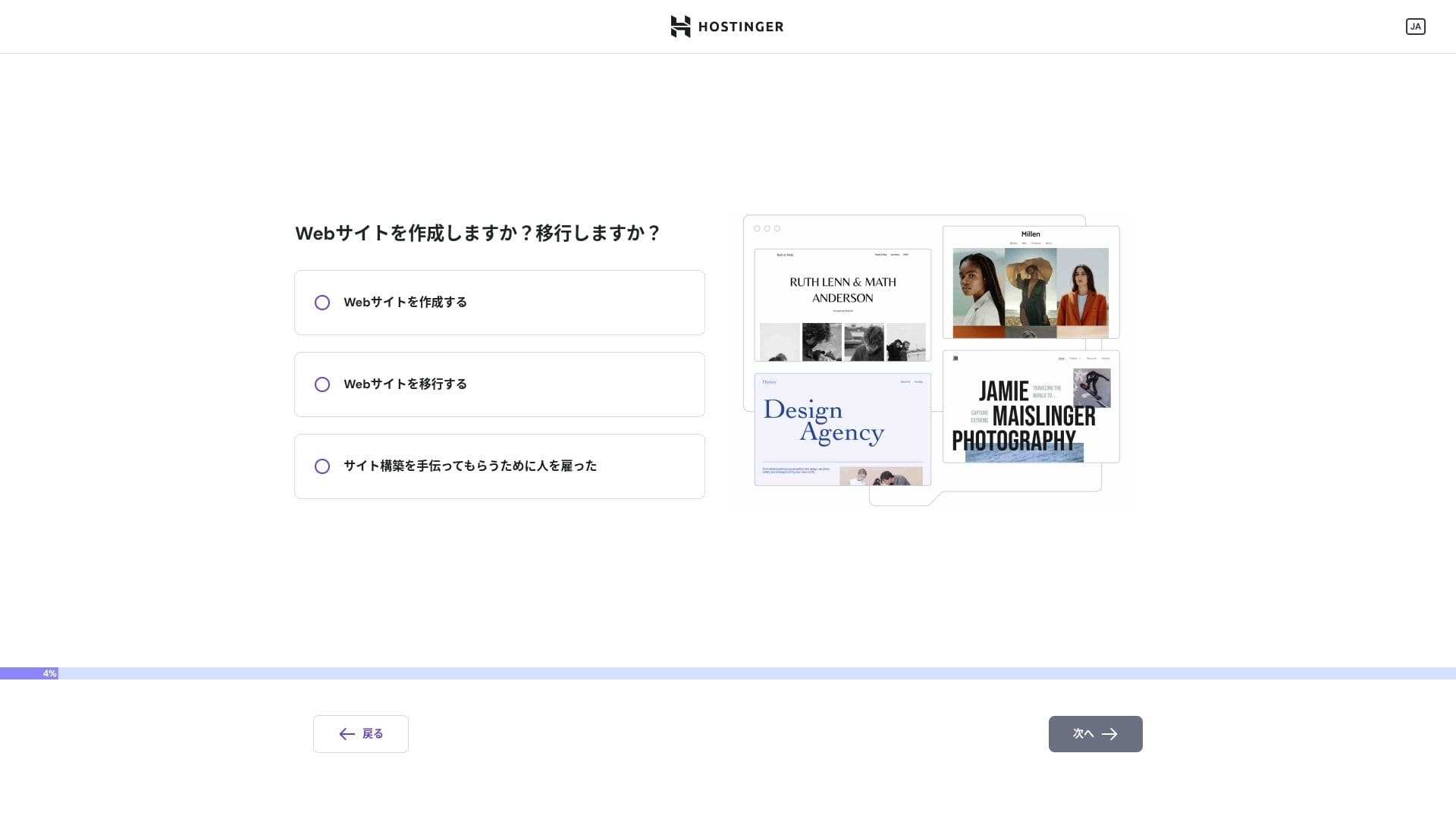
Click "Myself or my iş." If you are building it on behalf of a client, choose "Other people."
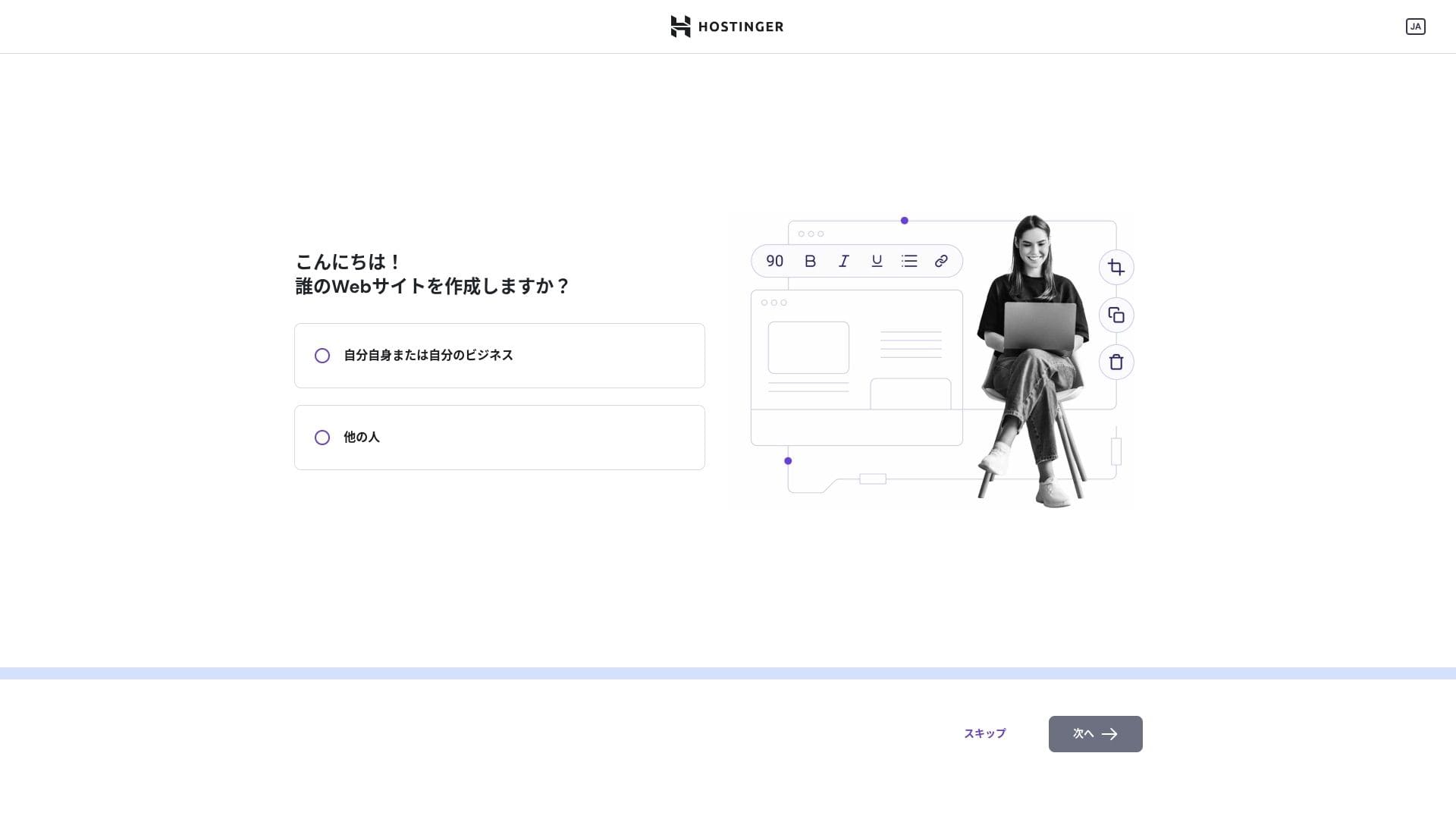
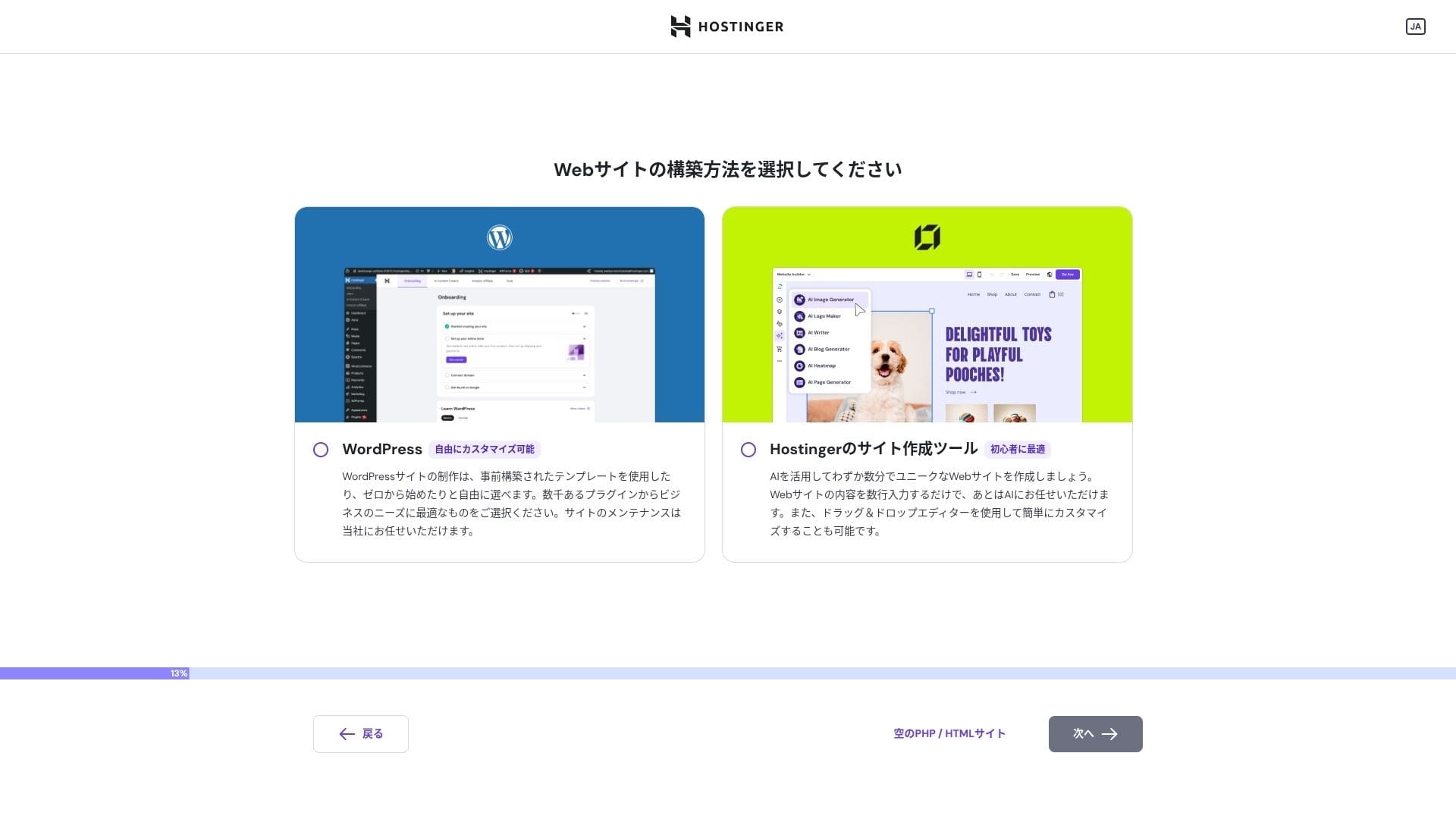
Choose "WordPress" as the way you want to build the site.
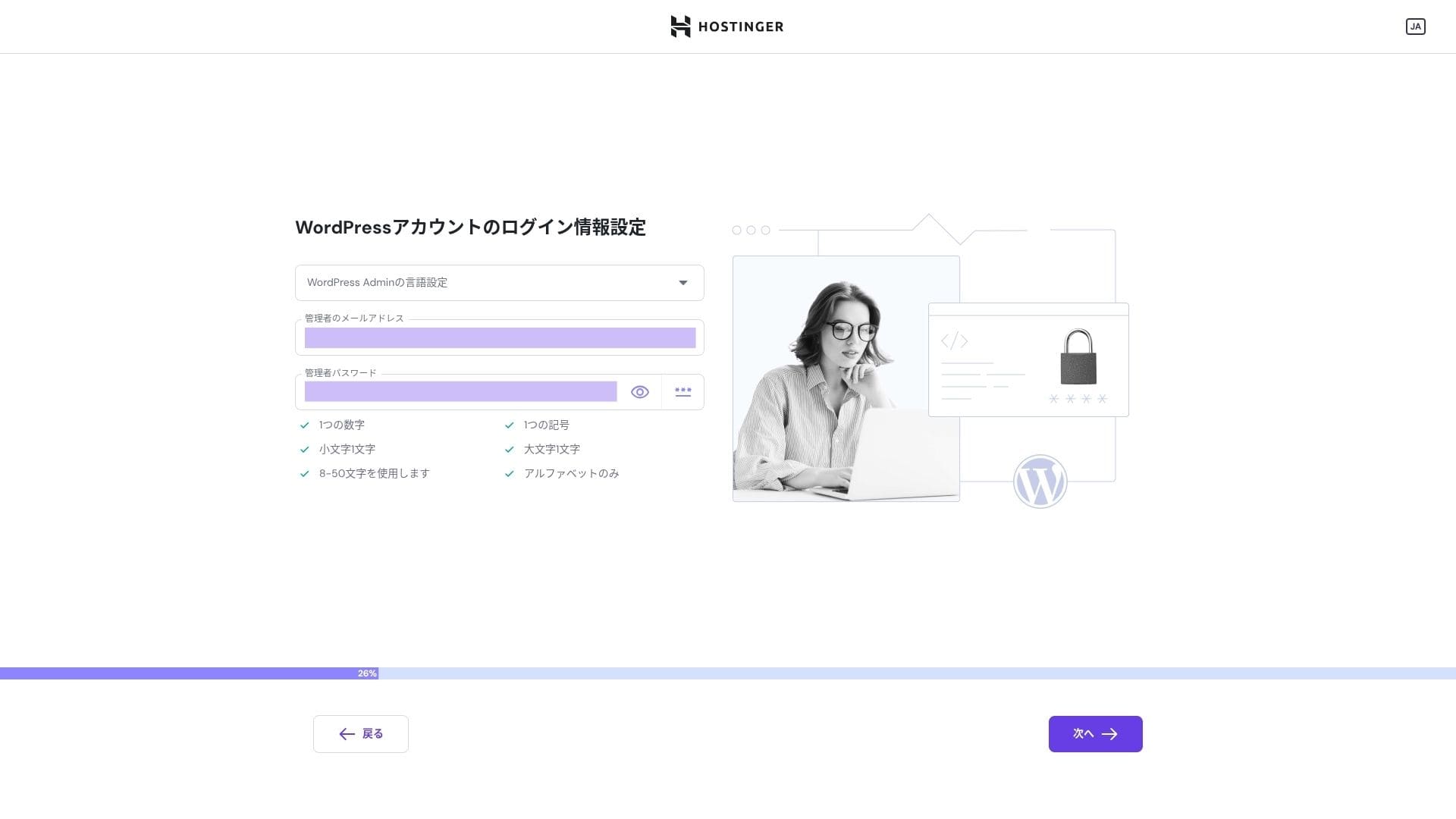
WordPress hesabınız için giriş kimlik bilgilerini ayarlayın. Bir e-posta adresi ve şifre oluşturun.Be sure to write down this email address and password so you do not forget them.After creating them, click "Next."
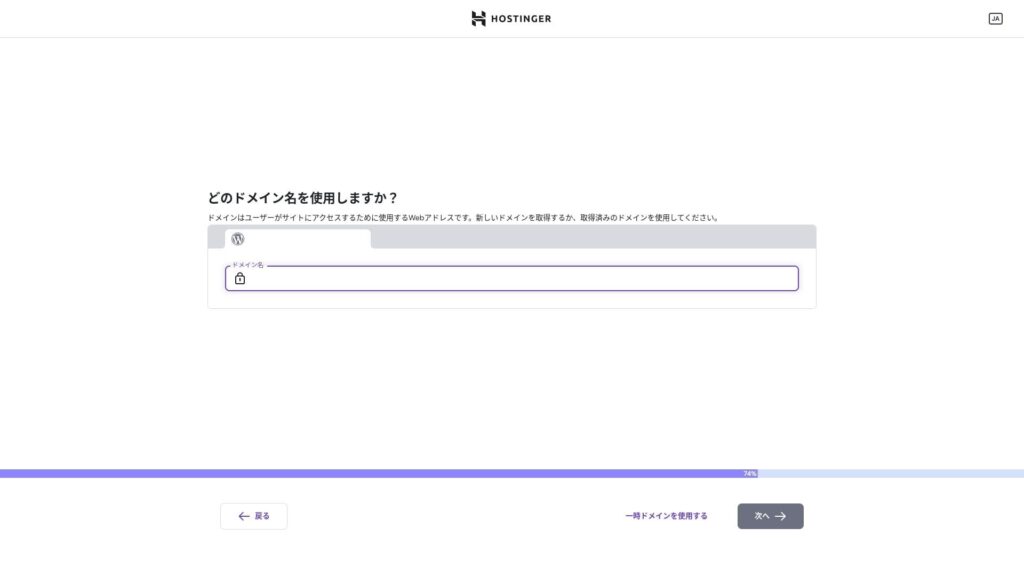
Choose your domain. Acquire or transfer a custom domain.
You can also choose "Use a temporary domain." In that case, a HOSTINGER subdomain will be created for you.
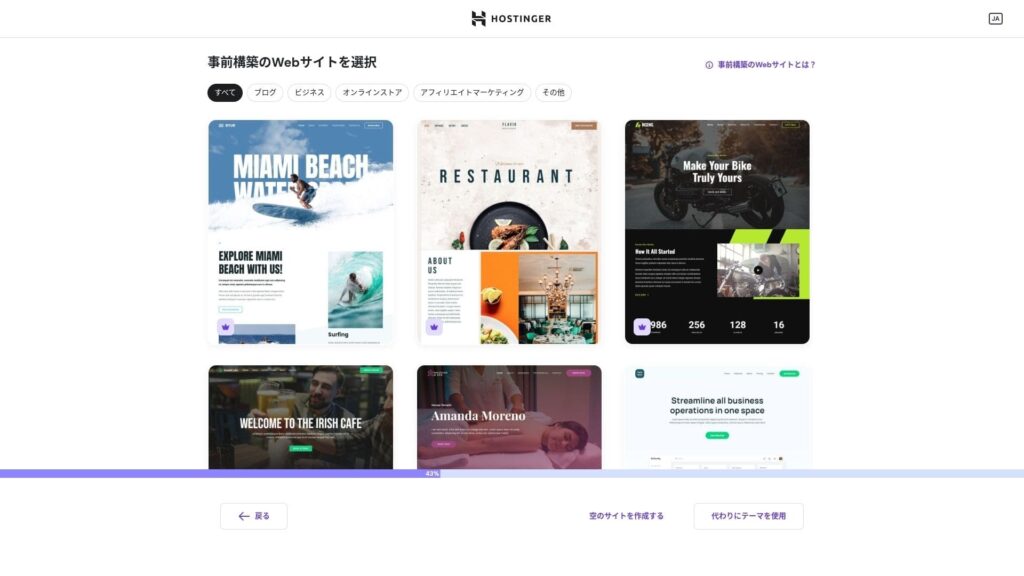
Bir şablon seçin. "Boş bir web sitesi oluştur" seçeneğini belirlemenizi ve ardından WordPress kurulduktan sonra bir Japonca WordPress teması yüklemenizi öneririm.
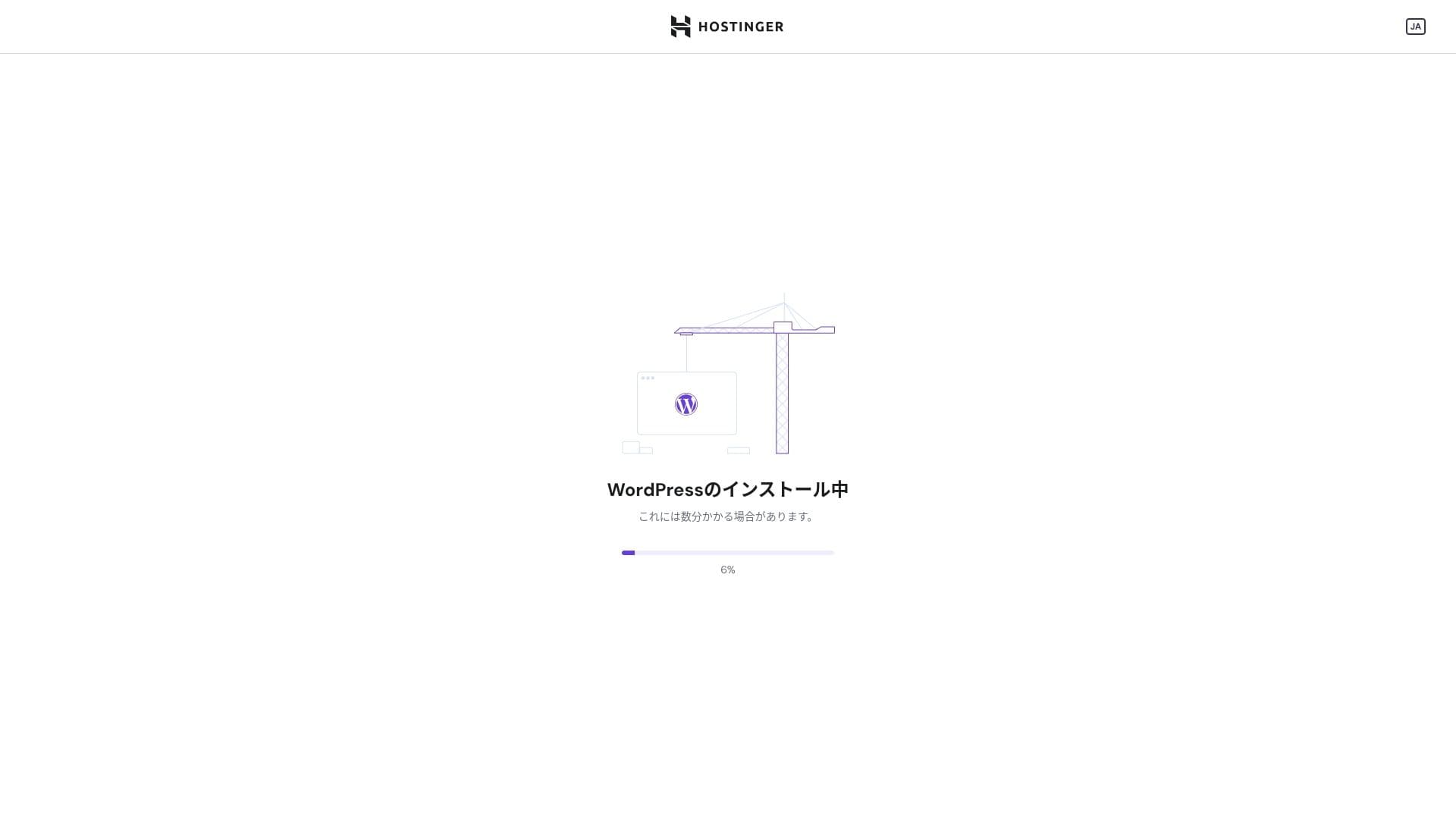
WordPress installation has started. Wait a minute or two.
Kurulum tamamlandığında WordPress'te oturum açmış olursunuz. Bu işlem, WordPress kurulum sürecini sonlandırır.
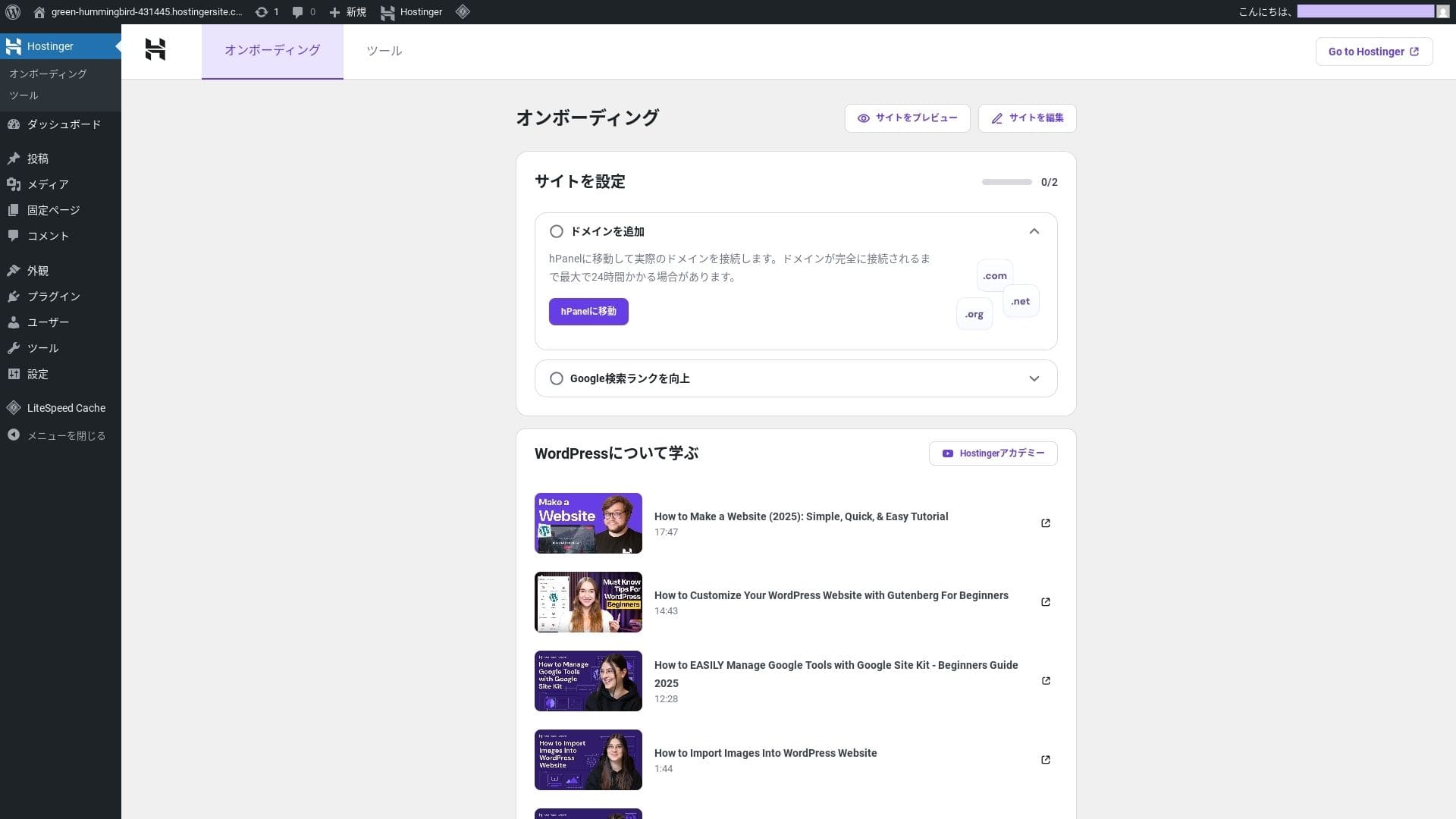
- Step.4Set up your domain and DNS
Özel bir alan adı kullanmak istiyorsanız, önce onu edinin veya transfer edin. Bu işlem tamamlandıktan sonra DNS ayarlarını yapılandırın.
Running multiple sites
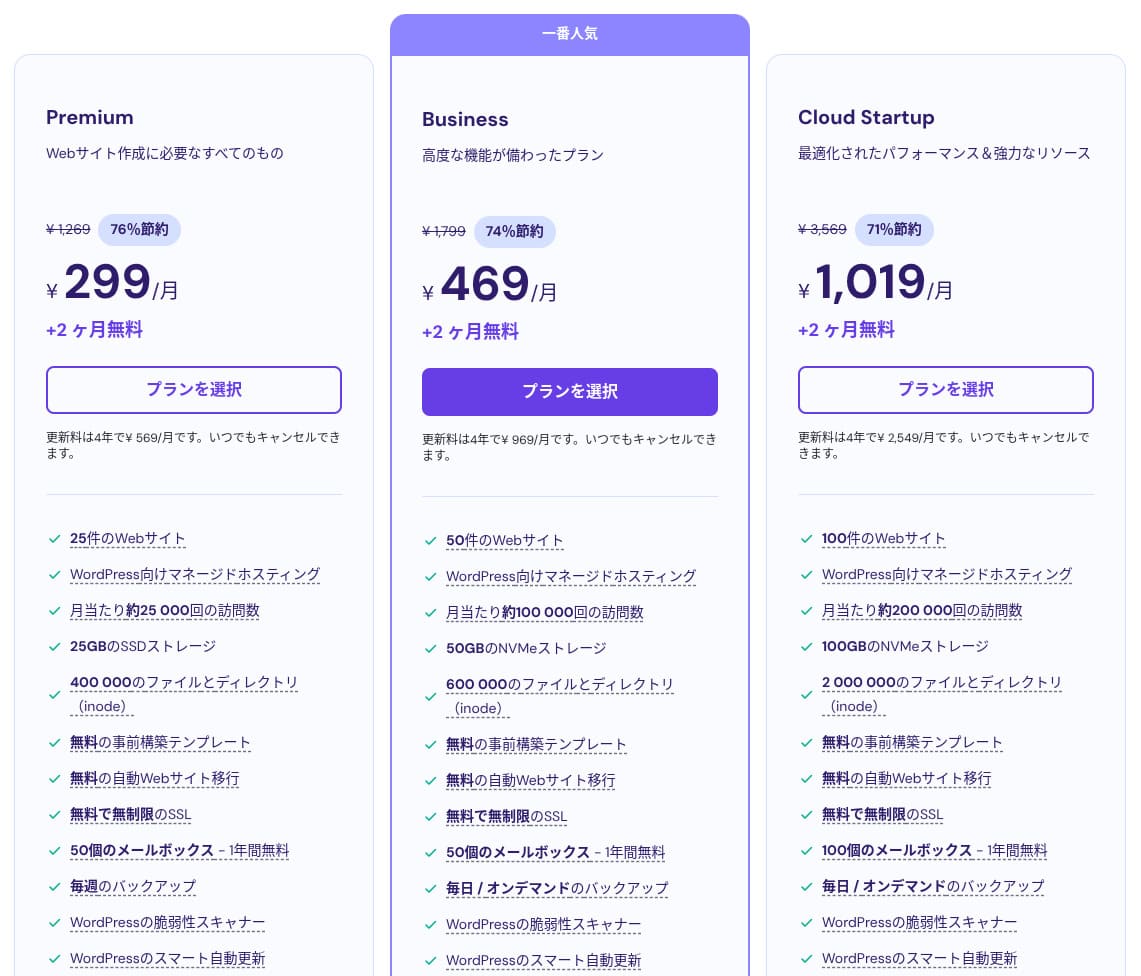
Hostinger paylaşımlı barındırmanın üç planı vardır. En düşük fiyatlı Premium planı bile en fazla 25 site barındırmanıza olanak tanır.
| Plan | Sites | Storage | Backup frequency | Monthly price (initial term) |
|---|---|---|---|---|
| Üst düzey | 25 | 25 GB SSD | Weekly | 299 yen |
| İş | 50 | 50 GB NVMe | Günlük + on-demand | 469 yen |
| Cloud Startup | 100 | 100GB NVMe | Günlük + on-demand | 1,019 yen |
Adding a WordPress site
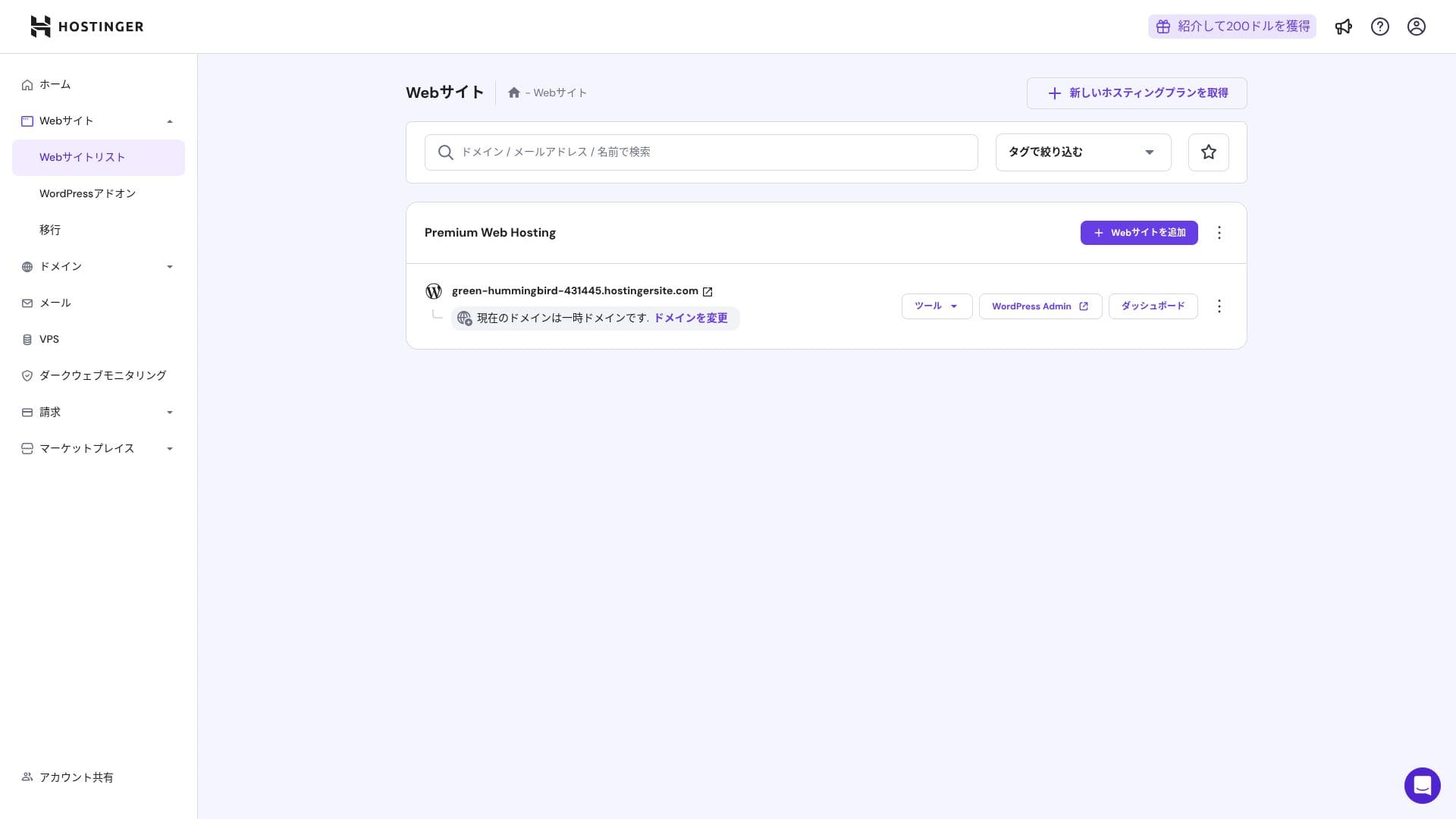
- STEP.1Kontrol paneline giriş yapın
Giriş yaptıktan sonra web sitesi listesinden "+ Web Sitesi Ekle" seçeneğine tıklayın.
- STEP.2Choose "WordPress" from the popup that appears
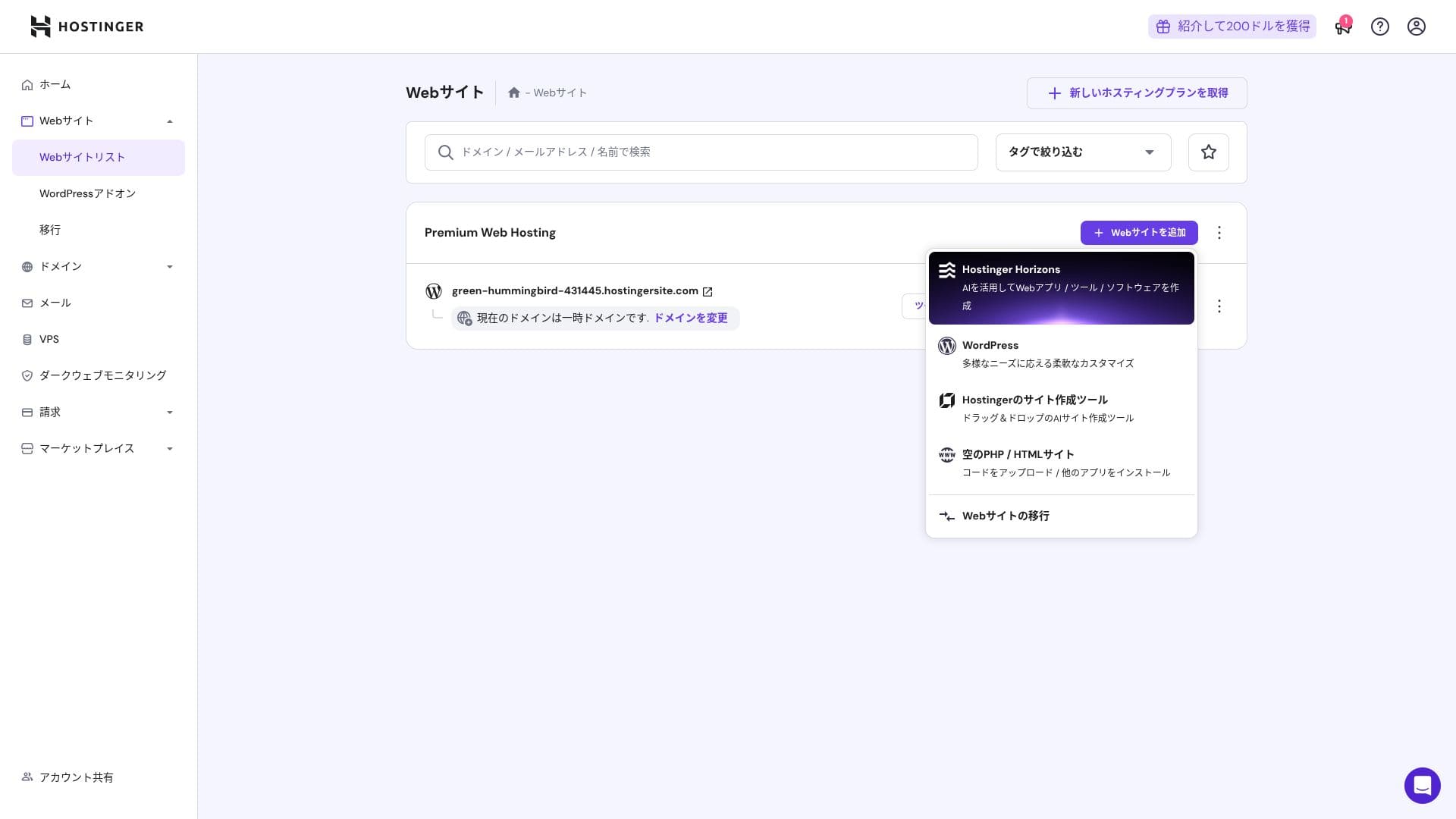
- STEP.3WordPress giriş bilgilerini ayarlayın
- STEP.4Set up the domain and DNS
Alan adı ve DNS ayarlarını yapılandırın.
If your need to run multiple sites grows, upgrade your plan.
Performance and specs review
Our measurements: speed review
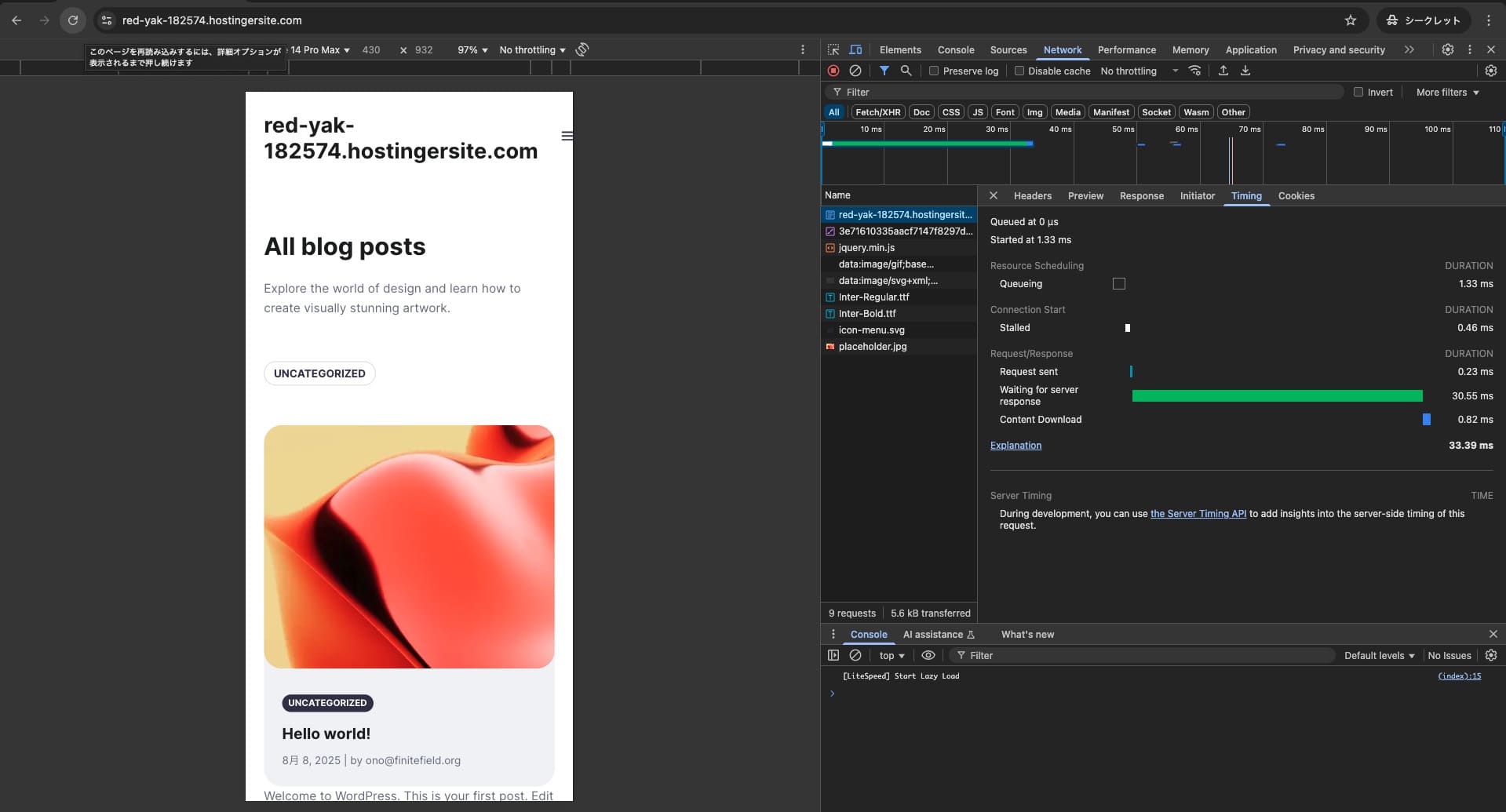
Hostinger'ın sayfa hızını ölçtük. Testlerimizde 2. sırada yer aldı. TTFB (İlk Bayta Ulaşma Süresi, diğer bir deyişle sayfanın ana içeriğinin görüntülenmeye başlamasına kadar geçen süre) 30,55 ms idi. Bu, Google'ın beklediği 200 ms sunucu hızından çok daha hızlıdır.
You should reduce your sunucu response time under 200ms.Improve Server Response Time

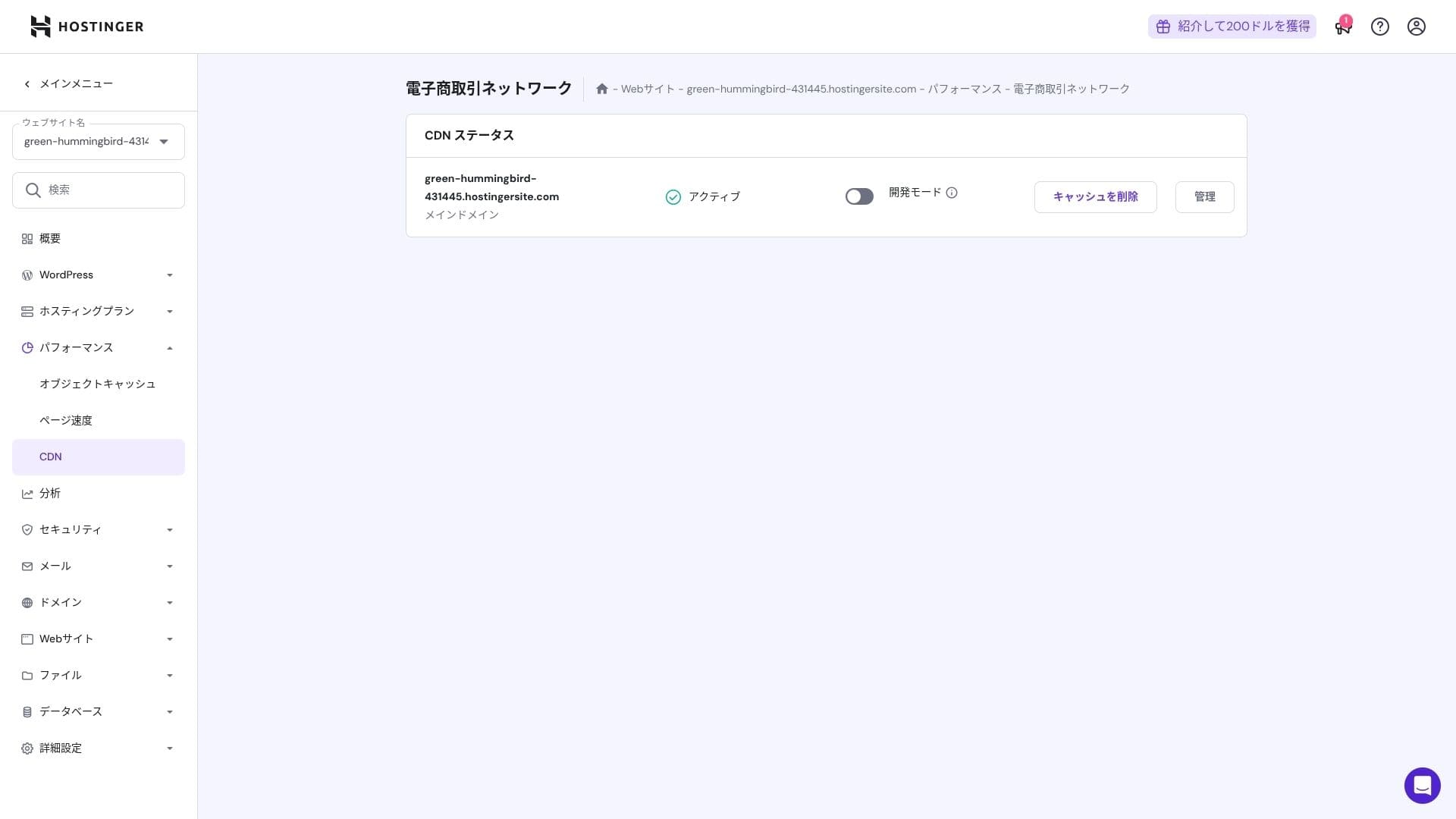
It uses a combination of LiteSpeed Web Server, NVMe SSD, and its own CDN. Using a CDN also reduces fluctuations even for overseas requests, which helps lower abandonment on ecommerce sites.
Hikaru Ono
Hostinger uses SSD or NVMe storage. That is one of the reasons it is so fast.
Storage kapasite
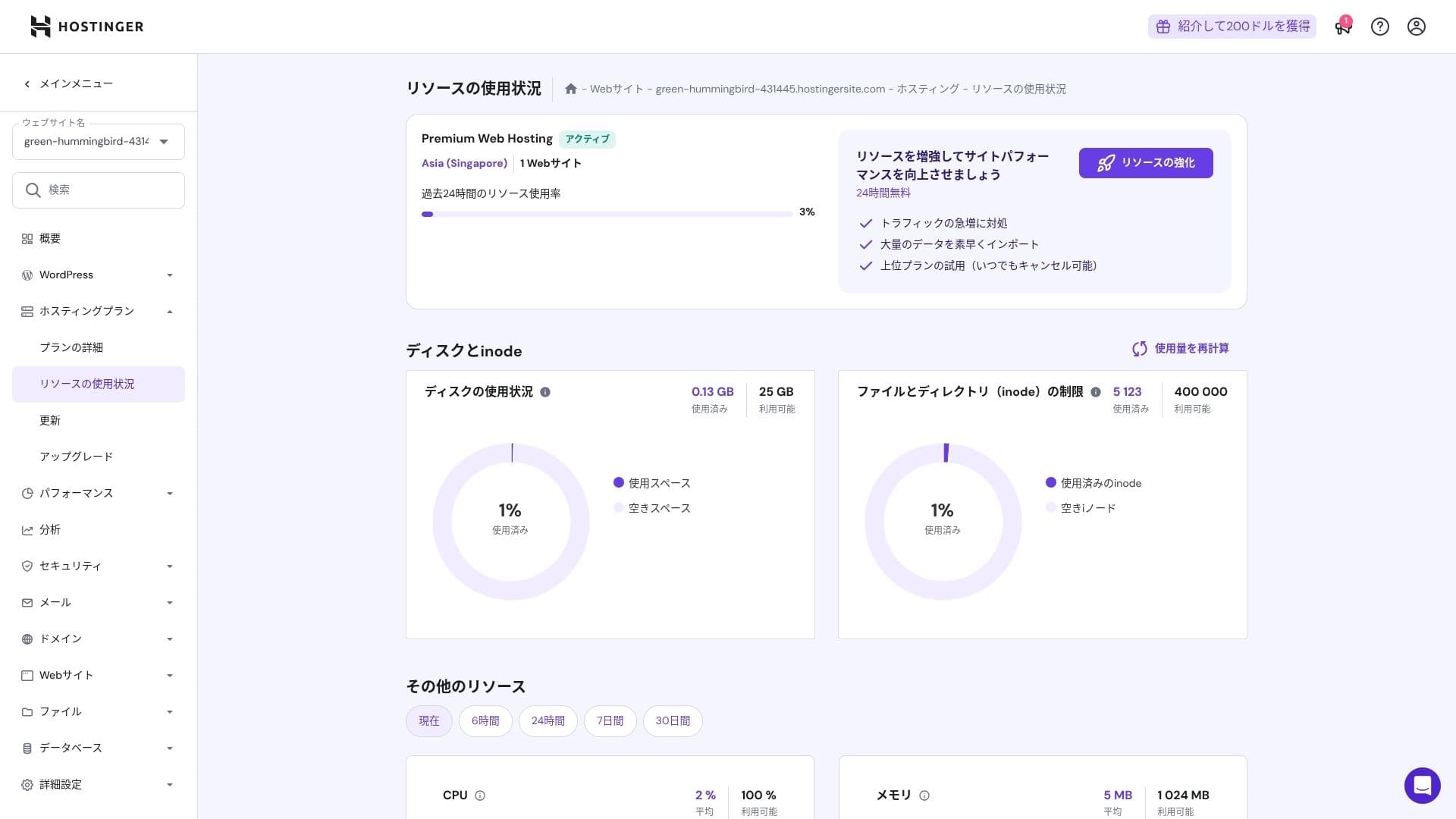
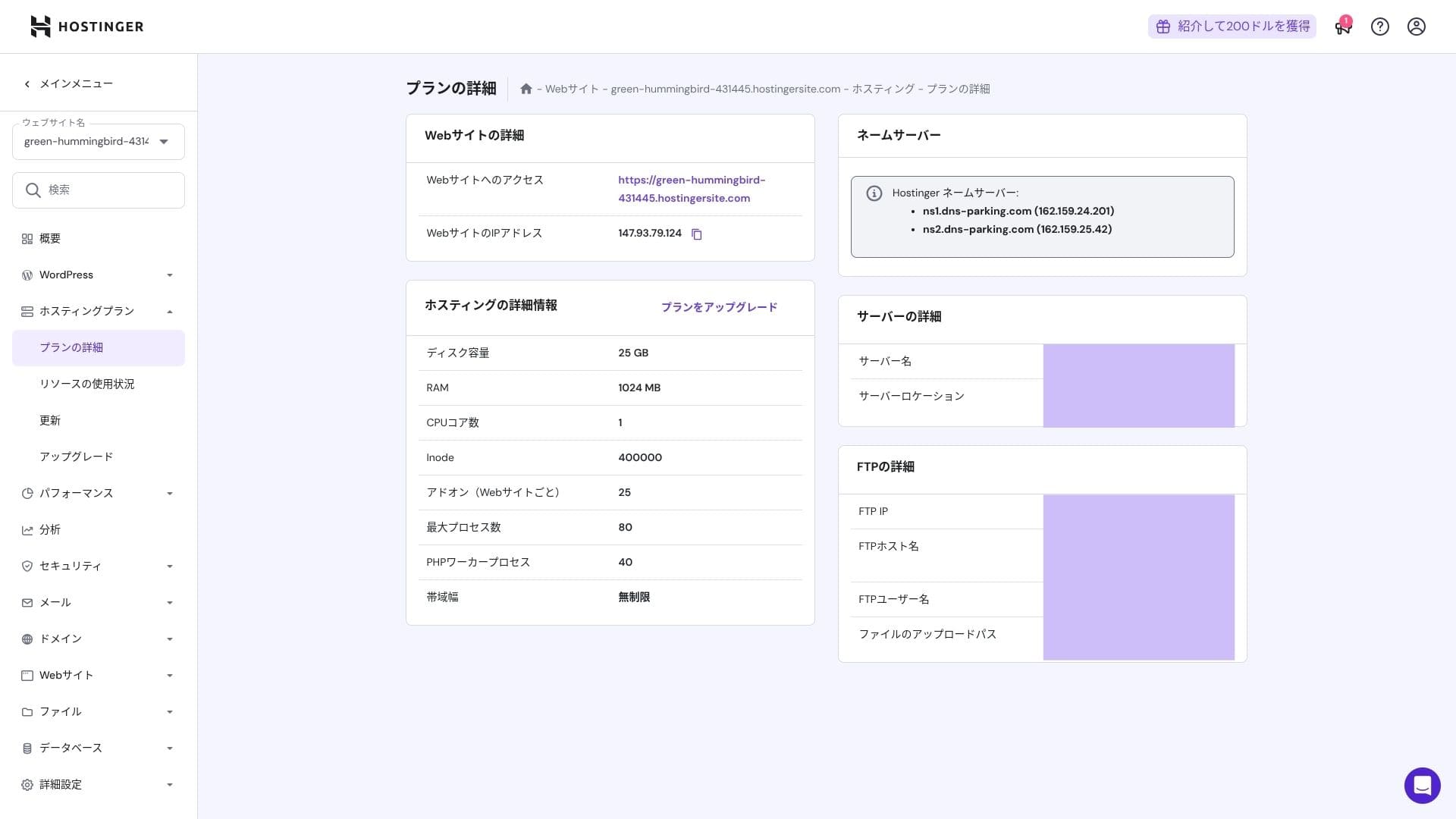
Depolama alanı tahsisleri Premium için 25 GB, Business için 50 GB og Cloud Startup için 100 GB'tır. Görsel/medya ağırlıklı siteler çalıştırıyorsanız Cloud veya üzerini öneririm, ancak bloglar ve küçük ila orta ölçekli ticari siteler için Premium yeterlidir.
In fact, simply installing WordPress uses only about 130 MB.
Hikaru Ono
This site itself uses only about 2 GB of storage.
Data transfer
Premium ve üzerindeki tüm planlar sınırsız bant genişliği içerir. Ancak, inode limitleri ve CPU kullanımı hala pratik sınırlar oluşturduğundan, ayda 100.000'den fazla sayfa görüntülemesi bekliyorsanız, Cloud'a geçmek daha güvenli bir seçimdir.
Bloglar ve küçük ila orta ölçekli işletme siteleri için Premium yeterlidir.
★ What are traffic and data transfer? Managing and optimizing web traffic
Server stability and uptime
Hostinger tüm planlarında %99,9 çalışma süresi garantisi sunar. Çalışma süresi yüksek olduğu için kurumsal ve ticari web siteleri için bile güvenle kullanabilirsiniz.
Fiyatlandırma ve maliyet incelemesi
İlk kurulum ücretleri ve aylık maliyet
Hiçbir planda ilk kurulum ücreti yoktur. Aylık fiyatlar sözleşme süresine göre büyük ölçüde değişir. İlk kayıtta Premium planı aylık 299 yen tutarındayken, yenilemeden sonra 1.269 yene yükselir.
- Hostinger
- Kinsta
- XServer İş
- wpx
- Lolipop!
- Star Rental Server
- Rakko Server
- XServer
- ConoHa
- Colorful Box
- Shin Rental Server
- Little Server
- CORESERVER
- DreamHost
- Bluehost
- Sakura
- Namecheap
- Shin Ücretsiz
- XREA
- Value Server
- KAGOYA
- SiteGround
- Hostgator
- IONOS
- Onamae.com
- ABLENET
- mixhost
- GoDaddy
- iCLUSTA+
- MuuMuu Server
- WADAX
- WebARENA
- heteml
- CPI Rental Server

































Domain pricing
Premium ve üzeri planlar, .com gibi özel bir alan adı için bir yıllık ücretsiz kullanım içerir. Mevcut bir alan adını da taşıyabilirsiniz.
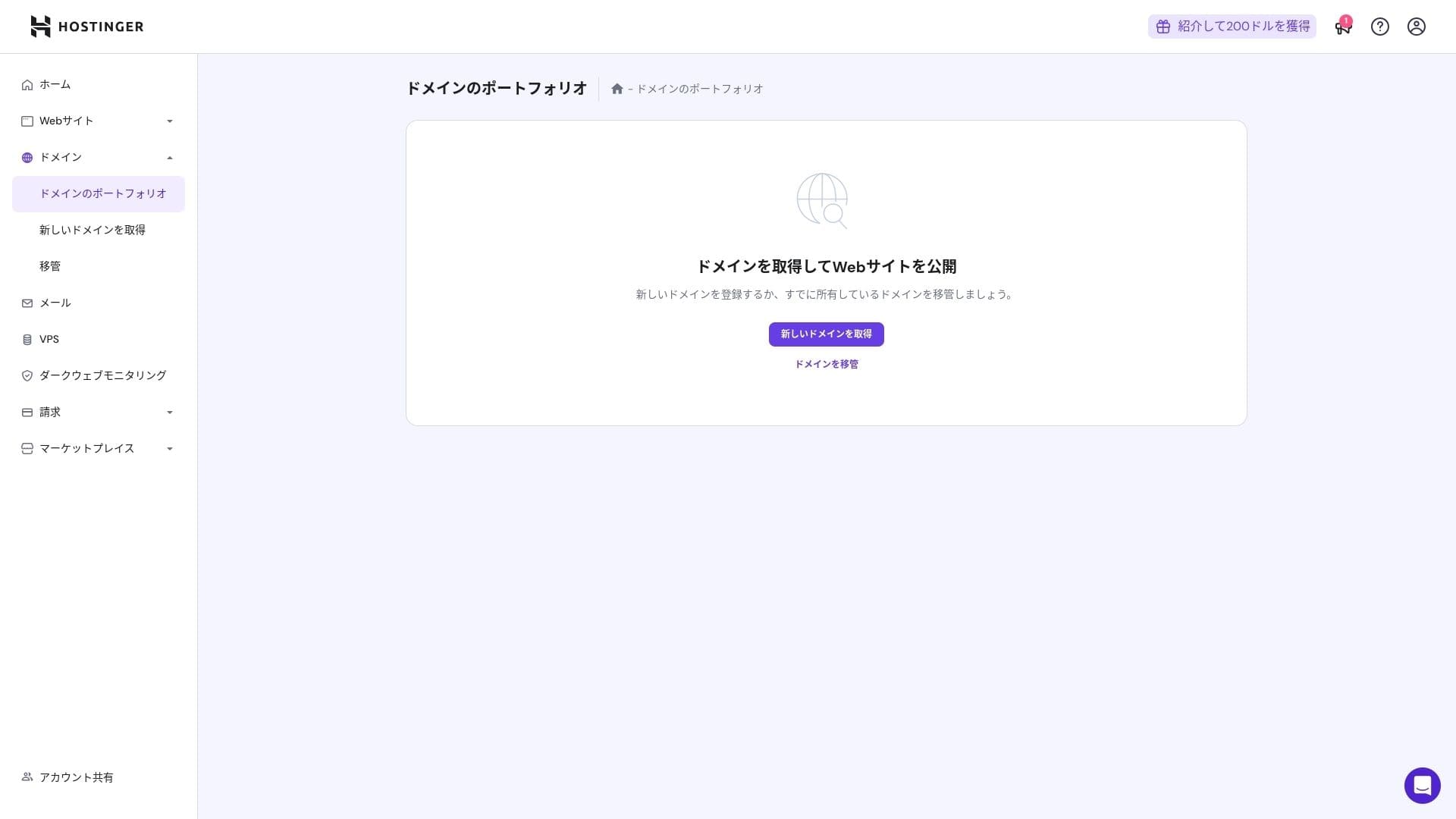
Yıllık alan adı ücretleri birkaç bin yendir. Web siteleri ve bloglar uzun vadeli kullanım için tasarlandığından, alan adı maliyetlerini olabildiğince düşük tutmak istiyorsanız, alan adınızı başka bir şirketten almak da iyi bir seçenektir.
- Onamae.com
- Xsunucu Domain
- MuuMuu Domain
- Value Domain
- Shin Domain
- Star Domain
- Colorful Domain
- Rakko Domain








Hikaru Ono
ConoHa WING ve XServer gibi Japon barındırma firmaları, sunucu sözleşmeniz aktif olduğu sürece alan adınızı sonsuza kadar ücretsiz tutar; bu nedenle Hostinger bu alanda bazı rakiplerine karşı kaybediyor.
SSL certificate maliyet
Sınırsız düzenleme ve otomatik yenileme ile Let's Encrypt tabanlı bir DV SSL sertifikası dahildir. Ek bir ücret yoktur.
Payment methods
Geniş bir ödeme yöntemi yelpazesi sunar. Visa ve MasterCard gibi önemli kredi kartlarının yanı sıra PayPal ve diğer seçenekler desteklenir. Uygulamada, kurumsal kartların ve yurt dışı ödemelerinin reddedilme olasılığının daha düşük olması da yardımcı olmaktadır.
- Hostinger
- Kinsta
- XServer İş
- wpx
- Lolipop!
- Star Rental Server
- Rakko Server
- XServer
- ConoHa
- Colorful Box
- Shin Rental Server
- Little Server
- CORESERVER
- DreamHost
- Bluehost
- Sakura
- Namecheap
- Shin Ücretsiz
- XREA
- Value Server
- KAGOYA
- SiteGround
- Hostgator
- IONOS
- Onamae.com
- ABLENET
- mixhost
- GoDaddy
- iCLUSTA+
- MuuMuu Server
- WADAX
- WebARENA
- heteml
- CPI Rental Server


































Usability and support review
How easy the control panel is to use
Hostinger's in-house control panel, hPanel, is very easy to use because its categories are neatly organized. If you dislike the clutter of cPanel, you will probably find it much easier to work with.
- Ana sayfa
- Billing
- WordPress
- Domains
- Backups
- File Yöneticisi
- FTP
- Redirects
- Error Pages
- Cron
- Performance
- Marketplace
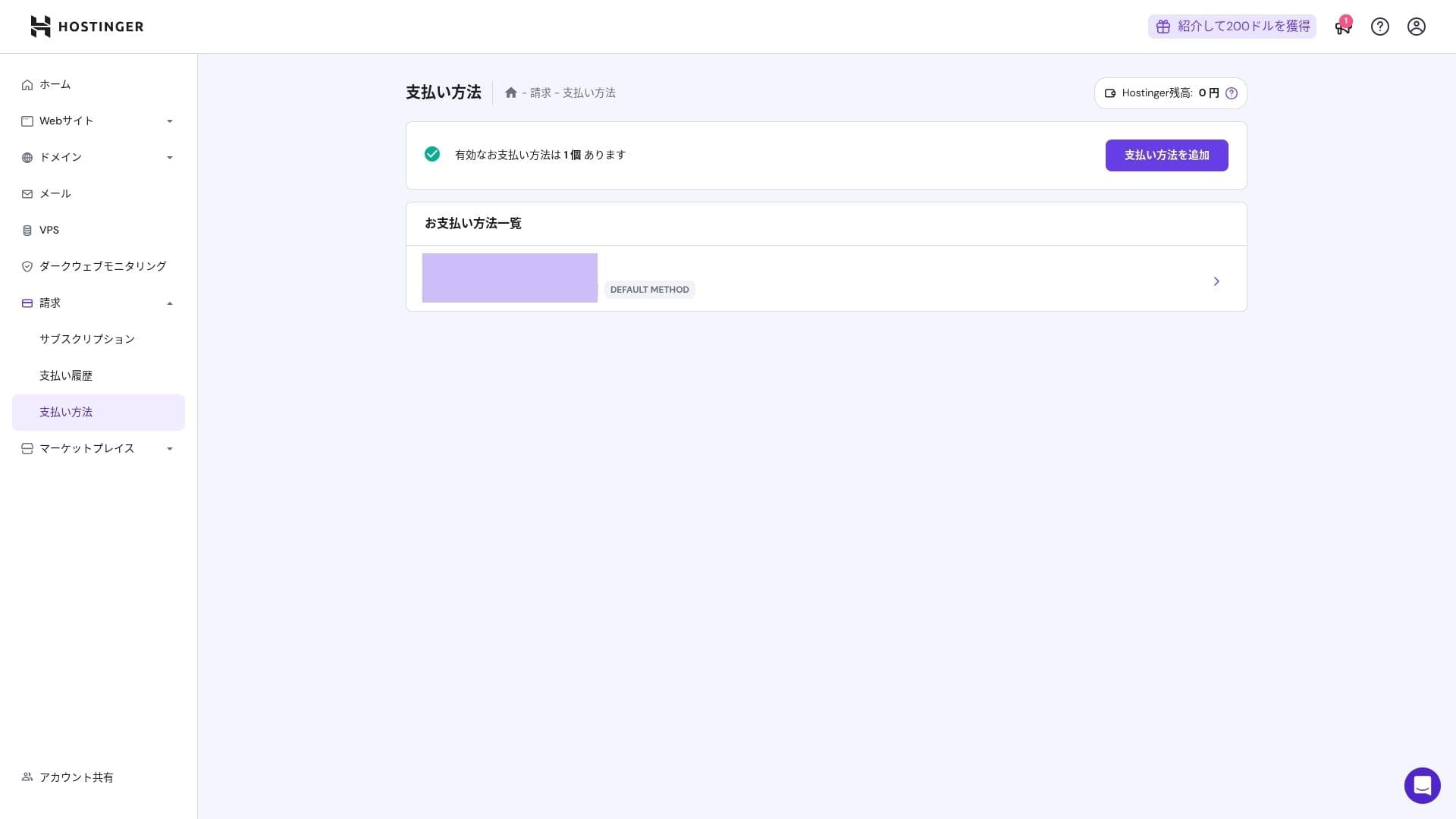
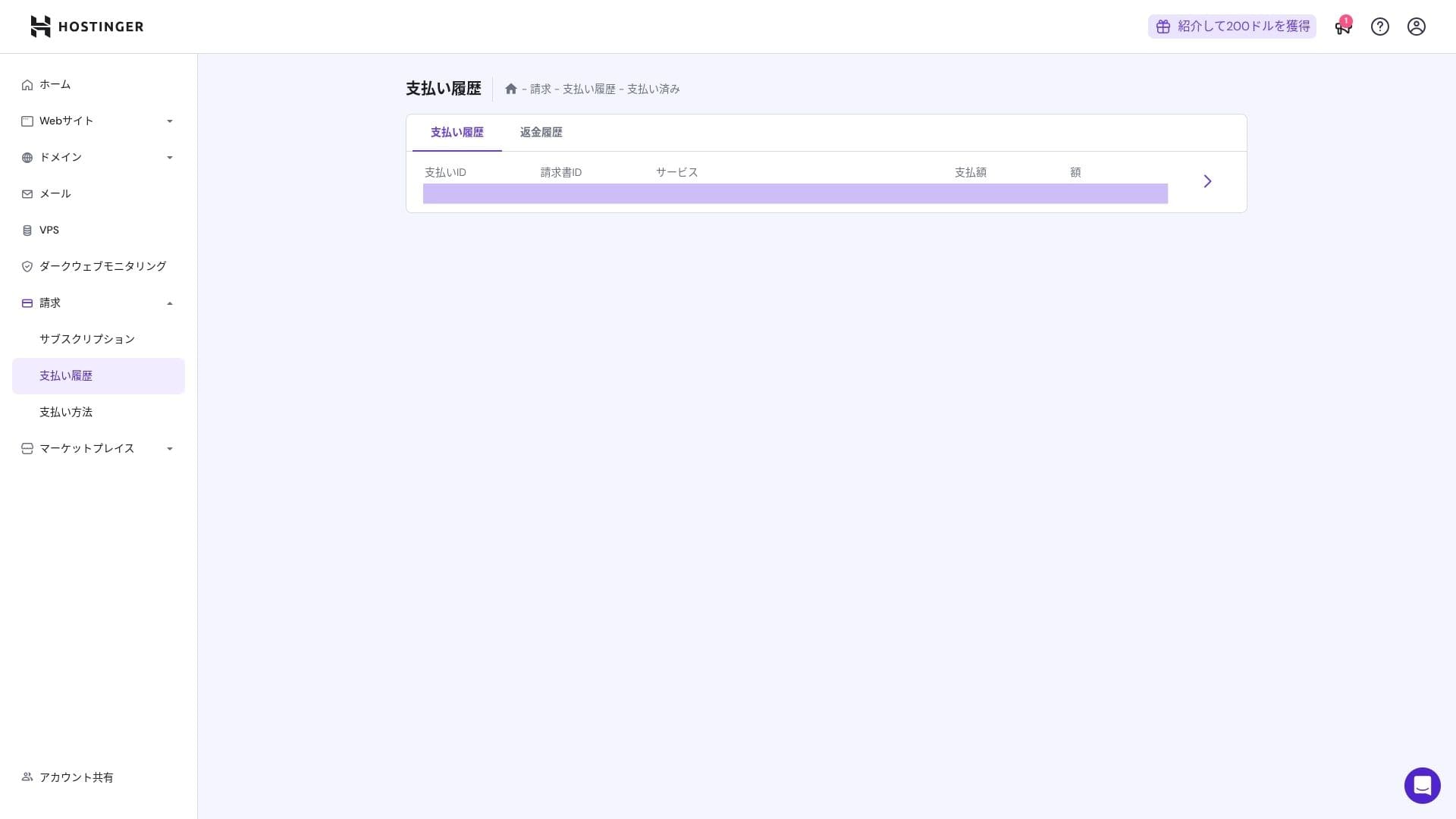
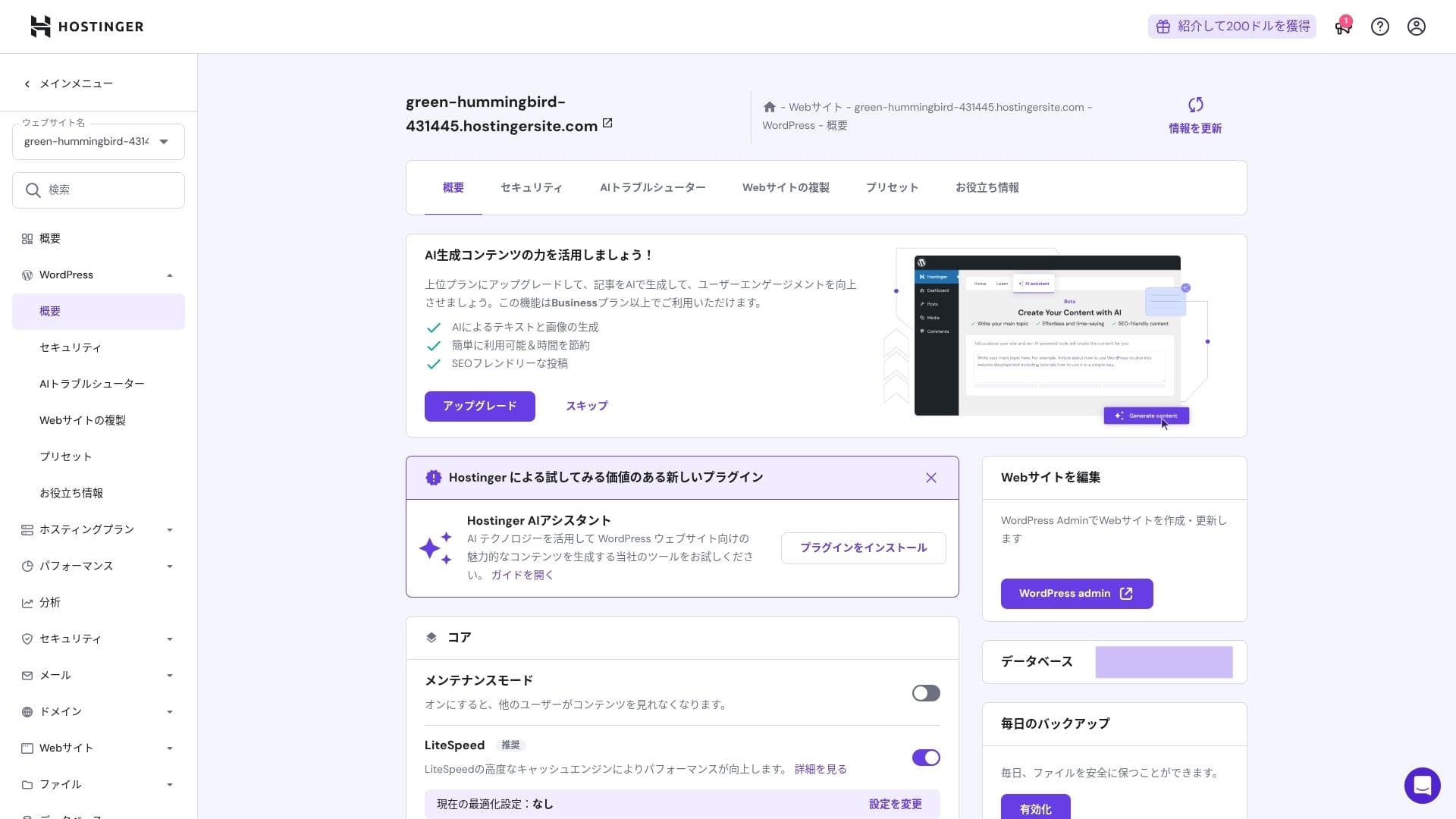
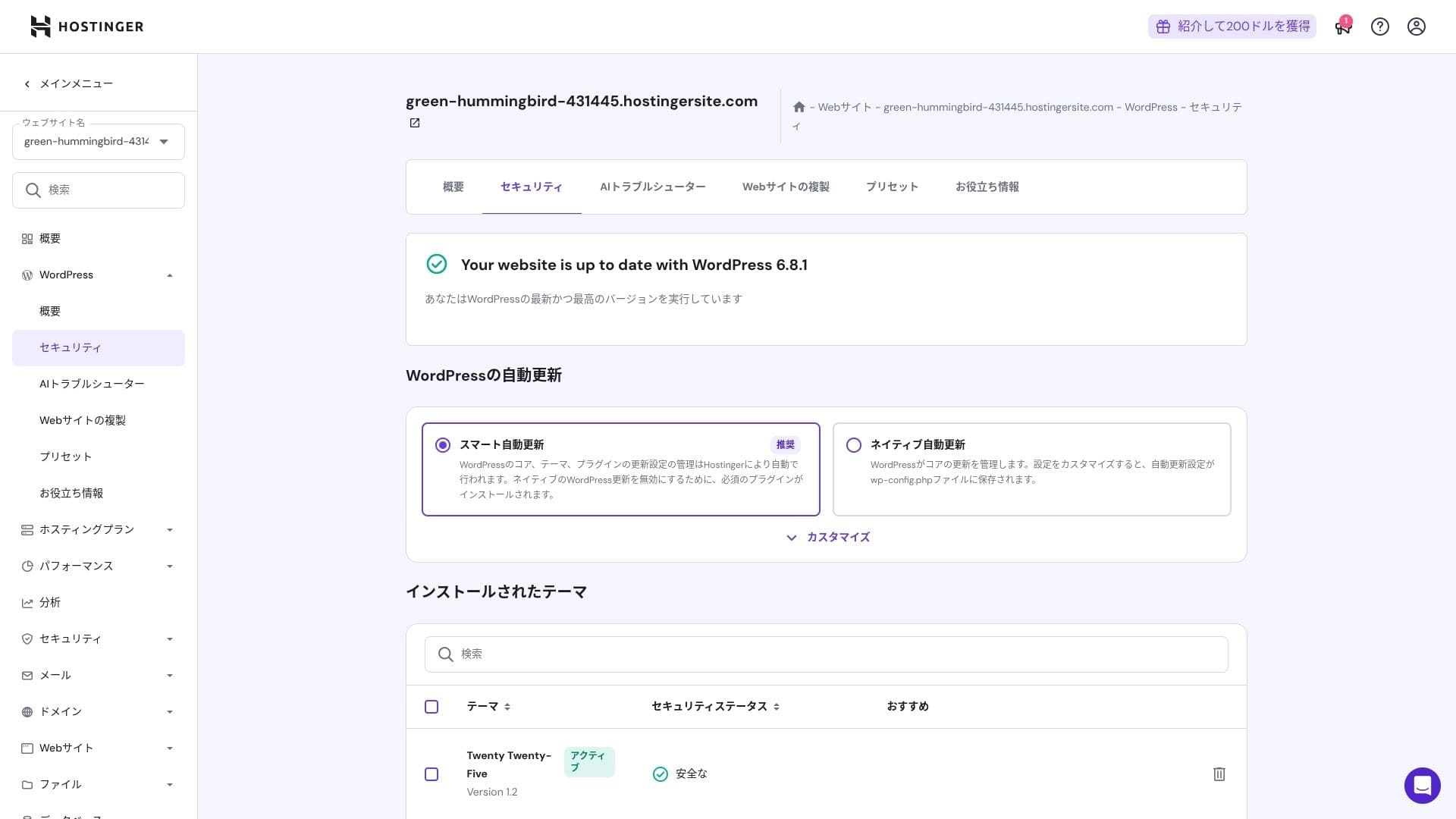
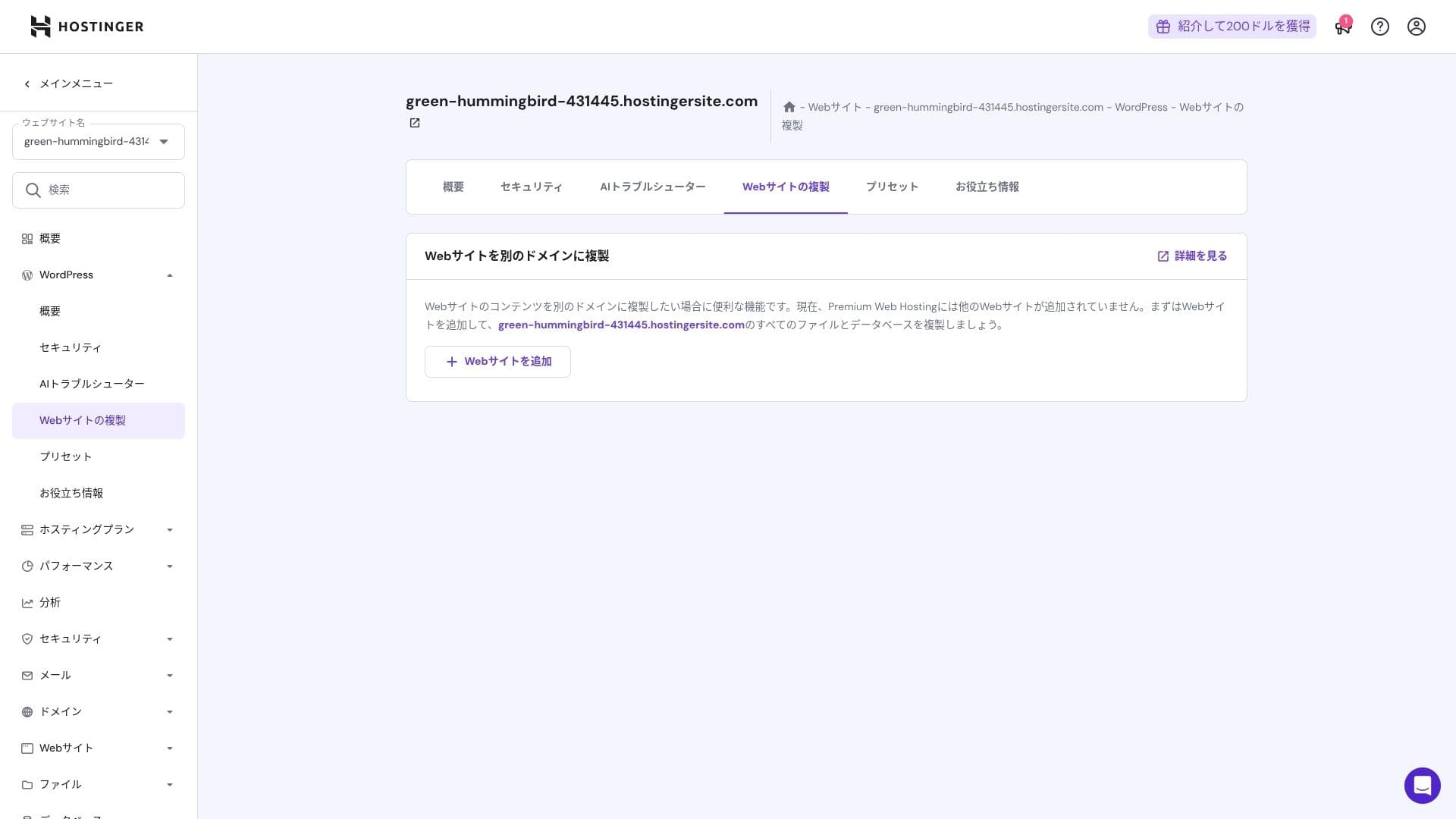
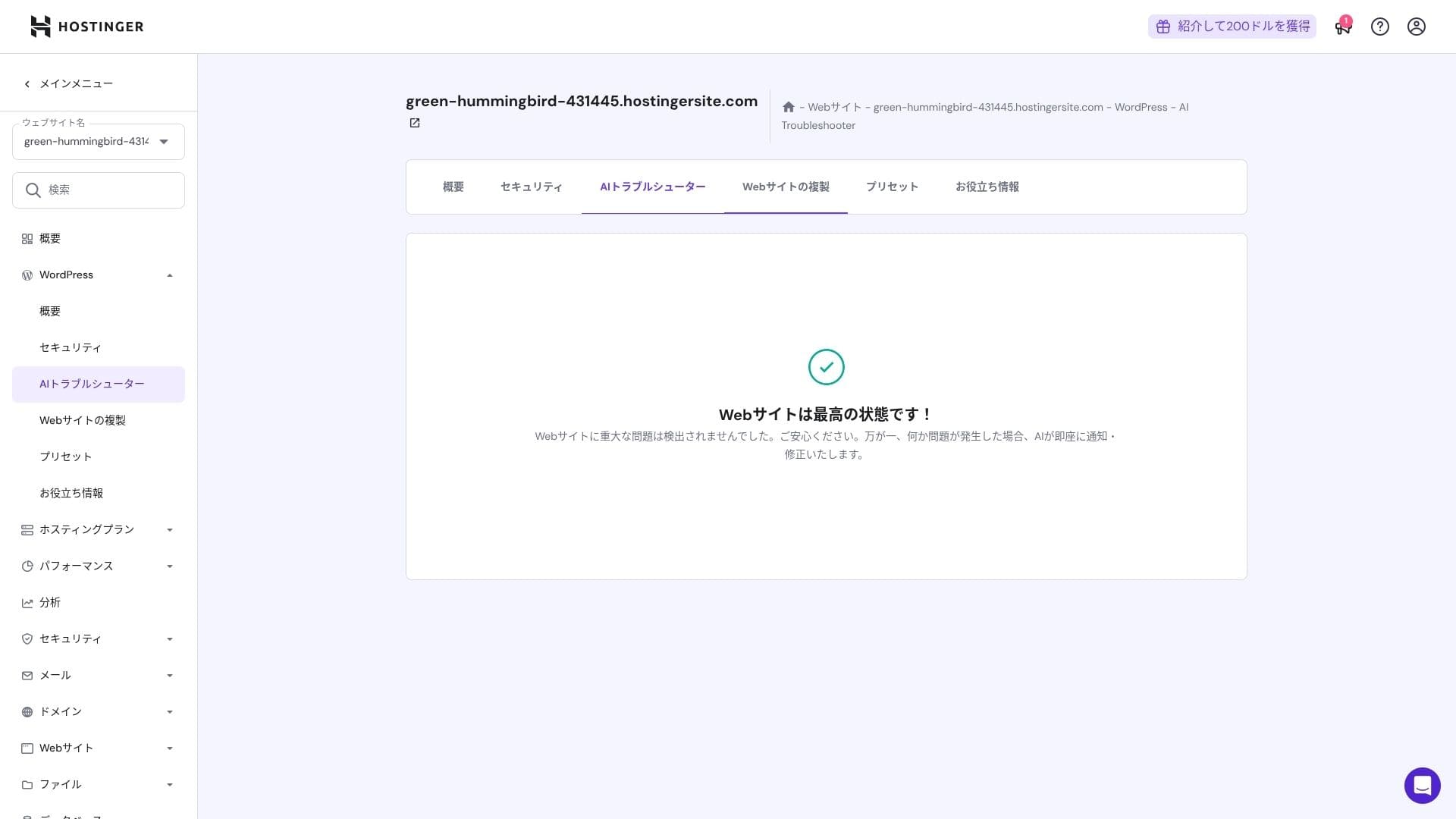
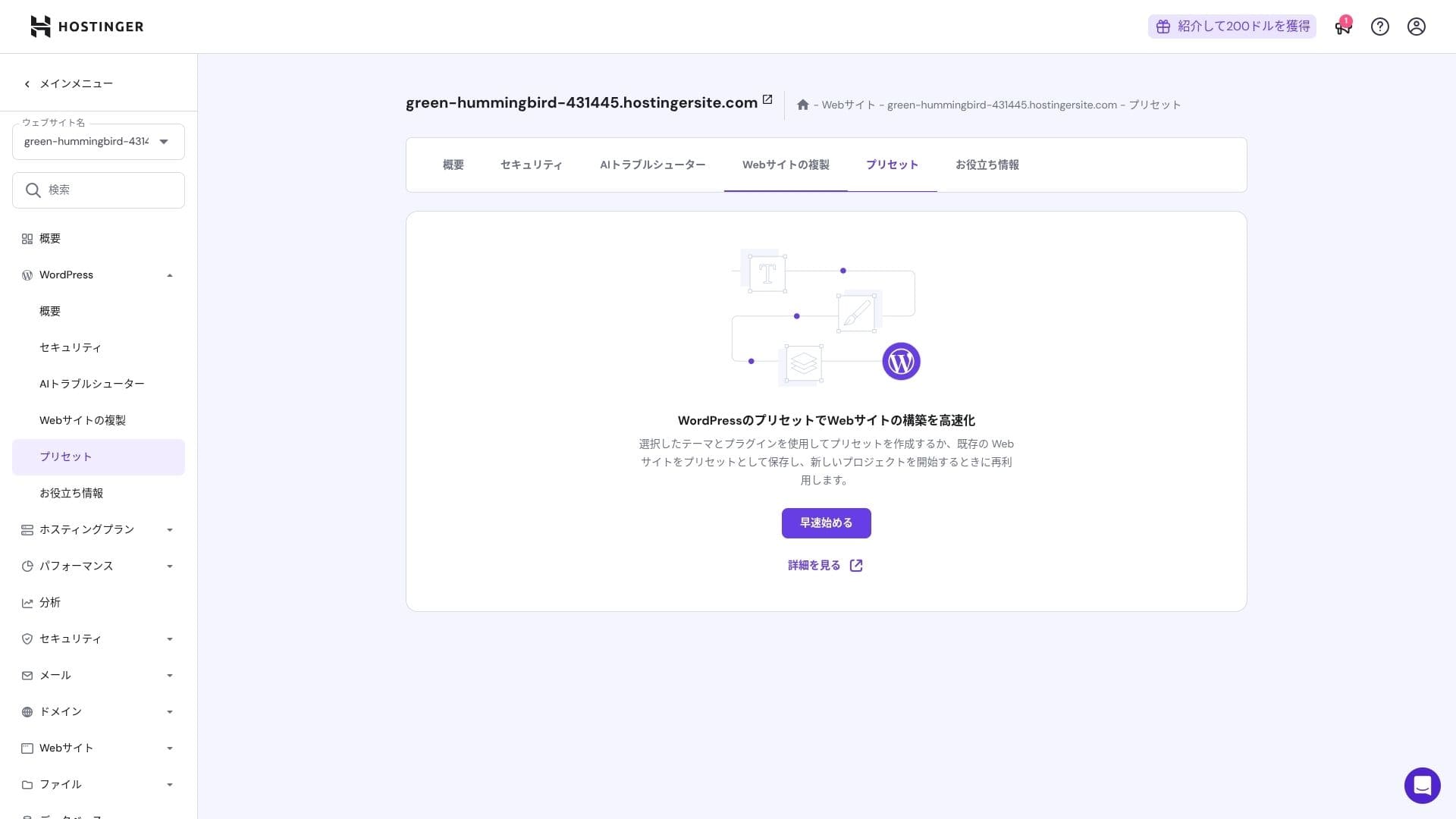
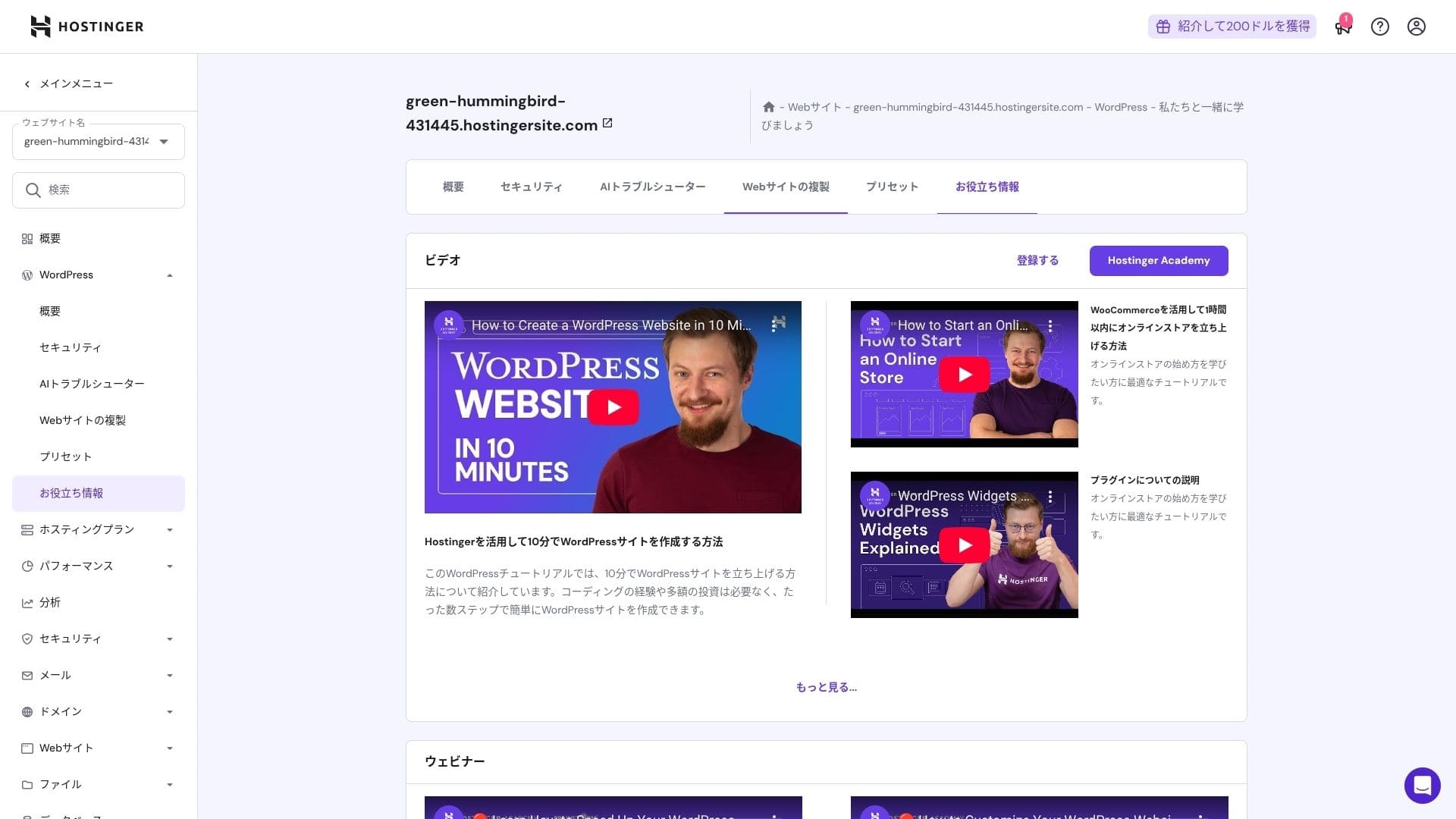
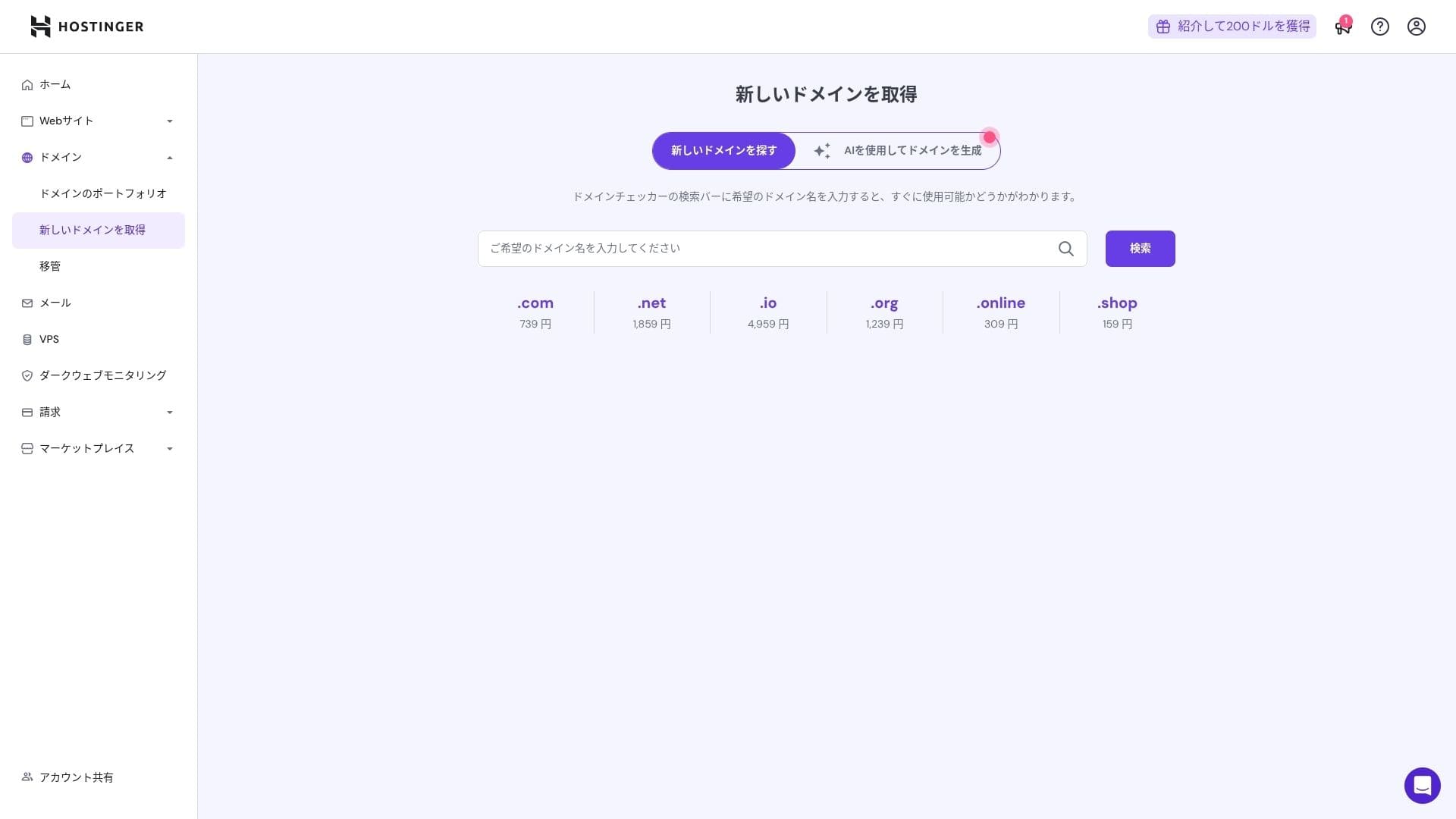
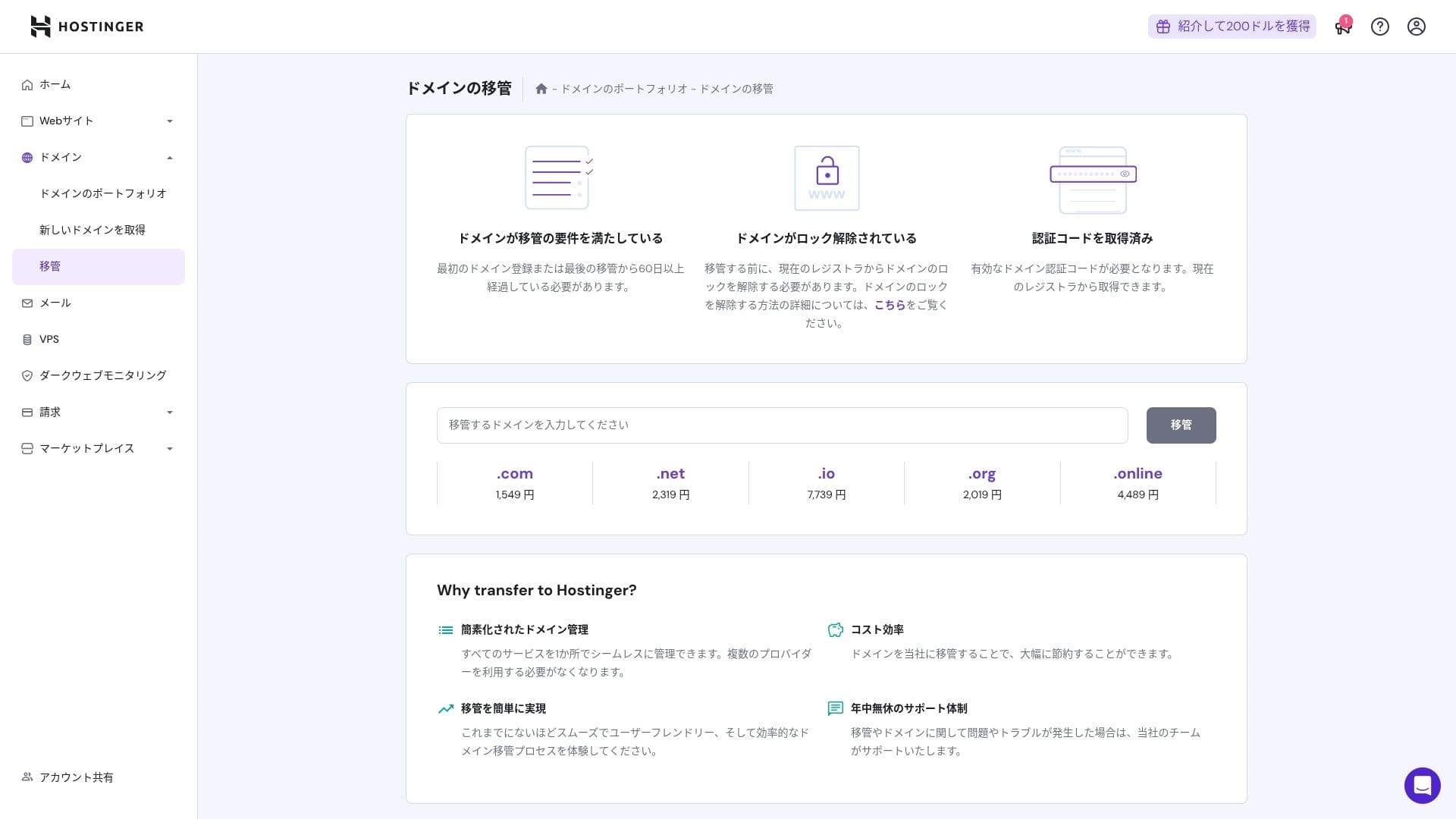
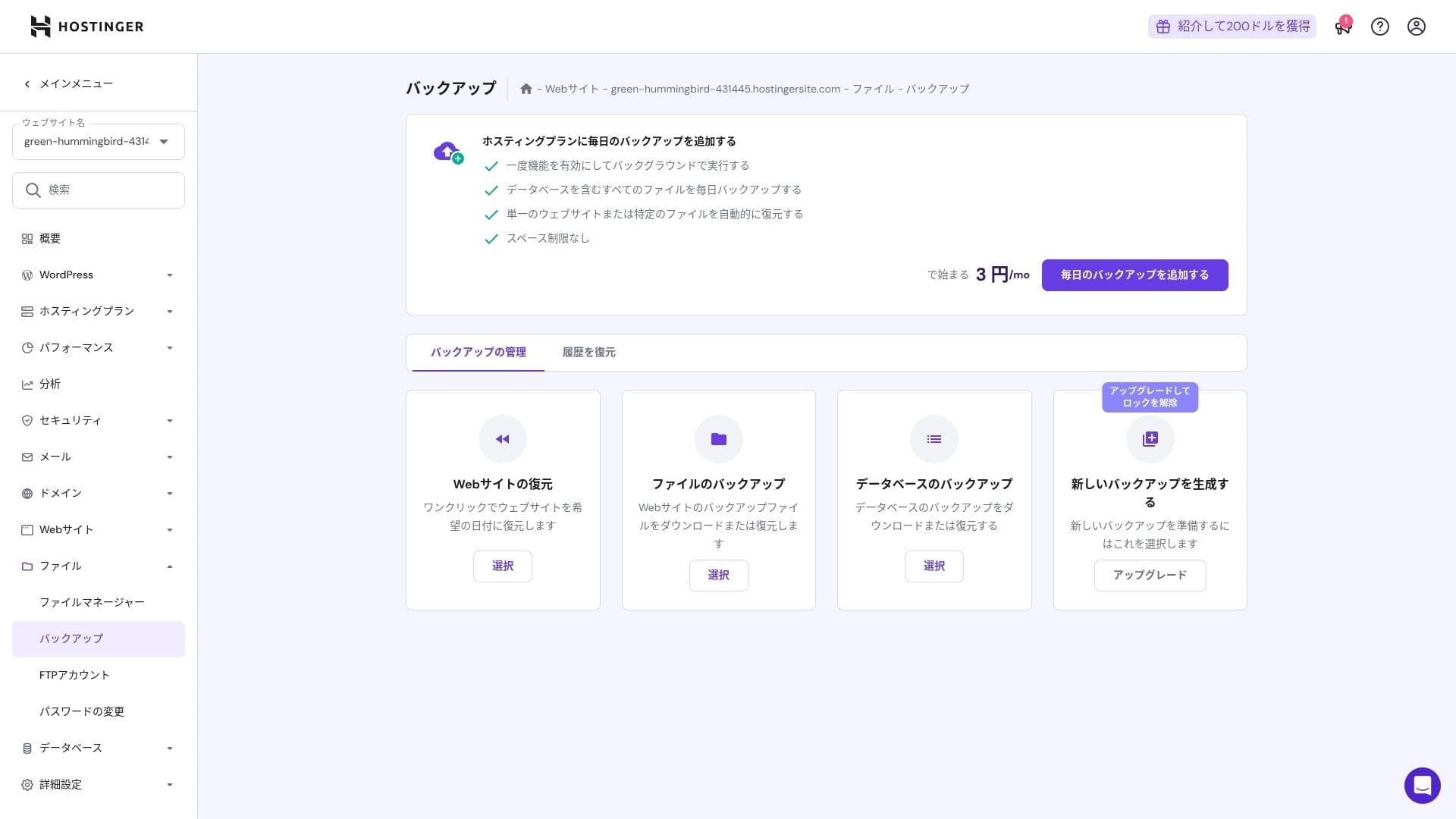
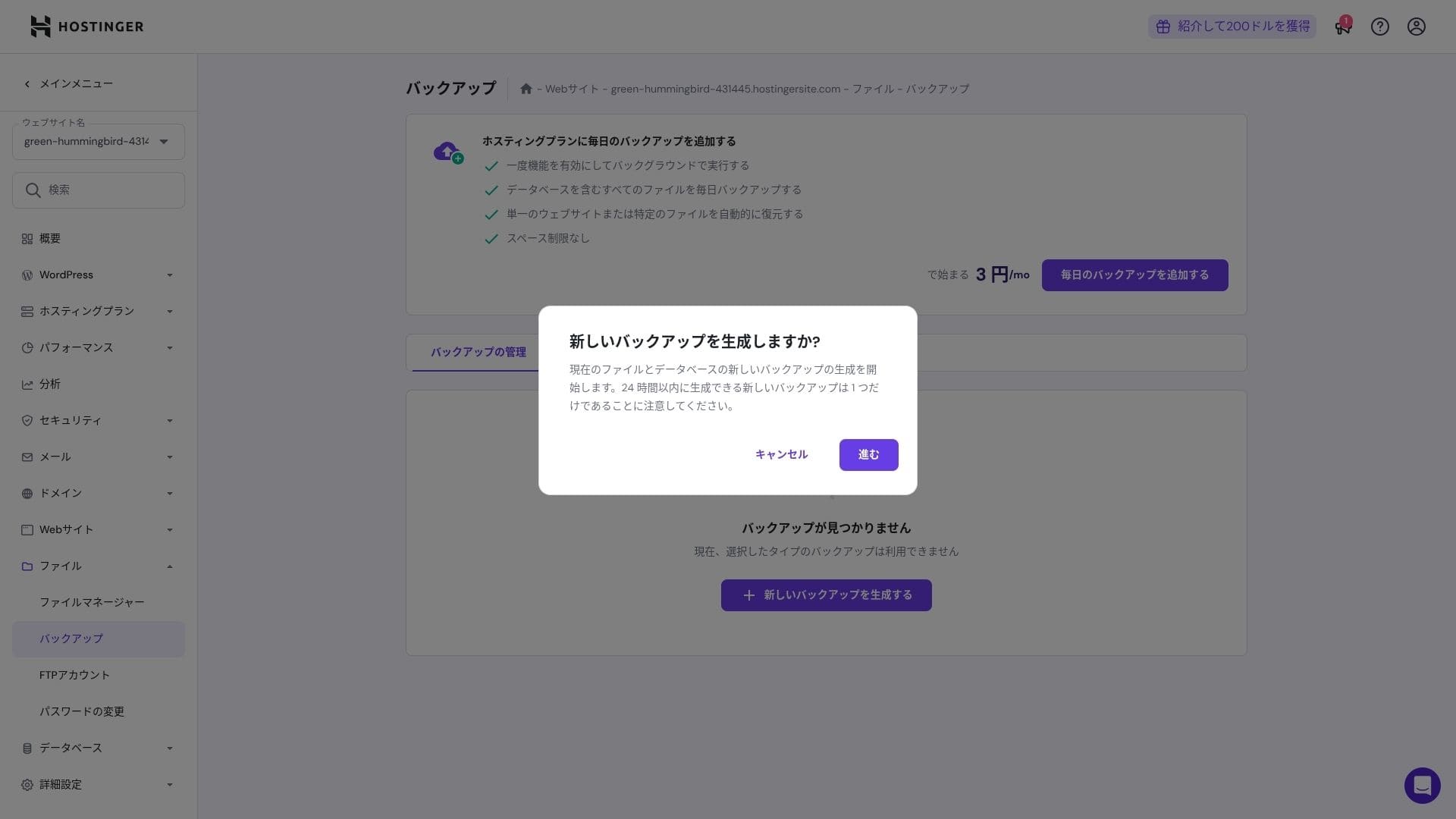
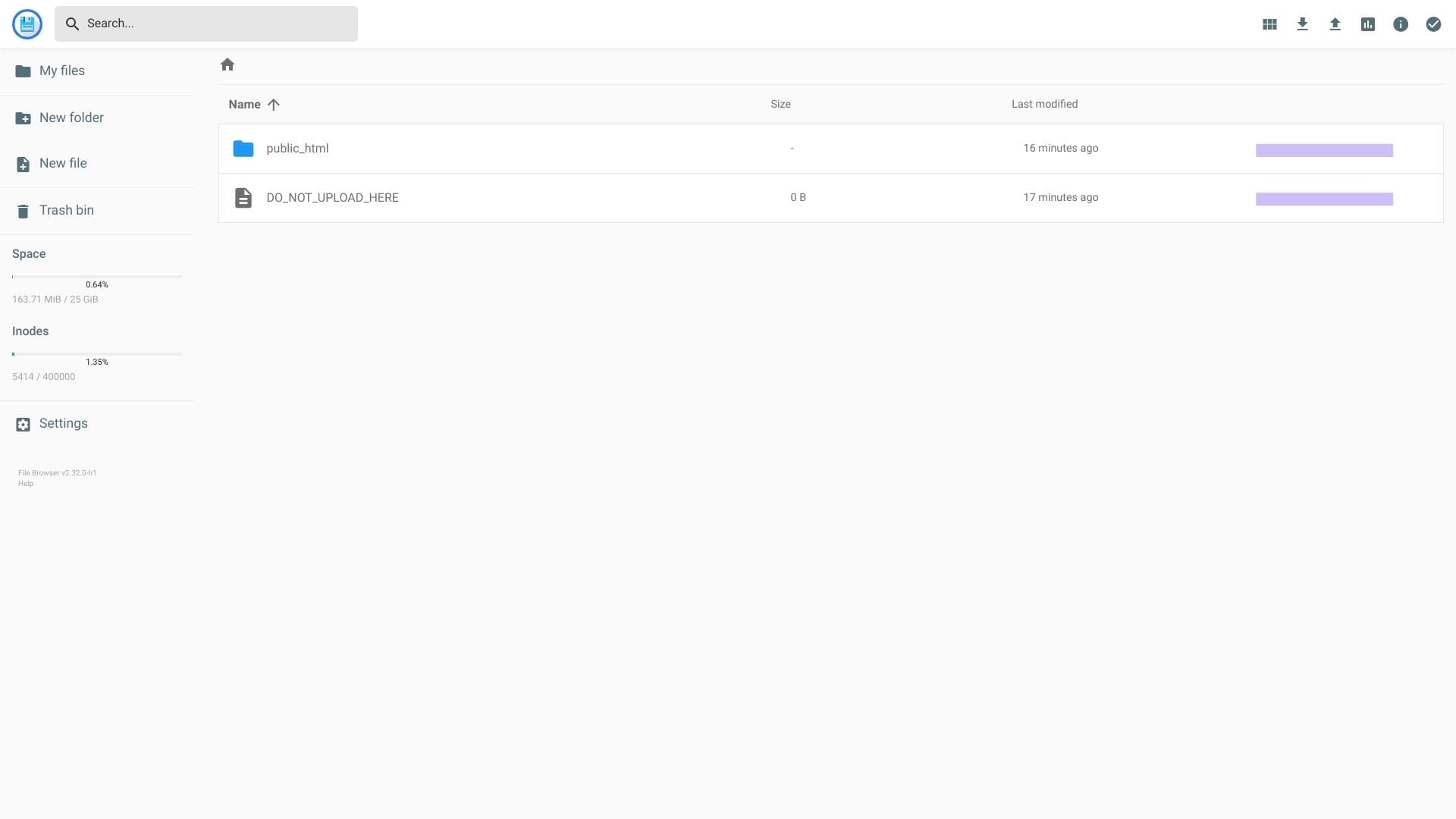
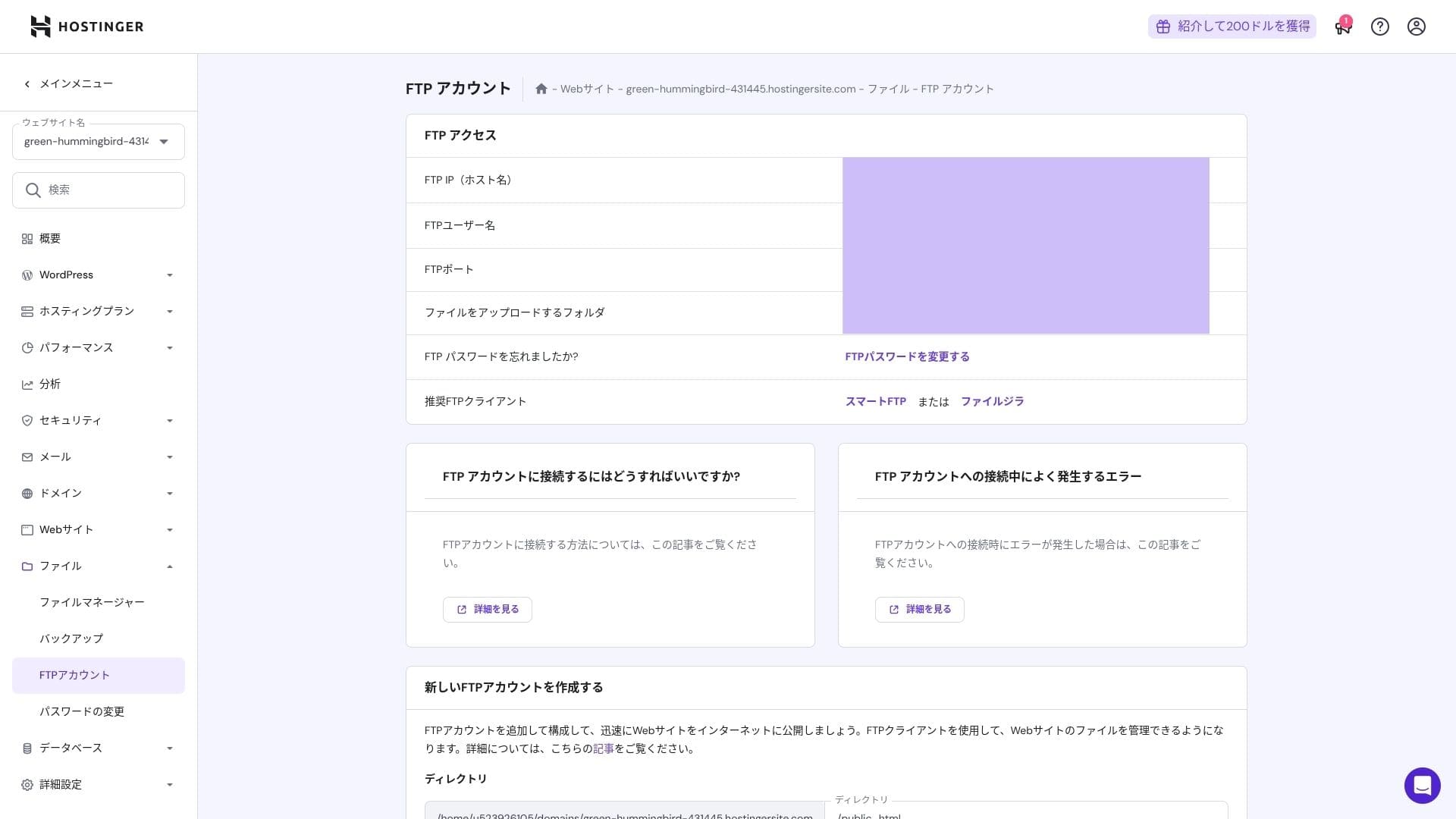
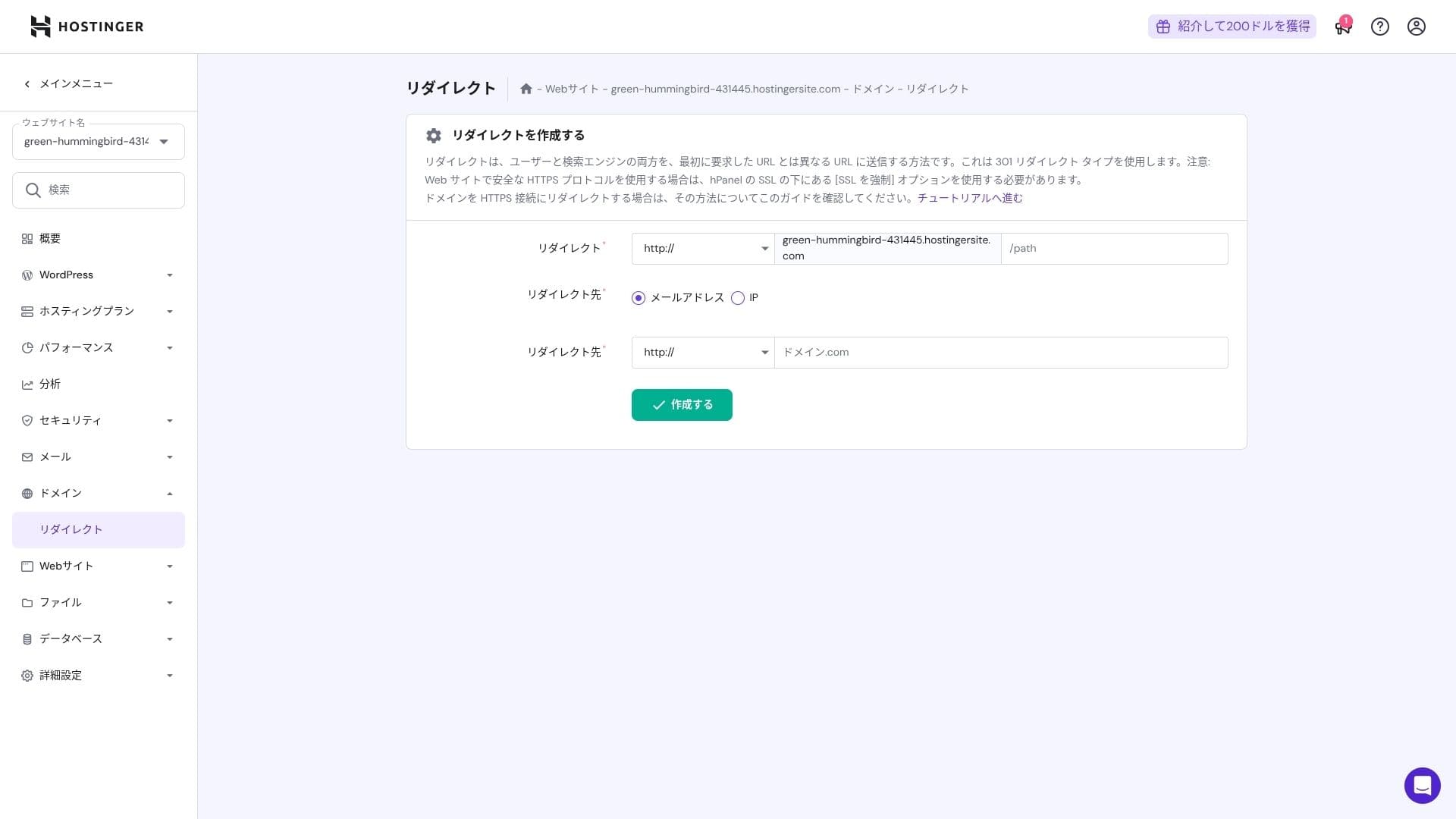
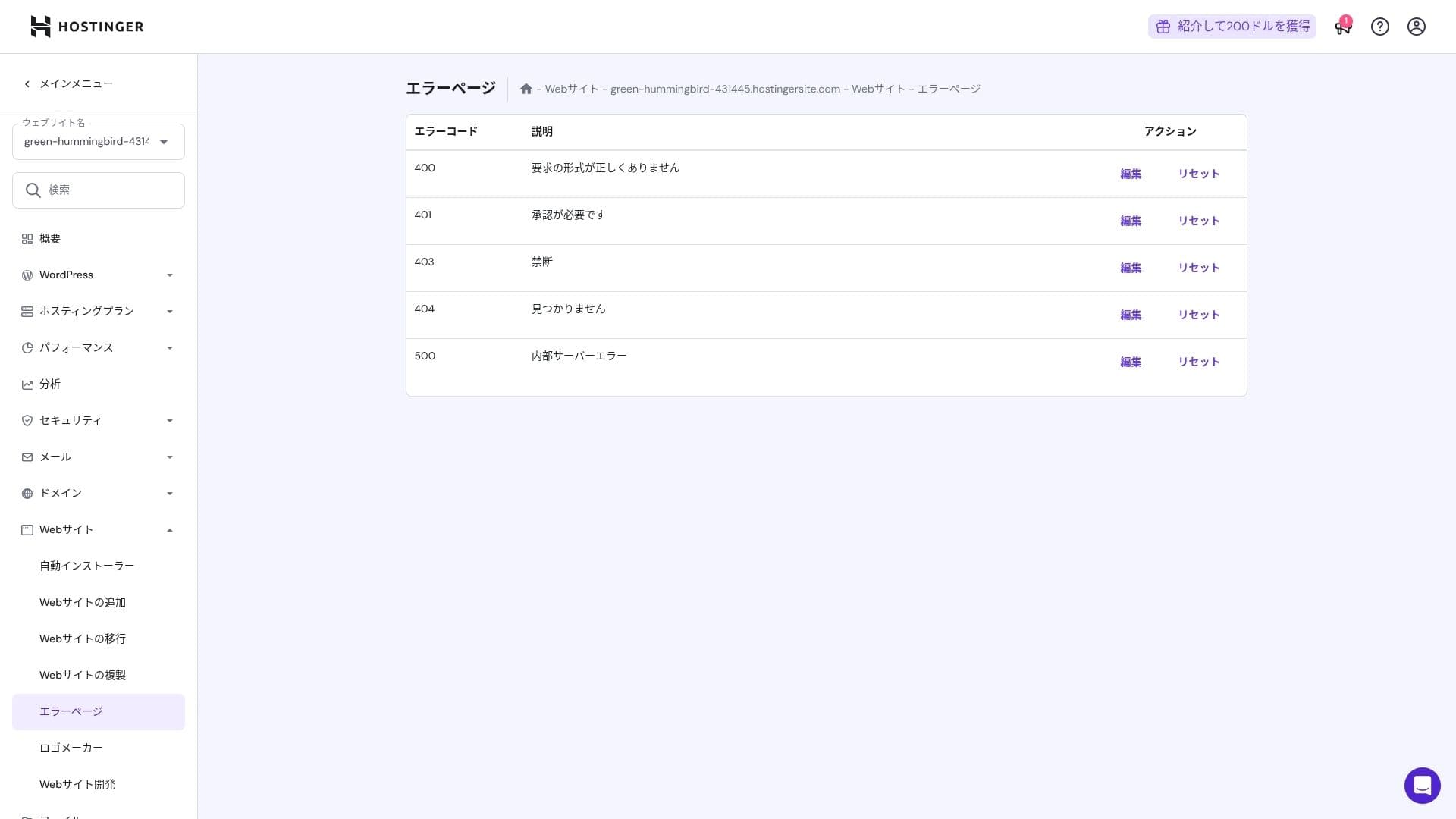
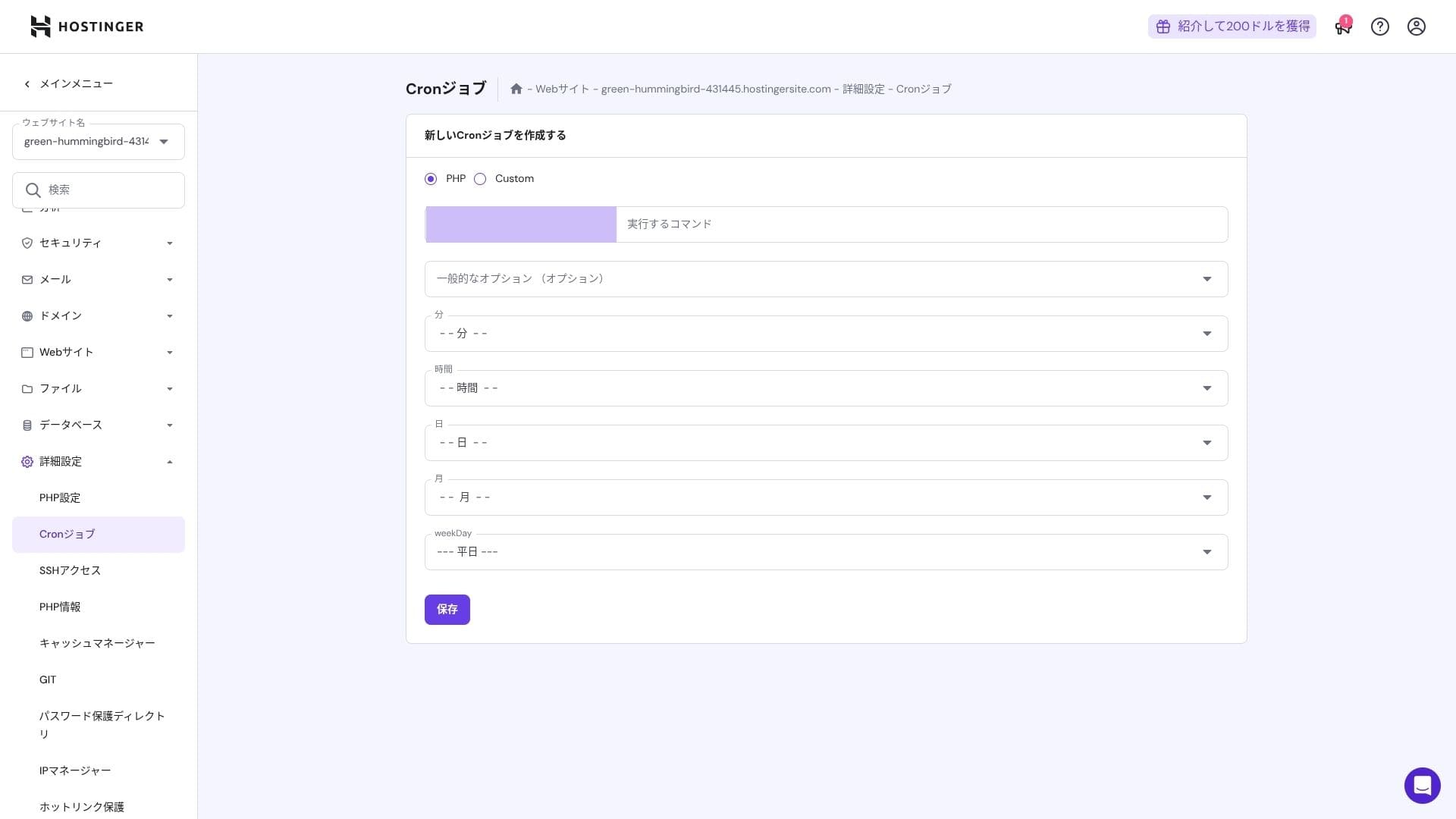
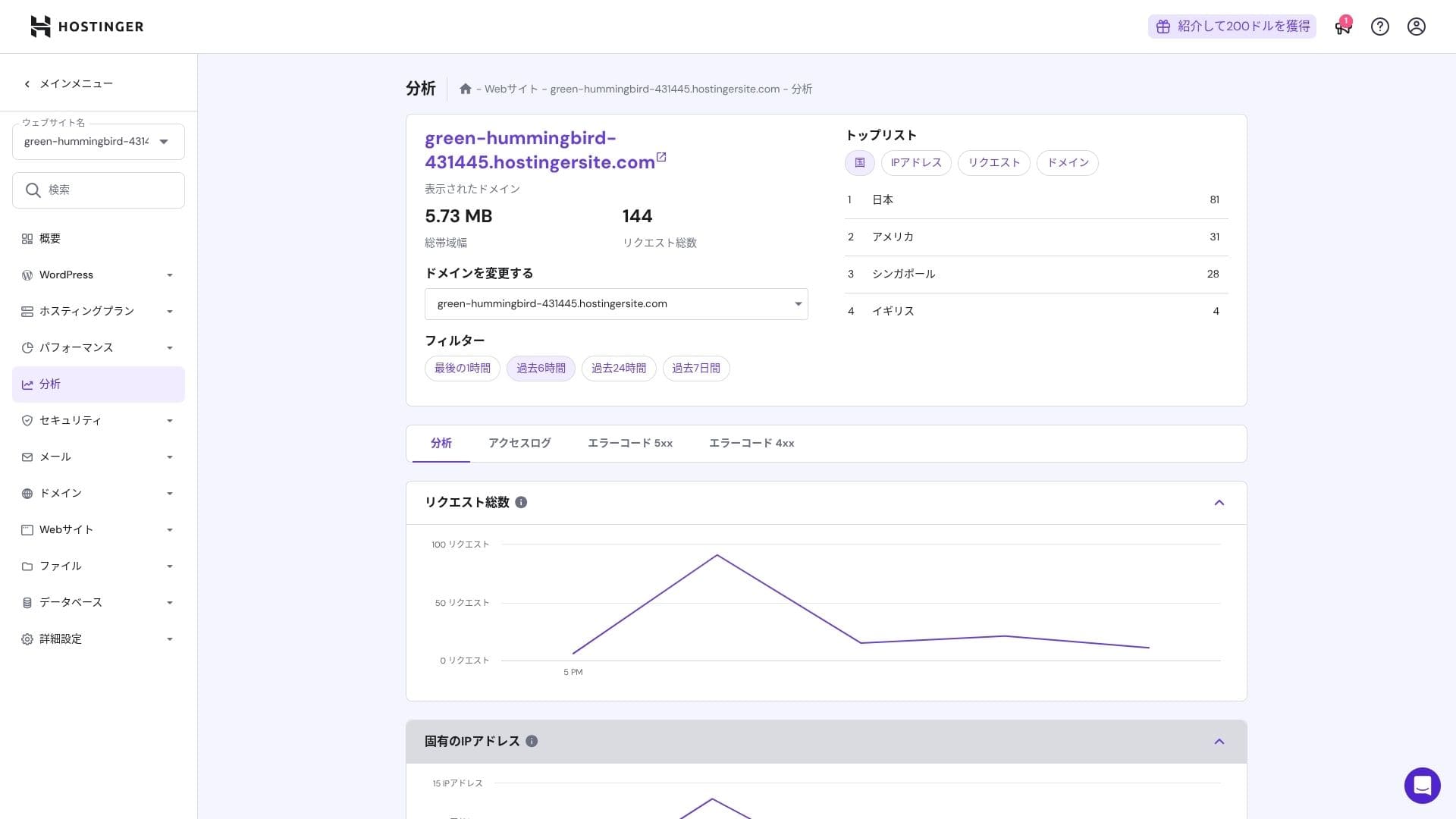
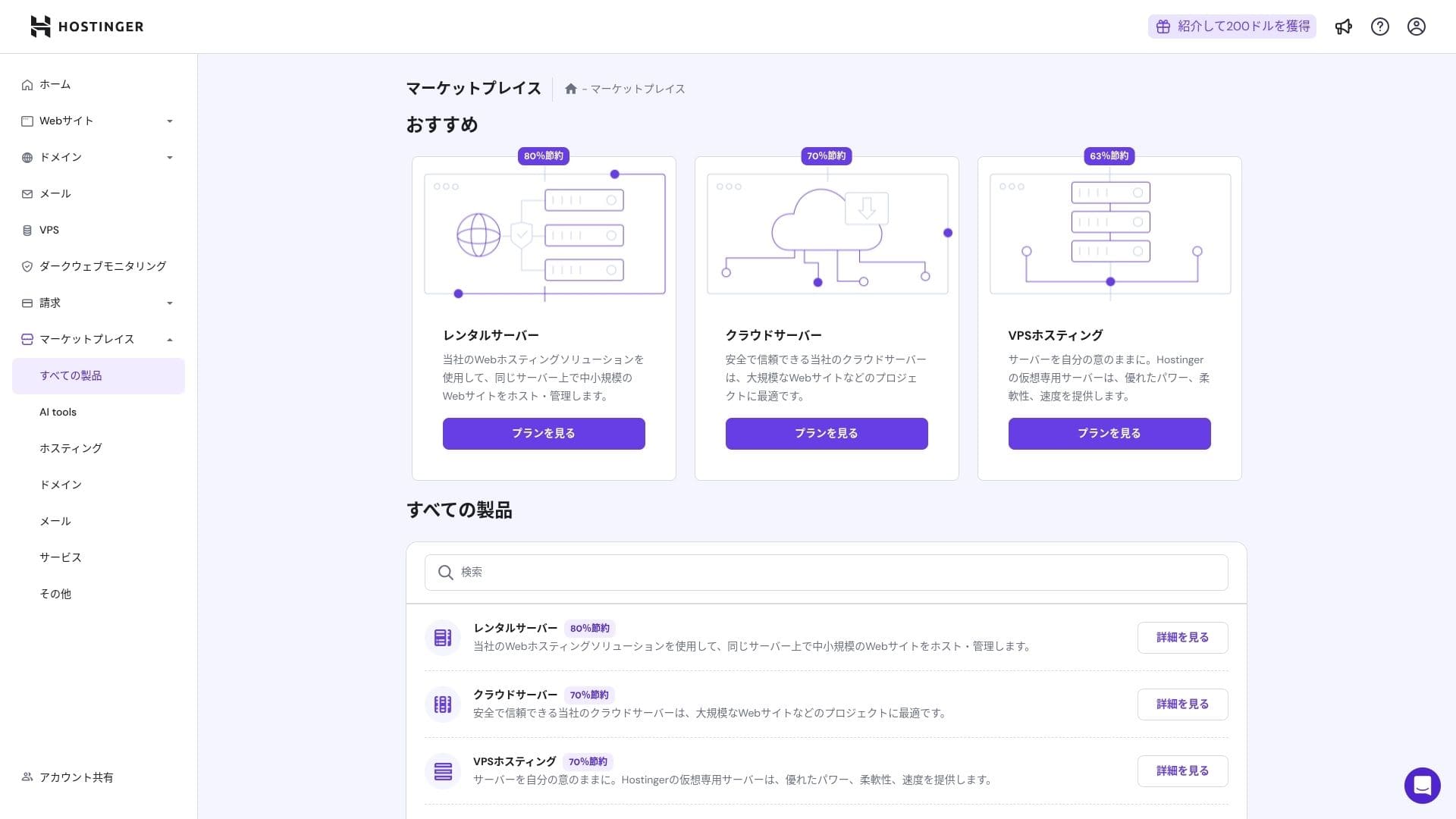
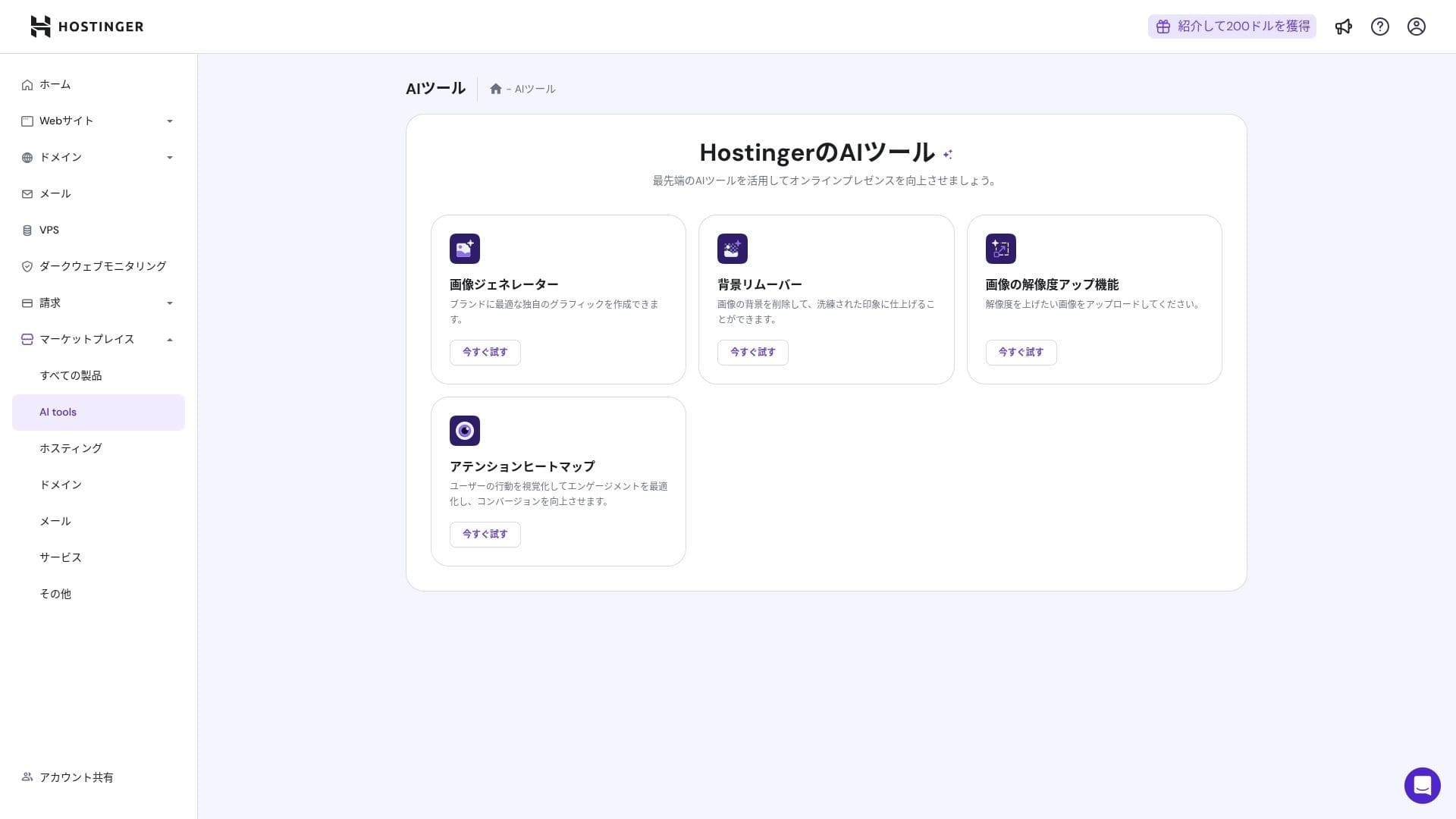
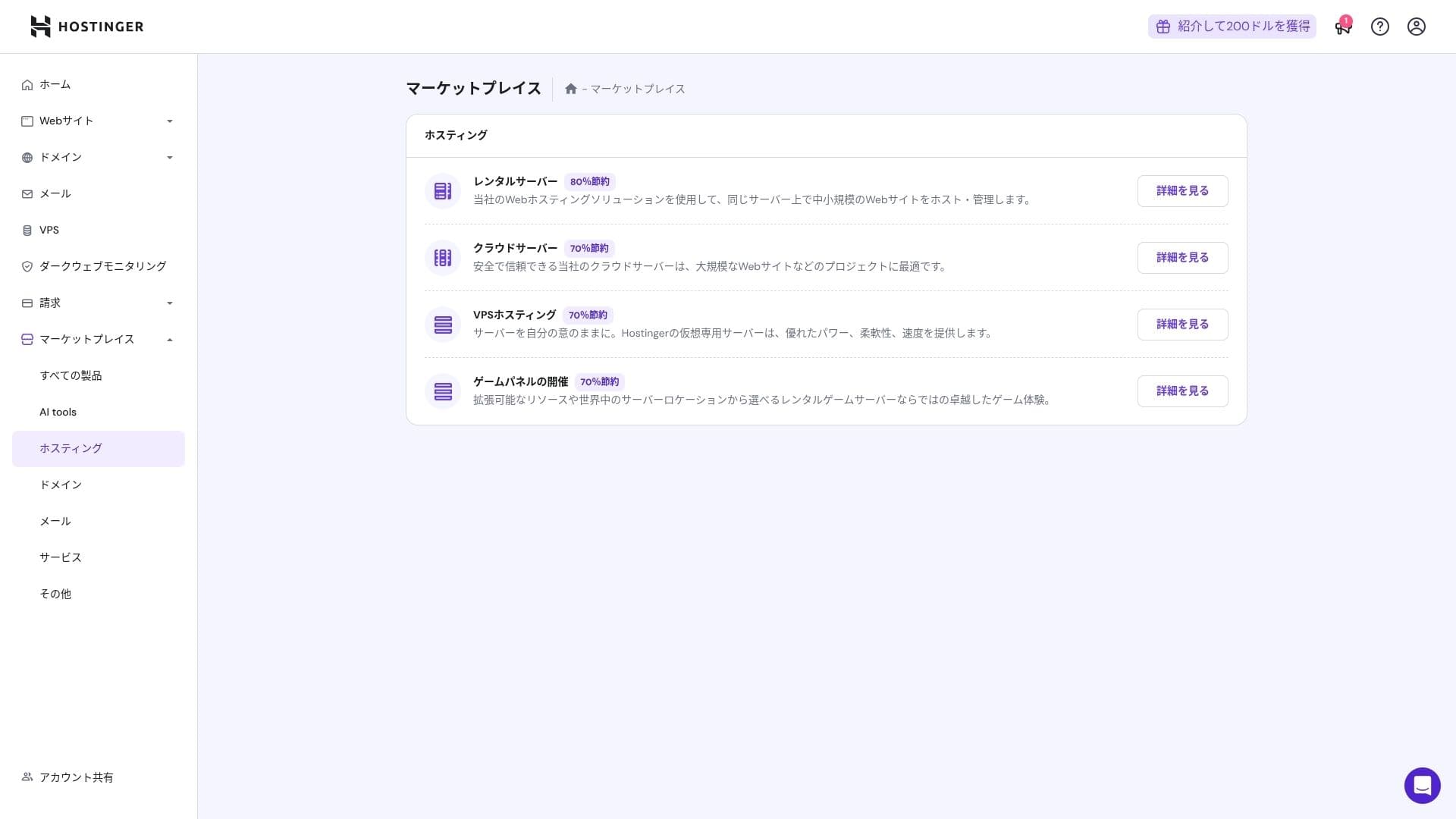
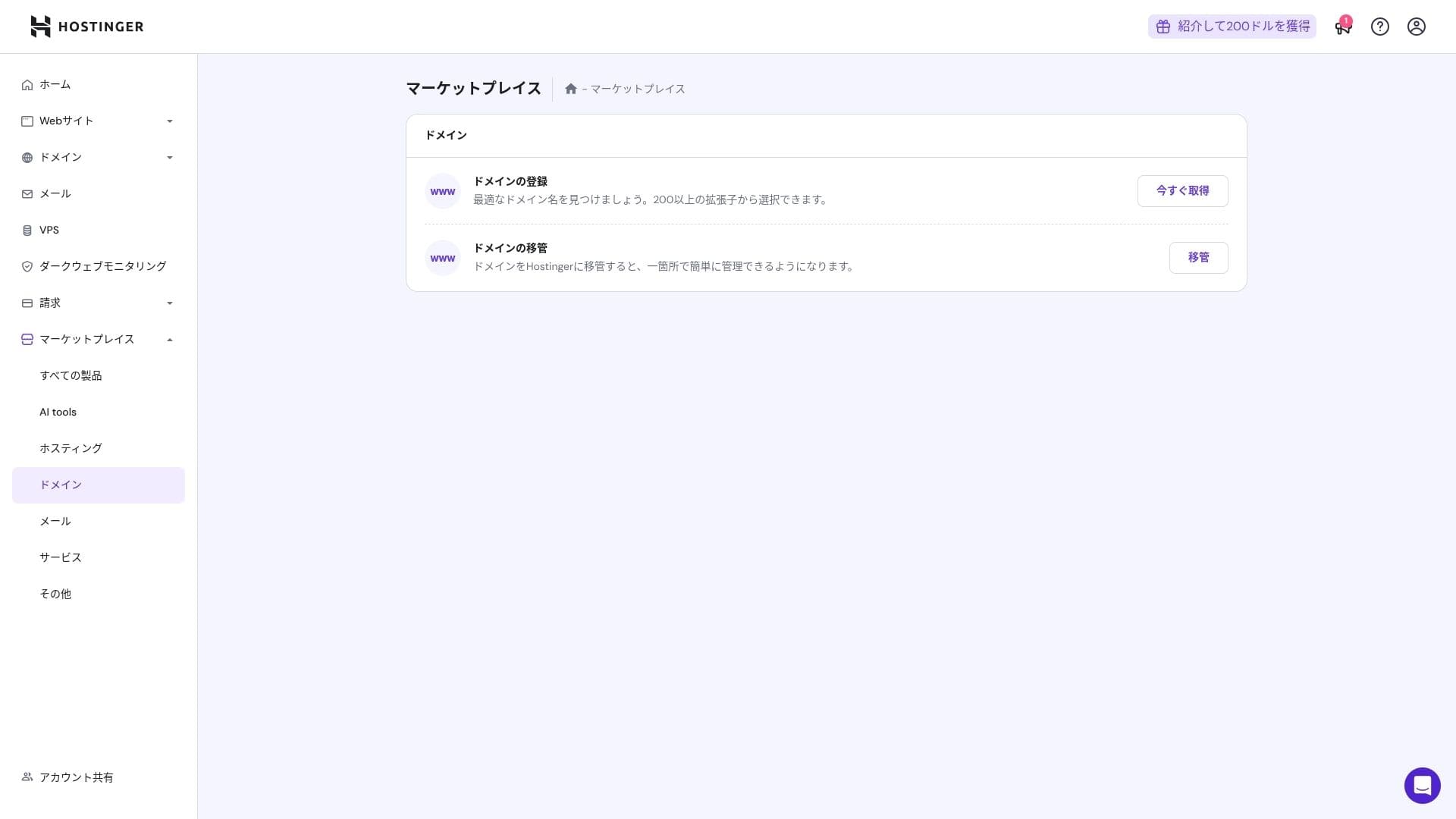
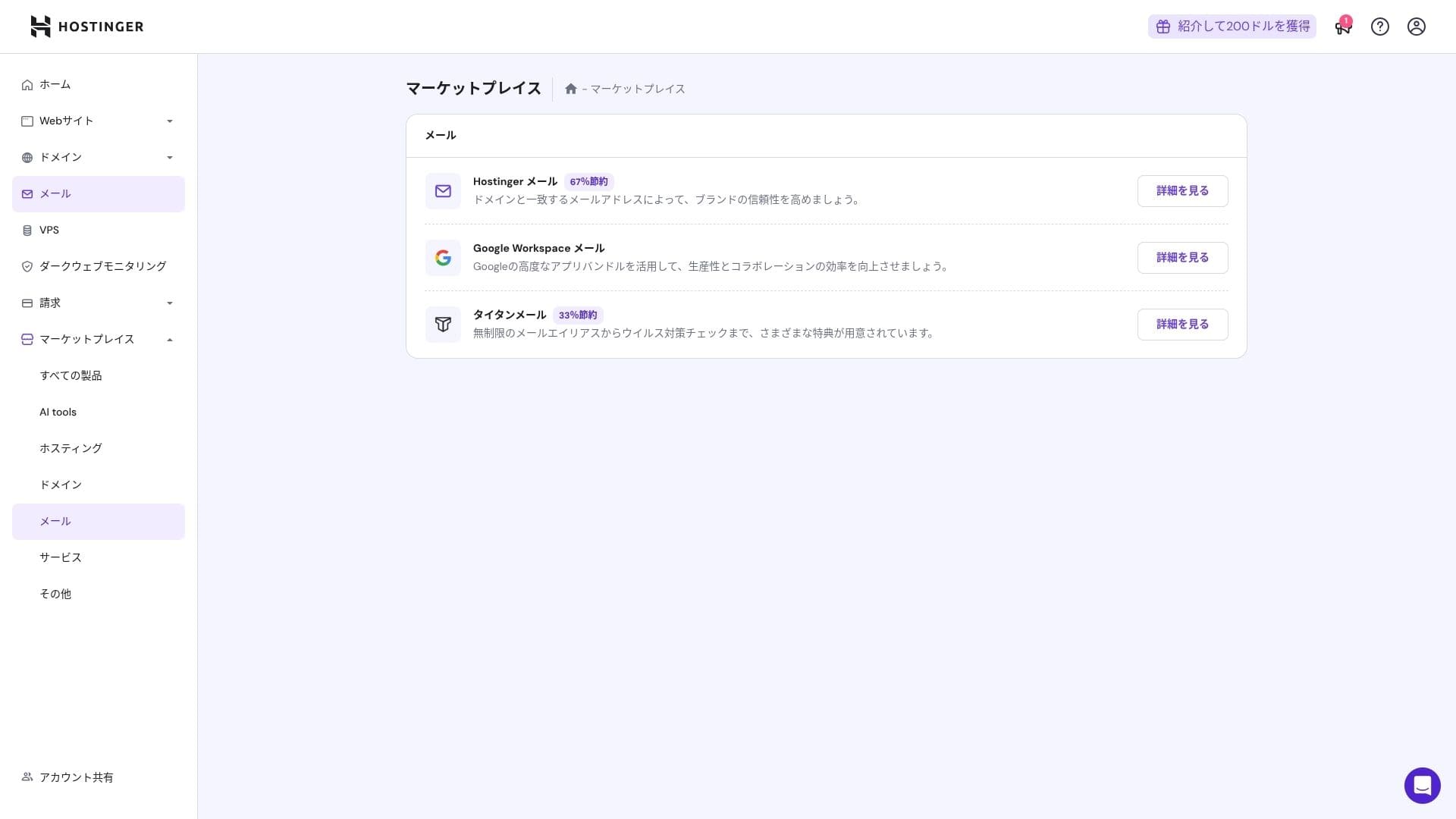
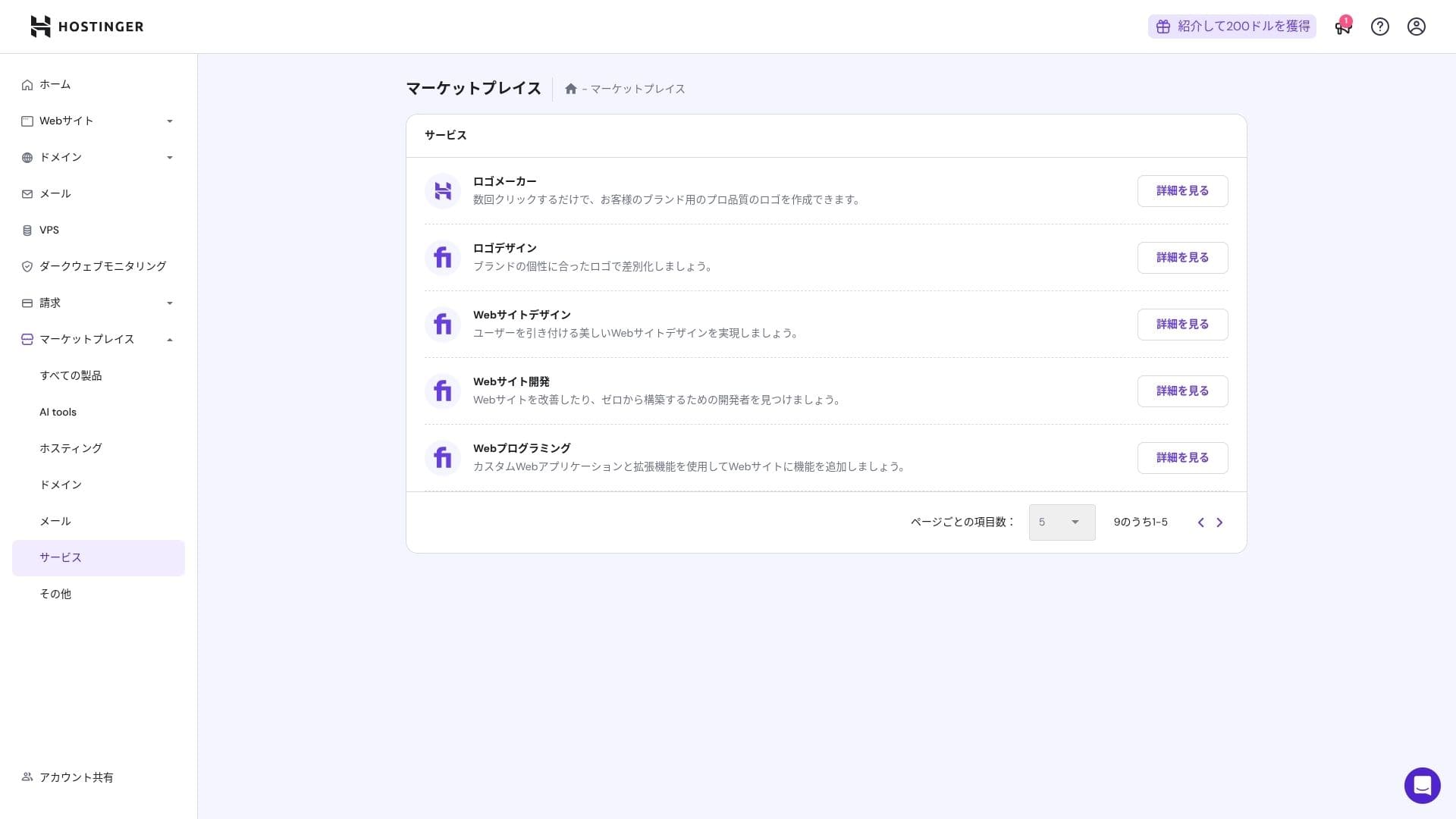
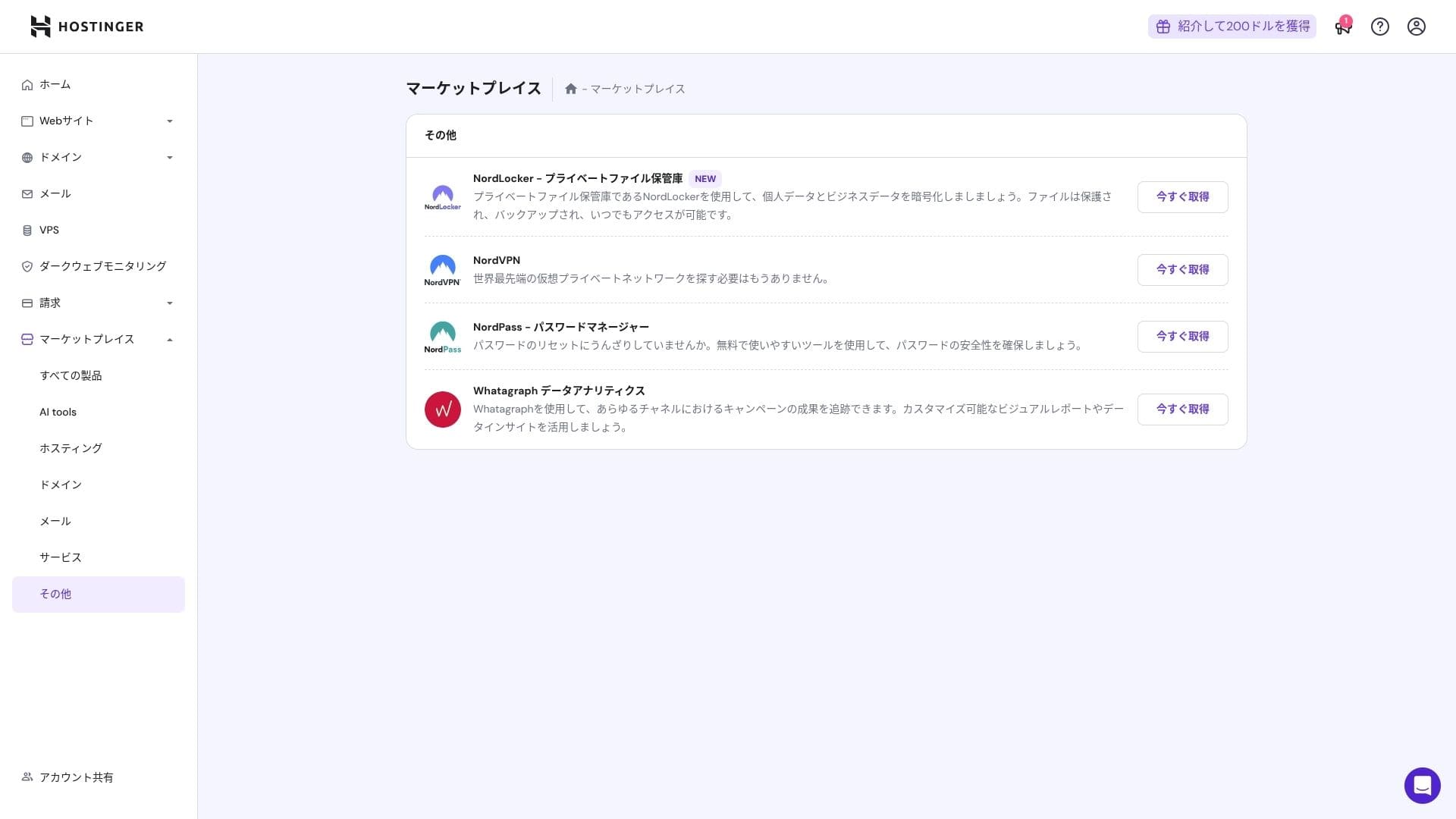
That said, people who are already comfortable with cPanel may find it less intuitive.
Support sistem
Yılda 365 gün, günde 24 saat kullanılabilen canlı sohbetin ortalama yanıt süresi bir ila üç dakikadır. Yanıtlar otomatik olarak çevrilse bile, personel teknik soruları kapsayacak kadar derinlemesine cevaplar vermektedir.
Kılavuzların ve SSS'nin ne kadar eksiksiz olduğu
The Japanese knowledge base still contains some machine-translated sections, but if you use it together with the explanations on the YouTube channel "Hostinger Academy," one person can handle things well enough on their own.
Email features review
Premium ve üzeri planlarda, özel alan adlı e-posta bir yıl boyunca ücretsizdir. Ancak depolama alanı yalnızca 1 GB'tır. Ayrıca hesap başına aylık 69 yen karşılığında Business Starter da (hesap başına 10 GB) kullanabilirsiniz.
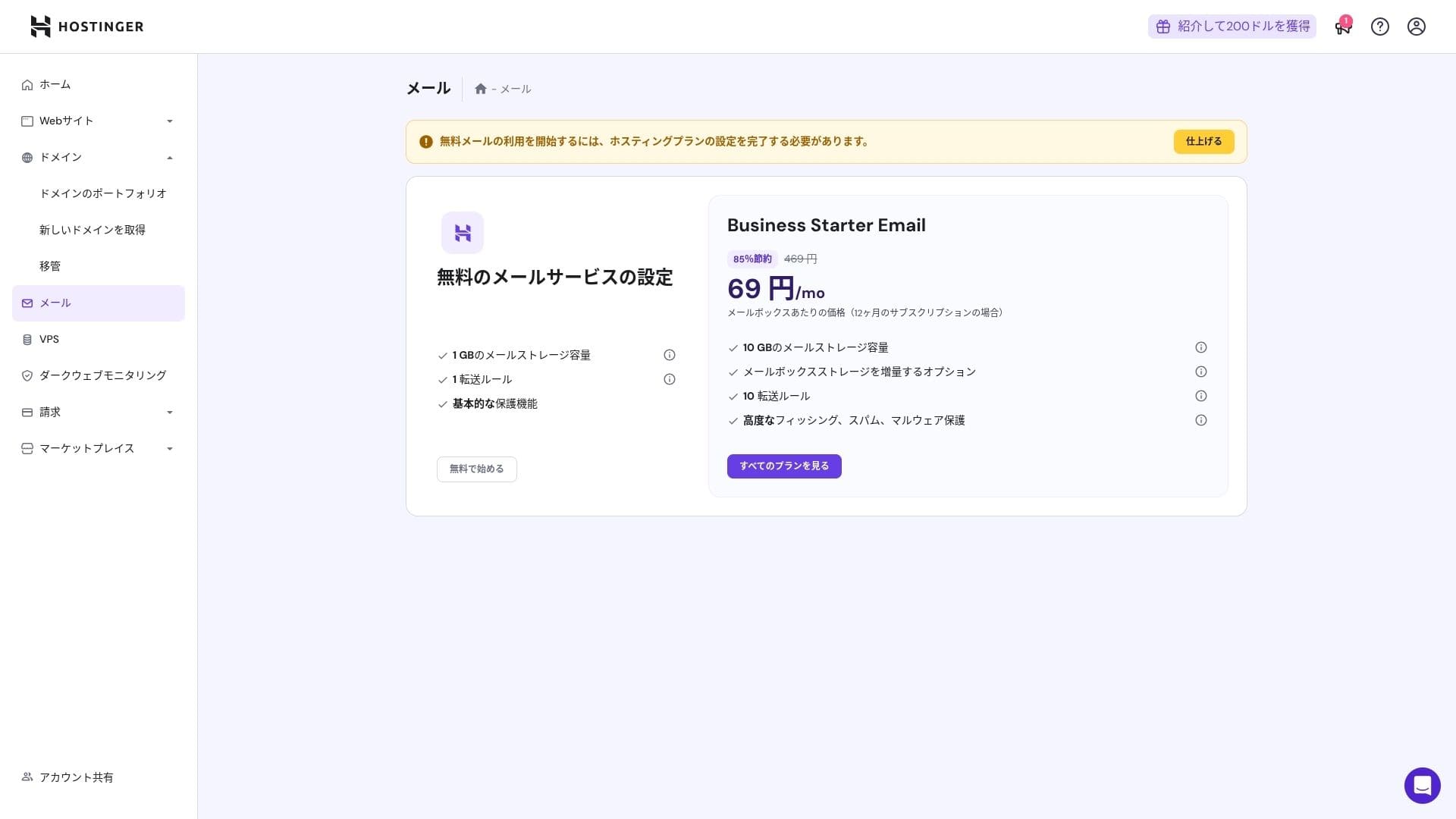
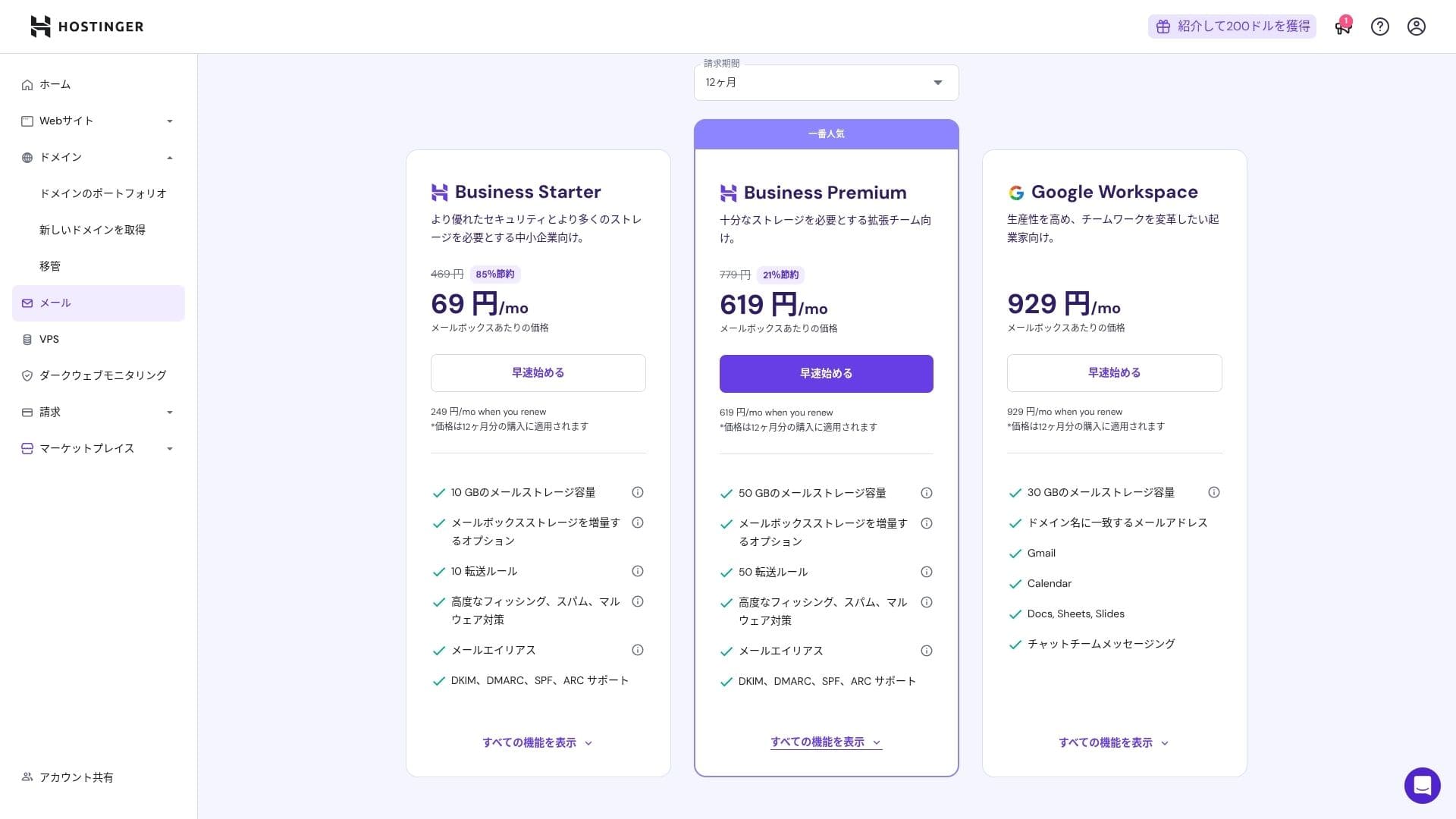
Virüs ve spam koruması içerdiğinden, şirketler ve işletmeler bile güvenle kullanabilir.
Security and backup review
Security measures
Standart olarak bir WAF, DDoS filtreleri, bir kötü amaçlı yazılım tarayıcısı ve WHOIS gizliliği ile birlikte gelir. Ücretsiz SSL ile birleştiğinde temel güvenlik katmanını kapsar.
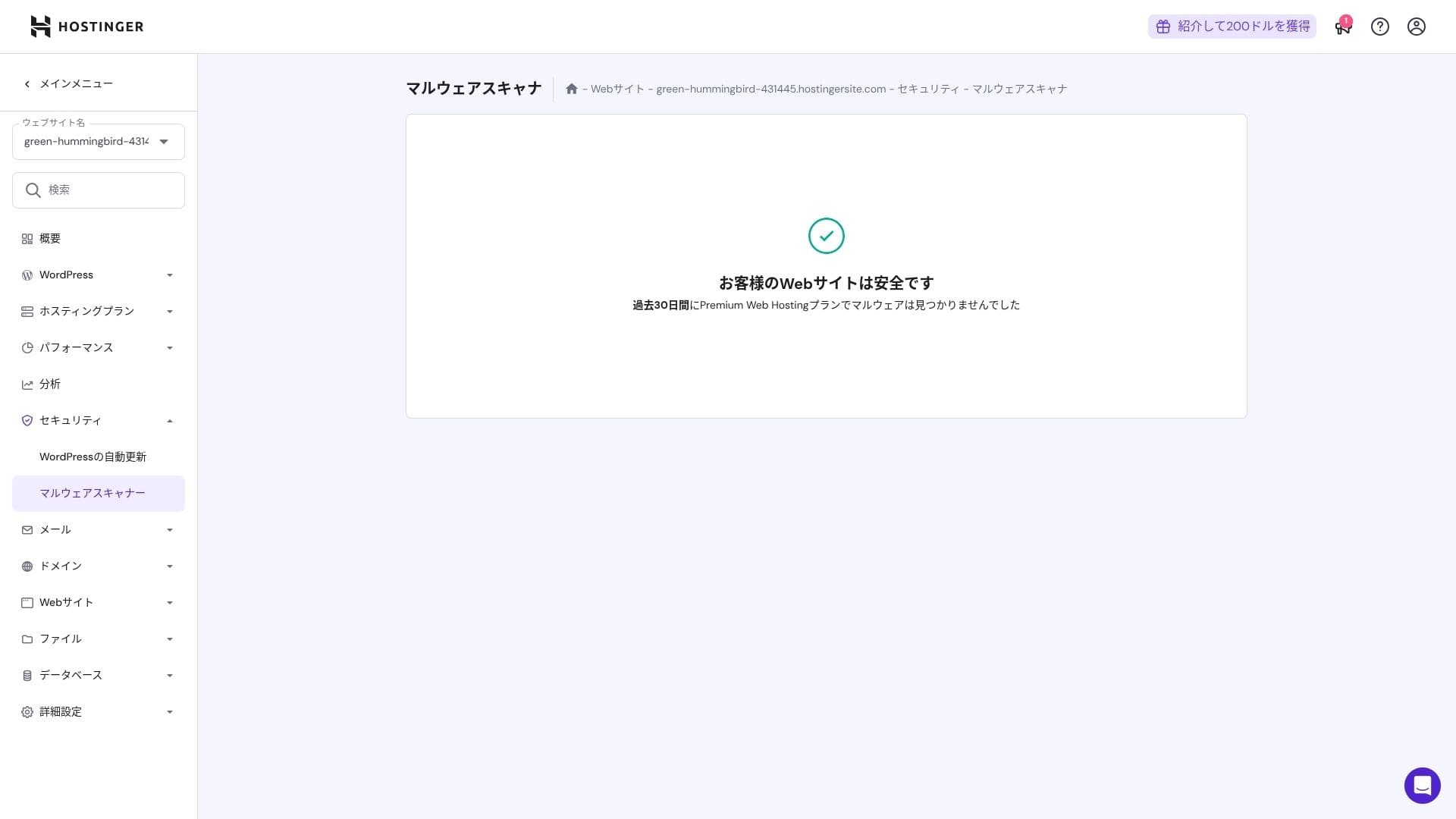
Automatic backup feature
Premium haftalık yedeklemeleri içerir. Business ve daha yüksek planlar, günlük yedeklemelerin yanı sıra talep üzerine kurtarmayı destekler. Yönetici panelinden tek tıkla geri yükleme yapabilirsiniz.
★ Five powerful WordPress backup plugins to recover your data
Summary
- Fast performance with NVMe + LiteSpeed + CDN
- Ücretsiz alan adı, SSL, taşıma ve yapay zeka araçları kurulum maliyetlerini düşük tutar
- hPanel is intuitive, and 24/7 chat support is fast
- Discounted pricing assumes a 48-month contract. Check the renewal price carefully
- For media-heavy or high-CPU-load sites, Cloud or higher is recommended
- Japanese documentation still contains some machine-translated sections that are harder to read
Genel olarak bunu, maliyetleri kontrol altında tutarken güçlü hız ve özellikler isteyen blog yazarları, küçük ve orta ölçekli işletmeler ve prodüksiyon şirketleri için en iyisi olarak görüyorum. Yenileme fiyatlarını göz önünde bulundurarak Premium'dan Business'a ve oradan da Cloud'a yapılacak aşamalı yükseltmeleri planlarsanız, uzun vadede pişman olmayacağınız bir hizmettir.