50% cashback until August 6, 2025, plus a 10-day libreng trial
PR
Mga server
21 Inirerekomendang WordPress Hosting Service para sa mga Indibidwal: Paghahambing at Paano Pumili
Nai-publish: 2025.08.26
Na-update: 2025.08.26

Habang nagsisimula ka ng website o blog gamit ang WordPress, komprehensibong ipinapaliwanag ng artikulong ito ang kaalaman at konkretong mga opsyon na kailangan mo upang pumili ng tamang serbisyo ng hosting. Mula sa mga pangunahing mekanismo ng hosting hanggang sa kung paano pumili ng server na tumutugma sa iyong mga layunin at antas ng kasanayan, palalimin natin ang iyong pag-unawa nang hakbang-hakbang.
Talahanayan ng Paghahambing ng 21 Inirerekomendang WordPress Hosting Service para sa mga Indibidwal
- Based on market research as of November 4, 2025, sorted by bilis
- Ang buwanang presyo ay ang gastos sa unang taon ng pinakamurang plano na maaaring magpatakbo ng WordPress
- Speed is the Time to First Byte measured on demo sites under the same conditions
[Pinakabago 2025] Masusing Paghahambing ng 21 Inirerekomendang WordPress Hosting Service
Mula rito, ipakikilala ko ang mga partikular na hosting service sa pamamagitan ng paghahati sa kanila sa apat na kategorya: mataas na pagganap at bilis, cost performance, mga espesyal na lakas, at mga opsyong pambadyet para sa mga nagsisimula.
4 Premium na Server na Nakatuon sa Mataas na Performance at Bilis
Ang mga ito ay mga server para sa mga taong ginagawang pangunahing priyoridad ang bilis at katatagan ng site.
Xserver: No. 1 sa Domestic Market Share na may Matibay na Katinagan at Bilis
Ito ay isang napatunayang serbisyo ng hosting na ginagamit ng mas maraming website sa Japan kaysa sa iba pa. Nagtatampok ito ng mabilis na mga spec ng server, matatag na uptime, at isang malakas na sistema ng suporta, at pinagkakatiwalaan ito ng lahat mula sa mga indibidwal hanggang sa mga korporasyon.

Hikaru Ono
In terms of performance, quality, and reliability, everything is high level. And yet Xserver is still reasonably presyod. If I had to compare it to a car, it feels like a Toyota Camry.

Pagsusuri sa XServer [Pinakabago sa 2025]: Masusing Ipinaliwanag na Bilis, Pagpepresyo, mga Pros, at mga Cons
Pagsusuri sa XServer [Pinakabago sa 2025]: Masusing Ipinaliwanag na Bilis, Pagpepresyo, mga Pros, at mga Cons
serverfield.org
Hostinger: ang Tunay na Hari ng Halaga sa Gastos
Hikaru Ono
Kapag kailangan mo ng panghuling sagot sa isang problema sa bilis, ang sagot na iyon ay Kinsta.

【Hostinger】 is a major hosting provider that started in Lithuania and now serves more than 29 million users across 178 countries worldwide.Ang pinakamalaking lakas nito ay ang pagsasama ng ilan sa mga pinakamababang presyo sa industriya sa ultra-mabilis na TTFB na 31 ms.
Nagsisimula ang mga shared hosting plan ng Hostinger sa humigit-kumulang 200 yen bawat buwan para sa Single Web Hosting. Ang mas mataas na Premium Web Hosting plan na nagkakahalaga ng humigit-kumulang 500 yen bawat buwan ay may kasamang walang limitasyong mga website, 100 GB ng SSD storage, at walang limitasyong bandwidth. Bawat plano ay may kasamang libreng SSL certificate, lingguhang awtomatikong mga backup, at 24/7 na suporta sa customer.
Ginagamit ng Hostinger ang custom-built na hPanel control panel nito na madaling maunawaan at madaling patakbuhin. Sa pamamagitan ng paggamit ng mga data center sa rehiyong Asia-Pacific, maaari din itong maghatid ng mahusay na pagganap mula sa Japan. Nag-aalok din ito ng matibay na daloy ng awtomatikong pag-install ng WordPress upang mailunsad ang isang site sa loob lamang ng ilang minuto.
Ang Hostinger ay mahusay na angkop para sa mga indibidwal na blogger at maliliit na negosyo na higit na nagpapahalaga sa gastos. Sa kabilang banda, kung kailangan mo ng advanced na pag-customize o suporta sa antas-negosyo, makatwirang isaalang-alang ang isang mas mataas na antas ng serbisyo.
Hikaru Ono
What impressed me most was how easy hPanel was to use despite being feature-rich. Because the management interface is available in Japanese, you can use it without worrying about English.
ConoHa WING: Napakalakas na Bilis ng Pahina na Pinapagana ng Makabagong Teknolohiya
[No. 7] XServer: the proven performance behind Japan's largest market share
Kilala ito sa mabilis na bilis ng pagpapakita, kasama ang paggamit nito ng LiteSpeed web server. Ang madaling gamitin na control panel nito, walang bayad sa setup, at ang WING Pack, na nagbibigay sa iyo ng hanggang dalawang domain na libre habambuhay, ay gumagawa din dito na napakatipid.
If you use the AI writing tool ConoHa Pencil and the AI image generator AI Canvas, even people with no blogging experience can produce high-quality articles.
Hikaru Ono
This site is also run on ConoHa WING.

Ulat sa ConoHa WING: Pagsusuri sa bilis, mga kalamangan, at mga kahinaan sa likod kung bakit pinipili ito ng 750,000 user
Ulat sa ConoHa WING: Pagsusuri sa bilis, mga kalamangan, at mga kahinaan sa likod kung bakit pinipili ito ng 750,000 user
serverfield.org
mixhost: Kaluwagan ng Cloud at Malakas na Halaga sa Gastos
30-day libreng trial
Dahil gumagamit ito ng teknolohiyang cloud, maaari itong patakbuhin nang matatag nang hindi gaanong naaapektuhan ng ibang mga user. Isa ito sa mga unang nagpatibay ng LiteSpeed web server sa Japan, at kilala rin ito sa mabilis na bilis ng pagpapakita. Gamit ang 30-araw na garantiya sa refund, madali itong subukan.

Pagsusuri sa mixhost [Pinakabago sa 2025]: Isang Masusing Pagsusuri ng Mabilis na Server na may Pandaigdigang Abot at Napakahusay na Seguridad
Pagsusuri sa mixhost [Pinakabago sa 2025]: Isang Masusing Pagsusuri ng Mabilis na Server na may Pandaigdigang Abot at Napakahusay na Seguridad
serverfield.org
Shin Rental Server: Gaano Kalakas Talaga ang Bagong Brand ng Xserver
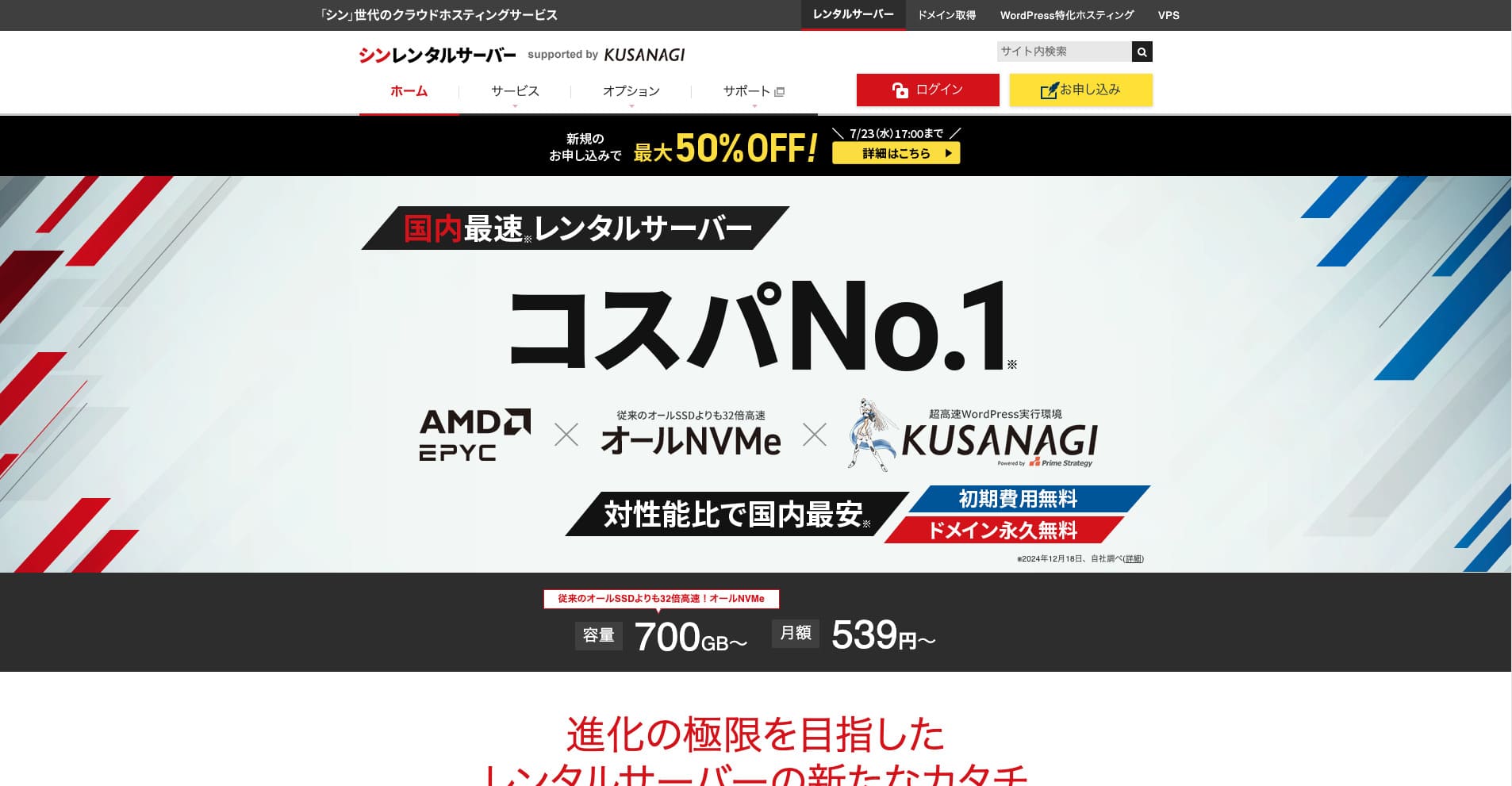
Shin Rental Serveray ang mataas ang bilis na rental server ng ShinCloud Co., Ltd. Ang abot-kaya nitong presyo ay ginagawa itong kaakit-akit kahit para sa mga indibidwal na user. Higit pa rito, nagpapatakbo ito ng mga regular na kampanya, kaya ang pinakamainam na oras upang mag-sign up ay habang aktibo ang isang kampanya.

| Server type | Shared hosting |
| Response bilis (TTFB) | 200ms |
| Inirerekomendang plano at termino | Basic, 12 months |
| Trial / libre period | 10-day libreng trial |
| Monthly presyo (12-month contract) | 880 yen |
| Initial setup fee | Free |
| Free domain | One libre habambuhay |
| Support | Phone and email (weekdays 10:00-18:00) |
| Uptime | Not disclosed |
| Storage | 700GB |
| Number of databases | Unlimited |
| Security measures | SECOM seguridad diagnostics, WAF, ads.txt, mga limitasyon sa pagsubok sa pag-login, mga paghihigpit sa pag-access mula sa mga IP address sa ibang bansa, mga limitasyon sa maramihang komento at trackback, mga paghihigpit sa mga komento at trackback mula sa mga IP address sa ibang bansa, antivirus, spam filter |
| SSL | Free dedicated SSL, optional dedicated SSL |
| Backup / pag-restore | 14 days of automatic mga backup for libre, libre pag-restore |
| Number of email accounts | Unlimited |
| Email seguridad | POP over SSL, SMTP over SSL, IMAP over SSL, DKIM, DMARC |
| Server / website migration service | None |
| WordPress preinstalled | Yes |
| CDN | None |
Based on the system that powers Xserver, aktibo nitong kinukuha ang pinakabagong teknolohiya. Isa itong sumisikat na serbisyo ng hosting na naghahatid ng mataas na performance habang nananatiling mas mura kaysa sa Xserver, which is why it has attracted users who care about cost performance.
6 Balanseng Server na Nakatuon sa Halaga sa Gastos
Ang mga server na ito ay nag-aalok ng magandang balanse ng bilis, mga tampok, at presyo, at kayang humawak ng malawak na hanay ng mga pangangailangan.
Lolipop!: Paano Umunlad ang Matagal Nang Baguhang-Friendly na Server na Ito
"wpX Speed" ay isang cloud-based na serbisyo ng hosting mula sa ShinCloud. Ang pay-as-you-go na sistema nito ay nagsisimula sa 2.2 yen bawat oras, kaya madaling magsimula rito. Ang mga tampok tulad ng mga nakareserbang mapagkukunan at awtomatikong scale-up ay nagpapanatili sa performance na komportable sa paraang napaka-cloud.
14-day libreng trial
LOLIPOPay isang matagal nang naitatag na server na may maraming taon ng karanasan sa operasyon. Sa mga nakalipas na taon, ang performance ay makabuluhang umunlad sa pamamagitan ng mga plano tulad ng High Speed, at nagbibigay ito ng sapat na mga detalye sa abot-kayang presyo. Ang malinaw nitong panel ng kontrol at mga manwal ay nagpapadali rin sa mga unang beses na gagamit ng server na hawakan ito.
Hikaru Ono
The first WordPress blog I ever built was on LOLIPOP. I chose it for the cost because I thought it would be a waste to rent an expensive server and then fail to keep blogging.
Nagsisimula ang presyo sa 1,320 yen bawat buwan sa isang 12-buwang kontrata, at kasama na bilang default ang libreng SSL at ang awtomatikong backup.
Star Rental Server: Mataas na Halaga na Server ng Netowl

[Blg. 4] Lolipop!: isang mabilis na host na may natatanging halaga
It is provided by a kumpanya related to Xserver and Shin Rental Server, at naghahatid ito ng matatag na kalidad sa mababang presyo. Gamit ang libreng SSL, SSD storage, at iba pang mahahalagang tampok, isa itong server na may mahusay na cost performance.

Pagsusuri sa Star Rental Server [Inilabas noong Disyembre 19, 2024]: Mga Kalamangan at Kahinaan ng isang Server na may Mataas na Halaga na Maaari Mong Gamitin mula sa mga Libreng Plano
Pagsusuri sa Star Rental Server [Inilabas noong Disyembre 19, 2024]: Mga Kalamangan at Kahinaan ng isang Server na may Mataas na Halaga na Maaari Mong Gamitin mula sa mga Libreng Plano
serverfield.org
ColorfulBox: Malakas na Apela sa Awtomatikong Backup na Hinihiwalay Ayon sa Rehiyon
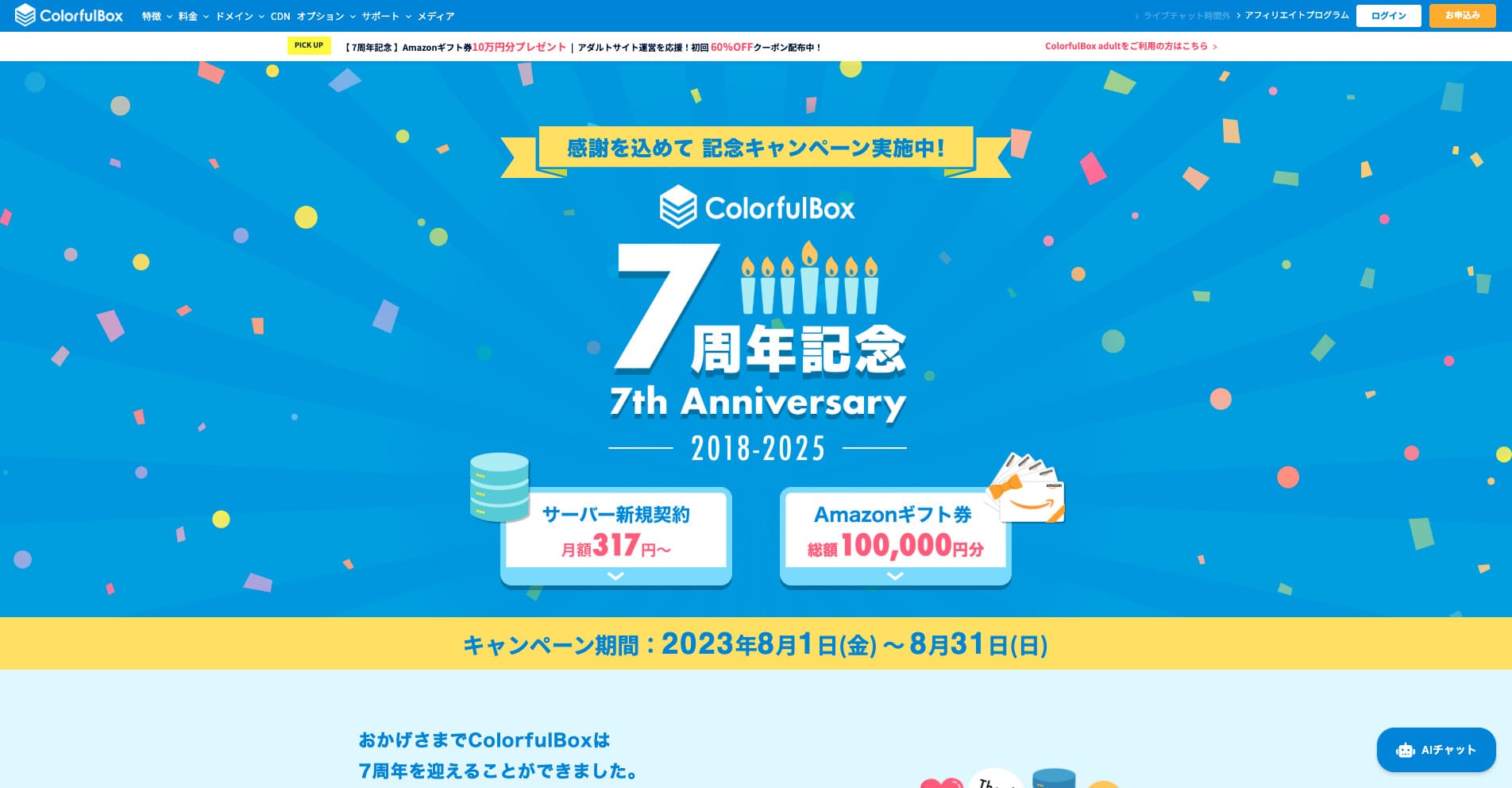
“ColorfulBox” ay isang serbisyo ng hosting na may mahusay na rehiyon-patungkol na awtomatikong mga backup, na ginagawa itong madaling gamitin nang may kumpiyansa. Mayroon itong walong plano, kaya magagamit mo ang tamang antas ng pagganap nang hindi nag-aaksaya ng pera. Isa rin ito sa kaunting mga host na nagbibigay ng suporta 24 oras bawat araw.
Hanggang 50% diskwento sa mga bayad sa server hanggang Agosto 31, 2025, kasama ang hanggang 10,000-yen na Amazon gift card at isang 30 araw na libreng pagsubok

| Server type | Shared hosting |
| Biggest strength | A wide range of plans |
| Speed (TTFB) | 190ms |
| Inirerekomendang plano at termino | BOX1 / 12 months |
| Trial / garantiya sa refund | 30-day garantiya sa refund |
| Monthly fee (12-month term) | 638 yen |
| Setup fee | Free |
| Free domain | None |
| Support | Business hours: weekdays 09:30-12:00, 13:00-17:30 Phone (24-hour reception), callback (BOX7 and above), chat, LINE, and email |
| Uptime | Not disclosed |
| Storage | 200GB |
| Databases | Unlimited |
| Security | WAF, IPS, IDS, virus scanning, SiteLock (paid) |
| SSL | Free SSL, dedicated SSL, shared SSL |
| Backup / pag-restore | 14 days of region-based automatic mga backup included; pag-restores are libre |
| Email accounts | Unlimited |
| Email seguridad | Email encryption, POP/POP3S / SMTP/SMTPS, IMAP/IMAPS, virus checks, spam filters, and custom filters |
| WordPress preinstalled | Yes |
| Server / website migration service | Free |
| CDN | 440 yen and up |
Malakas ang server na ito sa kahandaan sa kalamidad, salamat sa mga data center sa Tokyo at Osaka na awtomatikong nagba-backup ng iyong data nang magkahiwalay sa pamamagitan ng rehiyon para sa nakalipas na 14 araw. Gumagamit ito ng cPanel, ang pandaigdigang pamantayang panel ng kontrol, at nagbibigay-daan sa mga nababaluktot na pagbabago sa plano.

Ulat sa Colorful Box [Pinakabago noong 2025]: Simulan ang WordPress na may Natatanging Cost Performance
Ulat sa Colorful Box [Pinakabago noong 2025]: Simulan ang WordPress na may Natatanging Cost Performance
serverfield.org
Rakko Server: Isang Bagong Serbisyo mula sa Kumpanyang Kilala sa SEO Tools
Sa teknikal na aspeto, ang pagsasama sa LiteSpeed Cache plugin ay maaaring makabuluhang mapabuti ang bilis ng pagpapakita ng WordPress. Sa pamamagitan ng paggamit ng PHP sa module mode, maaari din nitong iproseso ang mga kahilingan nang humigit-kumulang sampung beses na mas mabilis kaysa sa mas lumang diskarte na nakabatay sa CGI.
Pricing starts at 550 yen per month on a 36-month contract, making it highly approachable for personal blogs and small business sites.
Ito ay isang serbisyo ng hosting na ibinibigay ng Rakko Inc., isang kumpanya na sikat sa mga tool sa SEO nito. Gumagamit ito ng mabilis na mga LiteSpeed server, at gamit ang tampok na Easy Blog Start nito, maaari kang magsimula mula sa pagkuha ng domain hanggang sa pag-set up ng WordPress sa maikling panahon.
Rakko Inc. is a major player in the site trading industry. If you use Rakko Server, buying and selling websites is also easy.
Hikaru Ono
Aktuwal na akong nakabenta ng blog mismo. Kasama ang legal na suporta, nagawa ko ang transaksyon nang maayos at may kapayapaan ng isip.
Sakura Rental Server: Ang Katiyakan ng Isang Matagal Nang Brand
"Little Server" ay isang matipid na serbisyo ng hosting. Hindi kasama ang mga libreng host, isa ito sa pinakamurang opsyon para sa mga indibidwal, at gumagamit pa rin ito ng NVMe SSD storage upang magkaroon ng mas mahusay na bilis.
Dahil sa mahabang track record nito mula pa noong 1996, ito ay isang napaka-maaasahang server. Ginagamit ito ng malawak na hanay ng mga customer, mula sa mga indibidwal hanggang sa malalaking korporasyon, at angkop ito para sa mga site na nagbibigay-priyoridad sa katatagan o nagpaplanong tumakbo sa mahabang panahon.
Hikaru Ono
Sakura Internetay ang tanging lokal na kumpanya na napili para sa cloud ng pamahalaan ng Japan.
CORESERVER: Isang High-Performance na Server na Sinusuportahan ng Teknikal na Lakas ng GMO
[No. 10] ColorfulBox: bilis improved through regional optimization
Ang server na ito ay pinapatakbo ng GMO Group, isang malaking kumpanya ng IT, at nag-aalok ng mga planong may mataas na pagganap na sinusuportahan ng malakas na teknikal na kadalubhasaan. Malaki rin ang lineup ng VPS nito, kaya angkop ito para sa malawak na saklaw ng paggamit.
5 Espesyal na Server na Nakatuon sa mga Niche na Lakas
These are servers with features specialized for particular uses or goals.
wpX Speed: Isang Ultra-Fast na Server na Nakatuon sa WordPress
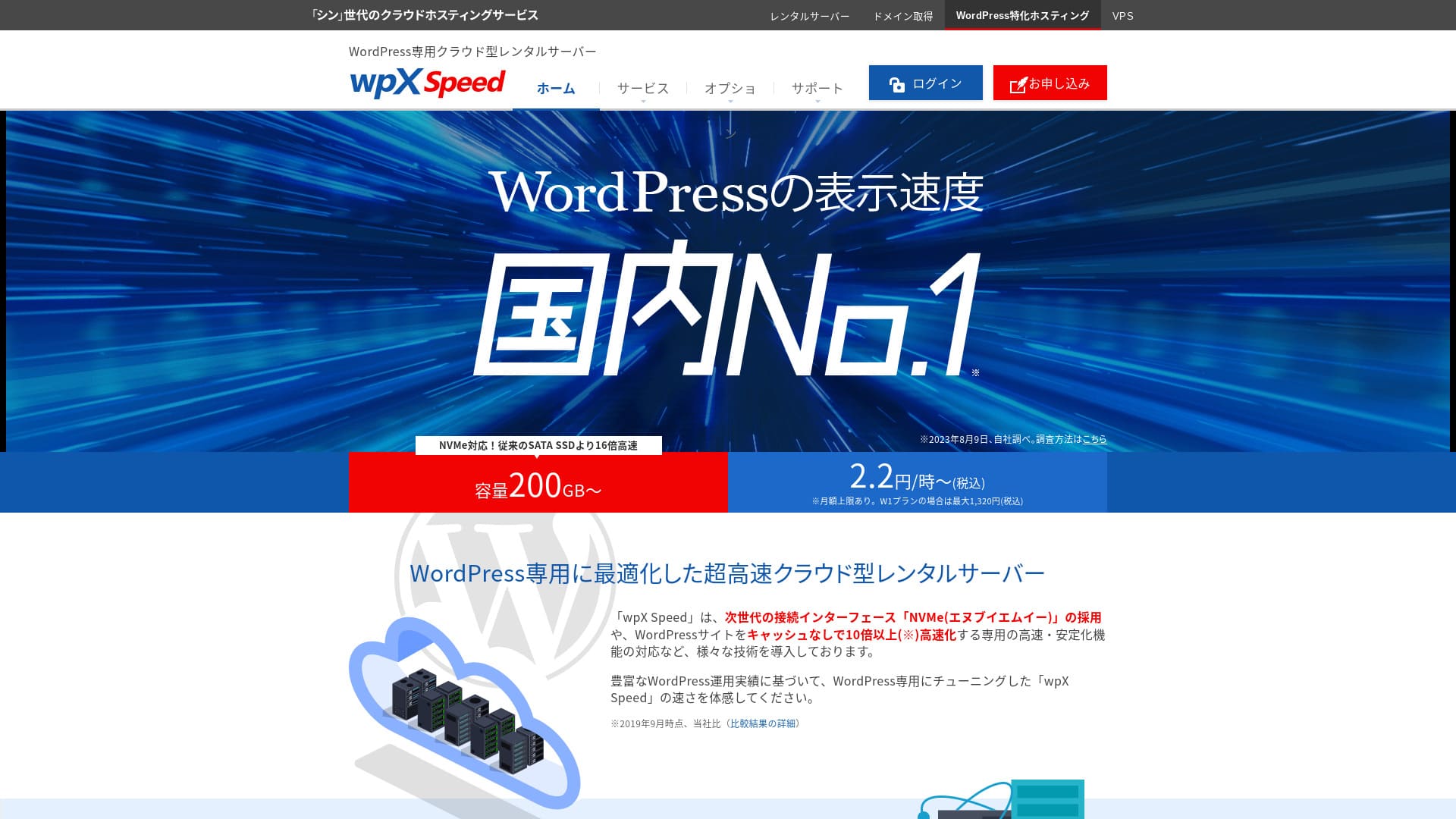
“wpX Speed” ay isang serbisyo ng hosting na nakabatay sa cloud mula sa ShinCloud Co., Ltd. Sa presyo na nagsisimula sa 2.2 yen bawat oras, madali itong simulan. Ang mga tampok na malinaw na nakabatay sa cloud, tulad ng mga inilaang mapagkukunan at awtomatikong scale-up, ay nagpapanatili rito na kumportable para gamitin.
14-day libreng trial

| Server type | Shared server |
| Display bilis (TTFB) | 40ms |
| Inirerekomendang plano at termino ng pagsingil | W1, 12 months |
| Trial / garantiya sa refund | 14 days |
| Monthly fee (12-month plan) | 2.2 yen per hour*, up to 1,320 yen* |
| Initial setup fee | Free |
| Free domain | None |
| Support | Phone and email (weekdays 10:00-18:00) |
| Uptime | Not disclosed |
| Server storage | 200GB* |
| Number of databases | Unlimited |
| Security measures | WAF, access restrictions from overseas IP addresses, login attempt limits, mass comment and trackback restrictions, restrictions on comments and trackbacks from overseas IP addresses |
| SSL | Free custom SSL, custom SSL |
| Backup / pag-restore | 7 days of automatic mga backup libre of charge, pag-restore libre of charge |
| Number of email accounts | Unlimited |
| Email seguridad features | SMTP-AUTH, IMAP |
| Server / website migration service | None |
| WordPress pre-installation | None |
| CDN | None |
Ito ay isang server na pinapatakbo ng Xserver Inc. at dalubhasa para sa pagpapabilis ng WordPress. Ang mga tampok ng cache nito at iba pang mga pag-optimize ay nakatutok para sa WordPress, kaya kahit walang malalim na kaalamang teknikal, maaari kang bumuo ng mabilis na kapaligiran ng site.
Hikaru Ono
Ito ay isang napakabilis na server. Sa aming mga pagsukat, ang bilis ng pagpapakita nito ay nasa ranggong Pangalawa, kapantay ang Xserver Business. No. 1 was Kinsta. Sa buwanang presyo na nasa hanay na 1,000-yen, ang bilis na ito ay natatangi.
[No. 3] wpX Speed: remarkable performance built specifically for WordPress
ABLENET Rental Server: Nakakagulat na Mababang Presyo na may Pangmatagalang Kontrata
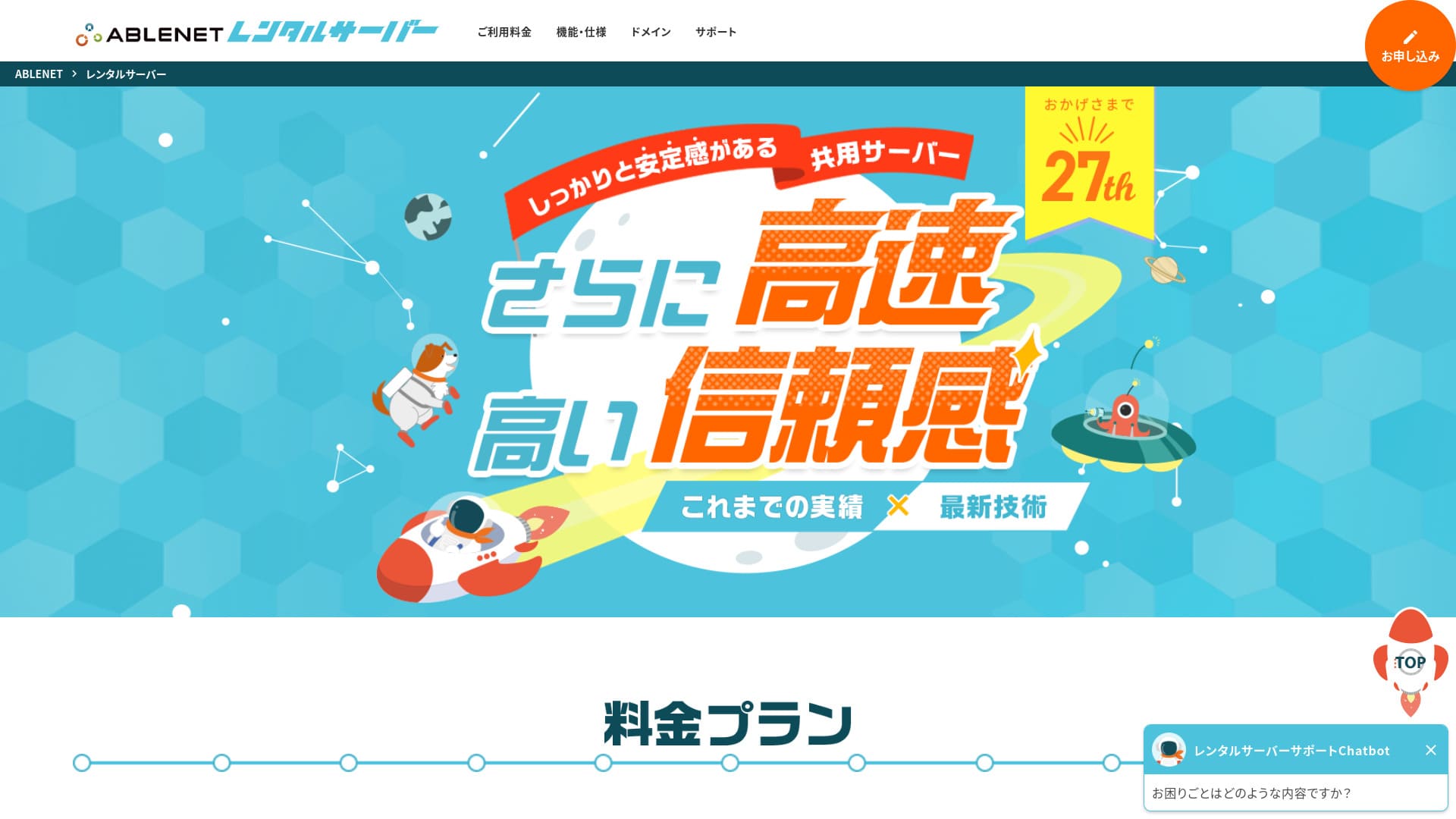
「 ABLENET RentalServer」 ay isang shared rental server na pinapatakbo ng kumpanyang K&K Corporation. Patuloy itong nag-aalok ng walang limitasyong dami ng paglilipat at isang pioneer sa mga domestic server na may walang limitasyong dami ng paglilipat. Ang 25 taon ng kasaysayan ng operasyon ay nagbibigay ng kapayapaan ng isip.
30-day garantiya sa refund

| Server Type | Shared Server |
| Display Speed (TTFB) | Not Measured |
| Inirerekomendang Plano at Panahon ng Kontrata | Lite Annual |
| Trial Period & Money-Back Guarantee | 30-Day Money-Back Guarantee |
| Monthly Fee (12-Month Contract) | 880 Yen |
| Initial Setup Fee | Free |
| Free Domain | 1 Domain Free Forever |
| Support | Operating Hours: Not Public |
| Uptime | 99.99% |
| Server Capacity | 300GB |
| Number of Databases | Unlimited |
| Security Measures | WAF |
| SSL | Free Dedicated SSL, Optional Dedicated SSL |
| Backup/Restore | 14-Day Automatic Backup Free, Restore Free |
| Number of Email Accounts | Unlimited |
| Email Security Measures | Spam Filter, Antivirus, Sending Domain Authentication |
| Server/Website Migration Assistance | None |
| WordPress Pre-installation | None |
| CDN | None |
Matagal nang nagbibigay ang serbisyong ito ng VPS (mga virtual private server) at may solidong track record. Lalo namang mapagbigay ang mga diskwento nito sa mga pangmatagalang kontrata, kaya napaka-kaakit-akit nito kung nais mo ng matatag na kapaligiran sa mababang halaga sa mahabang panahon.

Ulat sa ABLENET Rental Server: Mabuti ba o Masama? Isang Masusing Pagsusuri sa Aktwal na Feedback at mga Tampok ng User
Ulat sa ABLENET Rental Server: Mabuti ba o Masama? Isang Masusing Pagsusuri sa Aktwal na Feedback at mga Tampok ng User
serverfield.org
Heteml: Isang Server na Maraming Tampok para sa mga Creator
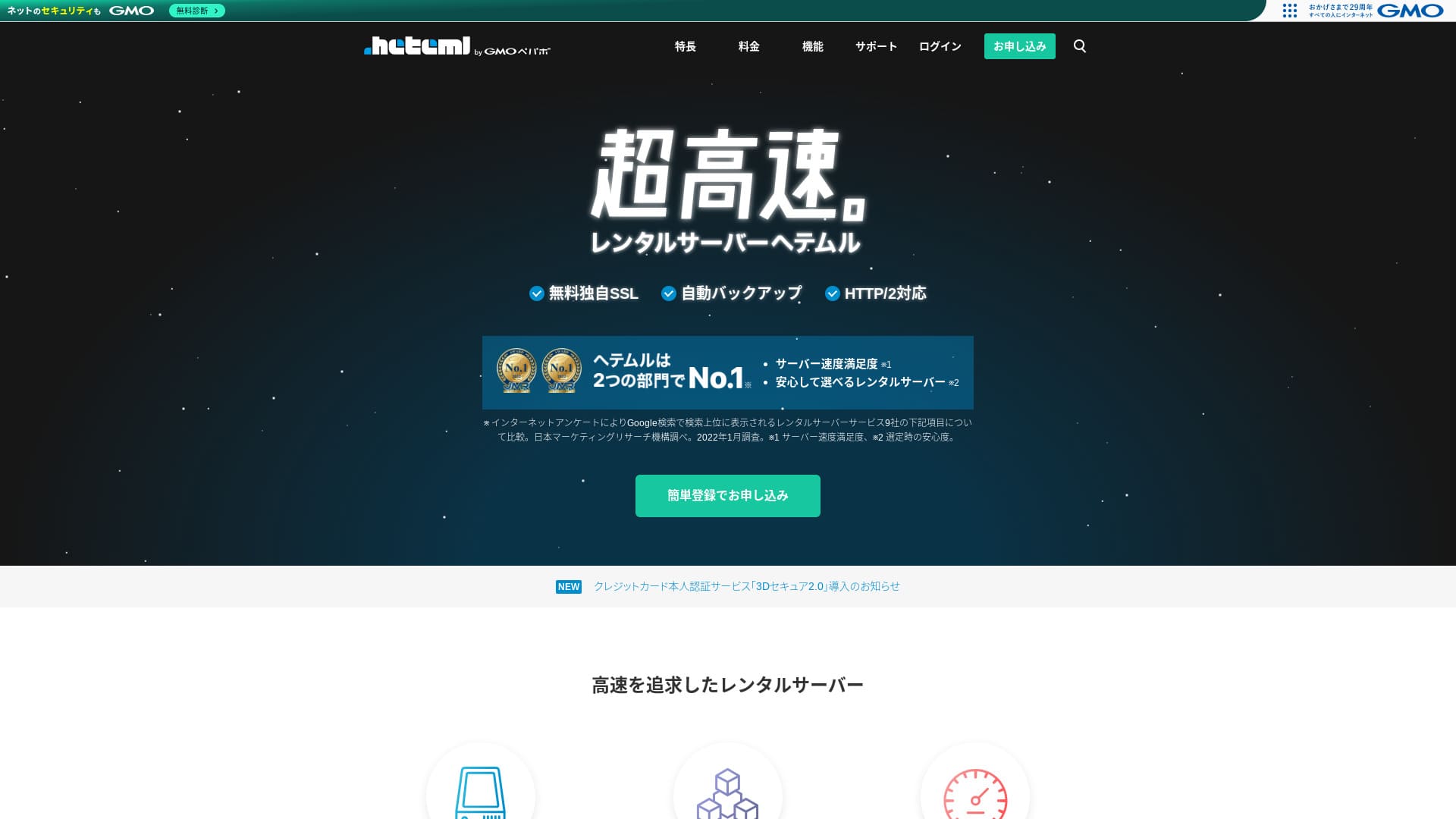
Hetemlay ang ultra-mabilis na serbisyo ng hosting ng GMO Pepabo. Medyo mataas ang presyo para sa mga indibidwal na user, ngunit pinaghihiwalay nito ang mga server ng web, mail, at backup upang ang mga biglaang pagdagsa ng access ay hindi lumikha ng iisang punto ng kabiguan.
14-day libreng trial
| Server type | Shared hosting / Managed server |
| Speed (TTFB) | Not measured |
| Inirerekomendang plano at termino | 12-month contract |
| Free trial / garantiya sa refund | None |
| Monthly presyo (12-month plan) | 2,035 yen |
| Initial setup fee | Free |
| Free domain | None |
| Support | Phone / Email / Chat (weekdays 10:00–18:00) |
| Uptime | 99.99% actual performance |
| Storage | 600GB |
| Number of databases | Unlimited |
| Security features | WAF / Overseas Attack Guard / Device seguridad |
| SSL | Free SSL / GlobalSign Quick Certification SSL / GlobalSign Organization Validation / GlobalSign EV |
| Backup / pag-restore | 14-day automatic mga backup / Restoration 5,000 yen |
| Number of email accounts | Unlimited |
| Email seguridad features | Spam filter / Virus scanning |
| Server / website migration service | WordPress migration service 33,000 yen / No migration tool |
| WordPress Easy Install | Yes |
| CDN | None |
Nag-aalok ito ng malaking disk space at mayamang mga tampok, at sikat sa mga creator at ahensya na nagpapatakbo ng maraming site. Ang isa pa sa mga lakas nito ay ang madaling gamitin na control panel nito.

Pagsusuri at Presyo ng HETEML Hosting [2025 Pinakabago]: Mga Kalamangan at Kahinaan Batay sa Feedback ng User
Pagsusuri at Presyo ng HETEML Hosting [2025 Pinakabago]: Mga Kalamangan at Kahinaan Batay sa Feedback ng User
serverfield.org
Onamae.com Rental Server: Mas Sulit Kapag Kasama ang Iyong Domain
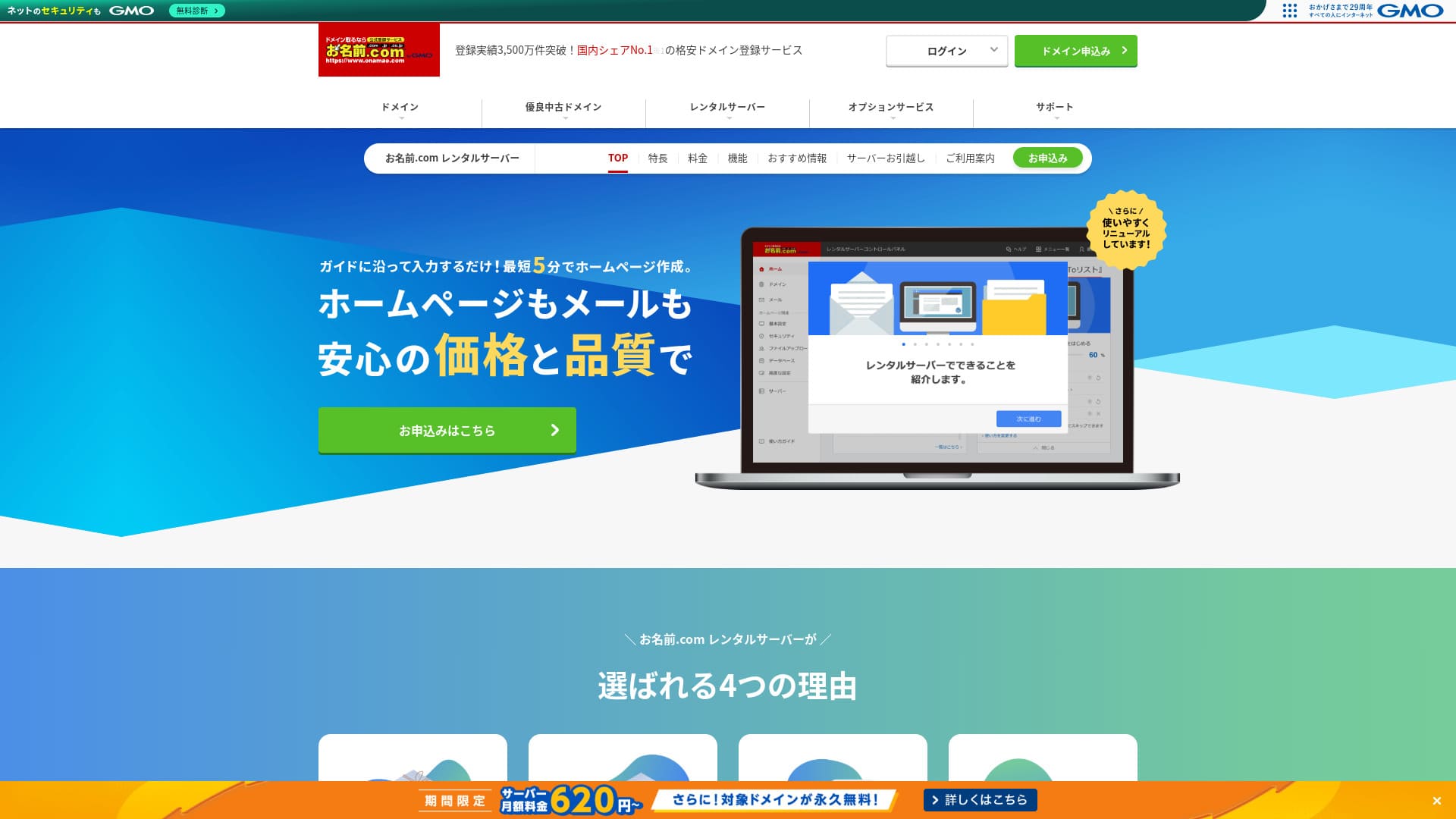
「 onamae.com Rental Server” ay ginamit ng parehong mga indibidwal at mga negosyo. Ito ang pinakamalaking serbisyo sa pagpaparehistro ng domain sa Hapon, at ang kakayahang pamahalaan ang iyong domain at server nang magkasama ay isang malaking bentaha. Ginagawa nitong mas madali ang pamamahala ng email, website, at domain sa pangkalahatan.
Eligible domains libre habambuhay

| Server type | Shared server |
| Display bilis (TTFB) | Not measured |
| Inirerekomendang plano at termino ng kontrata | 12 months |
| Trial / garantiya sa refund | None |
| Monthly fee (12-month contract) | 2,398 yen |
| Initial setup fee | Free |
| Free domain | 1 libre habambuhay |
| Support | Phone, email, and chat (weekdays 10:00-18:00) |
| Uptime | 99.99% guaranteed |
| Server storage | 1TB |
| Number of databases | Unlimited |
| Security measures | WAF / access restrictions / ads.txt / SiteLock |
| SSL | Free SSL / AlphaSSL |
| Backup / pag-restore | 14-day automatic mga backup / Free restoration |
| Number of email accounts | Unlimited |
| Email seguridad measures | Spam filter and virus scanning / SMTP over SSL, POP over SSL / IMAP / restriction on outbound mail from overseas / blacklist and whitelist |
| Server / website migration service | No migration service Migration tool available |
| Easy WordPress installation | Yes |
| CDN | None |
Ito ay isang serbisyo ng hosting na inaalok ng Onamae.com, isa sa pinakamalaking serbisyo sa pagpaparehistro ng domain sa Japan. Sa pamamagitan ng pagsasama sa pamamahala ng iyong domain at server, maaari kang makakuha ng mga diskwento at mapadali ang pamamahala.

Pagsusuri sa Onamae.com Rental Server: 99.99% Uptime, Katatagan, at Halaga
Pagsusuri sa Onamae.com Rental Server: 99.99% Uptime, Katatagan, at Halaga
serverfield.org
MuuMuu Server: Ang Hosting Service mula sa Kumpanyang Kilala sa Domain Registration
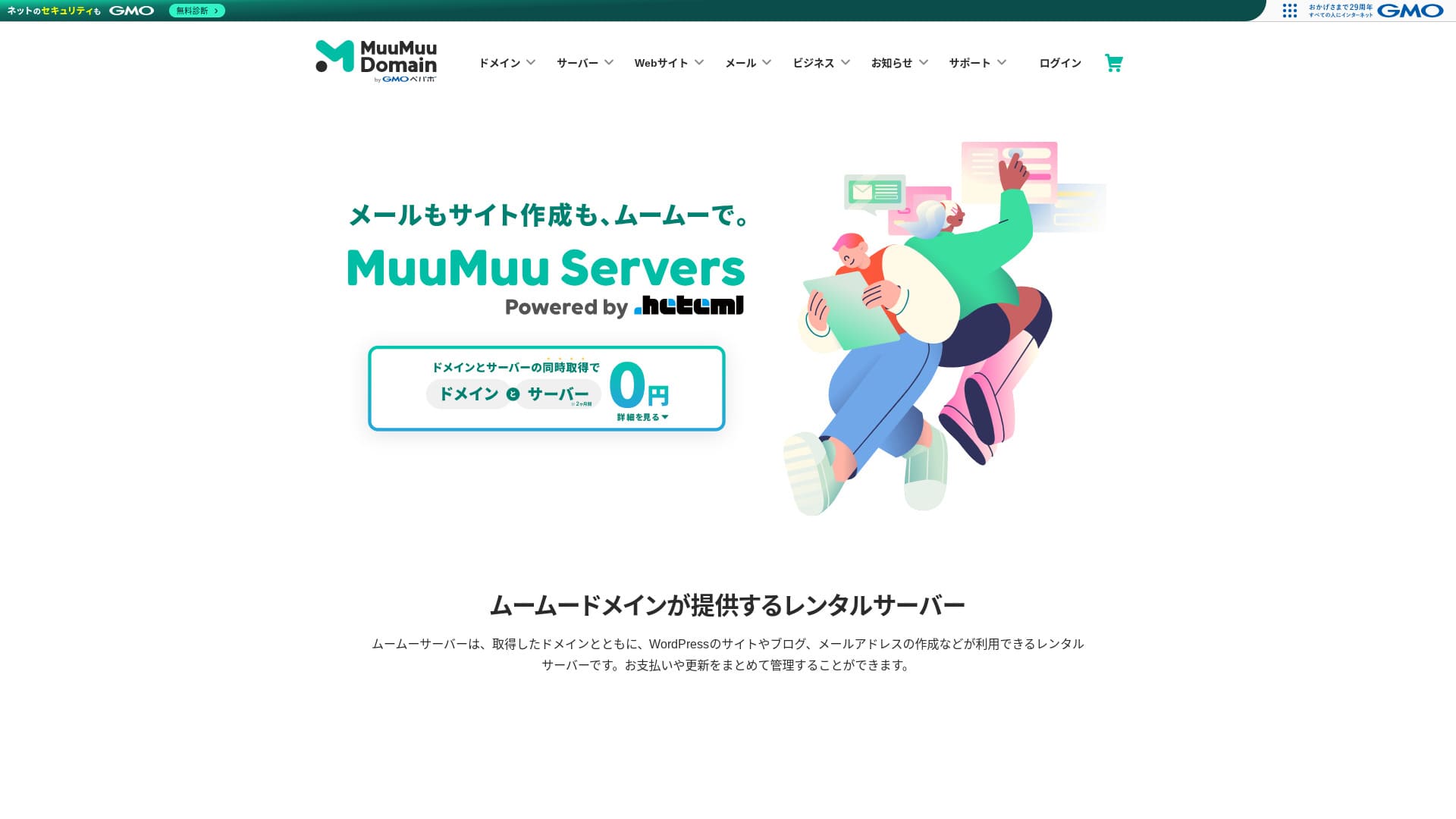
“MuuMuu Server” ay isang server na pinapatakbo ng GMO Pepabo, Inc. na madaling sumasama sa mga domain at email. Dahil pinapadali nitong pamahalaan ang iyong domain, server, at email nang magkakasama, tumutulong ito na mabawasan ang overhead sa administrasyon. Pinapanatili rin nito ang matatag na 99.99% uptime.
2 months of server fees libre

| Type of server | Shared hosting |
| Speed (TTFB) | Not measured |
| Inirerekomendang plano at termino ng kontrata | 12-month contract |
| Trial / garantiya sa refund | None |
| Monthly fee (12-month contract) | 1,430 yen |
| Setup fee | Free |
| Free domain | 1 libre habambuhay |
| Support | Email, chat (9:30-13:00, 14:00-17:30) |
| Uptime | 99.99% |
| Storage | 600GB |
| Number of databases | Unlimited |
| Security measures | Virus scanning |
| SSL | Free SSL, dedicated SSL |
| Backup / restoration | 7 generations of mga backup included, restoration fee not stated |
| Number of email accounts | Not stated |
| Email seguridad measures | Not stated |
| Server / website migration service | Not stated |
| WordPress preinstalled | None |
| CDN | None |
Ito ay pinapatakbo ng GMO Pepabo, ang parehong kumpanya sa likod ng MuuMuu Domain. Madali itong sumasama sa mga domain na nakuha sa pamamagitan ng MuuMuu Domain, at ang kabuuang disenyo ay madali para sa mga baguhan na gamitin.

Pagsusuri sa MuuMuu Server [2024 Edisyon]: Masusing Paghahambing ng Presyo, mga Tampok, mga Kalamangan, at mga Kahinaan
Pagsusuri sa MuuMuu Server [2024 Edisyon]: Masusing Paghahambing ng Presyo, mga Tampok, mga Kalamangan, at mga Kahinaan
serverfield.org
5 Mababang Halagang Entry-Level na Server
These servers are for people who want to start a site at low cost first.
Little Server: Isang Ultra-Budget na Server na Nagsisimula sa 150 Yen Bawat Buwan
Hanggang 53% diskwento sa mga bayad sa server hanggang Agosto 5, 2025, dalawang domain na libre habambuhay, at libre ang unang buwan
Iniaalok ito mula sa mga planong may napakababang presyo, kaya angkop ito para sa mga maliliit na site o mga kapaligiran ng pagsubok. Bagaman mababa ang presyo, sakop pa rin nito ang mga pangunahing kaalaman, tulad ng paggamit ng SSD storage.
Nagsisimula ang presyo sa 1,089 yen bawat buwan sa isang 12-buwang kontrata, at kasama na bilang default ang suporta sa paglipat ng WordPress at ang awtomatikong backup.
Value Server: Ang Tunay na Kakayahan ng Mababang Halagang Brand ng GMO
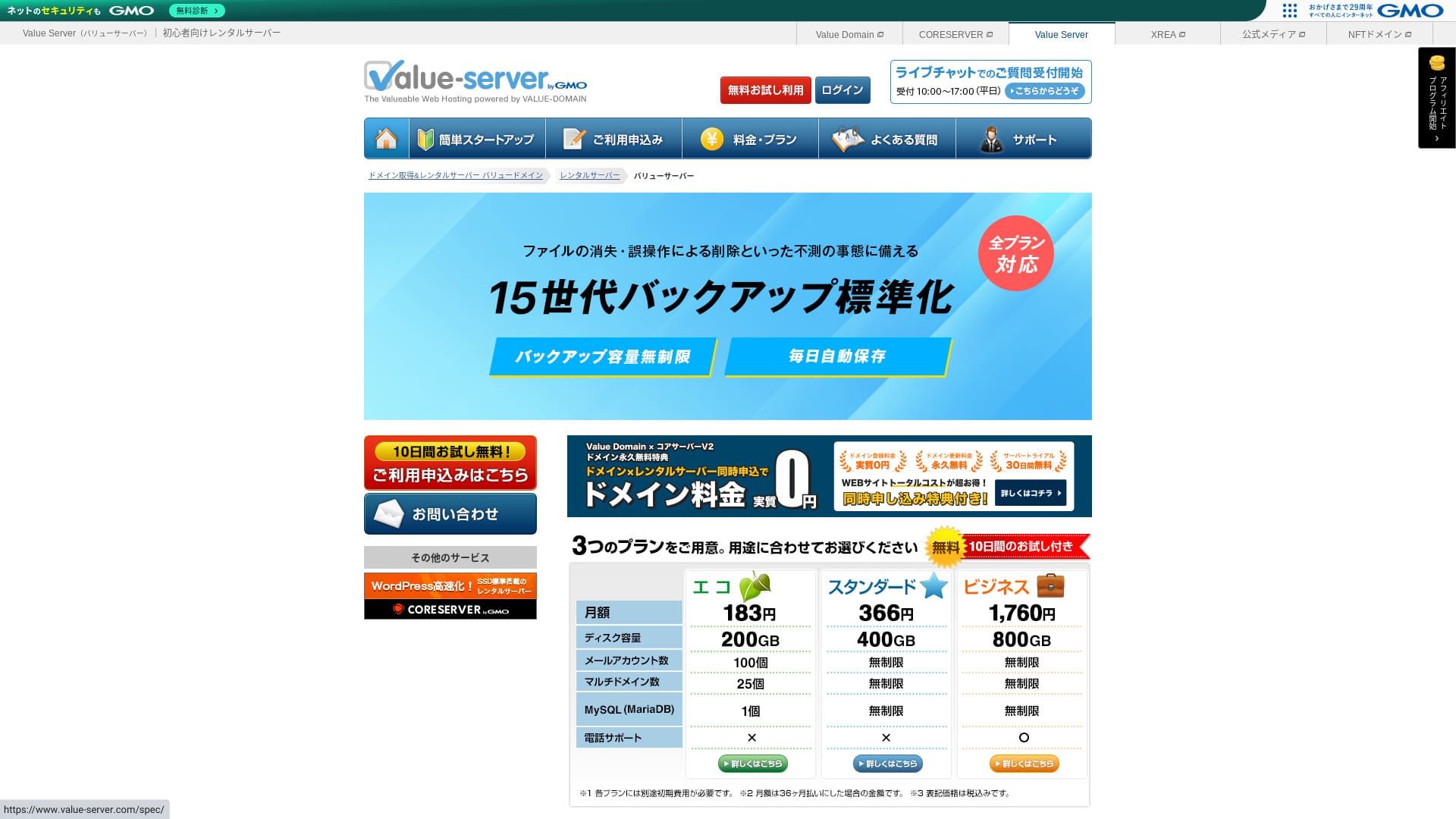
“Value Server” ay isang mababang halaga na rental server na pinapatakbo ng GMO Digirock, Inc. Kahit na abot-kaya ang presyo nito para sa mga indibidwal, nag-aalok ito ng mga malalakas na tampok tulad ng libreng shared SSL at libreng 15-henerasyon na mga backup.
10-day libreng trial

| Server type | Shared server |
| Display bilis (TTFB) | Not measured |
| Inirerekomendang plano at termino ng kontrata | Eco 12 months |
| Trial / garantiya sa refund | None |
| Monthly fee (12-month contract) | 220 yen |
| Initial setup fee | Free |
| Free domain | None |
| Support | Email and chat (weekdays 10:00-17:00) |
| Uptime | Not disclosed |
| Storage | 200GB |
| Number of databases | 1 |
| Security measures | None |
| SSL | Free shared SSL, custom SSL |
| Backup / pag-restore | 15 generations of mga backup libre, restoration libre |
| Number of email accounts | 3 |
| Email seguridad measures | POP/POP3S, SMTP/SMTPS, IMAP/IMAPS, spam filter, virus filter, custom filters |
| Server / website migration service | None |
| WordPress preinstallation | None |
| CDN | None |
Ang murang server na ito ay pinatatakbo ng GMO Digirock at maayos na sumasama sa Value Domain. Naka-posisyon ito sa itaas ng XREA, at isang praktikal na pagpipilian kung gusto mo ng mas matatag na kapaligiran sa mababang presyo.

Value Server Ulasan [2025 Latest]: Start WordPress at a Bargain Price
Value Server Ulasan [2025 Latest]: Start WordPress at a Bargain Price
serverfield.org
Shin Free Server: Isang Makabagong Serbisyo na Hinahayaang Gamitin ang WordPress nang Libre
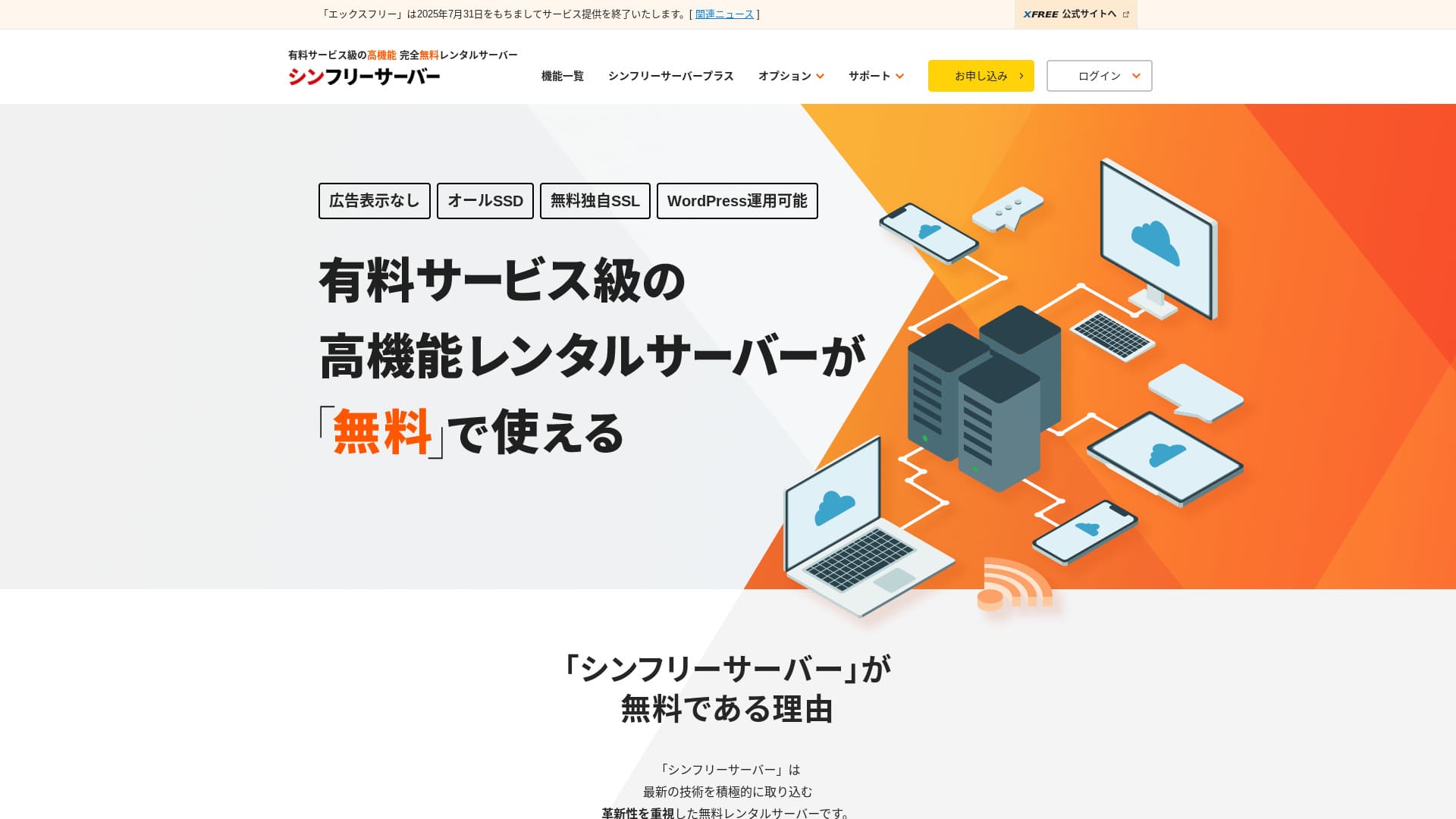
Ang “Shin Free Server” ay isang libreng rental server mula sa ShinCloud Co., Ltd. Kahit na libre ito, hindi nito ipinapakita ang mga ad ng operator. Hindi ito katulad ng mga may-bayad na server pagdating sa mga tampok o suporta, ngunit nananatili itong kumportable para gamitin.
Currently closed to new applications other than migrations
| Server type | Shared server |
| Display bilis (TTFB) | Not measured |
| Inirerekomendang plano at termino ng kontrata | — |
| Trial / garantiya sa refund | — |
| Monthly fee (12-month contract) | Free |
| Initial setup fee | Free |
| Free domain | None |
| Support | None |
| Uptime | Not disclosed |
| Storage | 10GB |
| Number of databases | 5 |
| Security measures | WAF |
| SSL | Free custom SSL |
| Backup / pag-restore | 14-day automatic mga backup libre, restoration libre |
| Number of email accounts | None |
| Email seguridad measures | None |
| WordPress preinstallation | None |
| Server / website migration service | None |
| CDN | None |
Ito ay isang libreng serbisyo ng hosting na nagbibigay-daan sa iyo na gumamit ng WordPress nang hindi nagpapakita ng mga ad. Limitado ang kapasidad at mga tampok, ngunit napakahalaga nito para sa pagsubok o pag-aaral bago ka magsimula nang seryoso. Gayunpaman, may mga babala tulad ng kawalan ng suporta at pangangailangan na mag-renew tuwing tatlong buwan.

Mga Pagsusuri at Kakulangan sa Shin Free Server [2025 Pinakabago]: Pagsisimula ng WordPress sa Libreng Hosting
Mga Pagsusuri at Kakulangan sa Shin Free Server [2025 Pinakabago]: Pagsisimula ng WordPress sa Libreng Hosting
serverfield.org
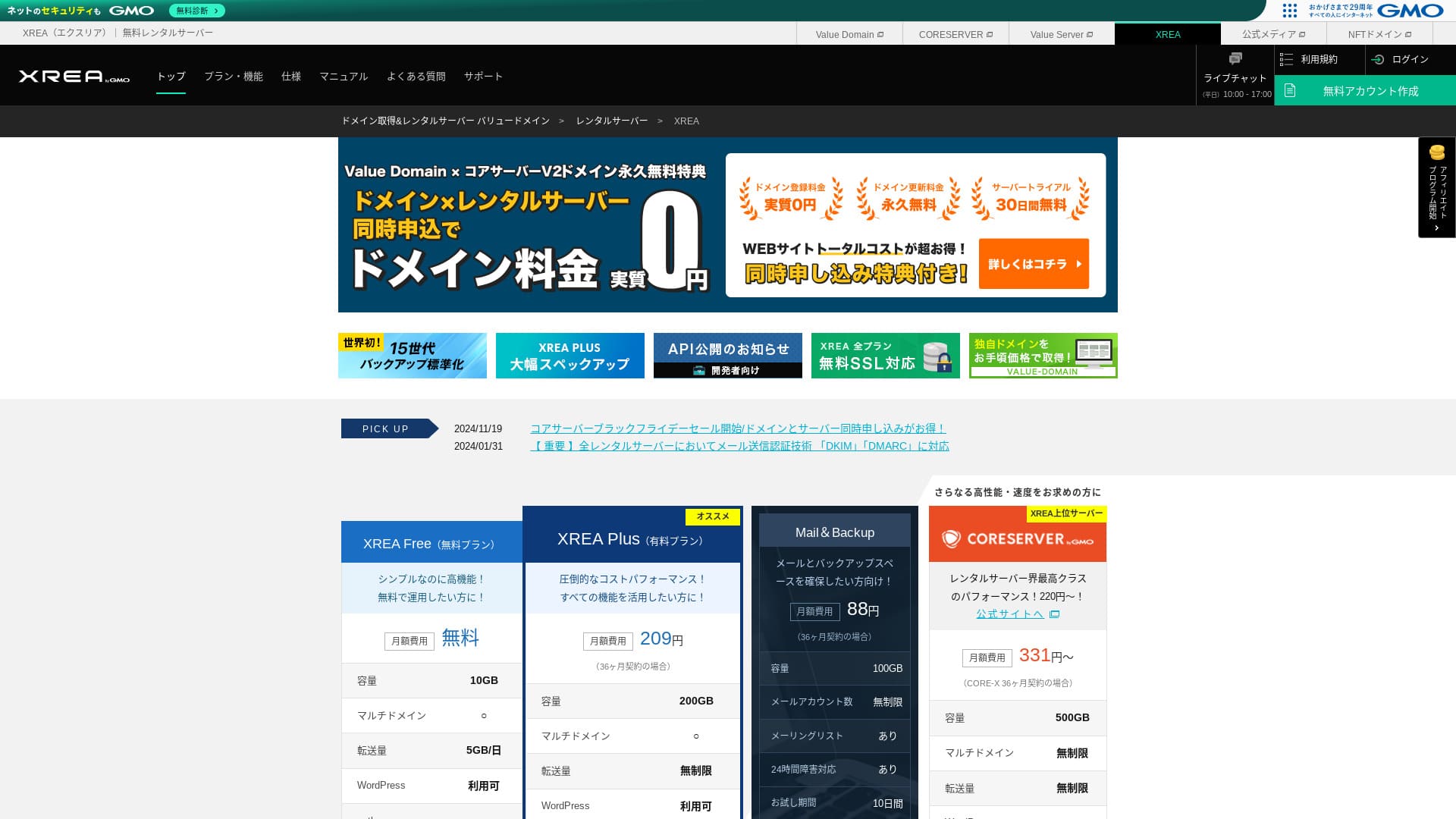
XREA: Isang Matagal Nang Server na Maaari Mong Simulan sa Libreng Plano

| Server type | Shared server |
| Display bilis (TTFB) | Not measured |
| Inirerekomendang plano at termino ng kontrata | Free |
| Trial / garantiya sa refund | None |
| Monthly fee (12-month contract) | Free |
| Initial setup fee | Free |
| Free domain | None |
| Support | Email and chat (10:00-17:00) |
| Uptime | Not disclosed |
| Storage | 10GB |
| Number of databases | 5 |
| Security measures | None |
| SSL | Free SSL, shared SSL |
| Backup / pag-restore | 15 generations of mga backup libre, pag-restores libre |
| Number of email accounts | 100 |
| Email seguridad measures | POP over SSL, IMAP over SSL, SMTP over SSL, virus scanning |
| Server / website migration service | None |
| WordPress preinstallation | None |
| CDN | None |
Ito ay isang napatunayang serbisyo na nag-alok ng libreng hosting sa loob ng maraming taon. Kahit sa libreng plano, maaari kang gumamit ng PHP at mga database at mag-install ng WordPress. Napakamura rin ng mga bayad na plano, na nagpapadali sa pag-upgrade sa hinaharap.

Pagsusuri sa XREA [Pinakabago sa 2025]: Mga Pros at Cons ng Paggamit ng WordPress sa Libreng Plano, Kasama ang mga Paghahambing sa Iba Pang Libreng Server
Pagsusuri sa XREA [Pinakabago sa 2025]: Mga Pros at Cons ng Paggamit ng WordPress sa Libreng Plano, Kasama ang mga Paghahambing sa Iba Pang Libreng Server
serverfield.org
KAGOYA JAPAN: Mas Mabilis na WordPress gamit ang KUSANAGI
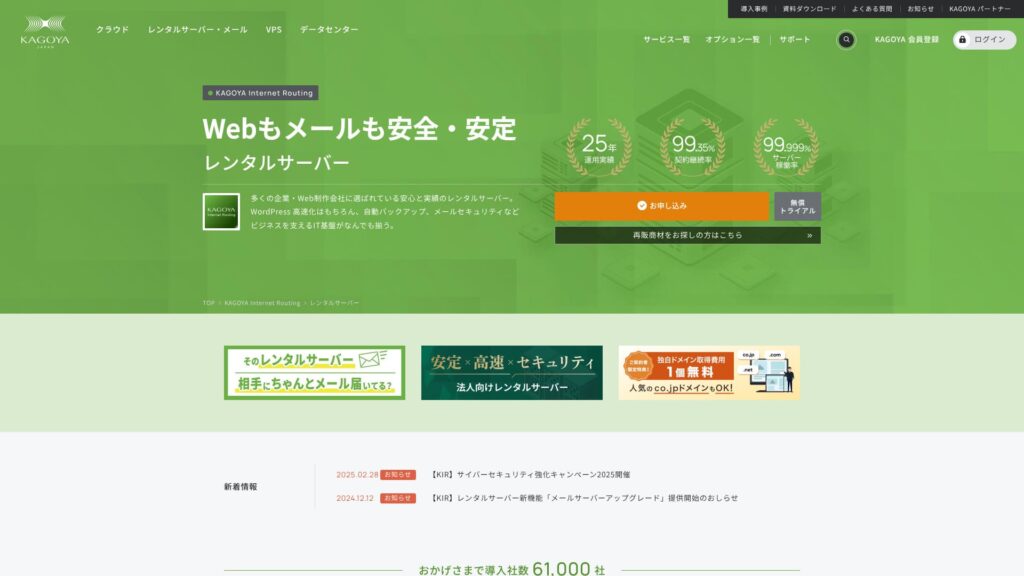
Ang KAGOYA JAPAN ay nag-aalok ng mga rental server mula sa KAGOYA JAPAN Co., Ltd., na may track record na higit sa 20 taon. Maaari itong magamit sa abot-kayang presyo. Sa may 99.999% uptime, ito ay katangi-tanging matatag at nakasisiguro.
First month libre & 14-day libreng trial
| Server Type | Shared Server / Cloud Server / WordPress Dedicated Server / VPS |
| Load Time (TTFB) | Unmeasured |
| Mga Inirerekomendang Plano at Panahon ng Kontrata | WordPress Dedicated Server Grade 1 12 Months |
| Trial & Money-Back Guarantee | None |
| Monthly Fee (12-Month Contract) | 440 yen |
| Initial Administrative Fee | Free |
| Free Domain | None |
| Support | Weekdays 10:00 a.m. - 5:00 p.m. |
| Uptime | 99.999% guarantee |
| Server Capacity | 20GB |
| Number of Databases | 1 |
| Security Measures | Dashboard Access Restriction / Dashboard Login Attempt Restriction / XML-RPC API Access Restriction / REST API Access Restriction / Large Comment / Trackback Restriction / Foreign IP Address Comment / Trackback Restriction |
| SSL | Free SSL |
| Backup and Restore | One-generation backup included / Restore libre of charge |
| Number of Email Account Creation | None |
| Email Security Measures | None |
| Server/Website Migration Service | Migration service: 11,000 yen No Migration Tool |
| WordPress Pre-installed | Yes |
| CDN | Paid |
Ito ay isang planong nakatuon sa WordPress na ibinigay ng KAGOYA JAPAN, isang matagal nang kumpanya ng hosting. Ang pinakamalaking lakas nito ay ang matatag na mga tampok sa seguridad: pamantayan itong may kasamang WAF, mga paghihigpit sa pag-access mula sa mga IP address sa ibang bansa, at deteksyon ng panghihimasok. Gumagamit ito ng mabilis na LiteSpeed web server, at kasama ang configuration na all-SSD, naghahatid ito ng komportableng bilis ng pagpapakita.

KAGOYA JAPAN Ulasan: Used by 61,000 Businesses. Is Its WordPress Dedicated Server Cost-Effective?
KAGOYA JAPAN Ulasan: Used by 61,000 Businesses. Is Its WordPress Dedicated Server Cost-Effective?
serverfield.org
Pangunahing Kaalaman sa Hosting na Dapat Malaman ng Bawat Baguhang WordPress User

Para mag-publish ng WordPress site, kailangan mo ng serbisyo ng hosting na nag-iimbak ng data ng iyong site at ginagawa itong available sa internet. Una, bumuo muna tayo ng pangunahing kaalaman na nagsisilbing pundasyon.
Ano ang Nagpapangyari sa isang Hosting Service na Maging Angkop para sa WordPress? Limang Mahahalagang Katangian
Para patakbuhin ang WordPress nang kumportable, pinakamainam kung natutugunan ng server ang ilang partikular na kinakailangan. Ang sumusunod na limang katangian, partikular na, ay direktang nakakaapekto sa pagganap ng site at dali ng operasyon.
- Fast processing performance: CPU, memory, SSDs, and other hardware specs matter. Servers with strong hardware and modern web server software such as LiteSpeed can display pages quickly and give visitors a comfortable browsing experience.
- Stable uptime record:Kung huminto ang server, hindi na maa-access ang iyong site. Pumili ng server na kilala sa matatag na operasyon, tulad ng isa na hayagang nagpapahayag ng 99.9% uptime o mas mataas pa.
- One-click WordPress installation:Tampok ito na nagbibigay-daan sa iyo na mag-install ng WordPress mula sa panel ng kontrol ng server sa ilang pag-click lamang. Dahil awtomatiko nitong pinangangasiwaan ang mga gawain tulad ng pag-setup ng database, maaari itong makatipid ng malaking oras.
- Solid seguridad:Mahalagang suriin kung kasama sa server ang isang WAF (Web Application Firewall) upang protektahan ang iyong site laban sa mga pag-atake at isang libreng dedikadong SSL certificate upang i-encrypt ang mga komunikasyon bilang mga karaniwang tampok.
- Reliable suporta: Unexpected problems are part of running a site. If suporta is available 24 hours a day, 365 days a year by email, phone, or chat, you can feel much safer when something goes wrong.
★ Beginner-Friendly Guide to Hosting Uptime and SLAs
Shared Hosting vs. VPS vs. Dedicated Server: Pinakamainam na Opsyon para sa Iyo
Hosting services can mainly be divided into three types based on how resources are allocated. Understand the features of each and choose the one that matches the scale and purpose of your site.
- Shared hosting: This type shares one physical server among multiple users. It is like living in an apartment building and is the most common and least expensive option. It suits personal blogs and small sites, but it can be affected by other users.
- VPS (Virtual Private Server):Tinatawag din na virtual dedicated server. Gumagawa ito ng virtual private na kapaligiran sa isang pisikal na server at nagbibigay sa iyo ng mga pribilehiyo ng administrador (root access). Nag-aalok ito ng mas maraming kalayaan kumpara sa shared hosting at hindi gaanong naaapektuhan ng ibang mga user. Katulad ito ng isang nakahiwalay na bahay: nangangailangan ito ng kaunting kaalaman, ngunit pinababalanse nito nang maayos ang gastos at performance.
- Dedicated server: This type gives you exclusive use of one physical server. It offers the highest performance and customization, but it is also the most expensive. It is used for large corporate sites and services that receive heavy traffic.
★ ano ang hosting? Ang server na kailangan mo para mag-publish ng website
Bakit Nagdudulot ng Pagkakamali ang Pagpili Batay Lamang sa Buwanang Bayad
Price is an important factor when choosing a server, but it is risky to judge only by a low buwanang bayad.
Mahalagang ihambing ang kabuuang gastos, kasama ang mga bayad sa setup at mga bayad sa pag-renew mula sa ikalawang taon at patuloy. Bukod dito, ang mga planong mababa ang presyo ay maaaring may mas maliit na storage, limitadong mga tampok, o limitadong suporta. Kung ang iyong site ay maging mabagal o kawalan ng kinakailangang mga function, maaari itong humantong sa mga nawalang pagkakataon, kaya ang paghusga sa balanse sa pagitin ng presyo at pagganap ang susi sa tagumpay.
Hikaru Ono
A server is the foundation of a blog or website. Just as a house with a weak foundation is risky no matter how good it looks, I recommend choosing the highest-quality server you can manage.
Paano Pumili ng WordPress Hosting nang Walang Pagsisisi: 7 Checkpoint

Dito, ipinapaliwanag ko ang pitong konkretong puntos ng pagsusuri upang matulungan kang mahanap ang hosting service na angkop sa iyo sa dami ng magagamit na opsyon.
Paano Suriin ang Mga Spec ng Server na Tinutukoy ang Bilis ng Pagpapakita
Direktang nakakaapekto ang bilis ng site sa kasiyahan ng mambabasa at mga pagsusuri sa search-engine (SEO). Suriin ang mga sumusunod na item ng spec.
- CPU and memory: These correspond to a person's brain and workspace. The more CPU cores and the more memory a server has, the more traffic and complex processing it can handle quickly.
- Disk (storage):Dito nakaimbak ang data. Ang mga SSD ay pamantayan na ngayon dahil mas mabilis ang mga ito kumpara sa mas lumang mga HDD, at ang mga server na gumagamit ng mas mabilis pa na NVMe SSD ay maaaring magbasa at magsulat ng data nang napakabilis.
- Web server software:Karaniwan ang Apache at Nginx, ngunit sa mga nakalipas na taon mas maraming server ang gumamit ng LiteSpeed para sa mas mabilis pa na performance.
- Transfer volume: This is the amount of data consumed when your site is viewed. If the transfer limit is low, the site may stop displaying when traffic spikes.
Note: Ano ang mga Trapiko at Dami ng Paglipat? Pamamahala at Pag-optimize ng Trapiko sa Web
Bakit Mahalaga ang Tampok na One-Click WordPress Installation
Installing WordPress manually requires specialist steps such as downloading files from the official site, uploading them with FTP software, creating a database, and linking it.
Kung magagamit ang isang tampok ng isang-click na pag-install ng WordPress, maaari mong kumpletuhin ang lahat ng kumplikadong hakbang na iyon mula sa control panel ng server sa ilang pag-click lamang. Napakahalaga nito hindi lamang para sa pagtitipid ng oras kundi para maiwasan din ang mga pagkakamali sa pag-setup.
Mga Dapat Ikumpara sa Seguridad: SSL Certificate at Mga Tampok ng Proteksyon
Para sa ligtas na pagpapatakbo ng site, palaging suriin ang mga tampok ng seguridad.
- Free dedicated SSL:Isa na itong mahalagang kinakailangan para sa pagpapatakbo ng site ngayon. Ine-encrypt nito ang komunikasyon sa pagitan ng browser at ng server at ginagawang “https://” ang “http://”. Maraming server ang nagpapadali sa pag-setup ng libreng SSL certificate na tinatawag na Let's Encrypt.
- WAF (Web Application Firewall): This protects your site from malicious access, including attacks that target WordPress vulnerabilities. Check whether it is included as a standard feature.
- Security diagnostics and vulnerability scans:Mas nakakapagpatibay pa ng loob kung mayroong tampok na regular na sumusuri sa kondisyon ng seguridad ng iyong site.
Suriin ang Antas ng Awtomasyon ng Mga Tampok sa Backup
Ang mga backup function ay isang salbabida sakaling magkaroon ng pagkawala ng data. Maraming serbisyo ng hosting ang nagbibigay ng awtomatikong mga backup, ngunit magkakaiba ang mga detalye.
- Backup frequency and number of generations:Suriin kung ang mga backup ay awtomatikong kinukuha araw-araw at kung ang maraming henerasyon ng data, tulad ng nakalipas na 14 araw, ay nakaimbak.
- Ease of restoration:Mahalagang maaari kang mag-restore mula sa backup na data nang madali sa pamamagitan ng panel ng kontrol. Ang ilang serbisyo ay naniningil ng karagdagang bayad para sa pagpapanumbalik, kaya bigyang-pansin iyon.
Hikaru Ono
If your hosting does not include mga backup, or if you want a second layer of backup, use a WordPress plugin.

5 Powerful WordPress Backup Plugins to Help You Get Your Data Back
5 Powerful WordPress Backup Plugins to Help You Get Your Data Back
serverfield.org
Kalidad ng Suporta: Ang Halaga ng 24/7 na Suporta
Kapag may naganap na problema sa iyong site, kung gaano ito kabilis malulutas ay nakadepende sa system ng suporta.
- Support hours:Ang mga server na may suporta na “24/365” ay nagbibigay ng kapanatagan ng isip dahil maaari kang makipag-ugnayan sa kanila kahit gabi na o sa mga araw ng pahinga.
- Contact methods:Suriin kung mayroong maramihang paraan ng pakikipag-ugnayan, tulad ng email, telepono, at chat. Lalo na kapaki-pakinabang ang suporta sa telepono o chat kapag kailangan mo ng mabilis na sagot.
- Quality of the manuals: Well-organized online manuals that compile common questions and setup procedures are also important for improving your ability to solve problems on your own.
Mga Plano sa Presyo: Paano Maingat na Tumingin sa Mga Bayad sa Setup at Buwanang Bayad
Kapag naghahambing ng mga plano ng presyo, isaalang-alang ang mga sumusunod na punto, hindi lamang ang pangunahing buwanang bayad.
- Setup fee: This is a one-time cost charged when you sign up. It is often waived during campaigns, so timing also matters.
- Contract term and discounts: Many plans offer much lower monthly rates when you sign a long-term contract such as 12, 24, or 36 months.
- Renewal fees:Kahit na mag-sign up ka nang mura sa panahon ng kampanya, ang presyo ay maaaring bumalik sa regular na rate kapag nag-renew ka. Kung plano mong patakbuhin ang site sa mahabang panahon, laging suriin din ang mga bayad sa pag-renew.
Skalabilidad at Kaluwagan sa Pagpapalit ng Plano na May Isinasaalang-alang na Hinaharap na Paglago
Habang lumalaki ang iyong site, ang mga detalye ng server ay maaaring maging hindi sapat. Kapag nangyari iyon, mahalagang maaari kang maayos na lumipat sa mas mataas na plano. Kadalasan ay imposibleng bumaba sa mas mababang plano, kaya kung susuriin mo nang maaga kung gaano kadali ang mga upgrade, ang mga pagkakaiba sa mga detalye, at ang agwat sa presyo sa pagitan ng mga plano, maaari kang tumugon nang may kakayahang umangkop habang lumalawak ang iyong site sa hinaharap.
Paano Pumili ng Inirerekomendang Hosting Ayon sa Layunin at Gamit

Ang pinakamainam na server ay nag-iiba depende sa layunin ng iyong site.
3 Hosting Service na Inirerekomenda para sa mga Baguhan at mga Bagong Pasok sa WordPress
- Xserver: Ang malaking dami ng impormasyon at maaasahang suporta nito ay nagpapadali sa paghahanap ng mga solusyon kapag ikaw ay nagkaproblema.
- LOLIPOP: Because you can start from a low-cost plan and the manuals are extensive, it is ideal for people who want to level up while learning how hosting works.
- ConoHa WING: Ang madaling maunawaan na control panel nito at ang tampok na WordPress Easy Setup, na nag-a-automate ng lahat mula sa pagpaparehistro ng domain hanggang sa pagsasaayos ng WordPress, ay partikular na kaakit-akit.
Pinakamainam na Pagpipilian para sa Personal na Blog at Affiliate Site
- 【Hostinger】: Despite its low presyo, it delivers overwhelming bilis, making it easy for mga indibidwal to get started without falling behind competing sites.
- Xserver:Ang katatagan, bilis, at maaasahang suporta nito ay ginagawa itong isang perpektong pundasyon para sa isang site na binuo upang kumita.
- ConoHa WING:Ang mabilis na bilis ng pagpapakita nito ay paborable para sa iyong SEO at tumutulong na maiwasan ang pag-alis ng mga bisita. Napakatipid din nito sa pangkalahatan.
- mixhost:Kaya nitong humawak ng malawak na hanay ng mga niche, mabilis ang bilis ng pagpapakita nito, at lalo itong pinahahalagahan sa mga affiliate marketer.
Mga High-Performance na Server para sa mga Taong Nagpapatakbo ng Maramihang Site
- wpX Speed: Sinusuportahan nito ang walang limitasyong paggamit ng multi-domain at nag-aalok ng maraming database. Dahil kasama nito ang mga nakareserbang mapagkukunan at awtomatikong scale-up, hindi ito gaanong naaapektuhan ng iba pang mga site at maaaring patakbuhin nang matatag.
- Shin Rental Server: Because it delivers high performance while keeping costs down, it offers excellent value when running multiple sites.
- ColorfulBox: Because plan changes are flexible and the backup system is robust, you can manage multiple important sites with confidence.
Mga Server na Sulit sa Presyo sa Ilalim ng 500 Yen Bawat Buwan para sa mga User na Matipid
- LOLIPOP (Light plan):Napakababa ng buwanang bayad nito, ngunit kasama pa rin nito ang mga pangunahing function na kinakailangan upang magsimula gamit ang WordPress.
- Star Rental Server (Light plan):Nag-aalok ito ng matatag na kapaligiran ng server at ng mga tampok na kailangan mo sa kabila ng mababang presyo.
- Little Server (Mini plan): It is the option to choose when you want to minimize cost above all else, and it is sufficient for running a small site.
Hikaru Ono
Free servers have extremely low specs, so I do not recommend them if your goal is monetization or traffic acquisition.
Gabay sa Paglilipat at Pagpapalit ng WordPress Hosting
Hindi pambihira na isaalang-alang ang paglipat sa ibang server upang mapabuti ang bilis ng site o mabawasan ang mga gastos. Dito ko ipinapaliwanag ang mga hakbang at mga punto na dapat bantayan.
5 Bagay na Dapat Mong Suriin Bago Lumipat ng Server
- Confirm your current site data:Laging kumuha ng mga backup ng iyong buong mga file at database ng WordPress.
- Confirm the new server specifications:Suriin kung sinusuportahan ng bagong server ang mga bersyon ng PHP at MySQL na ginagamit ng iyong kasalukuyang site.
- Check how your domain is managed:Kung ang iyong domain registrar at kumpanya ng hosting ay magkaiba, kakailanganin mong baguhin ang mga setting ng name server (DNS).
- Reconfigure the SSL certificate: When you migrate servers, the SSL certificate must also be set up again. Check whether it can be activated on the new server in advance.
- Email addresses: If you use email addresses on the same domain as the server, remember that email data migration and reconfiguration may also be necessary.
Mga Hakbang at Pag-iingat para sa Ligtas na Paglipat ng Server
The general migration procedure is as follows. Using plugins can simplify the work.
- Take a backup on the old server: Use a plugin such as All-in-One WP Migration to export the site data, including files and the database.
- Sign up for the new server and configure the domain: Contract the new server and add the domain for the site you are migrating.
- Install WordPress on the new server: In many cases, you install an empty copy of WordPress first.
- Edit the hosts file on the new server and test it: Set things up so that only your own PC accesses the new server, then confirm that the site displays correctly. This is an important test before DNS is switched over.
- Import the data to the new server: Use a plugin such as All-in-One WP Migration to import the data you exported from the old server into the new one.
- Change the name servers (DNS):Sa panel ng kontrol ng iyong kumpanya ng pamamahala ng domain, isulat muli ang impormasyon ng name server upang tumuro ito sa bagong server. Nagiging sanhi ito upang ang pampublikong trapiko ay magsimulang pumunta sa bagong server.
- Cancel the old server: After the name server change has propagated across the internet and you have confirmed for about a week that the site displays stably, cancel the old server.

Five WordPress Plugins for Successful Server Migration and the Keys to Doing It Well
Five WordPress Plugins for Successful Server Migration and the Keys to Doing It Well
serverfield.org
Mga Hosting Service na Nag-aalok ng Tulong sa Migrasyon
Nangangailangan ng espesyal na kaalaman ang paglipat ng server, at kung mabigo ito, maaaring hindi na maipakita ang iyong site. Kung hindi ka sigurado, matalinong gumamit ng mga serbisyo sa paglipat na inaalok ng mga eksperto o mga kumpanya ng hosting.
- ConoHa WING: It offers a WordPress migration service.
- mixhost: It has a paid service that handles WordPress migration for you.
- Rakko Server: It offers a suporta feature called Easy WordPress Migration.
- Maraming iba pang kumpanya ng hosting at kumpanya sa produksyon ng webalso offer paid migration services.
Mga Madalas Itanong at Pag-troubleshoot
These are common problems that arise during site operations and how to deal with them.
Ano ang Dapat Gawin Kapag Mabigat o Mabagal ang WordPress
- Insufficient server specs: The server may not be able to keep up with the amount of traffic. Consider moving to a higher plan.
- Image optimization: Large images are a major cause of slow bilis ng pagpapakita. Use a compression plugin or similar tools to make your images lighter.
- Plugin conflicts or too many plugins: Disable or remove unnecessary plugins, and check one by one whether a specific plugin is causing the problem.
- Use of caching:Kung mag-i-install ka ng cache plugin o papaganahin ang tampok na cache na ibinigay ng server, tulad ng LiteSpeed Cache, ang pagpapakita ng pahina ay maaaring maging mas mabilis.
Ano ang Dapat Gawin Kapag Nag-down ang Iyong Server
Server outages can be caused by many things, including traffic surges, hardware failures, and cyberattacks.
- Check the situation: First, confirm the hosting provider's incident information on its official website or social media accounts.
- Contact suporta:Kung ang problema ay tila nasa panig ng server, makipag-ugnayan sa suporta para kumpirmahin ang sitwasyon at itanong ang inaasahang oras ng pagbawi.
- Identify the cause: If the cause is a traffic surge to your own site, you should consider upgrading the server plan or taking load-reduction measures after recovery.
- Restore from backup:Kung ang data ay napinsala, kakailanganin mo itong i-restore mula sa backup na data.
Kailan at Paano Palitan ang Mga Plano sa Presyo
Ang pangunahing oras upang magpalit ng mga plano ay kapag lumalaki ang trapiko sa site at nagsisimula nang bumagal ang pakiramdam sa site. Sa karamihan ng mga serbisyo ng hosting, madali kang makakapag-upgrade sa mas mataas na plano mula sa panel ng kontrol. Gayunpaman, kapag lumipat ka sa mas mataas na plano, madalas na hindi ka na makakabalik sa mas mababang antas, kaya magpasya nang maingat habang tinatantya kung paano lalago ang iyong site.
Buod: Paano Pumili ng Pinakamainam na WordPress Hosting Service para sa Iyo
Ang pinakamainam na serbisyo ng hosting ay nakadepende sa layunin ng iyong website, iyong badyet, at antas ng iyong teknikal na kasanayan.
- For people who want to get started first: “ConoHa WING” and “LOLIPOP” ay magandang katugmaan dahil ang kanilang mga panel ng kontrol ay madaling maunawaan at ang kanilang mga paunang gastos ay mas madaling panatilihing mababa.
- For people who seriously want to earn from blogging or affiliate marketing: “Xserver” and “wpX Speed” ay nagbibigay ng malakas na pundasyon dahil mabilis, matatag, at sinusuportahan ang mga ito ng maaasahang suporta.
- For people who want performance while still prioritizing cost: “mixhost” and “ColorfulBox” are strong options because they actively adopt new technology and offer excellent cost performance.
Ang paggamit ng mga check point na ipinakilala sa artikulong ito para ihambing ang ilang server, at pagkatapos ay pagsasamantala sa mga libreng panahon ng pagsubok para kumpirmahin ang aktwal na karanasan ng gumagamit, ang pinakatiyak na paraan para pumili ng server nang walang pagsisisi. Inaasahan ko na ang artikulong ito ay makakatulong sa tagumpay ng iyong website.
Hikaru Ono
If you still cannot decide after reading this far, choose Xserver. You will not go wrong.