
cashback 50% ถึงวันที่ 6 สิงหาคม 2025 พร้อมทดลองใช้ฟรี 10 วัน
PR
เซิร์ฟเวอร์
รีวิว Shin Rental Server [ล่าสุดปี 2025]: เจาะลึกความเร็วและราคาแบบลงมือใช้จริง
เผยแพร่: 2025.04.18
อัปเดต: 2025.04.18
คะแนน: 4.0
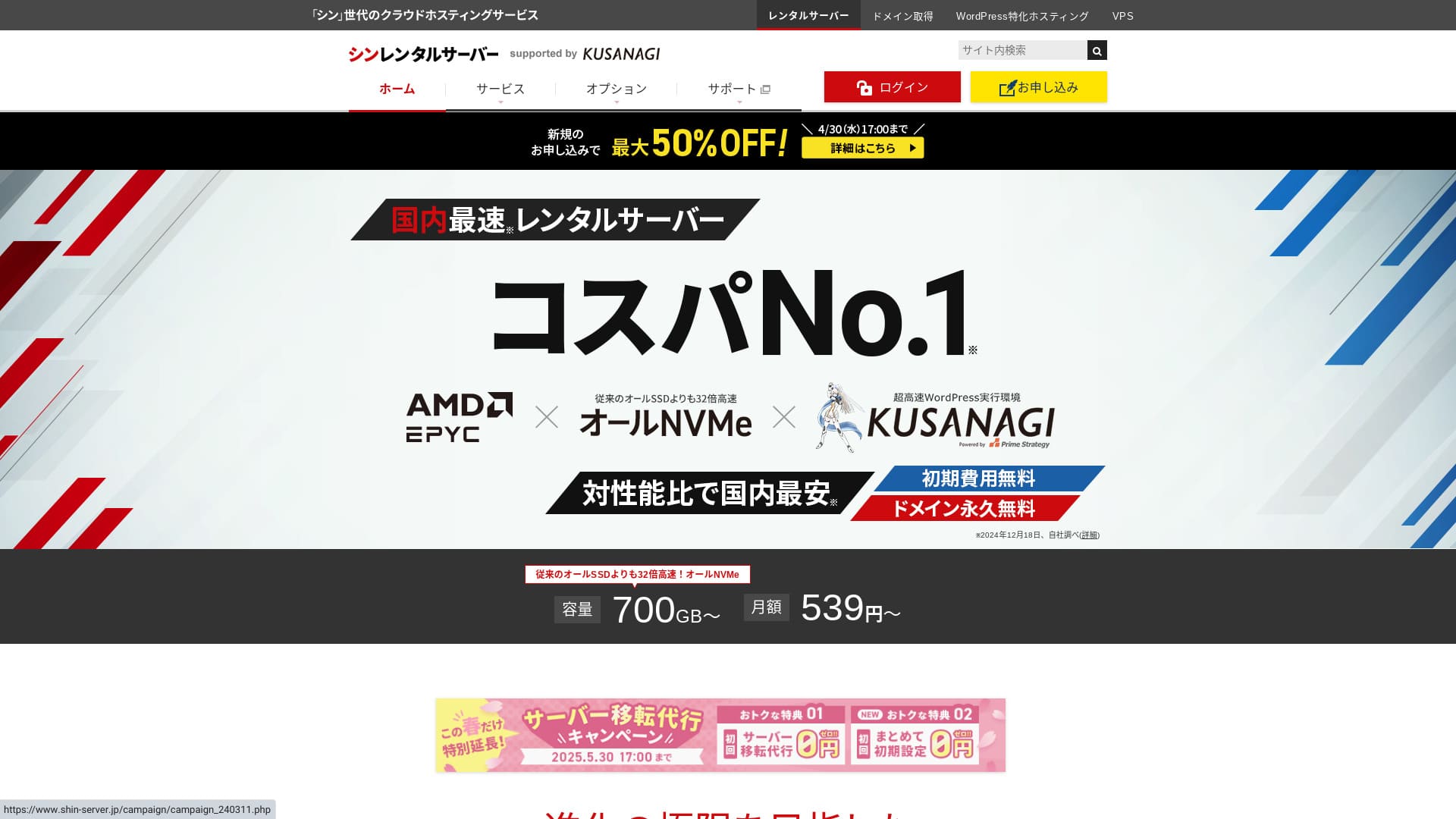
Shin Rental Server ดำเนินงานโดย ShinCloud Co., Ltd. และช่วยให้คุณเริ่มใช้ WordPress ได้ในราคาที่เข้าถึงง่าย

เราแนะนำ Shin Rental Server สำหรับบุคคลทั่วไป บริษัท และเจ้าของกิจการเดี่ยวที่ใช้ WordPress เป็นครั้งแรก เพราะว่า:
- เป็นไปตามเป้าหมายความเร็วที่ Google แนะนำ
- คุณเริ่มใช้ WordPress ได้ง่าย
- มีแคมเปญบ่อยและราคาประหยัด
ด้วยเหตุนี้ คุณจึงมีแนวโน้มจะพึงพอใจ และสามารถทดลองใช้ฟรีได้ 10 วัน
บริการคู่แข่งคือ ColorfulBox ระบบสำรองข้อมูลอัตโนมัติแบบแยกภูมิภาคของบริการนี้แข็งแกร่งกว่า Shin Rental Server ด้วยซ้ำ จึงควรพิจารณาเช่นกัน
★ รีวิว Colorful Box [ล่าสุดปี 2025]: เริ่มใช้ WordPress ด้วยความคุ้มค่าต้นทุนที่ยอดเยี่ยม
| ประเภทเซิร์ฟเวอร์ | โฮสติ้งแบบใช้ร่วมกัน |
| ความเร็วตอบสนอง (TTFB) | 200ms |
| แพ็กเกจและระยะเวลาที่แนะนำ | Basic, 12 เดือน |
| ช่วงทดลอง / ช่วงใช้ฟรี | ทดลองใช้ฟรี 10 วัน |
| ราคารายเดือน (สัญญา 12 เดือน) | 880 เยน |
| ค่าตั้งค่าเริ่มต้น | ฟรี |
| โดเมนฟรี | ฟรีหนึ่งโดเมนตลอดไป |
| การสนับสนุน | โทรศัพท์และอีเมล (วันธรรมดา 10:00-18:00) |
| อัปไทม์ | ไม่เปิดเผย |
| พื้นที่เก็บข้อมูล | 700GB |
| จำนวนฐานข้อมูล | ไม่จำกัด |
| มาตรการความปลอดภัย | การวินิจฉัยความปลอดภัย SECOM, WAF, ads.txt, จำกัดความพยายามเข้าสู่ระบบ, จำกัดการเข้าถึงจาก IP ต่างประเทศ, จำกัดคอมเมนต์และ trackback จำนวนมาก, จำกัดคอมเมนต์และ trackback จาก IP ต่างประเทศ, แอนติไวรัส, ตัวกรองสแปม |
| SSL | SSL เฉพาะฟรี, SSL เฉพาะแบบตัวเลือกเสริม |
| สำรองข้อมูล / กู้คืน | สำรองข้อมูลอัตโนมัติฟรี 14 วัน, กู้คืนฟรี |
| จำนวนบัญชีอีเมล | ไม่จำกัด |
| ความปลอดภัยอีเมล | POP ผ่าน SSL, SMTP ผ่าน SSL, IMAP ผ่าน SSL, DKIM, DMARC |
| บริการย้ายเซิร์ฟเวอร์ / เว็บไซต์ | ไม่มี |
| ติดตั้ง WordPress ไว้ล่วงหน้า | มี |
| CDN | ไม่มี |

Hikaru Ono
ฉันสามารถเริ่มใช้ WordPress ได้ง่ายระหว่างสมัคร Shin Rental Server เนื่องจากมีแคมเปญบ่อย จึงแนะนำให้ตรวจสอบเว็บไซต์ทางการเป็นประจำ
ดีลที่ดีที่สุดจนถึงตอนนี้คือ cashback 50% หรือส่วนลดค่าเซิร์ฟเวอร์ 50% หากหนึ่งในดีลเหล่านี้เปิดอยู่ตอนที่คุณกำลังพิจารณาใช้งาน ก็ถือว่าโชคดี
Shin Rental Server เทียบกับบริการอื่น
- โดยรวม คะแนน★★★★☆
- ความเร็วเซิร์ฟเวอร์ ★★★★☆
- ราคา ★★★★☆
- เสถียรภาพ ★★★★☆
- ความง่ายในการเริ่มใช้ WordPress* ★★★★★
- ความง่ายในการจัดการโดเมน การตั้งค่า SSL และงานที่เกี่ยวข้อง* ★★★★★
* คะแนนเหล่านี้สะท้อนประสบการณ์ใช้งานจริงของฉันกับบริการนี้

เปรียบเทียบบริการโฮสติ้ง WordPress แนะนำ 21 รายการสำหรับบุคคลทั่วไปอย่างครบถ้วน
เปรียบเทียบบริการโฮสติ้ง WordPress แนะนำ 21 รายการสำหรับบุคคลทั่วไปอย่างครบถ้วน
serverfield.org
- อ้างอิงจากการวิจัยตลาด ณ วันที่ 4 พฤศจิกายน 2025 เรียงตาม ความเร็ว
- ราคารายเดือนคือค่าใช้จ่ายปีแรกของแพ็กเกจที่ถูกที่สุดซึ่งใช้งาน WordPress ได้
- ความเร็วคือ Time to First Byte ที่วัดจากเว็บไซต์สาธิตภายใต้เงื่อนไขเดียวกัน
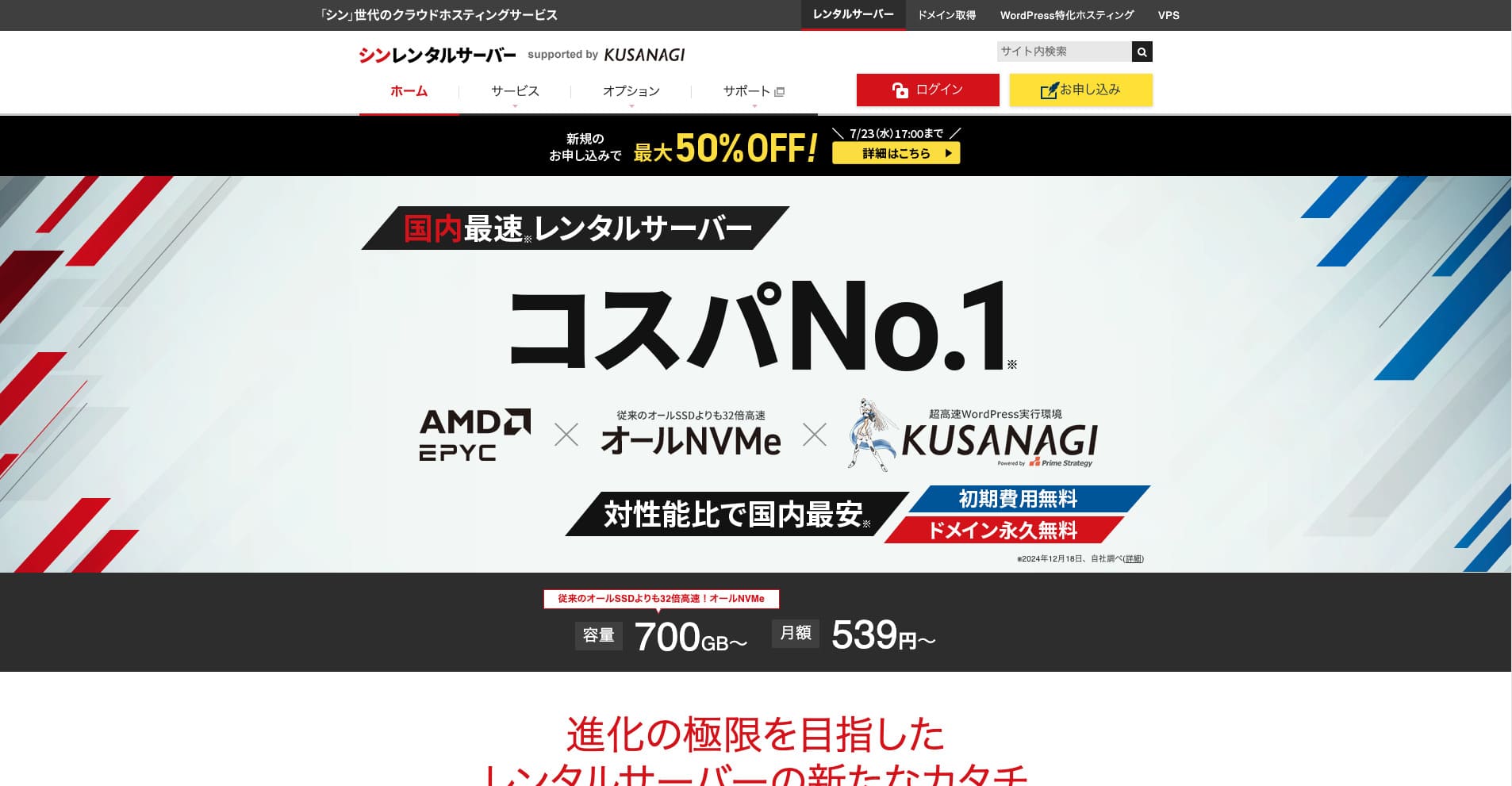
Shin Rental Server เป็น rental server ความเร็วสูงของ ShinCloud Co., Ltd. ราคาที่เข้าถึงง่ายทำให้น่าสนใจแม้สำหรับผู้ใช้รายบุคคล นอกจากนี้ยังจัดแคมเปญเป็นประจำ ดังนั้นเวลาที่ดีที่สุดในการสมัครคือช่วงที่มีแคมเปญอยู่
รีวิว Shin Rental Server และฟีเจอร์สำคัญ 6 ประการ

เป็นไปตามมาตรฐานความเร็วหน้าเว็บที่แข็งแกร่งเพียงพอ
Shin Rental Server ตามการทดสอบอิสระของเว็บไซต์นี้ เป็นไปตามมาตรฐานความเร็วหน้าเว็บที่แข็งแกร่งเพียงพอ.
Google ได้ระบุต่อสาธารณะว่าเวลาตอบสนองของเซิร์ฟเวอร์ควรต่ำกว่า 200 ms หากเป็นไปได้ Shin Rental Server ผ่านเกณฑ์นี้ จึงถือเป็นโฮสต์ที่รวดเร็ว ความเร็วหน้าเว็บไม่น่าจะเป็นปัญหา คุณจึงใช้งานได้อย่างมั่นใจ
ควรรักษาเวลาตอบสนองของเซิร์ฟเวอร์ให้ต่ำกว่า 200 มิลลิวินาที
https://developers.google.com/server/speed/docs/insights/Server?hl=en
★ ตรวจสอบจริง: เปรียบเทียบบริการโฮสติ้ง 8 รายการในการจัดอันดับความเร็ว
เริ่มใช้ WordPress ได้ง่าย
Shin Rental Server ทำให้การเริ่มใช้ WordPress เป็นเรื่องง่าย มีฟีเจอร์ “WordPress Quick Start” ที่จัดการการขอจดโดเมนและการตั้งค่า DNS ให้เสร็จเมื่อคุณสมัครเซิร์ฟเวอร์ เมื่อใช้ฟีเจอร์นี้ คุณสามารถสร้างเว็บไซต์ WordPress ได้ภายในประมาณ 10 นาที
★ โดเมนคืออะไร? บทบาทในฐานะที่อยู่บนอินเทอร์เน็ตและวิธีจดทะเบียน
★ DNS และ Name Server คืออะไร? การเชื่อมต่อโดเมนกับเซิร์ฟเวอร์
คุณจะไม่เจอปัญหาว่าในที่สุดก็พยายามเปิดเว็บไซต์แล้วกลับพบว่าเริ่มต้นยากเกินไป ทุกคนสามารถเริ่มใช้ WordPress ได้อย่างมั่นใจ
ราคาถูก
Shin Rental Serverมีราคาถูก ลองเปรียบเทียบกับโฮสต์รายใหญ่ในประเทศภายใต้เงื่อนไขต่อไปนี้
- ค่าตั้งค่าเริ่มต้น
- สัญญาเซิร์ฟเวอร์ 12 เดือน
- ค่าโดเมนในปีแรก
- แพ็กเกจราคาถูกที่สุดที่ใช้งาน WordPress ได้
เมื่อดูตารางเปรียบเทียบ LOLIPOP และ Sakura Rental Server มีราคาถูกกว่า อย่างไรก็ตาม LOLIPOP แพ็กเกจที่ถูกที่สุดซึ่งรองรับ WordPress ไม่รวมการสำรองข้อมูลอัตโนมัติ เมื่อเปรียบเทียบจุดนี้แล้ว คุณจะเห็นว่าความคุ้มค่าโดยรวมของ Shin Rental Server แข็งแกร่งเพียงใด
ทุกบริการมีจุดแข็งและจุดอ่อน แต่แม้เมื่อเทียบกับบริษัทที่แข่งขันด้านความคุ้มค่าต่อราคา Shin Rental Server ก็ยังสู้ได้ดี
ความปลอดภัยแข็งแกร่ง
Shin Rental Server มีฟีเจอร์ด้านความปลอดภัยครบถ้วน เช่น WAF การมี WAF ช่วยให้เซิร์ฟเวอร์รับมือกับการโจมตีทางไซเบอร์ล่าสุดได้ดียิ่งขึ้น เนื่องจากเป็นฟีเจอร์ที่มีประโยชน์มาก โฮสต์ราคาถูกบางรายจึงอาจให้ใช้ได้เฉพาะเป็นตัวเลือกเสียเงิน
สำหรับ Shin Rental Server ฟีเจอร์นี้รวมให้ใช้ฟรี
มีการสำรองข้อมูลอัตโนมัติ
Shin Rental Server รวมการสำรองข้อมูลอัตโนมัติ ระยะเวลาเก็บรักษาคือ 14 วัน
เมื่อมีการสำรองข้อมูล คุณสามารถกู้คืนเว็บไซต์ได้แม้ข้อมูลจะถูกแก้ไขโดยไม่ตั้งใจหรือถูกโจมตีทางไซเบอร์ ไม่ว่าจะเสริมความปลอดภัยมากเพียงใด ก็ไม่มีใครรับประกันความปลอดภัยได้อย่างสมบูรณ์ นี่คือเหตุผลที่การสำรองข้อมูลสำคัญ แต่การบันทึกข้อมูลด้วยตนเองทุกวันเป็นเรื่องยุ่งยาก
ด้วย Shin Rental Server ทุกอย่างจะถูกจัดเก็บโดยอัตโนมัติทุกวัน จึงใช้งานง่าย
ฟีเจอร์อีเมลแข็งแกร่ง
Shin Rental Server มีฟีเจอร์อีเมลที่แข็งแกร่ง เพราะคุณสามารถสร้างบัญชีอีเมลได้ไม่จำกัด จึงสามารถใช้เป็นเมลเซิร์ฟเวอร์สำหรับบริษัทขนาดใหญ่ได้ด้วย
แพ็กเกจ Business ให้ความคุ้มค่าสูงสำหรับ SME และบริษัท
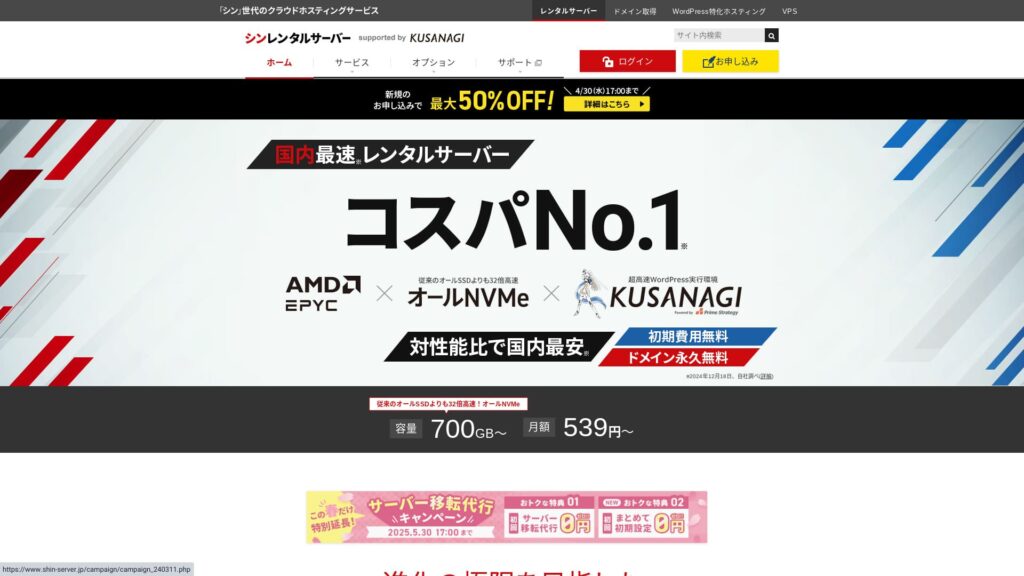
Shin Rental Server เป็นเซิร์ฟเวอร์ความเร็วสูงของ ShinCloud Co., Ltd. และมีราคาเข้าถึงง่าย อีกทั้งยังมีแพ็กเกจ business แพ็กเกจ business รักษาเสถียรภาพด้วยทรัพยากรที่รับประกัน
cashback 50% ถึงวันที่ 14 พฤษภาคม 2025, บริการย้ายเซิร์ฟเวอร์ฟรีถึงวันที่ 30 พฤษภาคม และทดลองใช้ฟรี 10 วัน
Shin Rental Server มีแพ็กเกจ business สำหรับบริษัทขนาดกลางและขนาดเล็ก รวมถึงองค์กรธุรกิจ จุดเด่นคือช่วยเสริมเสถียรภาพที่ธุรกิจต้องการ พร้อมยังคงให้ความคุ้มค่าต่อราคาสูง
แพ็กเกจ business ได้รับการเสริมความแข็งแกร่งในสองด้าน
- ทรัพยากรที่รับประกัน: รับประกันค่า CPU และหน่วยความจำ ป้องกันไม่ให้เว็บไซต์ของคุณได้รับผลกระทบเมื่อทราฟฟิกของเว็บไซต์อื่นที่ใช้เซิร์ฟเวอร์เดียวกันเพิ่มขึ้น
- โดเมนเฉพาะสองโดเมนฟรีตลอดไป: ตราบใดที่สัญญาเซิร์ฟเวอร์ของคุณยังใช้งานอยู่ โดเมนเฉพาะสองโดเมนที่จำเป็นต่อการดำเนินเว็บไซต์และการใช้อีเมลจะใช้ฟรีตลอดไป
คุณสามารถใช้ได้ตั้งแต่ 963 เยนต่อเดือนเมื่อทำสัญญา 12 เดือน จึงมีราคาที่เข้าถึงง่ายเมื่อเทียบกับเซิร์ฟเวอร์สำหรับธุรกิจและแพ็กเกจ business ของบริษัทอื่น
ข้อเสียของ Shin Rental Server: ไม่เปิดเผยอัปไทม์

จุดที่น่าเสียดายหนึ่งข้อคือ Shin Rental Server ไม่เผยแพร่อัปไทม์ของตน นั่นหมายความว่าคุณไม่สามารถทราบเสถียรภาพของเซิร์ฟเวอร์ได้อย่างแม่นยำ หากเซิร์ฟเวอร์ไม่เสถียร เว็บไซต์ของคุณก็จะแสดงผลได้ไม่สม่ำเสมอเช่นกัน
เว็บไซต์จะทำหน้าที่ได้ก็ต่อเมื่อแสดงผลได้อย่างถูกต้องและสม่ำเสมอ เมื่อคิดเช่นนั้น การไม่สามารถประเมินเสถียรภาพได้ก็ทำให้รู้สึกกังวลอยู่บ้าง
★ คู่มือสำหรับมือใหม่เกี่ยวกับอัปไทม์ของโฮสติ้งและ SLA
เปรียบเทียบ Shin Rental Server กับบริการที่คล้ายกันสองรายการ
mixhost
mixhost มีฟีเจอร์ที่แข็งแกร่งคล้ายกับ Shin Rental Server. เนื่องจากทั้งความจุพื้นที่เก็บข้อมูลและปริมาณรับส่งข้อมูลไม่จำกัด จึงมีประโยชน์เมื่อคุณต้องการสร้างเว็บไซต์ที่มีข้อมูลจำนวนมาก
อย่างไรก็ตาม ราคาค่าใช้จ่ายโดยรวมสูงกว่า Shin Rental Server ปีแรกถูก แต่ตั้งแต่ปีที่สองเป็นต้นไปจะแพงขึ้น หากราคาเป็นสิ่งสำคัญที่สุด ฉันแนะนำ Shin Rental Server
รีวิว mixhost [ล่าสุดปี 2025]: เจาะลึกเซิร์ฟเวอร์ความเร็วสูงที่เข้าถึงได้ทั่วโลกและมีความปลอดภัยยอดเยี่ยม
รีวิว mixhost [ล่าสุดปี 2025]: เจาะลึกเซิร์ฟเวอร์ความเร็วสูงที่เข้าถึงได้ทั่วโลกและมีความปลอดภัยยอดเยี่ยม
serverfield.org
Colorful Box
ColorfulBox มีราคาใกล้เคียงกับ Shin Rental Server มาก สเปกและฟีเจอร์ต่าง ๆ ก็พัฒนามาอย่างดี มีระบบสำรองข้อมูลแบบแยกภูมิภาค ช่วยจัดการความเสี่ยงให้โอกาสสูญเสียข้อมูลลดลงแม้เกิดภัยพิบัติขนาดใหญ่
เนื่องจากแบ่งเป็น 8 แพ็กเกจและสามารถเปลี่ยนแพ็กเกจได้อย่างอิสระ คุณจึงเลือกได้ว่าจะกดต้นทุนให้ต่ำหรือเพิ่มสเปกตามความจำเป็น
ข้อเสียก็คล้ายกัน เช่น ไม่เปิดเผยอัปไทม์ต่อสาธารณะ
รีวิว Colorful Box [ล่าสุดปี 2025]: เริ่มใช้ WordPress ด้วยความคุ้มค่าต้นทุนที่ยอดเยี่ยม
รีวิว Colorful Box [ล่าสุดปี 2025]: เริ่มใช้ WordPress ด้วยความคุ้มค่าต้นทุนที่ยอดเยี่ยม
serverfield.org
เริ่มเว็บไซต์ WordPress ด้วย Shin Rental Server ได้ทันทีใน 7 ขั้นตอน
มาเปิดเว็บไซต์ด้วย Shin Rental Server กัน
- ขั้นตอน.1ไปที่ Shin Rental Server ทางการ
จากรายการแพ็กเกจ ให้คลิก “Apply” สำหรับแพ็กเกจ Basic คุณสามารถอัปเกรดแพ็กเกจได้ทุกเมื่อ ดังนั้นฉันแนะนำให้เริ่มจากแพ็กเกจ Basic ที่มีราคาต่ำที่สุดก่อน
จาก “Start now! New application” ให้ไปต่อที่ “10-day free trial new application”
- ขั้นตอน.2เลือกรายละเอียดการสมัคร
ปล่อย server ID ไว้ตามเดิมได้
เลือกแพ็กเกจ standard แพ็กเกจ reserved มีมาตรการป้องกันไม่ให้ทราฟฟิกของผู้ใช้อื่นทำให้เว็บไซต์ของคุณเข้าถึงยากขึ้น แต่โดยทั่วไปยังไม่ค่อยเกี่ยวข้องเมื่อคุณเพิ่งเริ่มทำเว็บไซต์
เลือกแพ็กเกจ แนะนำแพ็กเกจ Basic หากทราฟฟิกเพิ่มขึ้นและสเปกไม่เพียงพอ คุณสามารถอัปเกรดภายหลังได้
ทำเครื่องหมาย “Use” สำหรับ WordPress Quick Startหากไม่ใช้ฟีเจอร์นี้ การตั้งค่า WordPress จะยากขึ้นมาก (คุณจะไม่มีสิทธิ์ทดลองใช้ฟรี 10 วันอีกต่อไป ถึงอย่างนั้นก็ยังควรใช้ฟีเจอร์นี้)
จะมีข้อความ “Please confirm before applying” ปรากฏขึ้น ตรวจสอบรายละเอียด แล้วคลิก “Confirmed”
แนะนำระยะเวลา 12 เดือน หากทำสัญญา 12 เดือนขึ้นไป คุณยังสามารถใช้ custom domain ได้ฟรีด้วย
ใส่สตริงสำหรับ custom domain ที่ต้องการขอจด จะเป็นสตริงใดก็ได้ที่คุณชอบ การเปลี่ยน custom domain ภายหลังมีค่าใช้จ่ายและต้องตั้งค่าใหม่ยุ่งยาก จึงควรเลือกอย่างระมัดระวัง
★ โดเมนคืออะไร? บทบาทในฐานะที่อยู่บนอินเทอร์เน็ตและวิธีจดทะเบียน
กรอกข้อมูล WordPress ของคุณ
- ชื่อบล็อก: อะไรก็ได้
- Username: อะไรก็ได้
- Password: ตั้งให้ซับซ้อนที่สุดเท่าที่ทำได้
- ที่อยู่อีเมล*: ใช้อีเมลที่ใช้เป็นประจำจะสะดวก
ต้องใช้ username และ password เมื่อเข้าสู่ระบบ WordPressจดไว้ให้ดี คุณจะต้องใช้เพื่อเข้าสู่ระบบเว็บไซต์ที่สร้างด้วย WordPress
การตั้งค่า custom domain สำคัญเพราะจะกลายเป็น URL ของเว็บไซต์คุณ โปรดเลือกสตริงอย่างระมัดระวัง
ชื่อเว็บไซต์สามารถเปลี่ยนภายหลังได้ หากยังไม่ได้ตัดสินใจ ให้ใส่ชื่อชั่วคราวไว้ก่อน
เลือกธีม WordPress หากคุณกำลังสร้างเว็บไซต์ธุรกิจ แนะนำ Lightning หากเริ่มบล็อก แนะนำ Cocoon (เว็บไซต์นี้ใช้ Cocoon)
เลือกและติดตั้งปลั๊กอิน “CloudSecure WP Security” ซึ่งช่วยเสริมความปลอดภัยได้
★ ปลั๊กอิน WordPress คืออะไร? ประเภทของฟีเจอร์เสริมและข้อควรระวัง
- ขั้นตอน.3กรอกข้อมูลบัญชี Shin ของคุณ
กรอกที่อยู่อีเมล ชื่อ ที่อยู่ และรายละเอียดอื่น ๆ
เตรียมบัตรเครดิตและกรอกข้อมูลการชำระเงิน
ตรวจสอบ Terms of Use และ Handling of Personal Information หากยอมรับ ให้ทำเครื่องหมายในช่องแล้วคลิก “Next”
กรอกรหัสยืนยันบนหน้าจอ รหัสถูกส่งไปยังที่อยู่อีเมลที่คุณลงทะเบียนไว้แล้ว จึงให้ตรวจสอบที่อีเมลนั้น
- ขั้นตอน.4การยืนยัน
ตรวจสอบรายละเอียดการสมัครและข้อมูลบัญชี Shin อีกครั้ง หากทุกอย่างถูกต้อง ให้คลิก “Proceed to SMS / phone verification”
จากนั้นรายละเอียดการสมัครของคุณจะถูกยืนยันด้วยหมายเลขโทรศัพท์
กรอกหมายเลขโทรศัพท์ที่จะใช้ เลือกว่าจะรับรหัสยืนยันผ่าน SMS หรือสายเสียงอัตโนมัติ แล้วคลิก “Get verification code” เมื่อได้รับแล้วให้กรอกรหัส
เมื่ออีเมลยืนยันมาถึง การสมัครของคุณก็เสร็จสมบูรณ์
คลิก “Apply” เพื่อทำการสมัครเต็มรูปแบบให้เสร็จ เว็บไซต์ WordPress ของคุณจะถูกสร้างทันที
- ขั้นตอน.5การตั้งค่า WordPress เริ่มต้น
อีเมลที่คุณได้รับก่อนหน้านี้มีข้อมูลเข้าสู่ระบบ WordPress ของคุณ
คลิก URL ผู้ดูแลระบบ บนหน้าจอเข้าสู่ระบบที่ปรากฏ ให้กรอก username และ password ที่จดไว้ก่อนหน้านี้ แล้วคลิก “Log in”
หากเห็นคำเตือนว่า “This site can’t be reached” แสดงว่าการตั้งค่า DNS ยังเผยแพร่ไม่เสร็จ สิ่งที่ทำได้คือรอ ดังนั้นให้ลองเข้าสู่ระบบประมาณชั่วโมงละครั้ง
★ DNS และ Name Server คืออะไร?
ตั้งค่า permalink ของคุณ ในหน้าผู้ดูแลระบบ WordPress ให้ไปที่ “Settings” แล้วไปที่ “Permalinks” เลือก “Post name” จากนั้นคลิก “Save changes”
เมื่อเลือก “Post name” คุณสามารถใส่สตริงใดก็ได้ใน URL ตอนเผยแพร่บทความ แนะนำให้ใช้สตริงสั้น ๆ ที่ช่วยให้ผู้อ่านนึกภาพเนื้อหาบทความได้ เพราะผู้เข้าชมอ่านง่ายกว่า หาก URL ยาวเกินไป บางคนอาจเริ่มกังวลว่าเว็บไซต์ดูน่าสงสัย
- ขั้นตอน.6ติดตั้งปลั๊กอิน
กลับไปที่หน้าผู้ดูแลระบบ WordPress ไปที่ “Plugins” จากนั้น “Add New” แล้วติดตั้งปลั๊กอินที่ต้องใช้
เมื่อพบปลั๊กอินที่ต้องการผ่านการค้นหา ให้คลิก “Install Now” แล้วคลิก “Activate” หลังจากนั้นให้ดำเนินการตามคำแนะนำของแต่ละปลั๊กอิน
อย่าลืมติดตั้งปลั๊กอินสำหรับความปลอดภัยและการสำรองข้อมูล
- ปลั๊กอิน WordPress 5 รายการที่ช่วยเสริมความปลอดภัยและวิธีเลือก
- ปลั๊กอินสำรองข้อมูล WordPress ทรงพลัง 5 รายการที่ช่วยกู้คืนข้อมูลของคุณ
เมื่อติดตั้งปลั๊กอินเสร็จ เว็บไซต์ WordPress ของคุณก็พร้อมใช้งานเต็มที่แล้ว
สรุป
Shin Rental Server เป็น rental server ความเร็วสูงของ ShinCloud Co., Ltd. ราคาที่เข้าถึงง่ายทำให้น่าสนใจแม้สำหรับผู้ใช้รายบุคคล นอกจากนี้ยังจัดแคมเปญเป็นประจำ ดังนั้นช่วงเวลาที่ดีที่สุดในการสมัครคือช่วงที่มีแคมเปญอยู่
cashback 50% ถึงวันที่ 6 สิงหาคม 2025 พร้อมทดลองใช้ฟรี 10 วัน
Shin Rental Server ให้ความคุ้มค่าต่อราคายอดเยี่ยม แม้จะไม่เผยแพร่อัปไทม์ แต่สเปกและฟังก์ชันต่าง ๆ แข็งแกร่งมาก เนื่องจากเริ่มใช้ WordPress ได้ง่ายด้วย ฉันจึงแนะนำได้อย่างเต็มที่
เปรียบเทียบบริการโฮสติ้ง WordPress 32 รายการอย่างครบถ้วน: ตัวเลือกที่ดีที่สุดสำหรับบุคคล บริษัท และการใช้งานระหว่างประเทศ

หากคุณค้นหา “คำแนะนำ WordPress” เพราะอยากเริ่มใช้ WordPress คุณจะพบบทความหลากหลาย ตั้งแต่โฮสติ้งส่วนบุคคลและแพ็กเกจธุรกิจขนาดเล็ก ไปจนถึงเซิร์ฟเวอร์ต่างประเทศและตัวเลือกราคาถูก พูดตามตรง คุณไม่เคยคิดแบบนี้หรือ:
- ควรดูเว็บไซต์ไหนดี?
- ฉันอยากเลือกเซิร์ฟเวอร์ด้วยวิธีที่เรียบง่ายและเข้าใจง่าย
- ช่วยบอกวิธีเริ่ม WordPress ตอนนี้ให้ฉันหน่อย
นี่คือเหตุผลที่บทความนี้แนะนำ คำแนะนำที่คัดสรรอย่างละเอียดจากบริการโฮสติ้ง 32 รายการสำหรับบุคคล บริษัท การใช้งานในประเทศ และการใช้งานระหว่างประเทศ อธิบายโดยหัวหน้าฝ่าย SEO ของบริษัทพัฒนาแอปที่ใช้โฮสติ้งทุกวัน