5 ปลั๊กอินความปลอดภัย WordPress และวิธีเลือกให้เหมาะสม

จะปกป้องเว็บไซต์ WordPress ของคุณอย่างไรดี
บทความนี้แนะนำตั้งแต่ปลั๊กอินที่ได้รับความเชื่อถือจากผู้เชี่ยวชาญด้านความปลอดภัย ไปจนถึงเคล็ดลับสำคัญในการปกป้องเว็บไซต์ เพื่อให้คุณรับมือกับผู้ไม่หวังดีได้
ตรวจสอบมาตรการเหล่านี้ไว้ตั้งแต่ตอนนี้ จะได้ดูแลเว็บไซต์ด้วยความสบายใจ
Complete Comparison of 32 WordPress Hosting Services for Individuals, Companies, and Overseas Use

When you think, “I want to start WordPress,” and search for “WordPress recommendations,” you find all kinds of articles covering personal hosting, options for companies and small businesses, overseas hosting, and low-cost servers. Honestly,
- which site should you trust?
- you may just want a simple and understandable answer.
- you may want to get started with WordPress right away.
That is exactly why this article carefully selects recommended choices from 32 hosting providers for individuals, companies, domestic use, and overseas use. It is explained by the SEO lead at an app development company that uses hosting every day.
WordPress เป็นระบบจัดการเนื้อหาที่ได้รับความนิยมมากที่สุดในโลก แต่เพราะความนิยมนี้เองจึงกลายเป็นเป้าหมายของการโจมตีทางไซเบอร์ได้ง่าย เจ้าของเว็บไซต์จึงต้องรับผิดชอบเรื่องความปลอดภัยอย่างหลีกเลี่ยงไม่ได้
โชคดีที่ปลั๊กอินความปลอดภัยที่ดีและวิธีใช้งานที่เหมาะสมช่วยปกป้องเว็บไซต์จากภัยเหล่านี้ได้
ปลั๊กอินความปลอดภัยที่จำเป็น
มีฟีเจอร์หลายอย่างที่ช่วยยกระดับความปลอดภัยของเว็บไซต์ และได้รับความนิยมมากในหมู่ผู้ดูแลเว็บไซต์ WordPress ภาษาญี่ปุ่น
1. SiteGuard WP Plugin
Wordfence Security ช่วยเสริมความปลอดภัยของ WordPress อย่างมากด้วยการสแกนมัลแวร์ที่ครอบคลุมและการป้องกันภัยคุกคามแบบเรียลไทม์
การอัปเดตอย่างสม่ำเสมอและชุดฟีเจอร์ที่ครบถ้วนทำให้ผู้ใช้ทุกระดับเชื่อถือได้
2. Wordfence Security
จุดเด่นคือการตอบสนองที่รวดเร็วเมื่อเว็บไซต์ถูกโจมตี
อย่างไรก็ตาม ยังไม่มีการแปลเป็นภาษาญี่ปุ่น
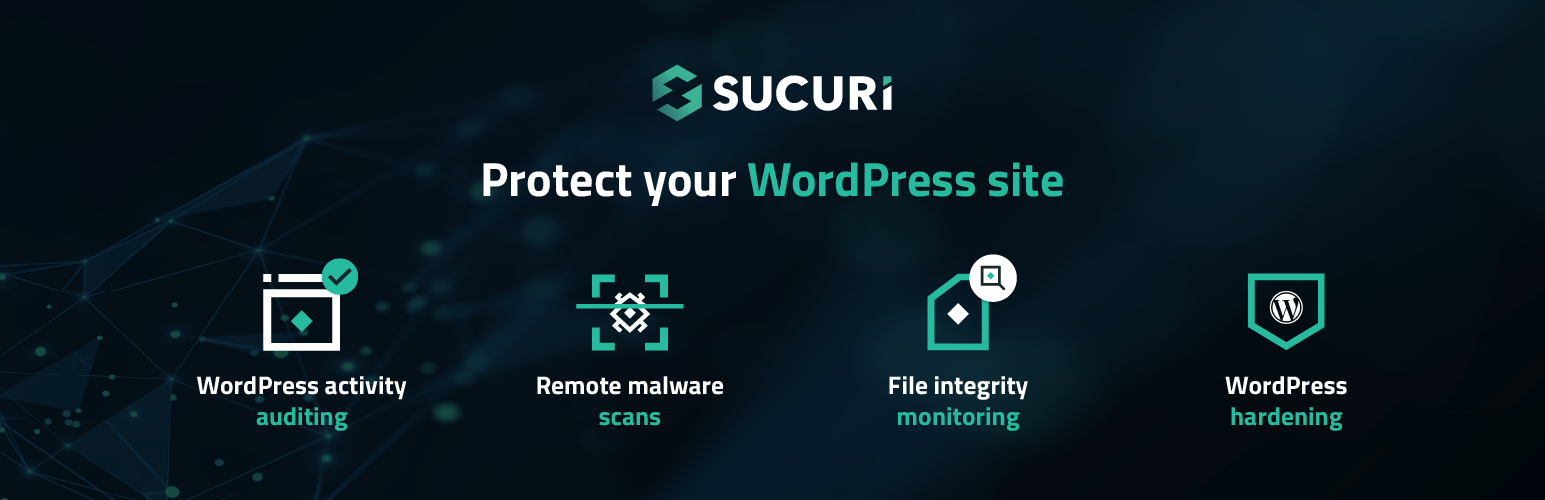
3. Sucuri Security
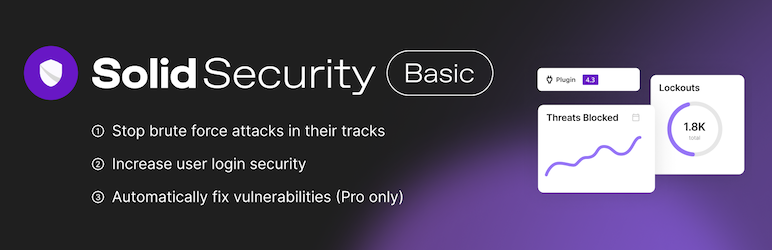
โดยเฉพาะฟีเจอร์ด้านการยืนยันตัวตน เช่น การยืนยันสองชั้นและการเพิ่มความแข็งแรงของรหัสผ่าน
5. All In One WP Security & Firewall
4. Solid Security
เคล็ดลับเพิ่มเติมเพื่อเพิ่มความปลอดภัย WordPress
In particular, it has strong features for reinforcing user-authentication security, such as two-factor authentication and password hardening.
5. All In One WP Security & Firewall
This plugin offers an intuitive interface and step-by-step security level settings, making it easy for everyone from beginners to advanced users to implement security measures. Its wide-ranging features include user account protection, firewall settings, and brute-force protection.
Additional tips for strengthening WordPress security
Keep everything updated
By keeping WordPress, plugins, and themes up to date, you fix security vulnerabilities and reduce the risk of attack.
Use strong passwords
Use strong, hard-to-guess passwords for administrator accounts and database access.
Enable two-factor authentication
Adding two-factor authentication to administrator accounts greatly reduces the risk of unauthorized access.
Back up the site regularly
By backing up site data regularly, you can recover quickly from data loss or unauthorized access.
Use an SSL certificate
By using an SSL certificate and moving the site to HTTPS, you strengthen data encryption and improve user safety.
Summary
WordPress site security is not just about installing plugins. It is important to pay attention to every aspect of site operation and keep applying measures continuously.
Use the plugins and tips introduced above to protect your site from security threats.
A secure website is the foundation of trust and credibility. Starting today, put these security measures into practice and take the first step toward protecting your site.