First månad gratis & 14-dag gratis provperiod
PR
Servrar
KAGOYA JAPAN-recension: används av 61 000 företag. Är dess dedikerade WordPress-server kostnadseffektiv?
Publicerad: 2025.04.18
Uppdaterad: 2025.04.18
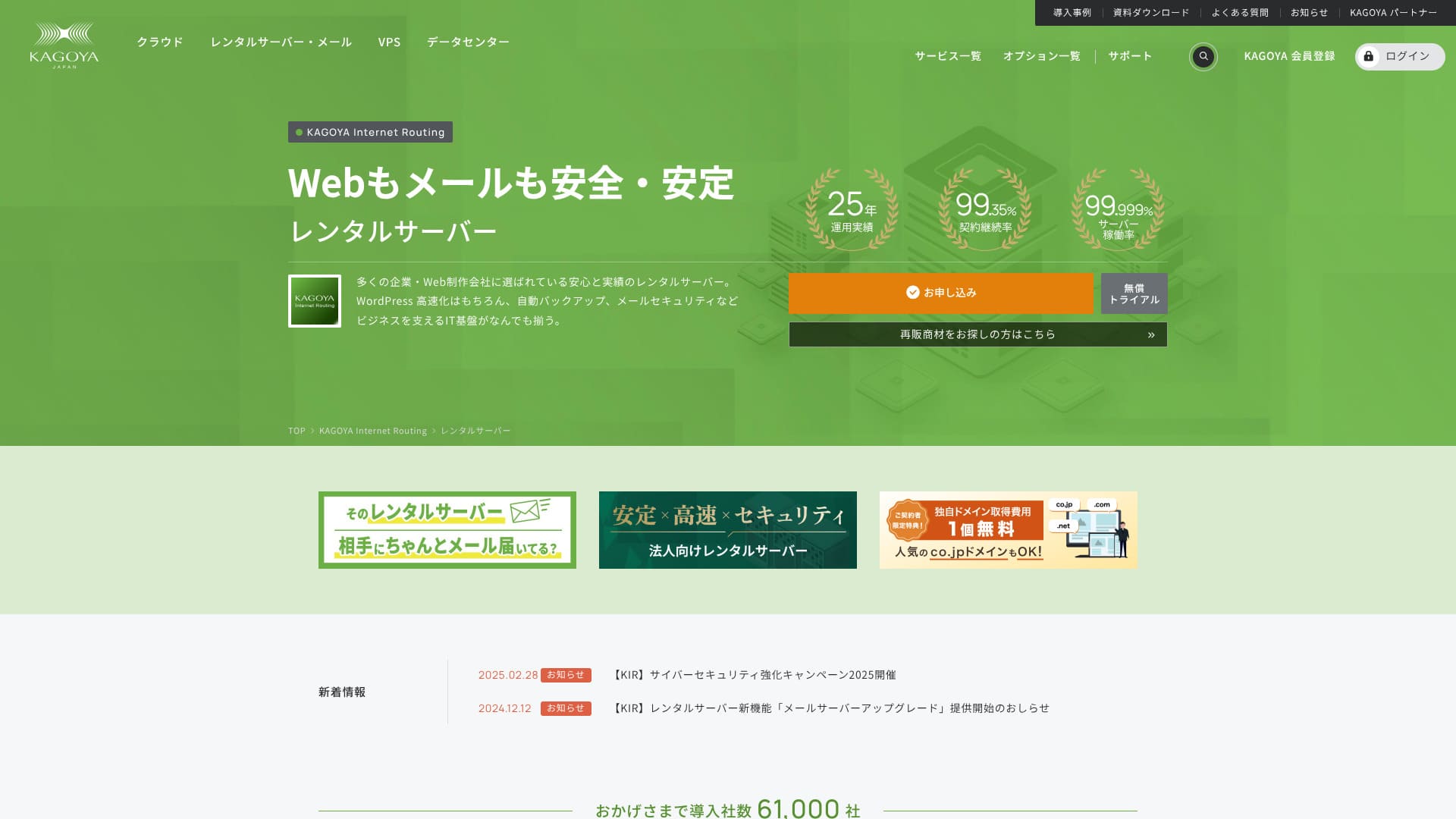
KAGOYA JAPAN har sin bas i Kyoto och driver sitt eget datacenter. 80 procent av användarna är företag, och 61 000 företag använder tjänsten.

KAGOYA JAPAN rekommenderas för people who want to use a stabil server eftersom:
- it offers a WordPress-dedikerad server
- plans start at 440 yen per månad
- den levererar 99,999 % upptid
That is why. It should satisfy most användare, and you can try it gratis for the first månad.
En konkurrerande server är Xserver. It has the No. 1 domestic market share and a larger användare base than KAGOYA JAPAN. Den är också värd att överväga.
★ Xserver Granska [2025]: A Thorough Look at Hastighet, Prissättning, Pros, and Cons
| Servertyp | Shared Server / Cloud Server / WordPress-dedikerad server / VPS |
| Load Tid (TTFB) | Ej uppmätt |
| Rekommenderade planer och avtalstider | WordPress-dedikerad server Grade 1 12 Månader |
| Provperiod & Pengarna-tillbaka-garanti | Inget |
| Månadsavgift (12-Månad Contract) | 440 yen |
| Initial administrativ avgift | Gratis |
| Gratis domän | Inget |
| Supporttjänst | Vardagar 10:00 - 17:00 |
| Drifttid | 99.999% guarantee |
| Serverkapacitet | 20GB |
| Antal databaser | 1 |
| Säkerhet Measures | Begränsning av dashboardåtkomst / begränsning av inloggningsförsök i dashboard / begränsning av XML-RPC API-åtkomst / begränsning av REST API-åtkomst / begränsning av stora kommentarer / trackbacks / kommentarer från utländska IP-adresser / trackbacks |
| SSL | Gratis SSL |
| Säkerhetskopia and Restore | One-generation säkerhetskopia included / Restore gratis of charge |
| Antal e-postkonton som kan skapas | Inget |
| Email Säkerhet Measures | Inget |
| Server/Webbplats Migration Service | Migreringstjänst: 11 000 yen No Migration Verktyg |
| WordPress förinstallerad | Ja |
| CDN | Betald |

Hikaru Ono
Choosing a KAGOYA JAPAN WordPress-dedicated server means WordPress will be installed upon contract, allowing you to immediately start your webbplats or blog.
På grund av sin höga drifttid är denna server säker att använda för företag.
KAGOYA JAPAN Jämförelse with Other Providers
- Utförligbedömning★★★★☆
- Server Hastighet Ej uppmätt
- Prissättning ★★★★☆
- Stabilitet ★★★★★
- Enkelt att komma igång med WordPress*★★★★★
- Verksamhet som Domain Management och SSL Settings*★★★★☆

A Thorough Jämförelse and Selection Guide for 21 WordPress Rental Servers Recommended for Individuals
A Thorough Jämförelse and Selection Guide for 21 WordPress Rental Servers Recommended for Individuals
serverfield.org
- November 4, 2025baserat på marknadsundersökningsdata,by hastighetSorterat
- The månadsavgift is the lowest-pris plan for WordPress usage in the first år of contract.
- The hastighet is the Tid to First Byte value of a demo webbplats with the same conditions.
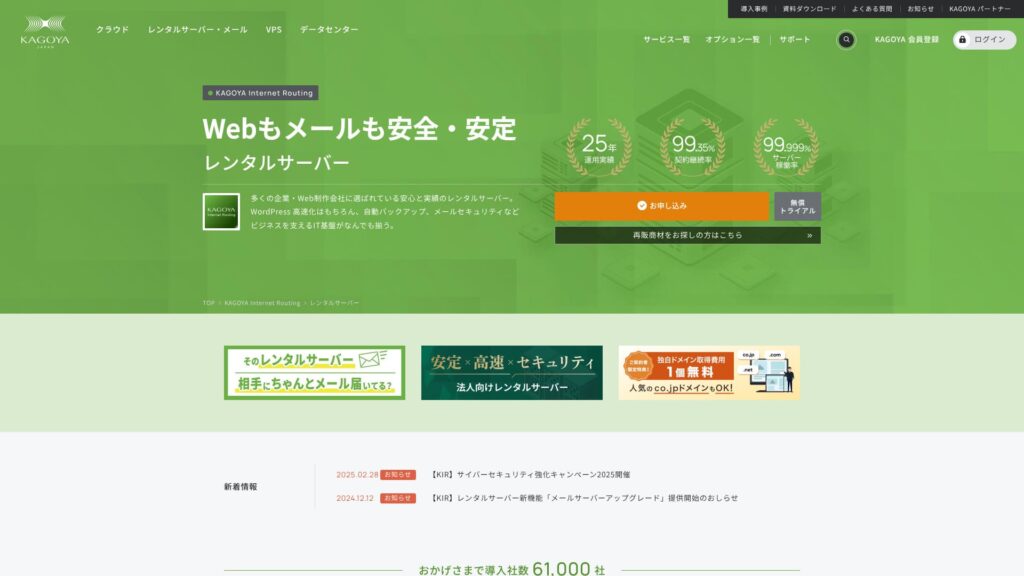
KAGOYA JAPAN offers rental servers from KAGOYA JAPAN Co., Ltd., with a track record of over 20 years. It can be used at an prisvärd pris. With a 99.999% uptime, it is exceptionally stabil and reassuring.
KAGOYA JAPANs rykte och 4 nyckelfunktioner

Hyresserver med 99,999 % upptid
KAGOYA JAPAN driver hyresservrar med 99,999 % upptid.Its stabilitet ranks among the very best in Japan.
High availability is due to its well-managed state and strong säkerhet. You can operate your webbplats with peace of mind. Furthermore, a webbplats that is unstable doesn’t create a good impression.
★ A Must-Read for Nybörjare! Understanding Server Uptime and SLAs
KAGOYA JAPAN ger dig sinnesro.
WordPress-dedikerad servers are Prisvärd
KAGOYA JAPAN's WordPress-dedicated servers are prisvärd.Although there are many feature restrictions, they are sufficient if you are renting a server to focus on your WordPress webbplats. The following conditions were compared.
- Initial administrativ avgift
- Sign up for a 12-månad contract.
- Domain registration fee for ett år's worth of expenses.
- Here are the most prisvärd WordPress plans you can use.
| Webbhotell Provider | Total Cost for the First År |
|---|---|
| KAGOYA JAPAN | 4,840 yen |
| ConoHa WING | 11,292 yen |
| Xserver | 10,560 yen |
| Lolipop! | 5,940 yen |
| Sakura Rental Server | 6,600 yen |
It is even cheaper than Lolipop!, which is known for low prices. Unlike KAGOYA JAPAN's WordPress-dedikerad server, Lolipop! lets you use email. On the other hand, Lolipop! does not include the säkerhetskopia feature that you can use for gratis with KAGOYA JAPAN.
There are differences in functionality, but if you are dedicated to your webbplats, KAGOYA JAPAN is a good choice.
Säkerhetskopior
KAGOYA JAPAN can säkerhetskopiera data upp till 10 GB.
However, the only data that can be backed up is one generation, meaning one item only. Furthermore, you must set the säkerhetskopia timing or perform it manually. It’s a bit of a hassle, and it’s also unsettling because it’s only one item.
Let's use a säkerhetskopia-type WordPress plugin.
★ Top 5 Strongest WordPress Säkerhetskopia Plugins for Data Recovery
Obegränsad överföringsvolym
KAGOYA JAPAN offers unlimited data transfer on both its rental servers and its WordPress-dedikerad servers.No matter how much trafik you receive, you will not be subject to transfer limits.
★ What is Trafik and Transfer Volume? Management and Optimization of Web Trafik
Ärlig uppdelning av KAGOYA JAPAN's Drawbacks

KAGOYA JAPAN offers an tilltalande proposition, but it also has drawbacks. In particular, WordPress-dedicated servers have many functional restrictions, so it's viktig to carefully granska the details before signing a contract.
WordPress-dedikerad servers Cannot Be Used for Email
WordPress-dedikerad servers cannot be used for email.Companies that want to keep a company email address need to välja KAGOYA JAPAN's rental server or use another company's email service.
That said, even if email cannot be used on the server itself, you can still assign your existing email address to the contact address on your WordPress webbplats. So this does not create any operational problem for the webbplats.
WordPress-dedikerad servers Cannot Use WAFs
WordPress-specifika servrar erbjuder inte WAF:er.WAFs are the next generation of säkerhet. They are designed to address even the newest, unprecedented cyberattacks. They are available on most major domestic servers.
KAGOYA JAPAN can also use a WAF when you välja its rental server, but WordPress-dedikerad servers come with restrictions. Even so, if you are using WordPress, you can address this with a WordPress plugin that supports WAF functionality.
★ Top 5 WordPress Plugins to Enhance Säkerhet and How to Välja Them
Jämför 2 servrar som liknar KAGOYA JAPAN
Xserver
Xserver is a server known for its high uptime, just like KAGOYA JAPAN. It has extensive säkerhetskopia and säkerhet features, and many companies have used it over the years.
Xserver costs roughly twice as much per år as KAGOYA JAPAN's WordPress-dedikerad server, but there is nothing lacking in its features or specs. It can handle both webbplats operations and email delivery.If you want to use the server for purposes beyond running your webbplats, Xserver is the better choice.
If your use is begränsade to running a webbplats, KAGOYA JAPAN is the lägre-cost option.

Xserver Granska [2025]: A Thorough Look at Hastighet, Prissättning, Pros, and Cons
Xserver Granska [2025]: A Thorough Look at Hastighet, Prissättning, Pros, and Cons
serverfield.org
Sakura Rental Server
Sakura Rental Server is another server with strong adoption among businesses, just like KAGOYA JAPAN. Its key strength is stabilitet. Where it surpasses KAGOYA JAPAN's WordPress-dedikerad server is säkerhetskopia functionality.It includes automatic säkerhetskopior across eight generations, and you can also use that feature to create a WordPress test environment.
In terms of features, it is considerably stronger than the WordPress-dedikerad server.However, the årlig cost is about 2,000 yen högre, so if you prioritize cost prestanda, KAGOYA JAPAN is the better choice.

Sakura Rental Server Granskningar & Ratings【Scary Slow?】Great for Individual Businesses◎Prissättning Pros & Cons Explained
Sakura Rental Server Granskningar & Ratings【Scary Slow?】Great for Individual Businesses◎Prissättning Pros & Cons Explained
serverfield.org
7 Steps to Start Your WordPress Webbplats with KAGOYA JAPAN Right Now
Let’s start a webbplats with KAGOYA JAPAN!
- STEP.1Access the official webbplats.
Klicka “Apply” on the KAGOYA JAPAN WordPress-dedicated server webbplats.
Välja your payment method. We recommend using a credit card for immediate webbplats setup. Klicka “Apply Online”.
- STEP.2Serveravtal och medlemsregistrering
Välja a plan. WordPress-dedicated server Grade 1 is recommended. Klicka “Next”. Granska your application details and klicka “Next”.
Check the terms and conditions and the handling of personal information, then klicka “Next”.
Klicka “KAGOYA Member Registration”, check the member terms and conditions and personal information agreement, and klicka “Next”.
Enter your member information, including your name and address. Klicka “Proceed to Email Confirmation”.
- STEP.3Ange dina kunduppgifter och kortuppgifter.
Ange dina kunduppgifter och verifiera dem, ange sedan dina kortuppgifter.
Efter att den preliminära registreringen är klar och autentiseringen lyckats är kontoregistreringen slutförd.
- STEP.4Första installationen av WordPress
Log in to the användare kontrollpanel.
Go to WING→Webbplats Management→Webbplats Settings→WordPress. The webbplats URL you set during registration will be displayed. Klicka the management screen URL.
In the displayed WordPress login screen, enter the WordPress username/WordPress password you set during registration and klicka “Login.”
※If you see a warning message saying “Cannot access this webbplats,” the DNS settings have not been reflected. There is nothing you can do but wait; try logging in every few timmar.
När du öppnar "Utseende" i WordPress administrationsskärm installeras WordPress-temat Cocoon. Aktivera först parent-temat och sedan child-temat.Du måste alltid aktivera både parent- och child-temat.
Return to the WordPress management screen and open “Settings”→“General.” Set the webbplats title/catchphrase. This will be the name and catchphrase of your homepage. After entering it, klicka “Save Changes.”
- STEP.5Plugininstallation
Return to the WordPress management screen and go to “Plugins”→“Add New” to install the nödvändig plugins.
If you find a plugin you want to install, search for it and klicka “Install Now” and “Activate.” Afterwards, proceed according to the instructions for each plugin.
It is essential to install säkerhet and säkerhetskopia plugins.
- Top 5 WordPress Plugins to Enhance Säkerhet and How to Välja Them
- Top 5 Strongest WordPress Säkerhetskopia Plugins for Data Recovery
Med plugins installerade är du redo att lansera din WordPress-webbplats!
Sammanfattning
KAGOYA JAPAN offers rental servers from KAGOYA JAPAN Co., Ltd., with a track record of over 20 years. It can be used at an prisvärd pris. With a 99.999% uptime, it is exceptionally stabil and reassuring.
First månad gratis & 14-dag gratis provperiod
KAGOYA JAPAN offers a server with exceptional stabilitet.A WordPress-dedicated server is available at an prisvärd pris.Även om det ofta används av företag kan det också användas av privatpersoner. Ge det ett försök.
A Complete Jämförelse of 32 WordPress Webbhotell Providers: Recommendations for Individuals, Businesses, and International Webbplatser

When you decide to start WordPress and search for "best WordPress webbhotell," you find all kinds of articles, from personal and verksamhet options to overseas and low-cost servers. Honestly,
- Which webbplats should I trust?
- I want to välja a server in a enkel, enkel-to-förstå way.
- Visa mig hur man startar WordPress direkt.
Känner du inte också så? I den här artikeln,I carefully selected recommendations from 32 webbhotell providers for individuals, businesses, and domestic and international use. The explanation comes from the SEO specialist at an app development company that uses webbhotell servers every dag.