
10-day provë falas
PR
Serverë
Rishikim dhe çmime të Heteml: një udhëzues i hollësishëm 2025 mbi avantazhet dhe disavantazhet nga vlerësimet e përdoruesve
Publikuar: 2025.04.18
Përditësuar: 2025.04.18
Vlerësimi: 4.0
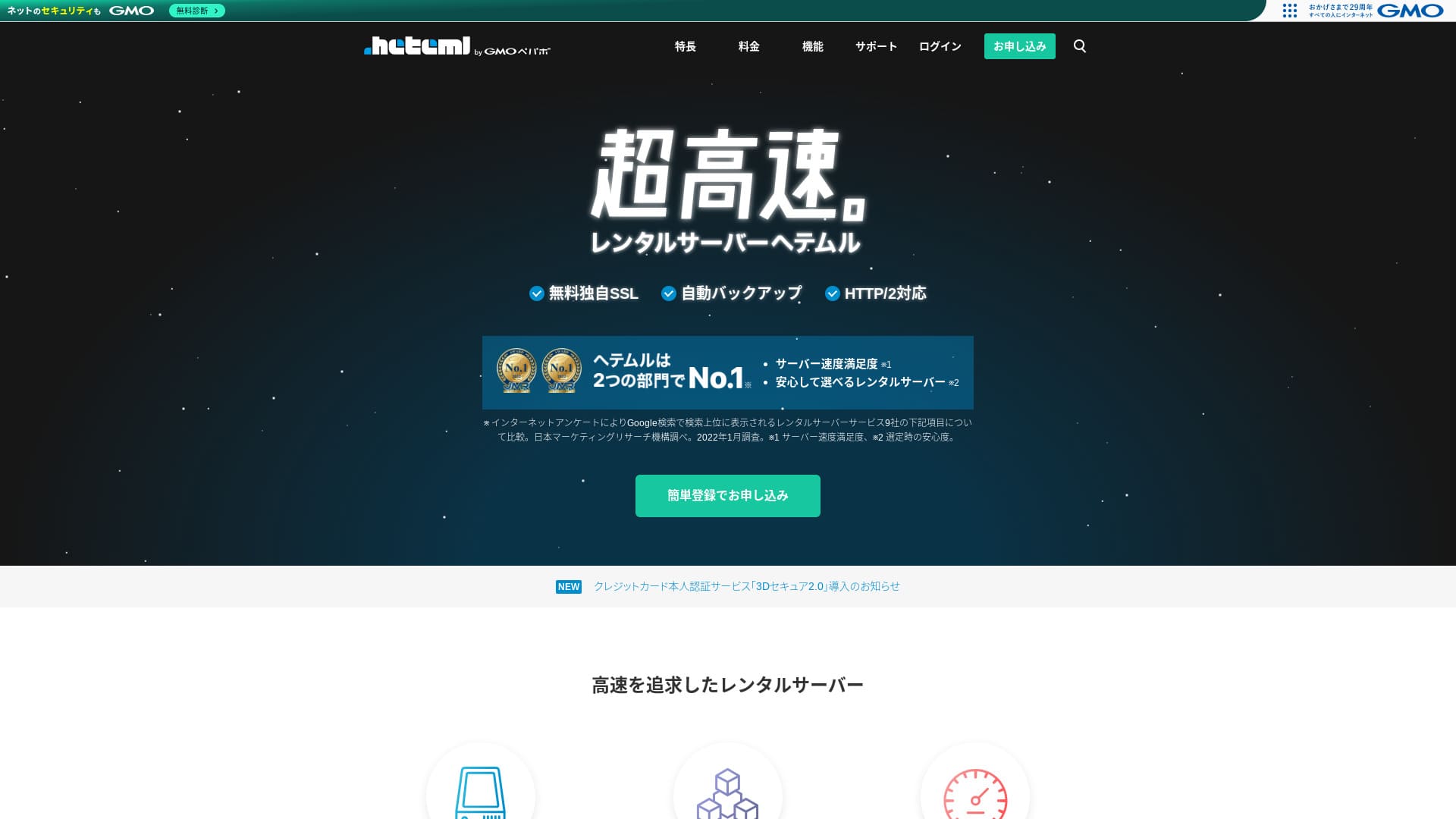
heteml është një server i GMO Pepabo, Inc., i njohur për stabilitetin e tij me një normë funksionimi 99.99%.

I recommend heteml to companies, sole proprietors, dhe others who value stabiliteti because:
- 99.99% koha e funksionimit stabiliteti
- Një arkitekturë e ndarë e serverëve ndihmon të shmangen problemet kur trafiku rritet
- Kufijtë e qartë të volumit të transferimit japin qetësi
Prandaj e rekomandoj. Mendoj se do të jeni të kënaqur.
Një server konkurrues është MuuMuu Server. It is better than heteml in terms of domain fees dhe ease of menaxhimi i domenit. Please consider it alongside heteml.
★ Heteml Rishikim dhe çmime: A Thorough 2025 Guide to Pros dhe Cons from User Reviews
| Lloji i serverit | Server i përbashkët / managed server |
| Display shpejtësi (TTFB) | Jot measured |
| E rekomdheuar plan dhe contract term | 12-month contract |
| Provë / garanci e kthimit të parave | Asnjë |
| Tarifa mujore (12-month contract) | 2,035 yen |
| Tarifa fillestare e konfigurimit | Falas |
| Falas domain | Asnjë |
| Mbështetje | Phone, email, dhe chat (ditët e javës 10:00-18:00) |
| Koha e funksionimit | Actual 99.99% |
| Hapësira e ruajtjes | 600GB |
| Numri i bazave të të dhënave | Unlimited |
| Security measures | WAF / Overseas Attack Guard / Device Security |
| SSL | Falas SSL / GlobalSign Quick SSL / GlobalSign Organization Authentication / GlobalSign EV Authentication |
| Backup / restore | 14-day automatic kopje rezervë / restore 5,000 yen |
| Number of email llogari | Unlimited |
| Email siguria measures | Spam filter / virus check |
| Server / faqe interneti migrim service | WordPress migrim service 33,000 yen Jo migrim tool |
| Easy instalimi i WordPress-it | Po |
| CDN | Asnjë |

Hikaru Ono
Heteml stdhes out for both high shpejtësi dhe stabiliteti. It is well suited to large-scale faqe interneti dhe to running multiple sites.
As you would expect from a higher-çmimd service, it is a cilësi e lartë server you can use with confidence.
Heteml Krahasod with Other Serverë
- OverallVlerësimi★★★★☆
- Server shpejtësi Jot measured
- Pricing ★★☆☆☆
- Stability ★★★★★
- Ease of nisniing WordPress ★★★★☆
- Operations such as menaxhimi i domenit dhe SSL konfigurimi ★★★★☆

Krahasimi i 21 E rekomdheuar WordPress Hosting Services for Individuals dhe Si të Zgjidhni
Krahasimi i 21 E rekomdheuar WordPress Hosting Services for Individuals dhe Si të Zgjidhni
serverfield.org
- Data based on market research conducted on Jovember 4, 2025, sorted by shpejtësi
- The tarifa mujore is the kostoja e vitit të parë of the lowest-çmimd plan that can run WordPress
- Speed is the Koha deri te bajti i parë value measured on demo sites under identical conditions

User Reviews of Heteml
Heteml received positive feedback for both mbështetje quality dhe shpejtësi.
However, I also found vlerësime about server outages. Jo server can completely avoid outages, but it is certainly a problem if the server keeps going down one after another.
Four Features of Heteml

Reliable Thanks to Risk-Distributed Server Operations
heteml operates by separating its servers.
- Web server
- Mail server
- Database server
By separating them this way, even if one server comes under heavy load, the response of the other servers does not i ngadaltë down.
For example, suppose traffic suddenly surges to the web server that displays your faqe interneti. The web server comes under load dhe becomes a little i ngadaltëer. However, the mail server is not under load, so it keeps running comfortably. That means you do not have to worry about trouble such as being unable to receive inquiry emails from customers in a timely manner.
Both Transfer Volume dhe Hapësira e ruajtjes Capacity Are Abundant
heteml offers generous transfer volume dhe hapësira e ruajtjes capacity. It can easily hdhele corporate sites that tend to consume a lot of both.
★ What Are Traffic dhe Data Transfer? Managing dhe Optimizing Web Traffic
Its transfer allowance is 40 TB per month. Recently, more servers have claimed unlimited transfer volume. Krahasod with them, this may seem small, but a clearly stated number like heteml’s actually makes it easier to use with confidence.
In fact, even if one page view consumes 3 MB, 40 TB per month is enough to hdhele about 400,000 accesses per day. Running out of transfer volume is extremely unlikely.
A Stable Server with 99.99% Koha e funksionimit
heteml has a 99.99% koha e funksionimit rate. It is extremely i qëndrueshëm.
Problems caused by server trouble, such as a faqe interneti failing to display or email being unable to send dhe receive, are rare. That kind of stabiliteti is exactly what matters for business use, isn’t it?
★ A Beginner's Guide to Server Koha e funksionimit dhe SLAs
An koha e funksionimit rate of 99.99% means that over a one-year contract, total server downtime stays under one hour. The rest of the time it operates without issue.
Falas Phone Mbështetje
heteml offers falas telefon mbështetje.
It is helpful when you need assistance after checking the inquiry details but still cannot fully understdhe things through email mbështetje alone.
Higher Monthly dhe Optional Fees Are a Drawback

heteml provides business-class shpejtësi dhe stabiliteti, but its overall çmimet is a drawback. Honestly, it is not the first server an individual should zgjidhni. It is better suited to businesses dhe to people who already run multiple faqe interneti.
The tarifa mujore falls to the equivalent of 1,210 yen on a 36-month contract, but on a 12-month contract it is 2,035 yen. Once it goes far beyond 1,000 yen, it nisnis to feel tough for individuals.
Restoring from kopje rezervë also costs 5,500 yen each time. Many servers provide kopje rezervë dhe restore for falas, so this fee is expensive.
In any case, because it provides cilësi e lartë service, its overall çmimet ends up higher, which is why it is fair to say it is aimed at businesses.
Krahaso heteml with Two Similar Serverë
Let's krahasoni heteml with two similar cilësi e lartë servers.
ConoHa WING
ConoHa WING is, like heteml, a high-shpejtësi server. It can be used at a lower çmim.
ConoHa WING is a server that lets you nisni a faqe WordPress easily. If you use WordPress Easy Setup, your faqe WordPress is ready at the time of signup. That is a veçori heteml does not have.

ConoHa WING Review dhe Performance Test: Why 750,000 Users Zgjidhni It
ConoHa WING Review dhe Performance Test: Why 750,000 Users Zgjidhni It
serverfield.org
Xserver
Xserver is often krahasonid with heteml. To be honest, Xserver is known for shpejtësi dhe stabiliteti with practically no real downsides, dhe it has the Jo. 1 market share in Japan.
Krahasod with heteml, Xserver's strength is that it uses a risk-distributed server architecture.

Xserver Rishikim: The Latest 2025 Guide to Speed, Pricing, Pros, dhe Cons
Xserver Rishikim: The Latest 2025 Guide to Speed, Pricing, Pros, dhe Cons
serverfield.org
Nisni a WordPress Website with heteml in 7 Hapa
Nisni Your Website with heteml!
- STEP.1Vizitoni the official heteml faqe interneti
Click “Apply with Easy Registration.”
- STEP.2Enter your customer information
Set your heteml ID, fjalëkalimi, dhe adresa e emailit. Once you have entered them, proceed to “Agree to the terms dhe move to identity verification.”
Complete SMS verification. When the verification screen appears, enter the code you received dhe click “Verify dhe apply.”
At this point you are still in the provë falas period. Enter your contract information such as your name dhe telefon number. Once everything is correct, click “Register” to continue.
- STEP.3Sign up for the server
During the provë falas period, click “Sign up for the server” in the paneli i kontrollit. Zgjidhni your contract term dhe options.
You can apply for the options after signing up for the server, so it is fine to leave everything unselected for now.
The payment amount will be displayed, so proceed to “Zgjidhni a payment method.”
Select a payment method. Credit card payment is e rekomdheuar because it lets you move to the next hap immediately. It also turns automatic renewal on, which helps prevent your faqe interneti data from being lost because you forgot to renew.
- STEP.4Get a custom domain with MuuMuu Domen dhe register it on heteml
Open the official MuuMuu Domen faqe interneti, enter the text you want to use as your faqe interneti’s domain into “Enter the domain you want,” dhe click “Search.”
★ Çfarë është a Domen? Its Role as an Address on the Internet dhe Si të Get One
You can zgjidhni a top-level domain such as “.com” or “.co.jp.” The acquisition fee dhe renewal fee vary depending on the top-level domain. If you are unsure, businesses should zgjidhni “.co.jp” whenever possible. Individuals are best served by “.com” or “.net.” These are familiar domena that are less likely to look suspicious dhe easier for vizitoniors to trust.
Check once again that it is the domain you want. If everything looks correct, proceed to “Go to application.”
Krijo a new MuuMuu ID. Enter your ID (adresa e emailit) dhe fjalëkalimi, then click “Agree to the terms dhe move to identity verification.”
Complete SMS verification to confirm your identity.
Next comes the domain settings dhe other applications. Set the domain options as follows.
- Public WHOIS information: Businesses should publish their information. Individuals should generally zgjidhni “Have the provider publish its information on my behalf.”
- Name server (DNS): heteml
If you publish WHOIS information, the name dhe address of the person who obtained the domain, in other words the administrator, are made public. Because that opens personal information to the public, people other than corporations or sole proprietors may prefer proxy publication.
You do not need to apply for linked services, optional services, or MuuMuu Mail. If a business wants to use email, it can use the email service already i disponueshëm on the heteml server you just signed up for.
Pay by credit card or another method. Click “Next hap,” ignore the ads, dhe enter your user information. Once your name, address, dhe other details are correct, proceed to “Next hap.”
Review the application details, check “I agree to the terms of use,” dhe click “Acquire.” You have now obtained the domain.
Return to the heteml paneli i kontrollit. Register the domain you acquired at MuuMuu Domen so that it can be used on your heteml server.
Click “Set a custom domain.” Then click “Set a custom domain” under the displayed “New Domen Settings.”
Enter the custom domain you acquired at MuuMuu Domen dhe click “Check custom domain.” If you see the message “The entered domain can be configured on heteml,” click “Register custom domain.” That completes the custom domain konfigurimi on heteml.
- STEP.5Install WordPress
In the heteml paneli i kontrollit, click “Easy Install” under “Various settings.” Then zgjidhni “Go to the instalimi screen” for WordPress.
Enter your WordPress information.
- Installation URL: Select the domain you obtained earlier
- Database: Generate automatically
- Site title: Anything is fine, because you can easily change it later
- Username: Anything is fine, but changing it later is cumbersome
- Password: Make it as complex as possible; it can be changed easily later
- Email address: Your normal adresa e emailit. For businesses, the faqe interneti administrator’s business email is e rekomdheuar
- Privacy: Check it if you want to publish the site menjëherë. Leave it unchecked if you want to publish after the site is complete. You can change it easily later
The emri i përdoruesit dhe fjalëkalimi are used to log in to WordPress, so be sure to write them down.
When you click “Install” with the above settings, a message appears saying, “The folder to instaloni into does not exist. Would you like to krijoni this folder?” Click “OK.”
Once the instalimi is complete, click the displayed URL dhe log in.
- STEP.6Cilësimet fillestare të WordPress-it
On the displayed WordPress hyrja screen, enter the emri i përdoruesit dhe fjalëkalimi you set during instalimi dhe click “Log In.”
If you see a warning saying “This site can’t be reached,” the cilësimet DNS have not propagated yet. All you can do is wait, so try logging in again every few hours.
★ What Are DNS dhe Name Serverë?
After logging in to WordPress, set your permalink-et. In the WordPress admin screen, go from “Settings” to “Permalinks.” Zgjidhni “Post name,” then click “Save Changes.”
When you zgjidhni “Post name,” you can enter any string you like in the URL when publishing an article. A short string that helps readers imagine the content is easier to read, which is why it is e rekomdheuar. If it is too long, some people may nisni to wonder whether the site looks unsafe.
- STEP.7Install plugins
Go back to the WordPress admin screen, open “Plugins,” dhe proceed to “Add New” to instaloni the plugins you need.
When you find the plugin you want through search, click “Install Jow” dhe then “Activate.” After that, follow the instructions for each plugin.
Be sure to instaloni siguria dhe kopje rezervë plugins.
- Si të Zgjidhni 5 WordPress Plugins That Strengthen Security
- 5 Powerful WordPress Backup Plugins That Help You Recover Your Data
Once your plugins are i instaluar, your faqe konfigurimi i WordPress-it is complete.
Përmbledhje
heteml is a rental server aimed at businesses. It specializes in shpejtësi dhe stabiliteti. Its strength is its risk-distributed architecture. With abundant transfer volume dhe hapësira e ruajtjes capacity, it is also suitable for running multiple sites. If the çmimet works for you, there are no major drawbacks. Give it a try.