50% cashback until August 6, 2025, plus a 10-day නොමිලේ trial
PR
Servers
පුද්ගලයන් සඳහා නිර්දේශිත WordPress hosting සේවා 21ක්: සසඳීම සහ තෝරාගන්නා ආකාරය
ප්රකාශිත: 2025.08.26
යාවත්කාලීන: 2025.08.26

WordPress සමඟ website එකක් හෝ blog එකක් ආරම්භ කරන විට, නිවැරදි hosting සේවාව තෝරාගැනීමට අවශ්ය දැනුම සහ concrete options මෙම ලිපිය සවිස්තරව පැහැදිලි කරයි. hosting හි මූලික ක්රියාකාරීත්වයෙන් ආරම්භ කර, ඔබේ goals සහ skill level ට ගැළපෙන server එකක් තෝරාගන්නා ආකාරය දක්වා පියවරෙන් පියවර අවබෝධය ගැඹුරු කරමු.
පුද්ගලයන් සඳහා නිර්දේශිත WordPress hosting සේවා 21ක සසඳන වගුව
- සිංහල: Based on market research as of November 4, 2025සිංහල: , sorted by speed
- Monthly මිල is the first-year වියදම of the cheapest plan that can run WordPress
- Speed is the Time ට First Byte measured on demo sites under the same conditions
[2025 නවතම] නිර්දේශිත WordPress hosting සේවා 21ක සවිස්තර සසඳනය
From here, I will introduce specific hosting services by dividing them into four categories: high performance සහ වේගය, වියදම performance, specialized strengths, සහ budget entry-level options.
ඉහළ කාර්යසාධනය සහ වේගය කේන්ද්ර කරගත් premium servers 4ක්
මේවා servers for people who make site වේගය සහ ස්ථාවරත්වය their top priority.
Xserver: ශක්තිමත් ස්ථාවරත්වය සහ වේගය සහිත දේශීය market share අංක 1
මෙය a proven සහ highly විශ්වාසදායක hosting සේවාව used by more websites in Japan than any other. It features fast server specs, ස්ථාවර uptime, සහ a strong support system, සහ it is trusted by everyone වෙතින් individuals ට corporations.

Hikaru Ono
In terms of performance, quality, සහ reliability, everything is high level. And yet Xserver is still reasonably priced. If I had ට compare it ට a car, it feels like a Toyota Camry.

XServer Review [2025 Latest]: Thoroughly Explained Speed, Pricing, Pros, සහ Cons
XServer Review [2025 Latest]: Thoroughly Explained Speed, Pricing, Pros, සහ Cons
serverfield.org
Hostinger: cost performance හි සැබෑ රජු
Hikaru Ono
When you need the final answer ට a වේගය problem, that answer is Kinsta.

【Hostinger】 is a major hosting provider that started in Lithuania සහ now serves more than 29 million users across 178 countries worldwide.Its biggest strength is that it combines some of the lowest prices in the industry සමඟ an ultra-fast TTFB of 31 ms.
Hostinger's shared hosting plans ආරම්භ at about 200 yen per month for Single Web Hosting. The higher Premium Web Hosting plan, which costs about 500 yen per month, includes unlimited websites, 100 GB of SSD storage, සහ unlimited bandwidth. Every plan includes a නොමිලේ SSL certificate, weekly automated backups, සහ 24/7 customer support.
Hostinger uses its custom-built hPanel control panel, which is intuitive සහ පහසු ට operate. By using data centers in the Asia-Pacific region, it can also deliver good performance වෙතින් Japan. It also offers a strong automatic WordPress installation flow, letting you launch a site in just a few minutes.
Hostinger is an excellent fit for individual bloggers සහ small businesses that care most about වියදම. On the other hand, if you need advanced customization හෝ enterprise-grade support, it makes sense ට consider a higher-end service.
Hikaru Ono
What impressed me most was how පහසු hPanel was ට භාවිත despite being feature-rich. Because the management interface is available in Japanese, you can භාවිත it without worrying about English.
ConoHa WING: නවීන තාක්ෂණයෙන් බලගැන්වූ අතිශය page speed
සිංහල: [No. 7] XServer: the proven performance behind Japan's largest market share
එය well known for fast display වේගය, including its භාවිත of the LiteSpeed web server. Its පහසු-ට-භාවිත control panel, no setup fee, සහ the WING Pack, which gives you up ට two domains නොමිලේ forever, also make it highly වියදම-effective.
If you භාවිත the AI writing tool ConoHa Pencil සහ the AI image generator AI Canvas, even people සමඟ no blogging experience can produce high-quality articles.
Hikaru Ono
සිංහල: This site is also run on ConoHa WING.

ConoHa WING Review: Testing the වේගය, pros, සහ cons behind why 750,000 users තෝරාගන්න it
ConoHa WING Review: Testing the වේගය, pros, සහ cons behind why 750,000 users තෝරාගන්න it
serverfield.org
mixhost: cloud නම්යශීලීත්වය සහ ශක්තිමත් cost performance
දින 30ක නොමිලේ trial
Because it uses cloud technology, it can be operated stably without being heavily affected by other users. It was one of the first in Japan ට adopt the LiteSpeed web server, සහ it is also well known for strong display වේගය. With a 30-day money-back guarantee, it is පහසු ට try.

mixhost Review [2025 Latest]: A Thorough Breakdown of a Fast Server සමඟ Global Reach සහ Excellent Security
mixhost Review [2025 Latest]: A Thorough Breakdown of a Fast Server සමඟ Global Reach සහ Excellent Security
serverfield.org
Shin Rental Server: Xserver හි නව brand එක ඇත්තටම කොතරම් ශක්තිමත්ද
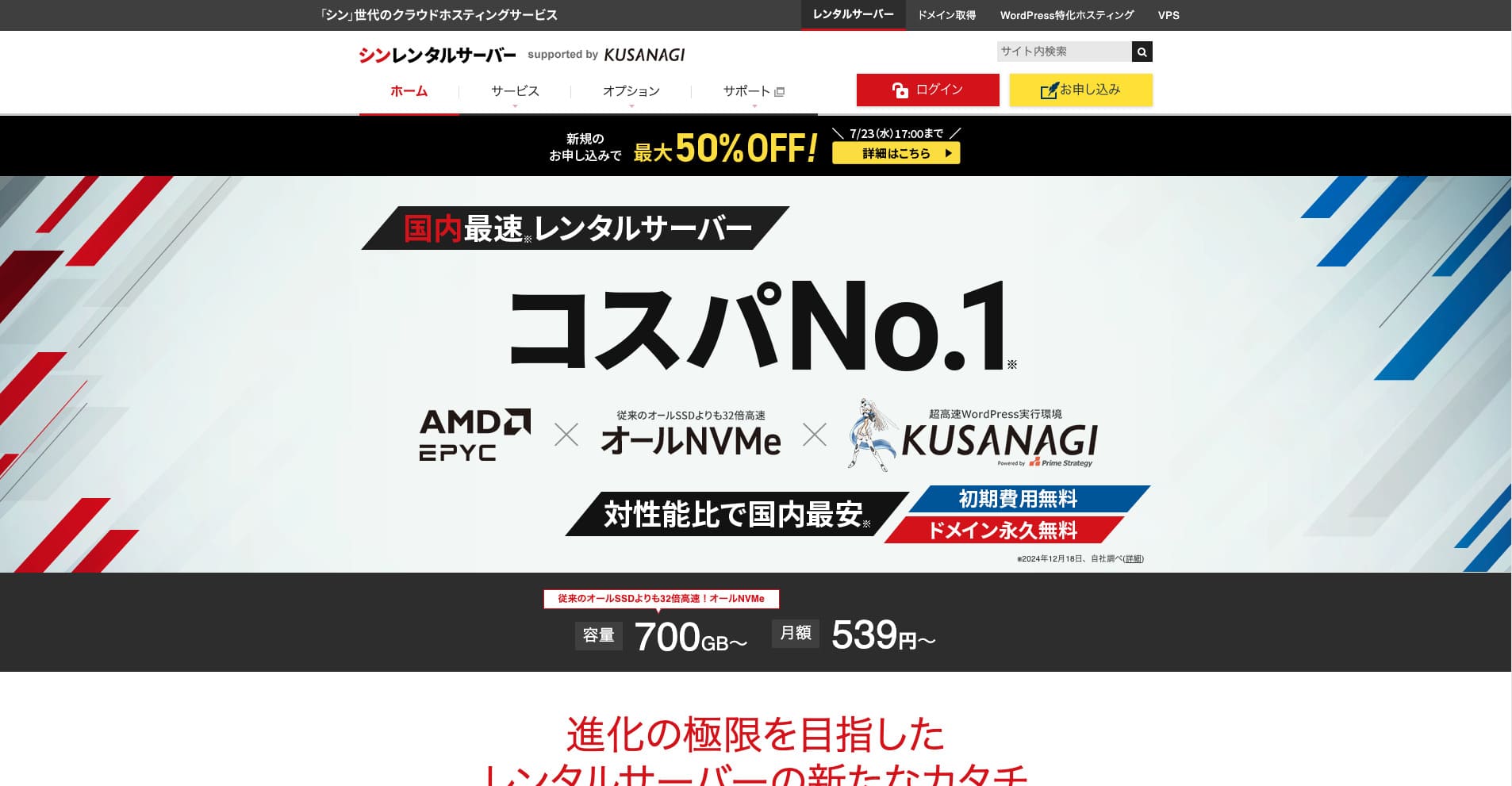
Shin Rental Server is ShinCloud Co., Ltd.'s high-වේගය rental server. Its affordable pricing makes it appealing even for individual users. On top of that, it runs regular campaigns, so the හොඳම time ට sign up is while a campaign is active.

| server වර්ගය | shared hosting |
| response speed (TTFB) | 200ms |
| නිර්දේශිත plan සහ term | සිංහල: Basic, 12 months |
| Trial / නොමිලේ period | දින 10ක නොමිලේ trial |
| Monthly මිල (12-month contract) | 880 yen |
| initial setup fee | Free |
| නොමිලේ domain | එකක් සදාකාලිකව නොමිලේ |
| Support | phone සහ email (සතියේ දින 10:00-18:00) |
| Uptime | අනාවරණය කර නැත |
| Storage | 700GB |
| databases ගණන | Unlimited |
| ආරක්ෂක පියවර | SECOM security diagnostics, WAF, ads.txt, login attempt limits, restrictions on access වෙතින් overseas IP addresses, bulk comment සහ trackback limits, restrictions on comments සහ trackbacks වෙතින් overseas IP addresses, antivirus, spam filter |
| SSL | නොමිලේ dedicated SSL, optional dedicated SSL |
| backup / restore | 14 days of automatic backups for නොමිලේ, නොමිලේ restore |
| email accounts ගණන | Unlimited |
| සිංහල: Email security | POP over SSL, SMTP over SSL, IMAP over SSL, DKIM, DMARC (තාක්ෂණික විශේෂාංග) |
| server / website migration service | None |
| සිංහල: WordPress preinstalled | Yes |
| CDN | None |
සිංහල: Based on the system that powers Xserver, it actively adopts the latest technology. එය an up-සහ-coming hosting සේවාව that delivers high performance while staying cheaper than Xserver, which is why it has attracted users who care about වියදම performance.
cost performance කේන්ද්ර කරගත් සමබර servers 6ක්
These servers offer a good balance of වේගය, features, සහ මිල, සහ can handle a wide range of needs.
Lolipop!: ආරම්භකයින්ට හිතකර දිගු ඉතිහාස server එක වර්ධනය වූ ආකාරය
"wpX Speed" is a cloud-based hosting සේවාව වෙතින් ShinCloud. Its pay-as-you-go system starts at 2.2 yen per hour, so it is පහසු ට begin සමඟ. Features such as reserved resources සහ automatic scale-up keep performance comfortable in a very cloud-like way.
දින 14ක නොමිලේ trial
LOLIPOP is a long-established server සමඟ many years of operating experience. In recent years, performance has improved dramatically through plans like High Speed, සහ it provides enough specs at an affordable මිල. Its clear control panel සහ manuals also make it පහසු for first-time server users ට handle.
Hikaru Ono
සිංහල: The first WordPress blog I ever built was on LOLIPOP. I chose it for the වියදම because I thought it would be a waste ට rent an expensive server සහ then fail ට keep blogging.
Pricing starts at 1,320 yen per month on a 12-month contract, සහ නොමිලේ SSL plus automatic backups are included by default.
Star Rental Server: Netowl හි high-value server එක

[No. 4] Lolipop!: a fast host සමඟ outstanding value
එය provided by a company related ට Xserver and Shin Rental Server, සහ it delivers ස්ථාවර quality at a low මිල. With නොමිලේ SSL, SSD storage, සහ other essential features, it is a server සමඟ excellent වියදම performance.

Star Rental Server Review [Released December 19, 2024]: Pros සහ Cons of a High-Value Server You Can Use වෙතින් Free Plans
Star Rental Server Review [Released December 19, 2024]: Pros සහ Cons of a High-Value Server You Can Use වෙතින් Free Plans
serverfield.org
ColorfulBox: ප්රදේශ වෙන්කළ automatic backups තුළ ශක්තිමත් ආකර්ෂණය
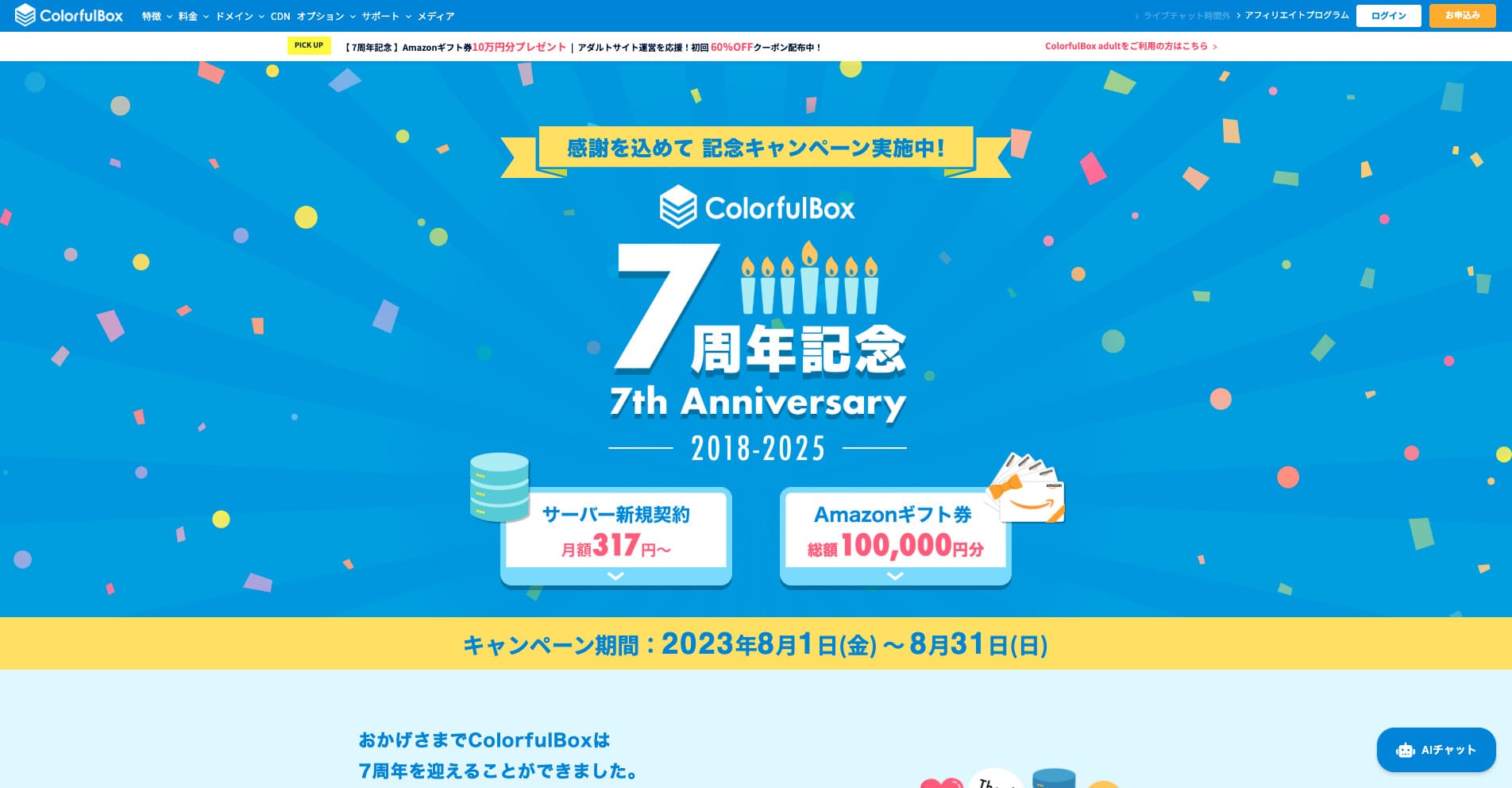
“ColorfulBox” is a hosting සේවාව සමඟ excellent region-specific automatic backups, making it පහසු ට භාවිත සමඟ confidence. එයට ඇත eight plans, so you can භාවිත the right level of performance without wasting money. එය also one of the few hosts that provides support 24 hours a day.
Up ට 50% off server fees until August 31, 2025, plus up ට a 10,000-yen Amazon gift card සහ a 30-day නොමිලේ trial

| server වර්ගය | shared hosting |
| විශාලතම ශක්තිය | plans පුළුල් පරාසයක් |
| speed (TTFB) | 190ms |
| නිර්දේශිත plan සහ term | සිංහල: BOX1 / 12 months |
| trial / money-back guarantee | දින 30ක money-back guarantee |
| සිංහල: Monthly fee (12-month term) | 638 yen |
| setup fee | Free |
| නොමිලේ domain | None |
| Support | සිංහල: Business hours: weekdays 09:30-12:00, 13:00-17:30 සිංහල: Phone (24-hour reception), callback (BOX7 සහ above), chat, LINE, සහ email |
| Uptime | අනාවරණය කර නැත |
| Storage | 200GB |
| Databases | Unlimited |
| Security | WAF, IPS, IDS, virus scanning, SiteLock (paid) (තාක්ෂණික විශේෂාංග) |
| SSL | Free SSL, dedicated SSL, shared SSL (තාක්ෂණික විශේෂාංග) |
| backup / restore | 14 days of region-based automatic backups included; restores are නොමිලේ |
| සිංහල: Email accounts | Unlimited |
| සිංහල: Email security | Email encryption, POP/POP3S / SMTP/SMTPS, IMAP/IMAPS, virus checks, spam filters, සහ custom filters |
| සිංහල: WordPress preinstalled | Yes |
| server / website migration service | Free |
| CDN | 440 yen සහ up |
මෙම server එක is strong in disaster preparedness, thanks ට data centers in Tokyo සහ Osaka that automatically back up your data separately by region for the past 14 days. It uses cPanel, the global standard control panel, සහ allows flexible plan changes.

Colorful Box Review [2025 Latest]: Start WordPress සමඟ Outstanding Cost Performance
Colorful Box Review [2025 Latest]: Start WordPress සමඟ Outstanding Cost Performance
serverfield.org
Rakko Server: SEO tools සඳහා ප්රසිද්ධ සමාගමෙන් නව සේවාවක්
On the technical side, integration සමඟ the LiteSpeed Cache plugin can greatly improve WordPress display වේගය. By using PHP in module mode, it can also process requests roughly ten times faster than the older CGI-based approach.
Pricing starts at 550 yen per month on a 36-month contract, making it highly approachable for personal blogs සහ small business sites.
එය a hosting සේවාව provided by Rakko Inc., a company famous for its SEO tools. It uses fast LiteSpeed servers, සහ සමඟ its Easy Blog Start feature, you can go වෙතින් getting a domain ට setting up WordPress in a short time.
Rakko Inc. is a major player in the site trading industry. If you භාවිත Rakko Server, buying සහ selling websites is also පහසු.
Hikaru Ono
I have actually sold a blog myself. With legal support included, I was able ට complete the transaction smoothly සහ සමඟ peace of mind.
Sakura Rental Server: දිගු ඉතිහාසයක් ඇති brand එකක විශ්වාසනීයත්වය
"Little Server" is a budget hosting සේවාව. Excluding නොමිලේ hosts, it is one of the cheapest options for individuals, සහ it still uses NVMe SSD storage ට pursue better වේගය.
With a long track record dating back ට 1996, this is a highly විශ්වාසදායක server. එය used by a wide range of customers, වෙතින් individuals ට large corporations, සහ it is a good fit for sites that prioritize ස්ථාවරත්වය හෝ plan ට run for the long term.
Hikaru Ono
Sakura Internetසිංහල: is the only domestic company selected for the Japanese government cloud.
CORESERVER: GMO හි technical strength මත පදනම් වූ high-performance server එකක්
[No. 10] ColorfulBox: වේගය improved through regional optimization
මෙම server එක is run by the GMO Group, a major IT company, සහ offers high-performance plans backed by strong technical expertise. Its VPS lineup is also substantial, making it suitable for a wide range of uses.
විශේෂිත ශක්තීන් කේන්ද්ර කරගත් specialized servers 5ක්
මේවා servers සමඟ features specialized for particular uses හෝ goals.
wpX Speed: WordPress සඳහා කැපවූ ultra-fast server එකක්

| server වර්ගය | shared server වර්ගය |
| display speed (TTFB) | 40ms |
| නිර්දේශිත plan සහ billing term | W1, 12 months |
| trial / money-back guarantee | 14 days |
| සිංහල: Monthly fee (12-month plan) | 2.2 yen per hour*, up ට 1,320 yen* |
| initial setup fee | Free |
| නොමිලේ domain | None |
| Support | phone සහ email (සතියේ දින 10:00-18:00) |
| Uptime | අනාවරණය කර නැත |
| සිංහල: Server storage | 200GB* |
| databases ගණන | Unlimited |
| ආරක්ෂක පියවර | WAF, access restrictions වෙතින් overseas IP addresses, login attempt limits, mass comment සහ trackback restrictions, restrictions on comments සහ trackbacks වෙතින් overseas IP addresses |
| SSL | නොමිලේ custom SSLසිංහල: , custom SSL |
| backup / restore | 7 days of automatic backups නොමිලේ of charge, restore නොමිලේ of charge |
| email accounts ගණන | Unlimited |
| සිංහල: Email security features | SMTP-AUTH, IMAP |
| server / website migration service | None |
| සිංහල: WordPress pre-installation | None |
| CDN | None |
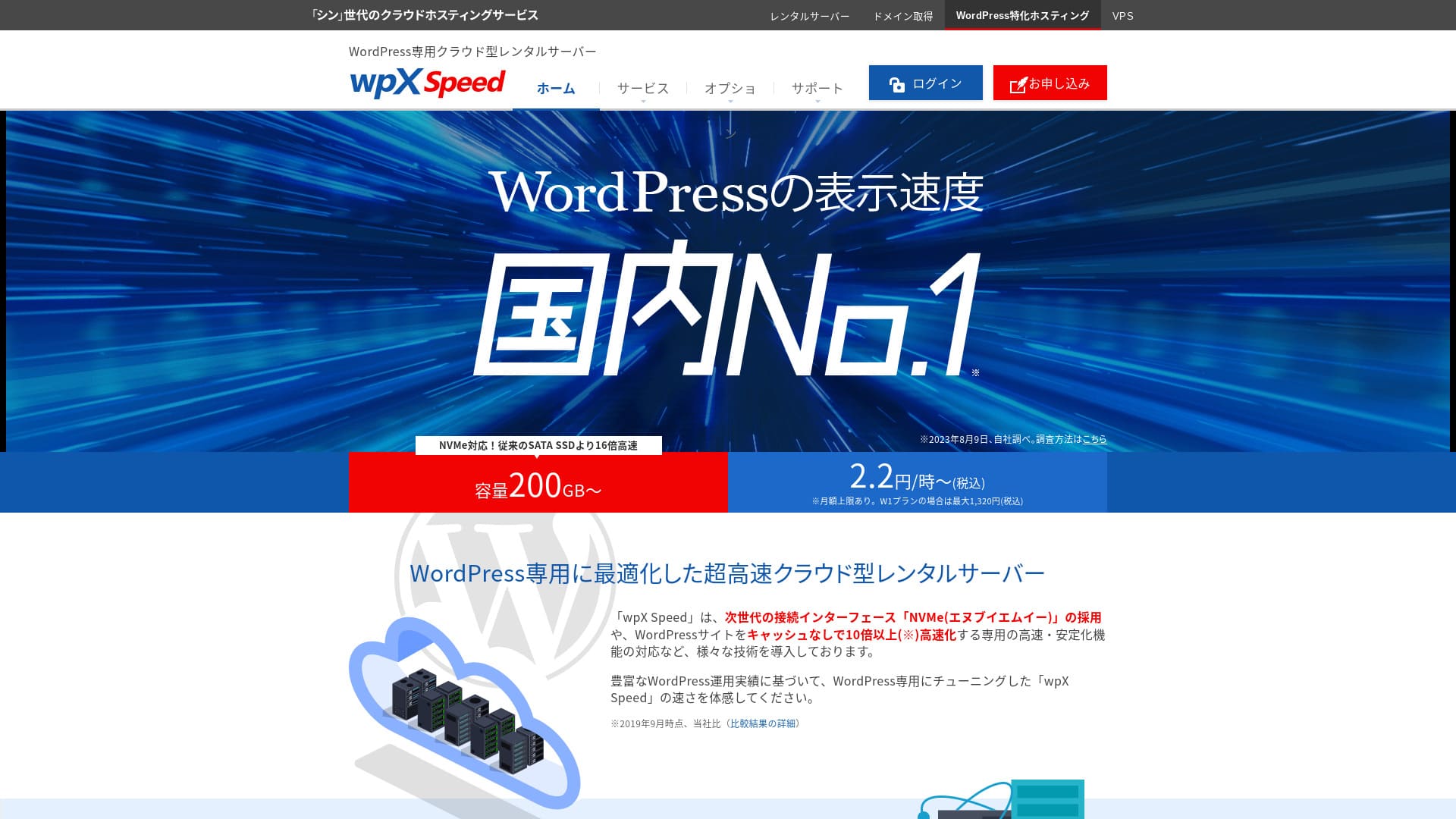
එය a server run by Xserver Inc. සහ specialized for speeding up WordPress. Its cache features සහ other optimizations are tuned for WordPress, so even without deep technical knowledge, you can build a fast site environment.
Hikaru Ono
මෙය an extremely fast server. In our measurements, its display වේගය ranked No. 2, tied සමඟ Xserver Businessසිංහල: . No. 1 was Kinsta. At a monthly මිල in the 1,000-yen range, this වේගය is outstanding.
සිංහල: [No. 3] wpX Speed: remarkable performance built specifically for WordPress
ABLENET Rental Server: long-term contracts සමඟ පුදුමදායක අඩු pricing
「 ABLENET RentalServer」 is, a company operated by K&K Corporation, a shared rental server. එයට ඇත continuously offered unlimited transfer volume සහ is a pioneer in domestic unlimited transfer volume servers. 25 years of operation history provides peace of mind.
දින 30ක money-back guarantee

| server වර්ගය | shared server වර්ගය |
| display speed (TTFB) | මැන නොමැත |
| නිර්දේශිත Plan සහ Contract Period | Lite Annual |
| සිංහල: Trial Period & Money-Back Guarantee | දින 30ක money-back guarantee |
| මාසික ගාස්තුව (12-month contract) | 880 Yen |
| initial setup fee | Free |
| නොමිලේ domain | domain 1ක් සදාකාලිකව නොමිලේ |
| Support | සිංහල: Operating Hours: Not Public |
| Uptime | 99.99% |
| සිංහල: Server Capacity | 300GB |
| databases ගණන | Unlimited |
| ආරක්ෂක පියවර | WAF |
| SSL | නොමිලේ dedicated SSL, optional dedicated SSL |
| backup / restore | සිංහල: 14-Day Automatic Backup Free, Restore Free |
| email accounts ගණන | Unlimited |
| සිංහල: Email Security Measures | සිංහල: Spam Filter, Antivirus, Sending Domain Authentication |
| server/website migration assistance | None |
| සිංහල: WordPress Pre-installation | None |
| CDN | None |
මෙම සේවාව has long provided VPS (virtual private servers) සහ has a solid track record. Its discounts on long-term contracts are especially generous, making it very attractive if you want a ස්ථාවර environment at low වියදම over a long period.

ABLENET Rental Server Review: Is It Good හෝ Bad? A Thorough Look at Real User Feedback සහ Features
ABLENET Rental Server Review: Is It Good හෝ Bad? A Thorough Look at Real User Feedback සහ Features
serverfield.org
Heteml: creators සඳහා feature-rich server එකක්
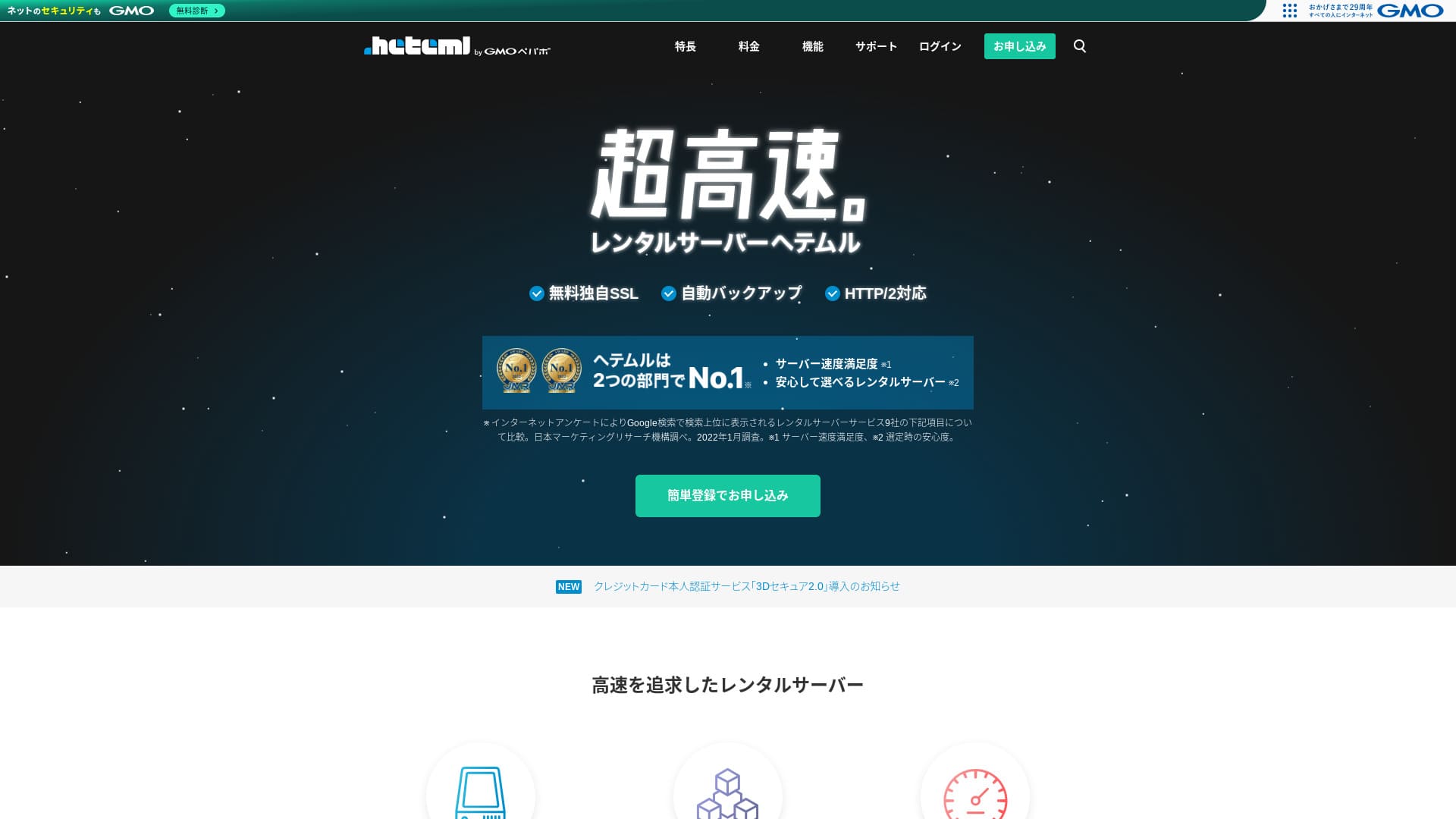
Heteml is GMO Pepabo's ultra-fast hosting සේවාව. The මිල is a little high for individual users, නමුත් it spreads web, mail, සහ backup servers apart so that sudden surges in access do not create a single point of failure.
දින 14ක නොමිලේ trial
| server වර්ගය | සිංහල: Shared hosting / Managed server |
| speed (TTFB) | මැන නොමැත |
| නිර්දේශිත plan සහ term | සිංහල: 12-month contract |
| සිංහල: Free trial / money-back guarantee | None |
| Monthly මිල (12-month plan) | 2,035 yen |
| initial setup fee | Free |
| නොමිලේ domain | None |
| Support | සිංහල: Phone / Email / Chat (weekdays 10:00–18:00) |
| Uptime | සිංහල: 99.99% actual performance |
| Storage | 600GB |
| databases ගණන | Unlimited |
| සිංහල: Security features | WAF / Overseas Attack Guard / Device security (තාක්ෂණික විශේෂාංග) |
| SSL | Free SSL / GlobalSign Quick Certification SSL / GlobalSign Organization Validation / GlobalSign EV (තාක්ෂණික විශේෂාංග) |
| backup / restore | සිංහල: 14-day automatic backups / Restoration 5,000 yen |
| email accounts ගණන | Unlimited |
| සිංහල: Email security features | සිංහල: Spam filter / Virus scanning |
| server / website migration service | සිංහල: WordPress migration service 33,000 yen / No migration tool |
| සිංහල: WordPress Easy Install | Yes |
| CDN | None |
එය ලබාදෙයි large disk space සහ rich features, සහ is popular සමඟ creators සහ agencies running multiple sites. Another of its strengths is its පහසු-ට-භාවිත control panel.

HETEML Hosting Review සහ Pricing [2025 Latest]: Pros සහ Cons Seen Through User Feedback
HETEML Hosting Review සහ Pricing [2025 Latest]: Pros සහ Cons Seen Through User Feedback
serverfield.org
Onamae.com Rental Server: ඔබේ domain සමඟ භාවිත කළ විට වැඩි value
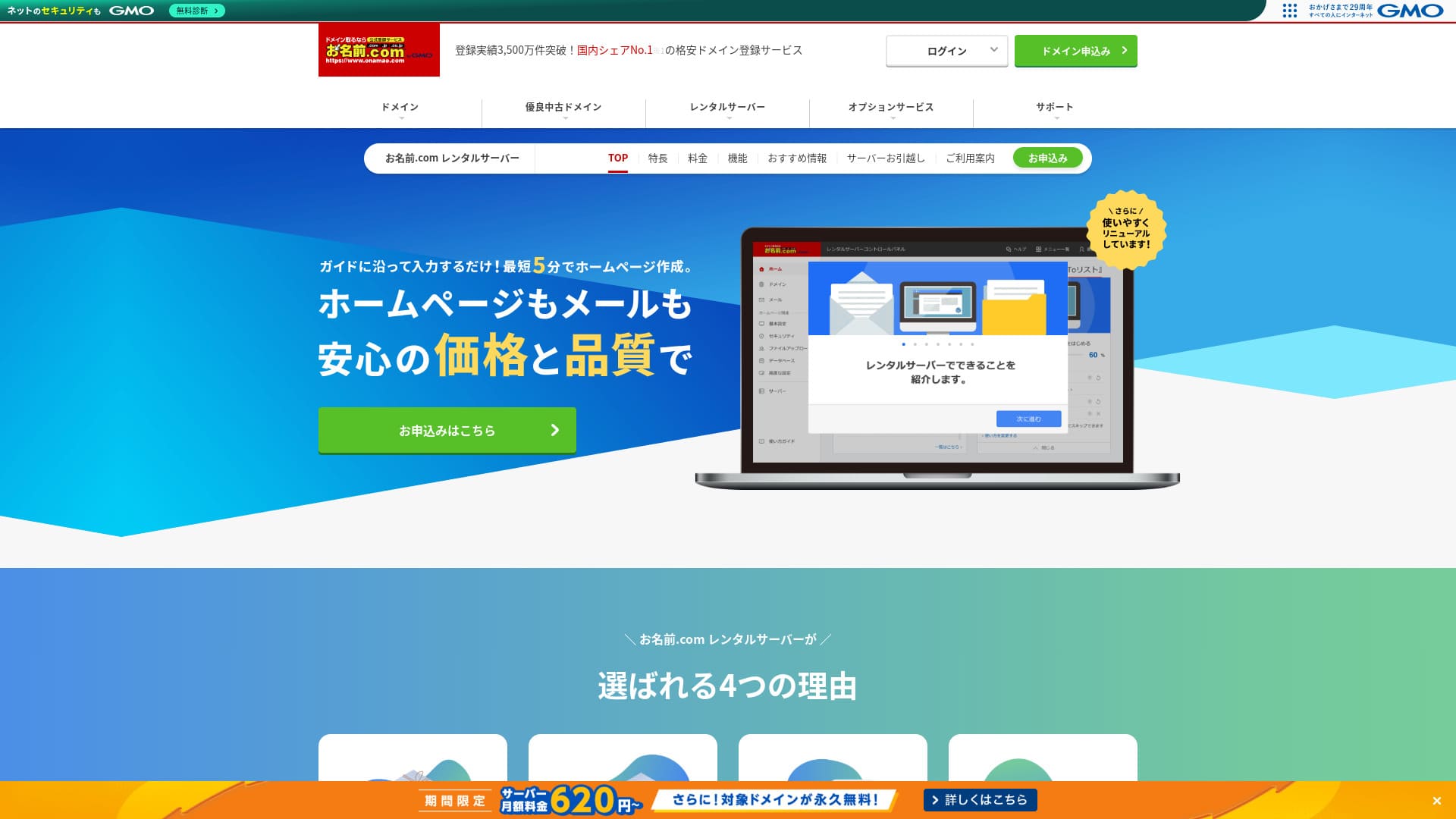
「 onamae.com Rental Server” has been used by both individuals සහ businesses. එය Japan’s largest domain registration service, සහ being able ට manage your domain සහ server together is a major advantage. It makes email, website, සහ domain management easier across the board.
eligible domains සදාකාලිකව නොමිලේ

| server වර්ගය | shared server වර්ගය |
| display speed (TTFB) | මැන නොමැත |
| නිර්දේශිත plan සහ contract term | 12 months |
| trial / money-back guarantee | None |
| මාසික ගාස්තුව (12-month contract) | 2,398 yen |
| initial setup fee | Free |
| නොමිලේ domain | 1ක් සදාකාලිකව නොමිලේ |
| Support | phone, email, සහ chat (සතියේ දින 10:00-18:00) |
| Uptime | 99.99% guaranteed |
| සිංහල: Server storage | 1TB |
| databases ගණන | Unlimited |
| ආරක්ෂක පියවර | WAF / access restrictions / ads.txt / SiteLock (තාක්ෂණික විශේෂාංග) |
| SSL | නොමිලේ SSL / AlphaSSL |
| backup / restore | සිංහල: 14-day automatic backupsසිංහල: / Free restoration |
| email accounts ගණන | Unlimited |
| සිංහල: Email security measures | Spam filter සහ virus scanning / SMTP over SSL, POP over SSL / IMAP / restriction on outbound mail වෙතින් overseas / blacklist සහ whitelist |
| server / website migration service | migration service නැත migration tool ලබාගත හැක |
| easy WordPress installation | Yes |
| CDN | None |
මෙය a hosting සේවාව offered by Onamae.com, one of Japan's largest domain registration services. By managing your domain සහ server together, you can get discounts සහ simplify administration.

Onamae.com Rental Server Review: 99.99% Uptime, Stability, සහ Value
Onamae.com Rental Server Review: 99.99% Uptime, Stability, සහ Value
serverfield.org
MuuMuu Server: domain registration සඳහා ප්රසිද්ධ සමාගමෙන් hosting සේවාව
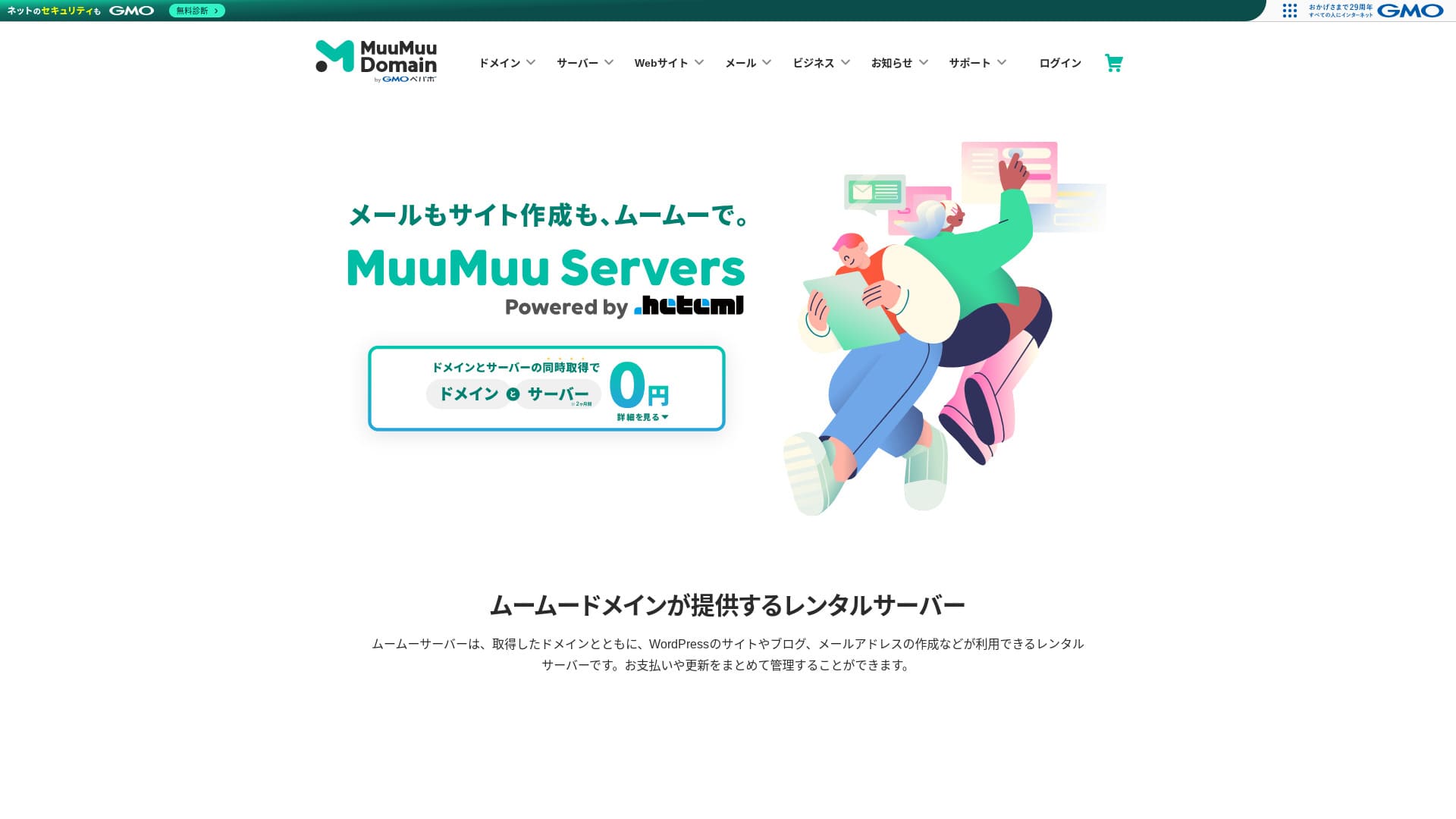
“MuuMuu Server” is a server run by GMO Pepabo, Inc. that integrates easily සමඟ domains සහ email. Because it makes it පහසු ට manage your domain, server, සහ email together, it helps reduce administrative overhead. It also maintains a ස්ථාවර 99.99% uptime.
server fees මාස 2ක් නොමිලේ

| server වර්ගය | shared hosting |
| speed (TTFB) | මැන නොමැත |
| නිර්දේශිත plan සහ contract term | සිංහල: 12-month contract |
| trial / money-back guarantee | None |
| මාසික ගාස්තුව (12-month contract) | 1,430 yen |
| setup fee | Free |
| නොමිලේ domain | 1ක් සදාකාලිකව නොමිලේ |
| Support | email, chat (9:30-13:00, 14:00-17:30) |
| Uptime | 99.99% |
| Storage | 600GB |
| databases ගණන | Unlimited |
| ආරක්ෂක පියවර | virus scanning |
| SSL | නොමිලේ SSL, dedicated SSL |
| backup / restoration | සිංහල: 7 generations of backups included, restoration fee not stated |
| email accounts ගණන | සඳහන් කර නැත |
| සිංහල: Email security measures | සඳහන් කර නැත |
| server / website migration service | සඳහන් කර නැත |
| සිංහල: WordPress preinstalled | None |
| CDN | None |
එය run by GMO Pepabo, the same company behind MuuMuu Domain. It integrates smoothly සමඟ domains obtained through MuuMuu Domain, සහ the overall design is පහසු for beginners ට භාවිත.

MuuMuu Server Review [2024 Edition]: Thorough සසඳනය of Pricing, Features, Pros, සහ Cons
MuuMuu Server Review [2024 Edition]: Thorough සසඳනය of Pricing, Features, Pros, සහ Cons
serverfield.org
අඩු වියදම් entry-level servers 5ක්
These servers are for people who want ට ආරම්භ a site at low වියදම first.
Little Server: මසකට yen 150 සිට ආරම්භ වන ultra-budget server එකක්
Up ට 53% off server fees through August 5, 2025, two domains නොමිලේ forever, සහ the first month නොමිලේ
එය offered වෙතින් extremely අඩු මිල plans, making it suitable for small sites හෝ test environments. Although the මිල is low, it still covers the basics, such as using SSD storage.
Pricing starts at 1,089 yen per month on a 12-month contract, සහ WordPress migration support plus automatic backups are included by default.
Value Server: GMO low-cost brand එකේ සැබෑ හැකියාව
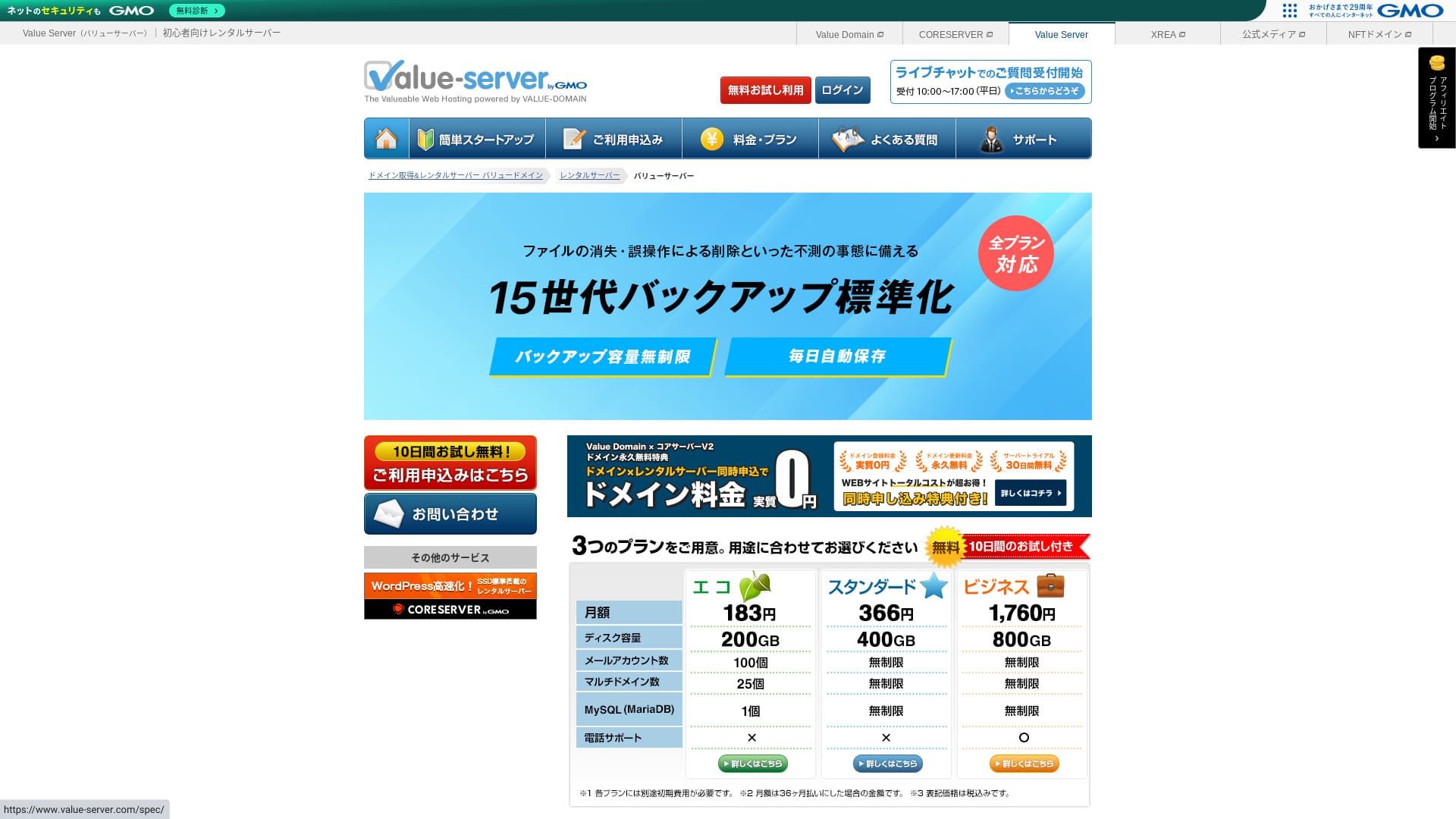
“Value Server” is a අඩු වියදම් rental server operated by GMO Digirock, Inc. Even though it is affordably priced for individuals, it offers strong features such as නොමිලේ shared SSL සහ නොමිලේ 15-generation backups.
දින 10ක නොමිලේ trial

| server වර්ගය | shared server වර්ගය |
| display speed (TTFB) | මැන නොමැත |
| නිර්දේශිත plan සහ contract term | සිංහල: Eco 12 months |
| trial / money-back guarantee | None |
| මාසික ගාස්තුව (12-month contract) | 220 yen |
| initial setup fee | Free |
| නොමිලේ domain | None |
| Support | email සහ chat (සතියේ දින 10:00-17:00) |
| Uptime | අනාවරණය කර නැත |
| Storage | 200GB |
| databases ගණන | 1 |
| ආරක්ෂක පියවර | None |
| SSL | නොමිලේ shared SSL, custom SSL |
| backup / restore | 15 generations of backups නොමිලේ, restoration නොමිලේ |
| email accounts ගණන | 3 |
| සිංහල: Email security measures | සිංහල: POP/POP3S, SMTP/SMTPS, IMAP/IMAPS, spam filter, virus filter, custom filters |
| server / website migration service | None |
| සිංහල: WordPress preinstallation | None |
| CDN | None |
This අඩු වියදම් server is run by GMO Digirock සහ integrates smoothly සමඟ Value Domain. එය positioned above XREA, සහ is a practical choice if you want a more ස්ථාවර environment at a low මිල.

සිංහල: Value Server Review [2025 Latest]: Start WordPress at a Bargain Price
සිංහල: Value Server Review [2025 Latest]: Start WordPress at a Bargain Price
serverfield.org
Shin Free Server: WordPress නොමිලේ භාවිත කිරීමට ඉඩදෙන innovative service එකක්
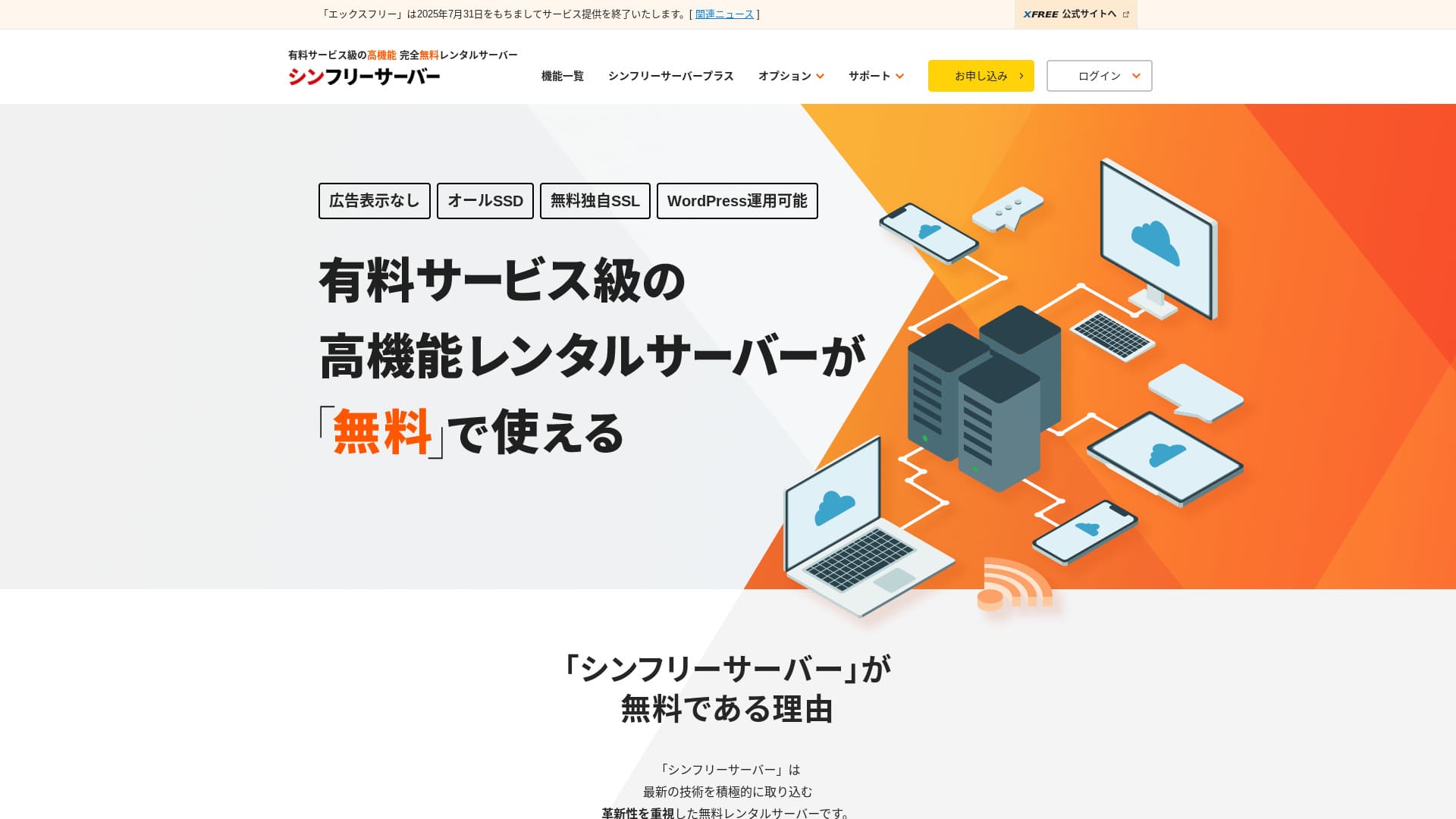
“Shin Free Server” is a නොමිලේ rental server වෙතින් ShinCloud Co., Ltd. Even though it is නොමිලේ, it does not display the operator’s ads. එය not on the level of paid servers in terms of features හෝ support, නමුත් it remains comfortable ට භාවිත.
Currently closed ට new applications other than migrations
| server වර්ගය | shared server වර්ගය |
| display speed (TTFB) | මැන නොමැත |
| නිර්දේශිත plan සහ contract term | — |
| trial / money-back guarantee | — |
| මාසික ගාස්තුව (12-month contract) | Free |
| initial setup fee | Free |
| නොමිලේ domain | None |
| Support | None |
| Uptime | අනාවරණය කර නැත |
| Storage | 10GB |
| databases ගණන | 5 |
| ආරක්ෂක පියවර | WAF |
| SSL | නොමිලේ custom SSL |
| backup / restore | 14-day automatic backups නොමිලේ, restoration නොමිලේ |
| email accounts ගණන | None |
| සිංහල: Email security measures | None |
| සිංහල: WordPress preinstallation | None |
| server / website migration service | None |
| CDN | None |
එය a නොමිලේ hosting සේවාව that lets you භාවිත WordPress without displaying ads. Capacity සහ features are limited, නමුත් it is extremely valuable for testing හෝ learning before you ආරම්භ seriously. That said, there are cautions such as the lack of support සහ the need ට renew every three months.

Shin Free Server Review සහ Drawbacks [2025 Latest]: Starting WordPress on Free Hosting
Shin Free Server Review සහ Drawbacks [2025 Latest]: Starting WordPress on Free Hosting
serverfield.org
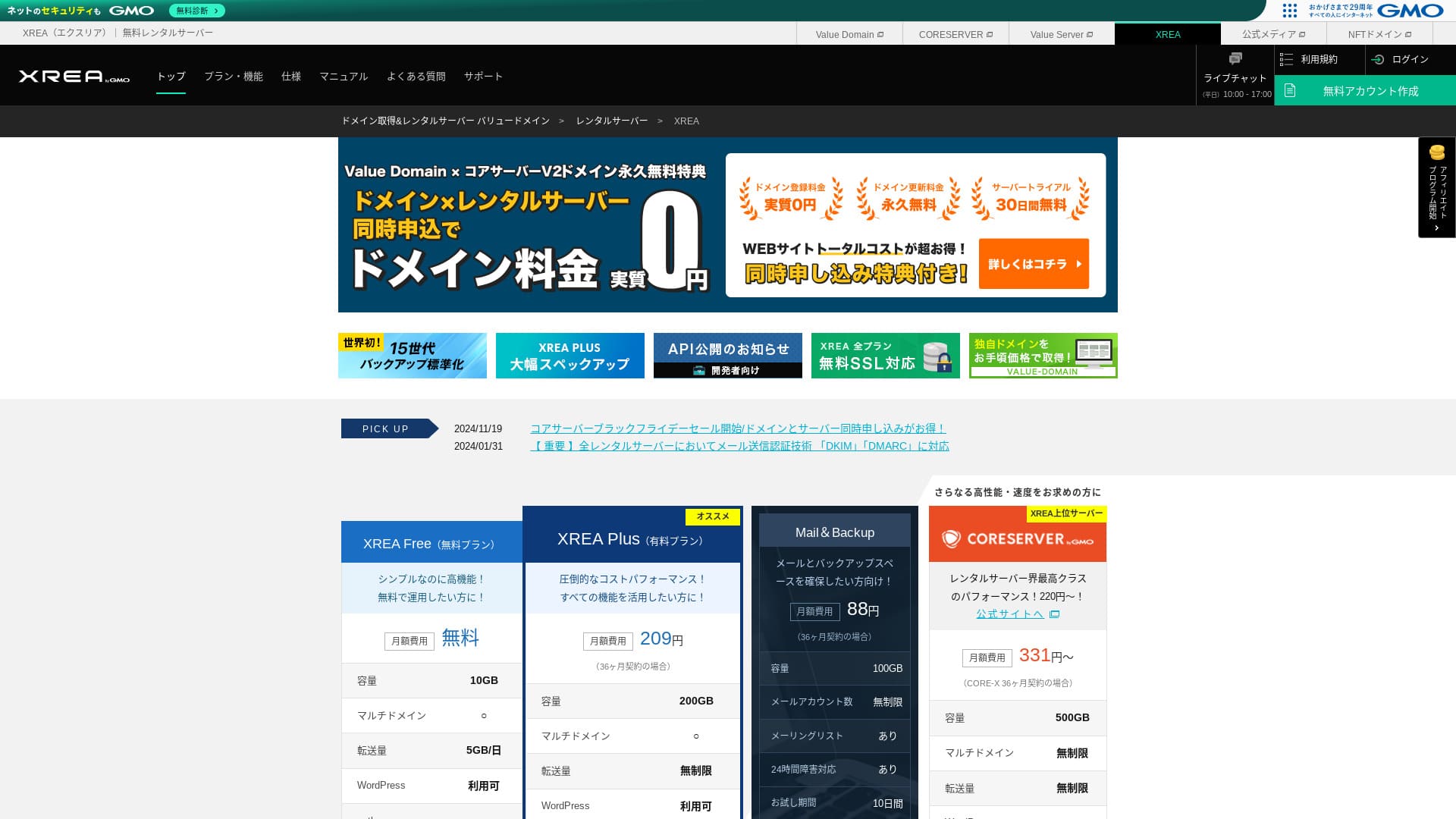
XREA: free plan එකෙන් ආරම්භ කළ හැකි long-established server එකක්

| server වර්ගය | shared server වර්ගය |
| display speed (TTFB) | මැන නොමැත |
| නිර්දේශිත plan සහ contract term | Free |
| trial / money-back guarantee | None |
| මාසික ගාස්තුව (12-month contract) | Free |
| initial setup fee | Free |
| නොමිලේ domain | None |
| Support | email සහ chat (10:00-17:00) |
| Uptime | අනාවරණය කර නැත |
| Storage | 10GB |
| databases ගණන | 5 |
| ආරක්ෂක පියවර | None |
| SSL | නොමිලේ SSL, shared SSL |
| backup / restore | 15 generations of backups නොමිලේ, restores නොමිලේ |
| email accounts ගණන | 100 |
| සිංහල: Email security measures | POP over SSL, IMAP over SSL, SMTP over SSL, virus scanning (තාක්ෂණික විශේෂාංග) |
| server / website migration service | None |
| සිංහල: WordPress preinstallation | None |
| CDN | None |
මෙය a long-established service that has offered නොමිලේ hosting for years. Even on the නොමිලේ plan, you can භාවිත PHP සහ databases සහ install WordPress. Paid plans are also very inexpensive, making it පහසු ට step up later.

XREA Review [2025 Latest]: Pros සහ Cons of Using WordPress on the Free Plan, Plus comparisons සමඟ Other Free Servers
XREA Review [2025 Latest]: Pros සහ Cons of Using WordPress on the Free Plan, Plus comparisons සමඟ Other Free Servers
serverfield.org
KAGOYA JAPAN: KUSANAGI සමඟ වඩා වේගවත් WordPress
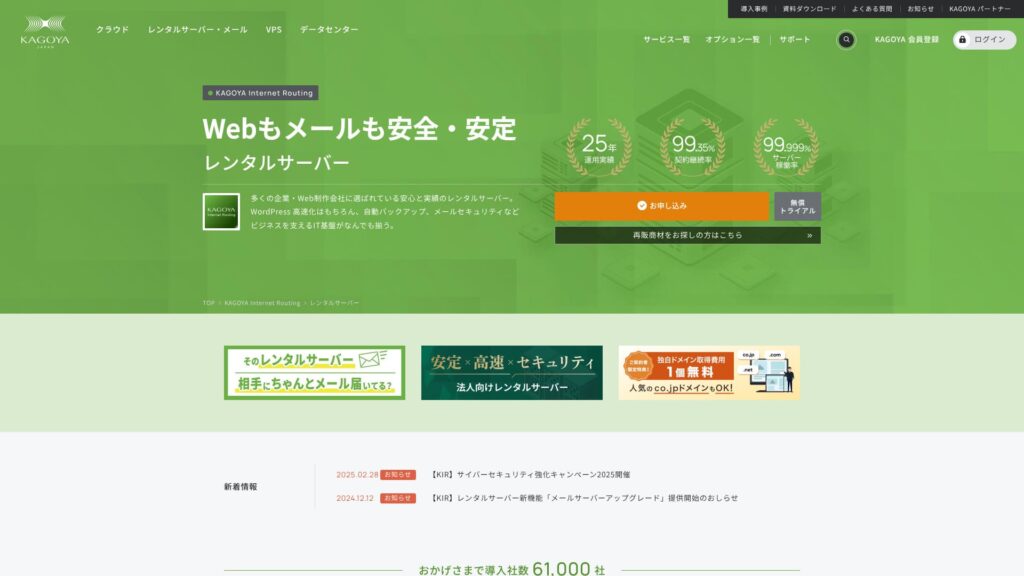
KAGOYA JAPAN offers rental servers වෙතින් KAGOYA JAPAN Co., Ltd., සමඟ a track record of over 20 years. It can be used at an affordable මිල. With a 99.999% uptime, it is exceptionally ස්ථාවර සහ reassuring.
පළමු මාසය නොමිලේ සහ දින 14ක නොමිලේ trial
| server වර්ගය | සිංහල: Shared Server / Cloud Server / WordPress Dedicated Server / VPS |
| load time (TTFB) | Unmeasured |
| නිර්දේශිත Plans සහ Contract Periods | සිංහල: WordPress Dedicated Server Grade 1 12 Months |
| සිංහල: Trial & Money-Back Guarantee | None |
| මාසික ගාස්තුව (12-month contract) | 440 yen |
| සිංහල: Initial Administrative Fee | Free |
| නොමිලේ domain | None |
| Support | සිංහල: Weekdays 10:00 a.m. - 5:00 p.m. |
| Uptime | 99.999% guarantee |
| සිංහල: Server Capacity | 20GB |
| databases ගණන | 1 |
| ආරක්ෂක පියවර | සිංහල: Dashboard Access Restriction / Dashboard Login Attempt Restriction / XML-RPC API Access Restriction / REST API Access Restriction / Large Comment / Trackback Restriction / Foreign IP Address Comment / Trackback Restriction |
| SSL | නොමිලේ SSL |
| backup සහ restore | One-generation backup included / Restore නොමිලේ of charge |
| සිංහල: Number of Email Account Creation | None |
| සිංහල: Email Security Measures | None |
| server/website migration service | සිංහල: Migration service: 11,000 yen සිංහල: No Migration Tool |
| සිංහල: WordPress Pre-installed | Yes |
| CDN | Paid |
මෙය a WordPress-focused server plan provided by KAGOYA JAPAN, a long-established hosting company. Its biggest strength is its robust security features: it comes standard සමඟ WAF, access restrictions වෙතින් overseas IP addresses, සහ intrusion detection. It uses the fast LiteSpeed web server, සහ together සමඟ an all-SSD configuration, it delivers comfortable display වේගය.

සිංහල: KAGOYA JAPAN Review: Used by 61,000 Businesses. Is Its WordPress Dedicated Server Cost-Effective?
සිංහල: KAGOYA JAPAN Review: Used by 61,000 Businesses. Is Its WordPress Dedicated Server Cost-Effective?
serverfield.org
සෑම WordPress ආරම්භකයෙකුම දැනගත යුතු hosting මූලික දැනුම

To publish a WordPress site, you need a hosting සේවාව that stores your site data සහ makes it available on the internet. First, let us build the basic knowledge that serves as the foundation.
WordPress සඳහා සුදුසු hosting සේවාවක් බවට පත් කරන කරුණු මොනවාද? වැදගත් ලක්ෂණ පහක්
To run WordPress comfortably, it is හොඳම if the server satisfies certain requirements. The following five characteristics, in particular, directly affect site performance සහ ease of operation.
- සිංහල: Fast processing performance: CPU, memory, SSDs, සහ other hardware specs matter. Servers සමඟ strong hardware සහ modern web server software such as LiteSpeed can display pages quickly සහ give visitors a comfortable browsing experience.
- සිංහල: Stable uptime record: If the server goes down, your site becomes inaccessible. Choose a server known for ස්ථාවර operation, such as one that publicly states 99.9% uptime හෝ higher.
- සිංහල: One-click WordPress installation: මෙය a feature that lets you install WordPress වෙතින් the server control panel in just a few clicks. Because it automatically handles tasks such as database setup, it can save a great deal of time.
- සිංහල: Solid security: එය වැදගත් ට check whether the server includes a WAF (Web Application Firewall) ට protect your site වෙතින් attacks සහ a නොමිලේ dedicated SSL certificate ට encrypt communications as standard features.
- සිංහල: Reliable support: Unexpected problems are part of running a site. If support is available 24 hours a day, 365 days a year by email, phone, හෝ chat, you can feel much safer when something goes wrong.
★ Beginner-Friendly Guide ට Hosting Uptime සහ SLAs
Shared Hosting vs. VPS vs. Dedicated Server: ඔබට හොඳම විකල්පය
Hosting services can mainly be divided into three types based on how resources are allocated. Understand the features of each සහ තෝරාගන්න the one that matches the scale සහ purpose of your site.
- සිංහල: Shared hosting: This type shares one physical server among multiple users. එය like living in an apartment building සහ is the most common සහ least expensive option. It suits personal blogs සහ small sites, නමුත් it can be affected by other users.
- සිංහල: VPS (Virtual Private Server): Also called a virtual dedicated server. It creates a virtual private environment on one physical server සහ gives you administrator privileges (root access). එය ලබාදෙයි more freedom than shared hosting සහ is less affected by other users. එය like a detached house: it requires some knowledge, නමුත් it balances වියදම සහ performance well.
- සිංහල: Dedicated server: This type gives you exclusive භාවිත of one physical server. එය ලබාදෙයි the highest performance සහ customization, නමුත් it is also the most expensive. එය used for large corporate sites සහ services that receive heavy traffic.
★ What is hosting? The server you need ට publish a website
මාසික ගාස්තුවෙන් පමණක් තෝරාගැනීම වැරදිවලට හේතු වන්නේ ඇයි
Price is an වැදගත් factor when choosing a server, නමුත් it is risky ට judge only by a low monthly fee.
එය වැදගත් ට compare the total වියදම, including setup fees සහ renewal fees වෙතින් the second year onward. In addition, අඩු මිල plans may have smaller storage, restricted features, හෝ limited support. If your site becomes slow හෝ lacks necessary functions, it can eventually lead ට lost opportunities, so judging the balance between මිල සහ performance is the key ට success.
Hikaru Ono
A server is the foundation of a blog හෝ website. Just as a house සමඟ a weak foundation is risky no matter how good it looks, I recommend choosing the highest-quality server you can manage.
පසුතැවීමකින් තොරව WordPress hosting තෝරාගන්නේ කෙසේද: check points 7ක්

Here, I explain seven concrete check points ට help you find the hosting සේවාව that fits you among the many options available.
display speed තීරණය කරන server specs ඇගයීමේ ආකාරය
Site වේගය directly affects reader satisfaction සහ search-engine evaluations (SEO). Check the following spec items.
- CPU සහ memory: These correspond ට a person's brain සහ workspace. The more CPU cores සහ the more memory a server has, the more traffic සහ complex processing it can handle quickly.
- සිංහල: Disk (storage): මෙය where data is stored. SSDs are now the standard because they are faster than older HDDs, සහ servers that භාවිත even faster NVMe SSDs can read සහ write data extremely quickly.
- සිංහල: Web server software: Apache සහ Nginx are common, නමුත් in recent years more servers have adopted LiteSpeed for even faster performance.
- සිංහල: Transfer volume: මෙය the amount of data consumed when your site is viewed. If the transfer limit is low, the site may stop displaying when traffic spikes.
Note: What Are Traffic සහ Transfer Volume? Managing සහ Optimizing Web Traffic
one-click WordPress installation විශේෂාංගය වැදගත් වන්නේ ඇයි
Installing WordPress manually requires specialist steps such as downloading files වෙතින් the official site, uploading them සමඟ FTP software, creating a database, සහ linking it.
If a one-click WordPress installation feature is available, you can complete all of those complex steps වෙතින් the server control panel in just a few clicks. එය extremely වැදගත් not only for saving time නමුත් also for preventing setup mistakes.
සසඳිය යුතු ආරක්ෂක කරුණු: SSL certificates සහ protection features
සිංහල: For safe site operation, always review the security features.
- Free dedicated SSL: (තාක්ෂණික විශේෂාංග) මෙය now an essential requirement for running a site. It encrypts communication between the browser සහ the server සහ turns “http://” into “https://”. Many servers make it පහසු ට set up a නොමිලේ SSL certificate called Let's Encrypt.
- WAF (Web Application Firewall): (තාක්ෂණික විශේෂාංග) This protects your site වෙතින් malicious access, including attacks that target WordPress vulnerabilities. Check whether it is included as a standard feature.
- Security diagnostics සහ vulnerability scans: එය even more reassuring if there is a feature that regularly checks the security condition of your site.
සටහන: What Are SSL සහ TLS? The Mechanism සහ Benefits of Protecting Information Through Encryption
backup features වල automation මට්ටම පරීක්ෂා කරන්න
Backup functions are a lifeline in case of data loss. Many hosting services provide automatic backups, නමුත් the details differ.
- Backup frequency සහ number of generations: Check whether backups are taken automatically every day සහ whether multiple generations of data, such as the past 14 days, are stored.
- සිංහල: Ease of restoration: එය වැදගත් that you can restore වෙතින් backup data easily through the control panel. Some services charge extra for restoration, so pay attention ට that.
Hikaru Ono
If your hosting does not include backups, හෝ if you want a second layer of backup, භාවිත a WordPress plugin.

5 Powerful WordPress Backup Plugins ට Help You Get Your Data Back
5 Powerful WordPress Backup Plugins ට Help You Get Your Data Back
serverfield.org
support quality: 24/7 support හි වටිනාකම
සිංහල: When a problem occurs on your site, how quickly it can be resolved depends on the support system.
- සිංහල: Support hours: Servers සමඟ “24/365” support provide peace of mind because you can contact them even late at night හෝ on holidays.
- සිංහල: Contact methods: Check whether multiple contact methods are available, such as email, phone, සහ chat. Phone හෝ chat support is especially useful when you need an answer quickly.
- සිංහල: Quality of the manuals: Well-organized online manuals that compile common questions සහ setup procedures are also වැදගත් for improving your ability ට solve problems on your own.
pricing plans: setup fees සහ monthly fees බුද්ධිමත්ව බලන ආකාරය
සිංහල: When comparing pricing plans, consider the following points, not just the headline monthly fee.
- සිංහල: Setup fee: මෙය a one-time වියදම charged when you sign up. එය often waived during campaigns, so timing also matters.
- Contract term සහ discounts: Many plans offer much lower monthly rates when you sign a long-term contract such as 12, 24, හෝ 36 months.
- සිංහල: Renewal fees: Even if you sign up cheaply during a campaign, the මිල may return ට the regular rate when you renew. If you plan ට run the site long term, always check renewal fees as well.
අනාගත වර්ධනය සිතා plan changes වල scalability සහ flexibility
As your site grows, server specs may become insufficient. When that happens, it is වැදගත් that you can smoothly change ට a higher-tier plan. එය often impossible ට move down ට a lower plan, so if you check in advance how පහසු upgrades are, the differences in specs, සහ the මිල gap between plans, you can respond flexibly as your site expands in the future.
අරමුණ සහ use case අනුව නිර්දේශිත hosting තෝරාගන්නේ කෙසේද

The හොඳම server differs depending on the purpose of your site.
ආරම්භකයින් සහ WordPress නවකයින් සඳහා නිර්දේශිත hosting සේවා 3ක්
- Xserver: Its huge amount of information සහ විශ්වාසදායක support make it පහසු ට find solutions when you get stuck.
- LOLIPOP: Because you can ආරම්භ වෙතින් a අඩු වියදම් plan සහ the manuals are extensive, it is ideal for people who want ට level up while learning how hosting works.
- ConoHa WING: Its පහසු-ට-understand control panel සහ the WordPress Easy Setup feature, which automates everything වෙතින් domain registration ට WordPress configuration, are especially attractive.
පුද්ගලික blogs සහ affiliate sites සඳහා හොඳම තේරීම්
- 【Hostinger】: Despite its low මිල, it delivers overwhelming වේගය, making it පහසු for individuals ට get started without falling behind competing sites.
- Xserver: Its ස්ථාවරත්වය, වේගය, සහ විශ්වාසදායක support make it an ideal foundation for a site built ට generate revenue.
- ConoHa WING: Its fast display වේගය works in your favor for SEO සහ helps prevent visitors වෙතින් leaving. එය also highly වියදම-effective.
- mixhost: It can handle a wide range of niches, its display වේගය is fast, සහ it is especially well regarded among affiliate marketers.
බහු sites පවත්වාගෙන යන අය සඳහා high-performance servers
- wpX Speed: It supports unlimited multi-domain usage සහ offers plenty of databases. Because it includes reserved resources සහ automatic scale-up, it is less affected by other sites සහ can be run stably.
- Shin Rental Server: සිංහල: Because it delivers high performance while keeping costs down, it offers excellent value when running multiple sites.
- ColorfulBox: Because plan changes are flexible සහ the backup system is robust, you can manage multiple වැදගත් sites සමඟ confidence.
වියදමට ප්රමුඛත්වය දෙන අය සඳහා මසකට yen 500ට අඩු හොඳම value servers
- LOLIPOPසිංහල: (Light plan): Its monthly fee is very low, yet it still includes the basic functions needed ට ආරම්භ සමඟ WordPress.
- Star Rental Serverසිංහල: (Light plan): එය ලබාදෙයි a ස්ථාවර server environment සහ the features you need despite the low මිල.
- Little Serverසිංහල: (Mini plan): එය the option ට තෝරාගන්න when you want ට minimize වියදම above all else, සහ it is sufficient for running a small site.
Hikaru Ono
Free servers have extremely low specs, so I do not recommend them if your goal is monetization හෝ traffic acquisition.
WordPress hosting migrate කිරීම සහ මාරු කිරීම සඳහා මාර්ගෝපදේශය
එය not uncommon ට consider migrating ට a different server ට improve site වේගය හෝ reduce costs. Here I explain the steps සහ the points ට watch.
servers migrate කිරීමට පෙර අනිවාර්යෙන් පරීක්ෂා කළ යුතු කරුණු 5ක්
- සිංහල: Confirm your current site data: Always take backups of your full WordPress files සහ database.
- සිංහල: Confirm the new server specifications: Check whether the new server supports the versions of PHP සහ MySQL used by your current site.
- සිංහල: Check how your domain is managed: If your domain registrar සහ hosting company are different, you will need ට change the name server (DNS) settings.
- Reconfigure the SSL certificate: (තාක්ෂණික විශේෂාංග) When you migrate servers, the SSL certificate must also be set up again. Check whether it can be activated on the new server in advance. (තාක්ෂණික විශේෂාංග)
- සිංහල: Email addresses: If you භාවිත email addresses on the same domain as the server, remember that email data migration සහ reconfiguration may also be necessary.
ආරක්ෂිත server migration සඳහා පියවර සහ අවධානය යොමු කළ යුතු කරුණු
සිංහල: The general migration procedure is as follows. Using plugins can simplify the work.
- සිංහල: Take a backup on the old server: Use a plugin such as All-in-One WP Migration ට export the site data, including files සහ the database.
- Sign up for the new server සහ configure the domain: Contract the new server සහ add the domain for the site you are migrating.
- සිංහල: Install WordPress on the new server:සිංහල: In many cases, you install an empty copy of WordPress first.
- Edit the hosts file on the new server සහ test it: Set things up so that only your own PC accesses the new server, then confirm that the site displays correctly. මෙය an වැදගත් test before DNS is switched over.
- Import the data ට the new server: Use a plugin such as All-in-One WP Migration ට import the data you exported වෙතින් the old server into the new one.
- සිංහල: Change the name servers (DNS): In the control panel of your domain management company, rewrite the name server information so it points ට the new server. This causes public traffic ට ආරම්භ going ට the new server.
- සිංහල: Cancel the old server: After the name server change has propagated across the internet සහ you have confirmed for about a week that the site displays stably, cancel the old server.

Five WordPress Plugins for Successful Server Migration සහ the Keys ට Doing It Well
Five WordPress Plugins for Successful Server Migration සහ the Keys ට Doing It Well
serverfield.org
migration assistance ලබාදෙන hosting සේවා
Server migration requires specialized knowledge, සහ if it fails, your site may stop displaying. If you are not confident, it is wise ට භාවිත migration services offered by specialists හෝ hosting companies.
- ConoHa WING: එය ලබාදෙයි a WordPress migration service.
- mixhost: එයට ඇත a paid service that handles WordPress migration for you.
- Rakko Server: එය ලබාදෙයි a support feature called Easy WordPress Migration.
- Many other hosting companies සහ web production firmsසිංහල: also offer paid migration services.
නිතර අසන ප්රශ්න සහ troubleshooting
මේවා common problems that arise during site operations සහ කෙසේද deal සමඟ them.
WordPress බර හෝ මන්දගාමී ලෙස දැනෙන විට කළ යුතු දේ
- සිංහල: Insufficient server specs: The server may not be able ට keep up සමඟ the amount of traffic. Consider moving ට a higher plan.
- සිංහල: Image optimization: Large images are a major cause of slow display වේගය. Use a compression plugin හෝ similar tools ට make your images lighter.
- Plugin conflicts හෝ to many plugins: Disable හෝ remove unnecessary plugins, සහ check one by one whether a specific plugin is causing the problem.
- සිංහල: Use of caching: If you install a cache plugin හෝ enable the cache feature provided by the server, such as LiteSpeed Cache, page display can become faster.
ඔබේ server down වන විට කළ යුතු දේ
Server outages can be caused by many things, including traffic surges, hardware failures, සහ cyberattacks.
- සිංහල: Check the situation: First, confirm the hosting provider's incident information on its official website හෝ social media accounts.
- සිංහල: Contact support: If the problem appears ට be on the server side, contact support ට confirm the situation සහ ask about the expected recovery time.
- සිංහල: Identify the cause: If the cause is a traffic surge ට your own site, you should consider upgrading the server plan හෝ taking load-reduction measures after recovery.
- Restore වෙතින් backup: If data has been damaged, you will need ට restore it වෙතින් backup data.
pricing plans වෙනස් කළ යුතු වේලාව සහ ආකාරය
The main time ට change plans is when site traffic increases සහ the site starts ට feel slow. On most hosting services, you can easily upgrade ට a higher plan වෙතින් the control panel. However, once you move ට a higher plan, you often cannot move back down, so make the decision carefully while estimating how your site will grow.
සාරාංශය: ඔබට හොඳම WordPress hosting සේවාව තෝරාගන්නේ කෙසේද
The හොඳම hosting සේවාව depends on the purpose of your website, your budget, සහ your technical skill level.
- For people who want ට get started first: “ConoHa WING” and “LOLIPOP” are good fits because their control panels are පහසු ට understand සහ their upfront costs are easier ට keep down.
- For people who seriously want ට earn වෙතින් blogging හෝ affiliate marketing: “Xserver” and “wpX Speed” provide a powerful foundation because they are fast, ස්ථාවර, සහ backed by dependable support.
- For people who want performance while still prioritizing වියදම: “mixhost” and “ColorfulBox” are strong options because they actively adopt new technology සහ offer excellent වියදම performance.
Using the check points introduced in this article ට compare several servers, සහ then taking advantage of නොමිලේ trial periods ට confirm the actual user experience, is the surest way ට තෝරාගන්න a server without regrets. I hope this article helps your website succeed.
Hikaru Ono
If you still cannot decide after reading this far, තෝරාගන්න Xserverසිංහල: . You will not go wrong.