Доступна 30-дневная гарантия возврата денег
PR
Работы
WADAX Обзор: Phone Support Until 10 PM. Is It a Good Server for Busy Businesses?
Опубликовано: 2025.04.18
Обновлено: 2025.04.18
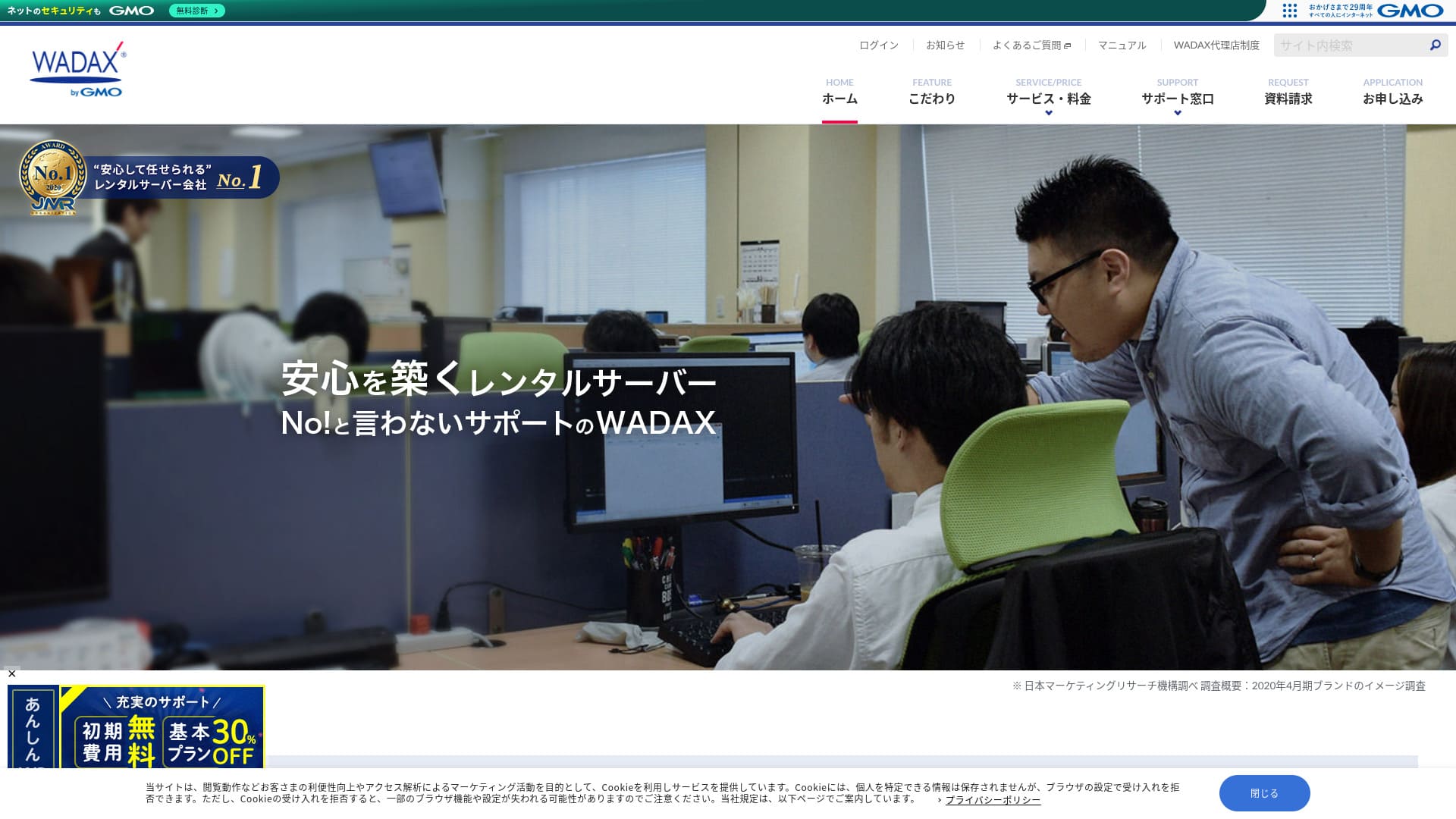
Система поддержки, ориентированная на пользователей, - ключевая особенность этого корпоративного сервера.
WADAX - надежный сервер с поддержкой 365 дней в году, которая помогает быстро решать проблемы при их возникновении.Как и следовало ожидать от корпоративного сервера, здесь реализована надежная система безопасности в сотрудничестве с Secom.
Even so, it has drawbacks. In this статья, I explain WADAX — его возможностях и о том, как начать работу с WordPress.
Полное сравнение 32 провайдеров хостинга WordPress: рекомендации для частных лиц, компаний и международных сайтов

Когда вы решаете запустить WordPress и ищете «лучший хостинг WordPress», вы находите самые разные статьи — от вариантов для личных нужд и бизнеса до зарубежных и дешевых серверов. Честно говоря,
- Какому сайту можно доверять?
- Хочу выбрать сервер простым и понятным способом.
- Покажите, как сразу начать работу с WordPress.
Don't you feel that way? In this статья, Я тщательно отобрал рекомендации среди 32 хостинг-провайдеров для частных лиц, компаний, а также для использования внутри страны и за рубежом. Пояснения подготовлены специалистом по SEO из компании по разработке приложений, которая повседневно использует серверы хостинга.
Репутация WADAX: подробная поддержка - ключевая особенность для бизнеса

| Тип сервера | Общий сервер |
| Время загрузки (TTFB) | Unmeasured |
| Рекомендуемые тарифные планы и сроки контракта | WP Standard на 12 месяцев |
| Пробный период и гарантия возврата денег | 30-дневная гарантия возврата денег |
| Monthly Fee (12-Month Контракт) | 1,540 yen |
| Первоначальный административный сбор | Бесплатный |
| Бесплатный Domain | None |
| Support | Будни 9:00-22:00, суббота и воскресенье 9:00-18:00 |
| Uptime | 99.9% |
| Емкость сервера | 50GB |
| Количество баз данных | 20 |
| Меры безопасности | WAF / KYUBI (диагностика уязвимостей WordPress) / проверка на веб-вирусы / периодическая диагностика безопасности (диагностика уязвимостей) / обнаружение и предотвращение вторжений (IPS) / защита от DoS/DDoS-атак |
| SSL | Shared SSL / FTP over SSL / Quick Authentication SSL / Enterprise Authentication SSL / EV SSL / SecomTrust Системаs for Web SR3.0/for Web EV |
| Резервное копирование и восстановление | Бесплатный Backup / Бесплатный Restore |
| Количество создаваемых учетных записей электронной почты | Unlimited |
| Меры безопасности электронной почты | Спам-фильтр SpamAssassin / POP over SSL / SMTP over SSL / SMTP AUTH / submission port SMTP / IMAP / IMAP over SSL / проверка на вирусы |
| Server/Website Migration Сервис | No сервис included Бесплатный Migration Tool Available |
| Простая установка WordPress | None |
| CDN | Бесплатный |
Четыре особенности WADAX

Поддержка 24/7
WADAXВы можете получать поддержку ежедневно, 365 дней в году. Такова схема работы поддержки по состоянию на июнь 2024 года.
- Телефон: будни 9:00-22:00, суббота и воскресенье 9:00-18:00
- Form: 24 hours, 365 days (ответ within 24 hours, generally)
- Чат: 24 часа, 365 дней в году (живой чат по будням 9:00-17:00)
Поддержку можно получить каждый день, а по будням она доступна до 22:00.Учитывая, что многие центры поддержки хостинг-компаний заканчивают работу в 18:00,WADAXочевидно высокое качество работы службы поддержки.
Это может звучать очевидно, но проблемы с сервером возникают не только по будням с 9:00 до 18:00. Неполадки могут случиться в любое время. Поэтому важно, чтобы поддержка была доступна каждый день и как можно дольше.
WADAXРазве это не удобно?
Надежная безопасность в сотрудничестве с Secom
WADAX создал надежную систему безопасности в партнерстве с Secom. Она защищает данные от взлома, несанкционированного изменения, перехвата и DoS-атак.
Мне нравится, что они не только делают максимум своими силами, но и используют экспертизу других компаний для создания надежной защиты. Это создает ощущение добросовестности и спокойствия.
Возможность использовать высокоскоростную CDN
WADAXВы можете использовать высокоскоростную сеть доставки контента (CDN). CDN передает данные сайта на смартфон или компьютер пользователя с ближайшего к нему сервера, что обеспечивает максимально быстрое и плавное отображение страниц.
★ Что такое CDN? Он повышает скорость и производительность с помощью кластера серверов.
Многие хостинг-компании предлагают CDN только как платную опцию. С WADAX, you can use it for бесплатный, which is a good deal.
Доступная цена для бизнес-серверов
WADAXНаш защищенный WP-сервер предлагается по низкой цене для бизнес-сервера. Сравните его с бизнес-серверами.
- Первоначальный административный сбор
- Sign up for a 12-month контракт.
- Плата за регистрацию домена за один год.
- План, позволяющий использовать WordPress.
It’s considerably cheaper than other сервисs, isn’t it?
Предполагаемое назначение сервера -Если ваш основной сайт работает на WordPress, WADAX будет достаточно.
Недостаток Secure WP Server от WADAX - отсутствие гарантии аптайма

WADAX Anshin WP Server от не имеет гарантии аптайма, а показатель доступности не раскрывается. Аптайм отражает стабильность сервера. Когда этот показатель не раскрывается, естественно возникают некоторые опасения, будет ли ваш сайт стабильно доступен.
Тем не менее WADAX Облачный сервер Otasuke Cloud Server гарантирует аптайм 99,9%. Это другая услуга, но она предоставляется той же компанией, поэтому маловероятно, что показатели доступности будут крайне низкими.
С учетом поддержки и мер безопасности не стоит слишком тревожиться по этому поводу.
Сравнение серверов-конкурентов WADAX (2 компании)
iCLUSTA+
iCLUSTA+ byGMOЭтоWADAXпримерно столько же за использование сервера. Поскольку он гарантирует аптайм 100%, вы можете управлять сайтом без лишних переживаний.
However,система поддержки не столь обширна, как у WADAX.Поддержка по телефону доступна только с 10:00 до 18:00 с понедельника по пятницу в рамках стандартного времени отклика. Было бы спокойнее, если бы поддержка работала в будни хотя бы до 22:00.WADAXпоэтому, если бы она была доступна по будням до 22:00, ощущение надежности было бы выше.
Если внутри компании нет человека, хорошо разбирающегося в серверах, мы рекомендуем WADAX.

Обзоры iCLUSTA+ [последние данные 2024 года]: подробный разбор бизнес-серверов от 1000 иен в месяц
Обзоры iCLUSTA+ [последние данные 2024 года]: подробный разбор бизнес-серверов от 1000 иен в месяц
serverfield.org
Sakura Rental Server Business
Sakura Rental Server Business — это стабильный сервер с показателем доступности 99,99% и соответствующей гарантией. Благодаря большому объему диска в 600 ГБ вы можете доверить одному провайдеру как поддержку веб-сайта, так и работу корпоративной почты.
However, он не такой недорогой, как Anshin WP Server от WADAX. It costs nearly 10,000 yen more. If you plan to use another company's сервис for email operations, WADAX будет лучшим выбором.

Sakura Rental Server Обзорs & Ratings【Scary Slow?】Great for Individual Businesses◎Pricing Pros & Cons Explained
Sakura Rental Server Обзорs & Ratings【Scary Slow?】Great for Individual Businesses◎Pricing Pros & Cons Explained
serverfield.org
Запустите свой сайт WordPress на WADAX за 7 шагов
Давайте запустим сайт на WADAX!
- STEP.1Официальный сайт WADAX: открыть
Прокрутите главную страницу вниз до конца и нажмите «Подать заявку».
- STEP.2Сервис Selection
Тарифный план контракта остается WP Standard.
We recommend a 12-month контракт, which offers a lower monthly fee.
Опции не нужны. Нажмите «Далее».
- STEP.3Выбор использования доменного имени
Если вы получаете новое доменное имя, выберите «Получить новое доменное имя». Введите желаемую строку и выберите домен верхнего уровня, например «.com» или «.co.jp».
Доменные имена важны. Не торопитесь и принимайте решение внимательно.
★ Что такое домен? Его роль как адреса в интернете и способы получения.
- STEP.4Ввод информации о клиенте
Если вы подаете заявку впервые, нажмите «Продолжить».
- Информация о компании
- Информация о клиенте
- Платежная информация
Введите ее.
Пожалуйста, проверьте все детали заявки и нажмите «Далее».
Снова откроется экран подтверждения сведений о заявке, пожалуйста, следуйте инструкциям на экране. Вы получите уведомление по электронной почте с руководством по началу работы, что будет означать успешное завершение процесса подачи заявки.
- STEP.5Установка WordPress
Войдите в панель управления.
В меню «Контракты» (Contracts) перейдите в раздел «WordPress». Экран обновится. В разделе «Установка» (Install) инструмента WP Tool нажмите «Установить WordPress».
Настроим параметры установки WordPress.
- Путь установки: оставить как есть
- Название сайта: введите название домашней страницы.
- Набор темы плагинов: нет
- Язык сайта: японский
- Версия: оставить как есть
- Имя пользователя: любое подойдет.
- Пароль: любой подойдет. Сделайте его как можно более сложным.
- Адрес электронной почты: введите обычный адрес электронной почты. Для компании рекомендуется корпоративный адрес.
- База данных: оставить как есть
- Настройки автоматического обновления: оставить как есть
После ввода всей информации нажмите «Установить». Если появится сообщение «Установка завершена», установка WordPress завершена.
- STEP.6Установка плагинов WordPress
Нажмите «Установить плагин», который появляется на экране завершения установки WordPress.
Введите необходимые плагины.
Если вы нашли плагин, который хотите установить, найдите его и нажмите «Установить сейчас» и «Активировать». Затем следуйте инструкциям для каждого плагина.
Обязательно установите плагины безопасности и резервного копирования.
- 5 лучших плагинов WordPress для усиления безопасности и как их выбирать
- 5 самых надежных плагинов резервного копирования WordPress для восстановления данных
После установки плагинов вы готовы запустить домашнюю страницу WordPress!
- STEP.7Другие настройки WordPress
Настройте параметры постоянных ссылок. В панели управления WordPress перейдите в раздел «Настройки» -> «Постоянные ссылки». Выберите вариант «Название записи» и нажмите «Сохранить изменения».
При выборе варианта «Название записи» вы сможете вводить желаемую строку в URL-адрес при публикации статей. Рекомендуется использовать короткие строки, отражающие содержание статьи, так как читателям будет проще находить ваши страницы. Слишком длинный адрес может вызвать у людей опасения касательно безопасности сайта.
Теперь вы готовы начать работу с домашней страницей WordPress.
Итоги
WADAXЭто сервер для бизнеса, который предлагает телефонную поддержку по будням до 22:00.Он подходит компаниям, которым нужна подробная поддержка.
WADAXС Anshin WP Server можно начать по разумной цене. Попробуйте его.
Полное сравнение 32 провайдеров хостинга WordPress: рекомендации для частных лиц, компаний и международных сайтов
Когда вы решаете запустить WordPress и ищете «лучший хостинг WordPress», вы находите самые разные статьи — от вариантов для личных нужд и бизнеса до зарубежных и дешевых серверов. Честно говоря,
- Какому сайту можно доверять?
- Хочу выбрать сервер простым и понятным способом.
- Покажите, как сразу начать работу с WordPress.
Don't you feel that way? In this статья, Я тщательно отобрал рекомендации среди 32 хостинг-провайдеров для частных лиц, компаний, а также для использования внутри страны и за рубежом. Пояснения подготовлены специалистом по SEO из компании по разработке приложений, которая повседневно использует серверы хостинга.