30-дневная гарантия возврата денег
PR
Работы
Обзор Hostinger [последние данные 2025]: официально рекомендован WordPress. Плюсы, минусы и сравнение с конкурентами
Опубликовано: 2025.08.26
Обновлено: 2025.08.26
Рейтинг: 4.0
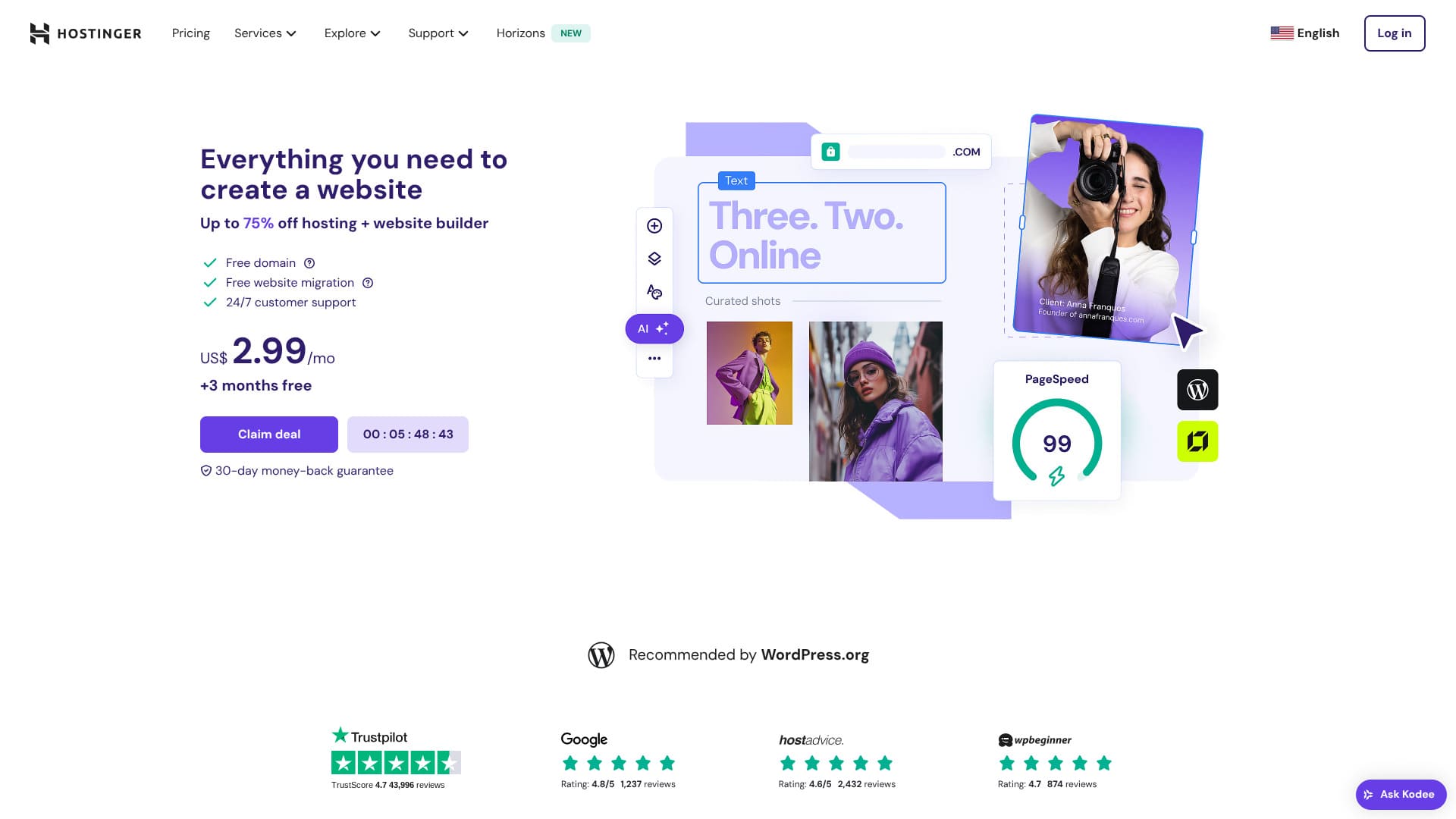
Hostinger - это сервер, официально рекомендованный WordPress, с поддержкой 24 часа в сутки 365 дней в году. Он также включает в себя простые функции установки, чтобы каждый мог запустить свой собственный сайт WordPress.
| Тип сервера | Общий хостинг |
| Скорость (TTFB) | 31ms |
| Рекомендуемый план и срок | Премиальный веб-хостинг 12 месяцев |
| Бесплатный trial / money-back guarantee | 30-дневная гарантия возврата денег |
| Ежемесячная цена (12-месячный план) | 4.50 USD (438 yen) |
| Начальная плата за установку | Бесплатный |
| Бесплатный domain | 1 бесплатный домен на первый год |
| Support | 24/7 chat |
| Uptime | 99.9% |
| Storage | 100 GB |
| Количество баз данных | 50 |
| Security | DDoS-защита, сканирование вредоносных программ, брандмауэр, серверы имен, защищенные Cloudflare, Secure Access Manager |
| SSL | Бесплатный SSL |
| Backups | 7-дневные резервные копии и 7-недельные резервные копии |
| Количество аккаунтов электронной почты | 100 |
| Безопасность электронной почты | — |
| Server / website migration сервис | None |
| WordPress Preinstall | None |
| CDN | Бесплатный |
| Центры обработки данных | Франция, Литва, Нидерланды, Великобритания, Индия, Индонезия, Сингапур, США и Бразилия |

Hikaru Ono
Hostinger позволяет вам запускать WordPress по очень низкой цене, когда проводятся акции. Он также включает в себя основные элементы, необходимые для надежной работы, такие как время безотказной работы и безопасность.
Панель управления также была очень хорошо спроектирована и проста в использовании.
- Данные, основанные на исследованиях рынкаNovember 4, 2025, arranged in заказ of speed
- Ежемесячные цены - это стоимость самого дешевого плана, который поддерживает WordPress.
- Скорость измеряется по показателю Time to First Byte (время до получения первого байта) на демо-сайтах при одинаковых условиях
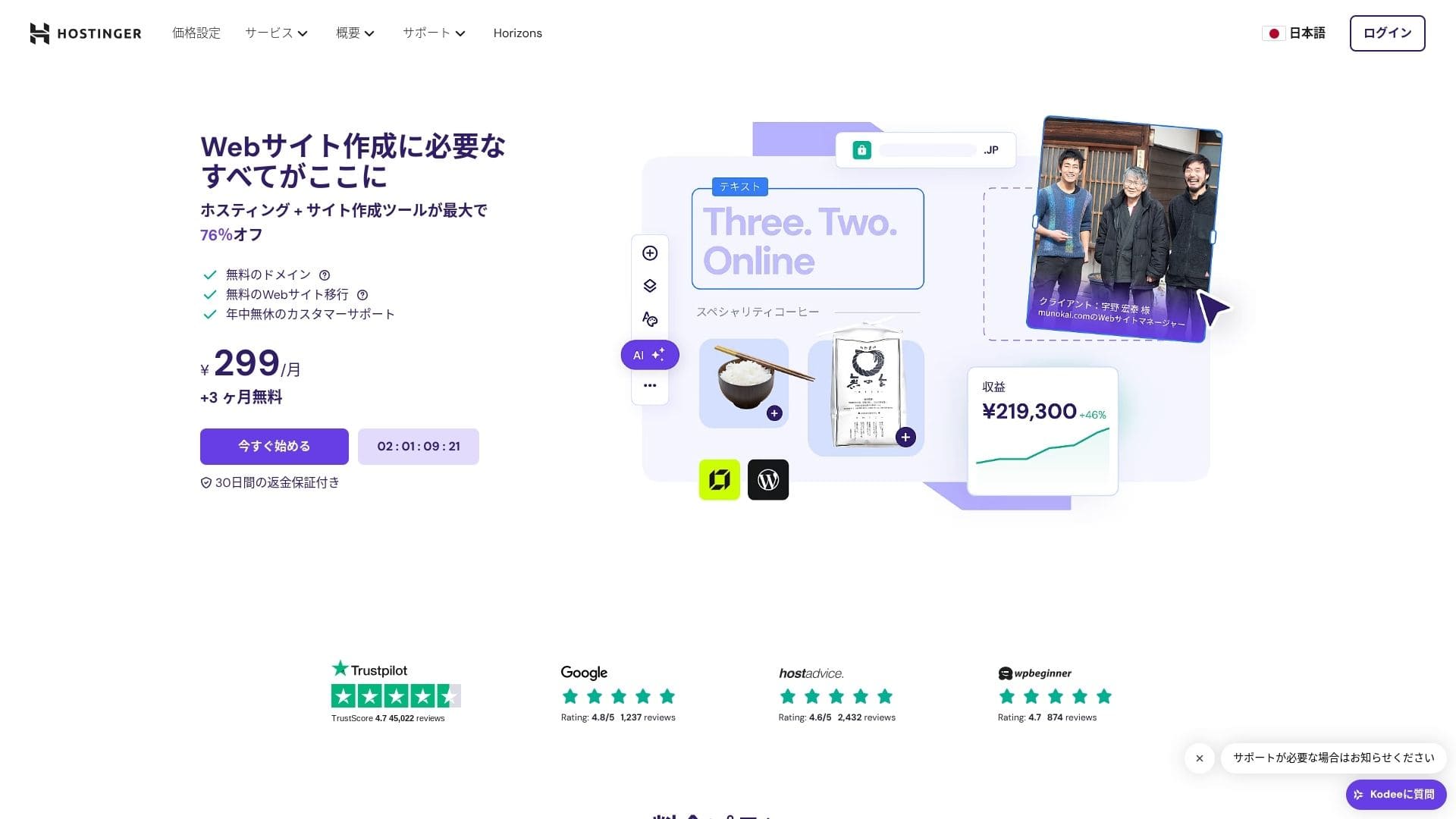
【Hostinger】 — хостинг-компания, основанная в Литве, услугами которой пользуются более 29 миллионов человек. Надежная система резервного копирования позволяет безопасно хранить данные WordPress. А поскольку она также предлагает большие серверные мощности, это отличный вариант для крупных сайтов.

WordPress-related обзорs
Простая установка WordPress
Мастер первоначальной настройки включает установку WordPress в один клик. Вы можете завершить выбор темы, активацию SSL и настройку автообновлений всего за пять минут. Он также обнаруживает уязвимости в плагинах и выводит предупреждения в панели администратора, что сводит к минимуму обслуживание сайта.
Создаем сайт с помощью HOSTINGER!
- STEP.1【Hostinger】 : регистрация и вход
Перейдите на официальный сайт HOSTINGER и нажмите «Начать сейчас».
- STEP.2Выберите тариф Premium и оплатите его
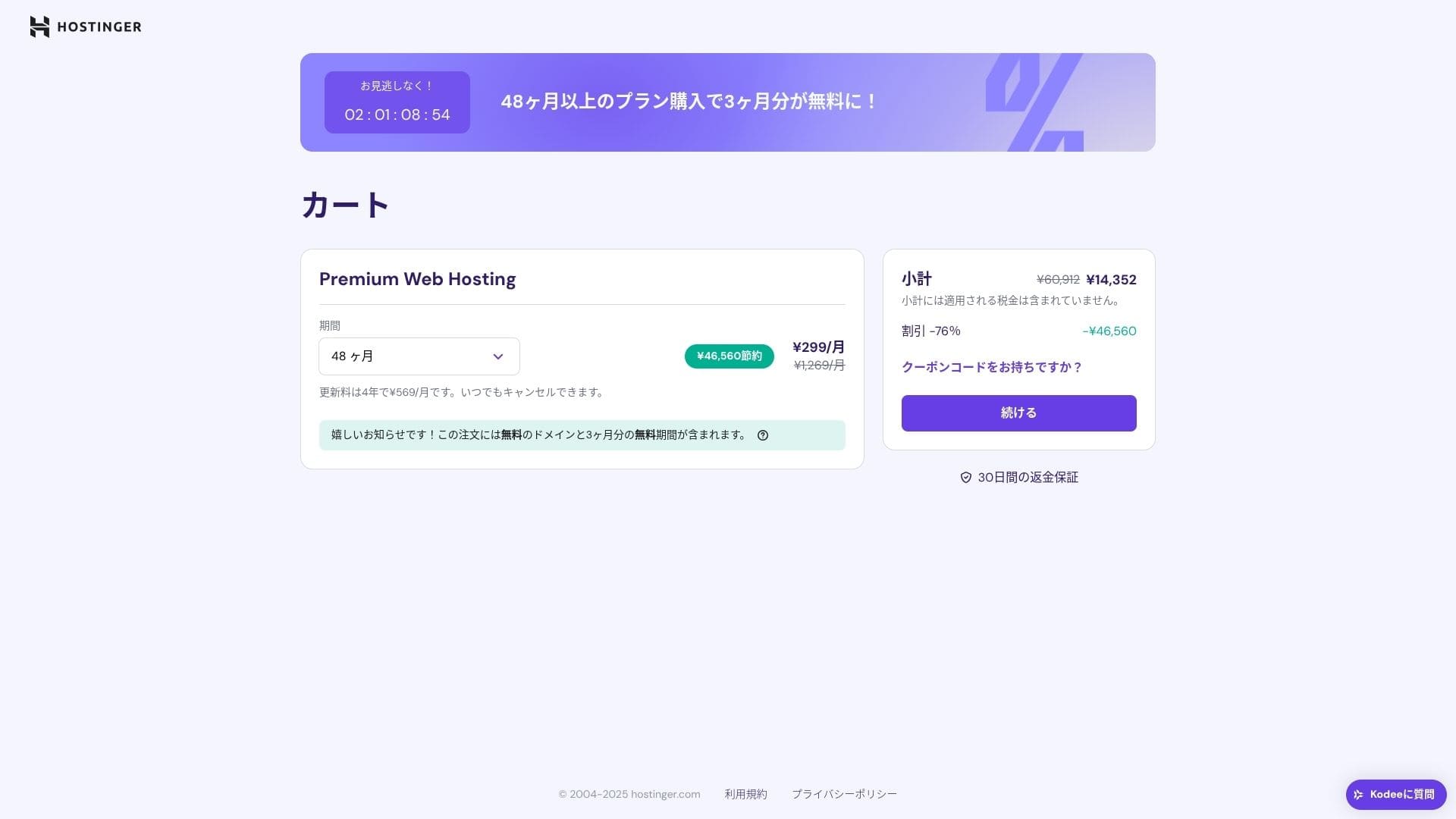
Выберите тарифный план хостинга. Рекомендуется выбрать вариант «Premium Shared Hosting» на 12 месяцев. Более длительный срок снижает стоимость аренды сервера, а также дает право на один бесплатный домен. Наиболее выгодным является контракт на 48 месяцев.
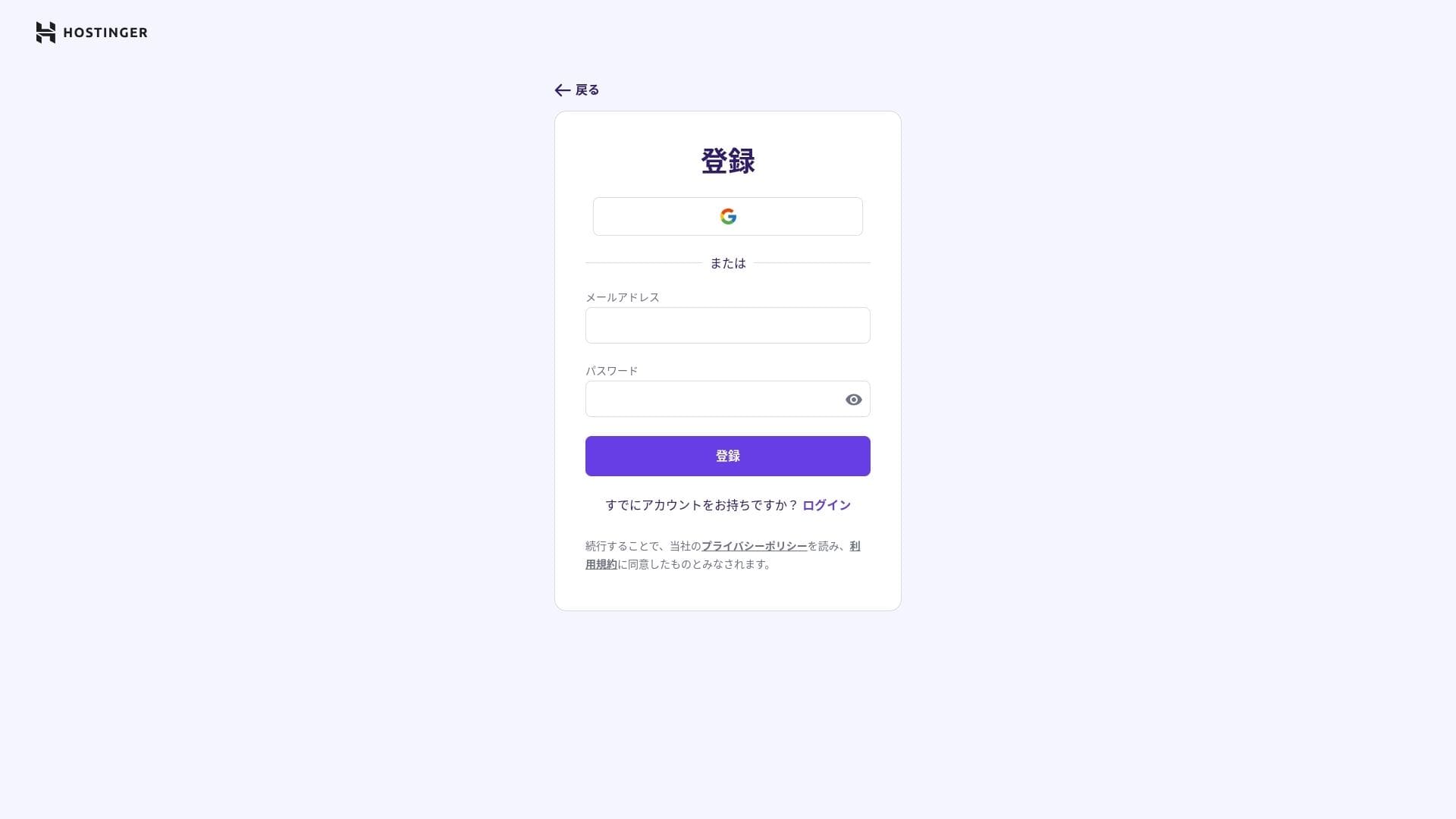
Если у вас нет учетной записи, подпишитесь на нее.
Введите свой адрес и платежные данные.
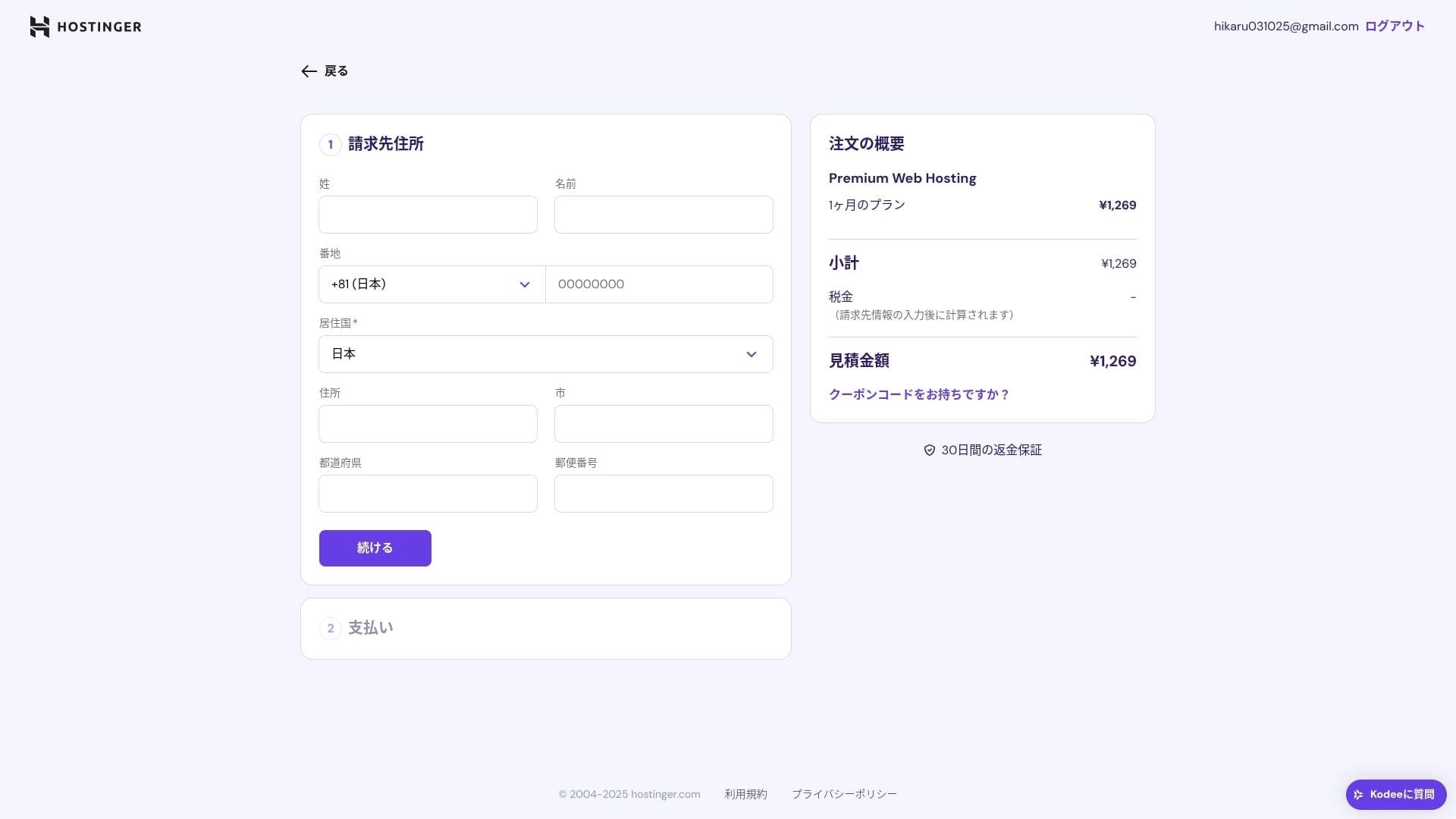
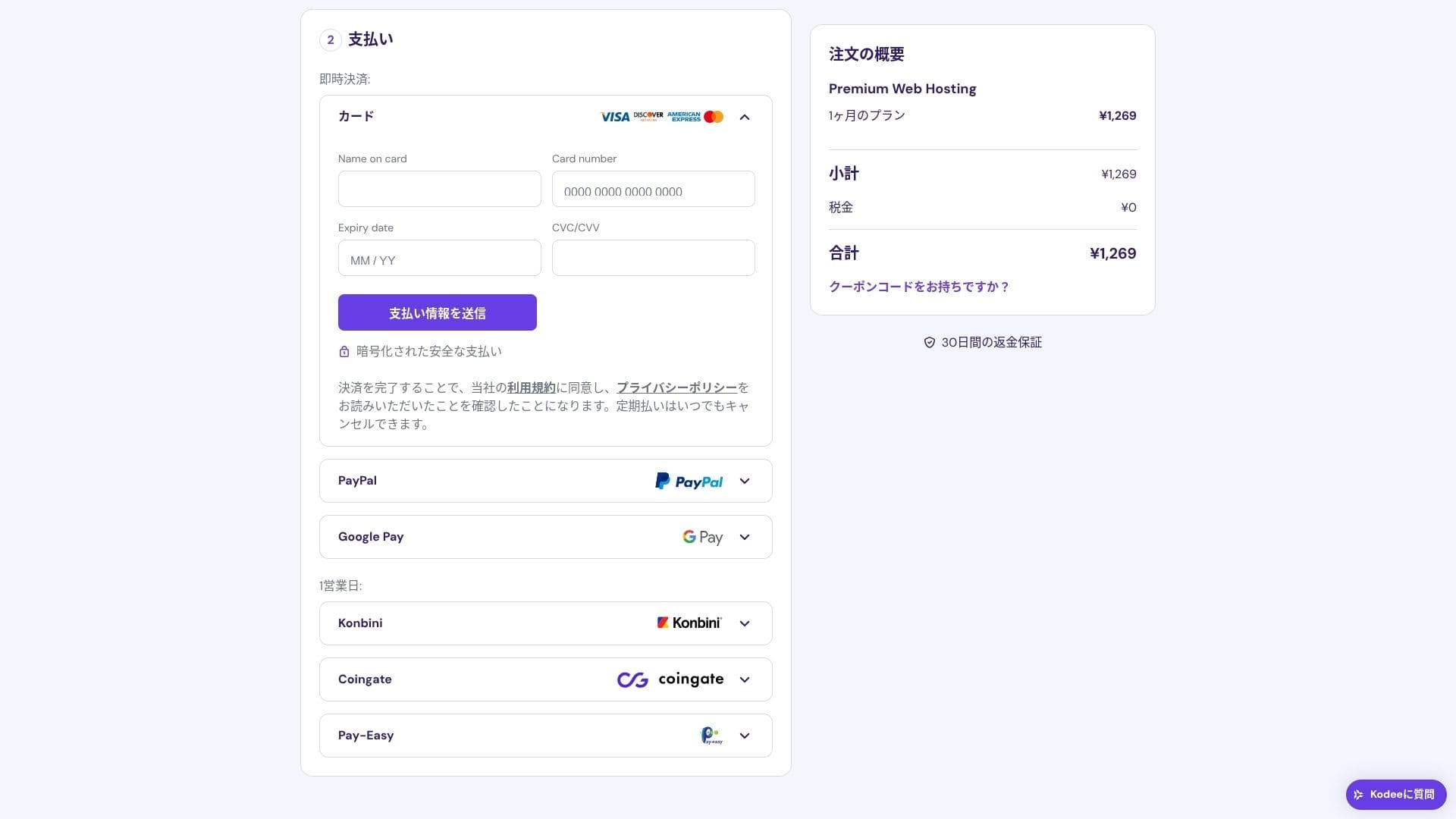
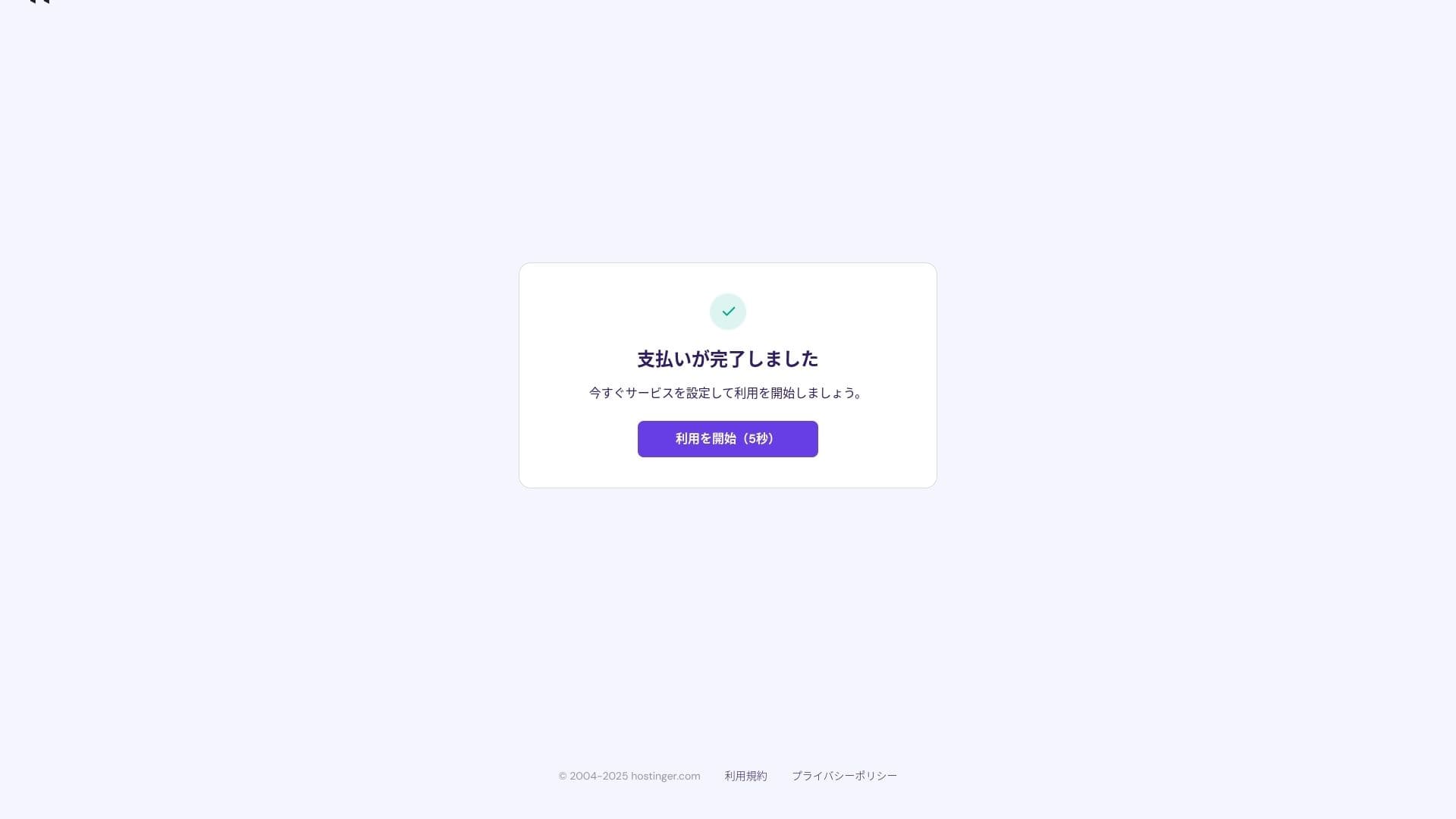
После завершения оплаты нажмите «Начать использовать». Затем вы сможете войти в панель управления.
- STEP.3Установите WordPress
Войдите в панель управления, затем нажмите «Продолжить» в списке задач.
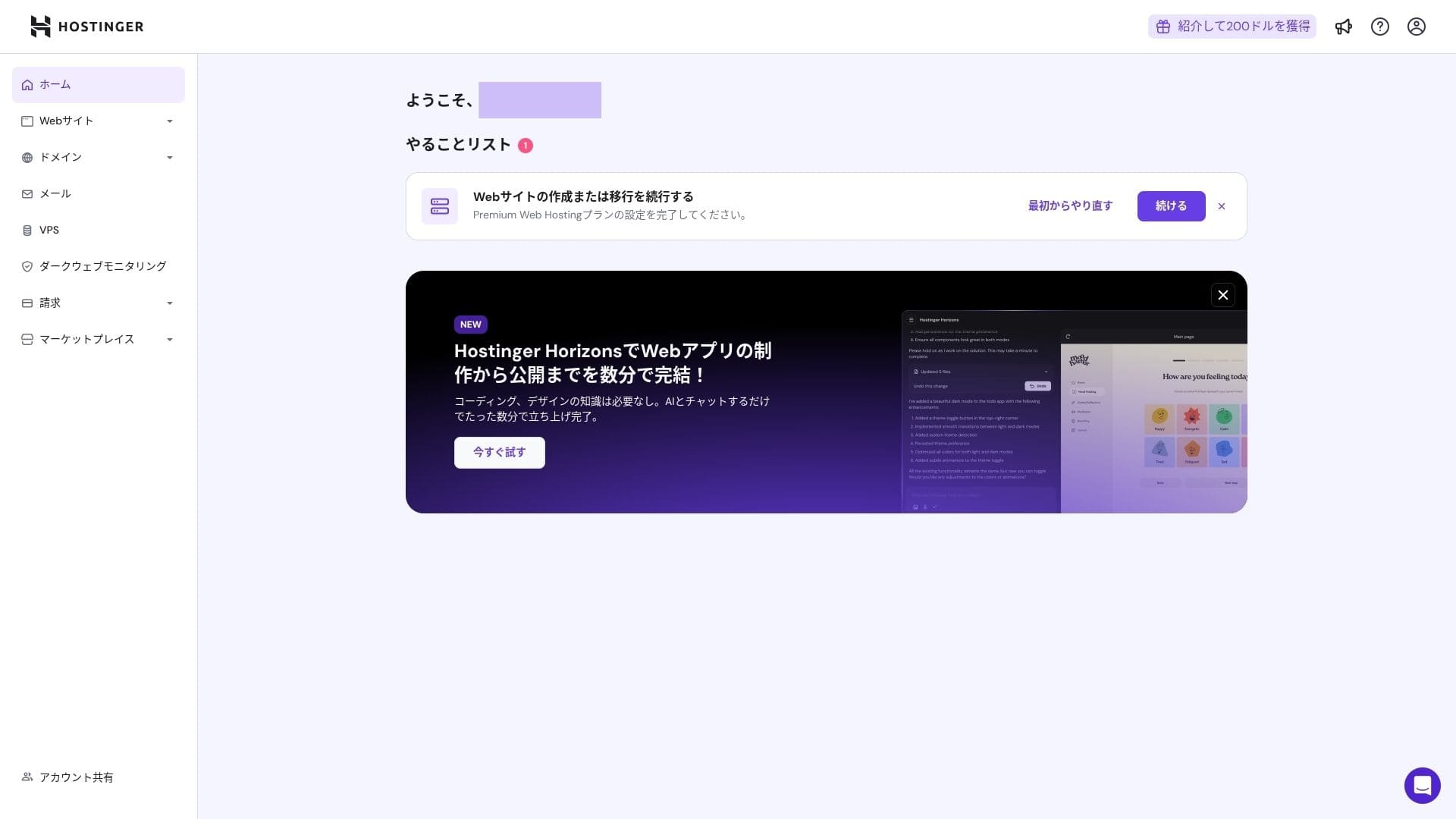
Нажмите «Создать сайт».
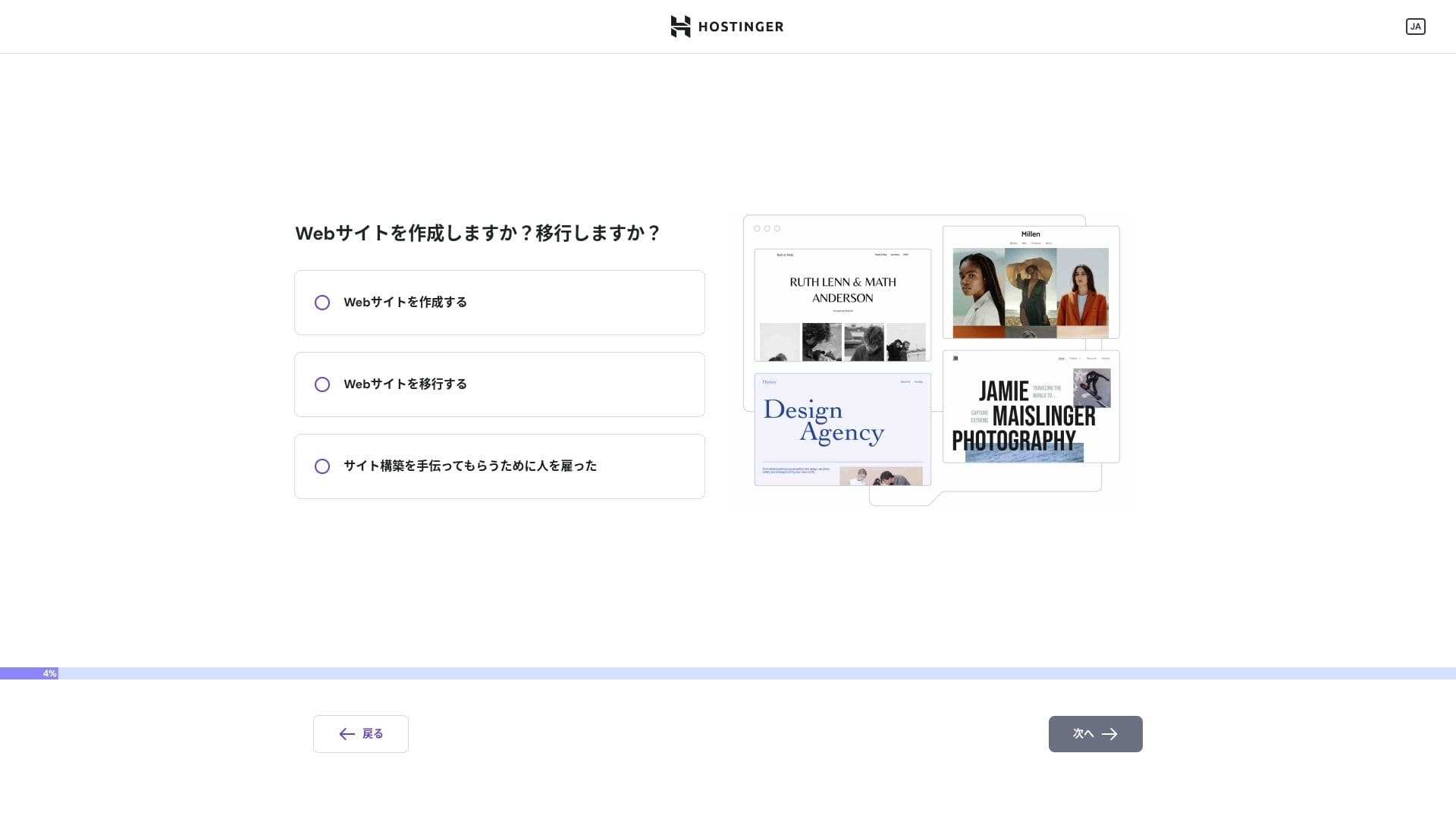
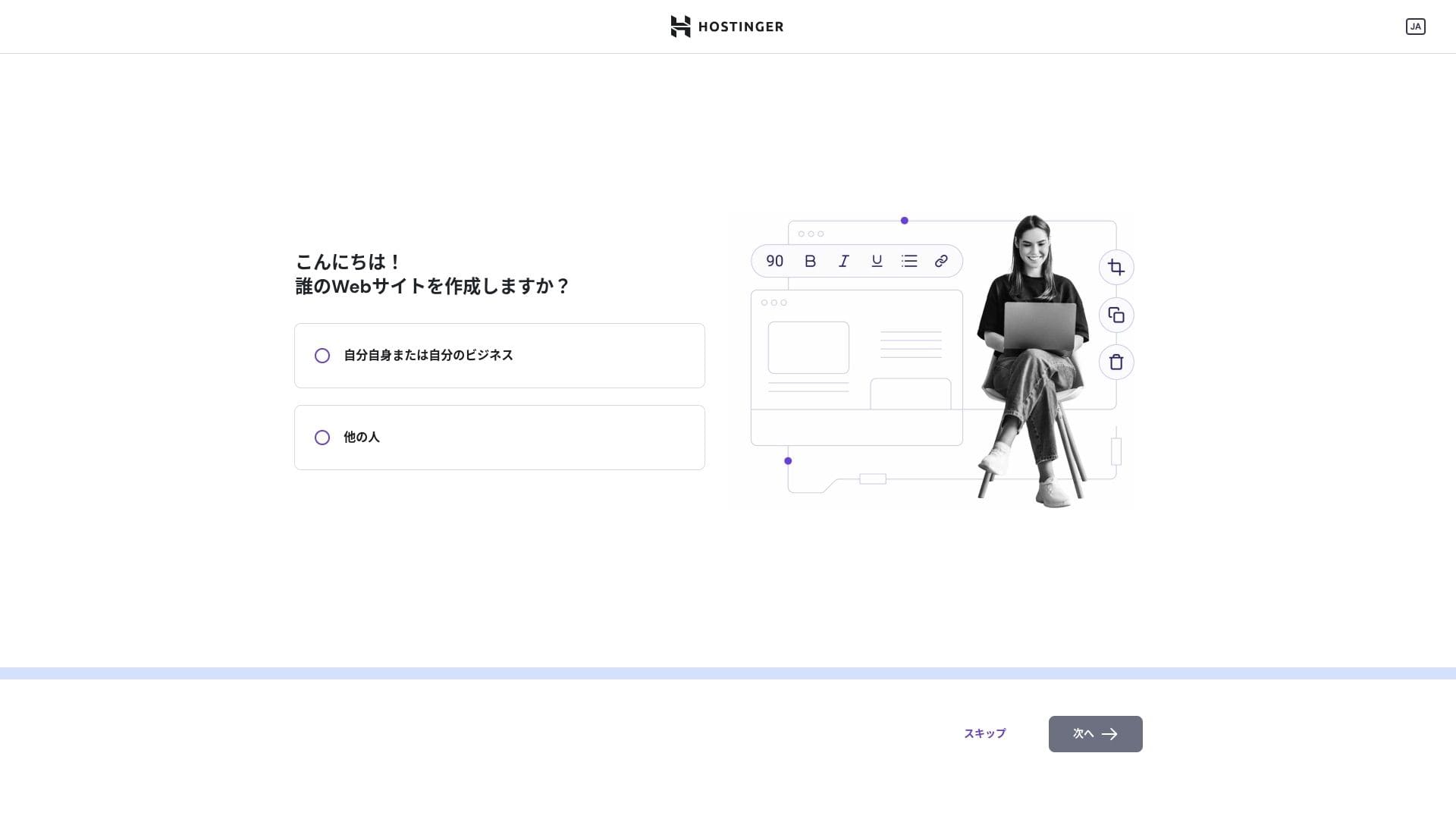
Нажмите «Я или мой бизнес». Если вы строите его от имени клиента, выберите «Другие люди».
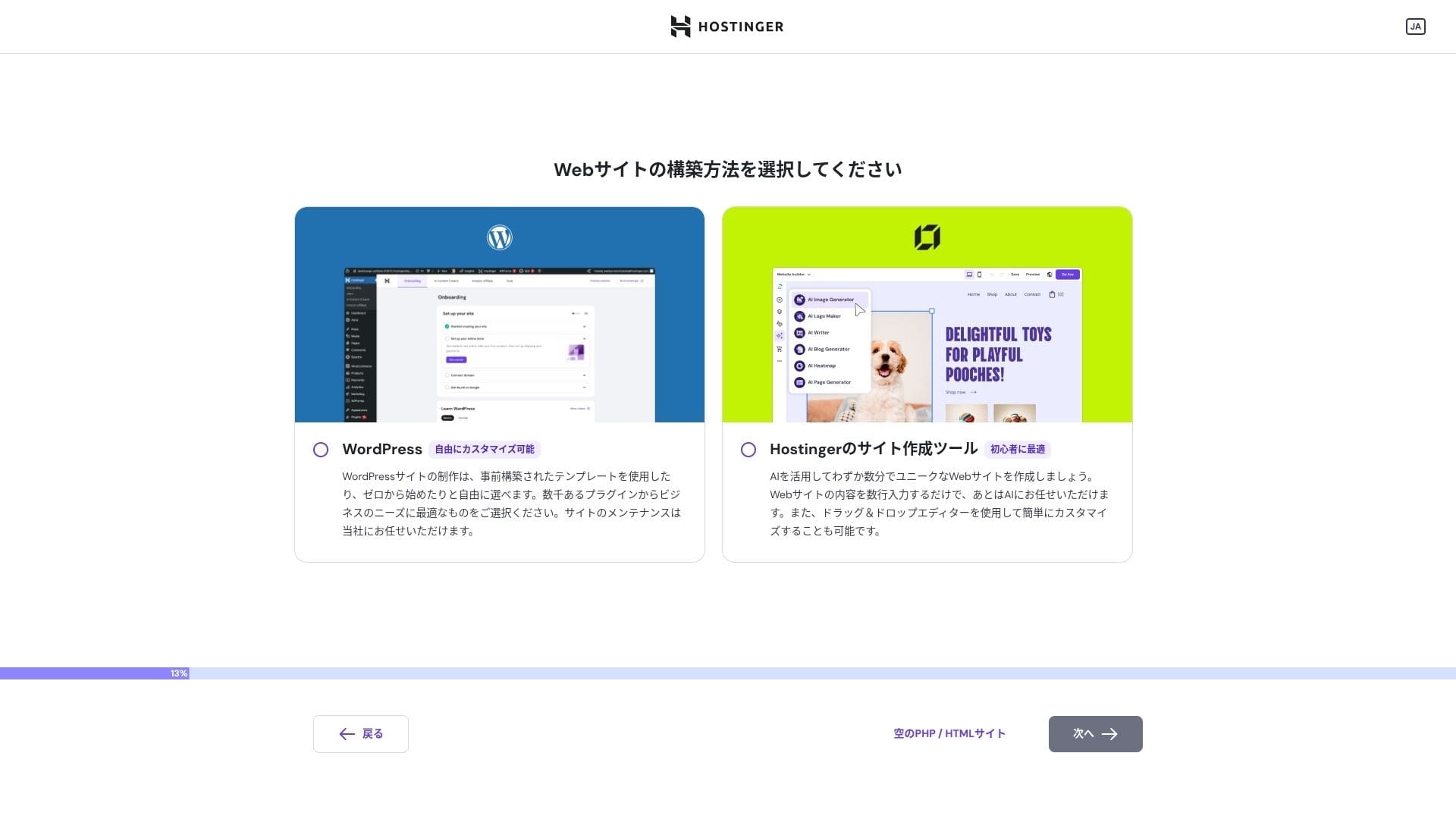
Выберите «WordPress» как способ создания сайта.
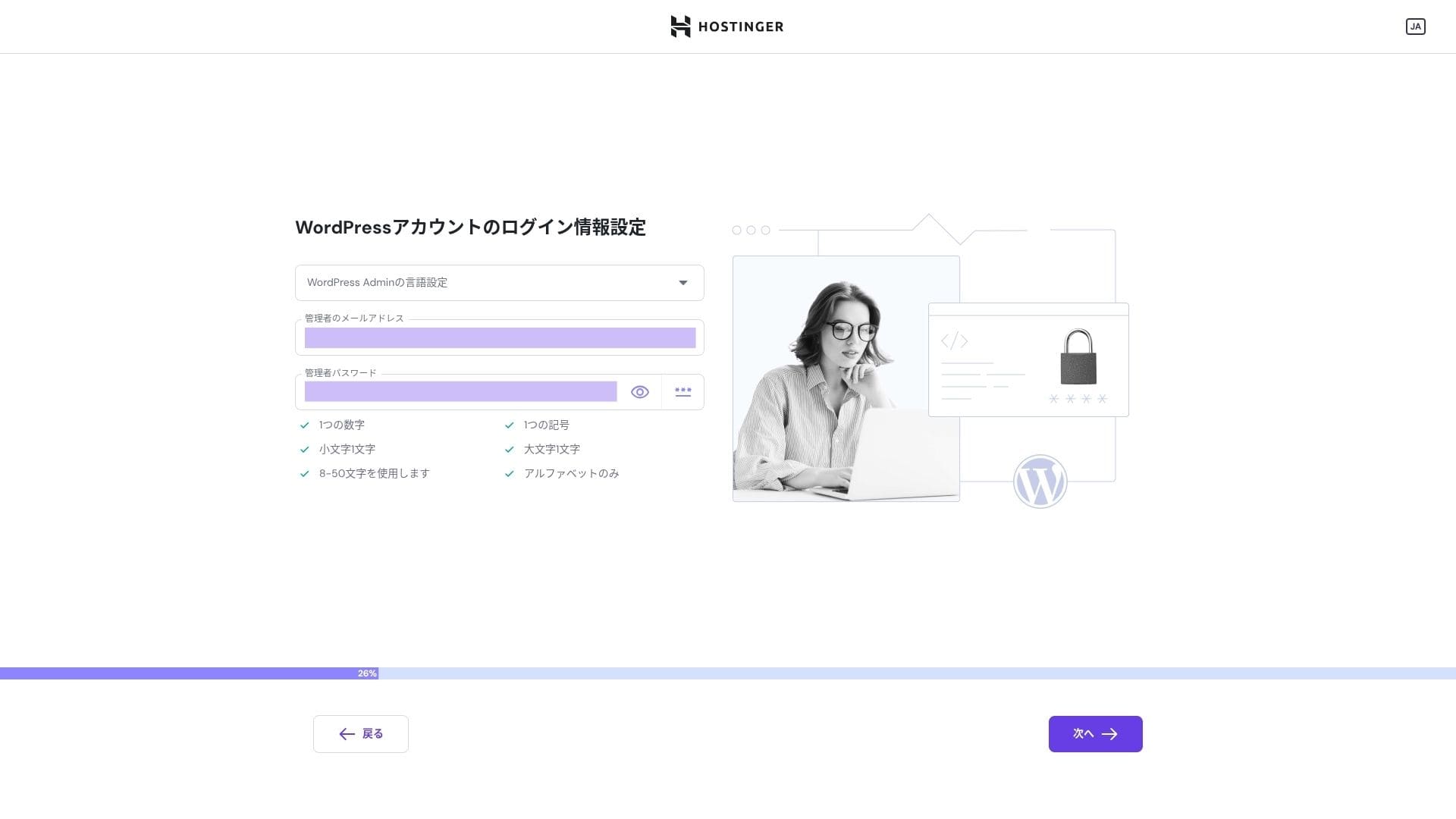
Задайте учетные данные для входа в ваш аккаунт WordPress. Укажите адрес электронной почты и пароль.Обязательно запишите этот адрес электронной почты и пароль, чтобы вы их не забыли.После их создания нажмите «Далее».
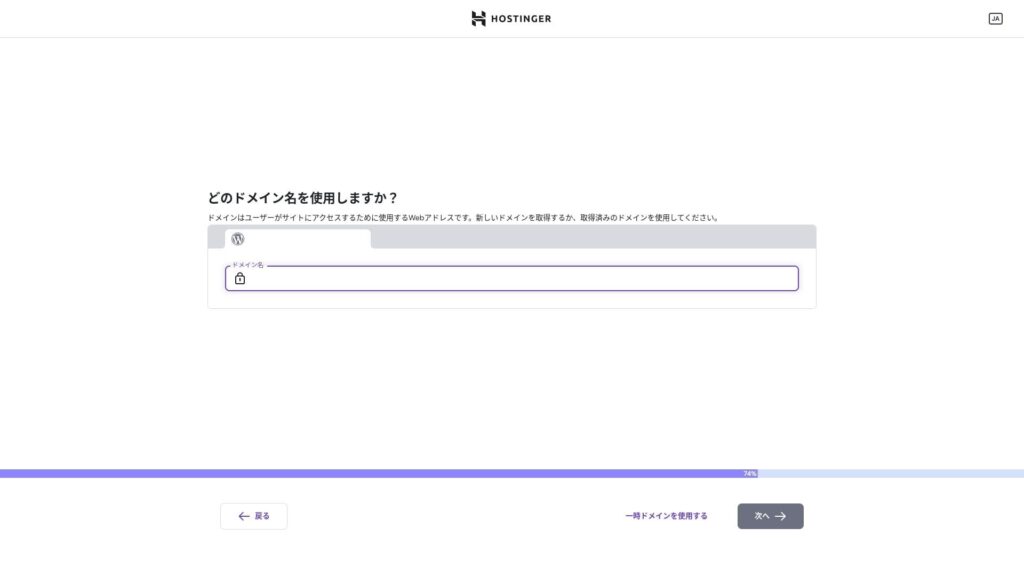
Выберите свой домен. Приобретать или передавать пользовательский домен.
Вы также можете выбрать «Использовать временный домен». В этом случае для вас будет создан поддомен HOSTINGER.
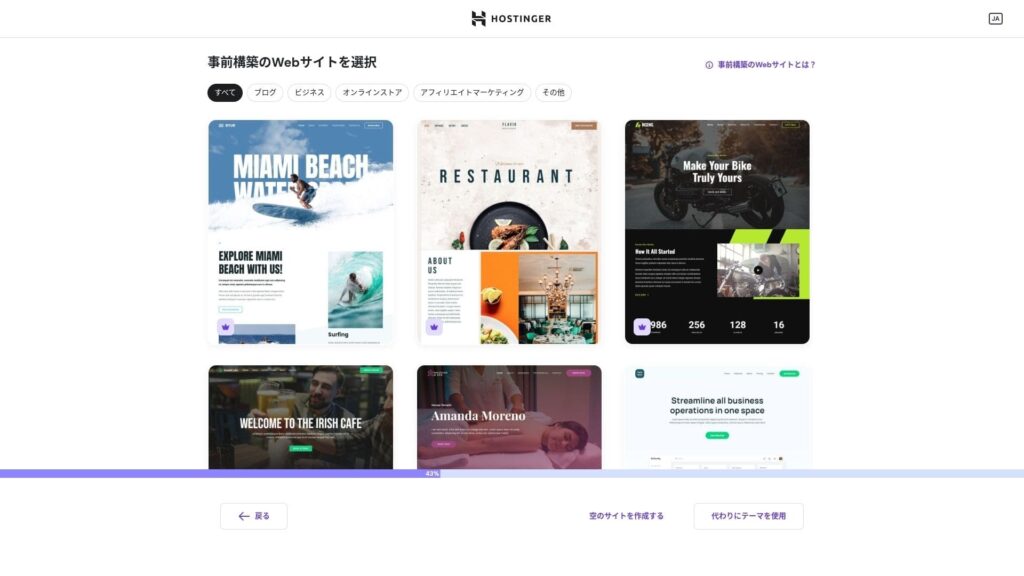
Выберите шаблон. Рекомендуется выбрать вариант «Создать пустой сайт», а затем установить японскую тему WordPress после того, как сама система WordPress будет установлена.
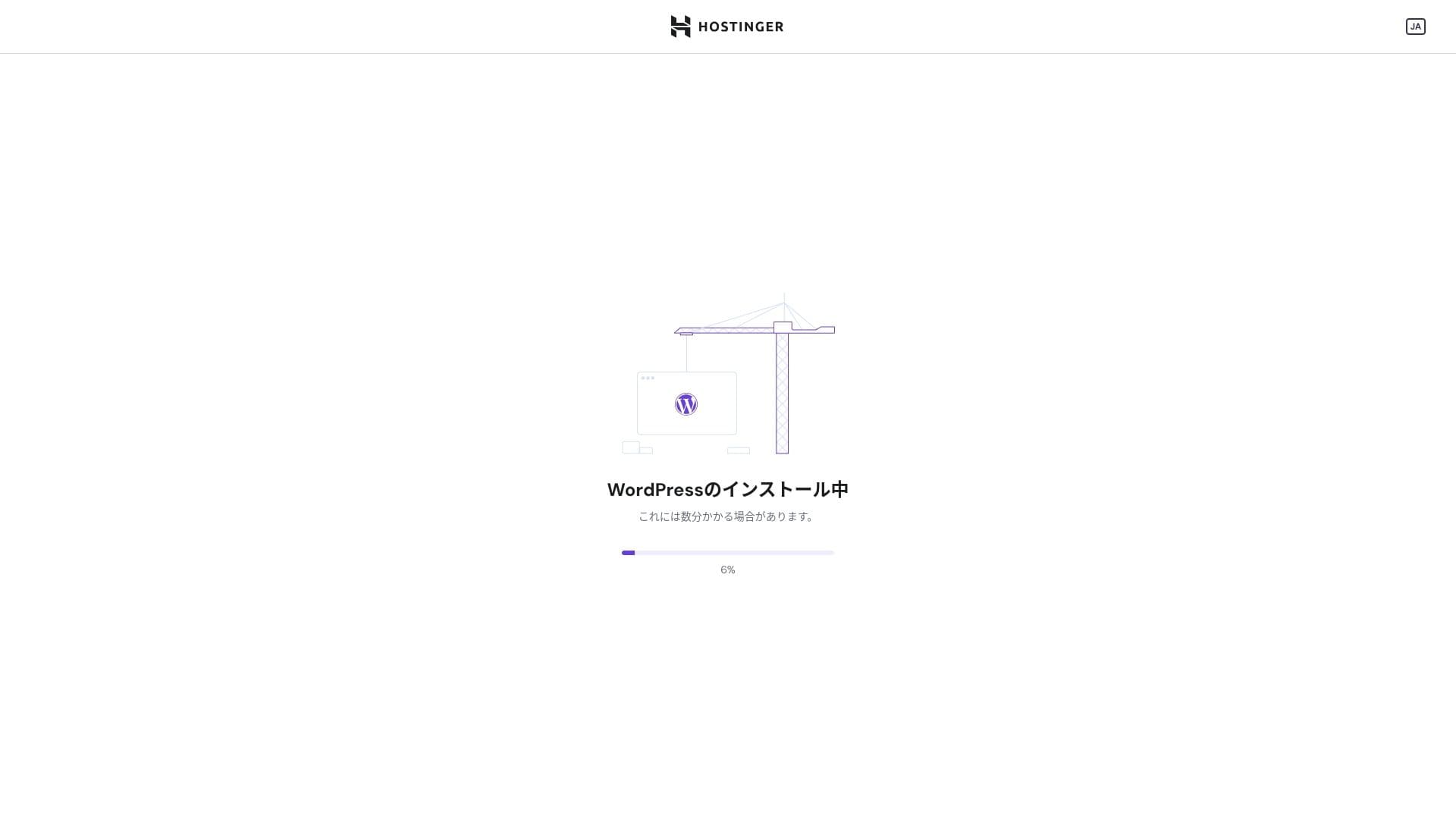
Началась установка WordPress. Подожди минуту или две.
После завершения установки вы автоматически войдете в WordPress. На этом процесс установки WordPress завершен.
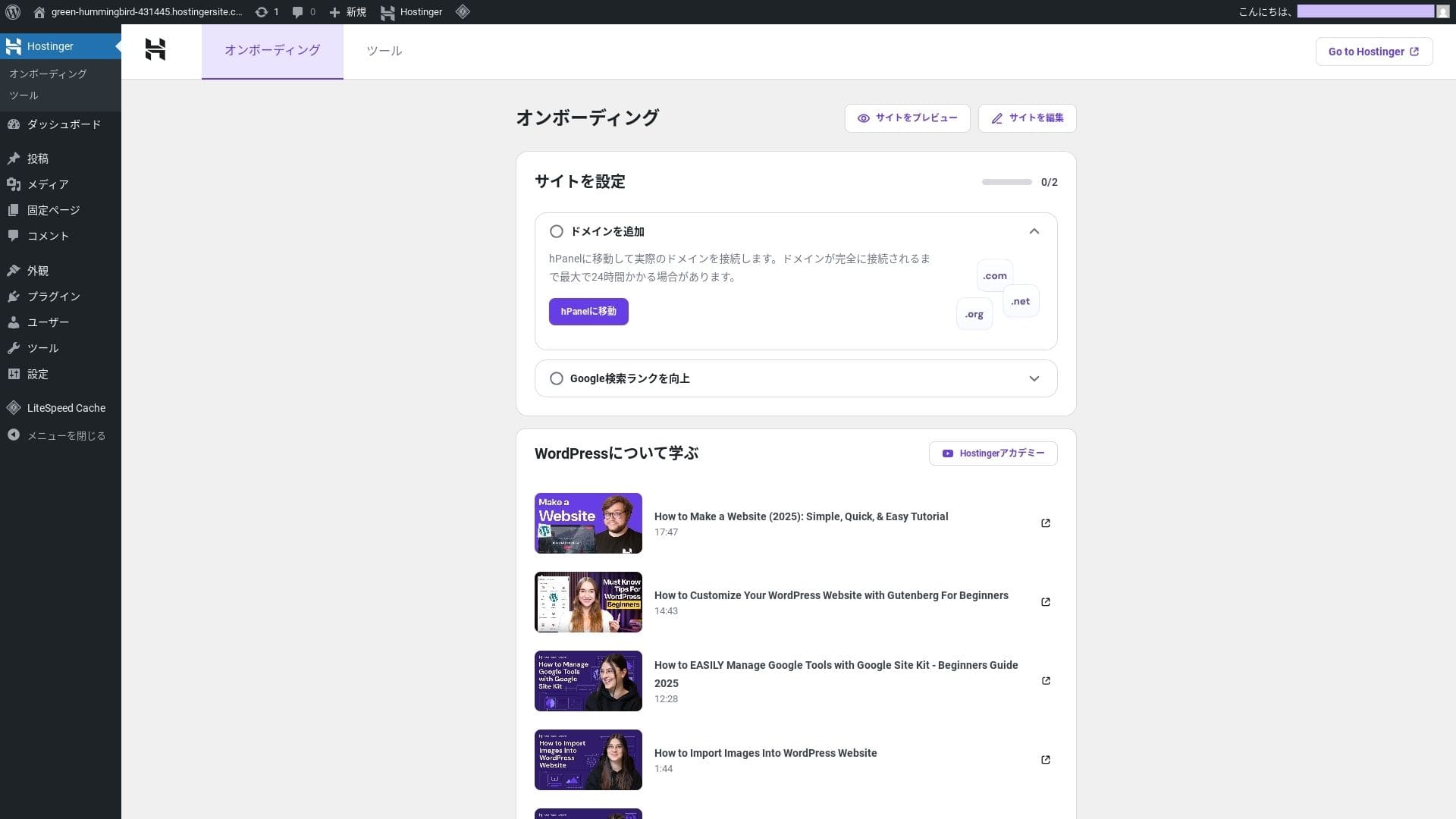
- Step.4Настройте свой домен и DNS
Если вы хотите использовать пользовательский домен, сначала приобретите или передайте его. Как только это будет сделано, настройте настройки DNS.
Запуск нескольких сайтов
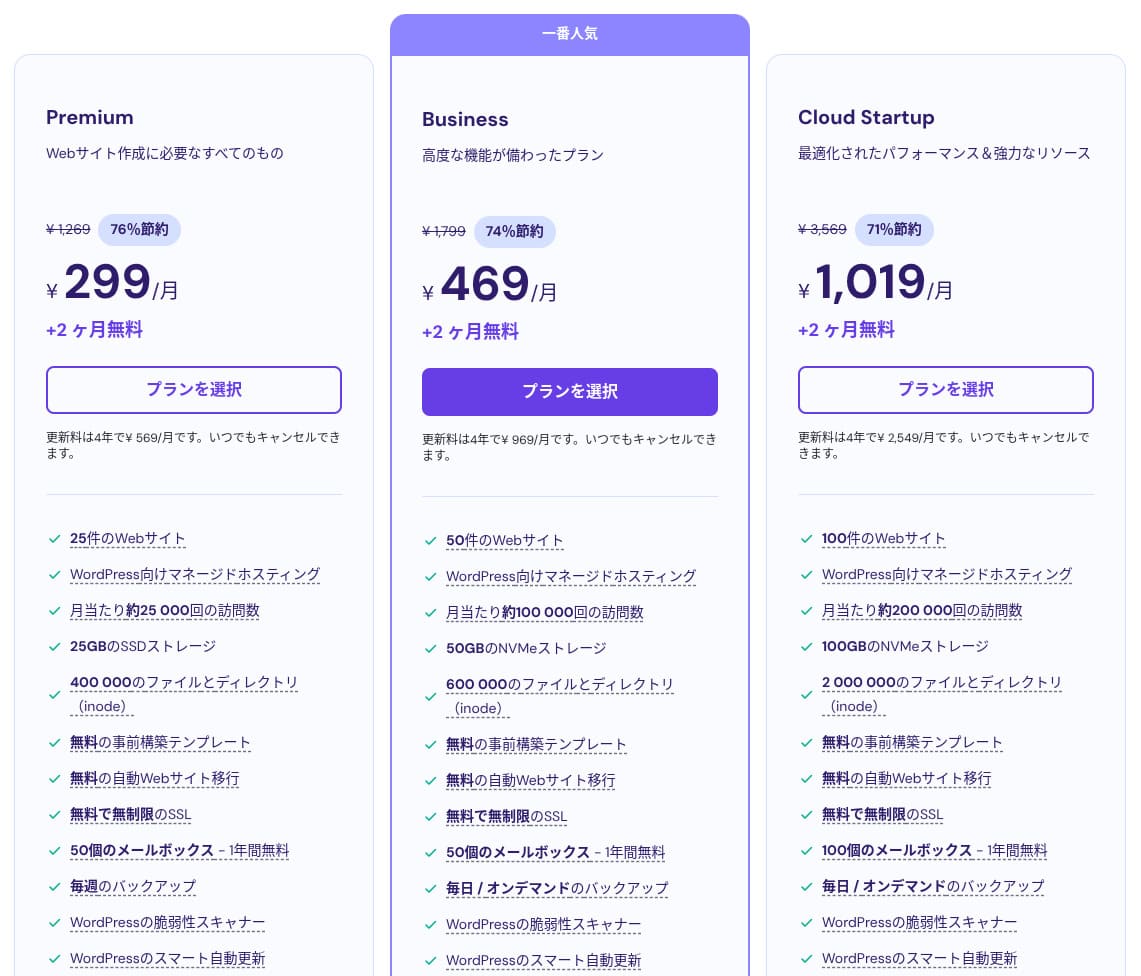
У хостинга Hostinger есть три плана. Даже самый дешевый премиум-план позволяет размещать до 25 сайтов.
| Plan | Sites | Storage | Частота резервного копирования | Ежемесячная цена (первоначальный срок) |
|---|---|---|---|---|
| Premium | 25 | 25 GB SSD | Weekly | 299 yen |
| Business | 50 | 50 GB NVMe | Ежедневно + по требованию | 469 yen |
| Cloud Startup | 100 | 100GB NVMe | Ежедневно + по требованию | 1,019 yen |
Добавление сайта WordPress
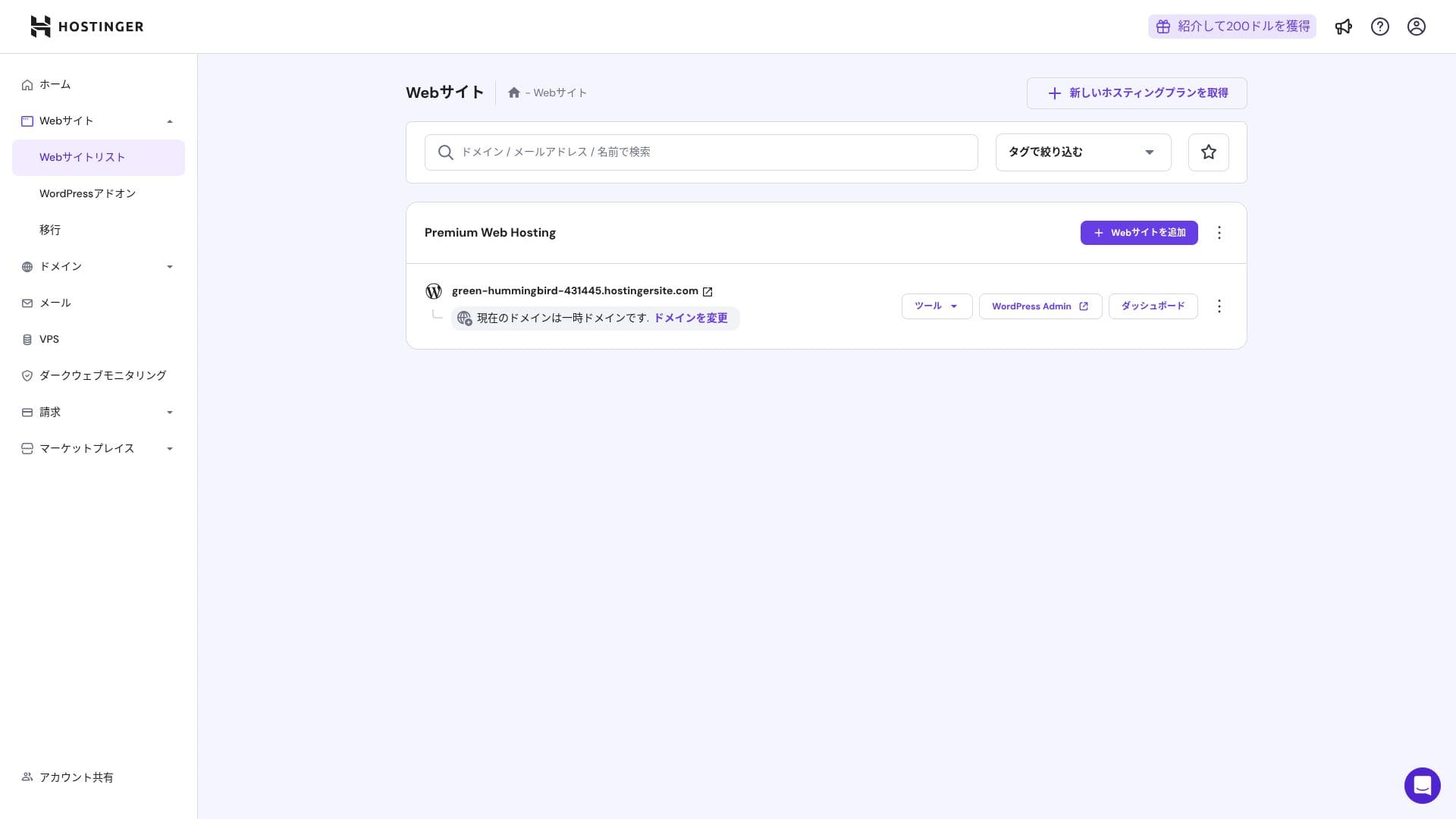
- STEP.1Войти в панель управления
После входа нажмите кнопку «+ Добавить веб-сайт» в списке сайтов.
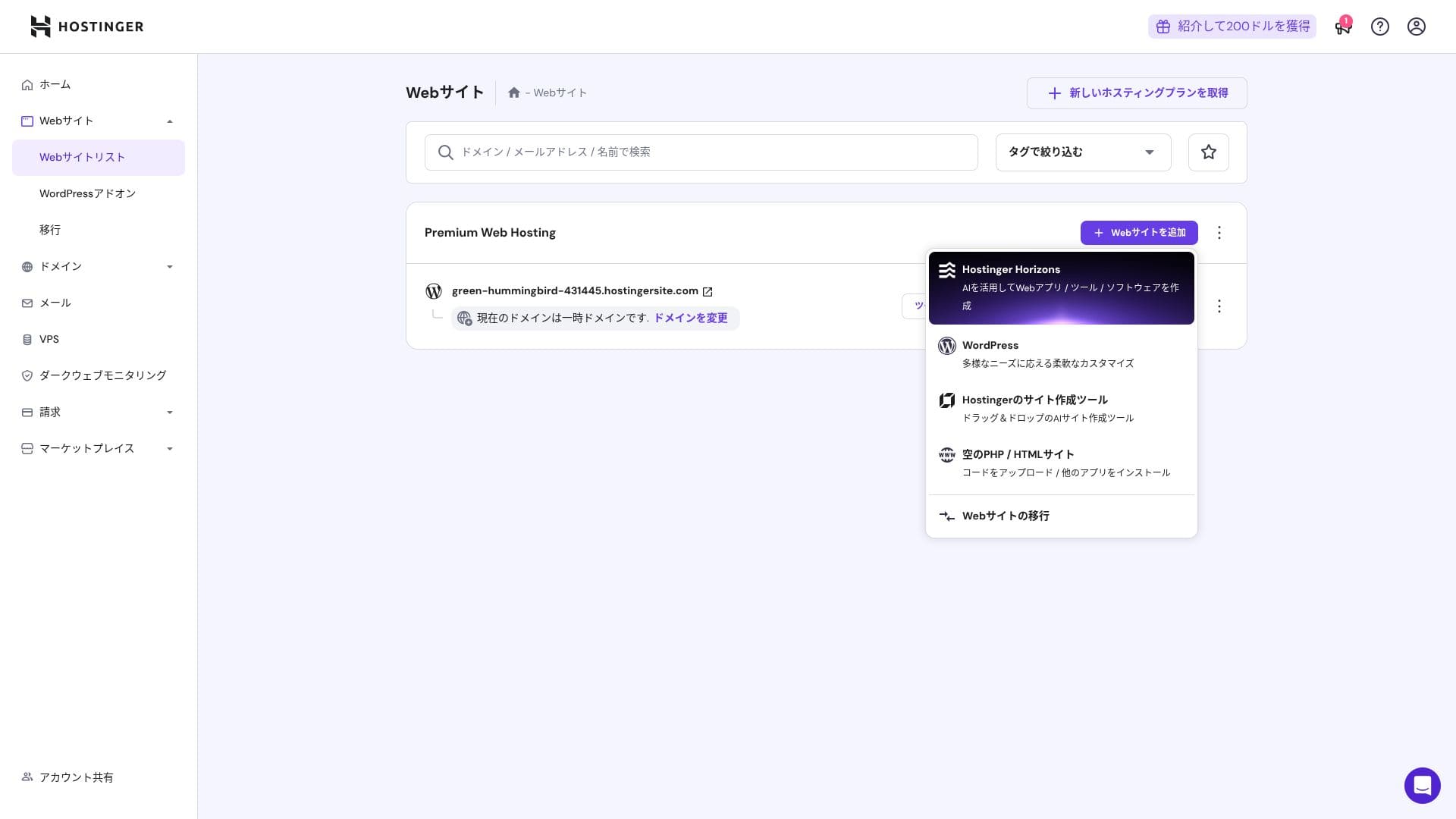
- STEP.2Выберите «WordPress» из всплывающего окна, которое появляется
- STEP.3Задать параметры входа в WordPress
- STEP.4Настройка домена и DNS
Настройка домена и настроек DNS.
Если ваша потребность в запуске нескольких сайтов растет, обновите свой план.
Обзор производительности и технических характеристик
Our measurements: speed обзор
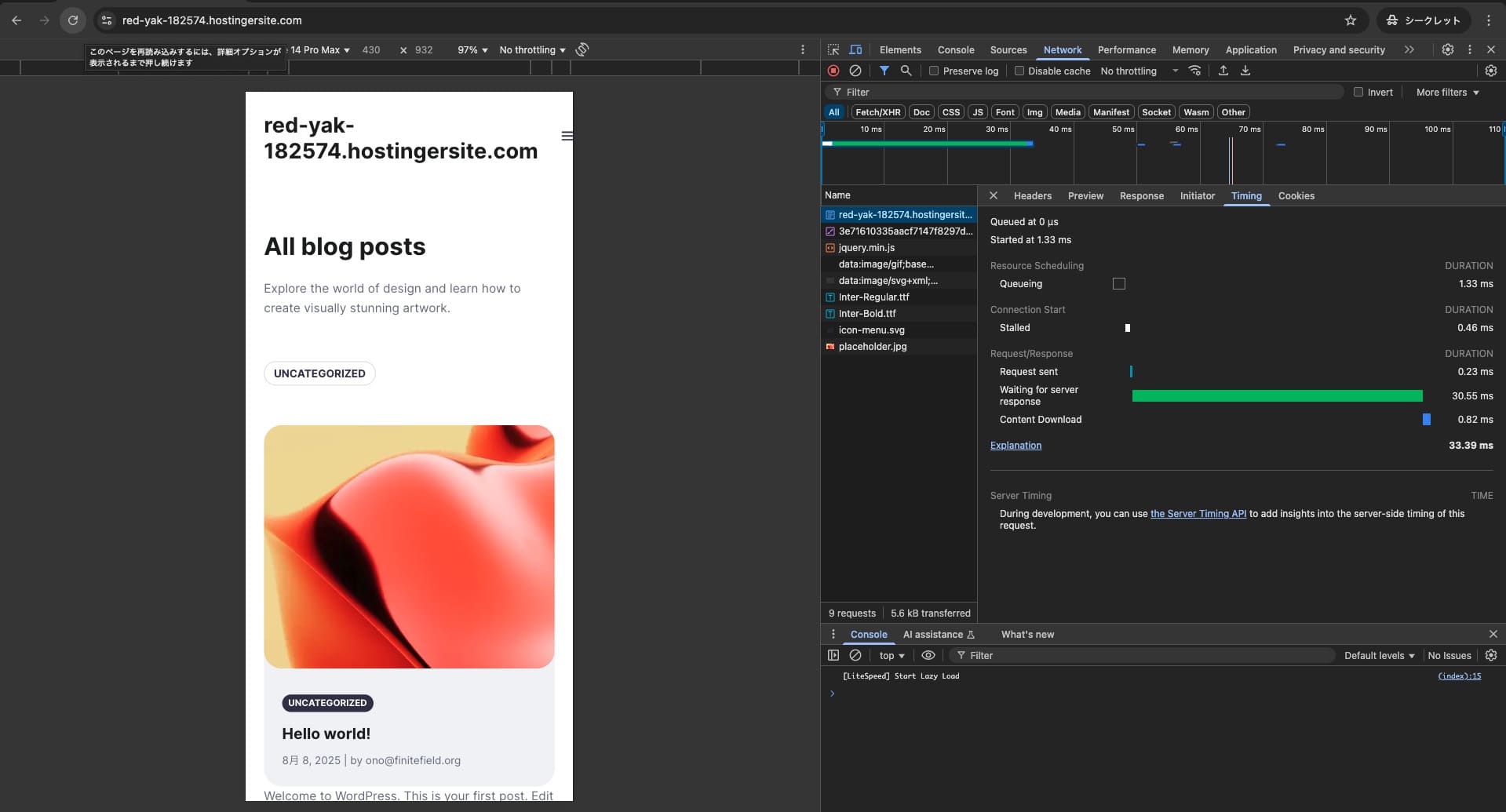
Мы измерили скорость страницы Хостингера. В нашем тестировании он занял 2 место. Его TTFB (Time to First Byte, другими словами, время, пока основной контент страницы не начнет отображаться) составлял 30,55 мс. Это намного быстрее, чем ожидает сервер Google со скоростью 200 мс.
You should reduce your server ответ time under 200ms.Improve Server Ответ Time

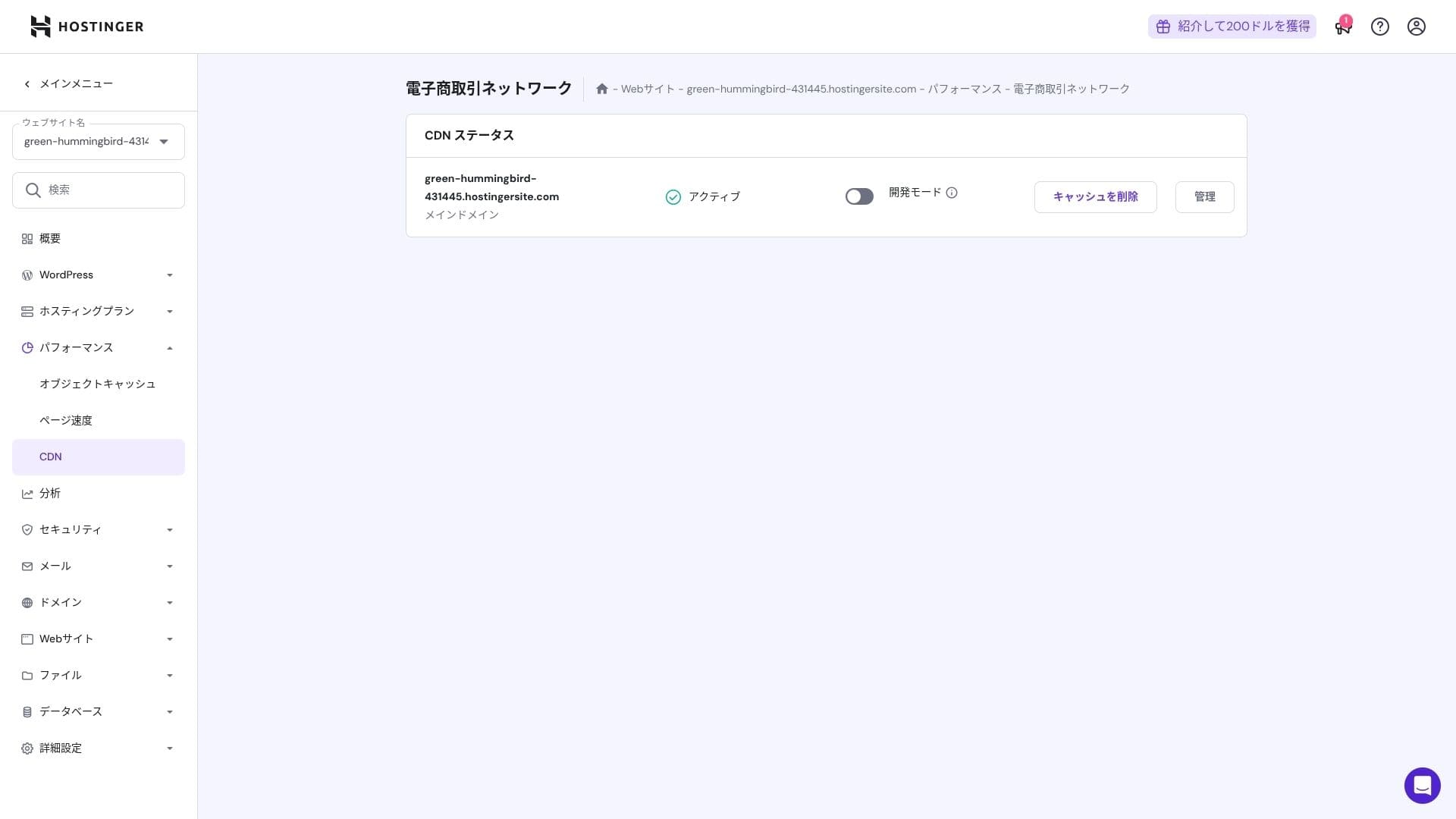
Он использует комбинацию веб-сервера LiteSpeed, дисков NVMe SSD и собственной сети CDN. Использование CDN снижает задержки даже при зарубежных запросах, что помогает уменьшить показатель отказов на сайтах электронной коммерции.
Hikaru Ono
Hostinger uses SSD or NVMe storage. That is one of the reasons it is so fast.
Возможности хранения
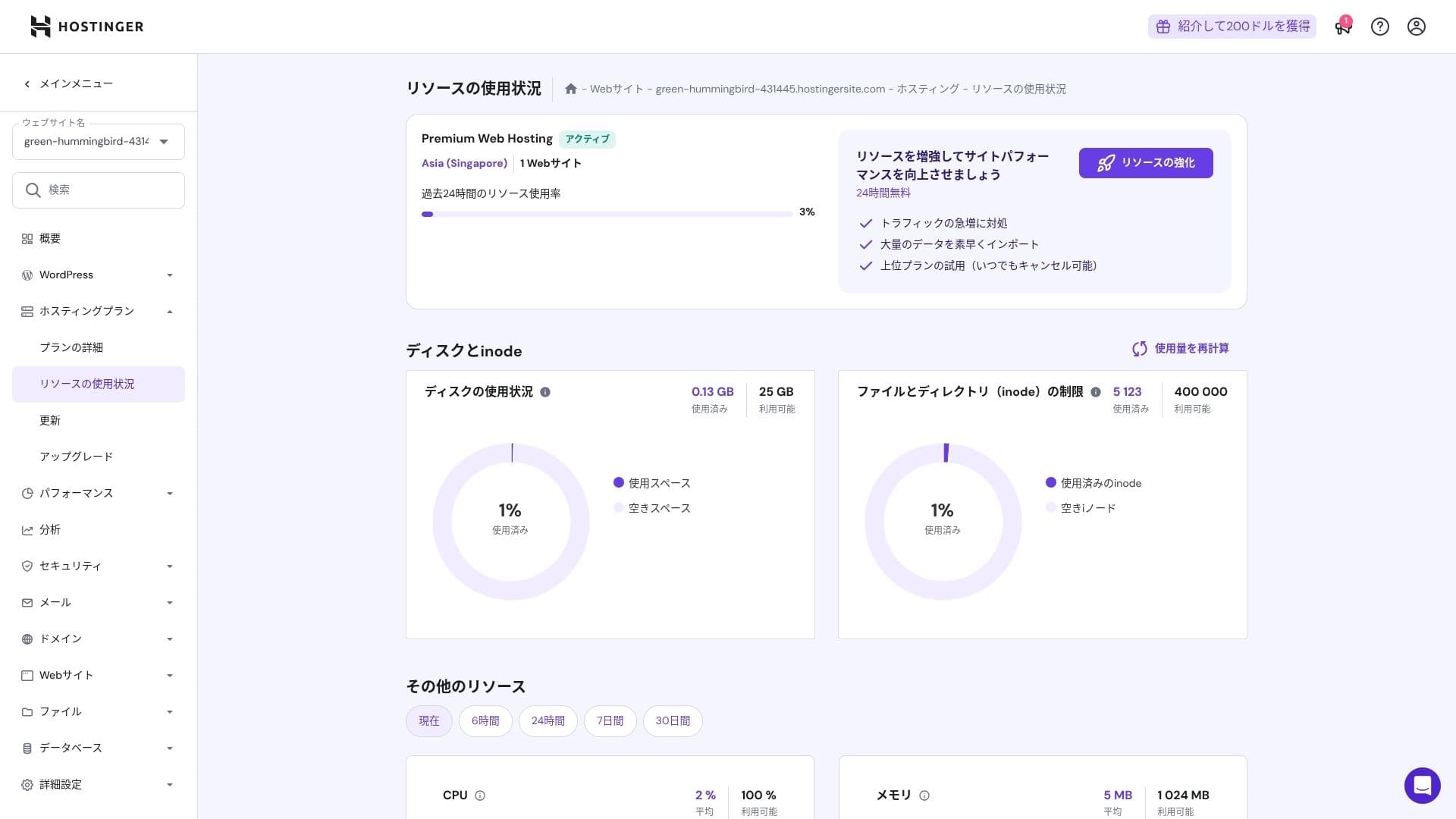
Объем диска составляет 25 ГБ для тарифа Premium, 50 ГБ для Business и 100 ГБ для Cloud Startup. Если вы ведете сайты с большим объемом медиафайлов, рекомендуем тариф Cloud или выше, однако для блогов и ресурсов малого и среднего бизнеса тарифа Premium будет достаточно.
In fact, simply installing WordPress uses only about 130 MB.
Hikaru Ono
This site itself uses only about 2 GB of storage.
Передача данных
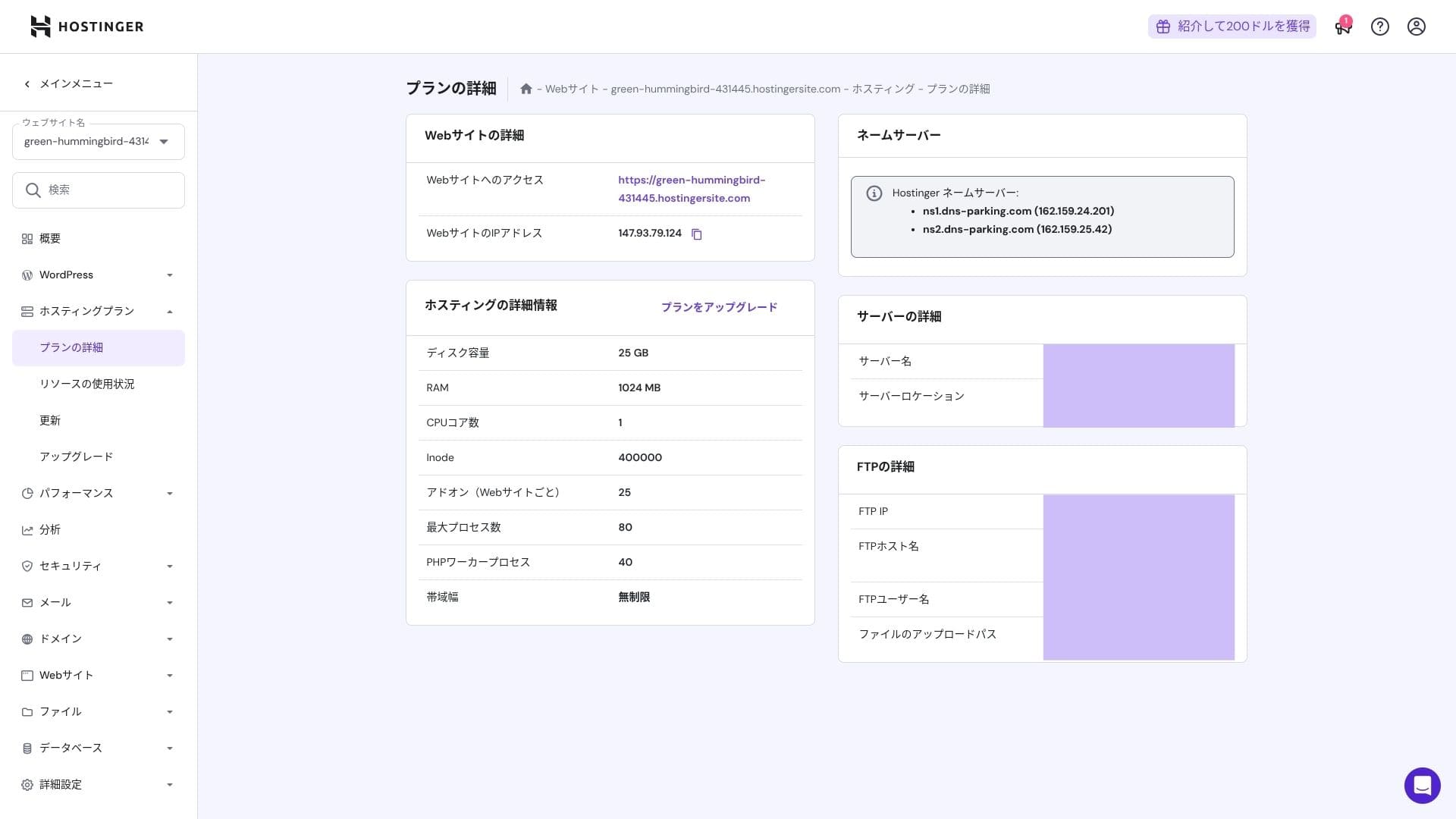
Все планы от Premium вверх включают неизмеренную пропускную способность. Тем не менее, поскольку ограничения инодов и использование процессора по-прежнему создают практические ограничения, если вы ожидаете более 100 000 просмотров страниц в месяц, переход в облако является более безопасным выбором.
Для блогов и сайтов малого и среднего бизнеса тарифа Premium вполне достаточно.
★ Что такое трафик и передача данных? Управление и оптимизация веб-трафика
Стабильность сервера и время работы
Hostinger предоставляет гарантию безотказной работы 99,9% на все планы. Поскольку время безотказной работы высокое, вы можете уверенно использовать его даже для корпоративных и бизнес-сайтов.
★ Обязательное чтение для начинающих: Поймите время безотказной аренды сервера и SLA
Обзор цен и расходов
Первоначальные сборы и ежемесячные расходы
Начальная плата отсутствует на всех тарифных планах. Ежемесячная стоимость сильно зависит от срока контракта. При первой регистрации тариф Premium стоит 299 иен в месяц, но при продлении цена увеличивается до 1 269 иен.
- Hostinger
- Kinsta
- XServer Business
- wpx
- Lolipop!
- Star Rental Server
- Rakko Server
- XServer
- ConoHa
- Colorful Box
- Shin Rental Server
- Little Server
- CORESERVER
- DreamHost
- Bluehost
- Sakura
- Namecheap
- Shin Бесплатный
- XREA
- Value Server
- KAGOYA
- SiteGround
- Hostgator
- IONOS
- Onamae.com
- ABLENET
- mixhost
- GoDaddy
- iCLUSTA+
- MuuMuu Server
- WADAX
- WebARENA
- heteml
- CPI Rental Server

































Цены на домены
Тарифы уровня Premium и выше включают один бесплатный год использования собственного домена (например, .com). Вы также можете подключить свой существующий домен.
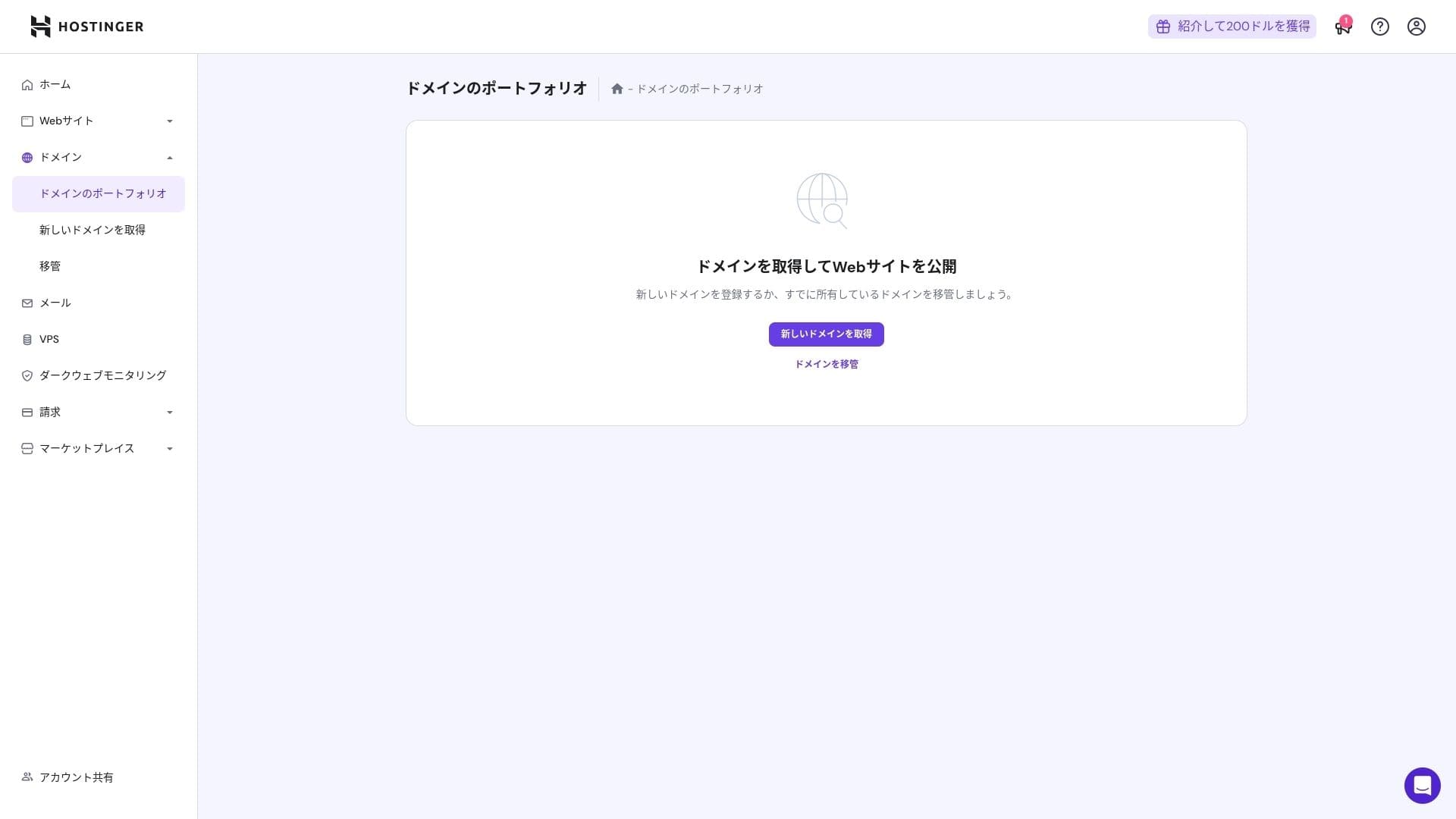
Ежегодная плата за домен составляет несколько тысяч иен. Поскольку сайты и блоги обычно создаются надолго, если вы хотите максимально снизить затраты на домен, покупка домена у сторонней компании будет хорошим решением.
- Onamae.com
- Xserver Domain
- MuuMuu Domain
- Value Domain
- Shin Domain
- Star Domain
- Colorful Domain
- Rakko Domain








Hikaru Ono
Японские хостинг-компании, такие как ConoHa WING и XServer, предоставляют бесплатный домен навсегда на период активности контракта на сервер, поэтому в этом плане Hostinger уступает некоторым конкурентам.
Стоимость SSL сертификата
SSL-сертификат Let's Encrypt включает в себя неограниченную выдачу и автоматическое обновление. Дополнительных затрат нет.
Методы оплаты
Он предлагает широкий спектр способов оплаты. Поддерживаются основные кредитные карты, такие как Visa и MasterCard, а также PayPal и другие варианты. На практике также полезно, что корпоративные карты и зарубежные платежи с меньшей вероятностью будут отклонены.
- Hostinger
- Kinsta
- XServer Business
- wpx
- Lolipop!
- Star Rental Server
- Rakko Server
- XServer
- ConoHa
- Colorful Box
- Shin Rental Server
- Little Server
- CORESERVER
- DreamHost
- Bluehost
- Sakura
- Namecheap
- Shin Бесплатный
- XREA
- Value Server
- KAGOYA
- SiteGround
- Hostgator
- IONOS
- Onamae.com
- ABLENET
- mixhost
- GoDaddy
- iCLUSTA+
- MuuMuu Server
- WADAX
- WebARENA
- heteml
- CPI Rental Server


































Обзор удобства использования и поддержки
Насколько проста в использовании панель управления
Внутренняя панель управления Hostinger, hPanel, очень проста в использовании, потому что ее категории аккуратно организованы. Если вам не нравится беспорядок cPanel, вам, вероятно, будет намного легче работать с ним.
- Home
- Billing
- WordPress
- Domains
- Backups
- File Manager
- FTP
- Redirects
- Error Pages
- Cron
- Performance
- Marketplace
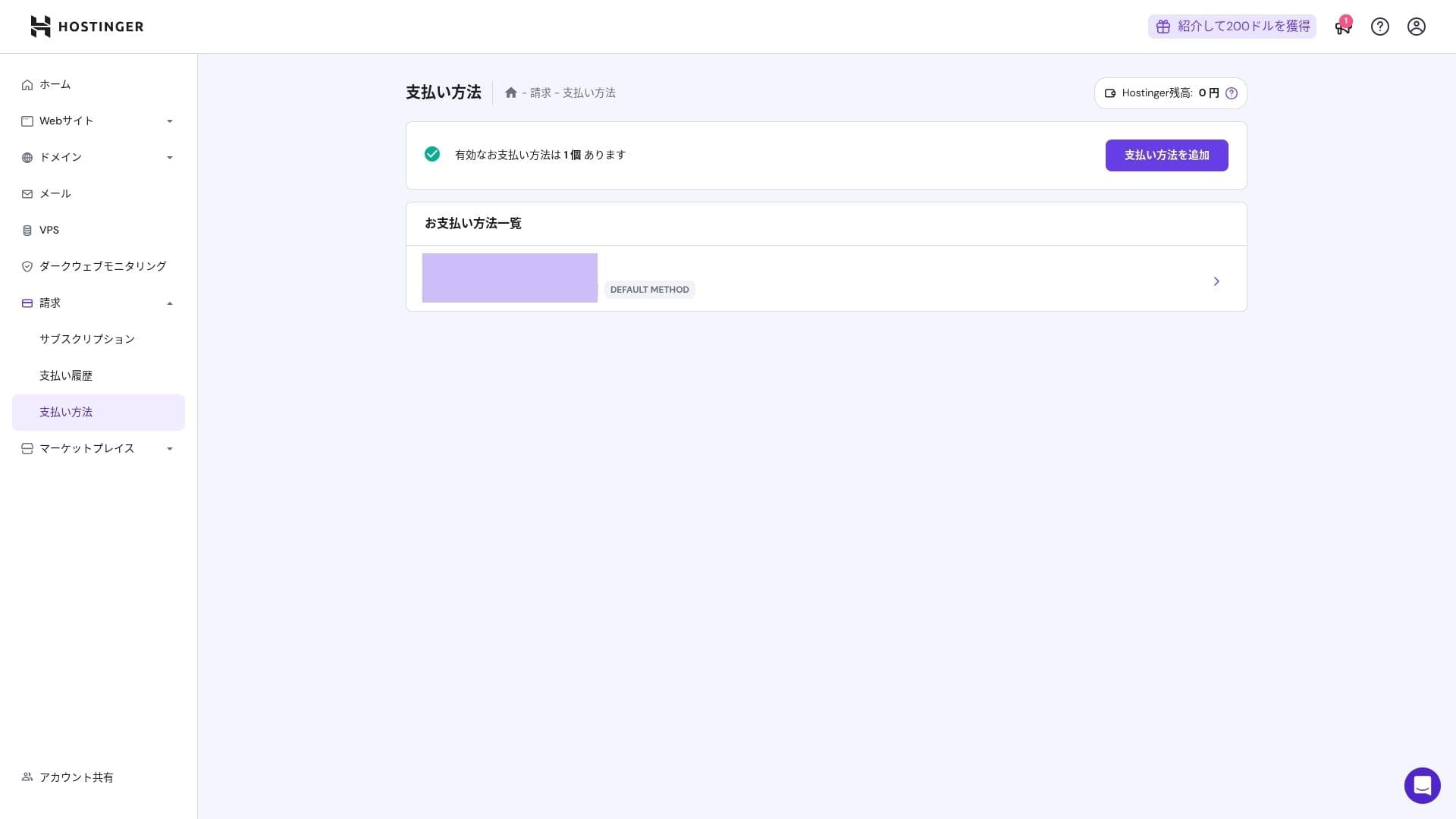
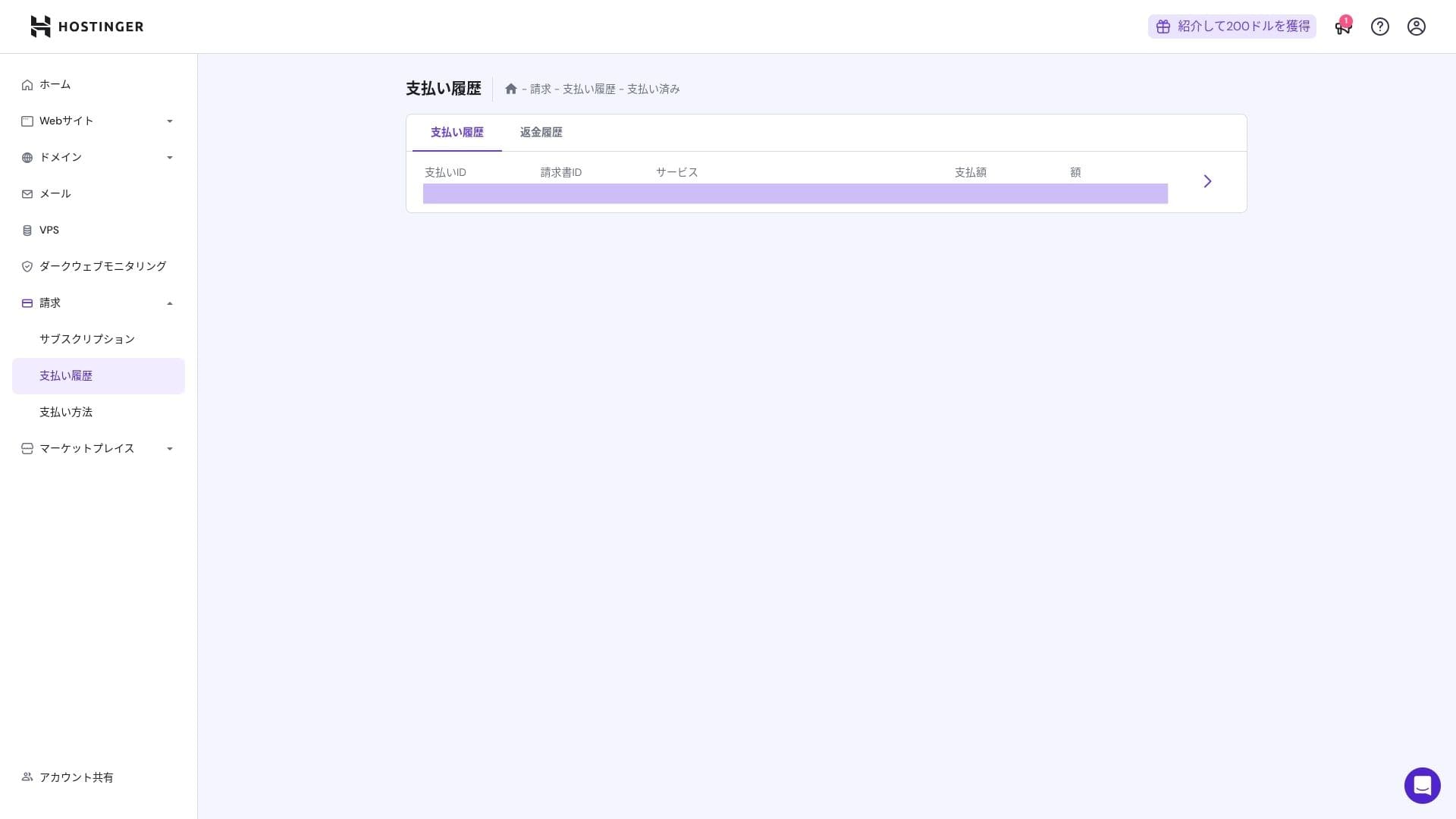
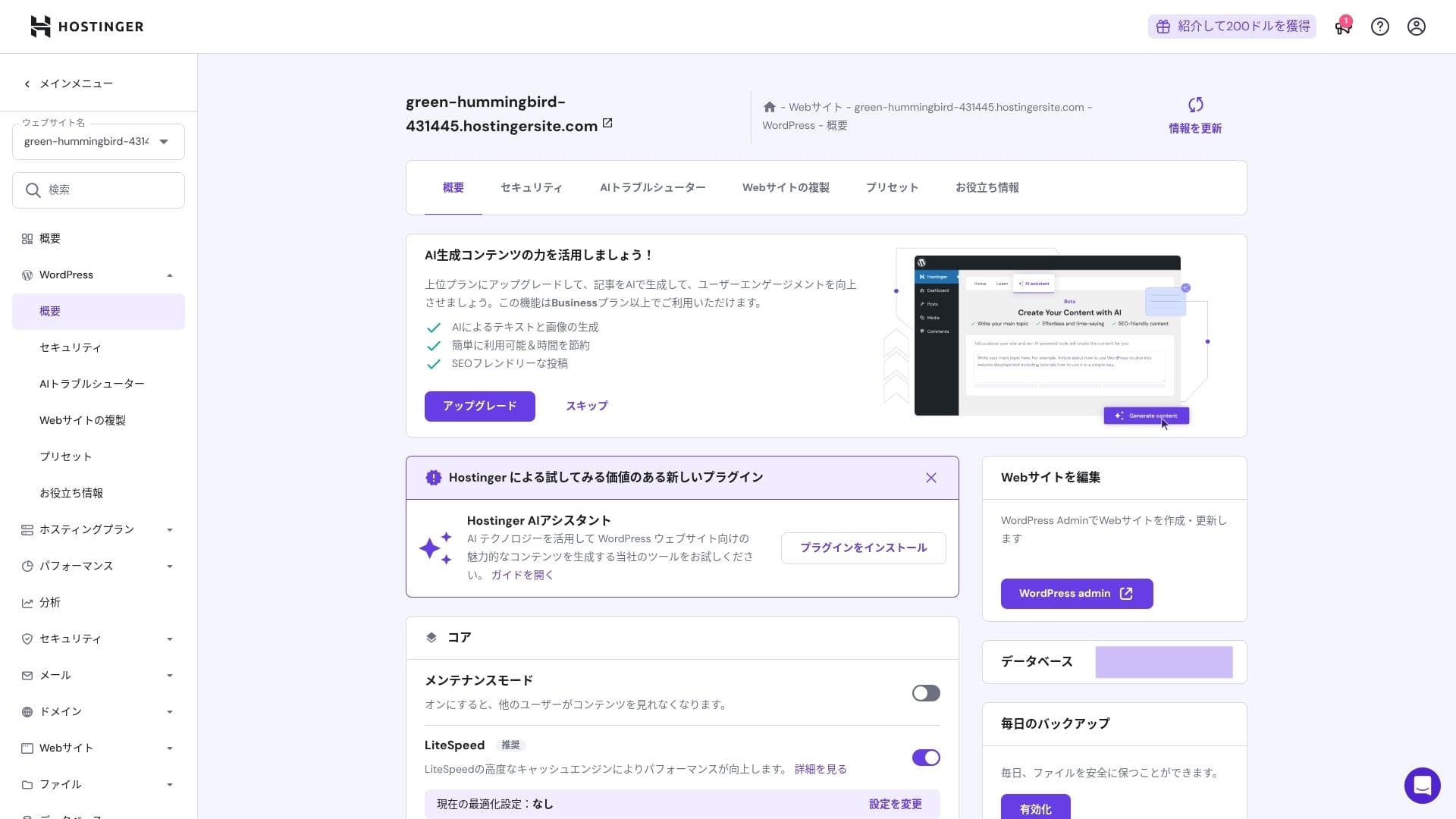
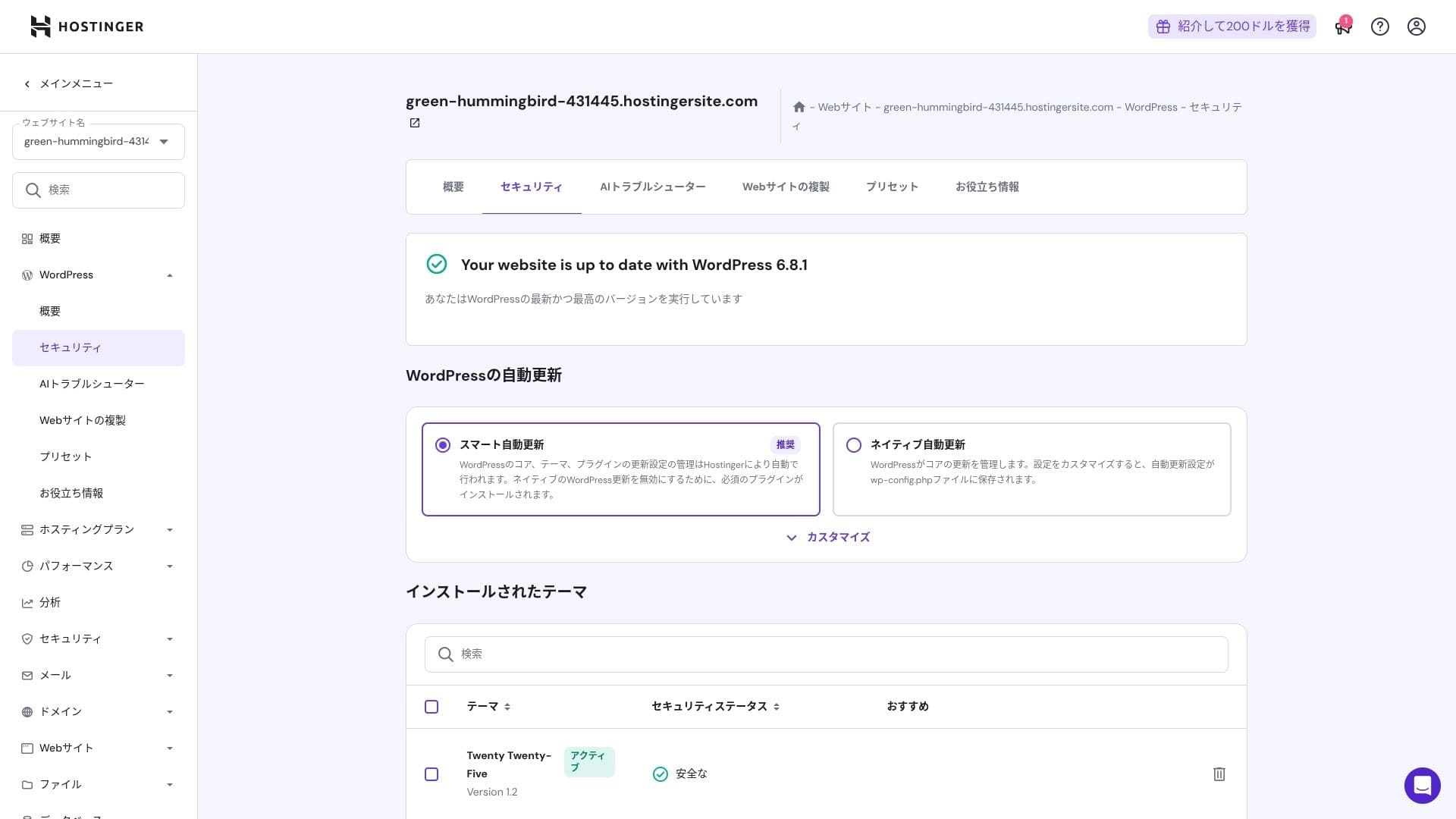
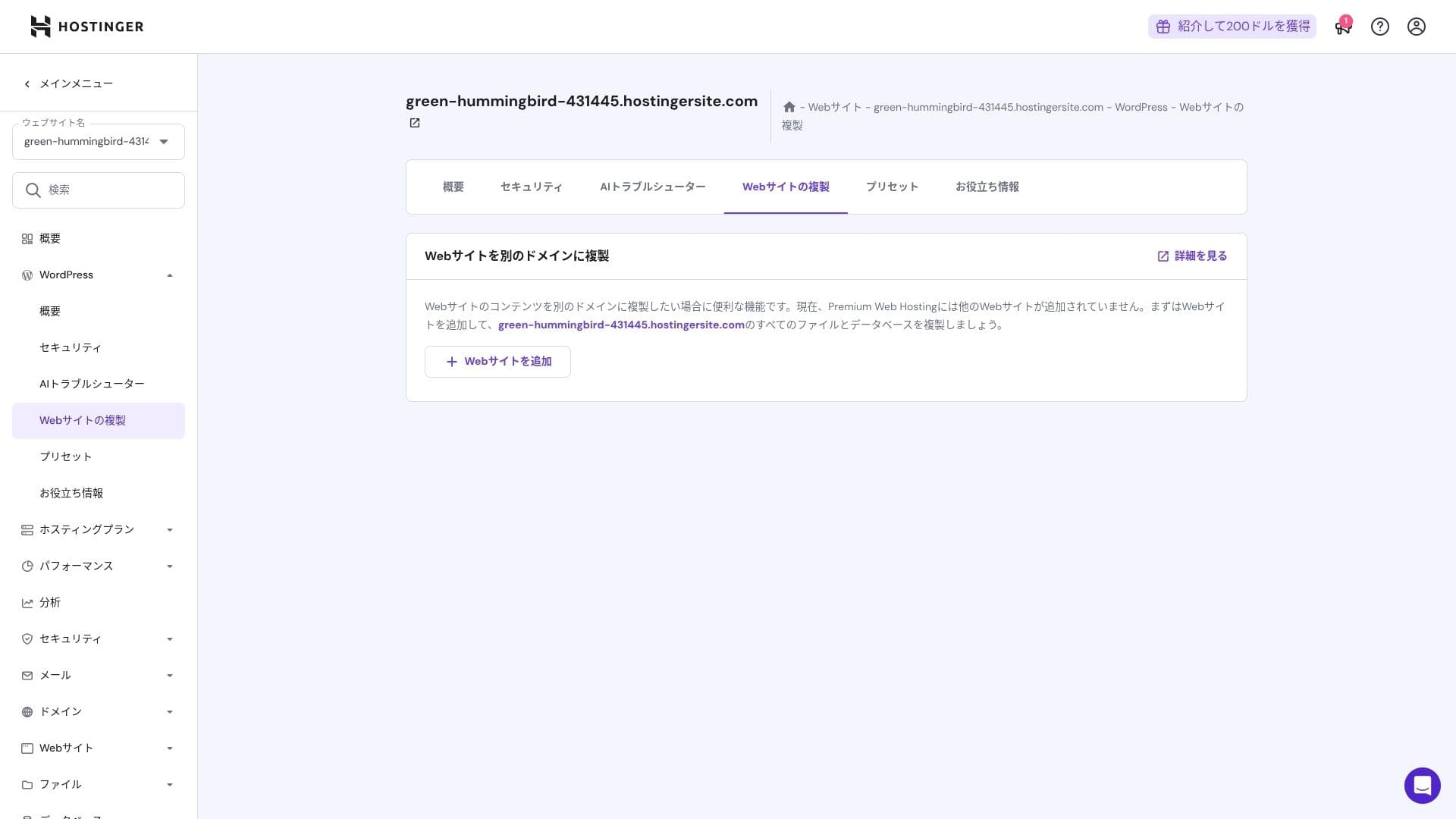
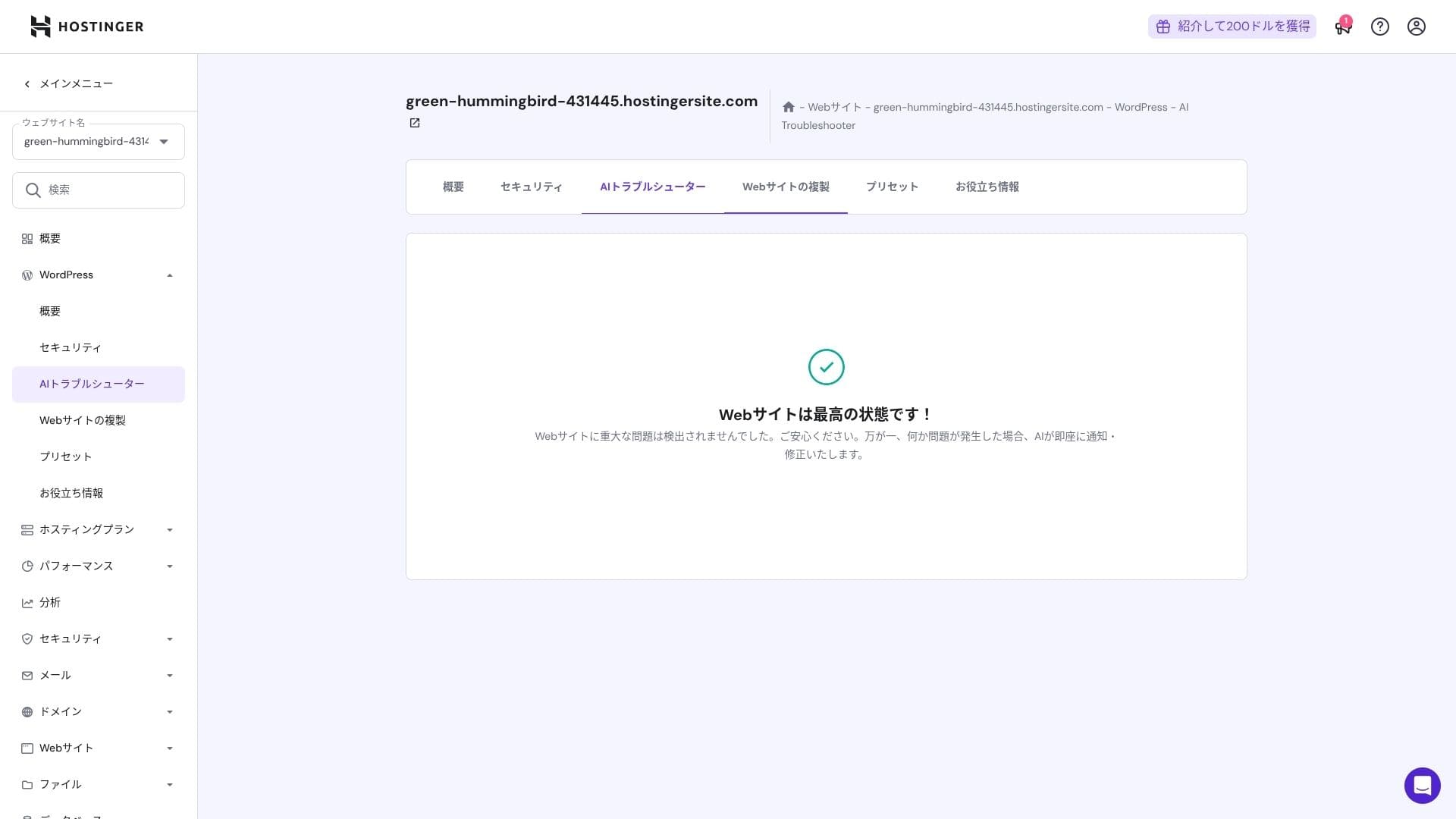
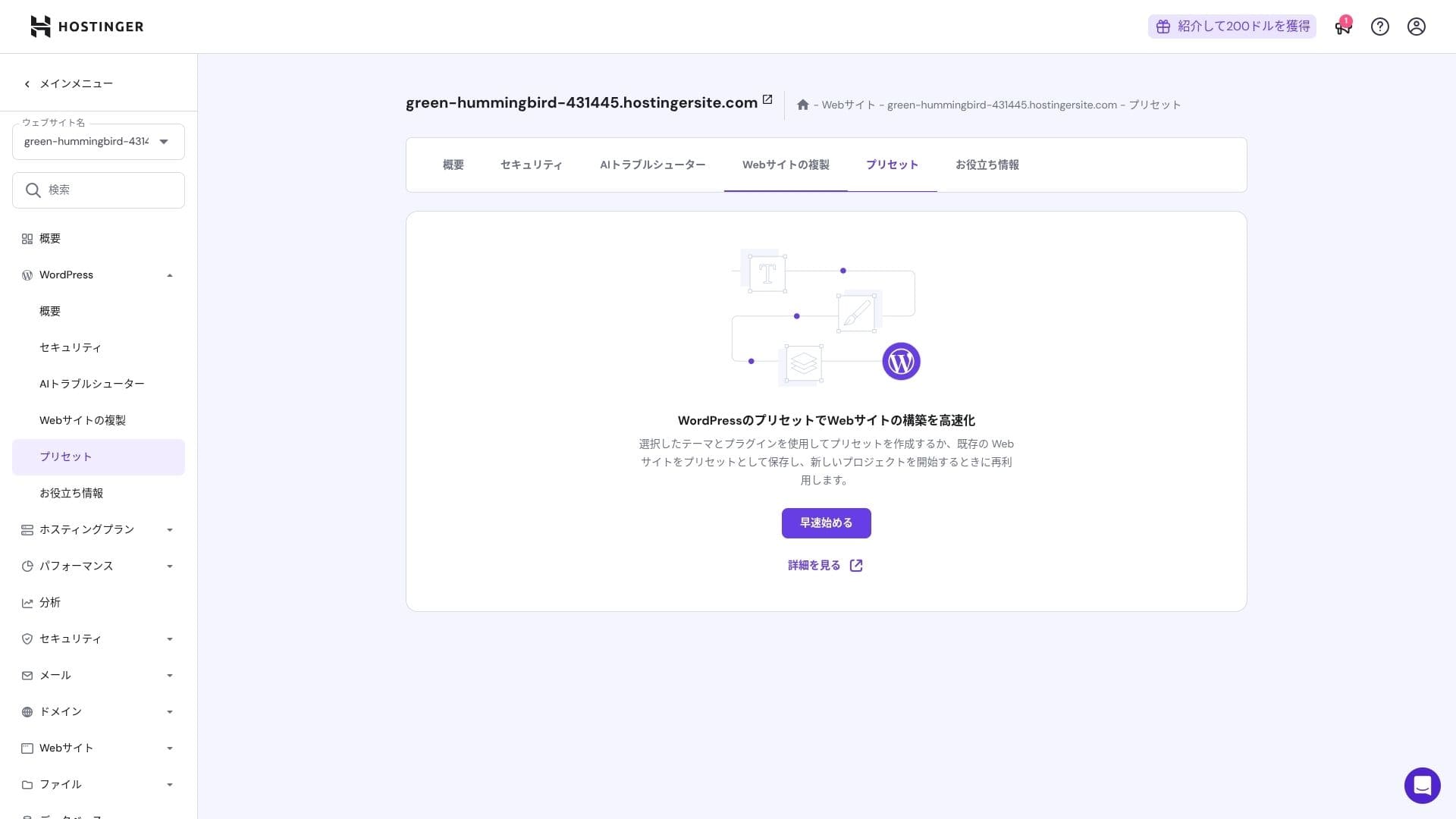
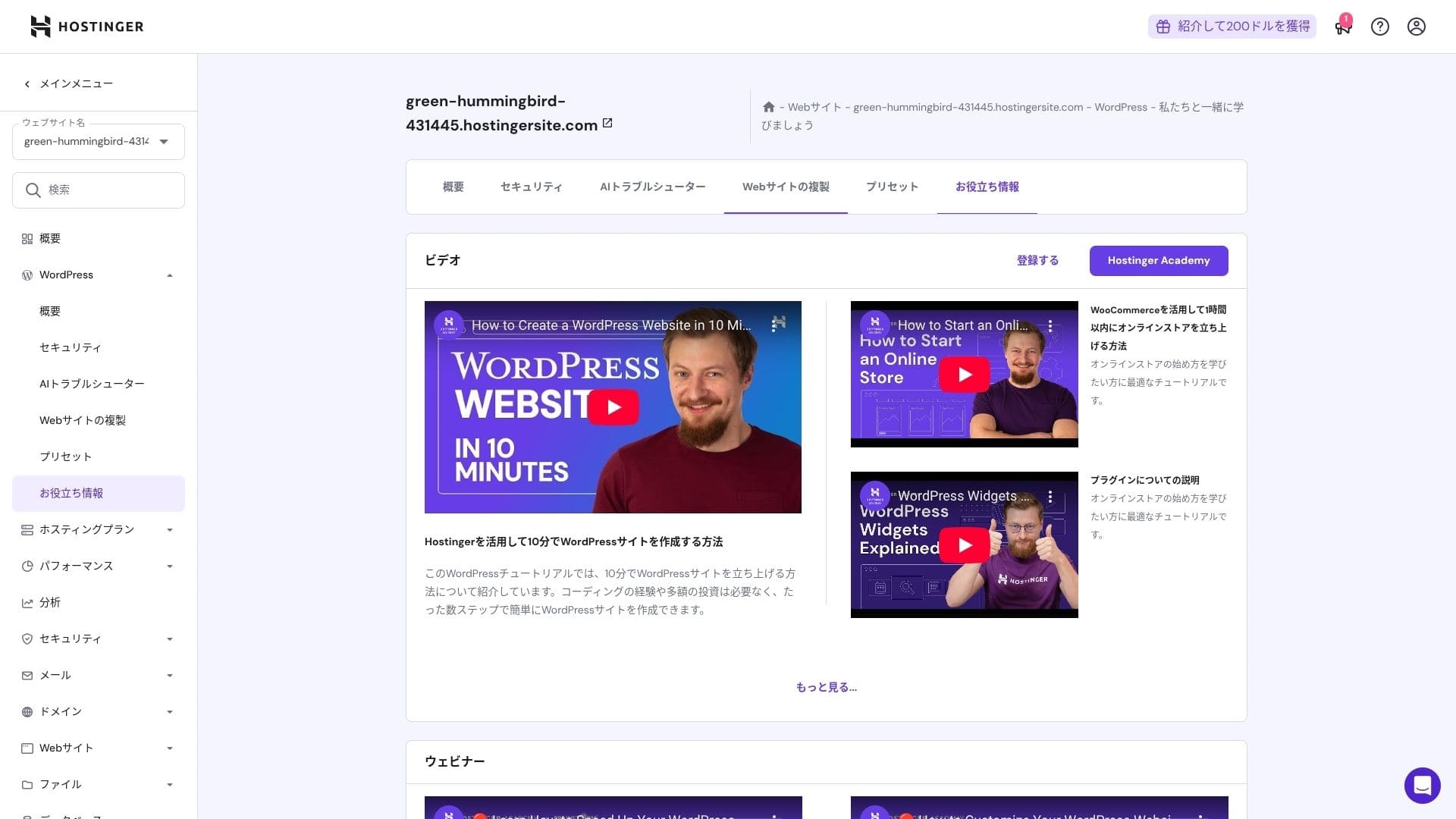
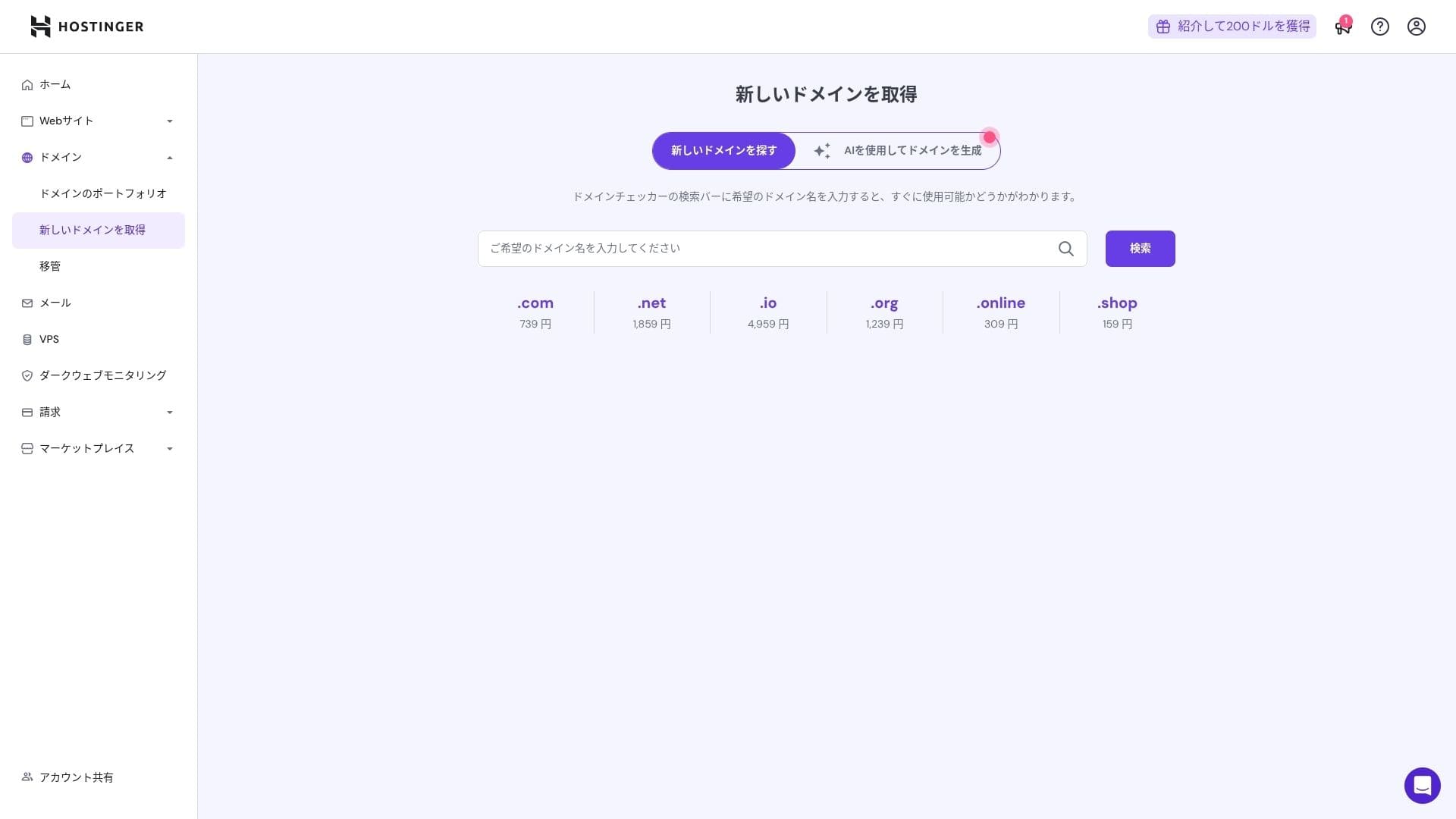
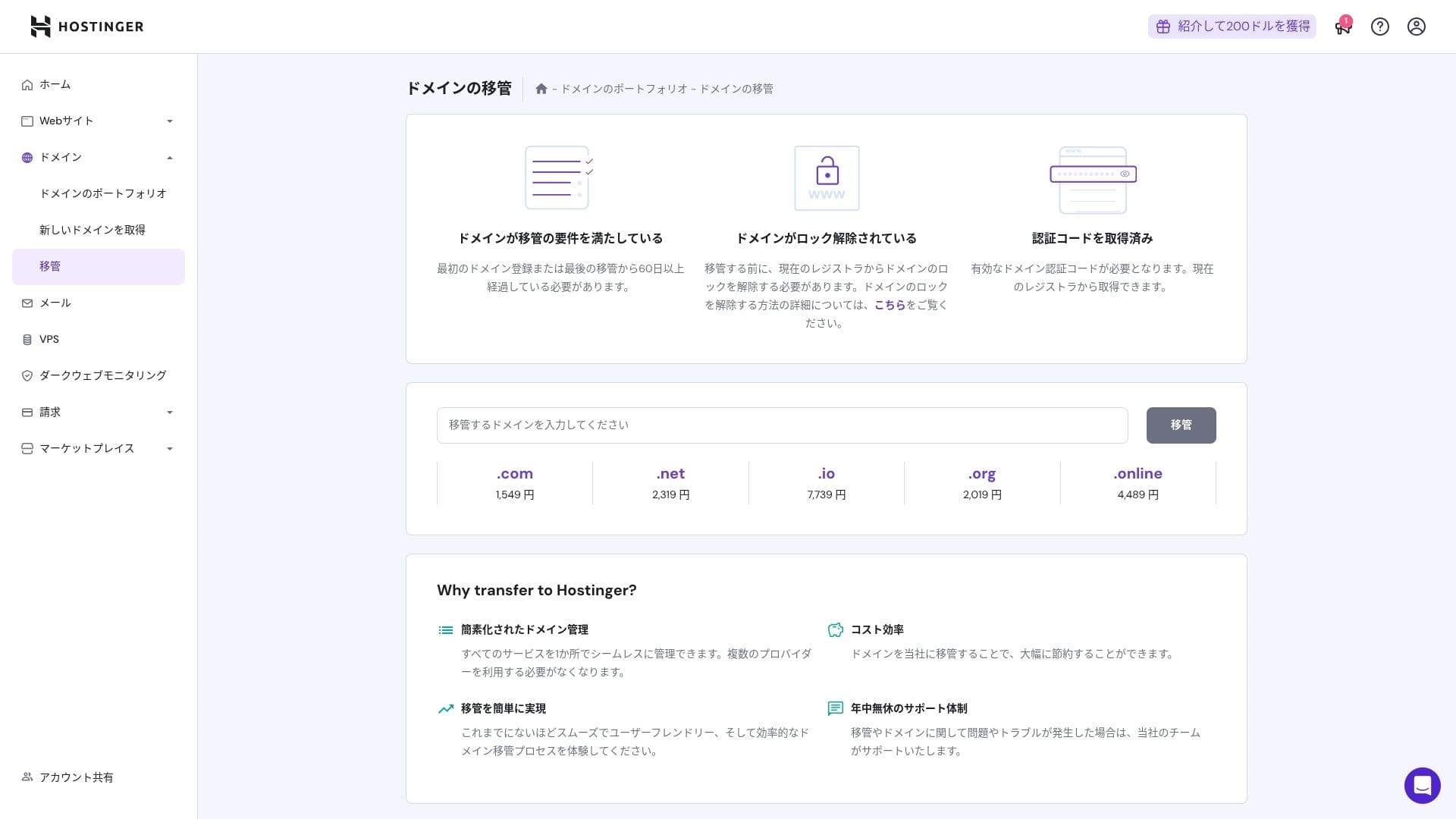
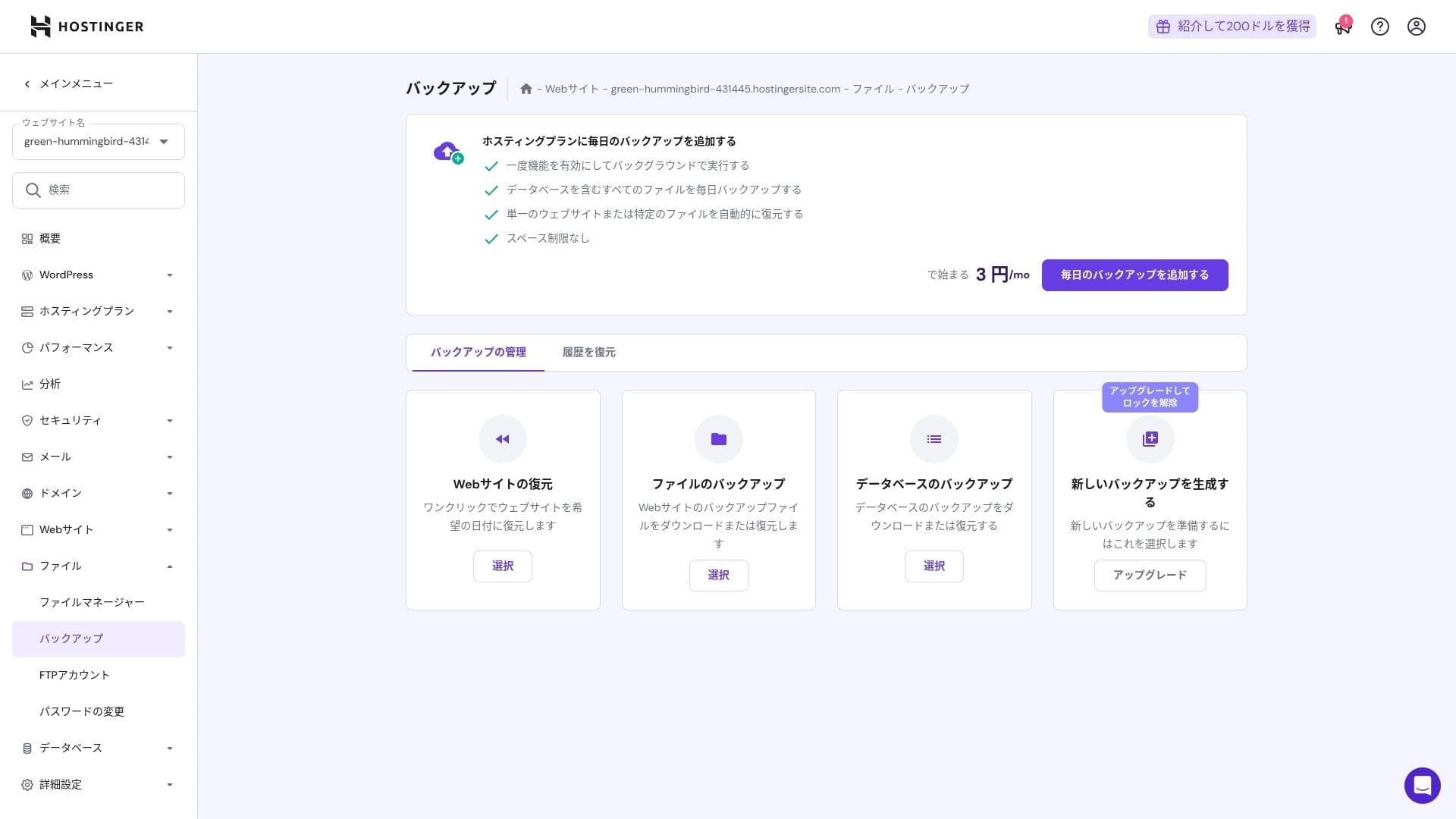
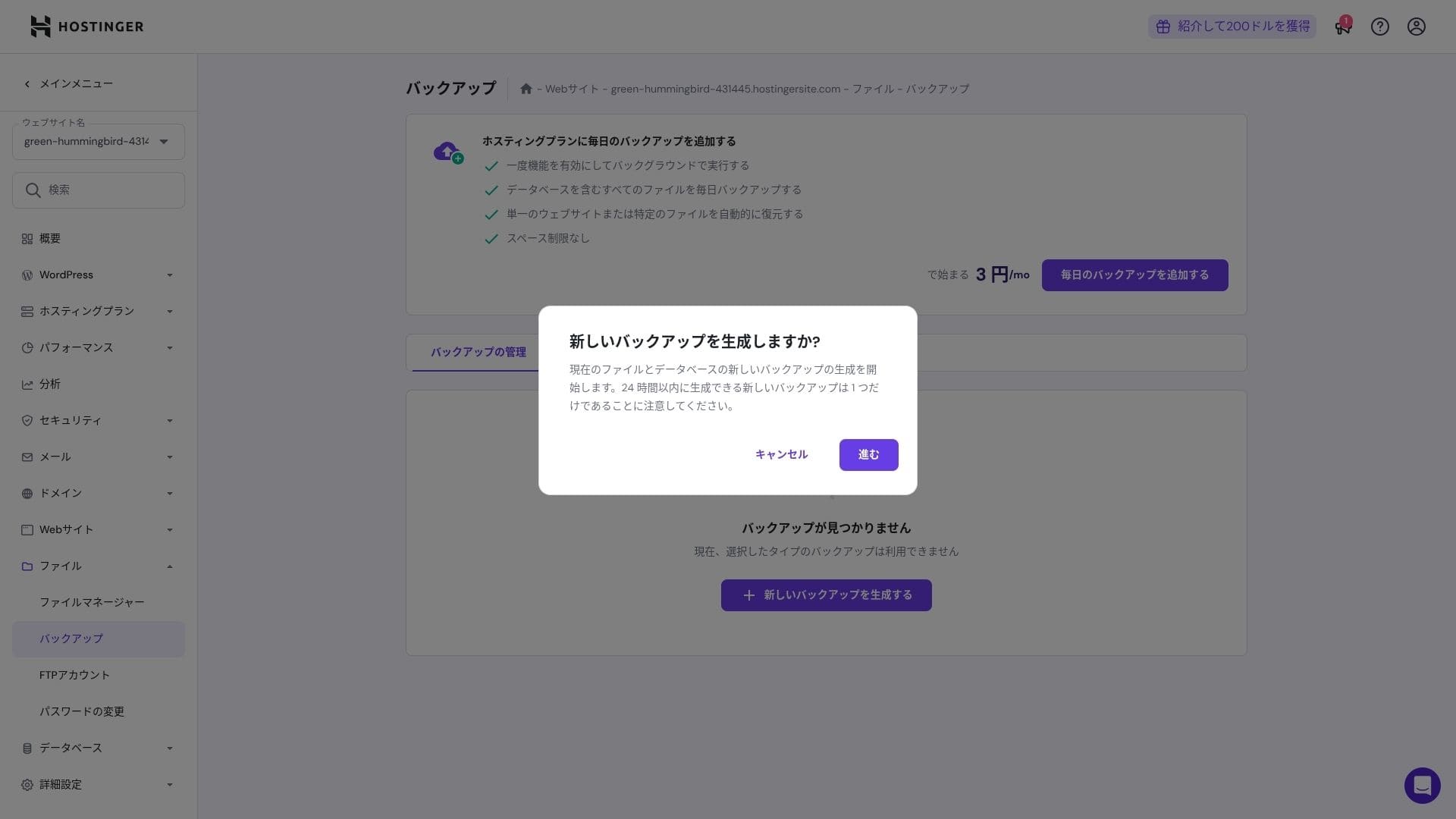
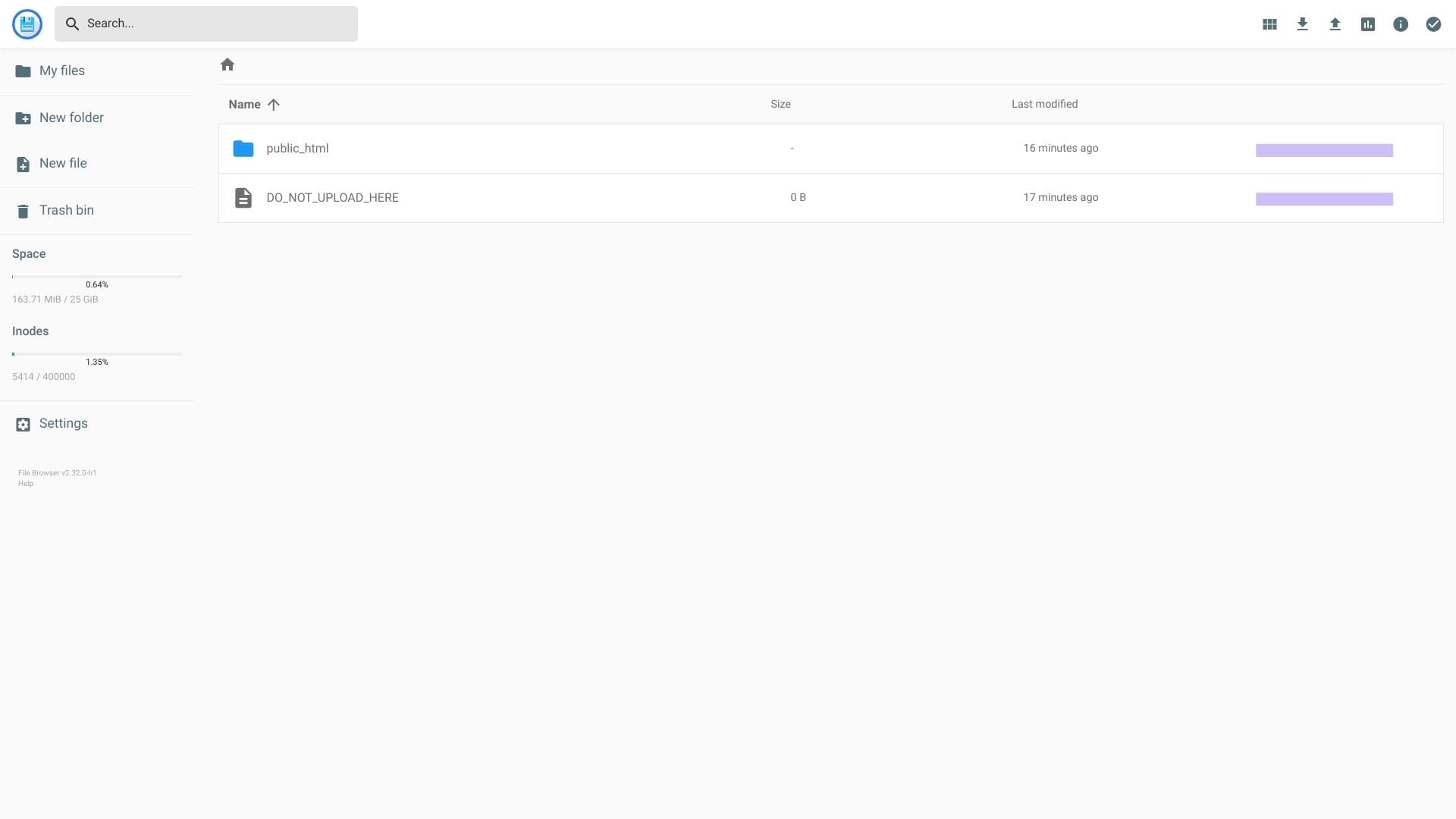
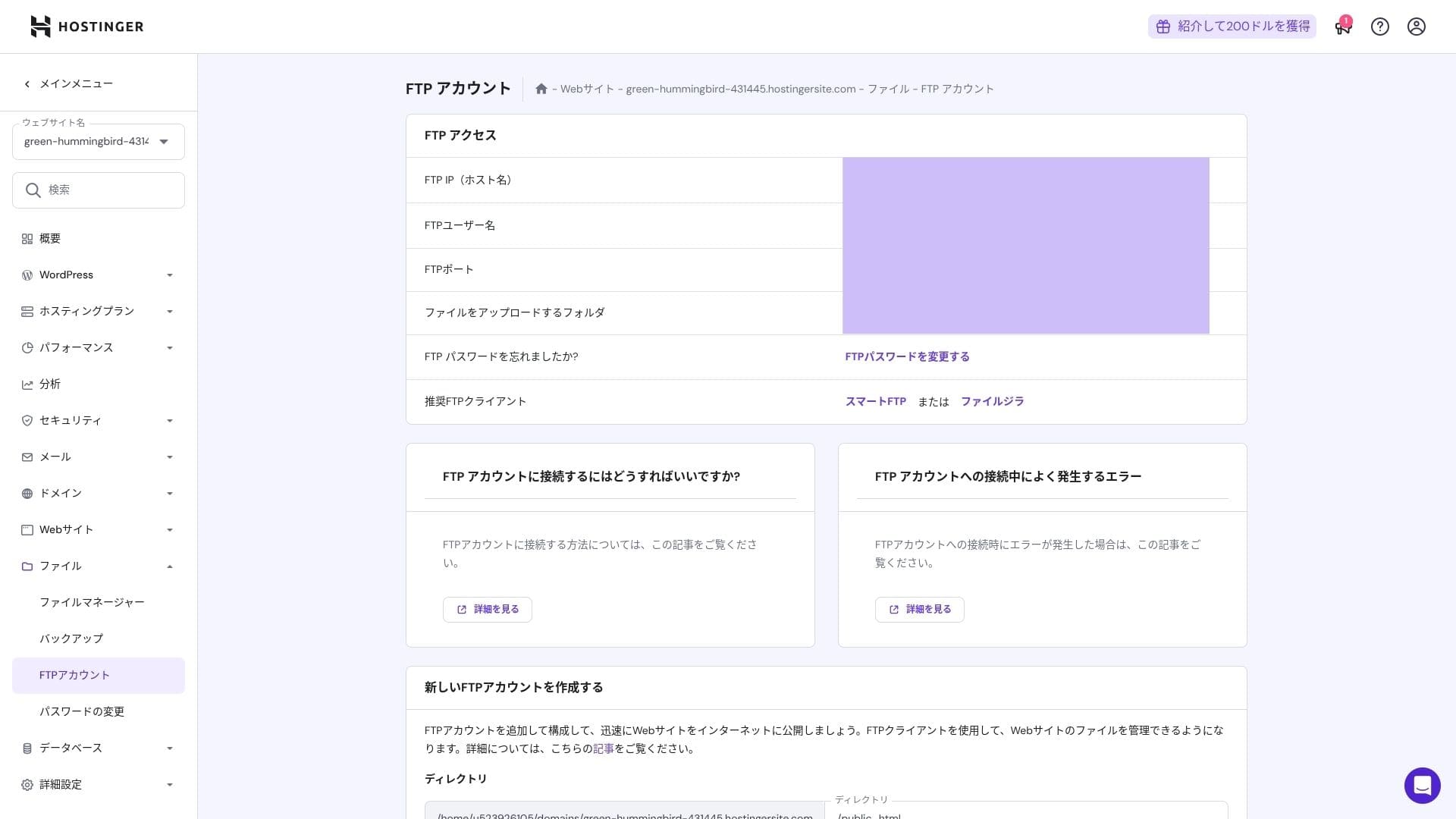
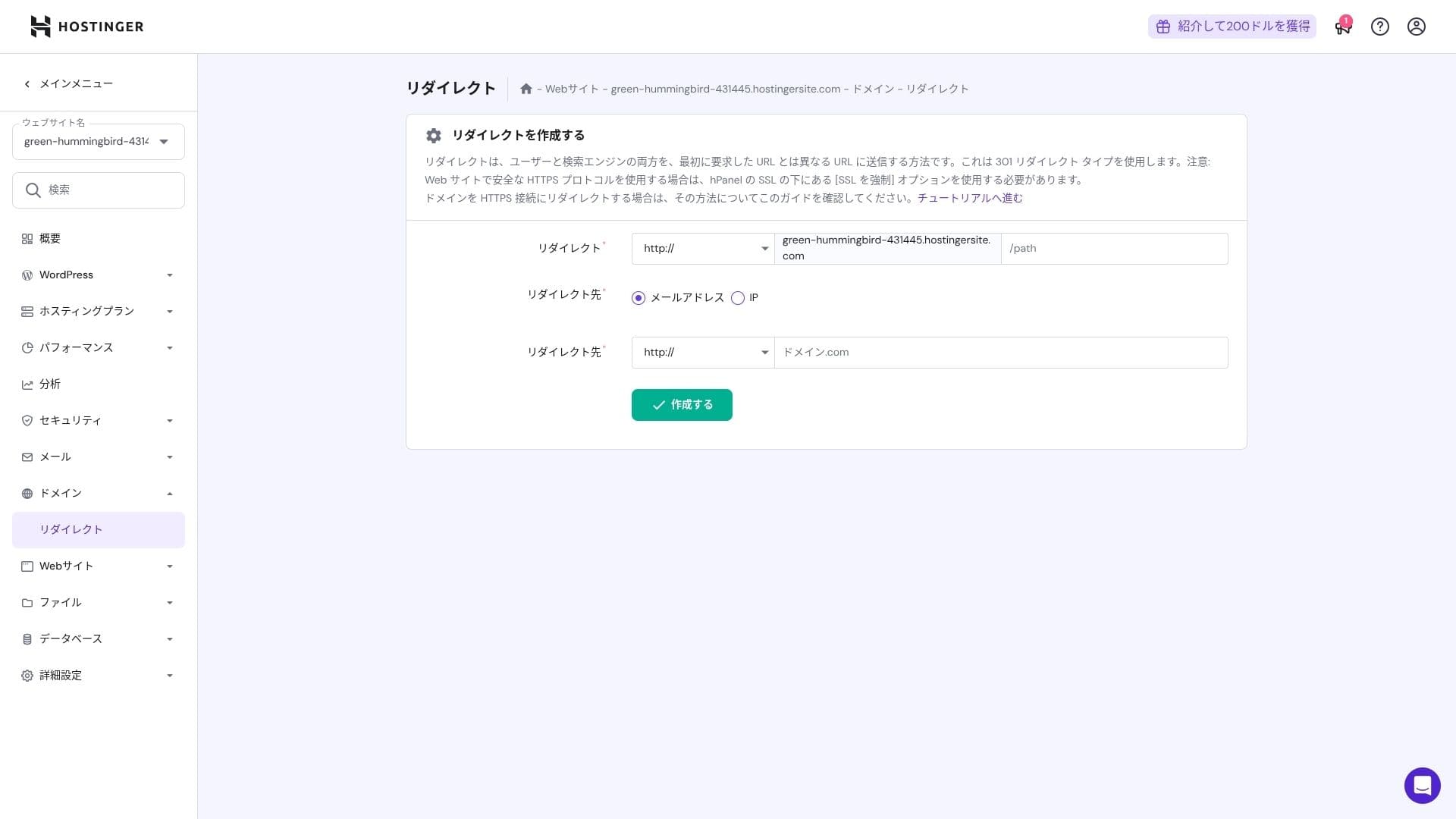
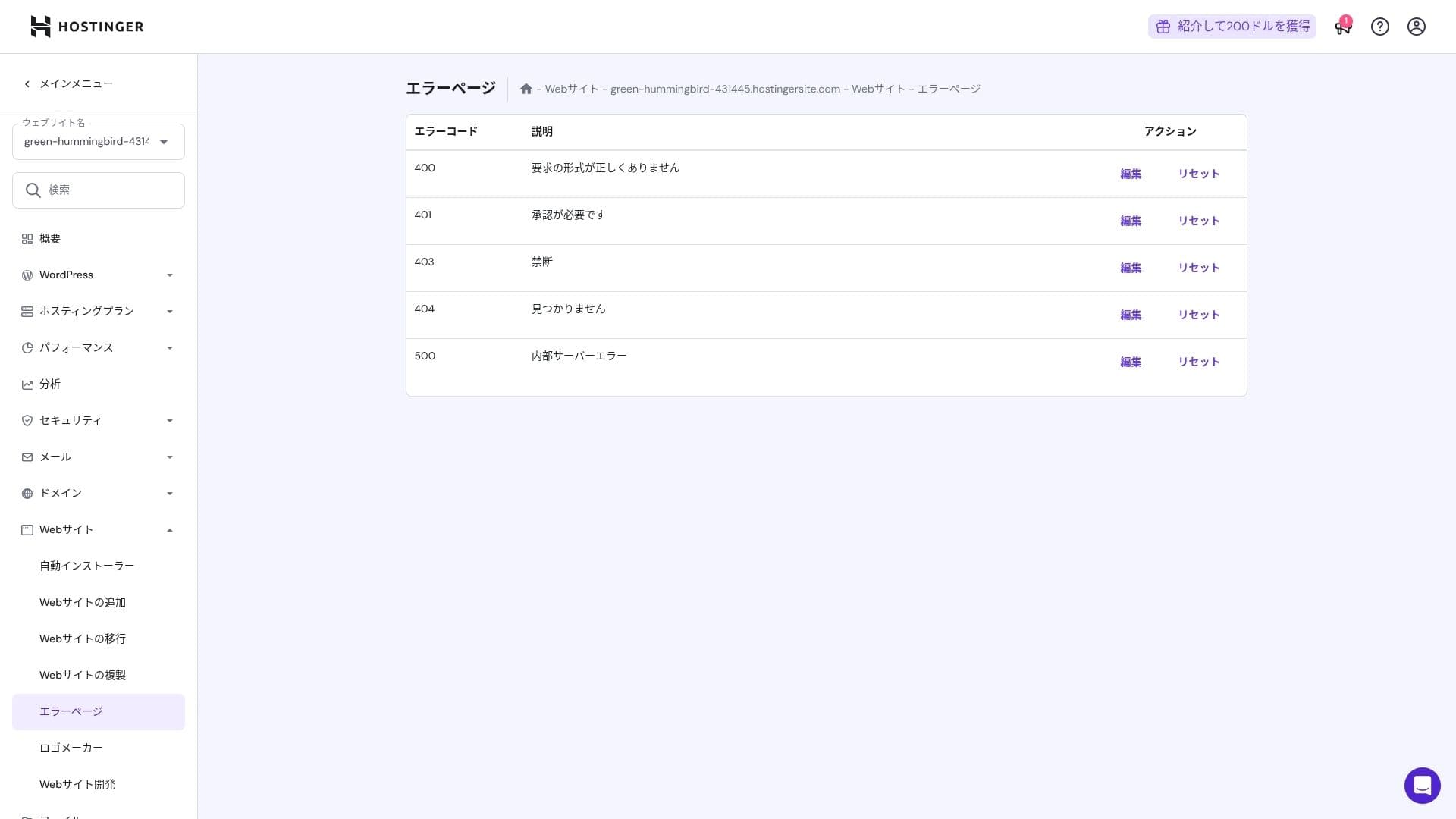
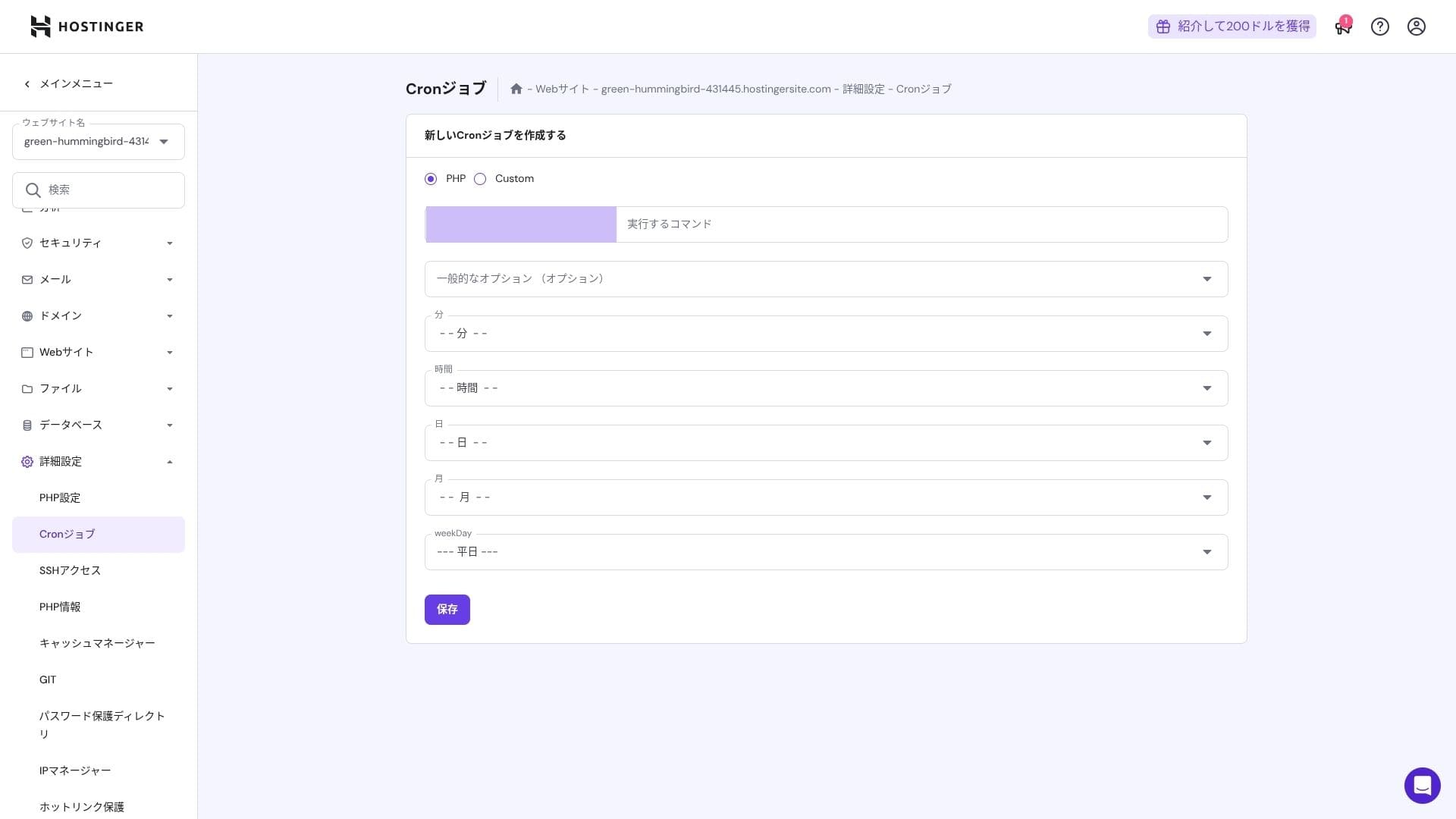
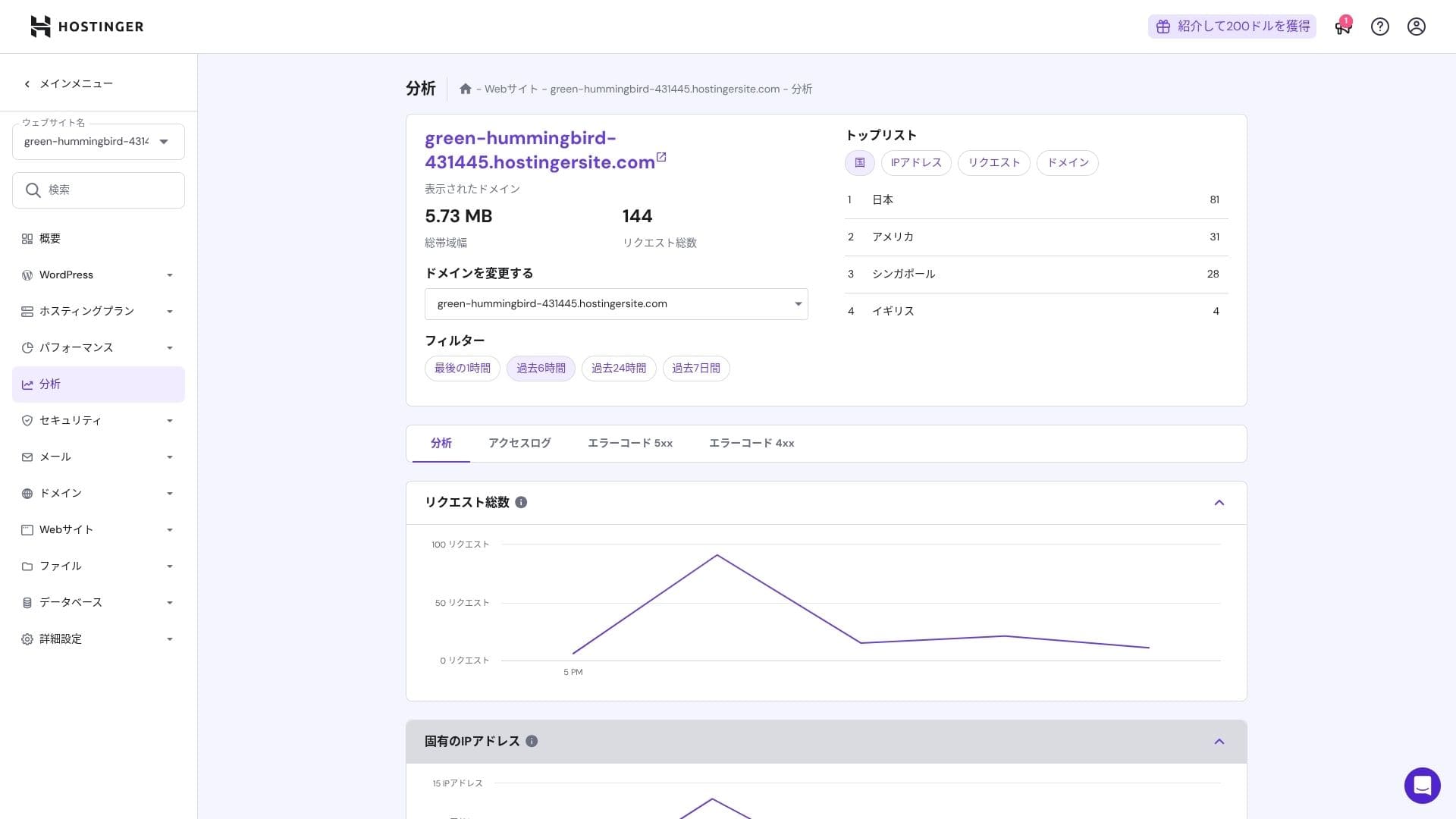
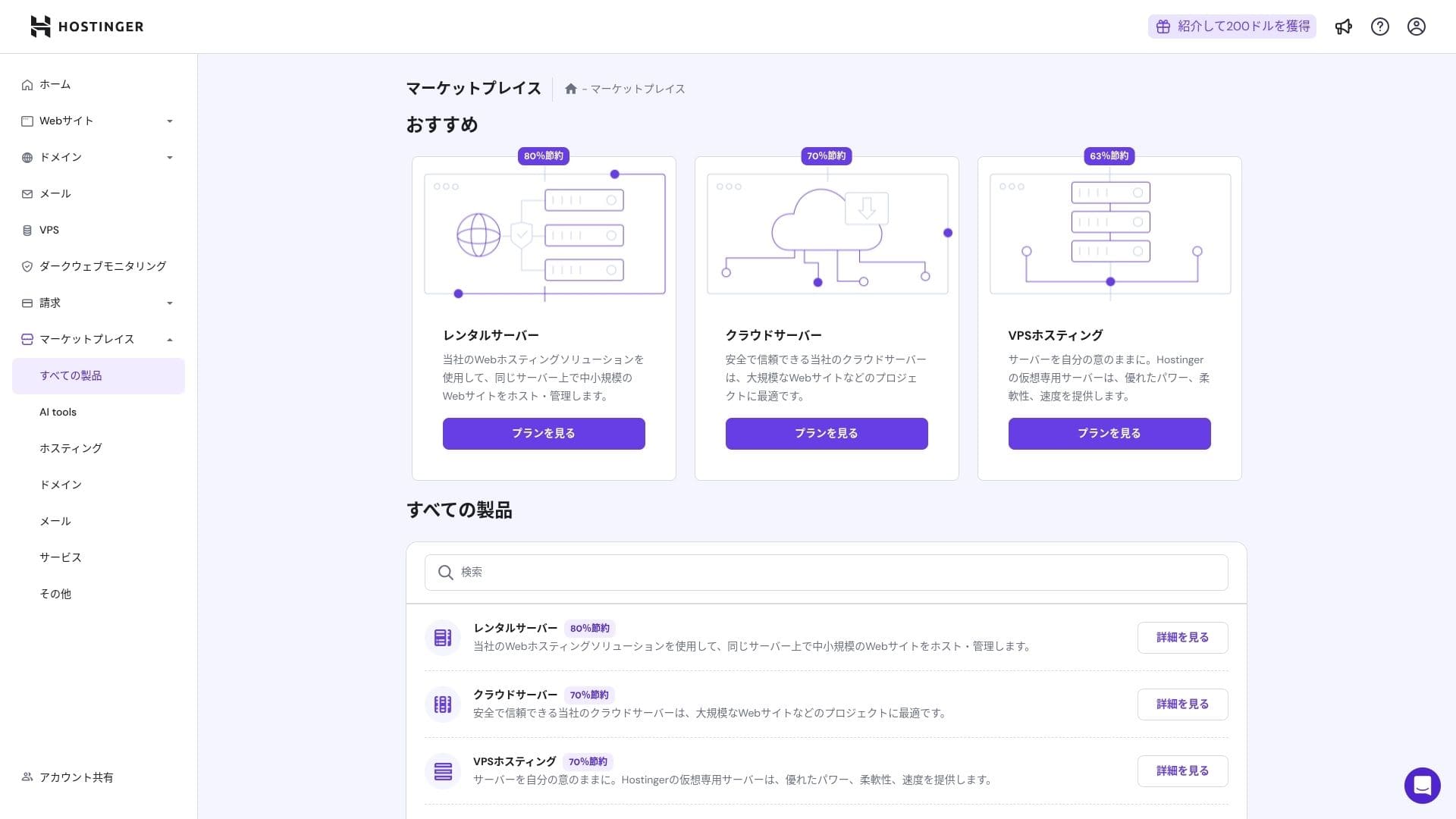
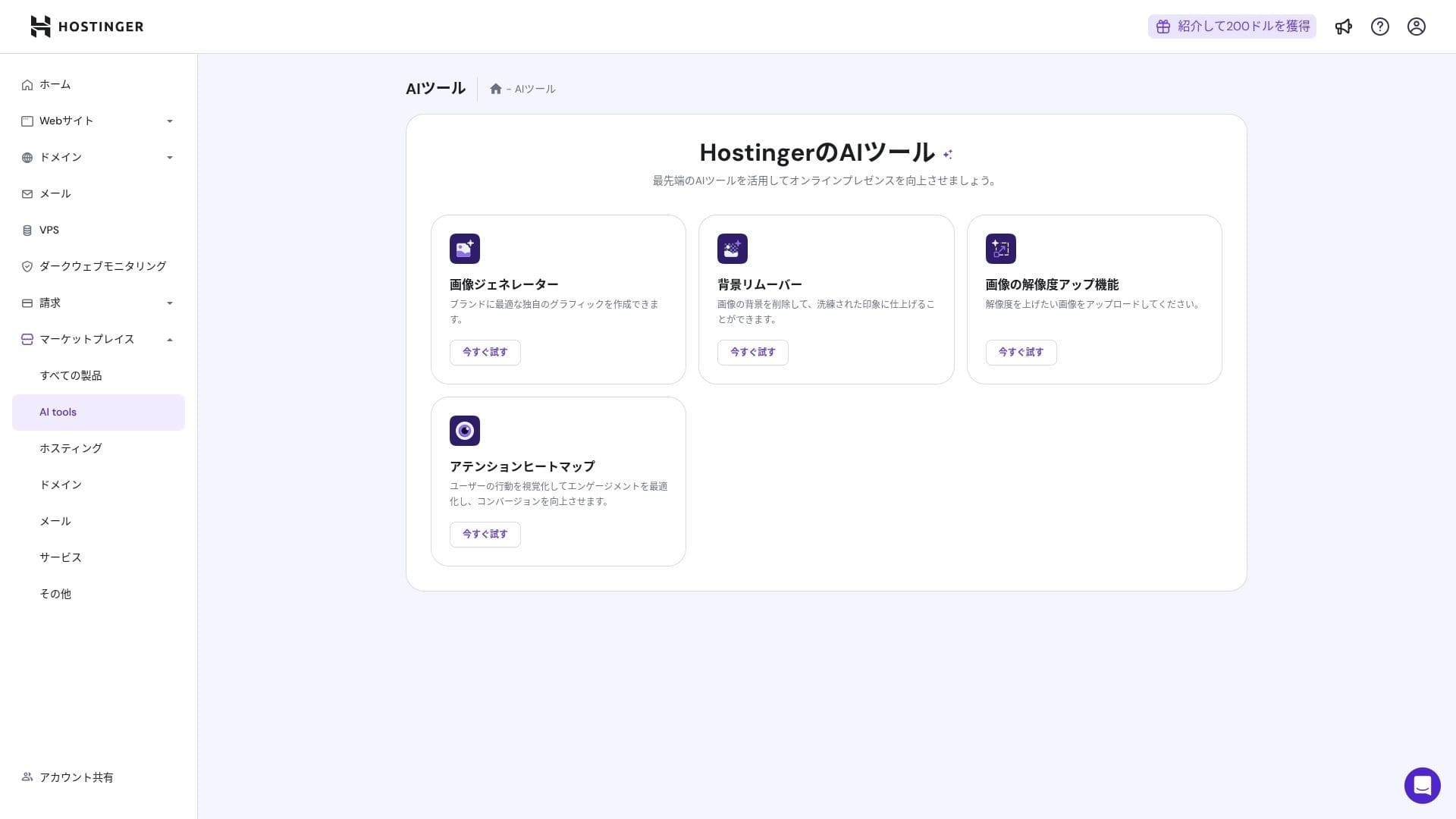
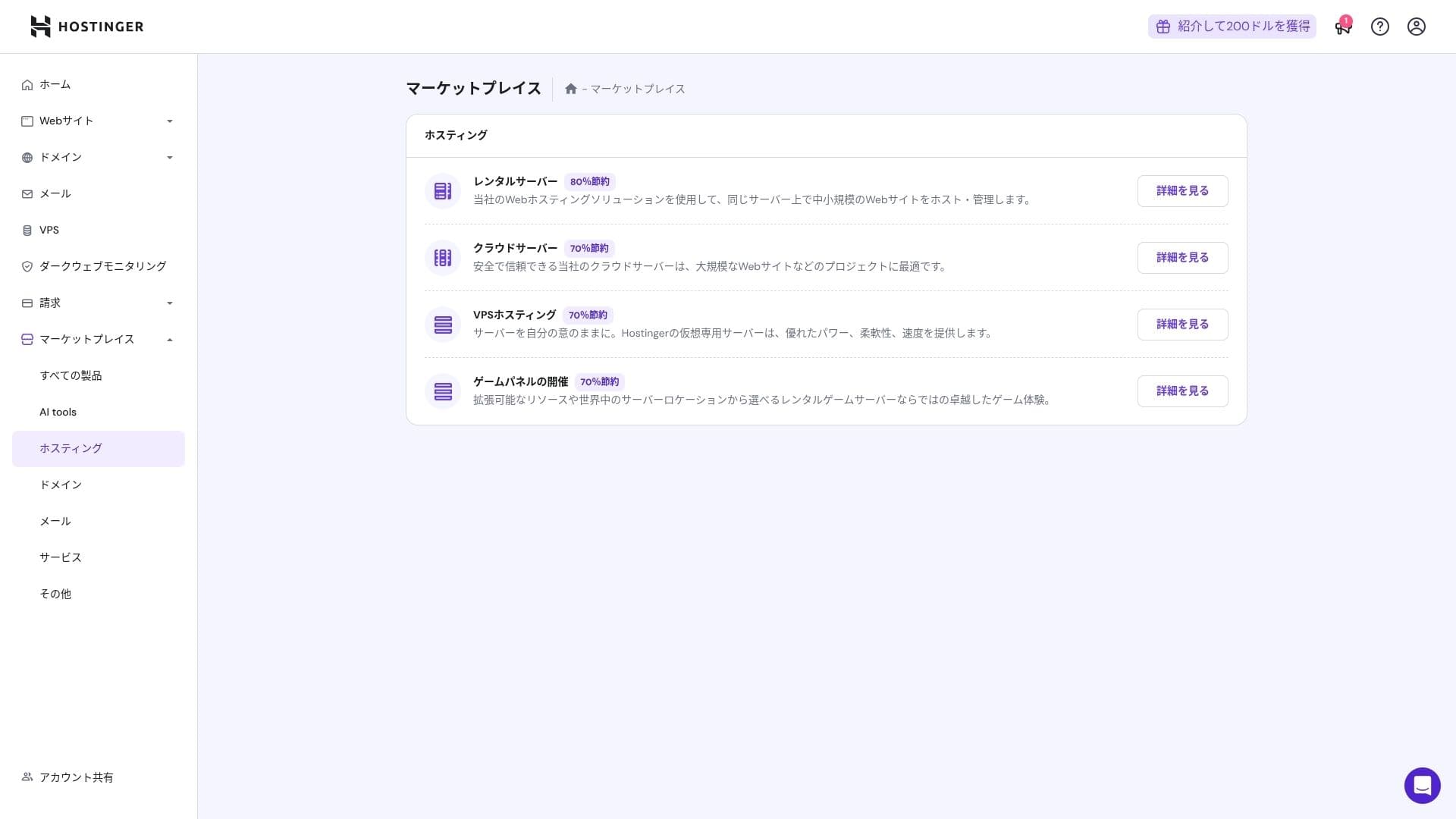
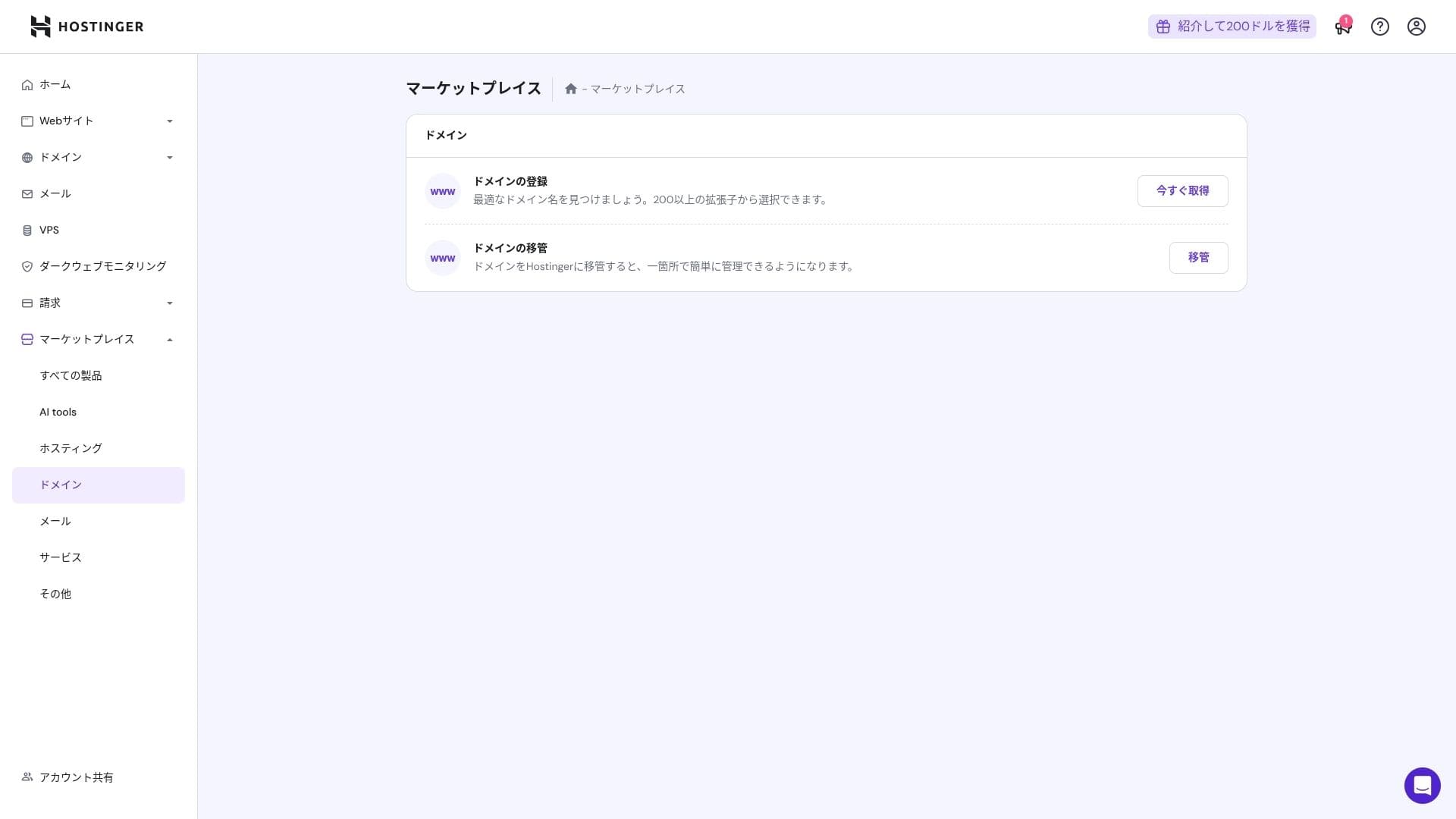
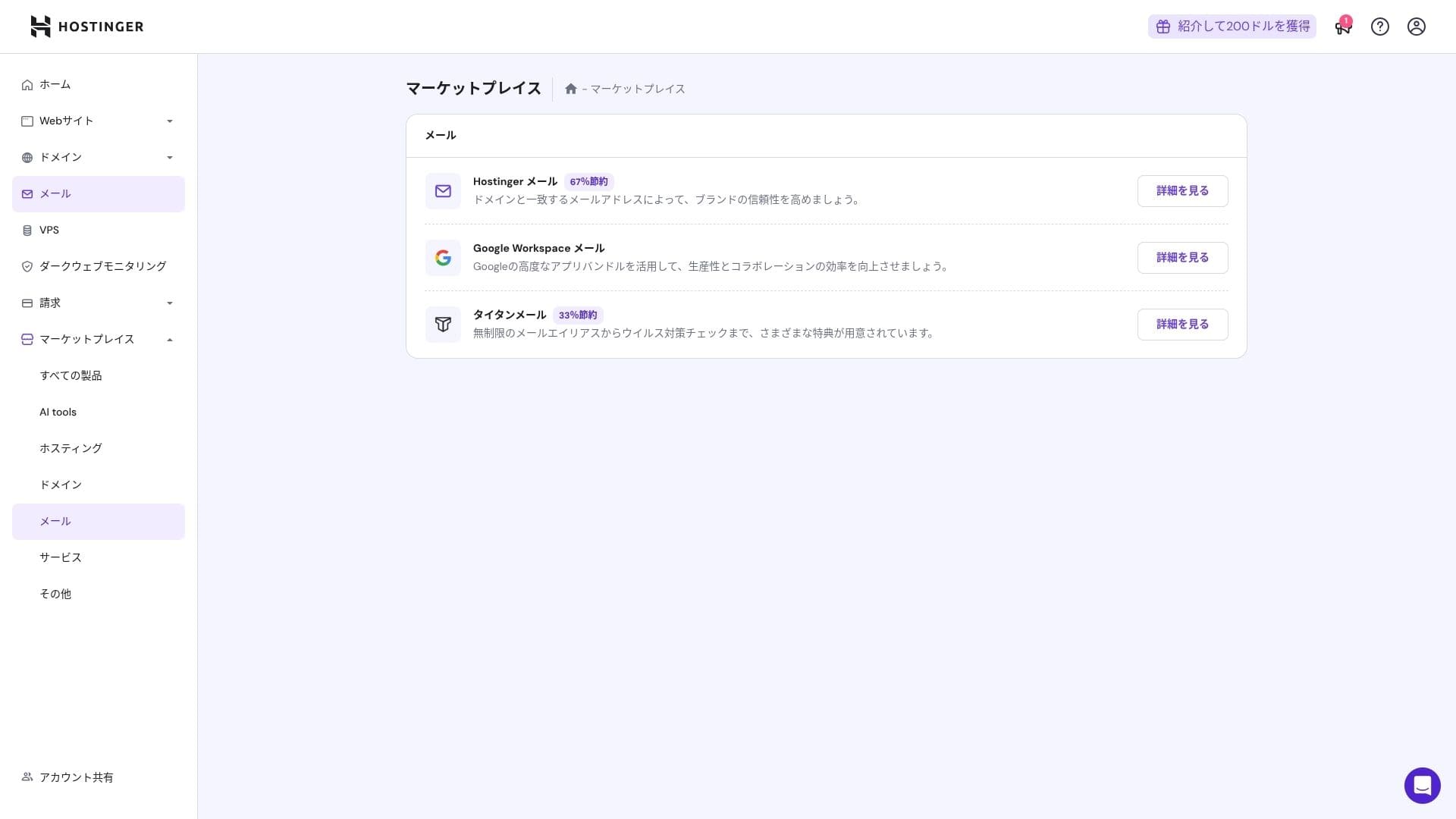
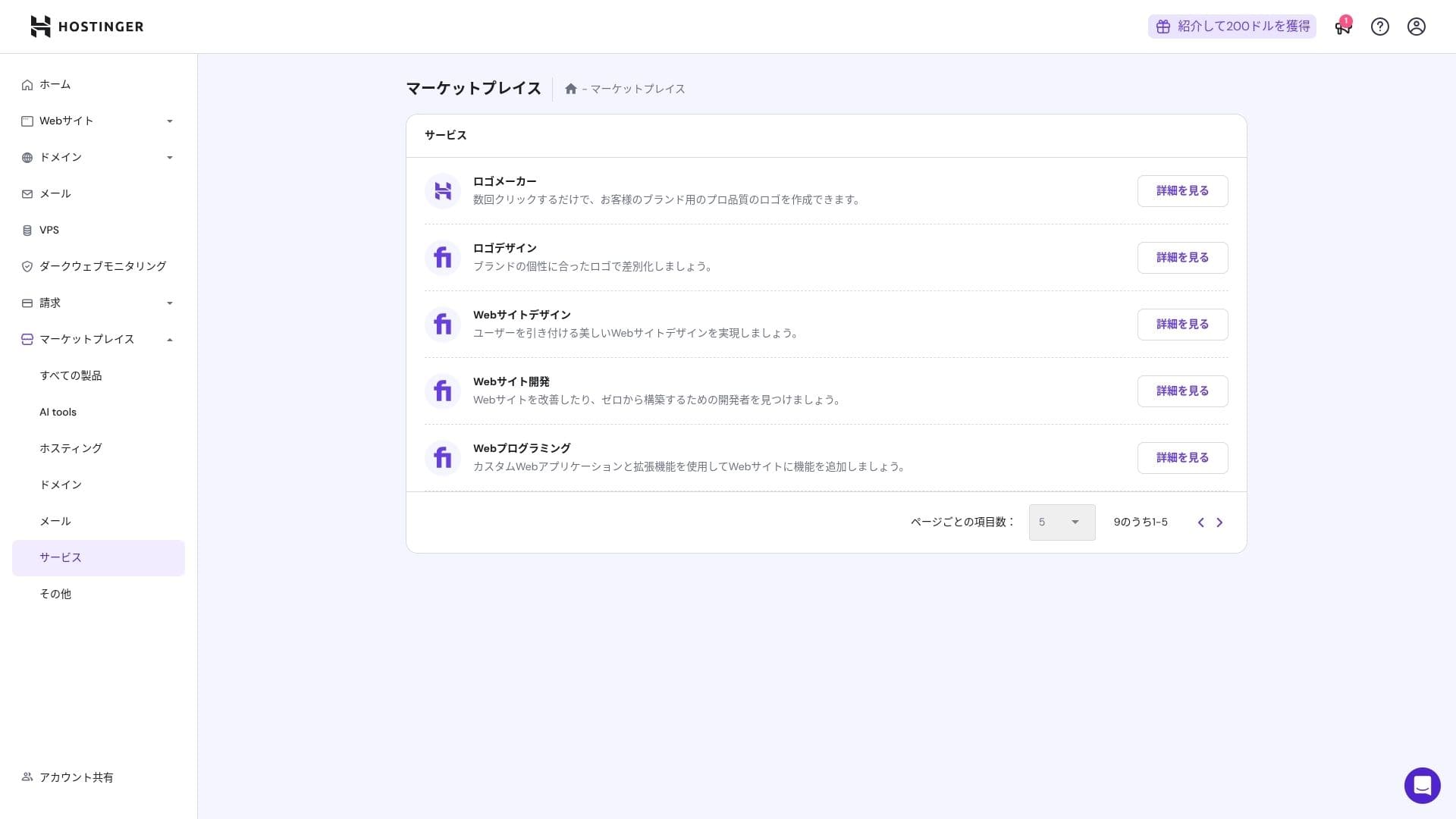
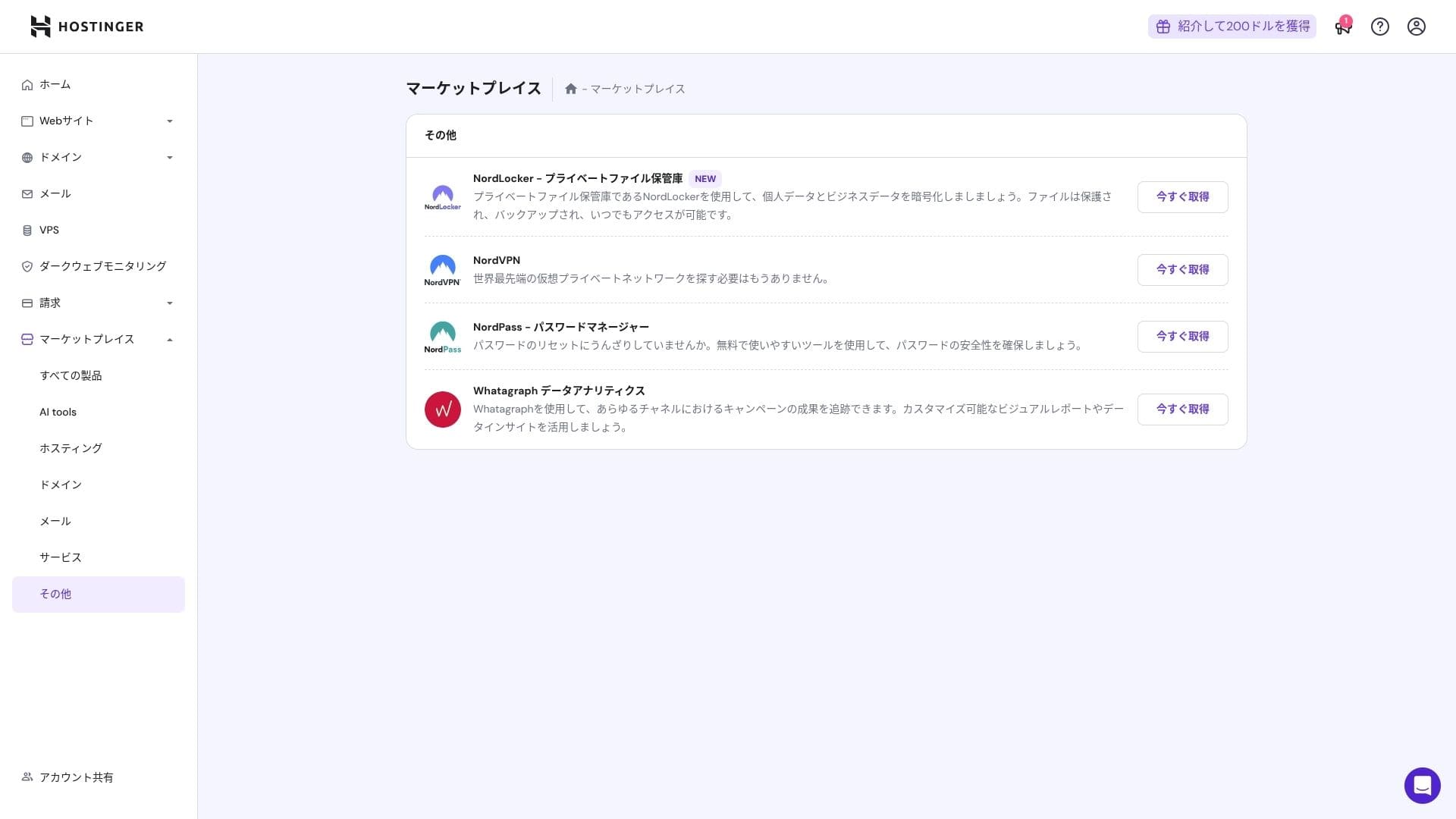
Тем не менее, люди, которые уже знакомы с cPanel, могут найти его менее интуитивным.
Support система
Онлайн-чат доступен круглосуточно 24/7/365, среднее время ответа составляет от одной до трех минут. Хотя ответы переводятся автоматически, специалисты дают развернутые разъяснения даже по сложным техническим вопросам.
Насколько полными являются руководства и FAQ
Японская база знаний все еще содержит некоторые разделы с автопереводом, но если использовать ее вместе с видеоуроками на YouTube-канале «Hostinger Academy», с настройкой можно легко справиться самостоятельно.
Email features обзор
Начиная с тарифа Premium, почта на собственном домене предоставляется бесплатно на один год. Однако объем почтового ящика составляет всего 1 ГБ. Вы также можете использовать тариф Business Starter за 69 иен в месяц (10 ГБ на один аккаунт).
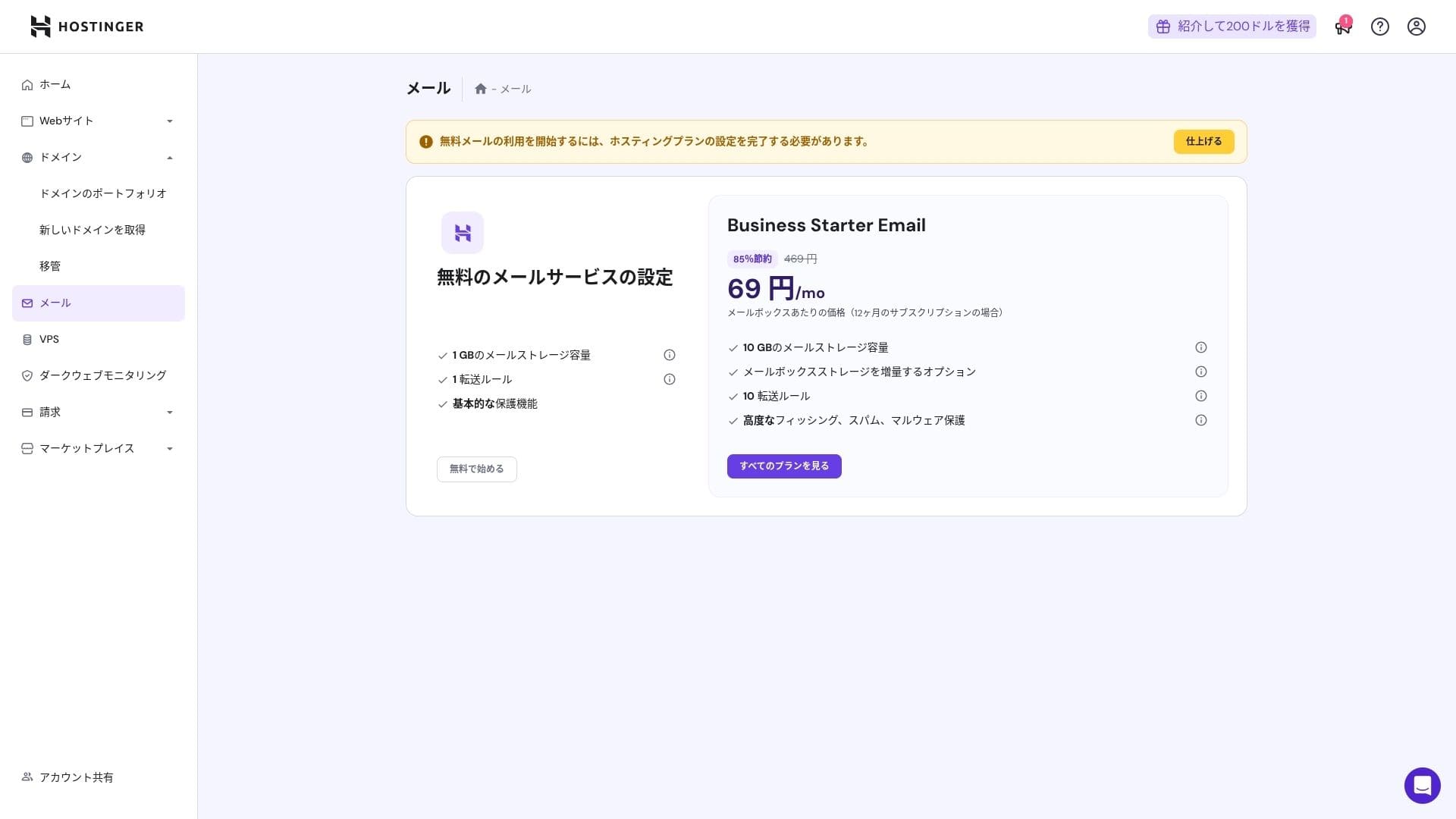
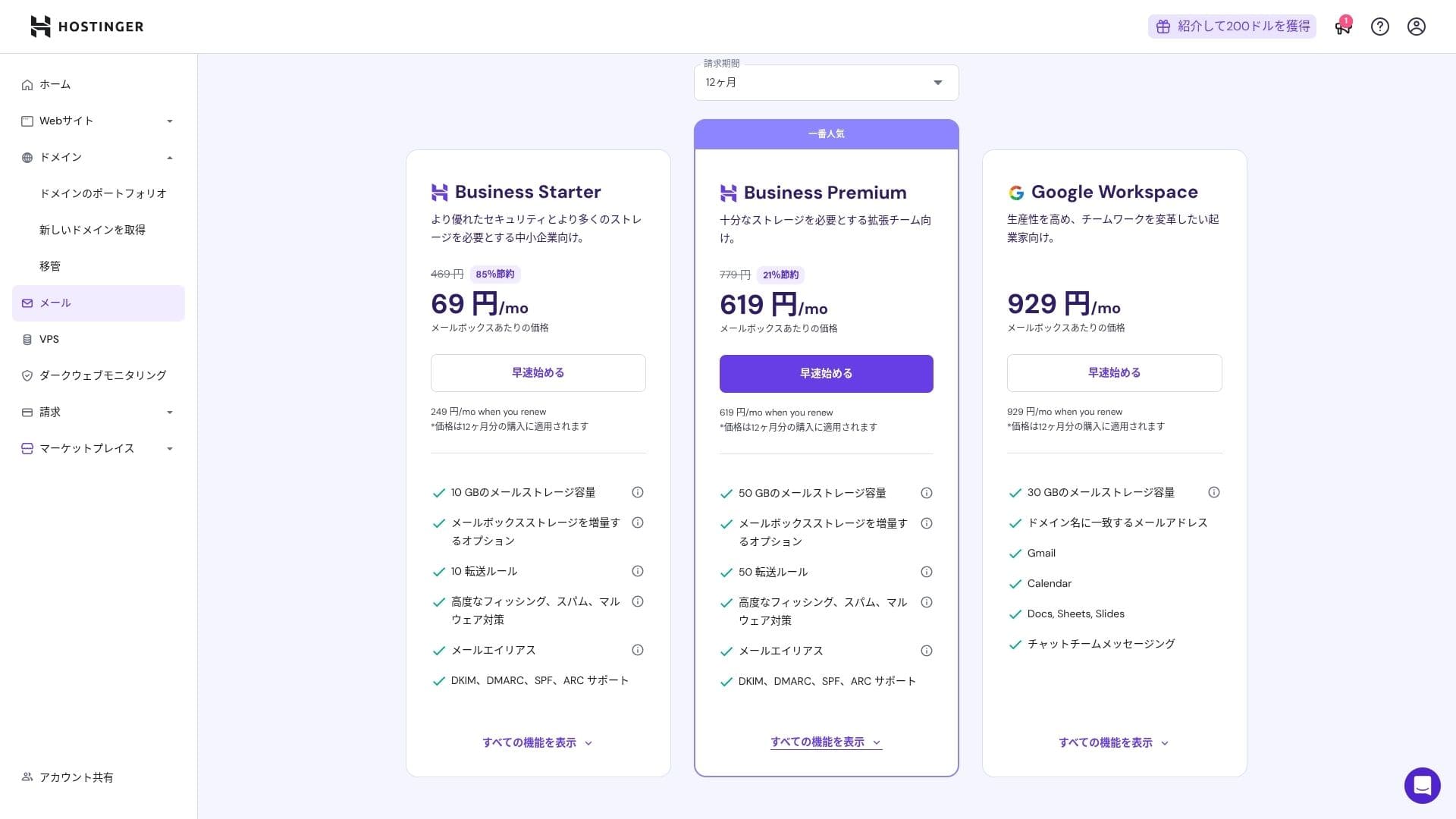
Поскольку он включает в себя защиту от вирусов и спама, даже корпорации и предприятия могут использовать его с уверенностью.
Обзор безопасности и резервного копирования
Меры безопасности
В стандартный пакет входят функции WAF, фильтрация DDoS, сканер вредоносного ПО и защита конфиденциальности WHOIS. В сочетании с бесплатным SSL это обеспечивает базовый уровень безопасности.
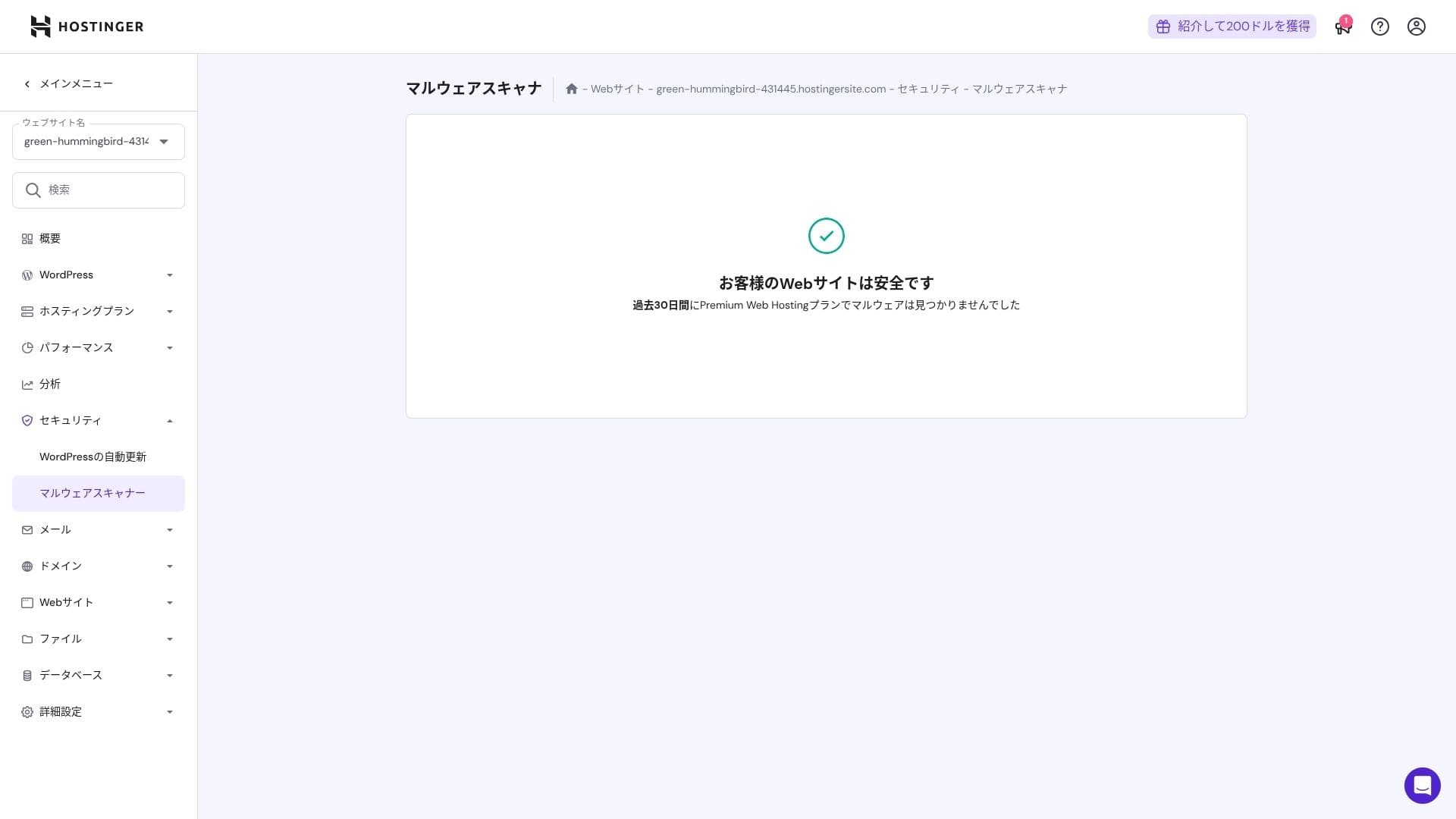
Функция автоматического резервного копирования
Премиум включает еженедельные резервные копии. Бизнес и более высокие планы поддерживают ежедневные резервные копии и восстановление по требованию. Восстановить можно одним щелчком мыши с панели администратора.
★ Пять мощных плагинов для резервного копирования WordPress для восстановления ваших данных
Summary
- Fast performance with NVMe + LiteSpeed + CDN
- Бесплатный домен, SSL, миграция и AI-инструменты снижают первоначальные затраты на запуск
- hPanel интуитивно понятен, а поддержка чата 24/7 быстрая.
- Сниженная цена предполагает контракт на 48 месяцев. Внимательно проверяйте стоимость продления
- Для сайтов с медиа-тяжелой или высокой загрузкой процессора рекомендуется облачный или более высокий уровень.
- Японская документация по-прежнему содержит некоторые машинно-переводимые разделы, которые труднее читать.
В целом, я считаю это лучшим выбором для блогеров, малого и среднего бизнеса, а также веб-студий, которым нужны высокая скорость и богатый функционал при умеренных затратах. Если вы планируете постепенный переход с тарифа Premium на Business и Cloud, учитывая стоимость продления, этот сервис вряд ли разочарует вас в долгосрочной перспективе.