Primeiro mês de teste gratuito e 14 dias de teste gratuito
PR
Servidores
Avaliação da KAGOYA JAPAN: usada por 61.000 empresas. O servidor dedicado para WordPress compensa?
Publicado: 2025.04.18
Atualizado: 2025.04.18
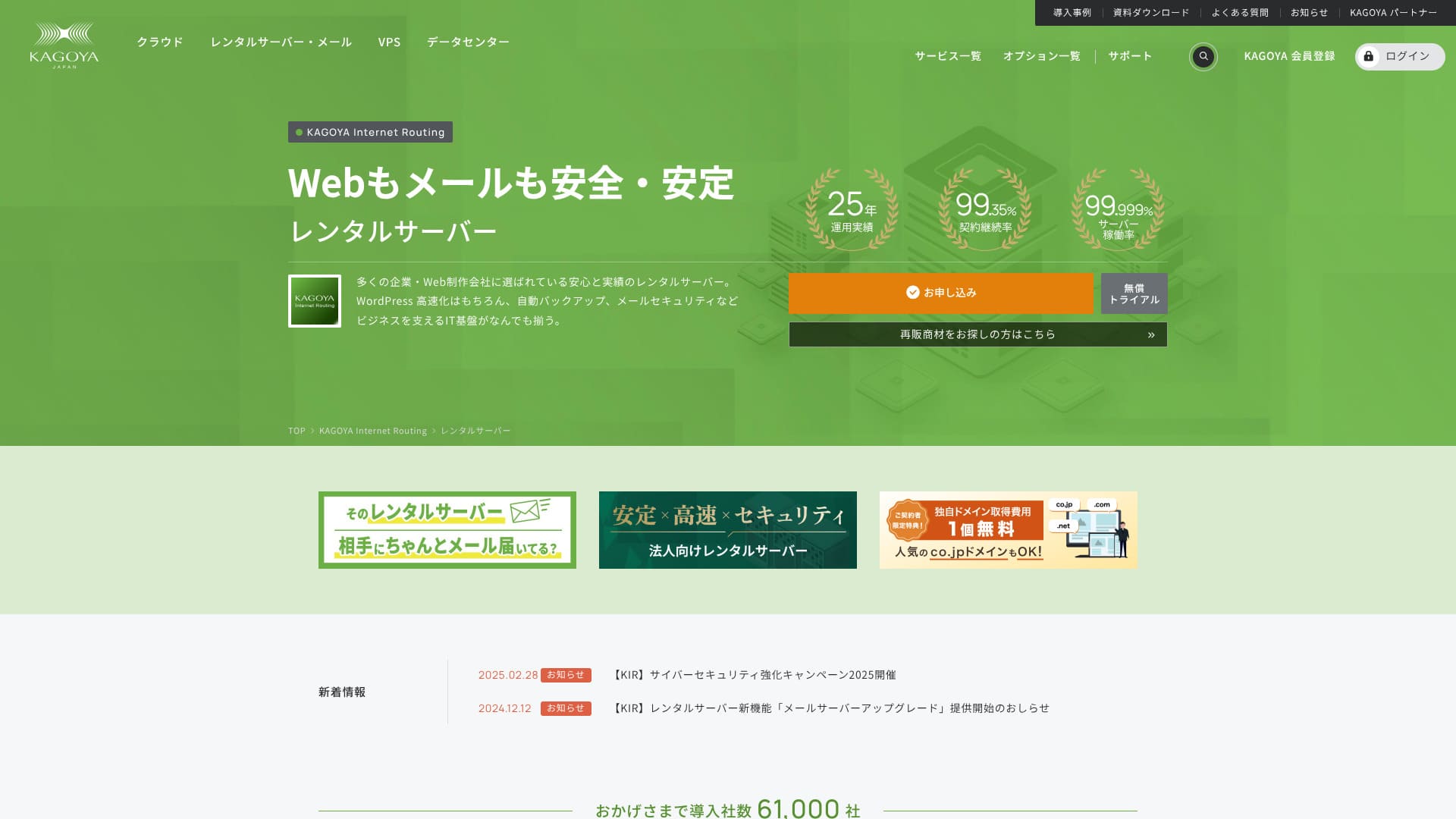
Com sede na cidade de Kyoto, a KAGOYA JAPAN opera seu próprio data center. 80% de seus usuários são pessoas jurídicas, e 61.000 empresas utilizam o serviço.

KAGOYA JAPANé recomendado parapessoas que querem usar um servidor estável because:
- oferece um servidor dedicado para WordPress
- os planos começam em 440 ienes por mês
- oferece 99,999% de disponibilidade
Por isso. Deve satisfazer a maioria dos usuários, e você pode experimentar gratuitamente no primeiro mês.
Um servidor concorrente é Xserver. Ele tem a maior participação de mercado no país e uma base de usuários maior que KAGOYA JAPAN. Também vale a pena considerá-lo.
★ Xserver Review [2025]: Um olhar profundo sobre velocidade, preços, Prós e contras
| Tipo de servidor | Servidor compartilhado / Cloud Server / WordPress Servidor dedicado / VPS |
| Tempo de carregamento (TTFB) | Unmeasured |
| Planos e período de contrato recomendados | WordPress Dedicated Server Grau 1 12 meses |
| Avaliação e garantia de devolução de dinheiro | Nenhum |
| Mensalidade (contrato de 12 meses) | 440 yen |
| Taxa administrativa inicial | Grátis |
| Domínio grátis | Nenhum |
| Suporte | Dias úteis 10:00 a.m. - 5:00 p.m. |
| Disponibilidade | 99.999% guarantee |
| Capacidade do servidor | 20GB |
| Número de bancos de dados | 1 |
| Medidas de segurança | Restrição de acesso do painel de bordo / Dashboard Login Tentativa de restrição / Restrição de acesso da API XML-RPC / Restrição de acesso da API REST / Restrição de acesso / Comentário Grande / Restrição de trackback / Comentário de endereço IP estrangeiro / Restrição de trackback |
| SSL | Grátis SSL |
| Backup e restauração | Uma geração de backup incluído / Restaurar gratuitamente |
| Número de contas de e-mail | Nenhum |
| E-mail Medidas de segurança | Nenhum |
| Serviço de migração de servidor/site | Migration service: 11,000 yen Sem ferramenta de migração |
| WordPress pré-instalado | Sim |
| CDN | Pago |

Hikaru Ono
Escolher um servidor dedicado ao WordPress KAGOYA JAPAN significa que o WordPress será instalado mediante contrato, permitindo que você inicie imediatamente seu site ou blog.
Devido à sua alta disponibilidade, este servidor é seguro para as empresas usarem.
Comparação da KAGOYA JAPAN com outros provedores
- Avaliação abrangenteEvaluation★★★★☆
- Velocidade do servidor Unmeasured
- Preço ★★★★☆
- Estabilidade ★★★★★
- Facilidade para começar com WordPress* ★★★★★
- Operações como gerenciamento de domínio e configurações de SSL* ★★★★☆

A Thorough Comparison and Selection Guide for 21 WordPress Rental Servidores Recommended for Individuals
A Thorough Comparison and Selection Guide for 21 WordPress Rental Servidores Recommended for Individuals
serverfield.org
- 4 de novembro de 2025com base em dados de investigação de mercado,by speedArranged
- A taxa mensal é o plano de menor preço para o uso do WordPress no primeiro ano de contrato.
- A velocidade é o valor Tempo para o Primeiro Byte de um site de demonstração com as mesmas condições.
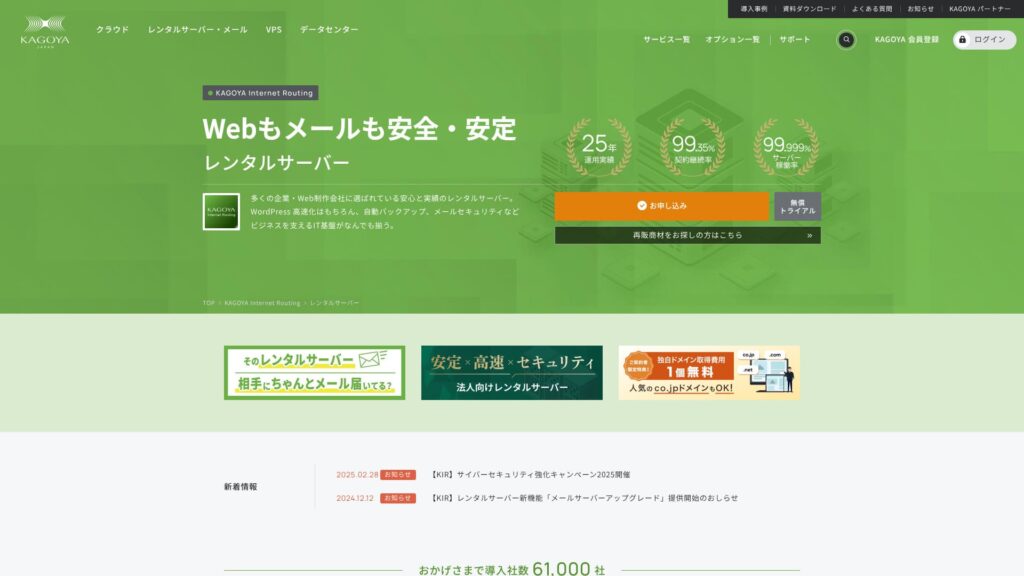
A KAGOYA JAPAN oferece servidores de hospedagem da KAGOYA JAPAN Co., Ltd., com mais de 20 anos de histórico. Ela pode ser usada a um preço acessível. Com 99,999% de disponibilidade, é excepcionalmente estável e confiável.
Reputação da KAGOYA JAPAN e 4 recursos principais

Rental Server with 99.999% Disponibilidade
KAGOYA JAPAN opera servidores de aluguel com 99,999% de tempo de funcionamento.Sua estabilidade está entre os melhores do Japão.
Alta disponibilidade é devido ao seu estado bem gerido e forte segurança. Você pode operar seu site com paz de espírito. Além disso, um site que é instável não cria uma boa impressão.
★ A Must-Read for Beginners! Understanding Server Disponibilidade and SLAs
A KAGOYA JAPÃO oferece-lhe paz de espírito.
WordPress Dedicated Servidores are Affordable
Os servidores dedicados ao WordPress da KAGOYA JAPAN são acessíveis.Embora haja muitas restrições de recursos, eles são suficientes se você está alugando um servidor para se concentrar em seu site WordPress. As seguintes condições foram comparadas.
- Taxa administrativa inicial
- Inscreva-se num contrato de 12 meses.
- Taxa de registro de domínio para um ano de despesas.
- Aqui estão os planos WordPress mais acessíveis que você pode usar.
| Fornecedor de Hospedagem | Custo total do primeiro ano |
|---|---|
| KAGOYA JAPAN | 4,840 yen |
| ConoHa WING | 11,292 yen |
| Xserver | 10,560 yen |
| Lolipop! | 5,940 yen |
| Sakura Rental Server | 6,600 yen |
É ainda mais barato do que Lolipop!, que é conhecido por preços baixos. Ao contrário do servidor dedicado WordPress da KAGOYA JAPAN, Lolipop! permite- lhe usar o email. Por outro lado, Lolipop! não inclui o recurso de backup que você pode usar de graça com o KAGOYA JAPAN.
Existem diferenças na funcionalidade, mas se você é dedicado ao seu site, KAGOYA JAPAN é uma boa escolha.
Backups
KAGOYA JAPAN can fazer backup de dados até 10GB de tamanho.
No entanto, o único dado que pode ser suportado é uma geração, significando apenas um item. Além disso, você deve definir o tempo de backup ou executá-lo manualmente. É um pouco de um aborrecimento, e também é inquietante porque é apenas um item.
Vamos usar um plugin WordPress tipo backup.
★ Top 5 Plugins de backup WordPress mais fortes para recuperação de dados
Volume de transferência ilimitado
KAGOYA JAPÃO oferece transferência de dados ilimitada em ambos os seus servidores de aluguel e seus servidores dedicados WordPress.Não importa quanto tráfego você receba, você não estará sujeito a limites de transferência.
★ O que é o volume de tráfego e transferência? Gestão e Otimização do Tráfego Web
Análise honesta das desvantagens da KAGOYA JAPAN

KAGOYA JAPÃO oferece uma proposta atraente, mas também tem desvantagens. Em particular, servidores dedicados ao WordPress têm muitas restrições funcionais, por isso é importante rever cuidadosamente os detalhes antes de assinar um contrato.
WordPress Dedicated Servidores Cannot Be Used for E-mail
Servidores dedicados ao WordPress não podem ser usados para e-mail.As empresas que querem manter um endereço de e-mail da empresa precisam escolher o servidor de aluguel da KAGOYA JAPAN ou usar o serviço de e-mail de outra empresa.
Dito isso, mesmo que o e-mail não pode ser usado no próprio servidor, você ainda pode atribuir o seu endereço de e-mail existente para o endereço de contato em seu site WordPress. Portanto, isso não cria nenhum problema operacional para o site.
WordPress Dedicated Servidores Cannot Use WAFs
Servidores WordPress-específicos não oferecem WAFs.WAFs são a próxima geração de segurança. Eles são projetados para abordar até mesmo os mais novos ataques cibernéticos sem precedentes. Eles estão disponíveis na maioria dos principais servidores domésticos.
KAGOYA JAPÃO também pode usar um WAF quando você escolher seu servidor de aluguel, mas servidores dedicados WordPress vêm com restrições. Mesmo assim, se você estiver usando WordPress, você pode abordar isso com um plugin WordPress que suporta WAF funcionalidade.
★ Top 5 WordPress Plugins to Enhance Segurança and How to Choose Them
Comparing 2 Servidores Similar to KAGOYA JAPAN
Xserver
Xserveré um servidor conhecido por sua alta disponibilidade, assim como KAGOYA JAPAN. Ele tem amplos recursos de backup e segurança, e muitas empresas o usaram ao longo dos anos.
Xserver custa aproximadamente duas vezes mais por ano do que o servidor dedicado ao WordPress da KAGOYA JAPAN, mas não há nada faltando em suas características ou especificações. Ele pode lidar com as operações do site e entrega de e-mail.Se você quiser usar o servidor para fins além de executar seu site, Xserver é a melhor escolha.
Se o seu uso está limitado a executar um site, KAGOYA JAPAN é a opção de baixo custo.

Xserver Review [2025]: Um olhar profundo sobre velocidade, preços, Prós e contras
Xserver Review [2025]: Um olhar profundo sobre velocidade, preços, Prós e contras
serverfield.org
Sakura Rental Server
Sakura Rental Serveré outro servidor com forte adoção entre empresas, assim como a KAGOYA JAPAN. A sua força chave é a estabilidade. Onde ultrapassa o servidor dedicado ao WordPress da KAGOYA JAPAN é a funcionalidade de backup.Ele inclui backups automáticos em oito gerações, e você também pode usar esse recurso para criar um ambiente de teste WordPress.
Em termos de recursos, é consideravelmente mais forte do que o servidor dedicado WordPress.No entanto, o custo anual é cerca de 2.000 ienes mais alto, então se você priorizar o desempenho de custos, KAGOYA JAPAN é a melhor escolha.

Sakura Rental Server Reviews & Avaliaçãos【Scary Slow?】Great for Individual Businesses◎Preço Pros & Cons Explained
Sakura Rental Server Reviews & Avaliaçãos【Scary Slow?】Great for Individual Businesses◎Preço Pros & Cons Explained
serverfield.org
7 passos para iniciar seu site WordPress com a KAGOYA JAPAN agora mesmo
Vamos começar um site com KAGOYA JAPÃO!
- STEP.1Acesse o site oficial.
Clique em "Aplicar" no site do servidor dedicado ao WordPress KAGOYA JAPAN.
Escolha o seu método de pagamento. Recomendamos o uso de um cartão de crédito para configuração imediata do site. Clique em "Aplicar Online".
- STEP.2Contrato de servidor e registro de membro
Selecione um plano. Servidor dedicado ao WordPress Grau 1 é recomendado. Clique em "Próximo". Reveja os detalhes do seu aplicativo e clique em "Next".
Verifique os termos e condições e o tratamento das informações pessoais, em seguida, clique em "Next".
Clique em "KAGOYA Member Registration", verifique os termos e condições dos membros e o acordo de informações pessoais e clique em "Next".
Enter your member information, including your name and address. Click “Proceed to E-mail Confirmation”.
- STEP.3Insira informações do cliente e informações do cartão.
Introduza as informações do seu cliente e verifique-as, depois introduza as informações do seu cartão.
Após o registro provisório ser concluído e a autenticação for bem sucedida, o registro da conta é completo.
- STEP.4Configuração Inicial do WordPress
Faça login no painel de controle do usuário.
Ir para WING→Gestão do Site→Configurações do Site→WordPress. O URL do site que você definir durante o registro será exibido. Clique no URL da tela de gerenciamento.
Na tela de login WordPress exibida, digite o nome de usuário WordPress / senha WordPress que você definir durante o registro e clique em "Login."
Se você vir uma mensagem de aviso dizendo “Não é possível acessar este site,” as configurações do DNS não foram refletidas. Não há nada que você possa fazer a não ser esperar; tente entrar de vez em quando.
★ Servidor de DNS/Nome: O que são
Quando você abre "Aparência" na tela de gerenciamento do WordPress, o tema WordPress "Cocoon" é instalado. Ative o tema pai primeiro, e depois ative o tema filho.Você sempre deve ativar os temas de pais e filhos.
Voltar para a tela de gerenciamento WordPress e abrir "Configurações"→ "General." Defina o título/frase de captura do site. Este será o nome e bordão da sua página inicial. Depois de inseri-lo, clique em "Salvar alterações".
- STEP.5Instalação do Plugin
Voltar para a tela de gerenciamento WordPress e ir para "Plugins"→ "Adicionar Novo" para instalar os plugins necessários.
If you find a plugin you want to install, search for it and click “Instalar agora” and “Activate.” Afterwards, proceed according to the instructions for each plugin.
É essencial instalar plugins de segurança e backup.
- Top 5 WordPress Plugins to Enhance Segurança and How to Choose Them
- Top 5 Plugins de backup WordPress mais fortes para recuperação de dados
Com os plugins instalados, você está pronto para lançar sua página inicial WordPress!
Resumo
A KAGOYA JAPAN oferece servidores de hospedagem da KAGOYA JAPAN Co., Ltd., com mais de 20 anos de histórico. Ela pode ser usada a um preço acessível. Com 99,999% de disponibilidade, é excepcionalmente estável e confiável.
Primeiro mês de teste gratuito e 14 dias de teste gratuito
A KAGOYA JAPAN oferece um servidor com estabilidade excepcional.Um servidor dedicado ao WordPress está disponível a um preço acessível.Embora frequentemente utilizado pelas empresas, também pode ser utilizado por indivíduos. Por favor, tenta.
Uma comparação completa de 32 provedores de hospedagem WordPress: Recomendações para indivíduos, empresas e sites internacionais

Quando você decide começar WordPress e procurar "melhor hospedagem WordPress", você encontra todos os tipos de artigos, desde opções pessoais e de negócios a servidores estrangeiros e de baixo custo. Sinceramente,
- Em que site devo confiar?
- Quero escolher um servidor de uma forma simples e fácil de entender.
- Por favor, mostre-me como começar WordPress imediatamente.
Não te sentes assim? Neste artigo,Eu cuidadosamente selecionei recomendações de 32 provedores de hospedagem para indivíduos, empresas e uso nacional e internacional.A explicação vem do especialista em SEO em uma empresa de desenvolvimento de aplicativos que usa servidores de hospedagem todos os dias.