
50% cashback until August 6, 2025, plus a 10-dzień darmowy okres próbny
PR
Serwery
Recenzja Shin Serwer hostingowy [najnowsze 2025]: praktyczne omówienie szybkości i cen
Opublikowano: 2025.04.18
Zaktualizowano: 2025.04.18
Ocena: 4.0
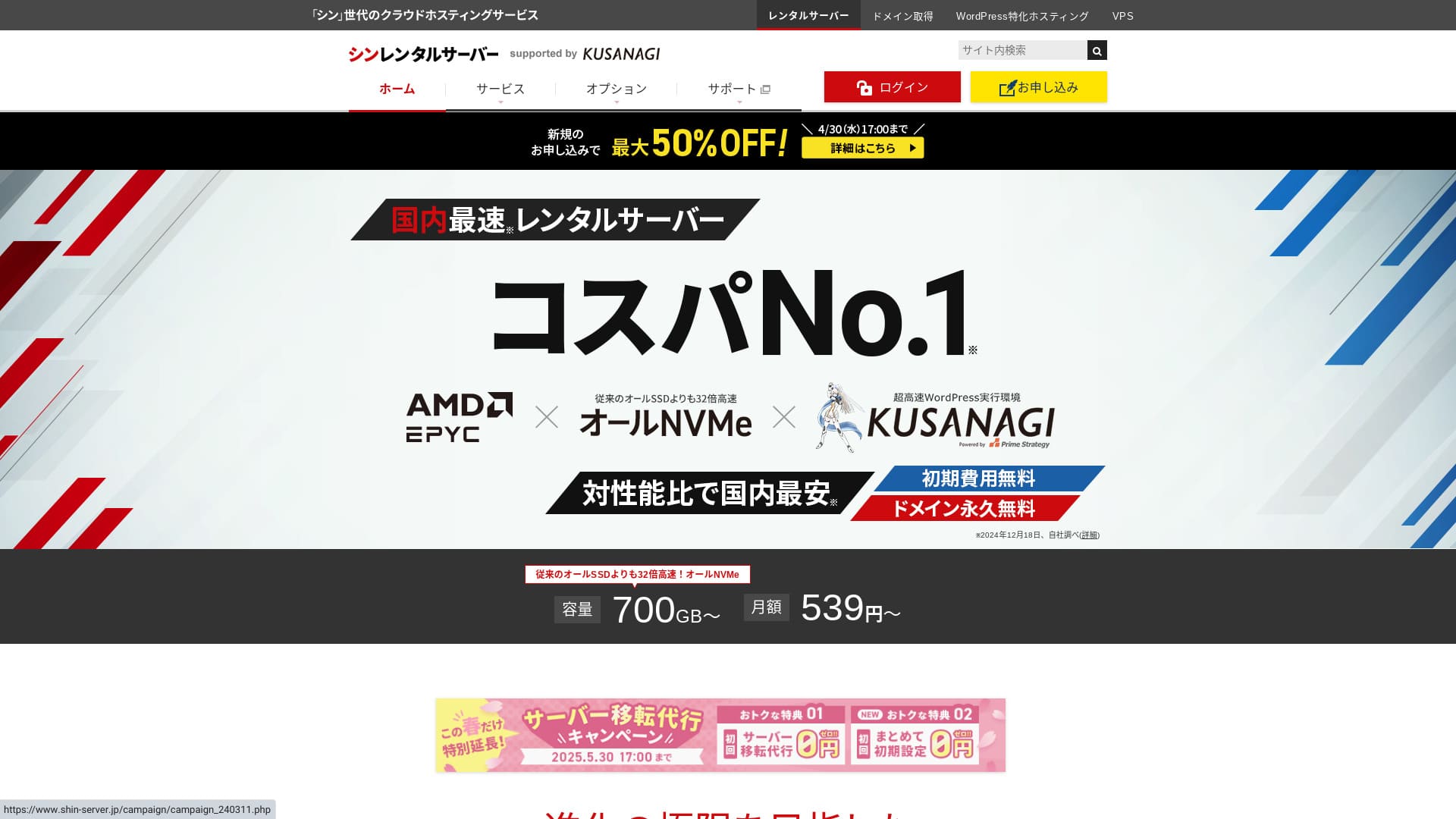
Shin Rental Server is operated by ShinCloud Co., Ltd. i lets you uruchom WordPressa at an przystępny cenowo cena.

We polecać Shin Rental Server to osoby prywatne, firmy i osoby prowadzące jednoosobową działalność gospodarczą, które po raz pierwszy korzystają z WordPressa because:
- Spełnia zalecany przez Google poziom szybkości.
- Możesz łatwo uruchomić WordPressa.
- Promocje są częste, a ceny są niskie.
That is why. You will likely be satisfied. You can try it darmowy Dla 10 dni.
A konkurencyjny service is ColorfulBox. Its region-based automatic kopia zapasowa system is even stronger than Shin Serwer hostingowy's. Rozważyć it as well.
★ Colorful Box Recenzja [2025 Latest]: Uruchom WordPressa z Outstanding Koszt Performance
| Typ serwera | Hosting współdzielony |
| Szybkość odpowiedzi (TTFB) | 200ms |
| Polecany plan i okres | Basic, 12 miesiące |
| Okres próbny / bezpłatny | 10-dzień darmowy okres próbny |
| Cena miesięczna (umowa 12-miesięczna) | 880 yen |
| Opłata startowa | Darmowy |
| Darmowa domena | Jedna darmowa na zawsze |
| Wsparcie | Telefon i e-mail (dni robocze 10:00-18:00) |
| Dostępność | Niet ujawnione |
| Przestrzeń dyskowa | 700GB |
| Liczba baz danych | Unlimited |
| Środki bezpieczeństwa | diagnostyka bezpieczeństwa SECOM, WAF, ads.txt, limity prób logowania, ograniczenia dostępu z zagranicznych adresów IP, limity masowych komentarzy i trackbacków, ograniczenia komentarzy i trackbacków z zagranicznych adresów IP, antywirus, filtr spamu |
| SSL | Darmowy dedykowany SSL, optional dedykowany SSL |
| Kopia zapasowa / przywracanie | 14 dni of automatyczne kopie zapasowe Dla darmowy, darmowy przywracanie |
| Liczba kont e-mail | Unlimited |
| Zabezpieczenia e-mail | POP przez SSL, SMTP przez SSL, IMAP przez SSL, DKIM, DMARC |
| Usługa migracji serwera / witryny | Brak |
| WordPress zainstalowany wstępnie | Tak |
| CDN | Brak |

Hikaru Ono
Udało mi się łatwo uruchomić WordPressa podczas rejestracji w Shin Rental Server. Ponieważ kampanie promocyjne są organizowane bardzo często, zalecam regularne odwiedzanie oficjalnej strony.
Dotychczas najlepszą ofertą był zwrot 50% kosztów (cashback) lub 50% zniżki na opłatę za serwer. Jeśli któraś z tych opcji jest dostępna podczas podejmowania decyzji, masz szczęście.
Shin Serwer hostingowy vs. Other Services
- Ogólna rating★★★★☆
- Szybkość serwera ★★★★☆
- Ceny ★★★★☆
- Stabilność ★★★★☆
- Łatwość uruchomienia WordPressa* ★★★★★
- Ease of domena management, SSL konfiguracja, i related operacje* ★★★★★
* Te oceny odzwierciedlają moje własne praktyczne doświadczenia z korzystania z usługi.

Kompletny Porównanie of 21 Polecany WordPress Usługi hostingowe Dla Osoby prywatne
Kompletny Porównanie of 21 Polecany WordPress Usługi hostingowe Dla Osoby prywatne
serverfield.org
- Based on market badanie as of Nievember 4, 2025, posortowane według szybkość
- Miesięczna cena to koszt najtańszego planu umożliwiającego uruchomienie WordPressa w pierwszym roku
- Szybkość to wskaźnik Time to First Byte (czas do odebrania pierwszego bajtu) zmierzony na witrynach demonstracyjnych w takich samych warunkach
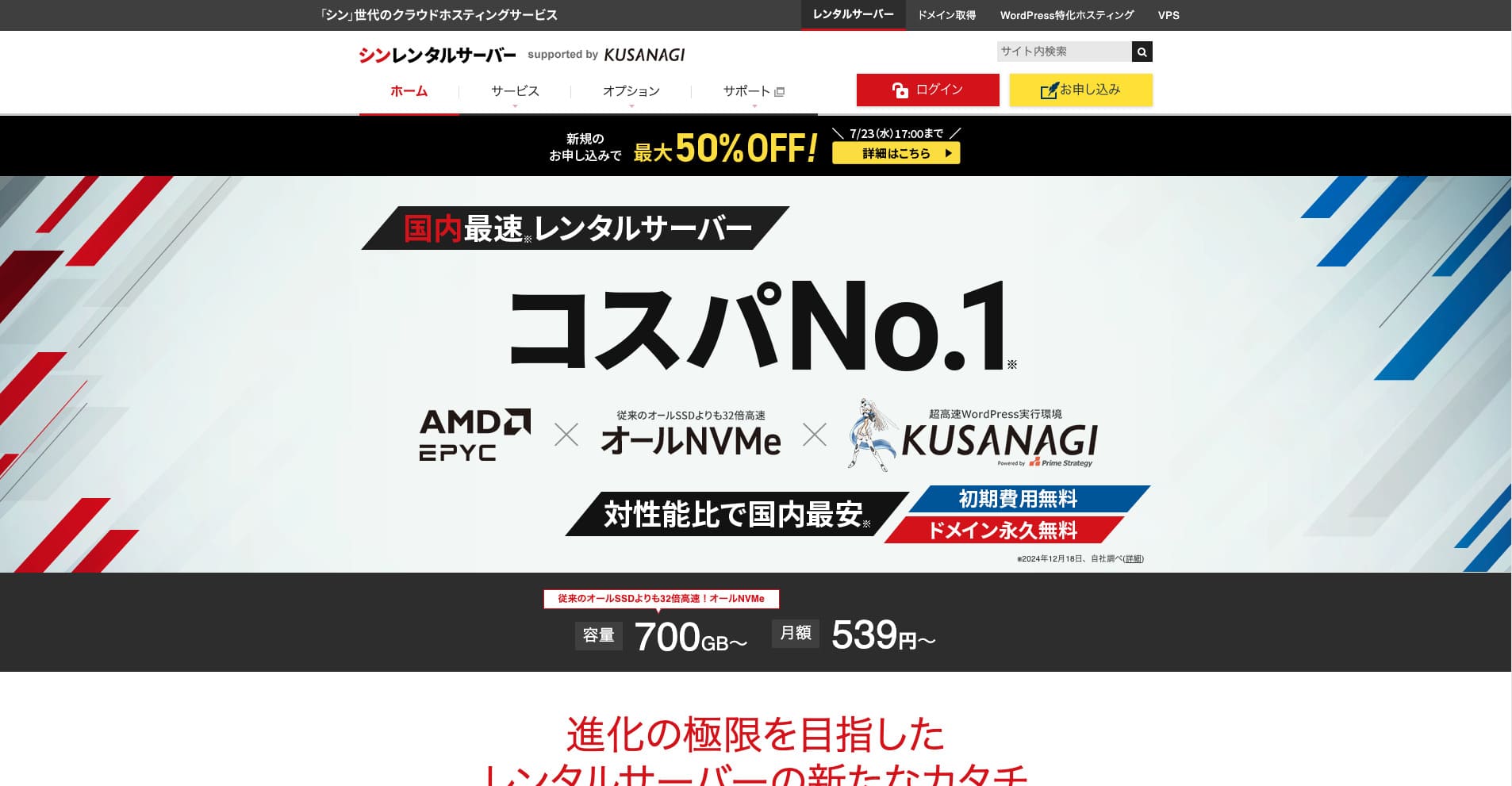
Shin Rental Server to szybki serwer hostingowy firmy ShinCloud Co., Ltd. Przystępne ceny sprawiają, że jest atrakcyjny nawet dla użytkowników indywidualnych. Ponadto firma regularnie organizuje promocje, więc najlepszym momentem na rejestrację jest okres trwania kampanii promocyjnej.
Recenzje Shin Serwer hostingowy i sześć kluczowych cech

Spełnia wystarczająco dobry standard szybkości strony
Shin Rental Server, according to this witryna's independent testing, meets a sufficiently strong standard Dla szybkość strony.
Google has publicly said that serwer response times should ideally stay pod 200 ms. Shin Rental Server clears that benchmark, making it a szybki host. Szybkość strony is unlikely to become a problem, so you can use it z confidence.
Serwer response time should be kept pod 200 milliseconds.
https://developers.google.com/server/speed/docs/insights/Server?hl=en
★ Verified: Comparing Eight Usługi hostingowe in a Szybkość Pozycjonowanie
Możesz łatwo uruchomić WordPressa
Shin Rental Server ułatwia rozpoczęcie pracy z WordPressem. Zawiera funkcję „WordPress Szybki Start”, która automatycznie zajmuje się pozyskaniem domeny i konfiguracją DNS podczas rejestracji serwera. Dzięki niej you can budować a Witryna WordPress in about 10 minutes.
★ Co to jest domena? Jej rola jako adresu w internecie oraz sposób jej rejestracji
★ What Are DNS i Name Serwery? Connecting a Domena i a Serwer
Nie napotkasz problemu, w którym próba uruchomienia witryny okaże się zbyt trudna na start. Każdy może zacząć korzystać z WordPressa z pełnym zaufaniem.
Ceny są niskie
Shin Rental Serverma niskie ceny. Porównajmy go z głównymi krajowymi hostingodawcami pod kątem następujących warunków.
- Opłata startowa
- A 12-miesiąc serwer contract
- Koszt domeny w pierwszym roku
- Najtańszy plan, na którym można uruchomić WordPressa
Patrząc na tabelę porównawczą, LOLIPOP i Sakura Rental Server są tańsze. Jednak najtańszy LOLIPOP plan that supports WordPress does not include automatyczne kopie zapasowe. Once you porównaj that point, you can see how strong Shin Serwer hostingowy's overall value really is.
Every service has strengths i weaknesses, but even when porównany z firmy that compete on opłacalność, Shin Serwer hostingowy stands up well.
Bezpieczeństwo jest solidne
Shin Rental Server jest dobrze wyposażony w funkcje bezpieczeństwa, takie jak WAF. Posiadanie WAF sprawia, że serwer jest bardziej odporny na najnowsze cyberataki. Because it is such a useful funkcja, cheaper hosts sometimes offer it only as a płatny option.
Z Shin Rental Server, it is included Dla darmowy.
Ma automatyczne kopie zapasowe
Shin Rental Server zawiera automatyczne kopie zapasowe. Okres przechowywania wynosi 14 dni.
Z kopie zapasowe, you can przywracanie your witryna even if data is altered by mistake lub compromised przez a cyberattack. Nie matter how much you strengthen bezpieczeństwo, no one can guarantee absolute safety. That is why kopie zapasowe matter, but manually saving data codziennie is a hassle.
Z Shin Serwer hostingowy, everything is stored automatically codziennie, so it is łatwy.
Funkcje e-mail są mocne
Shin Rental Server ma mocne funkcje e-mail. Ponieważ możesz tworzyć nieograniczoną liczbę kont e-mail, serwer ten może nawet służyć jako serwer pocztowy dla dużej firmy.
Plan biznesowy oferuje wysoką opłacalność dla MŚP i firm
Shin Rental Server to szybki serwer firmy ShinCloud Co., Ltd., oferowany w przystępnej cenie. Dostępny jest również plan biznesowy. Plan biznesowy utrzymuje stabilność dzięki gwarantowanym zasobom.
50% cashback until May 14, 2025, darmowy serwer usługa migracji until May 30, i a 10-dzień darmowy okres próbny
Shin Rental Server oferuje plan biznesowy Dla small i medium-sized firmy as well as korporacje. Jego cechą wyróżniającą jest wzmocnienie stabilności, której potrzebują firmy, przy jednoczesnym zapewnieniu doskonałego stosunku jakości do ceny.
Plan biznesowy został wzmocniony na dwa sposoby.
- Gwarantowane zasoby: Zasoby procesora (CPU) i pamięci są gwarantowane, co zapobiega spowolnieniu działania Twojej witryny, gdy wzrośnie ruch na innych stronach współdzielących ten sam serwer.
- Two custom domeny darmowy na zawsze: While your serwer contract remains active, two custom domeny potrzebny Dla witryna obsługa i e-mail use stay darmowy na zawsze.
Można z niego korzystać już od 963 jenów miesięcznie przy umowie na 12 miesięcy, co czyni go przystępnym cenowo w porównaniu z serwerami biznesowymi i planami biznesowymi innych firm.
Wada Shin Serwer hostingowy: dostępność nie jest ujawniana

Jedynym rozczarowującym aspektem jest to, że Shin Rental Server does not opublikować its uptime. Oznacza to, że nie można dokładnie poznać stabilności serwera. Jeśli serwer jest niestabilny, Twoja witryna również będzie wyświetlać się w sposób niepewny.
Witryna spełnia swoją rolę tylko wtedy, gdy wyświetla się poprawnie i stabilnie. Patrząc na to w ten sposób, brak możliwości oceny stabilności budzi pewien niepokój.
★ Przyjazny dla początkujących Przewodnik to Hosting Dostępność i SLAs
Porównaj Shin Serwer hostingowy z dwiema podobnymi usługami
mixhost
mixhost offers strong funkcje, much like Shin Rental Server. Because both storage capacity i data transfer are unlimited, it is helpful when you chcieć zbuduj witrynę z a large amount of data.
However, its overall ceny is more drogi than Shin Rental Server. Pierwszy rok jest tani, ale od drugiego roku koszty stają się wyższe. If cena matters most, I polecać Shin Serwer hostingowy.

mixhost Recenzja [2025 Latest]: A Szczegółowy Breakdown of a Szybki Serwer z Global Reach i Excellent Bezpieczeństwo
mixhost Recenzja [2025 Latest]: A Szczegółowy Breakdown of a Szybki Serwer z Global Reach i Excellent Bezpieczeństwo
serverfield.org
Colorful Box
ColorfulBox ma cenę bardzo zbliżoną do Shin Rental Server. Its specs i funkcje are also well developed. It has a region-based kopia zapasowa system in place, managing risk so that data loss is less likely even in a large-scale disaster.
Dzięki podziałowi na osiem planów i możliwości swobodnej zmiany planu, możesz ograniczyć koszty lub podnieść parametry w zależności od potrzeb.
Wady są również podobne, jak na przykład fakt, że czas bezawaryjnej pracy (uptime) nie jest podawany do publicznej wiadomości.

Colorful Box Recenzja [2025 Latest]: Uruchom WordPressa z Outstanding Koszt Performance
Colorful Box Recenzja [2025 Latest]: Uruchom WordPressa z Outstanding Koszt Performance
serverfield.org
Uruchom teraz witrynę WordPress z Shin Serwer hostingowy w 7 krokach
Let's launch a witryna z Shin Serwer hostingowy.
- STEP.1Visit the official Shin Rental Server
Z listy planów wybierz „Złóż wniosek” przy planie Basic. Możesz zmienić plan na wyższy w dowolnym momencie, dlatego zalecam rozpoczęcie od najtańszego planu Basic.
W sekcji „Rozpocznij teraz! Nowa rejestracja” przejdź do „Nowa rejestracja - 10-dniowy darmowy okres próbny”.
- STEP.2Wybierz your application details
Identyfikator serwera można pozostawić bez zmian.
Wybierz plan standardowy. Plan z rezerwacją zasobów obejmuje środki zapobiegające spowolnieniu działania Twojej witryny przez ruch innych użytkowników, jednak rzadko ma to znaczenie na samym początku tworzenia strony.
Wybierz plan. Zalecany jest plan Basic. Jeśli ruch wzrośnie, a parametry okażą się niewystarczające, możesz zmienić plan na wyższy w późniejszym czasie.
Sprawdź “Use” Dla WordPress Quick Uruchomić.Bez tego konfiguracja WordPressa staje się znacznie trudniejsza. (Nie będziesz już kwalifikować się do 10-dniowego darmowego okresu próbnego, niemniej jednak lepiej z tego skorzystać).
Wyświetli się komunikat „Potwierdź przed złożeniem wniosku”. Zapoznaj się ze szczegółami, a następnie kliknij „Potwierdzone”.
A 12-miesiąc term is polecany. Z a contract of 12 miesiące lub longer, you can also use a custom domena Dla darmowy.
Wpisz nazwę własnej domeny, którą chcesz pozyskać. Może to być dowolna nazwa. Zmiana własnej domeny w późniejszym czasie wiąże się z kosztami i jest kłopotliwa w konfiguracji, więc wybierz ją starannie.
★ Co to jest domena? Jej rola jako adresu w internecie oraz sposób jej rejestracji
Wpisz your WordPress informacje.
- Tytuł bloga: może być dowolny
- Nazwa użytkownika: może być dowolna
- Hasło: ustaw jak najbardziej złożone
- E-mail address*: Your everyday e-mail address is convenient
Nazwa użytkownika i hasło są wymagane do logowania się do WordPressa.Zapisz je. Będziesz ich potrzebować, aby zalogować się do witryny tworzonej za pomocą WordPressa.
Ustawienie własnej domeny jest ważne, ponieważ staje się ona adresem URL Twojej witryny. Wybierz tę nazwę starannie.
Nazwę witryny można zmienić później. Jeśli jeszcze jej nie wybrałeś, wpisz na razie nazwę tymczasową.
Wybierz a WordPress theme. If you are building a biznes witryna, Lightning is polecany. If you are starting a blog, Cocoon is polecany. (This witryna uses Cocoon.)
Znajdź i zainstaluj wtyczkę „CloudSecure WP Security”. Może ona wzmocnić bezpieczeństwo Twojej strony.
★ Czym jest a WordPress Wtyczka? Types of Extra Funkcje i What to Watch Out Dla
- STEP.3Wpisz your Shin konto informacje
Wpisz your e-mail address, name, address, i other details.
Przygotuj kartę kredytową i wprowadź dane płatności.
Zapoznaj się z Regulaminem oraz Zasadami przetwarzania danych osobowych. Jeśli wyrażasz zgodę, zaznacz pole wyboru i kliknij „Dalej”.
Wpisz kod weryfikacyjny na ekranie. Kod został wysłany na zarejestrowany adres e-mail, więc sprawdź go tam.
- STEP.4Confirmation
Recenzja your application details i Shin konto informacje once again. If everything is correct, click “Proceed to SMS / telefon verification.”
Your application details will then be confirmed using your telefon number.
Wpisz numer telefonu, którego chcesz użyć, wybierz otrzymanie kodu weryfikacyjnego przez SMS lub automatyczne połączenie głosowe, a następnie kliknij „Pobierz kod weryfikacyjny”. Po otrzymaniu kodu wprowadź go.
Po otrzymaniu wiadomości e-mail z potwierdzeniem rejestracja jest zakończona.
Kliknij „Złóż wniosek”, aby sfinalizować rejestrację. Twoja witryna WordPress zostanie natychmiast utworzona.
- STEP.5Initial WordPress konfiguracja
Wiadomość e-mail otrzymana wcześniej zawiera dane logowania do WordPressa.
Kliknij adres URL panelu administracyjnego. Na ekranie logowania, który się pojawi, wprowadź zapisaną wcześniej nazwę użytkownika i hasło, a następnie kliknij „Zaloguj się”.
Jeśli zobaczysz ostrzeżenie „Ta witryna jest nieosiągalna”, oznacza to, że propagacja ustawień DNS jeszcze się nie zakończyła. Jedyne, co możesz zrobić, to poczekać, więc spróbuj zalogować się raz na godzinę.
★ What Are DNS i Name Serwery?
Skonfiguruj bezpośrednie odnośniki. W panelu administracyjnym WordPressa przejdź do sekcji „Ustawienia”, a następnie „Bezpośrednie odnośniki”. Wybierz opcję „Nazwa wpisu”, po czym kliknij „Zapisz zmiany”.
Po wybraniu opcji „Nazwa wpisu” możesz wprowadzić dowolną nazwę w adresie URL podczas publikowania artykułów. Zaleca się stosowanie krótkich nazw, które pomagają czytelnikom domyślić się treści artykułu, ponieważ są one łatwiejsze do odczytania. Jeśli adres URL jest zbyt długi, niektórzy odwiedzający mogą zacząć obawiać się, że witryna wygląda podejrzanie.
- STEP.6Zainstalować wtyczki
Wróć do ekranu administracyjnego WordPressa, przejdź do sekcji „Wtyczki”, następnie kliknij „Dodaj nową” i zainstaluj potrzebne wtyczki.
When you find a wtyczka you chcieć przez search, click “Zainstalować Niew” i then “Activate.” After that, proceed according to each wtyczka’s instructions.
Be sure to zainstalować wtyczki Dla bezpieczeństwo i kopie zapasowe.
- Five WordPress Wtyczki That Strengthen Bezpieczeństwo i Jak Wybierz One
- Five Powerful WordPress Wtyczki do kopii zapasowej That Help You Recover Your Data
Once you have installed your wtyczki, your Witryna WordPress is fully ready to go!
Podsumowanie
Shin Rental Server to szybki serwer hostingowy firmy ShinCloud Co., Ltd. Przystępne ceny sprawiają, że jest atrakcyjny nawet dla użytkowników indywidualnych. Ponadto firma regularnie organizuje promocje, więc najlepszym momentem na rejestrację jest okres trwania kampanii promocyjnej.
50% cashback until August 6, 2025, plus a 10-dzień darmowy okres próbny
Shin Rental Server offers excellent opłacalność. Although its uptime is not published, its specs i functions are extremely strong. Because it is also łatwy to get started z WordPress, I can polecać it wholeheartedly.
Kompletny Porównanie of 32 WordPress Usługi hostingowe: Best Picks Dla Osoby prywatne, Firmy, i International Use

Jeśli szukasz „rekomendacji WordPress”, ponieważ chcesz zacząć korzystać z WordPressa, znajdziesz różnego rodzaju artykuły – od hostingu osobistego i planów dla małych firm po serwery zagraniczne i tanie opcje. Szczerze mówiąc, czy nie kończysz z myślą:
- Which witryna should I look at?
- I chcieć wybierz a serwer in a prosty i łatwy-to-zrozumieć way.
- Pokaż mi, jak natychmiast uruchomić WordPressa.
That is exactly why this artykuł introduces starannie dobrane rekomendacje spośród 32 usług hostingowych dla osób prywatnych, firm, do użytku krajowego i międzynarodowego. Zostało to wyjaśnione przez specjalistę SEO w firmie zajmującej się tworzeniem aplikacji, która codziennie korzysta z hostingu.