Eligible domains free forever
PR
Serwery
Recenzja Onamae.com Rental Server: 99,99% dostępności, stabilność i wartość
Opublikowano: 2025.04.18
Zaktualizowano: 2025.04.18
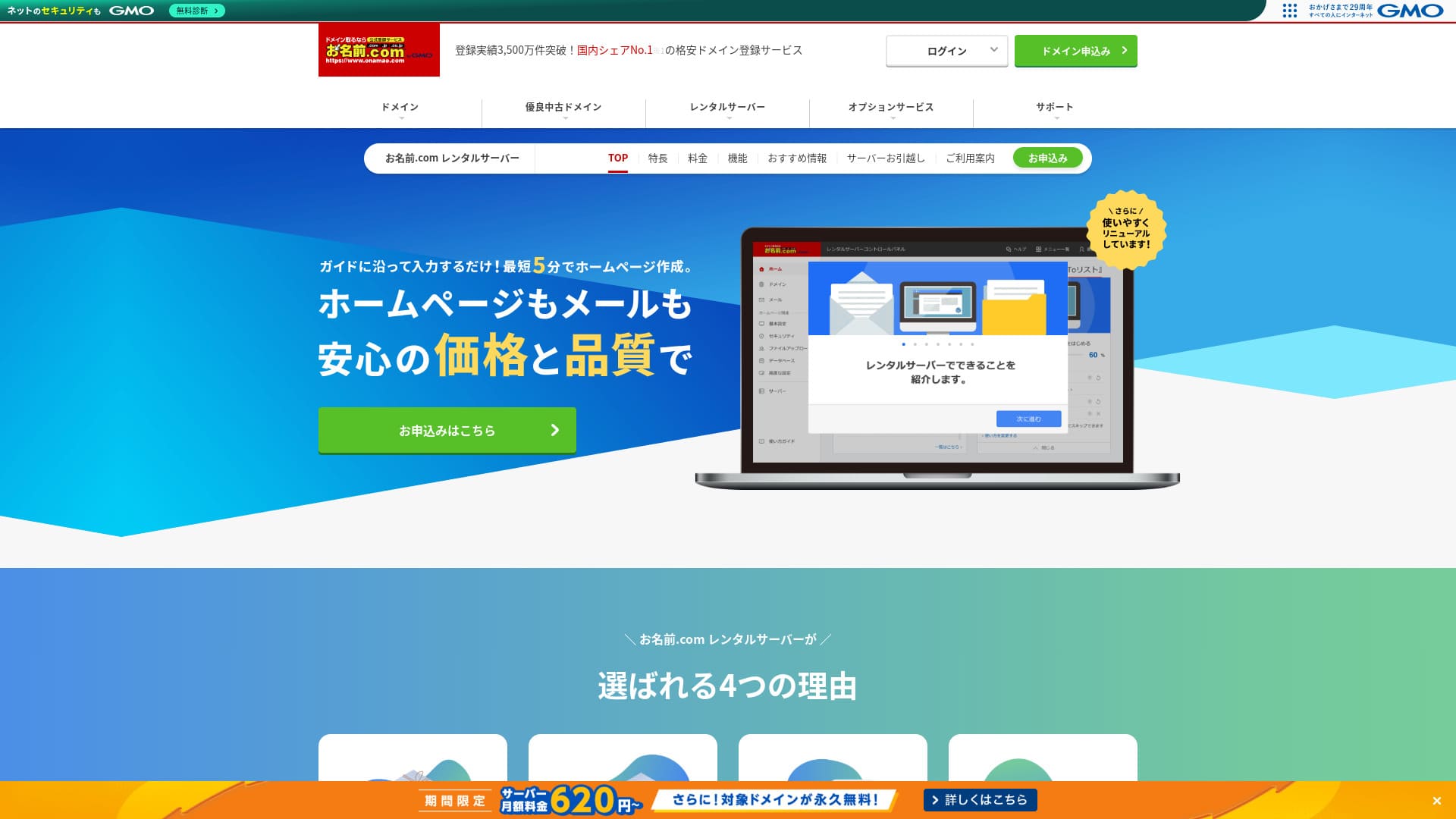
Warto być rozpoznawalnym nie tylko z domen, lecz także z serwerów.
Onamae.com jest w Japonii znany jako rejestrator domen. Jego usługa serwerowa zwykle pozostaje w cieniu.Jednak Onamae.com Rental Server ma kilka mocnych stron, na które warto zwrócić uwagę.
W tym artykule wyjaśniam wszystko: od reputacji i funkcji onamae.com Rental Server po ceny, wady, konkurencję i sposób uruchomienia WordPressa.

Complete Comparison of 32 WordPress Rental Servers: Recommendations by Personal, Business, and Overseas Use

Gdy myślisz: „Chcę uruchomić WordPressa” i szukasz „polecanych usług WordPress”, widzisz najróżniejsze artykuły: od usług dla osób prywatnych i serwerów dla firm oraz małych biznesów po opcje zagraniczne i niskokosztowe. Szczerze mówiąc,
- Which site should I read?
- I just want to choose a server simply and clearly.
- Show me how to start WordPress right away.
Czy też tak to odczuwasz? Ten artykuł przedstawia starannie wybrane rekomendacje z 32 serwerów hostingowych dla osób prywatnych, firm, zastosowań krajowych i zagranicznych. Wyjaśnia je osoba odpowiedzialna za SEO w firmie tworzącej aplikacje, która codziennie pracuje z serwerami hostingowymi.
Recenzja Onamae.com Rental Server: serwer o wysokiej dostępności, który daje spokój
「 onamae.com Rental Server” has been used by both individuals and businesses. It is Japan’s largest domain registration service, and being able to manage your domain and server together is a major advantage. It makes email, website, and domain management easier across the board.

| Typ serwera | Serwer współdzielony |
| Szybkość wyświetlania (TTFB) | Nie zmierzono |
| Polecany plan i okres umowy | 12 months |
| Okres próbny / gwarancja zwrotu pieniędzy | None |
| Opłata miesięczna (umowa 12-miesięczna) | 2,398 yen |
| Opłata początkowa | Free |
| Darmowa domena | 1 free forever |
| Support | Telefon, e-mail i czat (dni powszednie 10:00-18:00) |
| Uptime | 99.99% guaranteed |
| Pojemność serwera | 1TB |
| Liczba baz danych | Unlimited |
| Zabezpieczenia | WAF / access restrictions / ads.txt / SiteLock |
| SSL | Free SSL / AlphaSSL |
| Kopia zapasowa / przywracanie | 14-dniowe automatyczne kopie zapasowe / Free restoration |
| Liczba kont pocztowych | Unlimited |
| Zabezpieczenia poczty | Filtr spamu i skanowanie wirusów / SMTP over SSL, POP over SSL / IMAP / ograniczenie poczty wychodzącej z zagranicy / czarna i biała lista |
| Usługa migracji serwera / witryny | No migration service Dostępne narzędzie migracji |
| Łatwa instalacja WordPressa | Yes |
| CDN | None |
Five features of Onamae.com Rental Server

uptime 99,99%
onamae.com Rental Server gwarantuje sprawność (uptime) na poziomie 99,99%. Serwer jest niezwykle stabilny.Dzięki stabilności serwera wyświetlanie Twojej strony również pozostaje stabilne.
Dzięki osiągnięciu wskaźnika sprawności (uptime) na poziomie 99,99%, łączny czas przestojów przy rocznej umowie nie przekracza nawet jednej godziny.
★ A Beginner's Guide to Understanding Rental Server Uptime and SLAs
Rozbudowane funkcje poczty
onamae.com Rental Server jest prowadzony przez firmę specjalizującą się w usługach domenowych, a its e-mail features are comprehensive.
Liczba kont pocztowych jest nieograniczona. Można też tworzyć nieograniczoną liczbę list mailingowych, co jest wygodne dla firm, które chcą zakładać firmowe konta e-mail i bez ograniczeń wysyłać wiadomości do pracowników.
Liczba kont e-mail jest nielimitowana. Możesz też tworzyć nielimitowane listy mailingowe, co jest wygodne dla firm, które chcą zakładać firmowe konta e-mail i rozsyłać wiadomości do pracowników bez dodatkowych ograniczeń.
Funkcja usuwania wirusów z poczty jest także dostępna bez dodatkowych opłat, więc z usług poczty można korzystać ze spokojem.
onamae.com Rental Server includes a 14-day automatic kopia zapasowa feature.
Ponieważ dane kopii zapasowych są przechowywane, witrynę można przywrócić nawet wtedy, gdy przypadkowo usuniesz dane strony albo zostaną one zmodyfikowane w wyniku cyberataku.
Ponieważ kopie zapasowe są przechowywane,
Dzięki temu możesz prowadzić witrynę ze spokojem.
onamae.com Rental Server offers unlimited transfer danych.
Nie dochodzi do sytuacji, w której ruch rośnie, a strona przestaje działać, bo zabrakło limitu transferu.
★ What Are Traffic and Data Transfer? Managing and Optimizing Web Traffic
★
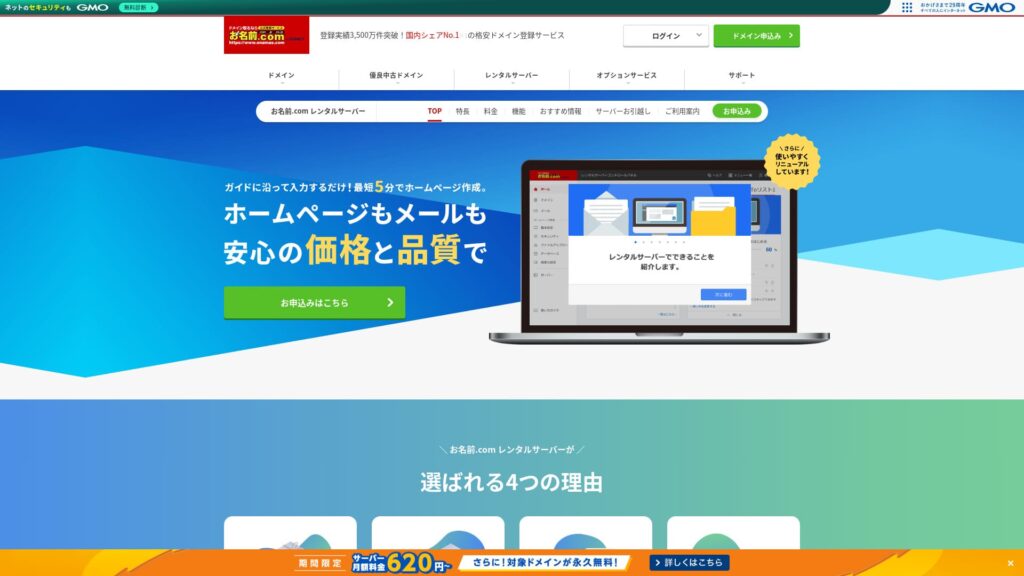
「 onamae.com Rental Server” jest powszechnie znana jako firma zarządzająca domenami w ramach grupy GMO Internet. Oferuje jedne z najbardziej przystępnych cenowo serwerów do użytku biznesowego. Jako firma skupiona na domenach, ma szczególnie silną ofertę w zakresie obsługi poczty e-mail. To dobre rozwiązanie dla firm, które chcą wspólnie zarządzać swoją stroną internetową i pocztą.
Eligible domenas darmowy forever
onamae.com Rental Server sprawdza się zarówno dla osób prywatnych, jak i firm, ponieważ ma wysoki, stabilny uptime oraz rozbudowane funkcje poczty.
Mimo to jest tańszy od konkurencyjnych usług, gdy oceniasz go pod kątem zastosowań firmowych w małych i średnich firmach oraz innych organizacjach.Dzięki temu jest mocną opcją dla firm, które chcą ograniczać koszty.
Wciąż jednak w przypadku małych i średnich firm jest tańszy niż konkurencyjne usługi.

Jednym rozczarowującym punktem jest to, że onamae.com Rental Server ma tylko jeden plan.Dobrze mieć więcej funkcji i parametrów, niż być może kiedykolwiek w pełni wykorzystasz, ale jeszcze lepiej byłoby mieć tańszy plan z częścią ograniczeń.
Jednym z rozczarowujących punktów jest to, że
Gdyby można było wybrać plan zgodnie z ruchem na stronie, łatwiej byłoby obniżyć koszty utrzymania, więc mam nadzieję, że to się w przyszłości zmieni.
Z drugiej strony tylko jeden plan jest prosty i łatwy do zrozumienia. Jeśli wydaje się drogi, możesz wybrać inny serwer, a jeśli cena wydaje się akceptowalna, wysoka funkcjonalność sprawia, że można z niego korzystać przez długi czas.
ConoHa WING
ConoHa WING to serwer, który ułatwia rozpoczęcie pracy z WordPressem. Ponieważ ustawienia domeny i WordPressa są wykonywane podczas rejestracji, możesz uruchomić witrynę z poczuciem bezpieczeństwa.
Ponieważ dostępnych jest kilka planów, w razie potrzeby możesz zwiększyć parametry.
Ponieważ dostępnych jest wiele planów, w razie potrzeby możesz zwiększyć parametry.

ConoHa WING Review: Testing the Reasons 750,000 Users Choose It, Plus Its Speed, Pros, and Cons
ConoHa WING Review: Testing the Reasons 750,000 Users Choose It, Plus Its Speed, Pros, and Cons
serverfield.org
Xserver
Xserver to również stabilny serwer o gwarantowanym czasie działania (uptime) na poziomie 99,99%. Jego specyfikacje i funkcje są na tyle solidne, że trudno jednoznacznie wskazać zwycięzcę.
It is also a serwer that makes WordPress easy to start. If you use “WordPress Quick Start,” WordPress is preinstalled when you sign up.To oznacza, że nawet początkujący użytkownicy serwerów mogą śmiało zacząć korzystać z WordPressa.
Jednak ze względu na to, że hosting Onamae.com jest tańszy w pierwszym roku, koszty są istotnym czynnikiem, który należy wziąć pod uwagę przy podejmowaniu decyzji.

Xserver Review [2025 Edition]: A Thorough Look at Speed, Pricing, Pros, and Cons
Xserver Review [2025 Edition]: A Thorough Look at Speed, Pricing, Pros, and Cons
serverfield.org
Pięć kroków, aby od razu uruchomić witrynę WordPress na Onamae.com Rental Server
Let’s start your website with Onamae.com Rental Server
- STEP.1Visit the official site: Onamae.com Rental Server
Kliknij „Apply now”.
- STEP.2Zamów serwer i zarejestruj domenę
Wybierz okres rozliczeniowy. Polecam płatność za 12 miesięcy, ponieważ rabat jest większy.
Wybierz swoją domenę. Zaznacz opcję „Wnioskuj o własną domenę”. Pozwoli to uniknąć konieczności ręcznego łączenia domeny z serwerem.
W szczegółach rejestracji, jeśli to Twój pierwszy raz, podaj swój adres e-mail oraz hasło. Zaakceptuj warunki korzystania i politykę prywatności, a następnie kliknij „Dalej”.
Wprowadź żądaną nazwę domeny i wyszukaj ją.
★ What Is a Domain? Its Role as an Address on the Internet and How to Get One
Możesz wybrać domenę najwyższego poziomu, np. „.com” lub „.co.jp”. Koszty rejestracji i odnowienia różnią się w zależności od domeny. Jeśli nie masz pewności, dla firm zalecamy w miarę możliwości domenę „.co.jp”. W przypadku osób prywatnych dobrym wyborem są „.com” i „.net”, ponieważ są powszechnie znane i budzą zaufanie odwiedzających.
Zaznacz wybraną domenę i kliknij „Przejdź do rejestracji”.
Wybierz okres rejestracji domeny w latach. Opcjonalne usługi możesz pozostawić niezaznaczone.
Wprowadź dane płatnicze. Zalecamy płatność kartą kredytową, aby móc natychmiast uruchomić stronę. Jeśli wszystko się zgadza, kliknij „Zakończ rejestrację”. To zakończy proces zamawiania hostingu i rejestracji domeny.
- STEP.3Install WordPress
Zaloguj się z „Onamae.com Navi Login”.
W sekcji „Serwer hostingowy” kliknij „Lista używanych serwerów”. Zobaczysz tam nowo zarejestrowaną domenę. Kliknij „Zaloguj się” przy domenie, na której chcesz zainstalować WordPressa.
Pojawi się ekran konfiguracji hasła do panelu sterowania. Utwórz nowe hasło. Postępując zgodnie z instrukcjami, przejdziesz do ekranu tworzenia witryny WordPress. Kliknij „Utwórz”.
Kliknij „Create a new site if this is your first one”.
Wybierz zakupioną wcześniej domenę. Nie musisz dodawać żadnego dodatkowego tekstu. Kliknij „Wprowadź informacje”.
Wprowadź ustawienia użytkownika.
- Tytuł witryny: Może być dowolny. Później łatwo go zmienisz.
- Adres e-mail: Użyj adresu, który regularnie sprawdzasz. W przypadku firm najlepiej sprawdzi się firmowy adres e-mail administratora strony.
- Password: Ustaw go możliwie jak najbardziej złożony. Później łatwo go zmienisz.
Po wypełnieniu wszystkiego kliknij „Confirm”.
Adres e-mail i hasło będą potrzebne do logowania w WordPressie. Pamiętaj, aby je zapisać.Po sprawdzeniu szczegółów kliknij „Create”.
Zostaną wyświetlone informacje o bazie danych. Zapisz je.Będą potrzebne podczas edycji bazy danych.
- STEP.4Initial WordPress setup
Kliknij „Go to list”. Pojawi się lista witryn WordPress, więc kliknij „Login” przy witrynie, którą właśnie zainstalowano.
Na ekranie logowania WordPress wprowadź nazwę użytkownika oraz hasło ustawione podczas instalacji i kliknij „Zaloguj się”.
Po zalogowaniu do WordPressa ustaw bezpośrednie odnośniki. W panelu WordPress przejdź do „Settings”, a następnie „Permalinks”. Wybierz „Post name” i kliknij „Save changes”.
Przy opcji „Post name” możesz wpisać dowolny ciąg znaków w adresie URL każdego artykułu. Polecam krótki ciąg, który pomaga czytelnikom wyobrazić sobie treść artykułu. Jeśli będzie zbyt długi, część osób może uznać stronę za podejrzaną.
- STEP.5Install plugins
Wróć do kokpitu WordPressa, przejdź do sekcji „Wtyczki”, następnie „Dodaj nową” i zainstaluj potrzebne wtyczki.
Po znalezieniu wyszukiwanej wtyczki kliknij „Zainstaluj teraz”, a następnie „Włącz”. Następnie postępuj zgodnie z instrukcjami dla danej wtyczki.
Pamiętaj o zainstalowaniu wtyczek do zabezpieczeń i tworzenia kopii zapasowych.
- Pięć wtyczek bezpieczeństwa WordPress i jak je wybrać
- Pięć skutecznych wtyczek kopii zapasowych WordPress, które pomogą odzyskać dane
Once your wtyczkas are installed, your WordPress witryna is ready to go!
Summary
「 onamae.com Rental Server” jest używany zarówno przez osoby prywatne, jak i firmy. To największa usługa rejestracji domen w Japonii, a możliwość wspólnego zarządzania domeną i serwerem stanowi ogromną zaletę. Ułatwia to kompleksową obsługę poczty e-mail, strony internetowej i domeny.
Eligible domains free forever
onamae.com Rental Server to stabilny serwer z uptime na poziomie 99,99%. Jego parametry i funkcje są na tyle mocne, że zarówno osoby prywatne, jak i firmy mogą korzystać z niego z zaufaniem. Warto go wypróbować.
Complete Comparison of 32 WordPress Rental Servers: Recommendations by Personal, Business, and Overseas Use
Kiedy myślisz o rozpoczęciu pracy z WordPressem i szukasz rekomendacji, trafiasz na różnorodne artykuły: od usług do użytku osobistego i serwerów dla firm oraz małych przedsiębiorstw, po opcje zagraniczne i niskobudżetowe. Szczerze mówiąc,
- Which site should I read?
- I just want to choose a server simply and clearly.
- Show me how to start WordPress right away.
Czy też tak to odczuwasz? Ten artykuł przedstawia starannie dobrane rekomendacje spośród 32 serwerów hostingowych dla osób prywatnych, firm, do użytku krajowego i zagranicznego. Zostało to wyjaśnione przez lidera zespołu SEO z firmy programistycznej, która na co dzień pracuje z serwerami hostingowymi.