30-day money-back guarantee
PR
Serwery
Recenzja Hostinger [Najnowsze 2025]: Oficjalnie polecany przez WordPress. Zalety, wady i porównanie z konkurencją
Opublikowano: 2025.08.26
Zaktualizowano: 2025.08.26
Ocena: 4.0
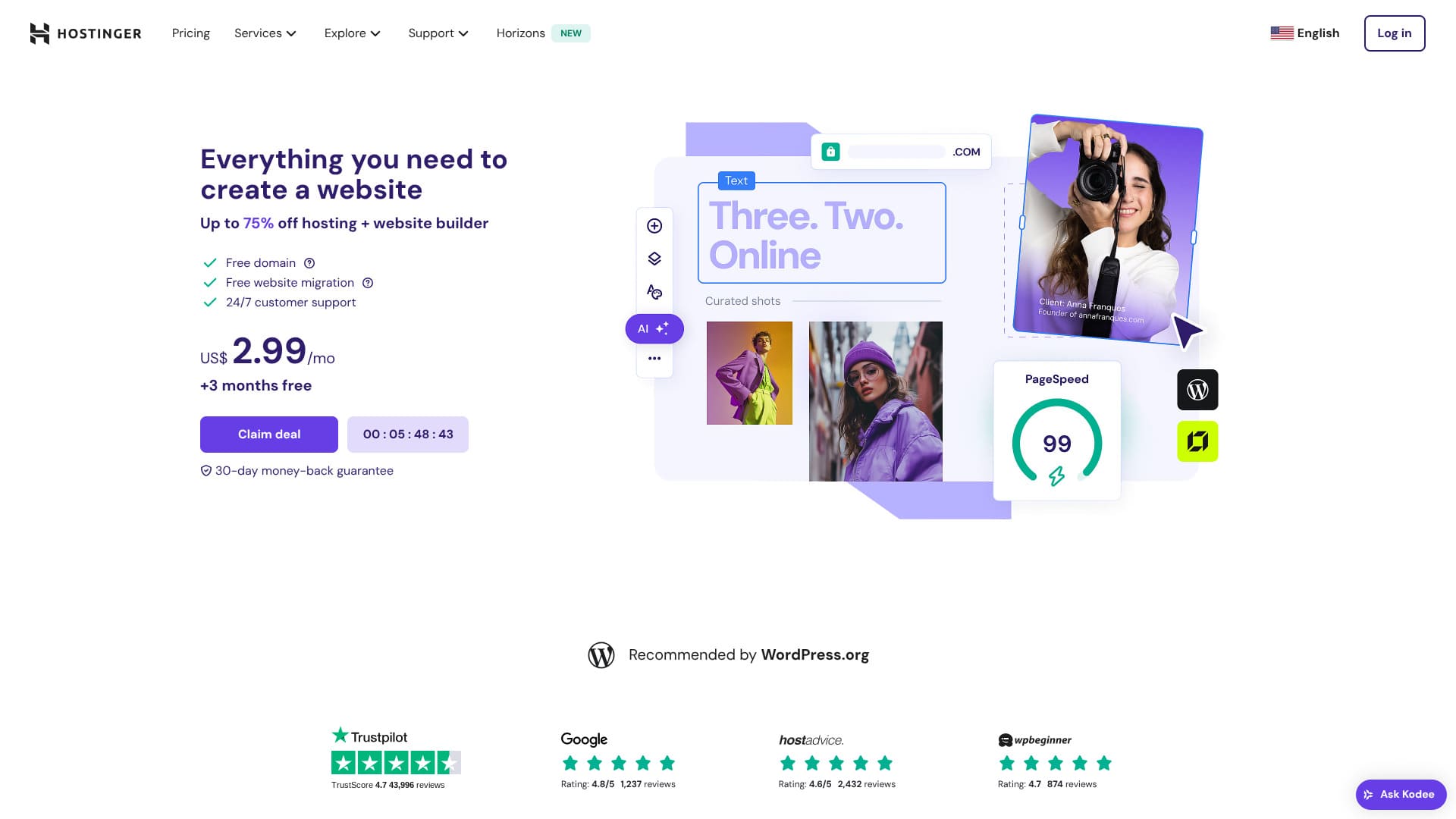
Hostinger is a server officially recommended by WordPress, with support available 24 hours a day, 365 days a year. It also includes easy installation features so anyone can launch their own WordPress site.
| Typ serwera | Hosting współdzielony |
| Szybkość (TTFB) | 31ms |
| Polecany plan i okres | Premium Web Hosting 12 months |
| Darmowy okres próbny / gwarancja zwrotu pieniędzy | 30-day money-back guarantee |
| Miesięczna cena (plan 12-miesięczny) | 4.50 USD (438 yen) |
| Opłata początkowa | Darmowy |
| Domena za darmo | 1 free domain for the first year |
| Wsparcie | Czat 24/7 |
| Dostępność | 99.9% |
| Pamięć | 100 GB |
| Liczba baz danych | 50 |
| Bezpieczeństwo | DDoS protection, malware scanning, firewall, Cloudflare protected name servers, Secure Access Manager |
| SSL | Darmowy SSL |
| Kopie zapasowe | 7-day backups & 7-week backups |
| Liczba kont e-mail | 100 |
| Bezpieczeństwo e-mail | — |
| Usługa migracji serwera / witryny | Brak |
| Preinstalacja WordPressa | Brak |
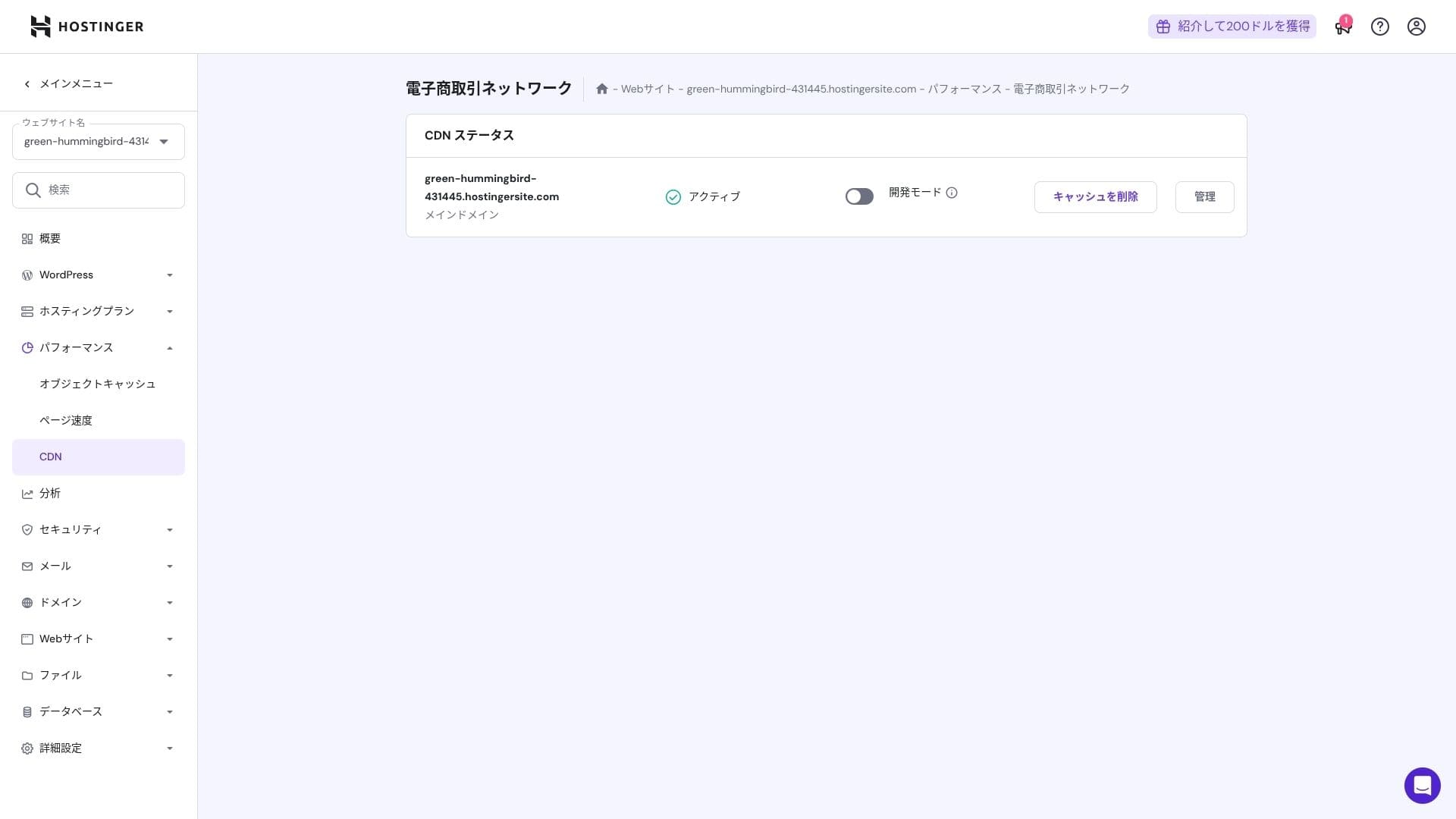
| CDN | Darmowy |
| Centra danych | France, Lithuania, the Netherlands, the United Kingdom, India, Indonesia, Singapore, the United States, and Brazil |

Hikaru Ono
Hostinger lets you start WordPress at a very low price when promotions are running. It also includes the essentials you need for dependable operation, such as uptime and security.
The control panel was also extremely well designed and easy to use.
- Data based on market research as of November 4, 2025, arranged in order of speed
- Monthly prices are the first-year cost of the cheapest plan that supports WordPress
- Speed is the Time to First Byte measured on demo sites under the same conditions
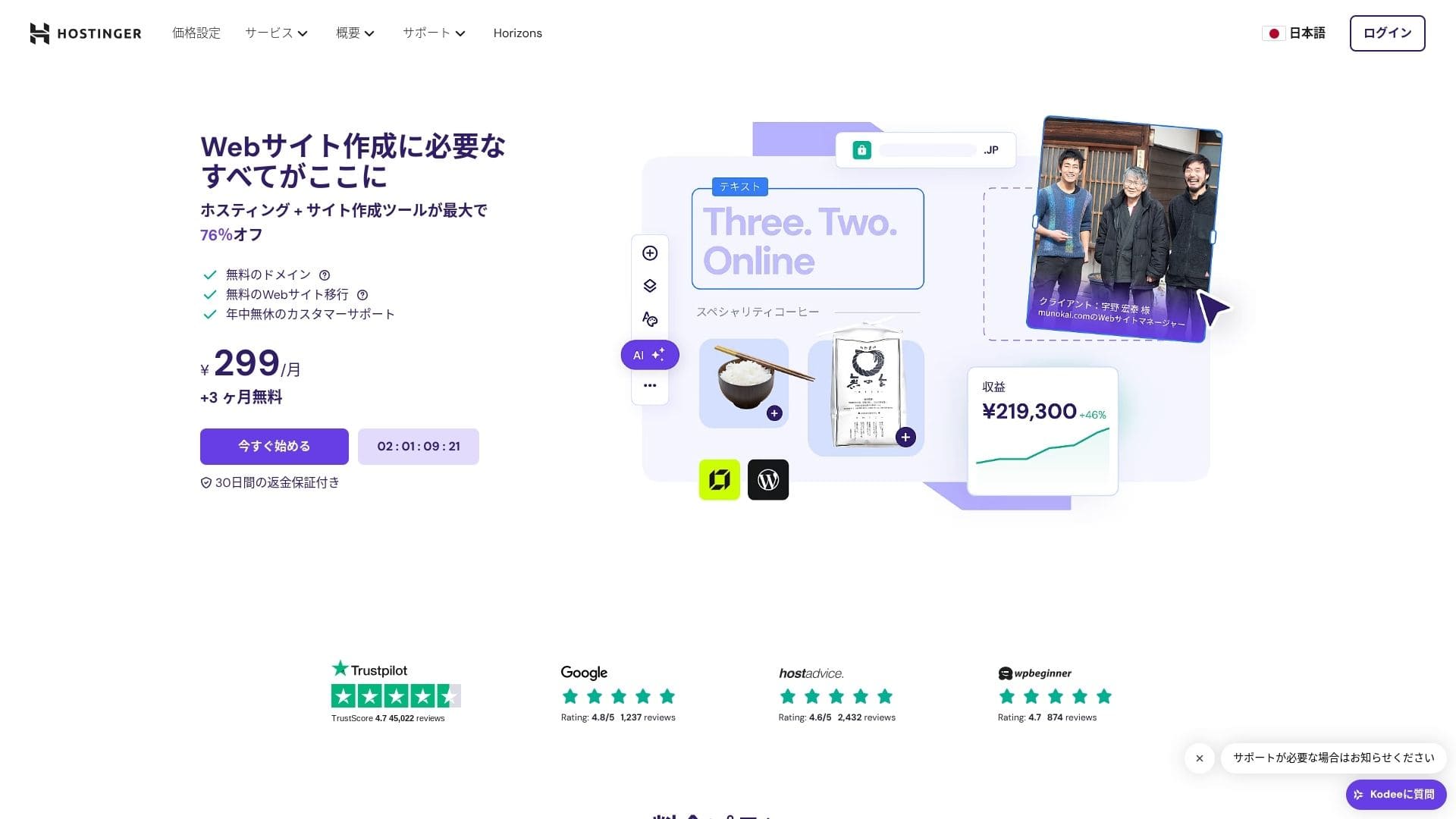
【Hostinger】 is a hosting company that started in Lithuania and is used by more than 29 million people. Its strong backup system lets you store WordPress data safely. Because it also offers large server capacity, it is a great fit for bigger sites.

Recenzje związane z WordPressem
Łatwa instalacja WordPressa
Kreator początkowej konfiguracji zawiera instalację WordPressa jednym kliknięciem, a wybór motywu, aktywację SSL i ustawienia automatycznych aktualizacji możesz zakończyć w zaledwie pięć minut. Wykrywa też podatności wtyczek i ostrzega w panelu administracyjnym, co ogranicza pracę konserwacyjną do minimum.
Let's Build a Website with HOSTINGER!
- STEP.1【Hostinger】 : Sign up and log in
Przejdź na oficjalną stronę HOSTINGER i kliknij "Get Started Now."
- STEP.2Wybierz plan Premium i kup go
Wybierz jeden z planów hostingowych. Polecam 12-miesięczną opcję "Premium Shared Hosting". Dłuższy okres obniża koszt serwera, a dodatkowo otrzymujesz jedną darmową domenę. Najlepszy stosunek jakości do ceny daje 48-miesięczna umowa.
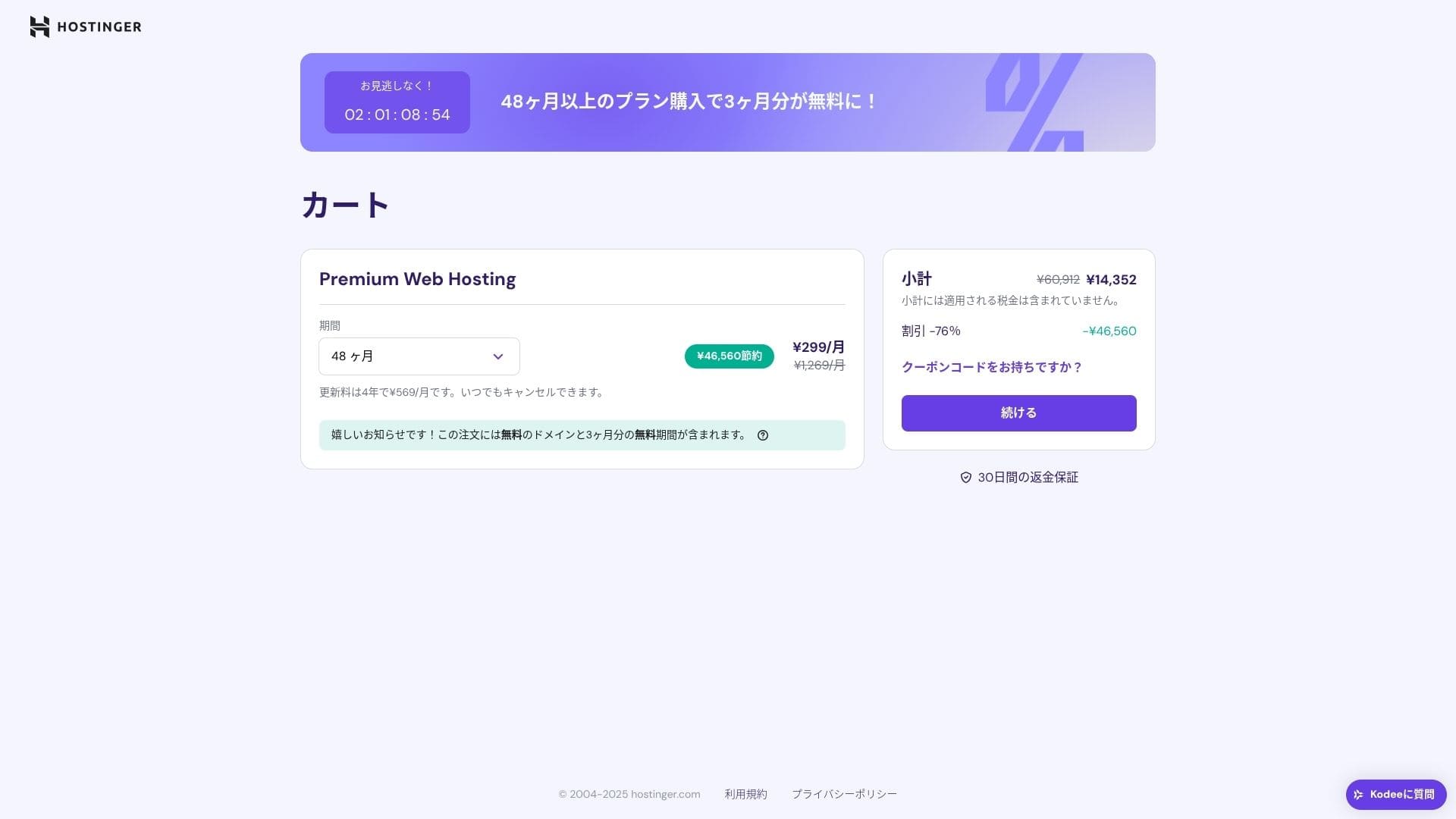
Jeśli nie masz jeszcze konta, załóż je.
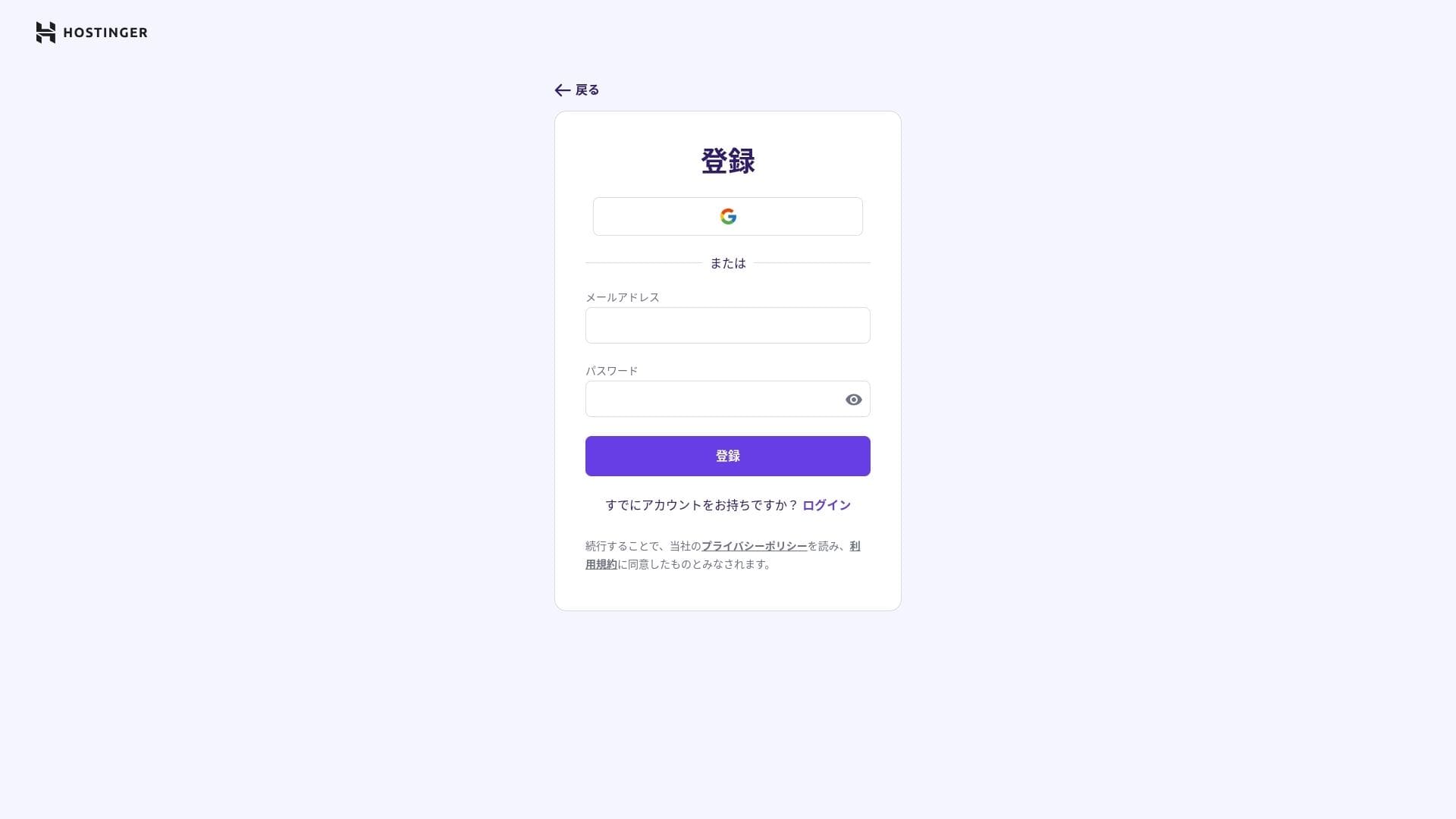
Podaj swój adres i dane płatności.
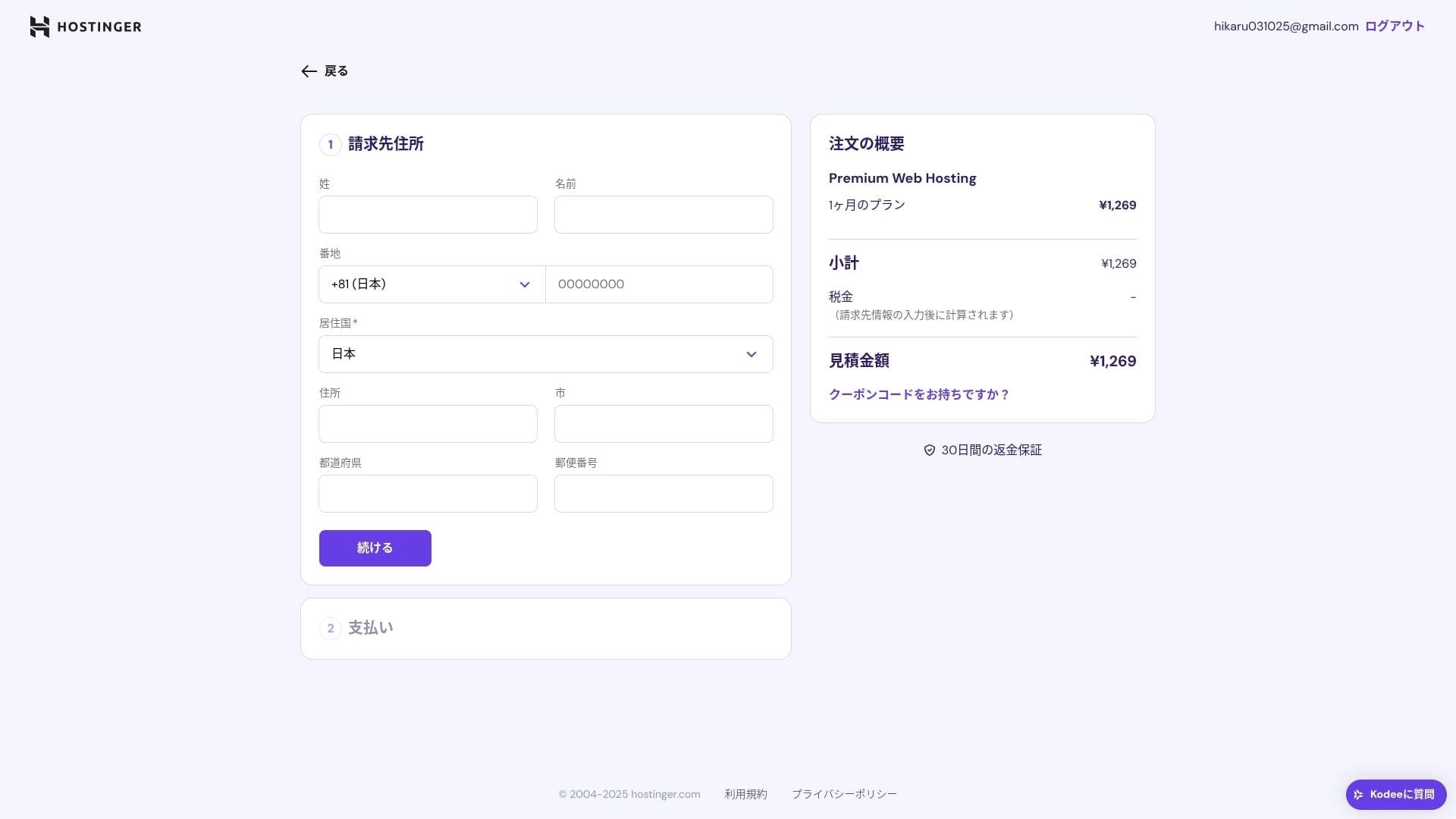
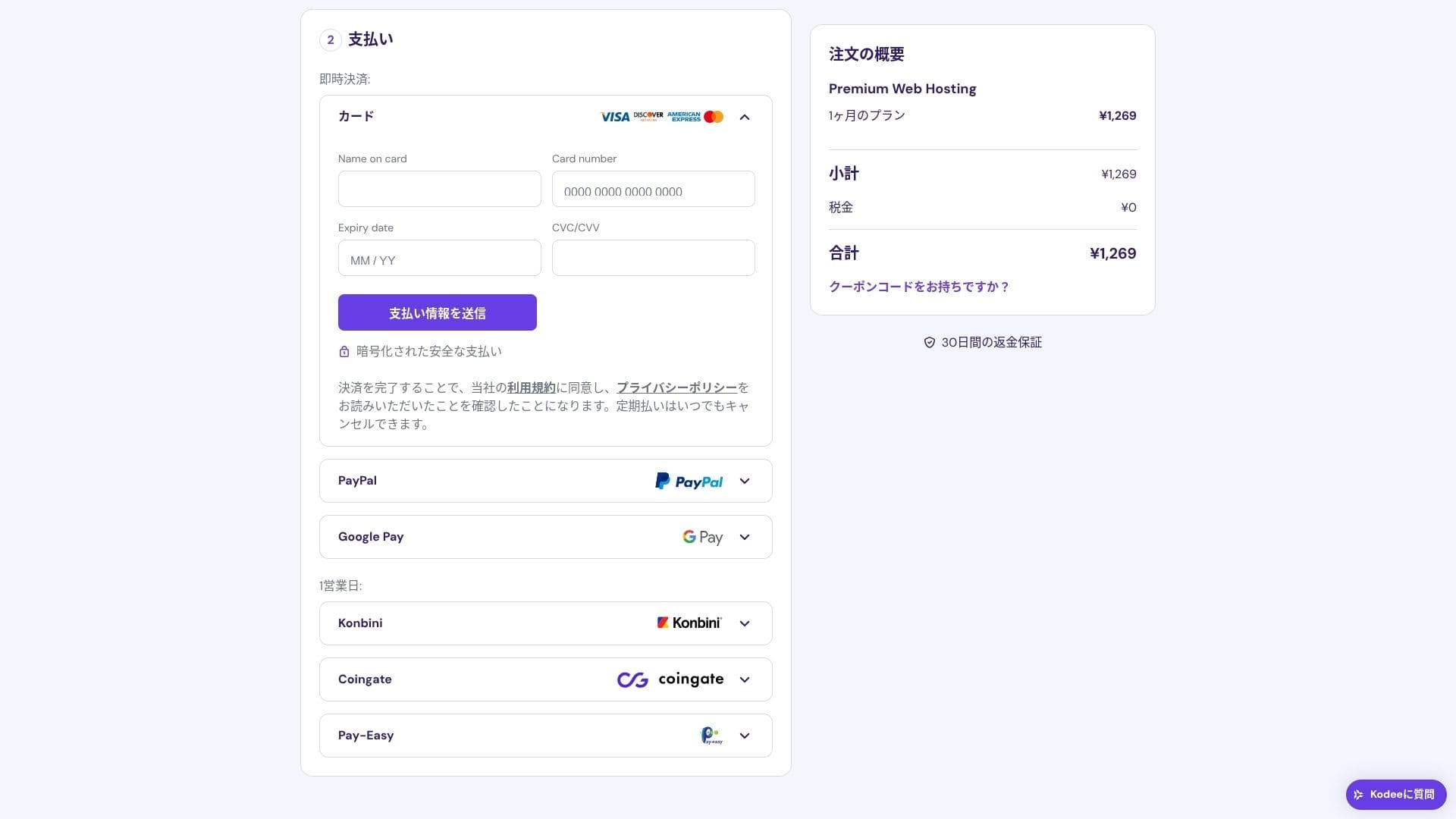
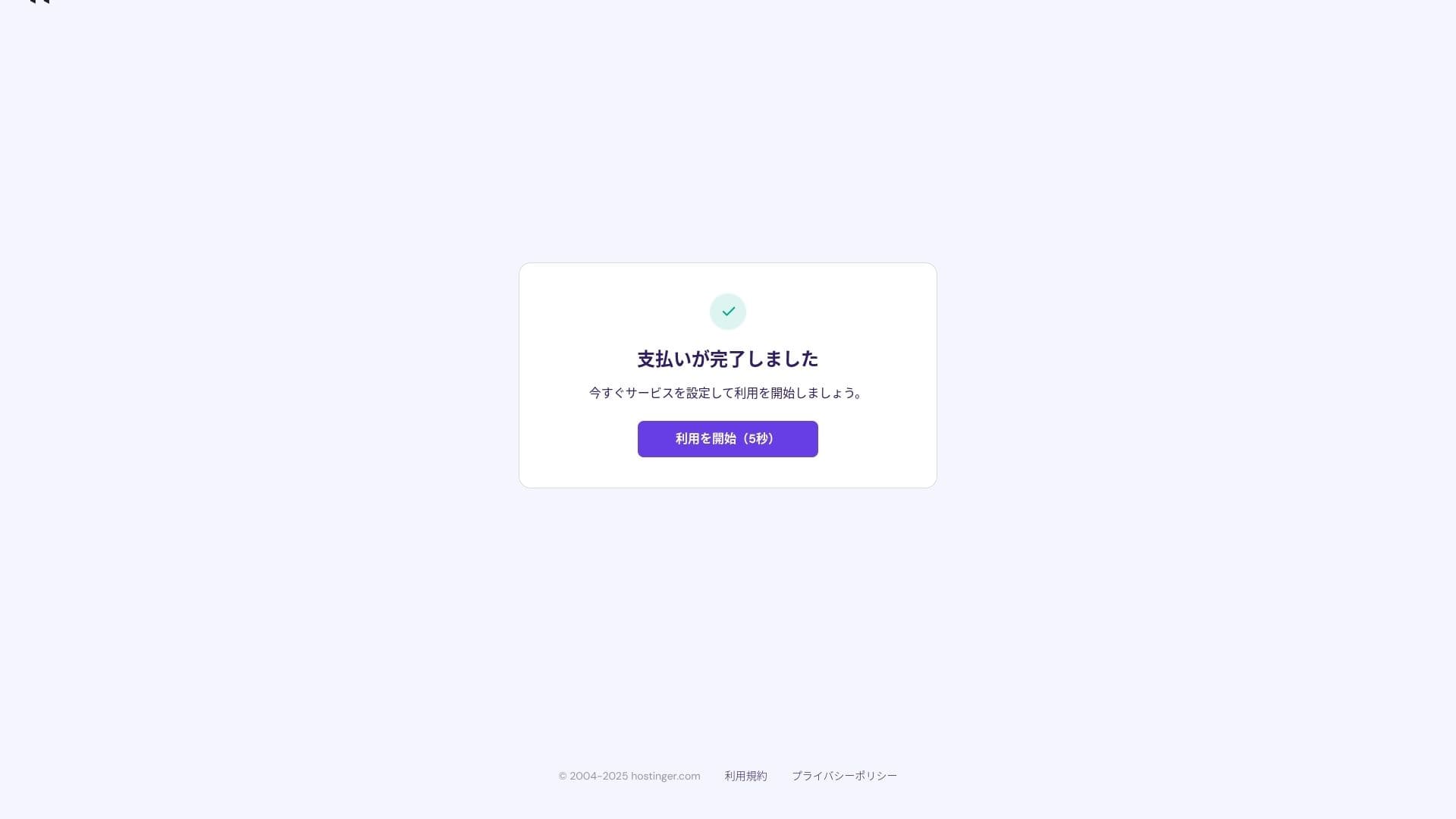
Po zakończeniu płatności kliknij "Start Using". Następnie będziesz mógł zalogować się do panelu sterowania.
- STEP.3Install WordPress
Zaloguj się do panelu sterowania, a następnie kliknij "Continue" na liście zadań.
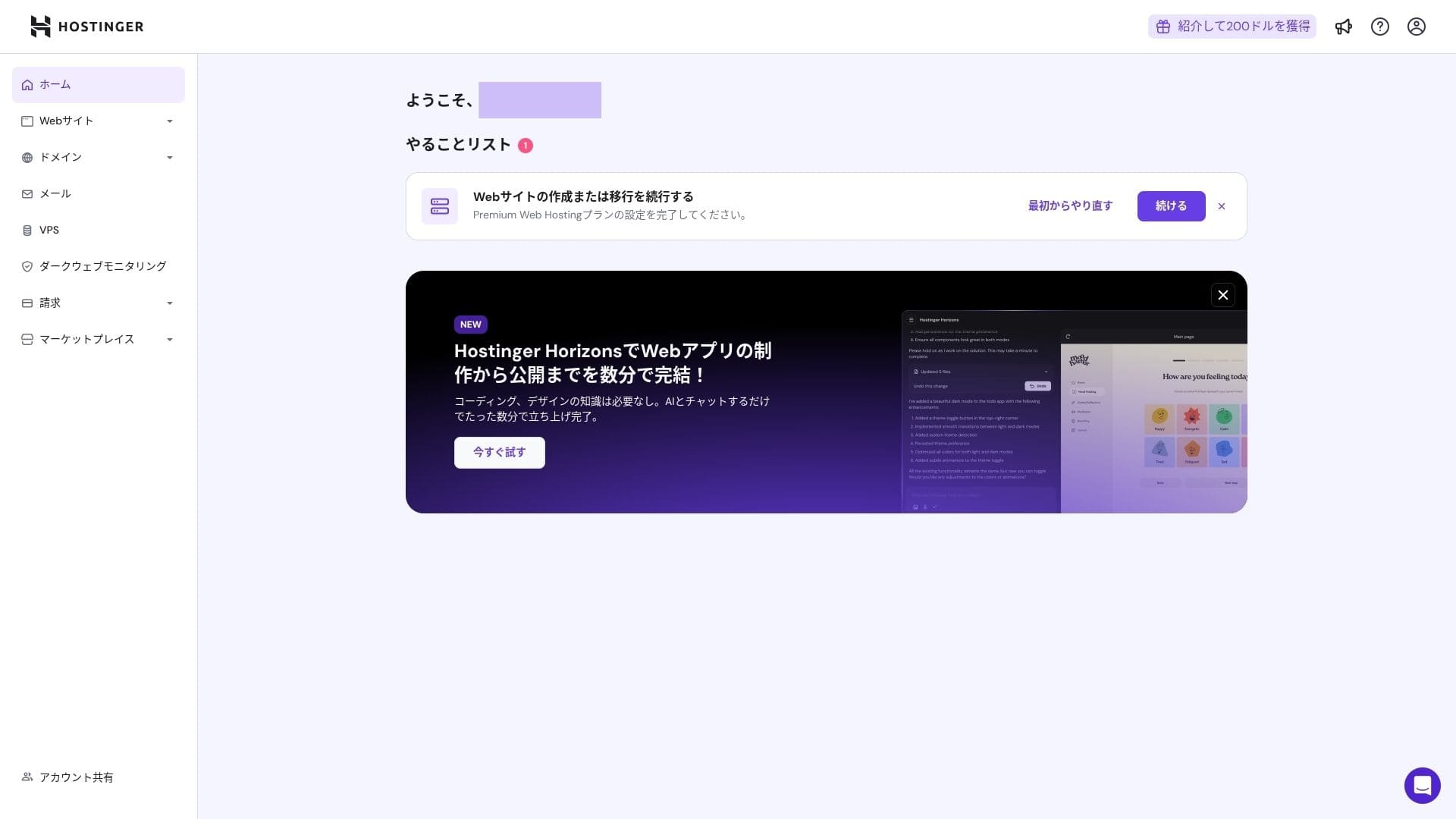
Click "Create a website."
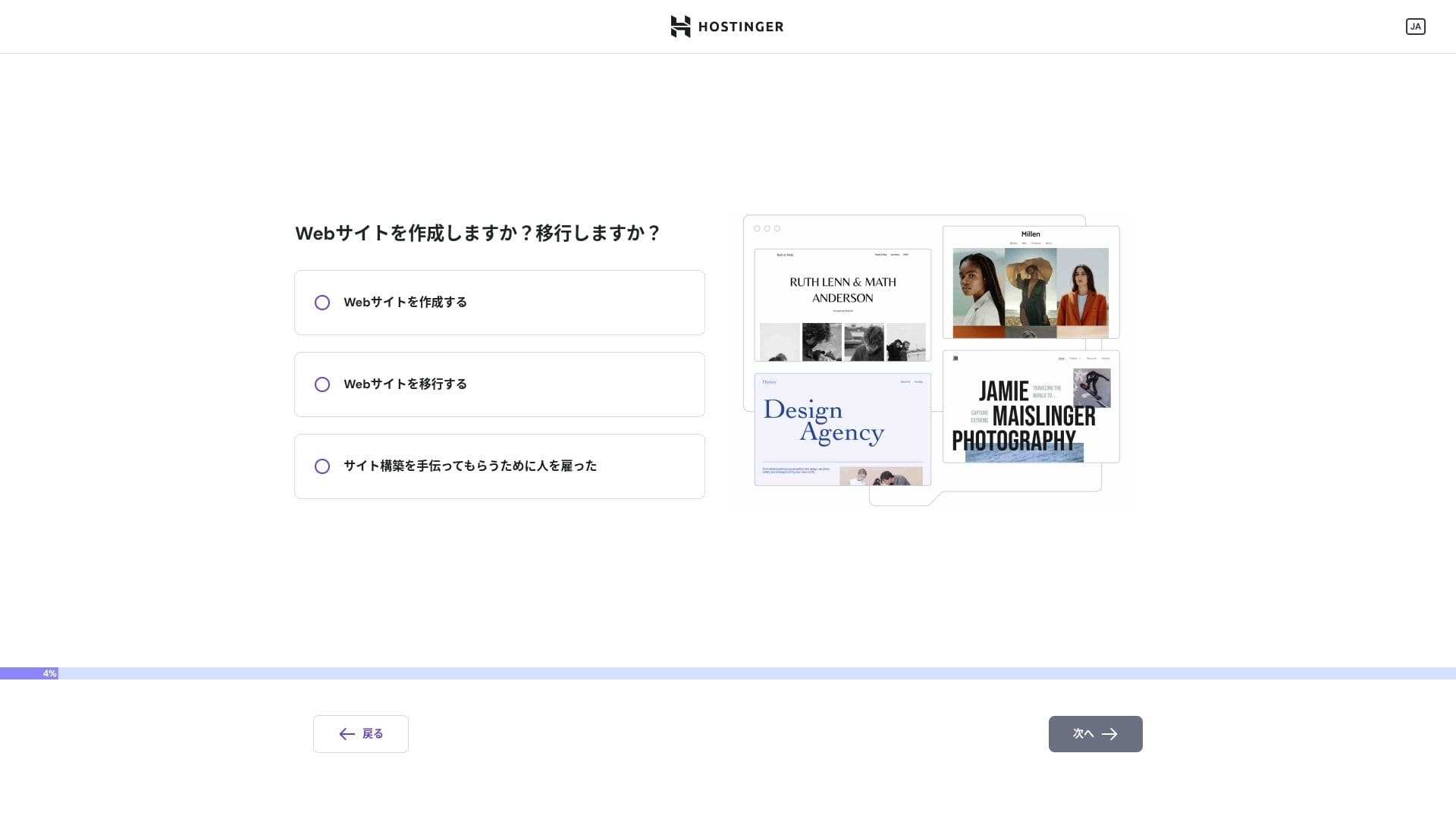
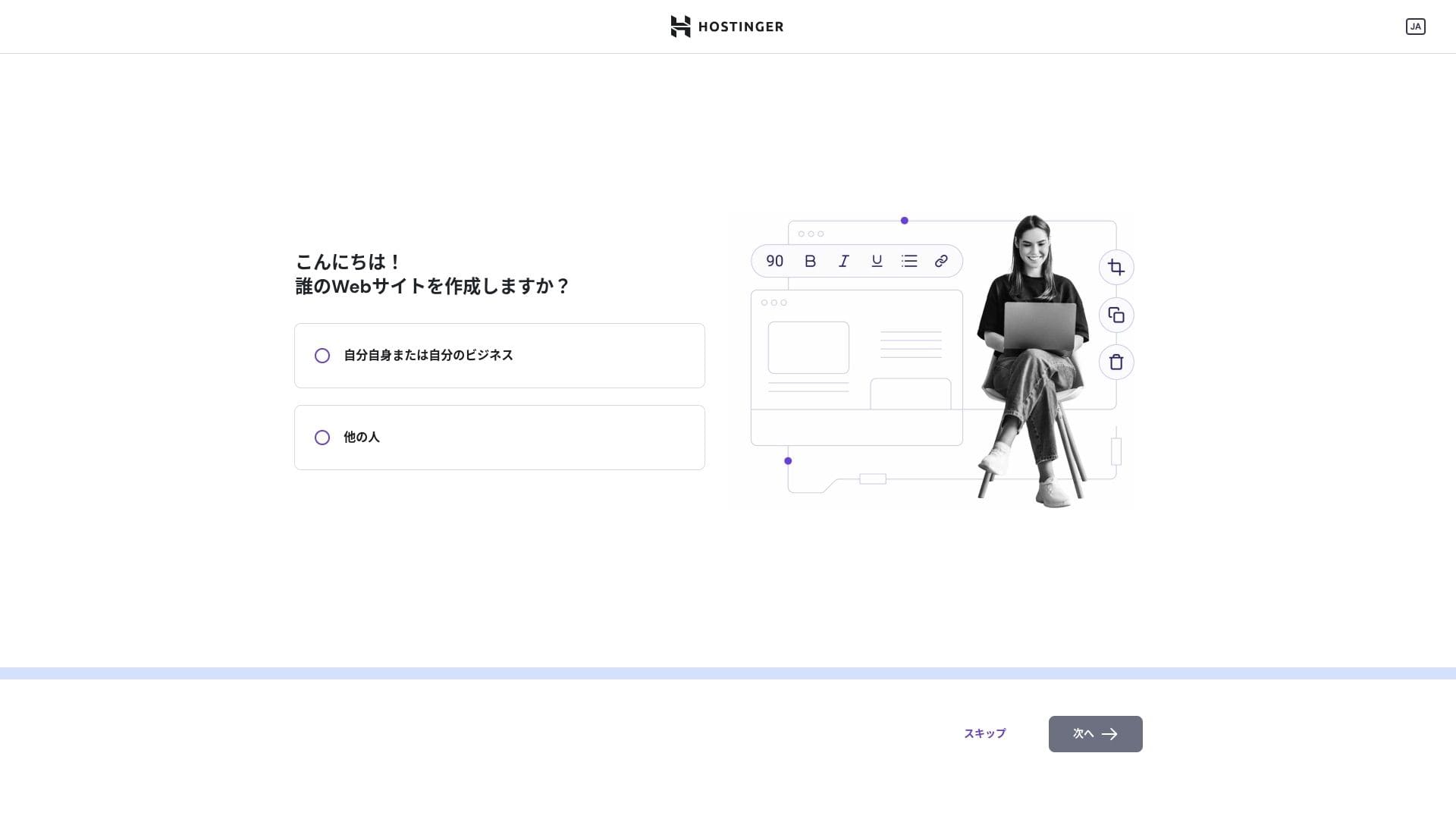
Click "Myself or my business." If you are building it on behalf of a client, choose "Other people."
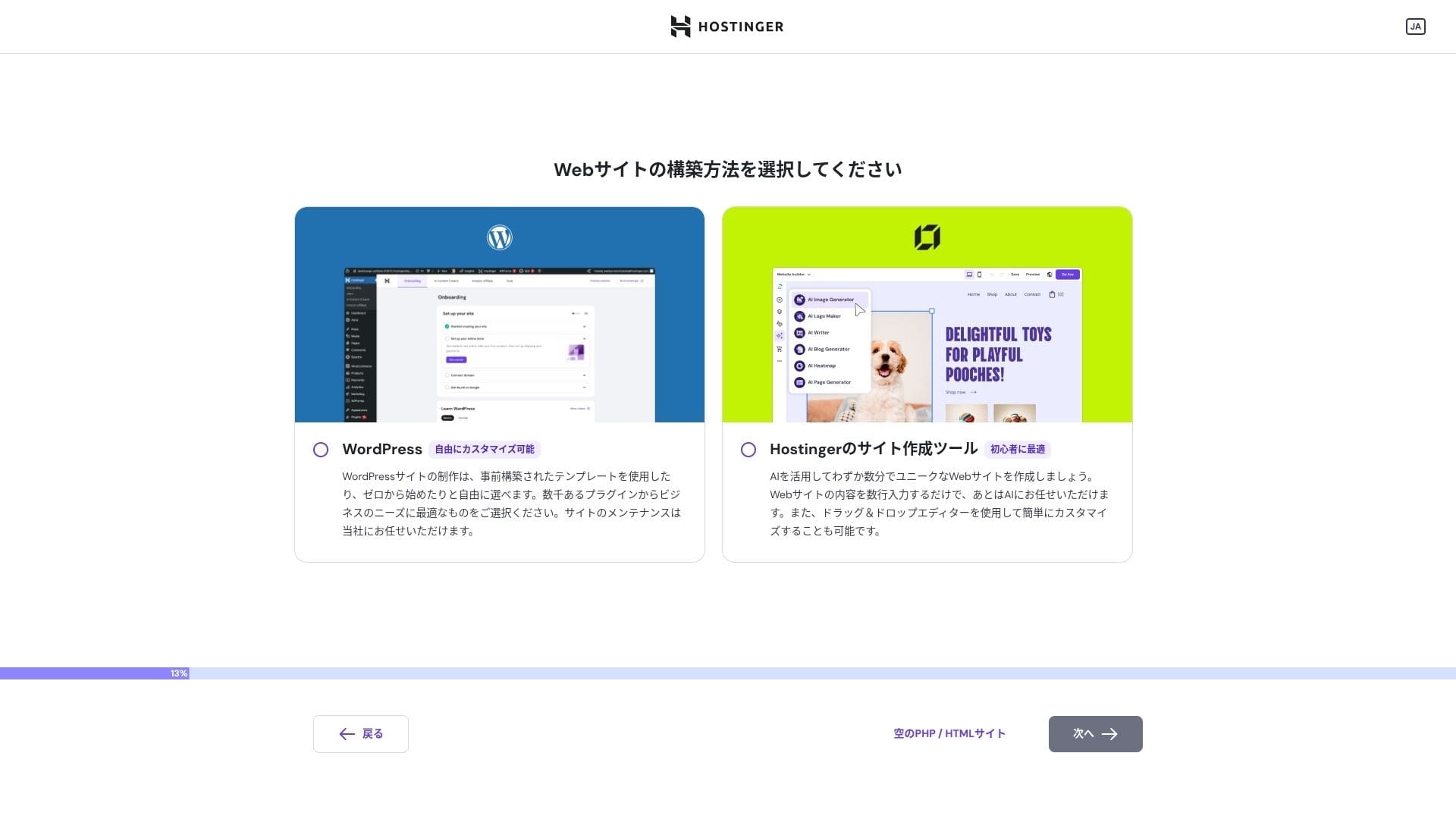
Choose "WordPress" as the way you want to build the site.
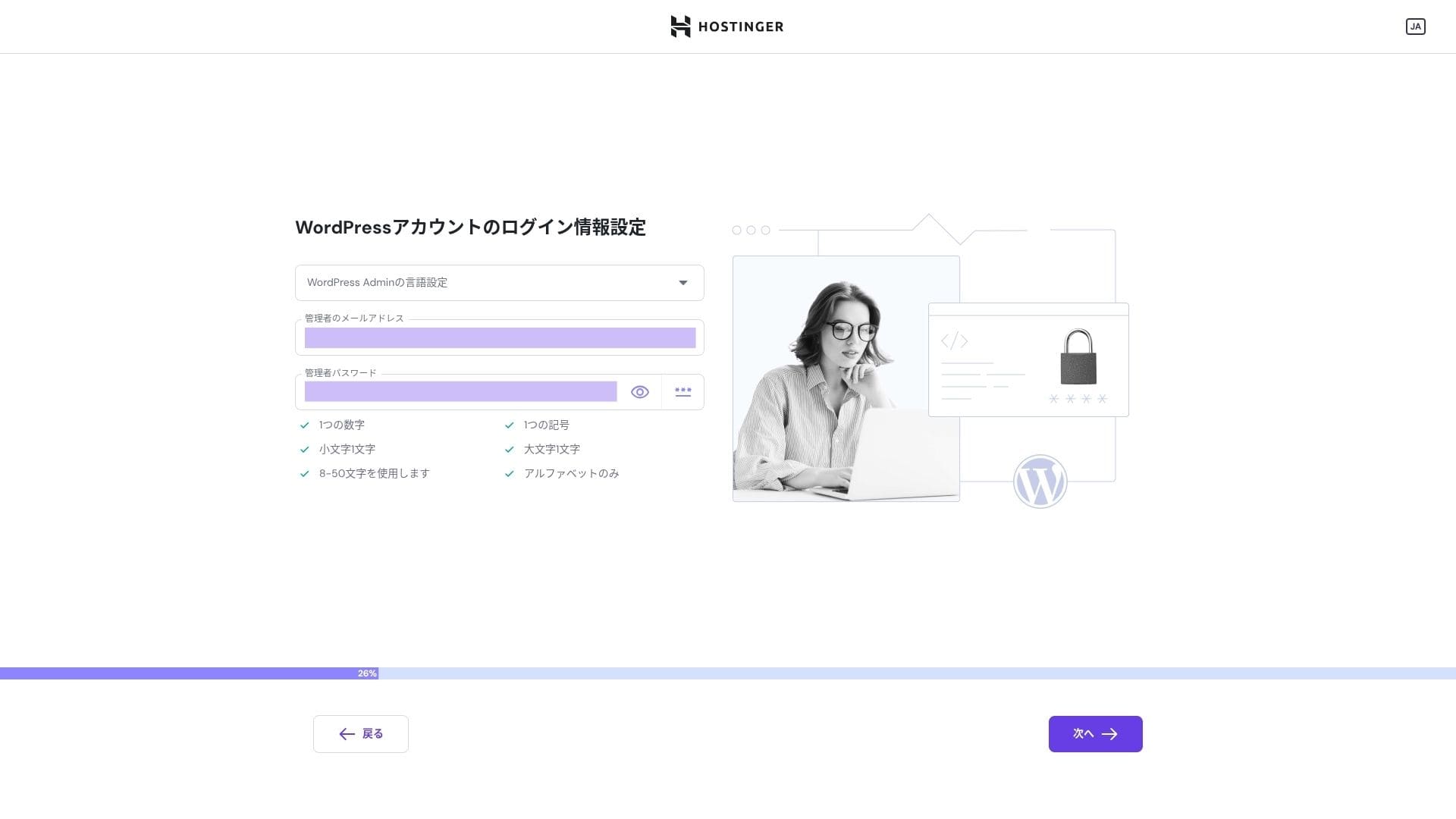
Set the login credentials for your WordPress account. Create an email address and password.Be sure to write down this email address and password so you do not forget them.After creating them, click "Next."
Wybierz swoją domenę. Kup lub przenieś domenę własną.
Możesz też wybrać "Use a temporary domain." W takim przypadku zostanie utworzona dla Ciebie subdomena HOSTINGER.
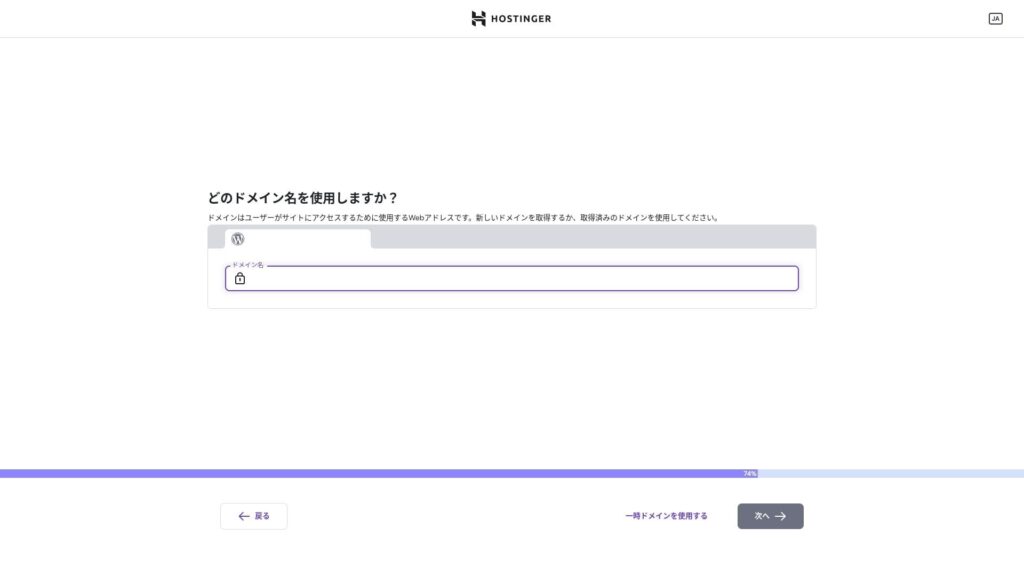
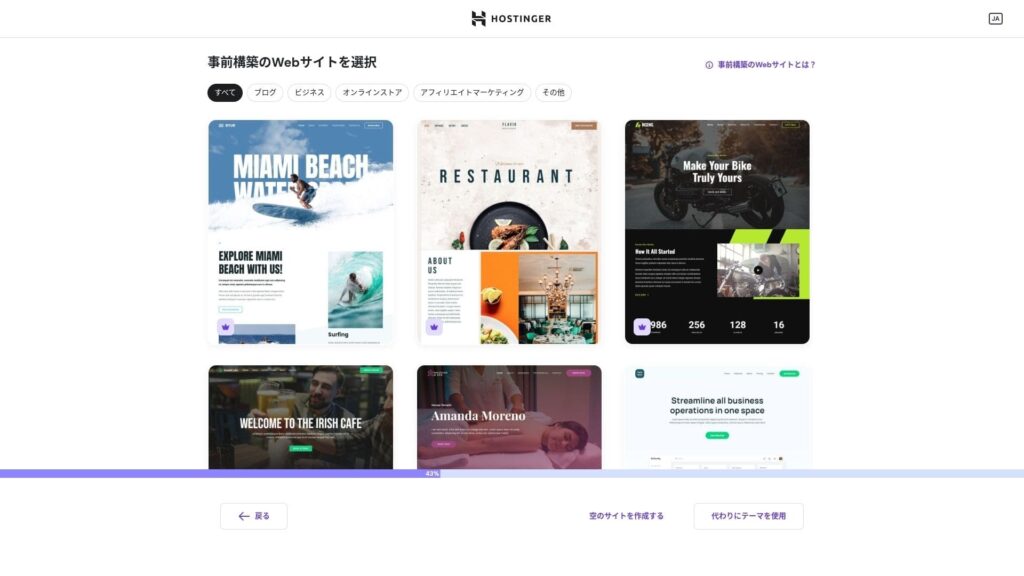
Wybierz szablon. Polecam wybrać "Create a blank website", a następnie zainstalować japoński motyw WordPress po zainstalowaniu samego WordPressa.
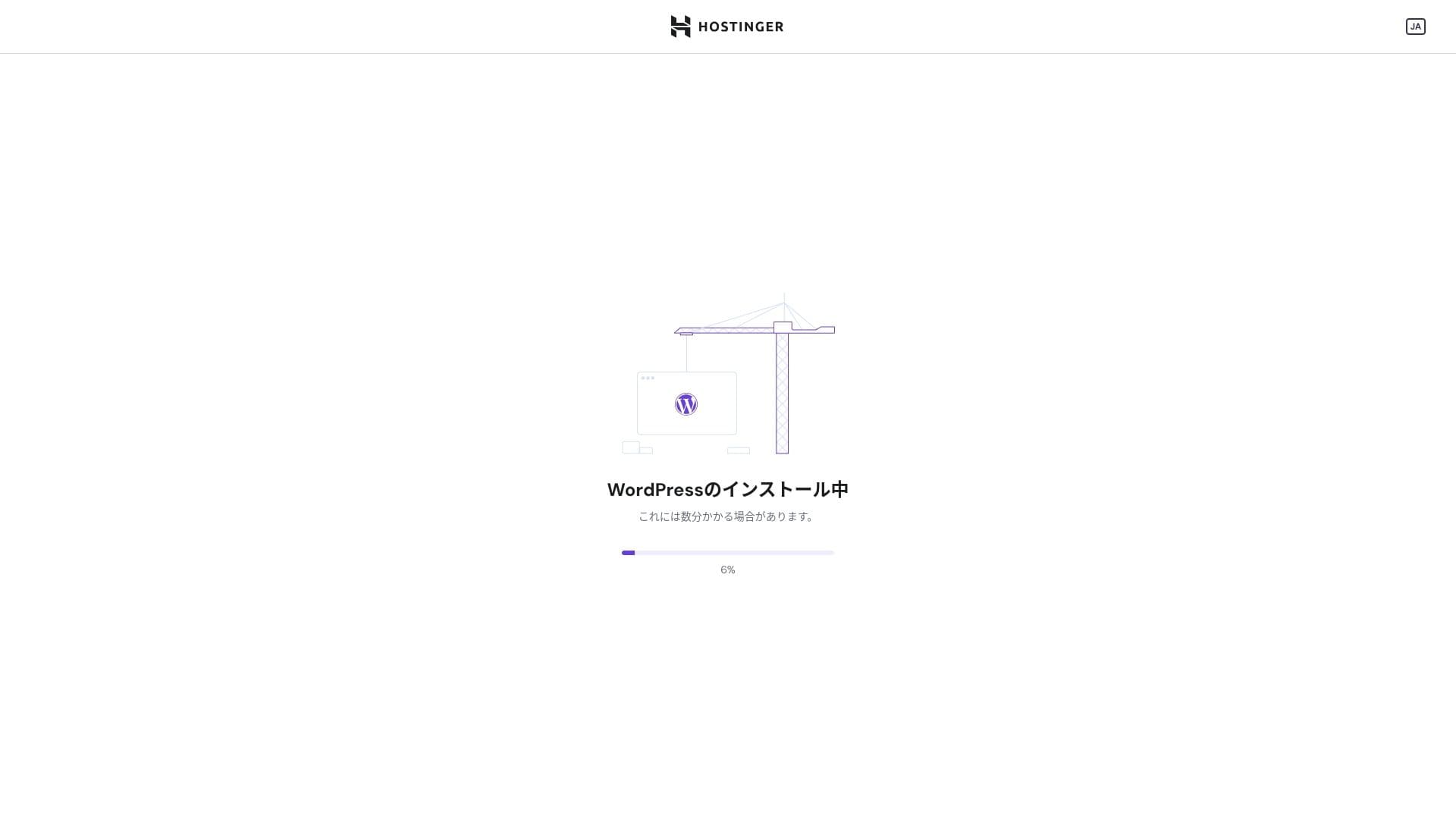
Instalacja WordPressa się rozpoczęła. Poczekaj minutę lub dwie.
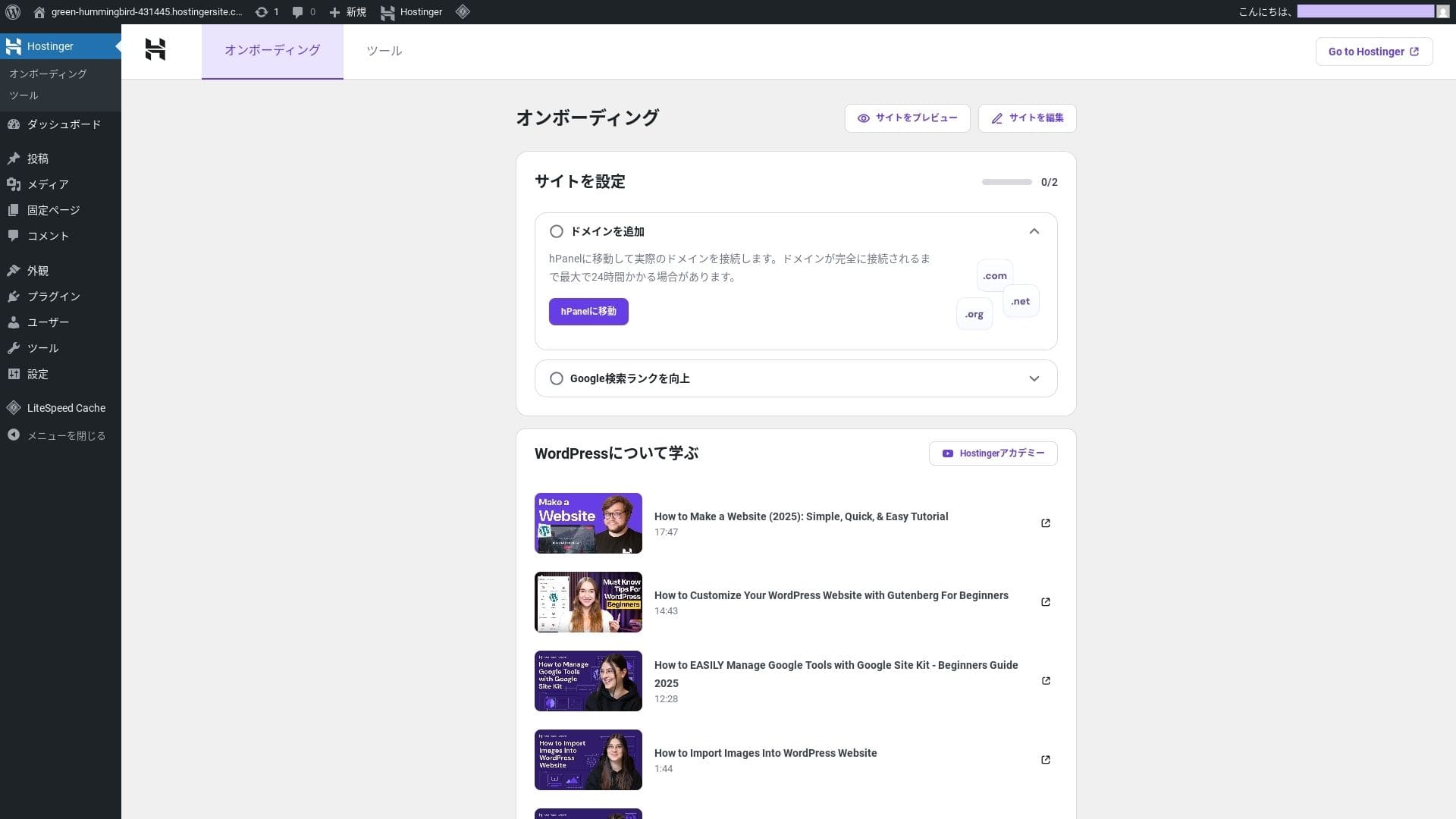
Po zakończeniu instalacji zostaniesz zalogowany do WordPressa. To kończy proces instalacji WordPressa.
- Step.4Set up your domain and DNS
Jeśli chcesz użyć domeny własnej, najpierw ją kup lub przenieś. Gdy to zrobisz, skonfiguruj ustawienia DNS.
Obsługa wielu witryn
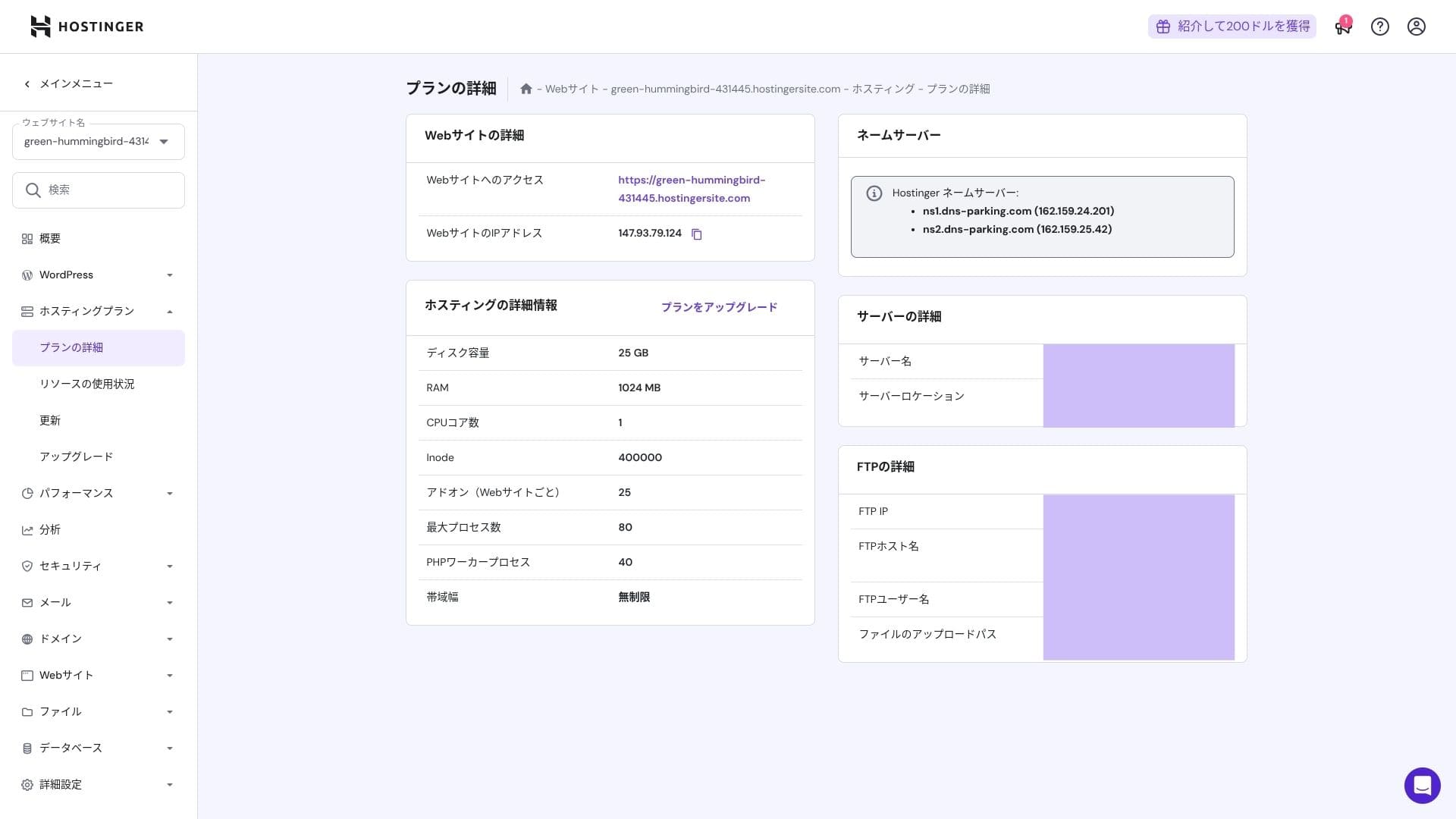
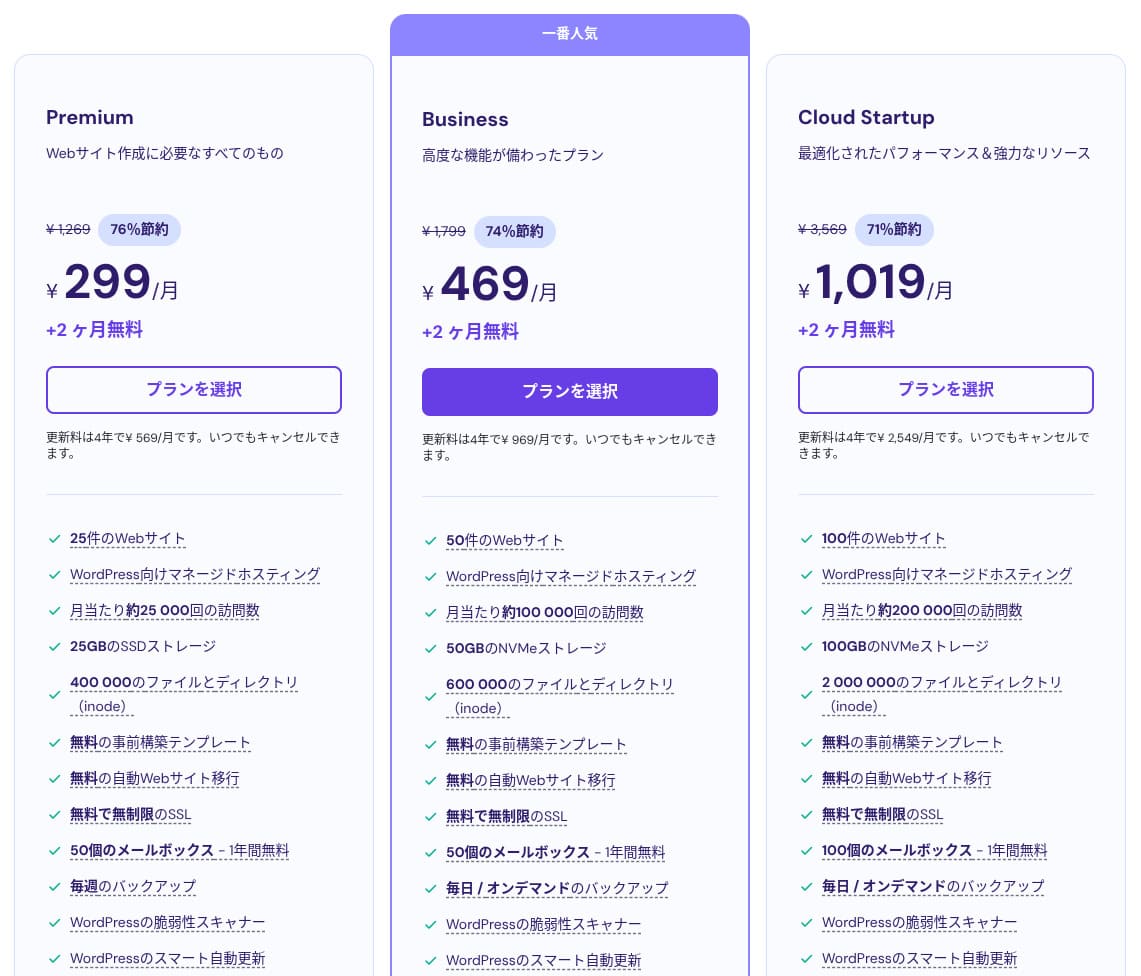
Hostinger shared hosting has three plans. Even the lowest-priced Premium plan lets you host up to 25 sites.
| Plan | Witryny | Pamięć | Częstotliwość kopii zapasowych | Miesięczna cena (okres początkowy) |
|---|---|---|---|---|
| Premium | 25 | 25 GB SSD | Co tydzień | 299 yen |
| Business | 50 | 50 GB NVMe | Codziennie + na żądanie | 469 yen |
| Cloud Startup | 100 | 100GB NVMe | Codziennie + na żądanie | 1,019 yen |
Dodawanie witryny WordPress
- STEP.1Zaloguj się do panelu sterowania
Po zalogowaniu kliknij "+ Add Website" z listy witryn.
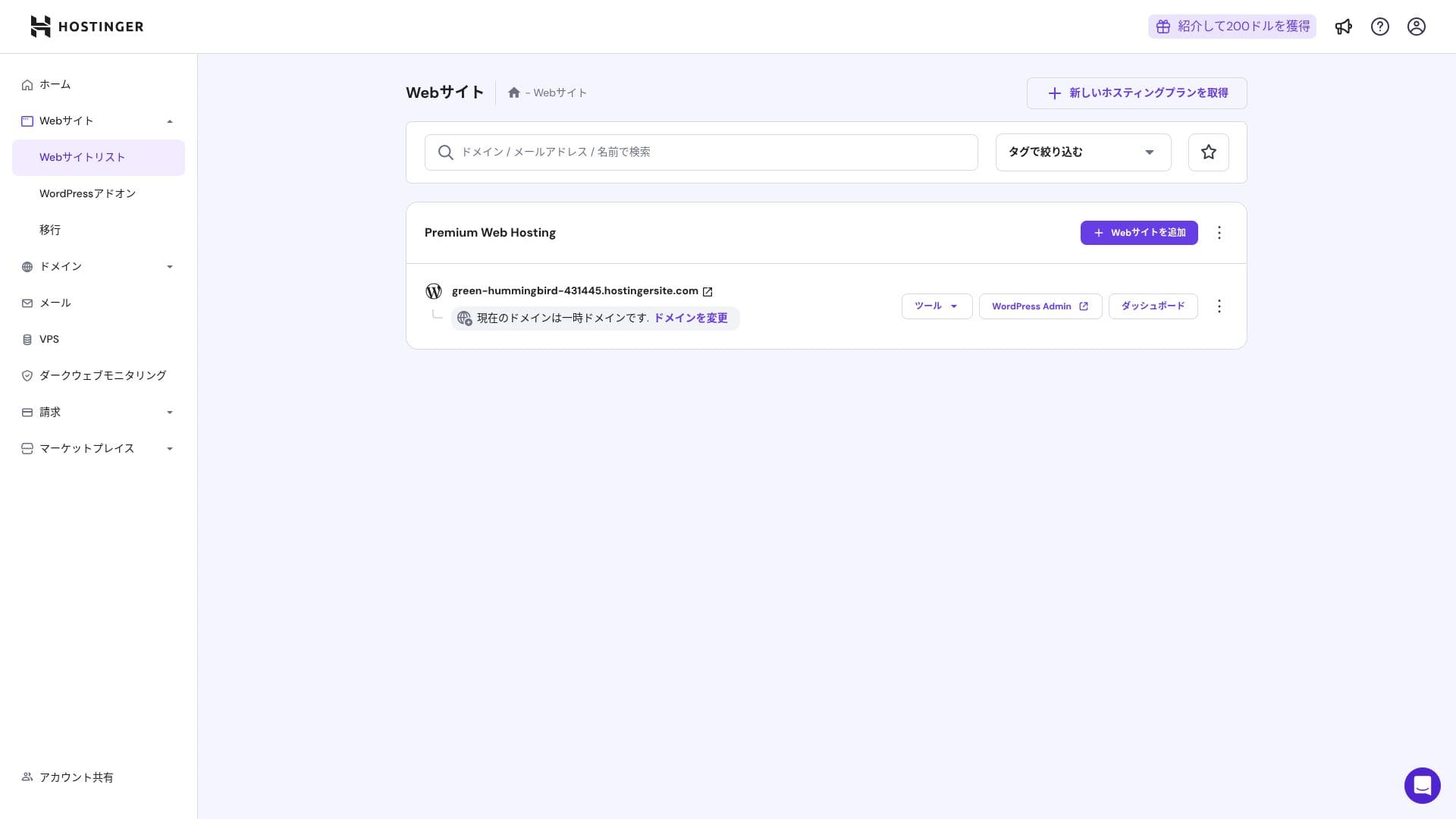
- STEP.2Wybierz "WordPress" z wyświetlonego okna
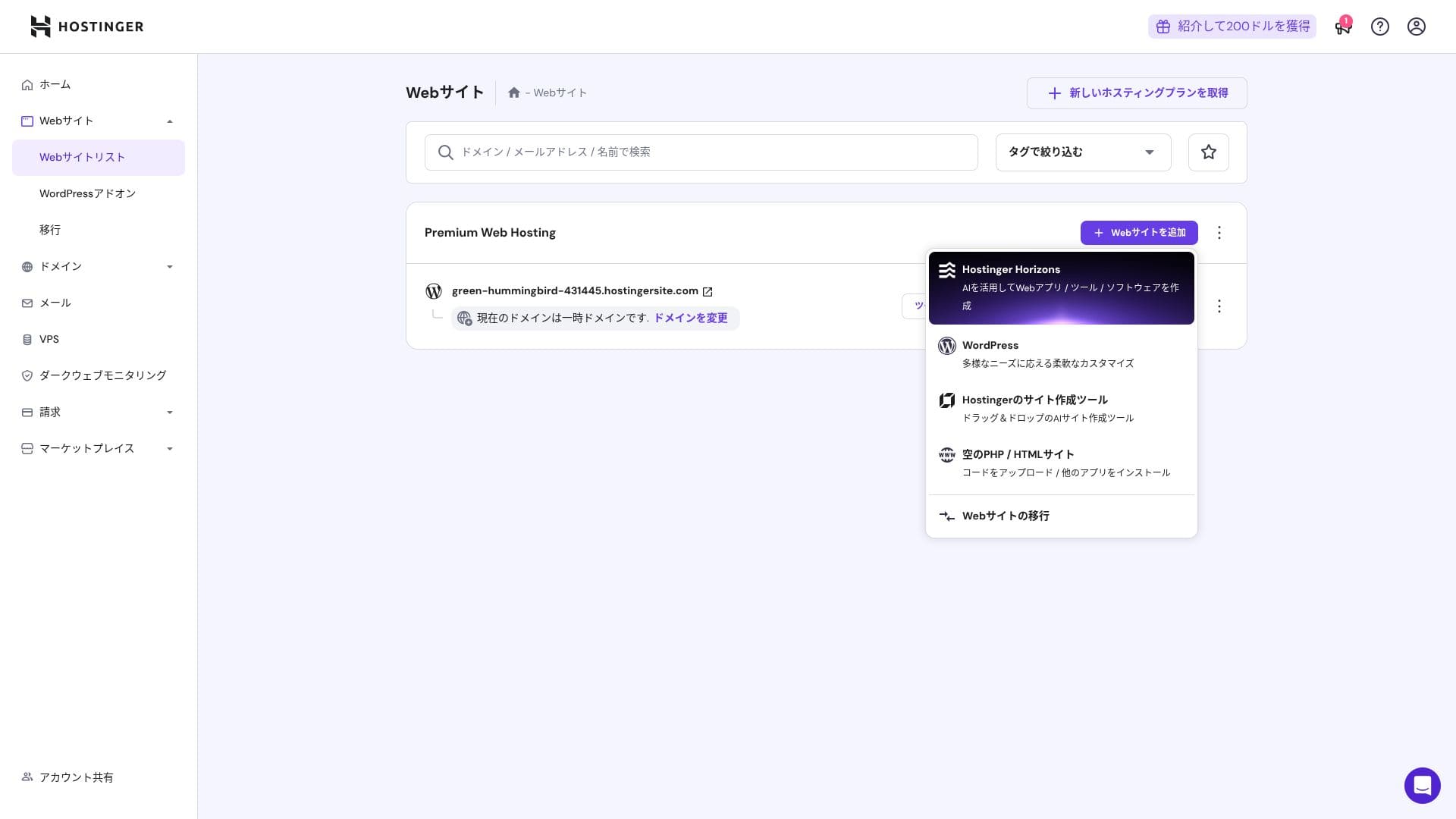
- STEP.3Ustaw dane logowania WordPressa
- STEP.4Set up the domain and DNS
Skonfiguruj ustawienia domeny i DNS.
Jeśli potrzeba prowadzenia większej liczby witryn wzrośnie, przejdź na wyższy plan.
Ocena wydajności i specyfikacji
Nasze pomiary: ocena szybkości
We measured Hostinger's page speed. In our testing, it ranked No. 2. Its TTFB (Time to First Byte, in other words, the time until the page's main content starts to display) was 30.55 ms. That is far faster than the 200 ms server speed Google expects.
You should reduce your server response time under 200ms.Improve Server Response Time
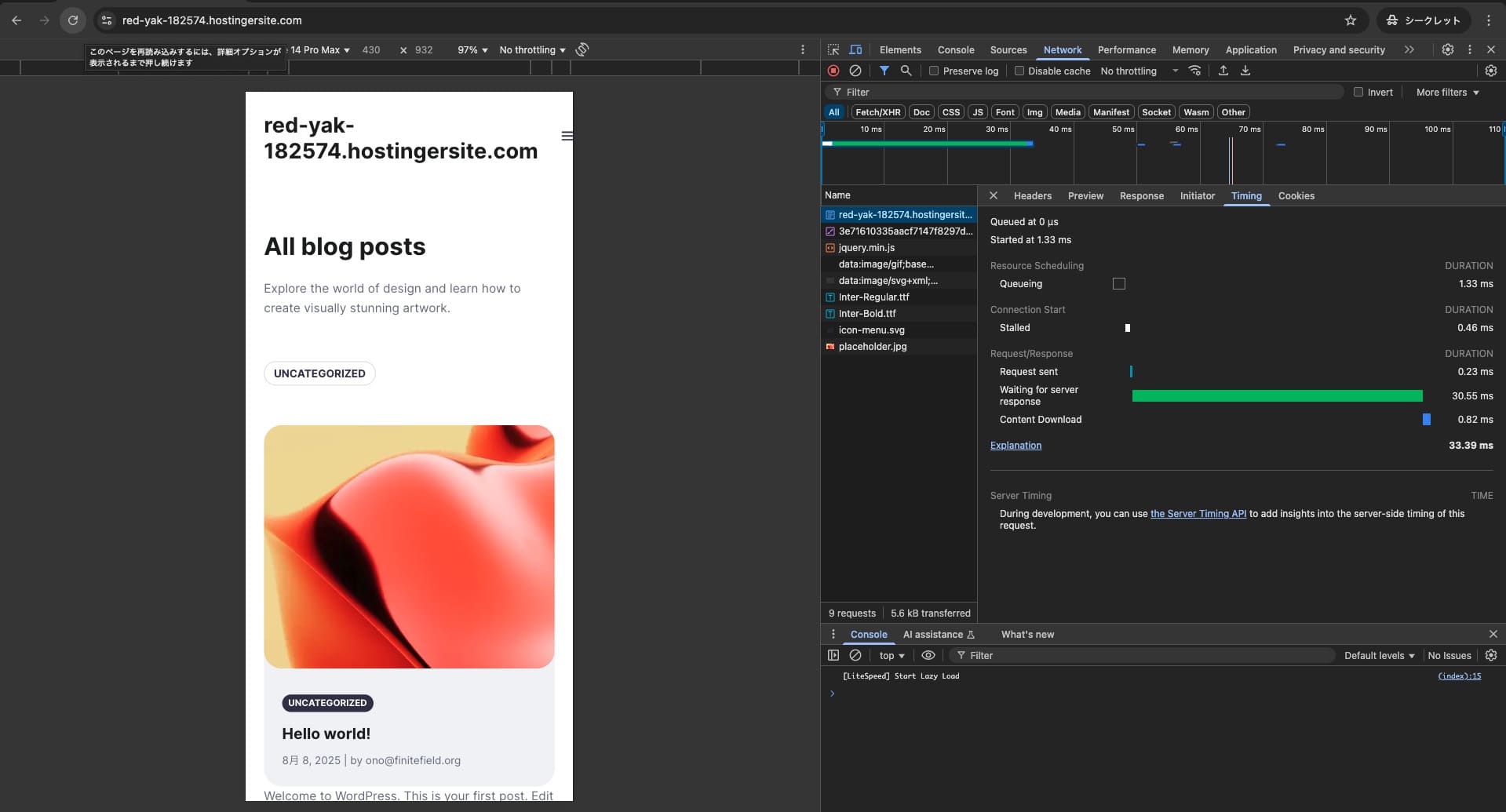

It uses a combination of LiteSpeed Web Server, NVMe SSD, and its own CDN. Using a CDN also reduces fluctuations even for overseas requests, which helps lower abandonment on ecommerce sites.
Hikaru Ono
Hostinger uses SSD or NVMe storage. That is one of the reasons it is so fast.
Pamięć capacity
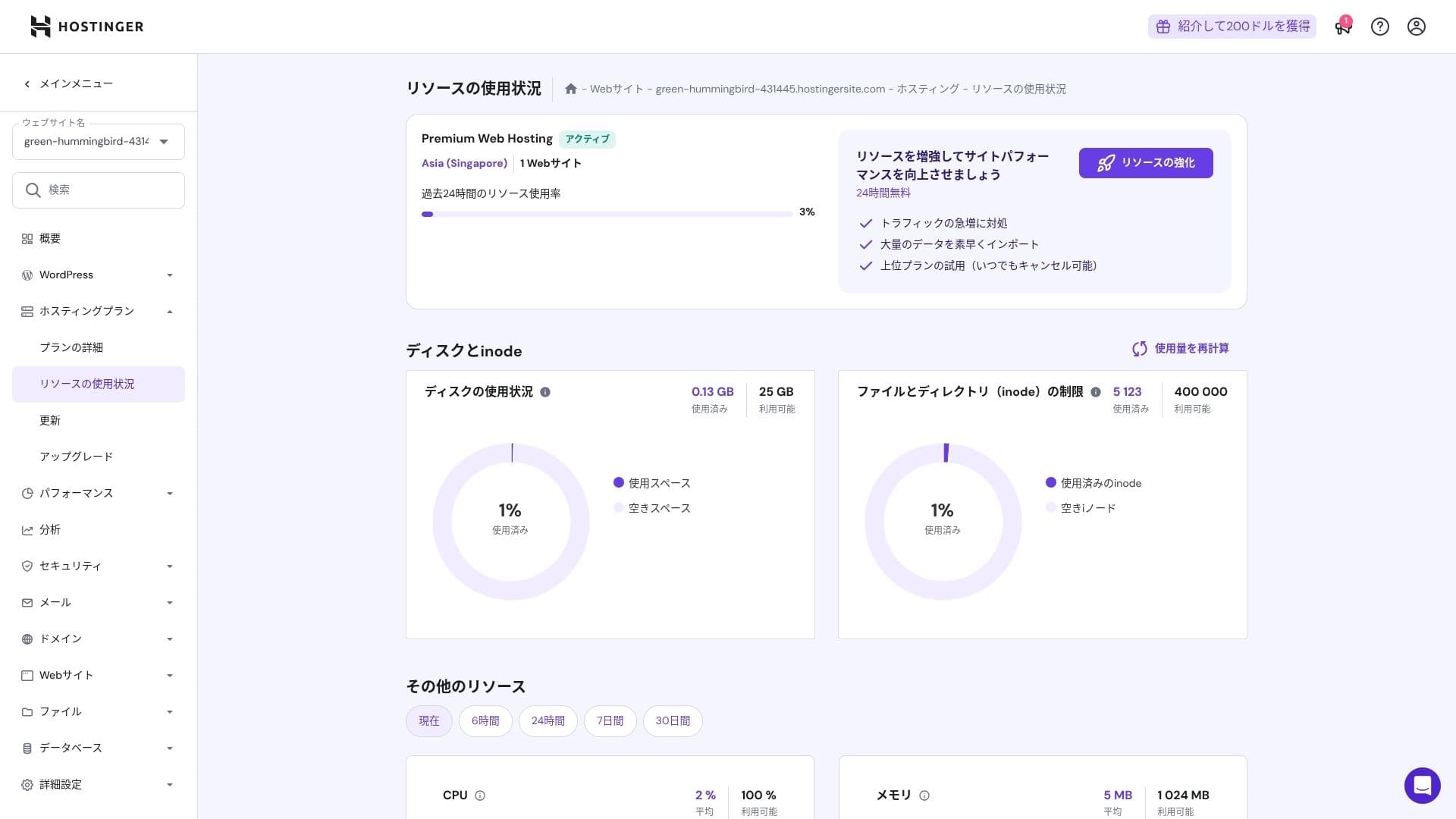
The storage allocations are 25 GB for Premium, 50 GB for Business, and 100 GB for Cloud Startup. If you run media-heavy sites, I recommend Cloud or above, but for blogs and small to midsize business sites, Premium is sufficient.
In fact, simply installing WordPress uses only about 130 MB.
Hikaru Ono
This site itself uses only about 2 GB of storage.
Data transfer
All plans from Premium upward include unmetered bandwidth. However, because inode limits and CPU usage still create practical caps, if you expect more than 100,000 page views per month, moving to Cloud is the safer choice.
For blogs and small to midsize business sites, Premium is enough.
★ What are traffic and data transfer? Managing and optimizing web traffic
Stabilność serwera i dostępność
Hostinger provides a 99.9% uptime guarantee on all plans. Because its uptime is high, you can use it confidently even for corporate and business websites.
★ A must-read for beginners: Understand rental server uptime and SLAs
Przegląd cen i kosztów
Opłaty początkowe i miesięczny koszt
There are no initial fees on any plan. Monthly prices vary greatly depending on the contract term. At the initial signup, the Premium plan costs 299 yen per month, but after renewal it rises to 1,269 yen.
- Hostinger
- Kinsta
- XServer Business
- wpx
- Lolipop!
- Star Rental Server
- Rakko Server
- XServer
- ConoHa
- Colorful Box
- Shin Rental Server
- Little Server
- CORESERVER
- DreamHost
- Bluehost
- Sakura
- Namecheap
- Shin Free
- XREA
- Value Server
- KAGOYA
- SiteGround
- Hostgator
- IONOS
- Onamae.com
- ABLENET
- mixhost
- GoDaddy
- iCLUSTA+
- MuuMuu Server
- WADAX
- WebARENA
- heteml
- CPI Rental Server

































Ceny domen
Premium and above include one free year for a custom domain such as .com. You can also bring in an existing domain.
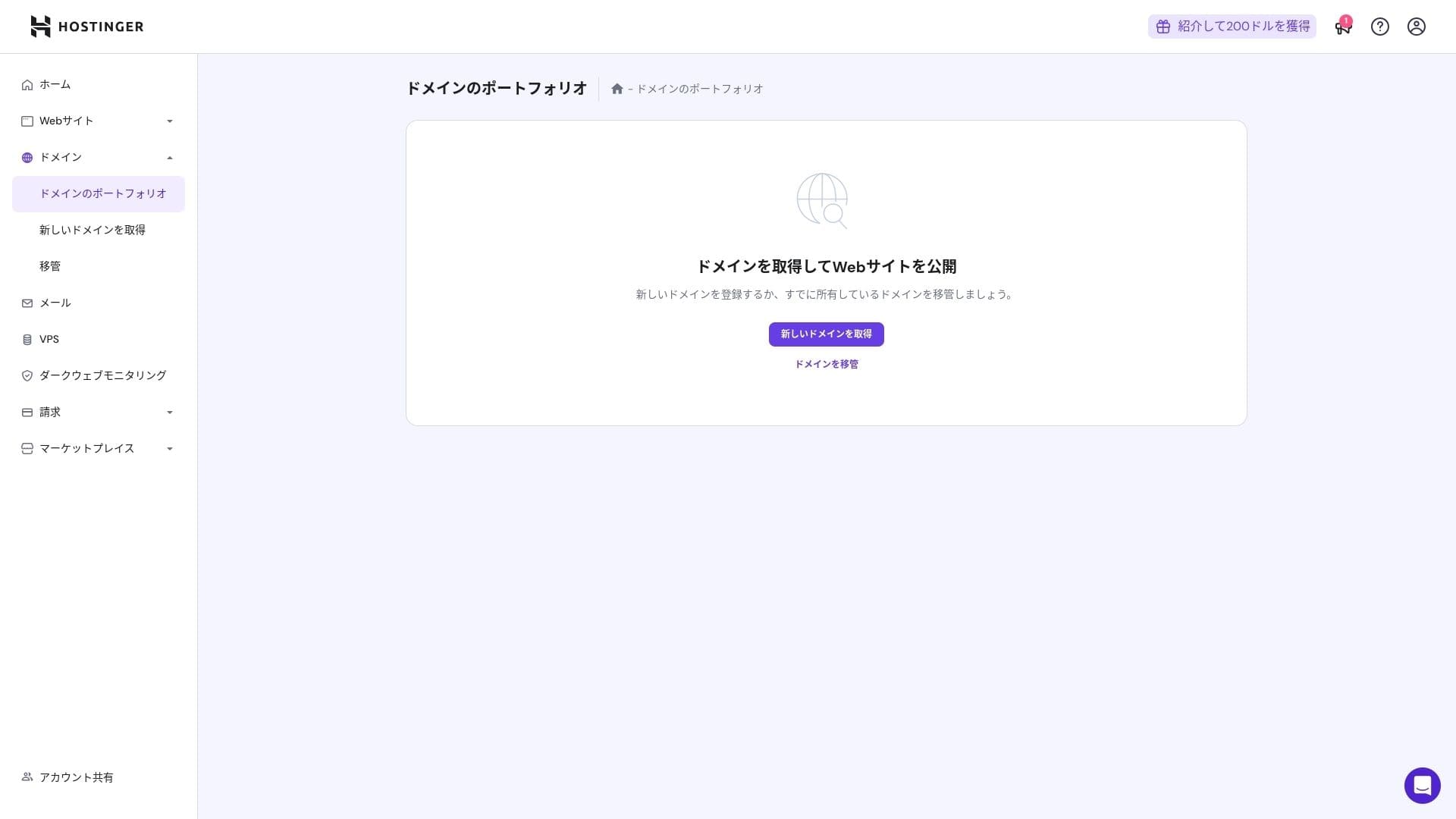
Annual domain fees are a few thousand yen. Because websites and blogs are meant to be used for the long term, if you want to keep domain costs as low as possible, getting your domain from another company is also a good option.
- Onamae.com
- Xserver Domain
- MuuMuu Domain
- Value Domain
- Shin Domain
- Star Domain
- Colorful Domain
- Rakko Domain








Hikaru Ono
Japanese hosting companies such as ConoHa WING and XServer keep your domain free forever while your server contract remains active, so in this area Hostinger loses to some competitors.
Koszt certyfikatu SSL
A Let's Encrypt-based DV SSL certificate is included with unlimited issuance and automatic renewal. There is no additional cost.
Metody płatności
It offers a wide range of payment methods. Major credit cards such as Visa and MasterCard are supported, along with PayPal and other options. In practice, it is also helpful that corporate cards and overseas payments are less likely to be rejected.
- Hostinger
- Kinsta
- XServer Business
- wpx
- Lolipop!
- Star Rental Server
- Rakko Server
- XServer
- ConoHa
- Colorful Box
- Shin Rental Server
- Little Server
- CORESERVER
- DreamHost
- Bluehost
- Sakura
- Namecheap
- Shin Free
- XREA
- Value Server
- KAGOYA
- SiteGround
- Hostgator
- IONOS
- Onamae.com
- ABLENET
- mixhost
- GoDaddy
- iCLUSTA+
- MuuMuu Server
- WADAX
- WebARENA
- heteml
- CPI Rental Server


































Przegląd użyteczności i wsparcia
Jak łatwy w użyciu jest panel sterowania
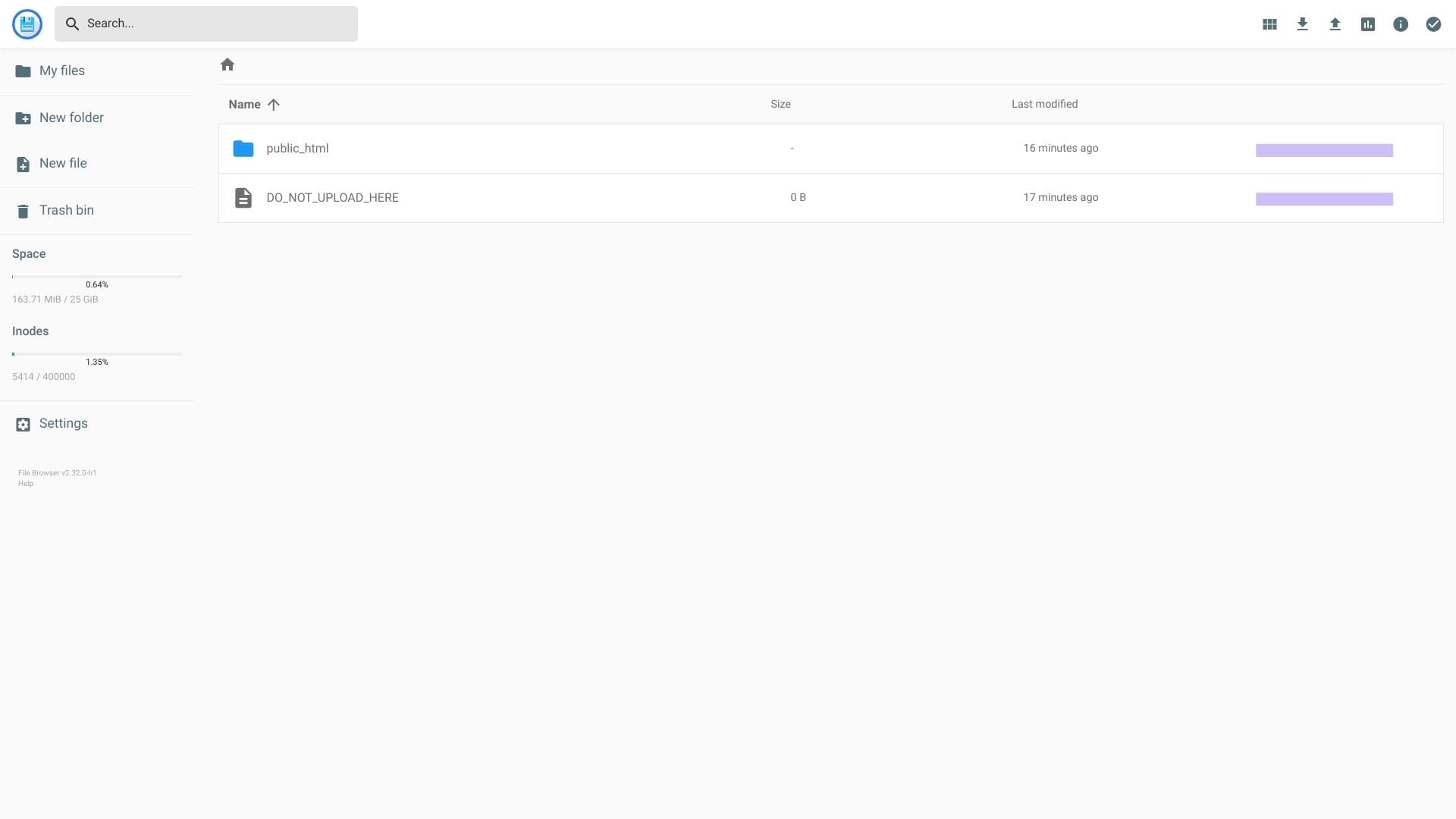
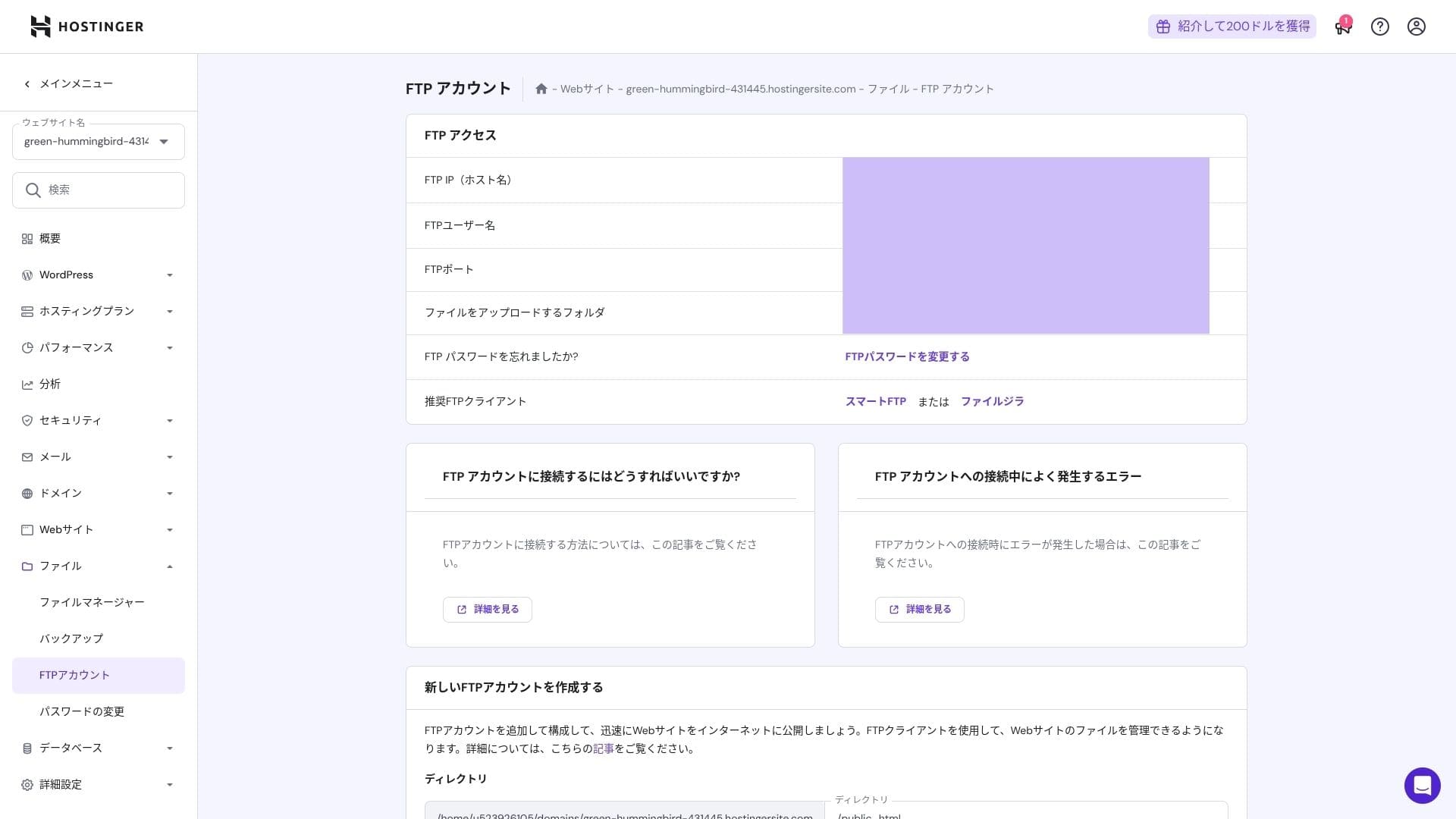
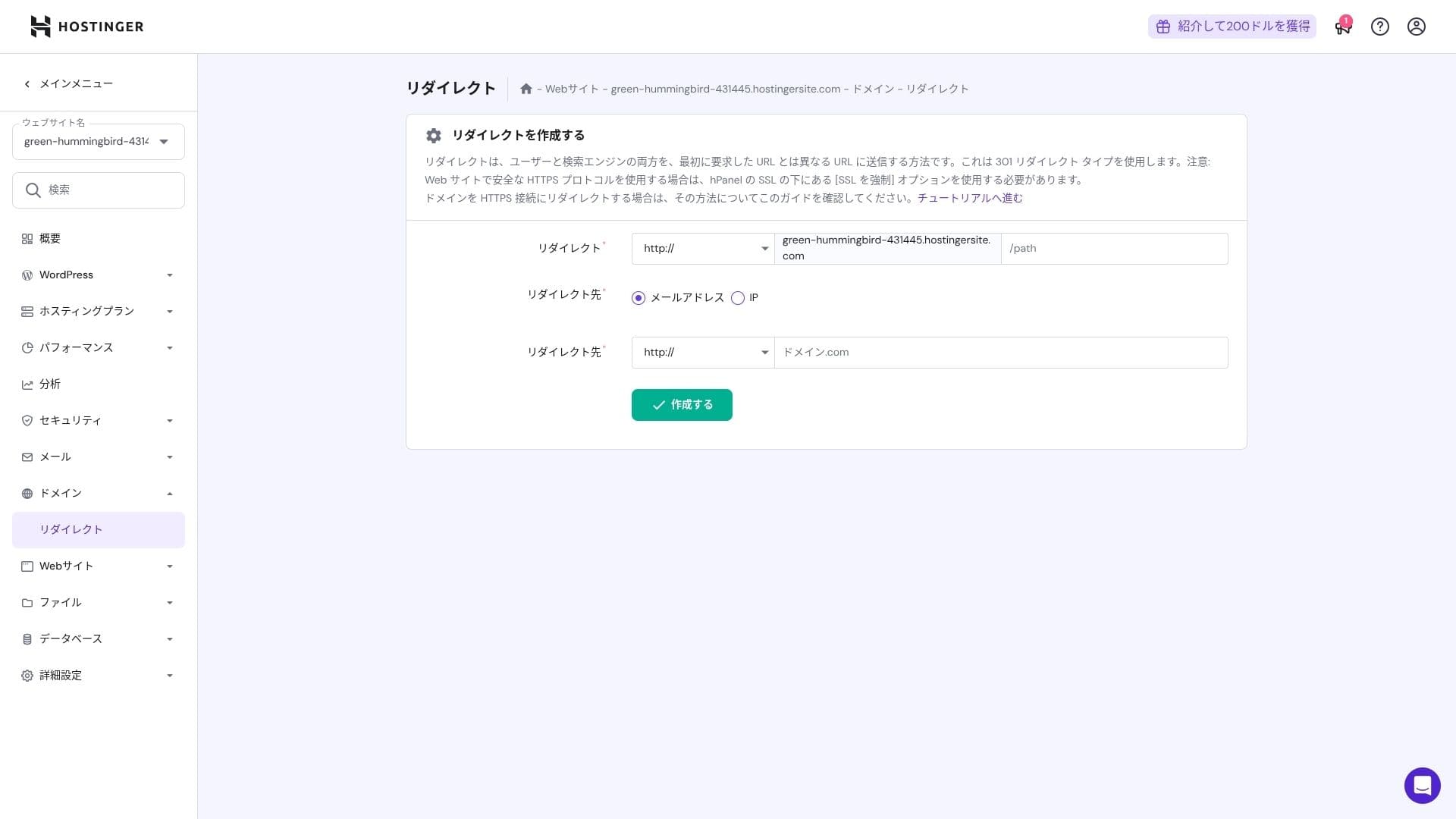
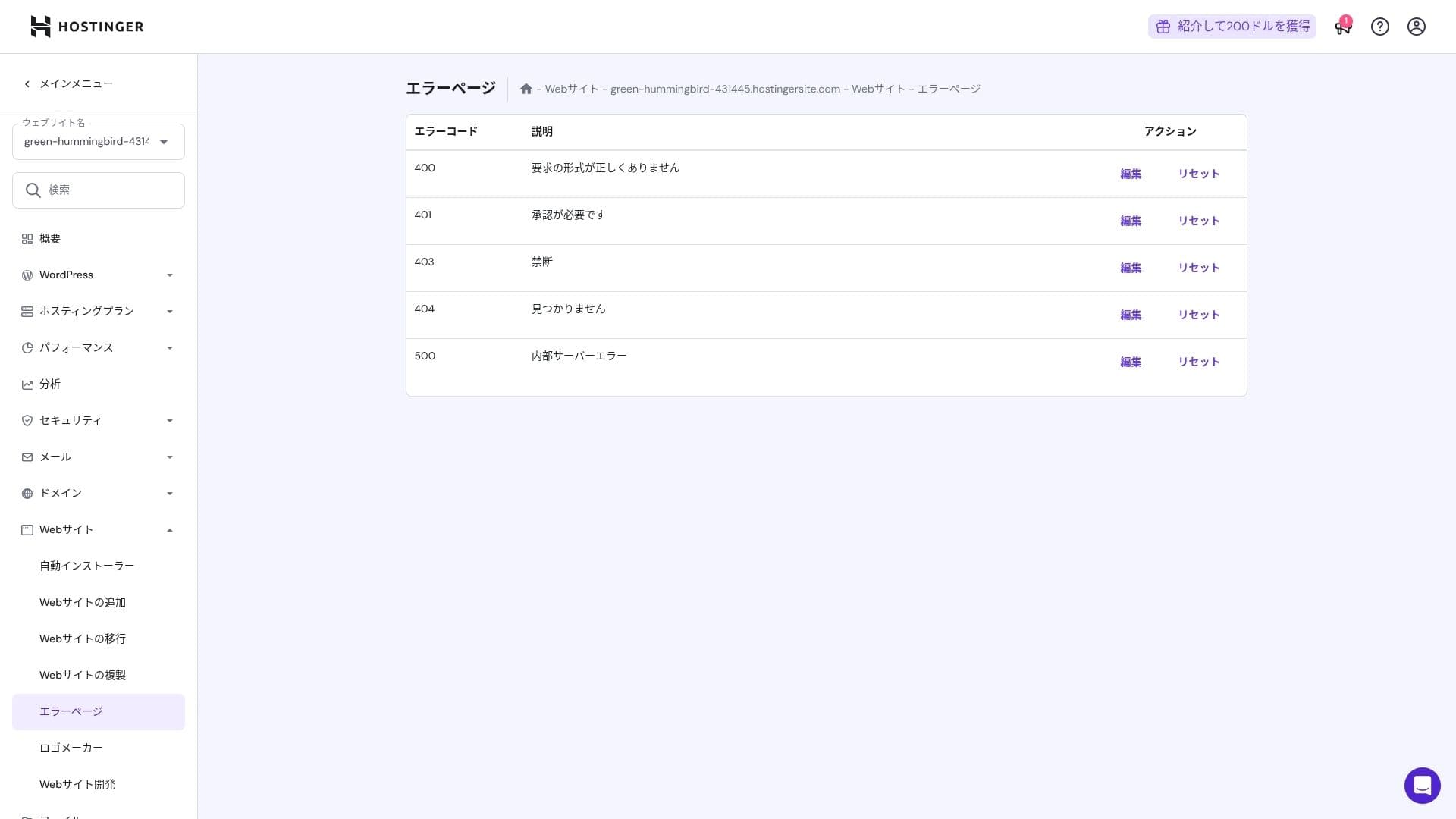
Hostinger's in-house control panel, hPanel, is very easy to use because its categories are neatly organized. If you dislike the clutter of cPanel, you will probably find it much easier to work with.
- Strona główna
- Rozliczenia
- WordPress
- Domeny
- Kopie zapasowe
- Menedżer plików
- FTP
- Przekierowania
- Strony błędów
- Cron
- Wydajność
- Marketplace
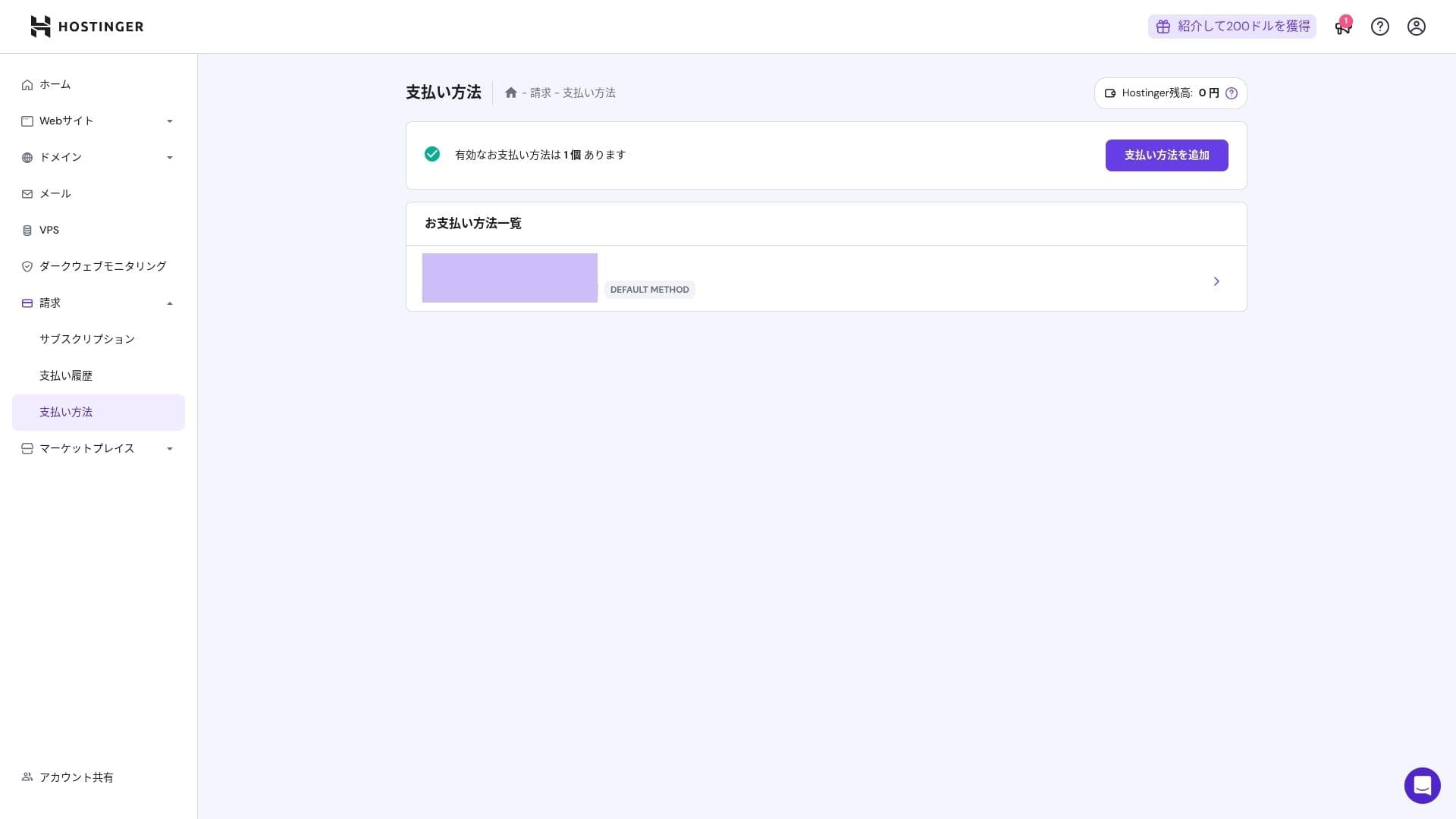
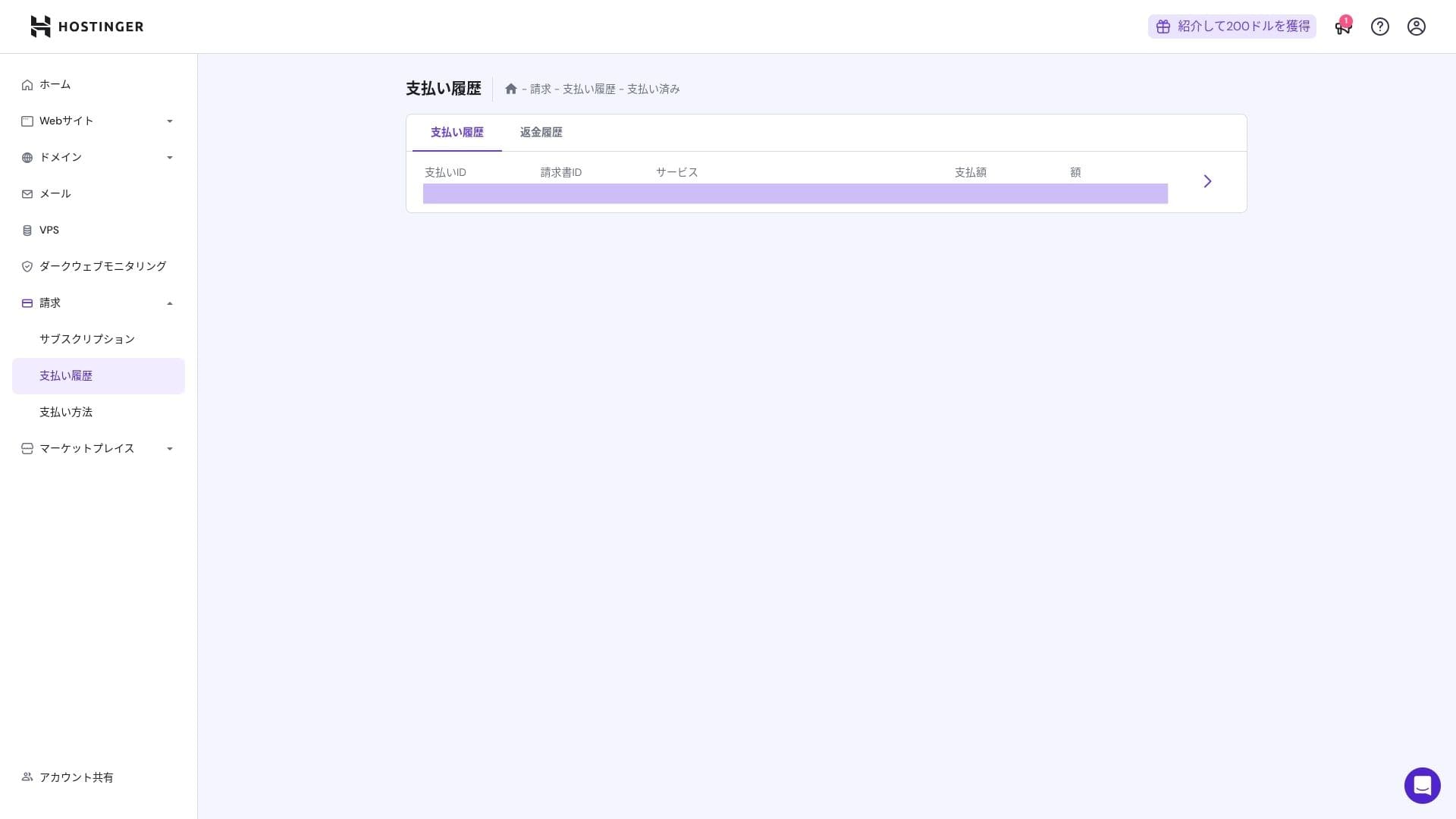
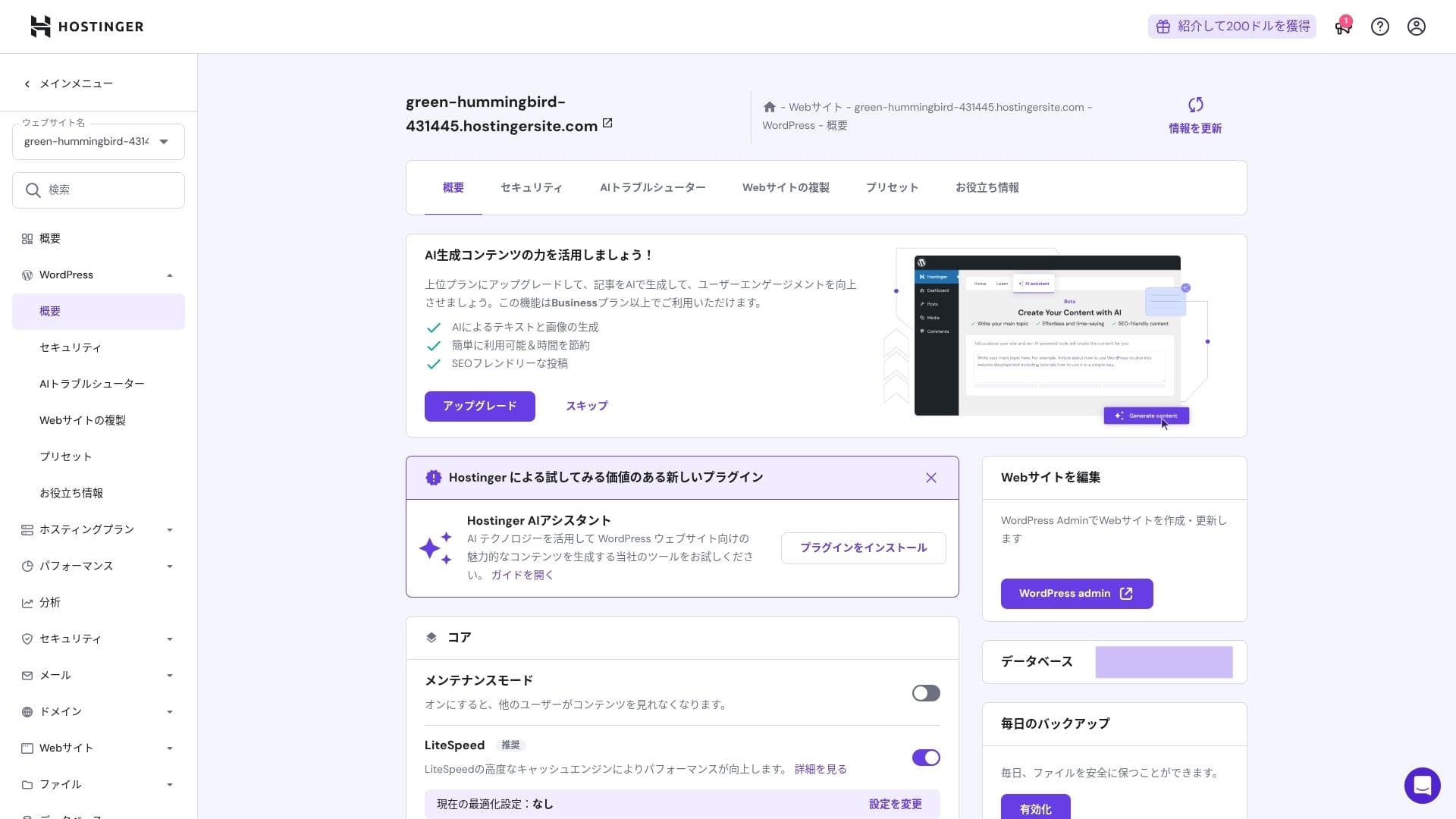
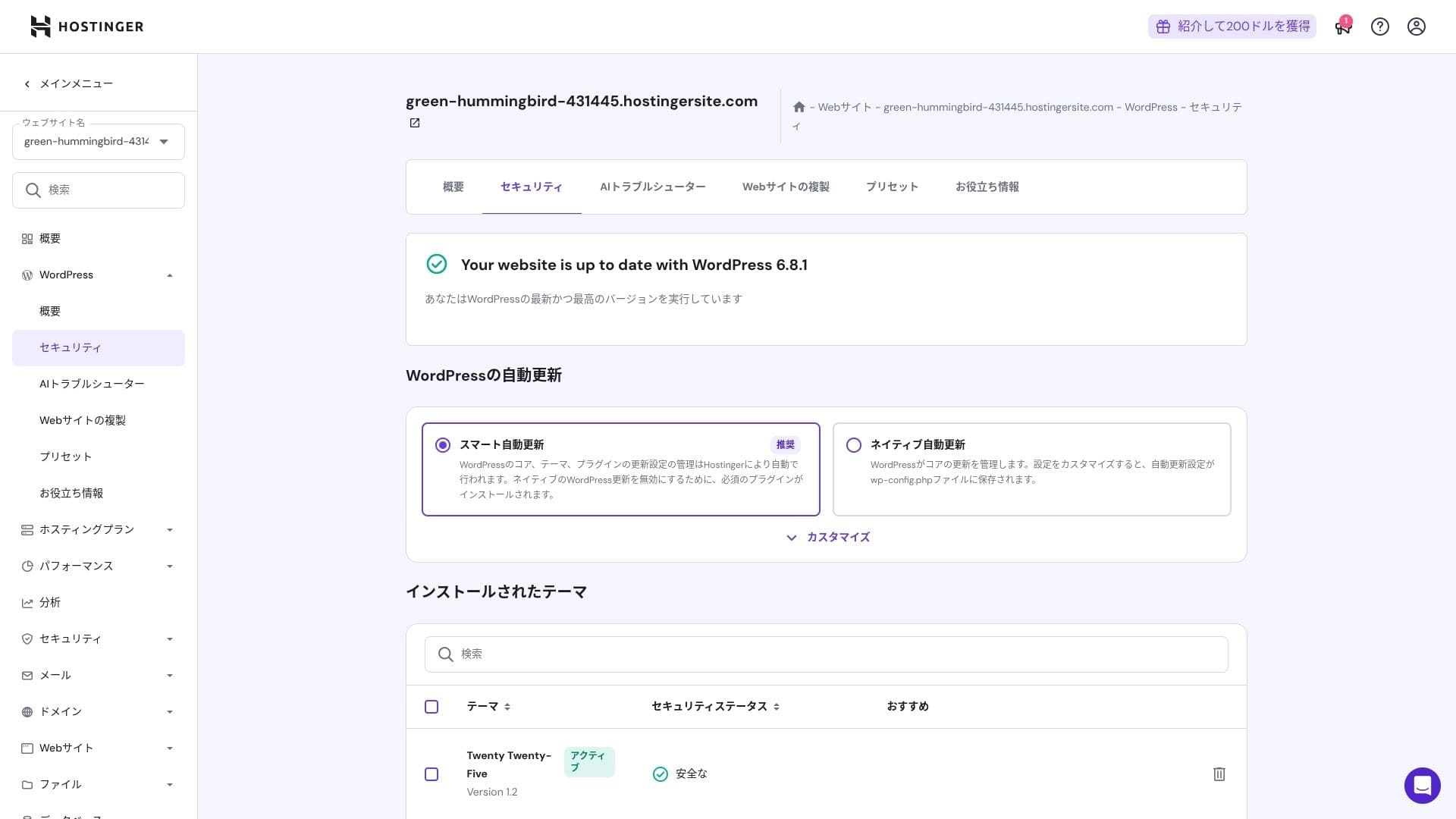
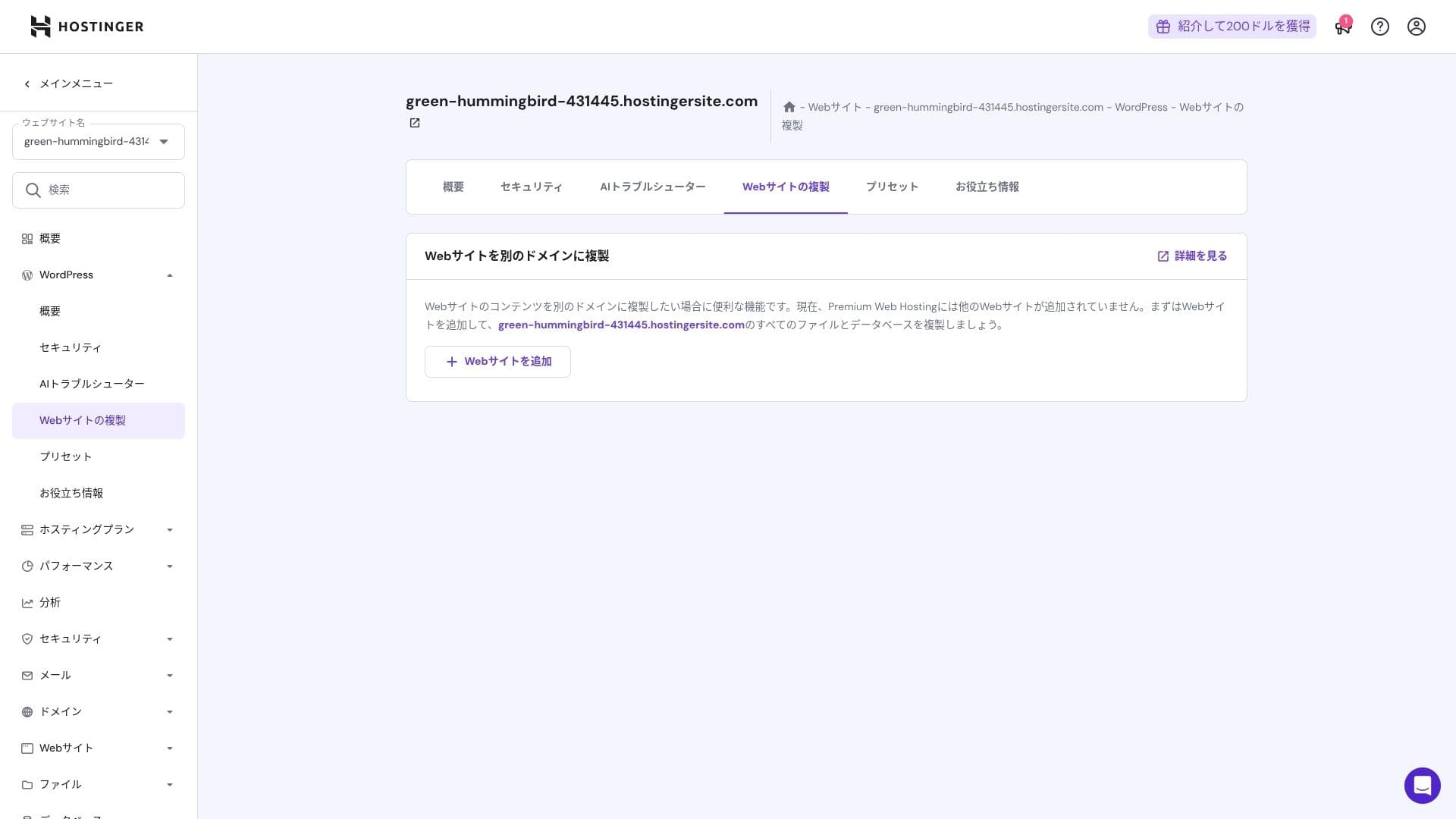
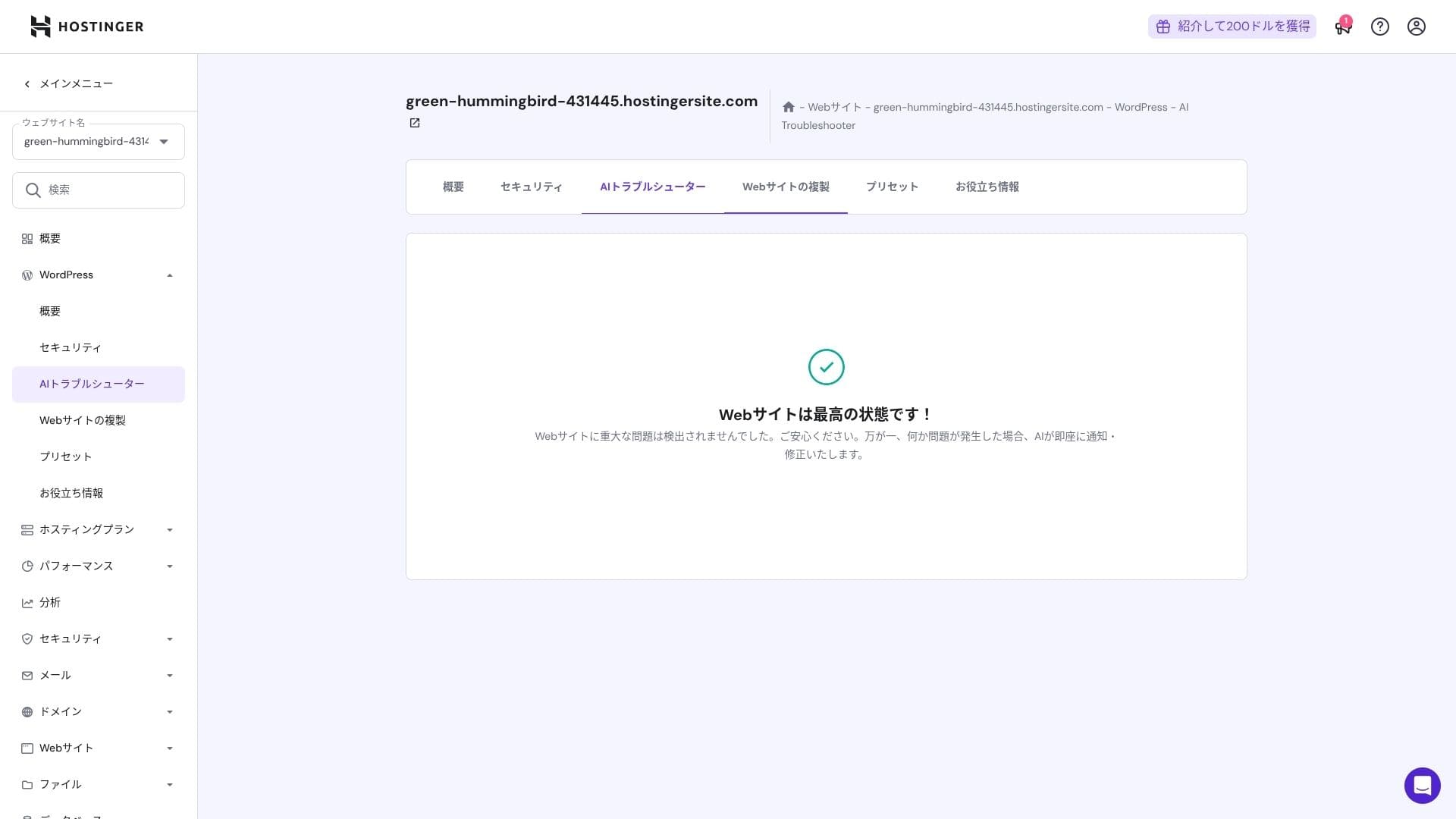
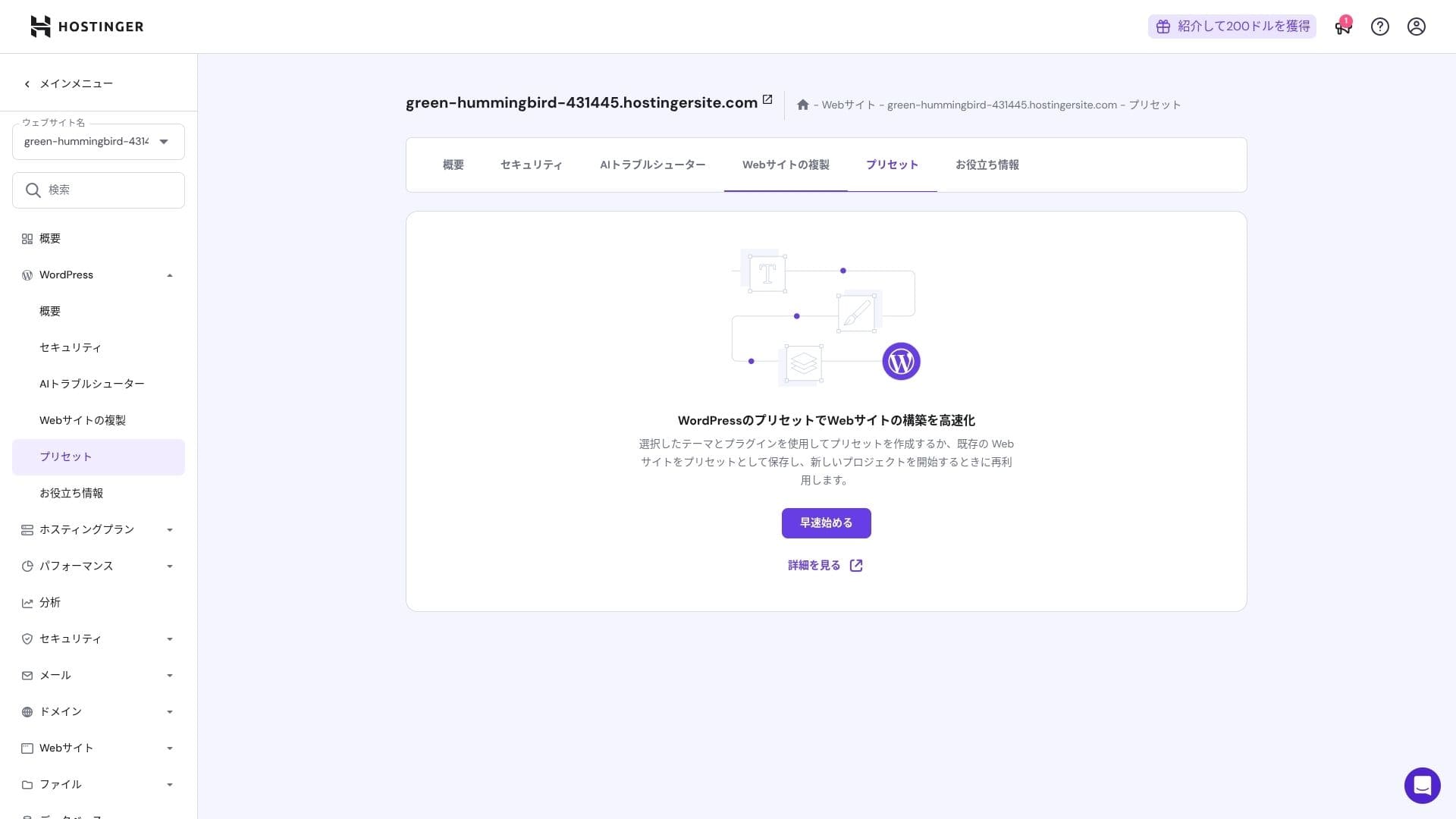
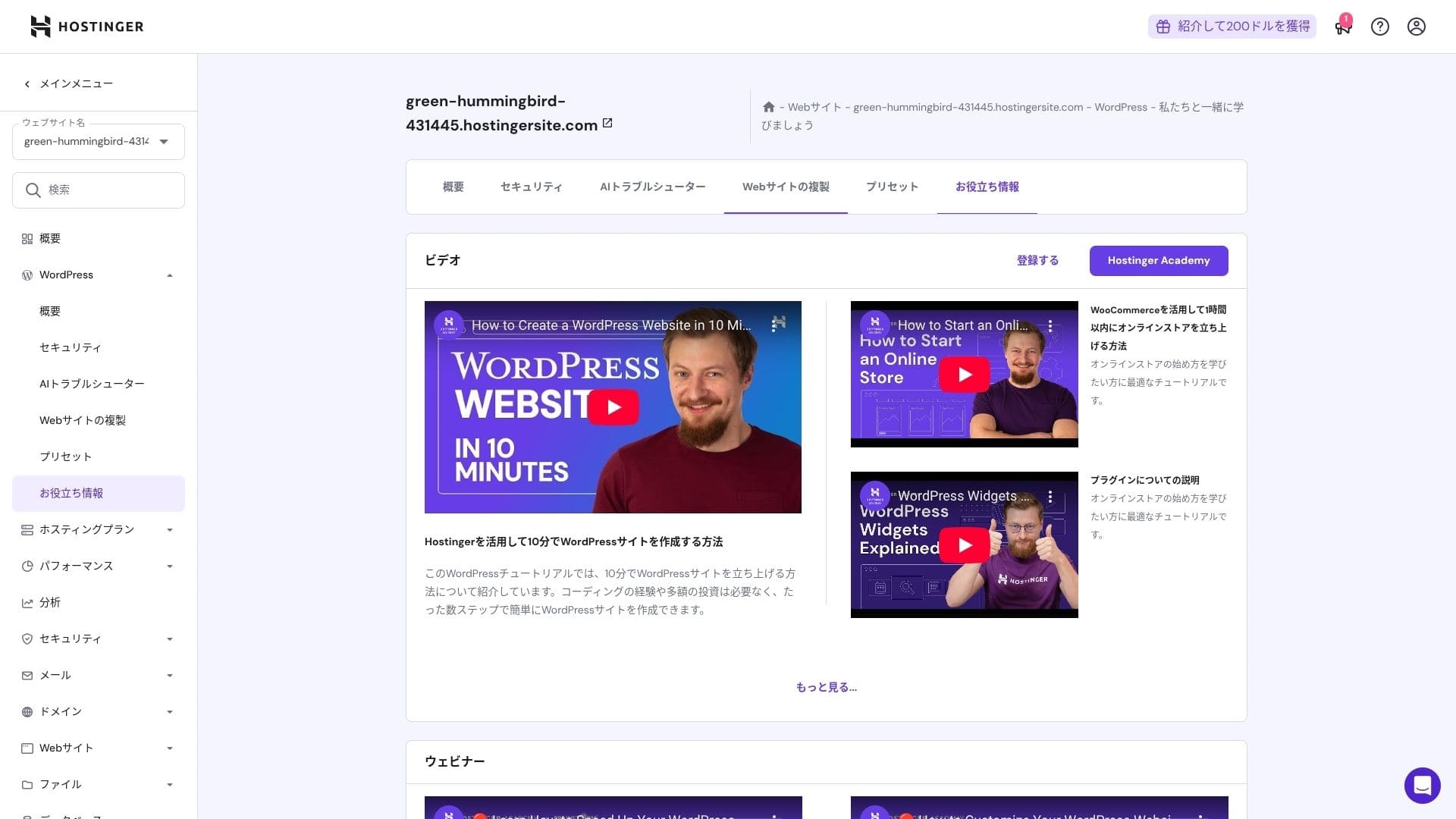
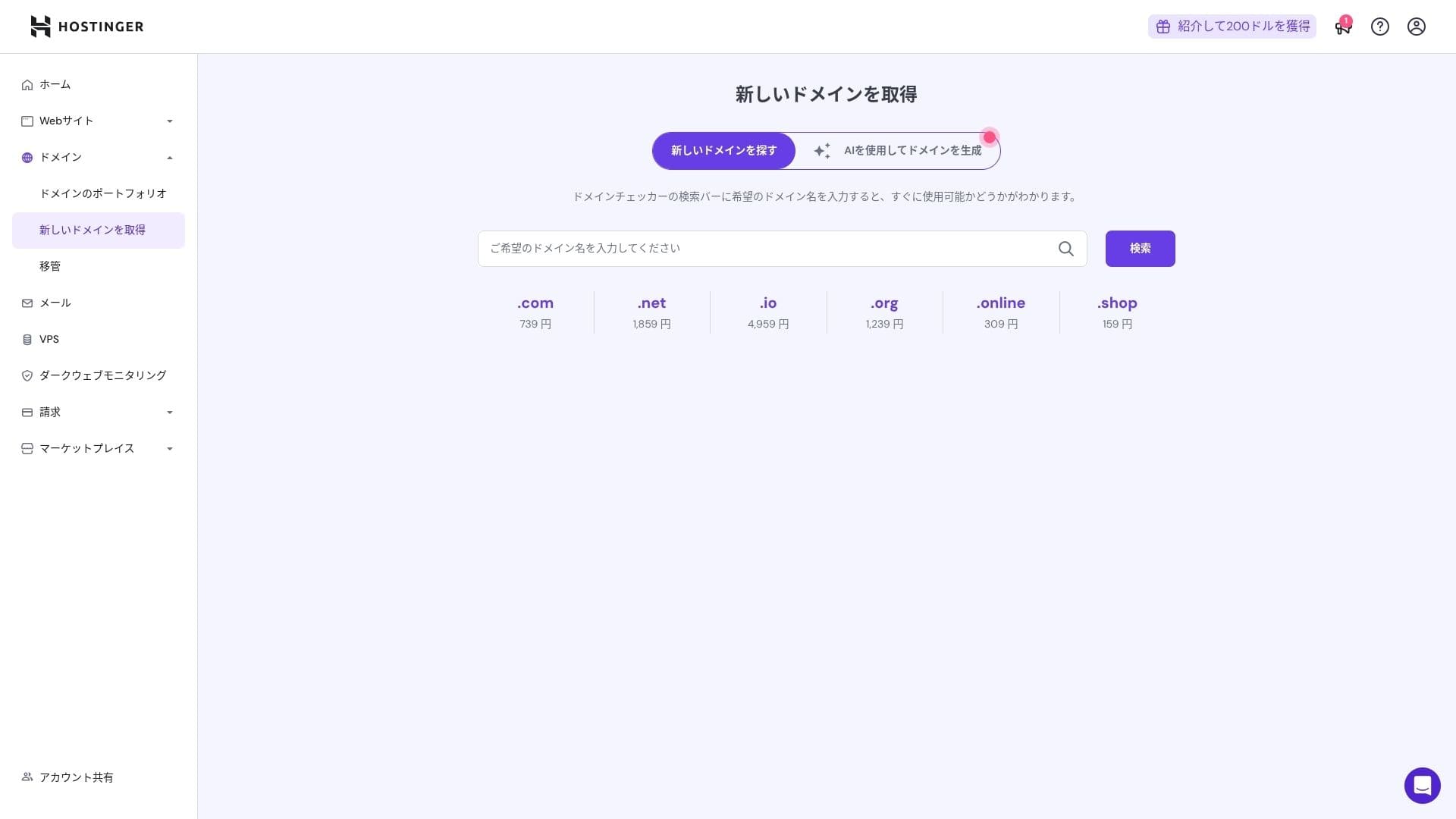
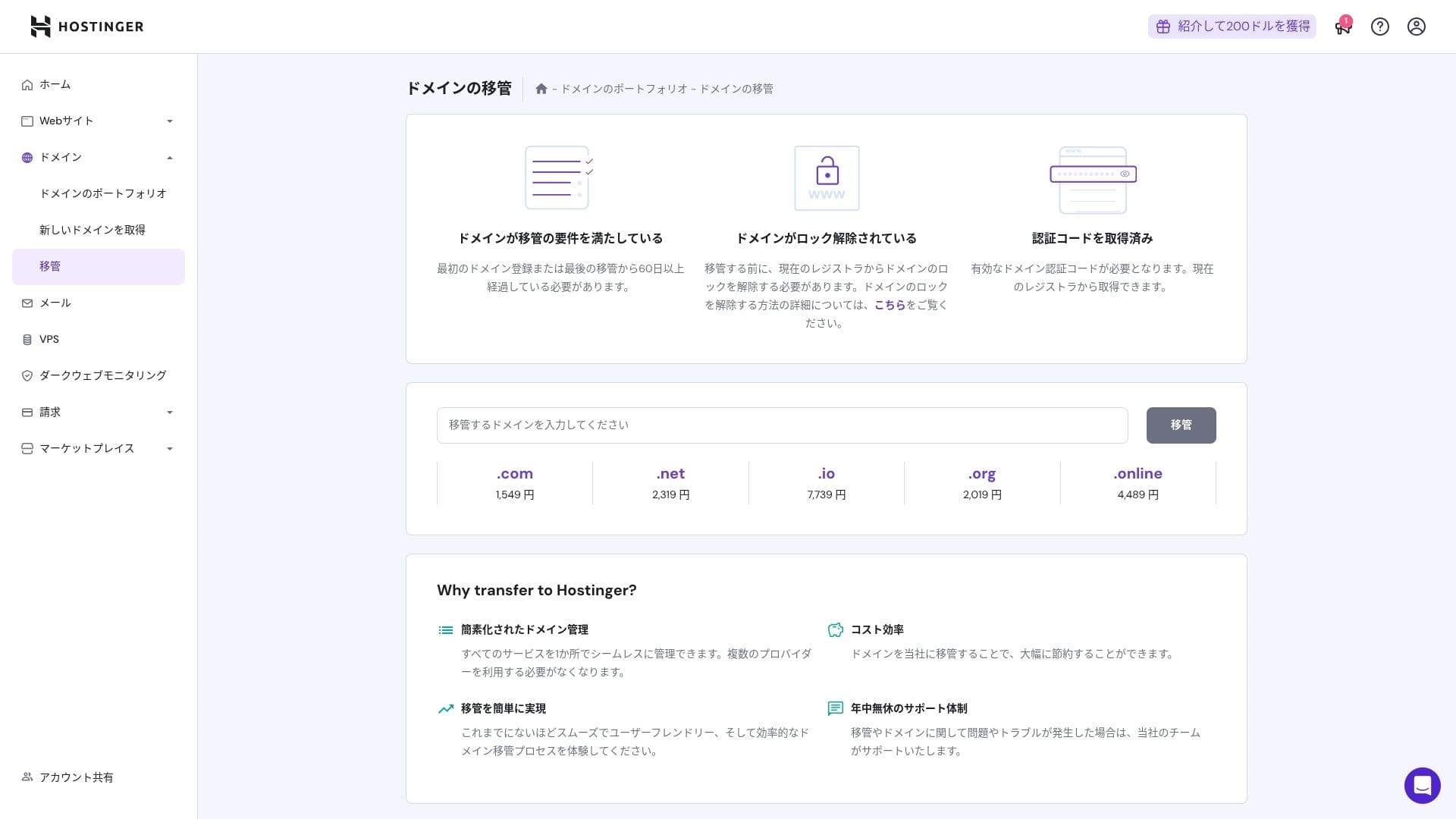
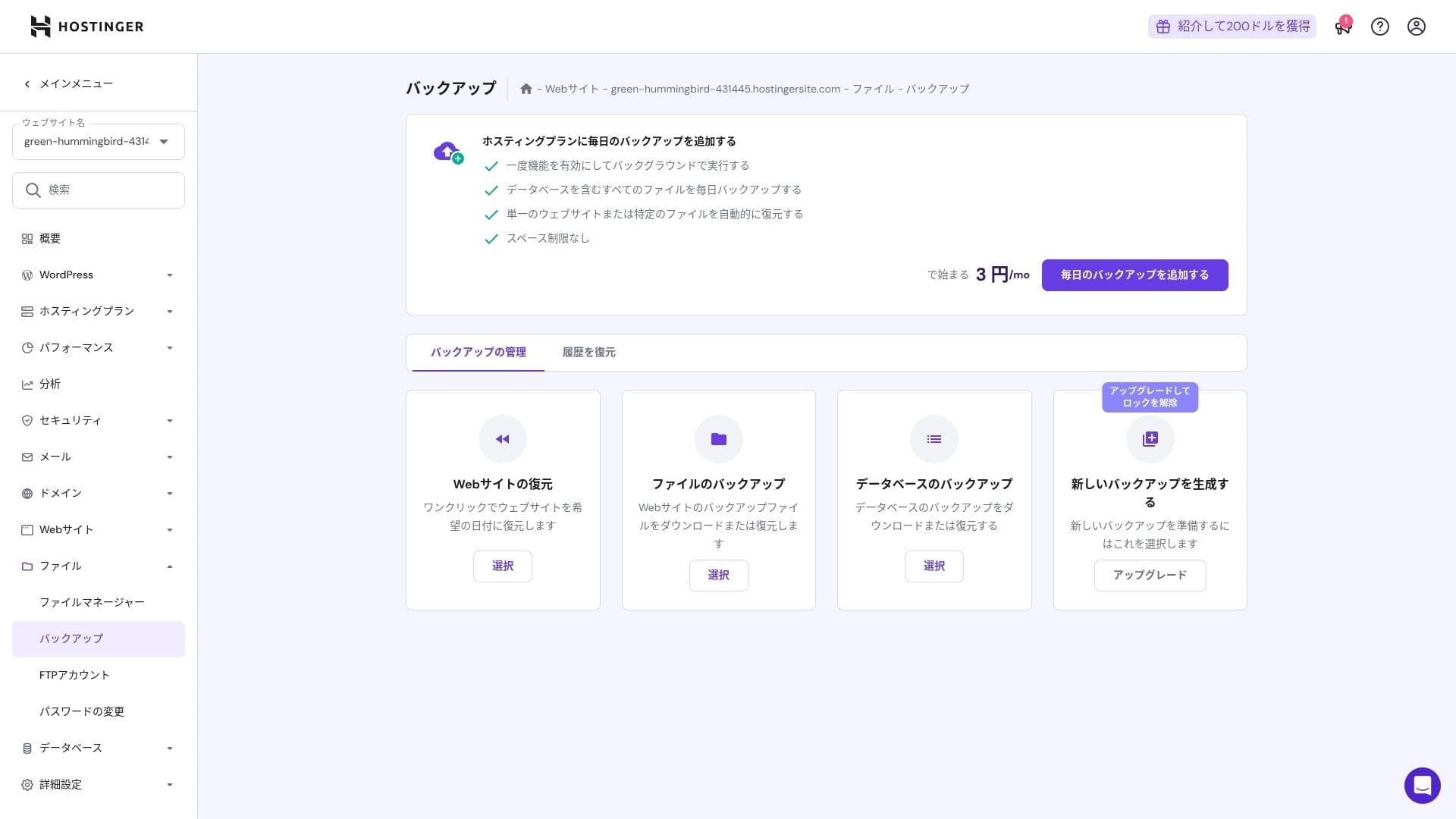
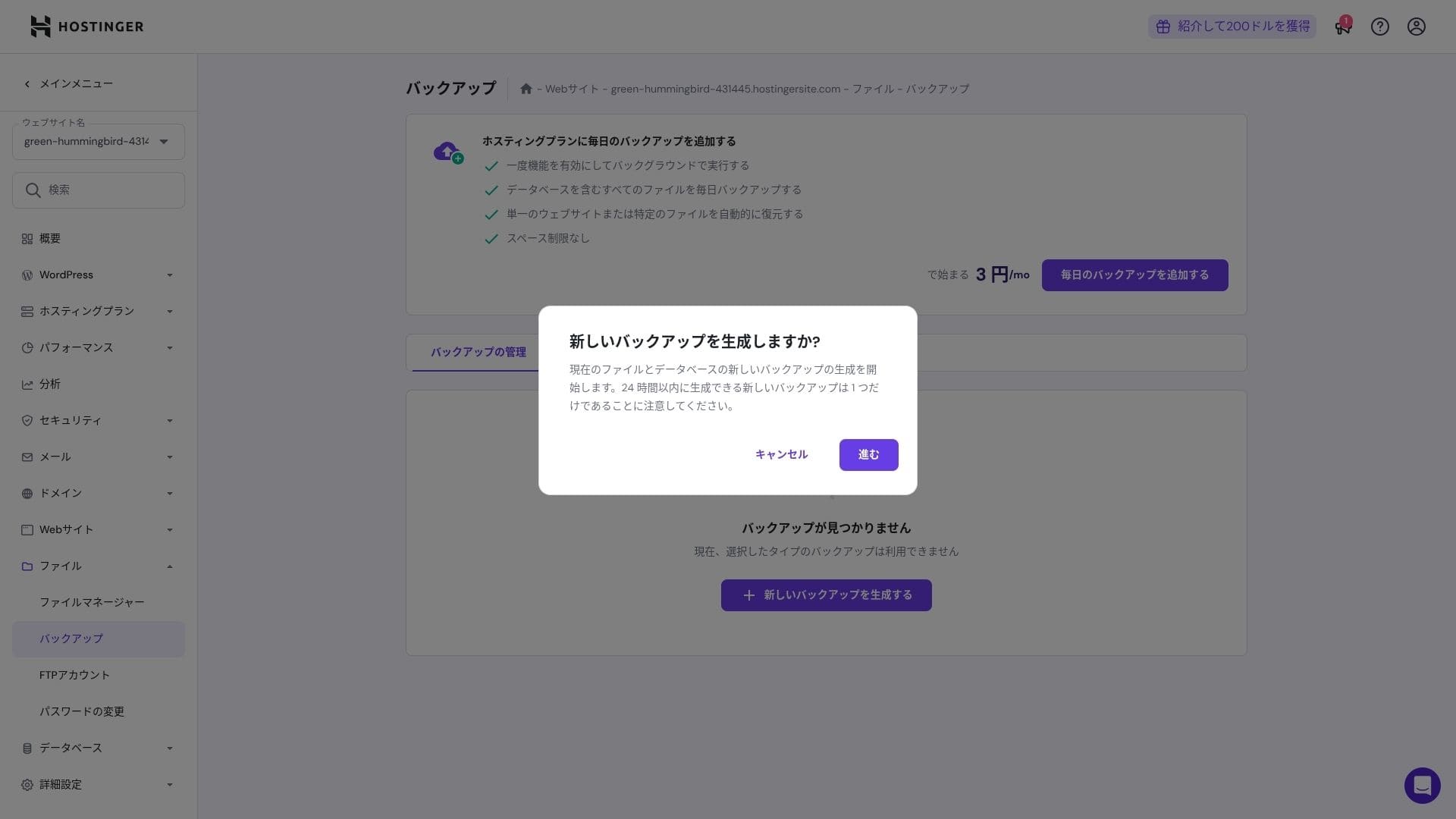
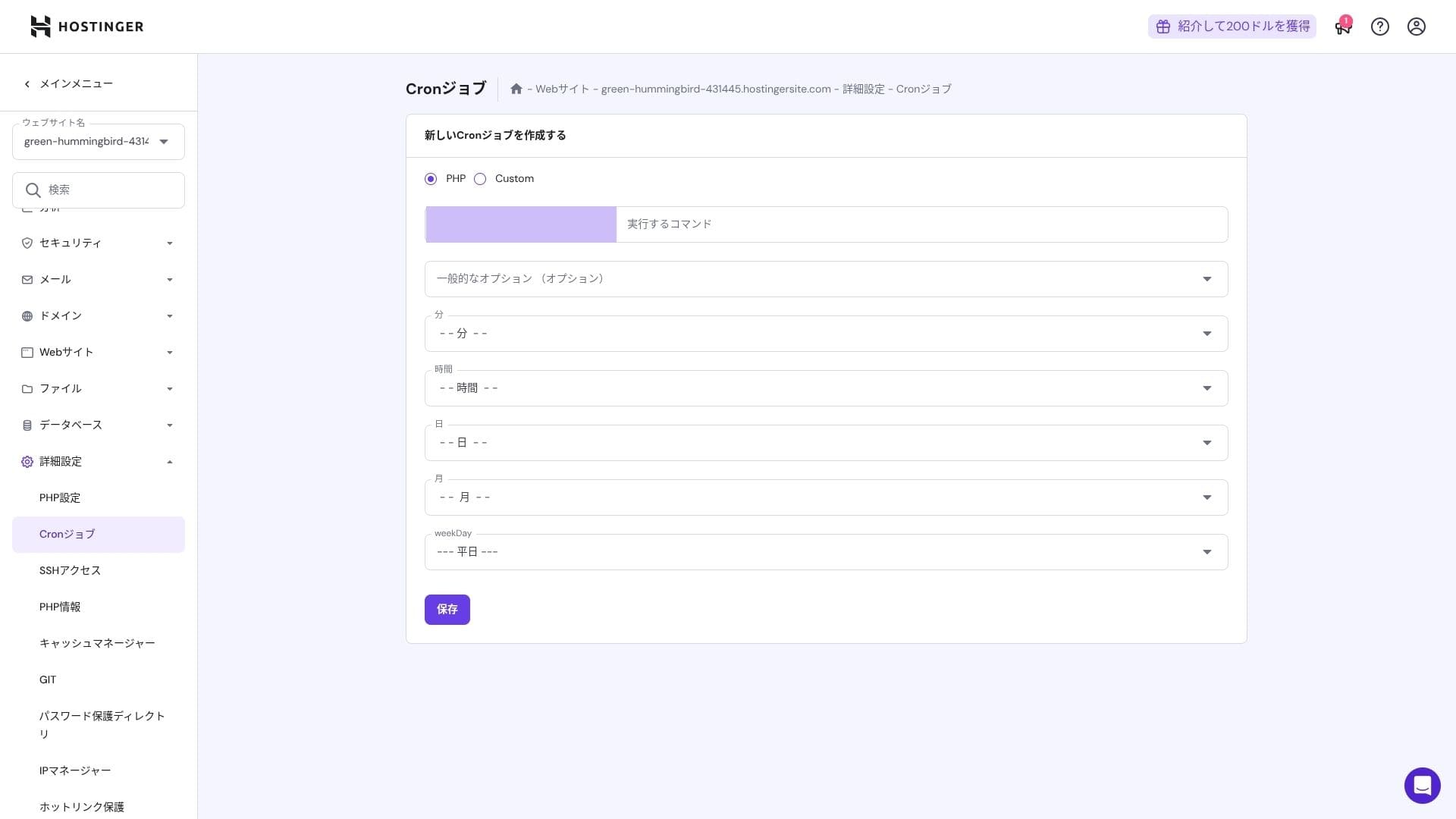
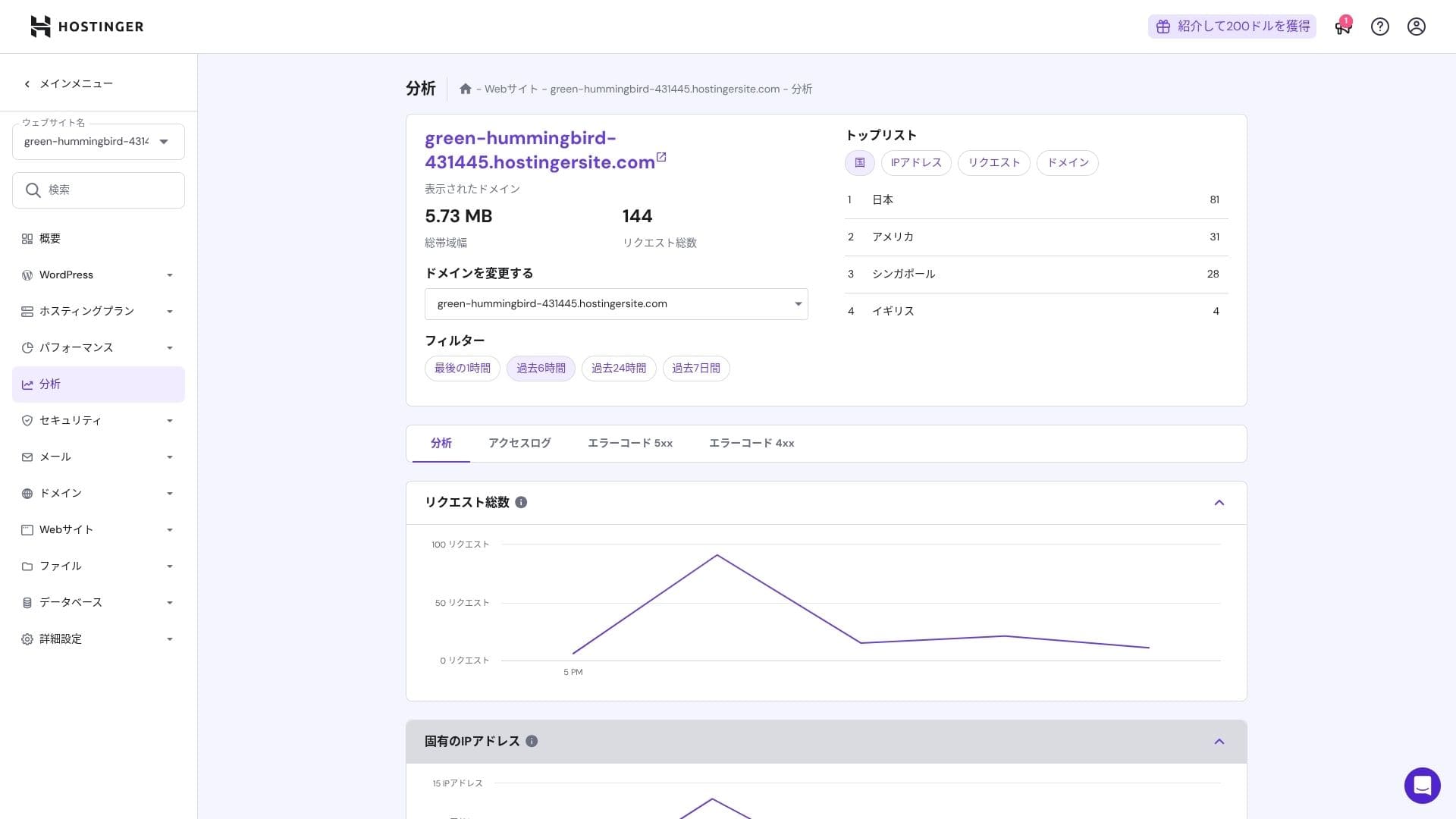
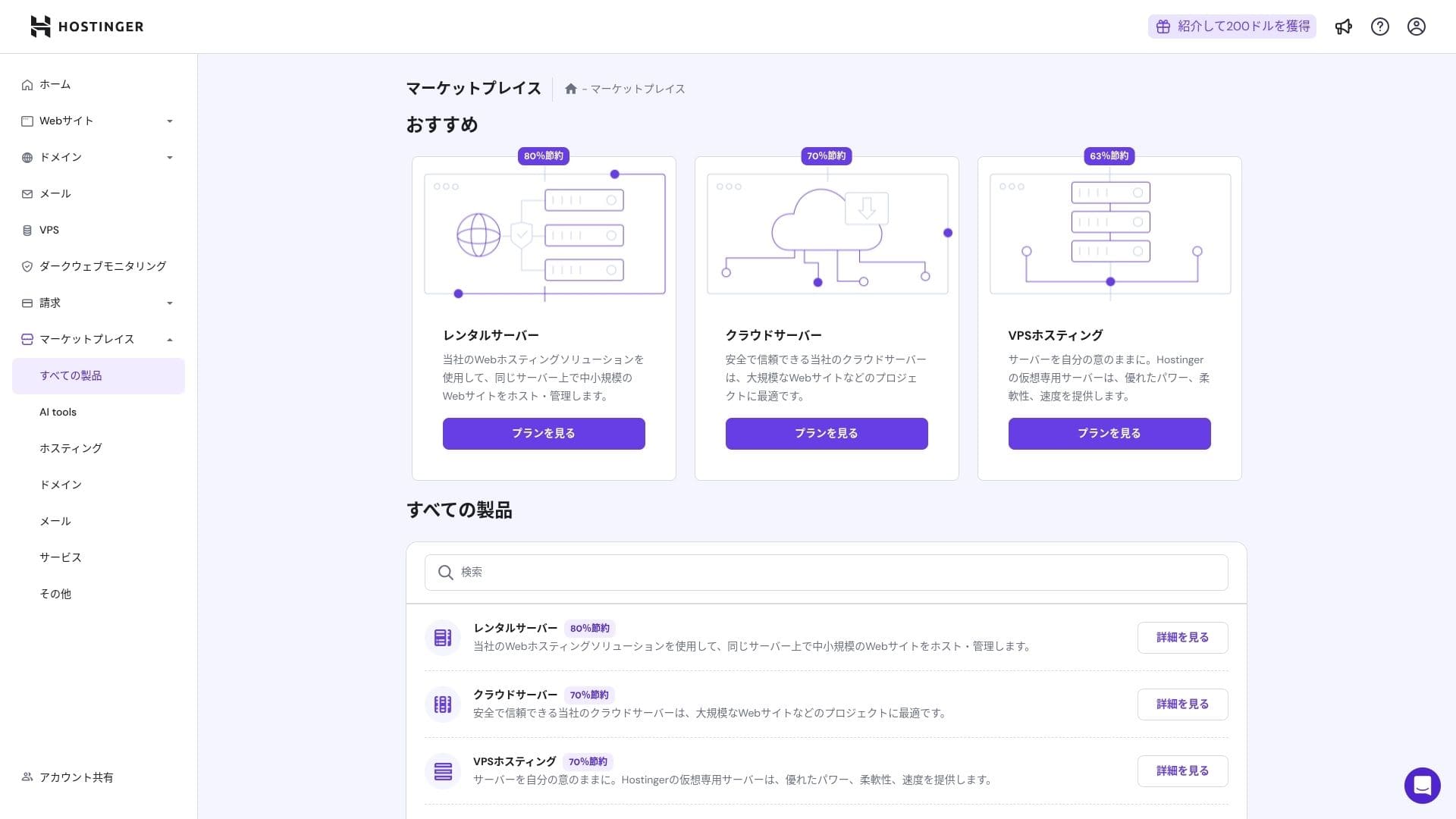
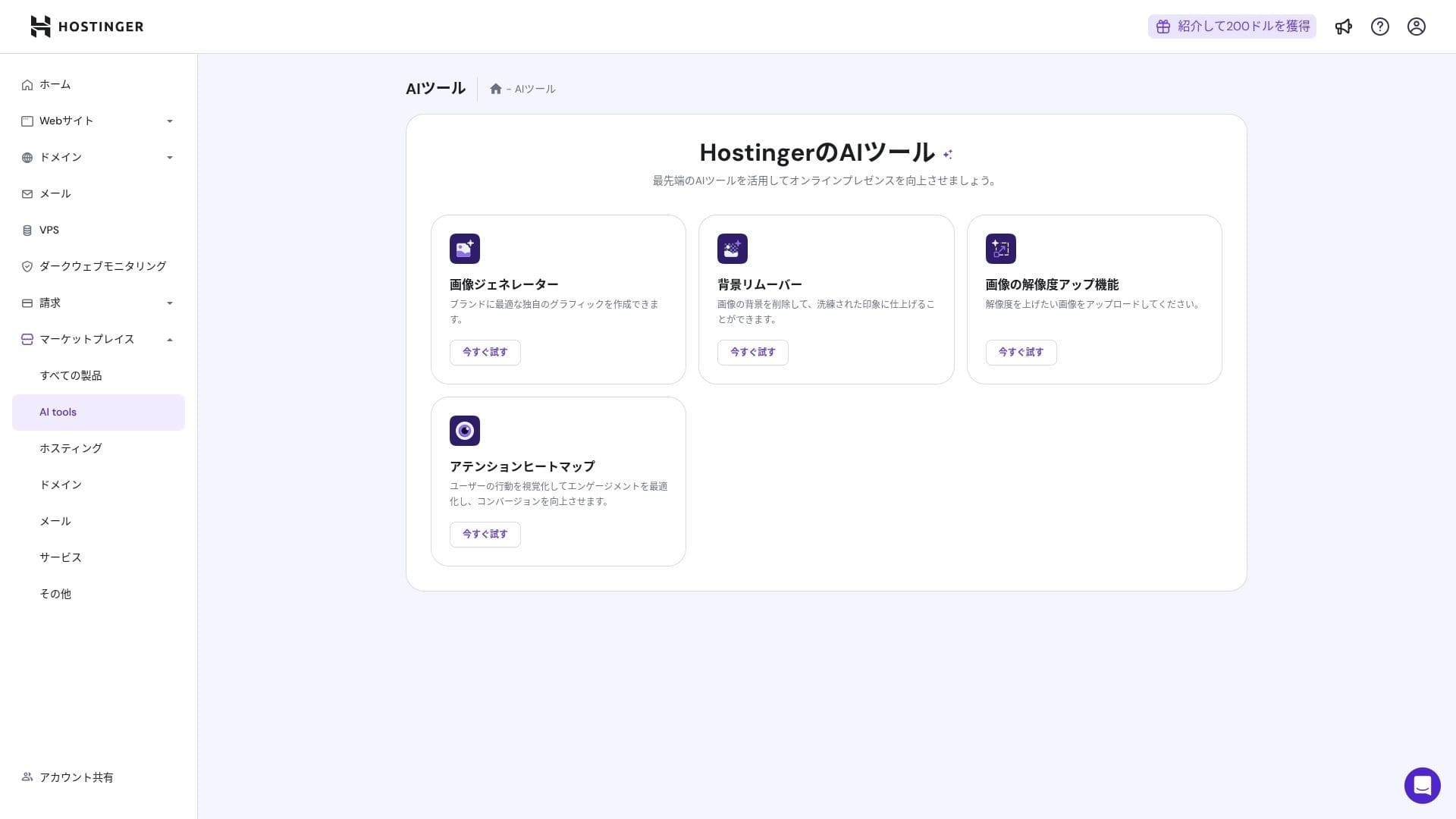
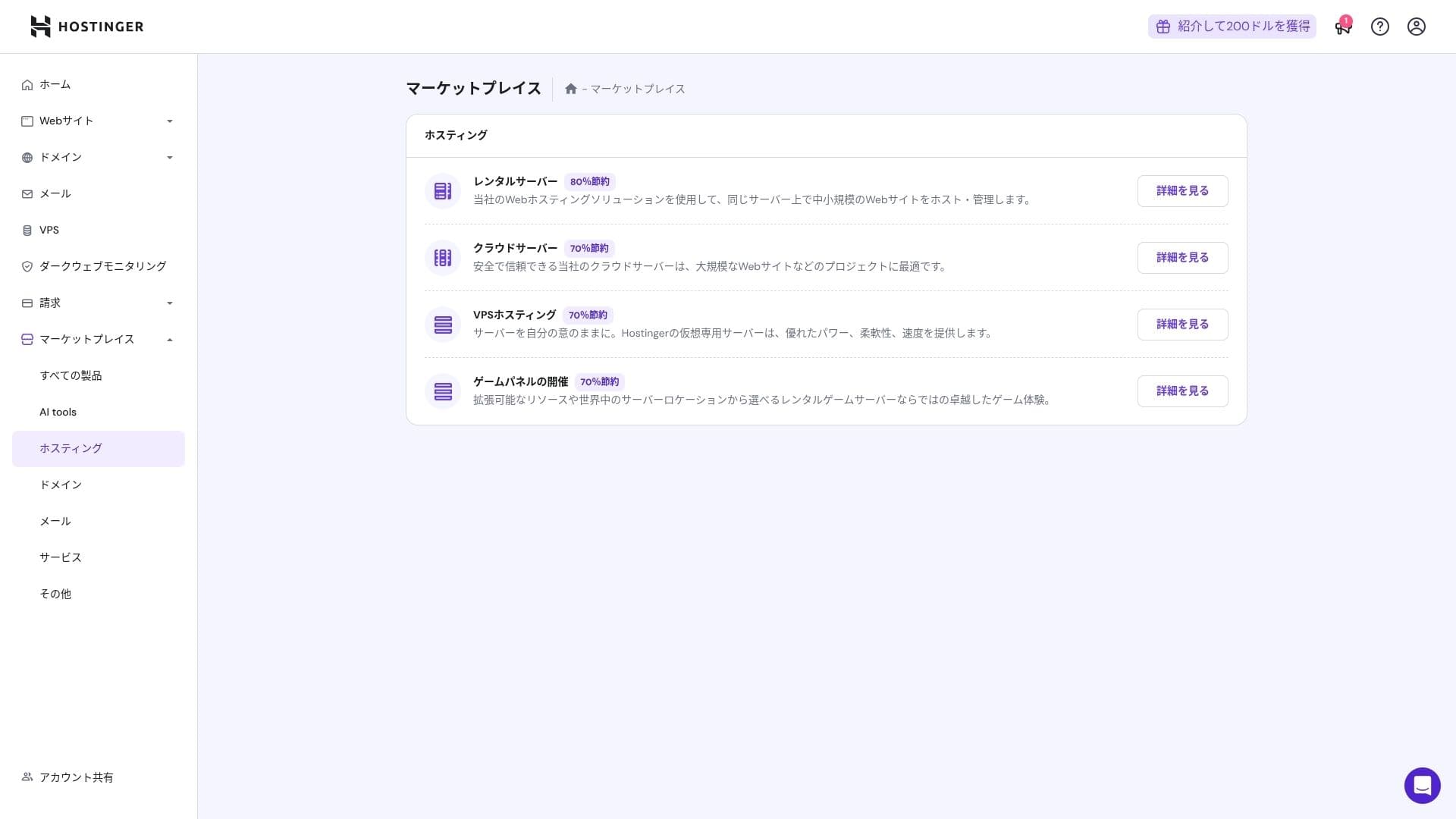
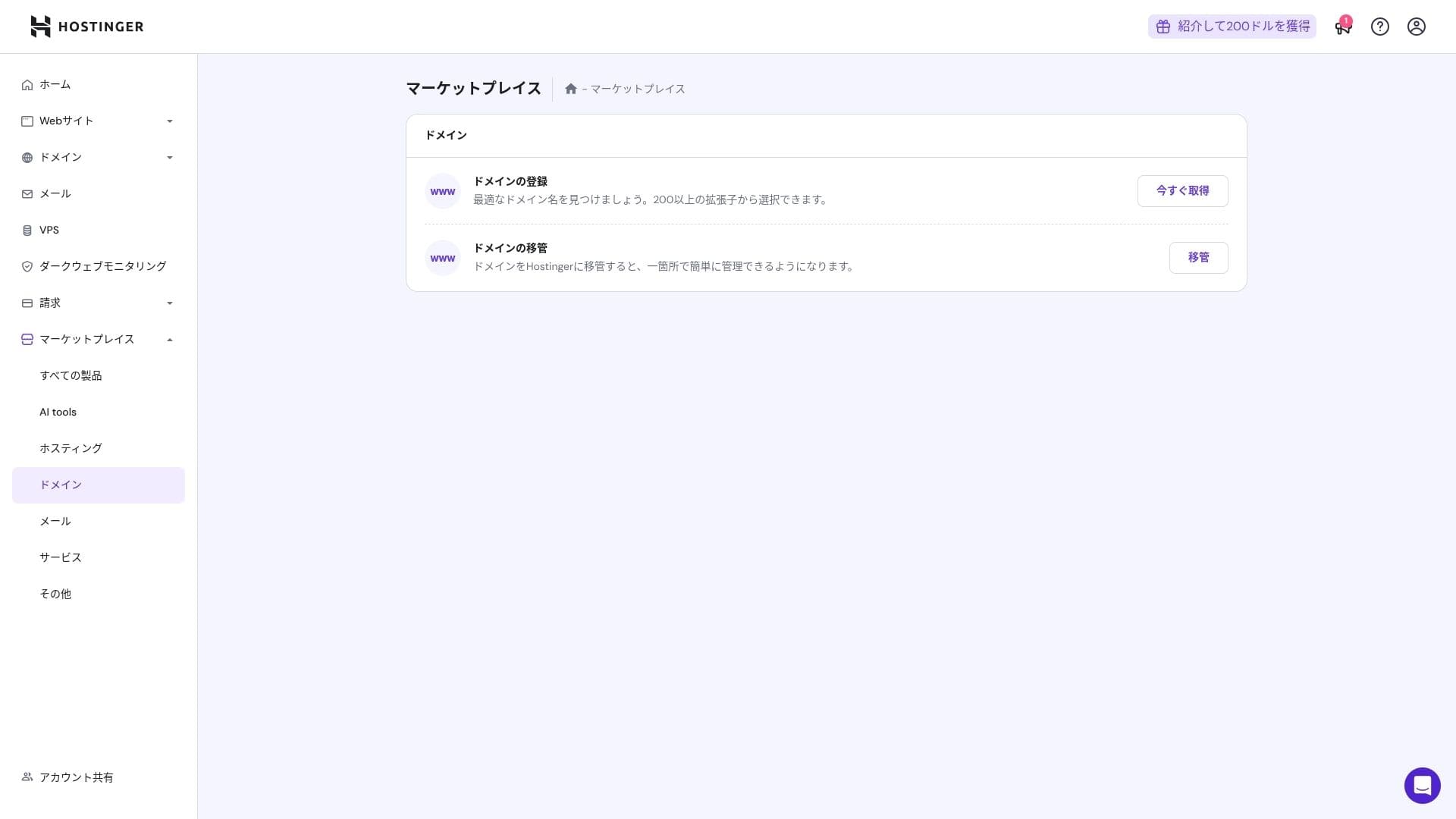
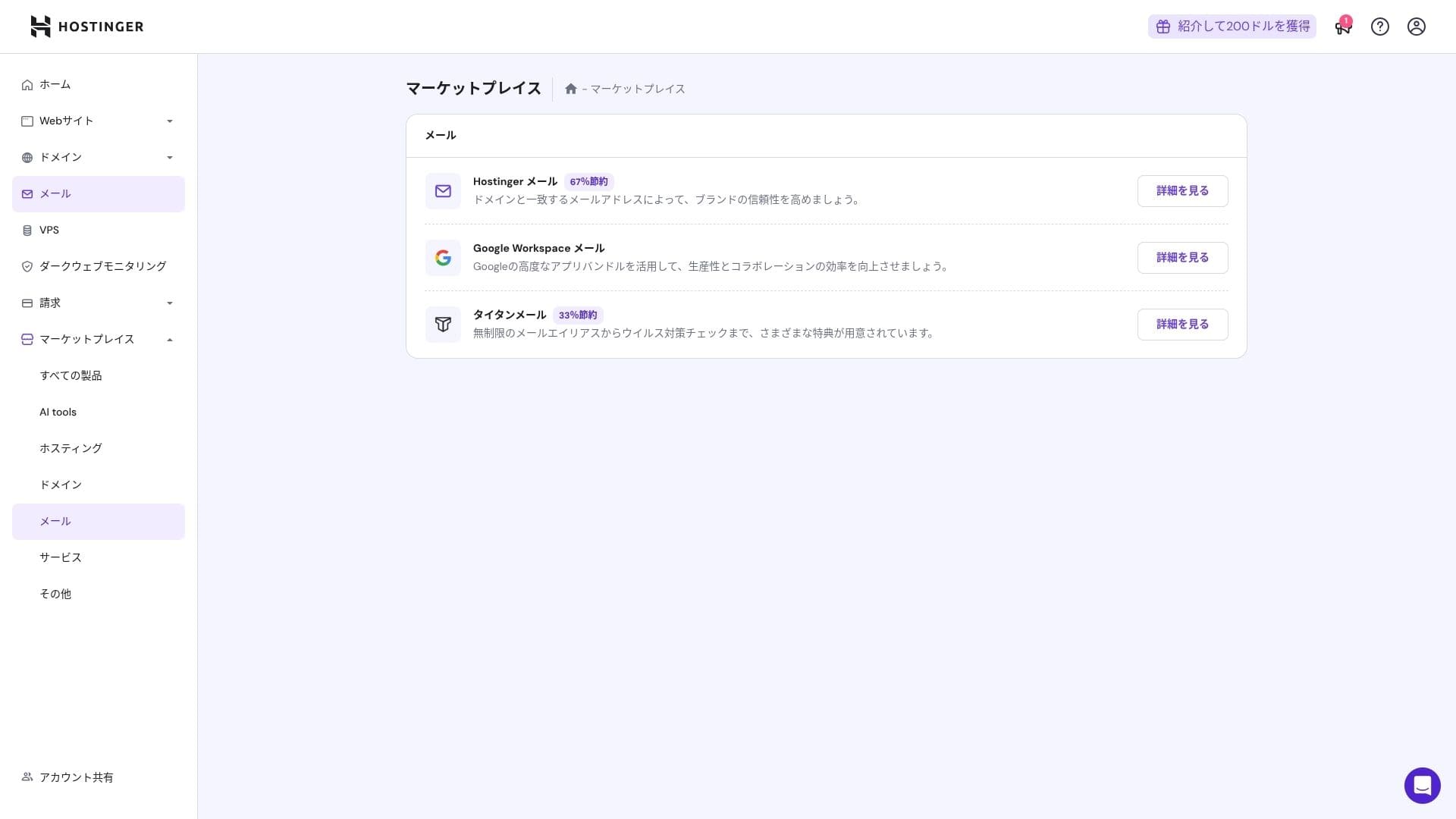
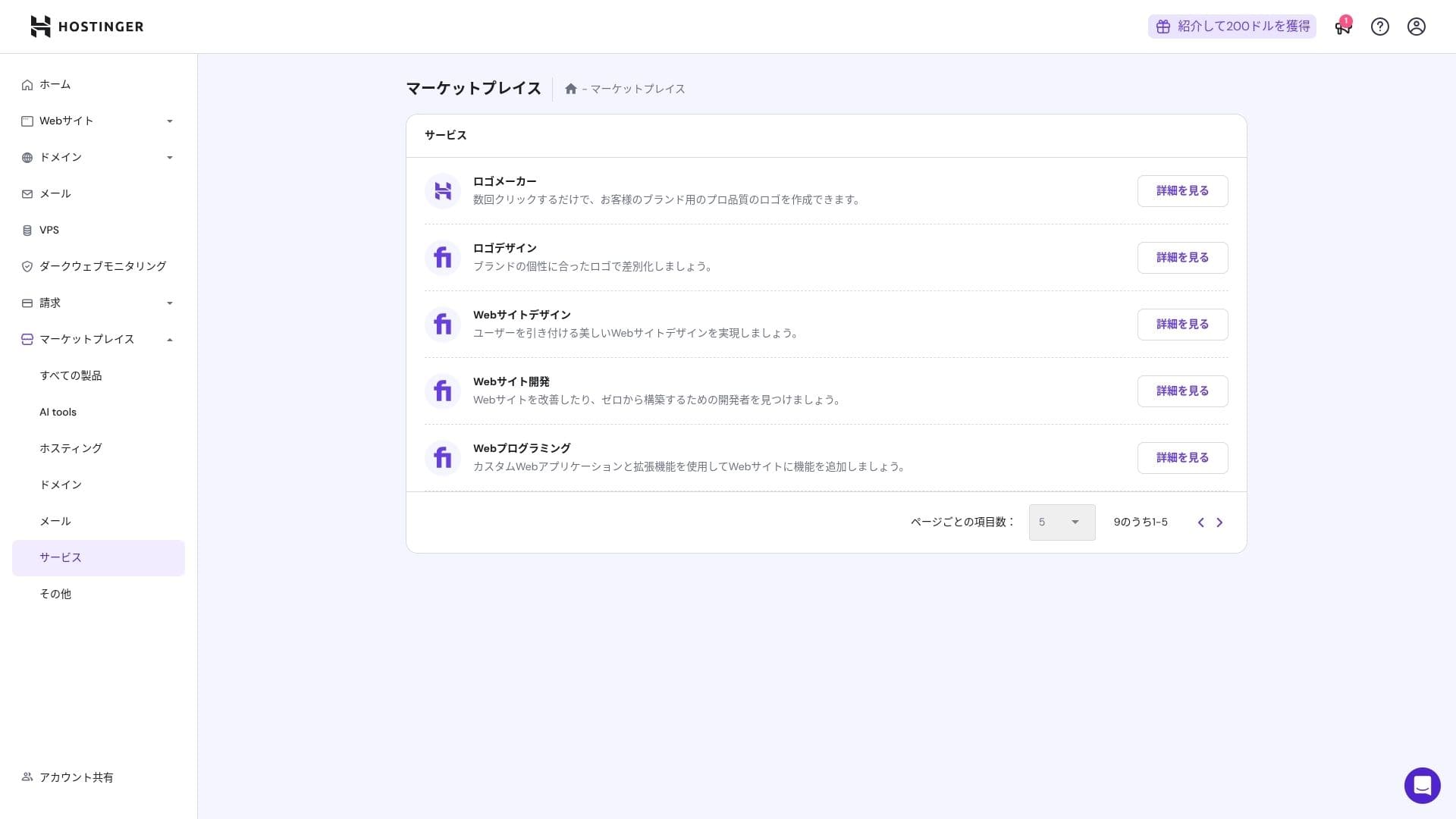
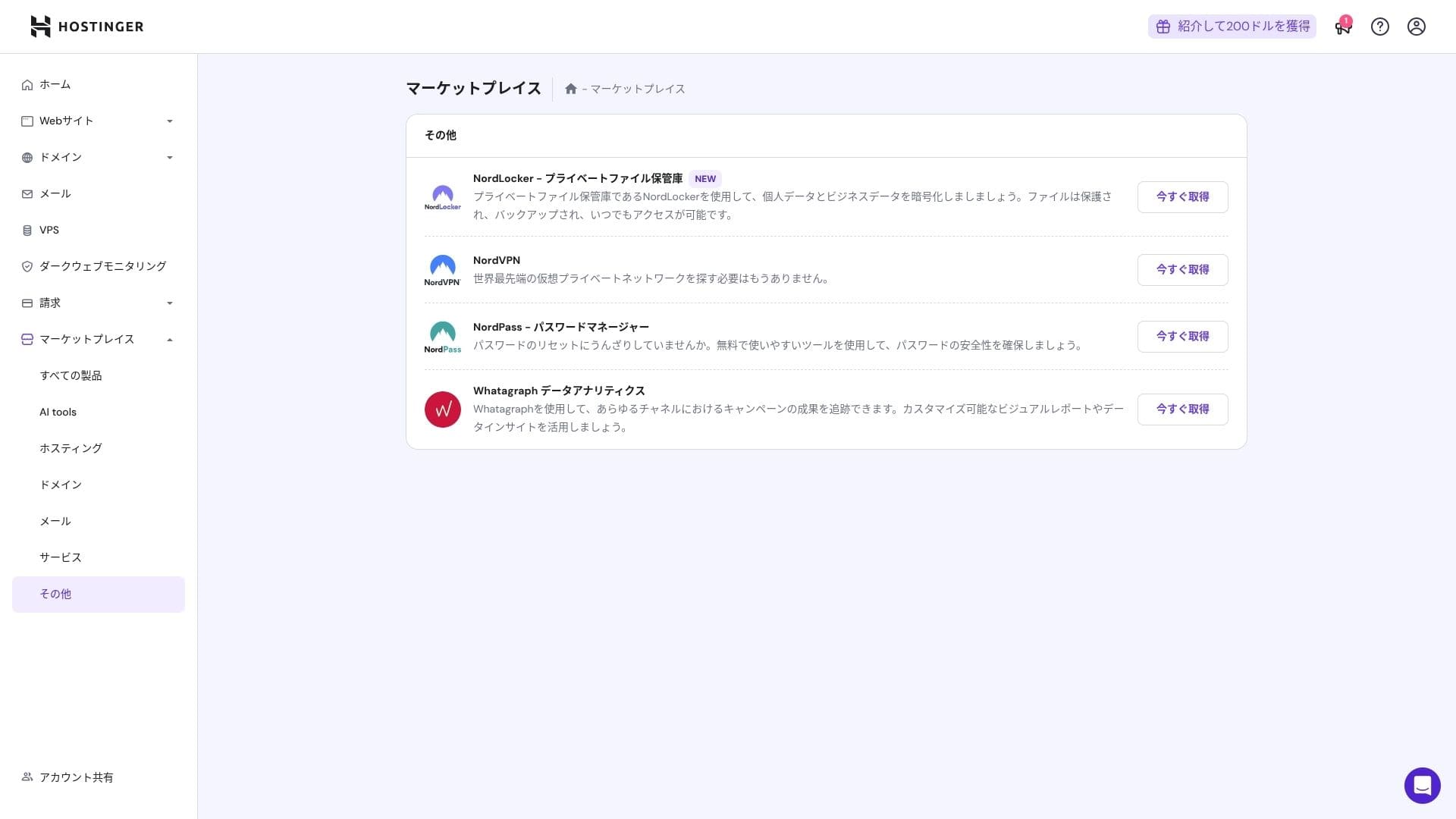
That said, people who are already comfortable with cPanel may find it less intuitive.
Wsparcie system
Czat na żywo, dostępny 24 godziny na dobę, 365 dni w roku, ma średni czas odpowiedzi od jednej do trzech minut. Mimo że odpowiedzi są automatycznie tłumaczone, pracownicy nadal udzielają odpowiedzi na tyle szczegółowych, by obejmować pytania techniczne.
Jak kompletne są instrukcje i FAQ
Japońska baza wiedzy nadal zawiera kilka sekcji tłumaczonych maszynowo, ale jeśli korzystasz z niej razem z wyjaśnieniami na kanale YouTube "Hostinger Academy", jedna osoba może poradzić sobie z tym wystarczająco dobrze samodzielnie.
Przegląd funkcji e-mail
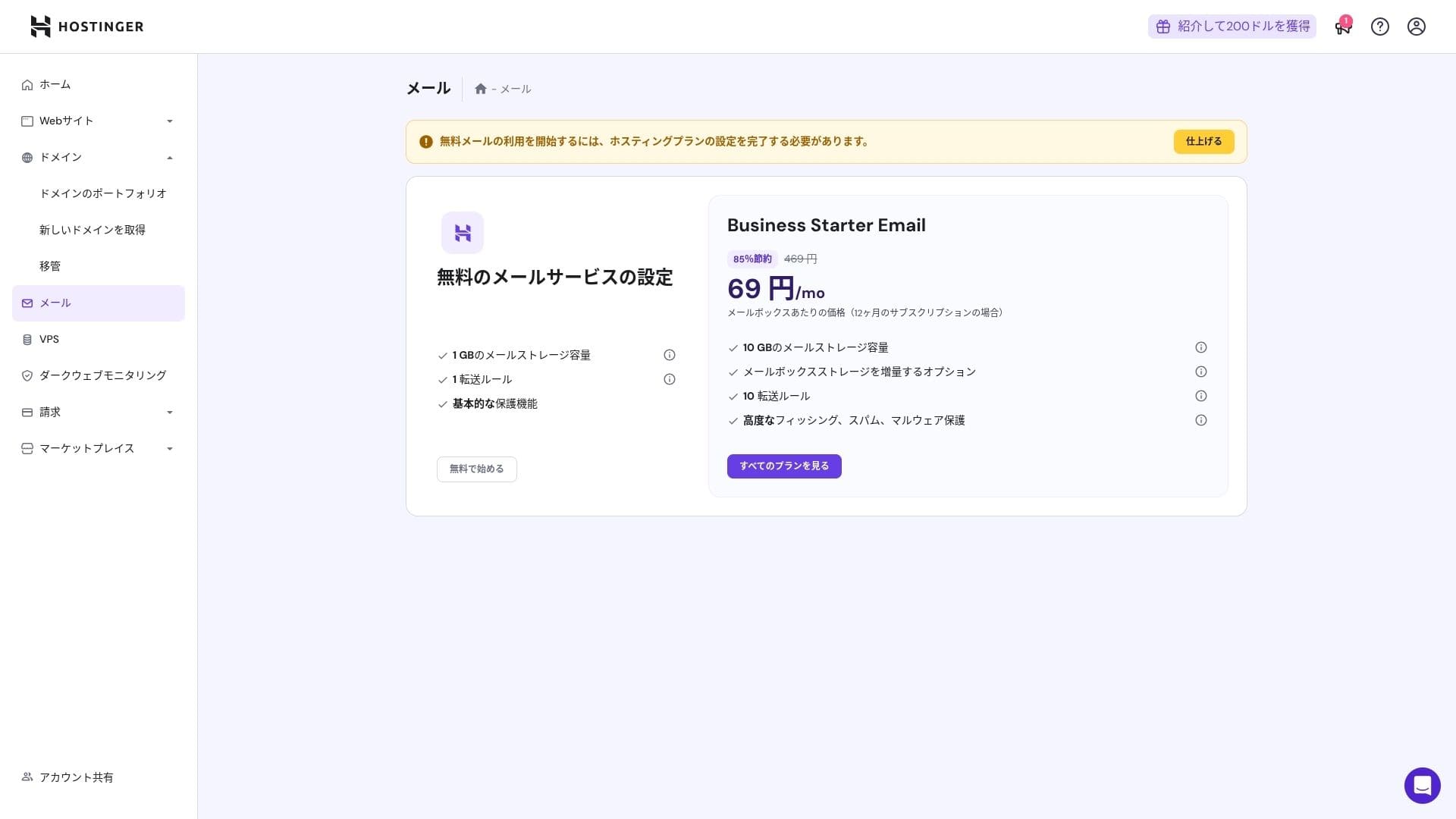
Od planu Premium wzwyż poczta w domenie własnej jest darmowa przez rok. Jednak przestrzeń to tylko 1 GB. Możesz też korzystać z Business Starter za 69 jenów miesięcznie (10 GB na konto).
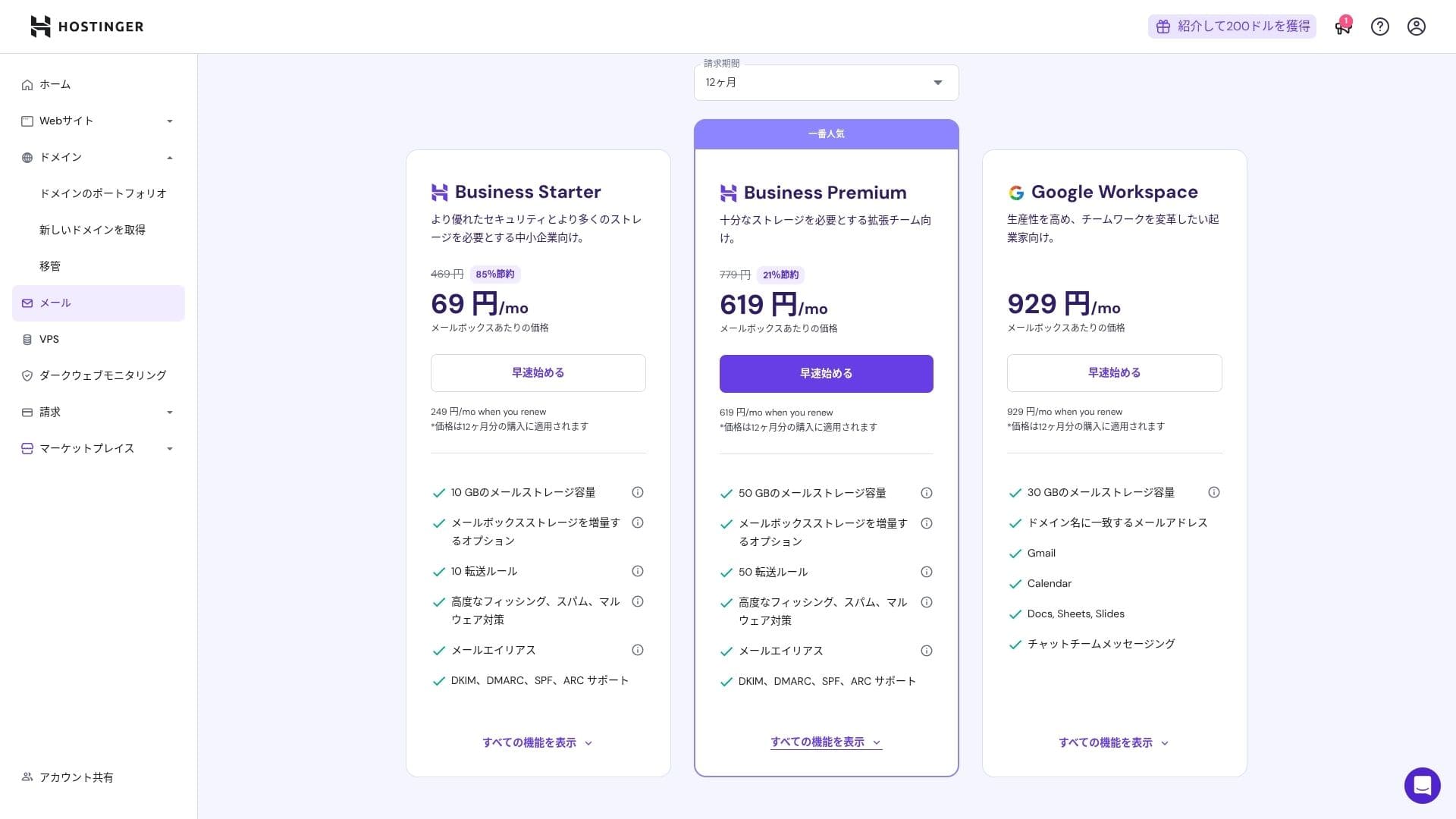
Ponieważ zawiera ochronę przed wirusami i spamem, mogą z niego korzystać z pełnym zaufaniem także korporacje i firmy.
Przegląd bezpieczeństwa i kopii zapasowych
Bezpieczeństwo measures
W standardzie zawiera WAF, filtry DDoS, skaner złośliwego oprogramowania i prywatność WHOIS. W połączeniu z darmowym SSL obejmuje podstawową warstwę bezpieczeństwa.
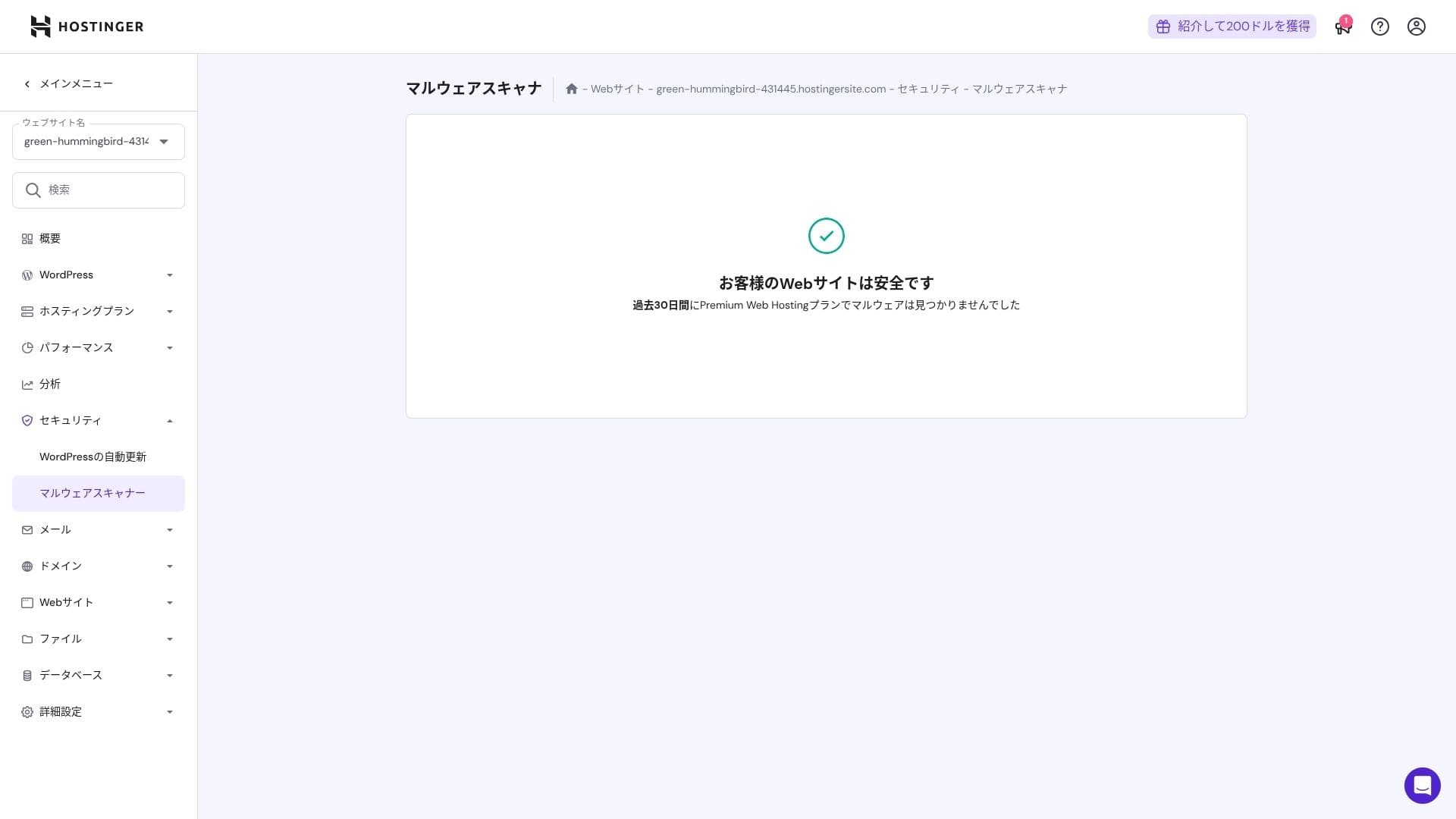
Automatyczna funkcja kopii zapasowej
Premium obejmuje tygodniowe kopie zapasowe. Plany Business i wyższe obsługują codzienne kopie zapasowe oraz odzyskiwanie na żądanie. Możesz przywrócić dane jednym kliknięciem z panelu administracyjnego.
★ Pięć skutecznych wtyczek do kopii zapasowych WordPressa, aby odzyskać dane
Podsumowanie
- Szybka wydajność dzięki NVMe + LiteSpeed + CDN
- Darmowa domena, SSL, migracja i narzędzia AI pozwalają utrzymać niskie koszty uruchomienia
- Panel hPanel jest intuicyjny, a wsparcie na czacie 24/7 działa szybko
- Cena promocyjna zakłada 48-miesięczną umowę. Dokładnie sprawdź cenę odnowienia
- W przypadku witryn z dużą ilością multimediów lub dużym obciążeniem CPU zalecany jest Cloud lub wyższy plan
- Japońska dokumentacja nadal zawiera kilka maszynowo tłumaczonych sekcji, które trudniej się czyta
Ogólnie uważam, że najlepiej sprawdzi się to u blogerów, małych i średnich firm oraz firm produkcyjnych, które chcą dużej szybkości i funkcji przy jednoczesnym utrzymaniu kosztów pod kontrolą. Jeśli planujesz stopniowe przejścia z Premium na Business i Cloud, uwzględniając ceny odnowienia, jest to usługa, której raczej nie będziesz żałować w dłuższej perspektywie.