30 दिवसांची पैसे परत हमी उपलब्ध
PR
सर्व्हर
WADAX पुनरावलोकन: रात्री 10 वाजेपर्यंत फोन सहाय्य. व्यस्त व्यवसायांसाठी हा चांगला सर्व्हर आहे का?
प्रकाशित: 2025.04.18
अद्यतनित: 2025.04.18
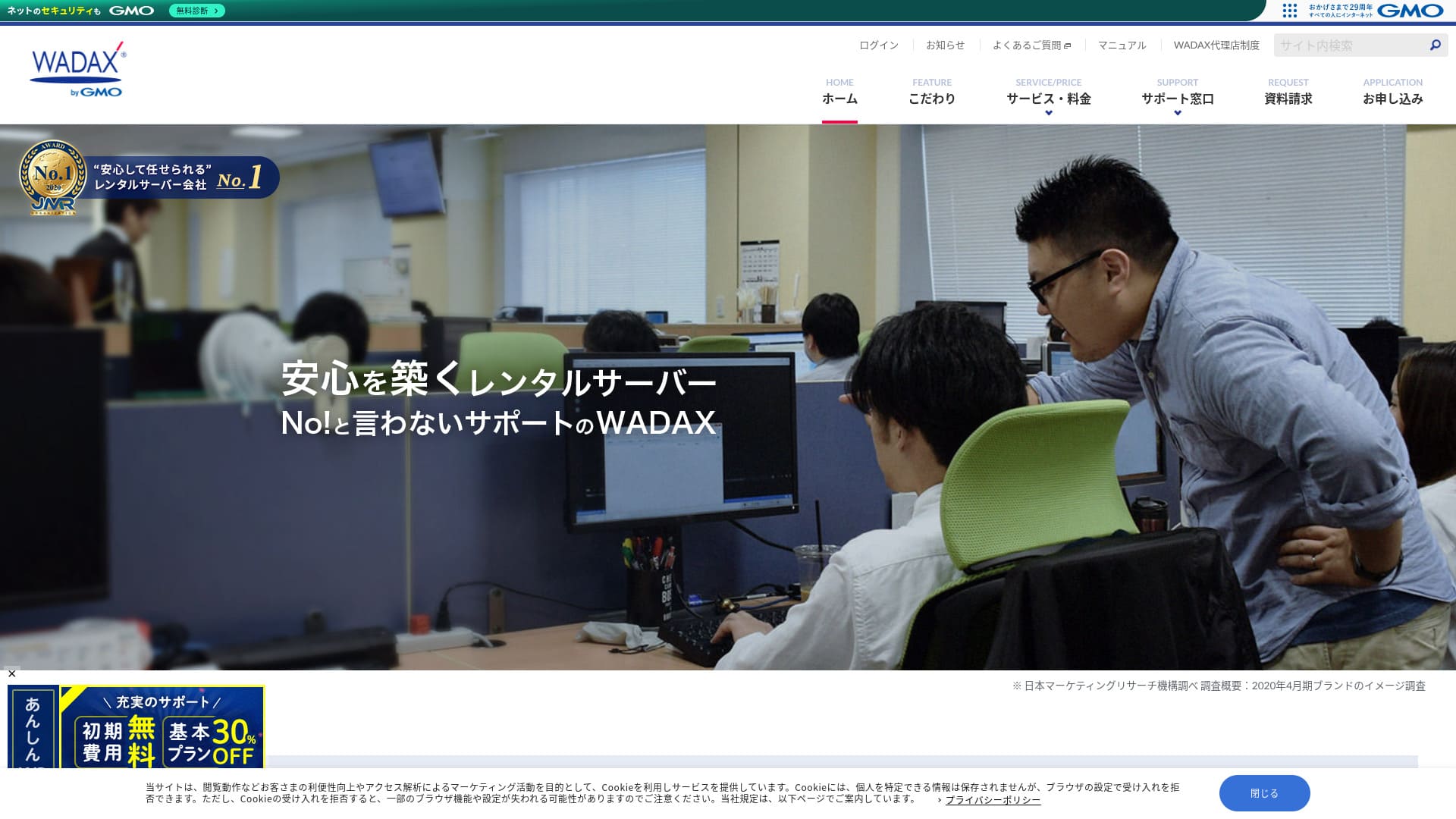
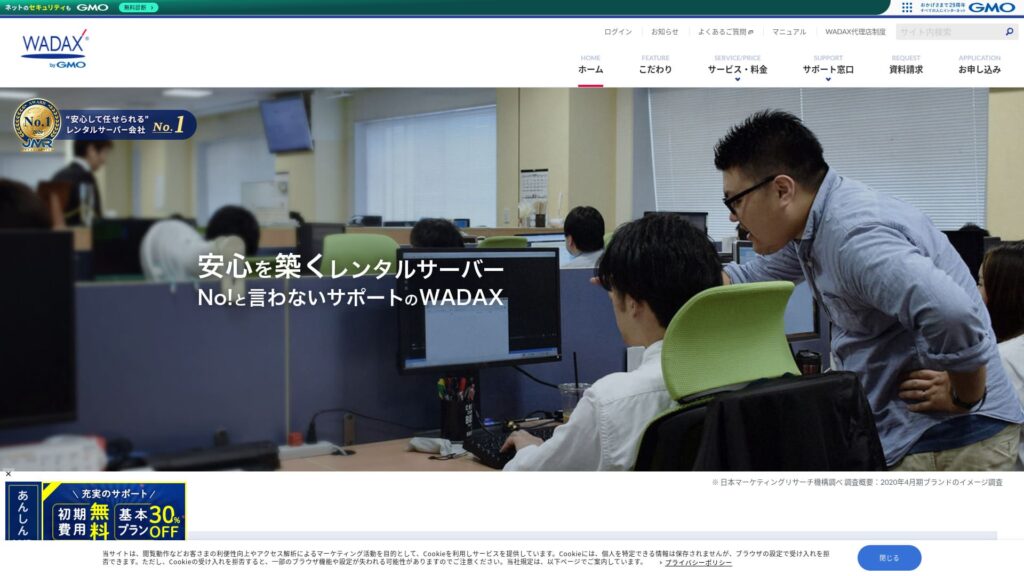
वापरकर्त्यांच्या गरजेनुसार सेवा देणारी सपोर्ट प्रणाली हे या व्यवसाय-केंद्रित सर्व्हरचे प्रमुख वैशिष्ट्य आहे.
WADAX हा 365 दिवसांच्या सहाय्यासह आश्वासक सर्व्हर आहे, जो समस्या उद्भवताच त्या पटकन सोडवण्यास मदत करतो.व्यवसाय-केंद्रित सर्व्हरकडून अपेक्षितच, Secom सोबतच्या भागीदारीत याची सुरक्षा व्यवस्था मजबूत आहे.
तरीही, त्यात काही कमतरता आहेत. या लेखात मी WADAX ची वैशिष्ट्ये आणि WordPress कसे सुरू करायचे ते स्पष्ट करतो.
32 WordPress होस्टिंग प्रदात्यांची संपूर्ण तुलना: व्यक्ती, व्यवसाय आणि आंतरराष्ट्रीय साइट्ससाठी शिफारसी

WordPress सुरू करायचे ठरवून तुम्ही "best WordPress hosting" शोधता, तेव्हा वैयक्तिक आणि व्यवसायिक पर्यायांपासून परदेशी आणि कमी खर्चाच्या सर्व्हरांपर्यंत अनेक प्रकारचे लेख दिसतात. खरं सांगायचं तर,
- मी कोणत्या साइटवर विश्वास ठेवावा?
- मला सोप्या, समजायला सोप्या पद्धतीने सर्व्हर निवडायचा आहे.
- WordPress लगेच कसे सुरू करायचे ते कृपया सांगा.
तुम्हालाही असे वाटत नाही का? या लेखात, मी वैयक्तिक, व्यवसायिक तसेच देशांतर्गत आणि आंतरराष्ट्रीय वापरासाठी 32 होस्टिंग प्रदात्यांमधून शिफारसी काळजीपूर्वक निवडल्या आहेत. हे स्पष्टीकरण दररोज होस्टिंग सर्व्हर वापरणाऱ्या अॅप विकास कंपनीतील SEO विशेषज्ञाकडून आहे.
WADAX ची प्रतिष्ठा: व्यवसायांसाठी सविस्तर सहाय्य हे एक महत्त्वाचे वैशिष्ट्य आहे

| सर्व्हर प्रकार | सामायिक सर्व्हर |
| लोड वेळ (TTFB) | Unmeasured |
| शिफारस केलेल्या योजना आणि करार कालावधी | WP Standard 12 महिने |
| चाचणी आणि पैसे परत हमी | 30 दिवसांची पैसे परत हमी |
| मासिक शुल्क (12 महिन्यांचा करार) | 1,540 yen |
| प्रारंभिक प्रशासकीय शुल्क | Free |
| मोफत डोमेन | None |
| सहाय्य | आठवड्याचे दिवस सकाळी 9:00 - रात्री 10:00, शनिवार आणि रविवार सकाळी 9:00 - संध्याकाळी 6:00 |
| अपटाइम | 99.9% |
| सर्व्हर क्षमता | 50GB |
| डेटाबेसेसची संख्या | 20 |
| सुरक्षा उपाय | WAF / KYUBI (WordPress असुरक्षा निदान) / वेब व्हायरस तपासणी / नियमित सुरक्षा निदान (असुरक्षा निदान) / घुसखोरी शोध आणि प्रतिबंध (IPS) / DoS/DDoS हल्ला संरक्षण |
| SSL | Shared SSL / SSL वर FTP / Quick Authentication SSL / Enterprise Authentication SSL / EV SSL / SecomTrust Systems for Web SR3.0/for Web EV |
| बॅकअप आणि पुनर्संचयित | मोफत बॅकअप / मोफत पुनर्संचयितीकरण |
| ईमेल खाती तयार करण्याची संख्या | Unlimited |
| Email सुरक्षा उपाय | SpamAssassin स्पॅम फिल्टर / SSL वर POP / SSL वर SMTP / SMTP AUTH / SMTP submission port / IMAP / SSL वर IMAP / व्हायरस तपासणी |
| सर्व्हर/वेबसाइट स्थलांतर सेवा | कोणतीही सेवा समाविष्ट नाही मोफत स्थलांतर साधन उपलब्ध |
| सोपे WordPress स्थापना | None |
| CDN | Free |
WADAX ची चार वैशिष्ट्ये

24/7 सहाय्य
WADAXतुम्हाला वर्षातील 365 दिवस, दररोज सहाय्य मिळू शकते. ही जून 2024 पर्यंतची सहाय्य व्यवस्था आहे.
- फोन: आठवड्याचे दिवस 9:00-22:00, शनिवार आणि रविवार 9:00-18:00
- फॉर्म: 24 तास, 365 दिवस (साधारणपणे 24 तासांच्या आत उत्तर)
- चॅट: 24 तास, 365 दिवस (लाईव्ह चॅट, आठवड्याचे दिवस 9:00-17:00)
तुम्हाला दररोज सहाय्य मिळू शकते आणि आठवड्याच्या दिवशी रात्री 10 वाजेपर्यंतही सहाय्य मिळू शकते.अनेक होस्टिंग कंपन्यांची सपोर्ट केंद्रे संध्याकाळी 6 वाजता सहाय्य बंद करतात हे पाहता,WADAXत्याची उत्कृष्ट सहाय्य व्यवस्था स्पष्ट दिसते.
हे स्वाभाविक वाटू शकते, पण सर्व्हरच्या समस्या फक्त आठवड्याच्या दिवशी सकाळी 9 ते संध्याकाळी 6 या वेळेतच होत नाहीत. अडचण कधीही येऊ शकते. म्हणूनच शक्य तितक्या जास्त काळ, दररोज सहाय्य उपलब्ध असावे असे वाटते.
WADAXहे चांगले नाही का?
Secom सोबतची मजबूत सुरक्षा
WADAX ने Secom सोबतच्या भागीदारीत मजबूत सुरक्षा चौकट तयार केली आहे. ती हॅकिंग, अनधिकृत छेडछाड, संभाषण चोरून ऐकणे आणि DoS हल्ल्यांपासून डेटा संरक्षित करते.
ते फक्त स्वतःच्या आतून सर्वोत्तम प्रयत्न करत नाहीत, तर मजबूत सुरक्षा उभारण्यासाठी इतर कंपन्यांची कौशल्येही घेतात, हे मला आवडते. त्यामुळे प्रामाणिकपणा आणि दिलासा जाणवतो.
उच्च-गती वितरण CDN वापरण्याची क्षमता
WADAXतुम्ही उच्च-गती वितरण CDN वापरू शकता. CDN वापरल्याने वेबसाइटचा डेटा ती पाहणाऱ्या वापरकर्त्याच्या सर्वात जवळच्या सर्व्हरवरून त्यांच्या स्मार्टफोन किंवा PC वर पाठवला जातो, त्यामुळे वेबसाइट अधिक सहजपणे दिसते.
★ CDN म्हणजे काय? सर्व्हरच्या समूहाचा वापर करून ते वेग आणि कार्यक्षमता सुधारते.
अनेक होस्टिंग कंपन्या CDN फक्त सशुल्क पर्याय म्हणून देतात. WADAX सोबत तुम्ही ते मोफत वापरू शकता, त्यामुळे हा चांगला सौदा आहे.
व्यवसायिक सर्व्हरांसाठी परवडणारी किंमत
WADAXआमचा secure WP server व्यवसायिक सर्व्हर म्हणून कमी किमतीत दिला जातो. त्याची व्यवसायिक सर्व्हरांशी तुलना करा.
- प्रारंभिक प्रशासकीय शुल्क
- 12 महिन्यांच्या करारासाठी नोंदणी करा.
- एका वर्षाच्या खर्चाइतके डोमेन नोंदणी शुल्क.
- WordPress वापरता येईल अशी योजना.
हे इतर सेवांपेक्षा बरेच स्वस्त आहे, नाही का?
सर्व्हरचा अपेक्षित वापर असा आहे,तुमचे मुख्य वेबसाइट ऑपरेशन WordPress वापरून असेल, तर WADAX पुरेसे ठरेल.
WADAX च्या Secure WP Server ची एक कमतरता म्हणजे अपटाइम हमी नाही

WADAX च्या Anshin WP Server मध्ये अपटाइम हमी नाही आणि त्याचा अपटाइम दर जाहीर केलेला नाही. अपटाइम reflects server stability. When that figure is not disclosed, it naturally leaves some concern about whether your website will remain consistently available.
असे असले तरी, WADAX चा Otasuke Cloud Server 99.9% अपटाइमची हमी देतो. ही वेगळी सेवा आहे, पण ती त्याच कंपनीकडून चालवली जाते, त्यामुळे अपटाइम अत्यंत कमी असेल अशी कल्पना करणे कठीण आहे.
सहाय्य आणि सुरक्षा उपायांचा विचार केला तरी, तुम्हाला याबद्दल फारशी चिंता वाटू नये.
WADAX च्या स्पर्धक सर्व्हरची तुलना (2 कंपन्या)
iCLUSTA+
iCLUSTA+ byGMOहाWADAXसर्व्हर वापरण्यासाठी जवळपास तेवढाच खर्च येतो. कारण यात 100% अपटाइमची हमी आहे, तुम्ही तुमची वेबसाइट कोणतीही चिंता न करता चालवू शकता.
However,सहाय्य व्यवस्था WADAX इतकी व्यापक नाही.फोन सहाय्य सोमवार ते शुक्रवार सकाळी 10:00 ते संध्याकाळी 6:00 पर्यंतच उपलब्ध असेल आणि सामान्य सहाय्य प्रतिसाद वेळेत राहील. आठवड्याच्या दिवशी रात्री 10:00 पर्यंत सहाय्य उपलब्ध असते, तर अधिक दिलासा मिळाला असता.WADAXअशा प्रकारे, आठवड्याच्या दिवशी रात्री 10:00 पर्यंत ते उपलब्ध असते, तर सुरक्षिततेची जाणीव अधिक झाली असती.
तुमच्या संस्थेत सर्व्हरबद्दल मजबूत ज्ञान असलेली व्यक्ती नसेल, तर आम्ही WADAX ची शिफारस करतो.

iCLUSTA+ पुनरावलोकने【2024 नवीनतम】दरमहा ¥1,000 पासून सुरू होणाऱ्या व्यवसायिक सर्व्हरांचे सविस्तर स्पष्टीकरण
iCLUSTA+ पुनरावलोकने【2024 नवीनतम】दरमहा ¥1,000 पासून सुरू होणाऱ्या व्यवसायिक सर्व्हरांचे सविस्तर स्पष्टीकरण
serverfield.org
Sakura Rental Server Business
Sakura Rental Server Business हा 99.99% अपटाइम नोंद आणि अपटाइम हमीसह स्थिर सर्व्हर आहे. भरपूर 600GB स्टोरेज असल्यामुळे वेबसाइट ऑपरेशन आणि ईमेल ऑपरेशन दोन्ही एका प्रदात्याकडे सोपवता येतात.
However, तो WADAX च्या Anshin WP Server इतका स्वस्त नाही. त्याचा खर्च जवळपास 10,000 yen अधिक आहे. ईमेल ऑपरेशनसाठी दुसऱ्या कंपनीची सेवा वापरण्याचा विचार असेल, तर WADAX हा अधिक चांगला पर्याय आहे.

Sakura Rental Server Reviews & रेटिंगs【Scary Slow?】Great for Individual Businesses◎Pricing Pros & Cons Explained
Sakura Rental Server Reviews & रेटिंगs【Scary Slow?】Great for Individual Businesses◎Pricing Pros & Cons Explained
serverfield.org
WADAX सोबत तुमची WordPress वेबसाइट सुरू करण्याची 7 पावले
WADAX सोबत वेबसाइट सुरू करूया!
- STEP.1अधिकृत वेबसाइट WADAX येथे प्रवेश करा
होमपेजच्या अगदी तळापर्यंत स्क्रोल करा आणि “Apply” क्लिक करा.
- STEP.2सेवा निवड
करार योजना WP Standard अशीच राहते.
आम्ही 12 महिन्यांच्या कराराची शिफारस करतो, कारण त्यात मासिक शुल्क कमी असते.
कोणतेही पर्याय आवश्यक नाहीत. “Next” क्लिक करा.
- STEP.3डोमेन नाव वापर निवड
तुम्ही नवीन डोमेन नाव घेत असाल, तर “Acquire a New Domain Name” निवडा. इच्छित स्ट्रिंग टाका आणि “.com” किंवा “.co.jp” सारखे टॉप-लेव्हल डोमेन निवडा.
डोमेन नावे महत्त्वाची असतात. वेळ घेऊन काळजीपूर्वक निर्णय घ्या.
★ डोमेन म्हणजे काय? इंटरनेटवरील पत्ता म्हणून त्याची भूमिका आणि ते कसे मिळवायचे.
- STEP.4ग्राहक माहिती प्रविष्ट करणे
पहिल्यांदा अर्ज करणाऱ्यांनी “Continue” क्लिक करा.
- कंपनी माहिती
- ग्राहक माहिती
- पेमेंट माहिती
कृपया ती प्रविष्ट करा.
कृपया अर्जातील सर्व तपशील तपासा आणि “Next” क्लिक करा.
अर्ज तपशील पुष्टीकरण स्क्रीन पुन्हा दिसेल, म्हणून सूचनांनुसार पुढे जा. सेवा सुरू करण्यासाठी मार्गदर्शन करणारा सूचना ईमेल तुम्हाला मिळेल; याचा अर्थ अर्ज पूर्ण झाला आहे.
- STEP.5WordPress इंस्टॉलेशन
कंट्रोल पॅनेलमध्ये लॉग इन करा.
“Contracts” मेनूमधून “WordPress” वर जा. स्क्रीन बदलेल. WP Tool च्या “Install” विभागातून “Install WordPress” क्लिक करा.
WordPress इंस्टॉलेशन सेटिंग्ज सेट करूया.
- इंस्टॉलेशन पथ: जसाच्या तसा
- वेबसाइट शीर्षक: होमपेजचे शीर्षक टाका.
- Plugin theme set: काहीही नाही
- वेबसाइट भाषा: जपानी
- आवृत्ती: जसाची तशी
- वापरकर्ता नाव: काहीही चालेल.
- पासवर्ड: काहीही चालेल. शक्य तितका गुंतागुंतीचा करा.
- ईमेल पत्ता: तुमचा नेहमीचा ईमेल पत्ता टाका. तुम्ही कंपनी असाल, तर कंपनीचा ईमेल शिफारसीय आहे.
- डेटाबेस: जसाचा तसा
- स्वयंचलित अपडेट सेटिंग्ज: जसाच्या तशा
सर्व माहिती भरल्यानंतर “Install” क्लिक करा. “Installation complete” दिसल्यास WordPress इंस्टॉलेशन पूर्ण झाले आहे.
- STEP.6WordPress प्लगइन इंस्टॉलेशन
WordPress इंस्टॉलेशन पूर्ण झाल्याच्या स्क्रीनवर दिसणारे “Install Plugin” क्लिक करा.
आवश्यक प्लगइन टाका.
इंस्टॉल करायचे प्लगइन सापडल्यास, ते शोधा आणि “Install Now” व “Activate” क्लिक करा. त्यानंतर प्रत्येक प्लगइनच्या सूचनांनुसार पुढे जा.
सुरक्षा आणि बॅकअप प्लगइन इंस्टॉल करणे आवश्यक आहे.
- सुरक्षा वाढवण्यासाठी शीर्ष 5 WordPress प्लगइन आणि त्यांची निवड कशी करावी
- डेटा पुनर्प्राप्तीसाठी शीर्ष 5 सर्वात मजबूत WordPress बॅकअप प्लगइन
प्लगइन इंस्टॉल झाल्यावर, तुमचे WordPress होमपेज सुरू करण्यासाठी तुम्ही तयार आहात!
- STEP.7इतर WordPress सेटिंग्ज
परमालिंक सेटिंग्ज सेट करा. WordPress admin dashboard मधील “Settings” विभागातून “Permalink Settings” वर जा. “Post Name” निवडा. त्यानंतर “Save Changes” क्लिक करा.
“Post Name” निवडल्यावर, लेख पोस्ट करताना URL मध्ये तुमची इच्छित स्ट्रिंग टाकता येते. लेखातील आशय दर्शवणारी छोटी स्ट्रिंग वापरण्याची शिफारस केली जाते, कारण त्यामुळे वाचकांना तुमचे होमपेज शोधणे सोपे होते. खूप लांब स्ट्रिंग लोकांना ते असुरक्षित आहे की काय अशी चिंता देऊ शकते.
आता तुमचे WordPress होमपेज सुरू करण्यासाठी तुम्ही तयार आहात.
सारांश
WADAXहा व्यवसायाभिमुख सर्व्हर आहे, जो आठवड्याच्या दिवशी रात्री 10:00 वाजेपर्यंत फोन सहाय्य देतो.सखोल सहाय्य हवे असलेल्या व्यवसायांसाठी तो योग्य आहे.
WADAXAnshin WP server सह, तुम्ही वाजवी किमतीत सुरुवात करू शकता. कृपया वापरून पाहा.
32 WordPress होस्टिंग प्रदात्यांची संपूर्ण तुलना: व्यक्ती, व्यवसाय आणि आंतरराष्ट्रीय साइट्ससाठी शिफारसी
WordPress सुरू करायचे ठरवून तुम्ही "best WordPress hosting" शोधता, तेव्हा वैयक्तिक आणि व्यवसायिक पर्यायांपासून परदेशी आणि कमी खर्चाच्या सर्व्हरांपर्यंत अनेक प्रकारचे लेख दिसतात. खरं सांगायचं तर,
- मी कोणत्या साइटवर विश्वास ठेवावा?
- मला सोप्या, समजायला सोप्या पद्धतीने सर्व्हर निवडायचा आहे.
- WordPress लगेच कसे सुरू करायचे ते कृपया सांगा.
तुम्हालाही असे वाटत नाही का? या लेखात, मी वैयक्तिक, व्यवसायिक तसेच देशांतर्गत आणि आंतरराष्ट्रीय वापरासाठी 32 होस्टिंग प्रदात्यांमधून शिफारसी काळजीपूर्वक निवडल्या आहेत. हे स्पष्टीकरण दररोज होस्टिंग सर्व्हर वापरणाऱ्या अॅप विकास कंपनीतील SEO विशेषज्ञाकडून आहे.