Pirmais mēnesis bez maksas un 14 dienu bezmaksas izmēģinājums
PR
Serveri
KAGOYA JAPAN apskats: to izmanto 61 000 uzņēmumu. Vai tā WordPress paredzētais serveris ir izmaksu ziņā izdevīgs?
Publicēts: 2025.04.18
Atjaunināts: 2025.04.18
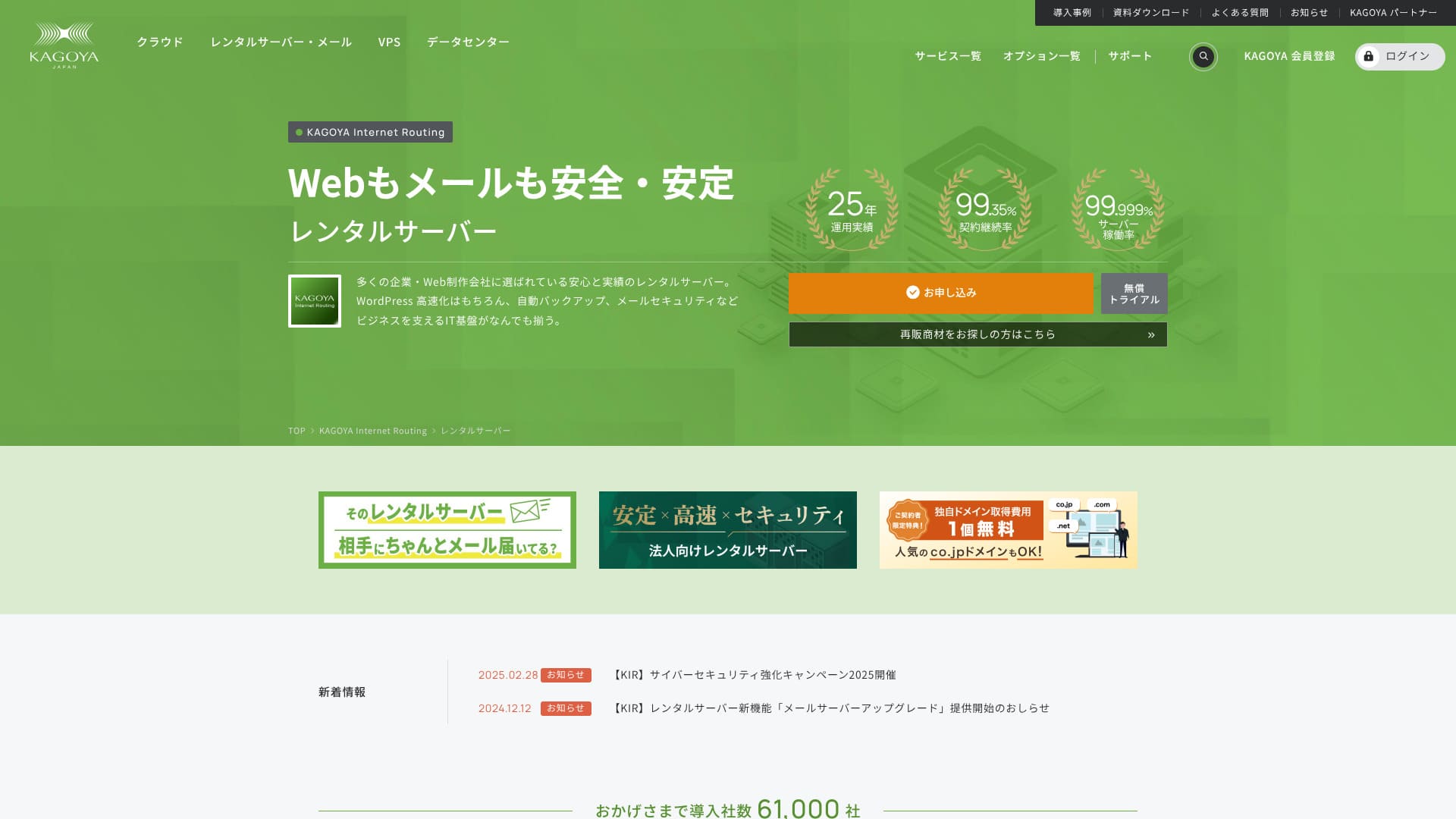
Based in Kyoto City, KAGOYA JAPAN operates its own data center. 80% of its users are corporate entities, and 61,000 companies are utilizing the service.

KAGOYA JAPAN is ieteicamie for people who want to use a stable server because:
- it offers a WordPress paredzētais serveris
- plans start at 440 yen per month
- it delivers 99.999% uptime
That is why. It should satisfy most users, and you can try it free for the first month.
One competing server is Xserver. It has the No. 1 domestic market share and a larger user base than KAGOYA JAPAN. It is worth considering as well.
★ Xserver apskats [2025]: padziļināta ātruma, cenu, plusu un mīnusu analīze
| Server Type | Shared Server / Cloud Server / WordPress Dedicated Server / VPS |
| Load Time (TTFB) | Unmeasured |
| Ieteicamie plāni un līguma termiņi | WordPress Dedicated Server Grade 1 12 Months |
| Trial & Money-Back Guarantee | None |
| Monthly Fee (12-Month Contract) | 440 yen |
| Initial Administrative Fee | Free |
| Free Domain | None |
| Support | Weekdays 10:00 a.m. - 5:00 p.m. |
| Uptime | 99.999% guarantee |
| Server Capacity | 20GB |
| Number of Databases | 1 |
| Security Measures | Dashboard Access Restriction / Dashboard Login Attempt Restriction / XML-RPC API Access Restriction / REST API Access Restriction / Large Comment / Trackback Restriction / Foreign IP Address Comment / Trackback Restriction |
| SSL | Free SSL |
| Backup and Restore | Iekļauta vienas paaudzes dublējumkopija / atjaunošana bez maksas |
| Number of Email Account Creation | None |
| Email Security Measures | None |
| Servera/tīmekļa vietnes migrācijas pakalpojums | Migration service: 11,000 yen No Migration Tool |
| WordPress Pre-installed | Yes |
| CDN | Paid |

Hikaru Ono
Izvēloties KAGOYA JAPAN WordPress speciālo serveri, WordPress tiks instalēts uzreiz pēc līguma noslēgšanas, ļaujot jums nekavējoties sākt savu tīmekļa vietni vai emuāru.
Pateicoties tā augstajam darbspējas laikam, šo serveri uzņēmumi var droši izmantot.
KAGOYA JAPAN salīdzinājums ar citiem pakalpojumu sniedzējiem
- ComprehensiveEvaluation★★★★☆
- Server Speed Unmeasured
- Pricing ★★★★☆
- Stability ★★★★★
- Ease of Getting Started with WordPress* ★★★★★
- Operations such as Domain Management and SSL Settings* ★★★★☆

Padziļināts salīdzinājums un atlases ceļvedis 21 WordPress nomas serverim, kas ieteicams privātpersonām
Padziļināts salīdzinājums un atlases ceļvedis 21 WordPress nomas serverim, kas ieteicams privātpersonām
serverfield.org
- November 4, 2025based on market research data,pēc ātrumaArranged
- The monthly fee is the lowest-price plan for WordPress usage in the first year of contract.
- Ātrums ir Time to First Byte (TTFB) vērtība demo vietnei ar tādiem pašiem nosacījumiem.
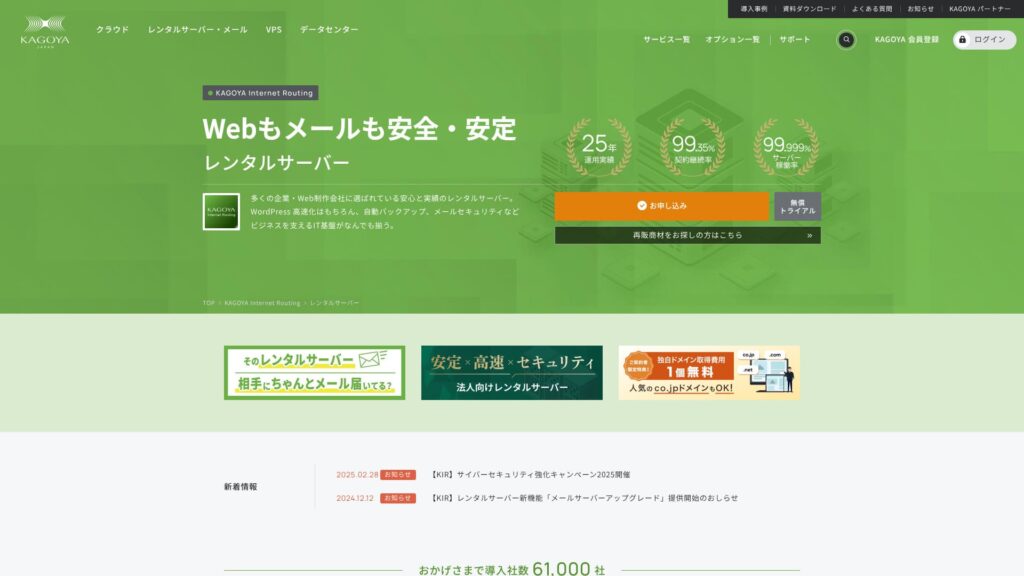
KAGOYA JAPAN piedāvā uzņēmuma KAGOYA JAPAN Co., Ltd. nomas serverus ar vairāk než 20 gadu pieredzi. Tos var izmantot par pieņemamu cenu. Ar 99,999% darbspējas laiku tie ir ārkārtīgi stabili un droši.
KAGOYA JAPAN reputācija un 4 galvenās īpašības

Nomas serveris ar 99.999% darbspējas laiku
KAGOYA JAPAN piedāvā nomas serverus ar 99,999% darbspējas laiku.Tā stabilitāte ir viena no labākajām Japānā.
Augsta pieejamība ir nodrošināta, pateicoties labi pārvaldītajam stāvoklim un spēcīgajai drošībai. Jūs varat droši darbināt savu vietni. Turklāt nestabila tīmekļa vietne nerada labu iespaidu.
★ A Must-Read for Beginners! Understanding Server Uptime and SLAs
KAGOYA JAPAN offers you peace of mind.
WordPress paredzētie serveri ir pieejami
KAGOYA JAPAN's WordPress-dedicated servers are affordable.Lai gan ir daudz funkciju ierobežojumu, tie ir pietiekami, ja īrējat serveri, lai koncentrētos uz savu WordPress vietni. Tika salīdzināti šādi nosacījumi.
- Initial Administrative Fee
- Sign up for a 12-month contract.
- Domain registration fee for one year's worth of expenses.
- Here are the most affordable WordPress plans you can use.
| Hosting Provider | Total Cost for the First Year |
|---|---|
| KAGOYA JAPAN | 4,840 yen |
| ConoHa WING | 11,292 yen |
| Xserver | 10,560 yen |
| Lolipop! | 5,940 yen |
| Sakura Rental Server | 6,600 yen |
Tas ir pat lētāks par Lolipop!, kas ir pazīstams ar zemām cenām. Atšķirībā no KAGOYA JAPAN specializētā WordPress servera, Lolipop! ļauj izmantot e-pastu. No otras puses, Lolipop! neietver dublējumkopiju izveides funkciju, ko ar KAGOYA JAPAN varat izmantot bez maksas.
Funkcionalitātē ir atšķirības, taču, ja nopietni pievēršaties savai tīmekļa vietnei, KAGOYA JAPAN ir laba izvēle.
Dublējumkopijas
KAGOYA JAPAN can back up data up to 10GB in size.
Tomēr vienīgie dati, kurus var dublēt, ir viena paaudze, kas nozīmē tikai vienu vienumu. Turklāt jums pašam ir jāiestata dublēšanas laiks vai jāveic tā manuāli. Tas sagādā nelielas klapatas un rada bažas, jo tiek saglabāts tikai viens vienums.
Izmantosim dublējumkopiju veida WordPress spraudni.
★ Top 5 Strongest WordPress Backup Plugins for Data Recovery
Neierobežots pārsūtīšanas apjoms
KAGOYA JAPAN piedāvā neierobežotu datu pārraidi gan saviem nomas serveriem, gan saviem WordPress paredzētajiem serveriem.Neatkarīgi no saņemtās datu plūsmas apjoma, jums netiks piemēroti datu pārsūtīšanas ierobežojumi.
★ Kas ir datplūsma un pārsūtīšanas apjoms? Tīmekļa datplūsmas pārvaldība un optimizācija
Godīgs KAGOYA JAPAN trūkumu pārskats

KAGOYA JAPAN piedāvā pievilcīgu risinājumu, taču tam ir arī trūkumi. Jo īpaši WordPress paredzētajiem serveriem ir daudz funkcionālu ierobežojumu, tāpēc pirms līguma parakstīšanas ir svarīgi rūpīgi pārskatīt detaļas.
WordPress paredzētos serverus nevar izmantot e-pastam
WordPress speciālos serverus nevar izmantot e-pastam.Uzņēmumiem, kas vēlas saglabāt sava uzņēmuma e-pasta adresi, ir jāizvēlas KAGOYA JAPAN nomas serveris vai jāizmanto cita uzņēmuma e-pasta pakalpojums.
Tomēr, pat ja e-pastu nevar izmantot pašā serverī, jūs joprojām varat piesaistīt savu esošo e-pasta adresi saziņas adresei savā WordPress vietnē. Tāpēc tas nerada nekādas darbības problēmas tīmekļa vietnei.
WordPress paredzētie serveri nevar izmantot WAF
WordPress-specific servers do not offer WAFs.WAF (tīmekļa lietojumprogrammu ugunsmūris) ir nākamās paaudzes drošības risinājums. Tie ir paredzēti, lai novērstu pat jaunākos, vēl nebijušus kiberuzbrukumus. Tie ir pieejami lielākajā daļā galveno vietējo serveru.
KAGOYA JAPAN nodrošina arī WAF izmantošanu, kad izvēlaties tās nomas serveri, taču WordPress paredzētajiem serveriem ir ierobežojumi. Tomēr, ja izmantojat WordPress, to var atrisināt ar WordPress spraudni, kas atbalsta WAF funkciju.
★ 5 labākie WordPress spraudņi drošības uzlabošanai un kā tos izvēlēties
Salīdzinot 2 serverus, kas līdzīgi KAGOYA JAPAN
Xserver
Xserver ir serveris, kas pazīstams ar savu augsto darbspējas laiku, tāpat kā KAGOYA JAPAN. Tam ir plašas dublējumkopiju un drošības funkcijas, un daudzi uzņēmumi to ir izmantojuši gadu gaitā.
Xserver gadā maksā aptuveni divreiz vairāk nekā KAGOYA JAPAN specializētais WordPress serveris, taču tā funkcijās vai specifikācijās nekas netrūkst. Tas spēj nodrošināt gan vietnes darbību, gan e-pasta piegādi.Ja vēlaties izmantot serveri citiem mērķiem, ne tikai tīmekļa vietnes darbināšanai, Xserver ir labāka izvēle.
Ja jūsu lietojums aprobežojas tikai ar tīmekļa vietnes darbināšanu, KAGOYA JAPAN ir lētākā iespēja.

Xserver apskats [2025]: padziļināta ātruma, cenu, plusu un mīnusu analīze
Xserver apskats [2025]: padziļināta ātruma, cenu, plusu un mīnusu analīze
serverfield.org
Sakura Rental Server
Sakura Rental Server ir vēl viens serveris, kuru plaši izmanto uzņēmumi, līdzīgi kā KAGOYA JAPAN. Tā galvenā priekšrocība ir stabilitāte. Joma, kurā tas pārspēj KAGOYA JAPAN WordPress paredzēto serveri, ir dublēšanas funkcija.Tas ietver automātiskas dublējumkopijas līdz pat astoņām paaudzēm, un jūs varat izmantot šo funkciju, lai izveidotu arī WordPress testa vidi.
Funkciju ziņā tas ir ievērojami spēcīgāks par specializēto WordPress serveri.Tomēr gada izmaksas ir par aptuveni 2000 jenām augstākas, tādēļ, ja par prioritāti izvirzāt cenas un veiktspējas attiecību, KAGOYA JAPAN ir labāka izvēle.

Sakura Rental Server atsauksmes un vērtējumi [Biedējoši lēns?] Lieliski piemērots individuāliem uzņēmumiem | Cenu, plusu un mīnusu skaidrojums
Sakura Rental Server atsauksmes un vērtējumi [Biedējoši lēns?] Lieliski piemērots individuāliem uzņēmumiem | Cenu, plusu un mīnusu skaidrojums
serverfield.org
7 soļi, kā tūlīt sākt WordPress vietni ar KAGOYA JAPAN
Izveidosim tīmekļa vietni ar KAGOYA JAPAN!
- STEP.1Piekļūstiet oficiālajai tīmekļa vietnei.
KAGOYA JAPAN WordPress paredzētā servera tīmekļa vietnē noklikšķiniet uz “Pieteikties”.
Izvēlieties maksājuma veidu. Mēs iesakām izmantot kredītkarti, lai tīmekļa vietni iestatītu nekavējoties. Noklikšķiniet uz “Apply Online”.
- STEP.2Server Contract and Member Registration
Izvēlieties plānu. Ieteicams izvēlēties WordPress paredzēto serveri Grade 1. Noklikšķiniet uz “Tālāk”. Pārskatiet savu pieteikuma informāciju un noklikšķiniet uz “Tālāk”.
Check the terms and conditions and the handling of personal information, then click “Next”.
Click “KAGOYA Member Registration”, check the member terms and conditions and personal information agreement, and click “Next”.
Enter your member information, including your name and address. Click “Proceed to Email Confirmation”.
- STEP.3Enter your customer information and card information.
Enter your customer information and verify it, then enter your card information.
After the provisional registration is completed and authentication is successful, the account registration is complete.
- STEP.4WordPress Initial Setup
Log in to the user control panel.
Dodieties uz WING→Vietnes pārvaldība→Vietnes iestatījumi→WordPress. Tiks parādīts vietnes URL, ko iestatījāt reģistrācijas laikā. Noklikšķiniet uz vadības ekrāna URL.
In the displayed WordPress login screen, enter the WordPress username/WordPress password you set during registration and click “Login.”
※Ja redzat brīdinājuma ziņojumu “Nevar piekļūt šai vietnei”, DNS iestatījumi vēl nav stājušies spēkā. Jums nekas cits neatliek kā gaidīt; mēģiniet pieteikties ik pēc dažām stundām.
★ DNS/Name Server: What They Are
When you open “Appearance” in the WordPress management screen, the WordPress theme “Cocoon” is installed. Activate the parent theme first, and then activate the child theme.You must always activate both the parent and child themes.
Atgriezieties WordPress vadības ekrānā un atveriet sadaļu “Iestatījumi”→“Vispārīgi”. Iestatiet vietnes nosaukumu/saukli. Tas būs jūsu mājaslapas nosaukums un sauklis. Pēc ievadīšanas noklikšķiniet uz “Saglabāt izmaiņas”.
- STEP.5Plugin Installation
Return to the WordPress management screen and go to “Plugins”→“Add New” to install the necessary plugins.
If you find a plugin you want to install, search for it and click “Install Now” and “Activate.” Afterwards, proceed according to the instructions for each plugin.
Ir svarīgi instalēt drošības un dublējumkopiju izveides spraudņus.
- 5 labākie WordPress spraudņi drošības uzlabošanai un kā tos izvēlēties
- Top 5 Strongest WordPress Backup Plugins for Data Recovery
With the plugins installed, you’re ready to launch your WordPress homepage!
Kopsavilkums
KAGOYA JAPAN piedāvā uzņēmuma KAGOYA JAPAN Co., Ltd. nomas serverus ar vairāk než 20 gadu pieredzi. Tos var izmantot par pieņemamu cenu. Ar 99,999% darbspējas laiku tie ir ārkārtīgi stabili un droši.
Pirmais mēnesis bez maksas un 14 dienu bezmaksas izmēģinājums
KAGOYA JAPAN piedāvā serveri ar izcilu stabilitāti.A WordPress-dedicated server is available at an affordable price.Lai gan to bieži izmanto uzņēmumi, to var izmantot arī privātpersonas. Lūdzu, izmēģiniet to.
Pilnīgs 32 WordPress hostinga pakalpojumu sniedzēju salīdzinājums: ieteikumi privātpersonām, uzņēmumiem un starptautiskām vietnēm

Kad nolemjat sākt darbu ar WordPress un meklējat “labākais WordPress hostings”, jūs atrodat visdažādākos rakstus — no personīgām un uzņēmumu iespējām līdz ārvalstu un zemu izmaksu serveriem. Atklāti sakot,
- Kurai vietnei man vajadzētu uzticēties?
- I want to choose a server in a simple, easy-to-understand way.
- Please show me how to start WordPress right away.
Don't you feel that way? In this article, Es rūpīgi atlasīju ieteikumus no 32 hostinga pakalpojumu sniedzēju privātpersonām, uzņēmumiem, kā arī vietējai un starptautiskai lietošanai. The explanation comes from the SEO specialist at an app development company that uses hosting servers every day.