30-day money-back guarantee
PR
Serveri
Hostinger apskats [2025. gada jaunākais]: WordPress oficiāli ieteikts. Plusi, mīnusi un konkurentu salīdzinājums
Publicēts: 2025.08.26
Atjaunināts: 2025.08.26
Vērtējums: 4.0
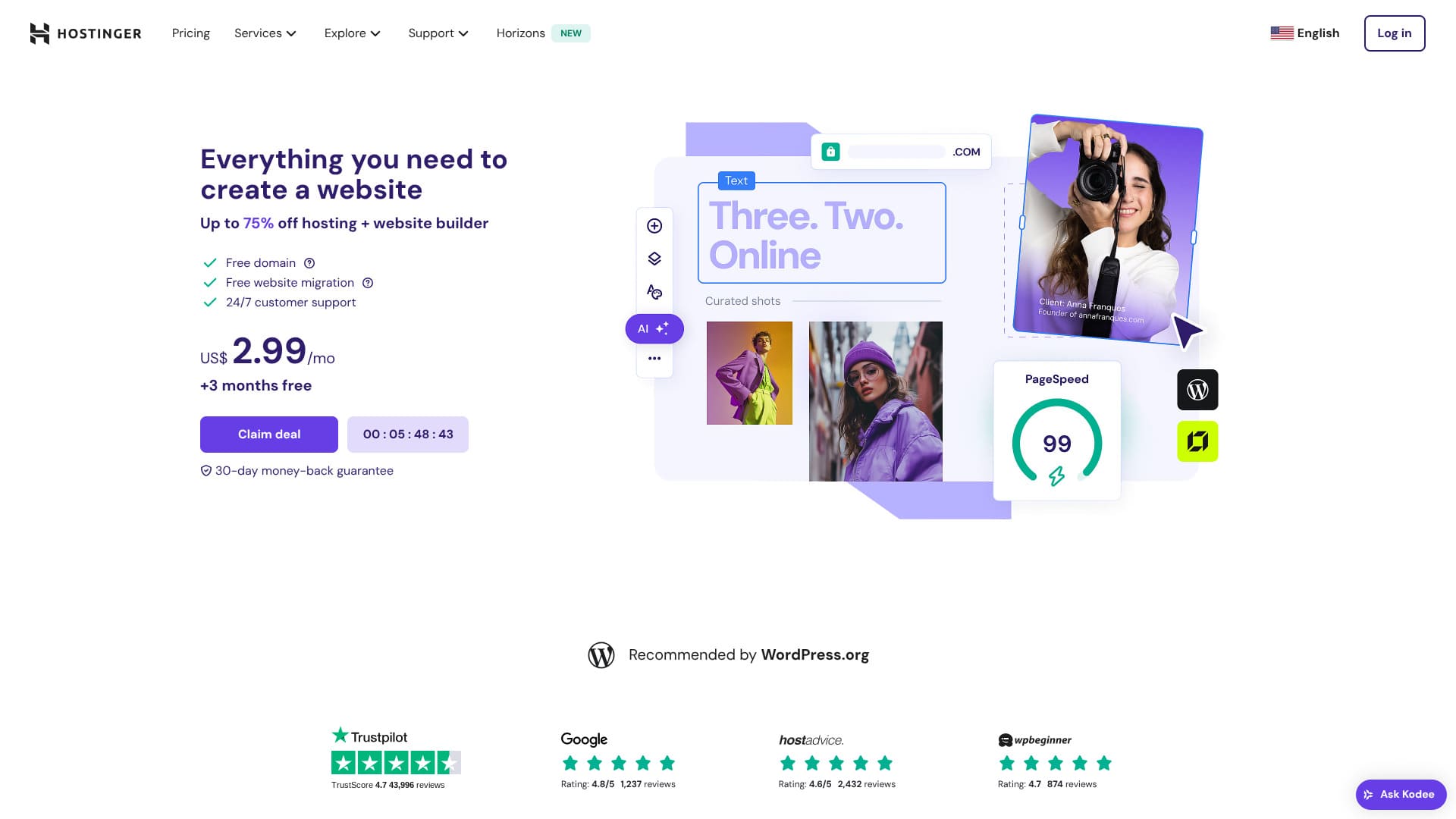
Hostinger ir serveris, ko oficiāli iesaka WordPress, un atbalsts ir pieejams 24 stundas diennaktī, 365 dienas gadā. Tam ir arī viegli lietojamas instalēšanas funkcijas, lai ikviens varētu palaist savu WordPress vietni.
| Servera tips | Koplietojams hostings |
| Ātrums (TTFB) | 31ms |
| Ieteicamais plāns un termiņš | Premium Web Hosting 12 months |
| Bezmaksas trial / money-back guarantee | 30-day money-back guarantee |
| Mēneša cena (12-month plan) | 4.50 USD (438 yen) |
| Sākotnējā iestatīšanas maksa | Bezmaksas |
| Bezmaksas domēns | 1 free domain for the first year |
| Atbalsts | 24/7 chat |
| Darbspējas laiks | 99.9% |
| Krātuve | 100 GB |
| Number of databases | 50 |
| Drošība | DDoS protection, malware scanning, firewall, Cloudflare protected name servers, Secure Access Manager |
| SSL | Bezmaksas SSL |
| Dublējumkopijas | 7-day backups & 7-week backups |
| Number of email accounts | 100 |
| E-pasta drošība | — |
| Servera / vietnes migrācijas pakalpojums | Nav |
| WordPress iepriekšinstalēšana | Nav |
| CDN | Bezmaksas |
| Datu centri | France, Lithuania, the Netherlands, the United Kingdom, India, Indonesia, Singapore, the United States, and Brazil |

Hikaru Ono
Kad darbojas akcijas, Hostinger ļauj sākt WordPress par ļoti zemu cenu. Tajā ir iekļauts arī viss nepieciešamais uzticamai darbībai, piemēram, darbspējas laiks un drošība.
Vadības panelis bija arī ļoti labi izstrādāts un ērti lietojams.
- Data based on market research as of Navvember 4, 2025, arranged in order of speed
- Mēneša cenas ir pirmā gada izmaksas lētākajam plānam, kas atbalsta WordPress
- Ātrums ir Time to First Byte (laiks līdz pirmajam baitam), kas izmērīts demonstrācijas vietnēs vienādos apstākļos
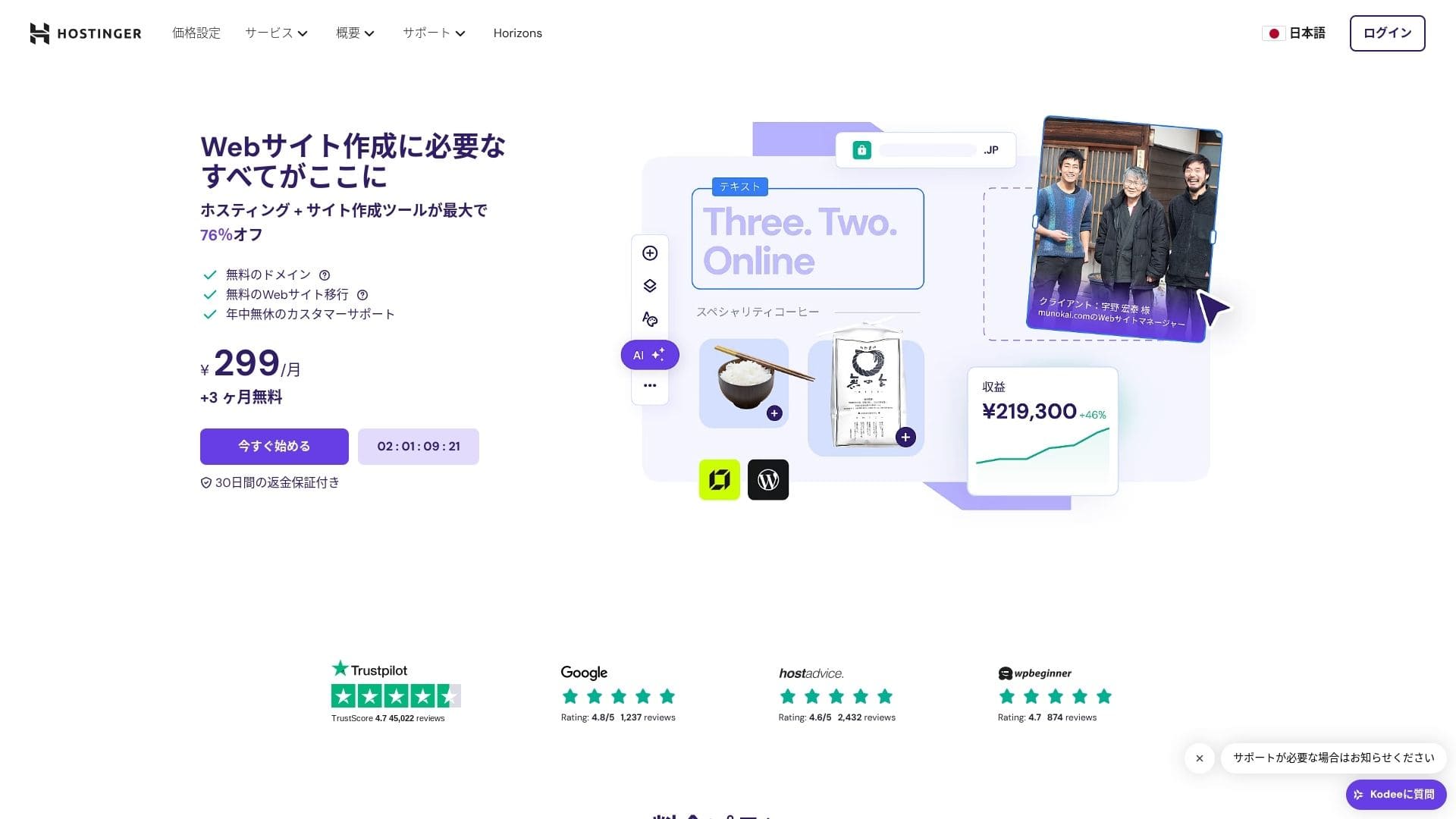
【Hostinger】 is a hosting company that started in Lithuania and is used by more than 29 million people. Its strong backup system lets you store WordPress data safely. Because it also offers large server capacity, it is a great fit for bigger sites.

WordPress-related reviews
Easy WordPress installation
Sākotnējās iestatīšanas vednis ietver viena klikšķa WordPress instalēšanu, un tēmas izvēli, SSL aktivizēšanu un automātisko atjauninājumu iestatījumus var pabeigt tikai piecās minūtēs. Tas arī nosaka spraudņu ievainojamības un brīdina jūs administratora panelī, samazinot uzturēšanas darbus līdz minimumam.
Let's Build a Website with HOSTINGER!
- STEP.1【Hostinger】 : Sign up and log in
Dodieties uz oficiālo HOSTINGER vietni un noklikšķiniet uz "Sākt tūlīt".
- STEP.2Choose the Premium plan and purchase it
Choose from the hosting plans. I recommend the 12-month "Premium Shared Hosting" option. A longer term lowers your server cost, and you also get one free domain. The best overall value is the 48-month contract.
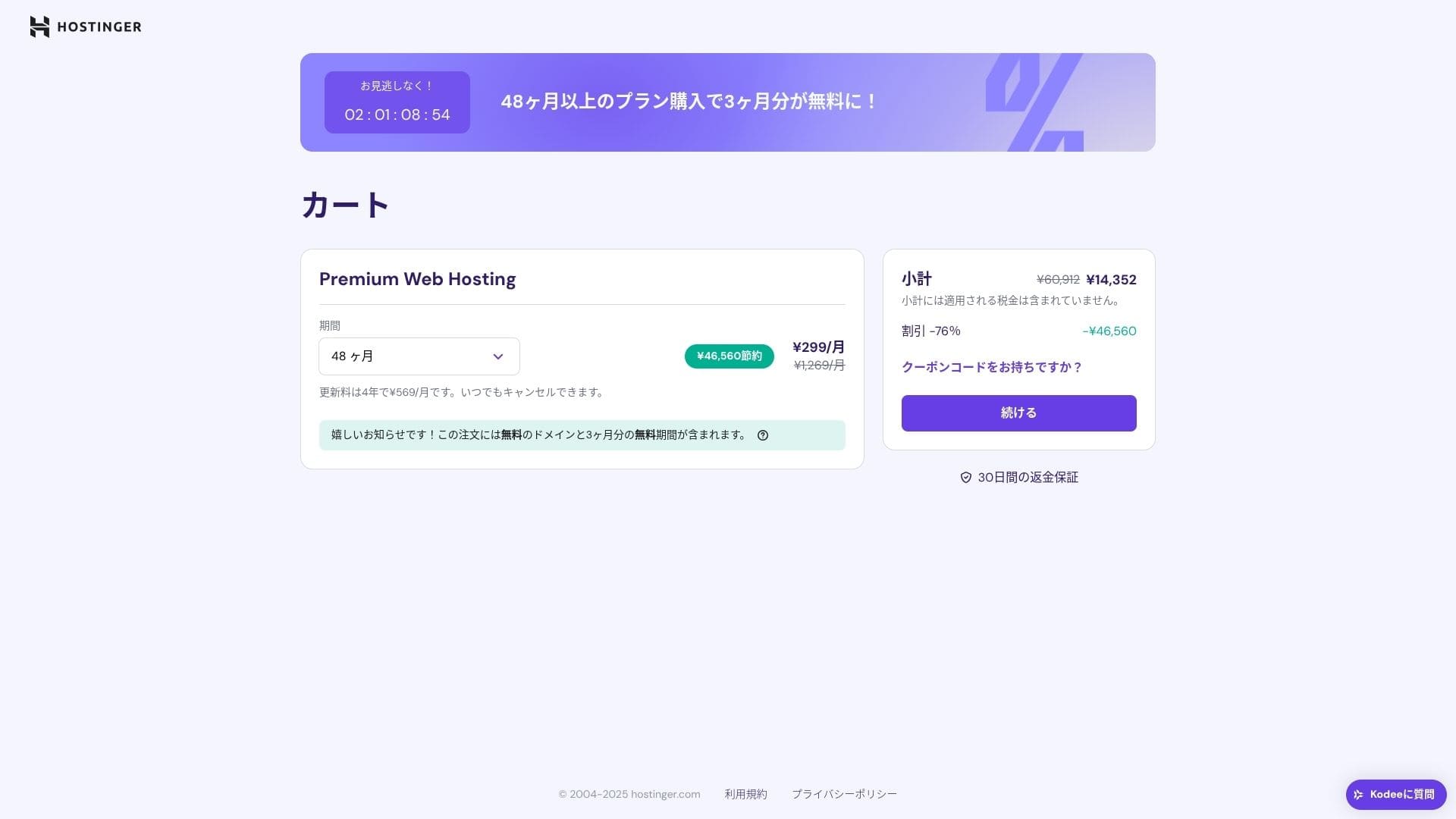
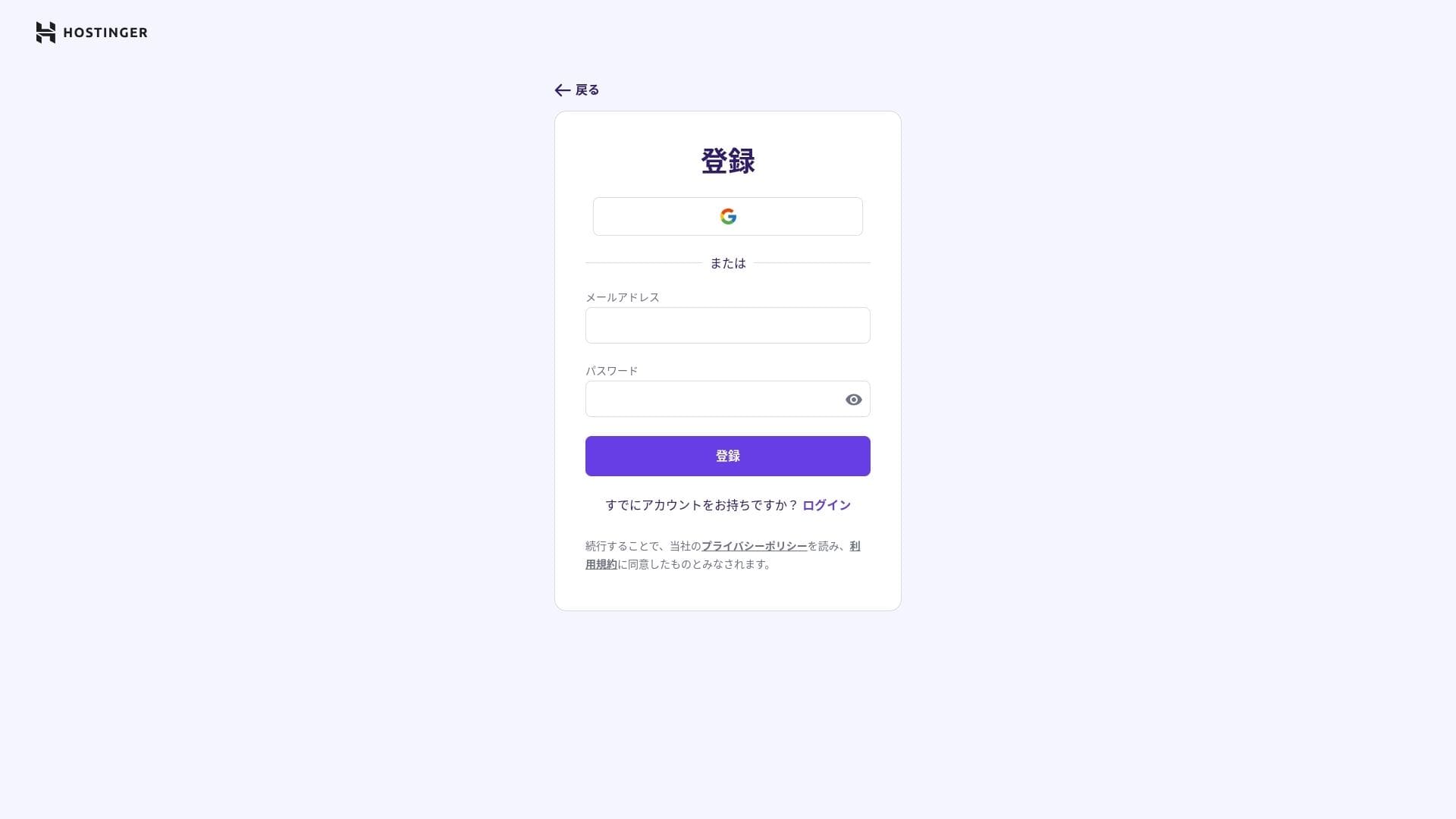
If you do not already have an account, sign up for one.
Enter your address and payment details.
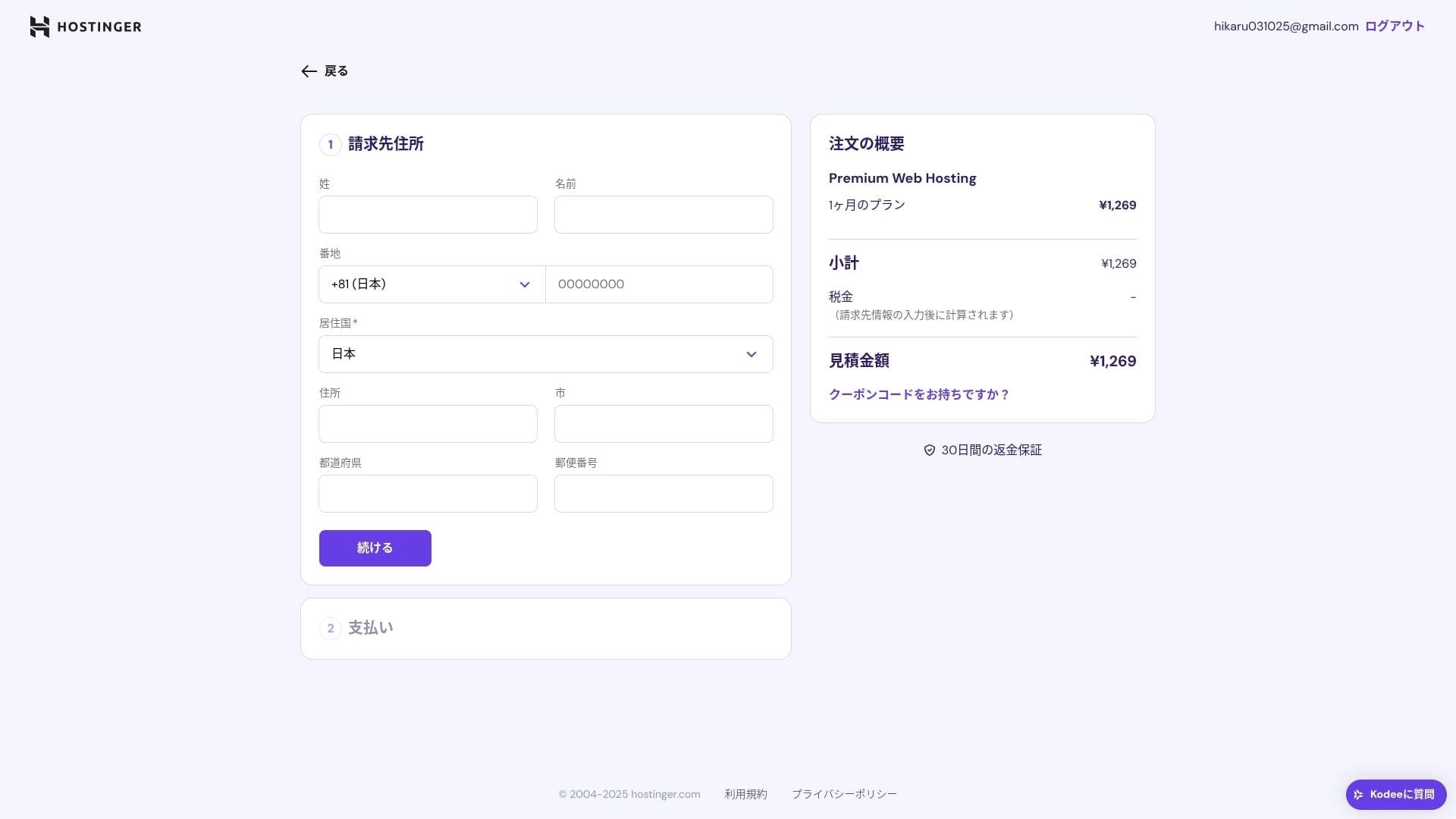
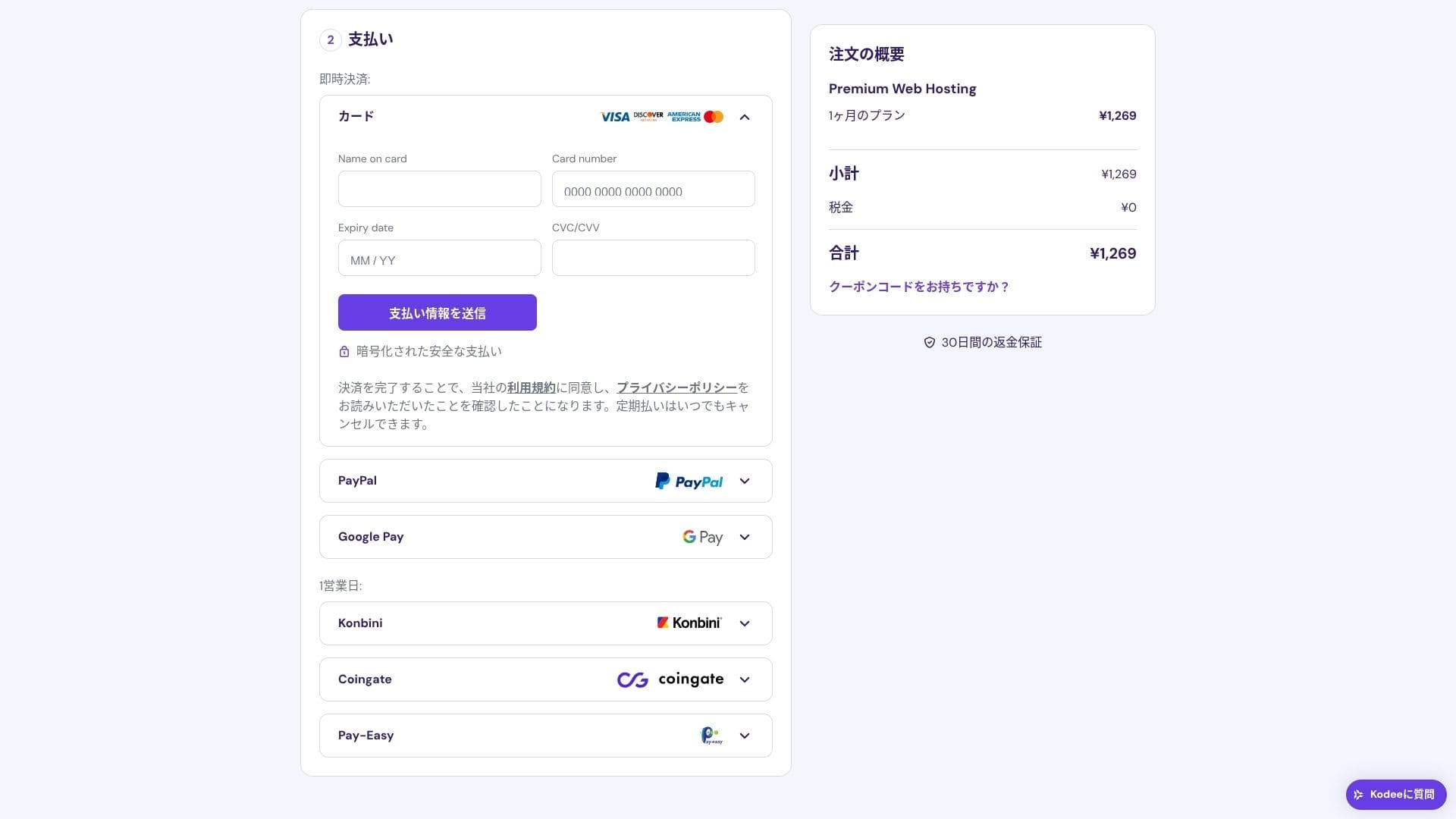
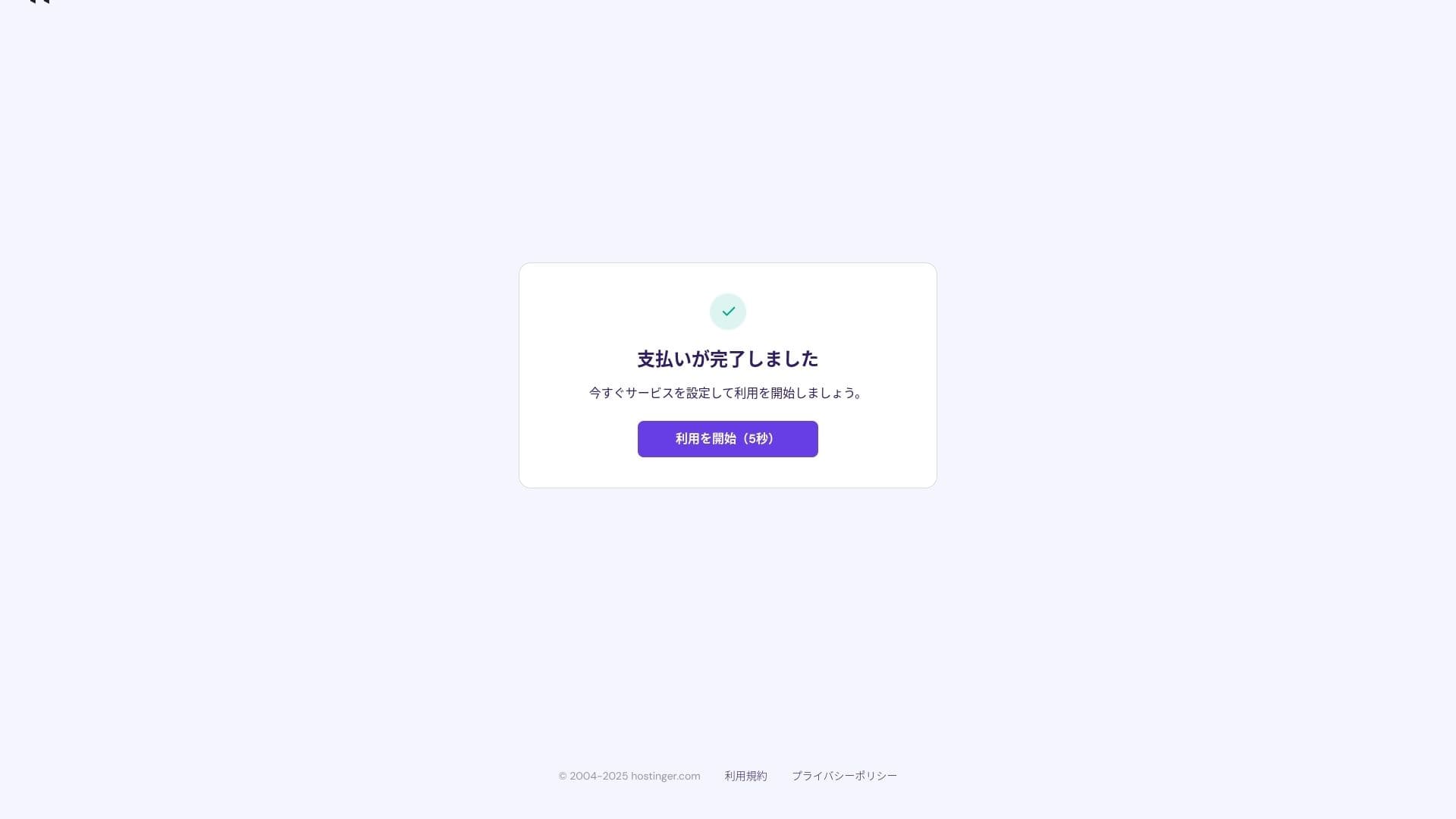
Kad maksājums ir pabeigts, noklikšķiniet uz "Sākt lietot". Pēc tam varēsiet pierakstīties vadības panelī.
- STEP.3Install WordPress
Pierakstieties vadības panelī, pēc tam uzdevumu sarakstā noklikšķiniet uz "Turpināt".
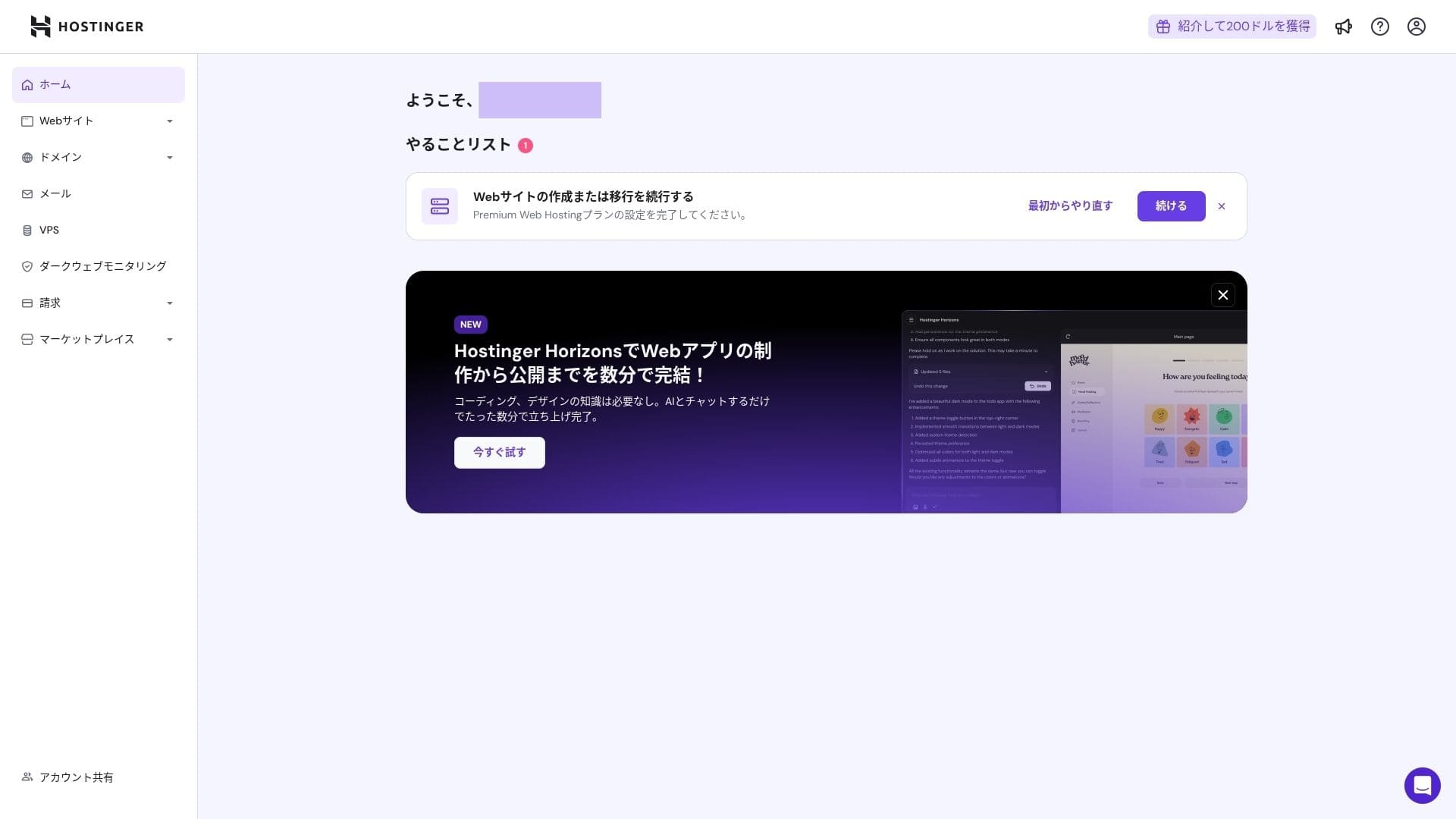
Click "Create a website."
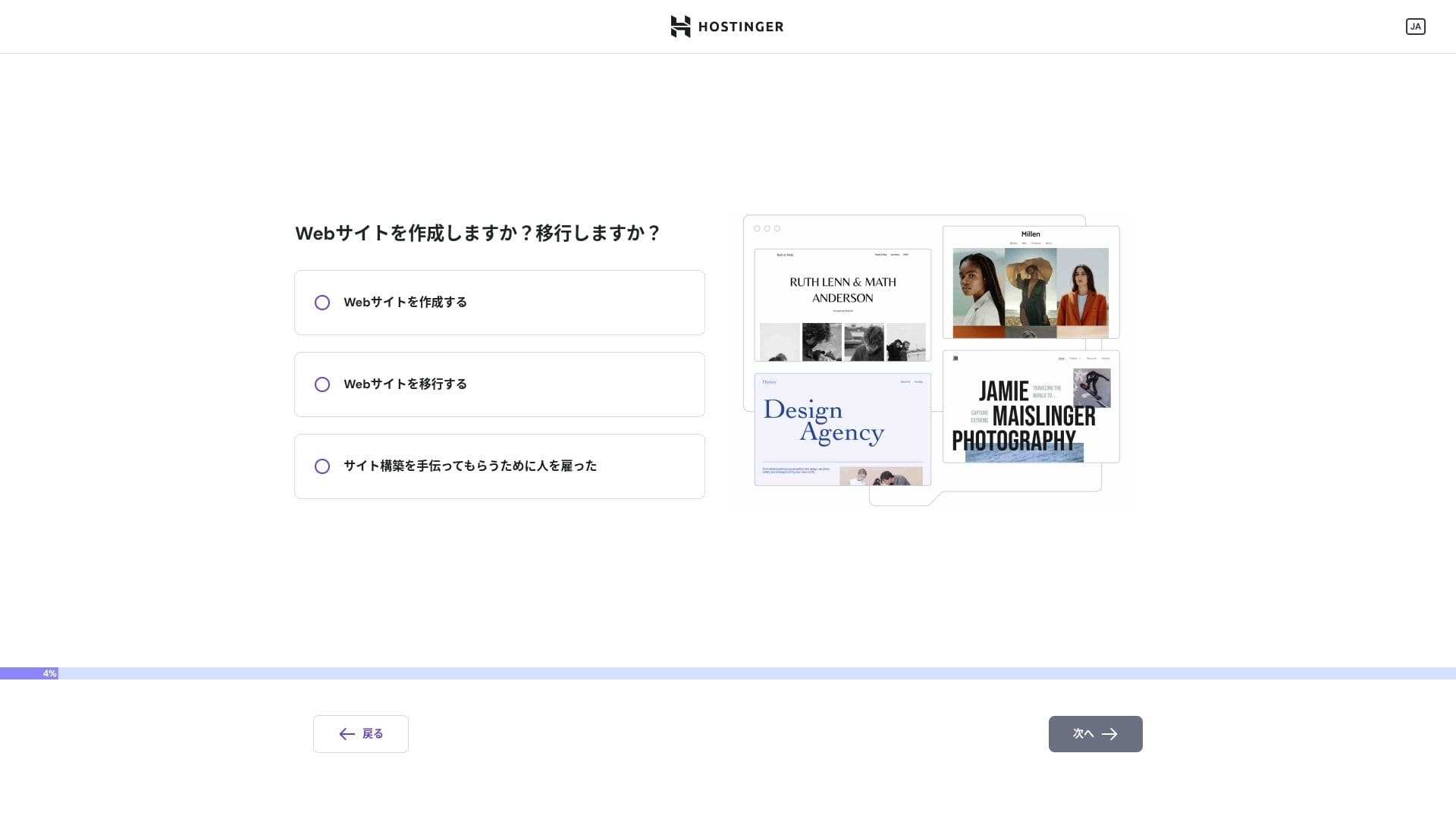
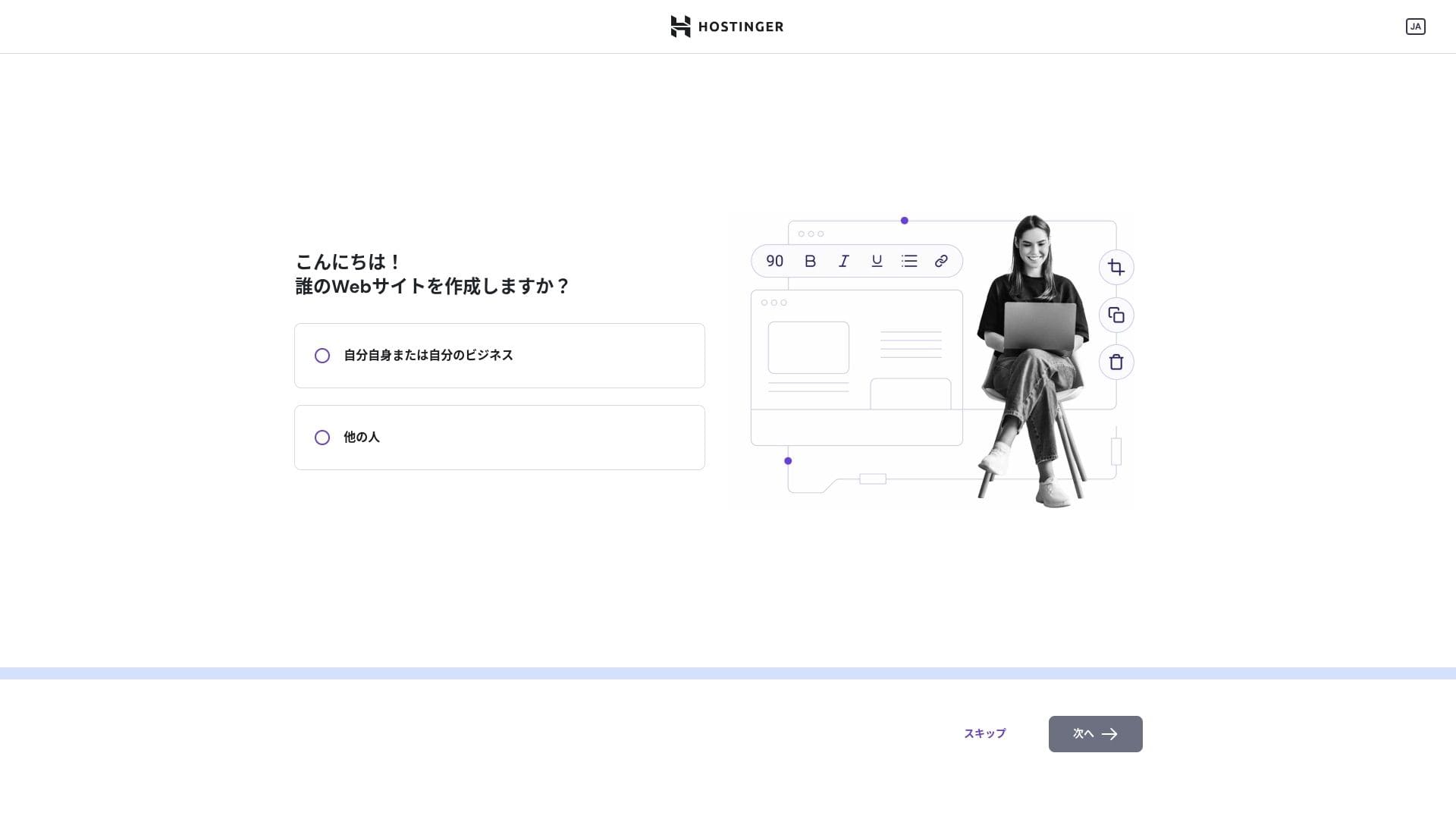
Click "Myself or my business." If you are building it on behalf of a client, choose "Other people."
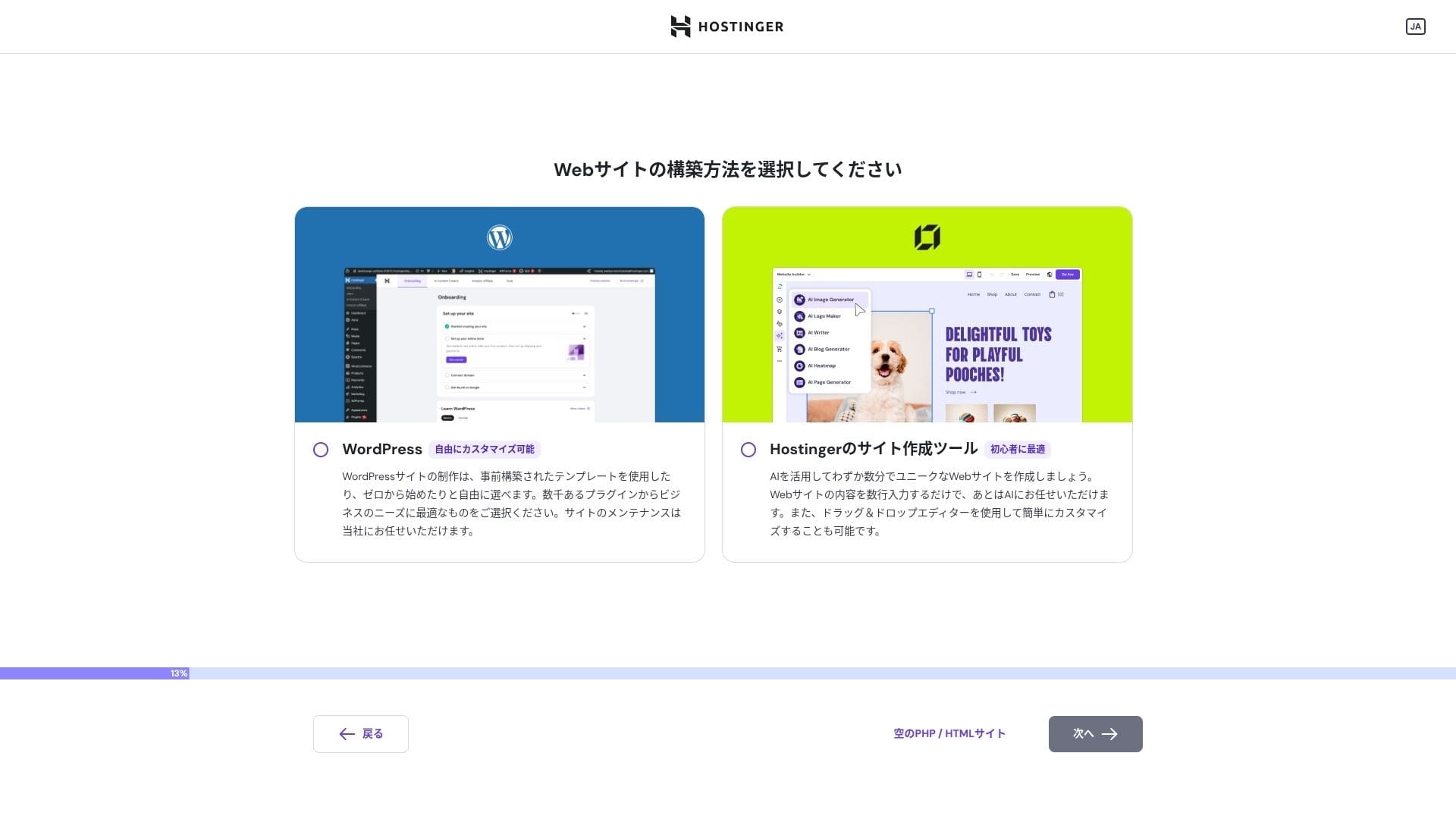
Choose "WordPress" as the way you want to build the site.
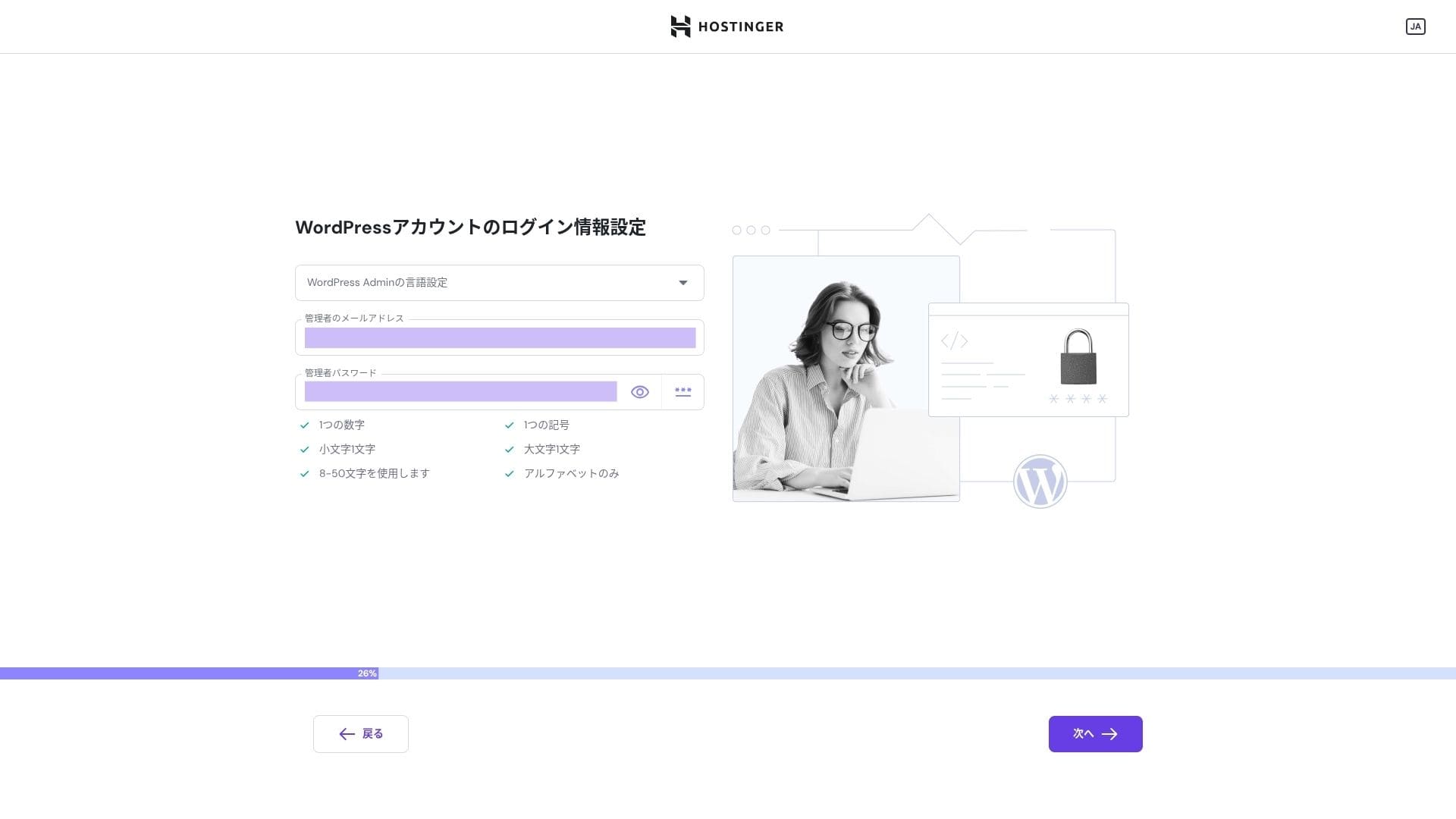
Set the login credentials for your WordPress account. Create an email address and password.Be sure to write down this email address and password so you do not forget them.After creating them, click "Next."
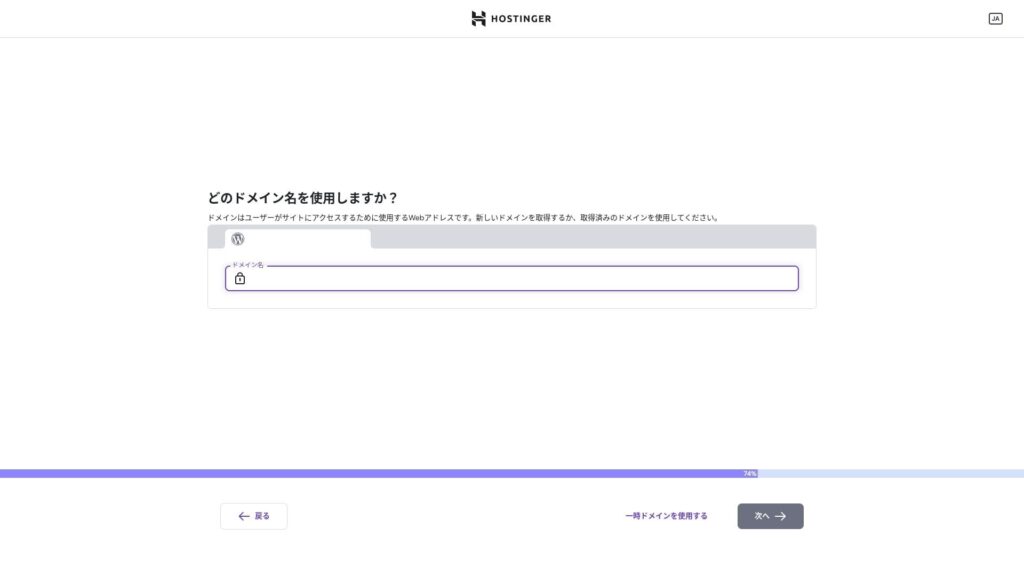
Choose your domain. Acquire or transfer a custom domain.
You can also choose "Use a temporary domain." In that case, a HOSTINGER subdomain will be created for you.
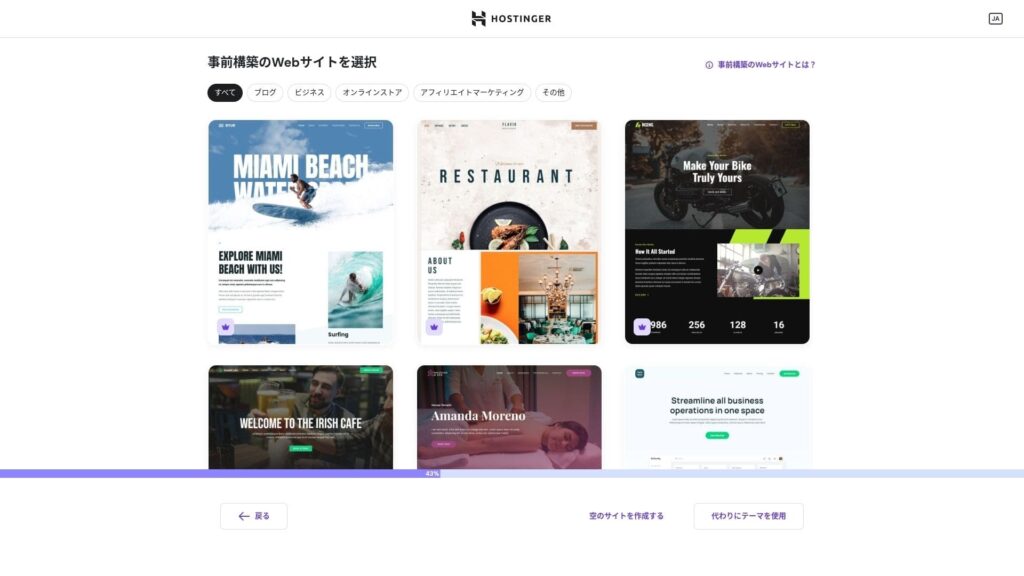
Choose a template. I recommend selecting "Create a blank website" and then installing a Japanese WordPress theme after WordPress itself is installed.
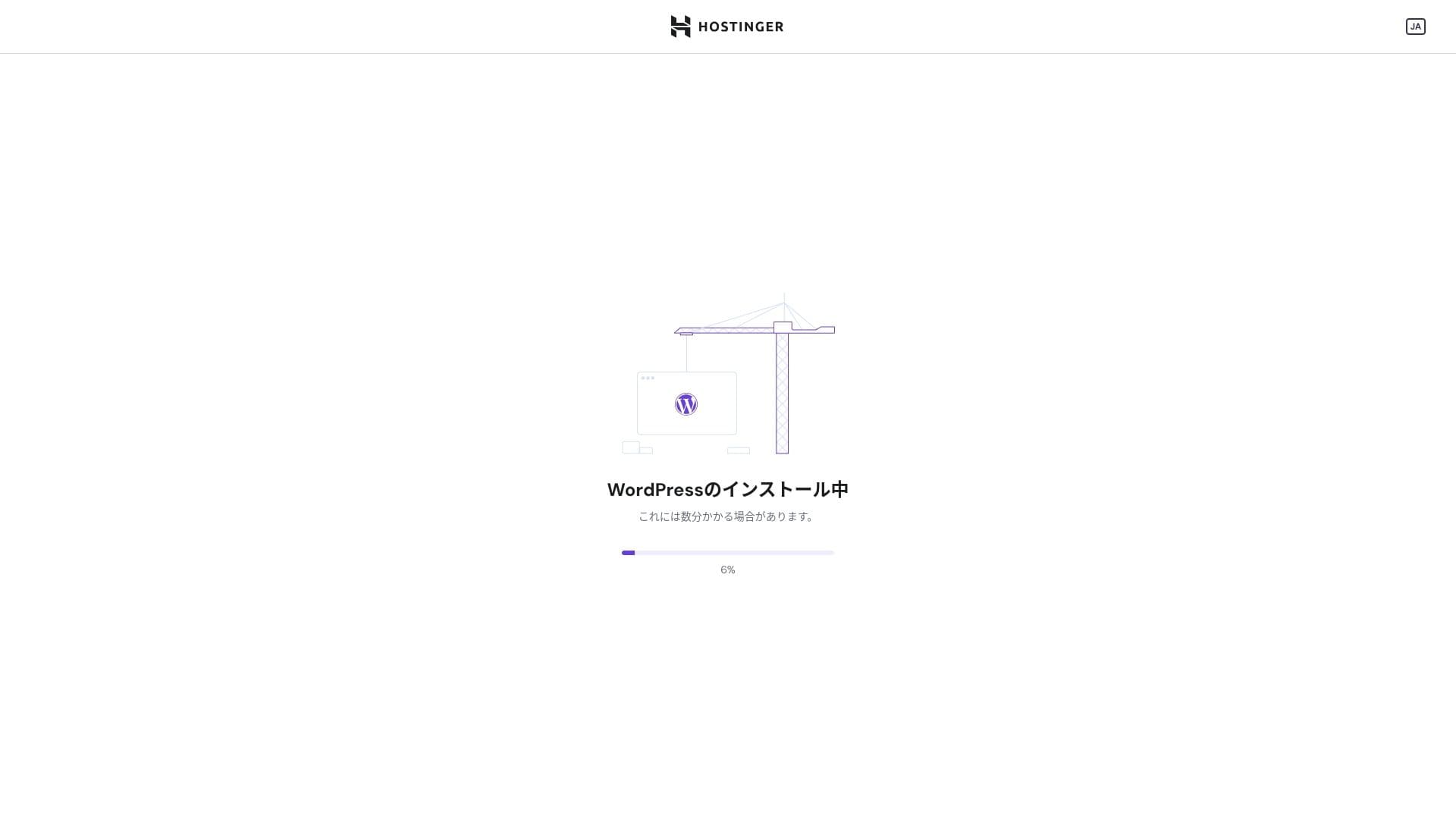
WordPress installation has started. Wait a minute or two.
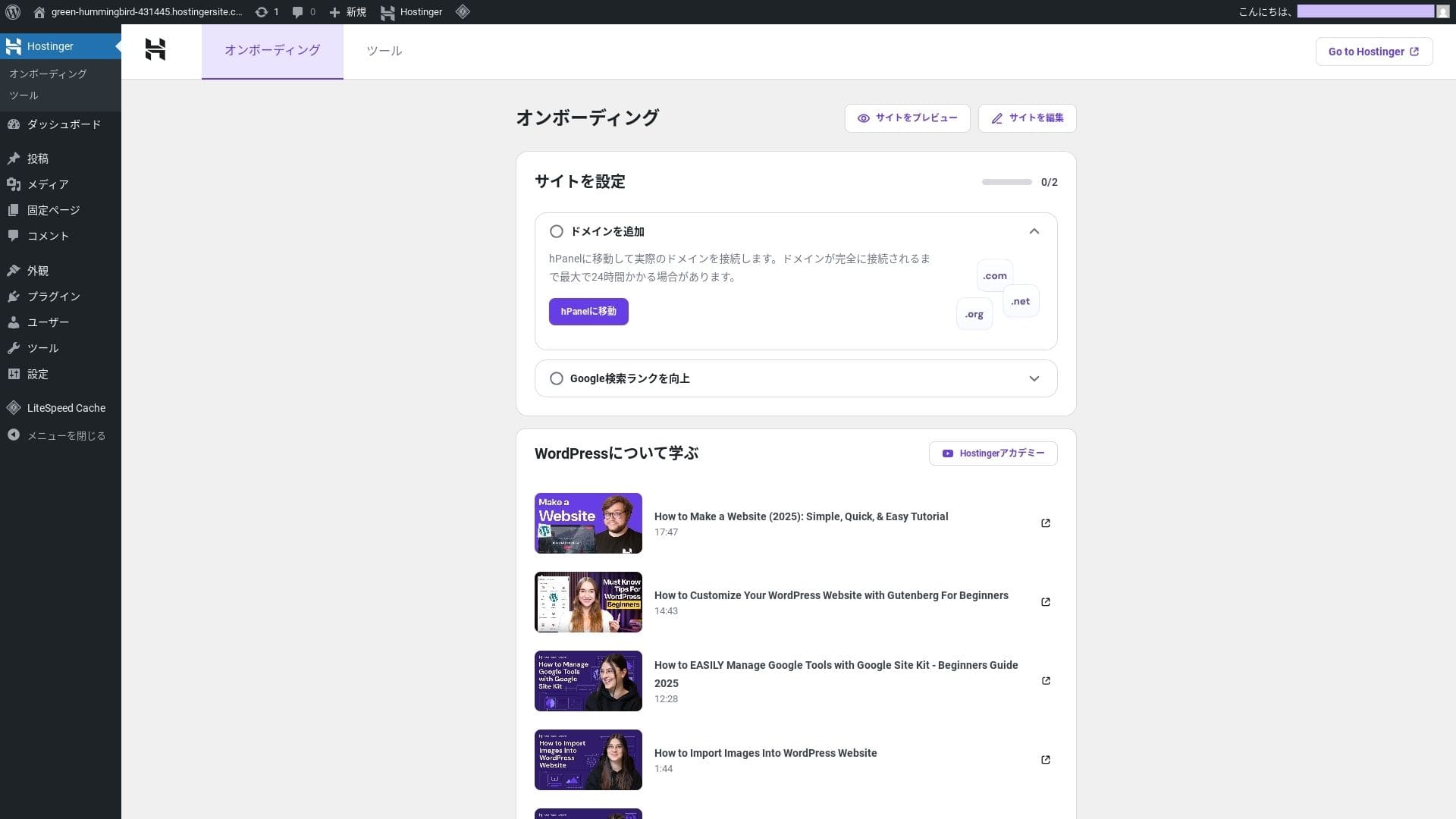
Once installation is complete, you will be logged in to WordPress. That finishes the WordPress installation process.
- Step.4Set up your domain and DNS
If you want to use a custom domain, acquire or transfer it first. Once that is done, configure the DNS settings.
Running multiple sites
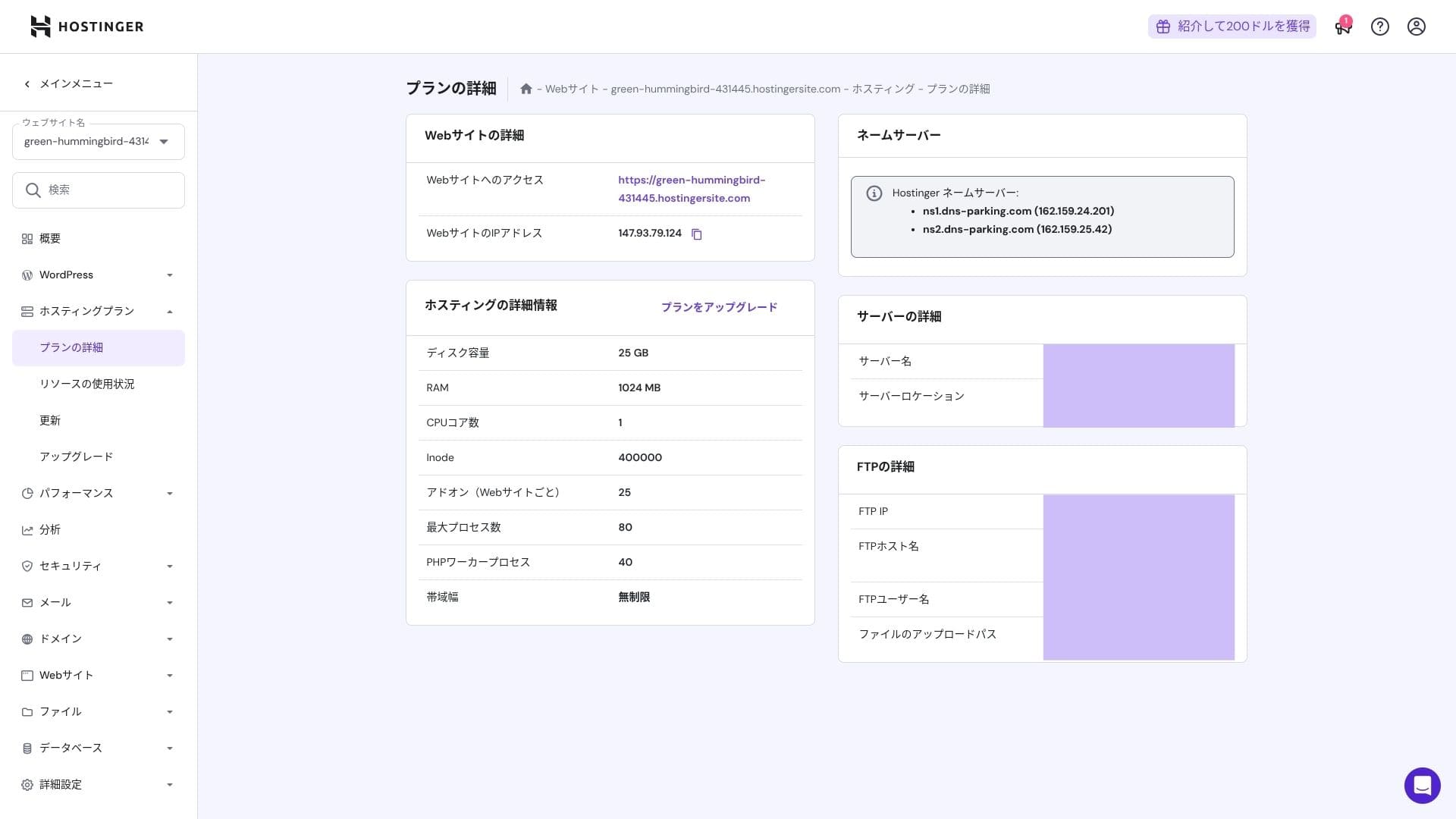
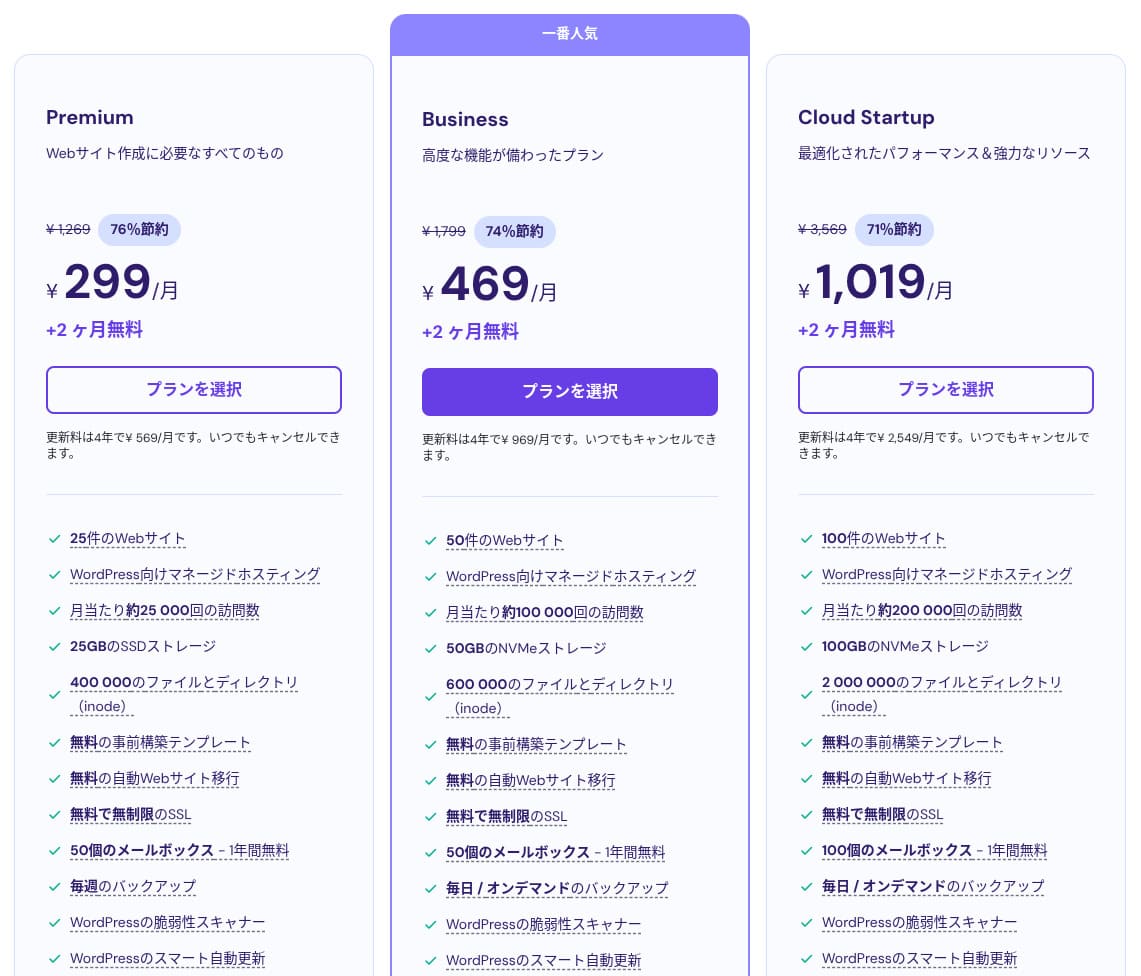
Hostinger shared hosting has three plans. Even the lowest-priced Premium plan lets you host up to 25 sites.
| Plan | Sites | Krātuve | Dublējums frequency | Mēneša cena (initial term) |
|---|---|---|---|---|
| Premium | 25 | 25 GB SSD | Weekly | 299 yen |
| Business | 50 | 50 GB NVMe | Daily + on-demand | 469 yen |
| Cloud Startup | 100 | 100GB NVMe | Daily + on-demand | 1,019 yen |
Adding a WordPress site
- STEP.1Pieteikties vadības panelī
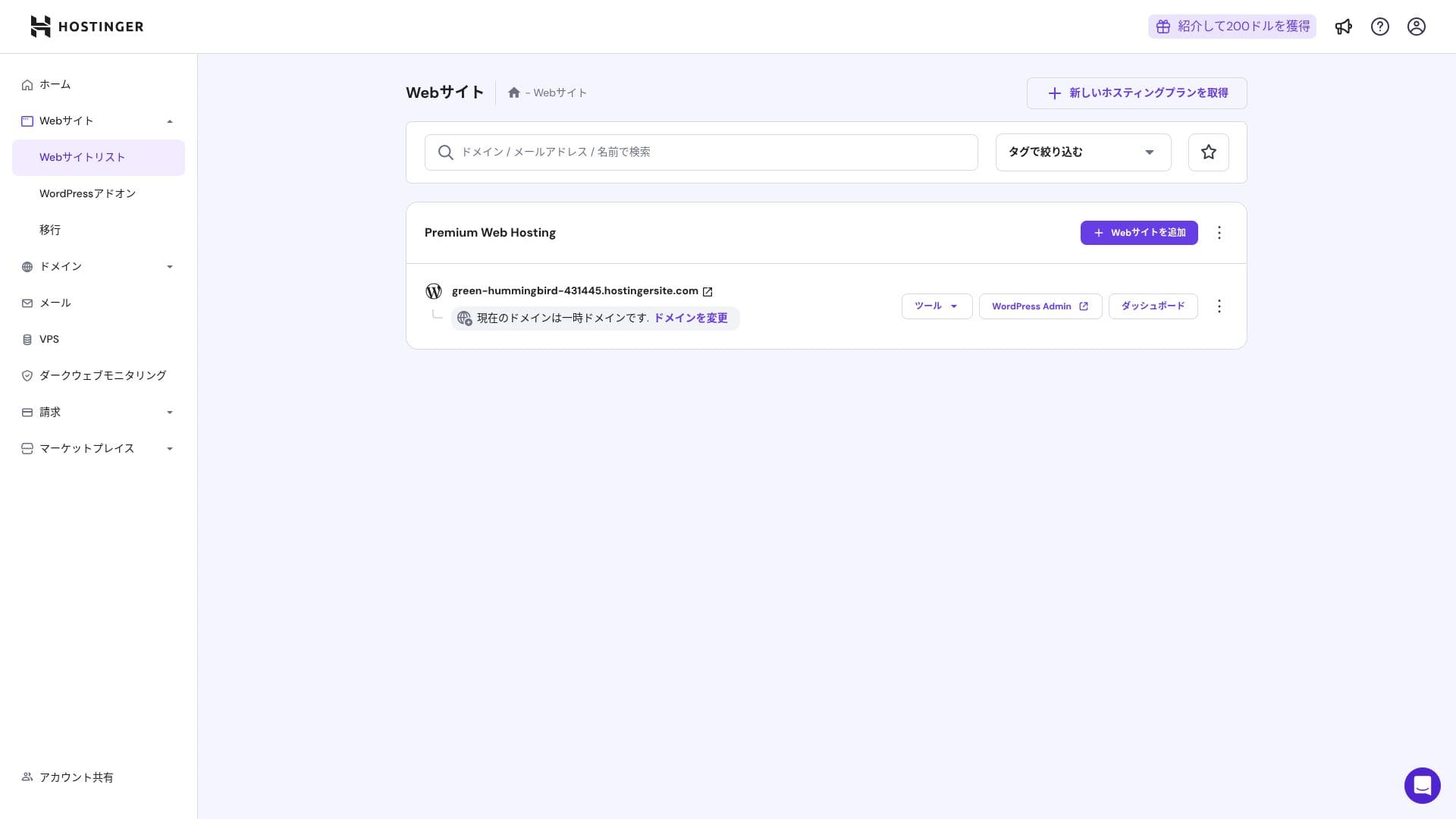
After logging in, click "+ Add Website" from the website list.
- STEP.2Choose "WordPress" from the popup that appears
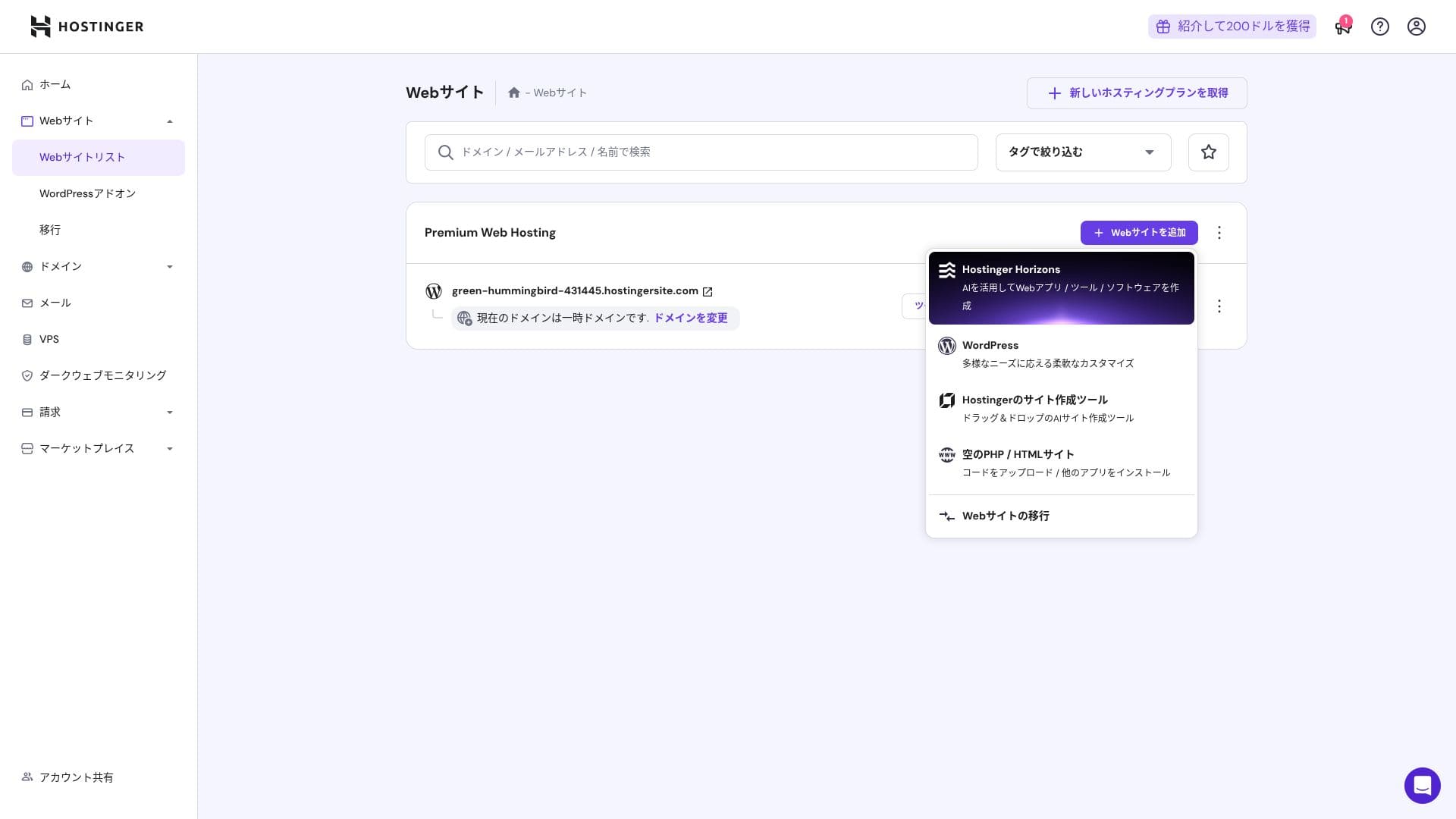
- STEP.3Set the WordPress login details
- STEP.4Set up the domain and DNS
Configure the domain and DNS settings.
If your need to run multiple sites grows, upgrade your plan.
Veiktspējas un specifikāciju apskats
Our measurements: speed review
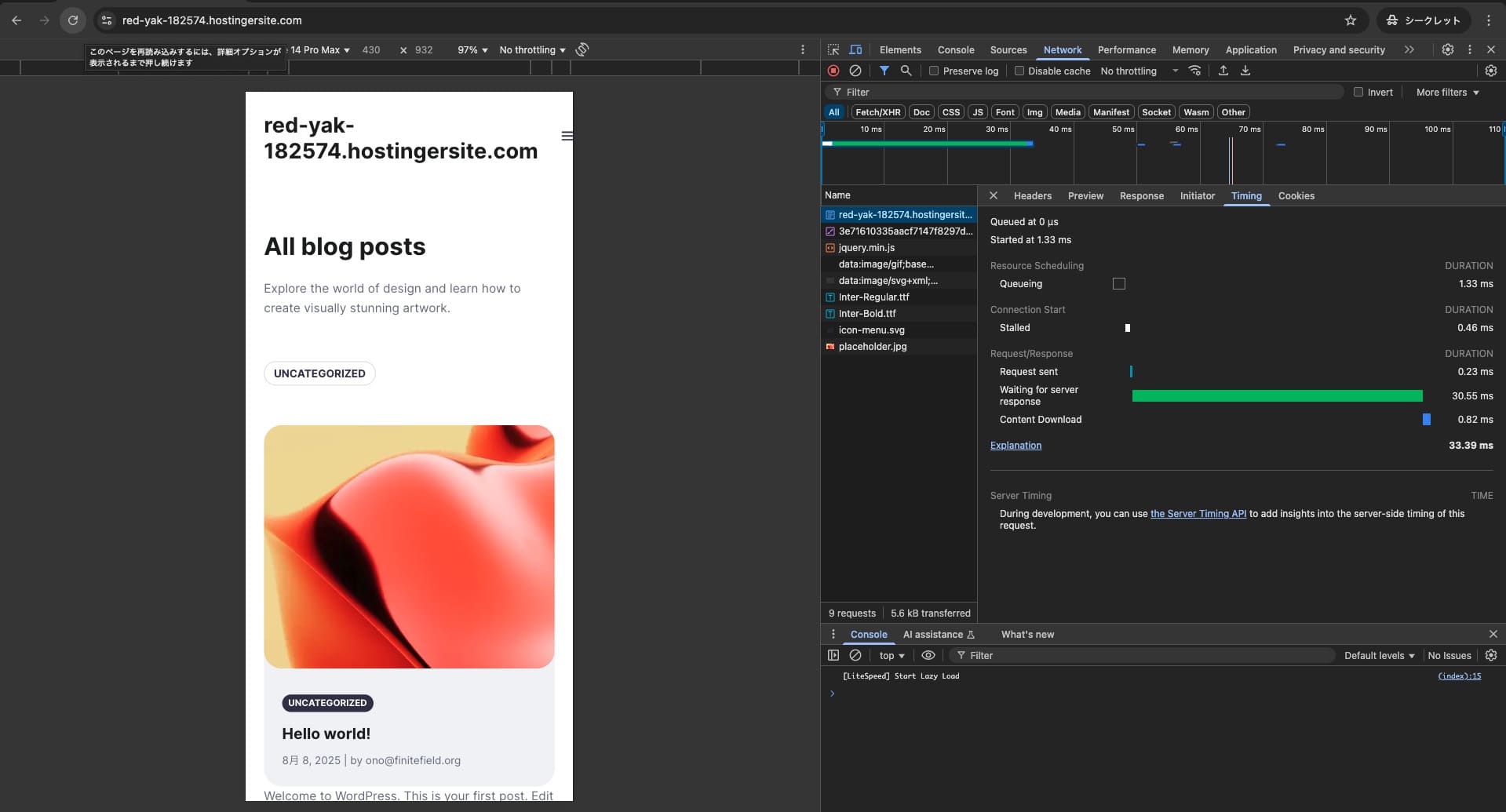
Mēs izmērījām Hostinger lapas ātrumu. Mūsu testā tas ierindojās 2. vietā. Tā TTFB (Time to First Byte jeb laiks līdz lapas galvenā satura parādīšanai) bija 30,55 ms. Tas ir daudz ātrāk nekā Google sagaidāmais servera ātrums 200 ms.
You should reduce your server response time under 200ms.Improve Server Response Time

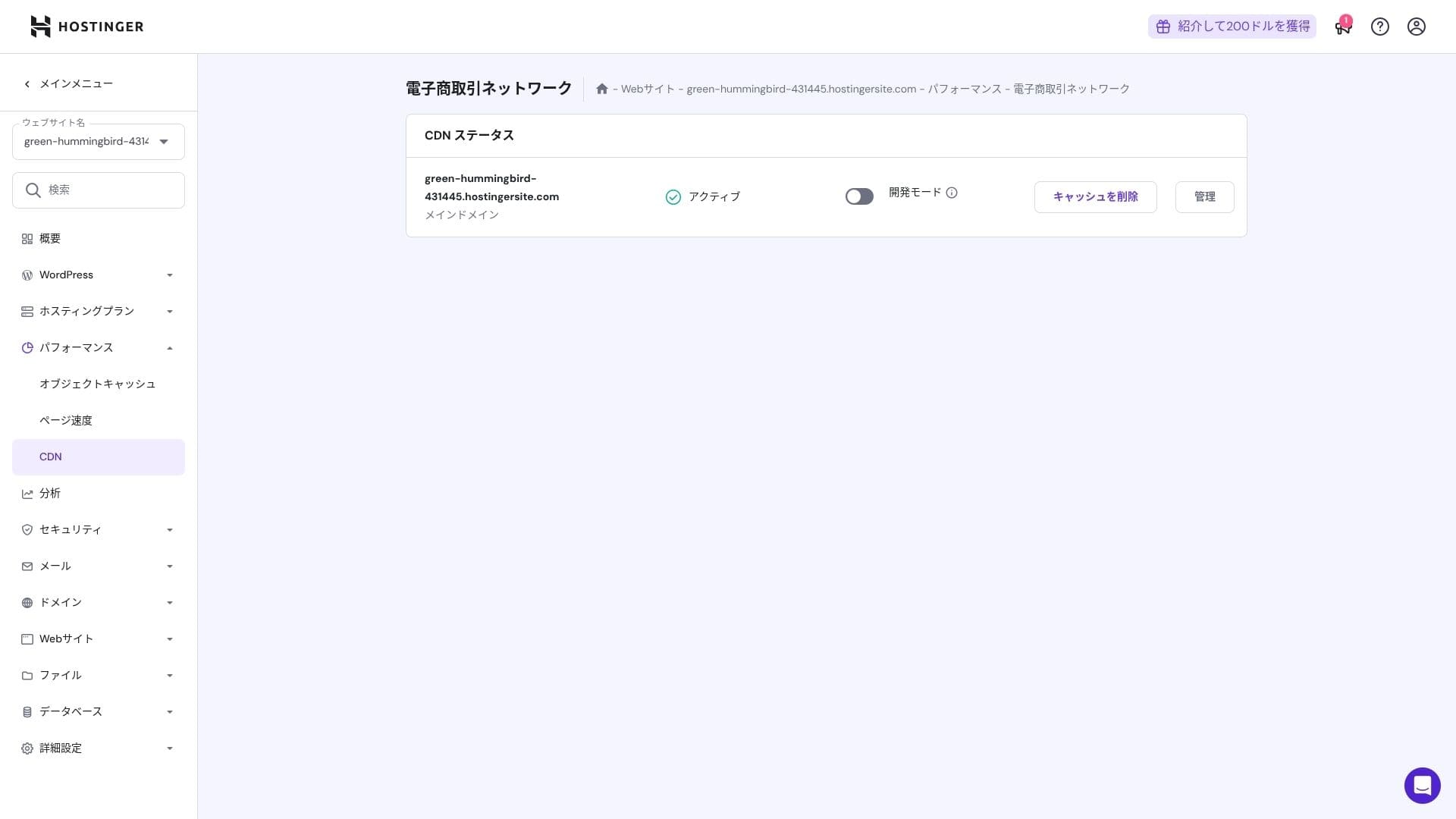
Tajā tiek izmantota LiteSpeed tīmekļa servera, NVMe SSD un paša izstrādātā CDN kombinācija. CDN izmantošana samazina svārstības pat ārvalstu pieprasījumiem, kas palīdz samazināt grozu pamešanu e-komercijas vietnēs.
Hikaru Ono
Hostinger uses SSD or NVMe storage. That is one of the reasons it is so fast.
Krātuve capacity
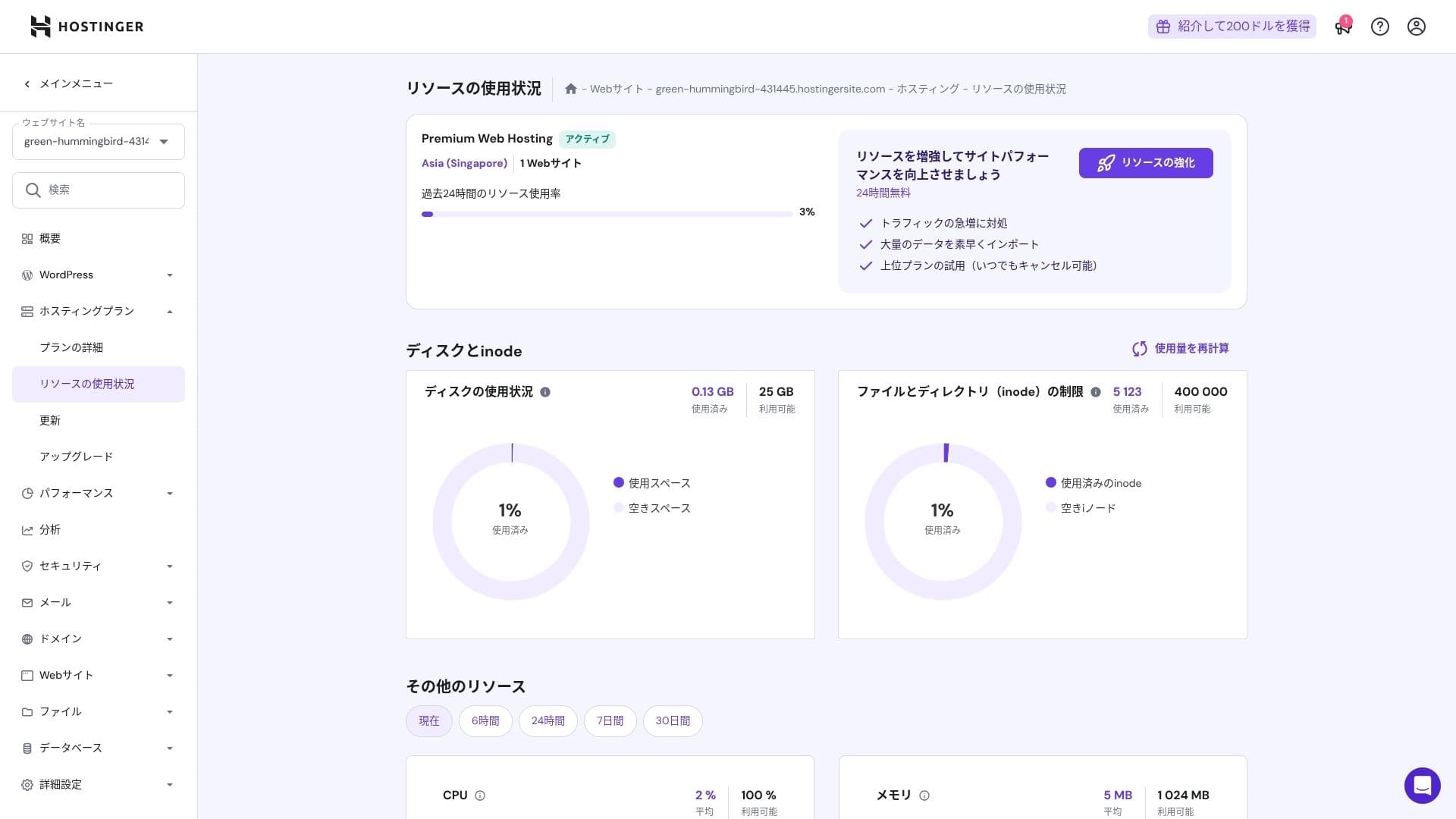
The storage allocations are 25 GB for Premium, 50 GB for Business, and 100 GB for Cloud Startup. If you run media-heavy sites, I recommend Cloud or above, but for blogs and small to midsize business sites, Premium is sufficient.
In fact, simply installing WordPress uses only about 130 MB.
Hikaru Ono
This site itself uses only about 2 GB of storage.
Data transfer
All plans from Premium upward include unmetered bandwidth. However, because inode limits and CPU usage still create practical caps, if you expect more than 100,000 page views per month, moving to Cloud is the safer choice.
For blogs and small to midsize business sites, Premium is enough.
★ What are traffic and data transfer? Managing and optimizing web traffic
Server stability and uptime
Hostinger provides a 99.9% uptime guarantee on all plans. Because its uptime is high, you can use it confidently even for corporate and business websites.
★ A must-read for beginners: Understand rental server uptime and SLAs
Pricing and cost review
Initial fees and monthly cost
Nevienam plānam nav sākotnējās maksas. Mēneša cenas ievērojami atšķiras atkarībā no līguma termiņa. Pirmreizējās reģistrācijas brīdī Premium plāns maksā 299 jenas mēnesī, bet pēc atjaunošanas maksa pieaug līdz 1269 jenām.
- Hostinger
- Kinsta
- XServer Business
- wpx
- Lolipop!
- Star Rental Server
- Rakko Server
- XServer
- ConoHa
- Colorful Box
- Shin Rental Server
- Little Server
- CORESERVER
- DreamHost
- Bluehost
- Sakura
- Namecheap
- Shin Bezmaksas
- XREA
- Value Server
- KAGOYA
- SiteGround
- Hostgator
- IONOS
- Onamae.com
- ABLENET
- mixhost
- GoDaddy
- iCLUSTA+
- MuuMuu Server
- WADAX
- WebARENA
- heteml
- CPI Rental Server

































Domain pricing
Premium and above include one free year for a custom domain such as .com. You can also bring in an existing domain.
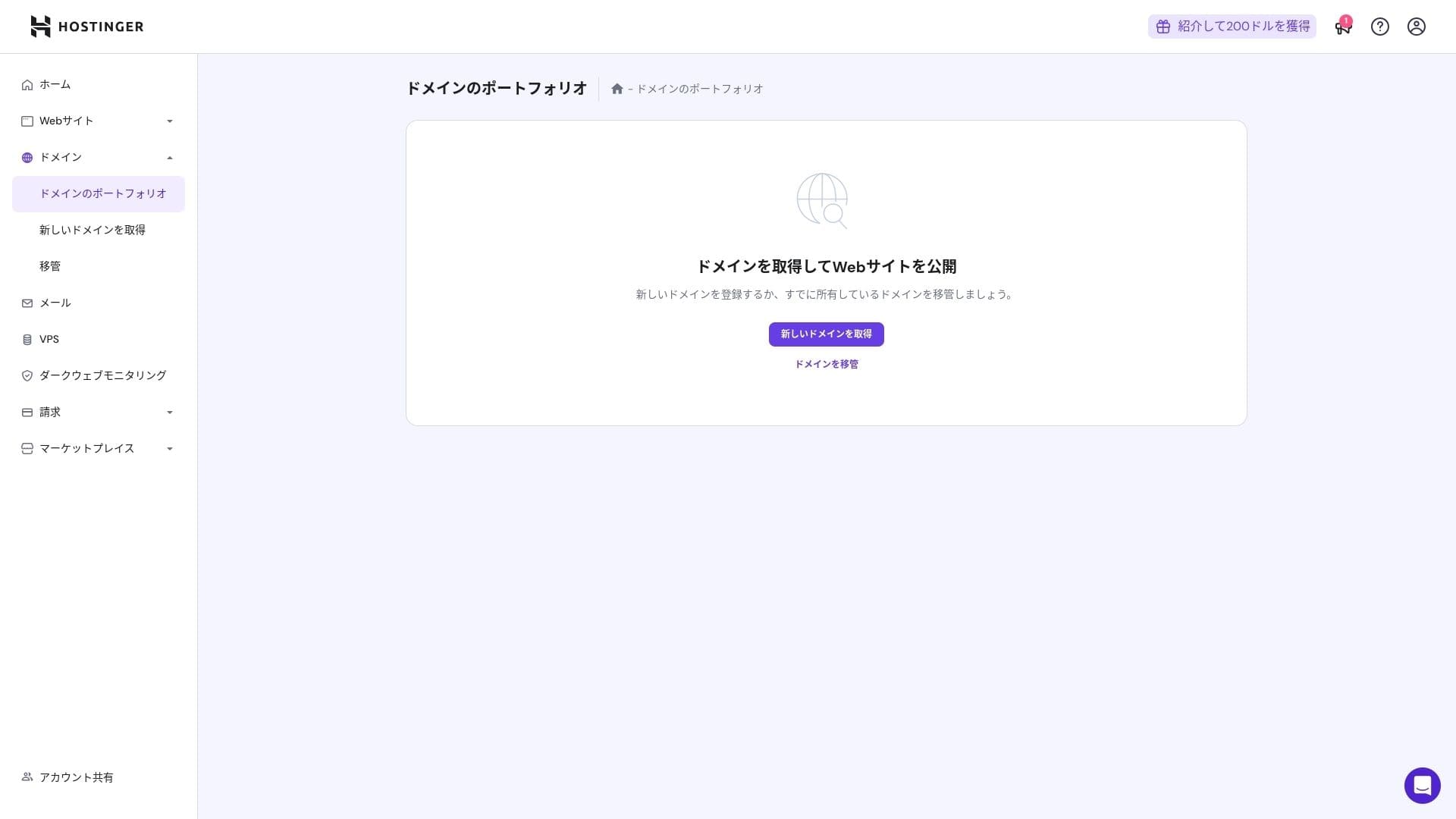
Annual domain fees are a few thousand yen. Because websites and blogs are meant to be used for the long term, if you want to keep domain costs as low as possible, getting your domain from another company is also a good option.
- Onamae.com
- Xserver Domain
- MuuMuu Domain
- Value Domain
- Shin Domain
- Star Domain
- Colorful Domain
- Rakko Domain








Hikaru Ono
Japāņu hostinga uzņēmumi, piemēram, ConoHa WING un XServer, kamēr servera līgums ir aktīvs, domēnu nodrošina bez maksas uz visiem laikiem, tāpēc šajā ziņā Hostinger zaudē dažiem konkurentiem.
SSL certificate cost
Uz Let's Encrypt balstīts DV SSL sertifikāts ir iekļauts ar neierobežotu izsniegšanu un automātisku atjaunošanu. Papildu maksa netiek piemērota.
Payment methods
Tas piedāvā plašu maksājumu metožu klāstu. Tiek atbalstītas galvenās kredītkartes, piemēram, Visa un MasterCard, kā arī PayPal un citas iespējas. Praktiski noderīgi ir arī tas, ka uzņēmumu kartes un maksājumi no ārzemēm retāk tiek noraidīti.
- Hostinger
- Kinsta
- XServer Business
- wpx
- Lolipop!
- Star Rental Server
- Rakko Server
- XServer
- ConoHa
- Colorful Box
- Shin Rental Server
- Little Server
- CORESERVER
- DreamHost
- Bluehost
- Sakura
- Namecheap
- Shin Bezmaksas
- XREA
- Value Server
- KAGOYA
- SiteGround
- Hostgator
- IONOS
- Onamae.com
- ABLENET
- mixhost
- GoDaddy
- iCLUSTA+
- MuuMuu Server
- WADAX
- WebARENA
- heteml
- CPI Rental Server


































Lietojamības un atbalsta apskats
Cik viegli lietot vadības paneli
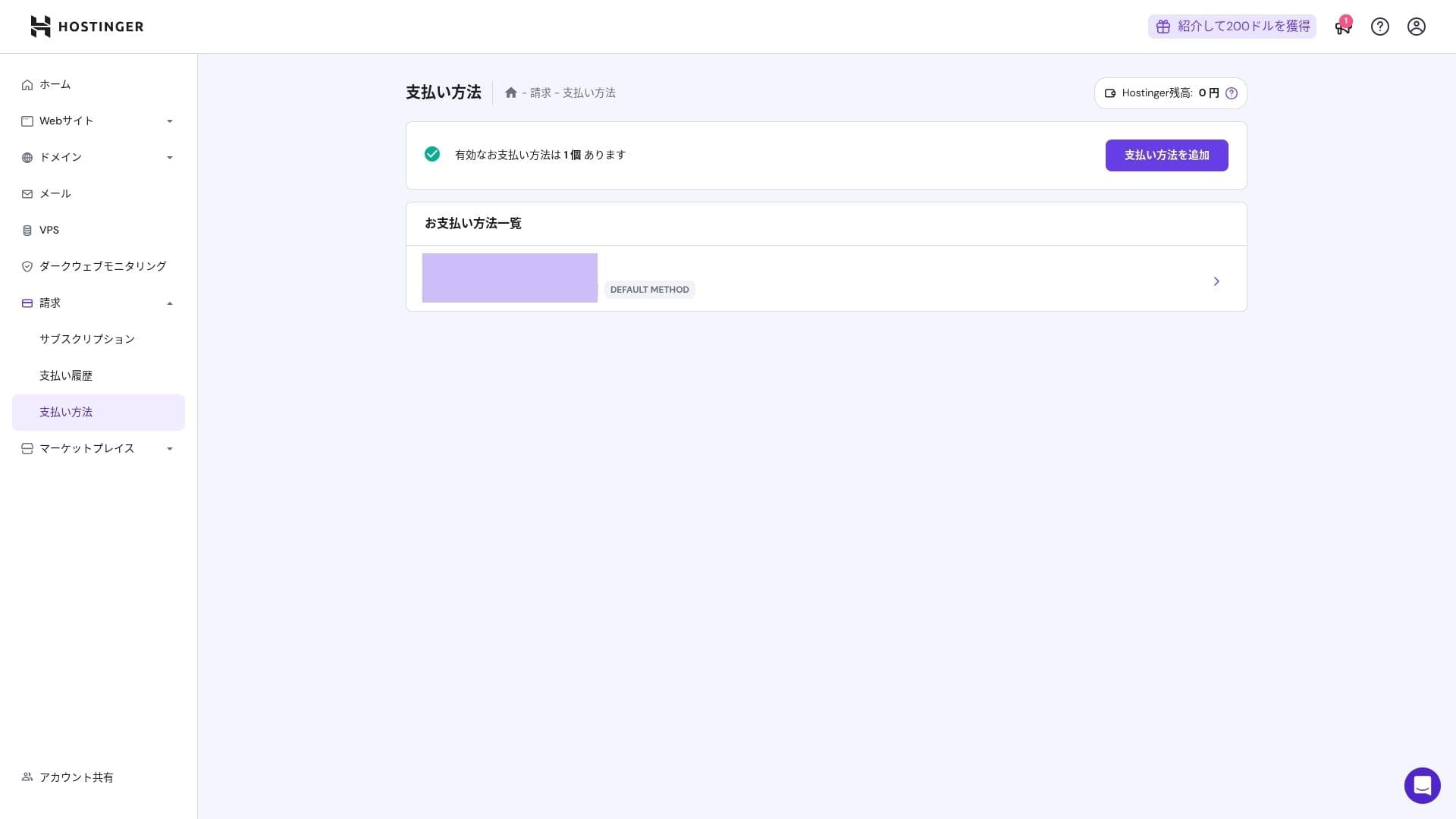
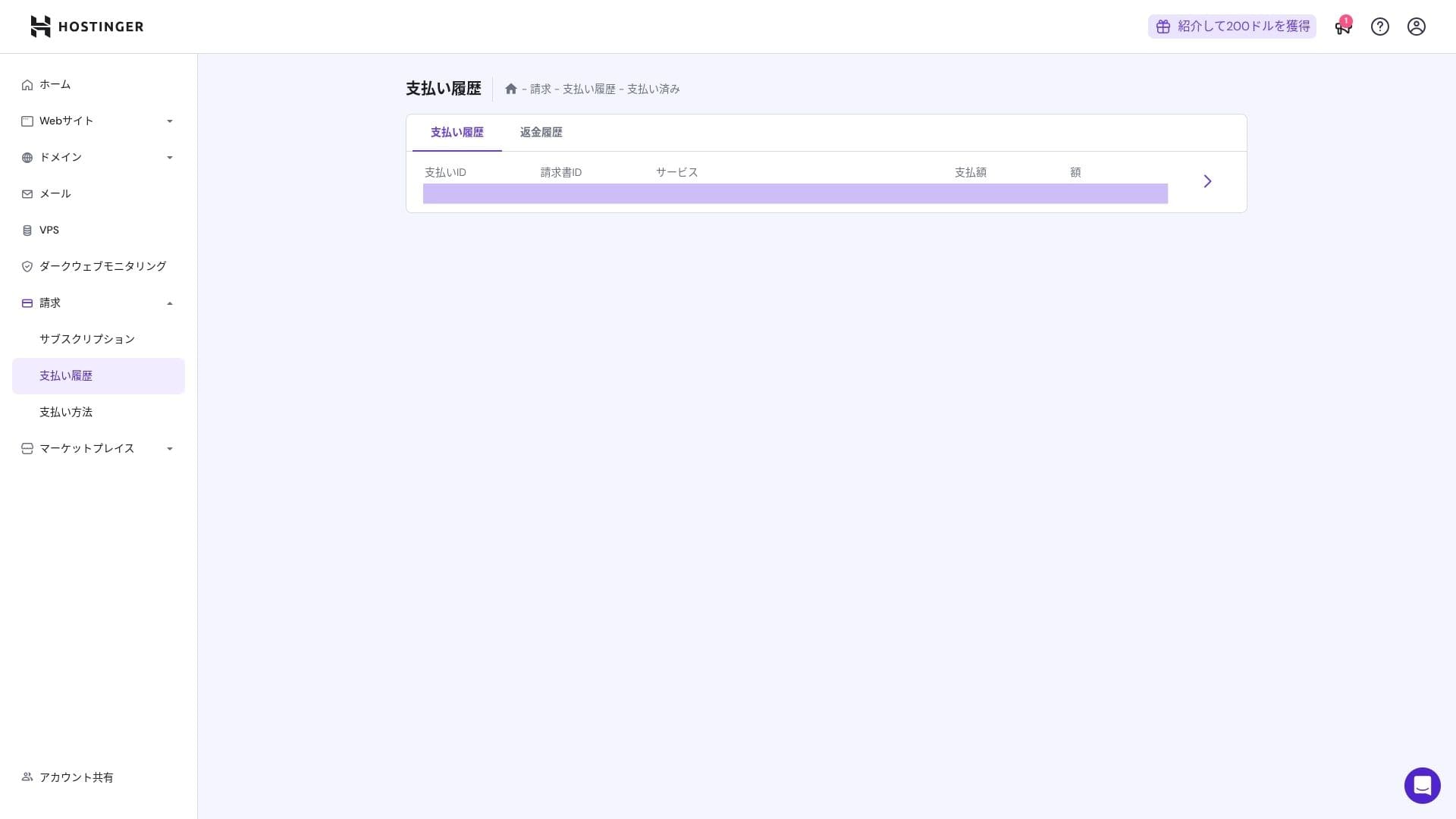
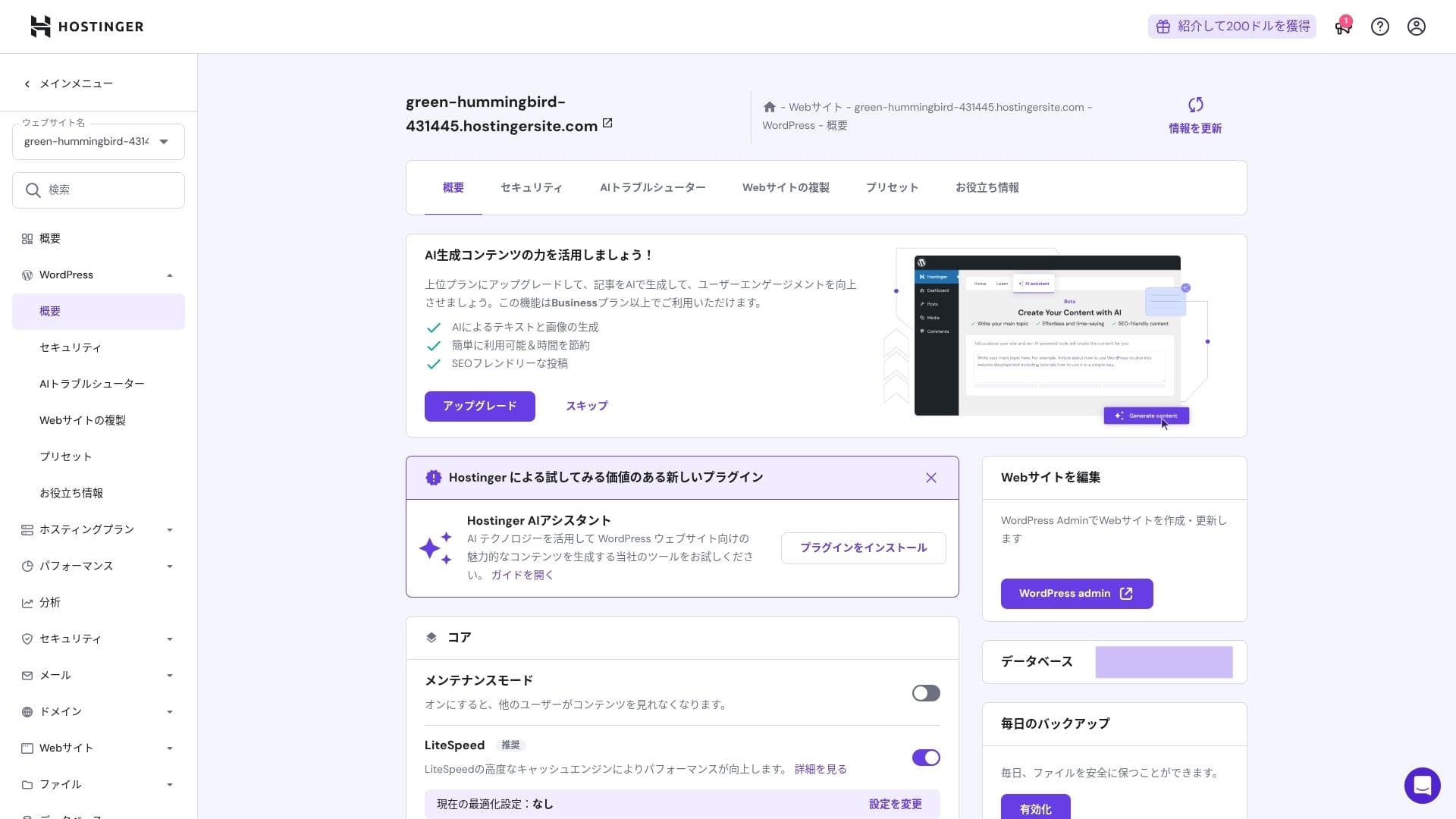
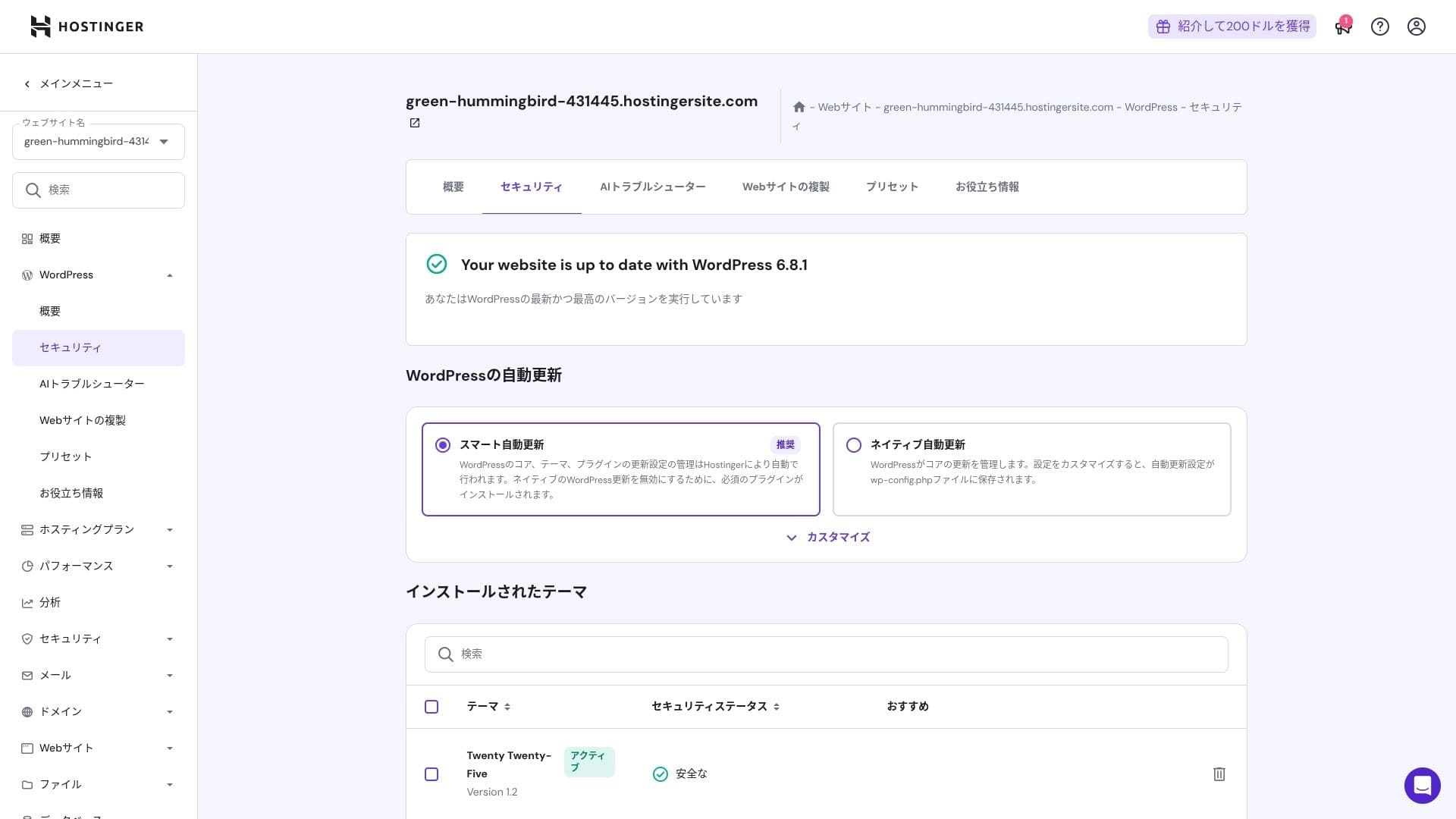
Hostinger pašu izstrādātais vadības panelis hPanel ir ļoti viegli lietojams, jo tā kategorijas ir kārtīgi sakārtotas. Ja jums nepatīk cPanel pārblīvētība, ar šo paneli jums, visticamāk, būs daudz vieglāk strādāt.
- Sākums
- Navrēķini
- WordPress
- Domēni
- Dublējumkopijas
- Failu pārvaldnieks
- FTP
- Pāradresācijas
- Kļūdu lapas
- Cron
- Veiktspēja
- Tirgus
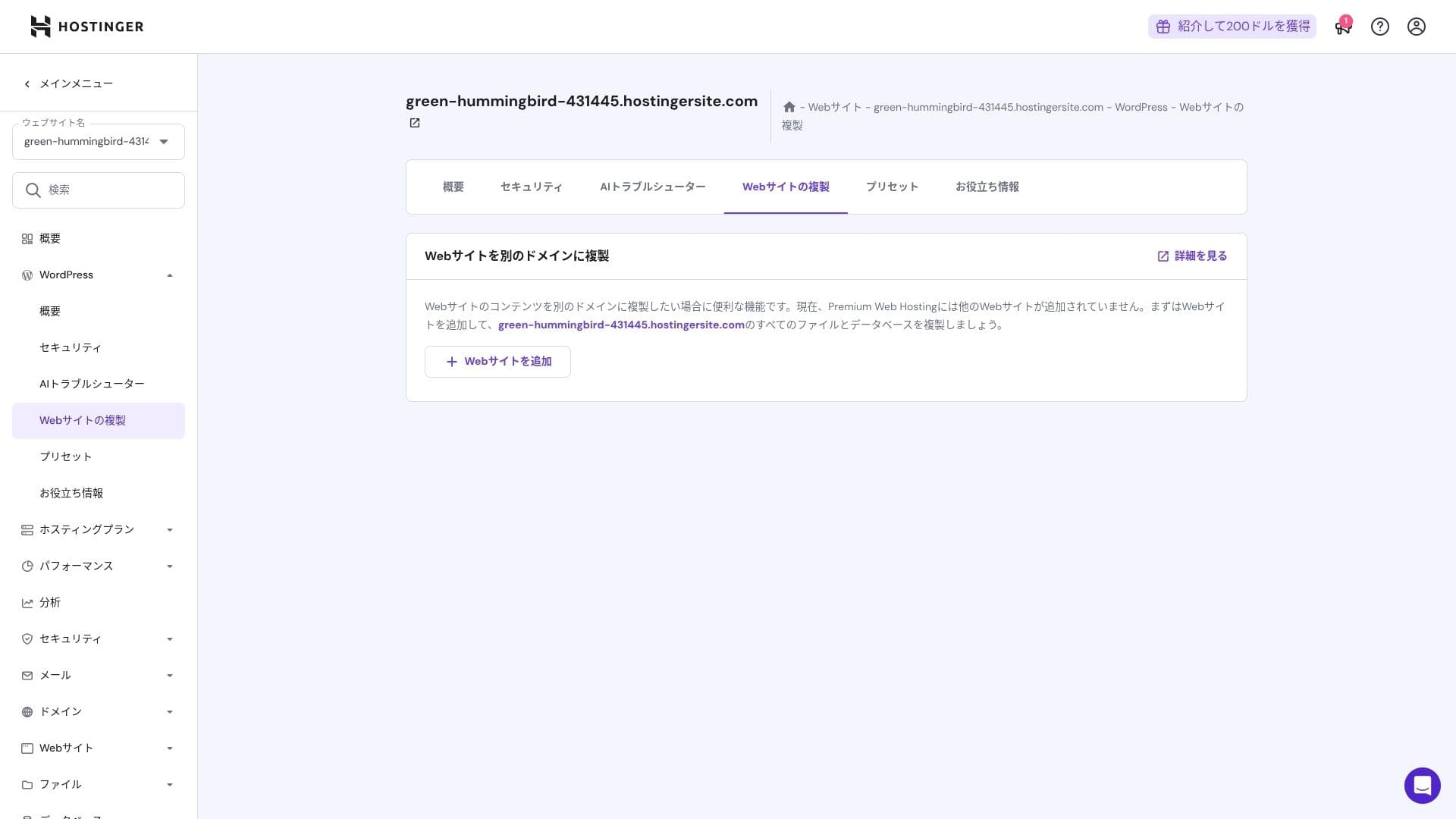
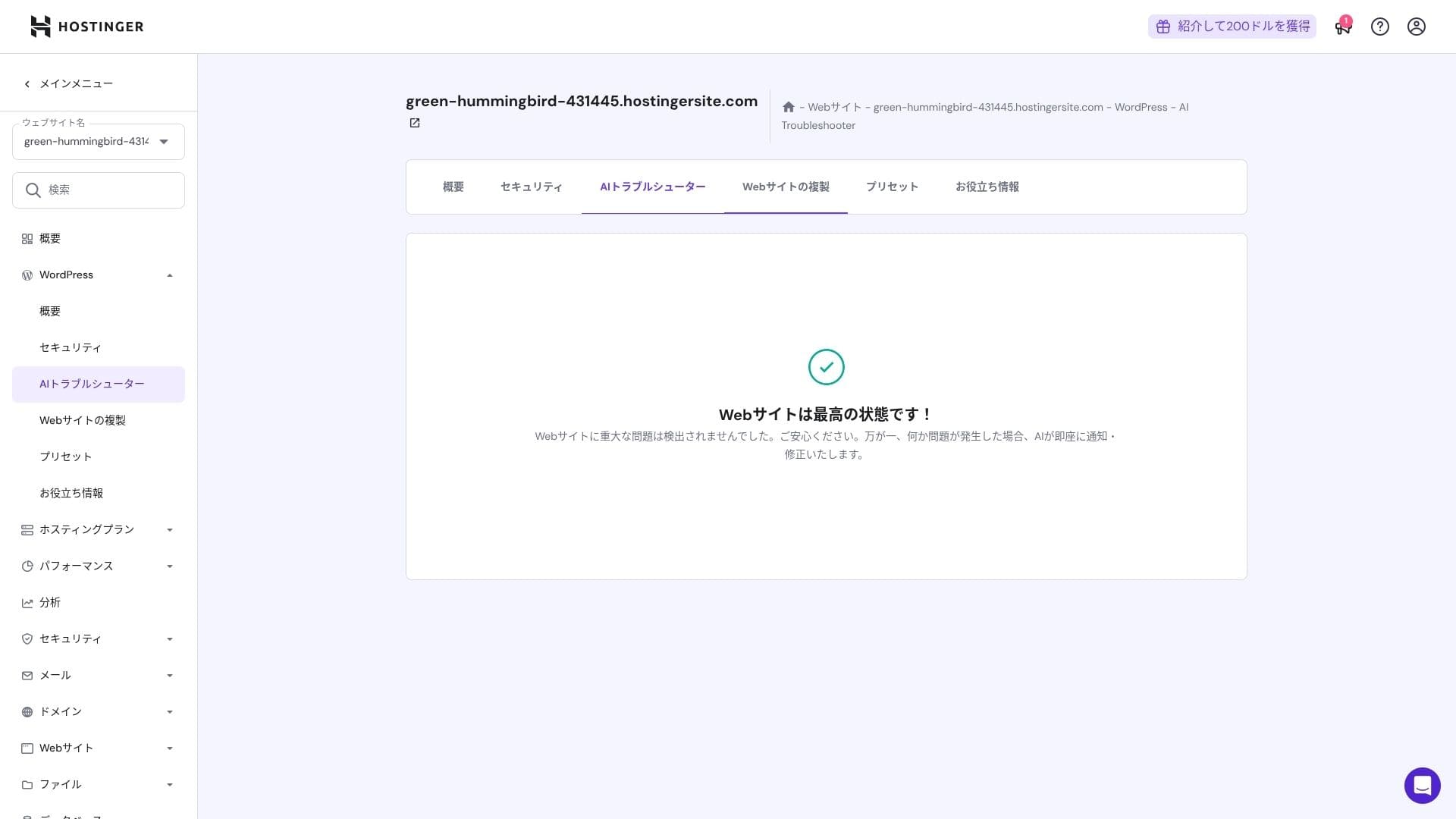
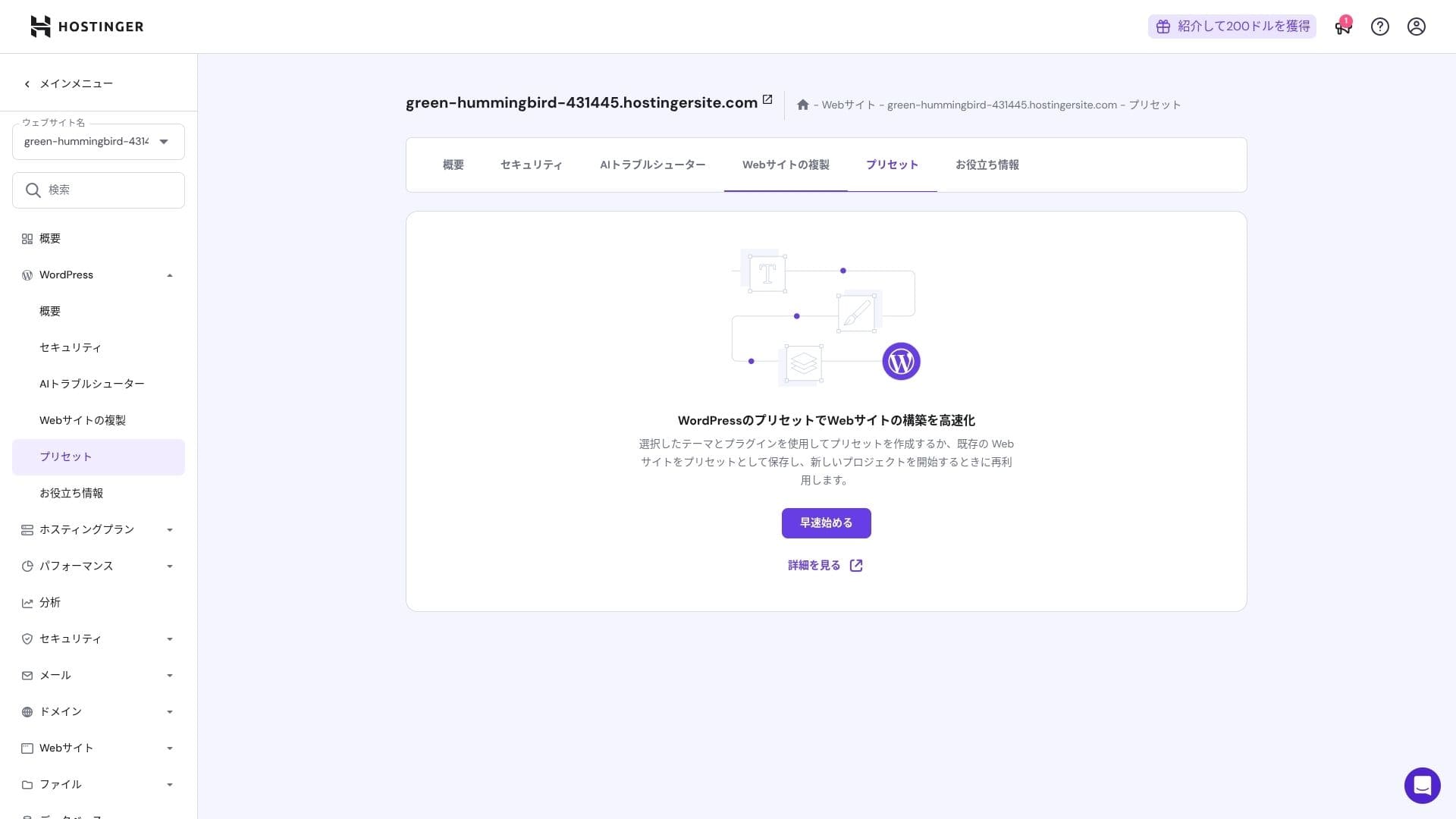
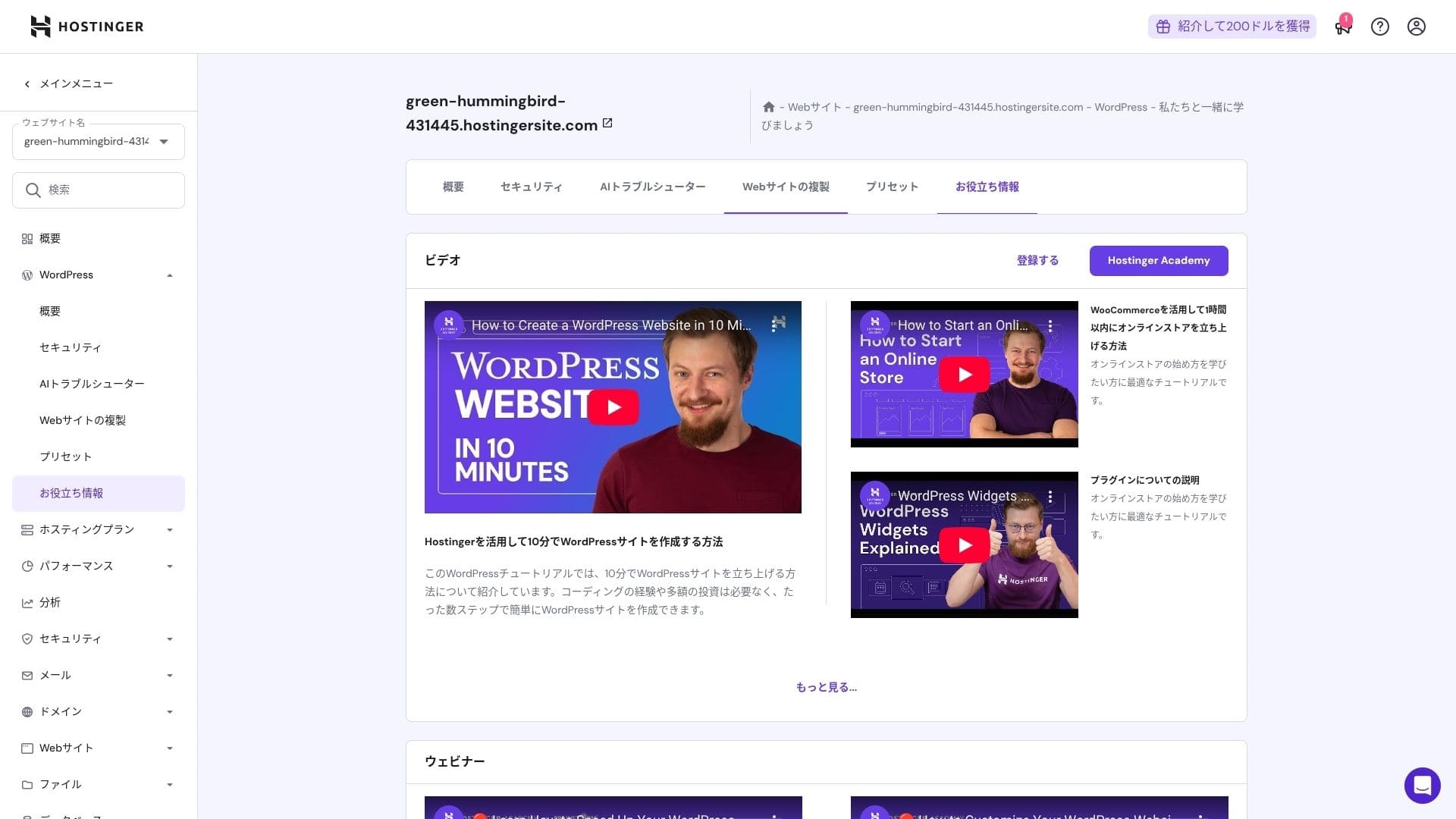
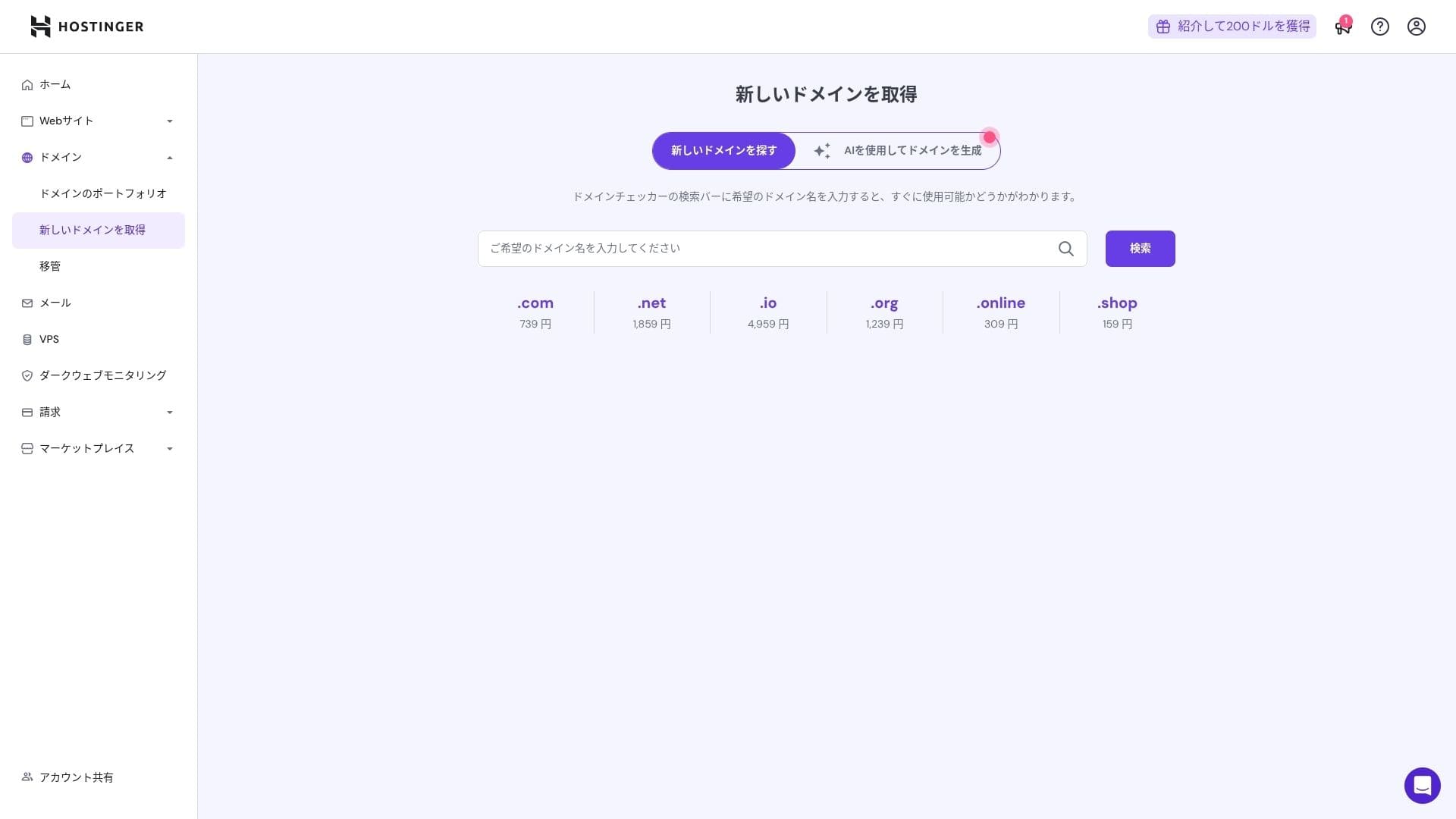
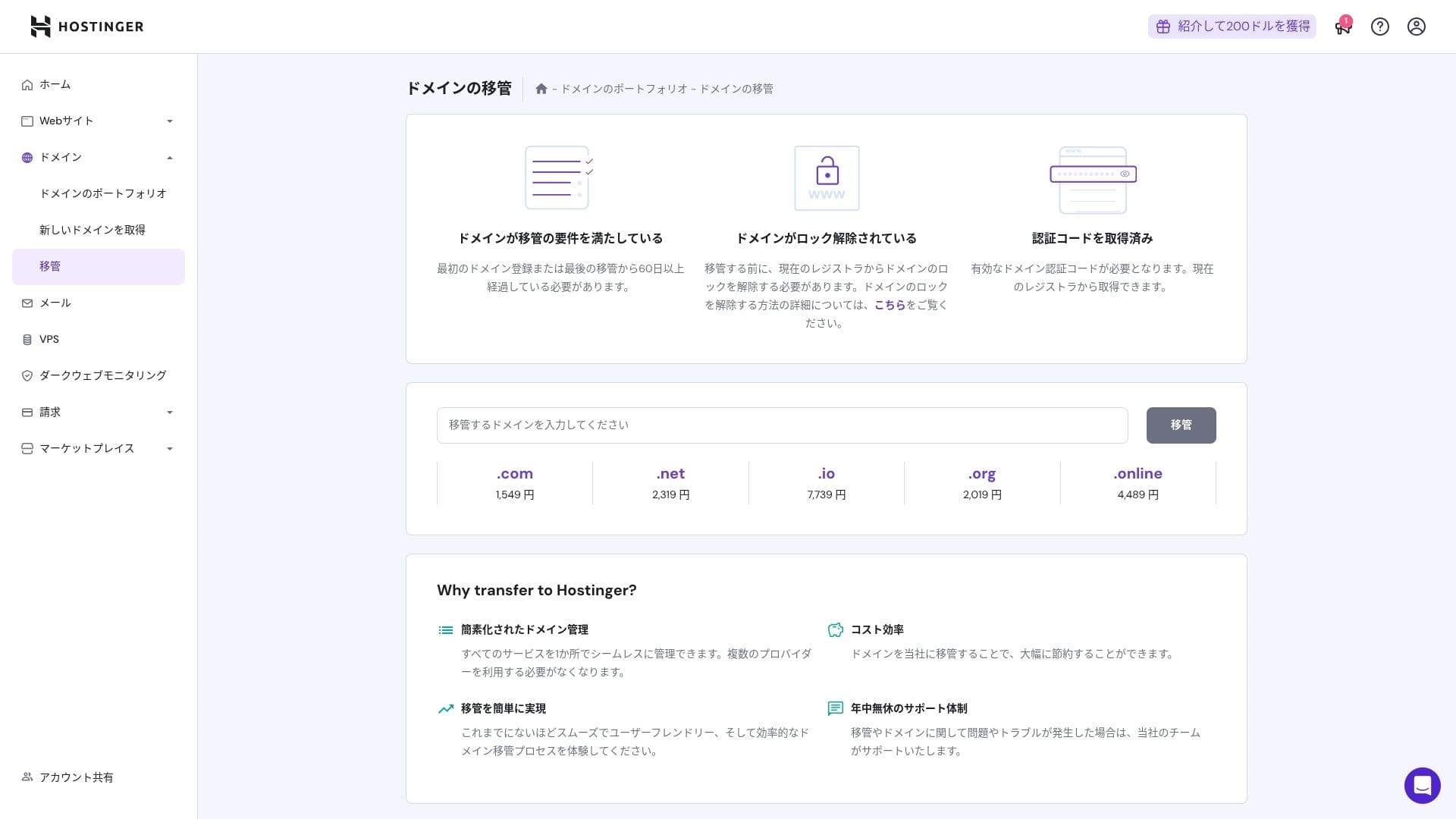
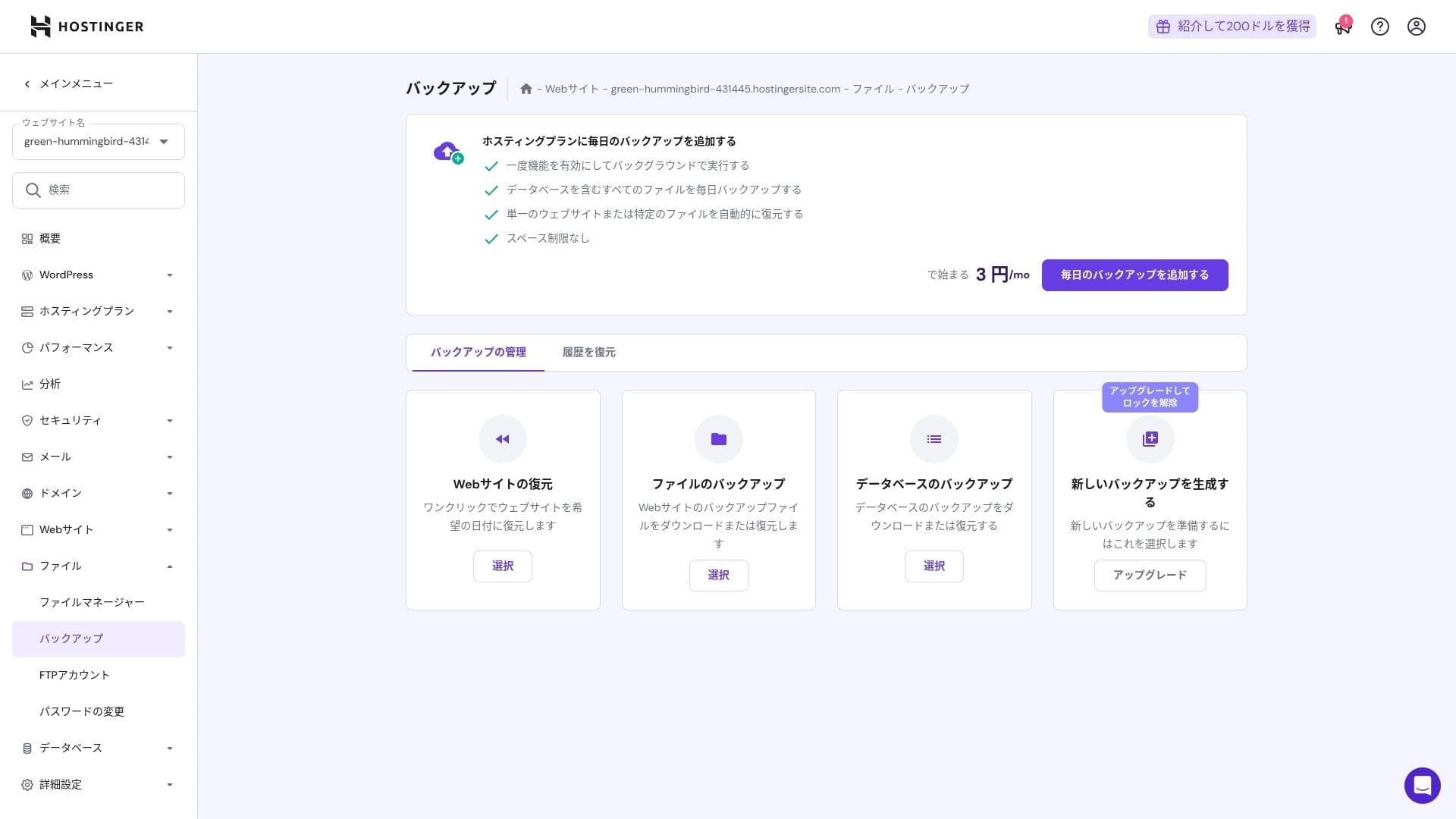
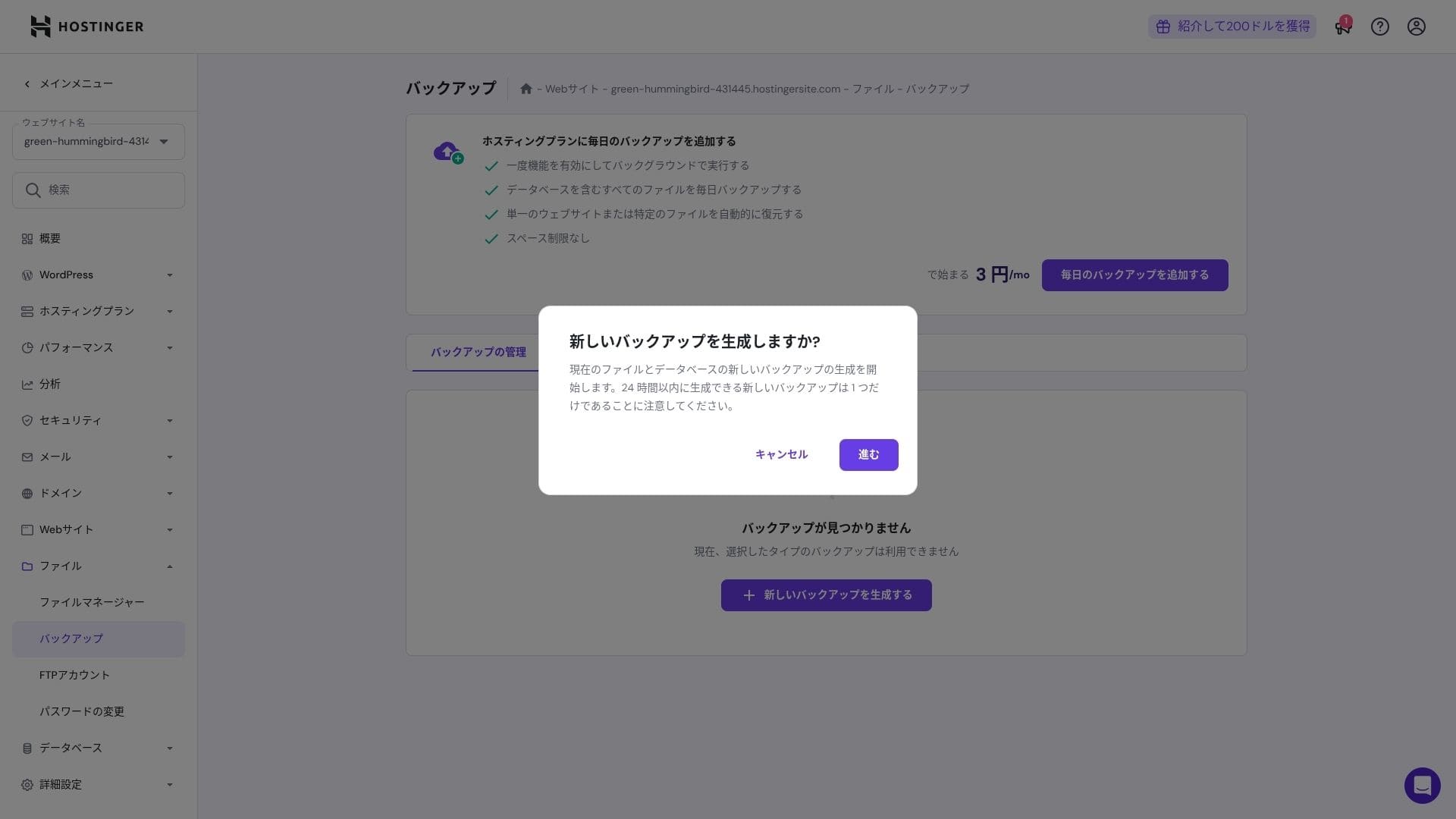
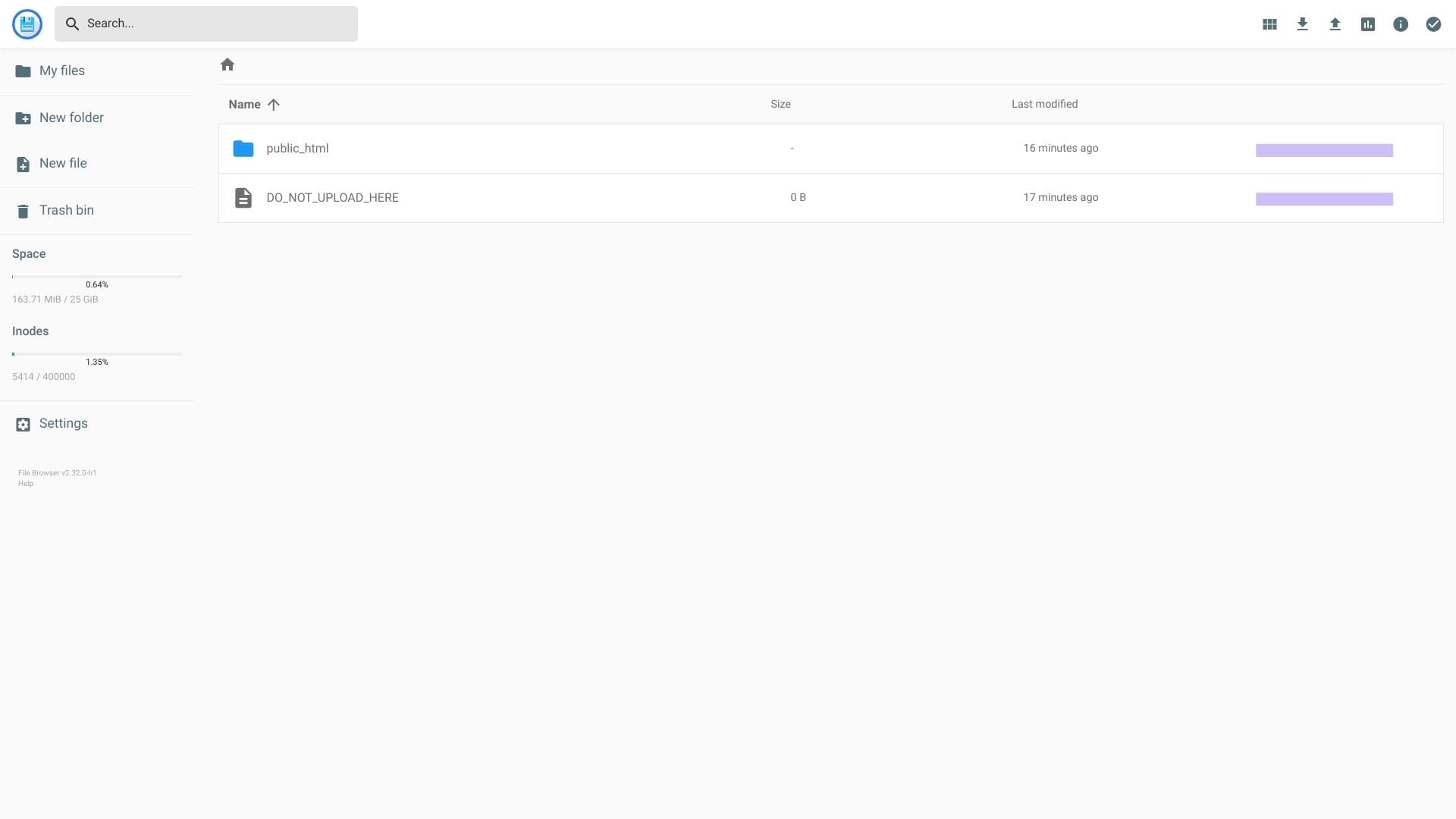
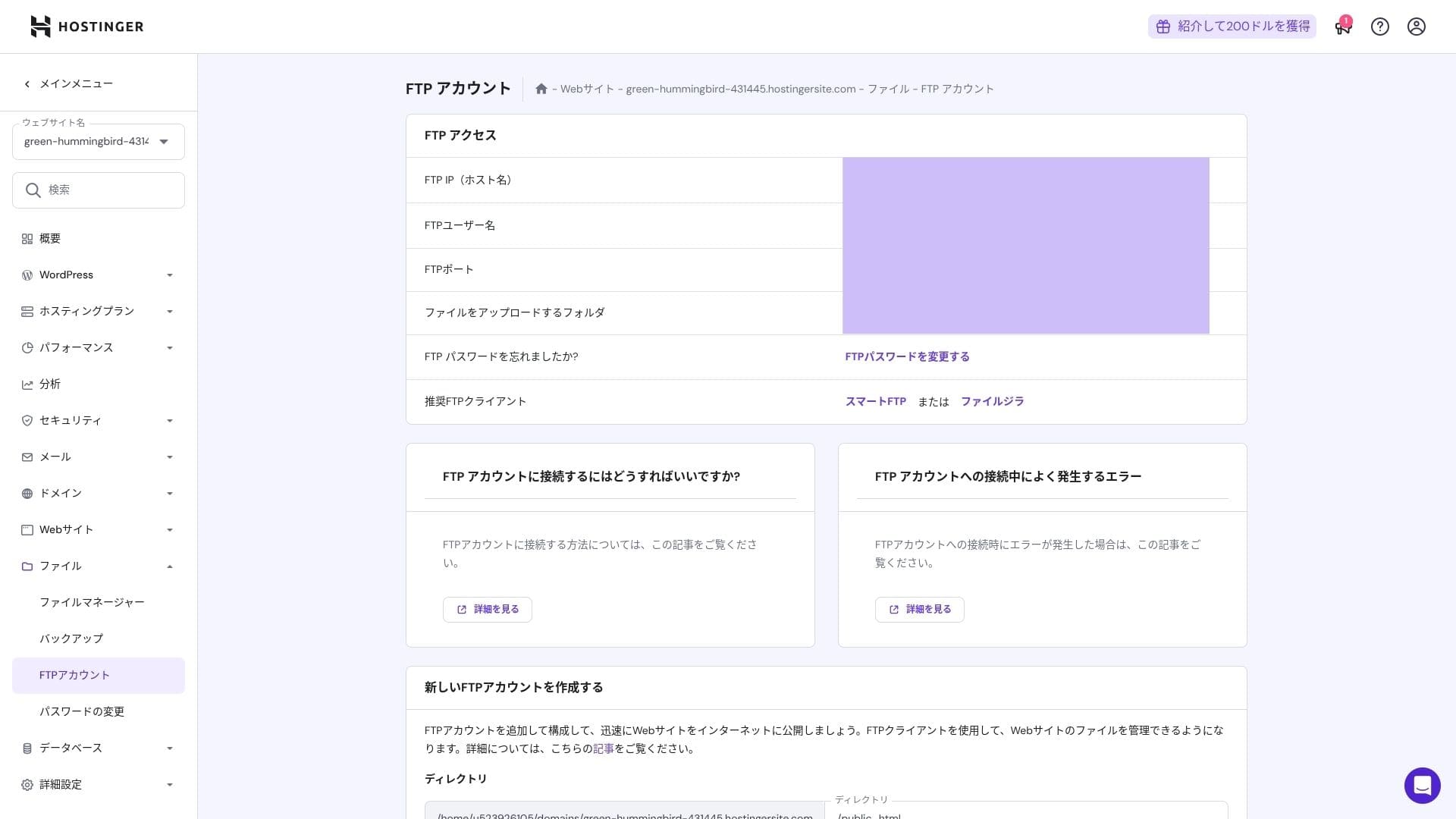
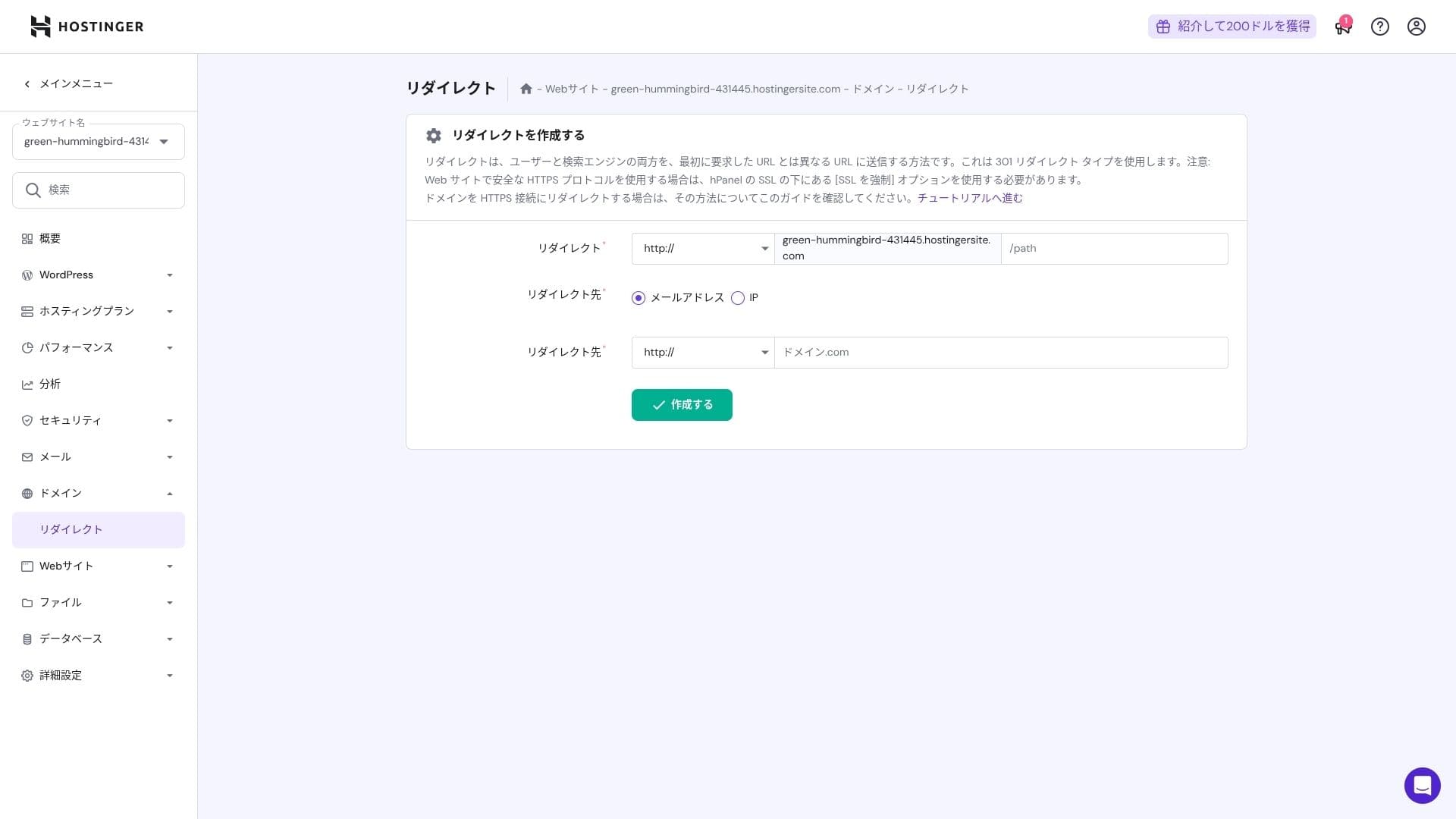
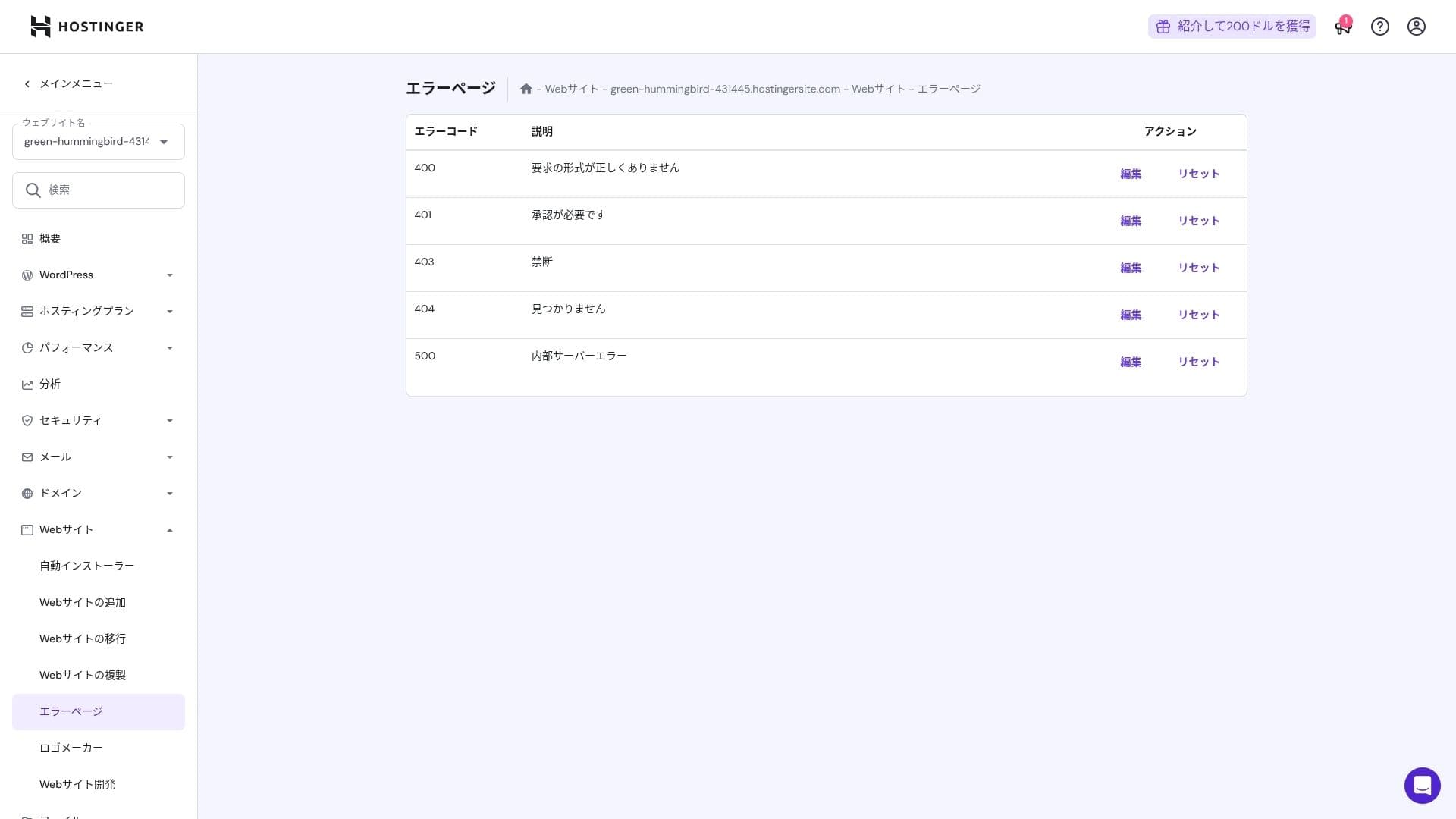
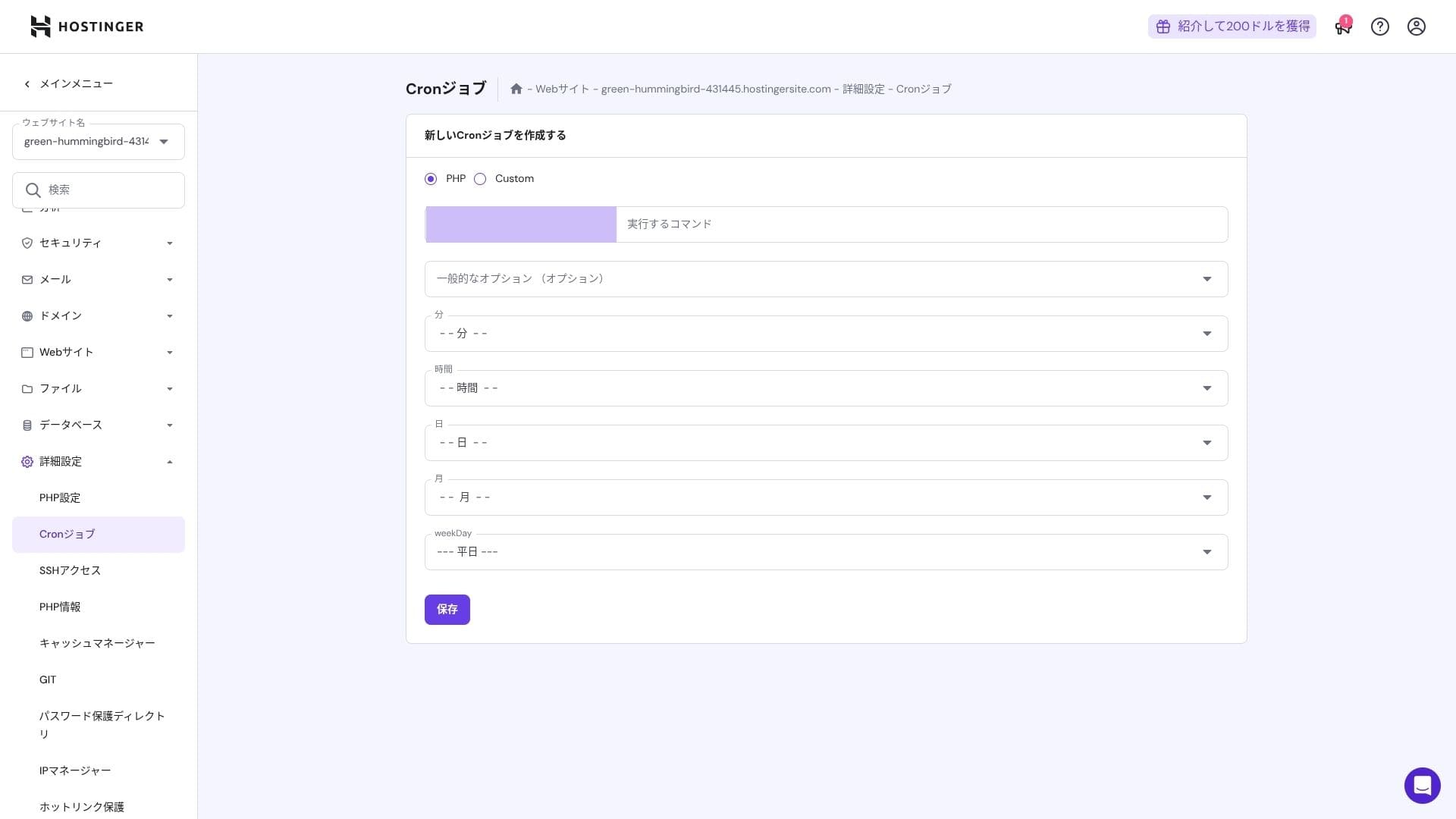
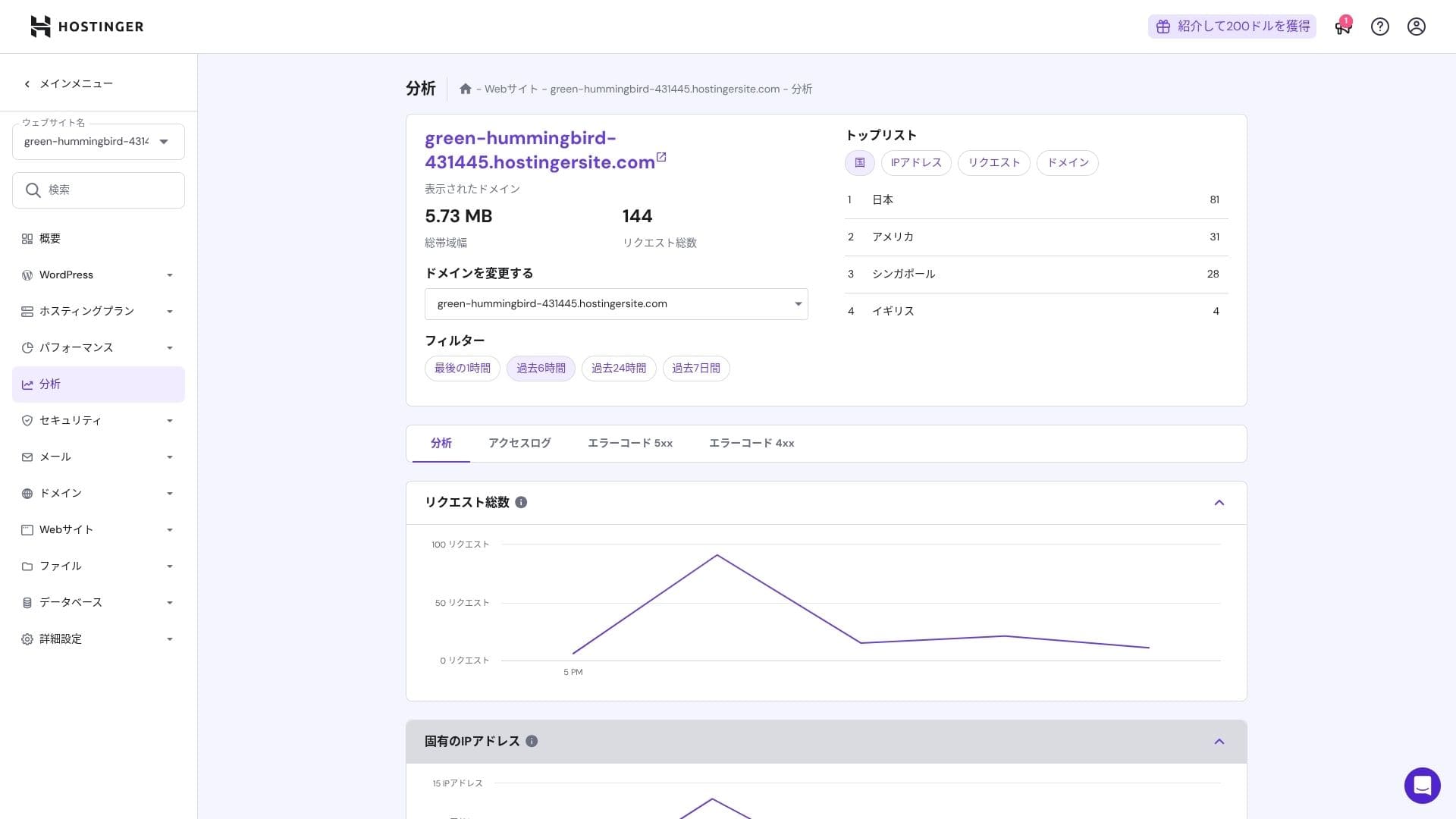
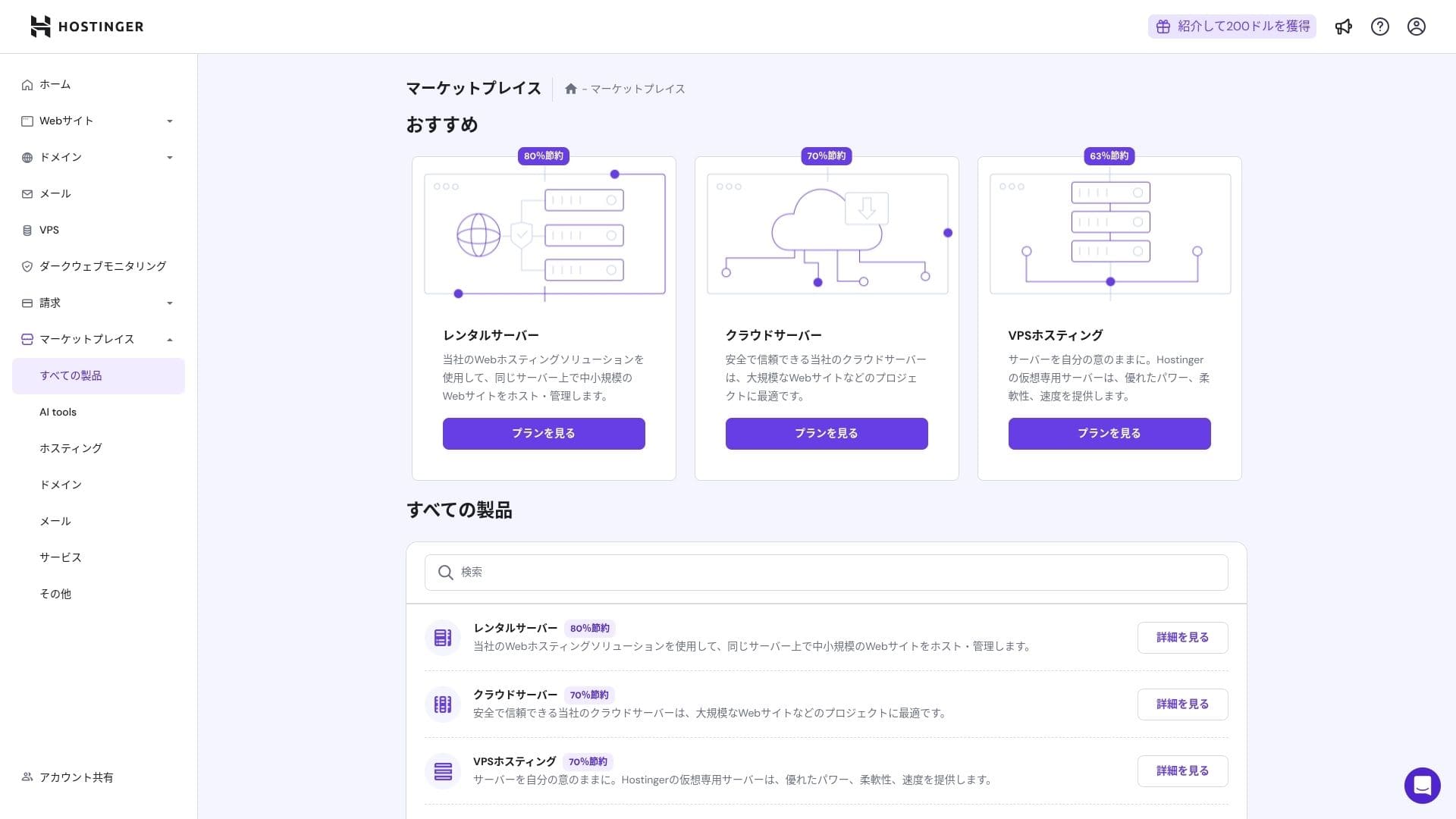
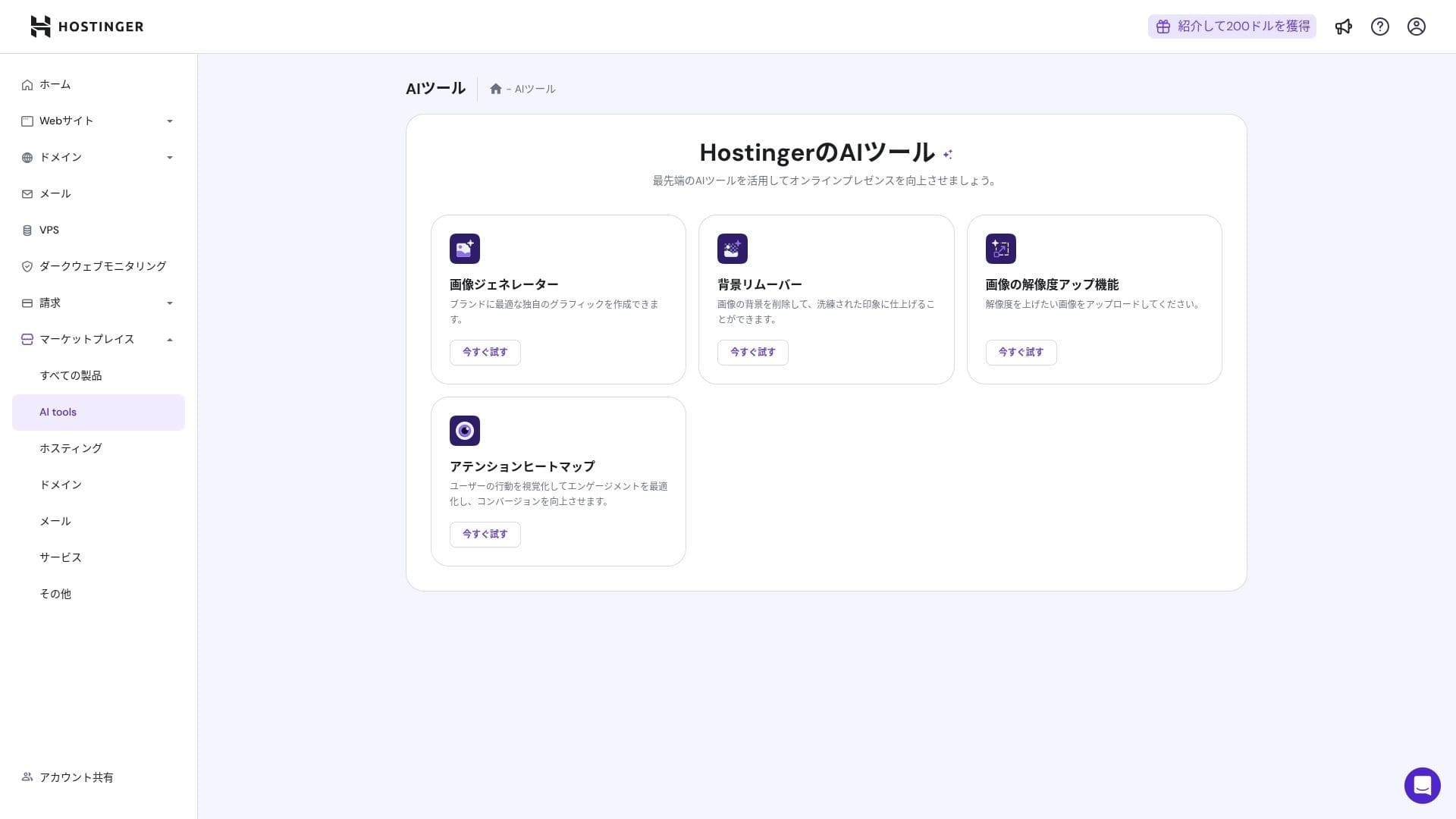
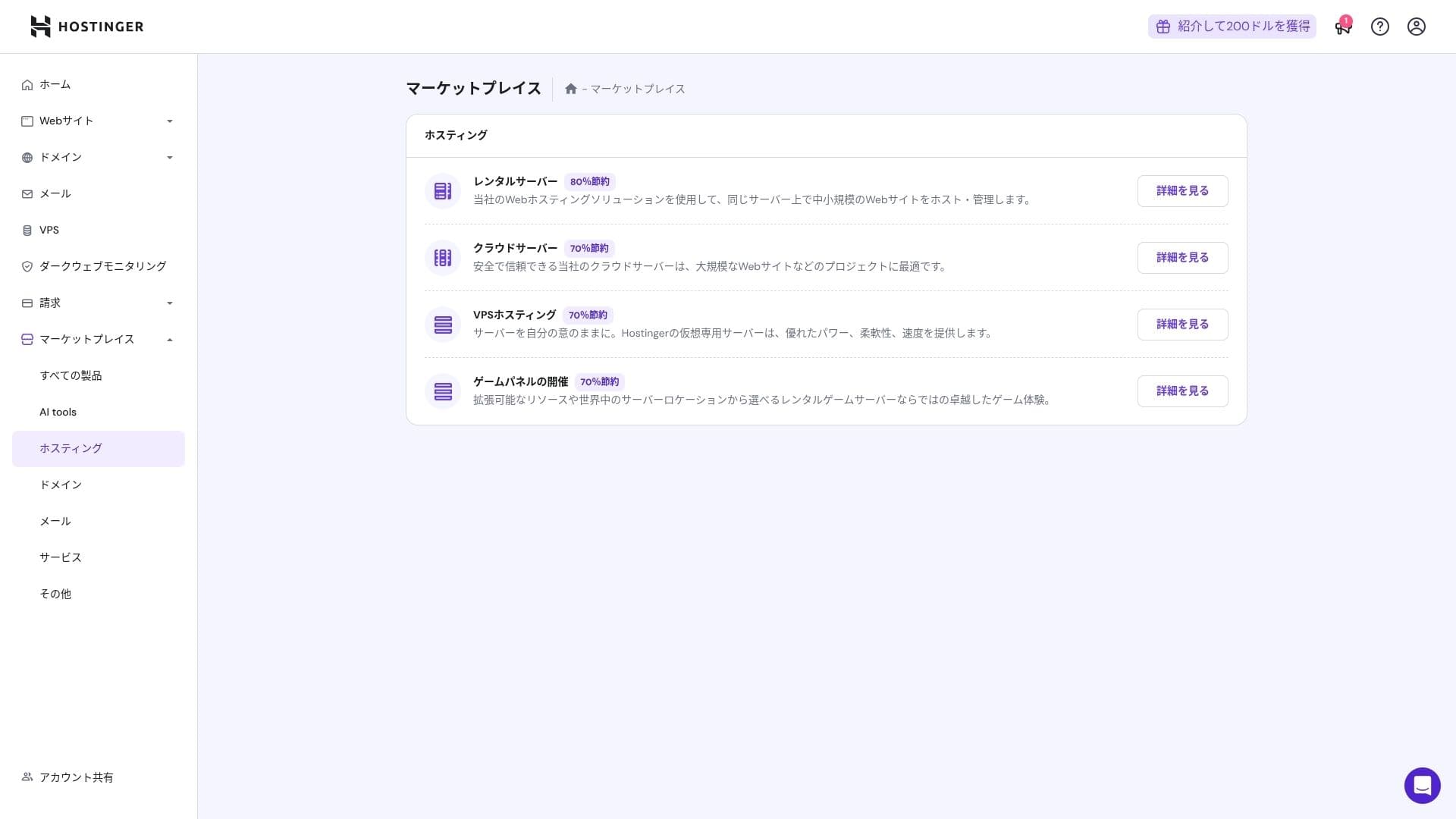
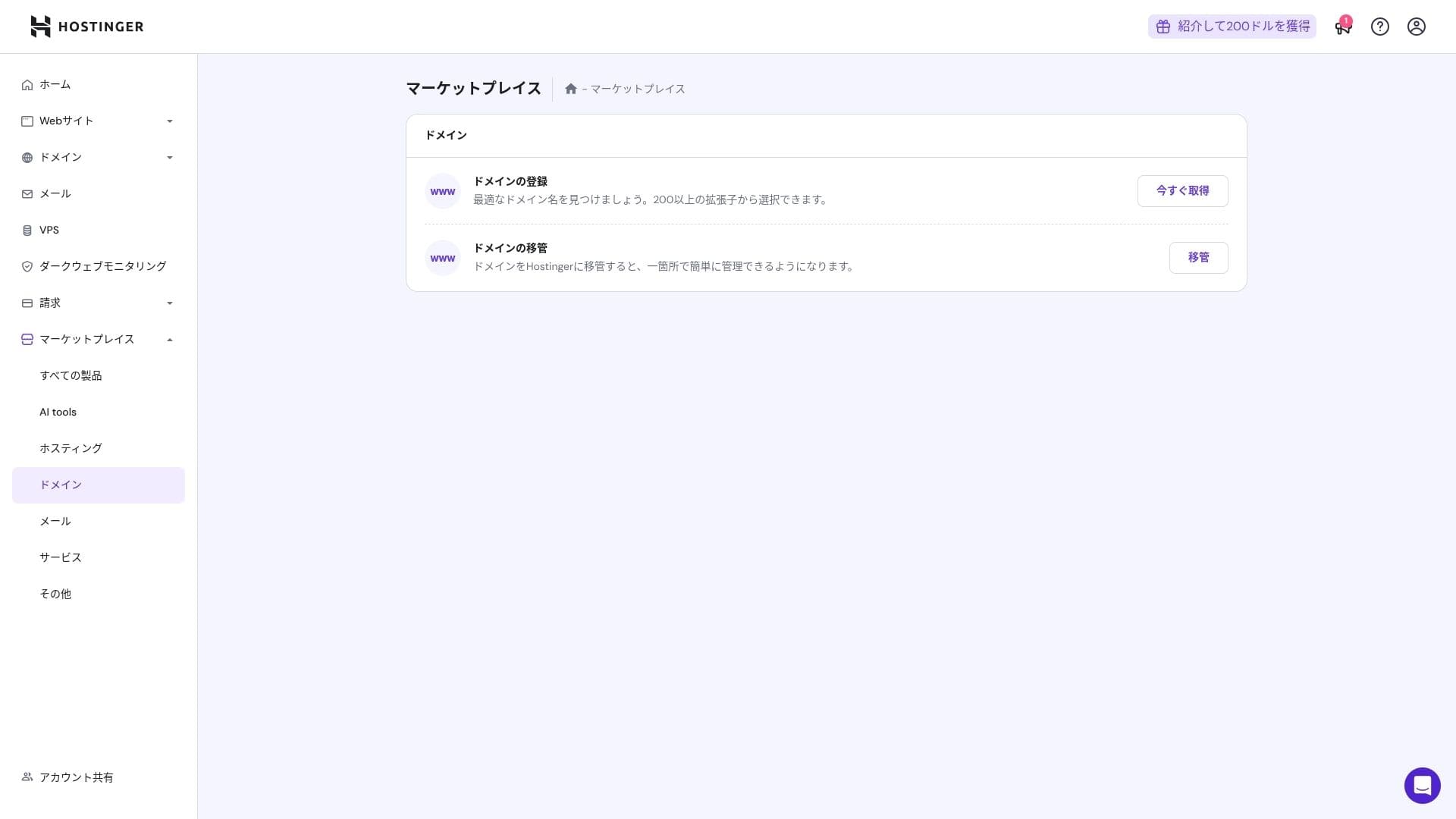
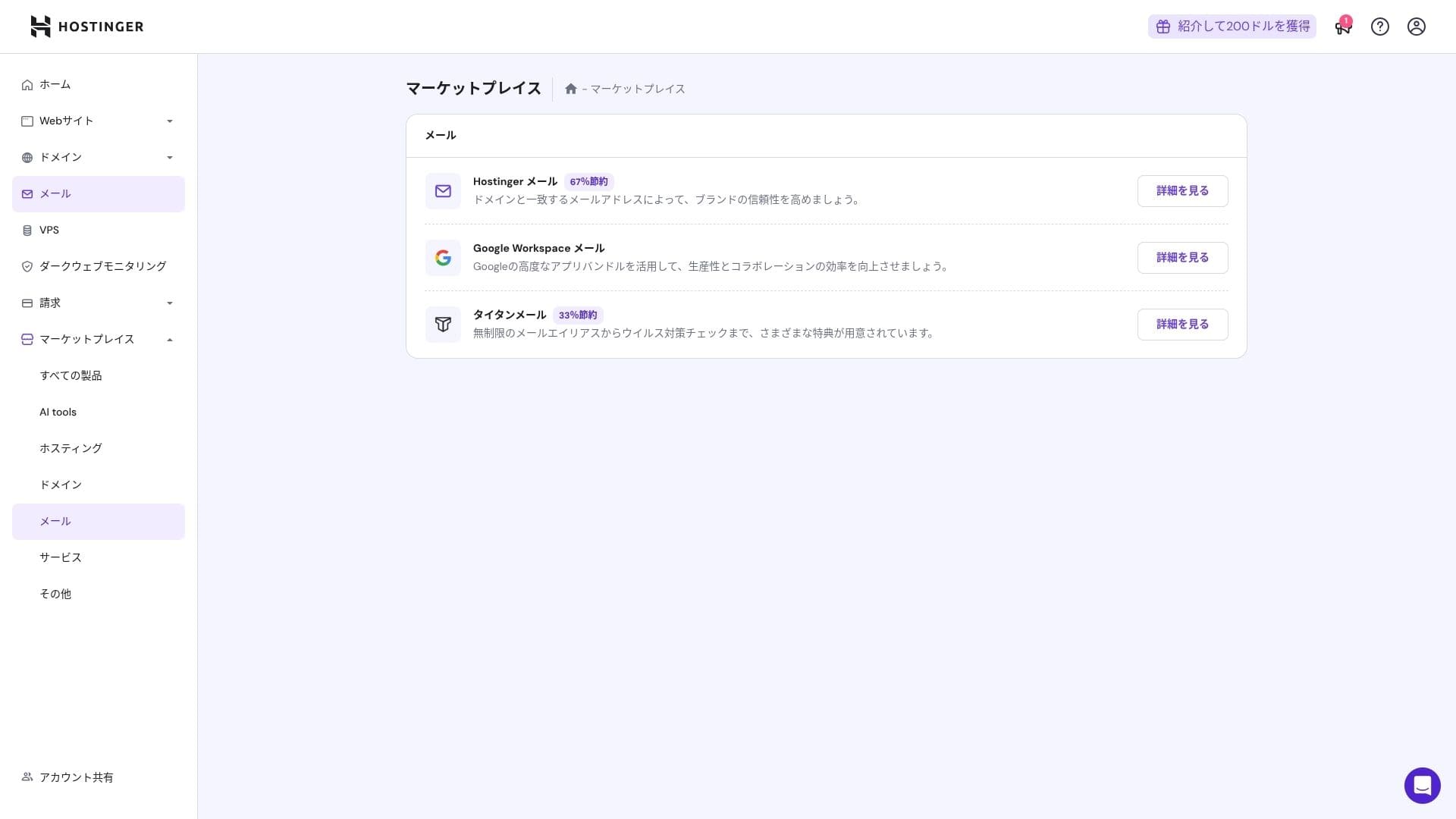
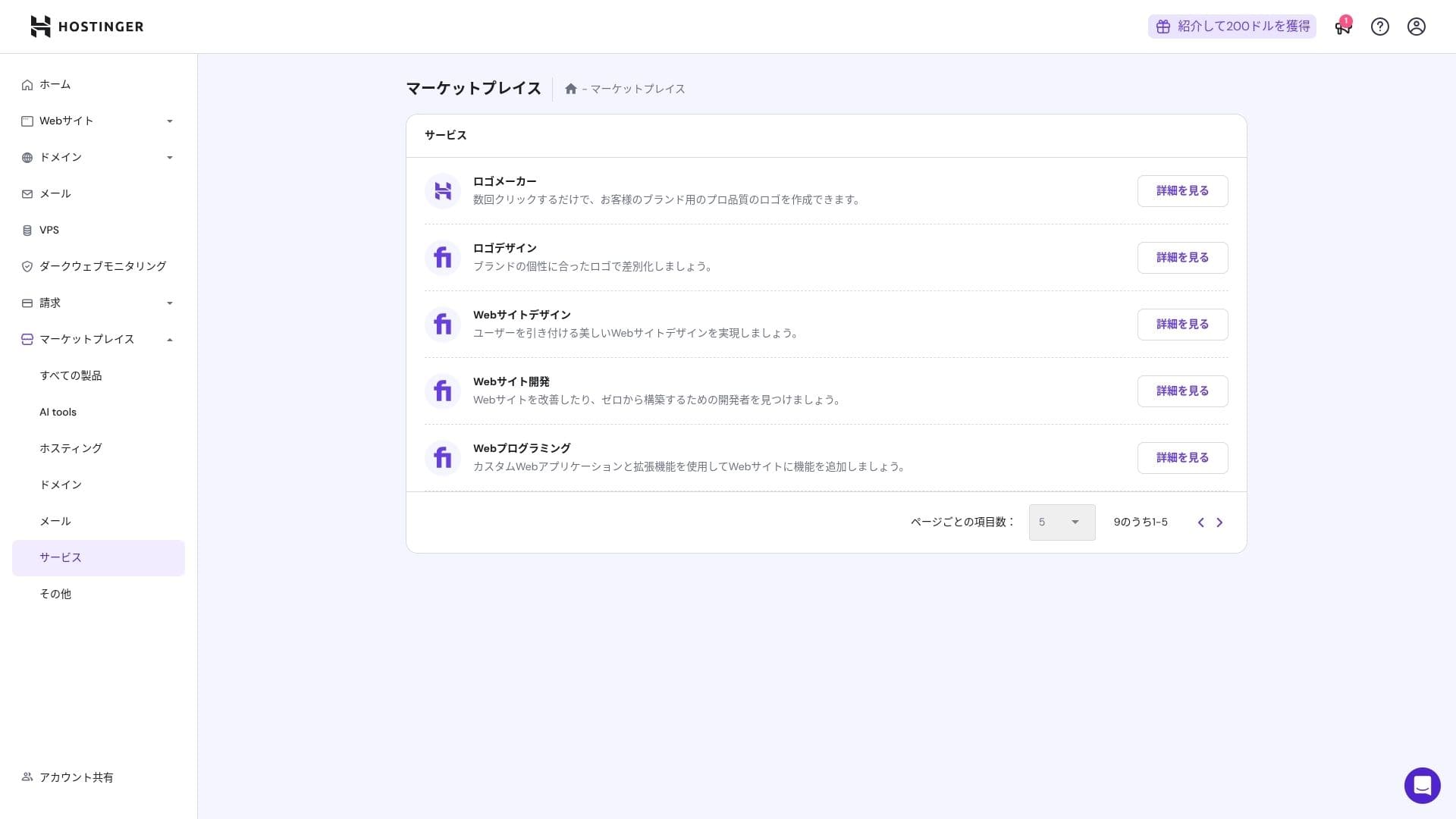
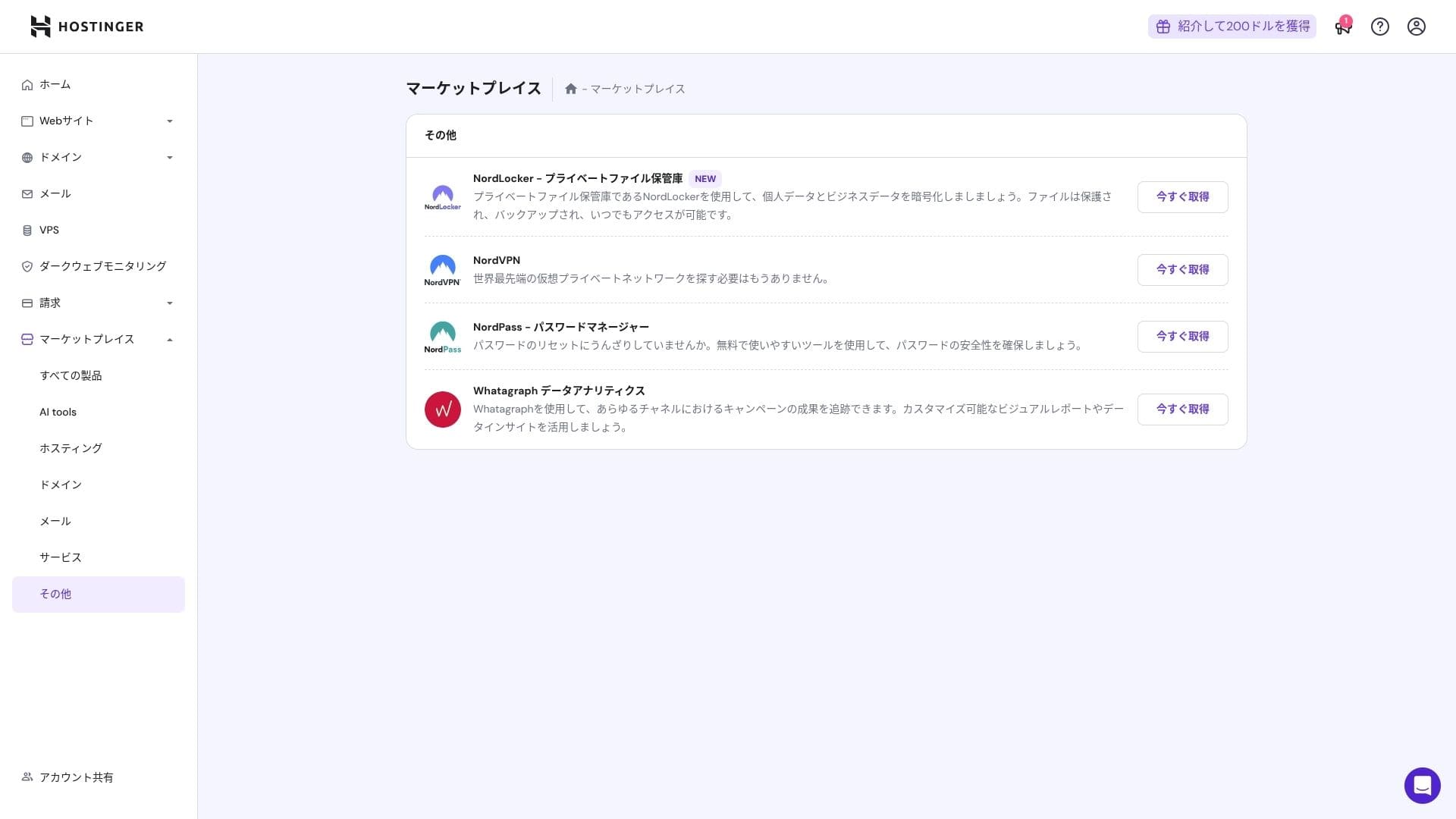
That said, people who are already comfortable with cPanel may find it less intuitive.
Atbalsta sistēma
The live chat, available 24 hours a day, 365 days a year, has an average response time of one to three minutes. Even though the replies are auto-translated, the staff still give answers that go deep enough to cover technical questions.
Cik pilnīgas ir rokasgrāmatas un FAQ
The Japanese knowledge base still contains some machine-translated sections, but if you use it together with the explanations on the YouTube channel "Hostinger Academy," one person can handle things well enough on their own.
E-pasta funkciju apskats
From Premium upward, custom-domain email is free for one year. However, the storage is only 1 GB. You can also use Business Starter for 69 yen per month (10 GB per account).
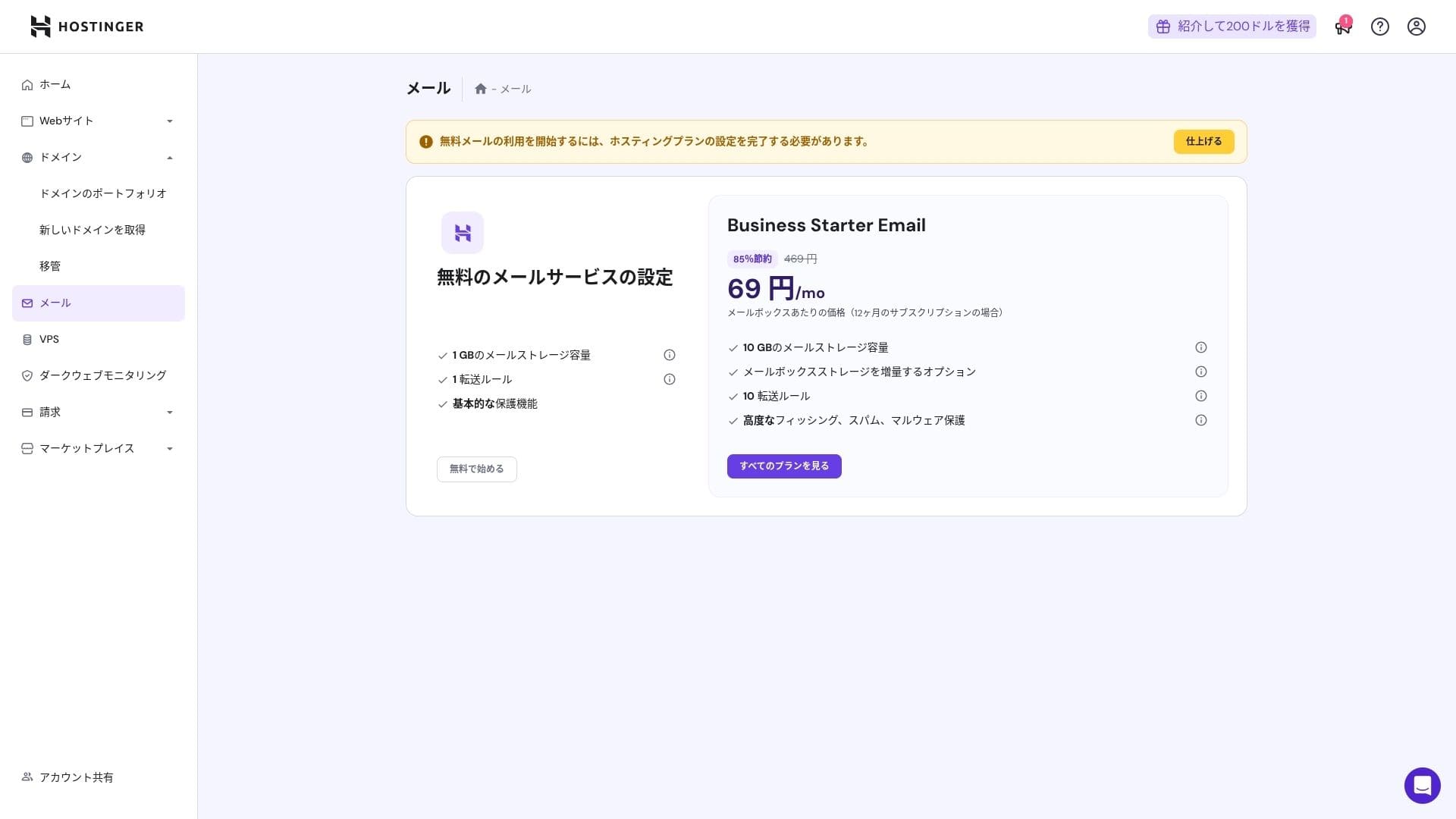
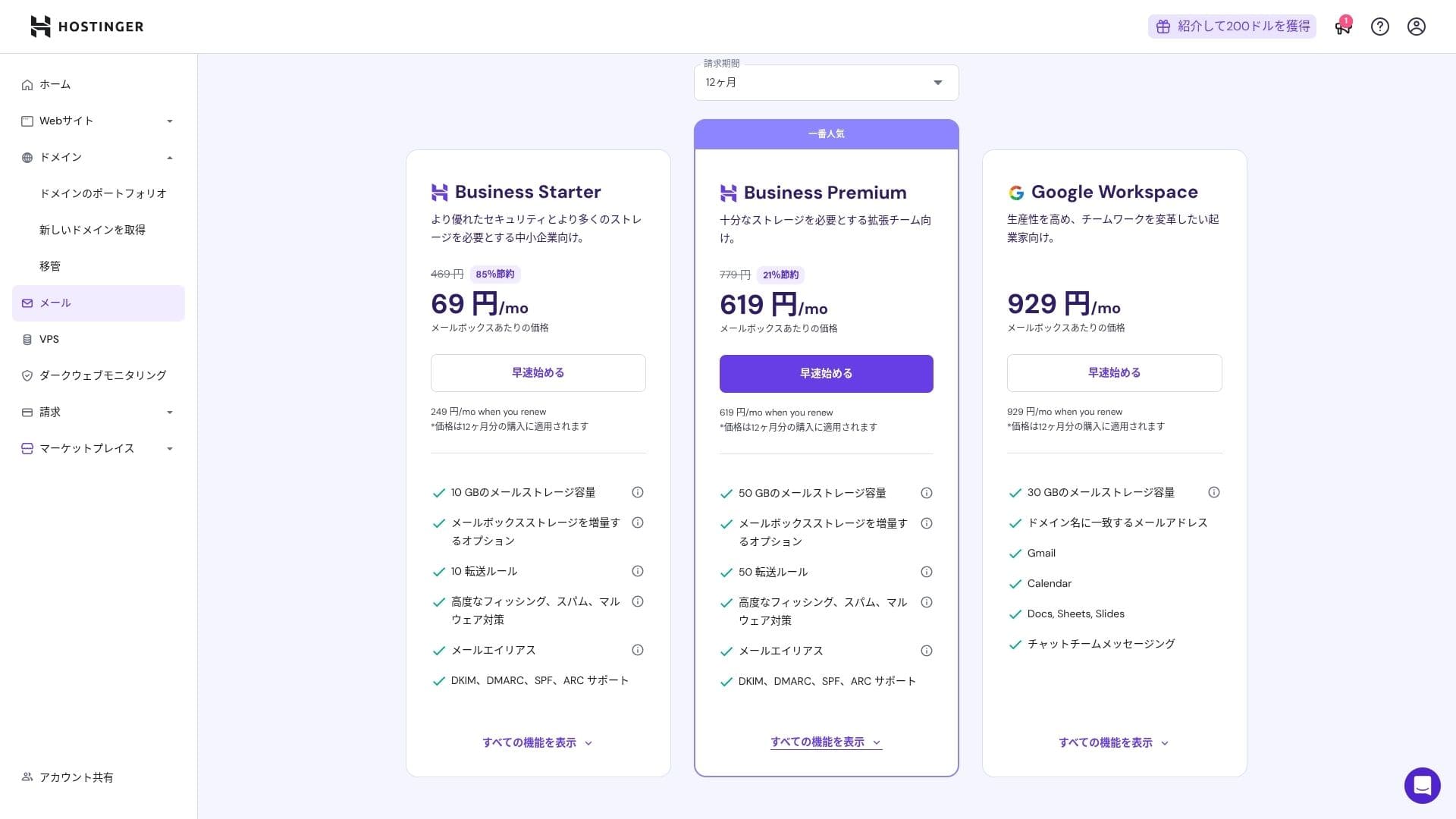
Because it includes virus and spam protection, even corporations and businesses can use it with confidence.
Drošības un dublēšanas apskats
Drošības pasākumi
It comes standard with a WAF, DDoS filters, a malware scanner, and WHOIS privacy. Combined with free SSL, it covers the foundational security layer.
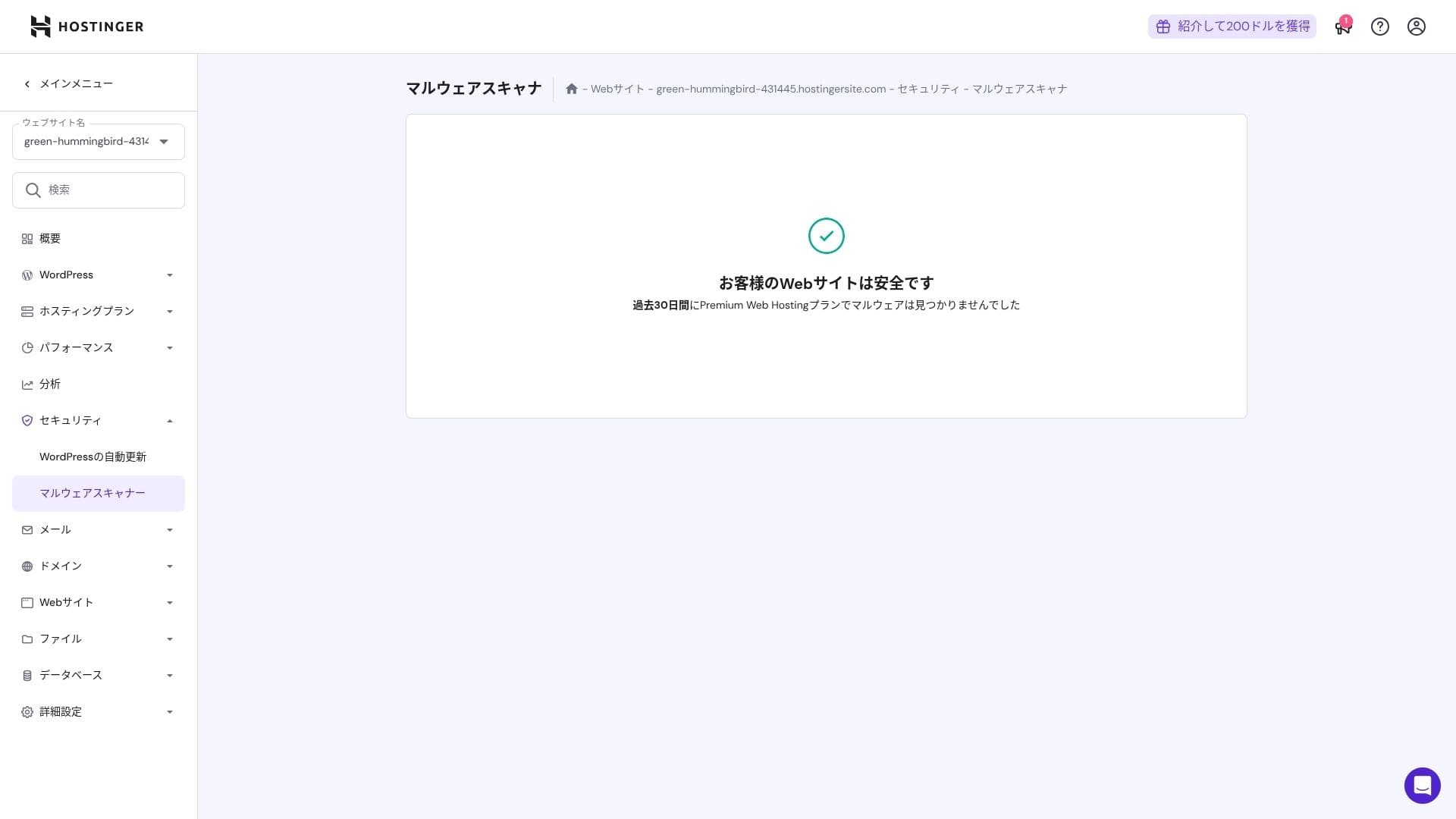
Automātisko dublējumkopiju funkcija
Premium includes weekly backups. Business and higher plans support daily backups plus on-demand recovery. You can restore with one click from the admin panel.
★ Five powerful WordPress backup plugins to recover your data
Kopsavilkums
- Ātra veiktspēja ar NVMe + LiteĀtrums + CDN
- Bezmaksas domēns, SSL, migrācija un MI rīki samazina iestatīšanas izmaksas
- hPanel ir intuitīvs, un 24/7 tērzēšanas atbalsts ir ātrs
- Atlaides cena pieņem 48 mēnešu līgumu. Rūpīgi pārbaudiet pagarināšanas cenu
- Multivides ziņā smagām vai lielas CPU slodzes vietnēm ieteicams Cloud vai augstāks plāns
- Japāņu dokumentācijā joprojām ir daži mašīntulkoti fragmenti, kurus ir grūtāk lasīt
Overall, I consider this best for bloggers, small and midsize businesses, and production companies that want strong speed and features while keeping costs under control. If you plan around step-up upgrades from Premium to Business to Cloud while taking renewal pricing into account, it is a service you are unlikely to regret over the long term.