ನಿಮ್ಮ ಫೋಟೋಗಳನ್ನು ಎದ್ದು ಕಾಣುವಂತೆ 만드는 ಐದು WordPress ಗ್ಯಾಲರಿ ಪ್ಲಗಿನ್ಗಳು

ನಿಮಗೆ ಸುಂದರವಾದ site ಬೇಕಿದ್ದರೆ, ನಿಮ್ಮ ಫೋಟೋಗಳನ್ನು gallery ಯಲ್ಲಿ ಪ್ರದರ್ಶಿಸಿ.
ಆಕರ್ಷಕ website ನಿರ್ಮಿಸುವಾಗ ಫೋಟೋಗಳು ಅತ್ಯಾವಶ್ಯಕ. ಆದರೂ, ಫೋಟೋಗಳನ್ನು ಕೇವಲ page ನಲ್ಲಿ ಇಟ್ಟರೆ ಇತರೆ homepages ಮತ್ತು blogs ಗಳಿಂದ ನಿಮ್ಮನ್ನು ವಿಭಿನ್ನವಾಗಿ ತೋರಲಾಗುವುದಿಲ್ಲ. ಅಂಥ ಸಂದರ್ಭದಲ್ಲೇ gallery ಬಳಸಿ.
gallery ಮಾಡುವ ಕೆಲಸ ಇದೇ. ಇದು device ಗೆ ತಕ್ಕಂತೆ ಫೋಟೋಗಳ ಗಾತ್ರ ಸರಿಹೊಂದಿಸಿ, ಅವನ್ನು ನಿಮ್ಮ ಪರವಾಗಿ ಮರುಹೊಂದಿಸುತ್ತದೆ. WordPress ನಲ್ಲಿ gallery functionality standard feature ಆಗಿ ಲಭ್ಯವಿದೆ.

ಆದರೆ WordPress ನ built-in gallery function ಗಿಂತ ಹೆಚ್ಚು ಅನುಕೂಲಕರ ಮತ್ತು feature-rich ಆಗಿರುವ gallery plugins ಇವೆ. ಅವನ್ನು ಚೆನ್ನಾಗಿ ಬಳಸಿದರೆ ನಿಮ್ಮ website ಇನ್ನಷ್ಟು ಆಕರ್ಷಕವಾಗುತ್ತದೆ. ಈ ಲೇಖನದಲ್ಲಿ ಶಿಫಾರಸು ಮಾಡುವ ಐದು WordPress gallery plugins ಪರಿಚಯಿಸುತ್ತೇನೆ.
ಹೆಚ್ಚು photos ಇರುವ sites display ಆಗಲು ನಿಧಾನವಾಗುವ ಸಾಧ್ಯತೆ ಇದೆ. page ಬೇಗ ಕಾಣಿಸದಿದ್ದರೆ ಜನರು ಮುಂದುವರಿಸಿ ನೋಡುವ ಆಸಕ್ತಿ ಕಳೆದುಕೊಳ್ಳುತ್ತಾರೆ. ನೀವು ಅನೇಕ photos publish ಮಾಡಲು ಬಯಸಿದರೆ, fast server ಬಳಸಿ.
★ ವೇಗಕ್ಕಾಗಿ ಪರಿಶೀಲಿಸಲಾಗಿದೆ: server speed ranking ನಲ್ಲಿ 15 hosting companies ಗಳ ಹೋಲಿಕೆ
ವ್ಯಕ್ತಿಗಳು, companies ಮತ್ತು overseas use ಗಾಗಿ 32 WordPress hosting services ಗಳ ಸಂಪೂರ್ಣ ಹೋಲಿಕೆ

“ನಾನು WordPress ಆರಂಭಿಸಬೇಕು” ಎಂದು ಯೋಚಿಸಿ “WordPress recommendations” ಎಂದು ಹುಡುಕಿದಾಗ, personal hosting, companies ಮತ್ತು small businesses ಗಾಗಿ options, overseas hosting ಮತ್ತು low-cost servers ಒಳಗೊಂಡ ಅನೇಕ articles ಕಾಣುತ್ತವೆ. ನಿಜವಾಗಿ,
- ಯಾವ site ನಂಬಬೇಕು?
- ನಿಮಗೆ ಸರಳ ಮತ್ತು ಅರ್ಥವಾಗುವ ಉತ್ತರ ಬೇಕಿರಬಹುದು.
- ನಿಮಗೆ WordPress ಅನ್ನು ತಕ್ಷಣ ಆರಂಭಿಸಬೇಕು ಎನ್ನಬಹುದು.
ಆದ್ದರಿಂದ ಈ article individuals, companies, domestic use ಮತ್ತು overseas use ಗಾಗಿ 32 hosting providers ಗಳಿಂದ recommended choices ಅನ್ನು ಜಾಗ್ರತೆಯಿಂದ ಆಯ್ಕೆ ಮಾಡುತ್ತದೆ. ಪ್ರತಿದಿನ hosting ಬಳಸುವ app development company ಯ SEO lead ಇದನ್ನು ವಿವರಿಸುತ್ತಾರೆ.
ನಿಮ್ಮ ಫೋಟೋಗಳನ್ನು ಎದ್ದು ಕಾಣುವಂತೆ ಮಾಡುವ ಐದು WordPress gallery plugins
Envira Gallery ಬಳಸಿ ಸುಂದರ gallery ನಿರ್ಮಿಸಿ
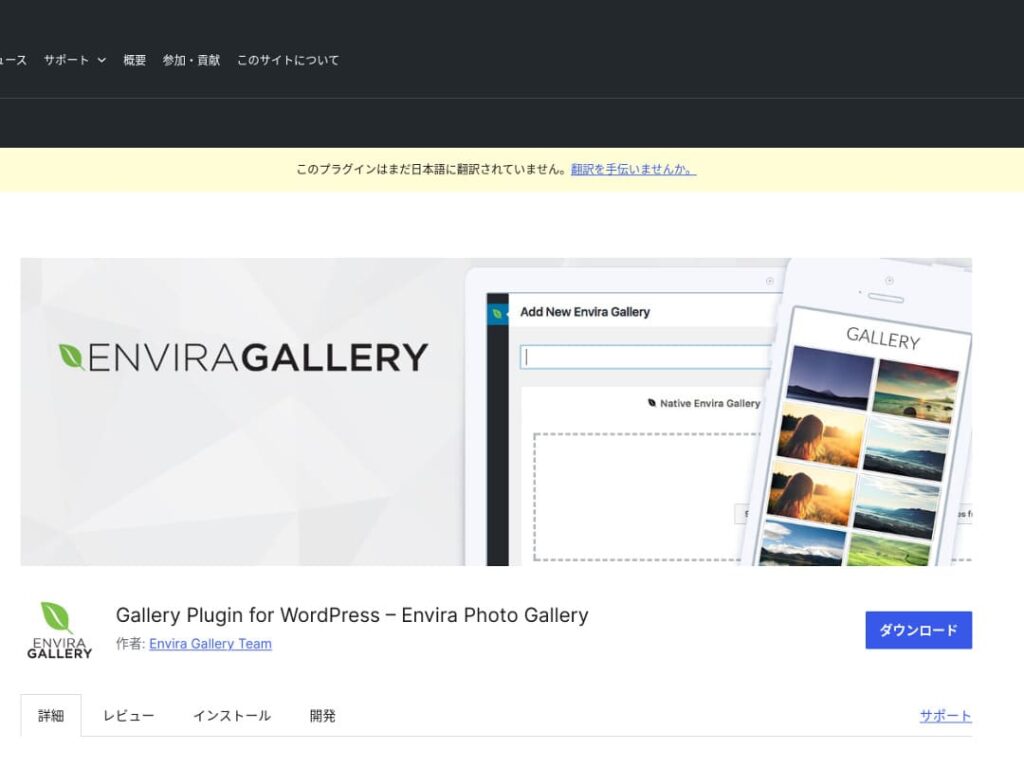
Envira Gallery ಬಳಕೆ ಸುಲಭತೆ ಮತ್ತು ಸುಂದರ design ನಿಂದ ಜನಪ್ರಿಯವಾದ plugin.
ಇದು ಡ್ರ್ಯಾಗ್ ಮತ್ತು ಡ್ರಾಪ್ ಎಡಿಟಿಂಗ್ ಮತ್ತು ರೆಸ್ಪಾನ್ಸಿವ್ ಟೆಂಪ್ಲೇಟ್ಗಳನ್ನು ಹೊಂದಿದೆ, ಆದ್ದರಿಂದ ಕೋಡಿಂಗ್ ಜ್ಞಾನವಿಲ್ಲದಿದ್ದರೂ ಸಹ ನೀವು ಸುಲಭವಾಗಿ ವೃತ್ತಿಪರ ಮಟ್ಟದ ಗ್ಯಾಲರಿಯನ್ನು ರಚಿಸಬಹುದು. ಇದು ಎಸ್ಇಒ (SEO) ಪರಿಗಣನೆಗಳನ್ನು ಸಹ ಒಳಗೊಂಡಿದೆ, ಮತ್ತು ಇದರ ಸಾಮಾಜಿಕ ಮಾಧ್ಯಮ ಸಂಯೋಜನೆಯು ನೀವು ರಚಿಸುವ ಗ್ಯಾಲರಿಗಳನ್ನು ಹಂಚಿಕೊಳ್ಳುವುದನ್ನು ಸುಲಭಗೊಳಿಸುತ್ತದೆ.
ಆ ಕಾರಣದಿಂದ user engagement ಹೆಚ್ಚಿಸಲು ಮತ್ತು ನಿಮ್ಮ website ಗೆ ಹೆಚ್ಚಿನ visitors ತರಲು ಇದು ಅತ್ಯುತ್ತಮ ಆಯ್ಕೆ.

NextGEN Gallery: ವೃತ್ತಿಪರ photo presentation ಗಾಗಿ
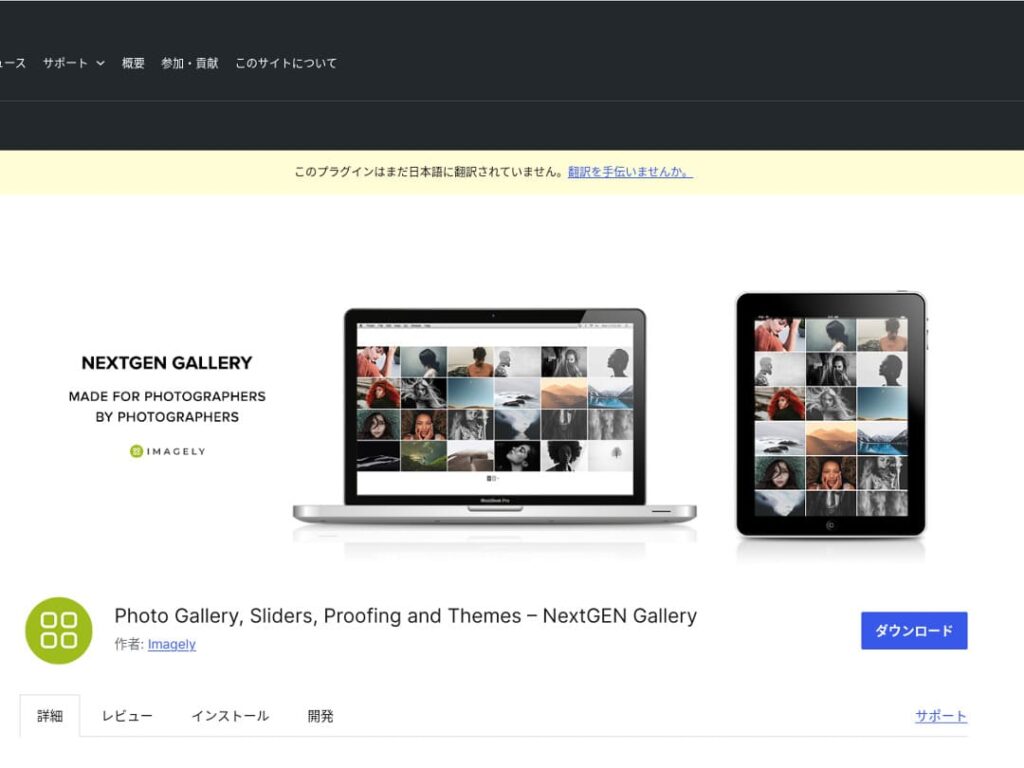
NextGEN Gallery advanced management functions ಮತ್ತು ಹಲವಾರು gallery styles ಒದಗಿಸುವುದಕ್ಕಾಗಿ ಪರಿಚಿತವಾಗಿದೆ.
ಈ plugin ವಿಶೇಷವಾಗಿ photographers ಮತ್ತು art lovers ಗೆ ಶಿಫಾರಸು ಮಾಡಲಾಗಿದೆ. ಹಲವು album options, batch uploading, image editing features ಹೊಂದಿರುವುದರಿಂದ, ತಮ್ಮ site galleries ಮೇಲೆ ಸೂಕ್ಷ್ಮ ನಿಯಂತ್ರಣ ಬಯಸುವ users ಗೆ ಇದು ಸೂಕ್ತ.
NextGEN ಬಳಸಿ, visitors ಮರೆಯದ visual experience ನೀಡಬಹುದು.

FooGallery: ಬಲವಾದ customizability ಹೊಂದಿರುವ ಬಳಸಲು ಸುಲಭವಾದ gallery
FooGallery ತನ್ನ intuitive operation ಮತ್ತು ಹೆಚ್ಚಿನ extensibility ಕಾರಣದಿಂದ ಆಯ್ಕೆ ಮಾಡಲಾಗುತ್ತದೆ.
ಈ plugin ಬಳಸಿ ಕೆಲವೇ clicks ನಲ್ಲಿ ಸುಂದರ gallery ರಚಿಸಬಹುದು; developers ಮತ್ತು advanced users ಗಾಗಿ extension features ಕೂಡ ಒದಗಿಸುತ್ತದೆ.
FooGallery ಯ flexibility, ನಿಮ್ಮ site ಬೆಳೆಯುವಂತೆ ಮತ್ತು ಅಗತ್ಯಗಳು ಬದಲಾಗುವಂತೆ gallery ಯನ್ನು ಸುಲಭವಾಗಿ ಹೊಂದಿಸಲು ನೆರವಾಗುತ್ತದೆ.

Modula Image Gallery: speed ಮತ್ತು visuals ಗಳ perfect balance
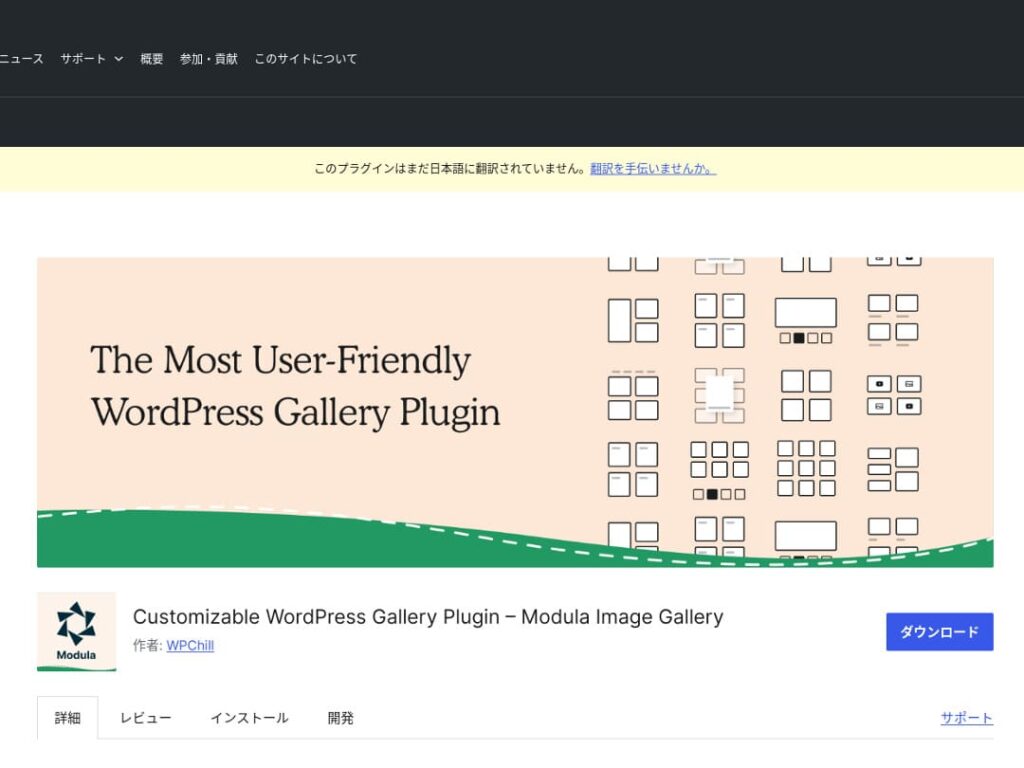
Modula Image Gallery ವೇಗವಾದ loading ಮತ್ತು customizable grid layouts ನಲ್ಲಿ ಆಕರ್ಷಣೆ ಹೊಂದಿರುವ plugin.
ಈ lightweight plugin site performance ಹಾನಿಗೊಳಿಸದೆ ಸುಂದರ galleries ರಚಿಸಲು ವಿನ್ಯಾಸಗೊಳಿಸಲಾಗಿದೆ. ವಿಶೇಷವಾಗಿ page speed ಬಗ್ಗೆ ಕಾಳಜಿ ಇರುವ webmasters ಗೆ Modula ಆದರ್ಶ ಆಯ್ಕೆ.
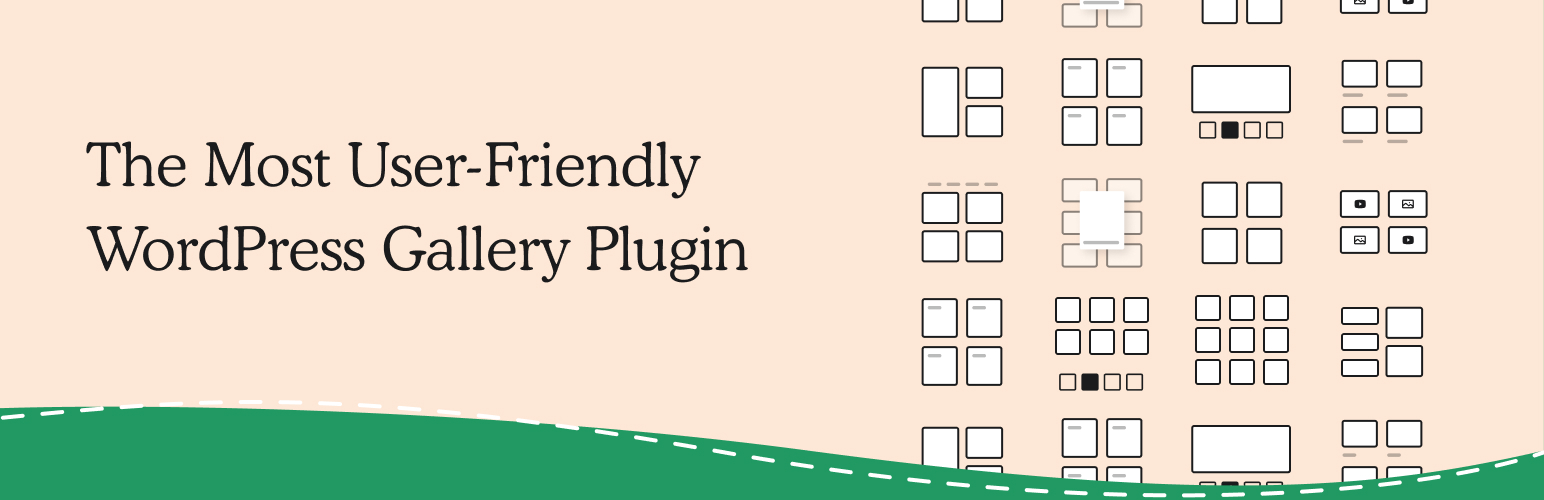
Photo Gallery by 10Web: photos ಮತ್ತು video ಸಂಯೋಜನೆ
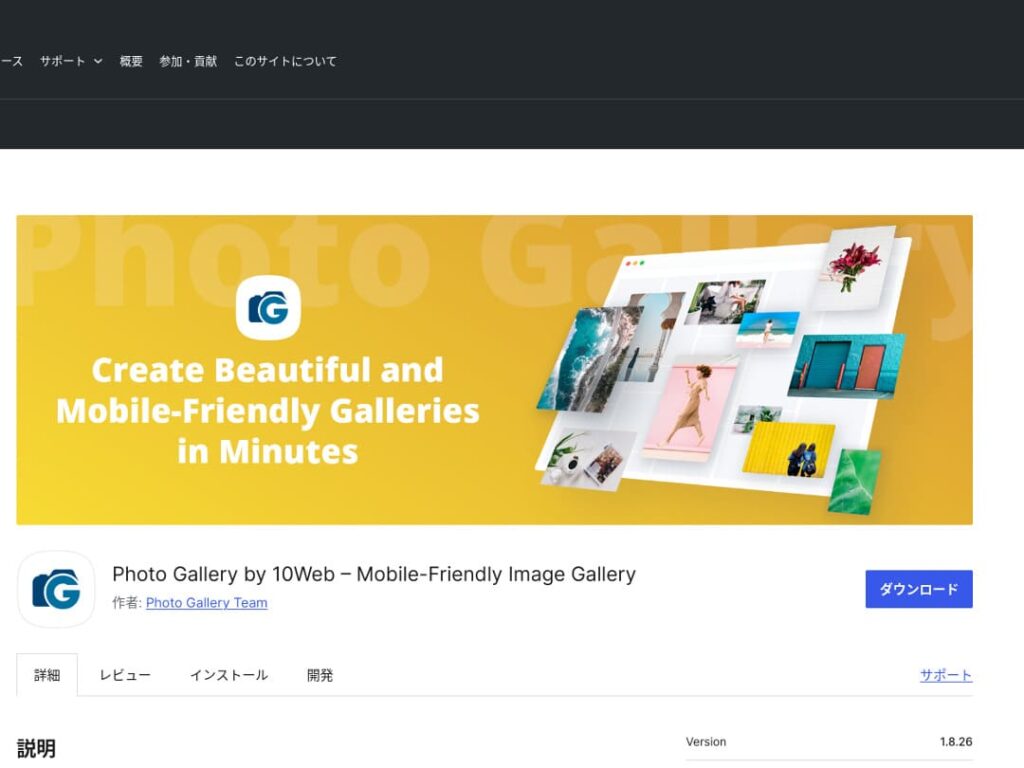
Photo Gallery by 10Web still images ಮಾತ್ರವಲ್ಲ video ಕೂಡ ನಿರ್ವಹಿಸಬಲ್ಲ multifunctional plugin.
ಇದು YouTube ಮತ್ತು Vimeo videos ಅನ್ನು ಸೇರಿಸಬಹುದು, responsive galleries ಮತ್ತು slideshows ರಚಿಸುವುದನ್ನು ಸುಲಭಗೊಳಿಸುತ್ತದೆ. visual content ಅನ್ನು ಅನೇಕ ಕೋನಗಳಿಂದ ಅಭಿವೃದ್ಧಿಪಡಿಸಲು ಬಯಸುವ website owners ಗೆ ಇದು ಸೂಕ್ತ.

ನಿಮ್ಮ galleries ಸುಧಾರಿಸಿ WordPress ಅನ್ನು ಹೆಚ್ಚು ಆಕರ್ಷಕವಾಗಿಸಿ

ನೀವು galleries ಅನ್ನು ನಿರಂತರವಾಗಿ ಸುಧಾರಿಸಿದರೆ, ನಿಮ್ಮ WordPress homepage ಇನ್ನಷ್ಟು ಆಕರ್ಷಕವಾಗುತ್ತದೆ.
ಚಿತ್ರಗಳನ್ನು optimize ಮಾಡಿ
ಇದು web page loading time ಕಡಿಮೆ ಮಾಡಿ user experience ಸುಧಾರಿಸುತ್ತದೆ.
- ಗಾತ್ರ ಸರಿಹೊಂದಿಸಿ: image ಪ್ರದರ್ಶಿಸುವ display size ಗೆ pixel dimensions ಹೊಂದಿಸಿ. website ನಲ್ಲಿ ತೋರಿಸುವ ಗಾತ್ರಕ್ಕಿಂತ ದೊಡ್ಡ images ಅಗತ್ಯವಿಲ್ಲ.
- image compress ಮಾಡಿ: images ಅನ್ನು JPEG (ಅಥವಾ WebP) format ನಲ್ಲಿ save ಮಾಡಿ, quality ಮತ್ತು file size ನಡುವೆ balance ಕಾಯ್ದುಕೊಳ್ಳಿ. ಅನೇಕ online tools ಮತ್ತು software packages image quality ಕಡಿಮೆ ಮಾಡದೆ file size ಕಡಿಮೆ ಮಾಡಲು ಸಹಾಯ ಮಾಡುತ್ತವೆ.
- ಸರಿಯಾದ format ಆರಿಸಿ: photographs ಗಾಗಿ JPEG, ಸರಳ illustrations ಮತ್ತು logos ಗಾಗಿ PNG ಅಥವಾ SVG ಬಳಸಿ. WebP size ಮತ್ತು quality ನಡುವೆ ಉತ್ತಮ balance ನೀಡುತ್ತದೆ, ಆದರೆ ಎಲ್ಲ browsers ಗಳಲ್ಲೂ support ಆಗುವುದಿಲ್ಲ.
ಪ್ರತಿಕ್ರಿಯಾಶೀಲ design
web page ಮತ್ತು gallery ಪ್ರತಿಯೊಂದು device ನಲ್ಲೂ ಸರಿಯಾಗಿ display ಆಗುತ್ತವೆ ಎಂಬುದನ್ನು ಖಚಿತಪಡಿಸಿಕೊಳ್ಳಿ.
- CSS media queries: screen size ಆಧರಿಸಿ ವಿಭಿನ್ನ style rules ಅನ್ವಯಿಸಿ. ಇದರಿಂದ images ಮತ್ತು content layout device ಗೆ ಹೊಂದಿಕೊಳ್ಳುತ್ತದೆ.
- Flexible images: images ಗೆ CSS property max-width: 100%; ಅನ್ವಯಿಸಿ, ಅವುಗಳ ಗಾತ್ರ parent element width ಗೆ ಅನುಗುಣವಾಗಿ ಸರಿಹೊಂದಲಿ.
- framework ಬಳಸಿ: Bootstrap ಮೊದಲಾದ responsive design framework ಬಳಿಸಿದರೆ responsive gallery ಅನ್ನು ಇನ್ನಷ್ಟು ಸುಲಭವಾಗಿ implement ಮಾಡಬಹುದು.
SEO ಆಪ್ಟಿಮೈಸೇಶನ್
search engines ನಲ್ಲಿ ನಿಮ್ಮ images visibility ಹೆಚ್ಚಿಸಿ.
- Alt text: image load ಆಗದಾಗ ಅಥವಾ ದೃಷ್ಟಿ ವೈಕಲ್ಯ ಹೊಂದಿರುವ user screen reader ಬಳಸುವಾಗ ಕಾಣಿಸುವ text ಇದು. image ಅನ್ನು ನಿಖರವಾಗಿ ವಿವರಿಸುವ ಮತ್ತು keywords ಒಳಗೊಂಡ text ಬಳಸಿ.
- File names: keywords ಒಳಗೊಂಡ descriptive file names ಬಳಸಿ. DSC12345.jpg ಗಿಂತ black-leather-shoes.jpg ಎಂಬ ಹೆಸರು ಉತ್ತಮ.
- Structured data for images: product images ಮತ್ತು recipe images ಮೊದಲಾದ ಕೆಲವು image types ಗೆ Google structured data ಶಿಫಾರಸು ಮಾಡುತ್ತದೆ. ಇದರಿಂದ images search results ನಲ್ಲಿ ಹೆಚ್ಚು ಗಮನ ಸೆಳೆಯುತ್ತವೆ.
★ SEO ಎಂದರೇನು? search engine optimization ನ ಹಂತಗಳು ಮತ್ತು ಸರಿಯಾದ ವಿಧಾನಗಳು
backups ಬಳಸಿ
Backups data loss ತಡೆದು site ಅನ್ನು secure ಮಾಡಲು ಸಹಾಯ ಮಾಡುತ್ತವೆ.
- ನಿಯಮಿತವಾಗಿ back up ಮಾಡಿ: UpdraftPlus ಅಥವಾ BackWPup ಮುಂತಾದ WordPress backup plugins ಬಳಸಿ database, files ಮತ್ತು images ಸೇರಿದಂತೆ site data ಅನ್ನು ನಿಯಮಿತವಾಗಿ back up ಮಾಡಿ.
- backups ಅನ್ನು external storage ಗೆ save ಮಾಡಿ: backup files ಅನ್ನು server ಮಾತ್ರವಲ್ಲದೆ Dropbox ಅಥವಾ Google Drive ಮೊದಲಾದ external cloud storage services ಗಳಲ್ಲೂ ಇಡುವುದು ಹೆಚ್ಚು ಸುರಕ್ಷಿತ.
- ನಿಮ್ಮ backups test ಮಾಡಿ: backups ಸರಿಯಾಗಿ ಕೆಲಸ ಮಾಡುತ್ತಿವೆಯೇ ಎಂದು ನಿಯಮಿತವಾಗಿ test ಮಾಡಿ ಮತ್ತು ಅಗತ್ಯವಿದ್ದಾಗ restoration process ಪರಿಶೀಲಿಸಿ. ನಿಜವಾದ ಸಮಸ್ಯೆ ಬಂದರೆ ವೇಗವಾಗಿ ಪ್ರತಿಕ್ರಿಯಿಸಲು ಇದು ಸಹಾಯ ಮಾಡುತ್ತದೆ.
★ ಐದು WordPress backup plugins
WordPress plugins ಬಳಸಿ galleries ಪ್ರದರ್ಶಿಸುವಾಗ page speed ನಿಧಾನಗೊಳ್ಳುವುದಕ್ಕೆ ಎಚ್ಚರ ಇರಲಿ
galleries ಬಳಸುವಾಗ ಗಮನಿಸಬೇಕಾದ ಒಂದು ವಿಷಯ display speed ನಿಧಾನಗೊಳ್ಳುವುದು. gallery ಯಲ್ಲಿ ಹೆಚ್ಚಿನ photos ತೋರಿಸಿದರೆ, ಆ page ನ data ಪ್ರಮಾಣ ಹೆಚ್ಚುತ್ತದೆ ಮತ್ತು page load ಆಗಲು ಹೆಚ್ಚು ಸಮಯ ಬೇಕಾಗುತ್ತದೆ.
page load ಆಗಲು ಸಮಯ ತೆಗೆದುಕೊಂಡರೆ, visitors ಕಿರಿಕಿರಿಗೊಂಡು ನಿಮ್ಮ website ಬಿಟ್ಟುಹೋಗಬಹುದು. ನೋಡಲಿ ಎಂದು ಸರಿಸಿ ಇಟ್ಟ photos ಇದ್ದರೂ ಅವರು gallery ಯಲ್ಲಿನ ಒಂದೇ image ನೋಡದೆ ಹೊರಟುಹೋದರೆ ಅದು ವಿಷಾದಕರ.
WordPress gallery plugins ನಲ್ಲಿ ಈಗಾಗಲೇ speed-improvement functions ಇರುತ್ತವೆ. ಆದ್ದರಿಂದ gallery plugin ಬಳಸದಿದ್ದರೂ ನಿಮ್ಮ website ನಿಧಾನವಾಗಿದ್ದರೆ, ಬೇರೆ server ಗೆ ಸ್ಥಳಾಂತರಿಸುವುದು ಒಳ್ಳೆಯದು.
Summary
WordPress site ನ gallery ಯನ್ನು ಹೆಚ್ಚು ಆಕರ್ಷಕಗೊಳಿಸಲು ಅನೇಕ plugins ಇವೆ, ಆದರೆ Envira Gallery, NextGEN Gallery, FooGallery, Modula Image Gallery ಮತ್ತು Photo Gallery by 10Web ಅವುಗಳಲ್ಲಿ ವಿಶೇಷವಾಗಿ ಬಲವಾದ ಆಯ್ಕೆಗಳು.
ಈ plugins ಅನ್ನು ಸರಿಯಾಗಿ ಬಳಸಿ ಮತ್ತು ಮೇಲಿನ improvement measures ಅನುಸರಿಸುವುದರಿಂದ, visitors ಮನ ಸೆಳೆಯುವ visual content ಒದಗಿಸಬಹುದು.
ಸುಂದರ gallery ನಿಮ್ಮ site ಗೆ ಬರುವ ಜನರ ಮೇಲೆ ಬಲವಾದ ಪ್ರಭಾವ ಬಿಟ್ಟು deeper engagement ಉಂಟುಮಾಡುತ್ತದೆ.