Trenutačno zatvoreno za nove prijave osim migracija
PR
Posluzitelji
Recenzija Shin Free Servera i nedostaci [najnovije za 2025.]: pokrenite WordPress na besplatnom serveru
Objavljeno: 2025.04.18
Azurirano: 2025.04.18
Ocjena: 3.0
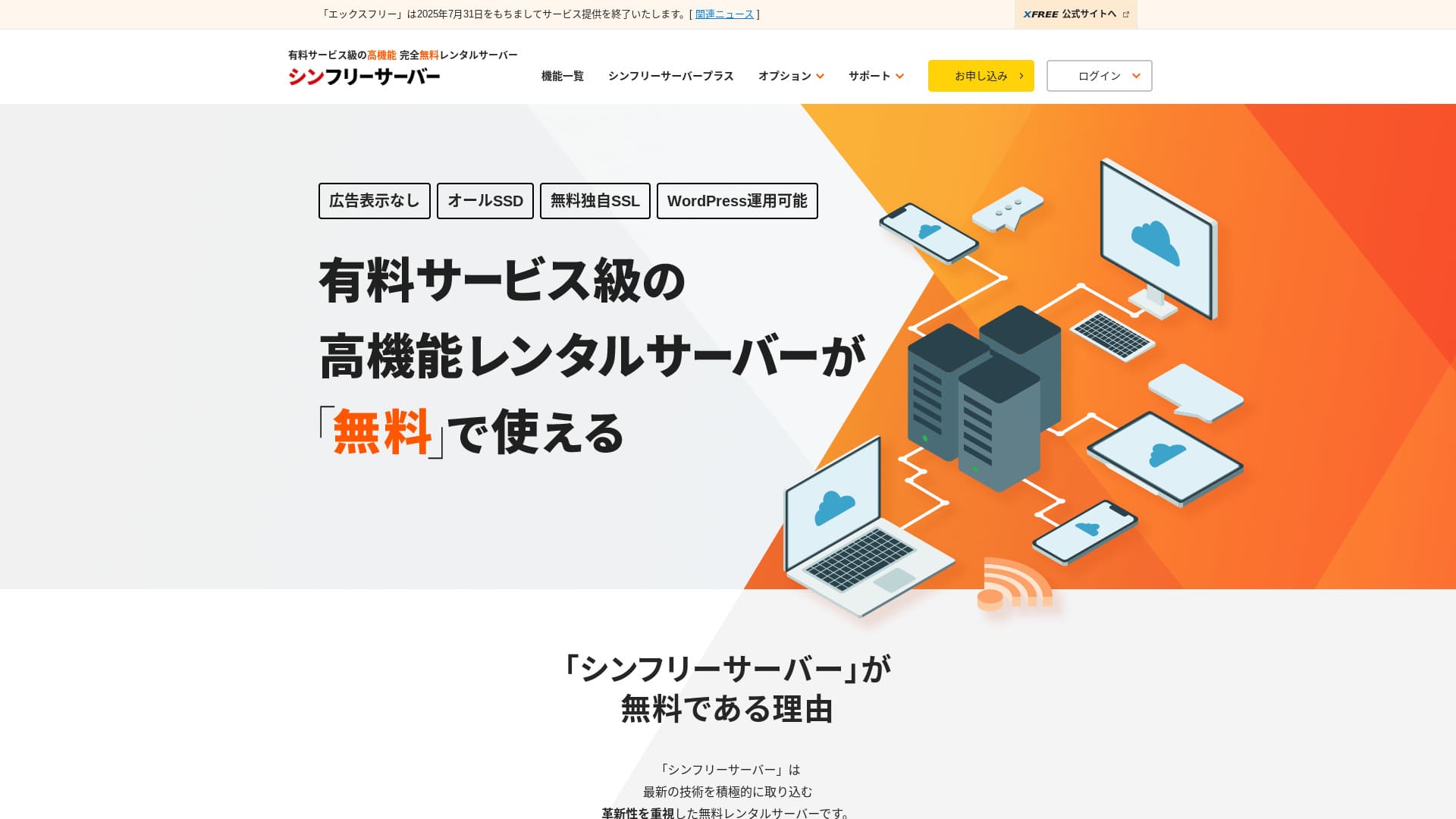
Shin Free Server besplatan je server tvrtke ShinCloud Co., Ltd. Za razliku od mnogih besplatnih servera, ne prikazuje oglase.

Shin Free Server preporučuje se osobama koje traže besplatan server jer:
- Nema oglasa iako je besplatan server
- Možete izraditi pet WordPress stranica
- Dostupan je visokosigurnosni WAF
Zbog toga ćete vjerojatno biti zadovoljni.
Konkurentski server je Star Rental Server. Nakon što se proširite, nudi snažnije planove od Shin Free Server. Razmotrite ga i vi.
| Vrsta servera | Dijeljeni server |
| Brzina prikaza (TTFB) | Nije mjereno |
| Preporučeni plan i trajanje ugovora | — |
| Probno razdoblje / garancija povrata novca | — |
| Mjesečna naknada (12-mjesečni ugovor) | Besplatno |
| Naknada za početno postavljanje | Besplatno |
| Besplatna domena | Nema |
| Podrška | Nema |
| Neprekidni rad | Nije objavljeno |
| Prostor za pohranu | 10GB |
| Broj baza podataka | 5 |
| Sigurnosne mjere | WAF |
| SSL | Besplatan prilagođeni SSL |
| Sigurnosna kopija / vraćanje | 14-dnevne automatske sigurnosne kopije besplatno, vraćanje besplatno |
| Broj e-mail računa | Nema |
| Sigurnosne mjere e-maila | Nema |
| Predinstalirani WordPress | Nema |
| Usluga migracije servera / web stranice | Nema |
| CDN | Nema |

Hikaru Ono
Shin Free Server se trenutačno može koristiti samo pri migraciji s drugog servera.
Ako tražite besplatan server, Star Rental Server se preporučuje.
Shin Free Server u usporedbi s drugim serverima
- UkupnoOcjena★★★☆☆
- Brzina serveraNije mjereno
- Cijena★★★★★
- Stabilnost★★★☆☆
- Jednostavnost pokretanja WordPressa★★★★☆
- Operacije poput upravljanja domenom i postavljanja SSL-a★★★☆☆

Kako odabrati između 21 preporučene WordPress hosting usluge za pojedince
Kako odabrati između 21 preporučene WordPress hosting usluge za pojedince
serverfield.org
- November 4, 2025 podaci istraživanja tržišta,prema brzini poredano
- Mjesečne naknade predstavljaju trošak prve godine najjeftinijeg plana koji može pokretati WordPress
- Brzina je Time to First Byte izmjeren na demo stranicama pod istim uvjetima
“Shin Free Server” besplatan je rental server tvrtke ShinCloud Co., Ltd. Iako je besplatan, ne prikazuje oglase operatera. Po funkcijama i podršci nije na razini plaćenih servera, ali i dalje je ugodan za korištenje.
Korisničke recenzije Shin Free Servera i četiri ključne značajke

Nema oglasa
Iako su oglasi uobičajeni na besplatnim serverima, Shin Free Server ih ne prikazuje.
To znači da oglasi neće narušiti dojam poslovne web stranice niti smanjiti vaš prihod od oglašavanja.
Možete izraditi pet WordPress web stranica
Shin Free Server omogućuje izradu do pet baza podataka, pa možete izraditi pet WordPress web stranica.
Napomena: Što je baza podataka? Zašto WordPress ovisi o njoj za upravljanje i rad
Osim poslovne web stranice, možete izraditi blog ili web stranice u više različitih žanrova.
Besplatan SSL je dostupan
Shin Free Server podržava besplatan SSL.SSL je danas standardna sigurnosna mjera. Ako nije konfiguriran, ljudi vašu web stranicu mogu smatrati sumnjivom, pa je neophodan pri izradi web stranice.
Napomena: Što su SSL i TLS? Kako štite informacije enkripcijom i koje su njihove prednosti
Dostupan je visokosigurnosni WAF
Shin Free Server može koristiti WAF. To je napredna sigurnosna zaštita.Dovoljno je napredna da je neki plaćeni serveri nude samo kao plaćenu opciju.
I to je dostupno besplatno.
Naravno, čak i na serverima koji ne nude WAF možete ga postaviti instaliranjem sigurnosnih dodataka za WordPress. Ipak, postupak je naporan, a sigurnije je kada server to rješava umjesto vas.
Napomena: Što su WordPress dodaci? Njihove vrste i važne mjere opreza
Nedostaci Shin Free Servera, iskreno rečeno

Shin Free Server ima mnogo prednosti, ali nažalost ima i nedostataka.
Nema podrške
Prvo, Shin Free Server ne nudi podršku.Koliko god problem bio težak, morate ga riješiti sami.
XREA, još jedan besplatan server, uključuje podršku putem chata. U usporedbi s time, ovo je razočaravajuće.
Nema sigurnosne kopije
Ne postoji ni funkcija sigurnosne kopije.Morate sami izgraditi sustav sigurnosnih kopija, primjerice korištenjem WordPress dodataka.
Ako preskočite sigurnosne kopije jer su gnjavaža, a zatim greškom izbrišete podatke ili vam netko izmijeni podatke, sav dosadašnji trud bit će izgubljen.
Ako ipak odaberete Shin Free Server, obavezno instalirajte WordPress dodatak za sigurnosne kopije.
Napomena: 5 snažnih WordPress dodataka za sigurnosne kopije koji pomažu oporaviti podatke
Stopa dostupnosti nije objavljena
Shin Free Server ne objavljuje svoju stopu dostupnosti.To znači da je stabilnost servera nepoznata i korisnici je ne mogu točno procijeniti.
Stabilnost servera izravno utječe na to hoće li vaša web stranica ostati pouzdano dostupna. Ako se zbog ponavljanih problema web stranica stalno ne može otvoriti, svrha se gubi. Za poslovnu web stranicu to može narušiti imidž, pa čak i dovesti do izgubljenih sastanaka ili poslovnih prilika.
Napomena: Vodič za početnike za razumijevanje dostupnosti hostinga i SLA ugovora
Usporedba Shin Free Servera s dva slična servera
Usporedili smo domaće besplatne servere slične Shin Free Serveru. Svaki ima svoje prednosti, zato ih pažljivo usporedite.
XREA
XREA je besplatan server koji uključuje 15 generacija automatskih sigurnosnih kopija.Nudi i podršku putem chata. Čak i ako nemate iskustva s WordPressom ili web stranicama, možete s pouzdanjem početi upravljati web stranicom.
Međutim, nedostaju mu skuplje sigurnosne mjere kao što je WAF i prikazuje oglase.
U usporedbi sa Shin Free Serverom, teško je reći da je jedan očito bolji od drugoga.

Recenzija XREA-e [najnovije za 2025.]: prednosti i nedostaci korištenja WordPressa na besplatnom planu te usporedbe s drugim besplatnim serverima
Recenzija XREA-e [najnovije za 2025.]: prednosti i nedostaci korištenja WordPressa na besplatnom planu te usporedbe s drugim besplatnim serverima
serverfield.org
Star Server Free
Star Server Free također je poznat besplatan server u Japanu.Shin Free Server nudi više prostora za pohranu od Star Server Freea, zbog čega je isplativiji.
| Stavka usporedbe | Shin Free Server | Star Server Free |
|---|---|---|
| Glavna značajka | Besplatno | Besplatno |
| Probno razdoblje / garancija povrata novca | Nema | Nema |
| Neprekidni rad | Nije objavljeno | Nije objavljeno |
| Prostor za pohranu | 10GB | 2GB |
| Trošak servera u prvoj godini | 0 yen | 0 yen |

Recenzija Star Rental Servera [objavljeno 19. prosinca 2024.]: prednosti i nedostaci servera visoke vrijednosti koji možete koristiti od besplatnih planova
Recenzija Star Rental Servera [objavljeno 19. prosinca 2024.]: prednosti i nedostaci servera visoke vrijednosti koji možete koristiti od besplatnih planova
serverfield.org
Pokrenite web stranicu sa Shin Free Serverom u 7 koraka
Od prosinca 2024. Shin Free Server ne prima prijave osim za migracije servera.
Pokrenimo web stranicu uz Shin Free Server!
- STEP.1Posjetite službenu web stranicu
Pomaknite se niz početnu stranicu i oko sredine stranice kliknite “Create a free server account”.
- STEP.2Registrirajte Shin Account
Kliknite “Start now! New signup”, zatim unesite članske podatke kao što su ime i adresa. Ako je sve točno, označite da prihvaćate Uvjete korištenja i postupanje s osobnim podacima. Zatim kliknite “Next”.
Nakon dovršetka potvrde e-pošte i pregleda podataka prijave, kliknite “Register with these details and proceed to server application”.
Provjerite ID servera, označite okvire za Uvjete korištenja i postupanje s osobnim podacima, zatim kliknite “Review application details”.
Još jednom pregledajte podatke prijave i kliknite “Apply” kako biste registrirali svoj Shin Account. Stići će potvrdna e-pošta.
Nakon što odaberete domenu, označite “Install WordPress at the same time”.
Kliknite “Next”.
- STEP.3Nabavite domenu uz Shin Domain
Prijavite se u svoj Shin Account i kliknite “Get a domain”.
Nabavite željenu domenu. Preporučujem poznate domene kao što su “.com” i “.net”. Njihove naknade za obnovu također su razumne, ispod 2.000 jena.
Napomena: Što je domena? Njezina uloga kao adrese na internetu i kako je nabaviti
Unesite željenu domenu u “Enter the domain name you want to obtain”, potražite je, označite potvrdni okvir za željenu domenu i kliknite “Proceed to acquisition”.
Odaberite podatke o plaćanju i kliknite “Review application details”. Zatim unesite podatke kreditne kartice i slično.
Pregledajte podatke prijave, prihvatite Shin Domain Uvjete korištenja i postupanje s osobnim podacima te kliknite “Apply”. Primit ćete e-poštu s podacima prijave. Kada stigne, završili ste.
- STEP.4Registrirajte domenu
Prijavite se u serversku ploču za Shin Cloud for Free.
Odaberite “Domain settings”, kliknite “Add domain”, unesite domenu koju ste nabavili i kliknite “Add”.
- STEP.5Instalirajte WordPress
U serverskoj ploči Shin Cloud for Free otvorite “WordPress” > “Easy WordPress Install” i kliknite “New installation”.
Postavite WordPress.
- Ciljna domena:Domena koju ste ranije registrirali
- URL stranice:Isto kao ciljna domena
- Naziv bloga:Bilo što je u redu. Kasnije ga možete lako promijeniti
- Korisničko ime:Bilo što je u redu, ali kasnija promjena je gnjavaža
- Lozinka:Bilo što je u redu, ali neka bude što složenija
- Adresa e-pošte:Vaša svakodnevna adresa e-pošte
- Automatsko brisanje predmemorije:Preporučuje se ON
- Database:Postavite automatsko generiranje
- Tema:Preporučuje se Cocoon. Ova stranica također koristi Cocoon.
- Opcija teme:Označite “Install child theme”
Kada sve ispunite, kliknite “Install”.
Korisničko ime i lozinka koriste se pri prijavi u WordPress. Obavezno ih zapišite.
Kada instalacija završi, kliknite “Log in”.
- STEP.6SSL postavke
U serverskoj ploči otvorite “SSL settings” iz “Domain”.
Otvorite domenu koju ste konfigurirali za WordPress i prebacite klizač statusa SSL postavke na “ON”. Promjena će se odraziti za otprilike sat vremena.
- STEP.7Instalirajte dodatke
Vratite se na administratorski zaslon WordPressa, otvorite “Plugins”, zatim idite na “Add New” kako biste instalirali potrebne dodatke.
Potražite željene dodatke, kliknite “Install Now”, a zatim “Activate”. Nakon toga slijedite upute svakog dodatka.
Obavezno instalirajte sigurnosne dodatke i dodatke za sigurnosne kopije.
- Kako odabrati 5 WordPress dodataka koji jačaju sigurnost
- 5 snažnih WordPress dodataka za sigurnosne kopije koji pomažu oporaviti podatke
Nakon što instalirate dodatke, postavljanje vaše WordPress web stranice je dovršeno.
Sažetak
“Shin Free Server” besplatan je rental server tvrtke ShinCloud Co., Ltd. Iako je besplatan, ne prikazuje oglase operatera. Po funkcijama i podršci nije na razini plaćenih servera, ali i dalje je ugodan za korištenje.
Trenutačno zatvoreno za nove prijave osim migracija
Shin Free Server besplatan je server bez oglasa. Praktičan je za korištenje. Može se koristiti na mnogo načina, od poslovnih web stranica do hobi blogova.Međutim, budući da nema podrške, trebali biste pažljivo pročitati priručnik i sami rješavati probleme kada naiđete na poteškoće.
Potpuna usporedba 32 WordPress hosting usluge: preporuke za pojedince, tvrtke i korištenje u inozemstvu

Kada želite pokrenuti WordPress i pretražujete “recommended WordPress hosting”, pojavljuju se razni članci, od opcija za pojedince, tvrtke i male poduzetnike do inozemnih i jeftinih servera. Iskreno,
- koju stranicu trebam čitati?
- Želim odabrati server na jednostavan i razumljiv način!
- Recite mi kako odmah pokrenuti WordPress.
Osjećate li se ikada tako? Zato ovaj članakpažljivo odabire preporuke iz 32 hosting usluge za pojedince, tvrtke te domaću i inozemnu upotrebui predstavlja ih. Objašnjava ih SEO voditelj u tvrtki za razvoj aplikacija koja svakodnevno koristi rental servere.