
Essai gratuit de 14 jours
PR
Serveurs
Avis sur wpX Speed : tests de vitesse, avantages, inconvenients et comparaison avec d'autres hebergements
Publie : 2025.04.18
Mis a jour : 2025.04.18
Note: 4.0
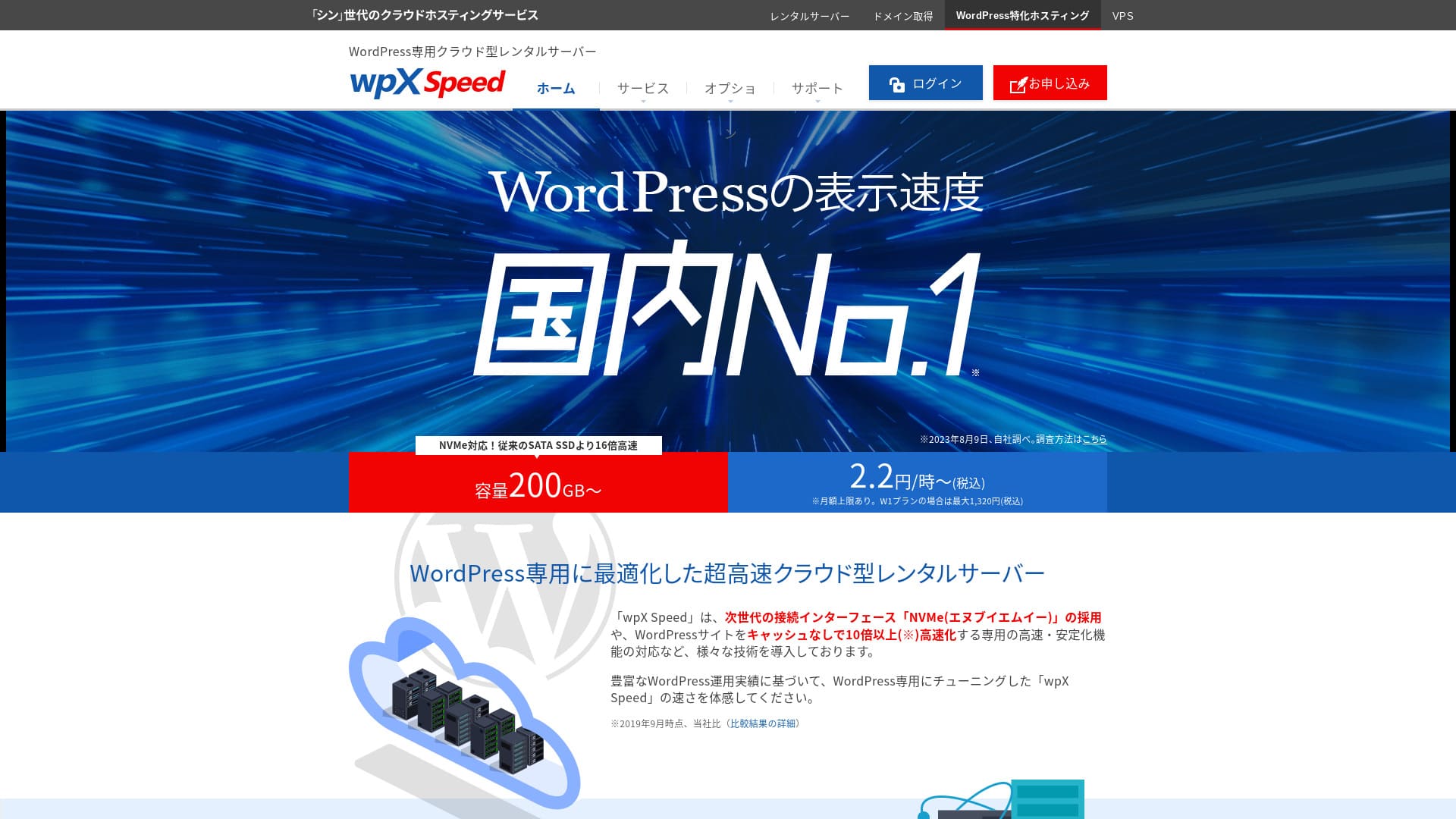
wpX Speed est un hebergement cloud de ShinCloud. Il se distingue par une vitesse tres elevee, la reservation de ressources et une fonction d'auto-scale capable de suivre les pics d'acces.

I recommend wpX Speed to individuals, companies, and sole proprietors using WordPress for the first time because:
- it is the second-fastest server in our measurements
- it can withstand viral traffic thanks to auto scaling and reserved resources
- it has a reassuring pay-only-for-what-you-use pricing system
That is why. I believe you will be satisfied. You can try it free for 14 days.
A competing server is ConoHa WING. It can also be started on an hourly basis, and its lower pricing is stronger than wpX Speed in that respect. Consider it as well.
★ ConoHa WING Review: Why 750,000 Users Choose It, Tested Through Speed, Pros, and Cons
| Type de serveur | Serveur mutualisé |
| Vitesse d’affichage (TTFB) | 40ms |
| Plan recommandé et durée de facturation | W1, 12 months |
| Essai / garantie de remboursement | 14 days |
| Frais mensuels (plan de 12 mois) | 2,2 yens par heure*, jusqu’à 1 320 yens* |
| Frais de configuration initiaux | Gratuit |
| Domaine gratuit | Aucun |
| Support | Téléphone et e-mail (jours ouvrables 10:00-18:00) |
| Uptime | Non communiqué |
| Stockage serveur | 200GB* |
| Nombre de bases de données | Illimité |
| Mesures de sécurité | WAF, restrictions d’accès depuis des adresses IP étrangères, limitation des tentatives de connexion, restrictions des commentaires et trackbacks en masse, restrictions des commentaires et trackbacks depuis des adresses IP étrangères |
| SSL | SSL personnalisé gratuit, SSL personnalisé |
| Sauvegarde / restauration | 7 jours de sauvegardes automatiques gratuites, restauration gratuite |
| Nombre de comptes e-mail | Illimité |
| Fonctions de sécurité e-mail | SMTP-AUTH, IMAP |
| Service de migration serveur / site web | Aucun |
| Préinstallation de WordPress | Aucune |
| CDN | None |

Hikaru Ono
wpX Speed m’a permis d’avancer sans friction depuis la demande jusqu’à l’installation de WordPress. Comme il offre un environnement serveur rapide, je le recommande aux entreprises et aux usages professionnels.
Comme vous pouvez monter en puissance sur huit plans, c’est un service que vous pouvez continuer à utiliser sur le long terme.
wpX Speed compare aux autres serveurs
- Evaluation globale 4/5★★★★☆
- Vitesse du serveur : excellent★★★★★
- Prix : tres bon★★★☆☆
- Stabilite : tres bonne★★★★☆
- Demarrage WordPress : moyen★★★★☆
- Gestion du domaine et du SSL : moyen★★★★★
Evaluation fondee sur l'usage reel du service.

Comparison of 21 Recommended WordPress Hosting Services for Individuals and How to Choose
Comparison of 21 Recommended WordPress Hosting Services for Individuals and How to Choose
serverfield.org
- November 4, 2025 données d’étude de marché, classées par vitesse
- Les frais mensuels correspondent au coût de première année du plan le moins cher capable de faire fonctionner WordPress
- La vitesse est la valeur TTFB des sites de démonstration mesurés dans les mêmes conditions
Six caracteristiques qui expliquent la reputation de wpX Speed

Deuxieme place dans nos mesures de vitesse
Dans nos mesures realisees sur ce site, wpX Speed a enregistre un TTFB de 40 ms, a egalite avec XServer Business. C'est un resultat tres fort pour un hebergement WordPress.
Google recommande de maintenir le temps de reponse serveur sous 200 ms. Avec 40 ms, wpX Speed se situe tres largement sous ce seuil, ce qui aide le SEO et les conversions.
Le temps de réponse du serveur doit rester inférieur à 200 millisecondes.
https://developers.google.com/server/speed/docs/insights/Server?hl=ja
Quand le serveur est rapide, les pages se chargent vite et les visiteurs n’attendent pas. Cela aide aussi à obtenir de bons résultats SEO et à transformer les visites en ventes.
★ Est-ce vraiment rapide ? Nous avons comparé 11 services d’hébergement dans un classement de vitesse
La fonction d'auto-scale augmente automatiquement les performances
wpX Speed gere bien les pointes d'acces grace a l'auto-scale. Meme lorsqu'un trafic soudain survient, il devient beaucoup plus facile d'eviter un 503 et de maintenir l'affichage du site.
Comme il peut réagir avec souplesse, même une erreur 503 causée par une forte hausse soudaine du trafic devient moins inquiétante.
★ Qu’est-ce qu’une erreur 503 ? Congestion web, moyens de l’éviter et réponses d’urgence
Bien sûr, les mises à niveau automatiques du plan peuvent peser sur votre budget. La fonction d’auto-scale peut être activée ou désactivée, et vous pouvez définir librement les conditions et le budget des changements de plan, ce qui permet de l’utiliser dans une limite raisonnable.
Des ressources reservees pour une stabilite constante
wpX Speed keeps resources reserved, so your site display remains stable.
En général, lorsqu’un site fonctionne sur un hébergement mutualisé, un pic de trafic sur un autre site du même serveur peut rendre votre propre site plus difficile d’accès. Cela se produit parce que les ressources disponibles pour votre site, comme le CPU et les cœurs, diminuent.
Mais comme wpX Speed réserve ses ressources, il n’est pas affecté par les autres sites. Autrement dit, les ressources réservées éliminent une grande faiblesse de l’hébergement mutualisé.
Une tarification horaire sans gaspillage
wpX Speed utilise une facturation horaire. Vous ne payez que ce que vous utilisez, tout en gardant un plafond mensuel qui evite les surprises.
- Plan W1 : 2,2 yens par heure, plafond mensuel de 1 320 yens
- Plan W2 : 4,4 yens par heure, plafond mensuel de 2 640 yens
- Plan W3 : 8,8 yens par heure, plafond mensuel de 5 280 yens
Même si la tarification est horaire, un plafond mensuel est également fixé, de sorte que votre charge mensuelle ne change pas selon que le mois compte beaucoup ou peu de jours.
Grâce à la tarification horaire, vous pouvez l’essayer facilement et à faible coût, même sans période d’essai officielle.
Vous pouvez utiliser la protection WAF
wpX Speed can use a WAF. A WAF is a modern security measure. Together with firewalls and other protection, it helps stop attacks that older security measures could not prevent.
Sur les services d’hébergement bon marché, le WAF est souvent une option payante. Mais avec wpX Speed, vous pouvez l’activer gratuitement.
Sept jours de sauvegardes pour plus de tranquillite
wpX Speed comprend une fonction de sauvegarde sur sept jours. En cas de suppression accidentelle, de compromission ou de panne, vous pouvez revenir a un etat recent du site.
Les sauvegardes sont extrêmement importantes. Même avec des mesures de sécurité comme un WAF, les données peuvent être altérées lors d’une attaque, et vous pouvez aussi les supprimer accidentellement. Si vous disposez de données de sauvegarde, vous pouvez restaurer le site exactement dans l’état où il se trouvait avant le problème.
Sur certains services d’hébergement, les sauvegardes sont une option payante. Mais avec wpX Speed, elles sont gratuites. C’est avantageux.
Les fonctions email de wpX Speed restent faibles

wpX Speed has weak email functionality.
Il ne prend pas en charge l'authentification DKIM. Pour une entreprise qui utilise l'email dans ses operations, il vaut mieux envisager un service email separe.
Si votre entreprise veut utiliser l’e-mail pour son activité, je recommande d’envisager un service e-mail séparé.
Comparer wpX Speed avec deux serveurs similaires
ConoHa WING
ConoHa WING est aussi un serveur pouvant utiliser une tarification horaire. Il commence à 2,2 yens par heure. Contrairement à wpX Speed, il propose aussi des remises via des contrats longue durée appelés WING Packs. Vous pouvez démarrer à moindre coût qu’avec wpX Speed.
Cependant, si vous choisissez son plan business avec auto-scale et ressources réservées, le prix monte à 3,1 yens par heure (plafond mensuel : 1 815 yens).
Si vous cherchez un serveur oriente business avec auto-scale et ressources reservees, wpX Speed est plus abordable que la formule business correspondante de ConoHa WING.

Avis ConoHa WING : pourquoi 750 000 utilisateurs le choisissent, avec tests de vitesse, avantages et inconvénients
Avis ConoHa WING : pourquoi 750 000 utilisateurs le choisissent, avec tests de vitesse, avantages et inconvénients
serverfield.org
XServer
Xserver est aussi un serveur rapide utilisant un SSD NVMe, tout comme wpX Speed. Il est exploité par la même entreprise. XServer est moins cher à utiliser. Comme wpX Speed, il dispose aussi de ressources réservées et n’est donc pas affecté par les autres sites.
XServer est lui aussi rapide, mais il n'offre pas d'auto-scale comparable a celui de wpX Speed. Si vous avez besoin d'absorber des pointes de trafic sans ajustement manuel, wpX Speed garde un avantage clair.wpX Speed is better at handling sudden traffic spikes. If you regularly run events or campaigns and have a high chance of sudden traffic surges, I recommend wpX Speed.

Avis XServer [dernière édition 2025] : vitesse, prix, avantages et inconvénients expliqués en détail
Avis XServer [dernière édition 2025] : vitesse, prix, avantages et inconvénients expliqués en détail
serverfield.org
Demarrer un site avec wpX Speed en 7 etapes
Commençons un site avec wpX Speed !
- STEP.1Accéder au site officiel de wpX Speed
Sur la page d’accueil du site officiel, cliquez sur “Apply” tout en bas. Si vous n’avez pas de Shin Account ID, cliquez sur “New Application”.
- STEP.2Saisir les informations client
Il s’agit des informations de contrat. Pour le server ID, saisissez la chaîne de votre choix.
Je recommande le plan W1. Si le trafic augmente et que les caractéristiques deviennent insuffisantes, passez au plan supérieur.
Ensuite, saisissez vos informations d’inscription, comme votre adresse e-mail et votre nom.
Vient ensuite le mode de paiement. Je recommande de payer par carte bancaire. Cela vous permet de commencer à créer votre site immédiatement.
Enfin, vérifiez les Conditions d’utilisation et le traitement des informations personnelles. Cochez la case pour accepter “Terms of Use” et “Handling of Personal Information”, puis cliquez sur “Proceed to confirm your application details”.
Si tout semble correct après vérification des détails de la demande, terminez la vérification d’identité.
Lorsque vous recevez l’e-mail confirmant que la configuration du serveur est terminée, votre demande de serveur est finalisée.
- STEP.3Demander un domaine et l’ajouter
Connectez-vous à l’écran d’administration.
Dans “Contract Management”, cliquez sur “Additional Applications” dans la section “Contract-related”. Lisez les Conditions d’utilisation et le traitement des informations personnelles, puis cliquez sur “Agree”.
Cliquez sur “Apply to obtain a new domain” et saisissez le domaine souhaité. S’il est disponible, un bouton de demande pour ce domaine apparaît ; cliquez dessus.
Cliquez sur “Confirm application details” et passez au paiement du domaine. Une fois le paiement terminé, l’acquisition du domaine est finalisée.
Depuis “Server Management” dans l’écran d’administration, allez dans “Domain Management”, puis “Add Domain Settings”. Saisissez le domaine obtenu juste avant, cliquez sur “Add Domain (Confirm)”, puis sur “Add Domain (Finalize)”.
L’ajout du domaine est ainsi terminé.
- STEP.4Installer WordPress
Connectez-vous au panneau de contrôle. Dans “Server Management”, allez dans “WordPress-related”, puis “New Installation”. Configurez les éléments suivants.
- Adresse du site : sélectionnez le domaine ajouté précédemment
- WordPress ID : n’importe quelle valeur convient.
- Titre du blog : n’importe quelle valeur convient. Vous pourrez le modifier facilement plus tard.
- Adresse e-mail : utilisez une adresse que vous utilisez normalement. Si vous êtes une entreprise, une adresse professionnelle est recommandée.
- SSL personnalisé : cochez “Use custom SSL”. Cochez aussi “Enable redirect settings to https://”.
Après avoir tout saisi, cliquez sur “Next”. Vérifiez de nouveau les détails, puis cliquez sur “Confirm (Install WordPress)”.
- STEP.5Paramètres initiaux de WordPress
Connectez-vous à WordPress.
Si un avertissement indique “This site can’t be reached”, les paramètres DNS ne se sont pas encore propagés. Dans ce cas, il faut simplement attendre ; essayez donc de vous reconnecter toutes les heures.
★ Que sont le DNS et les serveurs de noms ?
Configurons les permaliens. Depuis l’écran d’administration WordPress, allez dans “Settings”, puis “Permalinks”. Sélectionnez “Post name”. Après l’avoir sélectionné, cliquez sur “Save Changes”.
Lorsque vous choisissez “Post name”, vous pouvez saisir la chaîne de votre choix dans l’URL lors de la publication d’un article. Il vaut mieux utiliser une chaîne courte qui aide les lecteurs à imaginer le contenu. Si elle est trop longue, certaines personnes peuvent se sentir mal à l’aise et trouver le site suspect.
- STEP.6Installer les plugins
Retournez à l’écran d’administration WordPress, ouvrez “Plugins”, puis allez dans “Add New” pour installer les plugins nécessaires.
Une fois le plugin souhaité trouvé par recherche, cliquez sur “Install Now”, puis sur “Activate”. Ensuite, suivez les instructions de chaque plugin.
Veillez à installer des plugins de sécurité et de sauvegarde.
- 5 plugins de sécurité WordPress qui renforcent la protection et comment les choisir
- 5 puissants plugins de sauvegarde WordPress qui vous aident à récupérer vos données
Une fois les plugins installés, votre site WordPress est entièrement prêt !
Resume
wpX Speed est un hebergement cloud de ShinCloud qui combine vitesse, ressources reservees et auto-scale. wpX Speed” is a cloud-based hosting service from ShinCloud Co., Ltd. With pricing that starts at 2.2 yen per hour, it is easy to begin. Features that feel distinctly cloud-based, such as reserved resources and automatic scale-up, keep it comfortable to use.
A partir de 2,2 yens par heure
wpX Speed se distingue par sa stabilite grace a l'auto-scale et aux ressources reservees. Comme sa tarification horaire le rend facile a essayer, je recommande de le tester d'abord pendant 14 jours si son approche vous interesse.
Comparatif complet de 32 hebergements WordPress : recommandations pour particuliers, entreprises et sites internationaux

Si vous hesitez entre les hebergements WordPress pour particuliers, entreprises, usage domestique ou international, ce comparatif organise les choix les plus solides de facon simple.
- Which site should I trust?
- I want to choose a server in a simple, easy-to-understand way.
- Please show me how to start WordPress right away.
Don't you feel that way? In this article, I carefully selected recommendations from 32 hosting providers for individuals, businesses, and domestic and international use. The explanation comes from the SEO specialist at an app development company that uses hosting servers every day.