Capacite d'un serveur mutualise : comment bien choisir et pourquoi c'est important pour une exploitation fluide du site

Lorsque vous louez un serveur, vous comparez peut-etre toutes sortes de specifications comme le CPU et la memoire avant de rester bloque sur la 'capacite'. Si vous debutez avec les serveurs mutualises, vous ne savez peut-etre ni quelle capacite il vous faut, ni meme de quel type de capacite il s'agit.
Dans cet article, j'examine en detail la capacite d'un serveur mutualise. Avec les points de vigilance a connaitre quand on lance un blog WordPress, je vous aiderai a choisir la meilleure offre. Apres avoir lu cet article, vous devriez comprendre la capacite d'un serveur mutualise et pouvoir choisir une offre en toute confiance.
Qu'est-ce exactement que la capacite d'un serveur mutualise ? Que stocke-t-elle ?

Pour le dire simplement, la capacite d'un serveur mutualise est la quantite d'espace disponible pour stocker les donnees de votre site web. Plus precisement, elle stocke les types de donnees suivants.
- Fichiers du site web : tous les fichiers necessaires a l'affichage du site, comme le HTML, le CSS, le JavaScript, les images et les videos
- Bases de donnees : elles stockent du contenu dynamique comme les billets de blog, les informations utilisateur et les informations produit
- Donnees d'e-mail : si vous utilisez des comptes e-mail, vos messages envoyes et recus ainsi que leurs pieces jointes
- Fichiers journaux : journaux d'acces serveur, journaux d'erreurs et enregistrements similaires
- Donnees de sauvegarde : sauvegardes des donnees de votre site web
Toutes ces donnees consomment de la capacite serveur. Si vous manquez d'espace, vous risquez de ne plus pouvoir ajouter de contenu, votre site peut ralentir et, dans le pire des cas, tomber en panne.
Trois etapes pour choisir la bonne capacite serveur

Alors, comment choisir la bonne capacite ? Reflechissez-y en suivant les trois etapes ci-dessous.
ETAPE 1 : reflechir au type de site web (pour WordPress)
La capacite necessaire varie enormement selon le type de site web. Si vous lancez un blog WordPress, prenez en compte les points suivants.
- Taille du blog : s'agit-il d'un petit blog personnel ou d'un grand blog gere par plusieurs personnes ?
- Type de contenu : s'agit-il principalement de texte ou y a-t-il beaucoup d'images et de videos ?
- Nombre d'extensions : de nombreuses extensions consomment de la capacite.
- Poids du theme : selon le theme que vous utilisez, il peut exercer une pression sur votre capacite.
En regle generale, gardez les ordres de grandeur suivants en tete :
- Petit blog (surtout du texte, peu d'images) : 5 Go a 10 Go
- Blog moyen (beaucoup d'images, plusieurs extensions) : 10 Go a 20 Go
- Grand blog (videos incluses, nombreuses extensions) : 20 Go a 50 Go ou plus
ce sont de bonnes valeurs de reference.
ETAPE 2 : estimer la croissance future
Un site web n'est pas quelque chose que l'on construit puis que l'on oublie. A mesure que vous ajoutez du contenu et que le trafic augmente, la capacite necessaire augmente elle aussi.
Imaginez au moins a quoi ressemblera la situation dans un an, puis choisissez une capacite avec une marge de securite. Vous pourrez toujours augmenter la capacite plus tard, mais, compte tenu des efforts lies a un changement d'offre, il est plus fluide de choisir une offre un peu plus large des le depart.
Dans le cas de WordPress, supposez bien que le nombre d'articles, d'images et de videos augmentera avec le temps.
ETAPE 3 : raisonner avec des chiffres concrets
Sur la base des etapes precedentes, raisonnez ensuite avec des chiffres concrets. Par exemple, vous pouvez estimer les choses ainsi.
- Texte pour une page : environ 1 Ko
- Une image : environ 1 Mo (cela peut etre plus pour des images haute resolution)
- Une minute de video : environ 100 Mo (cela varie fortement selon la qualite et le format)
Pour WordPress, il faut aussi tenir compte de la taille des themes et des extensions. Ceux-ci peuvent representer plusieurs dizaines, voire centaines de megabytes.
Avantages et points de vigilance des offres a capacite illimitee (pour WordPress)
Si vous lancez un blog WordPress, une offre a capacite illimitee peut sembler attrayante. Toutefois, comme indique plus haut, il y a aussi des points de vigilance.
- Surveillez la taille de la base de donnees : comme WordPress stocke les articles, les reglages et d'autres donnees dans une base de donnees, meme avec une capacite illimitee vous pouvez toujours vous heurter a des limites de taille de base de donnees.
- Stockage des sauvegardes : une capacite illimitee ne signifie pas que vous pouvez stocker un nombre illimite de sauvegardes. Verifiez la limite de stockage et la duree de conservation.
★ What Is a Database? An Essential Management System for WordPress
Problemes graves causes par le manque de capacite serveur : impacts concrets et contre-mesures

1. Vous ne pouvez plus ajouter de contenu
Lorsque la capacite est pleine, vous ne pouvez plus ajouter de nouveau contenu. C'est un probleme grave qui freine la croissance du site.
- Vous ne pouvez plus televerser d'images ou de videos: les images et les videos rendent un site attractif, mais des que la capacite vient a manquer, vous ne pouvez plus les televerser. Sur WordPress, vous obtiendrez des erreurs lors de l'envoi dans la bibliotheque de medias et vous ne pourrez plus ajouter de nouvelles images ou videos.
- Vous ne pouvez plus creer ou mettre a jour des articles et des pages: le texte aussi occupe de l'espace. Quand la capacite devient insuffisante, il se peut que vous ne puissiez plus creer de nouveaux articles ou pages, ni meme mettre a jour ceux qui existent deja.
- Vous ne pouvez plus enregistrer de produits (pour un site e-commerce): sur un site e-commerce, les informations et images produit sont le coeur de l'activite. Un manque de capacite peut vous empecher d'ajouter de nouveaux produits ou d'actualiser ceux qui existent, ce qui affecte fortement l'activite.
Contre-mesure: passer a une offre plus grande, supprimer les fichiers inutiles et optimiser les images (par exemple en les compressant).
2. Affichage du site plus lent : experience utilisateur degradee
Un manque de capacite peut aussi ralentir l'affichage du site. Si l'affichage devient lent, l'experience utilisateur se degrade et le SEO peut aussi en souffrir.
- Charge serveur accrue: quand la capacite devient limitee, la charge sur le serveur augmente et la vitesse de traitement baisse. Resultat : le temps de chargement des pages s'allonge, ce qui revient a faire attendre les utilisateurs.
- Les performances chutent lors des pics de trafic: si le serveur manque deja de capacite pendant des periodes de trafic concentre, il peut etre sature, rendant le site tres lent ou, au pire, le faisant tomber.
- Impact negatif sur le SEO: les moteurs de recherche comme Google prennent la vitesse de chargement en compte comme critere de classement. Un site lent peut reculer dans les resultats, ce qui peut entrainer une baisse du nombre de visites.
Contre-mesure: utiliser des solutions comme des extensions de cache, l'optimisation des images et un CDN pour ameliorer la vitesse d'affichage. Il peut aussi etre necessaire de passer a une offre adaptee a votre volume de trafic.
★ How Fast Is It? Comparing 15 Rental Servers in a Speed Ranking
3. L'envoi et la reception d'e-mails s'arretent : la communication professionnelle est perturbee
Les donnees d'e-mail consomment aussi de la capacite serveur. Quand la capacite vient a manquer, vous risquez de ne plus pouvoir envoyer ou recevoir des e-mails, ce qui perturbe la communication professionnelle.
- Vous ne pouvez plus recevoir d'e-mails: quand la boite de reception atteint sa limite, les nouveaux e-mails ne peuvent plus etre recus. Vous pouvez manquer des messages importants ou ne pas repondre aux demandes clients.
- Vous ne pouvez plus envoyer d'e-mails: les e-mails envoyes et les brouillons consomment aussi de la capacite. Quand la capacite devient insuffisante, vous risquez de ne plus pouvoir envoyer d'e-mails, ce qui peut entrainer des occasions d'affaires perdues.
Contre-mesure: supprimer les e-mails inutiles, sauvegarder les donnees localement et envisager un service de messagerie externe.
4. Indisponibilite du site : l'activite s'arrete
Si le manque de capacite devient critique, dans le pire des cas, le site peut tomber et devenir inaccessible. Cela revient a arreter l'activite et peut entrainer des pertes importantes.
- Surcharge du serveur: une concentration de trafic alors que le serveur manque deja de capacite peut le surcharger et provoquer un plantage du systeme.
- Le retablissement peut prendre du temps: si le serveur tombe, le retablissement peut prendre du temps et le site peut rester inaccessible pendant une longue periode.
Contre-mesure: mettre en place des mesures pour assurer un fonctionnement stable, par exemple la surveillance des ressources, l'analyse des journaux d'acces et le choix d'une offre adaptee. Les sauvegardes regulieres sont aussi importantes.
Le manque de capacite affecte serieusement l'exploitation du site. Pour eviter ces problemes, il est important de choisir une offre avec une capacite adaptee et de surveiller regulierement l'utilisation de l'espace. Il faut aussi prevoir a l'avance les actions a mener si la capacite devient insuffisante.
★ What Is a 503 Error? Web Traffic Jams, How to Avoid Them, and Emergency Responses
Serveurs mutualises recommandes selon la capacite
30GB: Little Server
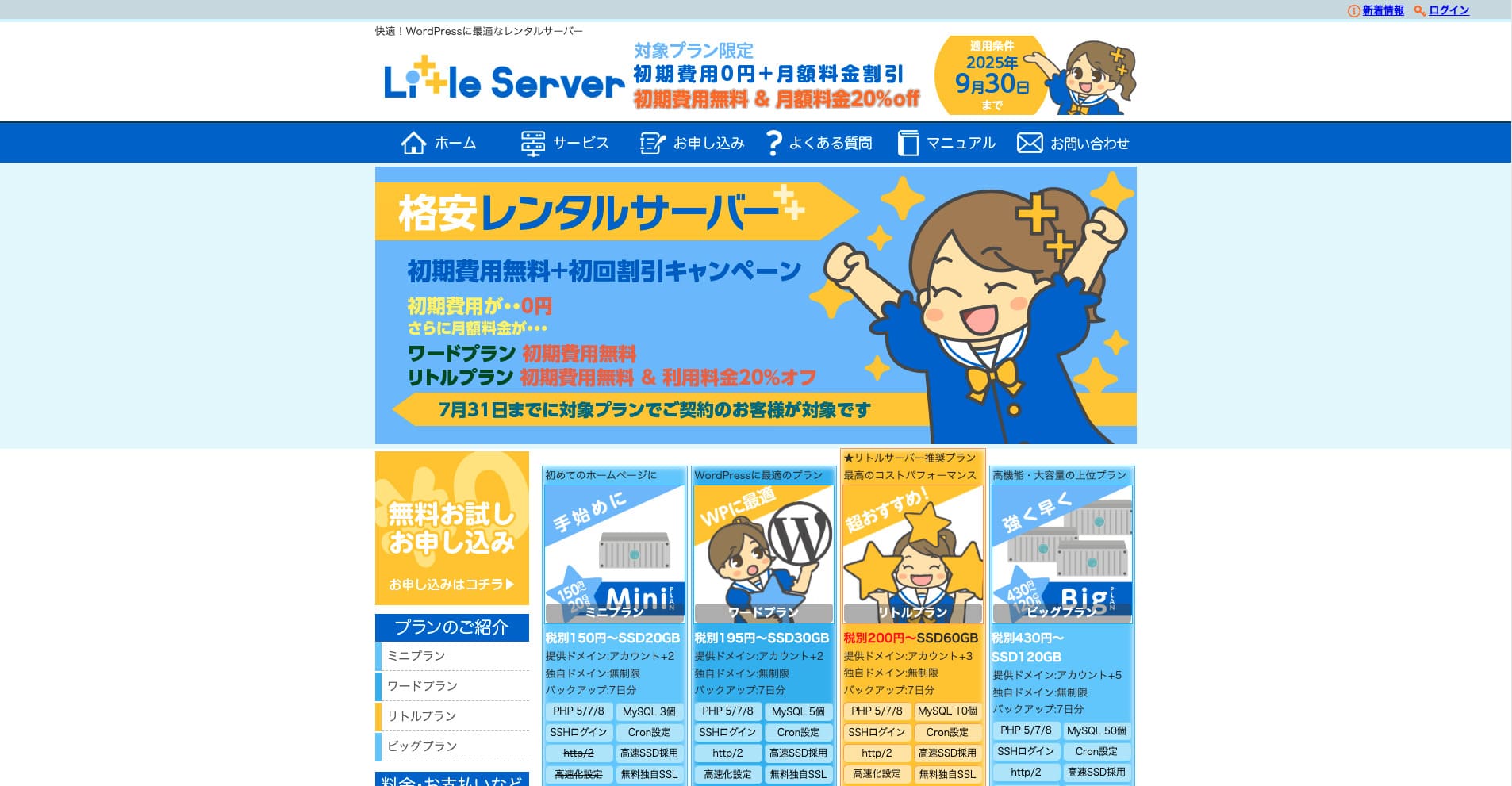
“Little Server” est un serveur mutualise economique. En dehors des serveurs gratuits, c'est l'un des serveurs mutualises les moins chers pour un usage personnel. Il utilise pourtant des SSD NVMe pour ameliorer la vitesse.
Aucun frais initial jusqu'au 30 septembre 2025, 20 % de reduction sur les frais serveur de l'offre Little Plan et essai gratuit de 20 jours
| Server type | Shared server |
| Display speed (TTFB) | 200ms |
| Recommended plan and contract term | Mini, 12 months |
| Trial / refund guarantee | 20-day free trial |
| Monthly fee (12-month contract) | 165 yen |
| Initial administrative fee | 920 yen |
| Free domain | None |
| Support | Email (business hours not disclosed) |
| Uptime | Not disclosed |
| Server capacity | 20GB |
| Number of databases | 3 |
| Security measures | IMP |
| SSL | Free SSL, dedicated SSL (Little Plan and above) |
| Backup / restore | 7 jours de sauvegardes automatiques gratuites, restauration gratuite |
| Number of email accounts | Unlimited |
| Email security measures | Spam filter |
| Server / website migration service | None |
| WordPress pre-installation | Yes |
| CDN | None |
*Pour l'offre Mini
Si vous voulez limiter le prix tout en garantissant la capacite minimale necessaire, Little Server est recommande. Meme l'offre la moins chere vous donne 30 Go. Meme en montant en gamme, le tarif mensuel reste de l'ordre de quelques centaines de yens ; si vous commencez a craindre un manque de capacite, passez proactivement a l'offre superieure.
★ Little Server Reviews and How to Start WordPress on an Affordable Hosting Service
300GB: ConoHa WING

“ConoHa WING” est un serveur rapide de GMO Internet Group, dont le nombre d'utilisateurs augmente rapidement, et c'est aussi un service que notre societe utilise. Comme WordPress est preinstalle lors de l'inscription au serveur, tout le monde peut demarrer facilement. Il offre un bon equilibre entre cout et performances, et nous l'utilisons egalement.
Jusqu'a 53 % de reduction sur les frais serveur jusqu'au 5 aout 2025, deux domaines gratuits a vie et premier mois offert
| Server type | Shared server |
| Display speed (TTFB) | 160ms |
| Recommended plan and contract term | Basic, 12 months |
| Trial / refund guarantee | First month free |
| Monthly fee (12-month contract) | 971 yen |
| Initial administrative fee | Free |
| Free domains | Deux gratuits à vie |
| Support | Phone, email, and chat (weekdays 10:00-18:00) |
| Uptime | 99.99% guaranteed |
| Server capacity | 300GB |
| Number of databases | Unlimited |
| Security measures | WAF / directory access restrictions / IP access restrictions / vulnerability diagnosis (Net de Diagnosis) / spam comment and trackback restrictions / overseas comment and trackback restrictions / overseas access restrictions |
| SSL | Free SSL / Alpha SSL / Quick Authentication SSL / Company Authentication SSL / EV SSSL |
| Backup / restore | 14 days of automatic backups / restore free of charge |
| Number of email accounts | Unlimited |
| Email security measures | Virus checking / spam filters |
| Server / website migration service | WordPress migration service from 7,678 yen Outil de migration gratuit disponible |
| WordPress pre-installation | Yes |
| CDN | None |
Si vous voulez une capacité suffisante même à titre individuel, choisissez ConoHa WING. Même l'offre la moins chère vous donne 300 Go, donc faire fonctionner WordPress ne pose aucun problème.
★ Build a Homepage in 10 Minutes! ConoHa WING Reviews and How to Start WordPress
600GB: Sakura Rental Server

“Sakura Rental Server” est un serveur partagé de Sakura Internet Inc. L'entreprise propose également des serveurs managés. Il offre un bon équilibre entre performances, service et prix, il est donc recommandé pour toute société. Comme il inclut une certaine quantité d'utilisation gratuite du CDN selon l'offre, il peut offrir des communications confortables.
Essai gratuit de 14 jours
| Server type | Shared server |
| Display speed (TTFB) | 440ms |
| Recommended plan and contract term | Standard, 12 months |
| Trial / refund guarantee | 14-day free trial |
| Monthly fee (12-month contract) | 550 yen |
| Initial administrative fee | Free |
| Free domain | None |
| Support | Business hours: 10:00-18:00 Phone callback reservations, chat, and email (reply the same day or the next business day) |
| Uptime | 99.99% |
| Server capacity | 300GB |
| Number of databases | Unlimited |
| Security measures | Website defacement notifications (paid), WAF, overseas IP address filters, prevention of unauthorized relaying, encryption, |
| SSL | Free shared SSL, dedicated SSL |
| Backup / restore | Huit generations de sauvegardes gratuites, restauration gratuite |
| Number of email accounts | Unlimited |
| Email security measures | POP3, IMAP4, virus checking, simple spam filter, advanced spam filter |
| WordPress pre-installation | None |
| Server / website migration service | None |
| CDN | 100 Go par mois gratuits |
Si vous etes une entreprise, disposer de plus de capacite serveur apporte de la tranquillite. Sakura Rental Server propose une grande capacite, avec 300 Go sur l'offre Standard et 600 Go sur l'offre Business.
Capacité illimitée : mixhost
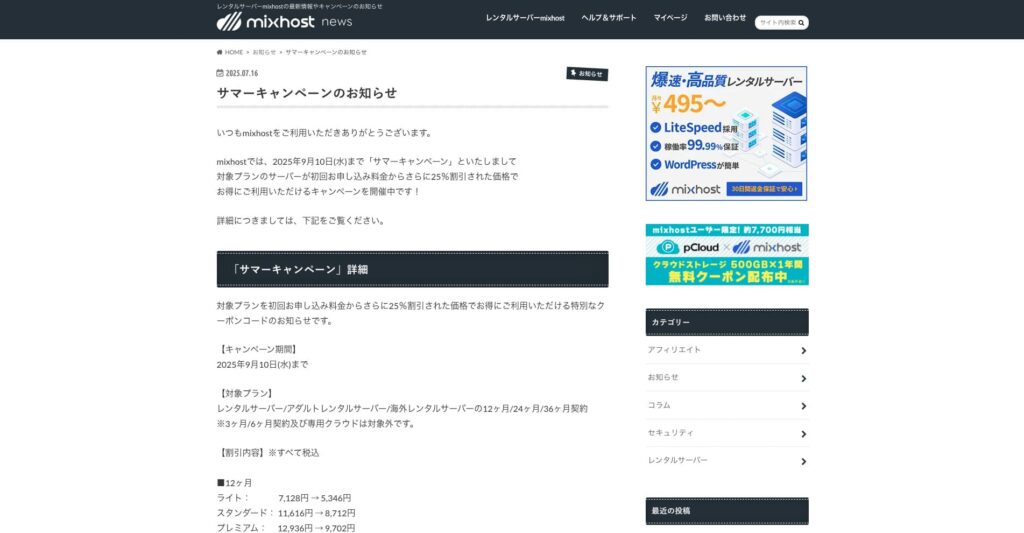
“ mixhost” est un serveur mutualise rapide d'Az Pocket Co., Ltd., dont le siege se trouve a Osaka. Il peut diffuser du contenu depuis des serveurs situes a San Jose, sur la cote ouest des Etats-Unis. Meme s'il s'agit d'un serveur a l'etranger, l'entreprise est basee au Japon, ce qui permet de beneficier d'une assistance complete en japonais.
25 % de réduction sur le contrat initial jusqu'au 10 septembre 2025, un an offert pour 500 Go de stockage cloud et une garantie de remboursement de 30 jours
| Server type | Shared server / dedicated cloud server |
| Display speed (TTFB) | 150ms |
| Recommended plan and contract term | Shared server Light, 12 months |
| Trial / refund guarantee | 30-day money-back guarantee |
| Monthly fee (12-month contract) | 594 yen |
| Initial administrative fee | Free |
| Free domain | One free forever |
| Support | |
| Uptime | 99.99% guaranteed |
| Server capacity | 100GB |
| Number of databases | Unlimited |
| Security measures | WAF / DDo attack protection / malware detection and removal |
| SSL | Free dedicated SSL |
| Backup / restore | Automatic backups for 14 days on the Standard plan and above |
| Number of email accounts | Unlimited |
| Email security measures | — |
| WordPress pre-installation | Oui |
| Server / website migration service | 10,890 yen |
| CDN | None |
| Data center | San Jose, U.S. West Coast |
Si vous souhaitez utiliser un serveur à capacité illimitée, choisissez mixhost. La capacité n'est pas seulement illimitée, le transfert de données l'est aussi, ce qui offre une excellente évolutivité.
★ mixhost Reviews and How to Start WordPress with Peace of Mind Thanks to Elevent Nines Backup
Résumé : choisissez la bonne capacité et faites fonctionner votre blog WordPress sans accroc

La capacité d'un serveur loué a un effet majeur sur la stabilité et la croissance d'un site web. Utilisez les étapes présentées dans cet article pour choisir la capacité qui convient le mieux à votre blog WordPress et obtenir un fonctionnement fluide du blog.
Si nécessaire, il est également judicieux de consulter l'administrateur du serveur. Même lorsque vous choisissez une offre à capacité illimitée, il est important de prendre cette décision seulement après avoir bien compris à la fois les avantages et les points à surveiller.