Shin Free Server Review and Drawbacks [2025 Latest]: Start WordPress with a Free Server
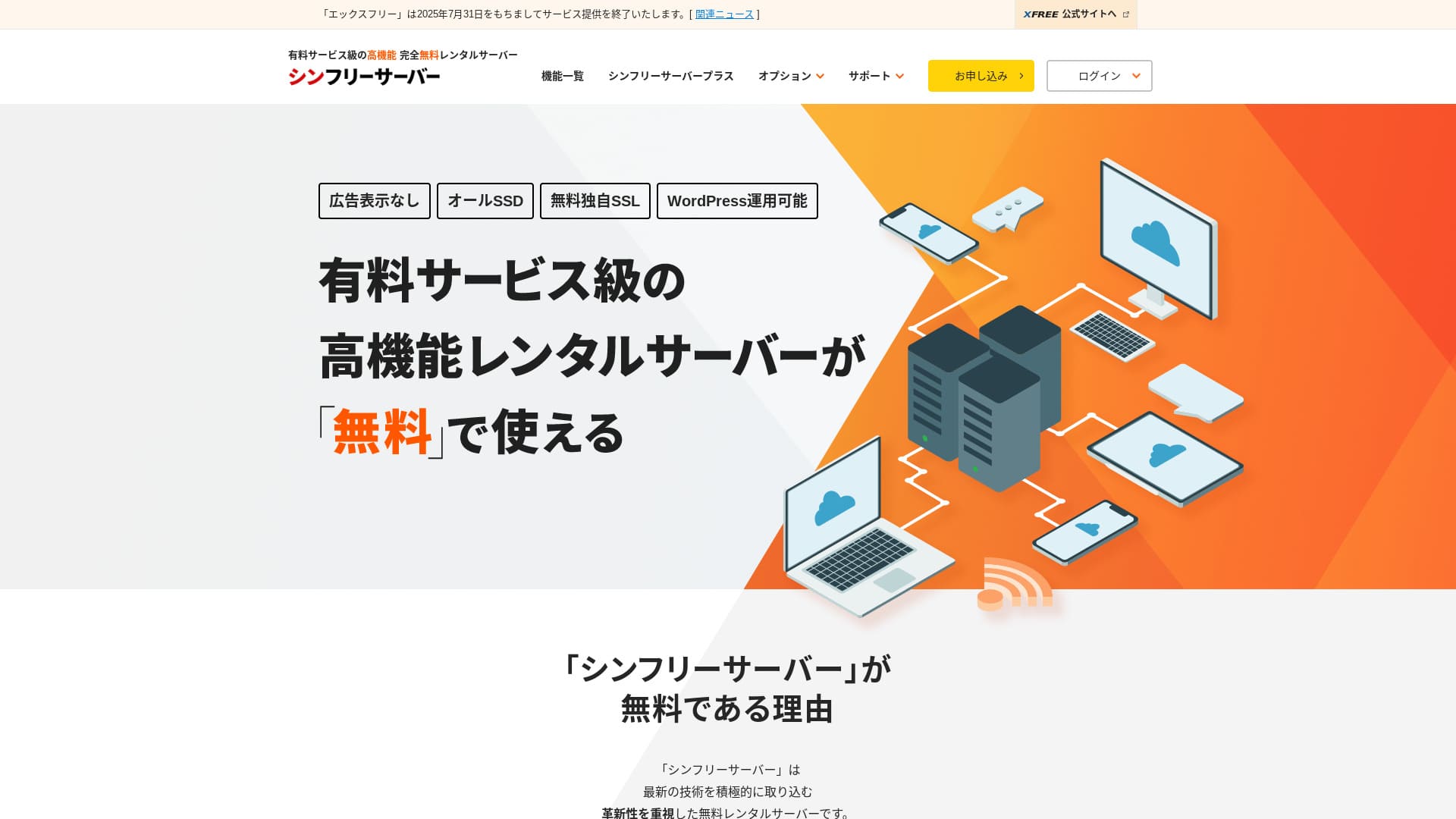
Shin Free Server is a free server from ShinCloud Co., Ltd. Unlike many free servers, it does not display ads.

Shin Free Server is recommended for people looking for a free server because:
- No ads despite being a free server
- You can create five WordPress sites
- A high-security WAF is available
That is why. You will likely be satisfied.
A competing server is スターレンタルサーバー
 . It offers stronger plans after you scale up than Shin Free Server. Please consider it as well.
| Server type | Shared server |
| Display speed (TTFB) | Not measured |
| Recommended plan and contract term | — |
| Trial / money-back guarantee | — |
| Monthly fee (12-month contract) | Free |
| Initial setup fee | Free |
| Free domain | None |
| Support | None |
| Uptime | Not disclosed |
| Storage | 10GB |
| Number of databases | 5 |
| Security measures | WAF |
| SSL | Free custom SSL |
| Backup / restore | 14-day automatic backups free, restoration free |
| Number of email accounts | None |
| Email security measures | None |
| WordPress preinstallation | None |
| Server / website migration service | None |
| CDN | None |

Shin Free Server can currently be used only when migrating from another server.
If you are looking for a free server, スターレンタルサーバー
is recommended.
Shin Free Server Compared with Other Servers
- OverallRating ★★★☆☆
- Server speedNot measured
- Pricing★★★★★
- Stability★★★☆☆
- Ease of starting WordPress★★★★☆
- Operations such as domain management and SSL setup★★★☆☆

- November 4, 2025 market-research data,by speed sorted
- Monthly fees are the first-year cost of the cheapest plan that can run WordPress
- Speed is the Time to First Byte measured on demo sites under the same conditions
| Hosting service (plan) | Speed | Monthly fee | WordPress Preinstalled | Uptime | Support (hours) |
|---|---|---|---|---|---|
| Average and Recommended | 222.2ms | 1,109yen | Yes | 99.99% or higher | 24/7 or more |
| Kinsta
| 30ms | 30 USD (4,525 yen) | Yes | 99.9% | Chat (24/7 in Japanese) and email |
【Hostinger】
 (Premium) (Premium) | 31ms | 439 yen | None | 99.9% | Chat (24/7) |
XServerビジネス
 (shared server) (shared server) | 40ms | 2,926 yen | Yes | 99.99% | Phone and email (weekdays 10:00-18:00) |
wpX Speed
 (W1) (W1) | 40ms | 1,320 yen | None | Not disclosed | Phone and email (10:00-18:00) |
LOLIPOP
 (Light) (Light) | 80ms | 495 yen | Yes | 99.99% | Email and chat (weekdays 10:00-18:00) |
| スターレンタルサーバー
(Free) | 90ms | 418 yen | None | Not disclosed | None |
| Rakko Server(RK1) | 120ms | 440 yen | Yes | Not disclosed | Email (weekdays 10:00-19:00) |
エックスサーバー
 (Standard) (Standard) | 130ms | 770 yen | Yes | 99.99% | Phone, email, and chat (weekdays 10:00-18:00) |
mixhost
 (Light) (Light) | 150ms | 594 yen | Yes | 99.99% | Email (weekdays 10:00-18:00) |
ConoHa WING
 (Basic) (Basic) | 160ms | 941 yen | Yes | 99.99% | Phone, email, and chat (weekdays 10:00-18:00) |
ColorfulBox
 (BOX1) (BOX1) | 190ms | 383 yen | Yes | Not disclosed | Phone (24/7 reception), chat, LINE, and email (weekdays 09:30-12:00, 13:00-17:30) |
シンレンタルサーバー
 (Basic) (Basic) | 200ms | 985 yen | Yes | Not disclosed | Phone and email (10:00-18:00) |
リトルサーバー
 (Mini) (Mini) | 200ms | 165 yen | None | Not disclosed | Email (business hours not disclosed) |
CoreServer
 (MINI) (MINI) | 210ms | 264 yen | Yes | Not disclosed | Email and chat (10:00-12:00, 13:00-17:00) |
| DreamHost(WordPress Starter) | 400ms | 2.99 USD (461 yen) | None | 100% | Chat, email, and phone callbacks (24/7) |
| Bluehost(Basic) | 420ms | 4.99 USD (769 yen) | None | 100% | Chat (24/7) |
さくらのレンタルサーバ
 (Standard) (Standard) | 440ms | 550 yen | None | 99.99% | Chat, email, phone, and callback reservations (10:00-18:00) |
| Namecheap(EasyWP Supersonic) | 440ms | 9.88 USD (1,523 yen) | None | 99.9% | Chat (24/7) |
| Shin Free Server | — | Free | None | Not disclosed | None |
XREA
 (Free) (Free) | — | Free | None | Not disclosed | None |
Value Server
 (Eco) (Eco) | — | 220 yen | None | Not disclosed | Email and chat (weekdays 10:00-17:00) |
| KAGOYA JAPAN(Grade 1) | — | 440 yen | Yes | 99.999% | Phone and email (weekdays 10:00-17:00) |
| SiteGround(StartUp) | — | 3.99 USD (615 yen) | None | 99.99% | Chat, email, and phone (24/7) |
| Hostgator(Baby) | — | 4.45 USD (686 yen) | None | 99.9% | Phone and chat (24/7) |
| IONOS(Start) | — | 1.00 USD (154 yen) | None | 99.98% | Phone, email, and chat (24/7) |
onamae.com Rental Server
 | — | 2,398 yen | None | 99.99% | Phone, email, and chat (weekdays 10:00-18:00) |
ABLENET RentalServer
 (Light) (Light) | — | 830 yen | None | 99.99% | Email (business hours not disclosed) |
| Godaddy(Basic) | — | 899 yen | Yes | 99.9% | Chat (24/7) and phone (weekdays 10:00-17:00) |
iCLUSTA+ byGMO
 (Mini) (Mini) | — | 1,027 yen | None | 100% | Phone (weekdays 10:00-18:00) Email is available 24/7 |
ムームーサーバー
 | — | 1,430 yen | None | 99.99% | Email and chat (9:30-13:00, 14:00-17:30) |
WADAX
 (WP Standard) (WP Standard) | — | 2,200 yen | None | 99.9% | Weekdays 09:00-22:00, weekends 09:00-18:00 |
| WebARENA SuiteX | — | 1,997 yen | None | 100% | Email and chat (weekdays 09:30-17:00) |
heteml
 | — | 2,035 yen | None | 99.99% | Phone and email (weekdays 10:00-18:00) |
CPI
 (Shared) (Shared) | — | 4,840 yen | None | 100% | Phone and email (weekdays 10:00-18:00) |
“Shin Free Server” is a free rental server from ShinCloud Co., Ltd. Even though it is free, it does not display the operator’s ads. It is not on the level of paid servers in terms of features or support, but it remains comfortable to use.
User Reviews of Shin Free Server and Four Key Features

No ads
While ads are common on free servers, Shin Free Server does not display them.
That means ads will not hurt the atmosphere of a company website, nor will they reduce your own advertising revenue.
You Can Create Five WordPress Websites
Shin Free Server can create up to five databases, so you can create five WordPress websites.
Note: What Is a Database? Why WordPress Depends on It for Management and Operations
Besides a company website, you can create a blog or websites across multiple genres.
Free SSL is available
Shin Free Server supports free SSL.SSL is now a standard security measure. If it is not configured, people may see your website as suspicious, so it is indispensable when building a website.
Note: What Are SSL and TLS? How They Protect Information Through Encryption and Their Benefits
A high-security WAF is available
Shin Free Server can use a WAF. This is advanced security.It is advanced enough that some paid servers offer it only as a paid option.
This is also provided for free.
Of course, even on servers that do not provide a WAF, you can set one up by installing WordPress security plugins. Still, the process is troublesome, and it feels safer when the server handles it for you.
Note: What Are WordPress Plugins? Their Types and Important Cautions
The disadvantages of Shin Free Server, honestly stated

Shin Free Server has many advantages, but unfortunately it also has drawbacks.
No support
First, Shin Free Server offers no support.No matter how difficult the problem is, you have to solve it on your own.
XREA, another free server, comes with chat support. Compared with that, this is disappointing.
No backup feature
There is also no backup feature.You must build your own backup system, for example by using WordPress plugins.
If you skip backups because they are a hassle and then delete data by mistake or have data tampered with, all the effort you have put in so far will be wasted.
If you still choose Shin Free Server, be sure to install a WordPress backup plugin.
Note: 5 Powerful WordPress Backup Plugins That Help You Recover Your Data
Uptime not disclosed
Shin Free Server does not disclose its uptime.That means the server’s stability is unknown, and users cannot grasp it accurately.
Server stability directly affects whether your website remains reliably available. If repeated trouble makes your site repeatedly unavailable, it defeats the purpose. For a company website, it can damage your image and even lead to lost meetings or business opportunities.
Note: A Beginner’s Guide to Understanding Hosting Uptime and SLAs
Comparing Shin Free Server with two similar servers
We compared domestic free servers similar to Shin Free Server. Each has its own strengths, so compare them carefully.
XREA
XREA
is a free server that includes 15 generations of automatic backups.It also offers chat support. Even if you have no experience with WordPress or websites, you can start running a website with confidence.
However, it lacks expensive security measures such as a WAF, and it displays ads.
Compared with Shin Free Server, it is hard to say one is clearly better than the other.
| Comparison item | Shin Free Server | XREA
|
|---|---|---|
| Main feature | Free | Free |
| Trial / money-back guarantee | None | None |
| Uptime | Not disclosed | Not disclosed |
| Storage | 10GB | 10GB |
| First-year server cost | 0 yen | 0 yen |

Star Server Free
Star Server Free is also a well-known free server in Japan.Shin Free Server offers more storage than Star Server Free, making it a better value.
| Comparison item | Shin Free Server | Star Server Free |
|---|---|---|
| Main feature | Free | Free |
| Trial / money-back guarantee | None | None |
| Uptime | Not disclosed | Not disclosed |
| Storage | 10GB | 2GB |
| First-year server cost | 0 yen | 0 yen |

Start a Website with Shin Free Server in 7 Steps
As of December 2024, Shin Free Server is not accepting applications except for server migrations.
- STEP.1Visit the official website
Scroll down the top page and click “Create a free server account” around the middle of the page.
- STEP.2Register a Shin Account
Click “Start now! New signup,” then enter your membership information such as your name and address. If everything is correct, check that you agree to the Terms of Use and the handling of personal information. Then click “Next.”
After completing email verification and reviewing the application details, click “Register with these details and proceed to server application.”
Check the server ID, tick the boxes for the Terms of Use and the handling of personal information, then click “Review application details.”
Review the application details again and click “Apply” to register your Shin Account. A confirmation email will arrive.
Once you have selected the domain, check “Install WordPress at the same time.”
Click “Next.”
- STEP.3Acquire a Domain with Shin Domain
Log in to your Shin Account and click “Get a domain.”
Acquire the domain you want. I recommend well-known domains such as “.com” and “.net.” Their renewal fees are also reasonable, at under 2,000 yen.
Note: What Is a Domain? Its Role as an Address on the Internet and How to Obtain One
Enter the domain you want in “Enter the domain name you want to obtain,” search for it, tick the checkbox for the domain you want, and click “Proceed to acquisition.”
Choose your payment information and click “Review application details.” Then enter your credit card information and so on.
Review the application details, agree to the Shin Domain Terms of Use and the handling of personal information, and click “Apply.” You will receive an email with the application details. Once it arrives, you are done.
- STEP.4Register the Domain
Log in to the server panel for Shin Cloud for Free.
Select “Domain settings,” click “Add domain,” enter the domain you acquired, and click “Add.”
- STEP.5Install WordPress
In the Shin Cloud for Free server panel, go to “WordPress” > “Easy WordPress Install” and click “New installation.”
Set up WordPress.
- Target domain:The domain you registered earlier
- Site URL:Same as the target domain
- Blog name:Anything is fine. You can easily change it later
- Username:Anything is fine, but changing it later is troublesome
- Password:Anything is fine, but make it as complex as possible
- Email address:Your everyday email address
- Automatic cache deletion:ON is recommended
- Database:Set it to generate automatically
- Theme:Cocoon is recommended. This site also uses Cocoon.
- Theme option:Check “Install child theme”
Once you have filled everything in, click “Install.”
The username and password are used when logging in to WordPress. Be sure to write them down.
Once installation is complete, click “Log in.”
- STEP.6SSL Settings
In the server panel, open “SSL settings” from “Domain.”
Open the domain you configured for WordPress and switch the SSL setting status slider to “ON.” It will be reflected in about an hour.
- STEP.7Install Plugins
Go back to the WordPress admin screen, open “Plugins,” then go to “Add New” to install the plugins you need.
Search for the plugins you want, click “Install Now,” and then “Activate.” After that, follow each plugin’s instructions.
Be sure to install security and backup plugins.
- How to Choose 5 WordPress Plugins That Strengthen Security
- 5 Powerful WordPress Backup Plugins That Help You Recover Your Data
Once you have installed the plugins, your WordPress website setup is complete.
Summary
“Shin Free Server” is a free rental server from ShinCloud Co., Ltd. Even though it is free, it does not display the operator’s ads. It is not on the level of paid servers in terms of features or support, but it remains comfortable to use.
Shin Free Server is a free server with no ads. It is convenient to use. It can be used in many ways, from company websites to hobby blogs.However, because there is no support, you should read the manual carefully and solve issues on your own when you run into trouble.
Complete Comparison of 32 WordPress Hosting Services: Recommendations for Individuals, Businesses, and Overseas Use

When you want to start WordPress and search for “recommended WordPress hosting,” all kinds of articles appear, ranging from personal and corporate or small-business options to overseas servers and cheap servers. Honestly,
- which site should I read?
- I want to choose a server in a simple, easy-to-understand way!
- Tell me how to start WordPress right now.
Do you ever feel that way? So, this articlecarefully selects recommendations from 32 hosting services for individuals, businesses, and domestic and overseas useand introduces them. It is explained by the SEO lead at an app development company that uses rental servers every day.