Five Excellent WordPress Booking Plugins That Make Reservations Dramatically Easier

Online reservation systems are an indispensable element for many businesses. Customers need a tool that lets them make reservations easily, and administrators need one that can be managed smoothly. WordPress offers a wide range of plugins, making it possible to build the best reservation system for the needs of your business.
This time, we selected five booking plugins that we especially recommend, based on ease of use, functionality, and customization.
Complete Comparison of 32 WordPress Hosting Services for Individuals, Companies, and Overseas Use

When you think, “I want to start WordPress,” and search for “WordPress recommendations,” you find all kinds of articles covering personal hosting, options for companies and small businesses, overseas hosting, and low-cost servers. Honestly,
- which site should you trust?
- you may just want a simple and understandable answer.
- you may want to get started with WordPress right away.
That is why this article carefully selects recommended choices from 32 hosting providers for individuals, companies, domestic use, and overseas use. It is explained by the SEO lead at an app development company that uses hosting every day.
The best WordPress booking plugins

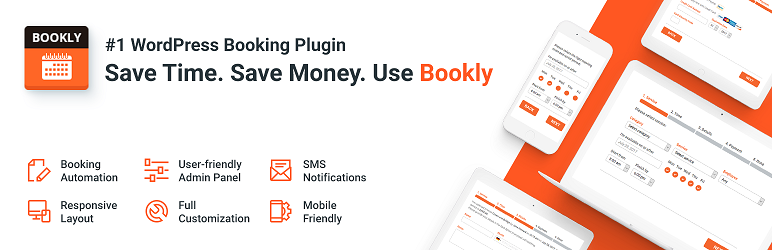
1. Bookly – from hair salons to consulting
Bookly stands out for its ease of use and how easy it is to customize. Its intuitive interface and rich feature set make it a good fit for all kinds of businesses. You can add unlimited staff and services, and customers can easily reserve a time that suits them.
It is ideal for businesses that place importance on individual appointments, such as hair salons, fitness centers, and consulting services.
2. Amelia – automation for booking management
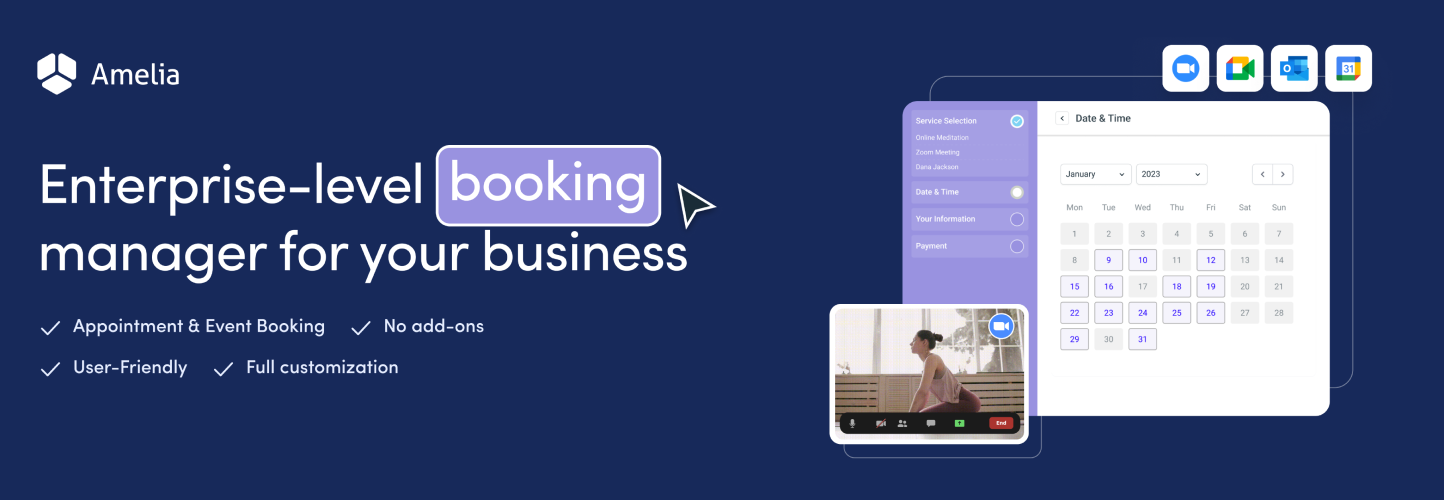
Amelia is known for its beautiful design and strong automation features. This plugin makes it easy for customers to book and make changes on their own, greatly reducing the workload on administrators.
It is an ideal option for businesses that provide professional services, such as clinics and legal consultation offices.
It is not available in Japanese.
3. WooCommerce Bookings – unified management for product and service reservations
WooCommerce Bookings integrates online sales and reservation systems seamlessly.
Because it lets you manage service reservations just as easily as product sales, it is well suited to businesses centered on services, such as hotels and activity providers.

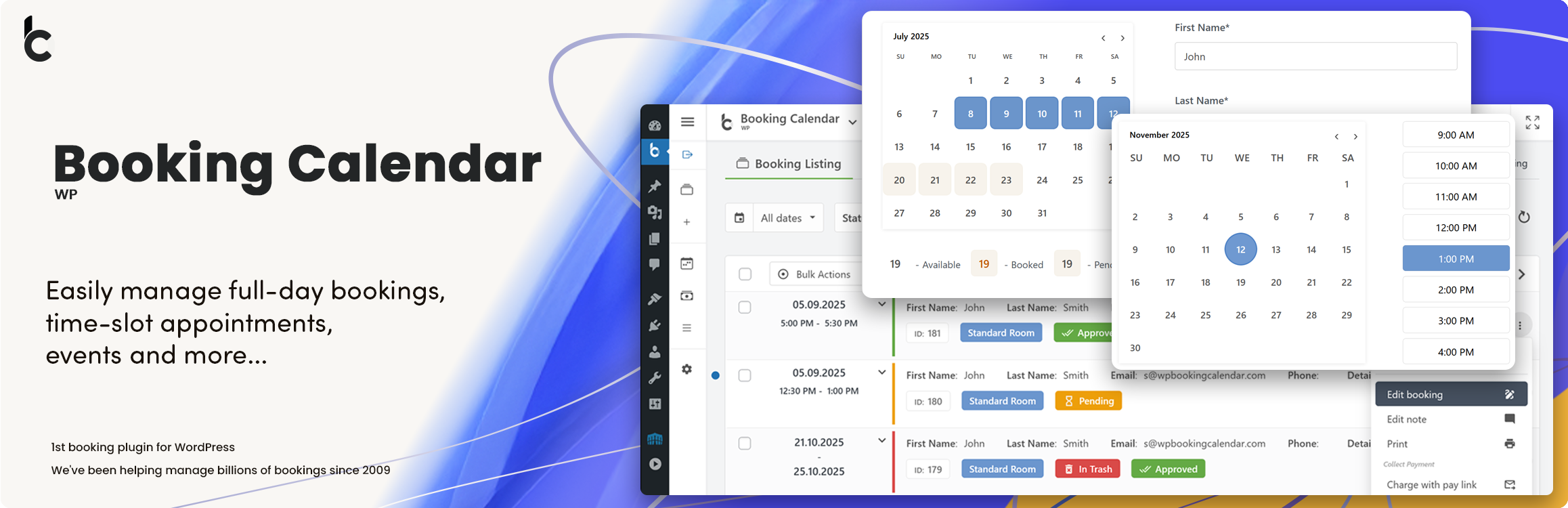
4. WP Booking Calendar – simple and flexible booking management
WP Booking Calendar is chosen for its simplicity and high degree of customization.
It fits any business that provides services on specific dates and times, such as event planners and education service providers. The calendar display makes it easy to check reservation status intuitively, so management is very simple.
5. BirchPress – a professional reservation system
BirchPress is appealing because of its freedom of customization and professional design.
It is an excellent fit for specialized businesses such as consulting and health-related services, and it can also be synchronized easily with Google Calendar and similar tools.

How to make your booking system succeed

To make your reservation system succeed, keep these four points in mind.
- Ease of use: it is important to have an intuitive interface that allows customers to book easily.
- Customizability: the reservation system needs to be flexible enough to match the needs of your business.
- Automation: automating confirmation messages, reminder sending, and calendar synchronization reduces manual work and improves efficiency.
- Support and security: it is necessary to have reliable support and solid security measures. This keeps customer data safe and allows you to respond quickly if problems occur.
Summary
Online reservation systems are directly connected to greater business efficiency and higher customer satisfaction. The plugins introduced above offer a wide range of choices so that you can select the best one for many different business needs. Choose the plugin that best fits your business model and improve the efficiency of your booking management.