First month free & 14-day free trial
PR
Servers
KAGOYA JAPAN Review: Used by 61,000 Businesses. Is Its WordPress Dedicated Server Cost-Effective?
Published: 2025.04.18
Updated: 2025.04.18
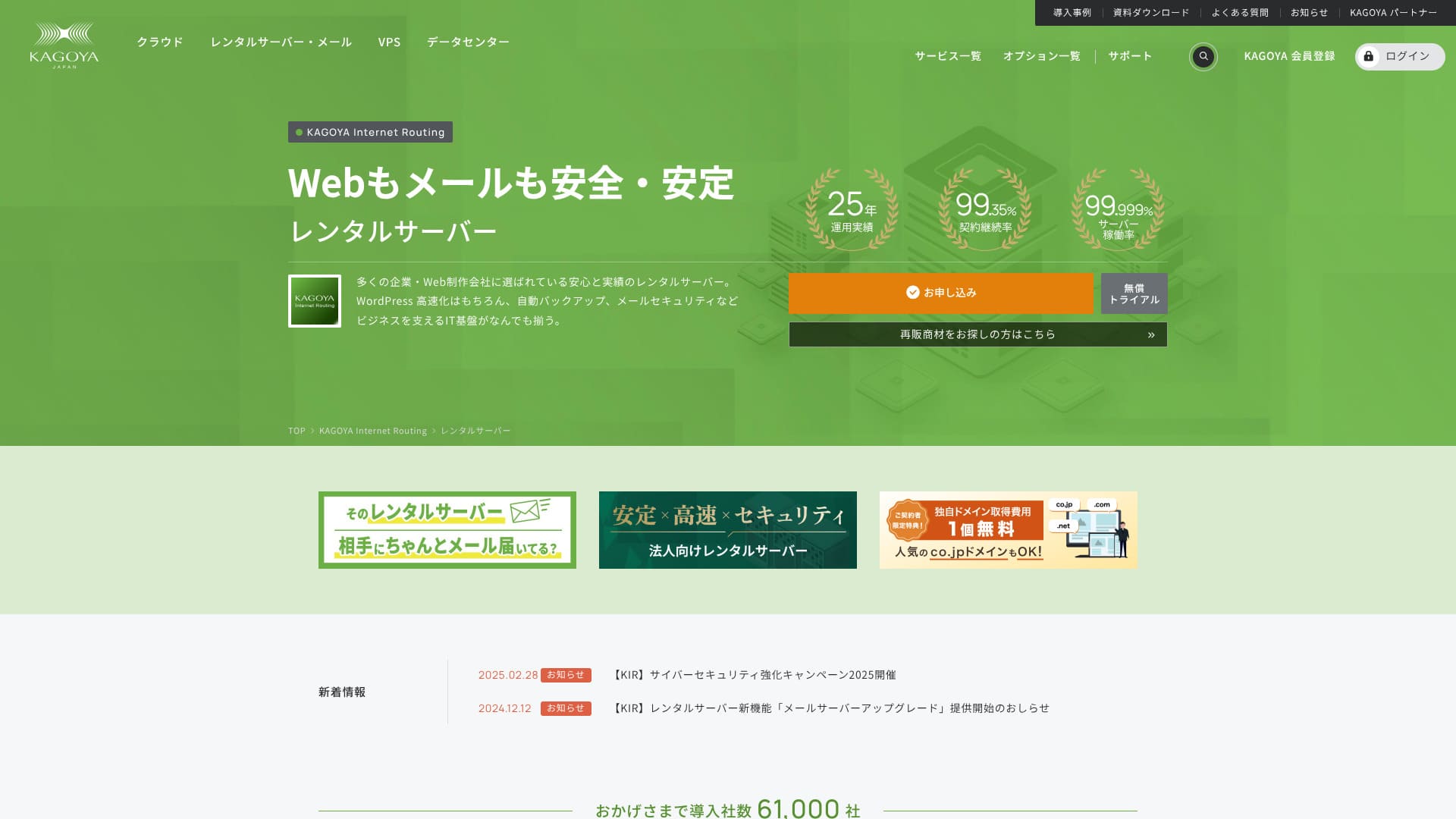
Based in Kyoto City, KAGOYA JAPAN operates its own data center. 80% of its users are corporate entities, and 61,000 companies are utilizing the service.

KAGOYA JAPAN is recommended for people who want to use a stable server because:
- it offers a WordPress dedicated server
- plans start at 440 yen per month
- it delivers 99.999% uptime
That is why. It should satisfy most users, and you can try it free for the first month.
One competing server is Xserver. It has the No. 1 domestic market share and a larger user base than KAGOYA JAPAN. It is worth considering as well.
★ Xserver Review [2025]: A Thorough Look at Speed, Pricing, Pros, and Cons
| Server Type | Shared Server / Cloud Server / WordPress Dedicated Server / VPS |
| Load Time (TTFB) | Unmeasured |
| Recommended Plans and Contract Periods | WordPress Dedicated Server Grade 1 12 Months |
| Trial & Money-Back Guarantee | None |
| Monthly Fee (12-Month Contract) | 440 yen |
| Initial Administrative Fee | Free |
| Free Domain | None |
| Support | Weekdays 10:00 a.m. - 5:00 p.m. |
| Uptime | 99.999% guarantee |
| Server Capacity | 20GB |
| Number of Databases | 1 |
| Security Measures | Dashboard Access Restriction / Dashboard Login Attempt Restriction / XML-RPC API Access Restriction / REST API Access Restriction / Large Comment / Trackback Restriction / Foreign IP Address Comment / Trackback Restriction |
| SSL | Free SSL |
| Backup and Restore | One-generation backup included / Restore free of charge |
| Number of Email Account Creation | None |
| Email Security Measures | None |
| Server/Website Migration Service | Migration service: 11,000 yen No Migration Tool |
| WordPress Pre-installed | Yes |
| CDN | Paid |

Hikaru Ono
Choosing a KAGOYA JAPAN WordPress-dedicated server means WordPress will be installed upon contract, allowing you to immediately start your website or blog.
Due to its high uptime, this server is safe for businesses to use.
KAGOYA JAPAN Comparison with Other Providers
- ComprehensiveEvaluation★★★★☆
- Server Speed Unmeasured
- Pricing ★★★★☆
- Stability ★★★★★
- Ease of Getting Started with WordPress* ★★★★★
- Operations such as Domain Management and SSL Settings* ★★★★☆

A Thorough Comparison and Selection Guide for 21 WordPress Rental Servers Recommended for Individuals
A Thorough Comparison and Selection Guide for 21 WordPress Rental Servers Recommended for Individuals
serverfield.org
- November 4, 2025based on market research data,by speedArranged
- The monthly fee is the lowest-price plan for WordPress usage in the first year of contract.
- The speed is the Time to First Byte value of a demo site with the same conditions.
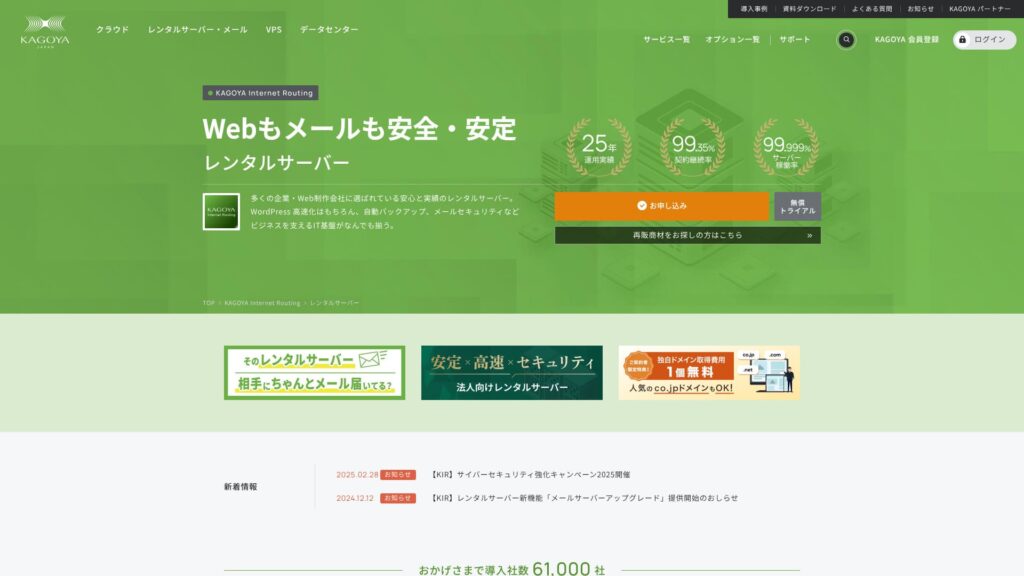
KAGOYA JAPAN offers rental servers from KAGOYA JAPAN Co., Ltd., with a track record of over 20 years. It can be used at an affordable price. With a 99.999% uptime, it is exceptionally stable and reassuring.
KAGOYA JAPAN's Reputation and 4 Key Features

Rental Server with 99.999% Uptime
KAGOYA JAPAN operates rental servers with 99.999% uptime.Its stability ranks among the very best in Japan.
High availability is due to its well-managed state and strong security. You can operate your website with peace of mind. Furthermore, a website that is unstable doesn’t create a good impression.
★ A Must-Read for Beginners! Understanding Server Uptime and SLAs
KAGOYA JAPAN offers you peace of mind.
WordPress Dedicated Servers are Affordable
KAGOYA JAPAN's WordPress-dedicated servers are affordable.Although there are many feature restrictions, they are sufficient if you are renting a server to focus on your WordPress website. The following conditions were compared.
- Initial Administrative Fee
- Sign up for a 12-month contract.
- Domain registration fee for one year's worth of expenses.
- Here are the most affordable WordPress plans you can use.
| Hosting Provider | Total Cost for the First Year |
|---|---|
| KAGOYA JAPAN | 4,840 yen |
| ConoHa WING | 11,292 yen |
| Xserver | 10,560 yen |
| Lolipop! | 5,940 yen |
| Sakura Rental Server | 6,600 yen |
It is even cheaper than Lolipop!, which is known for low prices. Unlike KAGOYA JAPAN's WordPress dedicated server, Lolipop! lets you use email. On the other hand, Lolipop! does not include the backup feature that you can use for free with KAGOYA JAPAN.
There are differences in functionality, but if you are dedicated to your website, KAGOYA JAPAN is a good choice.
Backups
KAGOYA JAPAN can back up data up to 10GB in size.
However, the only data that can be backed up is one generation, meaning one item only. Furthermore, you must set the backup timing or perform it manually. It’s a bit of a hassle, and it’s also unsettling because it’s only one item.
Let's use a backup-type WordPress plugin.
★ Top 5 Strongest WordPress Backup Plugins for Data Recovery
Unlimited Transfer Volume
KAGOYA JAPAN offers unlimited data transfer on both its rental servers and its WordPress dedicated servers.No matter how much traffic you receive, you will not be subject to transfer limits.
★ What is Traffic and Transfer Volume? Management and Optimization of Web Traffic
Honest Breakdown of KAGOYA JAPAN's Drawbacks

KAGOYA JAPAN offers an appealing proposition, but it also has drawbacks. In particular, WordPress-dedicated servers have many functional restrictions, so it's important to carefully review the details before signing a contract.
WordPress Dedicated Servers Cannot Be Used for Email
WordPress dedicated servers cannot be used for email.Companies that want to keep a company email address need to choose KAGOYA JAPAN's rental server or use another company's email service.
That said, even if email cannot be used on the server itself, you can still assign your existing email address to the contact address on your WordPress website. So this does not create any operational problem for the website.
WordPress Dedicated Servers Cannot Use WAFs
WordPress-specific servers do not offer WAFs.WAFs are the next generation of security. They are designed to address even the newest, unprecedented cyberattacks. They are available on most major domestic servers.
KAGOYA JAPAN can also use a WAF when you choose its rental server, but WordPress dedicated servers come with restrictions. Even so, if you are using WordPress, you can address this with a WordPress plugin that supports WAF functionality.
★ Top 5 WordPress Plugins to Enhance Security and How to Choose Them
Comparing 2 Servers Similar to KAGOYA JAPAN
Xserver
Xserver is a server known for its high uptime, just like KAGOYA JAPAN. It has extensive backup and security features, and many companies have used it over the years.
Xserver costs roughly twice as much per year as KAGOYA JAPAN's WordPress dedicated server, but there is nothing lacking in its features or specs. It can handle both website operations and email delivery.If you want to use the server for purposes beyond running your website, Xserver is the better choice.
If your use is limited to running a website, KAGOYA JAPAN is the lower-cost option.

Xserver Review [2025]: A Thorough Look at Speed, Pricing, Pros, and Cons
Xserver Review [2025]: A Thorough Look at Speed, Pricing, Pros, and Cons
serverfield.org
Sakura Rental Server
Sakura Rental Server is another server with strong adoption among businesses, just like KAGOYA JAPAN. Its key strength is stability. Where it surpasses KAGOYA JAPAN's WordPress dedicated server is backup functionality.It includes automatic backups across eight generations, and you can also use that feature to create a WordPress test environment.
In terms of features, it is considerably stronger than the WordPress dedicated server.However, the annual cost is about 2,000 yen higher, so if you prioritize cost performance, KAGOYA JAPAN is the better choice.

Sakura Rental Server Reviews & Ratings【Scary Slow?】Great for Individual Businesses◎Pricing Pros & Cons Explained
Sakura Rental Server Reviews & Ratings【Scary Slow?】Great for Individual Businesses◎Pricing Pros & Cons Explained
serverfield.org
7 Steps to Start Your WordPress Website with KAGOYA JAPAN Right Now
Let’s start a website with KAGOYA JAPAN!
- STEP.1Access the official website.
Click “Apply” on the KAGOYA JAPAN WordPress-dedicated server website.
Choose your payment method. We recommend using a credit card for immediate website setup. Click “Apply Online”.
- STEP.2Server Contract and Member Registration
Select a plan. WordPress-dedicated server Grade 1 is recommended. Click “Next”. Review your application details and click “Next”.
Check the terms and conditions and the handling of personal information, then click “Next”.
Click “KAGOYA Member Registration”, check the member terms and conditions and personal information agreement, and click “Next”.
Enter your member information, including your name and address. Click “Proceed to Email Confirmation”.
- STEP.3Enter your customer information and card information.
Enter your customer information and verify it, then enter your card information.
After the provisional registration is completed and authentication is successful, the account registration is complete.
- STEP.4WordPress Initial Setup
Log in to the user control panel.
Go to WING→Site Management→Site Settings→WordPress. The site URL you set during registration will be displayed. Click the management screen URL.
In the displayed WordPress login screen, enter the WordPress username/WordPress password you set during registration and click “Login.”
※If you see a warning message saying “Cannot access this site,” the DNS settings have not been reflected. There is nothing you can do but wait; try logging in every few hours.
★ DNS/Name Server: What They Are
When you open “Appearance” in the WordPress management screen, the WordPress theme “Cocoon” is installed. Activate the parent theme first, and then activate the child theme.You must always activate both the parent and child themes.
Return to the WordPress management screen and open “Settings”→“General.” Set the site title/catchphrase. This will be the name and catchphrase of your homepage. After entering it, click “Save Changes.”
- STEP.5Plugin Installation
Return to the WordPress management screen and go to “Plugins”→“Add New” to install the necessary plugins.
If you find a plugin you want to install, search for it and click “Install Now” and “Activate.” Afterwards, proceed according to the instructions for each plugin.
It is essential to install security and backup plugins.
- Top 5 WordPress Plugins to Enhance Security and How to Choose Them
- Top 5 Strongest WordPress Backup Plugins for Data Recovery
With the plugins installed, you’re ready to launch your WordPress homepage!
Summary
KAGOYA JAPAN offers rental servers from KAGOYA JAPAN Co., Ltd., with a track record of over 20 years. It can be used at an affordable price. With a 99.999% uptime, it is exceptionally stable and reassuring.
First month free & 14-day free trial
KAGOYA JAPAN offers a server with exceptional stability.A WordPress-dedicated server is available at an affordable price.Although frequently used by businesses, it can also be used by individuals. Please give it a try.
A Complete Comparison of 32 WordPress Hosting Providers: Recommendations for Individuals, Businesses, and International Sites

When you decide to start WordPress and search for "best WordPress hosting," you find all kinds of articles, from personal and business options to overseas and low-cost servers. Honestly,
- Which site should I trust?
- I want to choose a server in a simple, easy-to-understand way.
- Please show me how to start WordPress right away.
Don't you feel that way? In this article, I carefully selected recommendations from 32 hosting providers for individuals, businesses, and domestic and international use. The explanation comes from the SEO specialist at an app development company that uses hosting servers every day.