
A business host needs more than performance. Consider whom you can contact during an outage, whether you can restore accidentally changed data, how to separate agency and employee permissions, and how to migrate email without unnecessary interruption.
The conclusion first
There is no universal winner: start with outage impact and your operating team
If few staff manage servers and you want setup and migration assistance, consider XServer Business. For lower-cost collaboration on company, recruiting, and media sites, consider Sakura Rental Server Business. For a WordPress site with phone and email contact outside business hours, consider WADAX Managed WordPress Hosting.
Also compare ConoHa WING Biz for reserved resources, CPI for staging and a web SLA, KAGOYA for virtual dedicated resources, and WebARENA SuiteX for a fixed IP and web SLA.
Comparison of seven business web hosts
The original comparison used official standard or representative long-term rates available on July 28, 2026; selected prices and terms were rechecked on November 11, 2026. Temporary effective prices do not determine our recommendations. We distinguish an SLA from an uptime claim and backup retention from customer restoration.
| Service | Reference plan and standard price | Guarantee or uptime information | Backup and recovery | Support | Operational strengths | Suitable businesses |
|---|---|---|---|---|---|---|
| XServer BusinessShared Standard | From ¥3,762/month 36 months prepaid; standard setup fee ¥16,500, subject to current offers |
99.99% SLA Web, email, FTP, and DB; measured by complete unavailability |
Daily web, email, and MySQL backups for 14 days; web and email data are provided, MySQL can be restored in the control panel | Phone and chat on weekdays; email accepted 24/7. Setup and migration assistance available | Multiuser permissions, setup assistance, and migration of up to ten sites | Teams with few dedicated staff that need operational help |
| ConoHa WING BizBiz Light | From ¥1,331/month 36-month WING Pack; no setup fee |
99.99% SLA Biz plans reserve vCPU and memory resources |
Daily web, email, and database backups; restore from the retained 14 days | Check current phone, email, and chat availability and hours | WordPress controls, reserved resources, and eligible domain benefits | Small businesses balancing usability and reserved resources |
| Sakura Rental ServerBusiness | Compare the current 36-month rate Check the prepaid total and setup fee |
Confirm contractual SLA Do not confuse published uptime information with an SLA |
Customer-configured backup and staging; internal operational backups are not customer recovery copies | Chat, email, and callback; distinguish intake from response times | Multiuser management, staging, and longer-term pricing | Teams sharing lower-cost company, recruitment, and media updates |
| WADAXManaged WordPress, WP Standard | ¥2,200/month 12 months prepaid; standard setup fee ¥3,300 plus surcharge |
Check guarantee before signing Confirm the SLA conditions for WP Standard |
Plesk Backup Manager plus migration, cloning, and synchronization features | Phone and email accepted 24/7 An option when contact outside business hours matters |
WAF, IPS, vulnerability checks, WordPress management, and DDoS protection | WordPress protection and support outside business hours |
| CPIBusiness Standard | ¥4,840/month 12 months: ¥58,080; no setup fee |
100% web SLA Primary-contract web server; check email and additional-domain terms |
SmartRelease daily and manual backups, up to 30 generations, subject to size and file limits | 24/7 phone and email support is a ¥990/month option beyond standard support | Separate production and test environments for review, publishing, and recovery | Teams needing agency approval workflows and a web SLA |
| KAGOYALight, 1 core / 4 GB | ¥1,485/month 12 months: ¥17,820; no setup fee and first month free |
99.999% uptime claim Treat as an operational claim, not automatically as a refund-backed SLA |
Free tier: up to 10 GB and one generation under specified conditions; email data excluded | Phone, email, and chat; check the 24-hour emergency channel in the control panel | KVM virtual dedicated environment, plan changes, and provider-managed server operations | Businesses seeking dedicated resources and expansion |
| WebARENA SuiteXV2 Standard | ¥23,975/year Annual: about ¥1,998/month equivalent and 300 GB. Monthly: 400 GB, ¥3,520 by card or ¥4,400 by invoice/debit; setup fees depend on payment |
100% web SLA Web server coverage; distinguish round-the-clock facility monitoring from customer support |
One customer backup generation free; more are paid. Operational backups are not for restoring accidental deletion | Check technical and contract support hours; facilities are monitored around the clock | Fixed IP, web SLA, business email, and monthly or annual billing | Businesses requiring fixed IP, email, and a web SLA |
Prices are generally tax-inclusive. An indicated minimum can vary by term or configuration. Providers do not necessarily guarantee backup completeness, so keep a separate copy under your control.
An SLA, uptime, backup, and 24-hour service do not mean the same thing
Similar terms can describe different guarantees. Read the scope and exceptions in contracts and feature descriptions rather than comparing advertising numbers alone.
It specifies credits or refunds if a defined availability threshold is missed. It does not promise zero downtime; coverage and application deadlines vary.
A 99.999% claim is not automatically a refund-backed SLA. Check the measurement scope, period, and whether it is independently measured.
Customers may not be able to retrieve a provider's operational backup. Check web, database and email coverage, generations, capacity, and restore fees.
Facilities may be monitored around the clock while configuration support is weekday-only. Distinguish intake, response, emergencies, and general questions.
Decide how quickly service must return and how much recent data can be lost; these determine backup frequency and assistance needs.
Check PHP, databases, email, forms, external APIs, and cron in a copy before cutover. A specification sheet alone cannot prove compatibility.
Six conditions for choosing business hosting
Translate the label business hosting into your own requirements. These six conditions help avoid both overbuying and choosing a service your team cannot operate.
Business impact of downtime
Distinguish an informational site from inquiries, bookings, e-commerce, membership, or business systems. Estimate the cost of an hour offline, email disruption, and your recovery objective.
SLA coverage and claims
Check web, email, database, and FTP coverage, whether only complete outages count, and whether a refund application is required.
Restorability of backups
Check whether customers can restore, whether copies are separate, email coverage, capacity and file limits, fees, and access after termination.
Support intake and response
24-hour intake is different from a 24-hour human response. Separate phone, chat, email, emergency, configuration, and customer-only channels.
Permissions and logs
Avoid sharing one administrator password among an agency, staff, and finance. Check individual users, permissions, two-factor authentication, logs, and access removal.
Migration scope and three-year total
Include DNS, SSL, email, subdomains, forms, and cron as well as WordPress. Compare setup, prepayment, renewal, maintenance, and migration over the same period.
Important notices to review before signing
Alongside price and features, check recent incident and security notices. The two cases below did not affect every customer or environment; they illustrate why email and backups matter to continuity planning.
Passwords forcibly changed for affected email accounts
CPI reported forced password changes for affected Business Standard or KWC Mail accounts whose passwords had not been changed within the specified period after unauthorized access. Affected users may need to update mail software, phones, multifunction devices, and business systems. In its August 24 final report, CPI said its response was complete and services were operating normally.
Implication: Maintain an inventory of mail accounts and connected devices and an emergency credential-change procedure.
Read CPI's final investigation and response report →The affected dc70 server was not restarted; data was offered on application
WebARENA said it would end service on dc70.etius.jp rather than restart it because complete safety could not be guaranteed, and offered affected customers content data upon application. The notice concerns that server, not all of SuiteX.
Implication: Do not rely solely on provider operational backups. Keep separate copies, restore procedures, and a plan for an alternative environment.
Read the official WebARENA notice →Which businesses does each service suit?
Use the table to shortlist. Each profile pairs reasons to choose a service with points to check; assess it against your own requirements rather than a universal ranking.
XServer Business
A starting point for companies with few dedicated staff who want one place to discuss setup, migration, and restoration.
36 months prepaid
Shared Standard has a 99.99% monthly SLA covering web, email, FTP, and databases. It counts complete unavailability, not slow or unstable service. Web, email, and MySQL backups are retained for 14 days; MySQL can be restored in the control panel.
Setup assistance is available without a usage limit and migration of up to ten sites is free. It is not the cheapest option, but teams with few staff may reduce total operating cost when the cost of outsourcing individual tasks is included.
Companies needing help with DNS or email, separate permissions for multiple users, migration assistance, and broad SLA coverage.
A 36-month contract and setup fee require a substantial upfront payment. The SLA excludes latency and backups are not guaranteed complete.
The Japanese edition contains an affiliate link. Check current standard prices, promotions, and SLA terms on the official site before applying.
ConoHa WING Biz
For small businesses wanting WordPress usability and reserved vCPU and memory within a shared environment.
36 months
Biz Light's standard 36-month WING Pack is ¥1,331/month equivalent. Reserved vCPU and memory can reduce exposure to other users' load. Automatic web, email, and database backups are taken daily; check the 14-day restoration terms.
WING Pack is prepaid for the contract term. Compare the full amount, cancellation and renewal, and differences between standard and Biz plans. Check which support channels and staffed hours apply to your account.
WordPress-centered businesses balancing usability, reserved resources, an SLA, and restoration.
Long terms are prepaid. If you need human support on nights and holidays, compare other providers as well.
Sakura Rental Server Business
For teams sharing updates to company, recruitment, and media sites between an agency and internal staff while managing long-term costs.
Business offers multiuser management and backup and staging. Compare the current long-term price and capacity for the company site your agency and staff will maintain together.
The provider's internal operational backups are different from copies customers can restore. Configure backup and staging for WordPress and keep a separate copy. If a contractual SLA is essential, compare providers that explicitly offer one.
Informational sites with relatively low outage impact that need shared editing, staging, and predictable long-term costs.
Check the full 36-month prepayment and cancellation terms. Not every site automatically has a restorable backup.
The Japanese edition contains an affiliate link. Check the term, total, and backup setup on the official site.
WADAX Managed WordPress Hosting
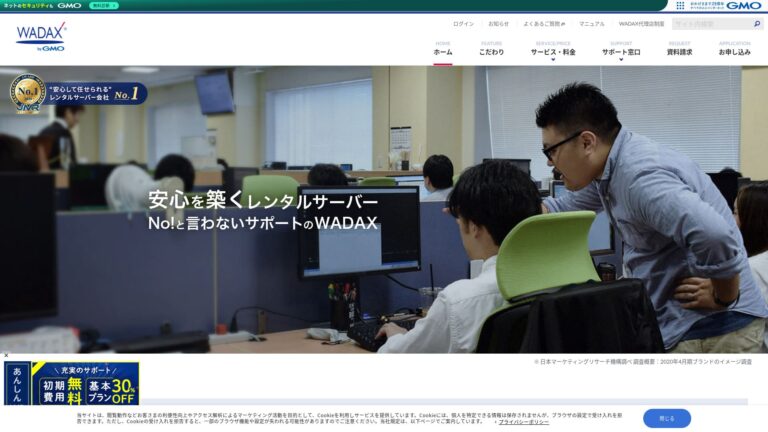
For companies without dedicated staff that need WordPress protection and a contact channel on nights and holidays.
12 months
Review WAF, IPS, vulnerability scanning, web virus checks, DoS and DDoS protection, and WordPress management together. Phone and email intake around the clock can be useful for companies needing contact outside business hours; check the scope of staffed responses.
A surcharge is billed separately, so compare the full quote rather than the displayed monthly rate alone. Check whether Plesk backup, WordPress migration, cloning, and synchronization suit your operation using a trial or test environment.
Companies needing holiday contact, WordPress maintenance, and phone support.
Confirm the total including surcharge, SLA scope and threshold, backup generations, and restoration process.
The Japanese edition contains an affiliate link. Check the surcharge, support coverage, and guarantee terms on the official site.
CPI Business Standard
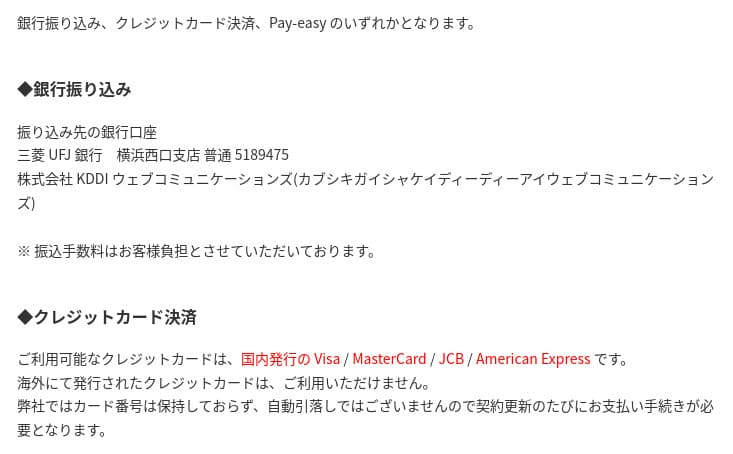
For organizations separating agency work from internal approval and needing a clear review, publish, and rollback process.
SmartRelease provides a test environment configured like production. An agency can deploy for internal review before publishing, with daily and manual backups and up to 30 generations.
The 100% web SLA covers the primary web server; email and additional domains have separate terms. SmartRelease backups have capacity, file-count, and directory conditions, so plan external copies for large sites. CPI's August 2026 final report on the email incident says its response was complete and services were operating normally.
Company and campaign sites needing publishing approval, agency coordination, a test environment, and a web SLA.
Do not assume the web SLA covers email. Quote the 24-hour support, external backup, and migration assistance you actually need.
KAGOYA Rental Server
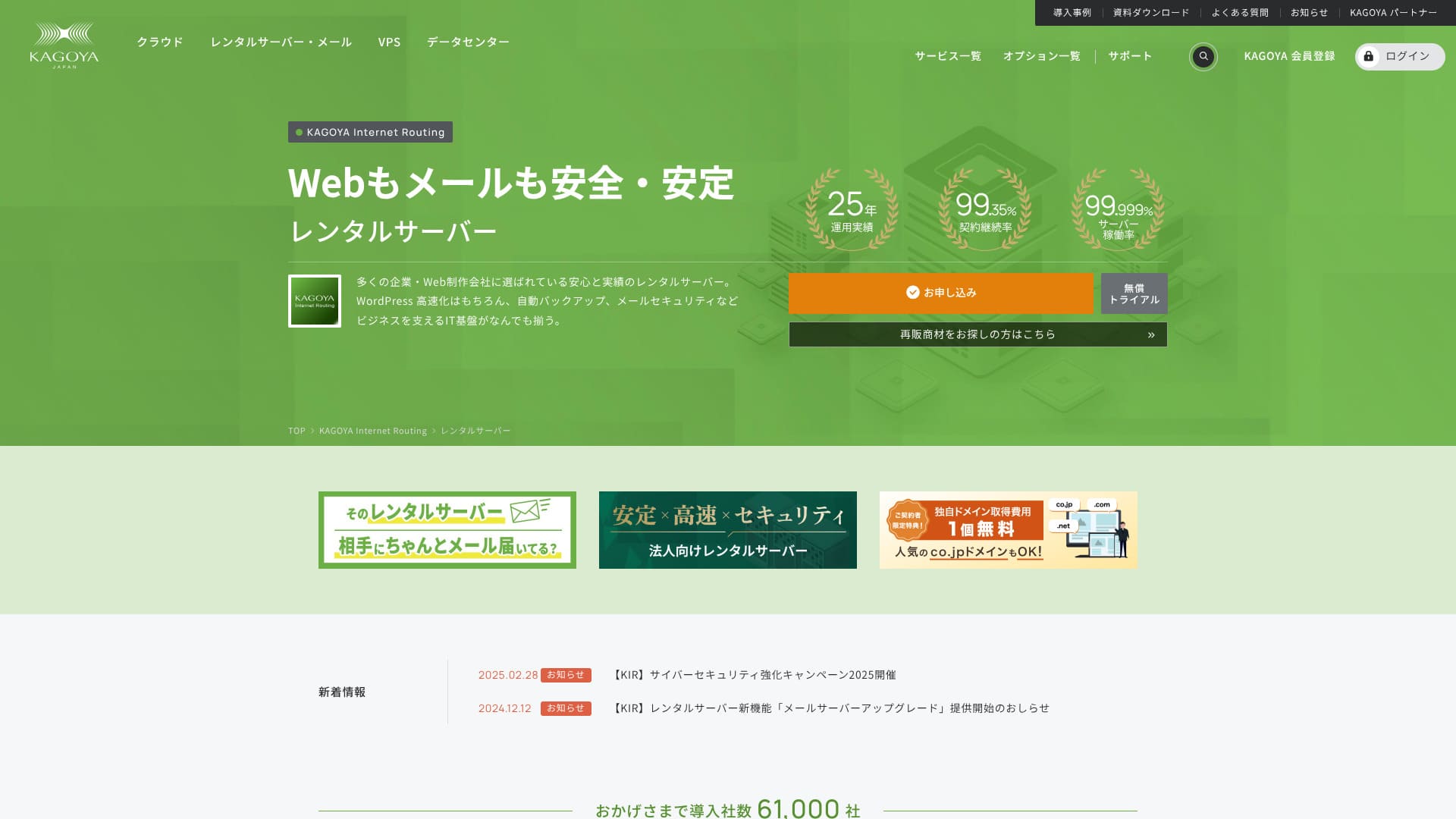
For companies seeking KVM-based virtual dedicated resources and expansion while retaining managed hosting convenience.
12 months
The KVM virtual dedicated environment is less exposed to other customers than shared hosting. The provider manages the server, potentially reducing work compared with building and maintaining your own VPS. Read the 99.999% uptime claim as operational information, not automatically as a refund-backed SLA.
Free backup has conditions including a 10 GB limit and one generation; email data is excluded. Include paid backup or external storage in the budget if site data grows or email is business-critical.
Companies needing dedicated resources without managing a VPS operating system themselves.
Do not confuse the 99.999% claim with an SLA. Check free backup capacity, generations, and exclusions.
WebARENA SuiteX
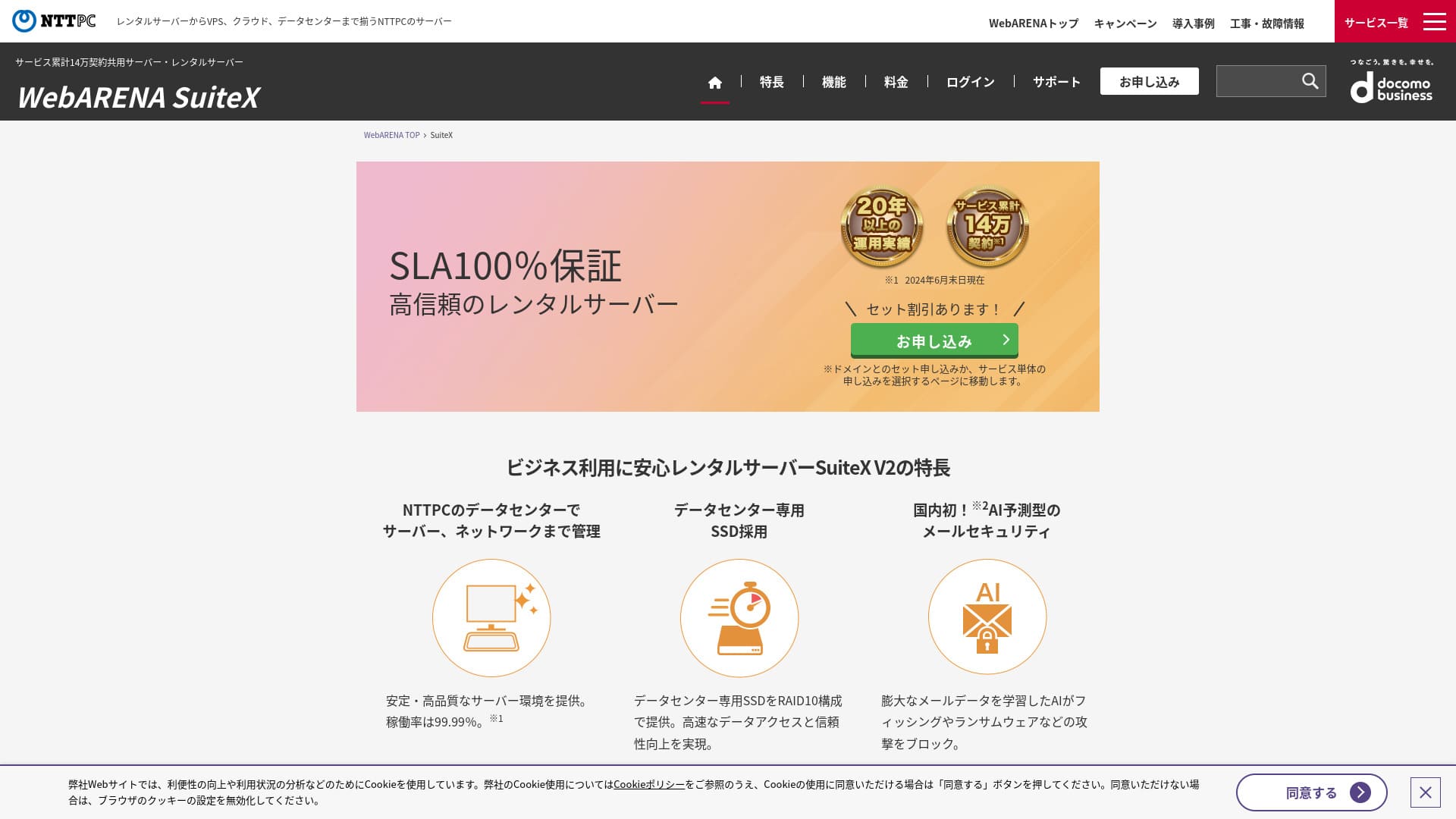
For companies requiring a fixed IP, web SLA, and business email with a choice of monthly or annual billing.
300 GB
400 GB
SuiteX offers a 100% web SLA, fixed IP, and business email. The monthly rate is ¥3,520 by card or ¥4,400 by invoice or direct debit; setup fees depend on payment method and monthly contracts have a minimum term. Annual billing reduces the monthly equivalent. Facilities are staffed and monitored 24/7, but technical and contract support have separate hours.
Customers can configure one backup generation for free; multiple generations cost extra. Provider operational backups are not for restoring accidental deletion. After the 2026 notice concerning a specific dc70 server, check your environment, off-provider backups, and alternatives in an outage.
Companies aligning fixed IP, web SLA, email, facility monitoring, and billing with business requirements.
Do not assume the web SLA covers email. Check current notices, backup generations, and recovery after accidental deletion.
Three steps to choose business hosting
A table alone cannot choose for you. Start with business impact, work your team cannot perform, and total cost over the same period.
Quantify downtime, data loss, and email disruption
Separate informational pages, inquiries, bookings, e-commerce, membership, and business systems. Estimate lost sales, missed inquiries, and reputational impact per hour. Turn acceptable downtime and data loss into SLA and backup requirements.
- How long can the website be unavailable?
- Is there an alternative contact channel if email fails?
- Is recovery to the previous day enough, or is an hour required?
List tasks your team cannot perform
Record who can handle DNS, SSL, email, WordPress updates, incident diagnosis, backup restoration, and migration, and during which hours. Include provider assistance or agency maintenance for the rest.
- Are weekday business hours enough, or is holiday support needed?
- Can agency access be separated?
- Can access be removed when staff or contractors leave?
Request comparable quotes from up to three providers
Compare hosting, setup, domains, SSL, backup, monitoring, migration, maintenance, and prepayment over the same period, such as 36 months. Include term, cancellation, refunds, and renewal prices in internal approval.
- Separate temporary promotions from standard rates
- Check tasks excluded from migration assistance
- Include pre-cutover testing and rollback in the quote
Contract and server migration checklist
Even with a trial or test environment, do not immediately change production DNS. Test the copy and keep the old contract until DNS propagation and email delivery stabilize.
| Area | Before signing | At cutover |
|---|---|---|
| Website | PHP, DB, capacity, file limits, cron, external APIs, cache | Pages, admin, search, images, redirects, 404s |
| Forms and notifications | SMTP, sender authentication, external forms, spam controls | Send from desktop and mobile and confirm internal and external delivery |
| Account count, capacity, forwarding, lists, spam, authentication | Send and receive, old/new coexistence, multifunction devices and business systems | |
| DNS and SSL | DNS owner, TTL, certificates, CDN, subdomains | Lower TTL, verify A/MX/TXT records, HTTPS, and mixed content |
| Backups | Scope, frequency, generations, location, capacity, restore permissions and cost | Pre-cutover backup, actual restoration, and a separate copy |
| Rollback | Owner, decision criteria, contacts, and old-environment retention | Whether DNS and email can be returned to the old environment during a major incident |
| After launch | Monitoring, maintenance contacts, update ownership, and incident communication | Monitor logs, Search Console, forms, and email for several days |
Frequently asked questions about business hosting
Can a company sign up for an individual hosting plan?
Some standard plans accept business customers. If you need invoicing, multiuser permissions, an SLA, phone support, organization-validated SSL, or migration assistance, compare those functions with business plans.
Does a 100% SLA mean a server never goes down?
No. It defines credits or refunds when the specified availability is not met. Coverage and claim conditions differ; a web SLA may exclude email.
Are the host's automatic backups sufficient?
Not always. Customers may be unable to restore them, email may be excluded, or capacity and file limits may apply. Keep another copy and test restoration before updates and regularly.
Does 24/7 monitoring mean I can call at night?
Not necessarily. Facility monitoring, inquiry intake, human responses, and emergency support are separate. Check who handles what on nights and holidays, including configuration questions.
Should I choose the lowest 36-month monthly equivalent?
Long terms can reduce the monthly equivalent but require prepayment and may limit cancellation refunds or change renewal prices. Compare setup, migration, backup, and maintenance over the same period.
Can we migrate WordPress ourselves?
A small site may be manageable, but DNS, SSL, email, forms, external APIs, and cron increase the risk of downtime or lost mail. If you cannot prepare a test environment and rollback procedure, consider migration assistance or an agency.
Which business host is best overall?
There is no universal winner. Consider XServer Business for teams needing hands-on help, Sakura for lower-cost multiuser operation, and WADAX for round-the-clock contact and WordPress protection. Add providers based on reserved resources, approval workflows, dedicated environments, or a fixed IP.
Official sources used in this comparison
The original comparison checked the following official pricing, SLA, backup, support, and incident sources on July 28, 2026. Selected prices and terms were rechecked on November 11, 2026. Distinguish promotions from standard rates and monitoring from customer support, and confirm the current conditions.
XServer Business
ConoHa WING Biz
Sakura Rental Server
CPI
Conclusion: shortlist by outage impact, operations, and recovery
The right business host is not automatically the cheapest or the fastest advertised. Start with Sakura for lower-cost shared updates, XServer Business for setup and migration help, or WADAX for round-the-clock contact and WordPress protection.
Add ConoHa WING Biz for reserved resources, CPI for approvals and a web SLA, KAGOYA for virtual dedicated resources, or SuiteX for a fixed IP and business email. Shortlist up to three and request quotes for the same requirements, period, and migration scope.
- Cost first: Compare 36-month totals including setup, prepayment, maintenance, and migration, not just monthly equivalents
- Assistance first: Check setup, migration scope, restoration, and emergency contacts task by task
- Availability first: Plan SLA scope, exclusions and claims together with separate backups and rollback
- Before signing: Test the site, forms, email, and backup restoration in a copy

Finite Field Editorial Team update policyWe review official pricing, terms, restoration procedures, support channels, and incident notices rather than ranking by temporary discounts or unqualified speed claims. We distinguish facts from editorial judgment and explain the reasoning.